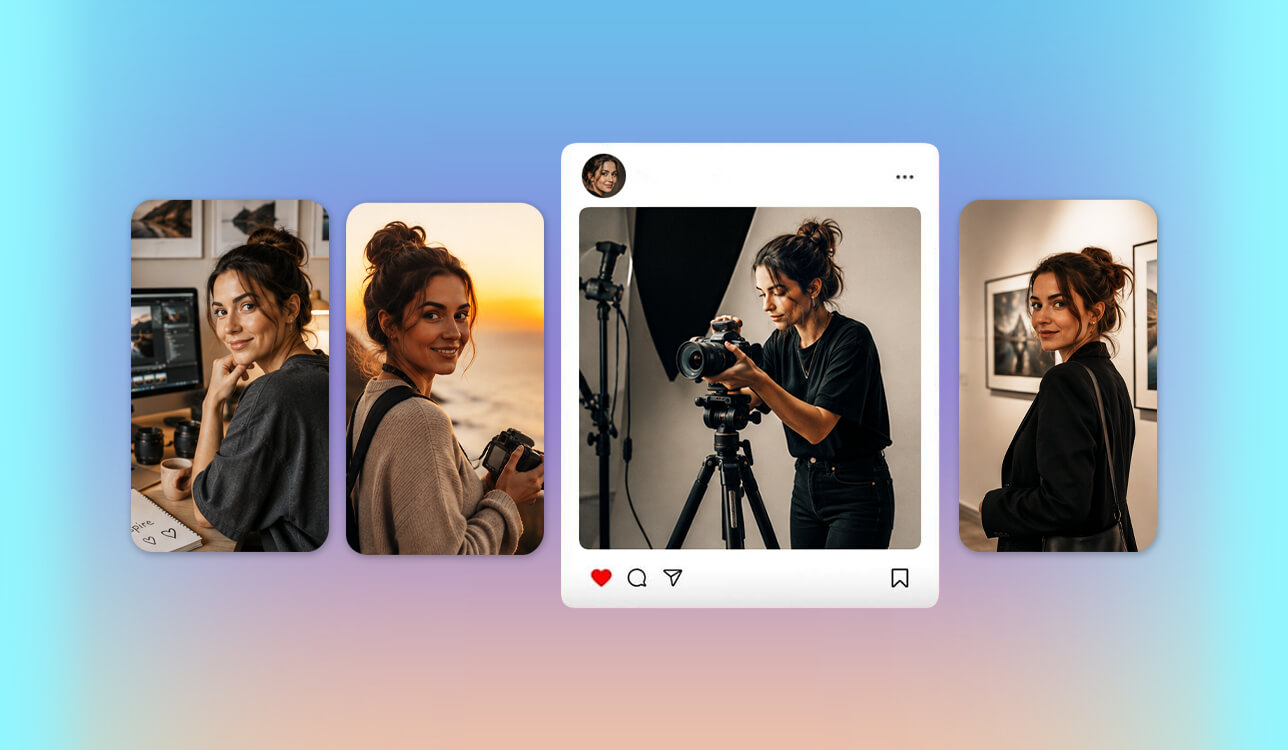
Finding the right AI influencer generator became a priority while I was working on a new content project for the FixThePhoto team. Our goal was to make educational content about photography, editing software, and creative tools more engaging, but producing videos with real presenters on a regular basis required too much time and effort. I began looking for a platform that could help us build a recognizable virtual presenter capable of explaining concepts, leading tutorials, and creating a stronger connection with our audience.
From the start, I wasn't looking for a tool that could simply generate a realistic avatar. I needed an AI influencer generator capable of creating a believable virtual presenter with a consistent appearance across different videos while fitting the professional style of our brand. It also had to look natural on camera, explain ideas clearly, and adapt easily to different types of content, whether short social media clips or more in-depth educational videos.
While testing different virtual influencer generators, I paid attention to the features that would actually affect our daily workflow. I wanted realistic facial expressions, natural AI voices, and enough customization to create a virtual presenter that looked and behaved consistently across different videos.
Good editing tools, multilingual support, and a fast production process were equally important because I didn't want to spend hours refining every scene by hand. Since our content is educational, the influencer also had to feel credible and maintain a consistent on-screen identity rather than simply look realistic.
Testing different AI influencer generators showed me that realism alone isn't enough. A good platform should also support a consistent brand identity, reduce the time spent producing videos, and make it easier to create educational content at scale. The tool I chose improved our production workflow and opened up new possibilities for AI-assisted content creation at the FixThePhoto team.
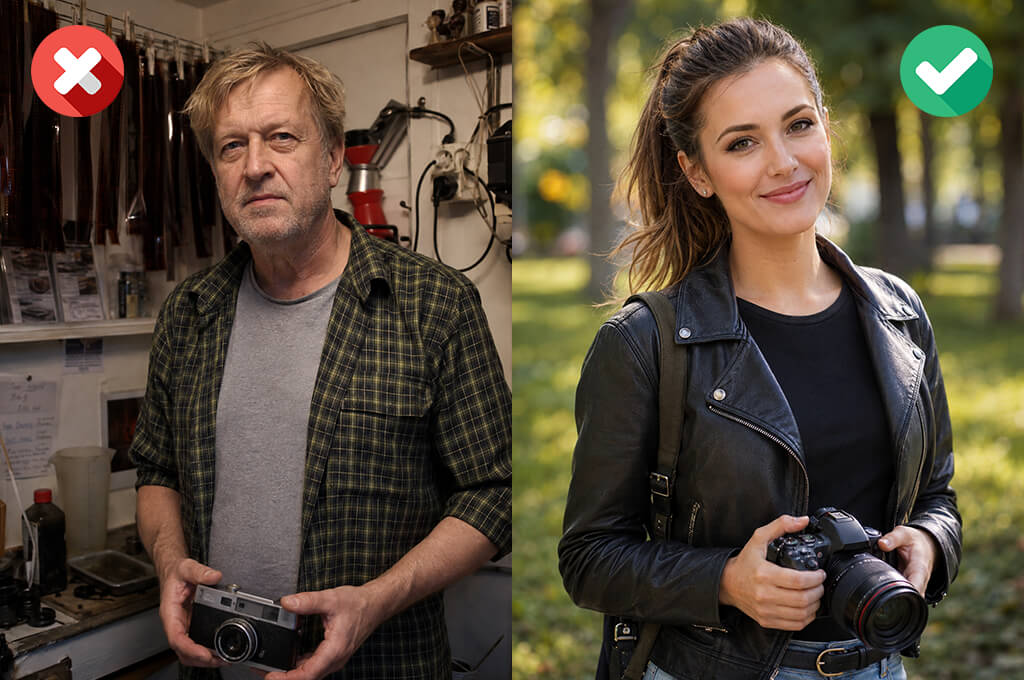
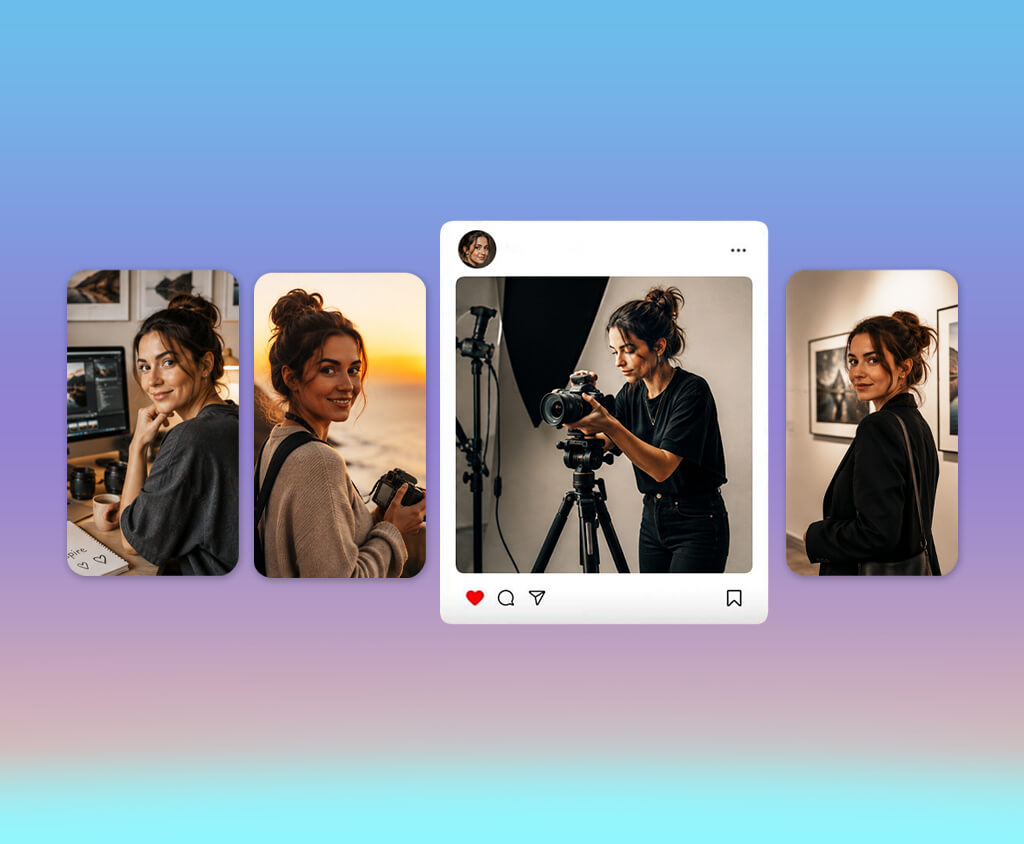
Lower content production costs. Creating content with a real influencer often requires scheduling, filming, photography, travel, and ongoing payments. AI influencers can reduce these expenses because creators can generate images, videos, and social media posts without organizing traditional production sessions.
Full creative control. Working with a real influencer usually involves coordinating schedules, filming, photography, travel, and ongoing compensation. AI influencers can lower many of these production costs by allowing creators to generate images, videos, and social media content without arranging traditional photo or video shoots.
Unlimited content creation. One advantage I noticed is that AI influencer image generators don't require filming sessions, travel, or schedule coordination. That makes it much easier to produce content for multiple platforms, try different content formats, and publish consistently.
Consistent brand identity. What stood out to me most was how easily the platforms maintain a consistent appearance. The same virtual personality can be placed in different environments, wear different outfits, and still remain recognizable. For brands, that consistency helps strengthen their identity across online content.
High engagement and curiosity. Many people who use AI character generators are also exploring AI influencers because they bring together creativity, technology, and engaging storytelling. Their distinctive appearance and original personas often encourage audiences to comment, interact with posts, and share the content with others.
Easy adaptation to different markets. The generators can be adapted to different languages, cultural contexts, and target audiences. This allows brands to produce localized content for multiple markets without relying on separate human presenters or influencers.
Creative freedom beyond reality. One of the creative advantages of online AI influencers is that they aren't limited by reality. Creators can design futuristic characters, fantasy-inspired appearances, or highly stylized personalities that immediately attract attention and stand out on social media.
Faster marketing experiments. Brands can quickly explore different visual styles, personalities, and content formats to identify what performs best. This flexibility makes it easier to update campaigns without rebuilding everything from the beginning.
Always available for brand partnerships. A virtual influencer can be used across multiple campaigns at the same time without worrying about scheduling or availability. This makes them a practical option for brands that produce content regularly or work on frequent collaborations.
Growing interest in AI and digital characters. With AI technology becoming more common, virtual personalities no longer seem as unfamiliar as they once did. Instead, many users see them as a new type of digital entertainment, enjoying fictional characters, gaming avatars, and AI influencers for the unique experiences they offer.
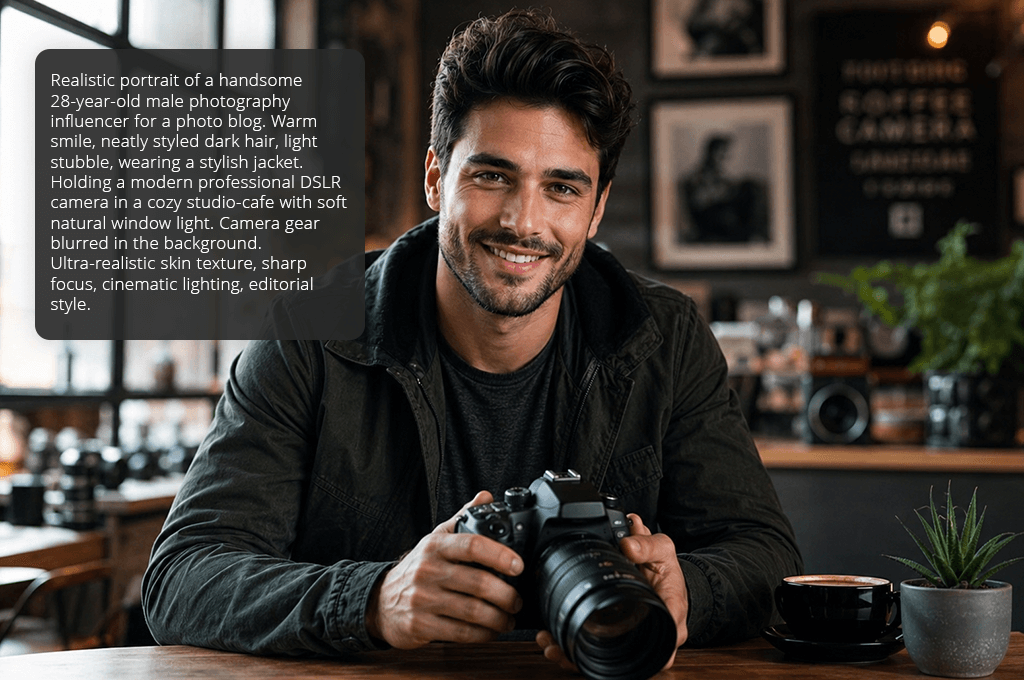
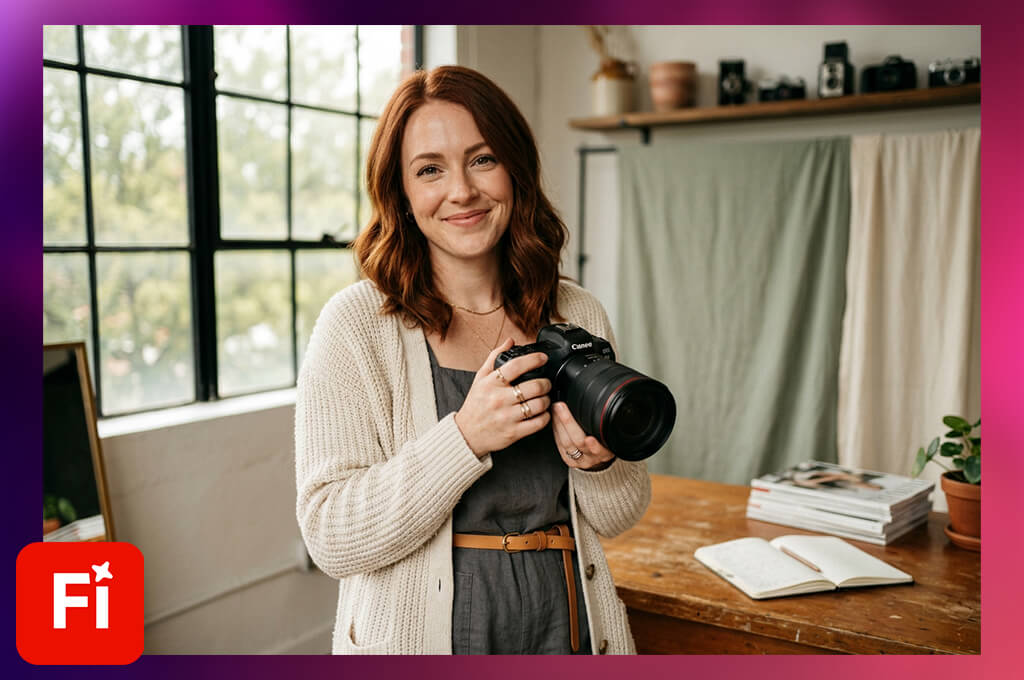
My main goal while testing Adobe Firefly Video was to find out whether it could create a consistent virtual presenter for FixThePhoto's educational content. We were looking for a way to use AI characters to explain photography tips, editing techniques, and creative tools while making our videos more engaging.
Rather than judging Firefly by its image quality alone, I focused on whether it could create a virtual influencer with a consistent, professional identity. I experimented with several character concepts and tested how easily they could be used in both social media content and educational videos.
My first step was to see how well this AI influencer generator could create original virtual characters with Text to Image and Generative Fill. I tried prompts for several influencer concepts, including a photography expert and a creative digital host, then evaluated how closely the results followed my instructions.
I compared how consistent the faces, clothing, and backgrounds remained while checking whether each character fit the professional image of FixThePhoto. The most convincing results came from prompts that clearly described the influencer's personality, appearance, and intended audience.
“I was impressed by both the image quality and the level of creative control Firefly provided. It worked very well for developing character ideas, although I still needed additional tools to turn those concepts into complete AI influencer content.”

One of the things I appreciated most about Firefly was how smoothly it worked with other Adobe applications. After generating the influencer visuals, I continued editing them in Adobe Express, where I used templates, animations, and AI-powered design features to prepare the final content.
This workflow made it easy to develop a character concept into complete content rather than leaving it as a single image. I could also experiment with different visual styles and ideas without having to recreate the character from the beginning.
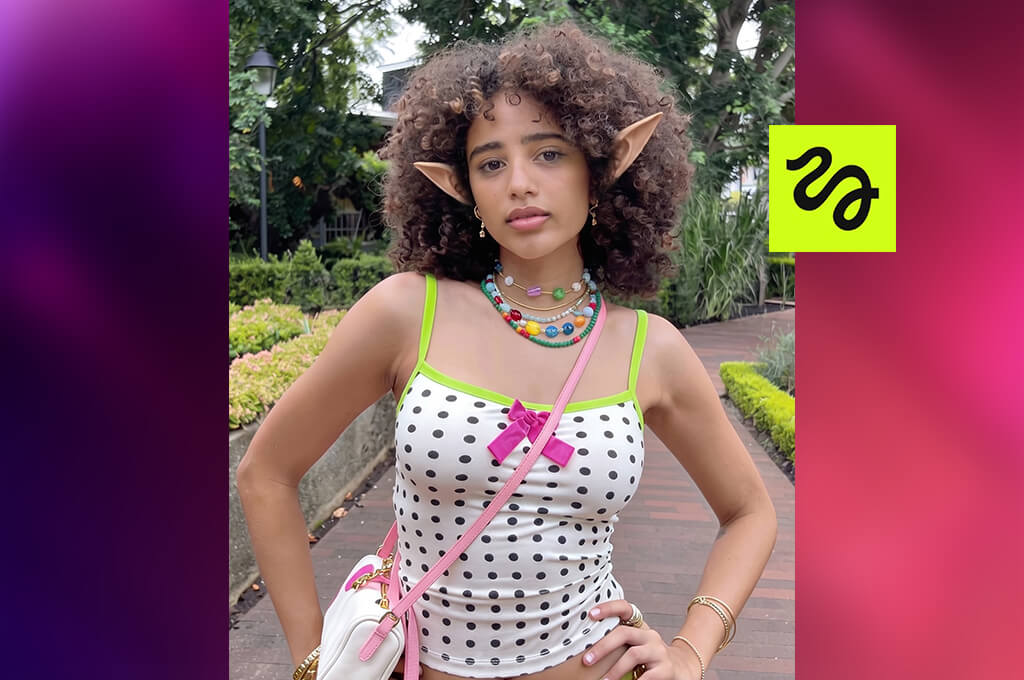
To evaluate Higgsfield, I created a range of virtual personalities and generated scenes with different camera interactions. My goal was to see how realistic the movement looked and whether the finished videos were suitable for today's social media platforms.
What impressed me most was Higgsfield's emphasis on AI video generation and cinematic camera work. I tried several character concepts and evaluated how well the platform handled facial expressions, poses, camera movements, and the overall look of each scene.
Compared with simple avatar maker apps, it gave me much more control over how the virtual influencer appeared on screen. That flexibility made it easier to create a character that felt more like a real content creator than a typical digital avatar.
To check consistency, I generated several versions of the same influencer concept and compared the results. I looked at facial features, scene quality, and whether the character kept a believable appearance from one video to the next. I also experimented with different moods and presentation styles, which gave me a better idea of how the same influencer could be adapted for different FixThePhoto projects. This AI influencer video generator took some time to get comfortable with the workflow, but the creative flexibility made the effort worthwhile.
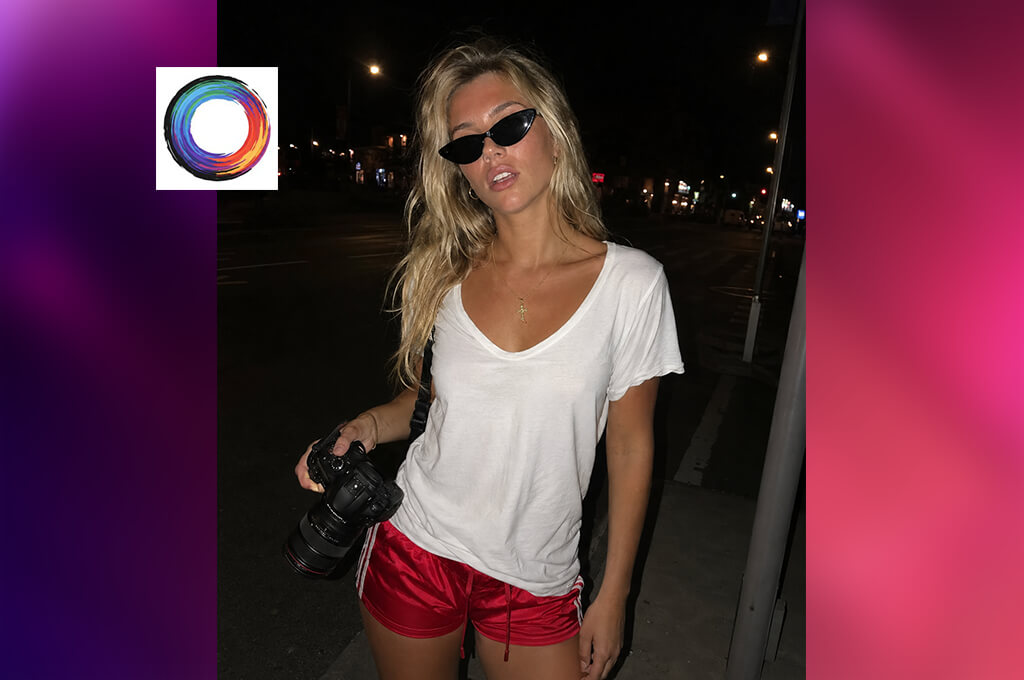
I decided to test ZenCreator because I was looking for a tool that could make creating an AI influencer faster and more straightforward. Since we produce educational content regularly at FixThePhoto, I wanted a platform that would help me build consistent virtual characters and easily adapt them for different types of content.
I built several virtual personalities in ZenCreator and used them for different types of content, including photography tutorials, software explanations, and social media posts. My focus was on how practical the platform would be for creating content on a daily basis.
I started by exploring ZenCreator's customization tools to see how much control they gave me over the influencer's appearance and overall style. I tried different looks, backgrounds, and visual concepts to find out whether this AI social media influencer generator could create distinctive characters instead of generic avatars. This level of customization was important because a recognizable personality plays a big role in making an AI influencer memorable.
“Creating a virtual influencer was straightforward, even for a beginner. The platform saved me time, but I felt the customization options were a bit limited.”

After creating the character, I focused on how practical ZenCreator was for producing content. I checked how easily I could prepare visuals for different platforms and maintain a consistent look across multiple posts.
The workflow was simple and easy to follow, which made it easy to test several ideas without spending much time on technical settings. For a project like ours, that speed is valuable because we often need to produce content quickly.
After testing this AI tool for content creation, I found it to be a good option for anyone looking to get started with AI influencer creation. While it doesn't provide the same level of control as more advanced platforms, it made it easy to develop character concepts and experiment with different ideas.
For the FixThePhoto team, it was especially useful during the early planning stage, when I wanted to generate and compare several AI influencer concepts before production.
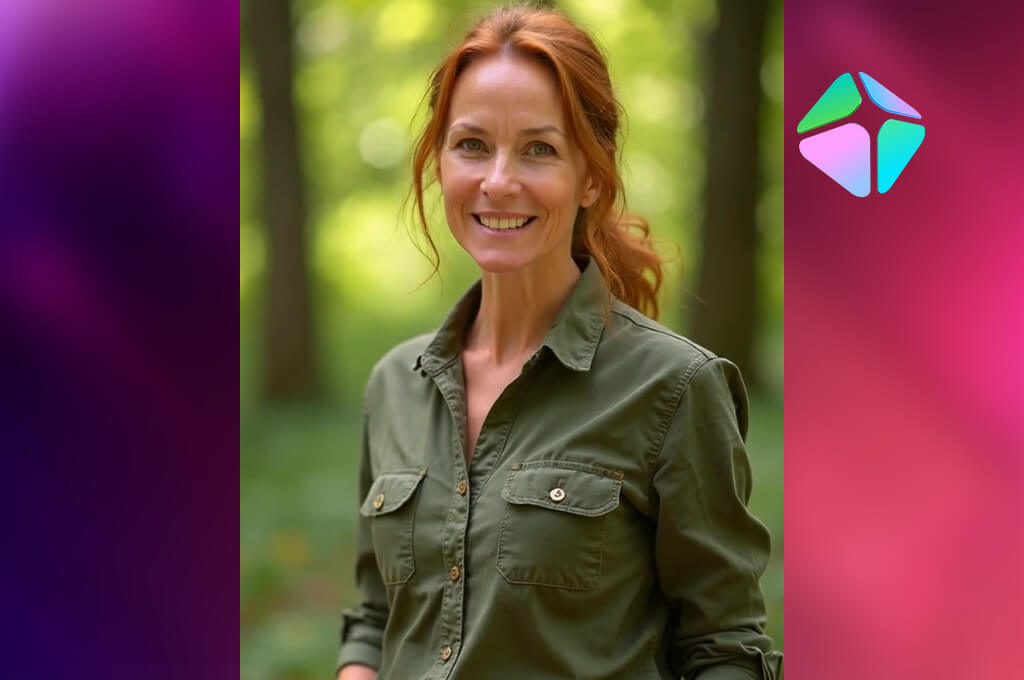
I chose HeyGen because I wanted to find out whether an AI influencer could feel more like a real presenter than a digital avatar. For FixThePhoto's educational videos, I was looking for a way to present photography and editing topics without recording every lesson myself.
With this AI influencer avatar generator, I created several virtual hosts and tested them with scripts covering photo retouching, creative software, and beginner editing techniques. My main goal was to see whether the presenter looked and sounded natural enough for viewers to trust.
I started by testing HeyGen's AI Avatars, which quickly became one of the platform's standout features. I experimented with different virtual presenters, adjusted their appearance, and paired them with AI-generated voices using AI Voice Generation. To compare the results, I used scripts in both a friendly tutorial style and a more formal presentation format. I was pleasantly surprised by how naturally the avatars delivered the content, with speech that matched the pacing of each script.
One of my favorite things about this AI video generator was how easily it turned a finished script into a complete video. I also liked having features such as Avatar Customization, Voice Cloning, and AI Translation, which made it easier to adapt the same content for different audiences.
I chose MakeInfluencer because I was looking for a tool to create a recognizable virtual personality for social media. Since the FixThePhoto project required a unified look across many posts and videos, I tested whether this AI Instagram influencer generator could help maintain that consistency with less effort.
To get started, I came up with a few virtual personalities and placed them in different content formats, from how-to editing videos to creative posts. This helped me see how well the platform could shape a digital personality that felt right for a specific brand.
I spent most of my time exploring the character creation tools. By trying different looks, personalities, and visual styles, I got a good sense of how much creative freedom the platform provided. Many AI tools for designers can generate good-looking characters, but I wanted one that people could recognize across different posts. The customization features made it easier to build a character with a clear and consistent identity.
“Creating a consistent character for social media was quick and easy. I only wished the platform offered more customization options.”

I tried the generated characters in several types of content, including educational posts, promotional graphics, and social media. It was easy to compare different ideas without spending much time on each one, which made the platform especially useful when choosing the right virtual personality.
I chose OpenArt to see how much creative control it offered when building an AI influencer from scratch. While many platforms can generate realistic people, I wanted to find out whether this AI influencer generator could help create a character with a distinctive visual identity for FixThePhoto content. I explored several influencer concepts, from professional-looking creators to more artistic digital personalities. My main focus was on creative flexibility and how much control I had over the final result.
Most of my testing was done with OpenArt's AI image generation tools, using different models and style settings. I experimented with prompts describing the character's personality, clothing, surroundings, and the type of content they would create. I also used the Image Variations feature to explore different versions of the same concept, which helped me refine promising ideas without starting over each time.
As I refined my prompts, the quality of the results improved noticeably. Clear descriptions of the character's purpose, appearance, and overall feel produced much more reliable images. Unlike basic headshot generators, OpenArt gave me the freedom to explore original character concepts instead of similar-looking portraits. The experience felt closer to creating digital artwork than simply generating an image.
I tested Fotor to see whether an easy-to-use platform could still produce convincing influencer visuals. Since many creators don't have experience with advanced tools, I wanted to find out how quickly I could build a virtual character without a steep learning curve. I created several character concepts for FixThePhoto and tried them in social media posts and educational content. My main goal was to see whether this AI social media influencer generator could balance simplicity with good results.
To begin, I tested Fotor's AI Avatar Generator to see how easily different character concepts could be created. I tried several styles and appearances, then used tools like AI Enhance and the background editor to improve the final images. The whole process was quick, and making changes was simple even without advanced design experience. For anyone just starting to experiment with virtual influencers, that ease of use is a big advantage.
“Creating social media visuals was quick and easy. The platform is beginner-friendly, though some results looked a bit generic.”

As I reviewed the images, I paid attention to how natural the characters looked and whether they could be used across different projects. I compared their appearance, visual style, and how well they matched the overall look I wanted. Fotor was a good choice for creating clean social media graphics, especially when visual quality was more important than animation. It also made it easy to produce several versions of the same concept in just a few minutes.
I added Video AI Labs to my testing because I wanted to see whether it could simplify creating virtual presenter content. For the FixThePhoto project, I needed a tool that could handle educational videos, short social media clips, and different presenter concepts without slowing down the workflow.
To test this AI app, I created different virtual presenters for photography and creative software content. My goal was to find out whether it could make the production process faster and easier.
The first feature I tested was video creation with different character styles and prompts. I tried several visual directions and content ideas to see how flexible the platform was. It made it easy to turn simple concepts into video drafts, which was helpful when comparing different presenter ideas. I also liked that the workflow stayed simple, letting me focus on the creative side instead of technical settings.
During testing, I focused on how well the videos could fit real content projects. The platform made it easy to create video drafts and speed up the editing process, saving time compared to building everything from scratch. I also tried different formats, including educational videos and social media clips. The biggest advantage of this AI influencer video generator was how quickly I could compare different presenter ideas and choose the strongest one.
I included Synthesia in my testing to see if it could handle the role of a digital host for learning videos. At FixThePhoto, we create guides on photography and photo editing, so I needed a tool that could present this information in a way that was easy to follow and looked polished.
I wrote several scripts about photo editing techniques and software features, then turned them into videos with virtual presenters. My main goal was to see whether the finished videos felt natural and professional enough for educational content.
Most of my testing focused on AI Avatars, since both appearance and delivery are important for this type of content. I tried different characters, voices, and presentation styles to see what worked best for educational videos. Features like AI Voiceovers, Avatar Customization, and AI Script Assistant helped me turn simple ideas into finished videos more quickly. I also liked being able to adjust the presentation style for beginner tutorials and more advanced topics.
“Creating videos with virtual presenters was fast and straightforward. The results were impressive, though they still didn't feel quite as natural as a real presenter.”

While testing this AI presentation maker, I checked how well it kept the same virtual presenter across multiple videos. I paid attention to the character's appearance, voice, and overall presentation to see whether everything stayed consistent from one video to the next.
This AI influencer generator worked well for creating clear, professional videos. Instead of producing separate clips, it helped build a virtual presenter that could be used across a series of related content.
I chose Creatify because I wanted to test a platform designed for marketing content. While working on FixThePhoto projects, I often create tutorials and showcase creative tools, so I wanted to see whether it could help present this content in a more engaging way.
To test this AI generative fill tool, I made a series of short promotional videos featuring virtual presenters. I focused on how well the generator handled product storytelling and whether the finished videos felt engaging rather than overly promotional.
The feature I used most was AI Avatar Video Creation, which made it easy to combine virtual presenters with scripts and product details. I tried different approaches, from educational content to short promotional videos, to see how well they worked.
One thing I liked was how easy it was to create different versions of the same concept. I also tried the voice and template options to see how much I could personalize the final video.
During testing, I looked at how quickly Creatify could turn one idea into different videos. Features like automated video creation, script assistance, virtual presenters, and ready-made templates made it easy to produce multiple versions without starting from scratch. For example, I turned one photo editing topic into several videos for different audiences. This made it easy to try different content ideas.
I included Overchat in my testing because I wanted to explore how conversational AI could be used to build a more interactive virtual influencer. Instead of focusing only on appearance or videos, I wanted to see whether it could also engage with users in a more natural way.
For the FixThePhoto project, I explored how a virtual assistant could answer questions about photo editing, photography, and creative workflows. I wanted to see whether the conversations felt natural and genuinely helpful.
Most of my testing focused on Overchat's conversational features and AI personality customization. I tried different communication styles to see how the virtual character responded to photography questions. My goal was to make the conversations feel natural and useful. For me, a good virtual influencer generator should do more than look convincing - it should also provide helpful information.
“I liked creating a virtual personality that could interact with people. It's great for engagement, but not the best choice for realistic video content.”

During testing, I tried different types of conversations, including questions about photo editing, software, and beginner photography. I checked whether the replies stayed clear, helpful, and on topic. The platform worked best as an interactive guide rather than a video creation tool, making it a good option for educational content and audience engagement.
I worked with Eva Williams, Vadym Antypenko, and Tata Rossi to review each platform based on character quality, customization, realism, and ease of use. Instead of judging the visuals alone, we focused on whether each tool could create a believable virtual personality that remained consistent across different projects.
The first stage of our testing focused on character consistency across different generators. We recreated the same character concepts, like a photography expert, an editing tutor, and a creative content creator, on every platform and compared the results. Eva Williams evaluated how well each generator preserved the character's facial features, hairstyle, clothing, and overall appearance across multiple images and videos.
We also tested reference image features and character training tools to see how well each tool kept the same character across multiple generations. The goal was to find out whether it could build a recognizable virtual influencer instead of producing a different person every time.
Next, Vadym Antypenko evaluated the video and animation features of each AI influencer photo generator. We tested AI Avatars, motion effects, lip-syncing, AI voices, and social media video formats by creating short videos about photography tips and photo editing.
“To compare the platforms, I created short videos about photography and photo editing using each generator. I evaluated AI Avatars, lip-sync, voices, and motion to see how natural the final videos looked. Some tools delivered more realistic results than others, but most helped speed up the process and reduced the amount of manual editing needed for social media content.”
For example, we tested whether a virtual presenter could clearly explain a Lightroom tutorial, use natural facial expressions, and work well in formats like Instagram Reels and YouTube Shorts. Generative AI tools earned higher scores when they delivered smoother motion, more natural voices, and better lip-sync.
Tata Rossi focused on how practical each platform was for real projects. She tested customization features, templates, editing tools, and how easily branded content could be created for FixThePhoto. We also compared how quickly each platform produced different types of content, kept the same visual style, and adapted the character for different audiences.
After finishing our testing, we evaluated each AI influencer generator for realism, character consistency, creative flexibility, video quality, and how well it handled the complete content creation workflow.
This hands-on testing showed which tools were the most useful for creators and businesses. Using real FixThePhoto scenarios, we identified the platforms that worked best for building consistent virtual personalities and those that were better suited for quick concepts or standalone images.





![7 Best Free Monogram Makers [{{%year}} FixThePhoto Choice]](http://fixthephoto.com/blog/images/gallery/news_main__preview_29343.jpg)
![9 Best AI Audio Silence Removers [{{%year}} FixThePhoto Choice]](http://fixthephoto.com/blog/images/gallery/news_main__preview_29189.jpg)

















