Running a busy creative workflow in FixThePhoto eventually hits a breaking point when you try to manage everything manually. Not long ago, our team was completely buried under a mountain of daily tasks, from intricate product retouching and video editing to writing blog posts and managing client updates. The volume of repetitive work was exhausting, and simply expanding our payroll wasn't a sustainable answer.
This pressure pushed me to explore how modern automation could rescue our workflow. I spent weeks rigorously testing over 35 platforms and looking for tools that could survive the demands of a real production environment.
My initial optimism faded fast once I saw the actual results. Most generative AI tools for businesses failed under real-world tasks, delivering bland, robotic text or highly distorted, artificial images. In professional photography, authentic details and visual consistency are everything, so these flaws were intolerable. I didn't want a shortcut that compromised our reputation. I needed reliable technology that accelerated our output while protecting our high standards.
The goal shifted from finding a one-size-fits-all tool to identifying software that aligned with real operational needs. Our FixThePhoto team set up a rigorous vetting process focused on content creation, marketing strategy, automated product imagery, video editing, customer relations, and general workflow automation.
The ultimate stress test arrived during a major e-commerce project requiring hundreds of unique graphics, captions, and short video spots on a razor-thin timeline. By daisy-chaining specific AI applications, the production speed far outpaced conventional methods.
During this experiment, we paid special attention to maintaining brand integrity. In commercial retouching, clients instantly spot artificial textures or exaggerated lighting. Consequently, the focus remained on generative AI business tools that respected realistic illumination, authentic color grading, and studio-grade aesthetics over gimmicky filters.
Ultimately, we learned that the most effective enterprise AI solutions do not exist to displace human talent. Instead, their true value is minimizing mundane, repetitive labor. They give creative teams the breathing room to focus on high-level artistry, pristine visual standards, and building stronger client partnerships.

The ultimate environment for corporate generative AI is, without a doubt, the content ecosystem. It completely transforms how teams approach blog posts, landing pages, e-commerce descriptions, social captions, and email marketing. Instead of staring at a blank screen waiting for inspiration to strike, modern creators use AI writing tools for businesses to lay down a solid foundation. You get an instant rough draft, which you can then improve and tune to match your specific brand voice. In high-speed marketing setups, getting a viable draft out the door instantly is often a serious competitive edge.
This tendency isn’t accidental, as the data backs it up. Research from McKinsey & Company highlights marketing and sales as two areas poised to reap the absolute highest financial and operational value from AI. The main reason for that is its unmatched capability for hyper-personalized messaging and rapid content generation.
Beyond content creation, this technology has become indispensable for marketing and multi-channel campaign production. It allows companies to churn out dozens of ad variations, hooks, and campaign blueprints for A/B testing. For visual-centric fields like photography, this means you can experiment at a lightning pace without bottlenecking your artists. Instead of burning entire afternoons in exhausting brainstorming sessions, teams can instantly visualize multiple creative paths, pivoting their energy toward selecting and executing the absolute best ideas.
Beyond creative tasks, AI tools for business come in handy when integrated with workflow automation systems like Zapier. Instead of losing hours to manual file transfers, tedious task assignments, or repetitive status updates, you can link your tech stack together to quietly eliminate administrative delays.
At this level, generative technology is no longer perceived as a quirky, standalone chat assistant. It matures into the invisible infrastructure that silently stabilizes your entire production pipeline. The true value becomes undeniable when you are forced to manage, track, and distribute a massive volume of content across a dozen different channels simultaneously.
For growing startups and scaling enterprises, these tools offer powerful support for strategic planning and resource allocation. They can analyze incoming project demands, forecast production capacity, organize messy client communication channels, and mathematically structure your content production pipeline.
During large e-commerce campaigns, where teams are pressured to deliver hundreds of visual assets on a tight schedule, this analytical capability is paramount. By evaluating project scopes against available resources, the best generative AI tools map out the most efficient workload distribution, pinpointing potential production challenges before they ever have a chance to stall your team.
Clear communication is the lifeblood of any project, and AI writing tools are very helpful in this regard. They can quickly improve rough email drafts, distill chaotic feedback into clear action items, and turn complex technical jargon into plain English. This is a real win when working with clients who struggle to explain their visual expectations. By letting AI handle clarifying and documenting, you slash revision cycles and keep everyone aligned.
On the operational side, AI productivity tools are removing problems out of project tracking. Instead of forcing your team to manually dig through massive spreadsheets or endlessly audit complex dashboards, generative AI tool for companies scan workflows in seconds to spot hidden challenges. Rather than wasting time deciphering charts, you get quick, summarized insights and actionable advice, offering a true bird’s-eye view of your business without the manual grind.
Finally, generative AI software is a true find for multimedia brainstorming. While the basic videos and rough image concepts it produces aren't ready for prime time, they are incredible for breaking through creative blocks. It acts as a rapid-fire ideation partner, letting creative professionals skip the blank screen and focus entirely on high-level strategy and final tweaks.
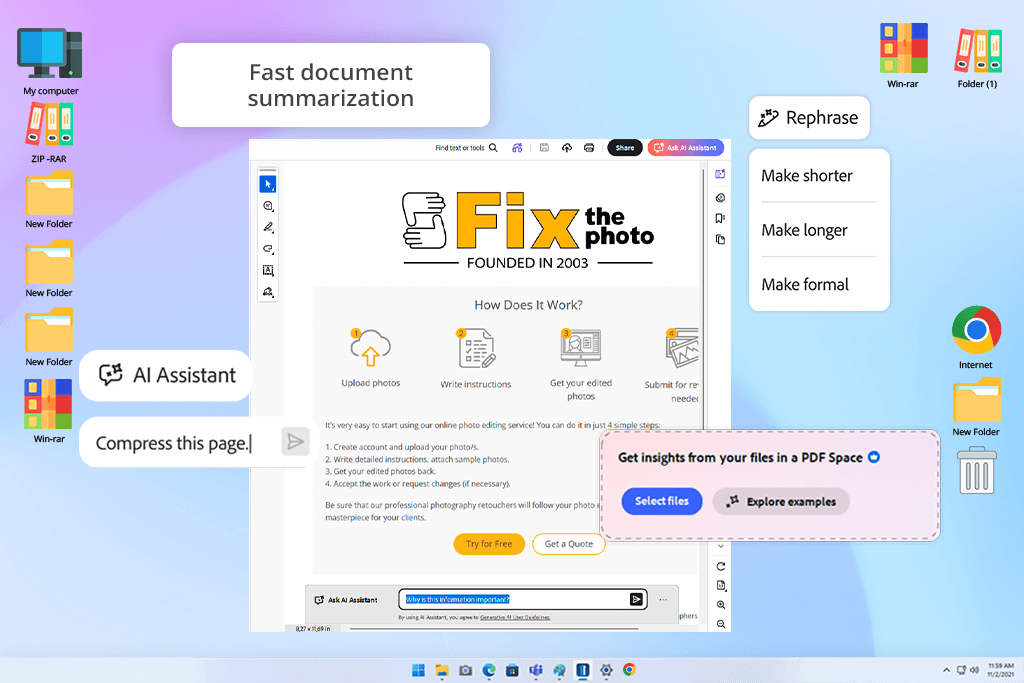
I never expected a rigid document tool to find a home in a busy photography studio, but Acrobat AI Assistant quickly became my go-to instruments for my daily workload at FixThePhoto. Our team is constantly flooded with paperwork, ranging from complex client briefs and licensing agreements to scattered feedback documents. I used to spend much time doing nothing but hunting down tiny sentences buried deep inside lengthy files. When we started looking into practical AI tools to streamline our business, I put this on my list just to see if it would fail or help out.
The biggest surprise was speed at which it cuts through unorganized paperwork. Instead of manually skimming a 20-page contract, I can just type a quick question into the chat, like: "When is the final asset delivery due?" or "What are the exact rules for revisions?" It gives me a clear, straightforward answer right away, so I will not overlook crucial project details.
"This is perfect if you need to quickly find the key info in a long PDF, but it's not meant for creative work."

The biggest surprise happened during a rush when a client sent over several slightly different versions of the same creative brief. Normally, that creates total confusion. Instead, I used this free Adobe software to scan the files and instantly highlight exactly what changed between them. That was the exact moment it proved it was one of the best AI tools for businesses rather than just a basic PDF viewer.
It has zero artistic value, but if your business deals with a never-ending stack of contracts and administrative details, it takes a massive weight off your shoulders. I don't use it to create anything visual. I just count on it to handle the boring paperwork so I can stay focused on the actual photography.
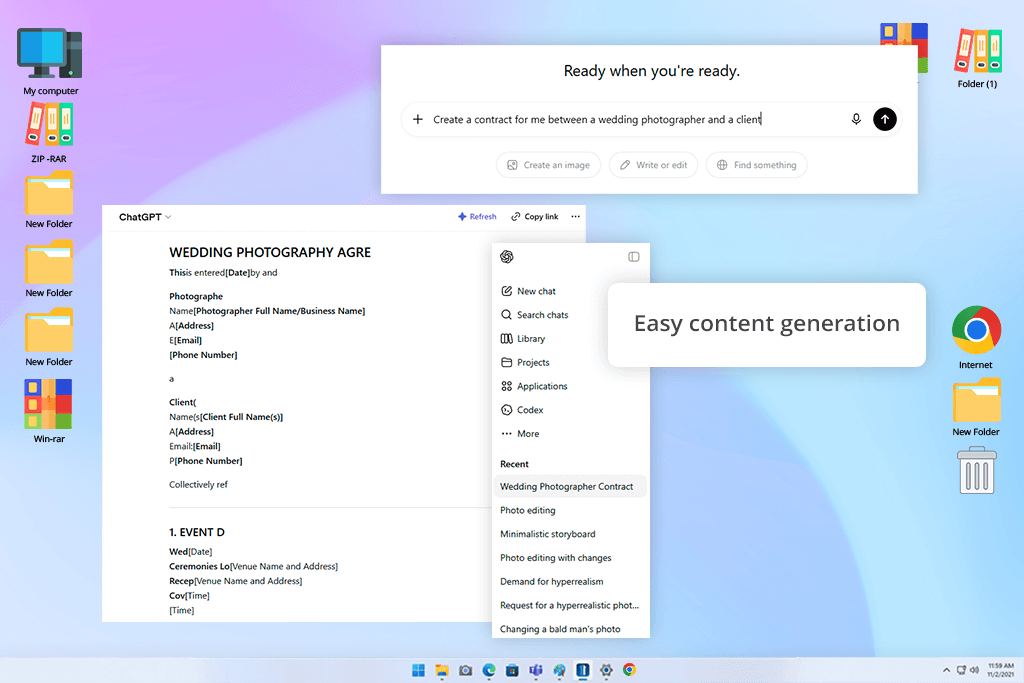
ChatGPT was obviously the first name we considered when we began exploring generative AI tool for enterprises at FixThePhoto, but I didn't expect it to become such a seamless part of my workday. In the beginning, I only viewed it as a quick shortcut for writing photo captions or basic blog outlines. Fast forward to today, and it’s a tool I turn to dozens of times a day without even realizing it.
I like how it handles the uninspiring groundwork. If I need a starting point, I’ll type in a loose concept like "give me an outline for a beginner product retouching tutorial" or "draft a quick promotional message for our e-commerce editing service." The goal isn't to copy and paste the result blindly. I want to skip past the intimidation of a blank page when I have a long to-do list staring me down.
We also used this service during our creative marketing meetings. Instead of sitting around a table for hours trying to come up with fresh angles for a new campaign, I'd ask this AI writer to generate a huge list of variations in seconds so we could immediately pick the winners. It completely changed the game for our decision-making speed whenever we were up against a tight deadline.
It certainly isn't flawless, and you have to bring your own voice to the editing process. However, for small creative teams trying to move fast, it is easily the most efficient way to transform a messy cloud of thoughts into a clear, actionable draft.
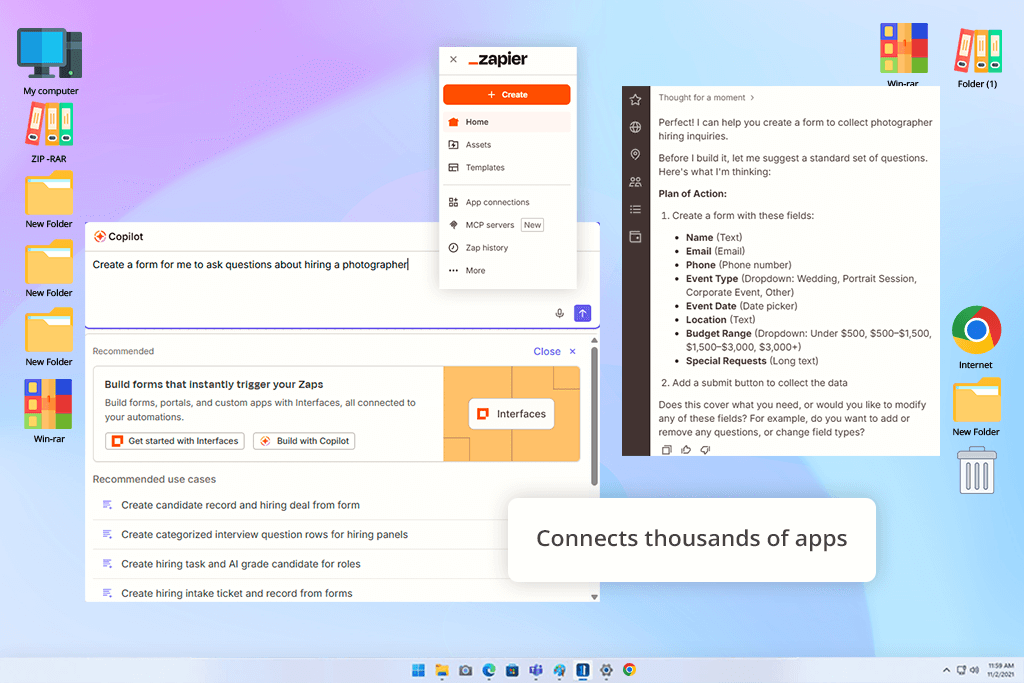
When our team at FixThePhoto first analyzed AI-driven business automation tools, I nearly wrote Zapier off. It lacks the flashy feel of generative AI platforms. However, once you begin mapping out your first few automated sequences, its true value becomes undeniable. It subtly yet drastically slashes the time wasted on daily micro-tasks.
Our breakthrough came when we used it to bridge the gap between customer intake forms, raw image uploads, spreadsheet logging, and project management boards. Previously, our workflow was a disjointed mess of manually copying details, pasting links, pinging teammates, and dragging cards across boards. Individually, these actions take seconds. When scaled across dozens of weekly photography clients, they become an absolute energy drain.
"Great for saving time on tedious work. It runs completely by itself once it's configured, even if the setup is a bit complicated in the beginning."

Our favorite case was a trigger that instantly converted a new client submission into an organized project directory, complete with pre-assigned team roles. That single automation transformed our onboarding from a clunky chore into a quick operation.
Zapier isn't going to generate jaw-dropping artwork or write copy for you, but it quietly dismantles the administrative roadblocks that slow a company down. All in all, it is one of the handiest AI productivity tools for businesses that face many repetitive tasks.
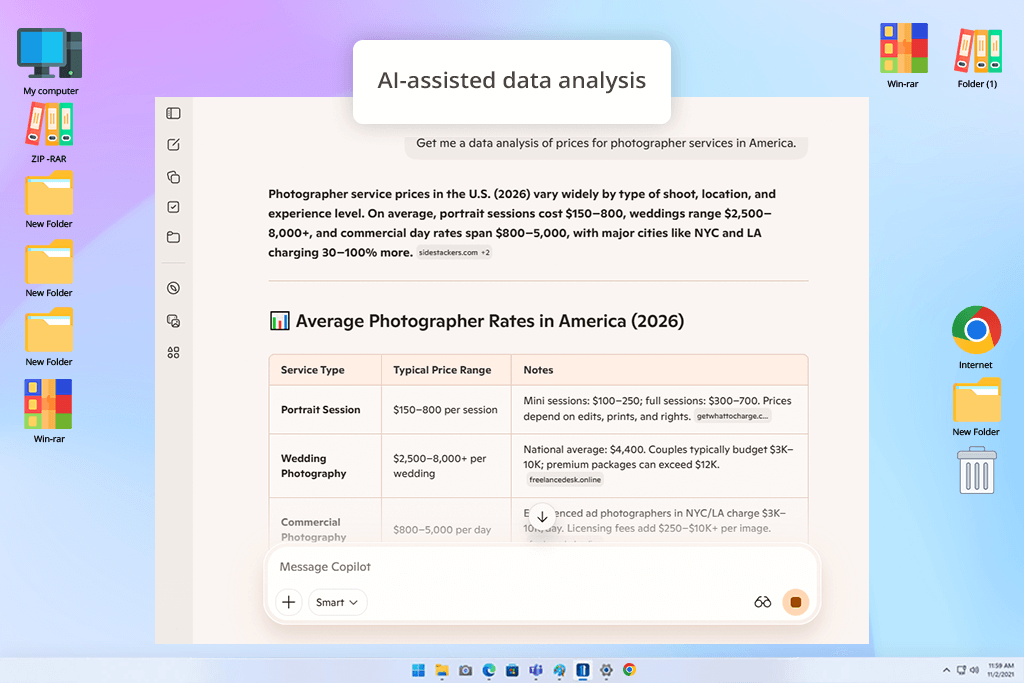
At FixThePhoto, Copilot didn’t become my go-to tool for brainstorming or creative work. Instead, it proved its worth by conquering the administrative mess of everyday operations. Managing endless spreadsheets, project timelines, and client logs used to consume hours of our time. With this business generative AI software, everything is faster.
I used this conversational AI platform during the logistical planning phases of our photo shoots. Rather than manually mapping out schedules and assignment lists, I let Copilot restructure the raw data and condense chaotic meeting transcripts. It acted like a quiet assistant, sorting the background clutter so I could make final executive choices without getting bogged down in formatting.
Its true advantage is subtlety. It doesn't disrupt established workflows. It just enhances the applications your team already relies on. For corporate environments, this is far more valuable than a flashy, standalone app. It keeps business operations running smoothly by eliminating the mental fatigue of daily grinding.
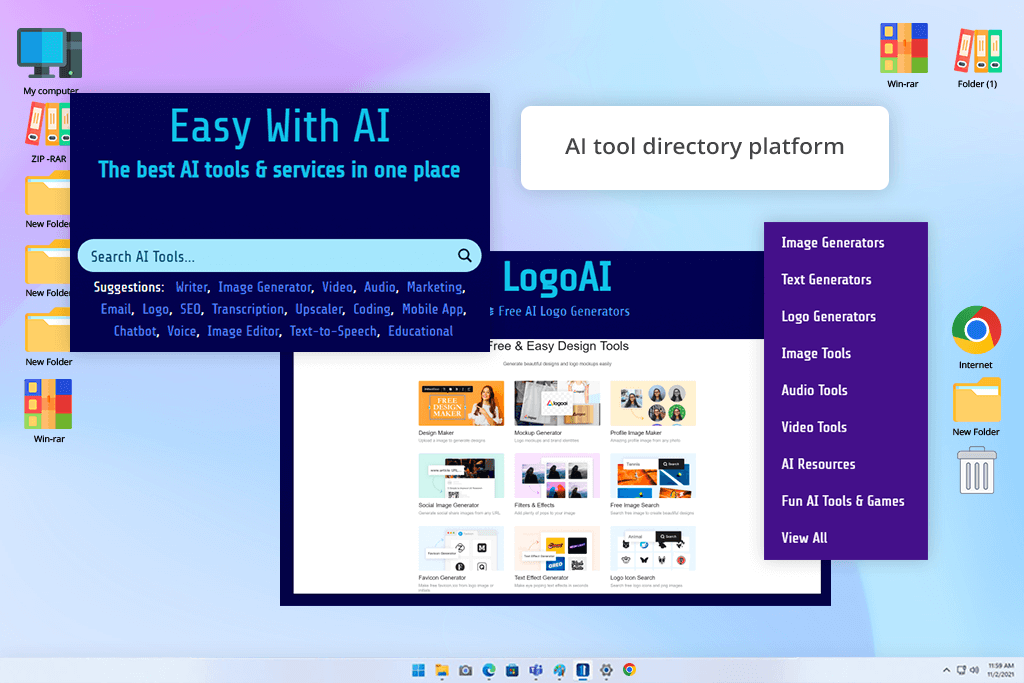
Easy With AI solved a problem we didn’t even know how to name properly. The AI landscape is now so enormous that you can’t keep up with it through normal research. We had a working stack, but we felt like we were missing the tools that would genuinely fit our workflow but never showed up in the usual places we looked.
Easy With AI isn’t a generative AI tool for startups in the traditional sense. It’s more like a structured catalog of AI solutions, which are organized by function and searchable by use case. Its job isn’t to create anything, but to help you find the right tools quickly, without having to sift through endless lists yourself.
The real value for FixThePhoto was discovery. The usual research sources kept showing us the same popular platforms. Easy With AI, we found different ones. Those were smaller, more specialized tools that don’t advertise much but do their job well. For teams that regularly explore AI content and marketing tools, that wider view of the landscape is truly worth having.
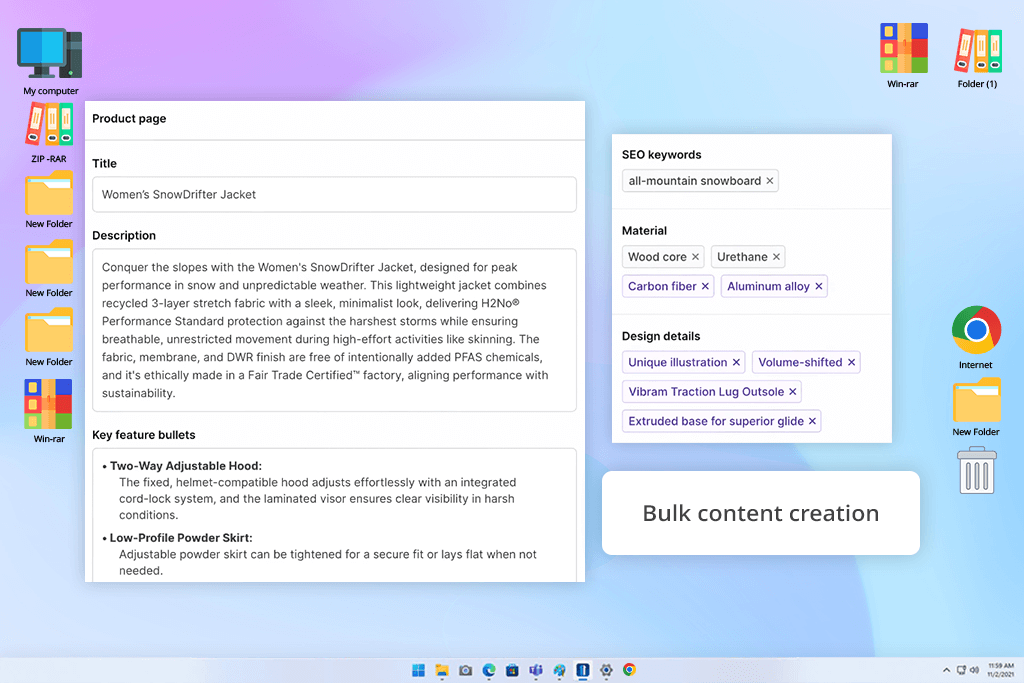
HypotenuseAI knows exactly what it is. It focuses specifically on product descriptions and e-commerce content for photography services and visual marketing. That narrow focus, rather than trying to do everything, turned out to be a real advantage.
The process is extremely simple by design. Give it a product brief and get structured, commercially solid copy back quickly. For generative AI software for business producing e-commerce content at scale, reliability is more important than creativity. You don’t need a brilliant product description. You need a hundred good ones ready before the launch date.
"Great for quick e-commerce product descriptions, though the writing can get a bit repetitive."

We tried it on large batches of product descriptions for multiple clients, including hundreds of SKUs needing visual and tonal consistency throughout. It worked properly. Structural drift or tone inconsistency didn’t creep in across the full output. When you need three hundred product listings that all read consistently from start to finish, it is great to have a dependable tool.
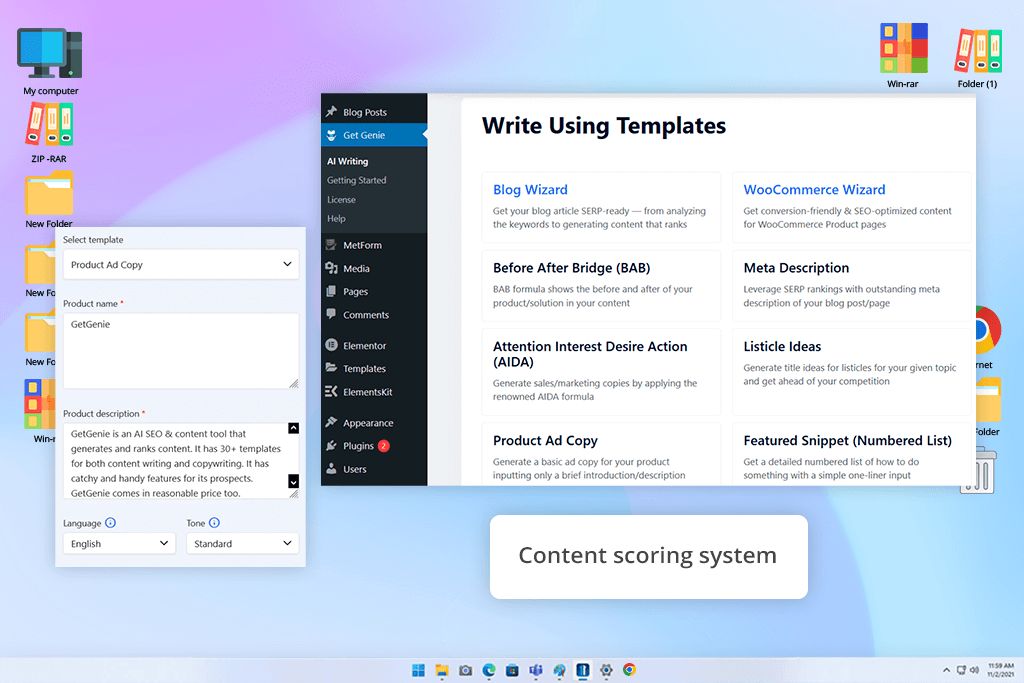
GetGenie came into the picture when we realized that great photography and well-written content still weren’t bringing in consistent search traffic. The problem wasn’t the quality of what we were writing, but the structure. Building search engine optimization logic into every article by hand was too slowly.
GetGenie surpasses many other writing tools because it works as a digital marketing planner before it writes anything. Give it a topic and it maps out keyword clusters, content structure, and heading hierarchy first. That planning output is often more valuable than the actual copy it produces, because it forces you to think about SEO structure before you start writing.
Running this content creation app across FixThePhoto photography topics revealed interesting findings. It helped us shape content that matched what people are searching for, rather than just how photographers naturally think and talk about their work.
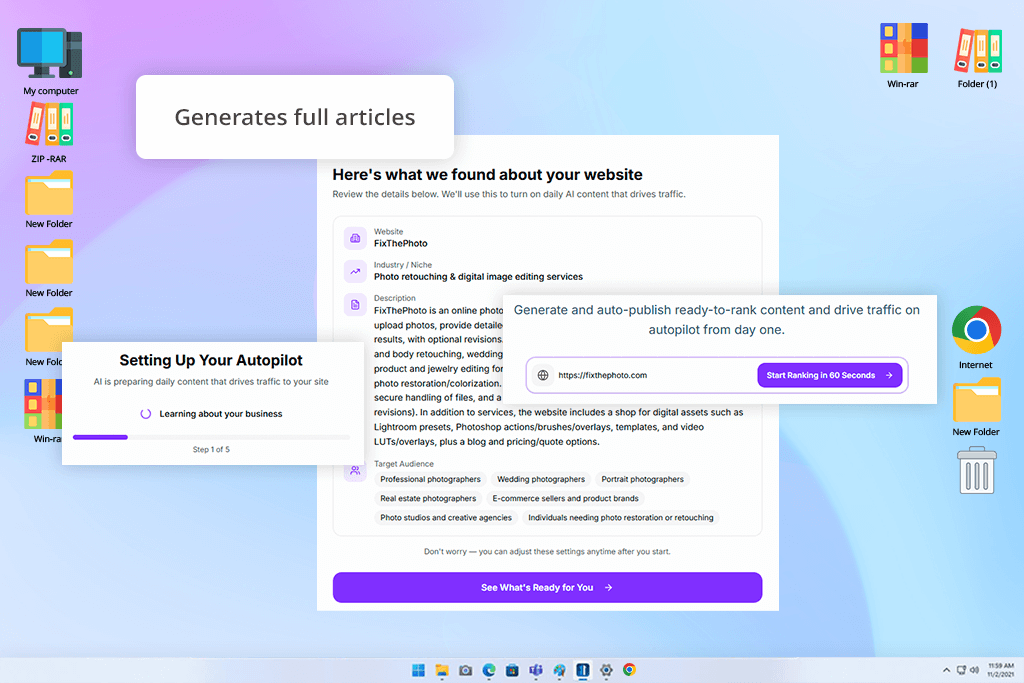
Junia made our list when we understood that we could no longer cope with FixThePhoto blog load. Photography tutorials, editing guides, equipment breakdowns take real time per piece even when the subject is familiar. We needed something to close the gap between a topic idea and a finished draft.
The first thing you notice is how fast it is. Give it a topic and fully generated articles comes back fast. They are fully structured and have all the needed section headers. For generative AI tools for startups that need to publish regularly without a full editorial team, that speed solves a very serious problem.
"Great for knocking out quick blog drafts. Gets the job done, but I always tweak the result."

The consistent issue is tone. The structure holds and the sections flow well, but the voice defaults to something generic and forgettable. For a brand like FixThePhoto with a clear visual identity, that inconsistencies between generated output and what actually gets published is noticeable. Junia gives you a solid structure, but making it sound like you is still your job.
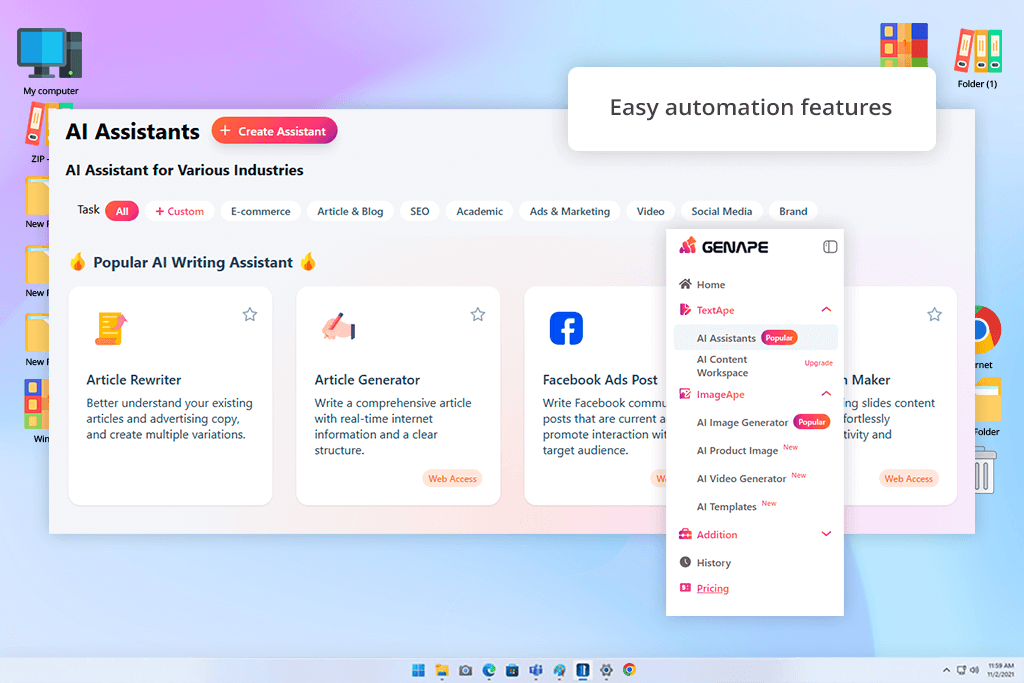
GenApe was interesting to test because it promises to do a lot. It positions itself as a broad, all-in-one generative AI tool for business, which is exactly the kind of claim you have to analyze thoroughly to verify.
When we used it for brainstorming marketing ideas, short-form content, and early campaign concepts, the results were unstructured and sometimes they lacked logic. On its best runs, the output was sharp and immediately useful. On weaker runs, it was vague enough that we spent more time redirecting it than just rewriting from scratch. In a real production environment, you can hardly rely on such an AI automation tool for business.
Another frustration is that output quality depends heavily on how you phrase prompts. A small rephrasing can produce a completely different result. If you’re experimenting solo, that is interesting. But if you’re working in a team where everyone needs to produce consistent output, it’s a real problem that more structured generative AI tools for companies simply don’t have.
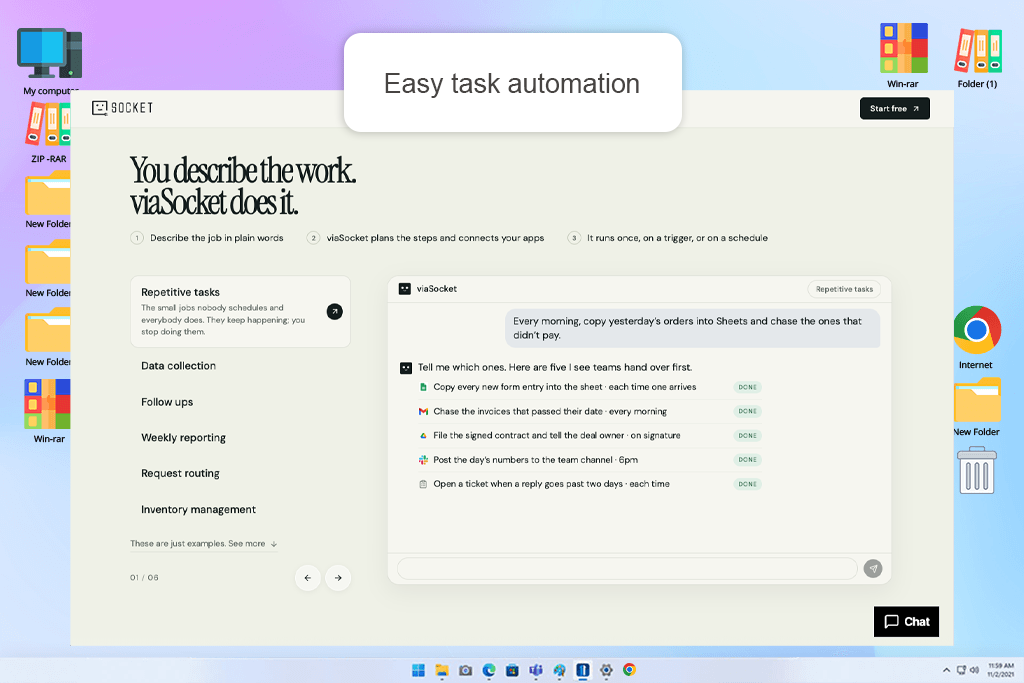
The aspect of viaSocket that most intrigues me is how well its foundation aligns with my perspective on work. Before I understand how to connect the relevant programs, I usually know what has to happen.
A useful beginning point for workflow planning is provided by an instruction such as "save every signed contract to the right client folder and notify the team." This makes it a valuable business AI tool to think about for a photographic company managing customer inquiries, invoicing, and briefs.
Adding new queries to Google Sheets, seeking missing documents, and providing project updates in Slack are examples of modest administrative tasks that disrupt creative work. viaSocket offers multi-step processes that execute once, on a schedule, or in response to an event. I value that flexibility since, even if they both use the same programs, a weekly report and an incoming customer request require distinct triggers.
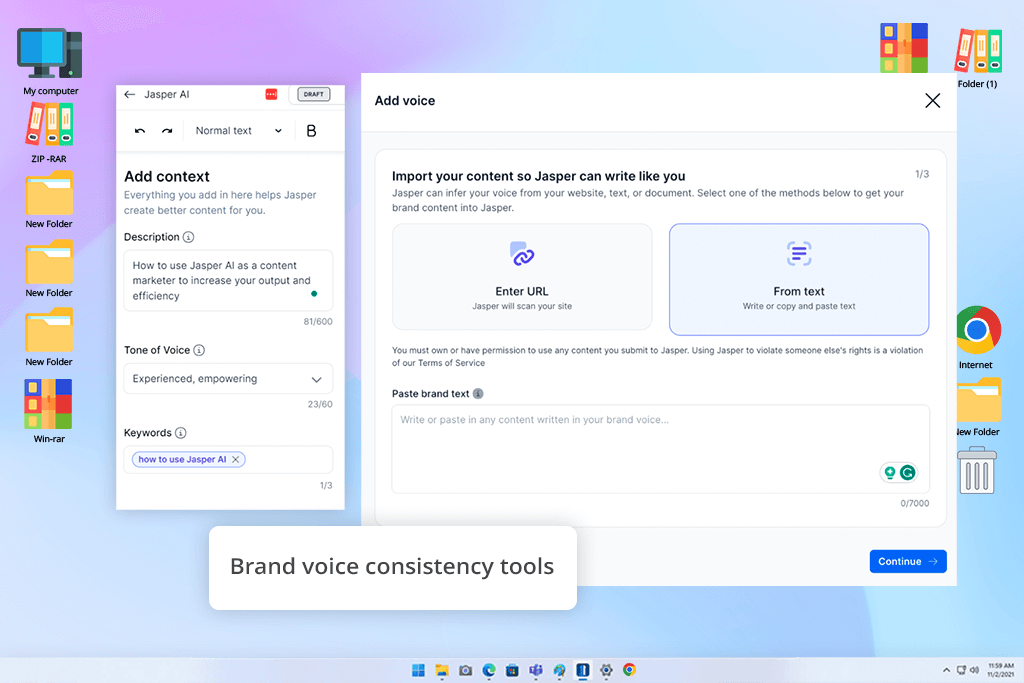
Jasper is one of the best AI business tools for marketing teams that need to produce a lot of content with a consistent structure fast. Everything about it is built around that use case, and at FixThePhoto we tested it directly in that context.
It is also positioned as email marketing software, so we thoroughly tested it for service pages, ad variations, landing pages, and blog post. It reliably delivered polished drafts quickly. The templates meant less setup time per piece, and the quality was solid enough that most drafts needed editing, not a full rewrite.
“Great for keeping marketing content on-brand. It copes with the task well, but the price is rather high.”

The main limitation is similar to what other AI writing tools face. Without careful direction, it defaults to safe, predictable language. For high-volume functional content where clear and correct is enough, that’s fine. But for content that needs a real brand voice, a specific angle, or something that connects with a reader, this AI program gives you the frame and you have to supply everything that makes it worth reading.
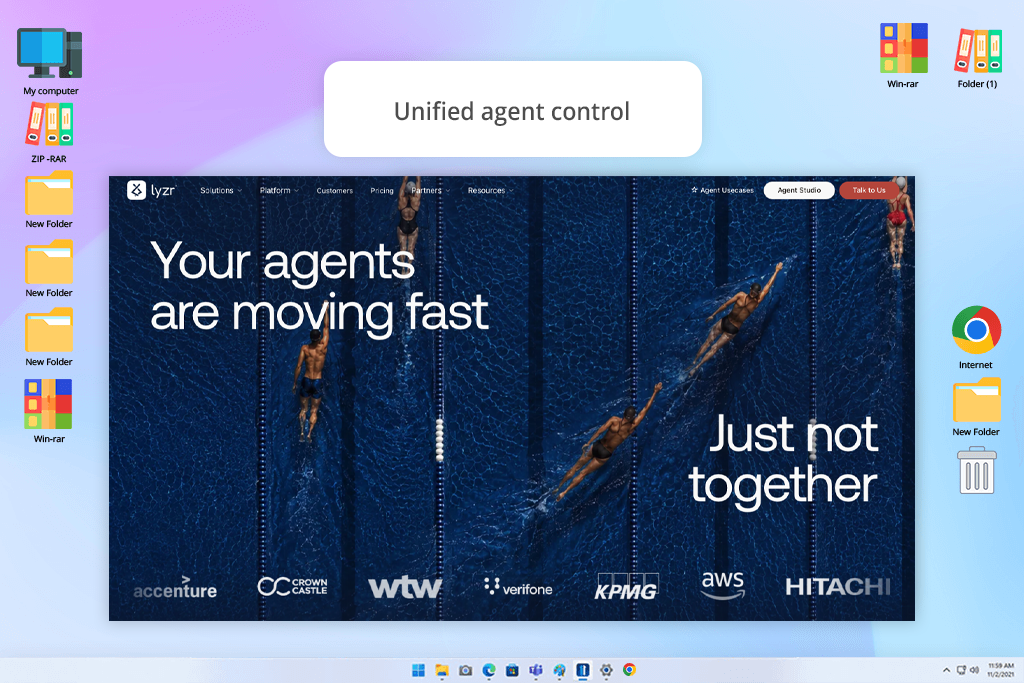
Lyzr piqued my interest because managing a business entails more than just writing text. Client inquiries, creative briefs, project updates, and support requests are all handled separately at FixThePhoto. I would explore using this platform to connect those jobs via AI agents, with a shared location to monitor their progress.
What I find very valuable is the mix of agent development and continual oversight. Agent Studio allows you to create agents, but Opencontroller integrates monitoring, evaluations, guardrails, and versioning. For a creative business, I could see this supporting an intake workflow where an agent organizes a client’s requirements and flags missing information for someone to review.
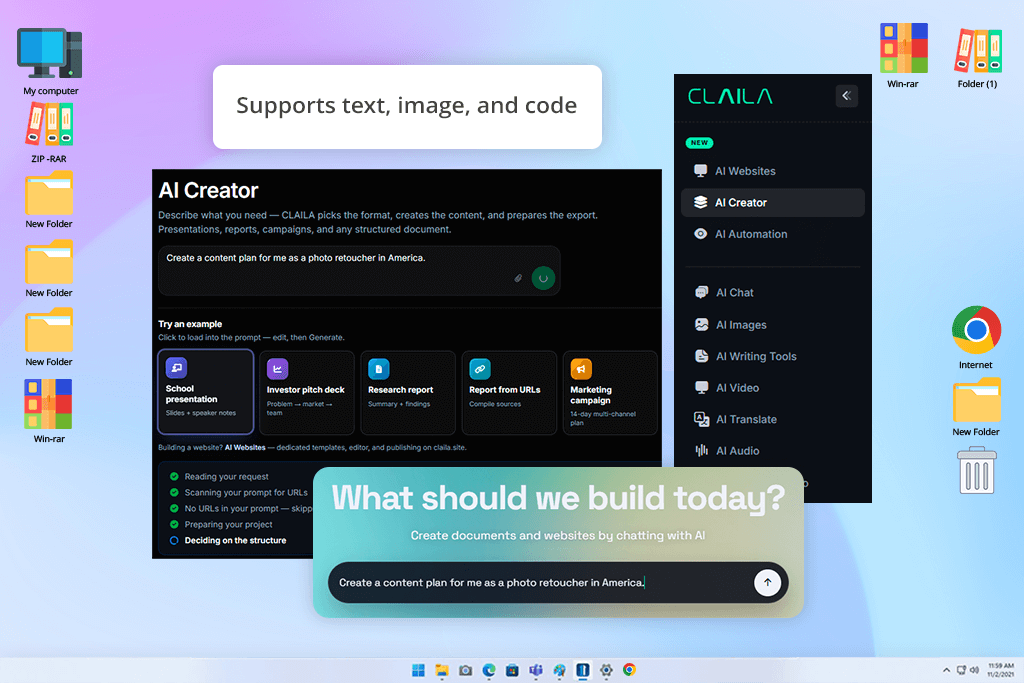
CLAILA deserves its place in this overview because it eliminates the need to constantly switch between separate writing, image generation, and automation tools. Every switch took a toll on our overall workflow. The question was whether one generative AI software for business environment could bring all of that together without losing what each tool is good at.
What makes CLAILA stand out is extensive use coverage. Writing, translation, image generation, audio and video support are available in one place. The ambition to combine multiple AI functions in one place is real, and we tested it across different task types including email marketing strategies for photographers, blog drafts, ad copy, and visual brainstorming. We wanted to see whether that breadth holds up in real use.
My colleagues from FixThePhoto agree that the biggest advantage is staying in one place. It is possible to switch between different content types quickly, jumping from caption to variation to visual concept, without leaving the platform once. The trade-off is depth. In any single area, a focused generative AI tool for companies will do it better. But if you want solid capability across multiple content types without the overhead of managing five different tools, CLAILA makes sense.
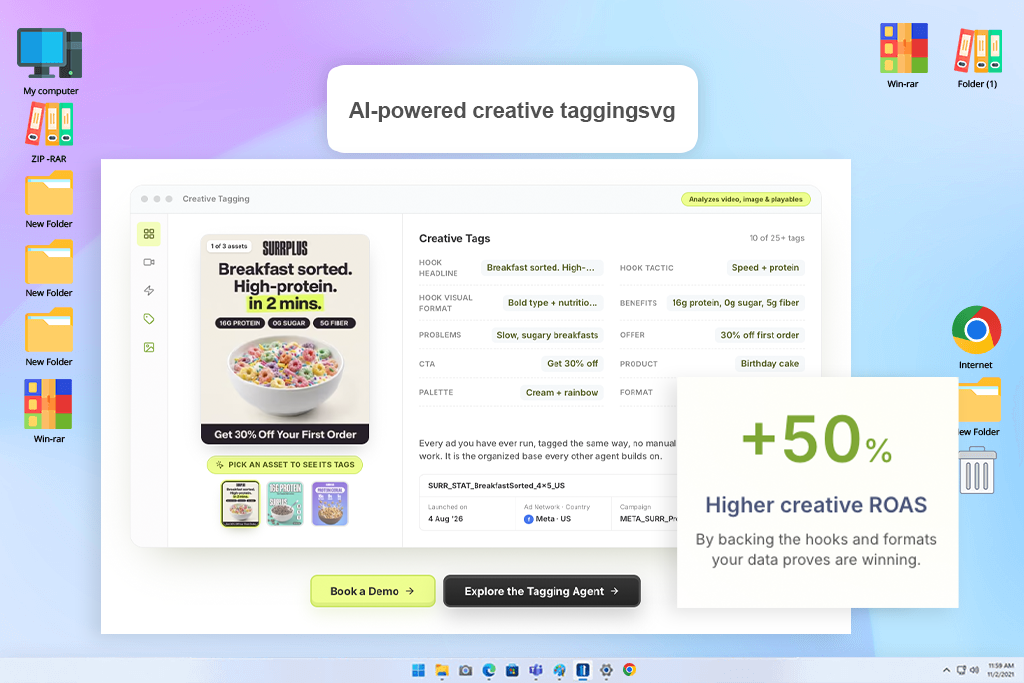
I found Segwise particularly noteworthy because it does more than simply display campaign data. It links performance data from more than 15 ad networks and attribution sources with the actual creative components that led to those outcomes, such as hooks, emotions, rewards, CTAs, visual formats, and other factors.
The platform's ability to translate those discoveries into something meaningful is what I found most helpful. I can identify which creative patterns are driving ROAS and use them as a starting point for the next campaign instead of manually comparing ads and attempting to determine why one worked better.
During testing, the Creative Strategy Agent proved to be particularly useful. Instead of receiving generic marketing counsel, I could ask questions about competitor campaigns or top-performing creatives and receive recommendations based on actual trends. The generating pipeline can then use those insights to produce storyboards, playables, movies, and statics.
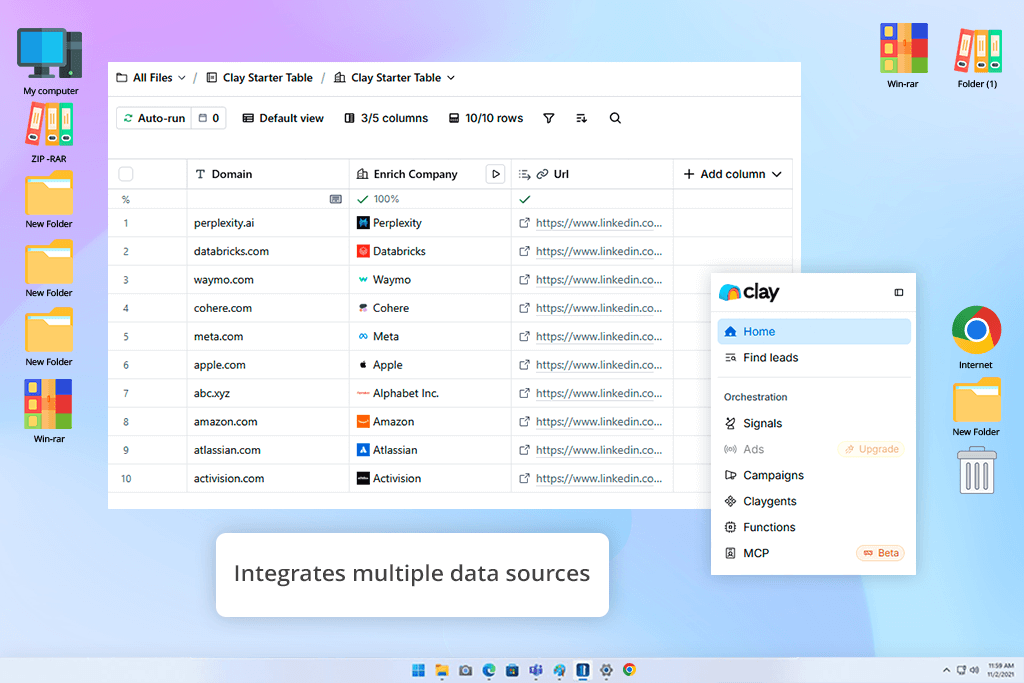
We turned to Clay at FixThePhoto when growing the client base. Managing data across brands, agencies, and e-commerce clients got too complex to stick to a traditional spreadsheet. This is a completely different problem from content creation or marketing, and it needed a different kind of AI marketing tool for business.
The core loop is simple. You build structured lists of potential clients and then use available features to automatically enrich them with company info, contact details, and relevant context. The best part is that you don’t need to do manual research for every single entry. Work that used to take hours per batch now runs in the background. The effect on photography marketing outreach was immediate and measurable.
“Awesome for lead gen and sales data. Powerful tool, but definitely not beginner-friendly.”

The biggest change Clay creates is turning prospect research from something you actively do into something that just happens. Instead of manually building profiles from scattered sources, you get organized, enriched records ready for outreach. For AI tools for business where growth depends on finding and developing new client relationships, that change presents more day-to-day value than most content tools can.
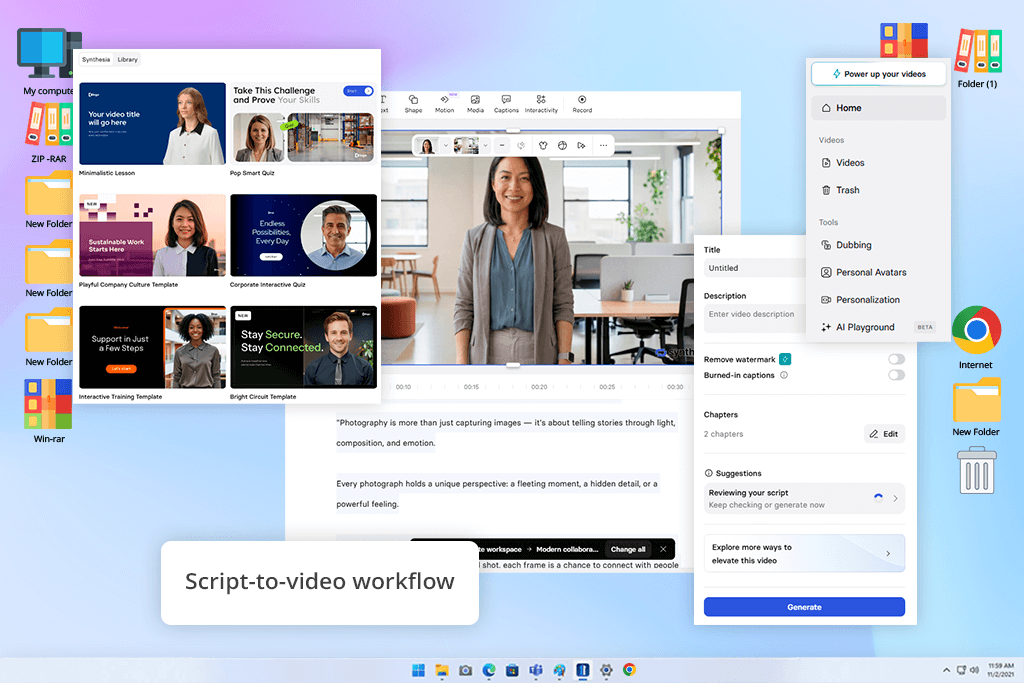
Synthesia tackles a problem most AI tools completely ignore, namely, the speed of producing video. Onboarding guides, editing tutorials, and service walkthroughs are better as videos, but the traditional cycle of scripting, recording, reviewing, and re-editing was creating serious problems that nothing else in our stack could fix.
We tested this AI video editing software for Windows and Mac by scripting our tutorials and walkthroughs and letting the AI handle everything else. The ability to generate AI avatars delivering those scripts in a clean, professional format, without recording sessions or presenter, completely changed how we approach video at FixThePhoto. As AI content tool for business that regularly needs training or onboarding content, Synthesia demonstrates time savings immediately.
Still, I think the real strength of Synthesia is with updates. When a service changes or a process gets revised, you just edit the script and regenerate. No reshooting is needed. For companies where information changes regularly, that eliminates one of the biggest hidden costs of using video as a format.
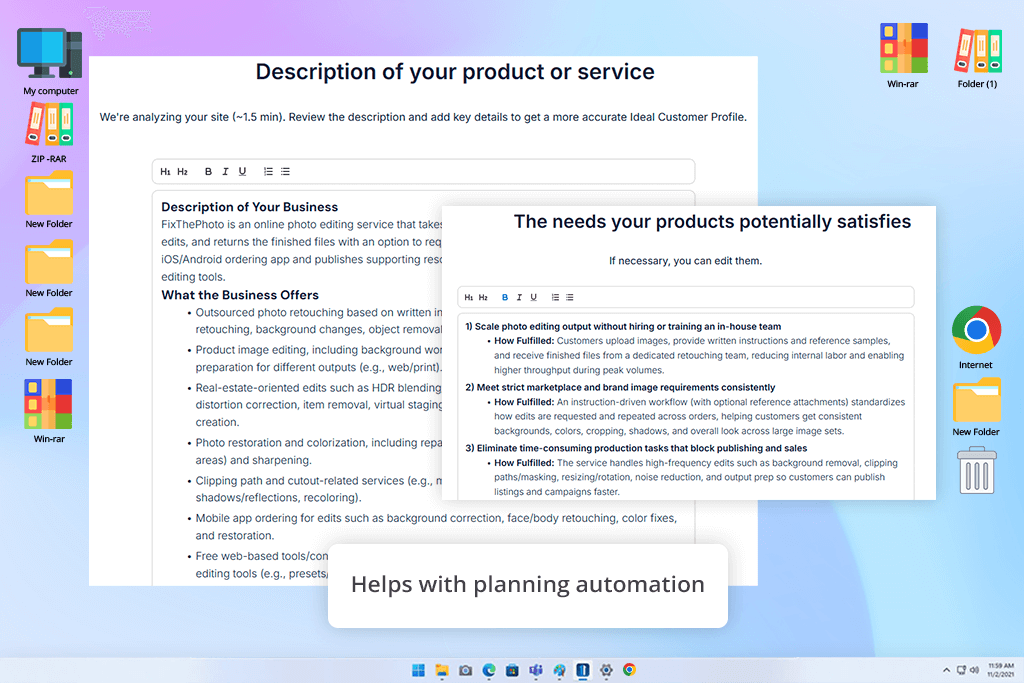
Elsa by M1-Project has much to brag about when it comes to the repetitive ad production process. Writing multiple versions of the same message for A/B testing is tedious work. In fact, it calls for automation. The question was whether it could do it fast while still producing outputs that are different from each other.
The tool is oriented toward performance marketing tasks. Ad copy variations for photography services and retouching packages came back fast, ready for testing rather than polishing. The writing is functional, not poetic, which is exactly what you want for performance marketing. A/B testing needs distinct variables, not creative flourishes.
“Good for brainstorming and structuring business plans. It's really more of a helpful guide than a full-blown AI tool.”

When we applied it to real FixThePhoto campaigns, it saved a lot of time with ready-to-use variations for A/B testing. The caveat is that without deliberately varying your prompts, outputs look like slight rearrangements of the same message. It is one of the best generative AI tools for business when you actively guide it toward different audiences, tones, and angles. The results are far from perfect when you just run it on autopilot.
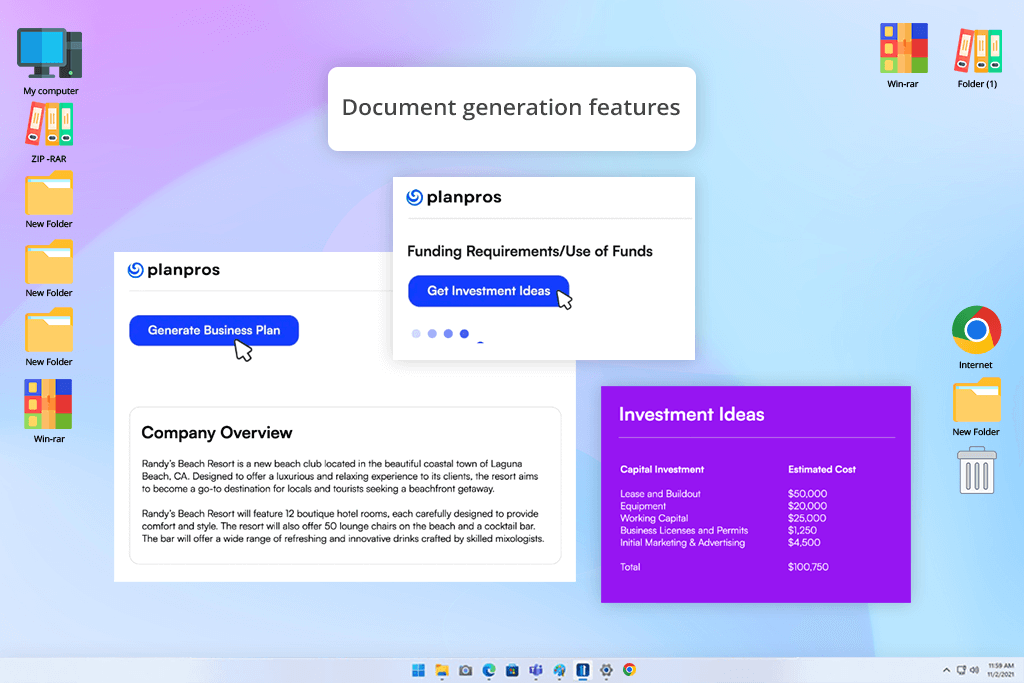
PlanPros came in at a different moment than most generative AI tools for business we tested. We didn’t use it during a content push, but during a strategic planning phase. Growing a photography services business raises hard questions – which direction to go first, how to sequence growth, and how to structure pricing at scale.
The key advantage of PlanPros is that it works as a structured thinking assistant, pushing you toward decisions. Service expansion options, pricing models, and potential new offerings get organized into a clear sequence without pretending answers are already obvious. That’s especially useful for startups, which still figure out the strategy.
I think it is a terrific option for analyzing multiple ideas without the confines of a certain structure. Those early planning moments when you know roughly where you want to go but can’t see the path clearly enough to start drive crazy many businesses. PlanPros turns that fuzziness into priorities and sequences. It won’t do your execution planning, but it gets you unstuck.

Nightjar doesn’t fall within the productivity-focused category that defines most generative AI tools for business. Its purpose is to support creative teams when they need to generate directions they would not reach through standard brainstorming. At FixThePhoto, we used it for campaign sessions when initial concepts seemed too predictable and we needed a fresh perspective.
This program doesn’t aim for structured business outputs at all. Instead, it generates abstract creative ideas, moods, and visual directions without sticking to any basic pattern. Some outputs spark real ideas. Others are too abstract to use. Companies that need consistent, actionable results, won’t be pleased with such inconsistency. But for brainstorming sessions where the goal is finding directions your team wouldn’t reach on their own, it’s exactly the right tool.
“Great for generating marketing ideas and visuals. It’s pretty hit-or-miss, but it definitely surprises me with some cool stuff.”

At FixThePhoto, the hit rate wasn’t high. However, the hits that landed made it into real campaigns that we wouldn’t have created otherwise. It’s not reliable enough to be part of your regular workflow. But when your usual process ends up with the same tired ideas, pulling Nightjar is a reasonable choice.
We looked for the best generative AI tools for business as a small internal team focused entirely on real production conditions. Tetiana Kostylieva, Kate Gross, and Tati Tailor assessed platforms while managing real client projects, e-commerce campaigns, and editorial deadlines. The standard wasn’t whether a tool performed well in a demo. We wanted to check whether different programs helped when work was due.
We developed a shared testing that every platform went through: writing blog content about photography workflows, producing marketing copy for retouching services, and completing admin tasks like summarizing briefs and scheduling content. We judged every tool by the same real-world requirements.
Tetiana focused on content quality and tone consistency across every platform. Kate evaluated search engine optimization structure and marketing content quality. Tati tested how quickly each tool fit into an active production workflow without disrupting the production flow. Splitting responsibilities was helpful because we could assess each platform from multiple angles.
The most demanding test was a full campaign simulation covering the whole content cycle: idea generation, content writing, SEO structuring, and promotional assets for a photography service launch. We looked at the usable output each tool delivered and whether human editors had to step in to make corrections
Some tools were great at fast drafting. Others were clearly built for planning or automation. Very few handled the full cycle without needing human input somewhere.
No single platform came out of testing as the answer to everything. The core finding from FixThePhoto’s evaluation is that generative AI tools for companies work best when they’re used as a set of specialized tools working together, not as one platform trying to do everything.






















