Using an AI character generator wasn't some big plan. I basically stumbled into it because I was desperate. I had three projects running at the same time: a mobile game, a startup's animated video, and some storytelling characters for social posts. Every single time I needed to create someone new, I experienced the same problem. Either I sketched something rough and hoped for the best, or I had to wait forever for a designer to send revisions. So, I understood that I needed something faster and easier that wouldn't kill the creative vibe.
The game characters had to be super clear and consistent, so that you should be able to tell who they are just from their outline. I went for a stylized look that was mature, and made multiple versions of each character with different clothes, expressions, and lighting setups.
For animation, I needed something closer to real life. I wanted lifelike faces, proper body proportions, and natural movements. There was social media content, which required a totally different vibe. Those characters just needed to catch your eye immediately and work on vertical phone screens.
I needed actual control over my AI characters, adjusting their age, gender, body type, art style, and mood. I wanted to be able to say "friendly but a little sarcastic" or "soft pastel fantasy vibes" and have it work. Most importantly, I wanted everything to look consistent across a series of pictures.
Since my colleagues from the FixThePhoto team have extensive experience with AI character creators, I asked them to help me test the most popular tools. We put together a list of recommended platforms, created our testing plan, and jumped right in, using both my client projects and personal character ideas as test cases.
AI characters are popping up everywhere, including games, animated videos, films, comics, you name it. Game developers (both big studios like Ubisoft and indie teams) use AI to create NPCs and concept art during early development.
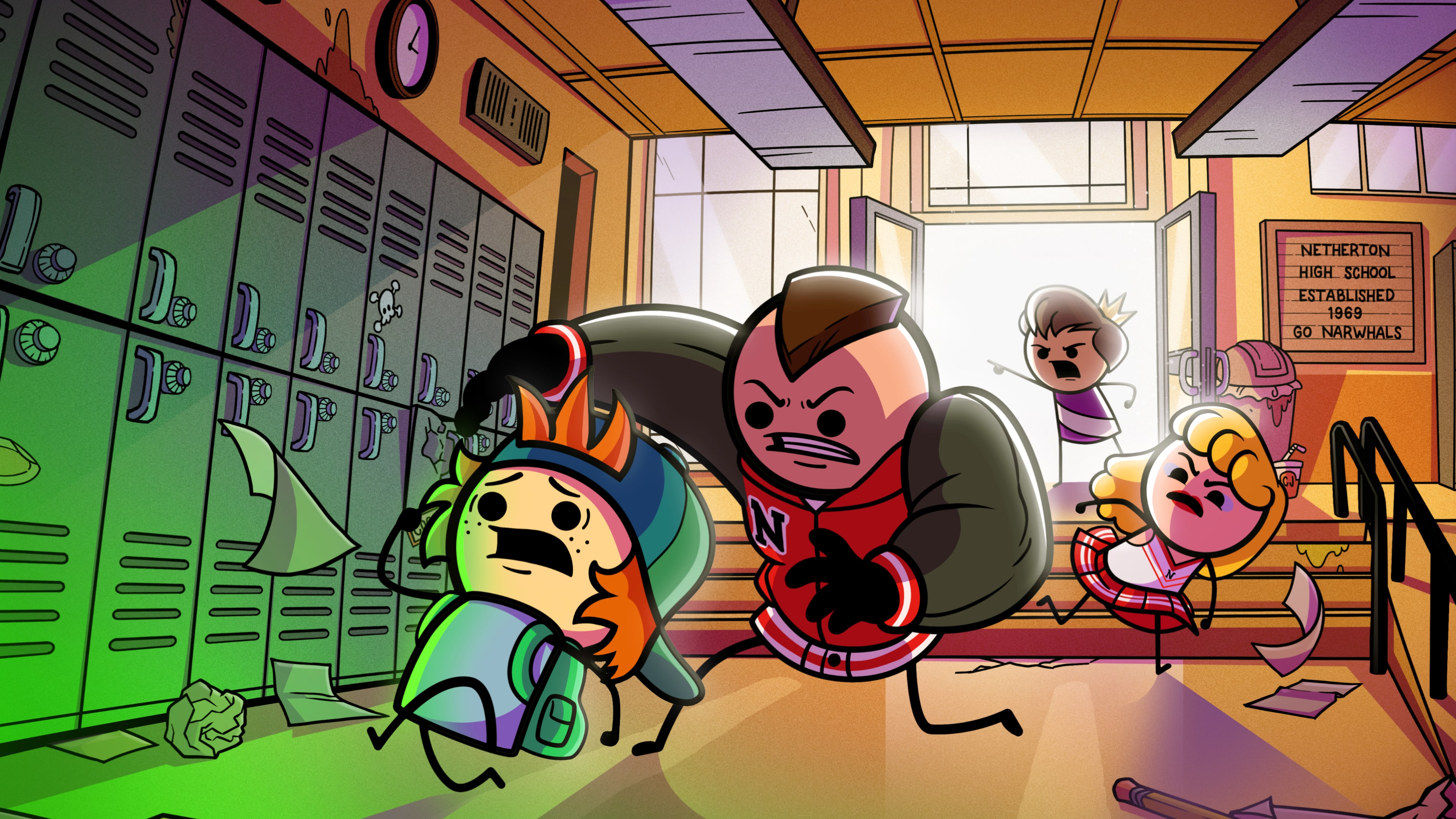
Animation studios and even smaller YouTube channels or web series like Explosm Entertainment’s Cyanide & Happiness use AI to generate background characters and test different visual styles before investing money in animation. It's a quick way to experiment with various looks and personalities without hiring a bunch of artists upfront.
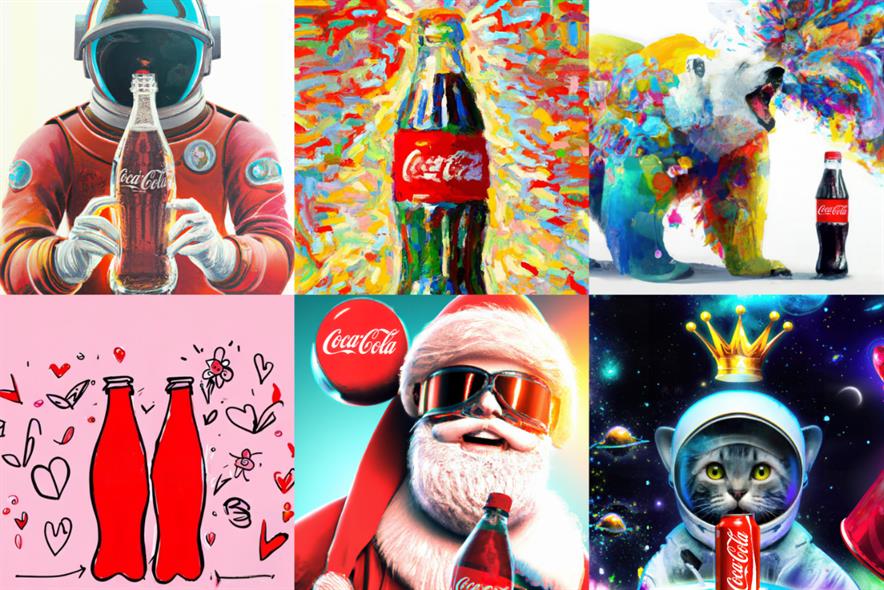
Brands use AI characters as mascots or spokespeople in their campaigns. Big names like Coca-Cola and Pepsi have experimented with AI visuals for promos, while companies like Mailchimp use stylized AI characters in explainer videos. This way, it is possible to get consistent branding across all campaigns and easily tweak characters for seasonal ads or different audiences without starting from scratch each time.

AI character makers help creators make virtual influencers and digital avatars for Instagram, TikTok, and YouTube. You've probably seen examples like Lil Miquela or those AI-generated faces in TikTok videos. Creators use these AI characters for tutorials, explainer videos, and stories. With such tools, you can produce content very quickly.

AI characters are showing up as virtual teachers and guides in online courses and training programs. Platforms like Coursera, Khan Academy, and Duolingo use avatars to make lessons more interactive and engaging. These characters can walk you through processes, break down tricky concepts visually, and add a friendly touch to learning. Thus, students stay more motivated and actually remember what they've learned.

Writers and illustrators use AI to make characters for novels, graphic novels, and kids' books. Independent creators on platforms like Webtoon or self-publishers on Kindle Direct Publishing use AI to quickly test out how their heroes, villains, and side characters should look. It's perfect for experimenting with different appearances, ages, and styles before settling on the final design. This speeds up the whole creative process and makes it easier to bring your story to life.
AI characters are used in UX/UI – from onboarding screens to product demos. Canva, Figma, Adobe, and other companies drop AI avatars into their presentations to walk people through how things work. It's a simple trick that makes abstract concepts click. Instead of staring at wireframes, stakeholders and users see a friendly face guiding them through the experience.
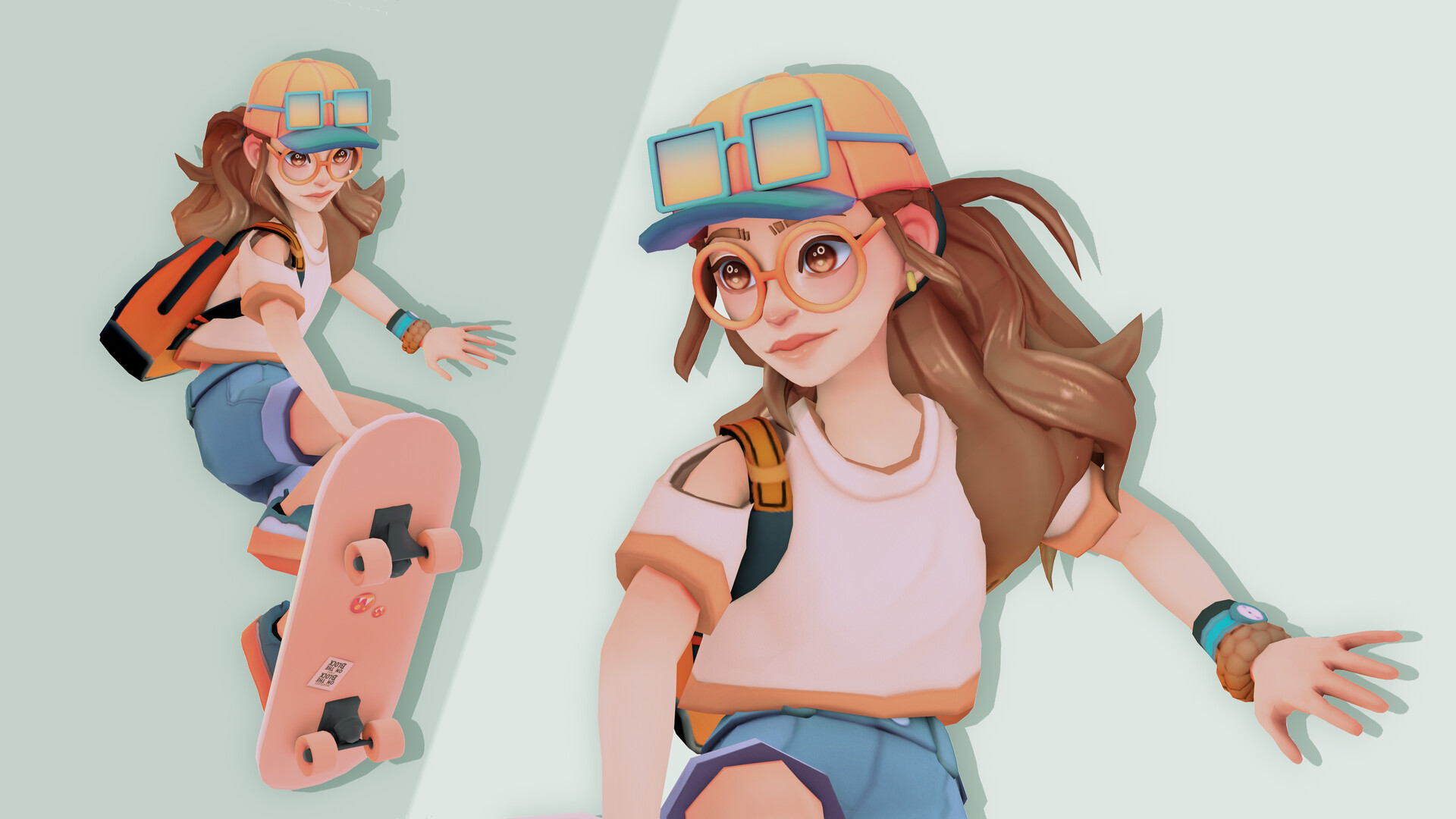
AI characters are the backbone of VR and metaverse worlds. Roblox, Meta's Horizon Worlds, and Decentraland use AI avatars as guides, NPCs, or companions that actually interact with you. For developers, it's a very handy tool. They can quickly prototype how characters look and behave without hand-crafting every single detail. Immersive virtual experiences become alive.

People use AI character generators for art projects with DND character art creators, D&D campaigns, social media avatars, you name it. Artists on DeviantArt or ArtStation use AI to sketch out ideas or create profile pics. Even casual users jump in to make avatars for games or storytelling. Generally, AI has made character creation accessible to everyone, not just professional designers.
Want to create solid AI characters? It comes down to three things: knowing what you want, asking for it the right way, and adding your own creative touch. Here's how to get results that actually look good and usable:
Before you generate anything, figure out what this character is actually for. Where are you planning to use it? A video game? Social media? An animated short? Your brand? A comic book? Marketing stuff? Once you know that, you can decide on the style. Getting clear on the purpose first helps keep everything consistent. In other words, figure out the "why" before you worry about the "what it looks like."
Write detailed and clear prompts. Don't just say "a person". Give an AI character creator something to work with. Think about age, gender, body type, what their face looks like, their hairstyle, what they're wearing, their mood, and where they are. Mention the art style you're going for, too, e.g., "stylized 3D," "anime vibes," or "semi-realistic illustration." Focus on personality. Words like "confident," "friendly," or "mysterious" can shape how the character's face and pose turn out.
Keep things consistent if you need multiple images. If you're making a game character, comic series, or brand mascot, you'll want them to look the same every time. Use an identical seed number, upload reference images, or stick to the exact same character description across all your prompts. Even tiny changes in how you describe them can completely change their face, so determine the core details and don't mess with them.
Don't expect to get a perfect result on the first shot. Generate a bunch of different versions, then pick what's working and tweak it from there. Maybe adjust the lighting, swap the outfit, change the pose, or try a different expression. Do it bit by bit. Creating AI characters is like sculpting. Each version you make helps steer the AI closer to what you actually want.
Check the details and clean things up. Zoom in and look at the tricky spots like hands and eyes, whether things are symmetrical, how the clothes fold, and if the proportions are natural. These are where AI character makers usually struggle. A lot of people will do light touch-ups or upscale the image to make it look more professional. Generally, the AI gives you a solid starting point, but you still need to adjust the outcome manually.
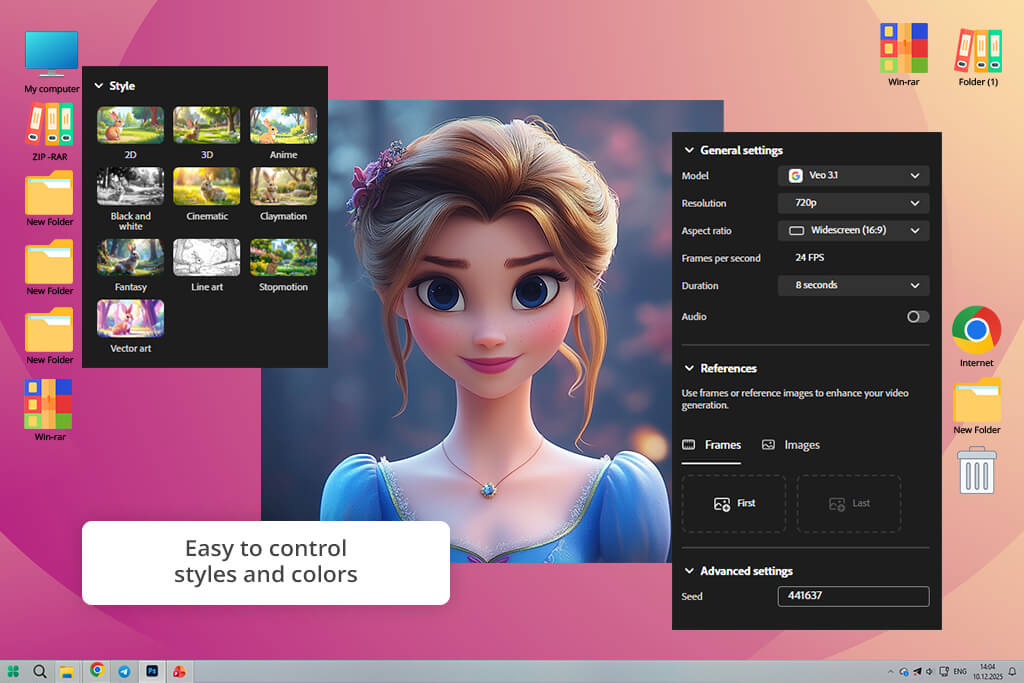
When using Adobe Firefly for creating characters for the first time, I just typed in some descriptions about their personalities, what they wore, and the vibe I wanted. I needed these for a storytelling project I was working on.
Even though my descriptions were fuzzy, they created detailed, neat-looking characters. They had life to them, were expressive and dynamic. It was exactly what I needed for my comic and social media projects. The cool thing is I could adjust the style and change details, without spoiling a particular look of a character.
Firefly is also good at mimicking different art styles. Whether I wanted something realistic, cartoony, or kind of anime-ish, it adapted well. I tested it out with a bunch of different character prompts for a video game project, and every single one came out looking high-quality and unique. Plus, it handles color and lighting very accurately. The characters looked like they naturally belonged in whatever scene I put them in.
“I honestly loved how fast it creates clean, polished characters. I just picked a style and a few basic traits, and the AI handled the rest. In 3–5 minutes, I already had a finished character for my project.”

I was very impressed with how well it picked up on facial expressions and body language. When I told it to show excitement, curiosity, or frustration, it perfected the details. I didn't have to manually fix everything afterward. Instead, I got a solid foundation that just needed some fine-tuning.
For my job, Adobe Firefly is the best AI art generator for characters. I grab it whenever I need good-looking, consistent characters without spending much time. It's super easy to use and crazy fast, so trying out different ideas is fun instead of frustrating. These days, I use it for pretty much everything, including concept art, social media posts, even basic character sketches for video games.
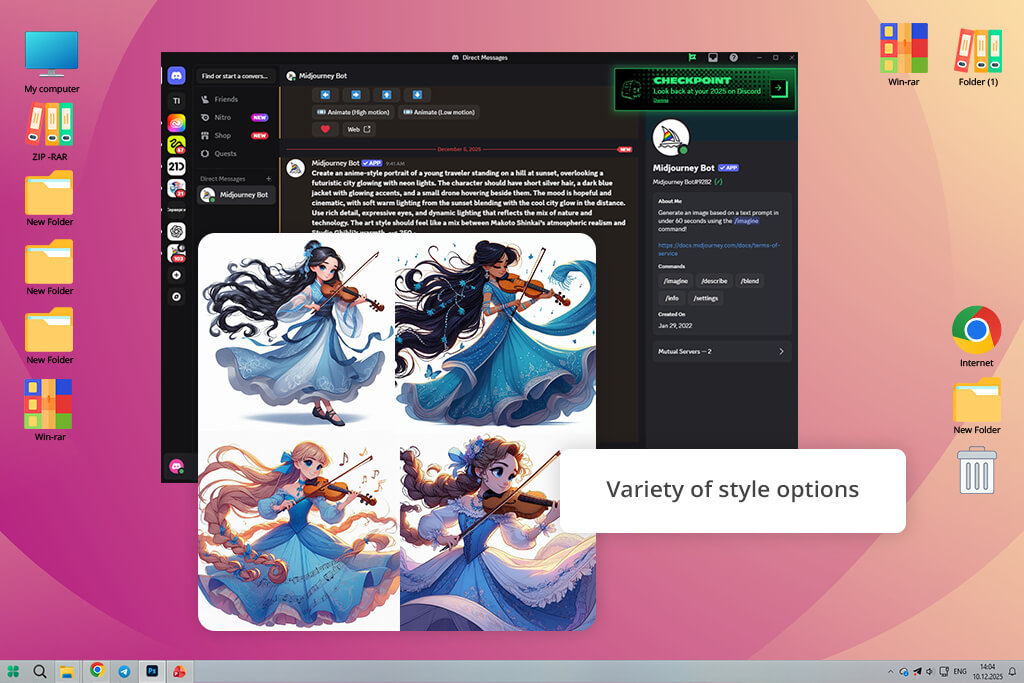
I used Midjourney to generate fantasy character portraits for an illustration project. I described hair, outfits, and magical traits in detail, and it delivered stunning results. The artistic style and atmosphere were fantastic. Each character looked like an organic element of a fantasy world.
Midjourney is the top AI character art generator when it comes to visual storytelling. It automatically handles composition, lighting, and facial expressions to create striking characters. I used it to brainstorm hero and villain designs for a game, and each output sparked new ideas. By making small adjustments to my prompts, I noticed style shifts and could experiment as much as I want.
“Every generation feels like a lottery, but in a good way. I tried different text prompts and kept getting unexpected results. It doesn’t always hit on the first try, but when it does, it’s genuinely creative and original.”

Some things needed touch-ups, particularly the hands and accessories, but it's nothing compared to building everything from scratch. This AI character generator free actually makes you want to keep playing with ideas and refining them, which is gold when you're brainstorming.
If you're chasing stylized, eye-catching characters instead of photorealism, Midjourney will please you a lot. It's basically a creative spark plug that never runs out of fuel, especially for fantasy, sci-fi, and anime work.
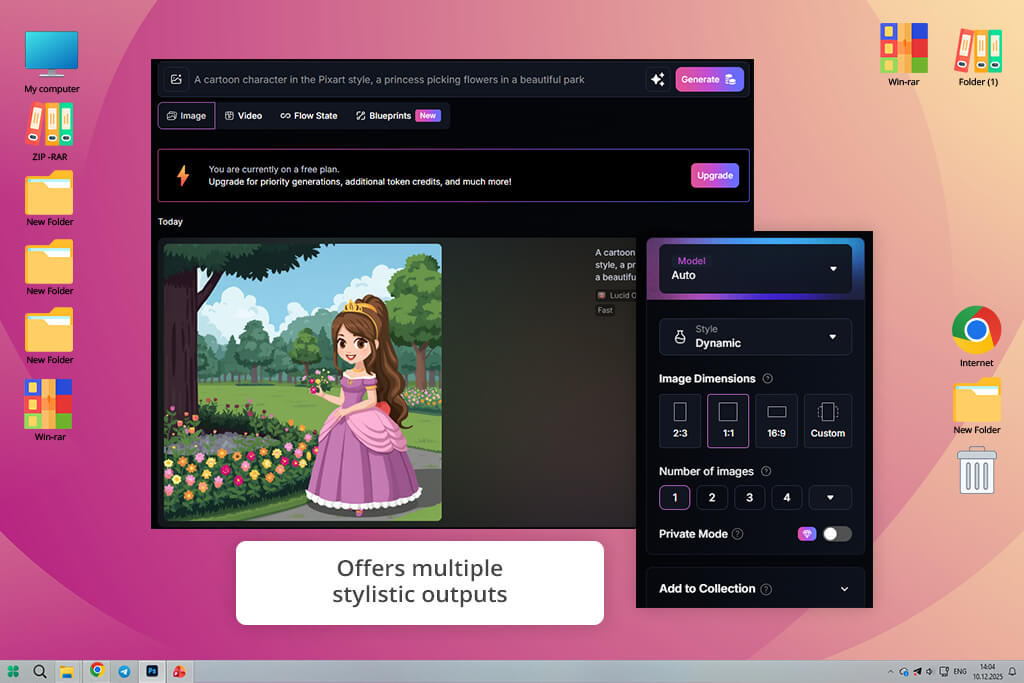
Leonardo AI became my favorite tool for creating killer character designs with serious detail and realism, especially when I was building out cast lineups for comics and storyboards. I threw all kinds of specifics at this AI image generator, including age, skin tone, what they're wearing, their vibe, and it spat back genuinely convincing characters. This AI character maker is very fast. I could create multiple options instantly and compare them without waiting around.
You get terrific control over your characters. You can dial in exact details (facial structure, outfit pieces, tiny background objects) and ask for quick tweaks like different lighting, color palettes, or specific expressions. That kind of precision meant I could keep my characters looking consistent across entire projects, which is clutch when you're managing a bunch of different scenes.
“Great choice if you’re after highly detailed characters. You can control the face, style, vibe, even tiny details. I rerolled it a few times, played with the settings, and got a one-of-a-kind character that doesn’t look like a template.”

Starting out, the results felt pretty cookie-cutter, but once I got specific with my prompts and gave Leonardo AI more details about what I wanted, things got better. Leonardo AI surpasses other AI character creation tools with a proper balance between stylistic flair and realistic features. Most other generators either go too cartoony or too stiff.
For my work, Leonardo AI became a perfect option. I can make a bunch of character designs in no time, and they actually look polished enough to drop straight into comics, concept art, or Instagram posts without much tweaking.
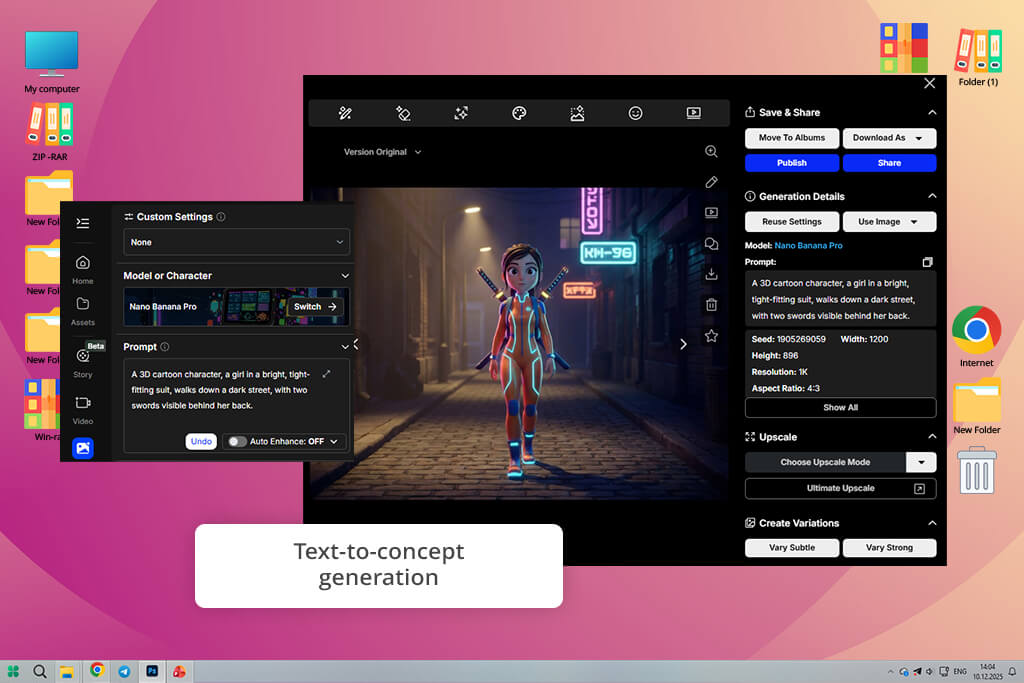
I fired up OpenArt expecting just another AI character design generator, but it impressed me a lot. I added some wild, offbeat character ideas to the program, asking for quirky cartoon stuff for social media, and this AI art generator created the perfect character.
I was stunned by how it handled my weird descriptions. Instead of spitting out something that needed constant tweaking, it just got what I was going for. The designs came out playful and exactly the vibe I wanted, with zero fussing around. I could make character after character, test out different angles for my campaigns, without grappling with complicated settings.
“I tried it when I had to turn an idea into visuals fast. I entered a quick prompt, and in about a minute, I already had a base character. It’s not meant to be final, but for concepts or brainstorming, it’s spot on. Saves a ton of time.”

OpenArt comes out on top when you want to work fast and experiment with concepts. I could throw vague ideas at it and get back several takes on a character instantly. It is very helpful for picking what works best. It handles the weird stuff too, like exaggerated proportions or fantasy elements, turning my oddball concepts into something actually cool to look at.
It's not the most customizable AI character generator from text out there, but that's kind of the point. OpenArt pushes you to keep tweaking and improving rather than obsessing over settings. Small prompt changes led to wildly different results, so I could test different directions without losing momentum. That back-and-forth loop felt rewarding, helping me land on character designs I never would've thought of otherwise.
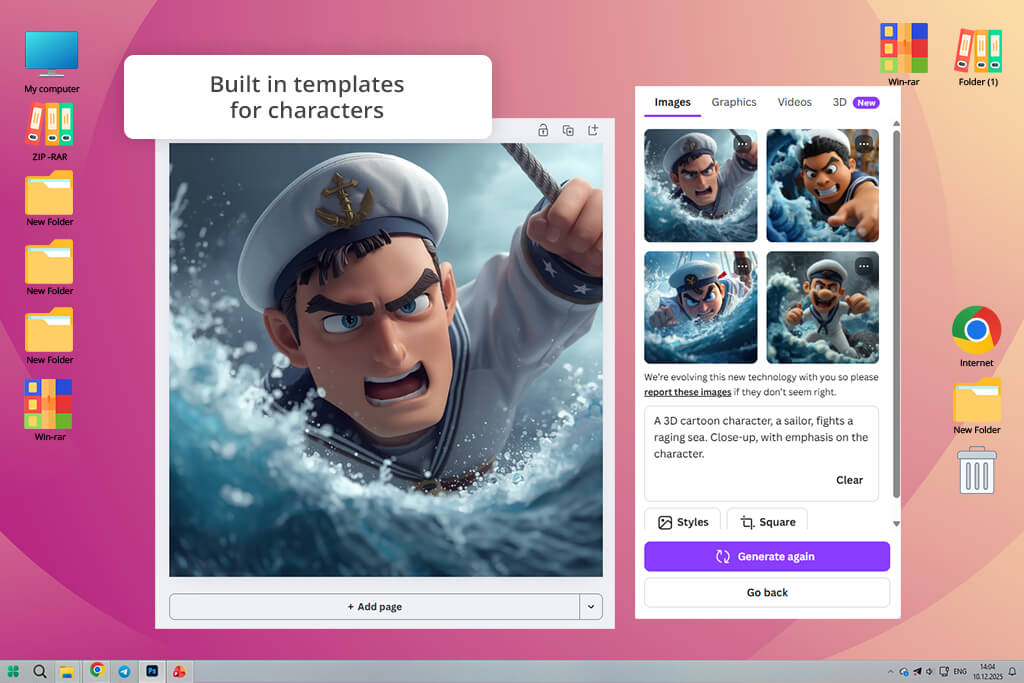
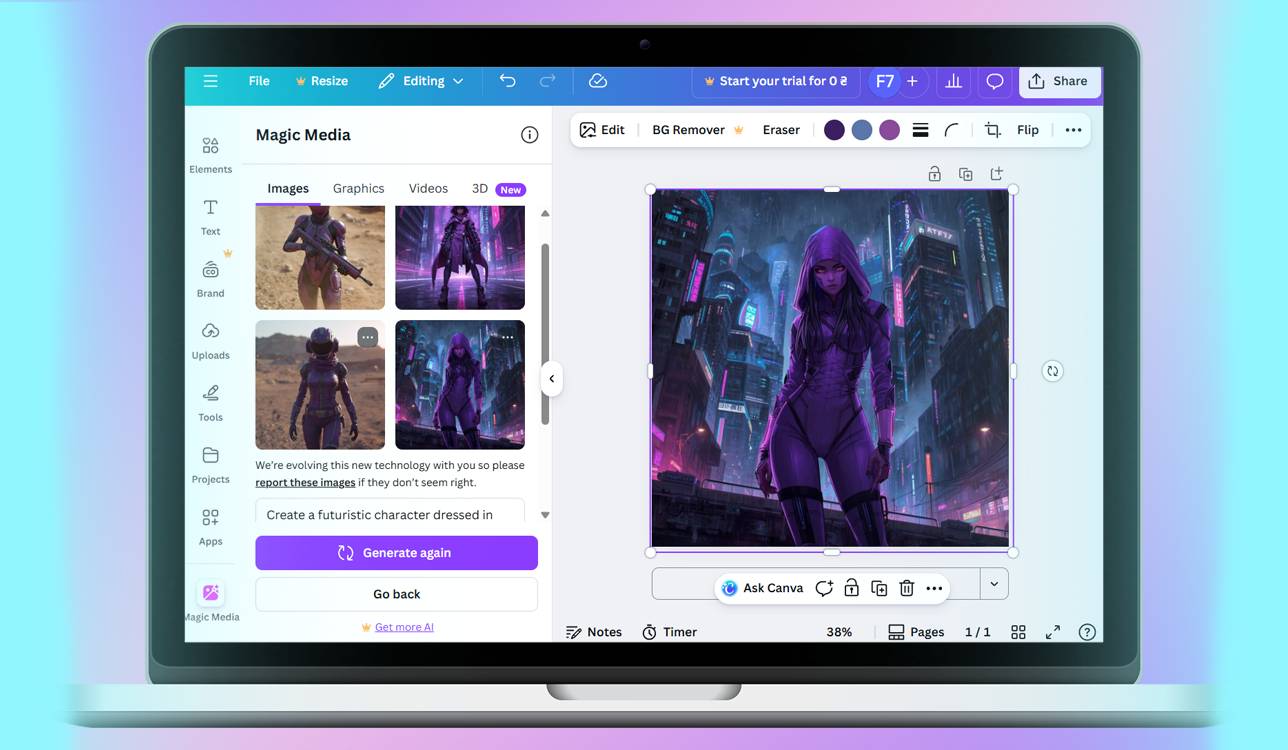
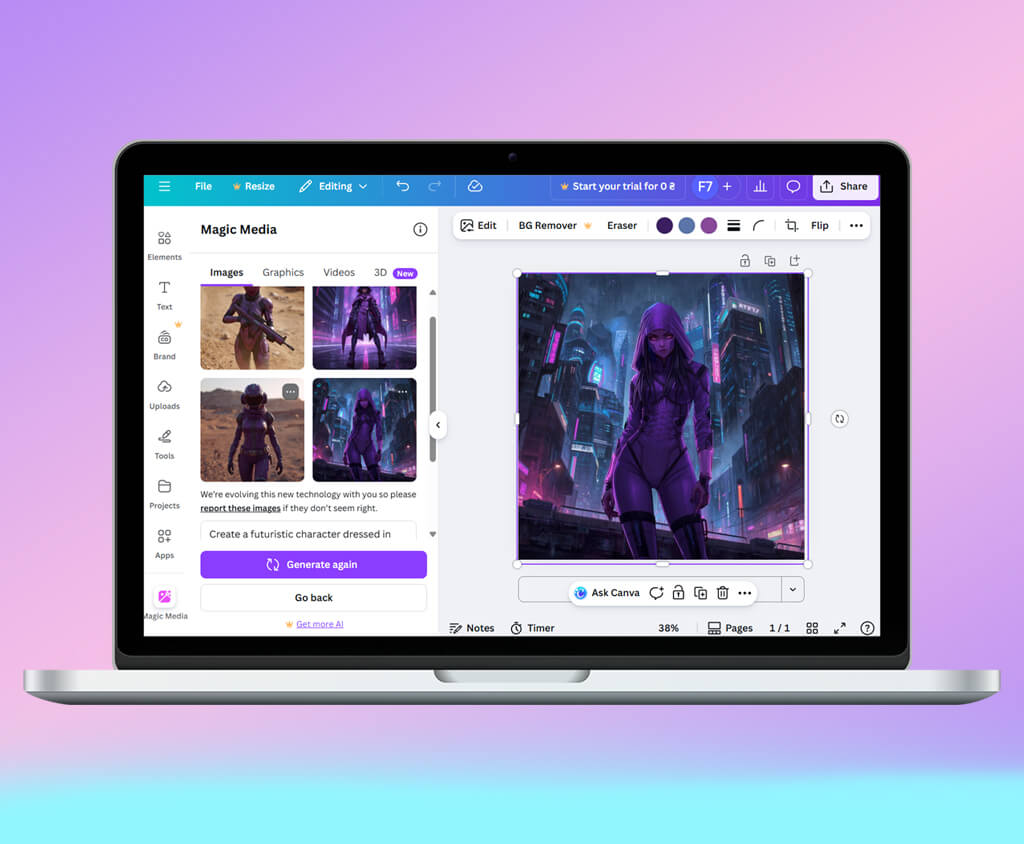
While testing Canva’s AI character generator, I created quick social media graphics and marketing stuff. I'd describe what I wanted, namely, certain traits, clothing, vibes, and it spat out characters that looked neat and fit together stylistically. Better yet, the results were ready to use immediately. I could drop them straight into Instagram posts, stories, and reels without extra cleanup.
It was so nice to get multiple options from one prompt and pick what matched my project vibe. But the real surprise was how seamlessly it connects to everything else Canva offers. Once I generated a character, I just dragged it into posters, thumbnails, and ads without exporting or messing with file formats. The characters also had a signature Canva look: bright, sleek, and modern. It's basically a complete package if you're already in their ecosystem.
“Super simple and intuitive interface. I jumped in and started generating right away, without studying tutorials. The images come out clean and nice, perfect for social media or stories. Nothing extra.”

The AI was solid at handling style tweaks, too. I could shift colors, swap backgrounds, adjust facial features – whatever the campaign needed. It didn't match the realism or artistic power of pricier tools, but it was totally good enough for social posts and marketing projects. Plus, navigating this AI character generator online was easy, which meant I could experiment without friction.
Canva works best if you need characters fast and don't want to spend forever designing. It's ideal for small brands, content creators, and marketers wanting characters that slot neatly into their visual identity. For my work, it became my favorite tool for pumping out multiple characters without breaking a sweat.
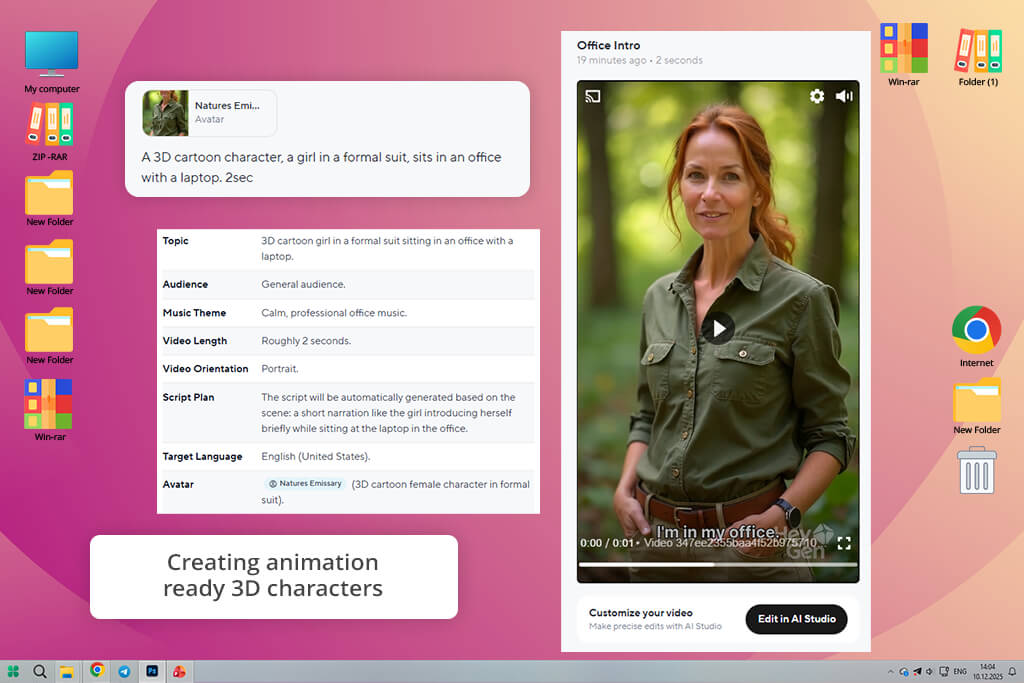
I tested HeyGen's character creation tool for a project where I needed animation-ready 3D characters for interactive storytelling. I wrote detailed prompts covering personality, style, and mood, and this AI character design tool cranked out solid 3D models that basically looked game-ready straight out of the box. I got multiple poses and gesture options for each character. Thanks to the variety of angles, it was easier to keep characters looking consistent.
The real highlight was how much control I had over positioning and expressions. I could tweak body language and facial expressions by just adjusting a few settings. When I built a VR experience, this flexibility meant my characters actually reacted the way they should in different story moments. What also impressed me was the speed.
This 3D model generator chewed through complicated prompts and still kept everything sharp and detailed. I appreciate the possibility of quickly generating several different versions of the same character, each with its own vibe. Thus, I can get a character with a specific look.
“Pretty cool that a character isn’t just a static image but can actually talk. I tested it for short videos. The voice and lip sync are solid. Sometimes the facial expressions feel a bit artificial, but for presentations or explainers, it works totally fine.”

The integration with pre-built environments was another solid feature. I could generate characters and drop them straight into backgrounds for trailers and concept videos without juggling files across different software. Sure, the backgrounds weren't endlessly customizable, but HeyGen's built-in environments worked well enough for rough drafts and early pitches. Everything came out looking expressive and perfect for showing clients what the final product may look like.
HeyGen sits right between simple AI character generators and full interactive design tools. If you need 3D characters that are ready to animate with tons of pose and expression options, it'll cut your workflow time in half. It's perfect for game designers and writers who want AI to handle the heavy lifting on complex character movements but still want to stay in the driver's seat creatively.
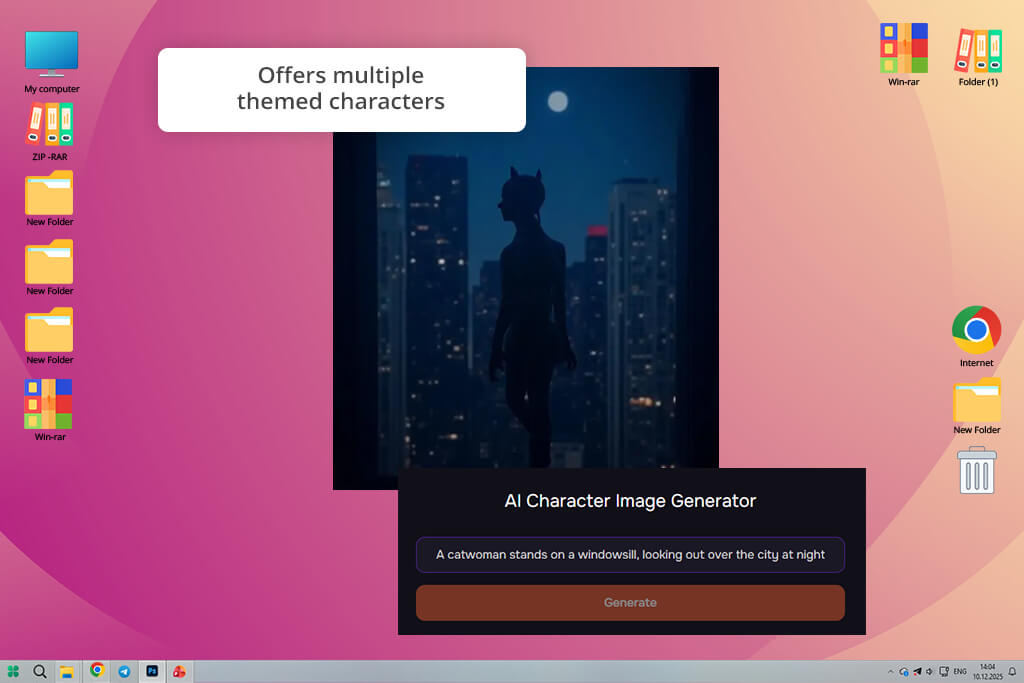
I turned to Talefy when I was working on a children's book and needed characters that looked like storybook illustrations. I added such prompts as "kind forest protector with shimmering eyes" or "happy bookshop fairy," and received charming, beautifully drawn characters in seconds. The style had a hand-crafted look, which matched exactly what I was going for.
Characters were playful, bright, and gentle rather than realistic and polished. Even tiny items like how fabrics looked and the nuances in facial expressions felt really intentional and well thought out.
“This feels more like creating a character with personality, not just a particular experience. I set the personality, role, and backstory, and it came out like a character for a game or a book. Super addictive, you can experiment for hours.”
Talefy kept everything visually connected. When I generated a whole cast of characters for one story, they all looked like they belonged together in the same world. It's not as powerful as professional design software, but that's actually the point. This AI cartoon character generator let me concentrate on the story itself instead of getting bogged down in technical art details. Each character came out with real personality and depth built in, so I barely ever had to circle back and fix the fundamentals myself.
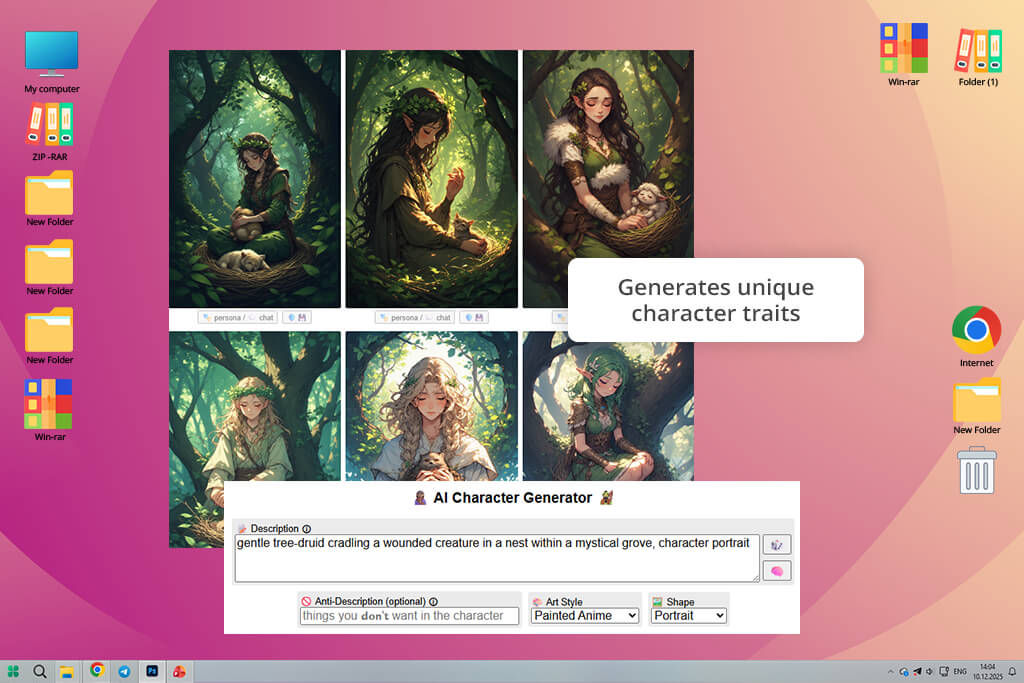
I fired up Perchance AI to drum up some weird, boundary-pushing character ideas for my brainstorming sessions. Rather than chasing pixel-perfect artwork, I threw curveballs at it, writing "time-bending librarian covered in space tattoos" or "dead musician glowing with fire".
It created visuals that were totally outside my usual playbook. Perfect timing, since early creative sprints thrive on bizarre, unexpected concepts instead of flawless execution.
“An ideal tool for brainstorming when you’re out of ideas. I was generating characters without any clear direction and ended up with strange but really original concepts. Not all of it is final-ready, but for inspiration, it’s great.”

Still, keep in mind that this AI headshot generator doesn't aim for photorealism, so plenty of the outputs ended up wonky or over-the-top. But that was the whole point. They weren't meant to be finished pieces. They were creative springboards.
When I showed them to the team, they instantly became jumping-off points for way better character work. This AI fantasy character generator let me experiment freely with looks, vibe, and concept without sweating the details.
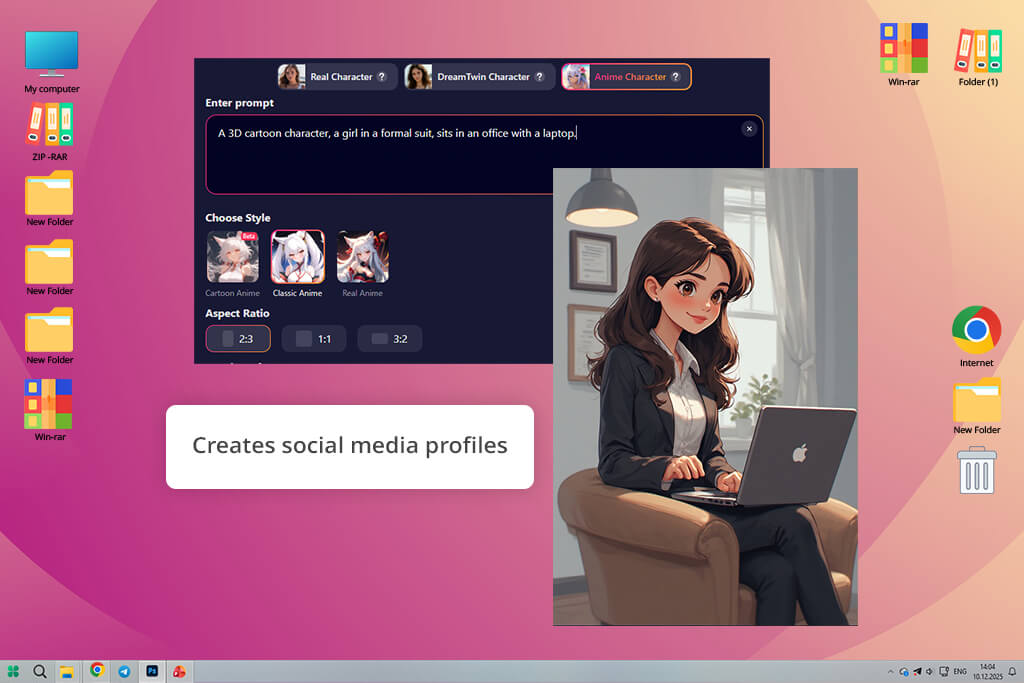
SoulGen is a reliable free AI character generator if you need realistic AI characters for marketing projects. Just tell it what you want, e.g., specific ages, skin tones, vibes, expressions, whatever, and it spits out actual-looking faces and full bodies that could've come straight from a professional photoshoot.
The level of detail is genuinely impressive. Skin texture, how light hits the face, the way reflections shine in the eyes, even tiny facial movements, look authentic and natural. I threw together groups of different-looking characters for campaigns focused on diversity, and the generator made them consistent and detailed.
“The characters look lifelike and modern. I tried it for avatars and portraits, and the facial details are solid with a realistic style. If you want something that looks almost like a photo but isn’t one, it does the job.”

The main hiccup was when I pushed this AI profile picture generator with really wild or over-the-top requests. The AI sometimes veered into weird, almost trippy territory instead of staying grounded.
That said, for regular marketing shots, character profiles, or quotes from "real" characters, SoulGen delivered every time. I've even dropped these generated characters into UX designs and product pages to make them feel more human and relatable without having to actually book and pay real models.
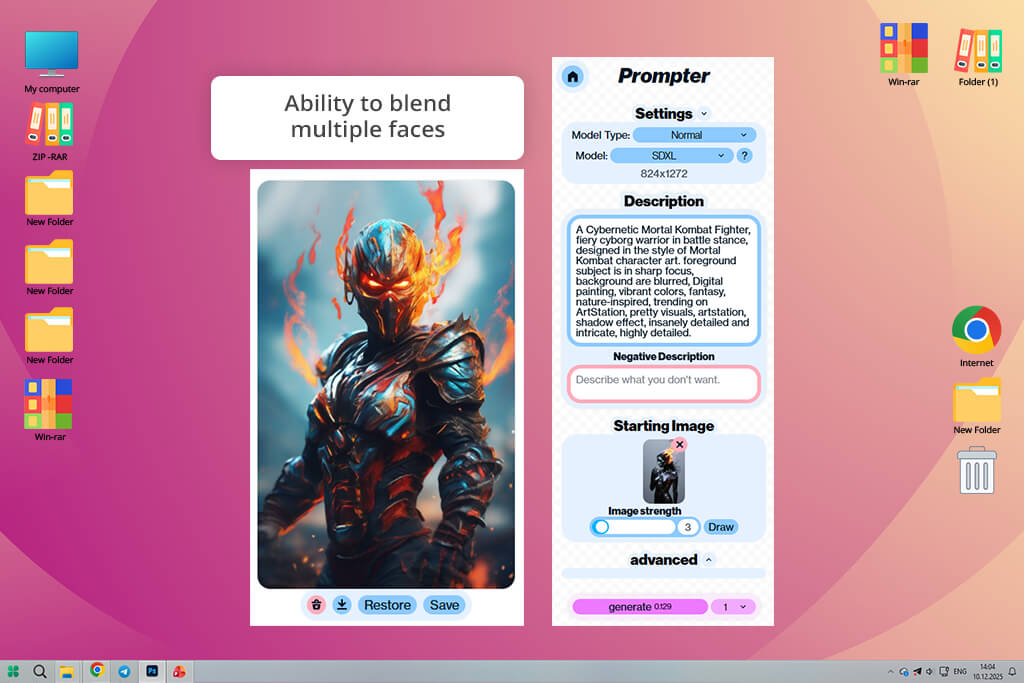
I turned to Artbreeder when I needed serious control over how my characters looked. Instead of just hitting generate and getting one result, Artbreeder lets you mix different characters together and tweak sliders for age, facial features, and art style. It's way more like sculpting than using typical AI character illustration generators. You're actively shaping appearance rather than just crossing your fingers and hoping the output works.
“It’s easy to lose track of time tweaking facial features. I played around with the eyes, face shape, and style, and each time it felt like a brand-new character. It takes time to master, but the end result makes it worth it.”

I used it to build an entire cast for a visual novel, and it was perfect for creating related characters like siblings, family members, and people who simply look alike. Because you're iterating and refining instead of starting from scratch each time, you develop a real connection to the work. I started with one main character, then kept tweaking the sliders to spin off his friends, enemies, and sidekicks. They all looked like they belonged in the same world together, visually speaking.
Some images needed a little touch-up work, but the variations were consistently imaginative and felt genuinely thoughtful. You can use sliders and make choices to guide where things go, which is very helpful. The characters look very professional, as if you are using top-notch AI face generators from photos.
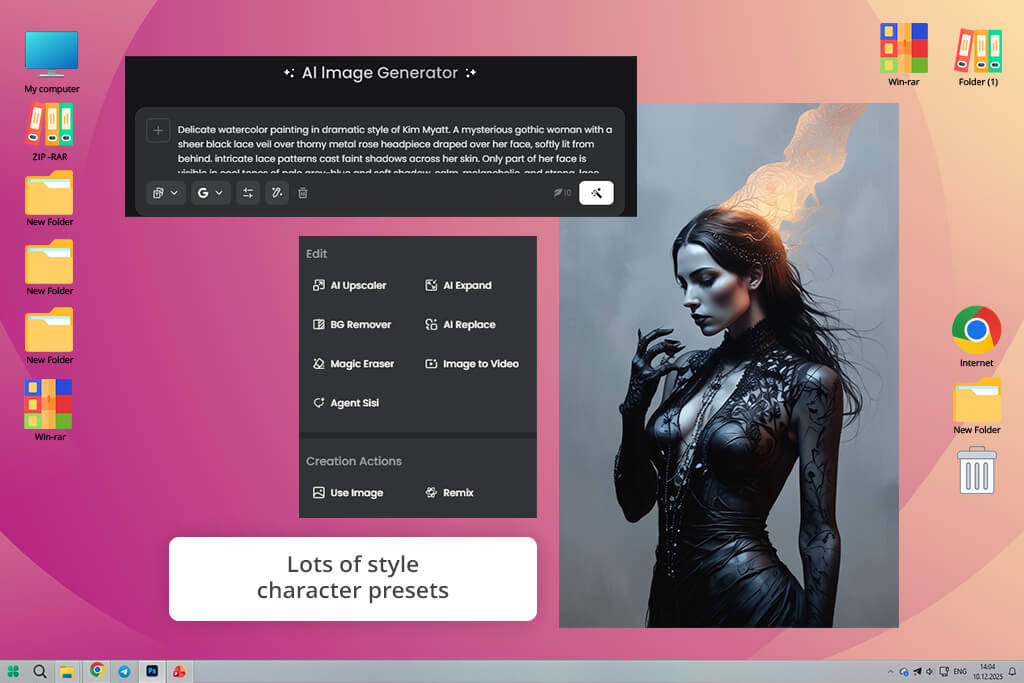
Fotor's AI character generator is a terrific tool if you need good-looking avatars for branding and social media fast. I'd describe what I wanted, including personality vibes, outfit details, the mood I was going for, and it delivered bright, sharp character images that looked solid straight out of the box. I used them for video thumbnails and social media headers. The speed deserves special attention. Most of the time, I had finished visuals in less than a minute.
“It runs fast and doesn’t overload you with settings. You don’t get super deep control, but the output is stable. I used it for quick concepts and simple use cases, and it fit perfectly.”

Fotor is one of the most user-friendly AI character creators out there. You don't need serious design skills to get results that actually look good and fit your brand's vibe. The characters have a modern, stylized feel rather than a photorealistic look, which works great if you're going for something fun and lighthearted. That consistent style across everything you create makes it way easier to build a recognizable visual identity across different platforms.
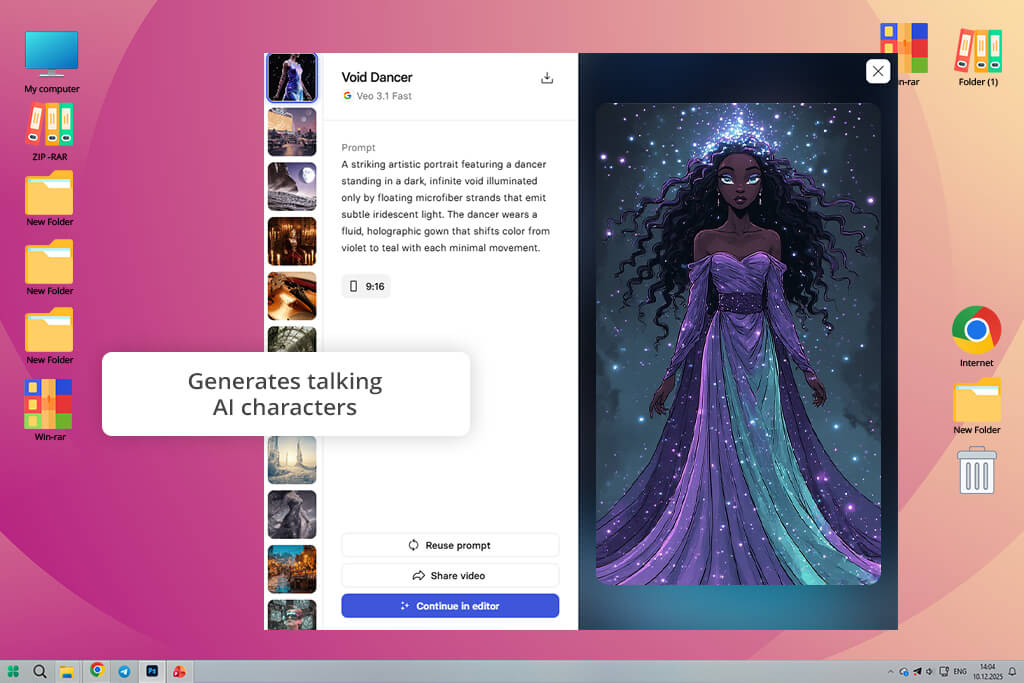
I tried Synthesia to build animated characters for my training videos and how-to content. Rather than using plain images, I could design avatars that actually moved, spoke, and showed emotion. Just type the text, pick your avatar, and in minutes, you will have a video with an AI character speaking naturally. I think this is a wonderful AI character creation tool for company training videos, product walkthroughs, and online learning.
“A great option for creating videos with a speaking character. I tried it for learning content and presentations, and it’s really handy that you don’t have to film yourself. Not flawless, but it saves a lot of time.”

This avatar making app copes well with its job. These weren't just nice-looking characters. They genuinely performed. They synced their lips to the audio, shifted their eyes, and made hand movements. My videos suddenly felt like they had real presenters hosting them, so no need to hire talent or spend forever on filming. For onboarding new hires or sharing internal training, this saved me tons of production time.
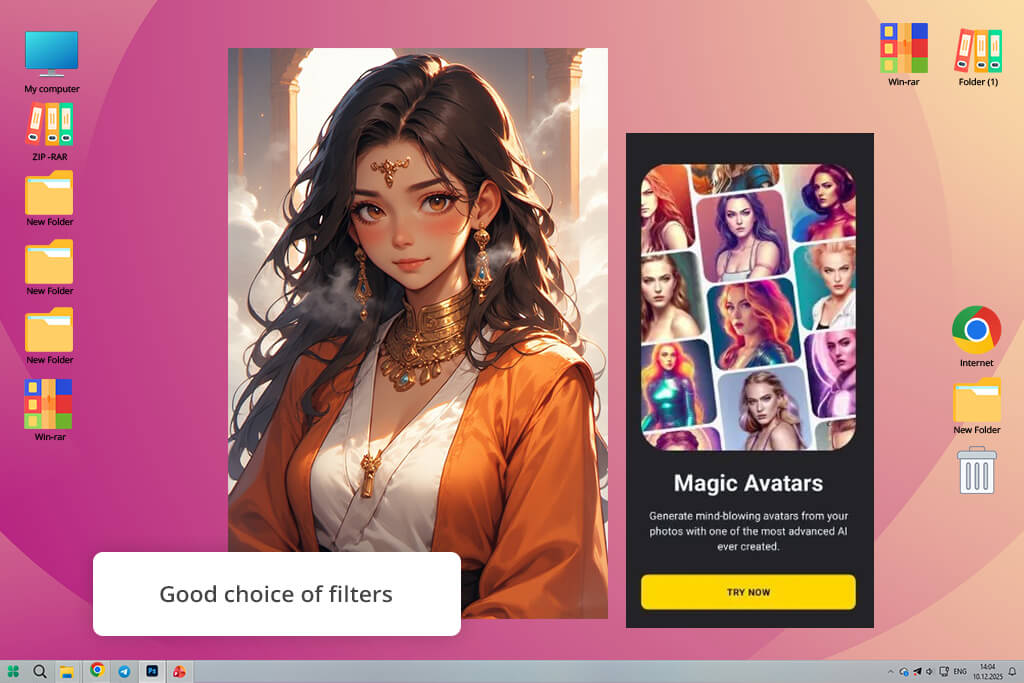
I checked out Lensa AI for custom character art and avatar designs, and it met my expectations. I uploaded text descriptions about appearance, style preferences, and the vibe I wanted, and got back gorgeous high-res portraits with punchy colors and sharp definition. These worked great for everything from my social media to project covers and promotional material. The style options, ranging from painterly to almost photo-real, let me experiment the way I want.
“Created a stylish character from a photo in about a minute. The AI preserved the facial features nicely while adding some artistic style. The result was better than I expected –great for avatars or profile pics.”
This AI character maker maintained the balance between artistic polish and actual clarity. These weren't just flat images. The characters looked alive, with genuine emotion in the faces and thoughtful styling choices. So, I used them for character references and marketing shots. Plus, I appreciate the ability to make multiple versions in seconds for testing different looks or tweaking the direction without starting from scratch.
We tested AI character generators the way real creators actually use them. Our team of three (Kate Gross, Tetiana Kostylieva, and Kate Debela) each worked on different creative projects to see which tools were genuinely useful and flexible.
Each person tackled their own challenge. Kate Gross created reusable brand characters for marketing and social posts, Tetiana built consistent characters for stories and children's books, and Kate Debela pushed the limits with game characters, app designs, and promotional stuff that needed to look realistic. Rather than judging based on single images, we checked if these tools could actually support an entire creative project from start to finish.
We tested each tool through various prompt styles, ranging from quick descriptions to full character breakdowns with personality, outfit, age, and setting details. We paid attention to how well the AI understood what you asked for, whether it made the same character consistently, and how easy it was to adjust results without starting from zero. We also zeroed in on faces, proportions, clothing, and visual balance.
When scoring the results, we focused on speed, quality, and user-friendliness. Some generators crushed it at photorealistic characters for advertisements and UI designs, while others impressed with the artistic or illustrated look that works great for graphic novels. The standouts were platforms that let you tweak poses and expressions while keeping your character intact. We also identified which ones were better for brainstorming versus which could actually produce ready-to-use assets.
We tested these tools, designing characters for a mobile game pitch, illustrating a children's book, building social media mascots, and creating app tutorials. Some AI character generators produced characters so polished that they could go straight into marketing materials and websites without any touch-ups. For story projects, we favored tools that made consistent and characters.
The best AI character generators save serious time and money while letting creators experiment safely before going all-in on final designs. Sure, different tools have different strengths, but the top ones delivered characters that actually worked for real projects. Our tests showed that AI character generation has moved past the "cool experiment" phase. It's now a standard part of how modern creators actually work.





![AI Bratz Doll Filter Online [FREE]](http://fixthephoto.com/blog/images/gallery/news_main__preview_28411.png)

![9 AI Background Remover Tools [Tested with Examples]](http://fixthephoto.com/blog/images/gallery/news_main__preview_28341.jpg)

![9 Best Ghibli AI Generators in {{%year}} [100% FREE]](http://fixthephoto.com/blog/images/gallery/news_main__preview_28431.jpg)
![8 Best AI Tattoo Generator Tools [+Good Prompts]](http://fixthephoto.com/blog/images/gallery/news_main__preview_28202.jpg)

















