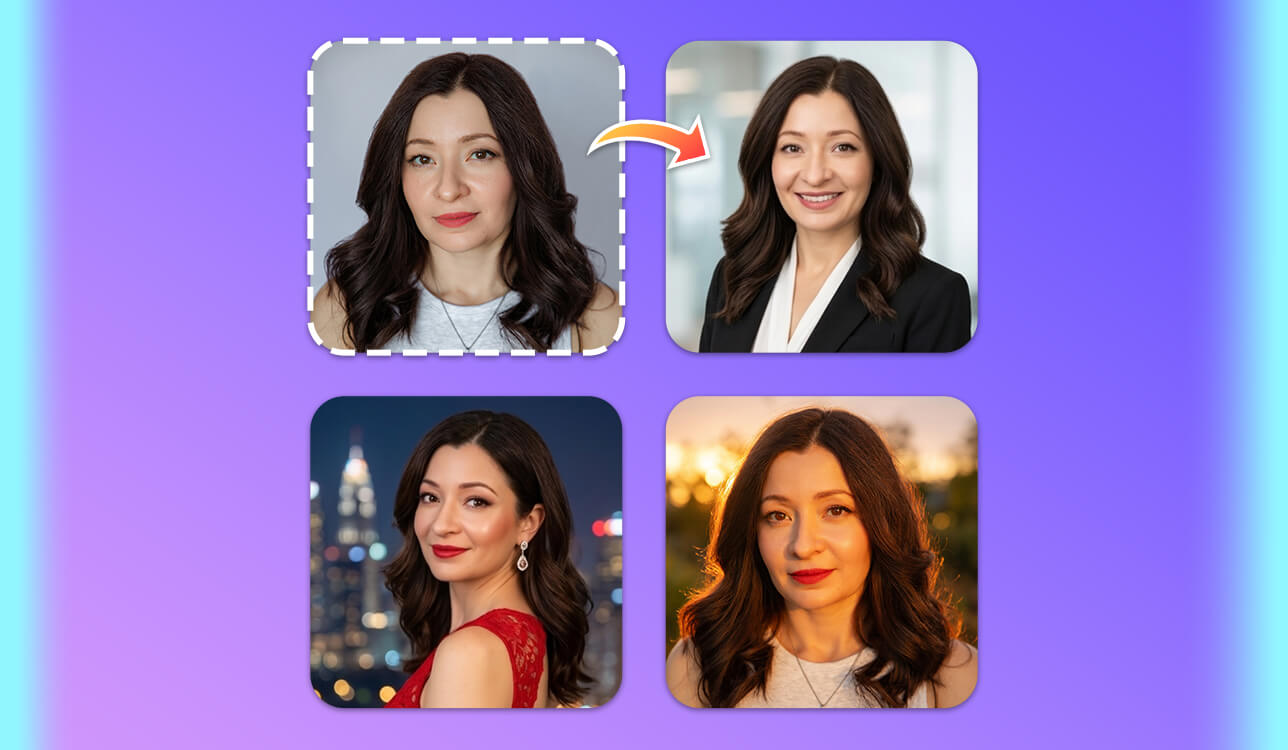
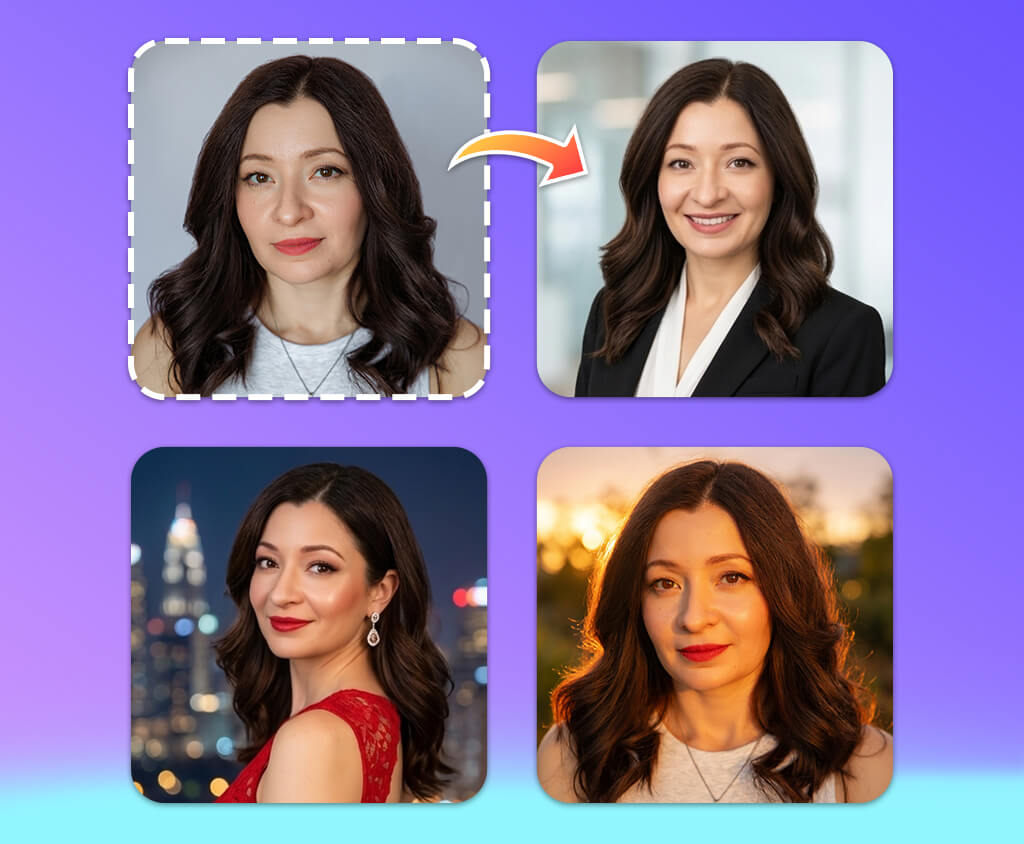
Until recently, I did not recognize the importance of using a professional-looking profile picture. However, when our FixThePhoto team decided to update the team pages, I realized that my old photo did not look professional enough compared to the pictures uploaded by my colleagues. This is when I decided to replace it with a new one.
I did not want to schedule a studio photoshoot for new profile pictures, which is why I decided to give AI tools a try to see whether they could save me time and money.
After testing some tools, I quickly discovered that they produced different outputs. Some of them changed my facial features and made me difficult to recognize, while others added unrealistic details. This is when I decided that I wanted to find a free AI profile picture generator that would allow me to create photos in different styles, so that I could use such pics across various platforms.
Besides, I wanted to find a service capable of generating high-resolution outputs, because I wanted to upload my profile pics on our website, LinkedIn, and some other platforms.
I spent a lot of time testing popular AI profile picture generators. I uploaded the same selfie photos and headshots to compare the outputs in terms of facial detail accuracy, image quality, style, and other criteria. I tested background replacement tools and experimented with different presets to achieve natural results. Some solutions helped me produce photos that looked virtually indiscernible from professional portraits taken in a studio, while others looked AI-generated.
As I knew that some of my colleagues from the FixThePhoto team used AI image generators to create profile pics, I asked them to recommend the platforms best suited for such tasks. They provided their recommendations and offered their assistance during testing. Besides, I analyzed user feedback posted online. Together with my colleagues, I created a detailed list of the requirements the best services should meet. After that, we started testing these platforms immediately.
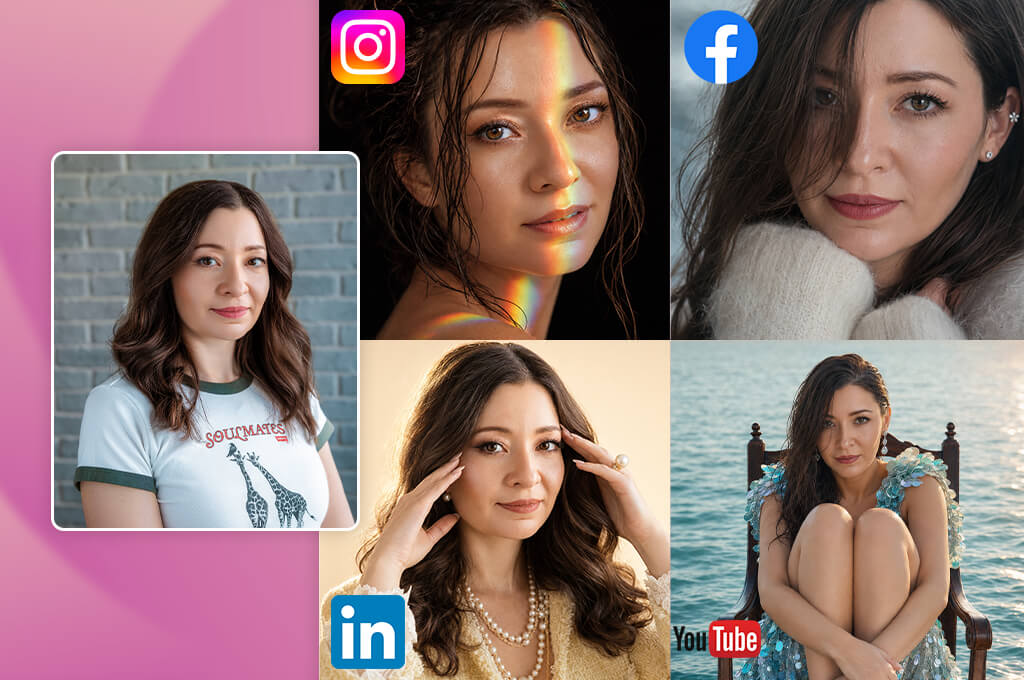
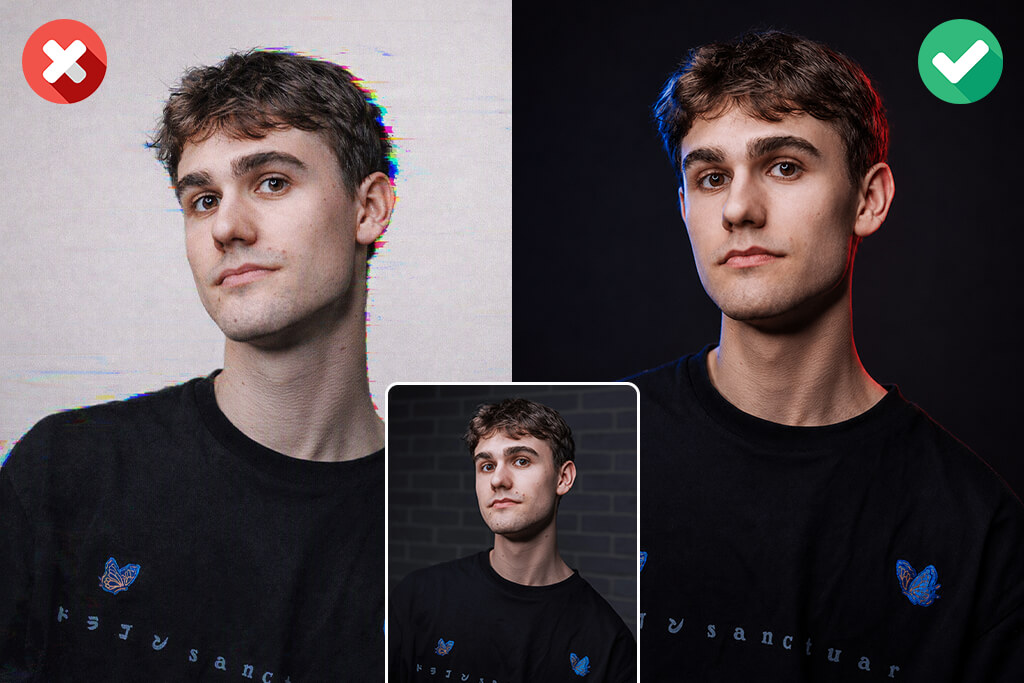
RESOLUTION. A profile pic should have sufficient quality to look sharp after a user uploads and crops it. Most online platforms accept pictures that have a resolution of at least 400 × 400 pixels.
A resolution of 800 × 800 pixels or higher is better for a more polished look. If you need to save AI-generated or edited photos for professional use, choose the resolution of 1024 × 1024 pixels or larger to avoid quality loss.
ASPECT RATIO. Most profile photos have a square 1:1 aspect ratio because online services typically crop pics into circles or squares. You can upload a 2000 × 2000 px or 1024 × 1024 px square picture on most platforms while preserving important details.
FILE FORMAT. The most widely used image formats are the following:
FILE SIZE. The size of a profile picture should be between 100 KB and 5 MB, depending on the site where you are going to use it. It takes longer for bulky files to upload, while overly compressed pictures may lack facial details.
FACE POSITION. The face should take up around 50–70% of the whole picture. The eyes should be in the upper-middle part of the frame. There should be enough space around the head to avoid any issues during automatic cropping.
IMAGE ORIENTATION. A square image format is the most convenient, but you can also save portraits with a 4:5 ratio (for instance, 1080 × 1350 px) because many platforms crop such pictures automatically. Do not upload extremely wide landscape pics because the facial features may become too small when the image gets resized.
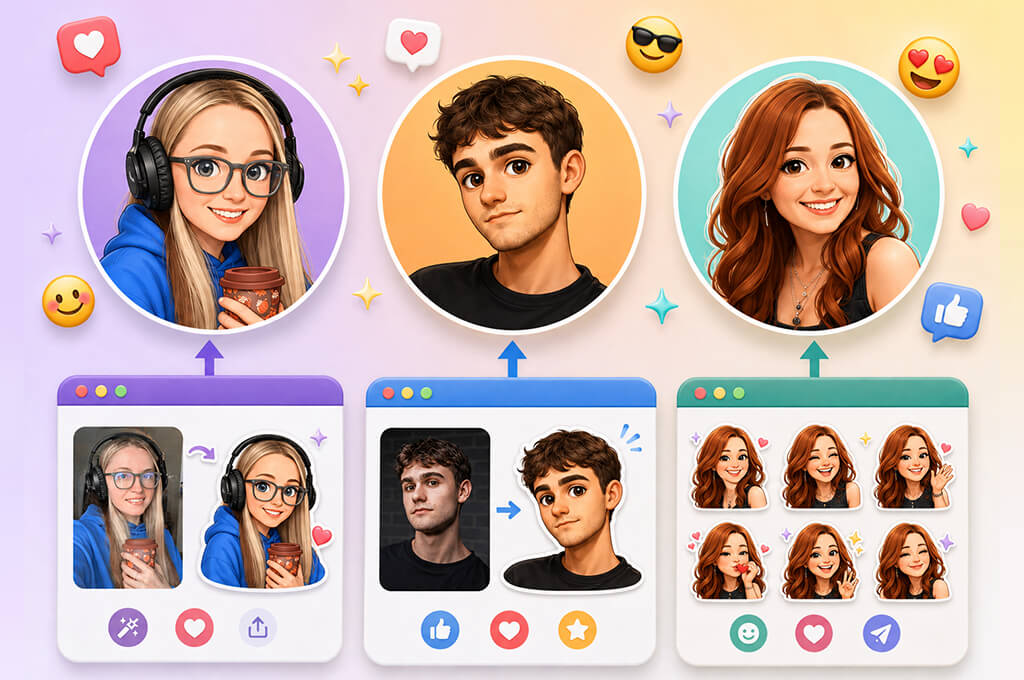
BACKGROUND. The background should not have any unnecessary elements distracting a viewer’s attention from the main subject. When creating professional profile pics, use a clean background or soft blur. AI-generated profile photos should not have unrealistic backgrounds, weird lighting, or artificial-looking elements.
LIGHTING QUALITY. The face should be perfectly visible, as even lighting allows one to preserve important details. There should not be any strong shadows, overexposed or overly dark areas in your photos, because the face might become blurry when you use AI tools and the image gets compressed.
COLOR AND IMAGE QUALITY. Choose natural colors and do not apply unnatural filters. A portrait should have well-balanced contrast, natural skin tones, and sufficiently detailed eyes, hair, and facial features. You can enhance these areas with the help of free photo editing apps.
CROP SAFETY. The face, hair, and shoulders should be positioned inside the central area of a photo. Leave some empty space around the head to ensure that your profile picture will look well-balanced after being cropped by a platform.
Recommended sizes by platform:
| Platform | Recommended Size |
|---|---|
|
LinkedIn
|
800 × 800 px (minimum 400 × 400 px)
|
|
Instagram
|
1080 × 1080 px
|
|
Facebook
|
320 × 320 px or higher
|
|
X (Twitter)
|
400 × 400 px
|
|
YouTube
|
800 × 800 px
|
|
Company websites
|
1000 × 1000 px or higher
|
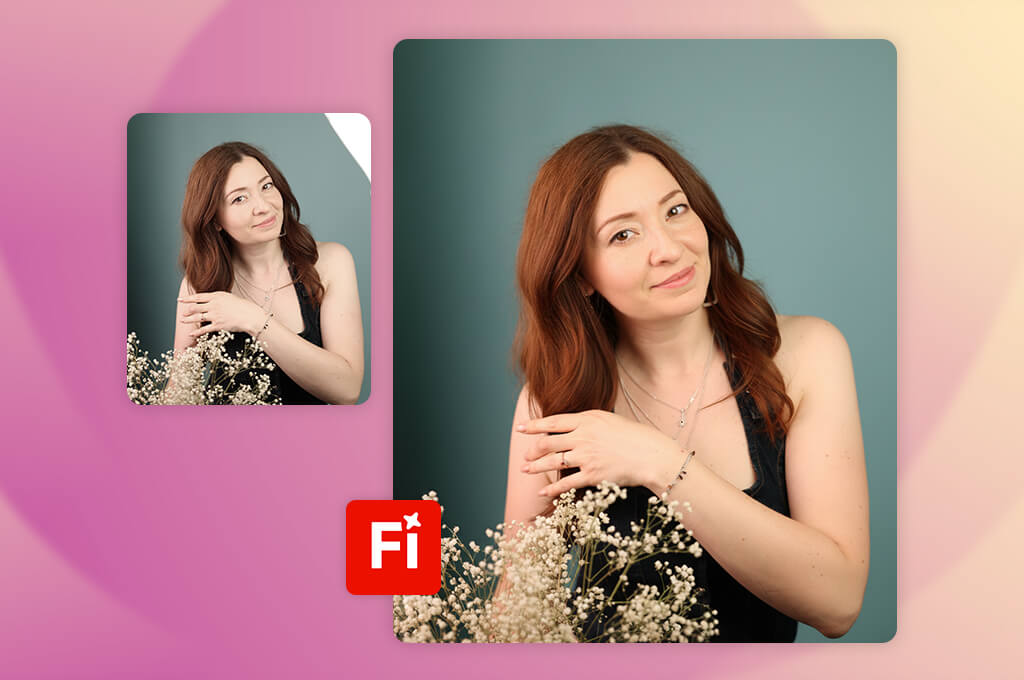
I decided to thoroughly test Adobe Firefly when I realized that I needed to discover a practical solution for generating portrait pictures for our FixThePhoto team pages and social media profiles.
I had already tested some dedicated AI profile picture generators and noticed that many of these services produced outputs that did not look natural enough or even distorted my facial features.
I wanted to discover a solution that would allow me to give my pics a polished feel without making me look like a different person. Firefly caught my attention because it comes with AI generation features and professional editing tools, which makes it stand out among basic services built for producing random portraits.
While testing this service, I uploaded several selfies taken in different lighting conditions and considered the outputs produced by Firefly. I used Generative Fill, Reference Image, and Text to Image tools to edit backgrounds, transform the style, and create professional-looking pics.
When reviewing the outputs, I considered the accuracy of facial features, skin details, lighting, and the overall natural look. The main upside of using this service is that it allows me to edit certain parts of a photo without recreating it from scratch.
“I was pleased with the high degree of creative control I had when creating profile photos. The output quality was quite decent, but I had to edit my prompts to get photos in the style I needed.”

While testing this free Adobe software, I liked the fact that I could fully control the result. With it, I could create a corporate-style portrait based on a casual selfie without distorting the facial features or changing the facial expression.
Another advantage of this platform is that it fully integrates with Adobe software. Using it, I could enhance small details with ease. Unlike more basic AI profile picture generators, Firefly can help me streamline every part of my editing workflow.
After completing the testing process, I realized why Firefly is so popular among those who want to create professional portraits for their profiles. It helps one carefully enhance a source photo without changing the person’s identity. Adobe Firefly is one of the most reliable solutions I have ever used while working on FixThePhoto projects, as it allows me to achieve natural outputs with ease.
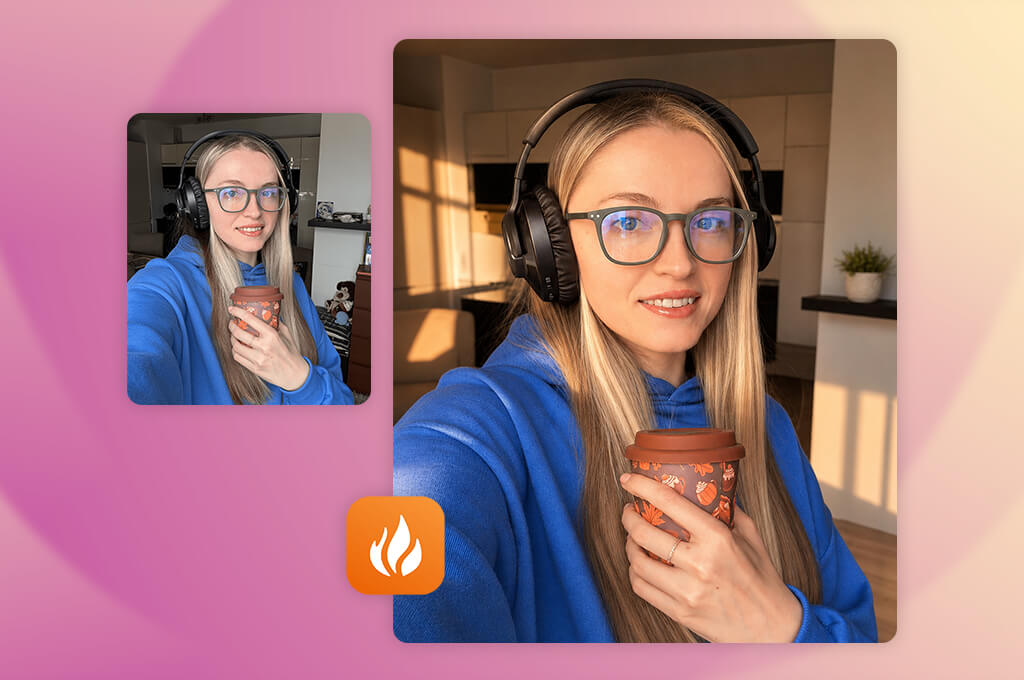
I became curious about Aragon AI because I needed to find a dedicated AI profile picture maker for creating professional headshots. I did not need to use general-purpose AI image generators for creating profile pics.
When we decided to update our FixThePhoto profiles, our main objective was to replace the pics with business-style photos. We did not want to publish overly edited portraits on our platform. I wanted to know whether Aragon would help me generate pics that would make it unnecessary for me to schedule a studio photoshoot. I was interested in realistic portraits with carefully preserved facial features.
I uploaded several selfies captured in different conditions and followed the suggested guidelines to generate AI headshots. I experimented with different styles, such as corporate portraits, casual professional pics, and polished LinkedIn headshots.
When reviewing the outputs, I focused on face similarity, clothing, hairstyle, and background quality. I liked the fact that this service was built for portrait generation, which helped me streamline my workflow.
I was especially impressed by the fact that Aragon quickly generated a variety of professional-looking photos. I did not need to edit every detail manually, as I could choose the most suitable option with the right clothing and background from the pics it generated.
Some outputs still required adjustment, but many of them looked like photos taken in a professional studio. This platform is more narrow-focused than generic-purpose image generation services.
While testing Aragon, I realized why dedicated headshot generators are the top choice among so many users. This service is a highly practical solution for creating portraits, team photos, or professional profile pics. Aragon delivers more realistic outputs than generic AI generators.
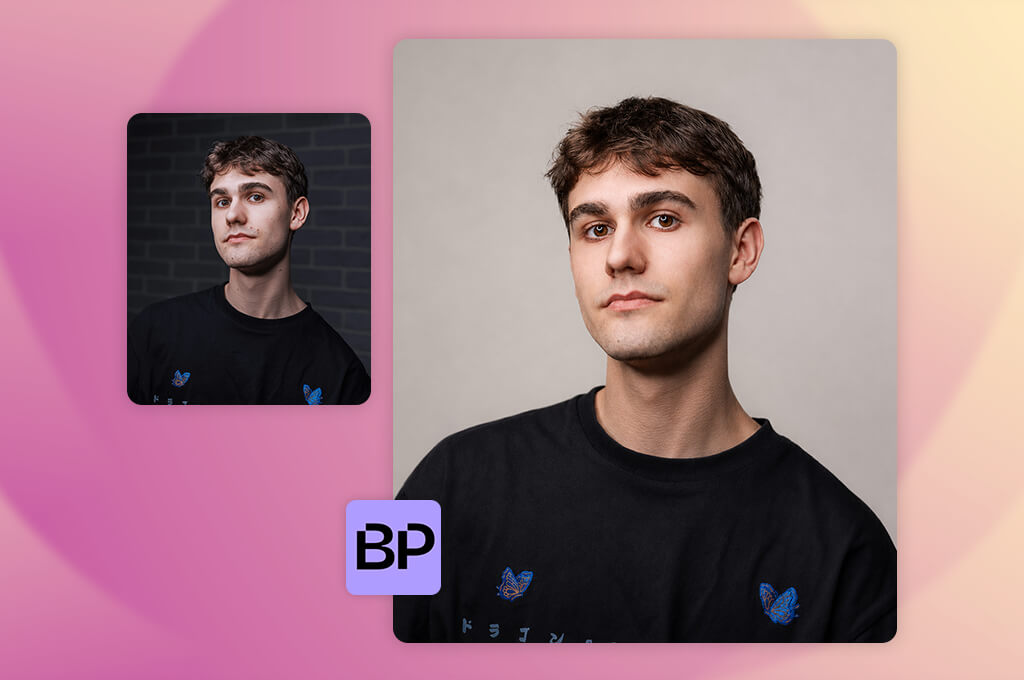
I became interested in BetterPic when my colleagues mentioned that it’s the perfect solution for generating polished portraits that do not require much editing and have a natural look. At FixThePhoto, I often work with clients who want to create professional portraits based on casual pics and stay recognizable. This is why I wanted to check whether this free AI profile picture maker could help me enhance my photos while keeping them authentic.
While testing this AI headshot generator, I uploaded my personal photos to experiment with the supported AI headshot styles. I wanted to see whether this platform would help me change clothing, enhance the background, improve lighting, and keep facial details recognizable.
Next, I compared the outputs with source files to see whether they stayed realistic. I wanted to ensure that the AI did not distort my facial features. In addition, I tested other tools and tried creating pictures for websites, social media, and professional profiles.
“I used this service to create clean corporate-style headshots for my LinkedIn profile. The whole workflow is quite intuitive. I edited only a few pics to make them more realistic.”

I was struck by the fact that it quickly produces multiple portrait variations based on the same source photo. It allowed me to experiment with different moods without making the person in the photo look unrecognizable. The outputs looked polished and natural. Unlike many general-purpose services, BetterPic is more suitable for generating headshot photos that do not require much editing.
I concluded that BetterPic is the optimal choice for those who need to achieve professional results quickly without mastering advanced tools. It helped me create profile photos where the subject stayed recognizable and upload these pics on different platforms. We often use this service at FixThePhoto when we need to create polished portraits quickly.

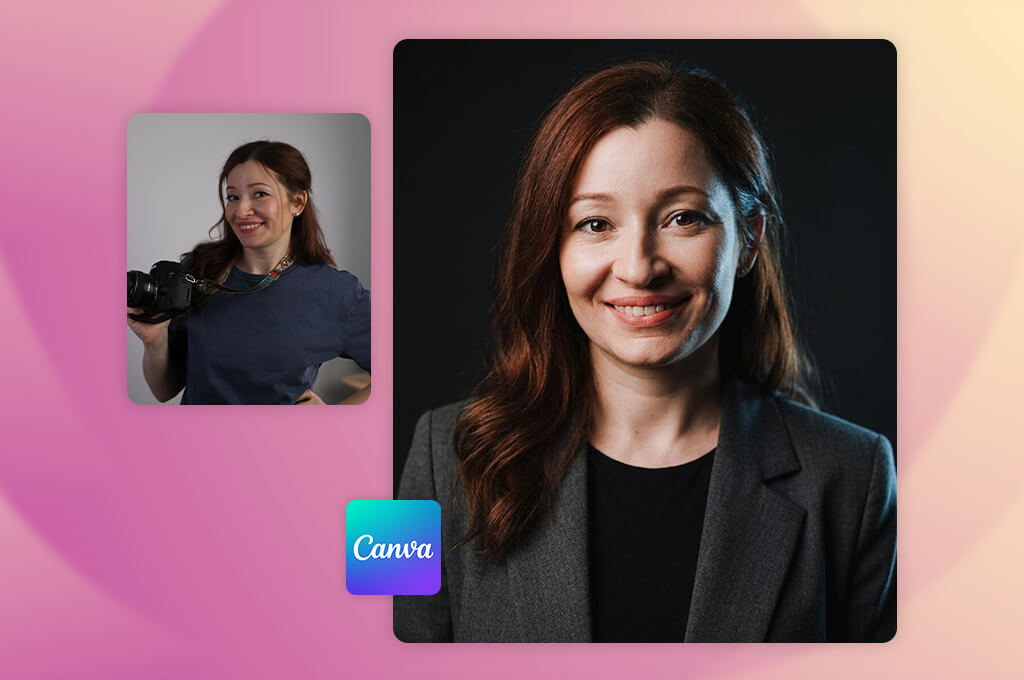
I decided to give Canva a try because I often used it while working on design tasks at FixThePhoto. This is why I wanted to see whether its AI tools are suitable for creating profile pics. What makes Canva different from dedicated headshot generators is that it functions as a full design environment, making it suitable for a wider range of tasks besides creating images.
I wanted to check whether its extensive functionality would help me generate other types of visuals besides portraits. I needed to create profile pics that can be used on different platforms.
I started by trying out the AI-based tools, such as Magic Media, Magic Edit, and Background Remover. Besides, I tested various styles. Canva helped me produce profile pics for websites, social media platforms, and branding materials.
When reviewing the outputs, I examined facial features and checked whether it would be possible for me to add backgrounds, customize layouts, and save the pictures in various formats quickly. The editing process was quite intuitive, as I could access all the tools with ease.
What I like the most about this platform is that it allows me to perform other creative tasks besides producing AI generated profile pictures. I could replace the background, add branding elements, or create multiple versions of my photos for different platforms. Even though the AI-generated photos may lack realism, Canva has a wider range of editing tools than regular headshot generators. It made it easier for me to create headshots and use them as a part of larger design projects.
After thorough testing, I believe that Canva would be the perfect fit for those who need to use a wider range of editing tools after generating portraits. Even though its AI-generated headshots do not always look sufficiently realistic, I can customize the outputs and use them in different ways.
It’s especially suitable for projects that involve producing social media graphics and branded content. As we often work on such tasks at FixThePhoto, we decided that this platform is perfectly suitable for our needs.
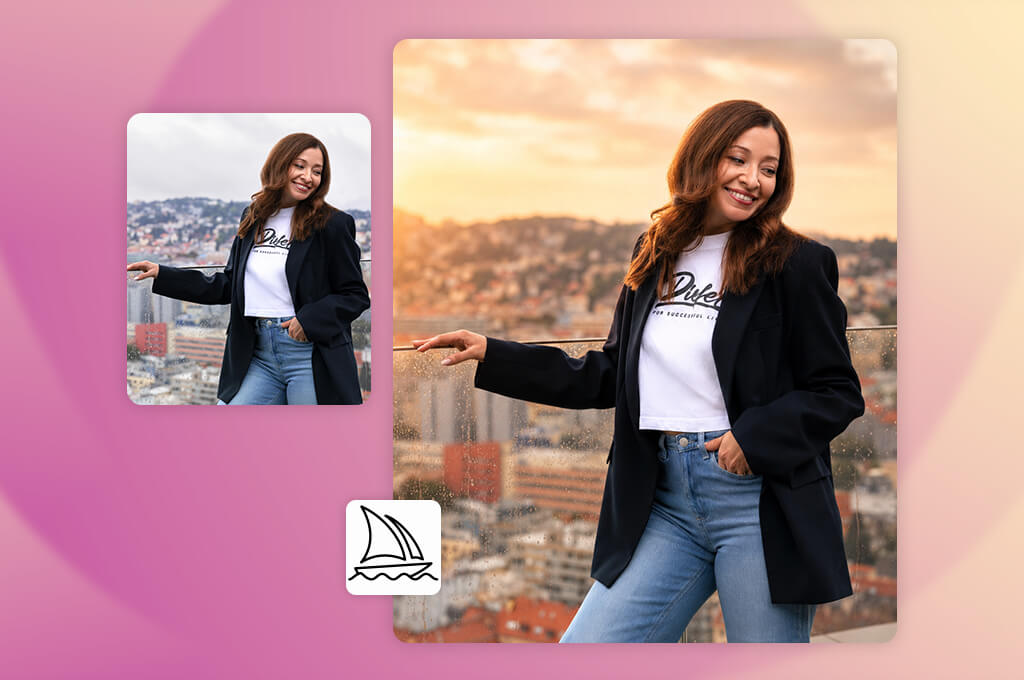
I started testing Midjourney because I was curious to see whether this artistic AI image generator could also be used for creating profile pictures. Most dedicated headshot generators focus on producing realistic pics. However, we occasionally need to create stylized portraits, fantasy-themed avatars, or unique brand pics.
At FixThePhoto, we produce all kinds of visual content. This is why I wanted to check whether Midjourney could help me create more unique profile pics. I was also curious to learn whether it would be possible to produce creative outputs while keeping the main subject recognizable.
I uploaded some reference pics and wrote detailed prompts to produce several versions of the same portrait. I generated realistic portraits, cinematic images, digital art, and character-inspired pics while paying special attention to the consistency of facial features. I used Character Reference and Style Reference tools to analyze the outputs. Midjourney helped me to control the visual direction and create images with the right atmosphere.
“The outputs were excellent and truly unique. This solution is perfect for generating creative avatars, but it took me a while to create a realistic professional photo.”

I was especially pleased with the output when I decided to generate a more complex image than a regular corporate headshot. This professional AI profile picture generator produced photos with a well-balanced composition, professional lighting, and a distinct artistic look.
However, it was more challenging to keep facial features consistent, which makes this platform less convenient than dedicated headshot generators. This service should be used as a creative portrait generator, as it’s less suitable for basic photo enhancement tasks.
After testing Midjourney, I realized that it might be especially useful for users who need to create memorable and unique profile pics. Even though it might take you a while to generate a simple LinkedIn photo using this service, it facilitates creative experimenting, which makes it suitable for complex tasks. At FixThePhoto, we use Midjourney when working on projects that require us to produce visuals with a distinct visual style.
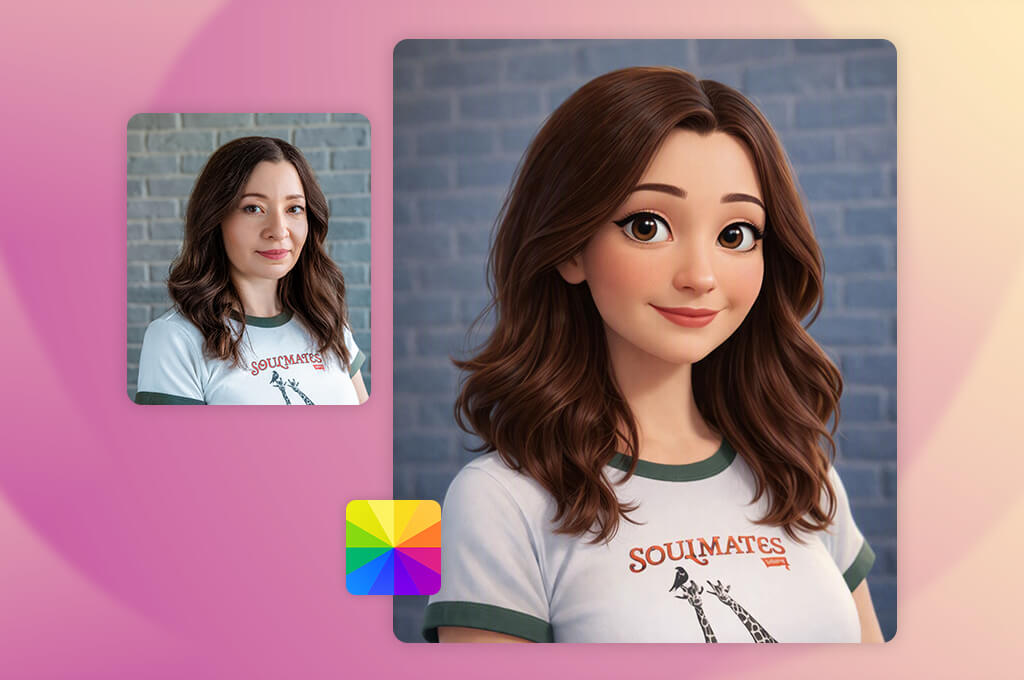
I decided to test Fotor because I was curious about the capabilities of this classic photo editor after learning that it can also be used as an AI portrait generator. At FixThePhoto, we are often asked to make photos sharper and more polished to give them a professional look.
I wanted to learn whether Fotor could help me enhance a photo instead of using AI to generate it from scratch. While testing this service, I decided to check whether it was suitable for quick profile photo enhancements.
To test this AI profile picture generator, I uploaded several casual selfies and portraits taken in different lighting conditions and with different backgrounds. I tested AI Portrait and AI Enhance features, edited the background, and used the retouching tools to give my photos a polished look. I wanted to make natural edits and avoid distorting facial features, colors, and skin texture. Fotor allows me to edit my photos with high precision and enhance specific areas without impacting the rest.
I immediately noticed that this platform has a lot of practical tools. There is no need to generate a new portrait from scratch, as I can upload my real photo and enhance it the way I need. This service helped me create a profile picture that did not look AI-generated and had a professional feel. I could fix lighting issues quickly, make backgrounds less cluttered, and improve overall image quality.
After testing Fotor, I concluded that it’s an excellent solution for those who want to enhance their pics. Even though it’s hardly suitable for generating advanced AI headshots, it allows users to edit their pics the way they see fit because this service has more extensive functionality than simple image generators. I was pleased to discover that this convenient solution was perfectly suitable for many photo enhancement tasks we have to handle at FixThePhoto.
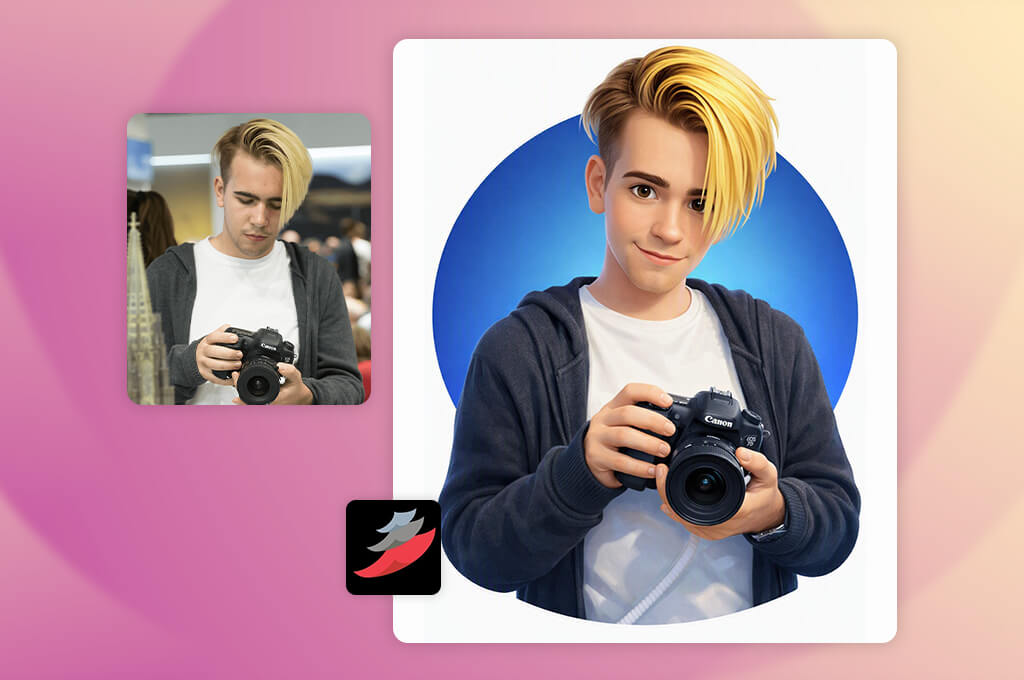
When I started testing BrandCrowd, I decided to follow a slightly different approach because I wanted to generate profile photos suitable for personal branding. At FixThePhoto, we occasionally need to create visually appealing photos that match a specific brand identity.
I wanted to check whether BrandCrowd could generate profile pictures for portfolios, business pages, and social media. I wanted to get natural-looking outputs that match our branding needs.
I tested the AI design tools, templates, customization features, and visuals available on this platform. It helped me create several versions with different moods, colors, and styles. As a result, I could choose the option that matched our brand identity best.
The AI face generator from photo is extremely intuitive, as it allowed me to choose between several ideas instead of creating a picture from scratch. BrandCrowd was built for producing brand-related portraits, which is why it’s less suitable for generating photos based on prompts.
“I liked using it when I needed to generate a profile picture that matched my brand. The templates are easy to use. However, the platform has a limited choice of options for realistic portraits.”

I was especially pleased with the high AI generation speed, which helped me create several versions quickly. I could experiment with different ideas and create profile pics that matched a company brand, creative projects, or visuals for improving a brand’s online presence.
This solution is better suited for producing stylized branding images than realistic portraits. Even though it might be difficult to use it to generate a polished headshot, it will come in handy to those who need to build a recognizable identity.
After testing BrandCrowd, I concluded that its key advantage over regular AI portrait generators lies in the fact that it allows entrepreneurs, creators, and small businesses to build and maintain a recognizable online appearance. We often use this AI profile picture generator at FixThePhoto while working on projects that involve building a brand identity, as it helps us experiment with different creative styles.
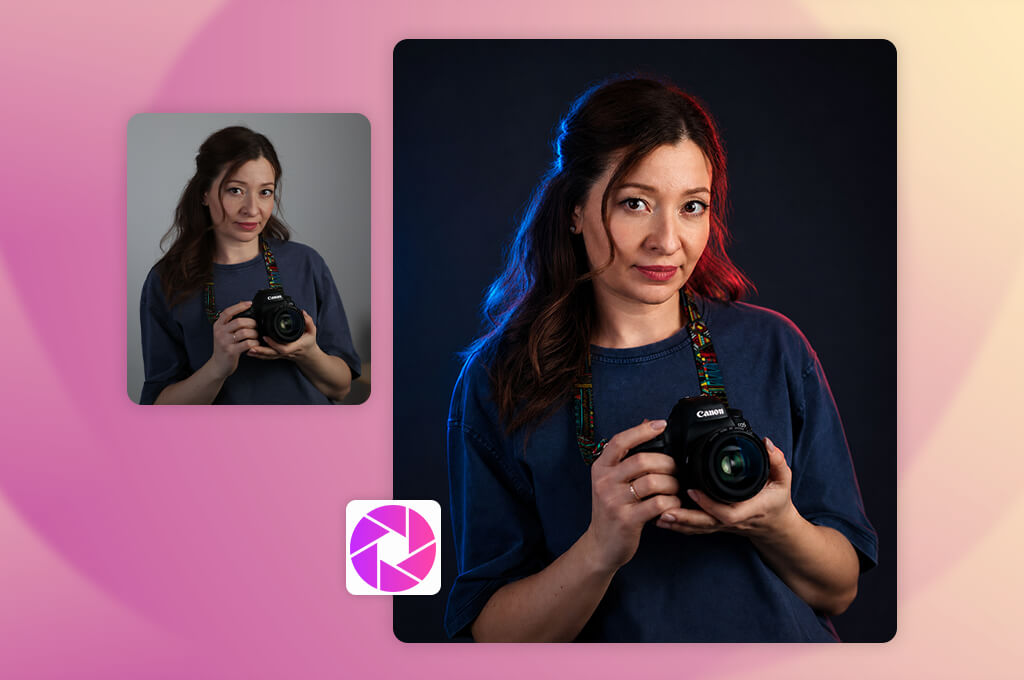
AI SuitUp sparked my curiosity because I wanted to find an AI profile picture generator that was suitable for creating professional photos for work profiles. It might be challenging to turn a selfie into a polished corporate headshot. I wanted to test this service to see whether it would allow me to achieve the desired result. While testing this service at FixThePhoto, I checked whether it would allow me to create realistic professional portraits based on casual photos. I wanted to achieve natural outputs.
After uploading several personal pics, I generated business-style pictures with different outfits and polished backgrounds. When examining the generated images, I considered the accuracy of facial features, realistic outfit details, and overall impression. The key advantage of this AI art generator is that it allows me to produce portraits that look like professional corporate headshots.
I was pleased to discover that I could fully transform my photos by changing clothing and background. Such extensive customization helped me create formal pictures suitable for work profiles and avoid scheduling a costly photo session. I reviewed the output to see whether there were any issues. I noticed that this service produced the best outputs when I used polished source photos with good lighting.
After testing AI SuitUp, I decided that it might be especially suitable for those who need to generate polished pics for work profiles quickly. Even though it has a narrow area of use, this service is extremely practical. It allows users to generate business portraits and photos for workplace profiles, which makes it a more convenient and efficient solution than a regular AI assistant.
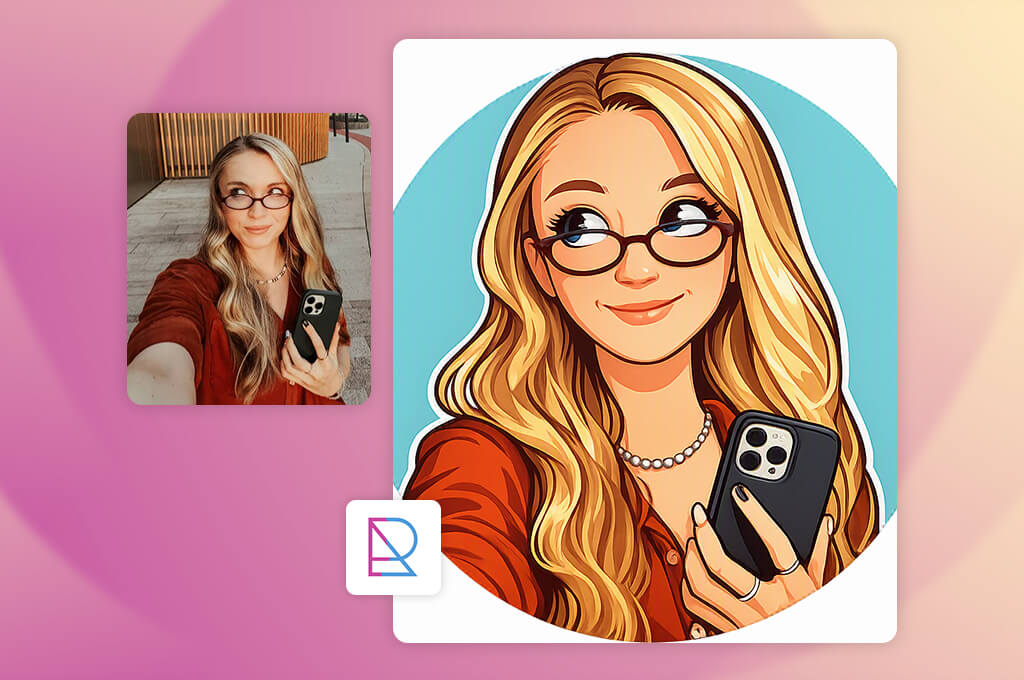
I decided to include RupaAI into my list for testing because I wanted to see how this AI headshot tool would generate portraits based on some personal photos. While writing this FixThePhoto review, I wanted to mention the services that could help users expedite their workflows and generate realistic outputs.
I was interested in output quality and wanted to check whether the entire workflow was intuitive, from uploading pictures to choosing the best version of a portrait. I wanted to discover a service that any person can master quickly.
The first thing I did was to upload several pictures and choose different portrait styles, backgrounds, and professional looks. I wanted to see whether facial features would stay the same, because I wanted to get photos with the recognizable subject.
This service helped me produce several variations of a portrait photo and choose the versions with the most suitable moods and styles. I was pleased to discover that the platform made it so easy to generate polished profile pics with little to no effort.
“This service helped me create multiple versions of profile pictures with ease. It was nice to experiment with new styles and generate outputs quickly, but the outputs depended a lot on the source photos.”

I was especially pleased with the intuitive functionality of this service. I did not need to come up with detailed prompts and describe the desired outputs with high precision. This platform helped me automate most of my workflow, as it generates portraits quickly.
Due to this fact, I could experiment with various ideas. I examined the outputs carefully to see whether the facial features look recognizable, knowing that even subtle differences might give an artificial feel to photos.
After using RupaAI, I concluded that it’s an intuitive AI profile picture generator for those who need to generate portraits quickly with the help of AI tools. It’s less suitable for creative experimenting, as it’s more focused on generating natural-looking profile pics. This service is suitable even for beginners, as it allows users to update their online profiles without mastering complex tools.
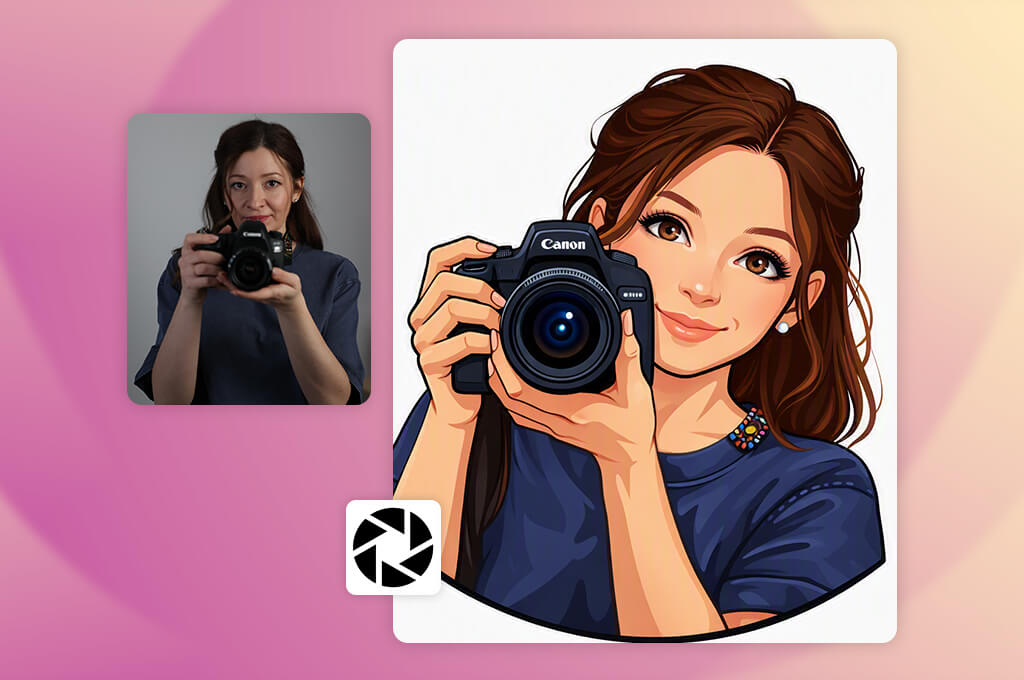
I wanted to test Dr Headshot as I was curious about the capabilities of this dedicated AI headshot service when it came to professional portrait generation. When we need to update FixThePhoto profiles, it is occasionally challenging to find polished pictures that still look natural. I did not want our photos to have overly edited faces or look unrealistic. This is why I tried generating corporate portraits that would look as if they were taken in a professional studio.
While testing this service, I uploaded several casual pics and experimented with various professional styles, backgrounds, and outfits. I compared the outputs in terms of lighting, image sharpness, and realism. Besides, I wanted to see whether the facial features would be easy to recognize.
This service delivered excellent performance when we used it to produce polished professional photos based on casual selfies. We did not need to adjust any complex settings. The workflow is quite intuitive, as it’s focused on producing corporate headshots.
The best thing about this service is that it produces consistent outputs.
Even when I try out different styles, the subject in the photos still looks like the same person. It makes this platform perfect for those who need to create profile pictures of real people. Besides, I was pleased by the fact that the outputs did not require a lot of extra editing.
After using Dr Headshot, I realized why so many people prefer to use this dedicated AI profile picture generator. Even though it does not support the same degree of creative freedom as general-purpose AI image generators, it’s perfectly suitable for the task it was built for. Among the options I’ve tested, it’s one of the best solutions for those who are looking for a reliable service for generating realistic profile pics.
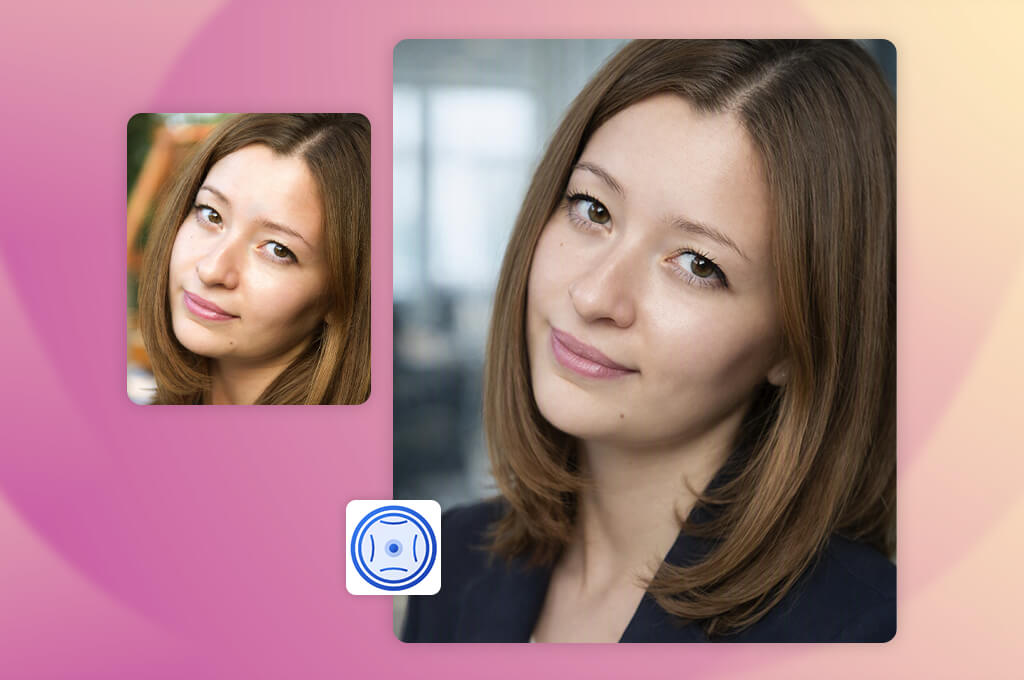
I decided to give Snapheadshots a try because I was looking for a reliable AI headshot generator that could allow me to create professional photos and avoid scheduling a photoshoot. Many people avoid costly studio sessions when they need to take photos for their LinkedIn or business profiles if they can find a suitable alternative. This is why I decided to check whether this solution would allow me to generate realistic outputs.
I tested this service while working on FixThePhoto projects. I wanted to see whether the generated photos would look natural and professional. My main goal was to generate images that could be used online.
After uploading my pictures, I experimented with different headshot styles to compare the outputs. When analyzing the generated photos, I paid attention to facial structure, expressions, clothing, and background quality. SnapHeadshots generated several versions, which allowed me to choose pictures that were suitable for different professional contexts. The process was quite intuitive and focused on creating realistic business portraits.
“Using this solution, I created some polished portraits that looked as if they were taken in a professional studio. Most outputs were pretty decent. However, a few did not recreate my facial features with high accuracy.”

I immediately discovered that this solution produced outputs ready for professional use. The generated pictures looked polished. They had well-balanced compositions and clean backgrounds, making them suitable for work-related use. I closely examined each output, knowing that AI-generated images occasionally lack some subtle details. We achieved the best results when we used source photos with good lighting and good angles.
After using SnapHeadshots for a while, I believe that it would be perfect for those who want to get professional-looking portraits without scheduling a photoshoot. Even though it’s hardly suitable for creative image generation tasks, it will come in handy for those who need to create polished business profiles, team pages, and branding materials.
Together with other members of our team, including Tetiana Kostylieva, Nataly Omelchenko, and Vadym Antypenko, we thoroughly tested each service to see whether they are suitable for generating different types of profile pictures, including business headshots, profile pics for social media, and team portraits.
Tetiana Kostylieva was mostly interested in the visual quality of the AI-generated outputs. She checked whether these solutions would keep facial features, expressions, and hairstyles consistent with the source file and produce portraits with recognizable subjects. We uploaded the same set of selfie photos to compare the outputs in terms of realism, lighting, skin texture, and background quality. We ranked AI profile picture generators higher if they produced professional-looking images and the person in the photos stayed recognizable.
Nataly Omelchenko tested the creative and customization tools available on each platform. She tried applying style presets, replacing the backgrounds, changing outfits, using AI retouching tools, and generating multiple portrait variations.
“While using Firefly, I experimented with style presets, backgrounds, outfits, and AI retouching features. It was easy to generate multiple profile pictures for LinkedIn, social media, and websites based on a single selfie photo. I liked using the platforms with advanced editing tools, as they helped me achieve natural and practical outputs.”

Vadym Antypenko decided to test the technical side and usability of the services we selected. He compared them in terms of speed, output resolution, export options, and intuitive interfaces.
Besides, he wanted to see whether the outputs required a lot of editing. We also wanted to understand whether these platforms could handle different types of inputs, including pictures taken in different lighting conditions and with different backgrounds. We ranked the services higher if they produced high-quality outputs that did not require many corrections.
After the testing stage, we compared the AI profile picture generators in terms of realistic results, customization options, intuitive functionality, and output quality. The best AI profile picture generators we discovered were suitable for creating visually appealing portraits and helped us keep the subjects recognizable.
As a result, it was possible to use the outputs for online profiles. Our thorough testing approach allowed us to discover the generators that could help us automate our workflows and create professionally-looking pictures.