For my graphic design work, I frequently need to make personalized monograms for branding kits, wedding stationery, business logos, social media, and other projects. When handling professional tasks, I typically use premium solutions like Adobe Illustrator or Photoshop that provide unrestricted control over the typography, layouts, and decorative assets.
That said, I know that many people can’t afford expensive software or simply don’t need something so complex. A lot of users just want to find the best free monogram maker that gets the job done without feeling overwhelming.
Lately, I’ve been approached by multiple readers who wanted to know which free monogram makers they could use to receive stylish designs without having to pay a professional or buy and master advanced software. Since the budget was their main focus, I wanted to limit my test solely to solutions that provide free access to essential monogram design tools.
To offer a more objective review, I reached out to my colleagues from the FixThePhoto team, and they helped me try out dozens of online solutions, evaluating their user-friendliness, customization options, template quality, and export parameters.
The free online monogram makers featured below captured my attention by offering more than basic letter combinations. The chosen platforms let you adjust the fonts, layouts, decorative frames, colors, and design elements while ensuring the workflow is simple and intuitive. Some are perfect for personal and wedding projects, while others are a better fit for logo-based creations that can be used for branding. These solutions consistently provided beautiful results without demanding advanced skills or premium plans.
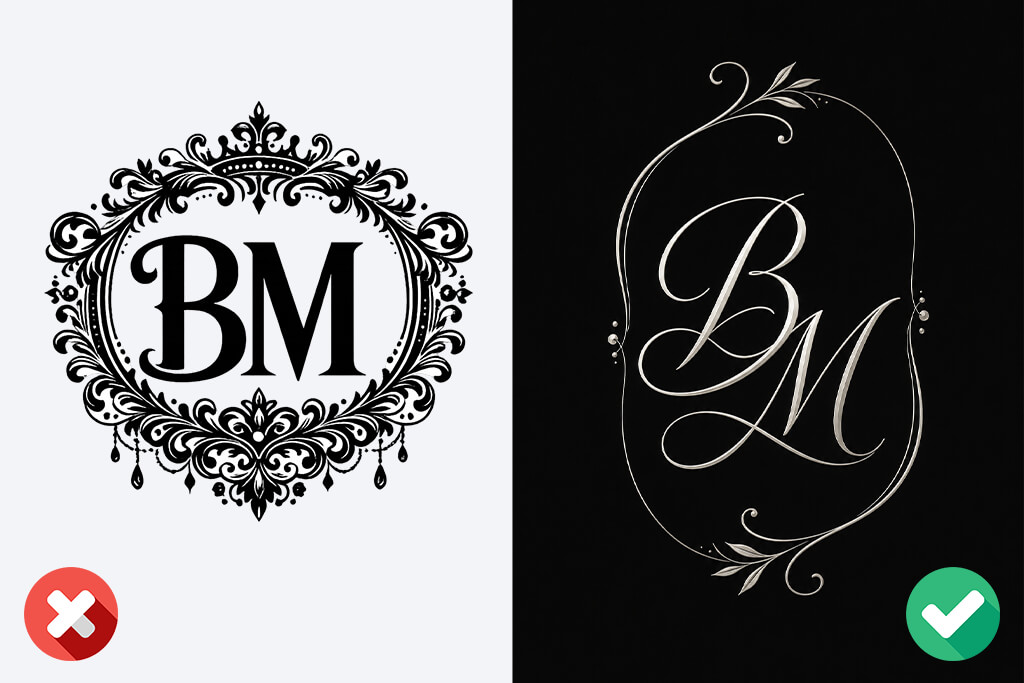
While monograms feel simplistic at first glance, making one that looks stylish, balanced, and eye-catching means you need to be aware of multiple vital design principles. Whether you’re working on a personal monogram, a wedding design, or a logo, these suggestions will help you receive a significantly more appealing result.
As I’m already deeply entangled with the Adobe ecosystem, Adobe Express was the first free monogram creator I tested and I felt right at home. That said, it's a lot more approachable compared to most Adobe software.
I began by choosing one of the monogram templates, swapped out the default text with my own, and after just a couple of minutes, I had multiple refined concepts that I could continue to work on. Even if you have never worked with layouts and fonts before, you'll still manage to achieve a high-quality result with minimum effort.
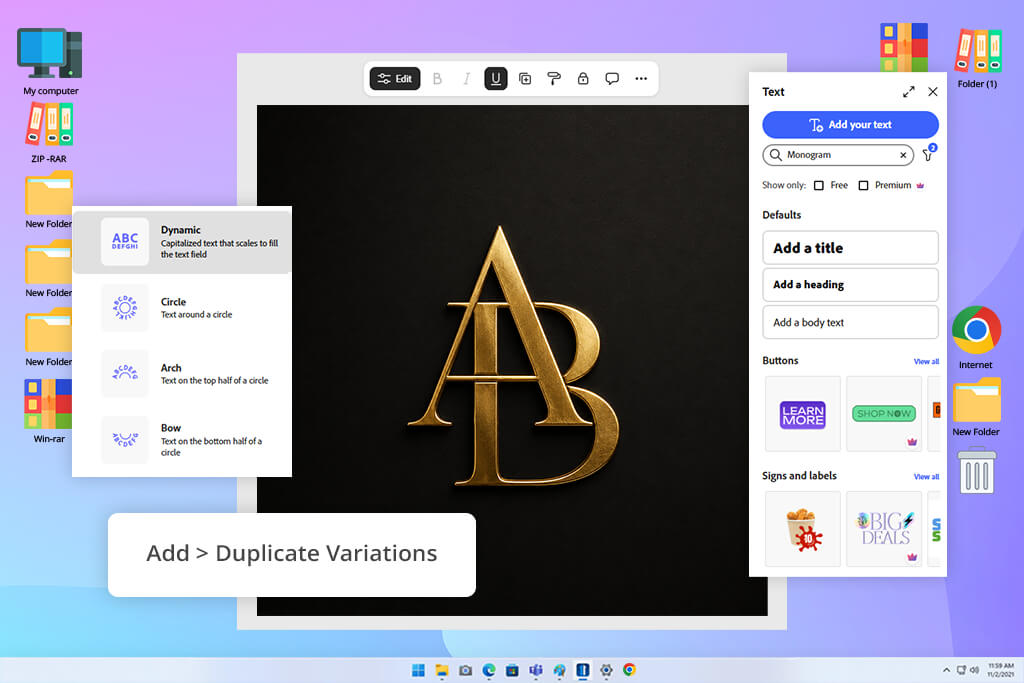
“The Add > Duplicate feature is extremely time-efficient, since it allowed me to preserve the structure of my design while conveniently adjusting the typography and color palette. Additionally, I enjoyed the speed with which I could evaluate how the monogram appeared on invitation layouts without having to export them.”

After choosing my favorite version, I clicked on Add > Duplicate to make multiple alternatives and examine them side by side. One had a classic script font, another featured a more minimalistic serif style that looked like a good fit for business branding. Additionally, I evaluated the amount of freedom by adding my own graphic assets.
Next, I explored the provided Adobe Stock library for decorative elements. Most of them could be used instantly, but I also found some premium assets that required a paid upgrade. Thankfully, the free selection is expansive enough to ensure I never felt lost looking for replacements.
The main aspect that ensured I used Adobe Express longer than I initially planned to was the ability to add the same monogram to different projects without ever switching between apps. After finalizing the design, I added it to an invitation as well as a greeting card to check how it would look when printed out.
Afterward, I saved multiple versions as PNG and JPEG images, and the result looked polished and professional. I ended up saving several duplicated versions since each of them was a better fit for different projects, and having such variations ensured I didn’t have to recreate my monograms later.
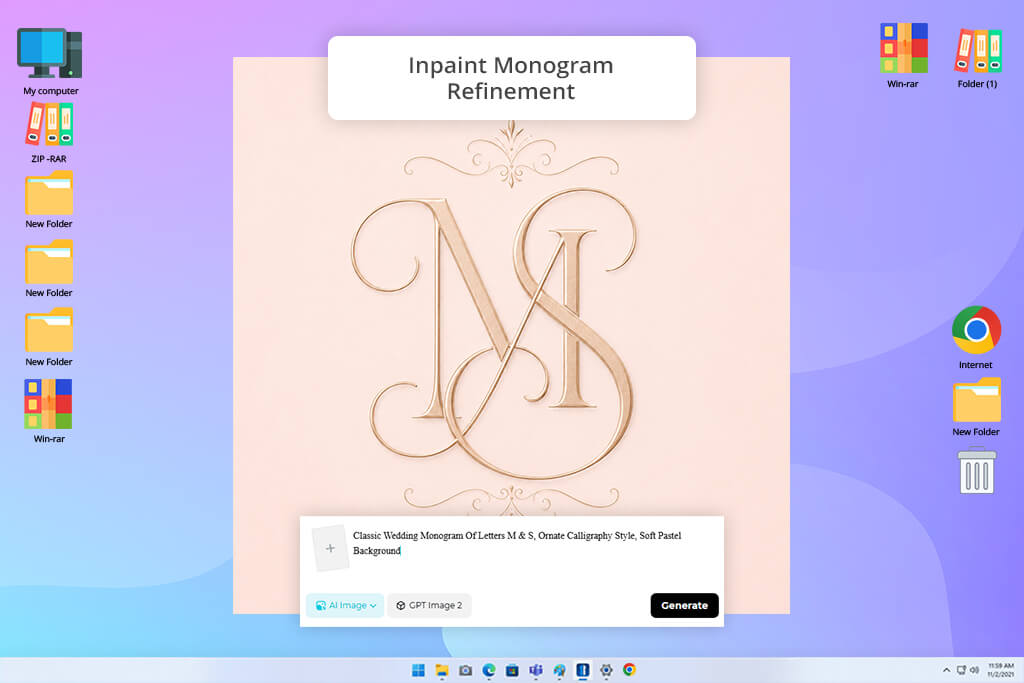
Whenever someone mentions wanting to create a monogram while admitting that they don’t have any graphic design skills, I usually recommend Dreamina. In contrast to most free monogram generators, here you don’t have to pick fonts, fine-tune the spacing, or design layouts manually. Instead, everything is done via prompts.
I requested a stylish three-letter monogram with intertwined initials, refined serif lettering, and a decorative frame that could be used for a wedding invitation. In just a couple of seconds, Dreamina generated multiple concepts that felt far more elegant than what an inexperienced user could ever design manually.
“I described the style I envisioned, and the first generations already produced multiple directions worth of my attention. I particularly enjoyed the ability to adjust individual areas using Inpaint instead of being forced to redo everything from scratch.”

I was impressed by how minor prompt tweaks affected the output. I produced a set of monograms by only providing a text description before generating another batch via reference images. This generative AI tool is great at implementing finer details, particularly ornamental flourishes and letter interactions that would take a lot of time to draw manually.
When one variation ended up having an overly thick border, I employed Inpaint to replace that specific element instead of having to regenerate the entire design. Additionally, I used Retouch and Expand to enhance specific details and ensure the initials have more negative space around them.
Dreamina isn’t as much a free wedding monogram maker as it is an assistant designer that enables you to conveniently explore a variety of ideas. I generated dozens of monograms, trying to find the perfect fit for my vision. Such freedom is particularly useful if you’re unsure which style to go with. The only limitation I encountered was when I needed highly precise control over the placement of a specific letter, since the AI-generated monogram sometimes required a couple of additional prompts before delivering the expected result.
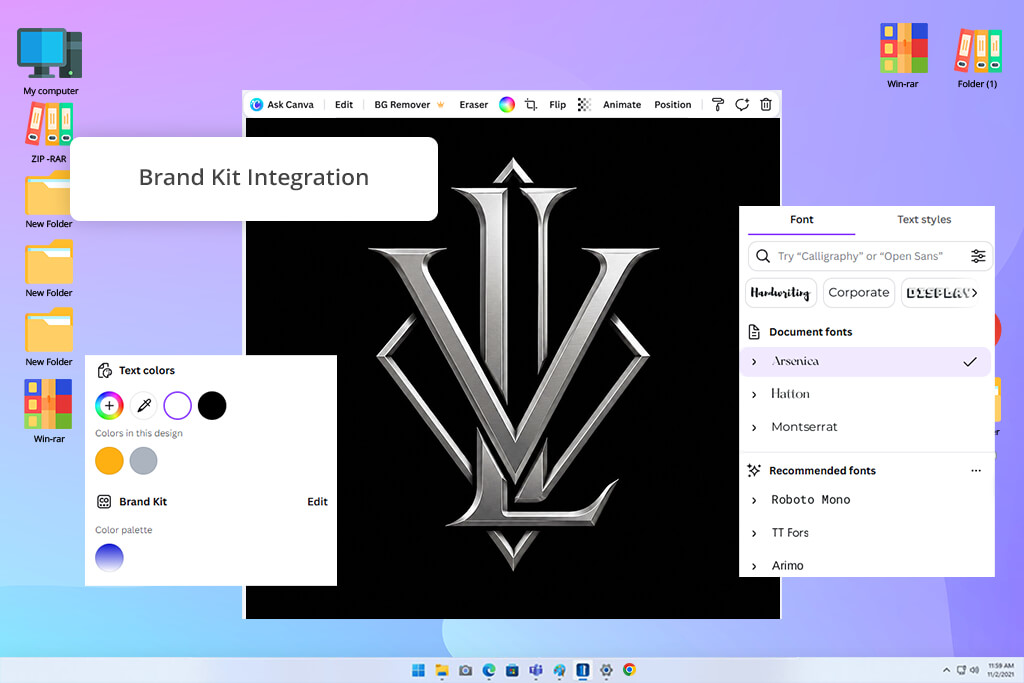
Canva is my go-to free monogram design tool when it comes to collaborative work. For my test, I wanted to make a monogram for an imaginary boutique brand to check how this solution can tackle a business-focused project. The template library is very impressive. It offers a wide range of polished monogram layouts that can be used as a foundation, and I enjoyed the ability to experiment with various typography styles.
After choosing a layout, I explored the Canva media library, picking different decorative borders and minimalist elements for the initials. Since all assets can be dragged, resized, and recolored straight on the canvas, using this platform felt both intuitive and simple. While some of the better-looking elements are locked behind the Pro version, the number of free assets should be enough for most of your needs, so you shouldn’t feel too restricted.
In addition to using the monogram as a logo, I wanted to check how it would look when applied to different brand materials. I used the finished monogram for business cards, address labels, and branded document templates to ensure the lettering preserved its readability at different sizes. Canva excels at this part, allowing you to adapt your design to various formats without recreating it from scratch, ensuring you can keep a consistent visual identity while exploring different creative directions.
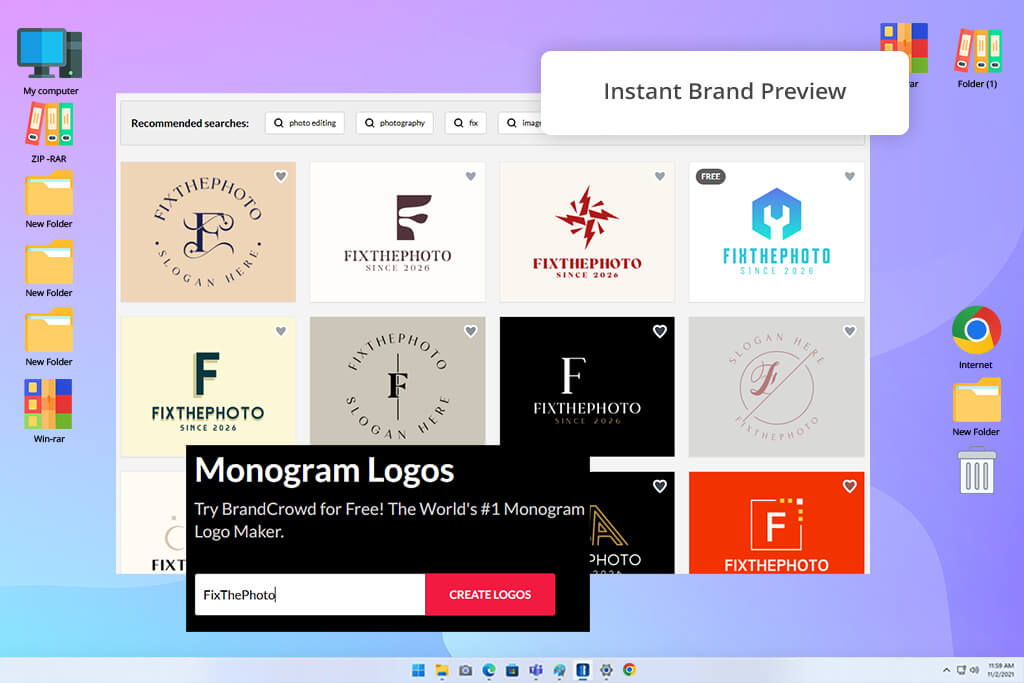
BrandCrowd was initially recommended to me by my coworker Robin, who tends to frequently tackle branding projects for small businesses, so I eventually decided to use this free logo maker to work on a monogram for an imaginary law firm.
While many alternatives present you with an empty canvas or require prompt writing, this platform greets you with an expansive selection of premade monogram concepts. Having typed in the business name, I received dozens of generated variations, which simplified the task of comparing various styles before choosing my preferred direction.
“The generated monogram concepts were sufficiently varied to enable me to go over a wide range of styles during a meeting. I particularly liked how easily I could add the same logo to business cards and social media to allow my clients to visualize the final result.”

I’m a huge fan of the workflow offered by this free monogram maker. Instead of making me spend countless hours designing decorative assets manually, I could focus on refining the identity. I experimented with various layouts, serif and sans-serif typefaces, color schemes, and icon styles around the lettering. Since the platform instantly updates the design to show your edits, it’s easy to tell if your monogram looks more business-oriented, classic, or contemporary.
The template collection is another great benefit of this option, but some of the designs do look a bit too similar. Having finalized my monogram, I checked out the available branding features. I appreciated the ability to evaluate how my design would look on business cards, social media profiles, and email signatures without having to use other tools. This helped me determine whether my monogram could be used as a part of a visual identity package or if it's better suited to be a standalone design.
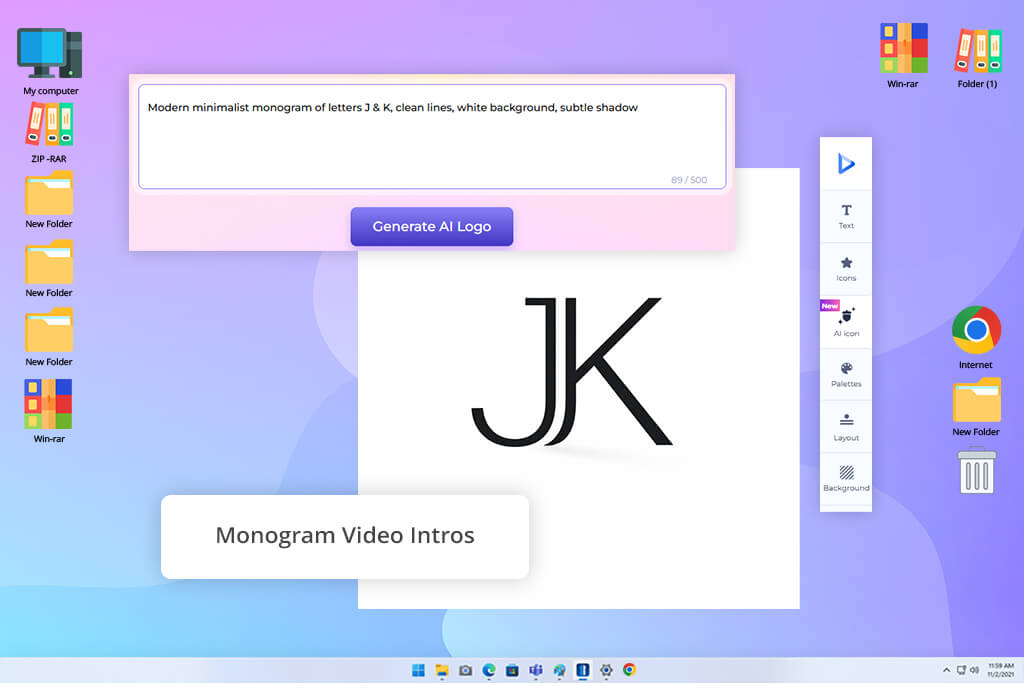
I wrote the brand title, picked a monogram-like category, and after just a couple of seconds, this free monogram generator produced even more variations than I expected. Unlike many Renderforest alternatives I used before, this platform requires minimal setup.
I didn't have to pick design components manually while creating the monogram from scratch. Instead, Renderforest took care of most of the creative work and generated a selection of ready-for-editing design concepts.
“After making a monogram, I applied it to product packaging and then created a brief animated clip. The logo editor is pleasantly straightforward, while the auxiliary tools let you check out how the monogram would look in application.”
After choosing a fitting design, I began to fine-tune the colors and typography to check how much customization this platform offers. It allowed me to easily turn a formal monogram into a more modern design without messing around with confusing menus. Simultaneously, at some points, I felt limited by what I could do when trying to tweak certain elements, realizing that Renderforest wasn’t made to provide a deep level of control.
In addition to designing the monogram itself, I imported it into the integrated Mockup Generator to check how it would appear on packaging, then moved on to the Video Maker to prepare a fun animated logo showcase. Examining how my monogram looked in different contexts allowed me to determine if it’s a good fit for a broader brand identity. I ended up dedicating more time to previewing applications than working on the design, which speaks volumes about how fast the workflow is.
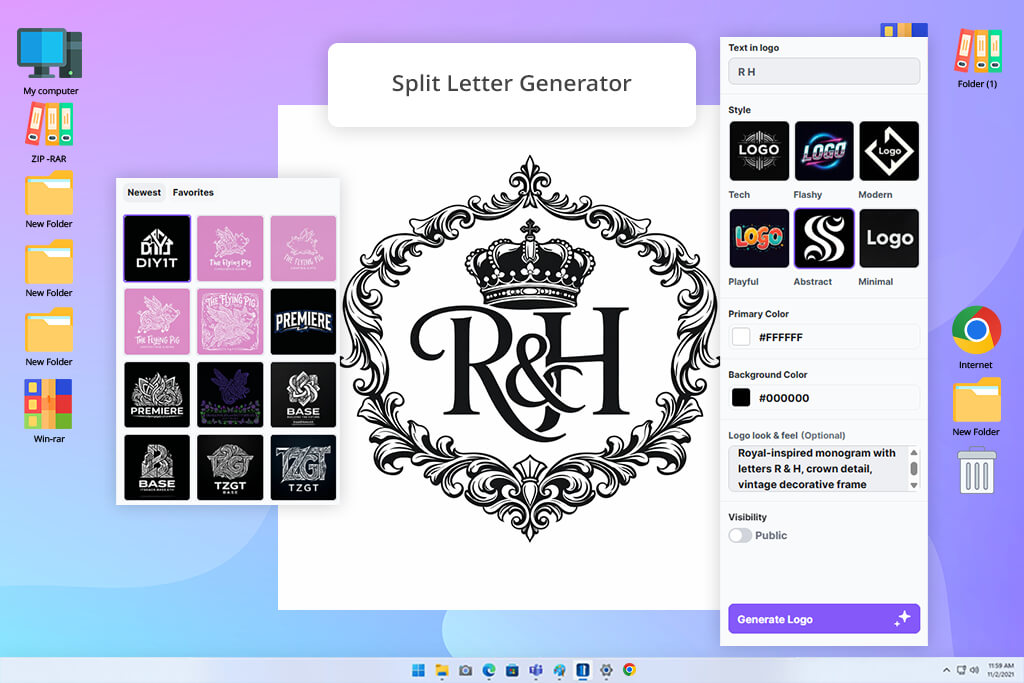
My coworker Tani suggested I try CreativeFabrica after seeing that many of my designs are made for physical items. To check what this free monogram logo maker can do, I began by using the Split Letter Monogram Maker feature and prepared multiple designs that were a good fit for custom mugs, embroidered clothing, and Cricut projects. I typed in the initials, picked a style, and the platform created most of the composition automatically.
“I appreciated the fact that I didn’t have to think about licensing since the terms of use already have everything covered. The initial design had some flaws, but it was still a great foundation.”
Next, I utilized both Family Monogram Maker and Circle Monogram Maker to check how each tool would handle the same set of initials. I appreciated the speed with which I could receive production-ready designs with barely any manual work required. Additionally, I liked the ability to save the result in SVG, EPS, and PNG formats, since they are most commonly used when making designs for printing or cutting machines.
Probably the best feature of this platform is the built-in commercial license. Most solutions focus on creating monograms and only think about licensing later, but here, I knew my creations could be employed for commercial purposes without requiring any extra steps. The trade-off is that the generator regularly delivers similar-looking designs, particularly after you've tried several templates in a row.
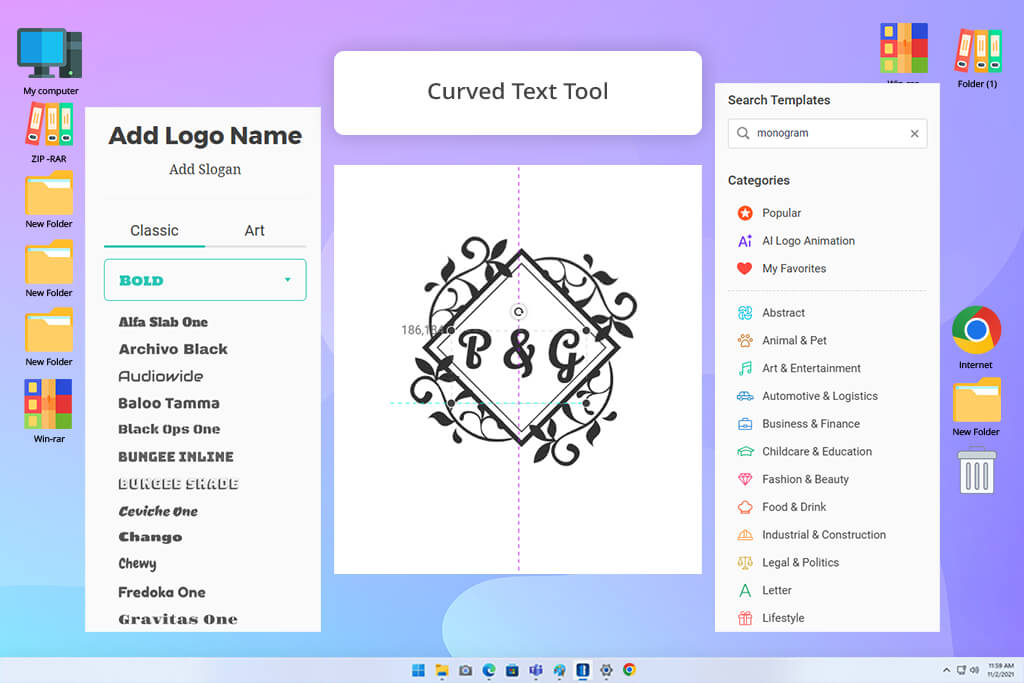
I found DesignEvo when googling for a free custom monogram maker. Initially, it felt like a basic template-focused logo designer, but after opening the editor, I quickly saw that it offers a lot more control than most beginner-oriented solutions. I made a classic-looking family monogram and proceeded to experiment with a variety of decorative borders, badges, and ornamental elements.
The tool I used most frequently was Curved Text. Paired with the layer-based editing workflow, it provided me with the freedom necessary to achieve a balanced composition. The drag-and-drop controls ensured working on the design felt convenient, but in contrast to many AI logo generators, DesignEvo encouraged me to play a more proactive role in adjusting the design instead of simply picking one of the generated variations.
I was happy to see how simple it was to scale and rearrange elements without ruining the layout. I made multiple variations by experimenting with multiple border styles and symbol combinations before choosing the final version. However, I felt a bit disappointed when exporting my design. After enhancing some of the finer details, I saw that free downloads are capped at 300x300 resolution while also adding a white background.
As experienced designers, we knew that the best free monogram maker needs to do more than just combine a couple of initials. A well-designed monogram has to be readable, visually balanced, and look pleasant in different contexts, from wedding invitations to social media posts and product packaging. That’s why we evaluated all the options while accounting for the entire workflow instead of focusing solely on the final output.
I started by checking how simple it was to make a monogram without prior design experience. I tested how user-friendly the process felt, how fast I could go from typing in initials to generating a fitting design, and whether I could easily make sense of the available features. Since a lot of people are looking for a free monogram creator as a replacement for professional software, accessibility is incredibly important.
Tani focused largely on customization options. A monogram needs to look personalized, so she checked out how much she could adjust the typography, layouts, decorative assets, spacing, colors, and general composition. Some solutions are based around templates or AI generation, while others provide more advanced editing functionality. Tani’s mission was to figure out if you can make something unique instead of having to settle for a bland-looking monogram.
Another essential aspect is practical applications. Robin evaluated how appealing monograms looked when adapted to fit various formats, including business branding, wedding stationery, social media posts, printed materials, and personalized items. Additionally, Robin explored the available export parameters, output quality, and format support to determine whether the monograms could be used outside the editor.
Lastly, I tried to measure the long-term value. In addition to checking basic functionality, I focused on the licensing terms, access to extra design resources, scalability for different projects, and inclusion of any limitations that could impact real-world use. By examining both the creative tools and the applicability of exported designs, I could find solutions that provide the most attractive balance between user-friendliness, versatility, and practical results.





![5 Best Podcast Cover Art Creators in {{%year}} [100% FREE]](http://fixthephoto.com/blog/images/gallery/news_main__preview_29304.jpg)
![7 Best HEIC to JPG Converters [{{%year}} FixThePhoto Choice]](http://fixthephoto.com/blog/images/gallery/news_main__preview_29011.jpg)



















