I became interested in AI real estate video generators when I decided to find an apartment. I expected to face many common issues, including overpriced listings, inaccurate descriptions, and poor-quality photos in listings that did not allow clients to understand how a property actually looked.
Despite my initially low expectations, I was taken aback by the fact that my real estate video looked shaky because they were shot in handheld mode. The apartment looked blurry. There were some random ceiling shots and unexpected zooms into a sink. The videos did not look professional, so it was impossible for me to understand what an apartment looked like.
This was when I discovered the importance of using high-quality videos for listings. A polished, well-structured video of a property can help:
In contrast, a bad video can make a luxury home look like a desolate place.
This is why I decided to test 30+ AI real estate video generators to discover the most reliable solutions that could help realtors, landlords, and marketing professionals create videos that can attract clients.
My main objective was to find AI tools that would help me create professional listings, increase the click-through rate, and make a strong impression on buyers. When looking for real estate, people pay more attention to videos that help them visualize a property and imagine themselves living there.
| Tool | Best for | Price | Free Version |
|---|---|---|---|
|
Cinematic property promos
|
from $9.99/mo
|
✔️
|
|
|
Premium property visuals
|
from $30/mo
|
✔️
|
|
|
Listing promos & social videos
|
upon request
|
✔️
|
|
|
Listing videos from photos
|
free to start
|
✔️
|
|
|
Simple property slideshows
|
upon request
|
✔️
|
|
|
Script-to-video explainers
|
from $25/mo
|
❌
|
|
|
Quick listing edits
|
upon request
|
✔️
|
|
|
Real estate templates
|
upon request
|
✔️
|
|
|
Short-form listing videos
|
upon request
|
✔️
|
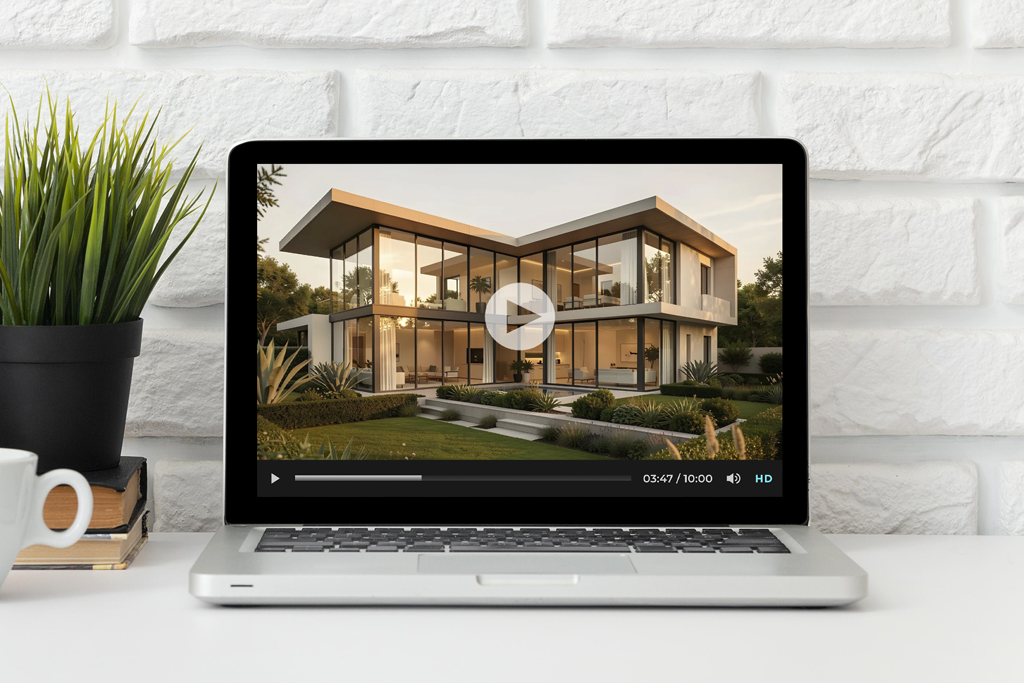
A real estate listing may have a detailed description, high-quality photos, and a market price, but many people will scroll past it unless it includes a professional video overview. Such clips allow one to imagine how a property actually looks, including lighting, the layout, and the main advantages that motivate a client to schedule a tour.
After reading the high end real estate photography guide for beginners, I understood how to create professional property videos using photos. If the source images are dark, have alignment issues, or have bad composition, even the best AI video generator won’t be able to present a property in the best light.
The main issue with many listing videos is that they look poorly executed. Some of them look more like random slideshows with generic music, while others have the wrong pace or make a property look smaller and less appealing than it actually is. Instead of attracting clients’ attention, such videos motivate a viewer to look for a property elsewhere.
This is why many realtors and landlords started looking for AI video tools to give their content a professional feel. Such tools allow one to create a compelling visual narrative based on listing materials. In the output videos, every room is shown from the best angle, making it easier to notice important details.
When creating a video for real estate marketing campaigns, it’s important for it to capture:
The best AI real estate video generators cannot create a clip that will serve as an alternative to a real showing, but they produce content that will create a better first impression. It will ensure that a listing gets noticed by clients.

Best for: luxury-style listing videos, property promos, neighborhood mood clips, and short social media teasers
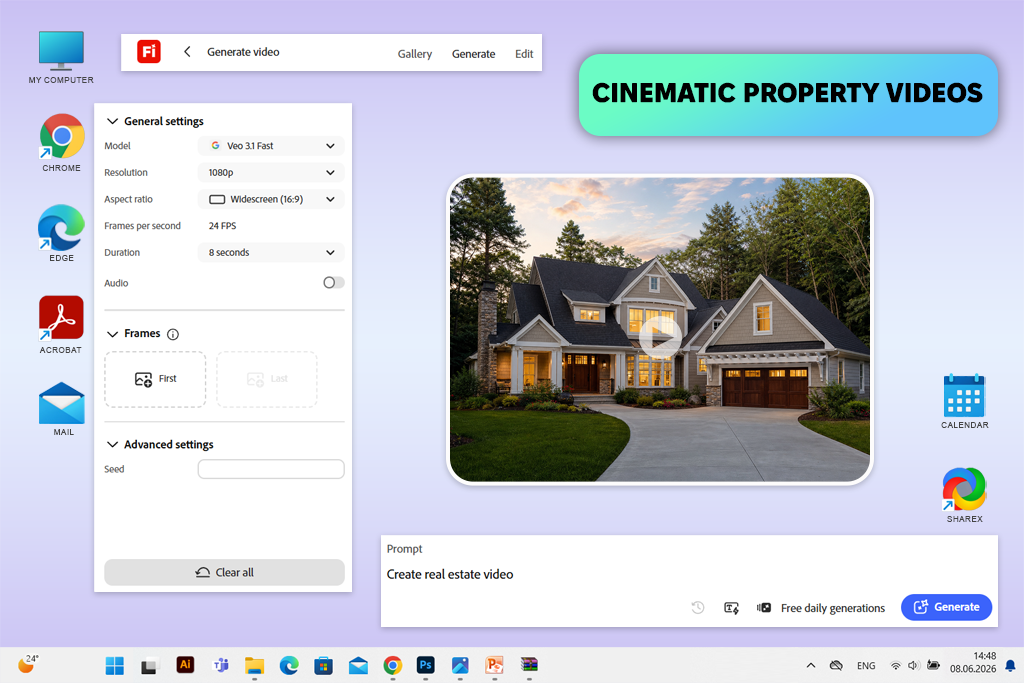
Adobe Firefly was the first solution I decided to test when I needed to generate a polished real estate video that would be more advanced than a regular slideshow. Using this service, I generated short cinematic videos for apartment listings. It allowed me to showcase the rooms in the right order and capture the unique atmosphere of the property.
For instance, I used prompts for a modern city apartment and asked it to highlight the most important details of the kitchen, add cozy shots of the living room, and show the exterior captured in soft evening light.
Adobe Firefly Video features helped me produce polished real estate clips. I used the Text to Video feature to produce short cinematic scenes based on prompts. The Image to Video tool helped me animate photos from my listings and create a fast-paced video showcasing the apartment.
This real estate AI video generator is best suited for creating lifestyle clips. Using it, I showed sunlight moving through the apartment, used slow camera movements to emphasize the best points of the property, and created a cinematic preview for Instagram and TikTok.
“To achieve better outputs, I described a camera shot and other details of the scene when writing a prompt. I used phrases like “slow pan,” “soft evening light,” and “modern apartment” to achieve a unique result.”

Unlike regular services with ready-made templates, it required me to write detailed prompts and edit the outputs a bit. If you want to create engaging property videos, clips capturing the atmosphere in the neighborhood, and luxury videos for listings, it’s one of the best AI real estate video generators to consider.
Key features:
Best for: eye-catching property trailers, upscale listing promos, smooth interior scenes, and social media teasers for agents.
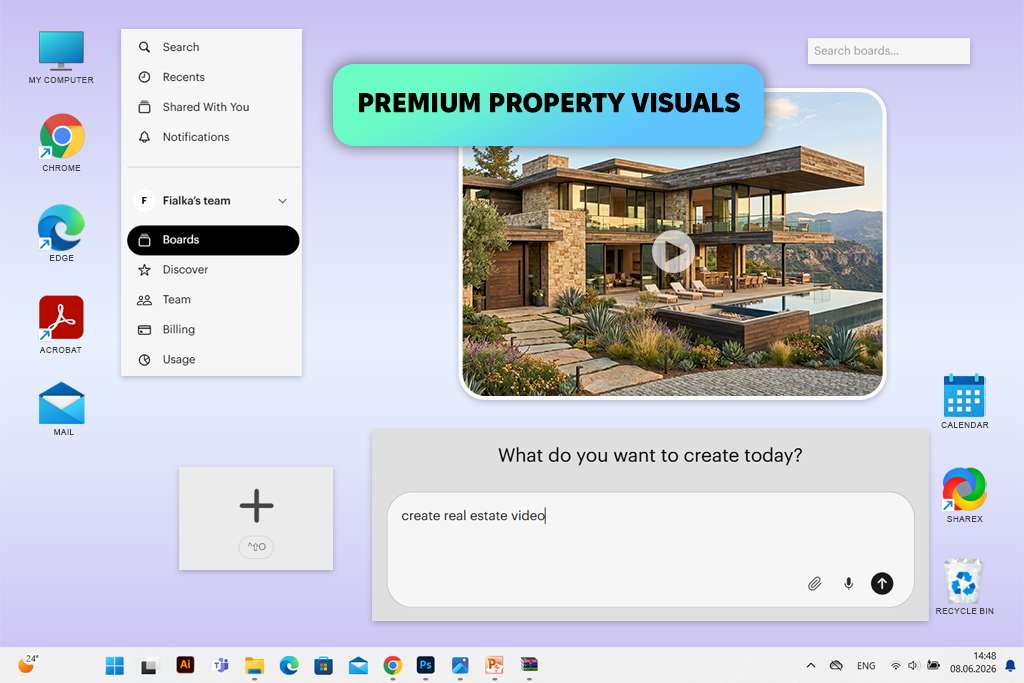
Luma AI allowed me to produce videos that grabbed the attention of viewers. I used it to create clips showcasing modern apartments, interiors, exteriors, and engaging lifestyle scenes. The cinematic outputs helped me improve my listings. Besides, I could publish them on social media without further tweaking.
I was mostly using the Dream Machine feature, as it allowed me to create clips with realistic camera movement based on short prompts and photos. I used it to generate slow interior pans, exterior shots, and clips showing the atmosphere of a property. When editing my listings, I added the latter between photos and videos.
In addition, I used Text to Video and Image to Video features when I needed to create a video based on a photo of the interior or create a dynamic preview video.
Unlike some template-based video generators, Luma AI won’t help you create listings quickly. I would use it to create luxury videos for listings, short social media previews, and cinematic intros. While testing this AI video generator for real estate, I created a video that looked more like a property trailer than a realtor slideshow.
Key features:
Best for: listing promos, open house videos, rental updates, social media ads, and short realtor videos that need to be published quickly
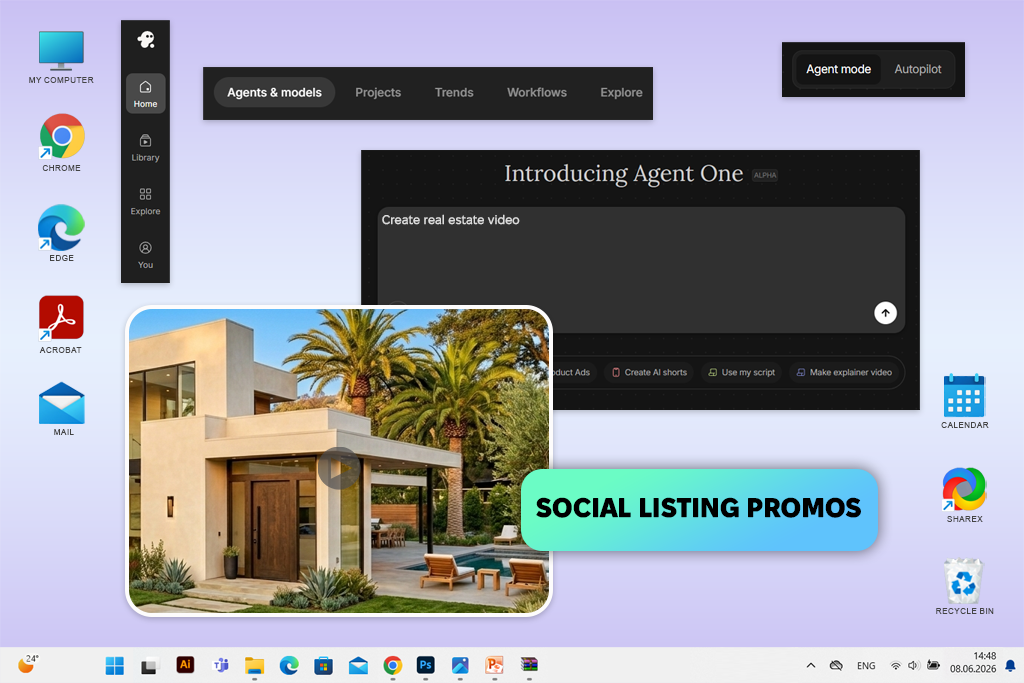
There is no need to make every real estate video look like a luxury hotel commercial. Realtors often need to produce polished, comprehensive listing videos and upload them quickly. This is why I liked using InVideo so much.
While testing this real estate video maker AI service, I would generate short clips for apartment listings, rental announcements, and open house promos. Besides, I used it to create social media clips highlighting the main features of a property.
Before generating my clips, I watched real estate videos for inspiration to decide which shots, pacing, and text overlays would suit my property videos best. It allowed me to create more engaging videos than traditional slideshows and discover how to highlight important details.
I used the AI Video Generator while working on most projects, as it allowed me to create a well-structured video with polished scenes, informative text, and high-quality music and stock images using a simple prompt.
Besides, I tested Text to Video, Templates, Subtitles, and Stock Media Library to create short property clips for Instagram Reels, TikTok, YouTube Shorts, and Facebook. While working on one project, I entered a quick listing description and then made slight adjustments to show the main advantages of the kitchen, living room, balcony, and location.
“Instead of using generic videos, I use real property photos, insert captions, and keep the length of a video under 30 seconds to ensure that it will get noticed on social media.”

Key features:
Best for: property videos from photos, rental listings, apartment tours, quick realtor posts, and basic listing videos for social media
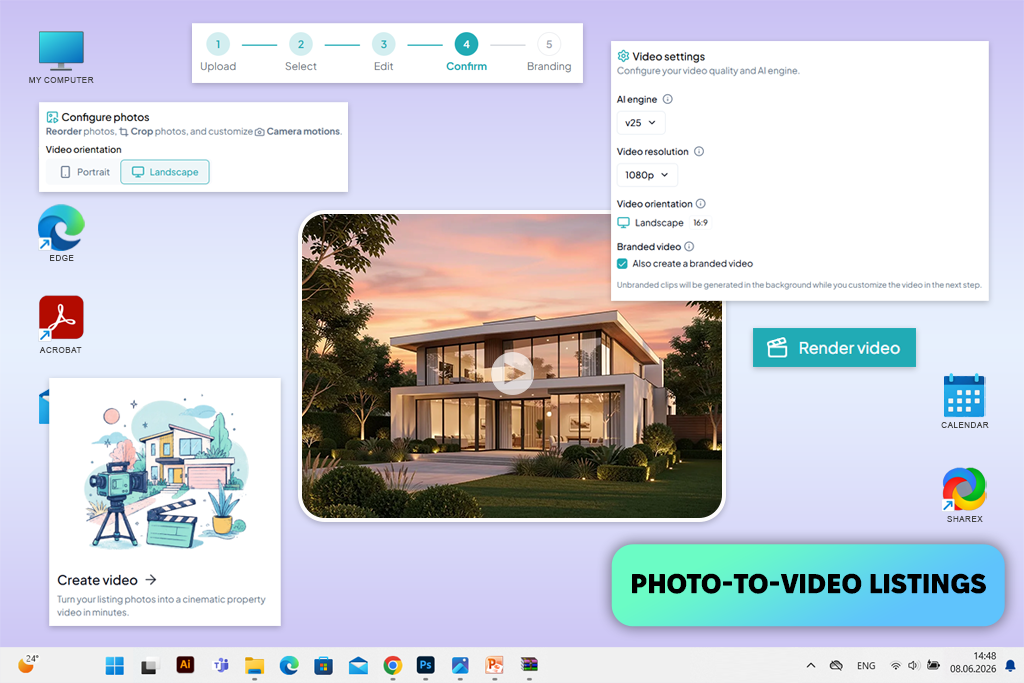
AutoReel AI video generator for real estate will be useful for realtors who already have high-quality photos but do not want to spend a lot of time trying to insert transitions, add captions and music, and adjust pacing manually. I enjoyed using the Photo to Video feature, as it helped me produce a listing clip using still images.
Besides, I tested the AI Captions, Listing Templates, Music Selection, and Automatic Video Flow tools to make my videos more engaging and comprehensive. While working on one project, I uploaded pictures of the living room, kitchen, bedroom, bathroom, and exterior to test whether this service would generate a video showing the apartment in a logical order.
The output looked like a professional listing video rather than an AI-generated slop, making it perfectly suitable for marketing purposes. Even though it’s hardly the best choice for producing cinematic-level videos, it’s a great option for creating polished videos that will help clients to appreciate the value of a property.
Key features:
Best For: simple property slideshows, rental listing videos, agent introductions, basic apartment promos, and quick social media posts
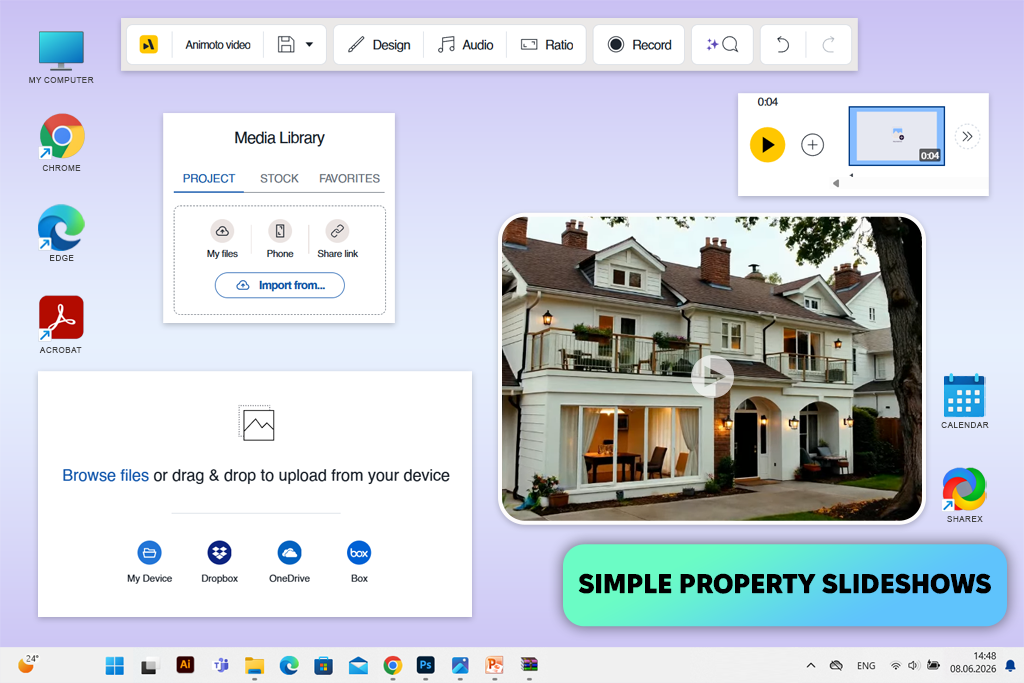
With Animoto I created a simple apartment slideshow to showcase the rooms, add text overlays and music, and give the listing a well-structured look to ensure that it does not look like a photo carousel.
When choosing pictures for my video, I checked whether these photos were captured with the help of the right real estate photography camera settings. I needed to find bright, straight, and sufficiently detailed pictures to create a professional slideshow.
I believe that this AI real estate video maker will be useful for agents, landlords, and small agencies that want to create polished content without mastering professional software. I was impressed with Video Templates because they helped me streamline my workflow and create videos faster.
In addition, I tested Drag-and-Drop Editor, Text Overlays, Music Library, and Brand Customization options to add the address of a property, emphasize the key selling points, and insert a short call-to-action.
“I grouped images to show the entrance, living room, kitchen, bedroom, bathroom, and balcony in walking order. This helped me create slideshows that looked like a real tour.”

While working on one of my projects, I created a video using photos of the kitchen, bedroom, living room, balcony, and exterior. Then, I added text to emphasize the key selling points of the property. Even though the output looked traditional and I did not achieve a cinematic effect, I could use it for basic listings.
Key features:
Best for: written listing descriptions, rental explainers, property feature breakdowns, neighborhood overview videos, and realtor posts where the text is used to create a clear video
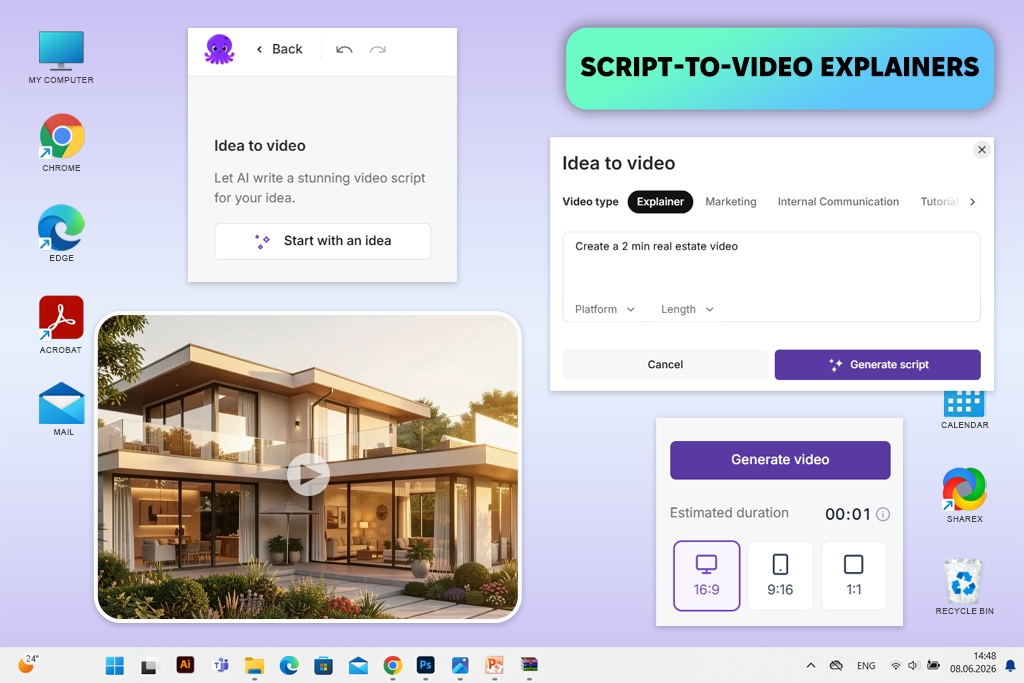
I liked using Pictory when I wanted to use a listing description to create engaging videos. While testing it, I experimented with short real estate scripts where I highlighted the key selling points of a property. The video showed well-lit rooms, a balcony, a location, property layouts, and public transport stops in the area. Besides, I explained that the apartment would suit perfectly.
I was pleased with the Script to Video feature, as it helped me create a well-structured video with captions and detailed scenes based on a property description. In addition, I tested Text to Video, AI Voiceover, Auto Captions, and Stock Media Library to ensure that my video would be easy to understand even when the sound is muted.
When working on one project, I used a short script about a one-bedroom apartment located near the city center, then edited the outputs to ensure that each scene highlighted one selling point. This approach helped me make my videos better organized.
The result was suitable for listings that need videos with detailed explanations. Even though I won’t use this AI property video generator for videos showing luxury cinematic interiors, it’s useful when a realtor needs to emphasize the main advantages of a property to motivate clients to schedule a viewing tour.
Key features:
Best for: editing real property footage, resizing listing clips, adding captions, cleaning up phone videos, and creating real estate videos for social media
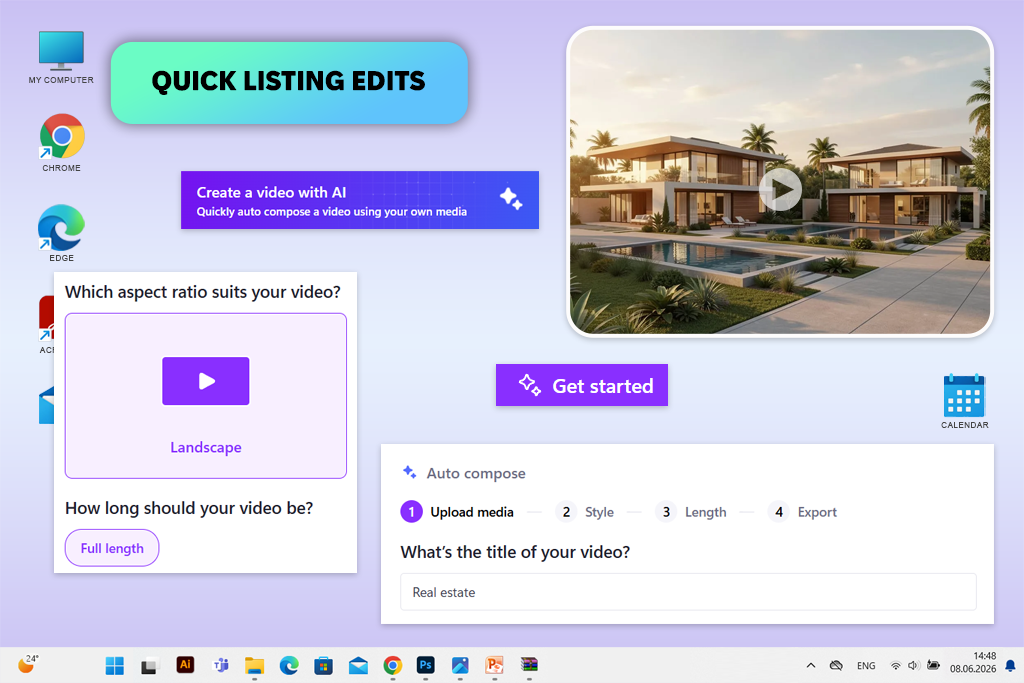
When testing Clipchamp, I used short apartment videos and several listing photos to generate a video in a format supported by social media platforms. I wanted to understand whether this AI property video maker would help me produce clean, comprehensive videos quickly.
I liked using such features as Video Templates, Auto Captions, Text to Speech, and Video Resizer. I created a horizontal version of my video to post it on a property page and then created a version in a vertical format for Instagram Reels. I often need to save real estate videos in different formats, which is why I liked the fact that this service supports such export options.
In addition, I used Trim, Transitions, and Stock Music features to make shaking walking footage segments shorter, create seamless connections between rooms, and create a well-organized clip that does not look like a low-quality phone recording.
“I often use it after recording a quick walkthrough video with my phone. It allows me to cut out unstable segments, make each room video shorter, and add captions to emphasize important details”.

Key features:
Best for: rental promos, property reels, listing videos from photos, quick agent posts, and basic real estate ads for social media
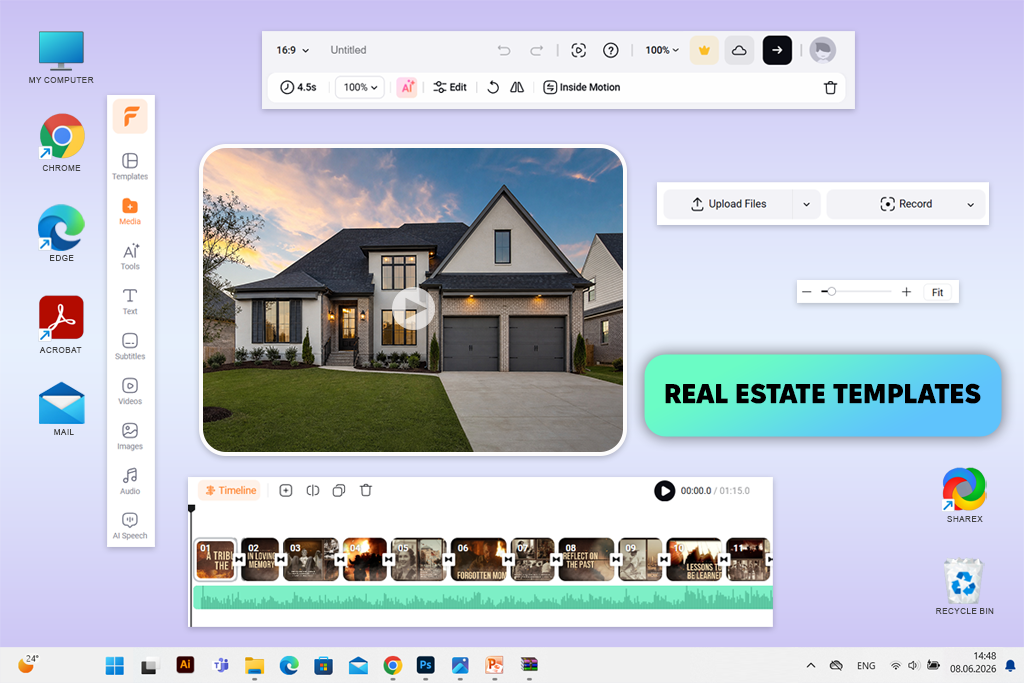
I enjoyed the performance delivered by FlexClip when I needed to generate a real estate video that did not require much manual scene building and could be published on social media quickly. I used it to create videos based on apartment photos, create short room overviews, and produce listing details that could help one advertise a rental property.
This AI listing video generator will come in handy for agents, property owners, and small agencies that need to create polished videos without using advanced software. I was pleased that the slideshow videos I created with its help were suitable for real estate blogs. These short property videos made listings more engaging and informative.
I liked the Real Estate Video Templates, AI Text to Video and AI Image to Video tools, and Auto Subtitle features. I customized the templates by adding apartment photos and short descriptions of the property. Then, I saved the videos in a vertical format. In addition, I tested Stock Music and Text Animations to give my clips a dynamic feel without adding too many effects.
The resulting videos looked more engaging than simple slideshows. Unlike some template-based services, FlexClip facilitates customizing templates. It’s not the best solution for using AI tools to generate cinematic scenes, but it’s suitable for producing real estate marketing clips.
Key features:
Best for: real estate Reels, TikTok listing videos, short property teasers, captioned apartment clips, and quick video edits for social media
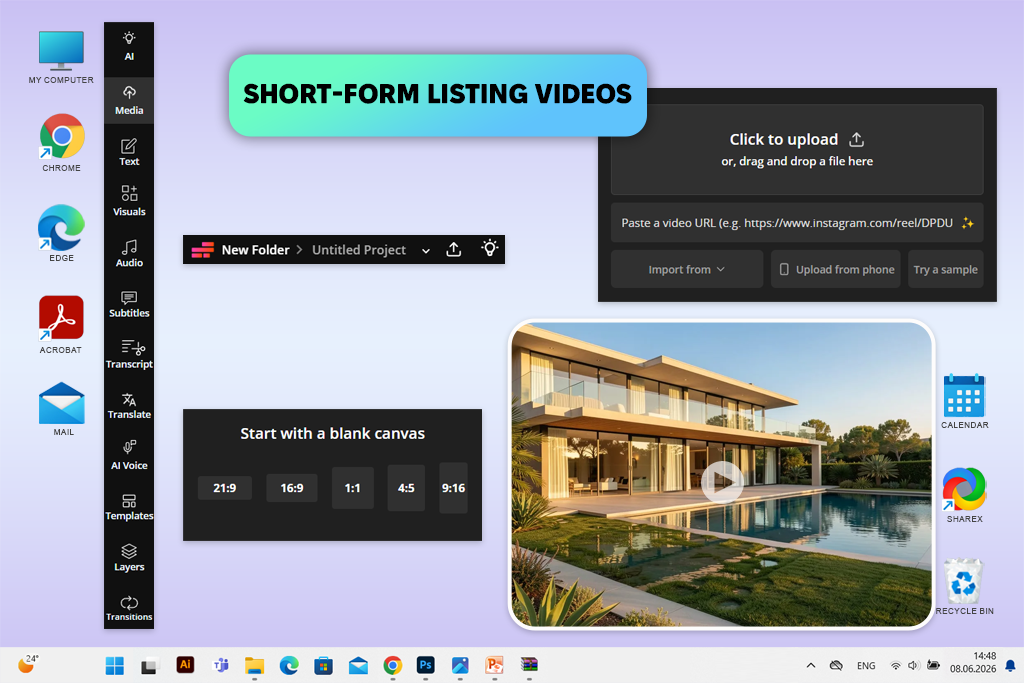
Kapwing is suitable for those who need to use one real estate listing to create several short videos in the formats supported by different platforms. I used it to create clips based on short descriptions, a few apartment photos, and vertical clips shot with a phone.
After creating a short Reel video, I would resize it and save it in formats suitable for TikTok, YouTube Shorts, and social media posts in a square format. I enjoyed using AI Video Generator, Auto Subtitles, and Video Resizer. I would create the initial draft with the help of AI tools, then adjust the pacing manually to make my video more unique.
Next, I would add concise captions to emphasize the key selling points: a well-lit living room, a separate bedroom, a balcony, and a location. In addition, I used the Smart Cut feature to remove slow segments and tested out the Text to Speech tool to create a voiceover for those who wanted to watch narrated property videos.
“I would produce a video in a vertical format first, because most people watch property videos on mobile devices. Next, I would resize this video in the formats supported by other platforms.”

This real estate listing video generator is more suitable for repurposing content than for generating a luxury property video from scratch. It’s the perfect choice for quick real estate marketing tasks.
Key Features:
Together with the FixThePhoto team, we thoroughly tested each AI real estate listing video maker using the same type of materials to see whether these tools would be suitable for creating professional listings. We did not want to rely only on the promotional materials presented by the developers of these services.
Our main goal was to assess the performance of each solution in our daily real estate workflow. This is why we checked whether it would be possible for an agent to use apartment photos, a description, and a few clips shot with a phone to create a video quickly.
During the testing process, we worked on several projects. They included generating videos of small rental apartments and a modern flat, creating content for a luxury-style listing, using only photos to generate a walkthrough video, and creating videos in vertical format for Instagram, TikTok, and YouTube Shorts.
This approach helped me assess the output video quality and understand whether these solutions would be suitable for realtors, landlords, and real estate marketers.
Photo-to-video workflow. We tested each service to understand whether it would allow us to generate a listing video based on property photos. The best services generated videos that showed rooms in a logical order and looked intentional.
Prompt-based video generation. While testing the solutions like Adobe Firefly and Luma AI, we checked whether it would be possible to use their Text to Video and Image to Video tools to produce cinematic videos capturing interiors, exteriors, and balcony views. Besides, we tested whether they are suitable for creating lifestyle-themed real estate videos.
Real estate templates. While testing the services like AutoReel, FlexClip, Animoto, and InVideo, we wanted to see whether the templates helped create videos that advertised the property. We excluded the tools that produced generic videos.
Captions and text clarity. We tried adding captions, room labels, call-to-action text, and key highlights. It helped us notice that a video got more views if its captions were comprehensive and did not take up a lot of screen space.
Social media formats. We exported videos in vertical, horizontal, and square formats to see whether it would be possible to save them with different orientations before uploading them as Reels, TikTok clips, and Shorts. We also checked whether it would be easy to publish them on listing websites and use them in property ads.
Editing speed. We checked how quickly each solution allowed us to produce a video ready for publishing. This criterion is crucial to consider because realtors are often tasked with creating several listing videos per week. This is why they often cannot afford to spend hours editing their video to make it look polished.
Visual realism. The FixThePhoto experts assessed the output scenes to see whether they looked realistic. We ranked an AI video maker for realtors lower if it produced engaging outputs but made the property look overly edited, fake, or drastically different from the way it looked in real life.
Best use case. We checked which solutions were perfect for generating cinematic teasers, creating full listing videos, producing social media content, generating rental promos, or creating basic property videos with a slideshow.
Adobe Firefly and Luma AI are more suitable for creating cinematic teaser videos. AutoReel, FlexClip, and InVideo are the best choices for creating listing videos without wasting a lot of time.
Yes, you can find many AI real estate video creators that will help you produce real estate videos using photos of a property. They have tools for inserting transitions, adding captions and music, and adjusting room highlights. Such solutions are especially suitable for situations when you have pictures but haven’t filmed a walkthrough video.
Yes, they can be quite efficient when you need to make your listings more attention-grabbing and provide a potential buyer or renter with a complete overview of a property. Such videos do not replace an actual showing, but they make it easier to make the property more noticeable.
Be sure to include the overview of the living room, kitchen, bedroom, bathroom, balcony, and exterior. It’s essential to highlight the key advantages of the property. The video should be short and to the point. It’s better to show the rooms in a traditional order.
InVideo, FlexClip, Kapwing, and Clipchamp are perfect for creating videos that can generate buzz on social media. They allow users to add captions, use templates, resize videos, and save files in vertical formats for Reels, TikTok, and Shorts.
Not completely. AI tools are suitable for creating videos for listings and social media content quickly, but hiring a professional videographer is still necessary for creating luxury walkthroughs, capturing drone footage, and launching high-end campaigns.
Use professional photos, add short and concise captions, insert seamless transitions, and add music. Do not apply too many effects, as it’s better to ensure that viewers will be able to assess the property without getting distracted.





![7 Best Badge Makers [Create Designs That Sell]](http://fixthephoto.com/blog/images/gallery/news_main__preview_28983.jpg)

![9 Best AI Virtual Try On Outfits Tools in {{%year}} [100% FREE]](http://fixthephoto.com/blog/images/gallery/news_main__preview_29082.jpg)
![7 Best AI SoundCloud Banner Makers [{{%year}} FixThePhoto Choice]](http://fixthephoto.com/blog/images/gallery/news_main__preview_28977.jpg)


















