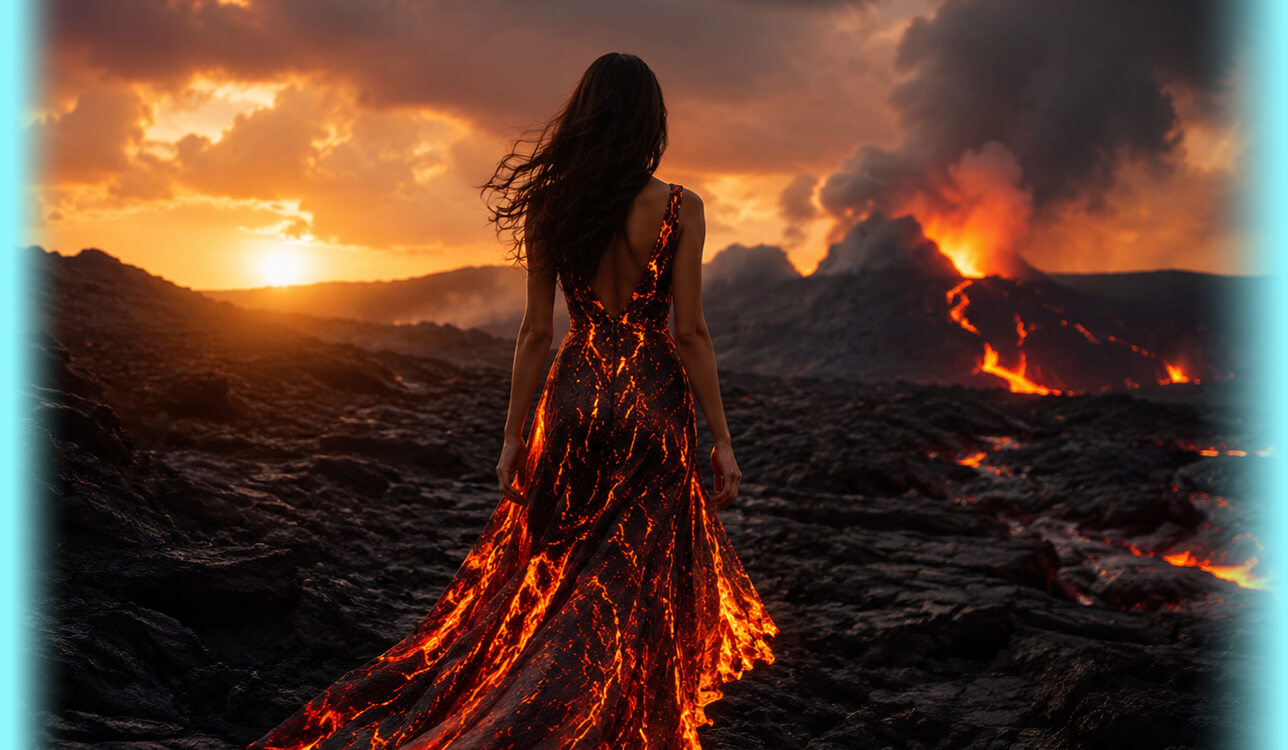

Once I concluded that Google Veo 3.1 isn’t well-suited for my video production, I made it my goal to find the best Veo 3.1 alternatives the market has to offer. As a videographer and content maker, I rely on AI-based solutions to create social media clips, concept footage, marketing drafts, references for my clients, and conceptualize ideas for future recording sessions.
Veo 3.1 felt great to use initially. The cinematic visuals, natural motion, and generated audio made it feel quite advanced. However, once you encounter a project that requires 30 or 40 variations, every bad generation starts to feel very expensive. I decided to stop wasting credits on results that got the pose wrong, or the camera movement didn't follow my prompt.
That disappointment made me interested in Veo 3.1 alternatives. I asked my FixThePhoto coworkers for suggestions, studied Reddit and Quora, watched YouTube reviews, and had my team members help me test 50+ tools like Veo 3.1. My goal was to prepare a list that is of interest to both inexperienced and advanced AI users.
To ensure the test was as objective as possible, I used the same prompt for all the platforms:
“Generate a 10-second cinematic wedding video clip of a bride and groom doing entrance poses before the wedding reception. The couple stands by a softly lit wedding hall doorway, laughs naturally, then walks slowly toward the camera while the groom gently spins the bride one time. Elegant warm lighting, realistic clothing movement, natural facial expressions, shallow depth of field, smooth handheld camera movement, no distorted hands, no extra people, vertical 9:16 format for social media.”
I picked such a prompt since it reflects the type of videos I tend to create for my work. Wedding footage is challenging for the AI since the platform has to process faces, hands, fabric, motion, emotion, and camera direction simultaneously.
Personally, I think the best Google Veo 3.1 alternative needs to be capable of more than delivering one beautiful clip. I wanted to find solutions that could be a natural fit for existing video production pipelines. I accounted for the following factors:
Veo 3.1 is Google’s AI video model for generating short clips from prompts and visual references. It’s capable of producing natural movement, cinematic footage, and audio-video outputs, and Google has continued building upon the Veo 3.1 family with more cost-oriented options like Veo 3.1 Lite.
This is important since AI video generation isn’t a nice hobby anymore. The Grand View Research report estimated the worldwide AI video generator market at $788.5 million in 2025 and projected it to reach $946.4 million in 2026, which is why people like me are now swamped with a variety of Google Veo 3.1 alternatives.
For my professional needs, Veo 3.1 started falling short in the following areas:


Best for: Video editors, content creators, Adobe users
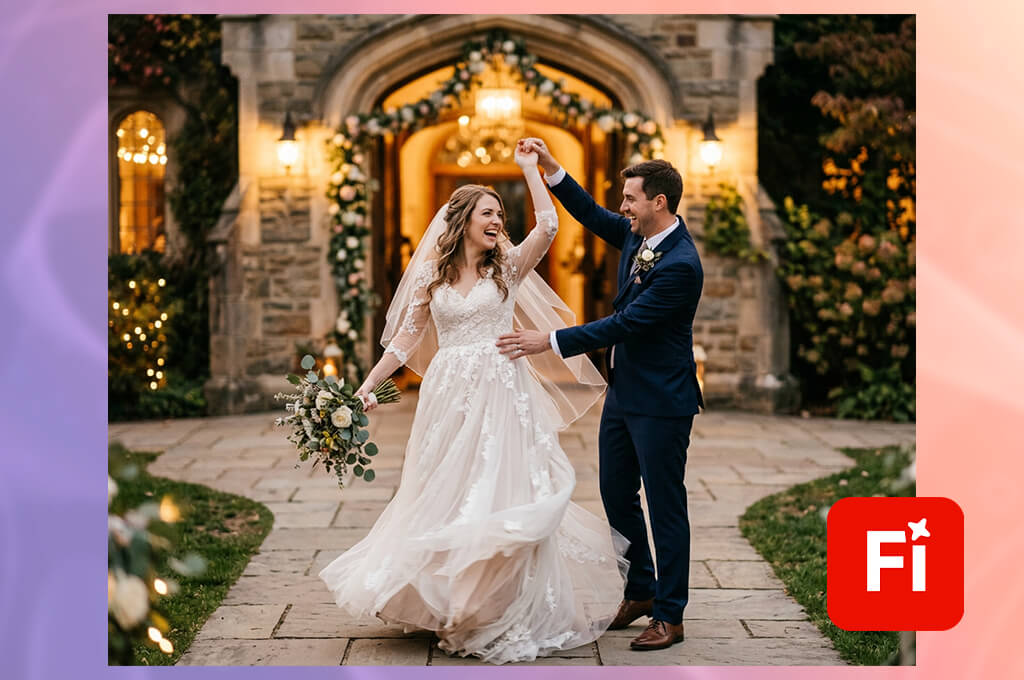
I added the Adobe Firefly video model to my shortlist after a coworker of mine said, “Begin with the solution we already live in.” I nodded in agreement since FixThePhoto already resides within the Adobe ecosystem.
What sets this option apart from Veo 3.1 and most other Adobe Firefly alternatives is that it isn't just one video generator. It’s closer to a creative hub that allows you to generate clips, visualize image ideas, create mood boards, check out audio tools, and employ Adobe's own Firefly Video Model or partner models from developers like Google, OpenAI, Runway, Kling AI, Luma, ElevenLabs, and Topaz.
“I appreciated the ability to customize the aspect ratio, camera angle, and movement rather than having to rewrite the entire prompt. It’s more time-efficient for content creators.”

For my wedding entrance prompt, this Veo 3.1 alternative was great since I could handle the clip as a part of a bigger production project, not a single isolated AI output. With the Firefly Video Model, the result felt professional and “Adobe-clean.” The warm wedding hall lighting looked appealing, the bride’s dress movement looked softer than I expected, and the camera motion felt controlled rather than unpredictable.
The AI did a great job interpreting the scene: bride, groom, entrance, elegant mood, vertical social format. The spin wasn’t done properly in some of the generations, though. On some occasions, the couple walked naturally, but the groom’s hand positioning looked awkward, so I needed to regenerate.
My advice is to write structured prompts: subject first, followed by action, location, camera motion, lighting, and negative details. Firefly listened to my prompts more accurately when I typed in “one gentle spin” and “no extra people” rather than describing the scene too emotionally.
Best features:
Pricing: Free; from at $9.99/month with 2,000 monthly generative credits.
Best for: Quick creators, trend videos, fast drafts
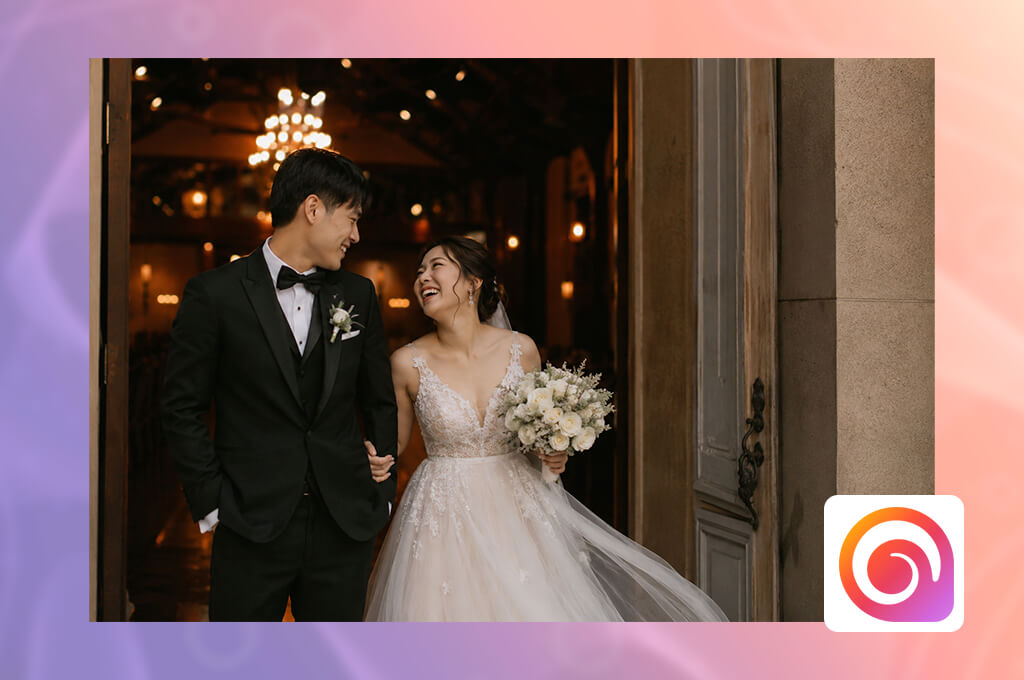
I stumbled upon this option on Reddit when looking for tools like Veo 3.1 that are suitable for producing quick, short AI footage with a high potential for going viral. Hailuo AI wasn’t made for premium-grade cinematics, but rather as an efficient creative playground. Whereas Veo 3.1 delivers polished, film-like experiences, this platform excels at generating multiple fast concepts and letting you decide which idea to explore further.
For my prompt featuring the couple practicing their wedding entrance, this AI video generator did a great job interpreting the intended mood. The warm hall lighting, romantic atmosphere, and slow walk toward the camera were perfect. The facial expressions were softer than I originally expected, and the dress fabric moved fluidly and naturally.
However, this solution had the same choreography problems as most Veo 3.1 competitors. The “groom gently spins the bride once” part would end up being a half-turn, a dance-like movement, or just a walk with some weird hand motions.
“I strongly suggest it to content makers, social media managers, and beginners interested in a basic AI video generator that doesn’t have a steep learning curve.”

I greatly appreciated the speed of this tool. When working on social media posts, I don’t always need the perfect result instantly. Sometimes I experiment with four rough concepts before I move on to Premiere Pro. Hailuo is great for such experimentation, but it lacks consistency. For client-facing wedding references, I had to regenerate the video multiple times before submitting the result.
My tip is to stick to brief action prompts and avoid requesting too many movements. Rather than asking for “walk, laugh, spin, pose, and camera push-in,” I received more natural results when separating one idea into multiple clips.
Best features:
Pricing: Free with limited trial credits. Paid plans from $9.99/month
Best for: Filmmakers, editors, controlled AI shots
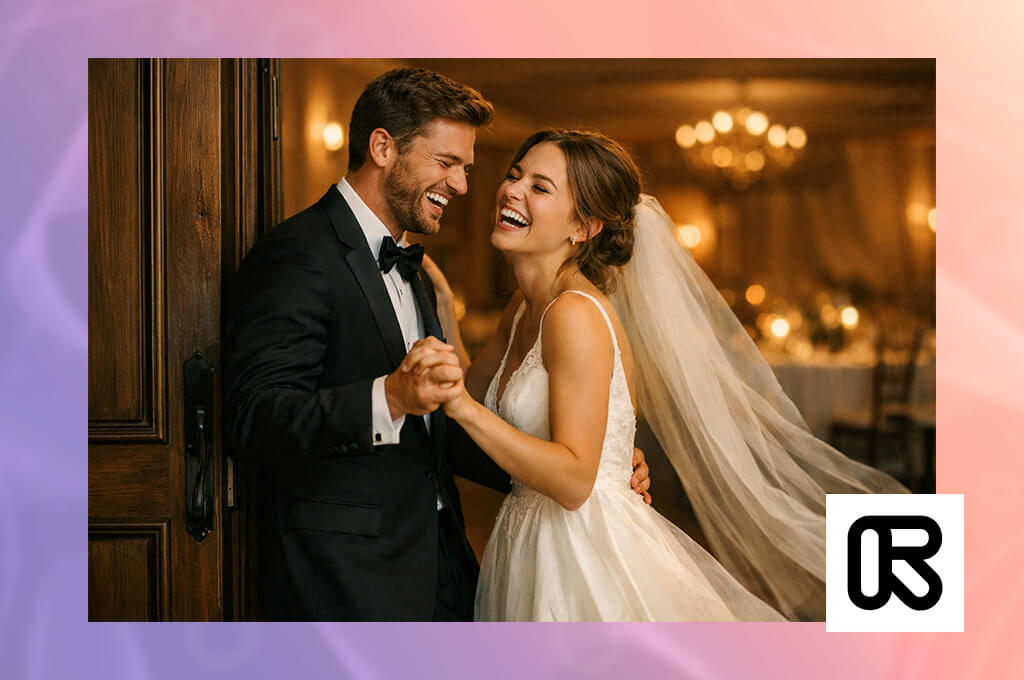
Runway was suggested to me by one of our clients. I used its latest video workflow, Gen-4.5 for Text + Image to Video and Gen-4 for Image to Video. While most free Veo 3.1 alternatives can deliver beautiful results, Runway represents a more advanced production workspace. It allowed me to guide, edit, upscale, organize, and continue a video instead of simply clicking “Generate” and hoping for the best.
For my wedding entrance prompt, Runway delivered one of the most impressive outputs across all the tools I tried. The camera motion felt professional, the lighting looked inviting, and the couple remained more natural across the entire video than in most other Google Veo 3.1 competitors. It did a great job implementing the “practice before reception” instruction, ensuring the video didn’t look like random stock footage.
The spin wasn’t done properly every time, but when it clicked, it felt more intentional and less random. I also appreciated how editor-friendly Runway is. I leveraged it for preproduction, ad visualizations, fashion clips, social media marketing assets, and client mood boards.
“Aleph helps set Runway apart since it can not only generate videos from zero, but is also capable of AI video editing, which is perfect if I have an unpolished clip that needs some touching up or a change in direction.”

The main drawback is that Runway is more time-demanding than Hailuo, PixVerse, and some other RunwayML alternatives. Inexperienced users might feel confused initially, and you can run out of credits quickly if you generate too aggressively.
My advice is to begin with a reference photo when people and outfits matter. For my wedding entrance test, Image to Video provided me superior control over the styling than basic text. Runway received such a high score since it’s a proper Veo 3.1 replacement for users who spend a lot of time editing their videos, not just generating them.
Best features:
Pricing: Free version with 125 one-time credits and restricted video access. Standard begins at $12/user/month, billed yearly.
Best for: Motion, characters, cinematic AI scenes
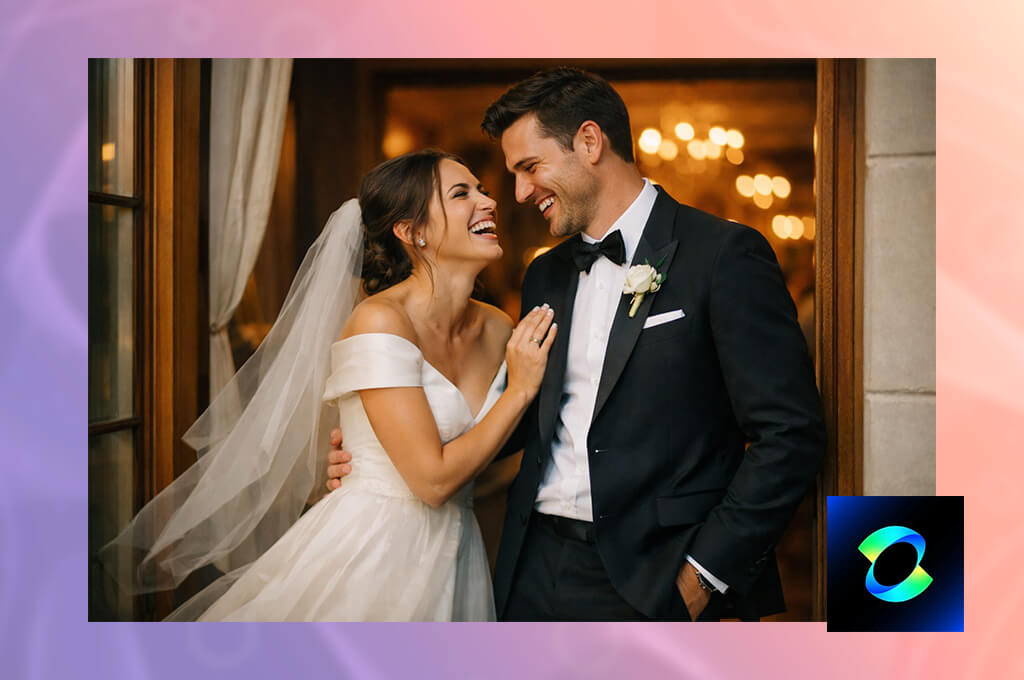
I was recommended Kling AI on the Quora forum, where people praised its character motion generation capabilities. You can use this Veo 3.1 alternative free daily or go for the premium plan if you want more generations. Unlike Google’s platform, Kling AI prioritizes customizable character action. While Veo 3.1’s results often look very cinematic, this option provides a lot more control if your prompts involve motion, interaction, and physical flow.
For my bride and groom project, Kling VIDEO 3.0 did an impressive job implementing the practical part of the prompt. The couple walked toward the camera naturally, and the groom’s spin looked very realistic.
“I enjoyed using Kling for videos where subjects actually act instead of simply posing. For wedding references, dance videos, fashion walks, and emotional couple shots, such functionality is essential.”

The hands looked unnatural on some clips, but the body connection was more authentic. The hall lighting was a bit less “luxury commercial” compared to Firefly, but the movement had a smooth rhythm to it. The main drawback is that the UI and the credit system can feel confusing initially. Still, this AI clip maker made my list due to how naturally it generates human motion compared to most other solutions.
My tip is to employ the Image to Video or Reference to Video modes when the characters’ look matters. Additionally, stick to basic actions: one walk, one spin, one camera direction. If you try to overload the prompt, Kling will be a lot less accurate.
Best features:
Pricing: Free with limited daily credits. Paid plans start from $6.99/month.
Best for: Natural motion, cinematic creator videos
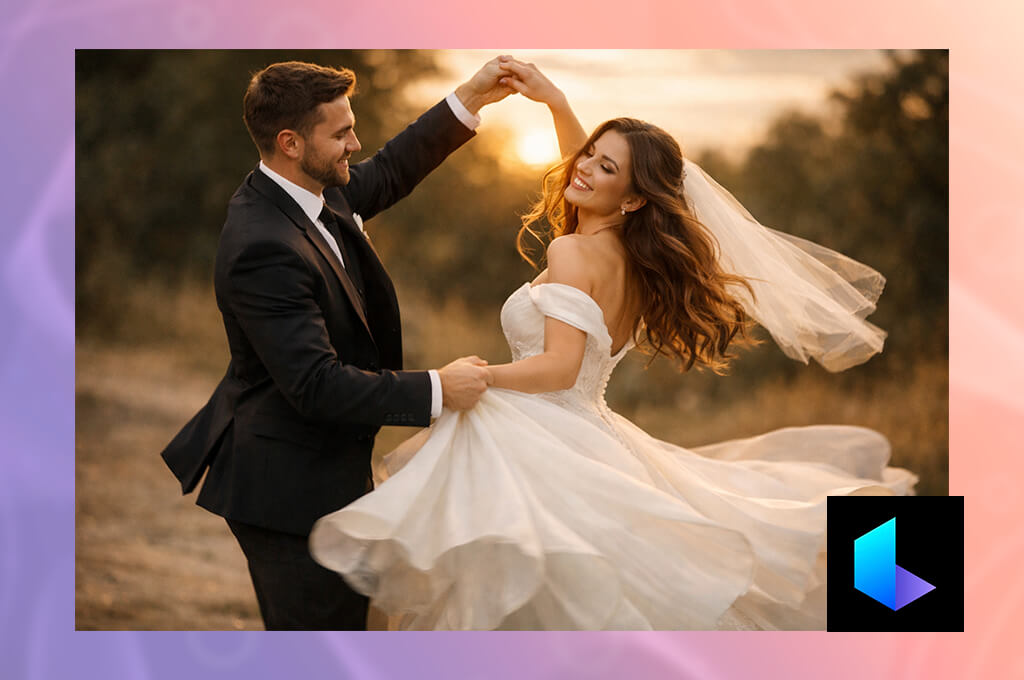
A FixThePhoto coworker of mine suggested I try Luma Dream Machine to generate some dreamy product and lifestyle videos. The key feature that sets this option apart from other Veo 3.1 AI video alternatives is the sense of movement. Google’s platform is aimed at “big model cinematics,” while Luma’s generated motion looks softer and more authentic.
For my bride and groom prompt, Luma RAY3 and RAY3.14 produced some of the most beautiful footage across all platforms. The warm lighting, well-paced walk, shallow depth of field, and flowy fabric motion did a great job conveying a romantic atmosphere. It was particularly great at ensuring the video looked like it was recorded by an actual moving camera.
“I think Luma Dream Machine is perfect for creators who value atmosphere, movement, and visual impact more than strict prompt accuracy. It’s a fantastic fit for moody clips.”

The main drawback is choreography. The spin often resembled a graceful turn rather than a proper wedding entrance move. The price is another factor, as users who need a lot of variations can expect to pay a lot. However, for cinematic projects, this AI TikTok video generator delivered an output that felt refined enough to share with my coworkers before editing.
My best tip is to provide Luma with an accurate photo reference when styling is very important. It produced improved results when I provided the type of dress, venue, and lighting I wanted visually rather than relying solely on text.
Best features:
Pricing: Free; Web Lite starts from $9.99/month
Best for: Reference-based clips and complex prompts
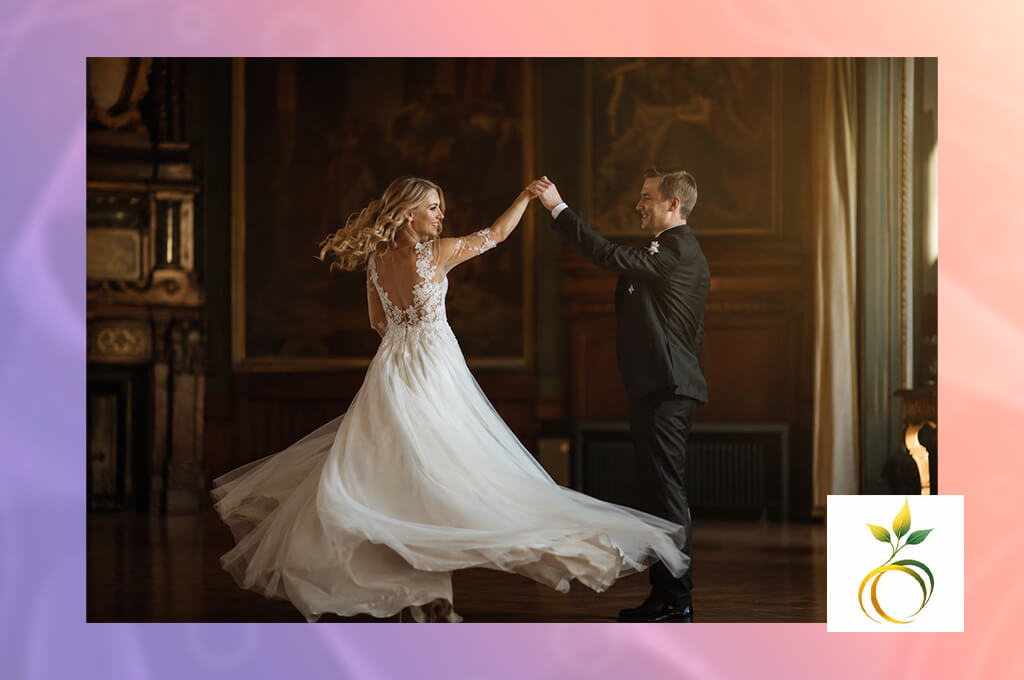
I found Seedance on YouTube when going through different reviews. While most sites like Veo 3.1 generate videos primarily based on prompts, Seedance 2.0 is a better fit for people who want to build a scene using more than simple text.
It accepts text, photo, video, and audio inputs, while also offering a separate Seedance 2.0 Fast version for lower-latency generation. Such functionality made me want to add it to my FixThePhoto workflow, since I tend to begin with a mood image, a client reference, or a brief sample video.
“The biggest drawback is that it can occasionally take multiple attempts to receive realistic emotion. Despite that flaw, the offered multimodal approach makes it a lot more versatile than most alternatives.”

After I used my bride and groom prompt, Seedance delivered a polished result. It properly interpreted the wedding entrance concept, the warm lighting, and the social-video framing. The camera motion felt smooth, and the couple’s walk had a natural flow. The spin looked more realistic when I streamlined the prompt, but during the initial generations, it felt too staged, resembling a dance rehearsal.
Seedaance is a great solution for planning. It can be very helpful for visualizing wedding reels, fashion movement, or ad concepts before recording. It has a steeper learning curve than most alternatives, and its pricing structure is also a bit tricky.
My advice is to provide references when you can and not use abstract, vague words. “Bride turns once while groom holds her hand” will serve you better than “romantic elegant spin.”
Best features:
Pricing: Free; upon request.
Best for: Trend clips, beginners, fast content
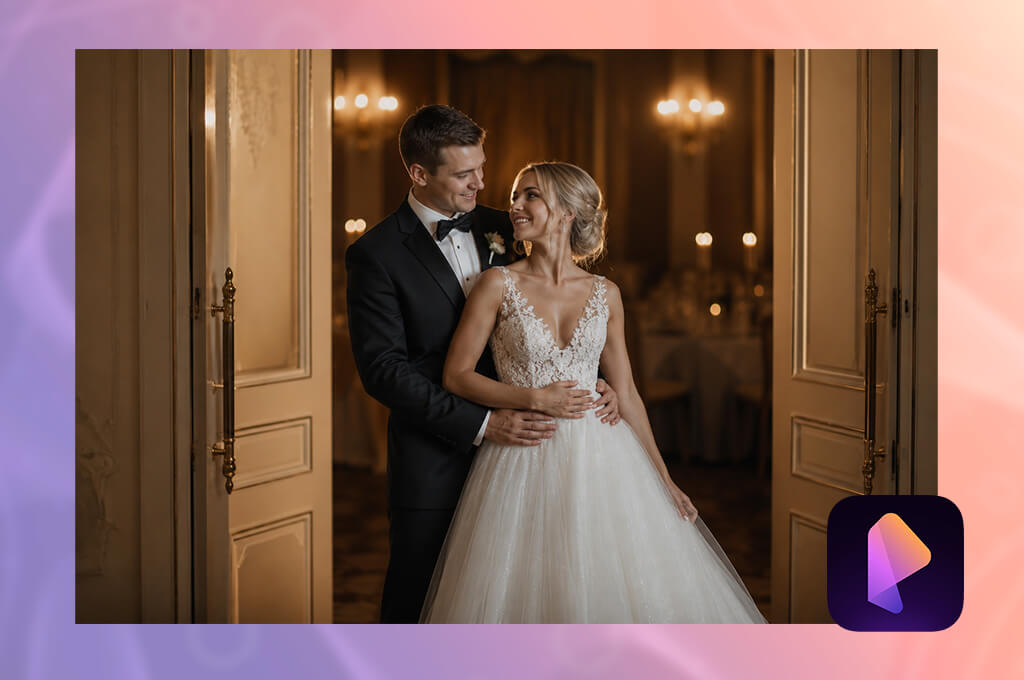
I decided to check PixVerse out after making a little Instagram vote among creators who follow my account. Several users suggested it as a fun, quick solution for AI videos that feel like a natural fit for TikTok, Reels, and short-form trends. PixVerse is different from apps like Veo 3.1 since it was designed as a social-first tool rather than a cinematic-oriented one.
Veo 3.1 is superior when it comes to producing professional film-like footage. Meanwhile, PixVerse is great at visualizing my spontaneous ideas, transforming photos into moving clips, and applying effects that are a great choice for social media. I leveraged the PixVerse V6 model since it offers the best prompt precision, movement quality, and consistency.
“I appreciated how user-friendly this solution is. PixVerse is a great find for inexperienced content creators who want to quickly come up with some ideas without mastering an advanced platform.”

For my wedding couple prompt, PixVerse delivered an impressive first draft. The video wasn’t as polished compared to what I got from Firefly and Runway, but it did a great job establishing the proper mood: warm lighting, a gentle walk, vertical composition, and social media-ready colors. The spin quality was inconsistent and depended on specific generations. Some looked usable while others suffered from unnatural hand placement and body angles.
My tip is to rely on it for brief, punchy clips rather than complex movements. It delivered better results when I shortened the instruction to “couple walks toward camera, bride turns once, warm wedding hall, vertical video.”
Best features:
Pricing: Free access with limited daily credits and watermark; from $9.90/month
I didn’t want to limit the testing process of all the Veo 3.1 video generator alternatives to demo reels and pre-selected promotional examples. As a video editor and content maker for the FixThePhoto team, I wanted to figure out which solutions are actually suitable for actual content production workflows rather than making one fancy-looking video.
I began by preparing a list of over 50 options from Reddit, Quora, YouTube, and suggestions provided by my coworkers and clients. My goal was to devise a test that covered a wide range of scenarios: advanced control, fast content generation, straightforward beginner workflows, free or cost-efficient tools, and solutions that can be used in proper editing pipelines.
To ensure the test was as objective as possible, I wrote the same wedding entrance prompt for all tools. I picked such a prompt on purpose since it’s great at uncovering the weaknesses of some AI video models: a couple moving together, a groom spinning the bride, warm indoor lighting, clothing movement, hands, faces, camera motion, and vertical 9:16 framing.
Not all popular tools similar to Veo 3.1 are included in my list:
The platforms that are included in my final review showed consistent results across the aspects we evaluate in the majority of FixThePhoto AI tests:
Based on these criteria, Adobe Firefly felt like the best Veo 3.1 alternative for users who are already a part of the Adobe ecosystem.
Hailuo AI offers terrific speed and is very intuitive to use. Runway provides more creative control. Kling AI excels at generating character movement. Luma Dream Machine caught my eye with its cinematic motion. Seedance delivered fantastic multimodal references, and PixVerse is the most straightforward option for fast social-media-oriented drafts.





![9 Best AI Audio Silence Removers [{{%year}} FixThePhoto Choice]](http://fixthephoto.com/blog/images/gallery/news_main__preview_29189.jpg)

![7 Best AI SoundCloud Banner Makers [{{%year}} FixThePhoto Choice]](http://fixthephoto.com/blog/images/gallery/news_main__preview_28977.jpg)


















