

I started looking for alternatives to RunwayML after using it for months in my daily work at FixThePhoto. At the beginning, it felt impressive because of the fast text-to-video results, a simple interface, and useful tools for quick content. But as I used it more for real client work, its downsides became clearer.
I like building full sequences, testing ideas, and sometimes making content for ads or social media campaigns. Because of that, the short clip limit (5-16 seconds) became a big problem. Another issue was realism: some videos looked good at first, but when I checked them frame by frame, the details were not consistent.
The pricing was also disappointing for what it offered. That’s when I decided to find a better alternative. I spoke with my team at FixThePhoto, read discussions on Reddit and Quora, and watched reviews on YouTube. In total, we tested 40+ RunwayML alternatives from simple beginner tools to more advanced platforms for professionals.
From this experience, here are the main things that I think matter when choosing a RunwayML alternative:
RunwayML is an AI tool made for creating and editing videos using prompts, images, and generative features. It’s designed as an all-in-one platform for AI video creation.
At first, it felt quick, simple, and exciting to use. But over time, especially during real client projects, I started noticing several limitations:

Best for: professional creators & video editing
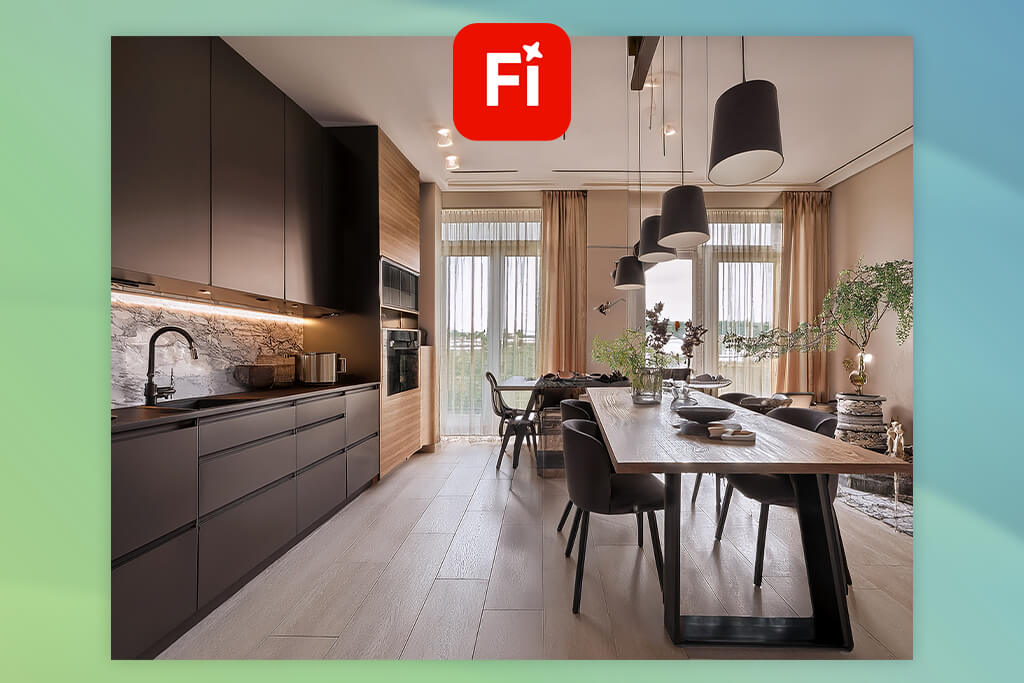
One of my teammates recommended trying the Adobe Firefly video model, and for me, the biggest difference was the level of control it provides. Instead of just creating random short clips, I was able to guide the output more clearly and get closer to what I had in mind.
I tested it on a project that needed a clean, modern background for a real estate video. The results were much more consistent from frame to frame compared to RunwayML videos.
Another thing I liked was how well it understands prompts. I usually write detailed instructions, including lighting, mood, and camera movement, and Firefly followed these details much better than expected.
“With RunwayML, I often had to simplify my prompts or try several times to create a decent result. With Firefly, I got better results faster, which helped save both time and credits.”

What makes Firefly stand out as an alternative to RunwayML is how easily it fits into a normal workflow. After generating visuals, I often move to Adobe Express to finish short social media videos.
A recent update that adds automatic captions has been very useful as well. I can now create, edit, and style subtitles directly inside the editor. I use this feature a lot for short promo videos and reels, especially when clients need fast delivery with clean captions.
When it comes to realism, Firefly feels more stable and ready for production compared to RunwayML and other Adobe Firefly alternatives. There is less flickering, better textures, and smoother, more predictable motion.
My advice: use reference images and describe camera movement clearly, like “slow dolly forward” or “soft cinematic lighting.” Firefly handles these details well and gives better results when you are specific.
Best features:
Pricing: free (limited credits), from $4.99/mo, from $49.99/year
Best for: realism-focused creators & filmmakers
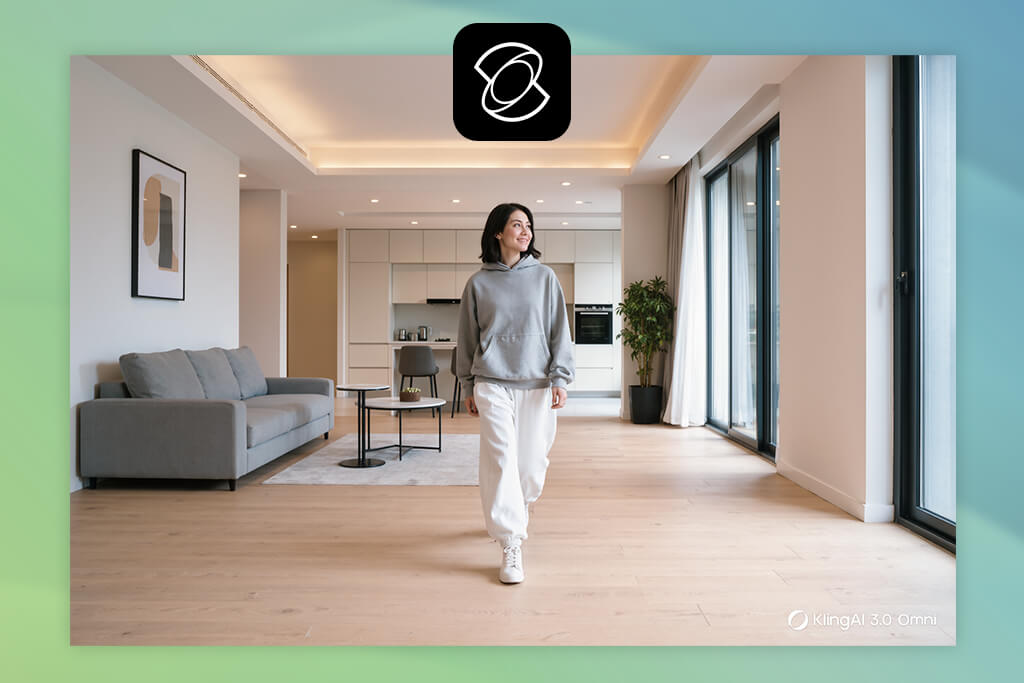
Many people on Reddit are talking about Kling as one of the closest tools to real video, so I decided to test it. From the first try, I noticed that this AI video generator focuses strongly on motion realism. I tested a simple idea: a person walking through a modern apartment, and the movement looked natural and balanced, almost like it was filmed with a real camera.
“It’s a good choice for filmmakers and advanced creators who care about realistic motion. It’s more about quality than speed.”

When I used RunwayML, I often saw movement that looked slightly unnatural. Kling improves this by making motion feel more realistic, almost like it follows real-world physics. Objects interact believably, and the camera movement feels planned instead of random.
This RunwayML alternative also understands prompts quite well, especially when you describe cinematic scenes. When I added details like “slow handheld camera” or “soft natural morning light,” the results improved in subtle but clear ways. The downside is that it’s less accessible and takes more time to generate videos.
My advice: focus on describing motion as well as appearance. Kling works best when you explain how things should move.
Best features:
Pricing: free (limited access/waitlist), pricing upon request
Best for: storytelling & cinematic sequences
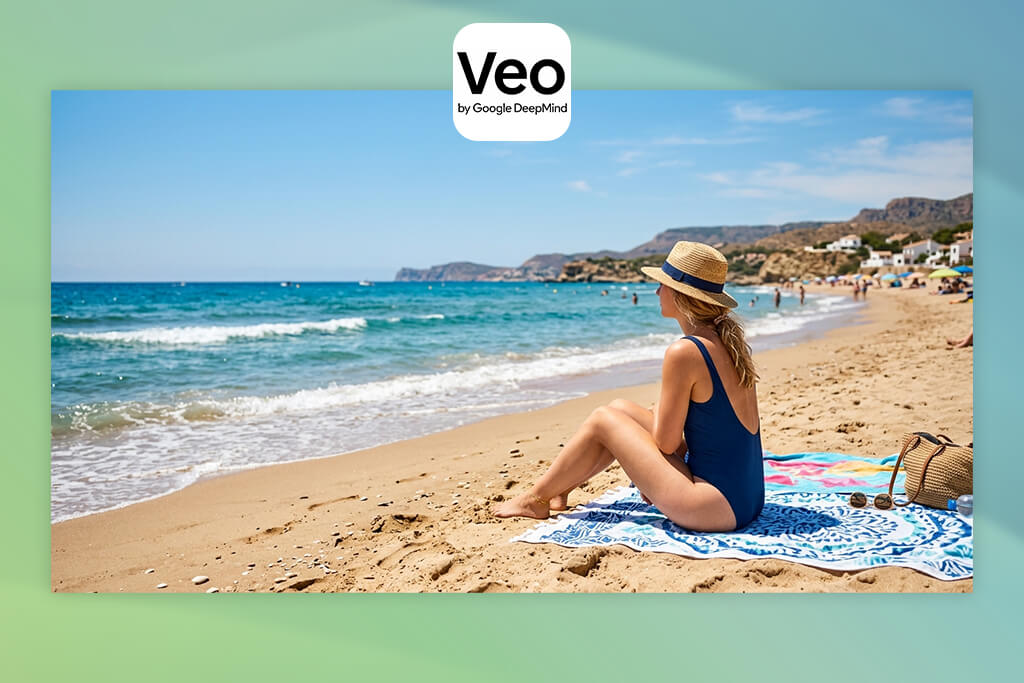
I ran a quick poll on X asking which AI tools people trust for more cinematic results, and Veo was the clear winner. That made me interested in testing it with my team. The main difference compared to RunwayML is that Veo feels more like a tool for building narratives.
“I think it’s best for filmmakers, storytellers, or brands who work with sequences or like creating story-based content.”

I tested it by creating a short sequence instead of just one clip. It handled transitions and continuity better than expected. What stood out most was how well it understands complex prompts. I usually write prompts like short script directions, including camera angles, mood, and time of day, and Veo follows that structure.
In terms of realism, this type of generative AI tool focuses less on tiny details and more on the overall cinematic feel. Lighting, composition, and pacing all seem planned and connected, which was something I struggled to achieve with RunwayML. The downside is that it’s not as easy to access and can take time to learn.
My advice: write prompts as if you are directing a scene. Veo works best when you think like a filmmaker, not just someone describing an image.
Best features:
Pricing: free (limited access), pricing upon request
Best for: ultra-realistic, complex scenes

I first found out about Sora from YouTube creators who described it as the future of AI video. After trying it myself, I understood their point. The main difference compared to RunwayML is how large and detailed the results can be. Sora feels like it can build full scenes that have a meaning, not just short clips.
I tested the AI art generator with a more detailed idea: a camera moving through a cozy café with people interacting and small movements in the background, and it handled everything better than I expected.
What impressed me most was how Sora understands how things connect inside a scene. In RunwayML, elements often feel separate, like they don’t belong together. With Sora, everything works together more naturally. Lighting, motion, and even small things like reflections stay consistent.
“I see this as a tool for advanced users who want high-quality visuals without filming everything.”

Its understanding of prompts is also much stronger: I could write more detailed instructions, and the RunwayML alternative would follow them properly. This saved me time because I didn’t have to keep retrying like I often did with RunwayML.
The downside is that not everyone can access it yet, and it’s not a complete replacement for video editing tools since you still need other software to finish your videos.
My advice: break your prompt into parts: describe the setting, the action, and the camera separately.
Best features:
Pricing: free (limited access), pricing not publicly available

Best for: quick social media videos
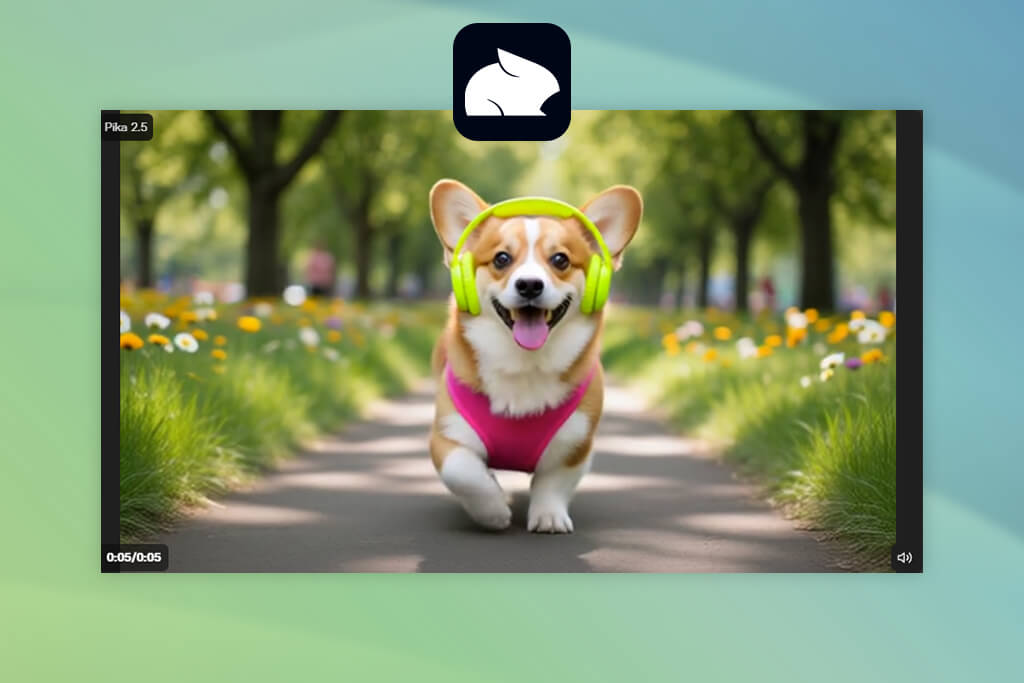
Some of my coworkers also mentioned Pika as a simple tool like RunwayML, especially for quick projects. So, I tested it in a more relaxed situation, like making short clips for social media.
Compared to RunwayML, Pika focuses more on speed and creativity instead of realism. The results are not as detailed, but they are more expressive and often ready to post without much editing. I noticed I spent less time fixing problems afterward.
“It’s a good free option for beginners, marketers, or any creators who don’t need film-level quality.”

One thing I enjoyed was how easy it is to experiment. With RunwayML, I sometimes worry about wasting credits. With this AI clip maker, I could try different ideas without that pressure. The downside is that it’s not the best choice if you want highly realistic or professional visuals.
My advice: keep your prompts simple and visual. Pika works better when your ideas are short and clear.
Best features:
Pricing: free (limited credits), from $10/mo, from $96/year
Best for: advanced users & full control
I had already used Stable Diffusion for creating images, so I decided to try it for video as well. Unlike RunwayML, Stable Diffusion lets you build your own workflow. I tested it using ControlNet and animation setups to create short video sequences. It took more time to set up, but the amount of control was much higher.
I could plan motion paths, guide poses, and control how each frame looks. That’s something I always felt was missing in RunwayML and other Stable Diffusion alternatives, where results can feel random.
“What I liked most is that I could experiment as much as I wanted without worrying about cost since there are no credit limits.”

The realism you get depends on how much effort you put in. At the start, it’s not as polished as tools like Sora, but if you use the right models and settings, you can create very high-quality results.
This RunwayML competitor is not beginner-friendly. It’s better suited for developers, technical artists, or creators who want full control over every part of the process.
My advice: learn how to use ControlNet and negative prompts early. These features make a big difference and help Stable Diffusion perform much better than simpler tools.
Best features:
Pricing: free (local use), from $10/mo (cloud options), varies yearly
Best for: marketing & talking-head videos
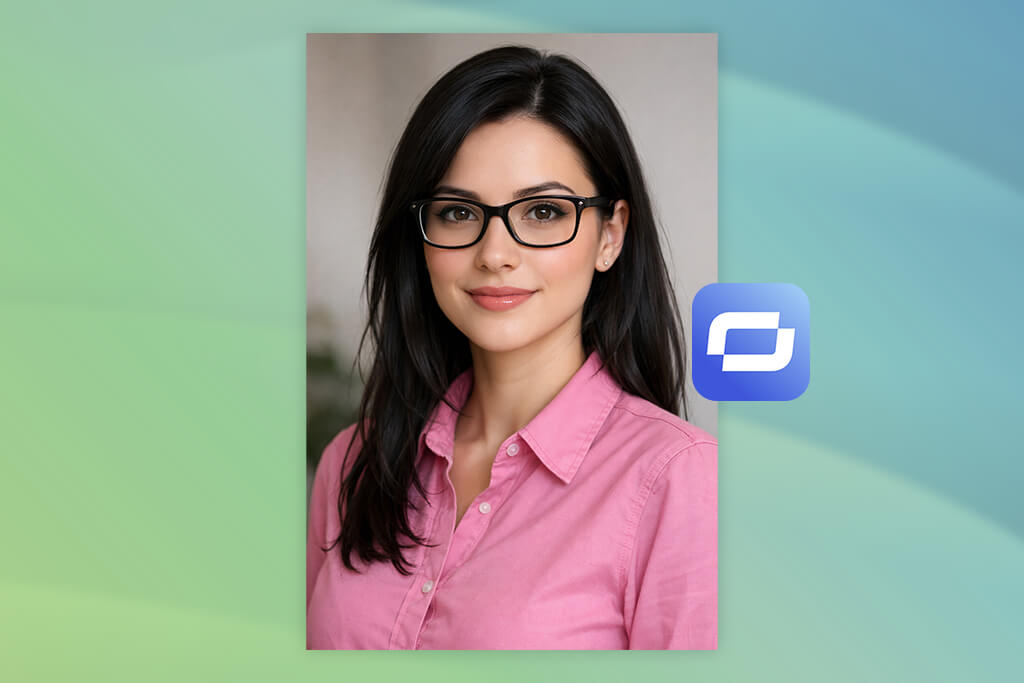
I first heard about Synthesia from a colleague who works in marketing, and at the beginning, I didn’t think of it as a serious AI video editor or a good alternative to RunwayML. Synthesia is mainly for videos with AI avatars. You write a script, pick a digital presenter, and the tool creates a video where that person speaks with synced voice and lip movement.
I tried it for a short explainer video, and the result looked clean. The voice matched the timing well, and the facial expressions looked natural. Compared to RunwayML, it feels more controlled and predictable, which actually works better for business content.
“It works well for marketers, teachers, or anyone making tutorials, ads, or company videos. Some teams even use it instead of filming with real people.”

What impressed me most was the speed. I made a full video in just a few minutes. Normally, this kind of work would take hours with filming, editing, and recording voice-overs. However, it’s not made for creative storytelling or cinematic videos. It’s more focused on clear communication.
One tip: take your time writing the script. If your text is clear and well-paced, the final video will sound more natural.
Best features:
Pricing: from $22/mo, from $264/year (no full free plan, demo only)
Best for: stylized visuals & concept design

I had already used Midjourney before, so I wanted to see if it could work as an alternative to RunwayML. The main difference is that Midjourney focuses on creating single images, so, instead of trying to make full videos, I used it to create high-quality keyframes and then animated them with other tools.
I tested prompts for indoor scenes, different lighting styles, and cinematic looks. The images looked like frames from a movie, and they were more polished than what I got from RunwayML and some free Midjourney alternatives.
“Midjourney is great for people who care about visual style or anyone planning how a video should look before making it.”

It also understands detailed prompts well. When I added camera types, film styles, or lighting descriptions such as “35mm film grain” or “soft shadows,” the results became more consistent.
Of course, it doesn’t create motion, so it’s not a direct replacement for RunwayML. But in a workflow, it works well together with other video creation tools.
One tip: think about your images as a sequence. Create several similar frames with small changes, then animate them afterwards.
Best features:
Pricing: from $10/mo, from $96/year (no free plan currently)
Best for: quick content & free resources

I found Freepik while reading Reddit posts about free alternatives to RunwayML, and many people recommended it as an easy option. Unlike RunwayML, Freepik is more like a full content platform, where you can use templates, stock images, and AI tools all in one place.
“I would suggest it to marketers, small business owners, or beginners who want something simple and easy to understand.”

I tried it for a social media video, and it created something usable much faster compared to RunwayML. Instead of relying only on prompts, I mixed AI-generated visuals with ready-made templates, which saved time.
The quality is not as realistic as tools like Sora or Kling, but that’s not its main purpose. Freepik is more about speed and ease of use, especially for people who need quick results.
My tip: don’t depend only on AI. Combine AI features with templates and stock content; that’s where Freepik becomes most useful.
Best features:
Pricing: free (with limits & attribution), from $12/mo, from $144/year
Testing alternatives to RunwayML was something that became a detailed process that I worked on with my FixThePhoto team for a while. Since we deal with client videos, real estate content, ads, and social media projects every day, our goal was to find tools that actually work under real deadlines, not just ones that look good in demos.
I started by putting together a list of more than 40 RunwayML competitors. Most of these came from Reddit discussions (which turned out to be very useful), YouTube reviews, creator Discord groups, and suggestions from my team. After that, we selected around 25 tools that seemed good enough to test properly.
Some tools didn’t make it into the final list. For example, Kaiber, Luma AI Dream Machine, Genmo, PixVerse, and Leonardo AI. When we used them in real situations, they had issues like unstable results, too many limits in free plans, or they just didn’t feel reliable for client work. A few of them looked impressive but failed when we tried to create longer and more consistent sequences.
We tested each RunwayML alternative using the same types of tasks. I personally ran these tests:
My team played a big role in this process, especially when reviewing results frame by frame and checking how consistent they were. Every tool was tested several times with slightly different prompts to see how reliable it actually is. These are the main things we focused on:
Set up and ease of use. One of the first things I looked at was how quickly I could start using the tool. If it took too long to set up or felt confusing, it was already a problem. In real work, there’s no time to spend hours learning how a tool works.
Video quality and realism. This was very important. I checked how natural the motion looked, whether the frames stayed stable, and if the details remained clear. My team and I paid close attention to flickering, strange body shapes, and inconsistent lighting.
Understanding of prompts. Since I usually write detailed instructions, I needed tools that could actually follow them instead of producing random results. Better prompt understanding means less time spent trying again.
Consistency between frames. This is where many tools failed. Some could create a nice single clip, but when we tried to turn it into a sequence, the quality dropped. We removed several tools from our list because of this issue.
Speed and workflow. I also checked how fast each tool generated results and how easy it was to move those results into my editing process. If a tool slowed me down instead of helping, it was removed from the list.
Pricing and value. We compared both free and paid versions. I don’t mind paying for a tool, but only if it’s worth it. Some platforms used up credits too quickly, which reminded me why I started searching for a free RunwayML alternative in the first place.
The tools that stayed on our list were the ones my team and I could actually use in everyday work. Any tool that made the process harder instead of easier was removed, no matter how much attention it was getting online.








![9 Best Wan AI Alternatives [{{%year}} FixThePhoto Choice]](http://fixthephoto.com/blog/images/gallery/news_main__preview_28961.jpg)


![12 Best AI Flyer Generators [Online & Free]](http://fixthephoto.com/blog/images/gallery/news_main__preview_28910.jpg)


















