As someone who does a lot of retouching and graphic design work at FixThePhoto, I frequently have to quickly prepare festive visuals for various marketing campaigns, website posts, and social media feeds. Diwali is an occasion that needs more than a generic preset, since it deals with culturally-relevant elements that can take a while to find and prepare. That’s why I decided to try out a variety of Diwali banner makers to see if any of them can be added to my workflow.
I initially had a couple of problems, as many solutions had small selections of thematic elements, dated presets, or suffered from a lack of customization options. Others didn’t let me resize my banner freely, or imposed restrictions on downloads or applied watermarks, which is a deal-breaker if you’re creating professional branding content.
To determine which option is the best Diwali banner maker, I tested over 15 tools, adding them to my existing workflow instead of testing their features on random tasks. In addition to using these solutions myself, I read user reviews on Reddit and Quora and discussed them with my coworkers to get a clearer picture of the performance of each option.
When trying out various Diwali banner design makers, I took note of several patterns that helped me receive high-quality results while also increasing engagement. I suggest adhering to the following tips:
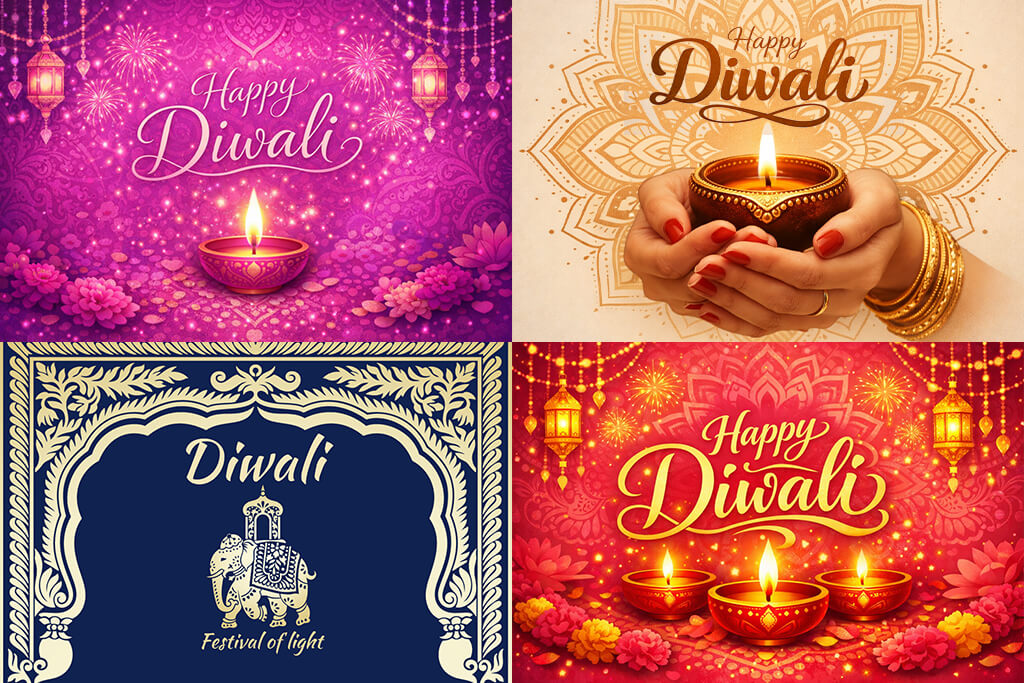
Based on my experience, the best-performing banners aren’t the ones that look the most complex, but rather visuals that are clean, warm, and feel festive without overwhelming the viewer.
Price: Free or from $9.99/month
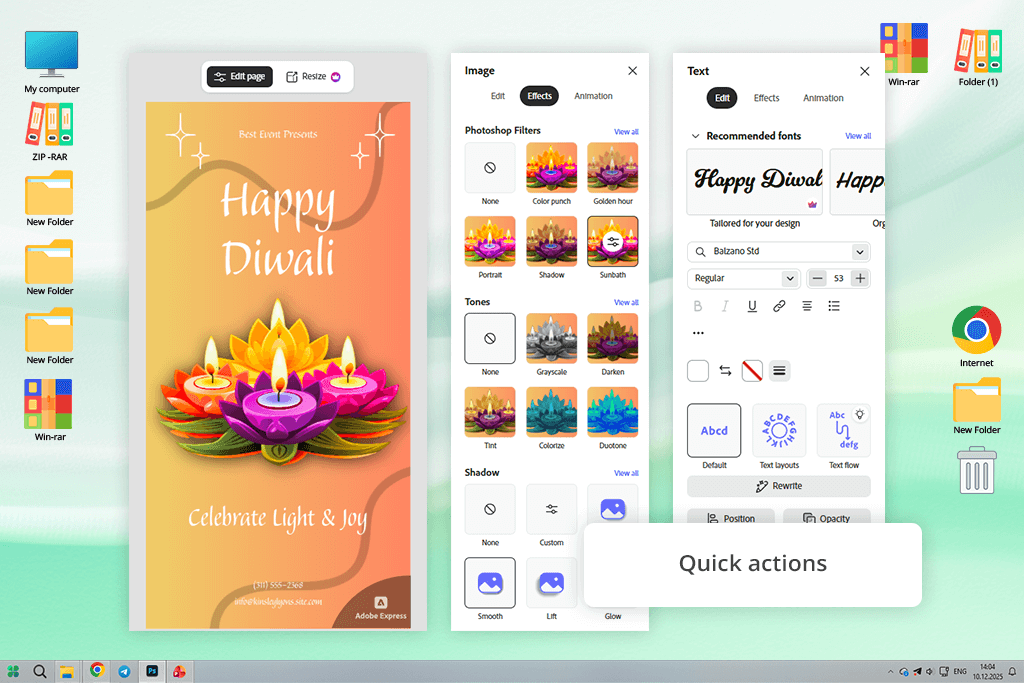
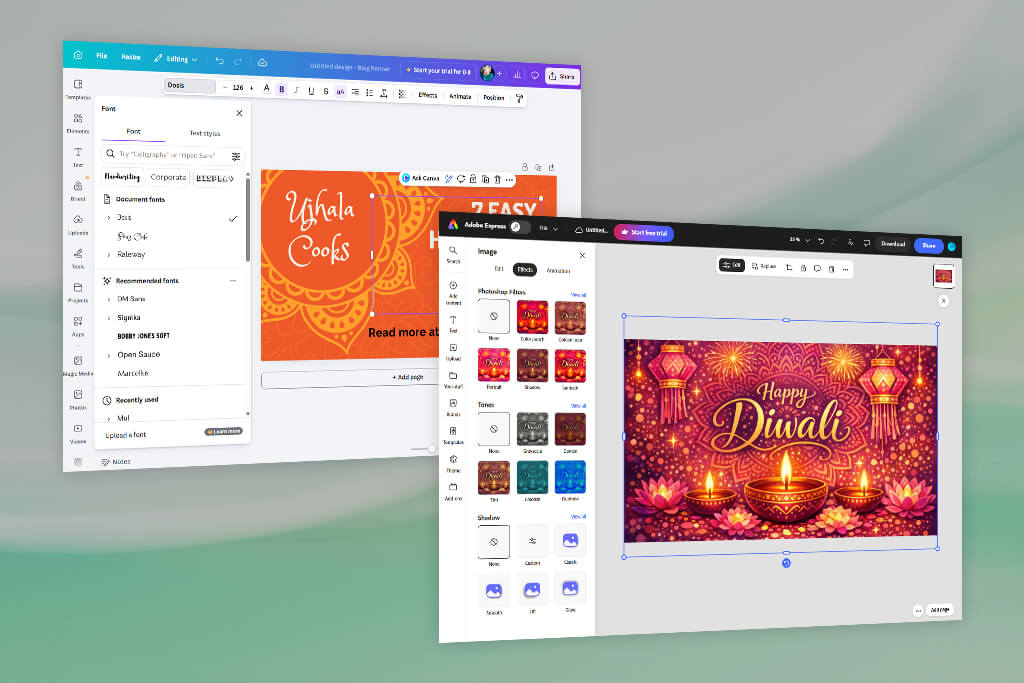
When I wanted to create a quick, professional-looking design, I decided to test how Adobe Express performs as a free Diwali banner maker. I instantly noticed its huge library of premade festive templates that include a lot more than basic designs, as you can find options with diyas, gold accents, and vibrant magenta or purple palettes that actually represent Diwali.
I began by choosing a template, adding my own branding, and adjusting the typography and icons using the integrated free Adobe Stock library. By looking for keywords like “traditional lantern,” “festival background,” or “flower of lights,” I easily found thousands of pro-grade Diwali assets.
The UI of this online Diwali banner maker is user-friendly and efficient, offering drag-and-drop controls, straightforward typography tools, and a convenient asset search. I managed to receive consistently impressive results, designing several polished banners within 15 minutes each, and all of them were well-suited for blog, social media, or even internal promotional use without requiring manual retouching. Additionally, Adobe Express lets you create designs in Hindi, Bengali, and Tamil, which simplifies the task of making localized greetings.
After the latest Adobe Express updates, I particularly enjoyed using the auto-resize and background expansion tools that let me easily tweak compositions without disrupting the layout, which is essential when dealing with festive elements and symmetry.
The improved spellcheck language feature is also very useful for festive greetings in different languages, which is particularly important for Diwali content. The fact that I can save my banners straight to my device as a PDF ready for professional printing made the user experience even more enjoyable.
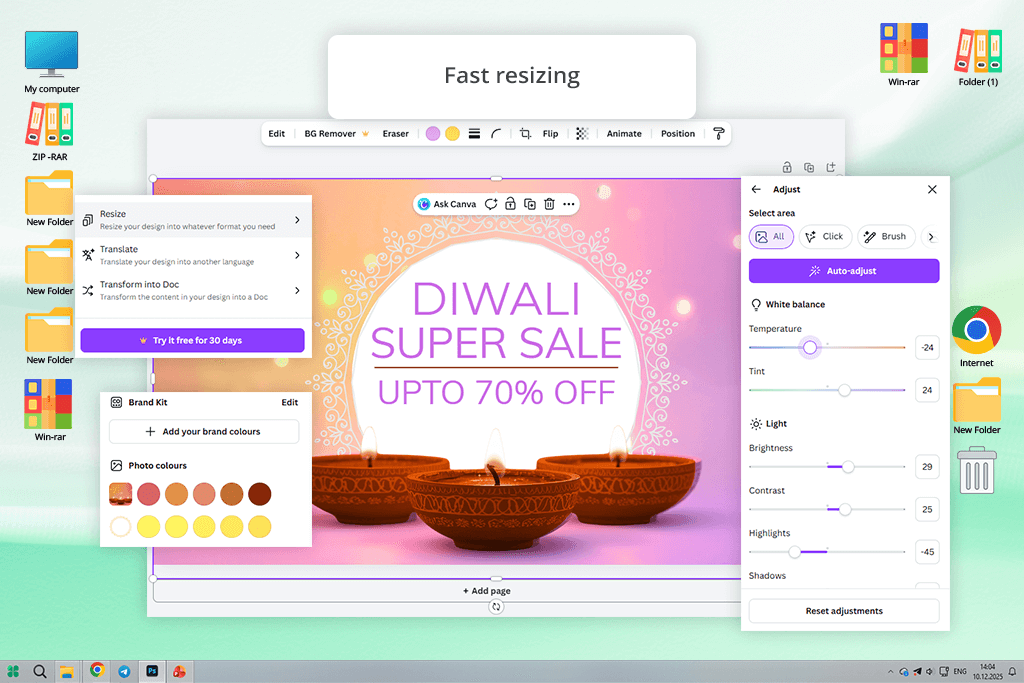
Price: Free or from $15/month
I think Canva is a fantastic Happy Diwali banner maker if you need to get professional results quickly. I began by exploring the available thematic templates and premade layouts to check how versatile this platform is. I enjoyed the provided drag-and-drop UI, which ensured I could conveniently arrange images, stickers, icons, and text.
When exploring the asset library, I had no issue finding relevant diyas, fireworks, rangoli patterns, and other festive elements, while also being able to import my own visuals to ensure my creations stand out.
When using this platform, I tried out a variety of colors, fonts, and layouts to recreate the festive mood I had in my mind. I particularly enjoyed the ability to easily resize my designs for Instagram, Facebook, LinkedIn, site headers, or printable versions without having to start from scratch.
The free version provides a wide range of templates and assets, but you can get access to even more premium elements by getting a subscription. I managed to create vibrant, pro-grade banners that are suitable for online posts and small advertising campaigns.
However, there are several drawbacks I should mention: some templates look repetitive unless you personalize them, and premium assets require a paid subscription. More robust graphic editing options are also lacking compared to professional free graphic design software. Still, for a fast, festive, and aesthetically pleasing design, Canva is a great option.
“Canva is a great option when I need to meet a tight deadline, as it offers drag-and-drop controls, a vast asset collection, and quick export. The only downside is that most premium assets are paid.”

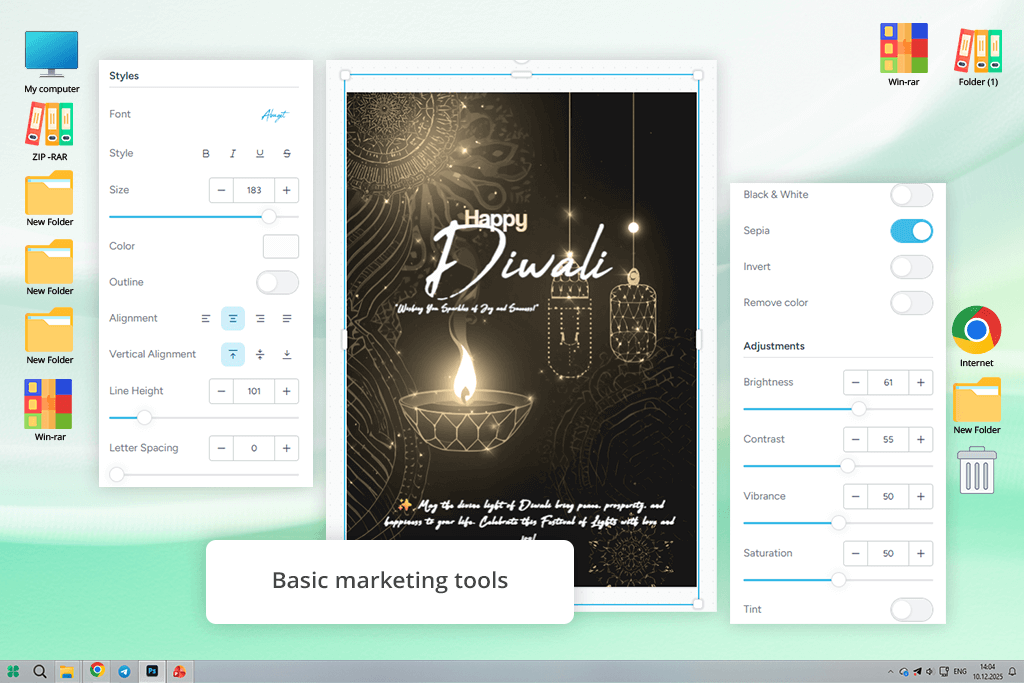
Price: Free (with watermark) or from $13/month
To evaluate PosterMyWall, I looked at it as a free online Diwali banner maker, even though I relied on it as flyer design software in the past. I began by checking out the large template library, which includes more than 11,000 ready-to-use options for social media posts, YouTube banners, flyers, and posters. This platform lets me conveniently add diyas, rangoli patterns, and festival-themed icons.
The drag-and-drop controls are very convenient and allow me to easily swap images, text, and backgrounds in a couple of clicks. I resized my banner for several platforms and formats. I had no issues transforming a Facebook banner into a flyer or social media post without having to start from scratch. PosterMyWall can also be used for creating animated banners and video exports, ensuring your Diwali greetings look more eye-catching. Additionally, I could easily schedule posts, add QR codes, and publish my creations straight to social media.
The free plan does have its restrictions. Premium assets come with watermarks, and tools like AI background removal also require a subscription. You don’t have a lot of customization freedom, and you don’t have access to typography and vector editing functionality. However, the results I got were vibrant, professional-looking, and already prepared for print or online sharing.
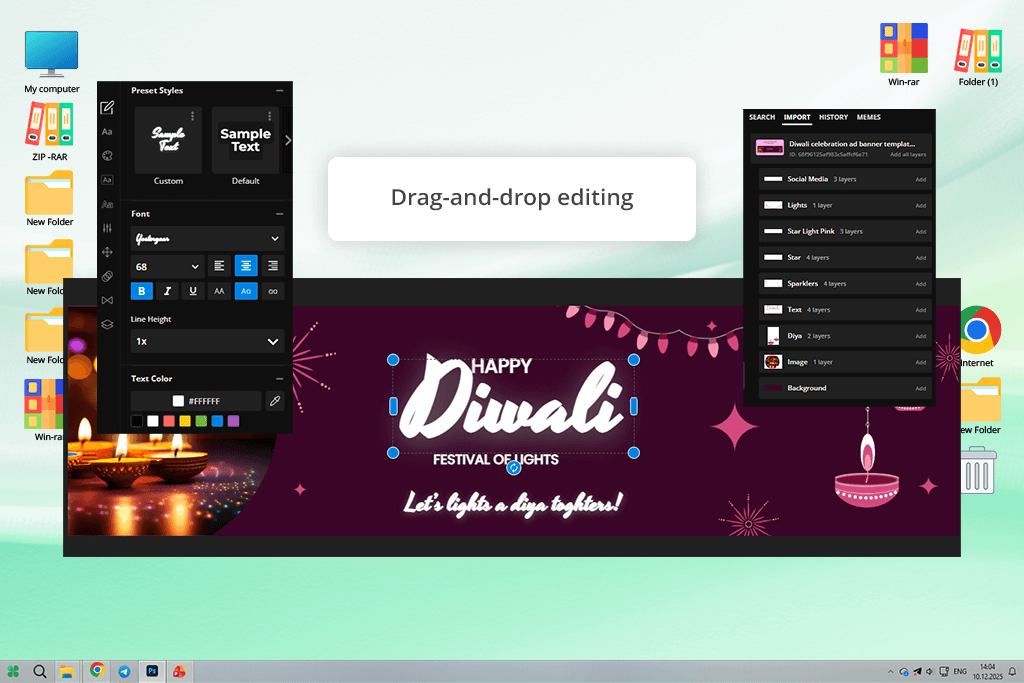
Price: Free (10 credits, watermark) or from $16/month
I tested Kapwing as a custom Diwali banner maker and was surprised by how versatile it is. It provides a decent selection of customizable Diwali banner templates that can be used for social media, event invitations, or as greeting cards. It allows me to drag and drop visual elements, add text, and include relevant icons like diyas and fireworks.
Additionally, I checked out the millions of stock images and graphics, tweaked the colors, typography, and layouts, and even created an animation for my banner in just one click. Customizing the design and downloading it on any device felt seamless, ensuring I could easily receive pro-grade results regardless of where I am.
Kapwing lets you collaborate with other users when working on designs, akin to Google Docs. That said, free projects have a watermark, which will make your banner look unprofessional unless you remove it. It can also suffer from lag when dealing with more elaborate creations.
“Kapwing acts as a content creation tool and not a simple banner maker, allowing me to create something more than basic static designs. However, the watermark added in the free version makes it unsuitable for professional projects.”

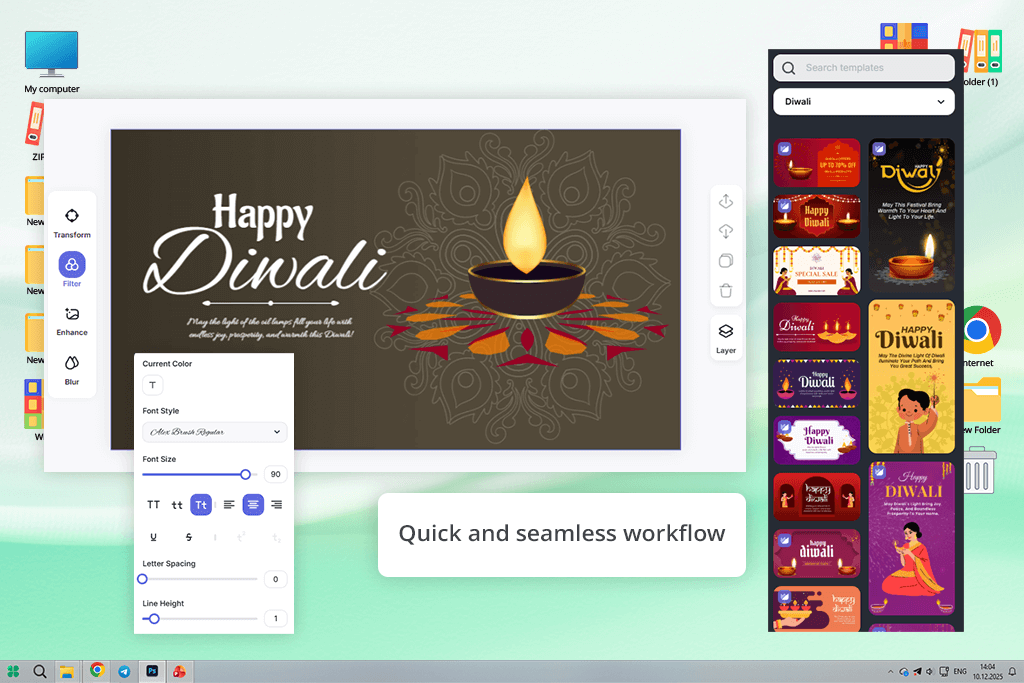
Price: Free (5 daily free AI credits) or from $6.99/month
LightX is an AI Diwali banner maker that is pleasantly convenient when it comes to quickly receiving quality results. I tried a wide range of premade templates that were created for Diwali wishes, sales, and event promotions. I could drag-and-drop visual elements, add text, and apply free stickers like diyas, rangoli patterns, and sweets.
The UI is user-friendly, allowing me to replace the colors (think gold, orange, and red) and typography. You can also use LightX as an AI image generator, meaning you can generate unique Diwali-themed AI backgrounds to ensure your banner looks unique.
I could download my project in JPEG or PNG format, share it online, or print it as I saw fit. It also makes it easy to resize my creations for Instagram, Facebook, Pinterest, or print without losing quality. The output looks crisp, professional, and eye-catching. The biggest drawbacks of LightX include generic-looking templates and a more limited range of advanced editing parameters in the free plan.
Price: Free or from $8.99/month
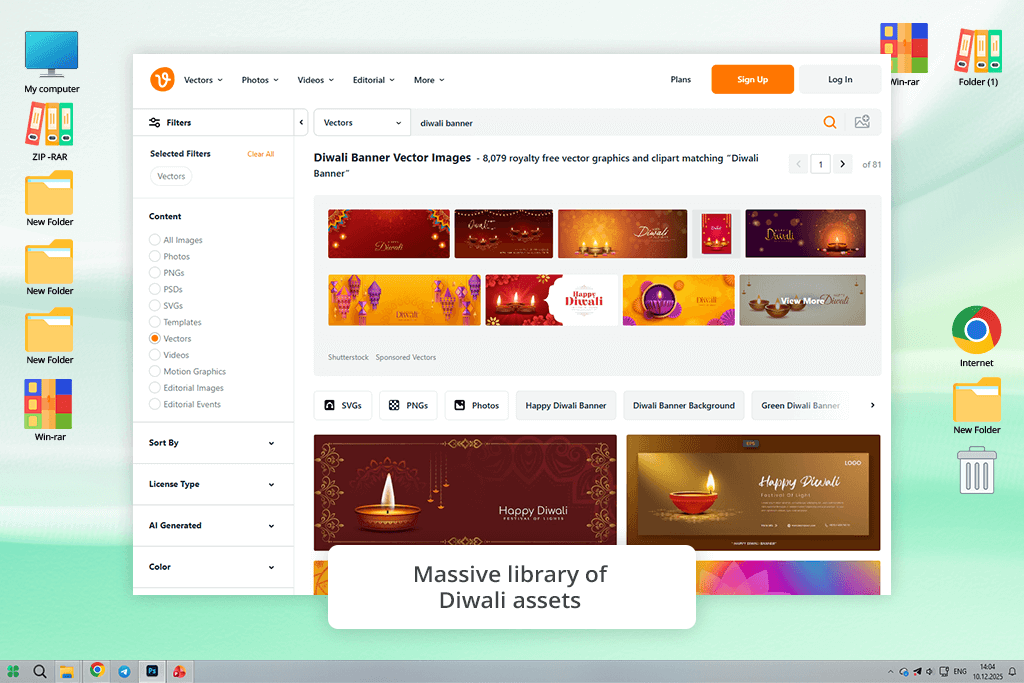
Vecteezy is a widely used stock photography site and vector marketplace that is also one of the best Diwali banner makers I have tried. It provides more than 8,000 royalty-free vector graphics, clipart, and images that are a perfect fit for the Diwali theme, including diyas, rangoli patterns, and festival-themed icons.
When leveraging this platform, I could edit vectors online, resize them without sacrificing quality, and personalize the colors, text, and layouts while preparing my banners for social media promotions or print.
The UI is pleasantly minimalistic and newbie-friendly, allowing me to conveniently make professional-looking festive visuals. I easily created colorful, fully personalized Diwali banners that were suitable for posting online or printing. During my test, I noted that certain assets can look generic since the same elements are often used by other people. You also need to make an account to use this platform and save your results, which can feel a bit inconvenient.
“Vecteezy isn’t focused on providing quick templates but rather on creating designs from refined visual elements. It requires a bit more work, but the quality of the results more than makes up for it.”

Price: 7 days free trial or from $8/month
Availability: Web
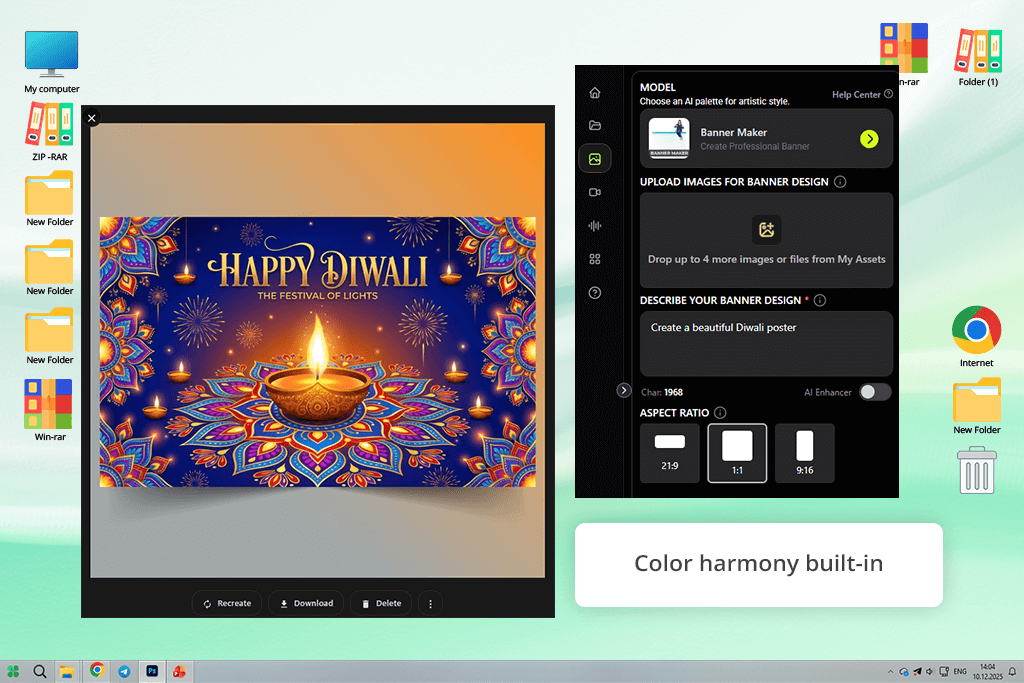
Pixazo is another AI Diwali banner maker that excels at turning basic concepts into beautiful-looking designs. My test began by typing in a short prompt and receiving ten differing Diwali banner variations, which included traditional symbols like diyas, rangoli, peacocks, and lanterns, and concise, heartfelt messaging.
I chose the design that I liked the most, adjusted the typography, and could save the result in either PDF or PNG format. The UI is pleasantly minimalistic and intuitive, meaning I don’t need to browse thousands of assets or waste time looking for fonts.
When using Pixazo, I liked the AI’s focus on achieving a harmonious color scheme and layout. All generated results looked clean and festive while featuring warm hues like gold, crimson, and deep indigo. I could instantly share the banners on social media or use them for print without making additional edits.
The biggest drawback of this AI software is the lack of customization beyond text, meaning you can’t manually adjust separate elements or parts of the layout.
To find the best Diwali banner maker, I checked out a long list of solutions from basic template-focused platforms to robust AI-powered tools. I got help from my colleagues from FixThePhoto, who assisted me in evaluating usability, result quality, and whether specific banner makers could comfortably fit into practical workflows.
We ended up testing over 15 options, including popular picks like CapCut, Venngage, PhotoADKing, Pixelcut, CraftyArt, Vocal.media, Template.net, Creative Fabrica, Freepik, BrandCrowd, and Varnz. That said, some of these tools aren’t included in this overview due to limited feature sets, disappointing output quality, or poor overall performance.
Here’s how we tested ever Diwali banner generator:
Keeping all of that in mind, we chose only those Diwali festival banner makers that provided consistent, pro-grade results and ensured everything could be done quickly and flexibly while delivering aesthetically pleasing creations.
Yes. The majority of Diwali banner makers, like Canva, Adobe Express, or Pixazo, are very intuitive to use. They provide premade templates, drag-and-drop controls, and AI-powered tools to ensure any user can achieve professional results within minutes.
The recommended size for a web banner depends on the placement. Standard sizes are 728×90 px (leaderboard), 300×250 px (medium rectangle), and 160×600 px (wide skyscraper). For social media content, stick to square (1080×1080 px) or horizontal (1200×628 px) dimensions.
A Diwali banner has to include festive decorative elements like diyas, rangolis, lanterns, and fireworks, and preferably a warm message like “Happy Diwali” or some promotional offer. Add your logo or branding if it’s a business-related banner, and pick easy-to-read fonts with bright, harmonious colors like gold, crimson, and deep indigo.
Yes. Most solutions like Adobe Express or Kapwing allow you to download your projects in high-resolution formats like PNG, JPEG, or PDF. Additionally, they allow you to resize your creations to fit posters, flyers, social media posts, and even big physical prints. Platforms like LightX and Pixazo can optimize your layouts for print automatically.
Yes. Most solutions allow you to import your logo, images, or color schemes to ensure the banner you created matches your brand identity. Adobe Express and Canva are particularly useful for designing branded Diwali banners.




![7 Best YouTube to MKV Converters [{{%year}} FixThePhoto Choice]](http://fixthephoto.com/blog/images/gallery/news_main__preview_28907.jpg)

![11 Best AI Brochure Makers [Free Tools]](http://fixthephoto.com/blog/images/gallery/news_main__preview_28906.jpg)

![9 Best Play HT Alternatives in {{%year}} [100% FREE]](http://fixthephoto.com/blog/images/gallery/news_main__preview_28920.jpg)



















