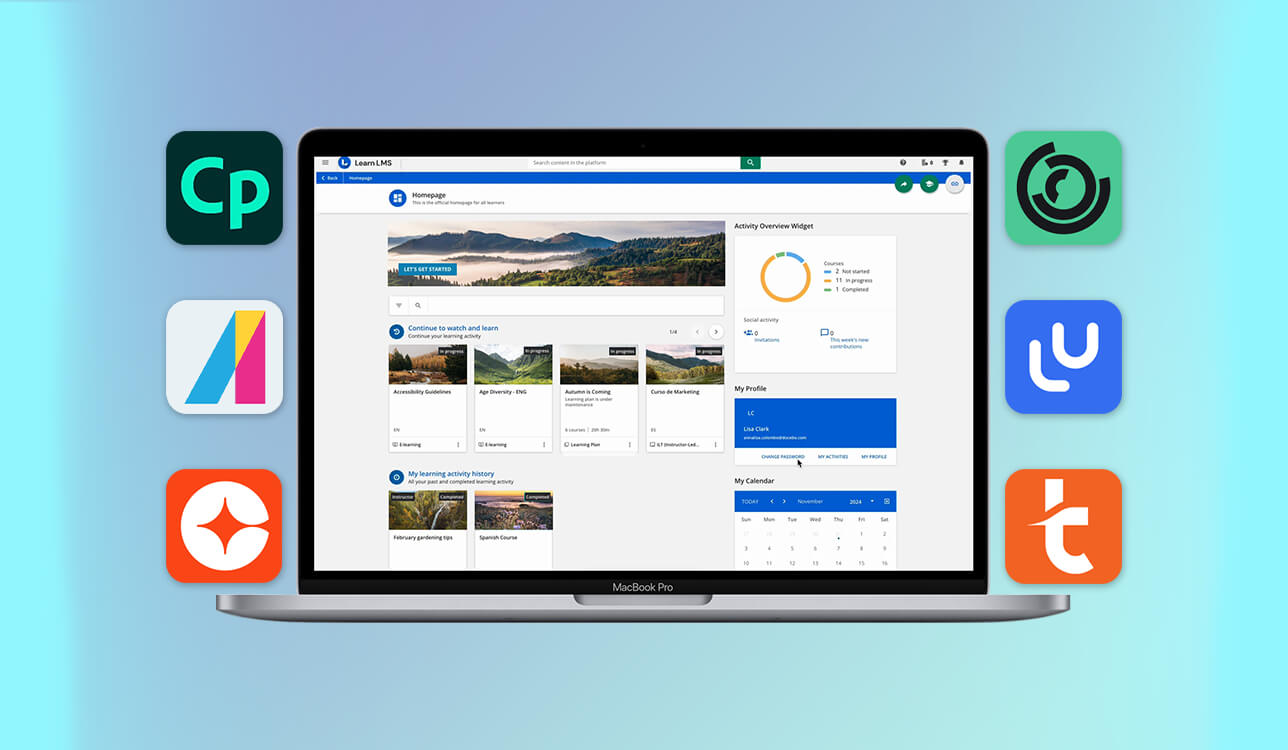
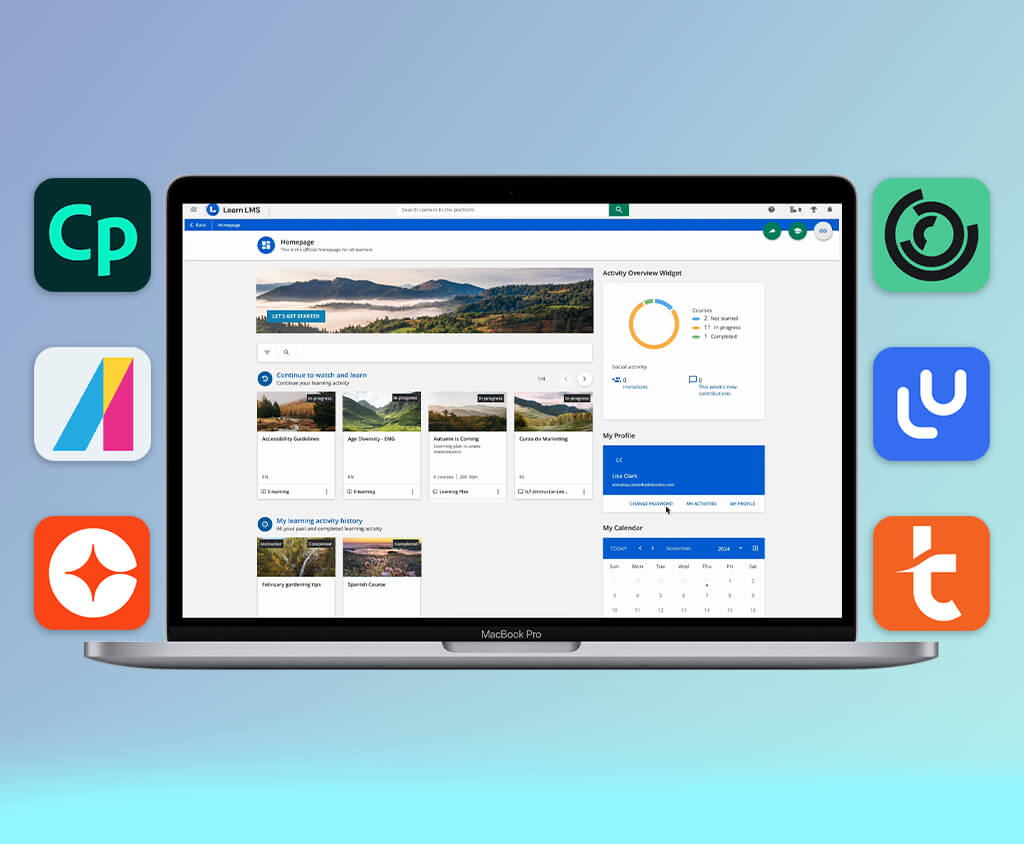
When our team started growing our internal training program, organizing courses with Docebo wasn’t enough anymore. We needed to update materials more quickly, improve how the lessons were structured, and support different types of content. That’s when we realized that relying on just one enterprise LMS was restrictive, and it’s time to find more powerful Docebo alternative.
During the last two months, I tested 20+ Docebo competitors to see which ones support modern learning processes more effectively. I checked product demos, studied their features, read conversations on Reddit and professional forums, and gathered opinions from teammates who use LMS tools in their daily work.
The aim was to find alternatives that offer faster workflows, better control over course design, and room to scale - without making the system more complicated than necessary.
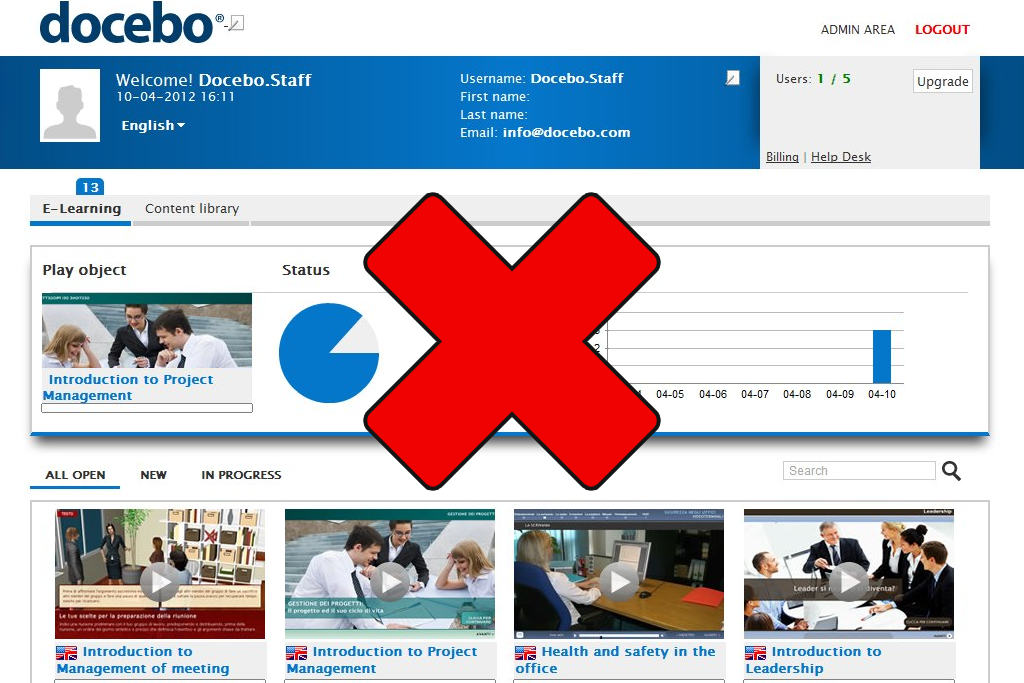
It’s not that Docebo has become a bad platform. The issue is that for many teams, it now feels too bulky for how they work.
As learning needs have evolved, companies are noticing that the platform’s heavy features don’t always match the simple, daily requirements of their team. This becomes particularly clear when they compare it to the best eLearning software on the market. Here are the issues that often appear in real situations:
As a result, alternatives remain valuable. Many Docebo competitors focus on doing a few things well rather than offering an all-in-one solution:
For teams that prioritize speed, flexibility, and the learning experience over complex enterprise systems, looking at alternatives isn’t about replacing Docebo out of frustration - it’s about choosing a platform that better fits how learning works today.
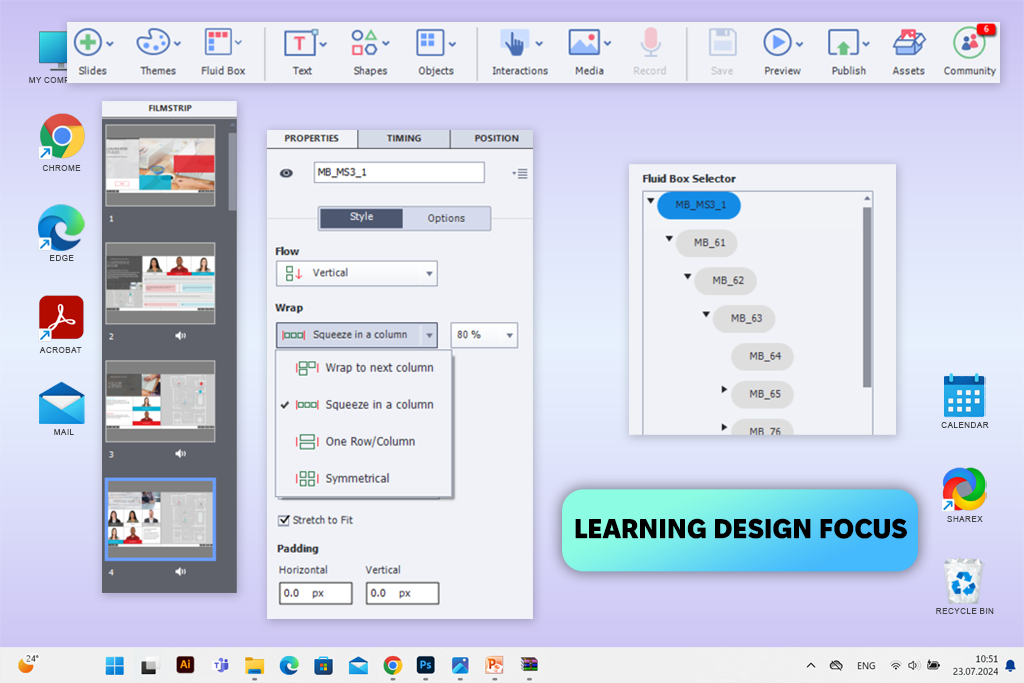
Adobe Captivate free version is different from Docebo and similar platforms because it focuses on how you design the learning experience, not on managing the training system. I used it to turn basic slides into interactive courses with quizzes and different learning paths. The whole process felt more like using a creative tool than a system for administration.
The best part of using it was the responsive design. Courses automatically adjusted for desktop, tablet, and mobile, so I didn’t have to rebuild screens for each device. This saved a lot of time when updating or republishing content. The built-in review tools also made collecting and managing feedback much easier before publishing.
“Converting static slides into interactive lessons felt intuitive, especially when adjusting the layout for different screen sizes.”

Captivate is best used as a tool for creating courses, not as a full replacement for a learning management system like Docebo. Compared to Docebo, it gives you more control over how your content looks and behaves. This makes it a great choice when your main focus is on course quality rather than managing users.
Price: from $33.99/month
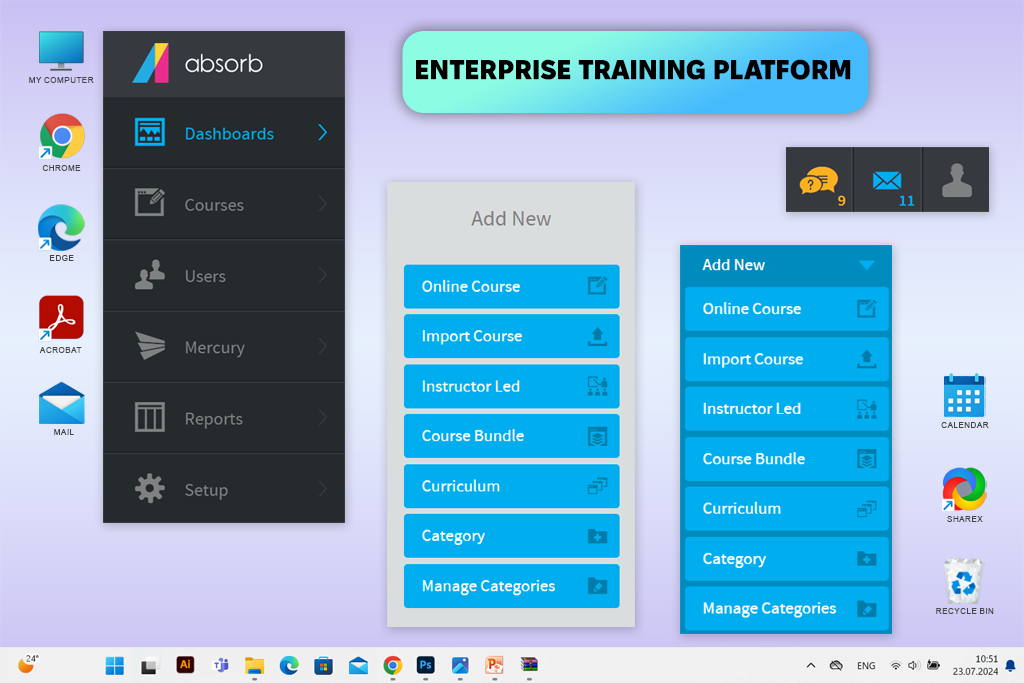
Absorb LMS is built with structure and management in mind, which works well for teams that want reliable training workflows. While reviewing the platform, I focused on areas like user management, course distribution, and progress monitoring. In a side-by-side comparison with Docebo, the interface felt more straightforward, especially for everyday admin activities.
The biggest advantage in practice was analytics. Reports are quick to generate, filters are easy to understand, and learner progress can be viewed without extra setup. Automation tools also reduce manual work when assigning courses or enrolling users, which becomes more important as training programs grow.
This Dacebo alternative works best for teams that prioritize consistency and control over creative course design. It may not stand out visually, but it provides reliable enterprise training and often involves fewer workflow challenges than Docebo.
Pricing: from $1,050/year
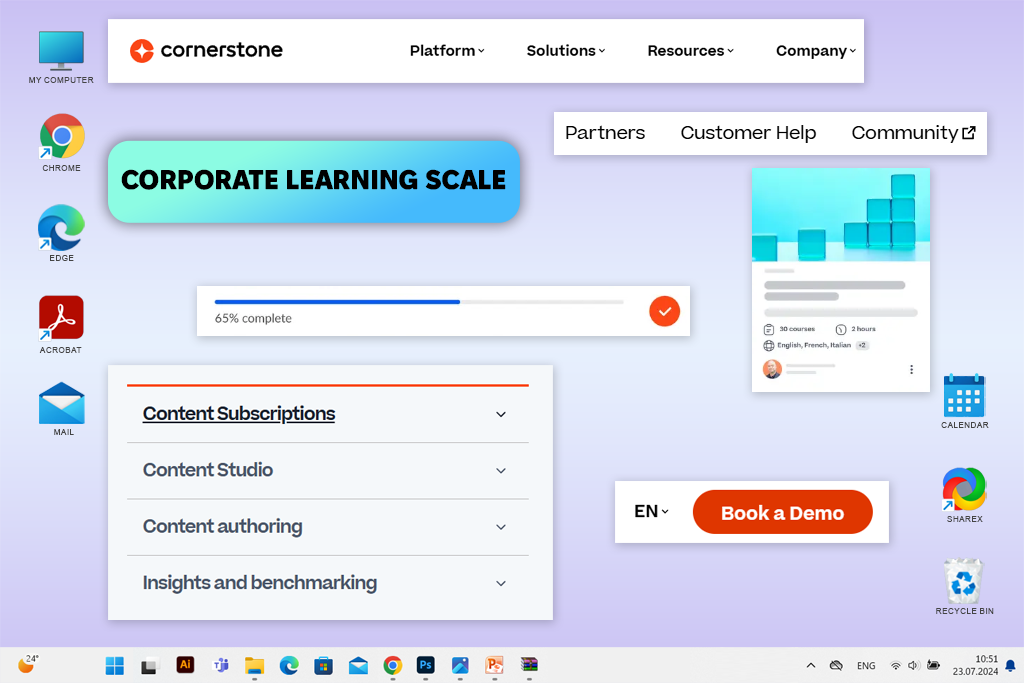
Cornerstone Learn stood out as one of the most enterprise-focused alternatives to Docebo in my testing. The platform is built for companies with complex hierarchies, multiple teams, and large training audiences. Right away, it felt more like a complete corporate learning system than a typical LMS or instructional design software.
The platform stands out mainly for its scalability. Tools such as structured learning paths, skills frameworks, and connections with HR systems make it useful for long-term talent growth. This Docebo competitor comparison shows that Cornerstone goes further into workforce development and competency management, not just course distribution.
This functionality also comes with greater complexity. The platform typically requires experienced admins for setup and maintenance, and it may feel overwhelming for smaller teams. Cornerstone Learn performs best in organizations where learning is integrated with business strategy and performance management.
Pricing: custom pricing (enterprise plans)
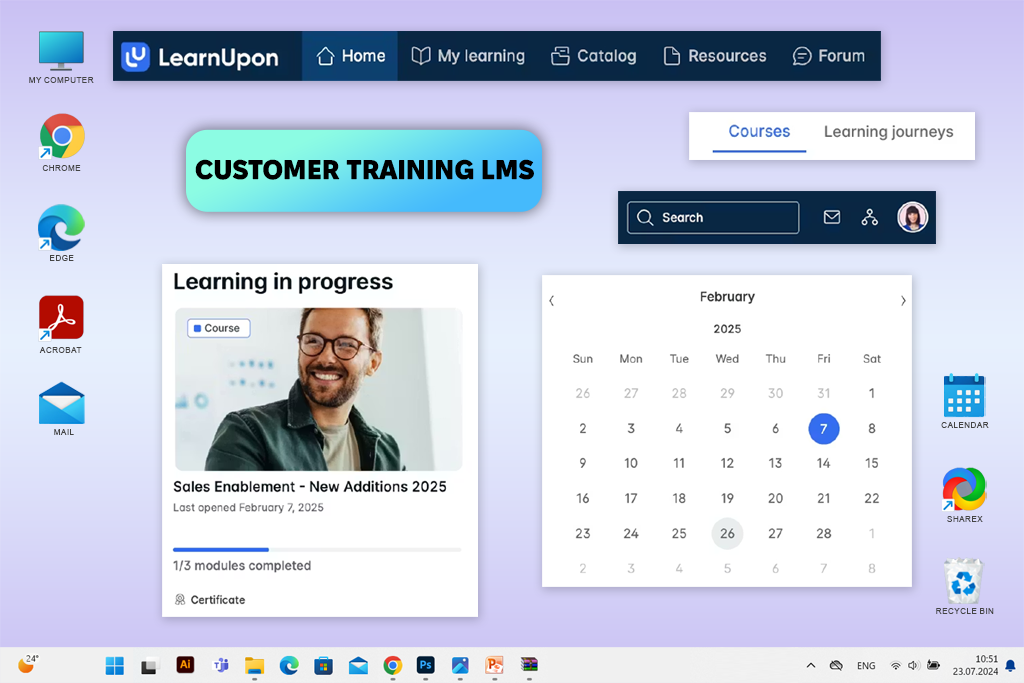
LearnUpon proved to be a practical solution for educating customers and partners. While testing it, I focused on creating separate portals and seeing how quickly new users could start learning without prior LMS experience. The interface is clear, and most tasks are easy to understand right away.
One feature that stood out was the ability to create multiple portals. Separate environments for different user groups help keep training structured and avoid combining internal and external content. In practice, this reduces administrative errors and makes program management more efficient.
“Begin with one simple course and a small group of users, and the rest of the platform will be easier to understand.”

LearnUpon performs best in environments where straightforward workflows and consistency matter more than heavy customization. By avoiding extra complexity, it becomes a solid option for growing customer and partner training programs.
Price: from $899/year
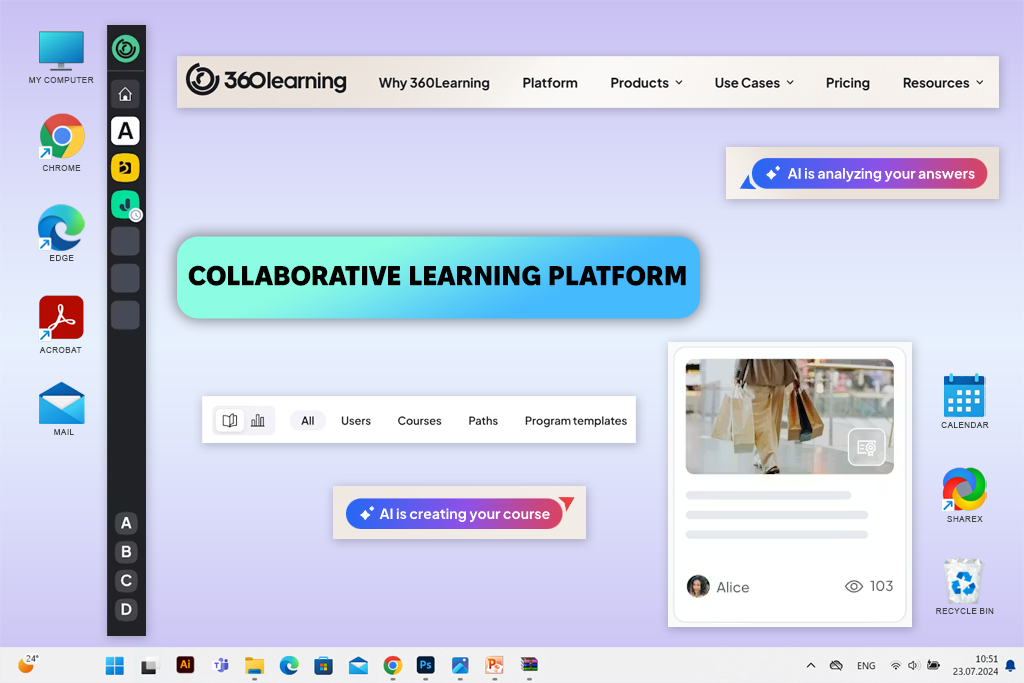
360Learning feels more people-centered than process-driven. While testing it, I looked mainly at course creation, feedback workflows, and how engaged employees were in the learning process. Rather than following a strict top-down structure, the platform promotes collaboration and shared knowledge.
One of the most visible strengths in real use was collaboration. Learners can interact with course materials by leaving feedback, suggesting changes, and sharing expertise directly in the platform. From what I saw, this approach works best in teams where knowledge develops quickly and active participation matters more than strict reporting.
360Learning is most effective in companies with an open and flexible approach to learning. The platform doesn’t prioritize strict oversight or compliance management, but it supports ongoing learning and knowledge sharing without adding unnecessary complexity - particularly for teams that don’t rely on the data analytics platforms.
Price: from $8/user/month
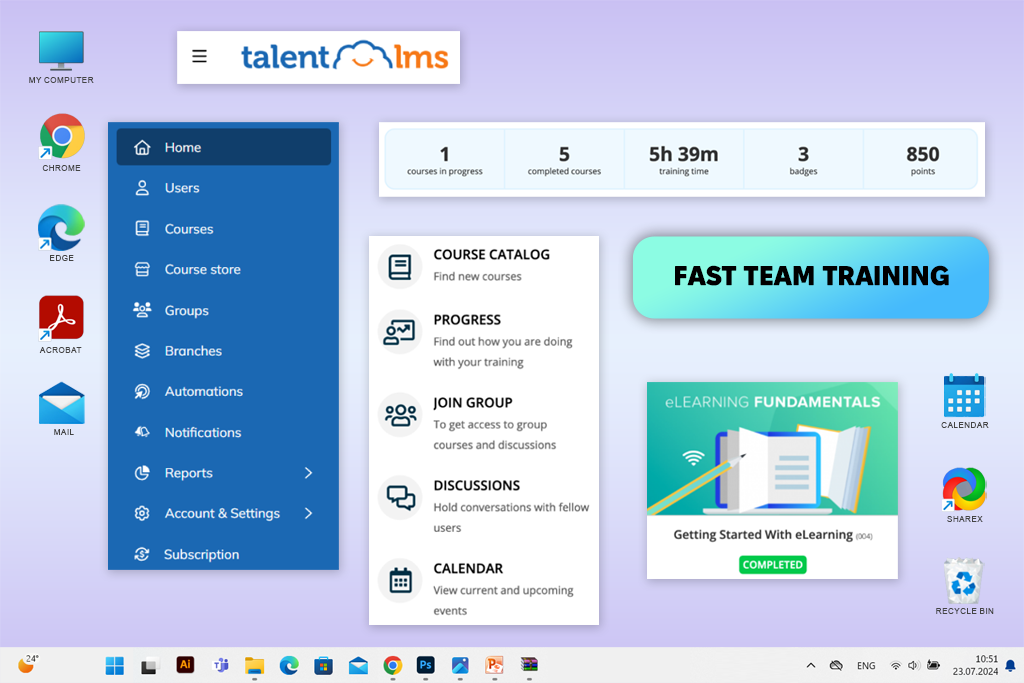
TalentLMS stands out as a simple and approachable platform for daily training tasks. While testing it, I worked mainly on course creation, user setup, and training assignments. The process was fast and didn’t require complicated configuration or extensive admin work.
When looking at Docebo vs TalentLMS, speed stands out the most. Courses can be set up and launched quickly, and learners usually understand the platform without extra help. This makes it a practical option for teams that don’t have dedicated LMS administrators but still need structured learning programs.
The platform performs best when ease of use matters more than deep functionality. Instead of adding enterprise-level complexity, it focuses on helping teams publish training quickly and efficiently.
Price: from $59/month
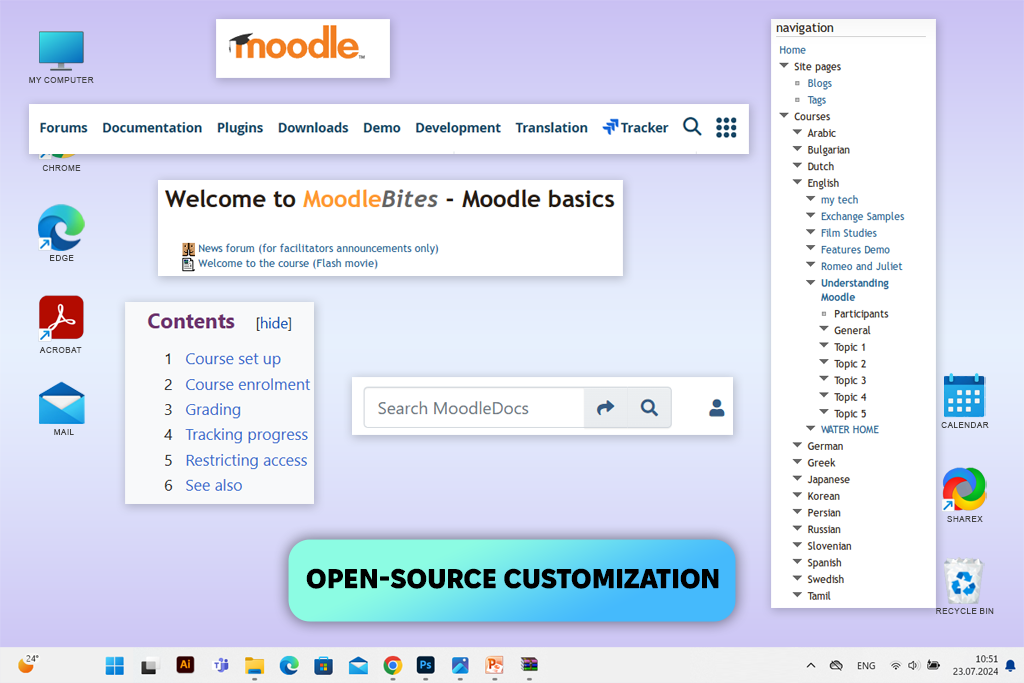
Moodle stands apart from many commercial LMS tools and online learning platforms due to its focus on flexibility and control. While comparing Moodle vs Docebo, I explored course structure, user permissions, and plugin configuration. The platform allows extensive customization, but it also requires technical knowledge from the beginning.
The biggest strength in real use is flexibility. Moodle allows far more control over workflows, layouts, and learning logic than Docebo. Among Docebo alternatives, it stands out for teams that want to build a system based on their own rules rather than follow a predefined structure.
“It didn’t feel difficult to set up, and the system could be adjusted gradually as training expanded.”

Moodle fits best in organizations with technical expertise available internally. It allows long-term flexibility and better control over costs, but it also requires continuous setup and maintenance. For teams ready to support it, the platform can grow into a powerful and fully tailored learning environment.
Price: free (open-source); hosting from $50/month
Corporate learning platforms keep adding features, yet real workflows don’t necessarily get easier. At some point, teams may feel the LMS becomes more complex than the training it supports, with extra settings, approvals, and steps required for basic updates. Rather than enabling learning, the system starts shaping how it must be done.
The first issue that often appears is speed. Content updates become slower, experimenting with new formats feels risky, and minor changes need extra admin work. Eventually, teams start shaping their training around the platform rather than the platform supporting their needs.
At this point, alternatives become worth exploring. The issue isn’t that the original system failed, but that priorities evolved. Modern learning teams tend to prioritize practical usability over a long list of features. In practice, the change often looks like this:
| What teams need now | Where classic LMS struggle | What alternatives focus on |
|---|---|---|
|
Faster updates
|
Long approval chains
|
Quick edits & publishing
|
|
Clear workflows
|
Complex admin layers
|
Simpler UIs
|
|
Flexible design
|
Rigid course structures
|
Learning design freedom
|
|
Scalable growth
|
Heavy setup over time
|
Lightweight scaling
|
|
Predictable costs
|
Enterprise pricing logic
|
Transparent plans
|
Today’s learning environment moves quickly. Content evolves, teams adapt fast, and training is no longer static. Because of this, the most useful LMS is the one that removes friction and allows learning to happen smoothly. It’s not about one system being “bad” - it’s about matching tools to how learning works today.
Rather than relying on advertised features, my FixThePhoto teammates and I evaluated these platforms through practical use. Each LMS was tested as if it were being introduced into a real team environment where training must run smoothly and continue evolving.
I tested platforms by running through full workflows - from the initial setup to regular updates over time. The focus wasn’t only on first impressions, but also on how each system performs once courses, users, and data begin to grow.
During testing, we worked with a few popular LMS platforms that ultimately weren’t included in the final selection. These included SAP Litmos, iSpring Learn, Thinkific, and TalentLMS. Although they supported basic training needs, their limitations became more visible when managing continuous team training and expanding content libraries. During testing, we checked:
The main objective was to identify Docebo competitors that stay reliable and manageable as training grows. Systems that required constant tweaks or became harder to work with over time received lower ratings, even if they looked impressive at the beginning.
Common alternatives include Absorb LMS, Cornerstone Learn, LearnUpon, 360Learning, TalentLMS, Moodle, and Adobe Captivate. These platforms emphasize different strengths, including analytics, learning design, collaboration tools, and faster implementation - areas also seen in some German learning software used in corporate environments.
For many teams, the key priorities include streamlined workflows, rapid setup, clearer reporting, and flexible learning design. Budget considerations and straightforward administration also matter.
While open-source tools such as Moodle allow deeper customization, cloud-based platforms usually focus on simplicity and faster implementation.
TalentLMS and LearnUpon are popular choices thanks to their easy management, quick setup, and the ability to run training without needing specialized administrators.
Yes. Absorb LMS and Cornerstone Learn are designed for enterprise needs, offering support for large user bases, detailed analytics, and structured learning frameworks.
Generally, cloud LMS platforms are easy to manage without technical experience. Open-source solutions usually involve technical setup and regular maintenance.
Course design tools help build training content, but an LMS is usually still needed for user administration, progress tracking, and reporting.



![Add Skeleton Filter on Photo Online [FREE]](http://fixthephoto.com/blog/images/gallery/news_main__preview_28921.jpg)
![9 Best DALL-E Alternatives in {{%year}} [100% FREE]](http://fixthephoto.com/blog/images/gallery/news_main__preview_28491.jpg)
![5 Best Real Estate Datasets for Machine Learning [{{%year}} FixThePhoto Choice]](http://fixthephoto.com/blog/images/gallery/news_main__preview_28903.jpg)
![11 Best Jasper AI Alternatives in {{%year}} [Reviewed & Tested]](http://fixthephoto.com/blog/images/gallery/news_main__preview_28888.jpg)
![9 Best AI News Generators [{{%year}} FixThePhoto Choice]](http://fixthephoto.com/blog/images/gallery/news_main__preview_28524.jpg)

![11 Best Split Screen Video Editors [PC, Mac & Online]](http://fixthephoto.com/blog/images/gallery/news_main__preview_28892.jpg)


















