After working with DALL-E for a while, I realized it has its weak spots, especially when a project calls for precision and creative freedom. It’s impressive at interpreting detailed prompts and producing unique images, but it can be limiting when you want to fine-tune style, structure, or text elements. That’s why I began exploring budget-friendly DALL-E alternatives that offer better control and more lifelike results.
The speed can be hit-or-miss. Besides, full image generation costs $20 monthly and requires ChatGPT Plus subscription. Since I regularly need more customization and better quality, I tested 20 + alternatives to DALL-E, including free options and professional tools. I did my best to figure out which ones truly offer the best mix of quality, versatility, and affordability.
As I’ve tried out different DALL-E alternatives, it’s become clear that accurate and detailed prompts are the key to great outputs. After working with these programs for a while, I’ve developed a handful of prompt-writing tricks that almost always lead to better images:
1. Be Detailed, But Don’t Overdo It
If I just say “woman in a garden,” the result is too general. So, I switch to: “a young woman in a sunlit flower garden, wearing a flowing red dress, soft cinematic lighting, photorealistic style.” By getting such details, the AI fine-tunes the look and atmosphere of an image.
2. Specify the Art Style or Medium
It is useful to include words like “oil painting,” “vector illustration,” or “digital photorealistic render” so the AI knows the exact look you are after. For example, I’ve written “modern product packaging, 3D render, minimalistic aesthetic, soft shadows.”
3. Call Out the Lighting and Emotion
The whole feel of an image hinges upon lighting, so I always specify it. Such phrases as “golden hour warmth,” “moody studio lighting,” or “soft ambient glow” help the AI produce the right vibe.
4. Use Comparisons to Guide Style
I like dropping in comparisons, such as “like Studio Ghibli animation” or “resembling a Vogue fashion spread,” to help the AI understand the visual direction without sending it any pictures.
5. Test, Adjust, and Repeat
I hardly ever get the ideal image on the first attempt. I produce a few options, analyze what’s effective, and refine my prompts with extra details, composition cues, or style adjustments. Phrases like “ultra-detailed textures” or “minimal background” can greatly shift the result.
Following these tricks, I can generate stunning photorealistic portraits, sleek marketing visuals, and stylized artwork.
Pricing: Free (limited generative credits) or from $9.99/mo.
Availability: Windows, MacOS, web, iOS, Android
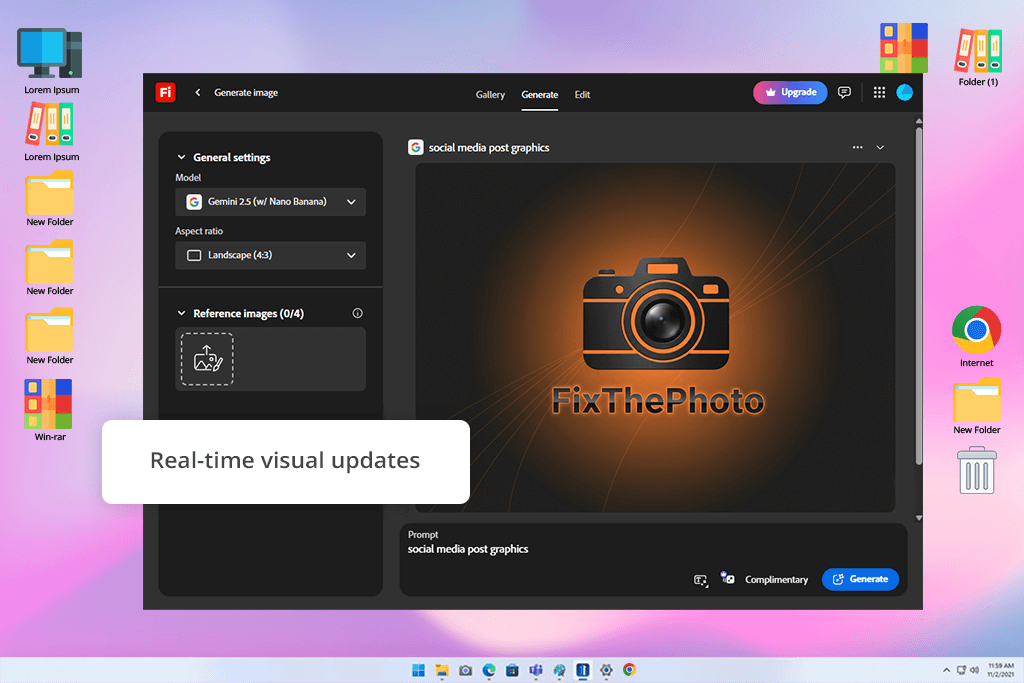
Both Firefly and DALL-E 3 are impressive when it comes to turning your text ideas into actual images. They're fast, handle everything from photorealistic stuff to wild concept art, and they fit nicely into your creative toolkit. Quality-wise, Firefly holds its own against DALL-E 3, You'll get sharp, eye-catching images that work great for Instagram posts, marketing materials, or just brainstorming visual concepts.
The real differences between these AI art prompt generators pop up around safety, commercial rights, and how they work with other tools. Firefly's got a major advantage. This DALL-E alternative is trained only on licensed content and public domain materials, which means you can actually use it for commercial work.
DALL-E 3 offers not so much of a guarantee. Plus, if you're already living in the Adobe universe, Firefly's your best friend. It connects directly to Photoshop, Illustrator, and Adobe Express, so moving your creations around is effortless.
During my testing, I generated social media graphics in batches. DALL-E created beautiful standalone images. Firefly let me maintain the exact same aesthetic throughout the entire collection with less prompt-fiddling. This is very helpful when you're working on multiple pieces at once.
Firefly really pulls ahead of DALL-E in style control and consistency. It gives you more style variations to pick from, and it's noticeably better at producing similar-looking images for unified projects. DALL-E handles complex prompts beautifully, but if you ask it to create a series of related images, the consistency can get shaky fast.
Generally, if you want DALL-E free alternative, Firefly's free tier is a solid place to start. However, anyone doing professional work will likely need to spring for the paid Adobe subscription.
“Firefly is unmatched if you want high-quality AI images with reliable text handling. A perfect tool for professional designers.”

Pricing: From $10 per month
Availability: Web
If DALL-E 2 doesn’t suit you, have a look at Midjourney. Both platforms can create quality images from text prompts, so you're covered whether you're working on concept art, illustrations, social media graphics, or marketing assets. They offer styling and composition freedom and both tools make it easy to generate ideas quickly.
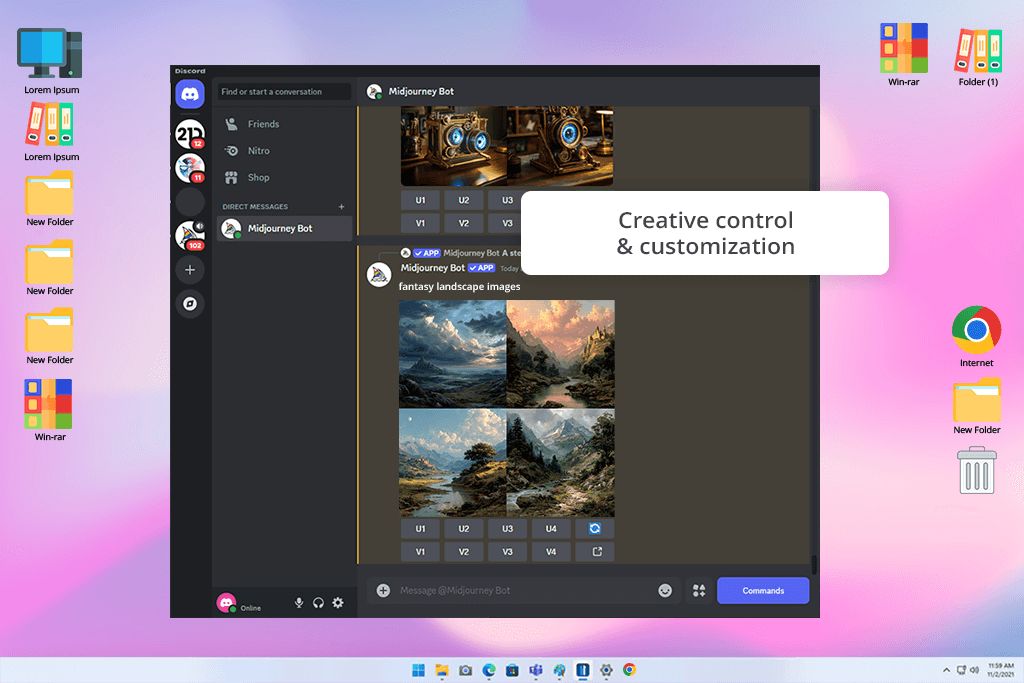
This DALL-E alternative impressed with its output quality. The images it produces are visually stunning, often blending artistic sensibility with photorealistic detail. Compared to DALL-E's clean, polished results, Midjourney's work has a stylized and cinematic vibe. Still, there is one difference worth noting. DALL-E is built right into ChatGPT for easy access, while Midjourney requires you to work through Discord commands. It takes some getting used to, but once you're comfortable, you'll appreciate the granular control it offers. You can fine-tune images, experiment with different aspect ratios, and create variations using targeted command modifications.
DALL-E easily grasps complex, everyday-language prompts you throw at it. That's why it's so great for work that demands accuracy, e.g., logos, illustrations, or concept visuals. I tested it when I used Midjourney to create a bunch of fantasy landscape images for a concept project. DALL-E handled the compositions well and got things right, but Midjourney elevated everything with more intense lighting, deeper textures, and creative styles. Thus, each image had its own character.
Pricing: Free (30 credits, renewed daily) or from $10 per month
Availability: Web
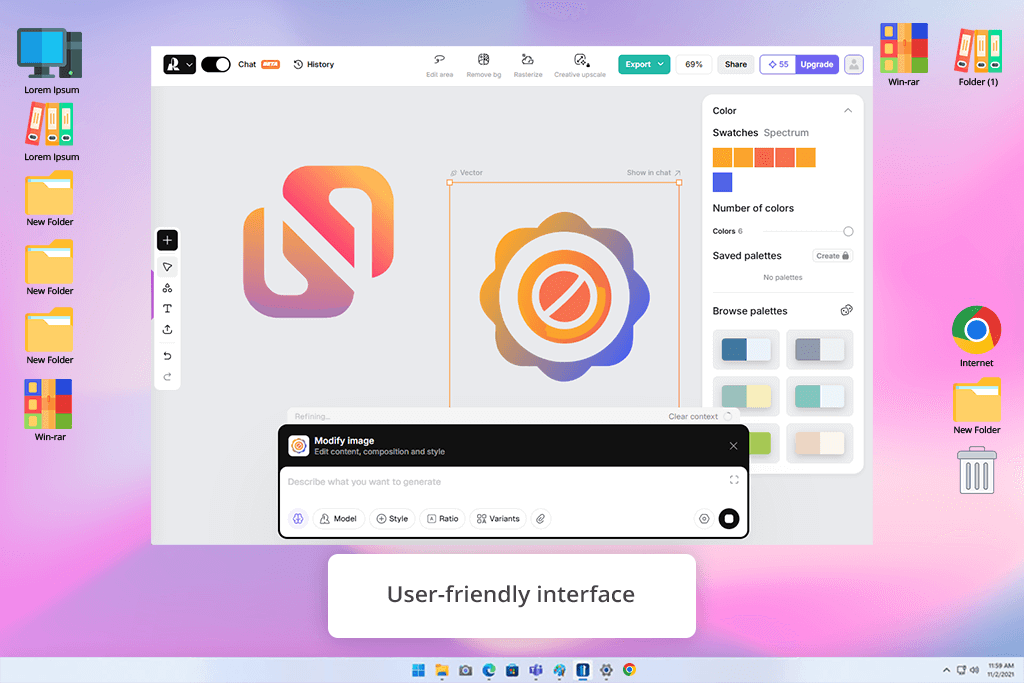
Recraft has become my go-to DALL-E 2 alternative, especially when I'm working on design projects, brand identity, or anything requiring professional-grade visuals. Both tools operate on the same basic principle. You describe what you want, and they generate images from your prompts. They're incredibly useful for exploring artistic directions, visualizing concepts, and quickly producing graphics you can use. The learning curve isn't steep for either platform, but the workflow is different on these 2 platforms.
I needed brand icons and social media templates, so I turned to Recraft. While DALL-E created some visually striking raster images, only Recraft delivered editable vectors with consistent styling across every piece. DALL-E focuses on raster images, but Recraft offers both raster and vector options. For AI-generated logos, illustrations, or UI components that need flexible resizing without pixelation, you’d better opt for Recraft.
Keep in mind that DALL-E delivers versatile, photorealistic images. It handles detailed environments, realistic subjects, and creative ideas perfectly. Meanwhile, Recraft brings powerful editing tools to the table, including maintaining style consistency, inpainting options, and vector tweaking abilities. Thus, creating cohesive branded asset collections is incredibly efficient. DALL-E doesn't compete here since it gives you almost no customization options after you've submitted your initial prompt.
“Recraft is great for making logos and UI assets. You can get consistent raster or vector images fast.”

Pricing: Free or from $3.33/mo.
Availability: Web
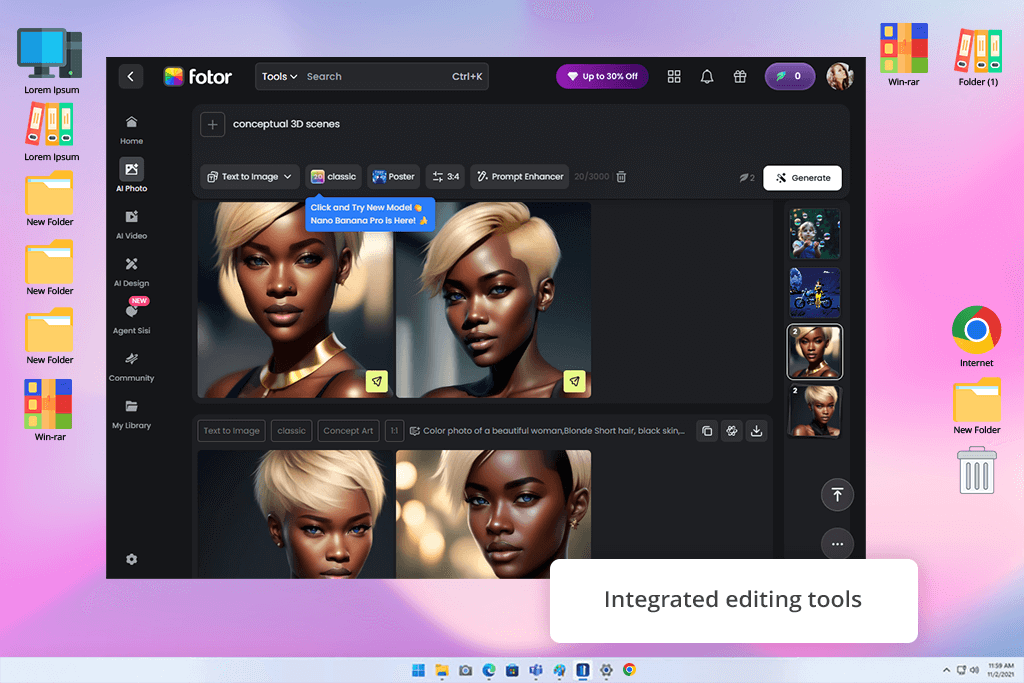
When shopping around for DALL-E alternatives, Fotor caught my attention as one of the easier ones to jump into. DALL-E is laser-focused, turning text into eye-catching images. Fotor takes a different route entirely. It's a complete design platform where AI generation is just one feature among many. With DALL-E, you're definitely going to need other apps for editing afterward.
Still, they have something in common. They both are good at transforming ideas into visuals for whatever you need be it art projects, illustrations, or social posts. Still, DALL-E is unmatched in sheer quality and sophistication. It understands complex prompts better and produces more creative and sharp images. Fotor delivers decent results for basic, stylized images, but anything more ambitious comes out flat or lacking in detail.
During my testing sessions, DALL-E showed amazing results, when making detailed, gallery-worthy art. You can use it for conceptual 3D scenes or intricate illustrated pieces. Fotor filled a different need entirely. It turned out to be my favorite DALL-E free alternative for producing clean, effective visuals for post designs or marketing comps without the app-hopping hassle. Fotor's AI generator appeals to users with simplicity. Pick a preset style, drop in a handful of words, and receive the result quickly.
Pricing: Free or from $9/mo.
Availability: Web
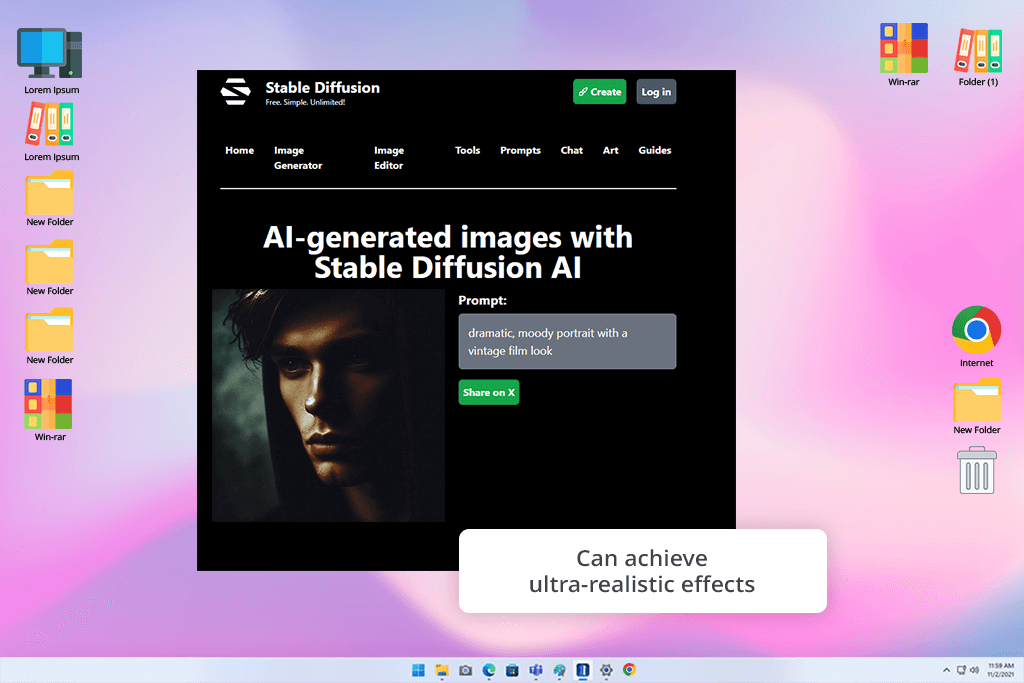
DALL-E will satisfy you if you want simplicity and quality results fast, while Stable Diffusion is built for people who want total creative control. Since this free DALL-E alternative is open-source, you can experiment with the models, tap into community-made extensions, or even build your own trained versions for whatever art style you're chasing. Still, the learning curve can be steep at first, but you should be patient. Once you understand how everything works, you’ll be able to customize your work in all imaginable ways.
Both AI art generators produce images from text. You can receive photorealism or more artistic results. Still, the user experience couldn't be more different. While using DALL-E, you write a prompt and it spits out something polished. This approach is perfect if you need results now.
With Stable Diffusion, you can adjust resolution, lighting, color grading, and even AI models. It is a very technical tool. DALL-E wins on speed and user-friendliness, but Stable Diffusion comes out ahead for control and artistic expression. For instance, I was after a dark, cinematic portrait with a vintage film aesthetic. DALL-E delivered decent images, but Stable Diffusion gave me the tools to tweak contrast, texture, and framing until it was exactly what I had in mind.
“Stable Diffusion lets you customize virtually everything. Though it takes time to master, the results are worth the effort.”

Pricing: Free or from $19/mo.
Availability: Web
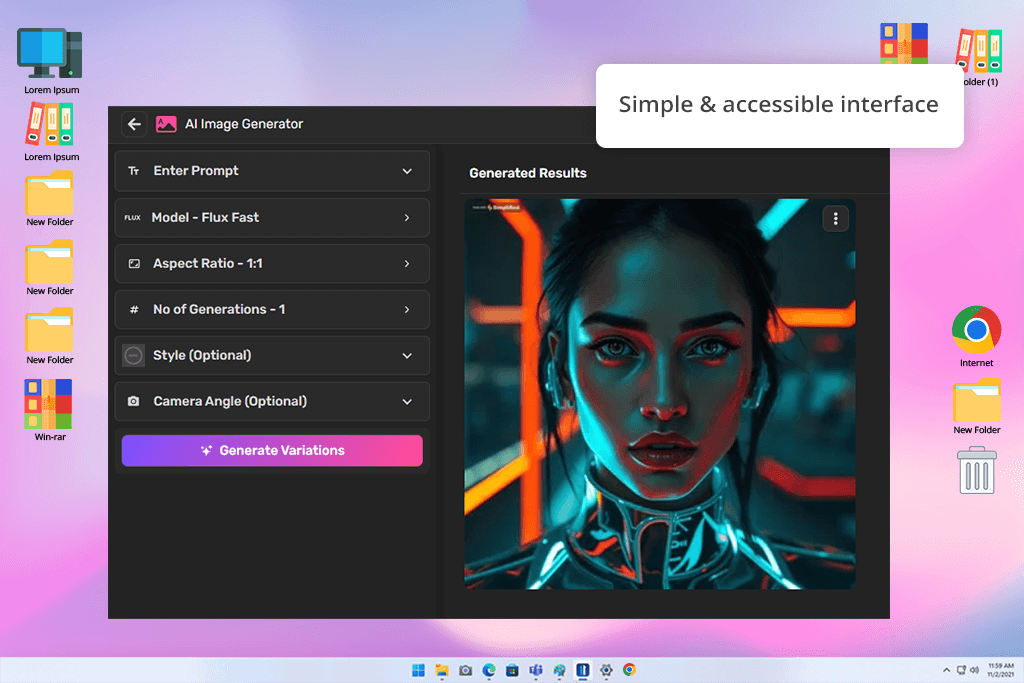
To understand the potential of DALL-E, I checked whether it understood what I was asking, whether the visuals held up under scrutiny, and whether creatives can rely on it day-to-day. I threw the same prompt at both DALL-E and Simplified, typing "a futuristic portrait lit by neon reflections". The main idea was to compare how they handle mood and color interpretation.
DALL-E came back with exactly what you'd expect. It produced clean and creative results, suitable for immediate use. Simplified's output was more stylized. It lacked realism, but was visually compelling. The real distinction is that DALL-E is laser-focused on being an AI art generator, while Simplified is designed as an all-in-one content hub. The image tool is just one piece of a bigger suite. With this AI tool for designers, I can generate visuals, adapt them into a post, and schedule them across platforms, without bouncing between apps.
DALL-E is probably the best bet for designers and artists who need to control the results. But if you need to run social accounts, create visuals for blog posts, or pump out marketing materials on repeat, Simplified is the top DALL-E alternative. It offers design, AI copywriting, and video editing on one dashboard. It doesn't quite hit DALL-E's level when it comes to hyper-realistic imagery, but it makes up for it in convenience, especially if speed and organization matter more than perfection.
Pricing: Free (up to 5 artworks) or from $12/mo.
Availability: Web, iOS, Android
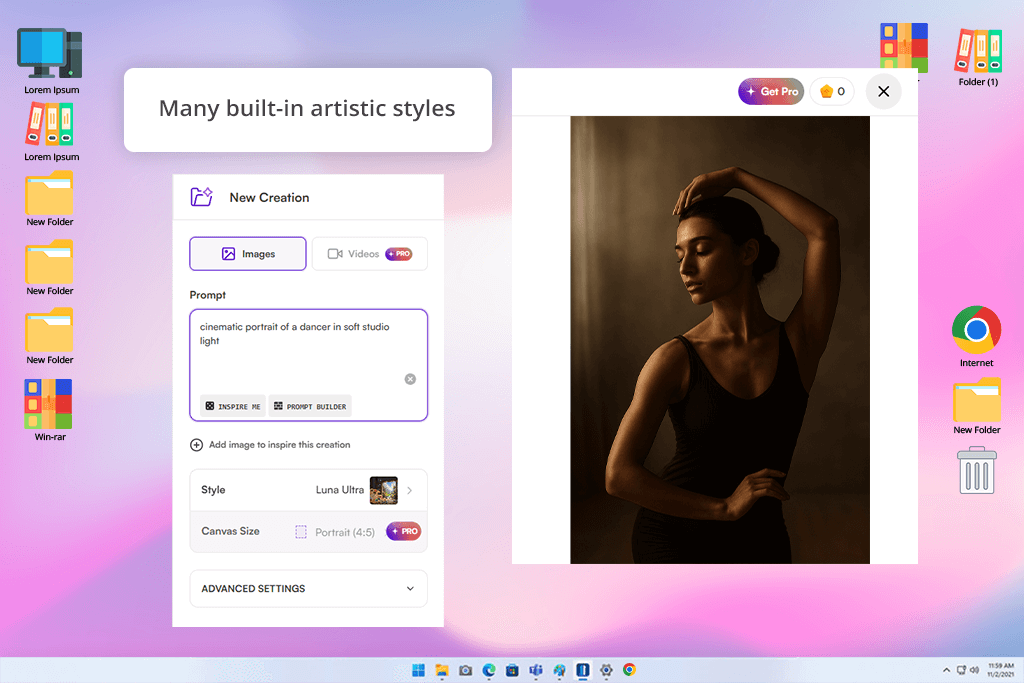
I ran a little test with StarryAI and DALL-E, feeding them both the same prompt –"a cinematic portrait of a dancer in soft studio light". The contrast was striking. DALL-E delivered natural-looking skin and lighting. StarryAI served up something more stylized with vibrant colors and interesting artistic textures. It wasn't quite as literal with my prompt as DALL-E was, but that actually worked in its favor. You get so much more creative flexibility with all the built-in styles.
I like that StarryAI is a user-friendly generative AI tool. You don't have to be a prompt genius. Just select a style and you're good to go. The daily free generations in this DALL-E alternative free deserve special praise. It's a terrific option if you want to play around with AI art without dropping cash on a subscription.
All in all, when it comes to professional projects or photorealistic images, DALL-E still comes out on top. It's better at interpreting detailed, complex prompts. Besides, it works with ChatGPT and other platforms. StarryAI has different strengths. It's built for creative experiments and artistic vibes.
“StarryAI is great for generating images on a mobile device. I can experiment with styles and take advantage of free daily generations.”

Pricing: Free (50 free generations daily) or from $15/mo.
Availability: Web, iOS
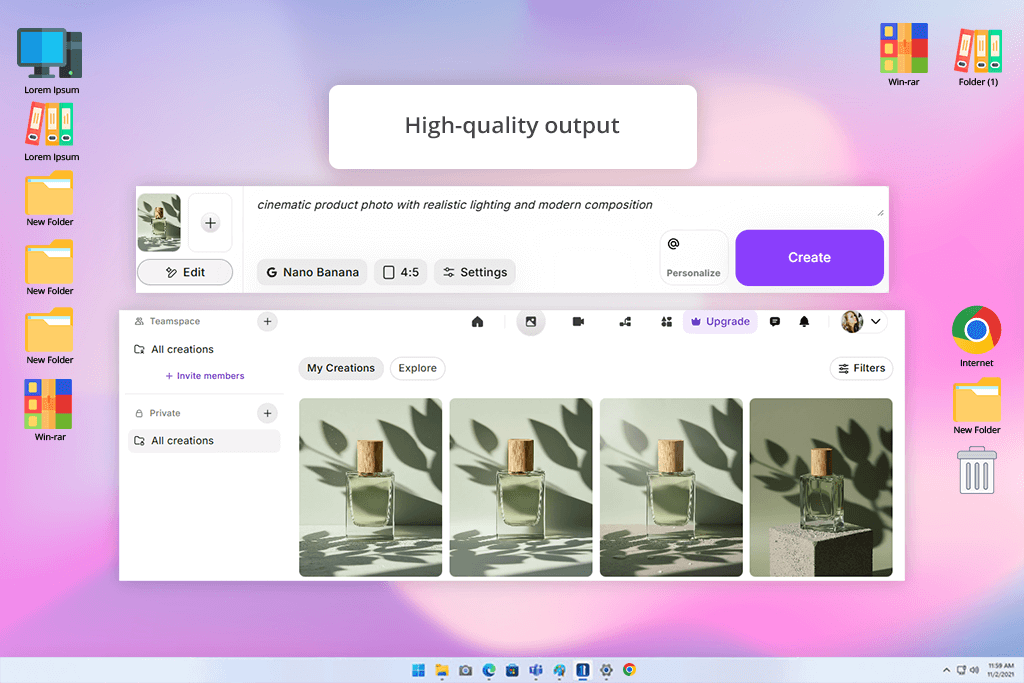
When I tested ImagineArt next to DALL-E, I didn’t expect it to hold up this well. But it did, and even exceeded my expectations. DALL-E is still fantastic for turning natural language prompts into accurate visuals. Besides, thanks to the connection with ChatGPT, the whole creation process is easy and quick. Still, in terms of visual quality, customization tools, and prompt interpretation, ImagineArt really pulls ahead.
With the same prompt, namely, “a cinematic product photo with realistic lighting and modern composition”, ImagineArt delivered a noticeably cleaner result. The details were crisper, the lighting looked more realistic, and the colors felt spot-on. Most of all I liked that this DALL-E free alternative has prompt sensitivity settings, which are absent in DALL-E.
I was also pleasantly surprised that ImagineArt adapts to different types of users. Whether you’re working alone or sharing projects with a team, the collaboration options and speedy rendering will make your life easier. Plus, it actually generates clear and coherent text in images, which DALL-E still struggles with. Still, the free plan doesn’t give you much room to play. So, it’s one of the decent DALL-E competitors, but you’ll probably eye the paid version pretty quickly.
Pricing: Free (with Base quality model) or from $10/mo.
Availability: Web
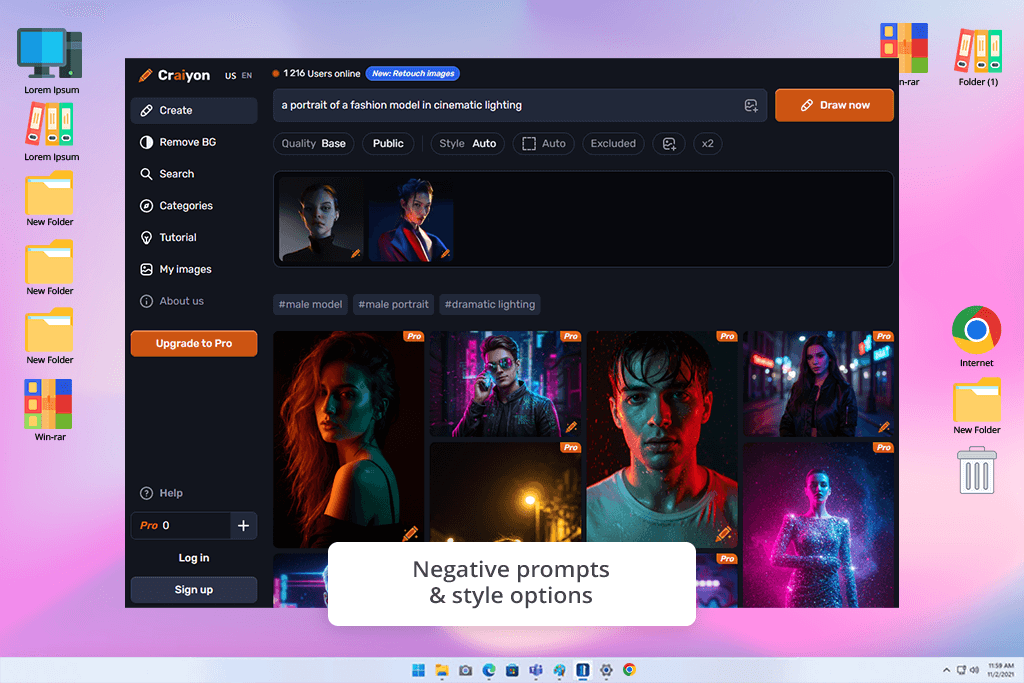
Craiyon was previously called DALL-E Mini. I was genuinely interested to test it. I wanted to see how it would hold up next to DALL-E 3, which I usually rely on for more serious work. Both create images from text, but they’re built with very different intentions. DALL-E guarantees precision, realism, and deep control over details. Craiyon is simpler to use and fun to explore.
I entered “a portrait of a fashion model in cinematic lighting” in both programs and the difference was clear. DALL-E 3 generated a sharp, professionally lit portrait that looked almost like a real photo. Craiyon gave me more artistic, sketch-like portraits with softer features and a slightly abstract tone. Sure, it can’t stay on par with DALL-E 2 or 3 in terms of image quality, but it pleases with creative outputs. It’s great when you just want to brainstorm visuals without chasing perfection.
If you are just starting out or experimenting for fun, this web-based, free DALL-E alternative will meet your needs. It generates images quickly and doesn’t ask you to sign up for anything. Still, the catch is that the quality isn’t as sharp. You may get distorted hands or faces. Plus, there are no advanced styling tools that DALL-E offers, namely, inpainting or style consistency.
“Craiyon is a budget-friendly tool for creative experiments. But keep in mind that the resulting images often look abstract.”

I and my colleagues from FixThePhoto worked at full tilt, while testing DALL-E alternatives. We evaluated Leonardo AI, Canva, NightCafe, Artlist, Bing Image Creator, ArtBreeder, ClickUp, Artguru AI, Visme, DeepAI, Hotpot.ai, Gencraft, DiffusionBee, Ideogram, and LTX Studio. There were lots of programs.
Still, not every platform earned a spot in our final roundup. Some just didn't fit with their limited customization options, others kept crashing or acting weird, and a few produced results that were disappointing. We narrowed the list down to the ones that offered great image quality, decent free plans, ease of use, and flexibility for creative work.
During the testing process, I threw different types of prompts at each contender. I asked to make realistic portraits, product photos, artistic illustrations, brand graphics, you name it. Thus, we were able to see which websites like DALL-E could handle various creative challenges and which ones struggled with detail or different art styles.
I also evaluated every platform across several important criteria:
I didn't just rely on my own experience. I spent time reading through community discussions on Reddit, Quora, and YouTube. Besides, I talked to my colleagues at FixThePhoto about what we were all seeing. By going that way, we managed to create a well-rounded, real-world overview of DALL-E alternatives useful for serious creative work.



![Wes Anderson Photo Filter Online [FREE]](http://fixthephoto.com/blog/images/gallery/news_main__preview_28397.jpg)

![Best Adobe Firefly Alternatives [1 Prompt - 7 Results]](http://fixthephoto.com/blog/images/gallery/news_main__preview_28400.png)
![9 Best Video Delivery Platforms [Simple & Free]](http://fixthephoto.com/blog/images/gallery/news_main__preview_28433.jpg)

![13 Best AI YouTube Shorts Generators [+BONUS]](http://fixthephoto.com/blog/images/gallery/news_main__preview_28463.jpg)
![7 Best Websites for Painters in {{%year}} [Portfolios & Sales]](http://fixthephoto.com/blog/images/gallery/news_main__preview_28423.jpg)

















