
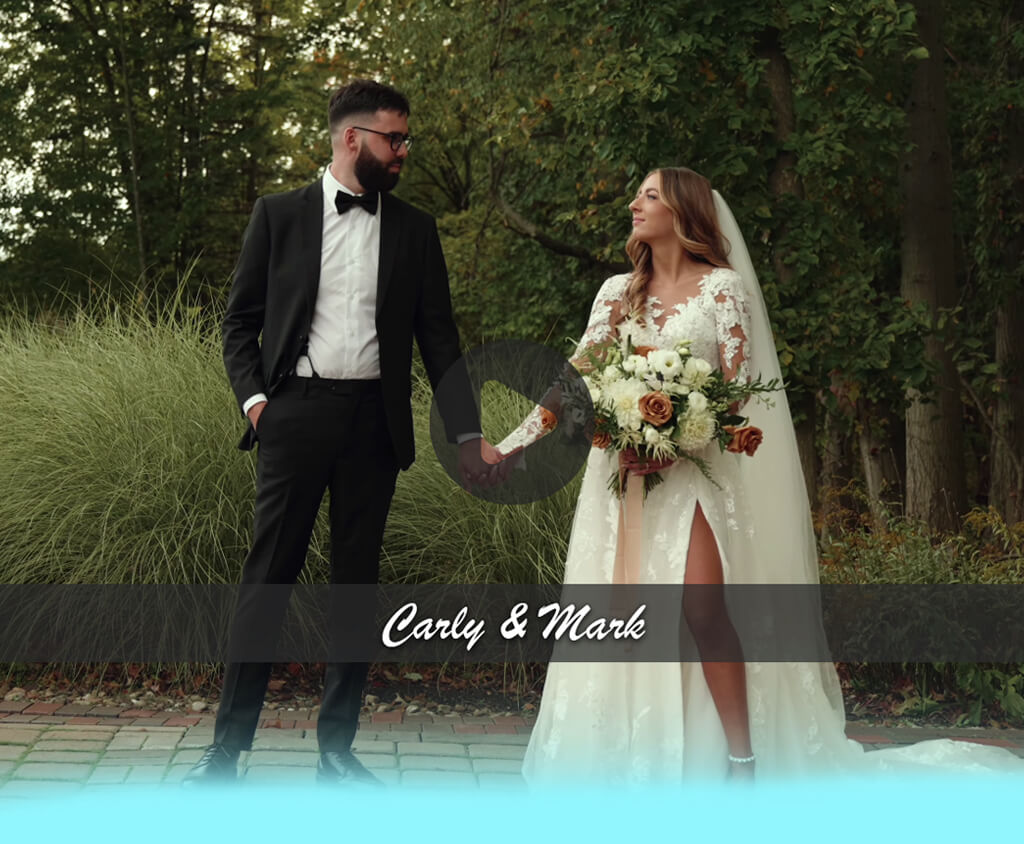
Being a videographer, I’ve been on the lookout for the best video delivery platform for years now to ensure I can share videos with my clients without any risks or roadblocks. Previously, I used Google Drive, WeTransfer, and even USB sticks to deliver wedding, corporate, and ad videos, but these solutions aren’t personalized, don’t provide analytics, and they aren’t entirely cross-platform.
A dedicated video delivery platform is more advanced than a basic file-sharing service. It’s protected, allows personalization, and is very easy to use, ensuring you can stream, store, and track your videos as needed. It’s equally well-suited for hosting wedding, corporate, event, and product videos regardless of whether you’re an individual videographer or a part of an agency.
Whenever someone orders a video from you, they want to not only receive a high-quality result but feel like everything about your service feels professional. I chose to test each platform by putting together a set of wedding videos that come with interactive chapters, teaser edits, and raw emotional footage. I needed to find a solution that would make a person go, "Wow, this is impressive!"
When picking a video content delivery platform, I prioritized:
A video delivery platform represents a protected web-based system created for hosting, organizing, and sharing video content with your followers and clients in a professional, customizable manner. You can envision it as a private home theatre for your clients, acting as a personalized, secure environment available on all popular devices. It can be very handy for:
Wedding videographer to deliver a robust, emotional viewing experience to the happy couple.
Business owner to provide internal training and advertising videos, or executive updates securely at scale.
Creative agency & video editor to present portfolios or client work while preserving their quality and ensuring consistent branding.
Educator & coach to upload courses, tutorials, and on-demand training videos.
When my go-to tools were still Google Drive or WeTransfer, I used to feel a huge gap between my clients and me. I’d send them a simple link, having no influence on the playback quality, no analytics, and no way to offer a cross-platform experience. Finding a specialized video delivery platform was a godsend.
A lot of leading online video content delivery platforms now come with AI functionality to provide a higher quality service:
Kaltura & Brightcove. Employ AI for automatic captions, video suggestions, and file indexing (perfect for enterprise-level searchable video collections).
IBM. Robust AI-powered captioning and live transcription make your content more accessible.
Vidyard. AI-powered analytics demonstrate when a viewer finishes watching a video, which can be useful for sales follow-ups.
Use cases: Education video delivery, enterprise training, OTT platforms, secure internal communications, cross-platform content distribution.
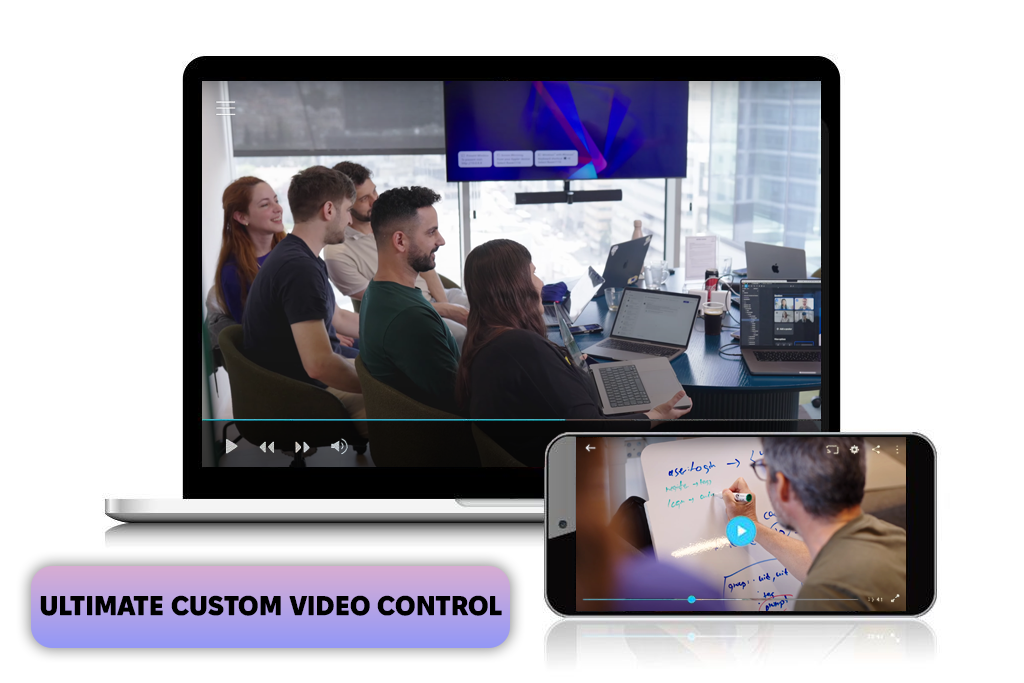
A coworker recommended Kaltura, so I used it to upload a multilingual training series before sharing it with an international client.
"I appreciate Kaltura’s intricate viewer analytics that allows me to track how and when my content is watched.”

I greatly appreciate how versatile this solution is, allowing me to customize workflows and access permissions, while also including in-depth embed analytics.
In contrast to more simplistic options, Kaltura resembles a comprehensive video streaming service, allowing me to make small "Netflix-like" libraries for clients.
The biggest drawback is that I spent the entire weekend handling permissions and personalization. It’s a lot more involved than most other options, but that’s exactly what you need from an enterprise video delivery platform.
Key features:
Pricing: from $23/mo, free trial available
Use cases: Corporate communications, elaborate marketing campaigns, OTT services, cross-platform brand content.
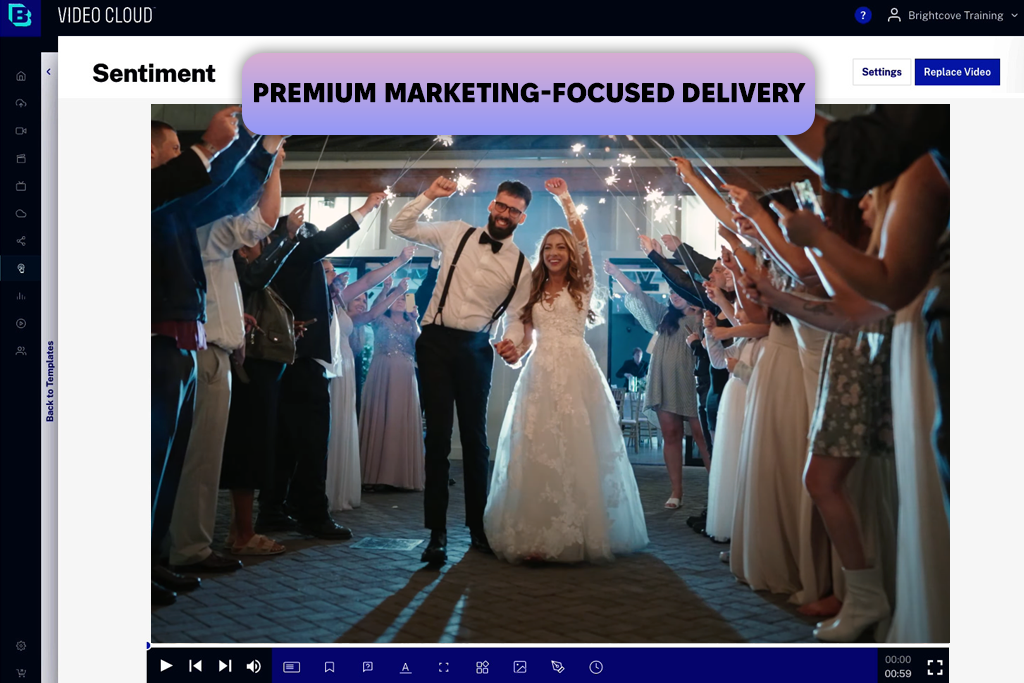
One of the newlywed couples I worked with mentioned Brightcove to me, as they asked me to deliver their highlight reel on a premium, protected platform. I enjoyed the robust marketing analytics and the audience segmentation breakdown, which is a unique feature of this type of solution.
It resembles a digital experience platform more than a basic video player, enabling me to monitor viewer engagement to improve my content strategy for the future.
That said, the UI is aimed more at corporate usage than simple personal projects. It was great at producing branded showcases for various audience segments, but it’s a tad too complex if you just want to deliver a wedding video reel.
Key features:
Pricing: $199/mo; demo available
Use cases: Creative portfolios, video marketing, wedding video delivery platform, client review, content selling
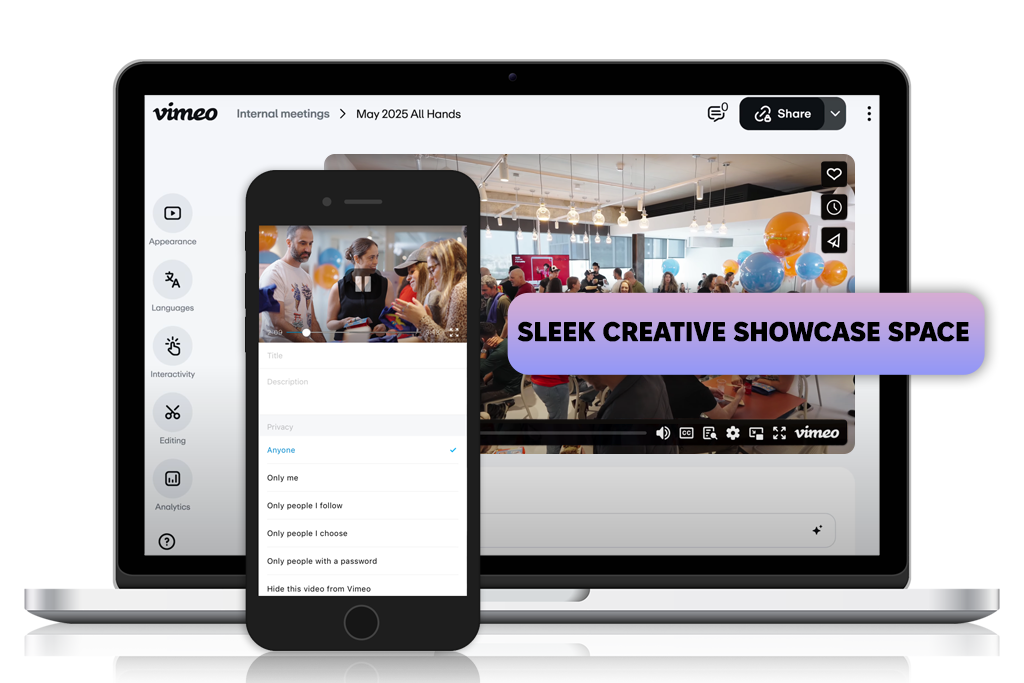
Google ranks Vimeo very highly, so I decided to use it to make a personal creative reel as well as a corporate highlight video. I was immediately won over by the stylish, minimalistic UI of this online video delivery platform.
The customizable showcase pages look very professional and can be tinkered with for free, which is great news for budget-conscious users.
The biggest drawback is the basic viewer analytics, which can only be expanded if you get the subscription. It also has fewer marketing tool integration options compared to Brightcove.
Vimeo is great for preparing portfolios and client reviews, particularly if presentation quality is more important to you than having access to cutting-edge back-end features. Lastly, I liked how simple it is to make 4K uploads and create secure links.
Key features:
Pricing: Free version, from $12/mo
Use cases: Sales prospecting, marketing outreach, client updates, corporate training videos

A coworker of mine recommended Vidyard when I was working on customized thank-you recap videos for a pair of special wedding clients. I enjoyed how simple it was to make personal intros, embed CTAs, and track the exact time my videos were viewed by each client.
“I like that I can monitor the exact parts of my videos that keep my clients hooked. What’s more, Vidyard offers immensely valuable real-time feedback.”

In contrast to most other video delivery platforms, Vidyard is aimed primarily at direct client engagement rather than passive viewing. It can be integrated with email solutions, which is perfect for follow-ups with your clients. I appreciated the ability to use it for free video hosting when testing brief pitches and personal clips.
That said, the editing and design functionality is a lot more barebones compared to a solution like Vimeo. However, if improving your client relationships is more important to you, Vidyard should be near the top of your list.
Key features:
Pricing: Free version, from $19/mo
Use cases: Live events, corporate webinars, online courses, sports broadcasts
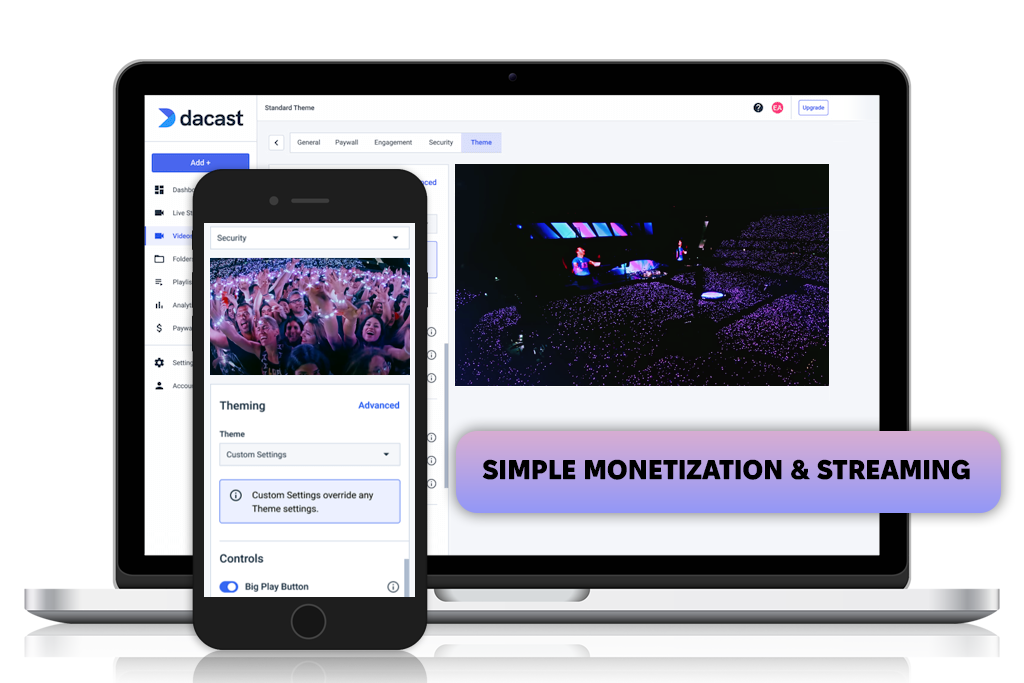
A corporate client of mine urged me to check out Dacast, which is why I leveraged it to host a multi-camera live concert recording. I was impressed by the fact that it lets you deliver both live and on-demand videos on the same platform.
The integrated paywall and ticketing options are great for monetizing live sessions and private workshops. The provided real-time analytics are also very useful for improving your content delivery and monetization strategies. That said, the interface of this video delivery platform is rather unintuitive and might feel too clunky for inexperienced clients.
In terms of streamlining photo studio operations with delivery management software, Dacast’s built-in monetization functionality is perfect if you want to dive into the world of live event coverage or premium workshops.
Key features:
Pricing: from $39/mo; 14-day free trial
Use cases: Corporate town halls, training, large-scale webinars, live events
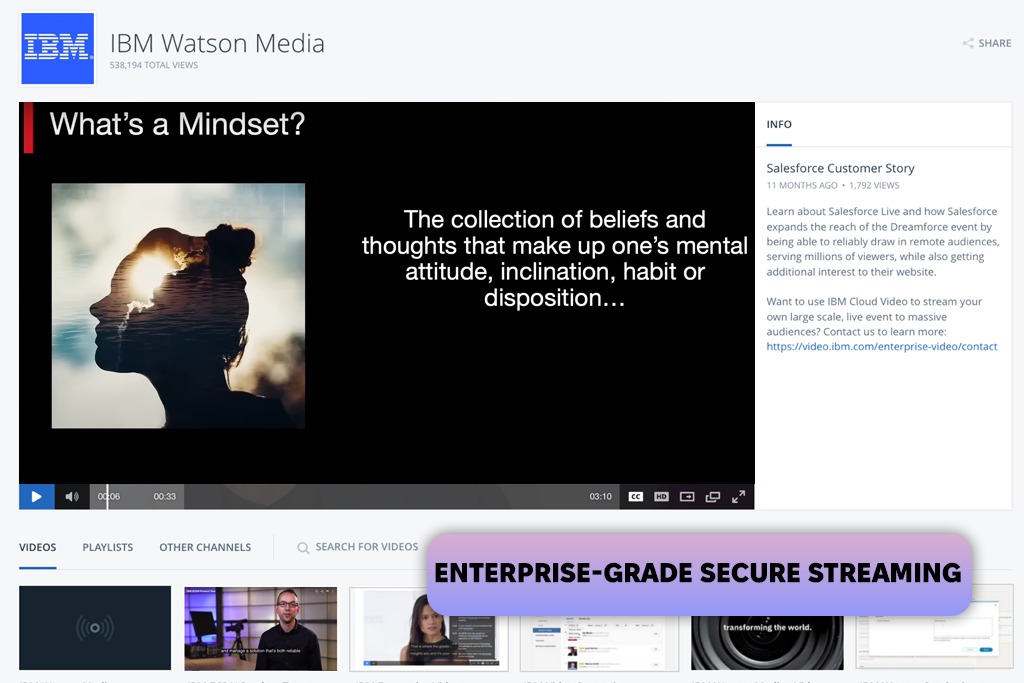
A representative of an important corporate client suggested IBM, so I used it for an internal company training video series. This platform is not only dependable but also offers a smooth experience even when used by hundreds of viewers at the same time.
"IBM’s enterprise-grade security and smooth streaming functionality provided all the convenience I needed for a team as big as mine."

It’s not only a robust enterprise video delivery platform, but also a digitizing service for videos that comes with reliable security layers and the ability to automatically generate captions.
That said, it’s primarily aimed at corporate-style projects, missing most of the fun branding tools that are popular among creatives. If you’re making a delivery for a large enterprise or agency – IBM is all you need, but it might be too complex to host a simpler wedding video series.
Key features:
Pricing: from $99/mo
Use cases: Launching streaming platforms, live & VOD content, media businesses, education, fitness, branded OTT services
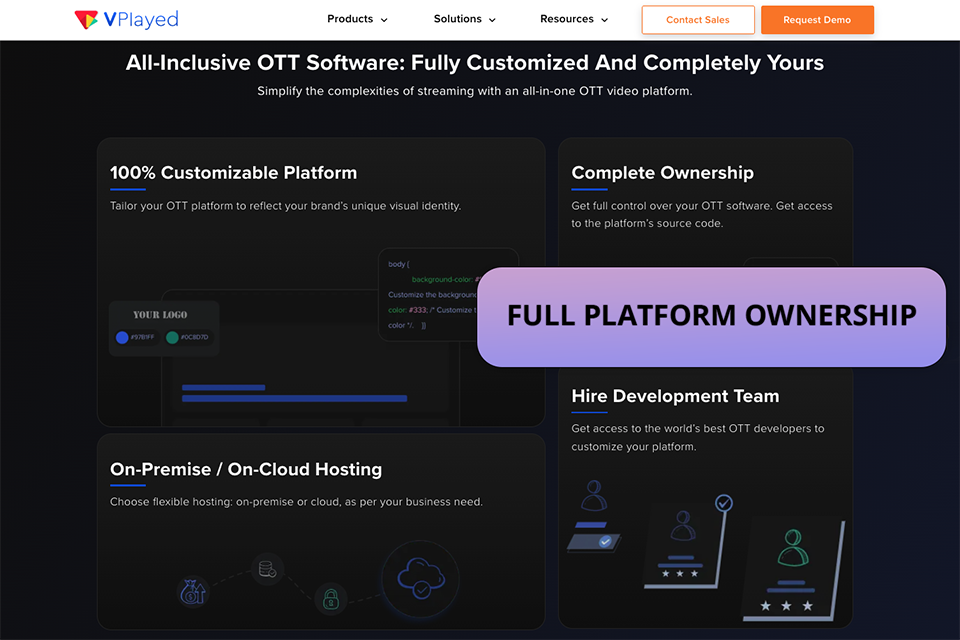
VPlayed I tested the VPlayed platform when I sought a simple approach to build my own streaming platform without relying on third-party services. It was simple to personalize the design and set up everything to reflect my brand.
Even with minimal setup, posting videos and managing content felt clear and tidy. I also loved that I could see basic statistics and learn how people viewed my work.
What I enjoyed best was that everything is in your control, and you can expand the platform over time. It appears to be a decent option for streaming that is both easy and adaptable.
Key Features:
Pricing: custom pricing; demo available
Use cases: Wedding video delivery, client galleries, event highlight reels
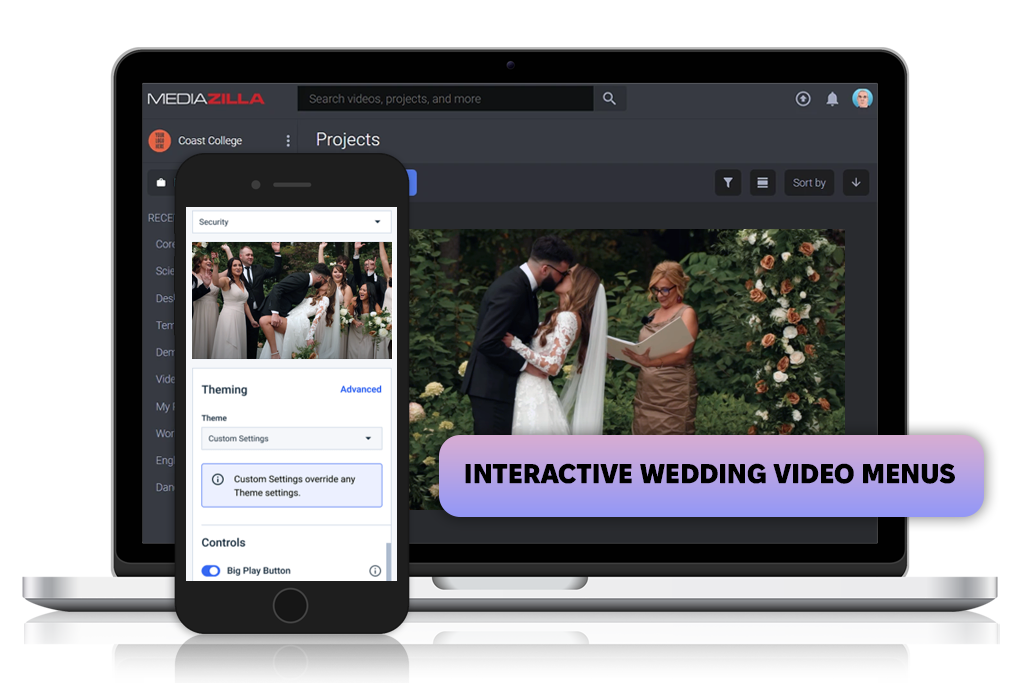
MediaZilla is often praised on Reddit threads for wedding videographers, so I decided to test it when making a cinematic wedding film library. I instantly liked the provided interactive menus that made me feel like I was designing a personalized DVD experience in an online environment.
Clients loved the ability to instantly jump to speeches or first dances. Meanwhile, I adore the white-label branding and lifetime cloud hosting support provided by this wedding video delivery platform since it allows couples to rewatch their videos whenever they want in the future.
The biggest weaknesses are the lack of in-depth analytics and live streaming support. However, if your priority is to provide a satisfying storytelling experience, MediaZilla offers all the polish and style you need.
Key features:
Pricing: from $99/project (single-time); Business plans from $49/mo

Use cases: News publishers, OTT services, branded content hubs, sports platforms
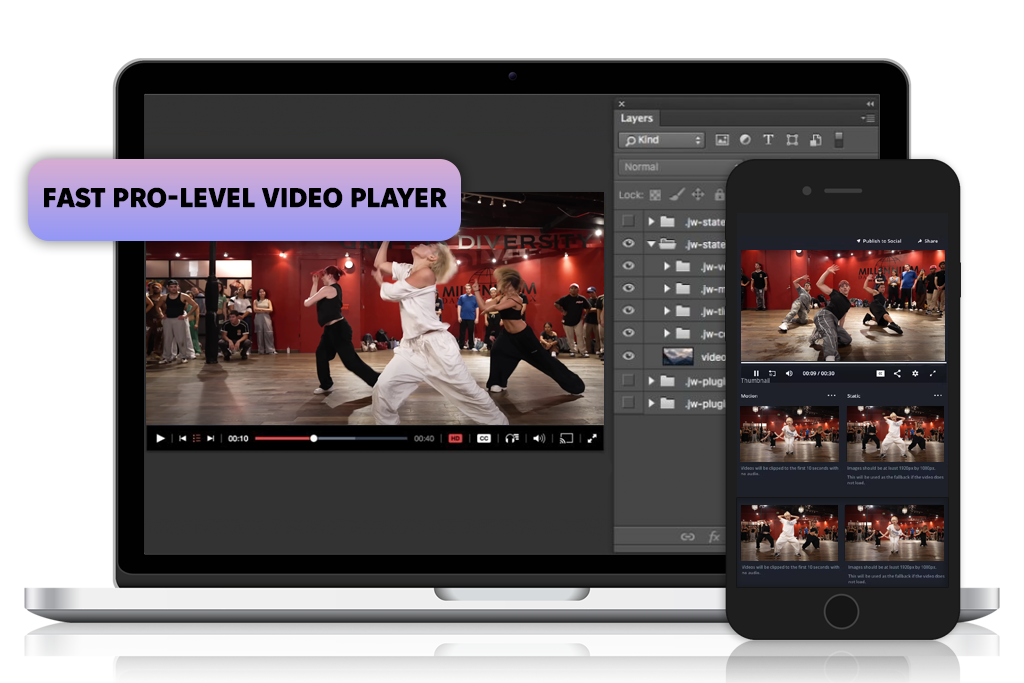
A coworker who does a lot of sports coverage recommended JWPlayer, which is why I used it to deliver a highlight real for a local dance showcase. This solution provides superfast load times and intricate customization, ensuring your clients enjoy a professional, refined viewing experience.
"JWPlayer’s quick load times and ad support allowed me to monetize highlight reels more efficiently than alternative solutions. It’s great if you have a large audience."

JWPlayer is the perfect cross-platform video delivery platform when it comes to ad monetization and refined playback parameters, which are often missing from alternative solutions. That said, it’s heavily aimed at developers and demands the user to have decent technical skills.
It’s a good option if you want unrestricted customization and monetization support, but it’s too demanding if you just need to quickly deliver a simple video project.
Key features:
Pricing: from $10/mo
Use cases: Wedding video delivery, client albums, personal video showcases
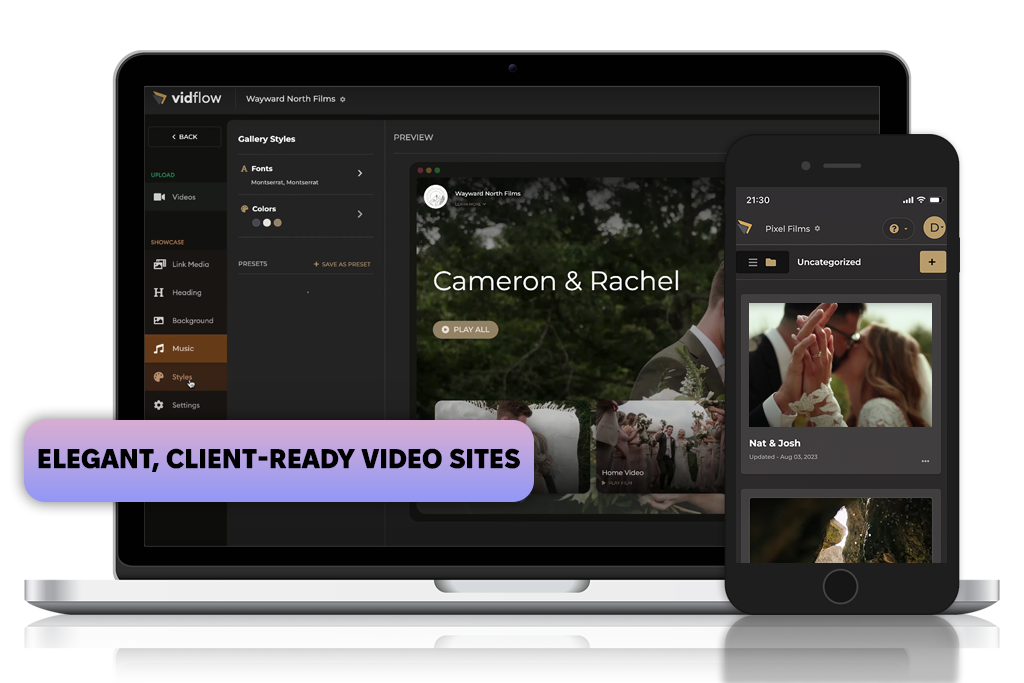
Vidflow is frequently mentioned on Reddit for wedding and family filmmakers, which is why I employed it to prepare wedding highlights as well as upload a couple of unedited ceremony videos. The showcase webpage looks fantastic – minimalistic, stylish, and very convenient to navigate, even for smartphone users.
The lifetime hosting and password protection features instill confidence in the client, and the upload process is pleasantly fast and convenient. Sadly, this mobile video delivery platform doesn’t have the analytics and live streaming tools present in other solutions, which is why it’s not suitable for marketing-focused and interactive campaigns.
However, if all you need is to deliver awe-inspiring, elegant wedding stories, the visuals provided by Vidflow are perfect.
Key features:
Pricing: $30/project (single-time); annual plans from $49
Use cases: Video sharing, quick demos, internal videos, simple archiving
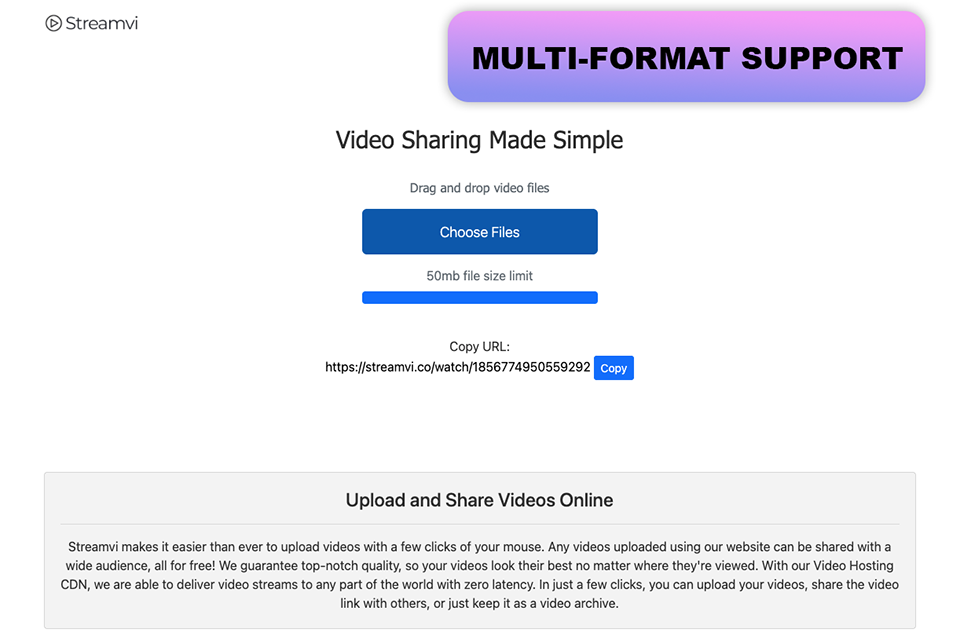
I primarily used the video delivery platform Streamvi to publish and share small videos rapidly without having to deal with complicated settings. When I only needed a quick way to send a video to someone or store it online, the drag-and-drop upload feature, short processing time, and instant shareable link made the procedure feel simple.
The platform maintained good visual quality without watermarks and handled common video formats with ease. I found it useful for basic video distribution rather than complex video management because everything operated right in the browser, requiring no additional steps beyond uploading and sharing.
Key features:
Pricing: Free plan, no subscription, 50 MB limit
As a video editor and creative lead at the FixThePhoto team, I paired up with a few of my coworkers to try out more than 35 video delivery platforms. My goal was to determine the optimal options for hosting evocative wedding highlights, corporate training clips, and interactive product presentations.
The entire process required nearly two months of handling client projects and experimenting with various trials. I put together my shortlist by talking to my colleagues, browsing specialized forums and resources, examining Google rankings, and asking my clients for their input. Afterward, I cut out the options that didn’t offer enough features or a satisfying user experience.
Several platforms failed to make this list, including SproutVideo being too expensive for its feature set, Wistia lacking versatility and device support, Streamable not providing branding or security functionality, Filemail representing a mere data transfer solution, and Smash with no long-term hosting or interactive services.
During testing, my coworkers and I put each option through real-world usage cases: providing wedding videos with interactive menus, sharing branded corporate videos, and preparing promotional product reels.
We evaluated each solution’s setup and usability – did it only require a couple of minutes to prepare or multiple hours? User-friendly, convenient tools were ranked significantly higher.
We tested cross-platform performance, using them on all kinds of devices from large workplace monitors to older iPhone models. The best video delivery platform needs to provide high quality everywhere.
Analytics and viewer engagement are also very important. It can be useful to learn at what point clients stop watching or which chapters they rewatch. Options that don’t offer detailed analytics aren’t as high on our list.
Security and privacy can be paramount for many users. Videographers tend to deal with sensitive brand content and emotional personal footage, so proper privacy policies and dependable encryption are a must.
Additionally, we examined the available interactive tools (like clickable menus or CTAs) and extra features like monetization or password protection. Such small additions can elevate a simple delivery to a wow-worthy experience for the clients.
Lastly, we accounted for pricing and plan flexibility. An expensive platform is okay if it has the functionality to back up the price. However, if a solution locks a basic feature behind a paywall – that has a huge impact on our score.
To pick the best video delivering platform, you need to figure out what kind of content you’re planning to post:




![Stable Diffusion Alternatives [1 Prompt – 9 Competitors]](http://fixthephoto.com/blog/images/gallery/news_main__preview_28384.jpg)


![7 Best Fotor Alternatives in {{%year}} [Free & Cheap]](http://fixthephoto.com/blog/images/gallery/news_main__preview_27745.png)

















