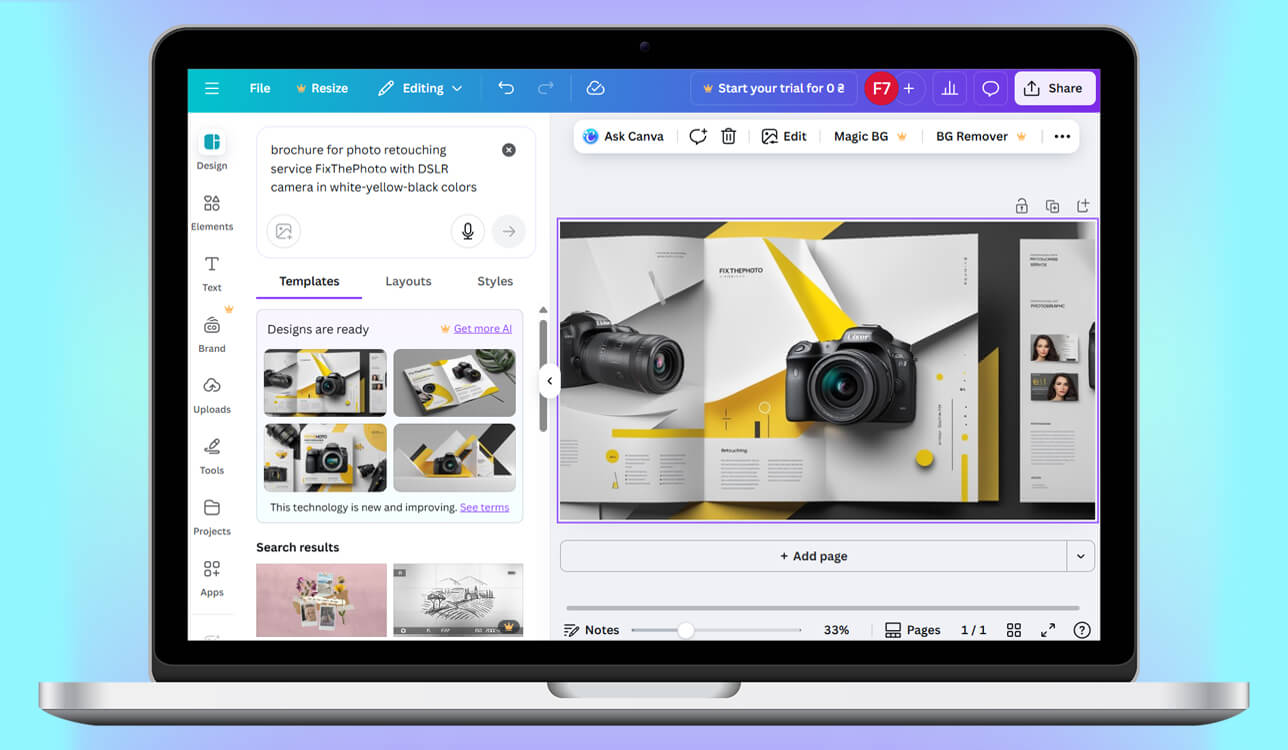
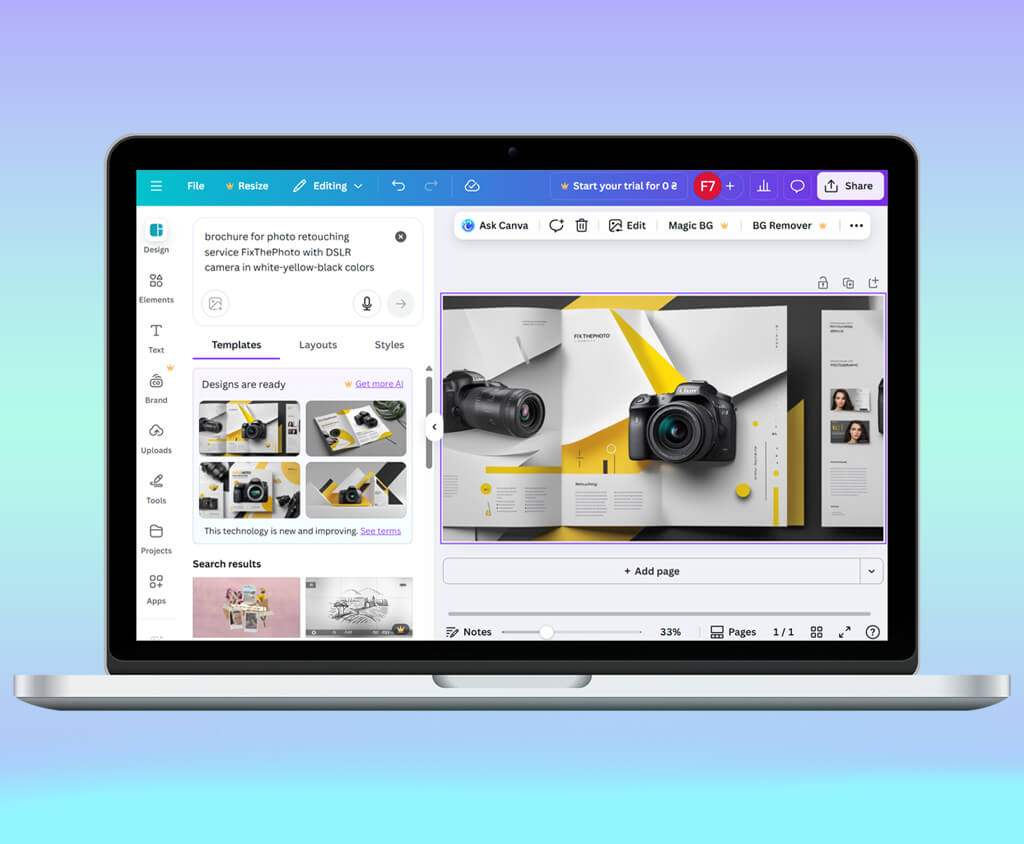
I make leather bags and wallets. When my small business finally grew a bit, I realized I needed proper marketing materials. I couldn’t keep using the generic PDFs I made in random apps. The thing is, I have zero design skills and didn’t have time to learn. Plus, I couldn’t afford to hire a designer. But I still needed clean, on-brand, easy-to-print brochures. That’s when I started searching for the best AI brochure maker.
I thought I could just use any design tool. But the deeper I looked, the more confusing it got. Some platforms looked amazing, but they didn’t offer the right print formats. Others had good templates but barely let me change anything. I also came across the so-called “AI tools” that didn’t actually do much. The AI just moved text around. That’s when I realized I should find something more reliable.
I put together a list of what mattered to me. First off, I needed an AI brochure maker that actually got my brand. It had to recognize my colors, logo, and fonts and use them the same way across all my pages. I wasn't going to settle for something that half-applied my style. Second, I wanted it to generate layouts quickly, because I didn’t want to waste hours fiddling with boxes and positioning text where it needed to go.
Third, I needed the AI to work with multiple pages, not just make a captivating cover. Fourth, it had to export in high quality that was ready to print. I preferred the CMYK format so that everything looked right. I also paid close attention to usability because I wanted to make changes to the finished design without dealing with complicated settings.
I spent time checking out multiple tools. I evaluated how they handled long text, large images, and complicated formatting. Some did amazing work with the visual aspects, but showed disappointing results with content structuring. Meanwhile, others gave me perfectly structured pages that didn’t look great. Through the testing, I figured out that I wanted AI to go beyond just decorating. I needed a tool that could arrange information like a real person would.
I reached out to my buddies on the FixThePhoto team and they agreed to pitch in with the testing process. Together, we created a rundown of the best brochure generators people use. Besides, we defined specs we’d look at and measure.
Every brochure I created used to start the same way. I'd waste hours just getting ready, jotting down thoughts, doodling quick sketches, and hunting for all the brand stuff I needed. I had to track down logos in various sizes, confirm the right colors and typefaces, dig up good photos or buy them online, and either write fresh copy or tweak what was already there.
This setup work always dragged on because someone would inevitably send a fuzzy logo or suddenly decide to rewrite the main headline.
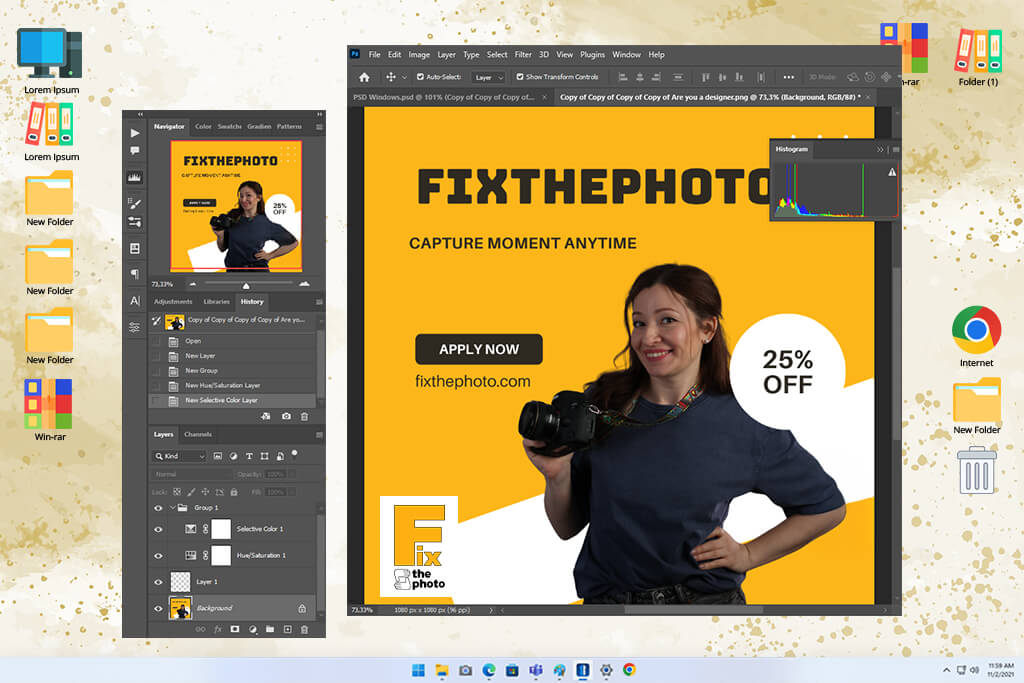
After gathering everything I needed, I opened the free Photoshop version and started configuring the document itself. This involved choosing the right page dimensions, setting up bleed space (around 3–5 mm), marking crop and safe zones, and ensuring the resolution was 300 DPI. Next, I created a detailed grid with guides to make sure the folding brochure would line up properly. Aligning all panels, gutters, and margins was genuinely boring, but I realized it was non-negotiable for a professional result.
Then it was time to actually build the composition. I made reusable layers for parts, namely, headers and footers. Later, I started to add photos, cut them to size, and set up the text in a way that just makes sense visually. I'm kind of obsessed with staying organized, so I used many layer groups and smart objects. I always link my image files rather than pasting them directly. It makes updates much easier down the road.
Editing was the slowest part. I had to play with colors using adjustment layers, clean up portraits with dodge and burn or frequency separation, and get all the images to look consistent. Then I carefully checked every font size and tracking to make sure the text looked right. If a client wanted even a tiny tweak, e.g., a new photo or a changed price, I ended up updating several artboards, fixing the text flow, exporting everything again, and making sure all the margins and bleeds were still correct.
Getting a brochure ready for printing wasn’t as simple as it seemed. While making a brochure in Photoshop, I had to change the colors to CMYK, merge the layers, and either embed the fonts or convert them so nothing shifted. After that, I created a PDF that matched the printer’s specs. I double-checked everything, because one small issue, be it a missing bleed or an incorrect color profile, could spoil the entire batch.
After a while, these practical issues became hard to ignore. Photoshop isn’t really built for multi-page work. Managing different versions and connected assets was frustrating. Besides, I noticed that giant PSD files dragged down my system. There were also problems with fonts, namely, licensing questions and the embedding process. Sometimes the colors shifted during printing, and the result didn’t match what I expected. Even simple changes became a chore. I constantly had to fix text flow and alignment.
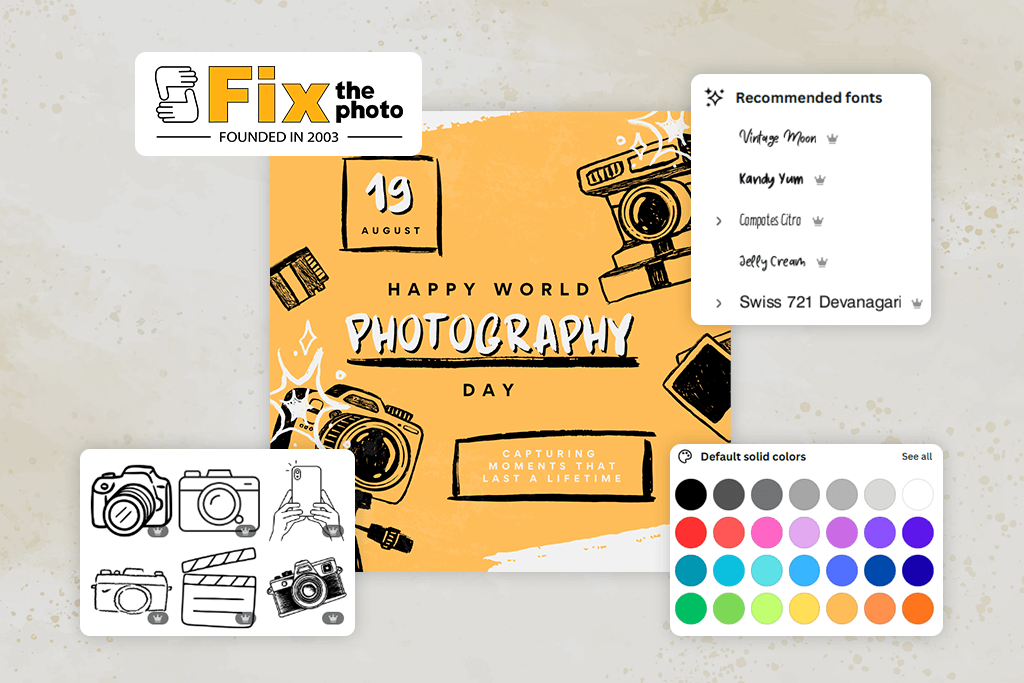
AI is great at basic design, i.e. creating professional layouts, matching colors, readable typography, and neat blocks of text. It can automatically adapt the brochure to your branding, insert a logo, use corporate colors, or stylize the design in a certain identity. Thus, you can get a result that looks like it was made by an experienced designer.
Moreover, an average brochure AI maker can also quickly generate multiple design options, so you can choose the best one or ask for a different style. The advantage is that AI works in seconds, not hours, so the process becomes much faster.
However, there are some nuances. AI can make mistakes with very complex layouts, non-standard proportions, specific illustrations, or unique compositions that a designer would normally create by hand. Sometimes the algorithms also place emphasis incorrectly or offer solutions that are too “generic” and lack creativity. This is exactly where human involvement is important to adjust the style, structure, and tone.
So, it is reasonable to say that AI is already capable of creating professional, stylish, visually high-quality brochures, especially for business, marketing, and events. But the best results are possible when artificial intelligence and a human work together.
To get a particular brochure design from AI, the most important thing is to formulate your request correctly and give it as much context as possible. AI doesn’t work on guesswork. It works with what you clearly explain. Here’s how to actually get the result you want:
Since I’ve worked with Adobe products for years, Adobe Express was the first option I tested. I wanted to understand whether an AI could speed up my workflow in Photoshop. When I added the logo, the color palette, and the typefaces, this brochure maker AI immediately adapted them to different brochure templates. It was odd at first because it basically skipped a big chunk of the work I’m used to doing by hand.
Adobe Express dealt with the whole layout amazingly. I only entered the brochure’s purpose, the audience, and a couple of notes about the style. It gave me several print-worthy designs in seconds. I didn’t end up tweaking margins or rearranging images, because it automatically set everything up. Frankly speaking, it worked better than many designers I’ve hired.
“It is so easy and fast to make a professional brochure with this program. It maintains my brand colors and logo perfectly.”

At one point, I started swapping headlines, testing new visuals, and changing the wording a bit. The tool rearranged everything instantly and didn’t ruin the design at all. Compared to Photoshop, where even small edits could take ages, this was such a shortcut.
By the time I finished and exported the project, I grasped how much Adobe Express had handled for me. It took care of repetitive tasks like color tweaks, layout fixes, font matching, alignment. It was a smart helper who “got” my style. When it comes to making brochures, I think this is the best option out there.
I treated my Piktochart test more like an experiment because I’d always seen it as an infographic builder, not an AI brochure maker. But after switching to the multi-page layout, I noticed that this tool has much to offer. Using AI, it can put together clean, eye-pleasing brochures that would be perfect for presentations or data-focused content.
Its biggest standout is the way it handles numbers. When I threw in stats, it automatically turned them into charts that aligned with the overall style. I tried many other programs but none of them blended data into the design so quickly and accurately. So, if you need brochures with metrics or tech details, Piktochart is worth using.
“It creates data-heavy brochures very accurately and promptly. All charts and visuals look stylish.”

I was pleasantly surprised that this free infographic maker allowed me to fine-tune my brochure while editing it. It's not going to replace Photoshop, but I had plenty of room to adjust where the eye goes, rework charts, and clean up icons. When I changed half my data during testing, Piktochart's AI smoothly updated everything.
When I exported the final version, it looked genuinely professional considering that Piktochart isn’t a purpose-made brochure tool. I believe it will come in handy if you need educational or data-driven stuff rather than flashy ad campaigns.
I thought I knew Canva pretty well after using it on and off for years. Bit developers added new AI tools and they greatly changed the traditional workflow. I gave it a quick rundown of the brochure I wanted, and it came back with style suggestions and full layouts that looked professional. I seemed that this tool understood how to make images and text work together properly.
The brand kit elements impressed me a lot. I dropped in my colors and logo once, and Canva just ran with it, applying everything consistently across all the pages and even tweaked the accent colors so nothing clashed or became unreadable. That's the kind of thing you'd normally have to do manually in Photoshop, or hunt down a plugin for.
“I you don’t want to spend hours in Photoshop, Canva is your go-to tool. Drag, drop, add text, and you’re done.”

I wanted to see whether Canva was the best AI brochure maker, so I asked it to give me three totally different design directions – minimal, bold, and corporate. It delivered 3 distinct versions not just the same template with slight variations. It was possible to tweak brochures, using the drag-and-drop interface. The process was easy and quick.
Generally, Canva was the most user-friendly AI brochure maker I tested. Sure, it's not as laser-focused on technical specs or print precision as Adobe Express, but if you need a sharp-looking marketing brochure fast, it outperforms most of the competition. The combo of ease-of-use and flexibility is hard to beat.
When I began testing Designhill's AI brochure generator free, I was genuinely curious. The service is associated with logos and branding in the first place, but brochures. Turns out, it's one of the more thoughtfully designed tools I tried. It mixes AI smarts with classic design principles instead of just throwing trendy layouts at you. The created brochures were structured, professional, and brand-centered.
I also liked how it handled brand storytelling. I fed it details about the audience and brand vibe, and the AI tried to capture that visually. It used soft color shifts, punchy headlines, and white space. It took a bit longer than some competitors, but the output was purposeful rather than rushed.
“It neatly adapts to the brand aesthetics. The layouts are fully aligned with my company’s vibe.”

When using Designhill, you can geek out over typography the way you want. This is rarely possible with similar tools. I was able to adjust line height, tweak kerning, dial in spacing like I would in a proper design program. The program pleases with the combination of Canva and InDesign Lite. When you're a Photoshop person who obsesses over every detail, that stuff actually matters.
Generally, Designhill is the best free AI brochure maker for businesses going after a professional look, not a whimsical, artsy vibe. Most of all, I liked that it captured brand personality naturally and turned it into something eye-pleasing.
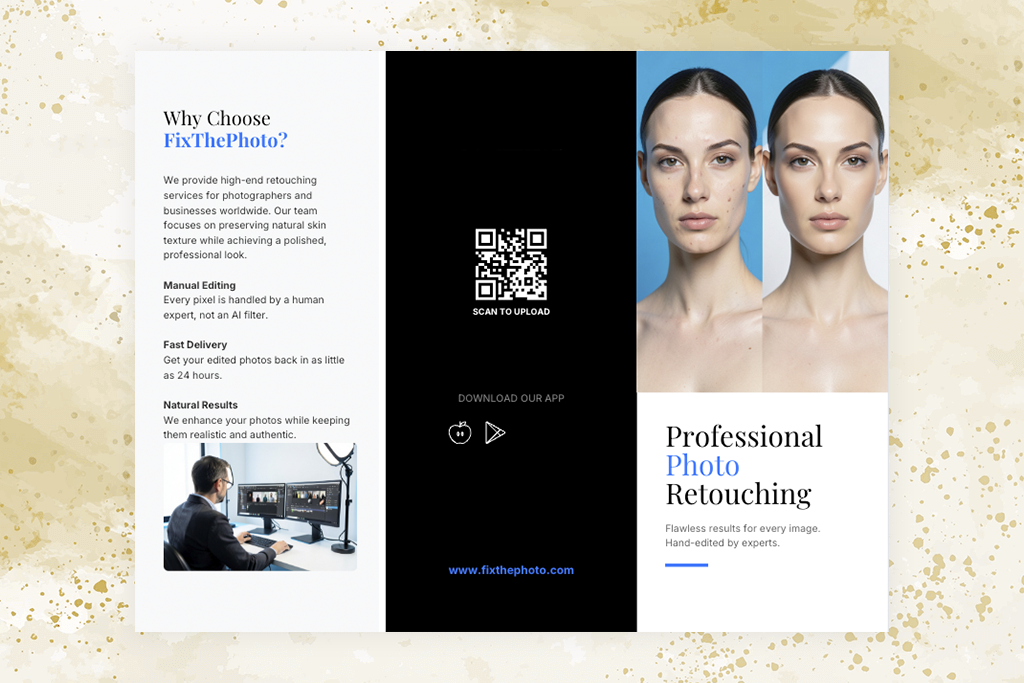
Out of all the programs I tested, this free AI Brochure Maker was the most structured one. The AI didn’t just jump into designing. It started by asking targeted questions about my objectives, who I’m speaking to, and the tone I want. So, if you prefer an AI that behaves like a content planner instead of a basic design generator, this one hits the mark.
After I dropped in the brochure text, Venngage AI organized it with impressive precision. It focused on hierarchy, readability, and good use of white space. In the end, I received a polished corporate document with clean layouts and a pure editorial vibe.
“My business brochure was organized and readable. Everything was spaced perfectly.”
While working through the edits, I noticed that this AI brochure maker is excellent at maintaining consistency across every page. The Brand Kit feature is especially useful here, helping keep approved colors, fonts, and logos consistent as you work. No matter how much I rearranged content or added new sections, the headers, footers, icons, and color palette stayed aligned. Other platforms had a much harder time keeping things together.
The final brochure came out ideal for B2B and academic purposes. It was structured, clear, and neatly put together. It may not be the most artistic AI tool out there, but when you want reliability and straightforward communication, it really delivers.
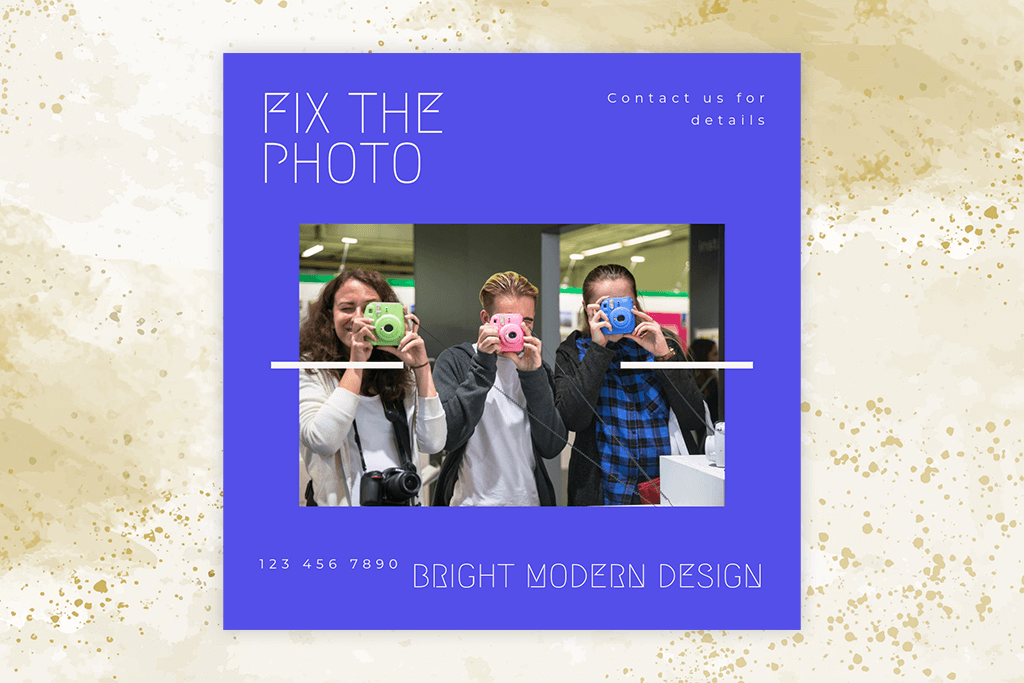
I didn’t think Visme would be so feature-rich. I thought it was just another simple design app. However, when I started working with it, it resembled a light version of a presentation and animation tool built into a brochure creator. The AI offered layouts that “told” a story visually. Oversized photos, striking typography, and soft, animated-style highlights worked perfectly together.
My first brochure looked like it came straight from a magazine. This AI brochure maker has lots of dramatic layouts, layered graphics, and high contrast visuals. If you’re chasing an agency-level style without hiring a real designer, this may be the tool for you.
“My brochure became a mini presentation with clean blocks and striking visuals.”

I had a great time editing in Visme because its library is stacked with icons, graphics, mockups, and charts. Plus, it is possible to animate elements. Many platforms still don’t offer this possibility, which is very helpful for interactive brochures or brand kits.
Once I exported my project, I realized Visme works best for brochures with a strong marketing angle. It can be promos for events, services, or online products. It creates sleek, attention-grabbing layouts that are far more dynamic than the usual business templates.
From the moment I opened Storydoc, I knew it wasn’t like any other brochure maker AI I tested. Rather than sticking to simple page layouts, its AI favors interactive, scroll-based storytelling. Thus, a traditional brochure becomes a tiny landing page. After I dropped in my text, it automatically arranged everything into moving sections with smooth transitions.
The first result looked like a hybrid of a web story and a pitch deck. I wanted something different, though that project was engaging. Storydoc comes out on top when you need a narrative. It can be a brand story, a user journey, or a startup pitch. The AI handles pacing well and visually draws attention to what matters most.
“Great tool for fine-tuning brochures. Messy text became clear and persuasive writing.”
Working in Storydoc didn’t boil down to fine-tuning spacing. Most of the process is devoted to arranging storytelling blocks. The AI image generator handled most of the visual design automatically. Thus, I could focus on structure and messaging. Despite the need fix some elements manually, the result is worth your effort.
When it comes to digital-first brochures, Storydoc is one of the best AI brochure generators free. If you want brochures that guide your audience instead of simply displaying text, it’s an excellent option. But it’s definitely not designed for traditional print brochure formats.
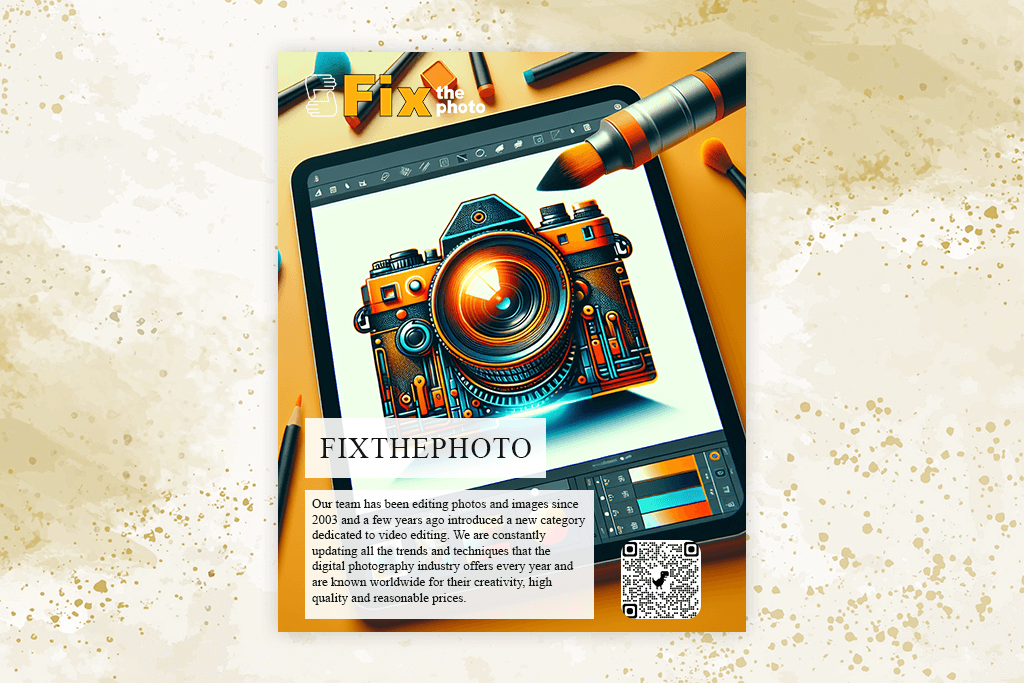
Narrato is more well-thought-out compared to typical design tools. It’s basically a content intelligence platform with built-in visuals. It not only created brochure designs for me, but it also improved the text I uploaded. I tossed in a rough draft, and this free graphic design software reorganized and strengthened the copy in a really natural way.
The visuals follow the same approach. They are neat, clean, and intentionally simple. Narrato doesn’t produce too flashy brochures. It’s focused on clarity and solid communication. For a free AI brochure maker, it does an impressive job keeping text-heavy layouts spacious and readable.
“I received an interactive brochure with clickable sections. It was better than a generic PDF.”

As I tweaked the content, every text change across the brochure synced instantly. When I added a new benefit or refreshed a tagline, the layout was still on point. Narrato works especially well for brochures built around information, like service summaries or product explanations. It’s like having one tool that can polish your words and design around them too.
I didn’t expect it, but testing Flipsnack was actually interesting. It leans fully into digital flip brochures. I thought I’d outgrown them, yet now they seem more useful than ever. The AI built clean, multi-page designs that are great to scroll through, with nicely balanced pages.
Whether I uploaded a PDF or created a brand-new layout, the tool automatically converted it into a brochure that was pleasing to look at and easy to read. Your projects will be top-notch, resembling a real digital magazine. For portfolios or showcase materials, that’s a terrific option.
“This tool worked like a chatbot: I specified what I needed and it created a brand-focused brochure.”

During testing, I was stunned by the interactivity of Flipsnack. I could layer in links, video embeds, product labels, and even shopping buttons. It turned a plain brochure into something people could actually engage with.
Generally, this flyers software jumped to the top of my list for digital catalogs, real estate brochures, and stylish product lookbooks. It’s not a print-focused tool, but for online content, it’s honestly hard to beat.
Out of all the brochure makers AI I tested, BottrMe definitely stood out. It’s a mix of AI design and casual conversation, so you don’t have to craft perfect prompts. You just chat with it, and it turns that dialog into a full brochure layout.
The first layout was very accurate. This conversational AI platform nailed the tone, the palette, and even the structure just from a simple chat. I think this is a reliable option for people who want to create simple designs in a quick way.
“I made flip-style digital brochures that resembled real online magazines. Surely, worth using if you need catalogs.”

While testing BottrMe, I liked that everything updated instantly. When I asked it to make the page more energetic or use a fresher, modern color scheme, it immediately transformed the layout. Moreover, this tool is very beginner-friendly. All in all, BottrMe came across as a simple, helpful AI brochure maker for entrepreneurs who prefer fast, clear results instead of wrestling with a complicated design interface.
Genially turned out to be one of the strongest interactive platforms I tested. Instead of traditional brochures, it generated pieces that looked like animated presentations, full of effects and interactive elements. It’s a perfect match for brands that think digital first.
After I added my content, this AI brochure generator free turned it into several sections with fluid transitions and bold, dynamic layouts. It clearly understands the essence of visual storytelling. The brochure was vibrant and responsive.
“My brochure was attention-grabbing, resembling a high-end brand’s one-pager. Highly recommend this tool”.

I had to spend time learning the editing tools because Genially gives you impressive creative freedom. You can pack in as many animations, layered scenes, micro-interactions, and multimedia as you want. In fact, I started thinking that I was building a miniature website instead of a brochure.
I believe that Genially is perfect for digital brochures that rely on narrative, namely, onboarding content, event overviews, educational materials. For print, you should opt for another tool. If you are into interactive storytelling, Genially can fit the bill.
We wanted to find the top AI brochure makers and share our findings with readers. The FixthePhoto team consisted of Tani Adams, Robin Owens, and Eva Williams, who did their best to define the best AI brochure maker. We didn't just read specs or watch demos. We actually used these tools the way you would.
The testing process was detailed and meticulous. We zeroed in on the most important things, trying to figure out how easy the tool was to use, whether it had enough template options, how extensive customization was, whether it accepted branded content, how great the results were, and how fast the AI handled the tasks. To keep things fair, each of us grabbed different tools and created brochures for the exact same business needs.
We came prepared with all the usual assets such as logos, brand colors, fonts, placeholder text. Tani was our brand police, checking how well each AI handled company identity. Robin geeked out over layouts, multi-page designs, and font choices.
Eva played around with the AI's writing chops, seeing if it could come up with decent headlines and organize content logically. We tracked time, how many do-overs we needed, and whether we were actually happy with what came out.
During the testing process, we threw curveballs at these AI brochure makers - different business types, various industries, completely different styles (from sleek and minimal to packed with info). We wanted to see how user-friendly the interfaces actually were, whether the AI could keep up with our edits, and if the finished brochures were ready to go without spending hours fixing them.
At the end, we huddled up and compared notes on every tool – what worked, what didn't, and what made each one special. We put together a detailed breakdown showing which platforms impressed us with speed, design quality, brand consistency, and simplicity. By going that way, we fully understood how these AI brochure makers actually perform when you're on a deadline, so you can pick the best free AI brochure maker for how you work.




![9 Best AI News Generators [{{%year}} FixThePhoto Choice]](http://fixthephoto.com/blog/images/gallery/news_main__preview_28524.jpg)
![7 Best AI ASMR Video Generators in {{%year}} [100% WORKING]](http://fixthephoto.com/blog/images/gallery/news_main__preview_28804.jpg)


![AI Bratz Doll Filter Online [FREE]](http://fixthephoto.com/blog/images/gallery/news_main__preview_28411.png)

















