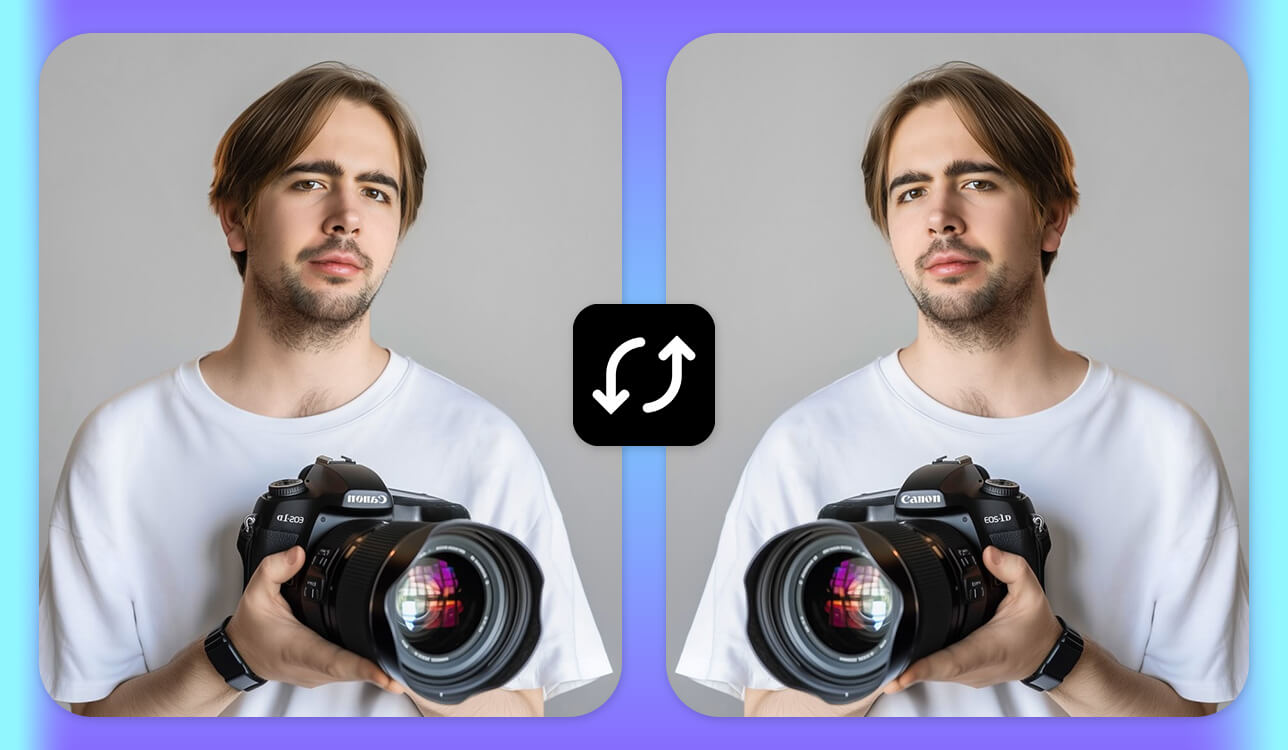
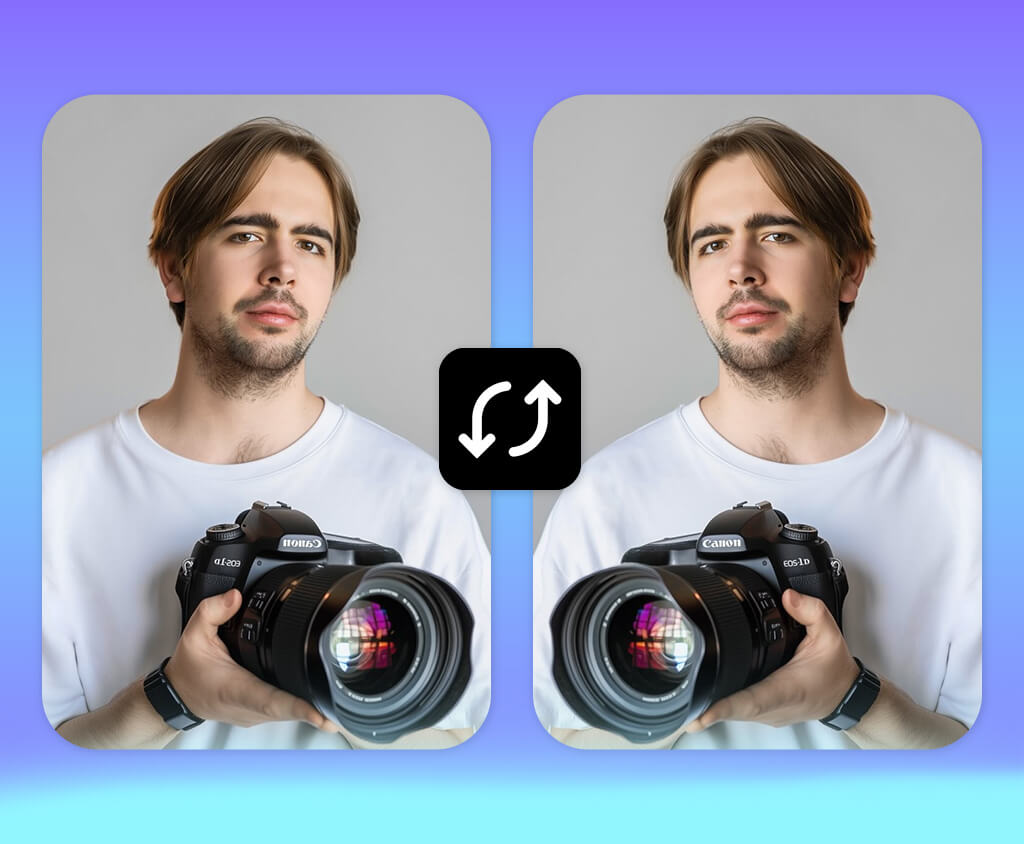
I realized that finding a reliable image flipper was essential, as flipping images manually was taking far too much time. I wanted to enhance the product catalog of an online store selling handmade accessories. Some photos were mirrored in the wrong way, others had to be flipped horizontally to be used in banners, and some had to meet specific layout requirements.
The main purpose of our project was to improve the product gallery and ensure that all the images looked consistent and professional on different devices. This is why I decided to test 50+ image flippers to find the one that would support bulk processing, maintain the original image quality, and deliver a fast performance.
I did not want to degrade the quality of my images or lose metadata. Besides, I wanted to perform horizontal and vertical flipping, rotate my images, and preview them before exporting them.
Another important thing we considered was speed and intuitive functionality. I wasn’t focused on creative photo editing tasks. I just wanted to fix the orientation of my photos to meet tight deadlines. I wanted to find software and services that loaded without delays, supported popular formats like JPG, PNG, and WebP, and were easy to master.
In addition, I was interested in security features and accessibility. I worked on product photos that weren’t officially released, so I did not want to upload them to dubious services. In addition, I wanted to access such services from different devices, as I often need to work on the go.
I wanted to avoid any biases, so I asked my colleagues to help me test these services and programs. We checked what tools users were searching on Google, read recommendations posted on forums, and assessed the functionality of the programs that we use daily. This approach helped us create a list of tools we were going to test.
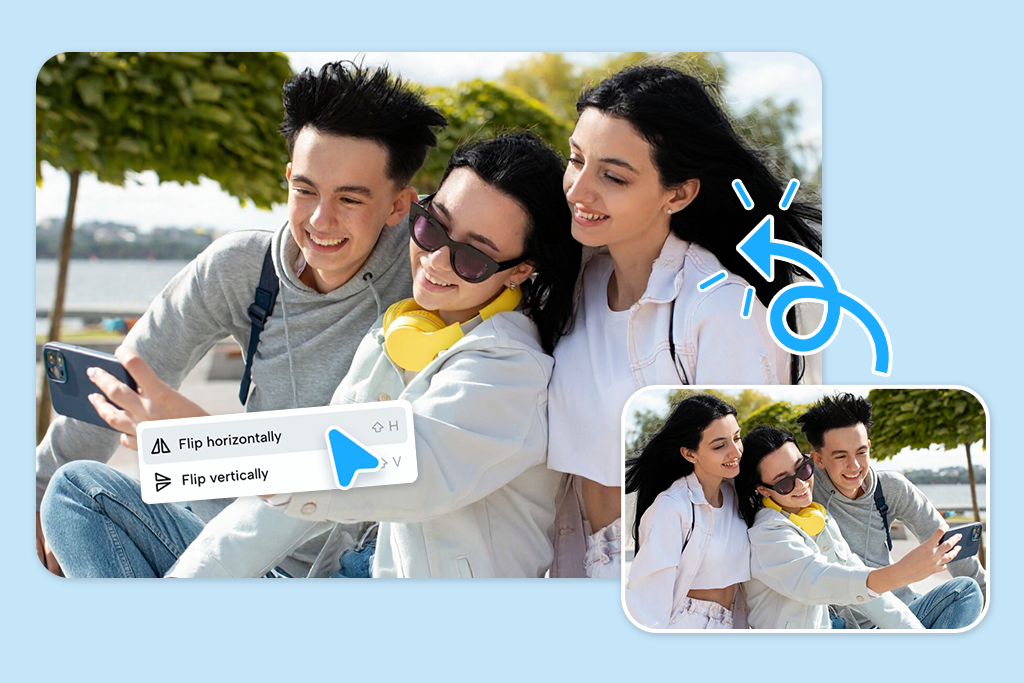
If you wonder whether you need to use a dedicated image flipper, consider your workflow. Many people only occasionally need to flip images when editing pictures. Modern photo editing software allows them to perform this task quickly.
You can avoid using a standalone flipper if:
A dedicated image flipper is perfect in such situations:

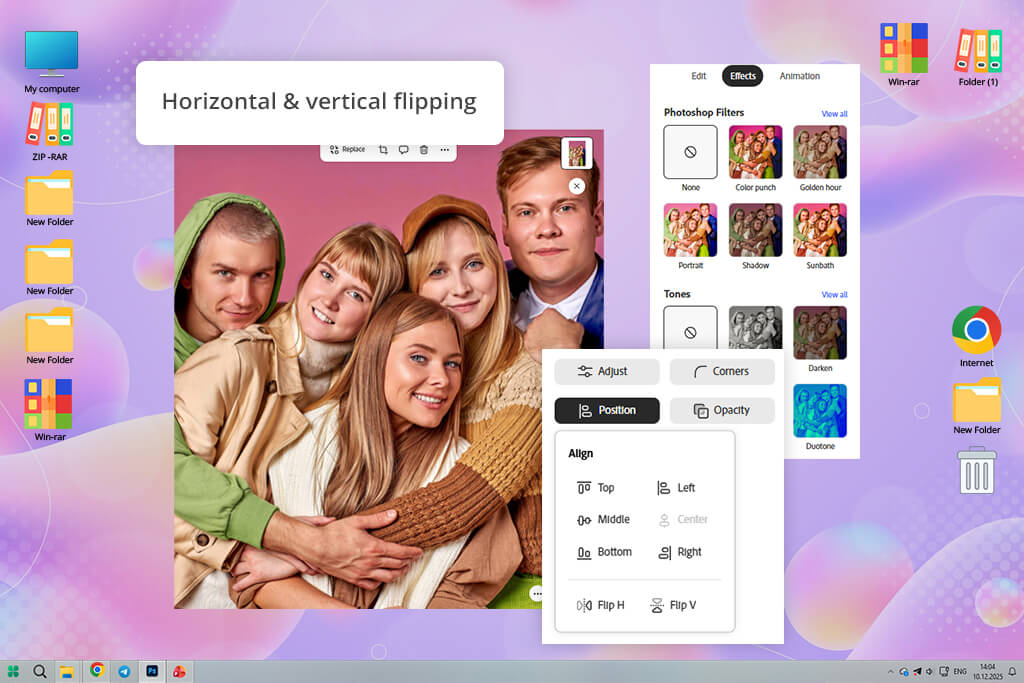
Adobe Express delivered flawless results when I was testing it. You can access it from any browser. It allows one to quickly upload images and flip or rotate them in one click. It’s an excellent solution for those who need to perform basic adjustments without mastering Photoshop tools.
I flipped landscape and portrait images horizontally and vertically. This service maintained the original image quality. Its AI tools are powered by Adobe Sensei. They allow one to fix lighting and adjust hues automatically to produce natural-looking outputs.
“It saved me a lot of time. The flipped photos looked perfectly sharp. There was no blur or color issues.”

When testing this free Adobe software, I used its templates for social media and marketing graphics. It was easy to flip images inside the templates using the snap guides. The AI recommended color palettes and layout adjustments. These tips helped me maintain a well-balanced composition.
I was especially pleased with the background removal feature. It helped me detect subjects automatically and flip objects without any issues. You can use this image flipper free of charge.
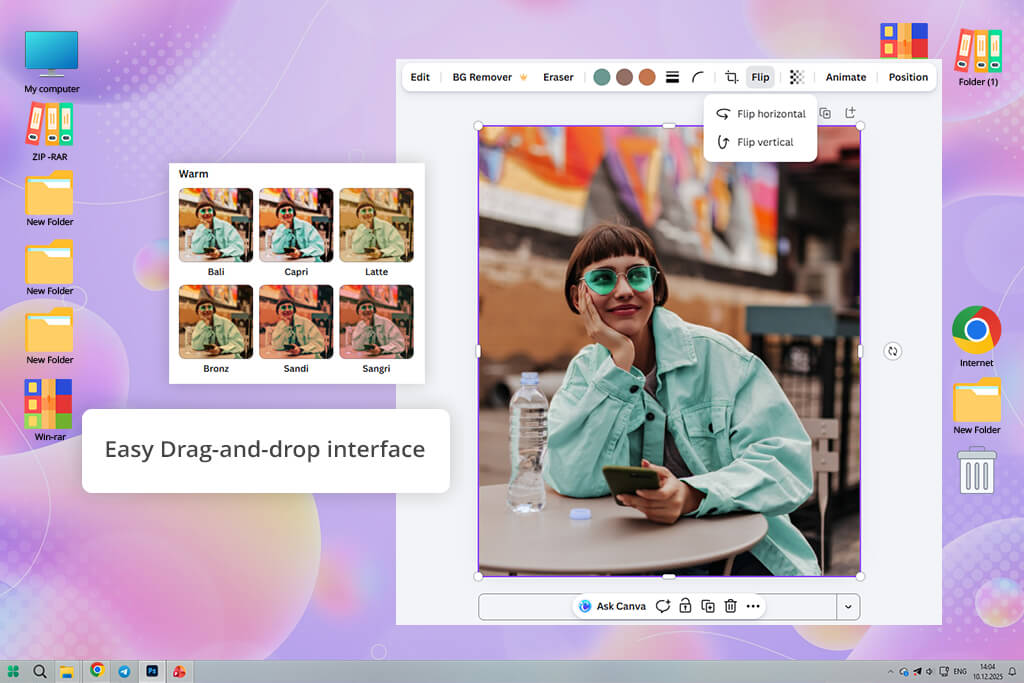
Canva photo editor is a helpful service that allows users with no experience to flip images with ease. It has a drag-and-drop interface, making it possible to make instant horizontal or vertical flips.
The service automatically aligns images and maintains an original layout. I used various templates when flipping portrait photos. Canva preserved the original resolution and orientation without any issues. The AI-powered background removal tool is suitable for fast edits. It allows users to flip subjects and isolate them from the background with ease.
When testing this service, I liked its AI-generated design recommendations. Canva suggested color adjustments and provided tips on repositioning, which helped me maintain the right visual balance.
“In Canva, I flipped a portrait photo for social media. I added it to a layout, and everything was aligned automatically. The output looked clean after flipping.”

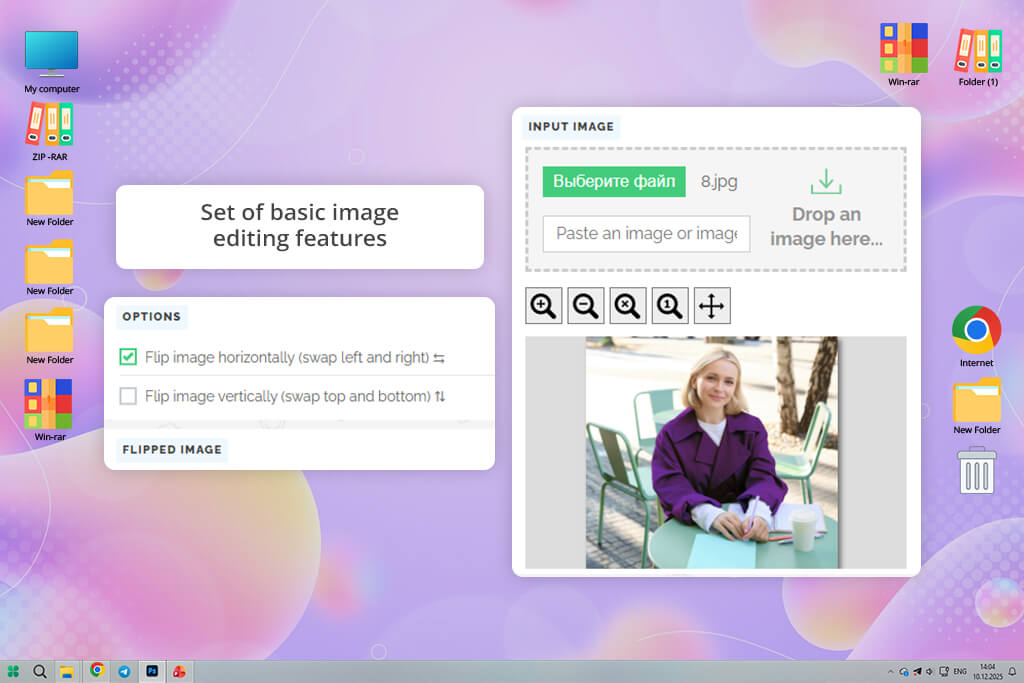
PineTools is an online service with a streamlined interface. It was built for those who need to flip and rotate their images quickly without installing advanced software. When testing it, I uploaded several photos and flipped them horizontally and vertically. Flipped images had the original quality.
“After uploading a scanned doc into OineTools, I flipped the file and downloaded it to my device. It took me less than one minute to complete the task.”

PineTools does not have AI tools, but it’s perfect for instant flipping and mirroring. What I like the most about this service is that it supports batch flipping. I decided to use this feature when testing a folder with product photos. This batch photo editor coped with the task perfectly.
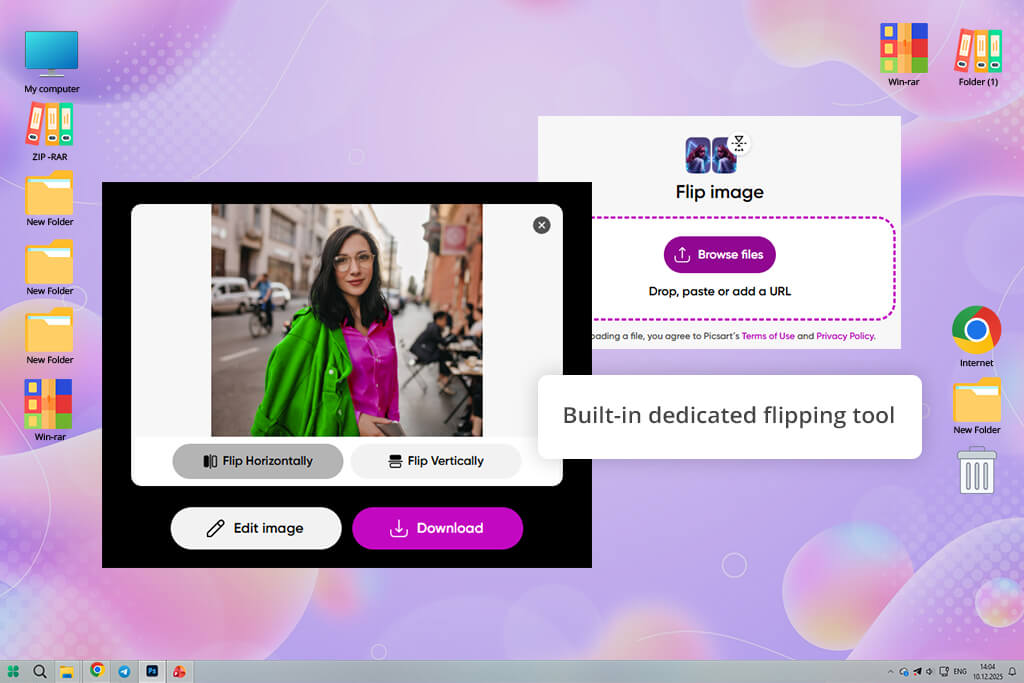
When testing Picsart, I flipped images horizontally and vertically. The process was quite intuitive. This service maintained the original image resolution.
The key advantage of this image flipper tool is that it comes with a set of traditional editing features and a collection of AI filters and effects, making it suitable for artistic projects. After flipping pictures, I applied several magic effects. These filters were adapted to the flipped image automatically.
This filter app comes with helpful AI background removal and object isolation tools. When testing it, I managed to flip a subject without distorting the background. It was easy for me to create collages and compositions.
“I enjoyed using Picsart. After flipping a photo, I applied effects and stickers to enhance it. The output looked perfect, even with filters.”

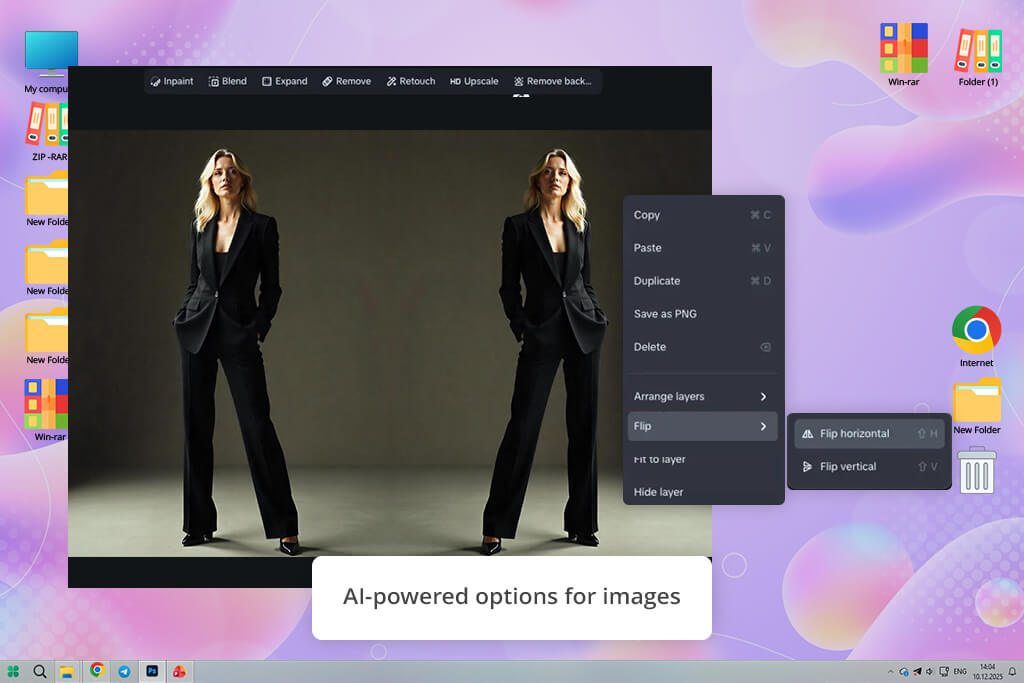
Dreamina boasts handy tools for AI image and video generation. While it wasn’t designed for traditional photo editing, it allows one to use AI tools to maintain the original proportions and perspectives. I liked the consistent outputs it produced when I flipped the generated images.
“What makes this image flipper app different is that it supports creative transformations and allows one to add flipped images to new scenes and animations.”

This AI image generator also comes with motion editing tools, which enable users to animate static images quickly. I flipped my image horizontally and applied professional motion effects to make the scene more dynamic and add it to a short video clip.
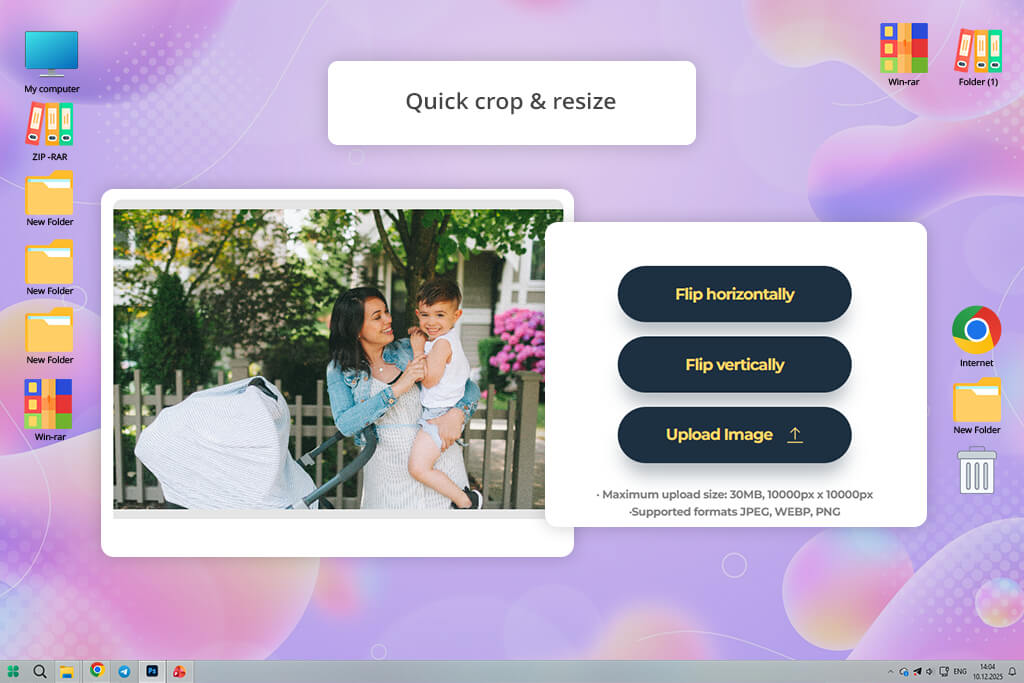
PhotoAiD is a dedicated service for photos taken for official documents. When testing it, I uploaded several portrait photos to crop and flip with the help of AI tools.
The online image flipper automatically recognized head position, facial landmarks, and background. The outputs were fully compliant with official passport and ID standards. While flipping images isn’t its main function, it was easy to fix the orientation of photos.
“I used this service to flip and straighten my ID photo. It fixed the orientation automatically. The output photo passed all the checks. I was happy that my application was approved.”
The AI tools allow users to stay regulatory compliant. However, they are hardly suitable for creative tasks. When testing this photo editing app for Mac and Windows, I wanted to check whether the proportions, lighting, and alignment in the output images would stay the same. I was pleased that all pictures met government requirements.
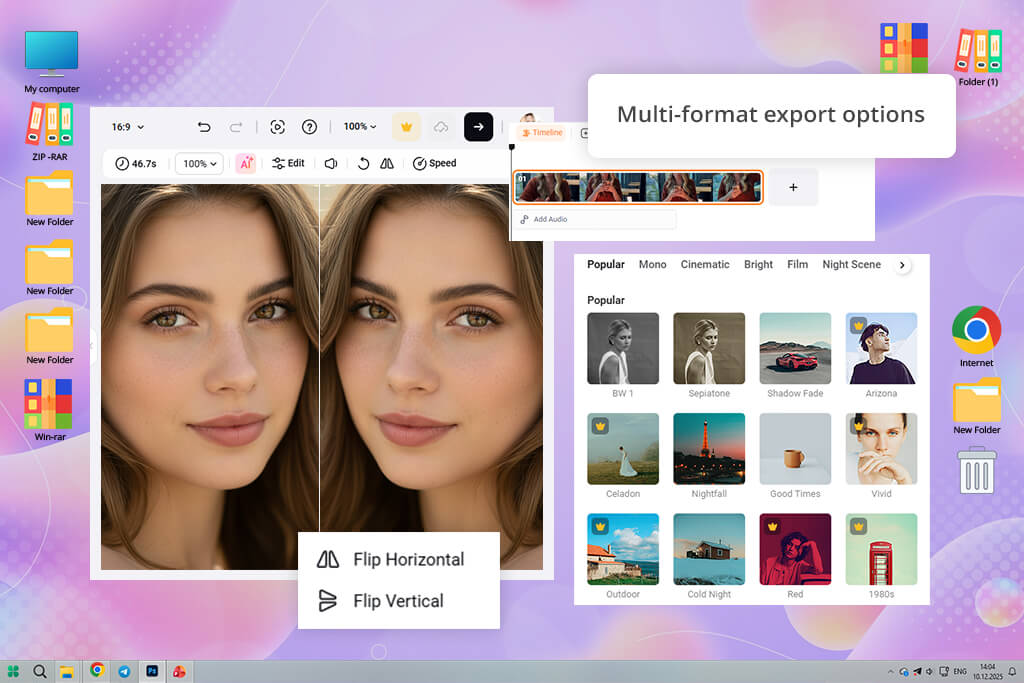
FlexClip was built for those who need to transform images into engaging visual narratives. It makes it different from typical image flippers. When testing it, I uploaded several photos and applied horizontal flips to check whether they would look consistent in video sequences.
This service maintains the original image quality and makes transitions between flipped and non-flipped images less noticeable. Its AI-based video generation tool suggests captions, transitions, and layouts depending on the position of the flipped image.
“I had several photos that had the wrong orientation. This is why I flipped them to achieve better consistency. This service adjusted the layout and text without my intervention.”

One of the key advantages of FlexClip is that it supports a template-based workflow. After flipping pictures, the AI adjusts templates to the chosen orientation. Due to this, the visual elements are aligned perfectly. I tried adding text overlays and motion effects to my flipped images, and this service positioned them perfectly.
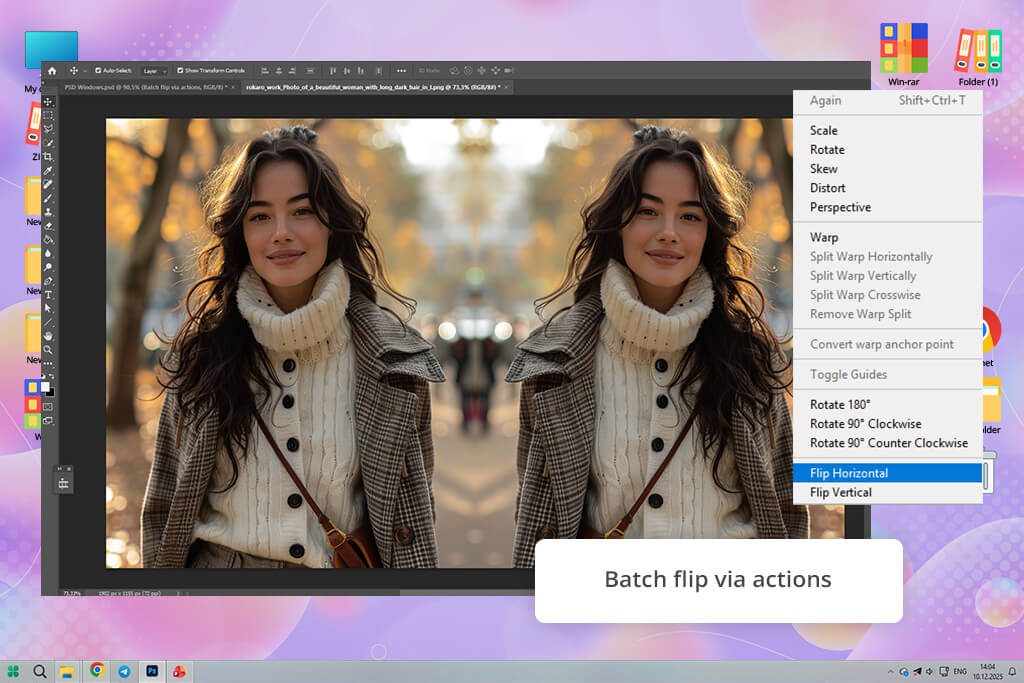
Adobe Photoshop has become the gold standard of professional image editing. When testing it, I flipped several files horizontally and vertically, and Photoshop performed these tasks with high accuracy. I also tried the Content-Aware Fill and Generative Fill tools. They allowed me to intelligently fill backgrounds after mirroring.
“After flipping an image, I adjusted shadows and deleted some background details using manual editing tools. There was no blur, and the quality stayed the same.”

This image flipper software supports a layer system, making it suitable for complex editing workflows. Due to this, I was able to quickly flip layers in Photoshop. You can flip images on different layers, add masks, and combine various elements without quality loss.
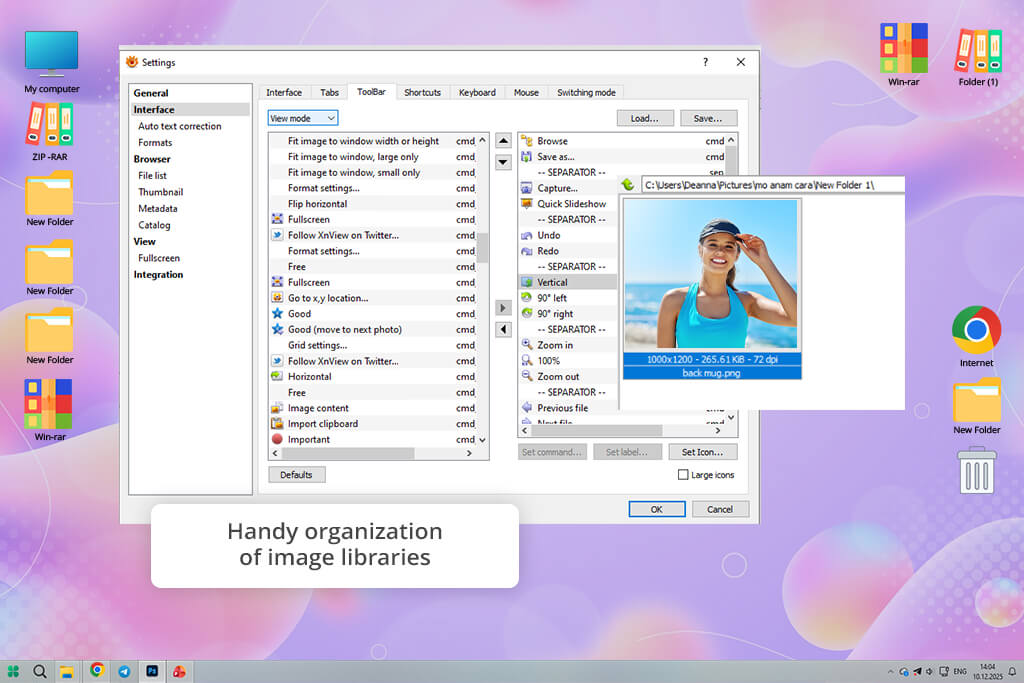
XnViewMP is a powerful image viewer and organizer that supports batch editing. I was able to apply horizontal or vertical flips to hundreds of photos simultaneously. This service maintains the original image quality and supports many file formats.
“This solution saved me a lot of time when I needed to process a folder of images captured in the wrong way. I flipped them automatically.”

This program is especially suitable for organizing collections of images. I tried flipping a folder of product photos for an e-commerce project I was working on and discovered that XnViewM did not change metadata, file names, or format. It makes it easier for me to automate complex workflows. I use the built-in batch rename and conversion tools to perform image flipping.
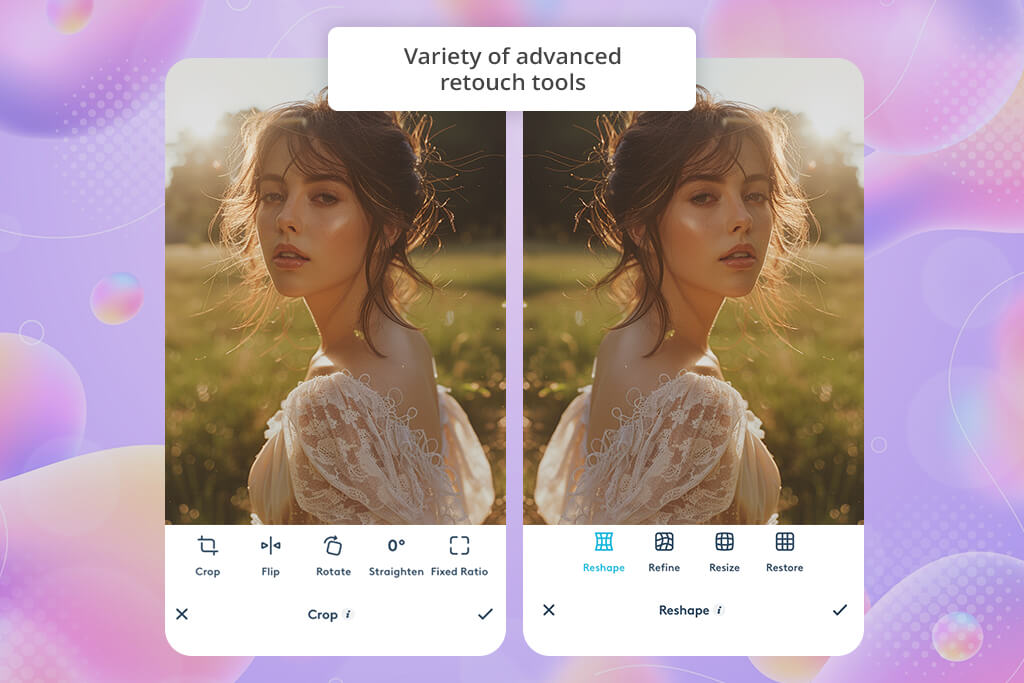
Facetune is designed for improving portraits and selfies. When testing it, I flipped multiple portrait photos horizontally and used AI-based retouching tools to make the skin smoother, adjust lighting, and subtly change facial features. The program adapts retouching effects to images automatically, allowing one to achieve natural outputs.
“I flipped a selfie photo and then adjusted the lighting and skin tone. The face tools delivered perfect performance even after flipping. The output looked realistic.”

After flipping my images, I applied various filters, adjusted lighting, and made other selective edits. The AI allows one to adapt the effects after changing the orientation of a portrait photo. There is no need to use any third-party app to enhance photo quality, as the output photos look professional.
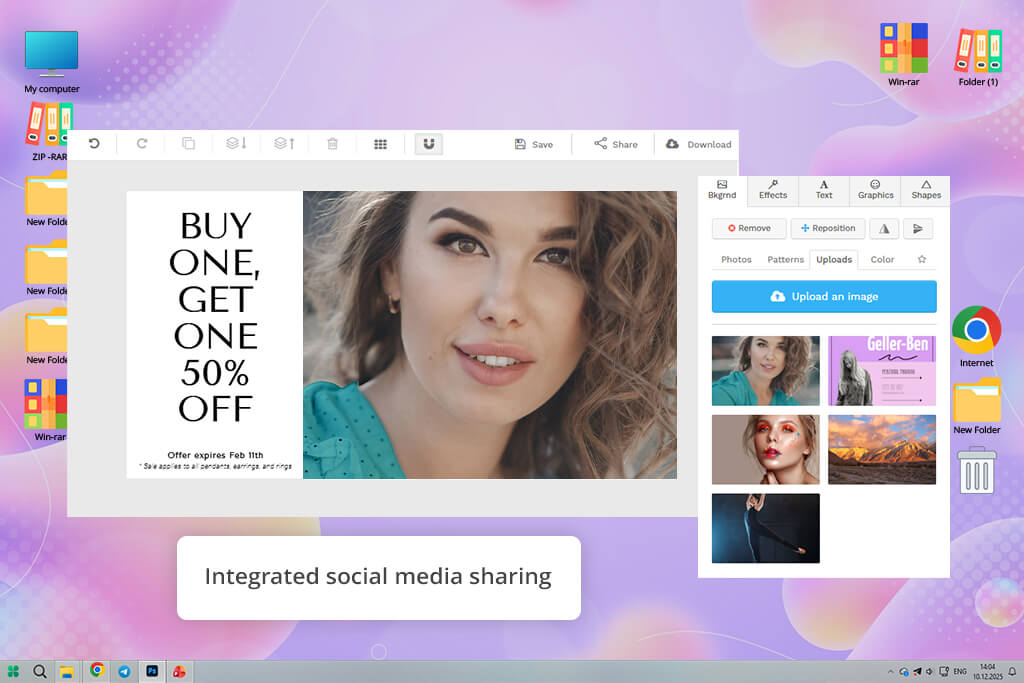
Snappa is an online-based image flipper website built for those who need to create visual content quickly instead of performing detailed photo manipulations. When testing it, I liked that it has convenient templates for flipping images. This solution aligns image elements automatically and maintains high quality.
“I often use this service to create quick marketing graphics. It allows me to flip product photos to ensure they fit different ad layouts. Everything happens automatically.”

Another advantage is that it does not distort the layout. Graphics and text integrate perfectly in flipped images. I used it to create banners and ads, flip product photos horizontally, and add text overlays with calls to action.
The grid and snap features make it easier to align elements and produce pro-level graphics. This image flipper is better than many other Snappa alternatives when it comes to performance speed.
When our FixThePhoto team decided to find the best image flippers, we started to thoroughly test the major services to assess them from the technical and practical side. Kate, Tata, and Julia were the ones who led the testing procedure. Each member used a unique approach and focused either on photo retouching or on visual storytelling and content production.
We wanted to understand not only whether it was possible to use each service for flipping images but also whether they could become a part of an editing workflow. We tested both AI-driven services and basic utilities to choose the best solutions for novices and professionals.
During the first stage of testing, we examined basic flipping accuracy and image integrity. We tested each solution on portraits, product photos, landscapes, and text-based pictures to understand whether horizontal and vertical flips would allow us to maintain the original resolution, proportions, and sharpness.
Julia wanted to check how these services handled text and logos when the files were flipped. She focused on mirrored text issues and layout imperfections. Solutions like Photoshop, Canva, and Adobe Express maintained high quality. More lightweight services like PineTools were suitable for basic tasks but were more prone to making errors when handling mirrored text.
During the second stage, we focused on AI-assisted behavior after flipping. Tata checked how AI tools behaved after a picture was flipped. She wanted to see whether it would be possible to use background removal, retouching, and lighting correction tools without any issues.
For instance, when using Facetune, she did not notice any facial recognition features, and retouching tools maintained high accuracy. In Adobe Express and Canva, AI-driven background removal tools coped well with the task after product images were flipped. Dreamina allows users to extend flipped images or animate them without distorting them.
During the third phase, we assessed workflow efficiency and batch performance. Kate tested how quickly teams could process several images and save them in various formats. XnViewMP was useful for batch flipping large folders without losing metadata. Photoshop delivered excellent performance when we made automation actions a part of our flip-and-edit workflows.
We also tested services built for design outputs, such as Snappa and FlexClip, to understand whether it would be easy to integrate flipped images into templates, videos, and layouts without adjusting them manually.
Finally, we decided to compare real-world use cases and outputs. For instance, Canva and Snappa support the highest speed when it comes to flipping e-commerce product photos. Photoshop and Facetune are more suitable for fixing issues with portrait orientation. We tested PhotoAiD on flipped ID photos to see whether they would be able to pass compliance checks.
We concluded that one should choose the best image flipper that fits into a specific workflow. AI tools are more suitable for complex scenes, while lightweight services will be perfect for quick edits.



![7 Best TXT to PDF Converters [Free Desktop, Online & for Mobile]](http://fixthephoto.com/blog/images/gallery/news_main__preview_28480.jpg)

![7 Best AI Wallpaper Generator Tools in {{%year}} [Reviewed & Tested]](http://fixthephoto.com/blog/images/gallery/news_main__preview_28192.jpg)
![Remove Logo From Clothes AI App [FREE]](http://fixthephoto.com/blog/images/gallery/news_main__preview_27732.png)

![9 Best Ghibli AI Generators in {{%year}} [100% FREE]](http://fixthephoto.com/blog/images/gallery/news_main__preview_28431.jpg)



















