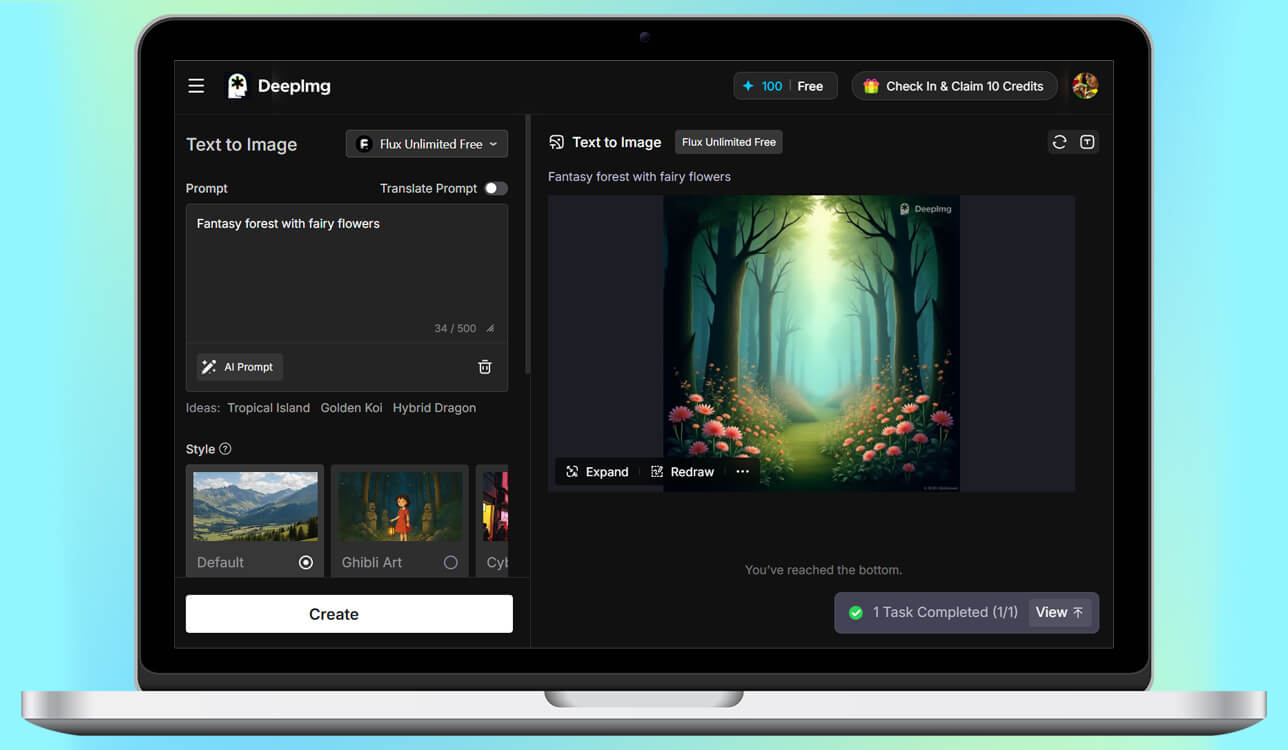
I’ve been using DeepAI for a while to make quick visuals for my digital art, but lately, it just isn’t enough, so I know I need better DeepAI alternative.
The pictures generated in DeepAI often looked plain or too similar, with odd shapes and features that didn’t match what I wanted. I eventually realized that DeepAI just can’t deliver the realism or control my artwork now requires.
So, I finally got frustrated when I had to make concept art for a client. I needed a picture of a futuristic city with very specific colors and a certain feeling. I tried over and over, but every image the AI made looked boring and flat. I realized I was wasting hours in Photoshop trying to fix these AI pictures instead of coming up with new ideas.
I began searching for a DeepAI alternative. I needed one that could make higher quality, sharper pictures and keep the same art style looking uniform throughout. It also had to have better editing tools so I could guide the creative process myself, not just receive random results.
I wanted to be able to directly adjust things like the lighting, style, and proportions of the images. Finally, because I sell my art, the platform needed to have clear and transparent rules about commercial usage rights.
In short, I wasn’t just searching for another tool - I needed something that could grow with my ideas. DeepAI was fine for quick tests, but for real design work, I wanted something stronger, more professional, and more accurate. My colleagues from the FixThePhoto team agreed to help me choose and test 30+ DeepAI alternatives that other users recommend on forums.
A major issue is that DeepAI’s outputs often lack depth or consistency, especially when you give it complex or highly detailed prompts. Its models can create pictures that look plain, repetitive, or lower in quality when compared to more advanced AI tools.
Another frequent problem is the lack of detailed control. DeepAI doesn’t offer many options to adjust or polish the final image - things like layout, colors, or small details are hard to change. This can be annoying for artists or designers who need exact, fine-tuned results.
Speed is also a problem - image creation can take a long time, and the platform sometimes freezes or slows down when many people are using it. On top of that, several users say the interface looks old-fashioned and isn’t as easy to navigate as newer AI tools.
Many people are consistently worried about privacy and who controls their data. DeepAI does not give clear details about where your data and created images are saved or if they are used again. This lack of clarity makes professionals nervous about using it for paid work.
In short, people look for other options besides DeepAI because they want higher quality images, more control over the creative results, faster generation speed, and better privacy protection. These are features that many newer AI tools now provide.
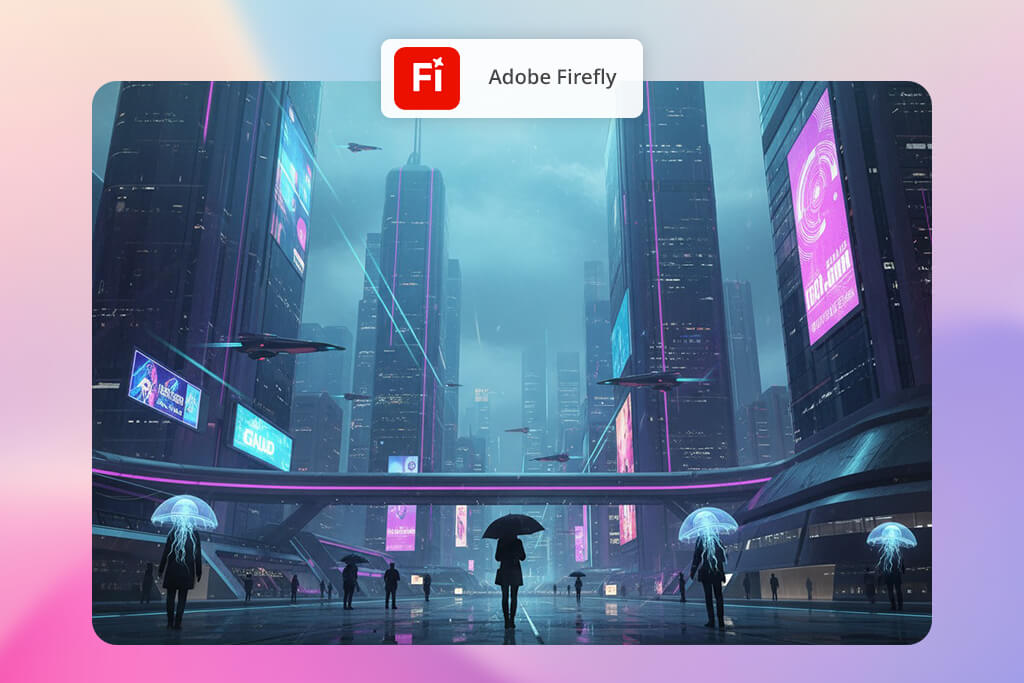
When I moved from DeepAI to Adobe Firefly, the change was huge. DeepAI often produced uneven or messy images, but Firefly surprised me right away with its realistic and accurate results.
I tested this DeepAI alternative by making product mockups and portrait-style artwork, and it handled both surprisingly well - the lighting, textures, and proportions looked natural and well-done. The built-in style prompts and the option to adjust color tones made it feel like working with a supportive creative partner instead of a simple image generator.
“The amount of detail and control is incredible - I could adjust the lighting, textures, and even the overall mood without needing long or complicated prompts.”

Firefly also works seamlessly with the rest of Adobe’s apps, and I could send my images straight into Photoshop or Illustrator to refine them further. DeepAI never had anything close to that.
The smart editing tools, like extending backgrounds or adjusting lighting, saved me a ton of extra work afterward. It does use more computer power, but the quality you get makes it completely worth it.
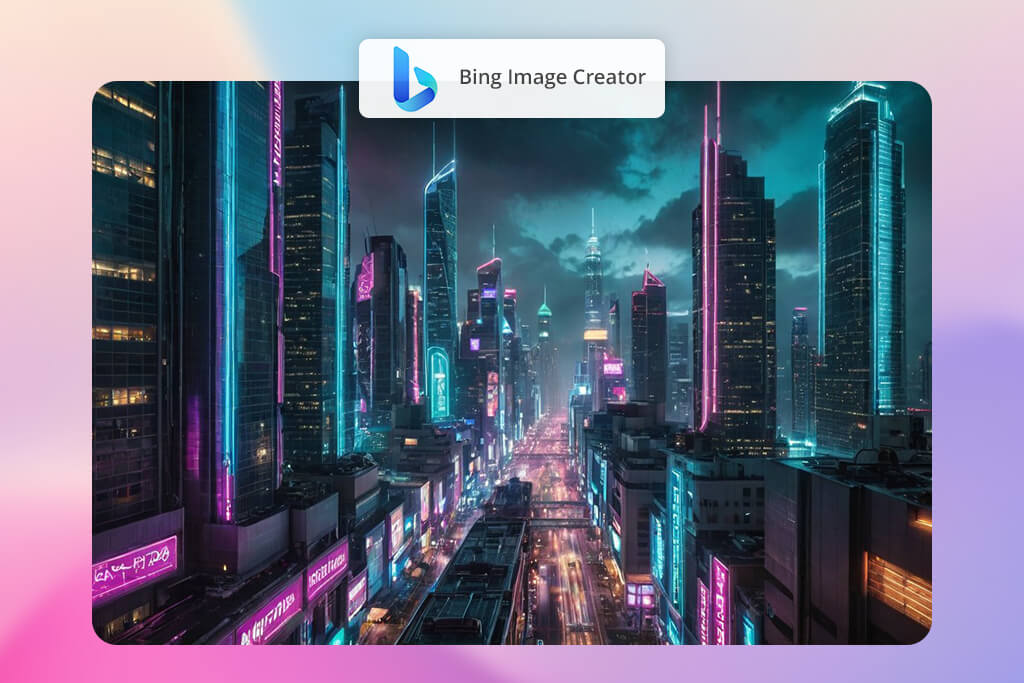
DeepAI always felt a bit too basic and didn’t offer many style choices, but DALL-E-powered Bing Image Creator & generator gave me much better control over both style and detail.
I tested it with conceptual art prompts, and it handled abstract ideas surprisingly well - something DeepAI consistently had trouble with. Its built-in text-to-image feature also produced clearer, sharper images with almost no visible glitches.
“This tool is really easy to use and works surprisingly well for a free service. It can have trouble drawing faces correctly, but for quick, creative ideas, it’s fantastic.”

What I loved most was how easy it was to use. I could access it directly through Bing search, and the interface was very smooth, even for someone just trying it out. Compared to DeepAI, Bing Image Creator feels more modern and user-friendly. However, it doesn’t allow for the same deep control over the composition as more advanced tools like Firefly or Midjourney.
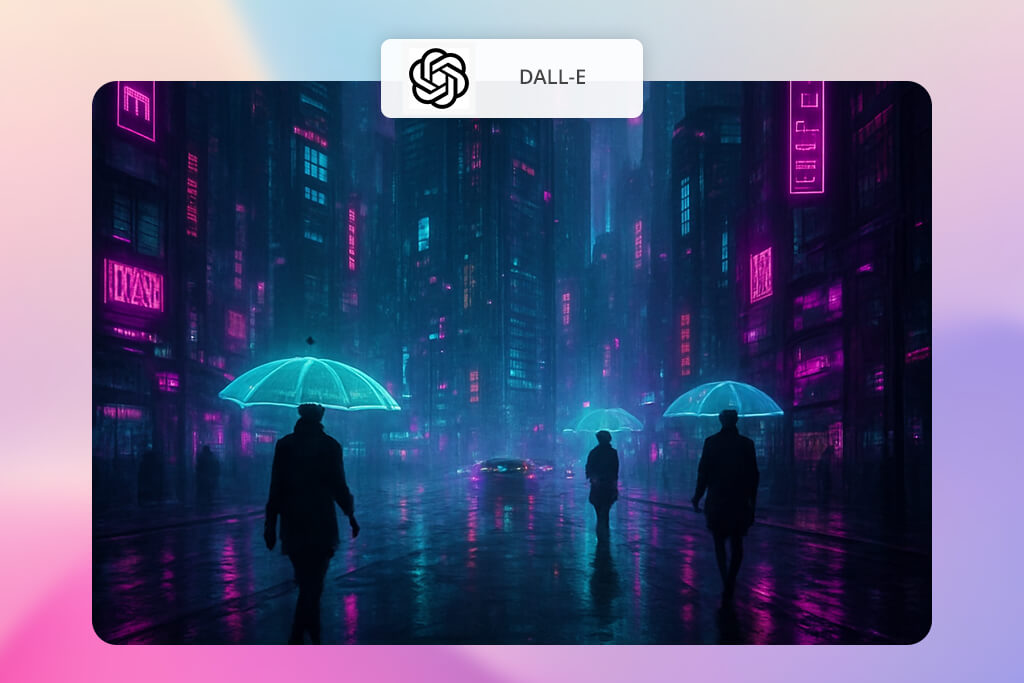
Where DeepAI’s images were often simple and flat, DALL-E created complex pictures with amazing details and realistic lighting. I tested it with all kinds of ideas, like a “cyberpunk cat café” and a “minimalist home interior.” Every time, the result was a well-balanced and beautiful image.
“It quickly grasps your request and delivers clean, well-composed images. While it may not have the strong artistic flair, it works well for practical purposes.”

The biggest standout for me was the inpainting tool. Instead of generating a whole new picture every time, I could simply adjust the exact part I wanted - something DeepAI never allowed.
Another strong point is how well this AI image generator handles text. It places words naturally on signs, labels, and other surfaces, which makes it perfect for creating mockups.
Although it still has some difficulty with extremely detailed or busy scenes, the overall jump in quality and creative freedom is huge compared to DeepAI.

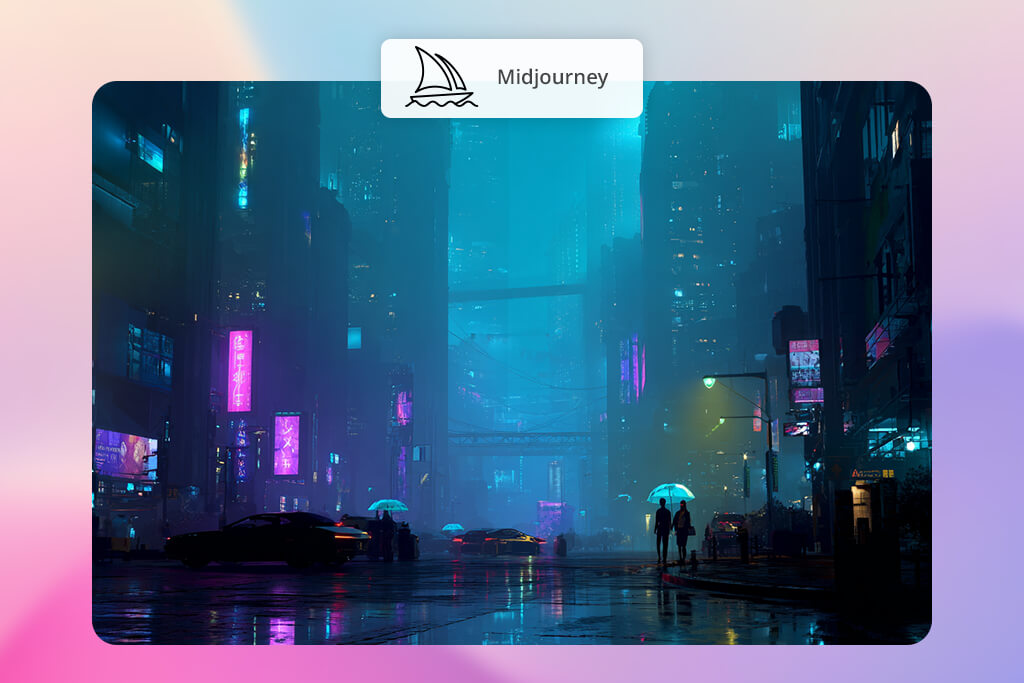
When I first learned what Midjourney is, and tested it after getting frustrated with DeepAI’s basic and repetitive images, I was amazed. It creates art that feels like it was made by an artist, not a machine.
I tested Midjourney by having it create fantasy characters and product images. The results looked like they were from a movie - with beautiful lighting, perfect balance, and textures that seemed painted by hand. Meanwhile, DeepAI often struggled to draw human figures correctly.
“Every picture generated in Midjourney looks like art - the lighting and colors really stand out.”

Using it through Discord takes a little time to figure out, but once you get the hang of it, it actually makes things quicker, more social, and full of creative ideas. The community really helped, too - seeing what others made gave me instant inspiration.
Midjourney has a stronger, more artistic style than Firefly, and for creative or concept-heavy work, it’s far better than DeepAI.
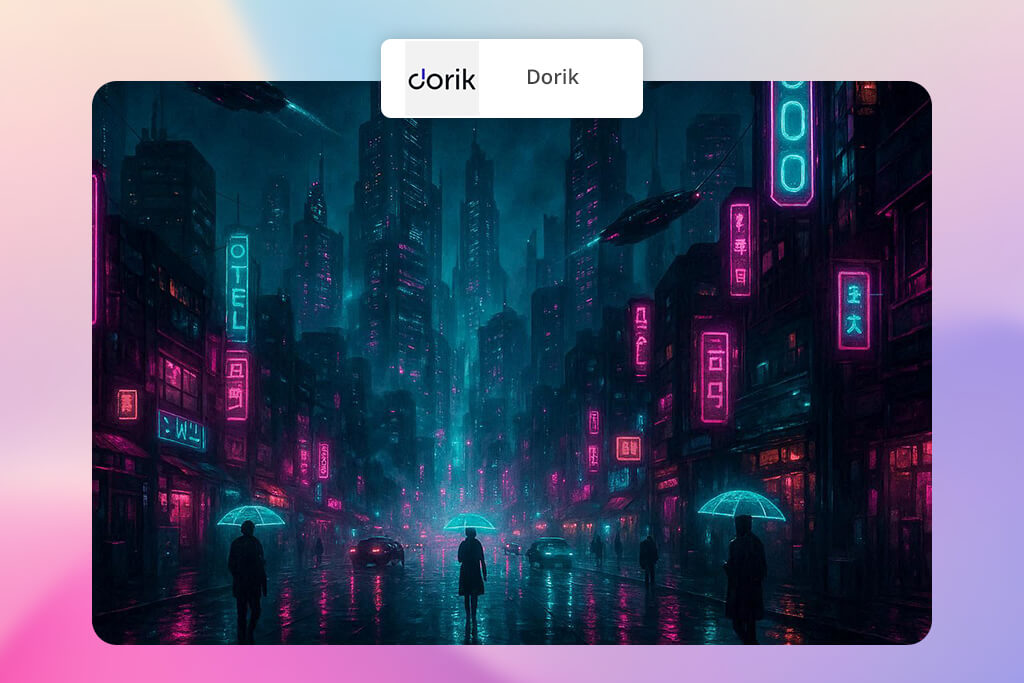
I found Dorik when I was looking for an AI that could make images for websites, which was something DeepAI was never good at. When I tested it, I discovered that Dorik is more than just an AI art generator.
It’s a full website-building platform where you can create images and content without knowing how to code. I used it to design the top section of a homepage, and the result was a clean, modern, and professional-looking design that was ready to use immediately.
“To be honest, I didn’t expect much from it, but it’s really useful for creating quick website images and concept art.”

Dorik’s real strength compared to DeepAI is how smoothly it combines images with smart layout design. Instead of giving me unrelated visuals, it delivered pieces that were already shaped to fit into website sections.
The style choices were clearer too, making it easier to keep a consistent look throughout my projects. It may not be the best for artistic or highly creative images, but for building websites, Dorik is far ahead of DeepAI.
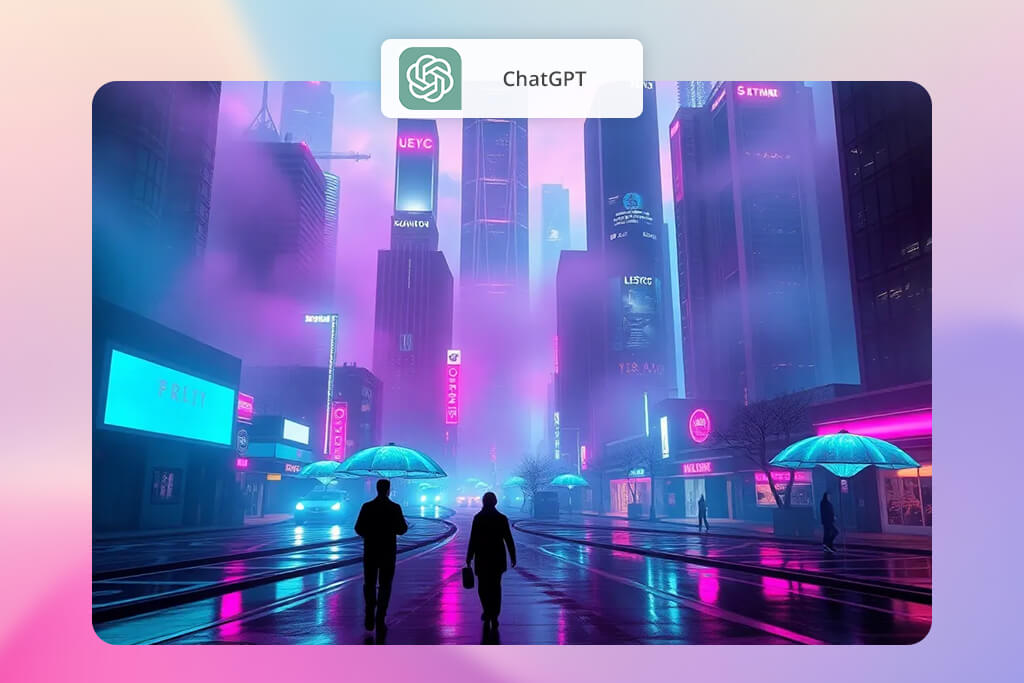
DeepAI could make pictures, but they often felt random and didn’t really tell a story. With ChatGPT, I was able to build a full idea first - describing the characters, the mood, and the setting - and then get images that actually matched what I had in mind. When I tried making a short comic concept, the AI produced consistent panels and fit the story I described.
“It’s amazing creative helper. I used it to come up with ideas for image prompts and improve my descriptions, and it made the results from other AIs much better.”

The way it understands everyday language really changes the experience. I didn’t need to write prompts like code - I could just describe what I wanted normally. I also used the AI art prompts generator to get tips on how to improve my ideas before making any images.
It still doesn’t offer as much style control as Firefly or Midjourney, but the mix of text understanding and image creation makes it a much smarter alternative to DeepAI.
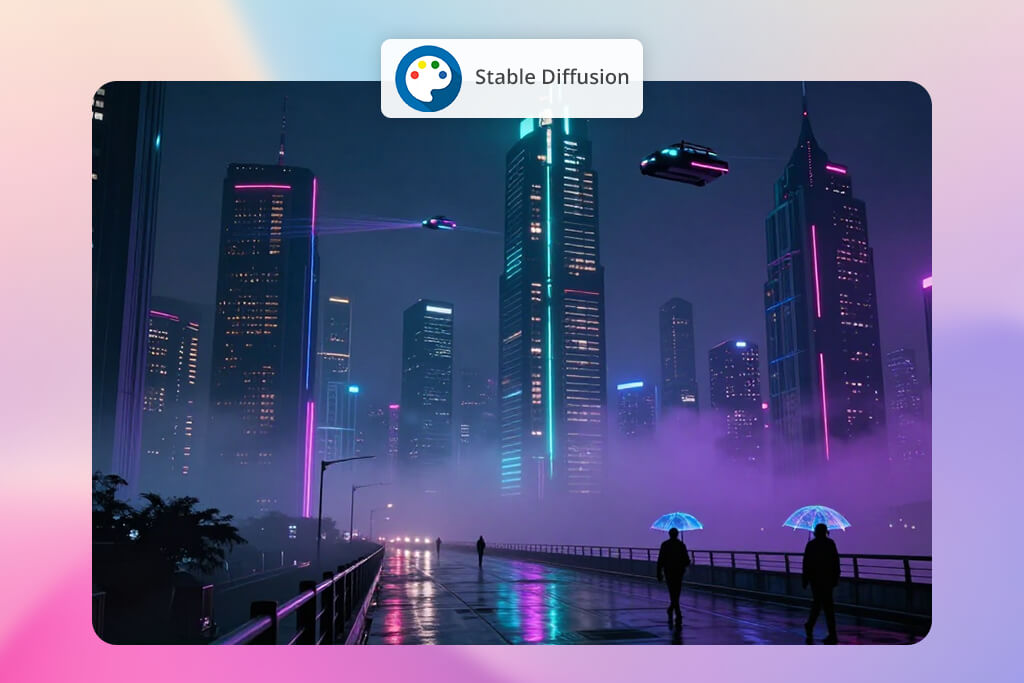
When I needed full control, Stable Diffusion quickly became my top alternative to the DeepAI image editor. DeepAI’s basic setup always felt limiting, but Stable Diffusion allowed me to adjust everything, like seed numbers and sampling steps. I tried it on both realistic portraits and more stylized ideas, and the outputs were clear, lively, and highly customizable.
“This tool is perfect for people who like to experiment. It lets you tweak every setting, build your own model, and really boost your creativity.”
Setting it up on my computer took a little technical work, but once the interface was ready, it felt completely creative. I could switch between different checkpoints, use LoRA models for certain looks, and even mix styles.
Compared to that, the DeepAI image enhancer felt very limited. It’s mainly for people who enjoy experimenting, but if you’re serious about AI art, this generative AI tool offers far more accuracy and flexibility than DeepAI.
Our FixThePhoto team - Tati Tailor, Eva Williams, and Kate Gross - each evaluated different areas to ensure the comparison was accurate and well-rounded.
We began by testing all the tools in the same way, using identical prompts for different categories like realistic portraits, fantasy scenes, product mockups, and conceptual art. Our team then specialized in different areas to evaluate the results.
Tati examined the realism and accuracy of the lighting, while Eva assessed how well each AI could understand detailed and complex instructions. At the same time, Kate focused on testing the diversity of artistic styles, seeing how each generator handled different filters, textures, and maintained a consistent composition.
For each tool, we examined how easy the interface was to use, how simple it was to adjust or improve the images, and how fast the outputs came in. Some platforms needed several tries before we got pro-looking results, while others delivered great images right away.
We also checked things like image resolution, clean edges, and how well backgrounds were processed - all important factors for creating visuals meant for commercial work.
After going through the full testing process, it became obvious that DeepAI is still okay for quick ideas, but the newer tools offer much better control and detail. Midjourney and Firefly stood out for their accuracy and artistic quality, and Stable Diffusion remained the top choice for deep customization.
Overall, we saw that AI image generation has grown far beyond basic text-to-image - the real difference now is which platform gives creators the most freedom to shape their vision.



![7 Best JFIF to JPG Converters in {{%year}} [Fast & Free]](http://fixthephoto.com/blog/images/gallery/news_main__preview_28570.jpg)


![9 Best Facebook Story Makers [Online, Desktop, iOS & Android]](http://fixthephoto.com/blog/images/gallery/news_main__preview_28495.jpg)
![Best Adobe Firefly Alternatives [1 Prompt - 7 Results]](http://fixthephoto.com/blog/images/gallery/news_main__preview_28400.png)
![Imagen AI Review from Wedding Photographer [2000+ Edits]](http://fixthephoto.com/blog/images/gallery/news_main__preview_28342.png)

![9 Best YouTube Transcript Generators [{{%year}} FixThePhoto Choice]](http://fixthephoto.com/blog/images/gallery/news_main__preview_28474.jpg)

















