For FixThePhoto, I often had to create these Stories quickly to promote services, share tips, or demonstrate photo edits. Using different Facebook Story makers is essential. They allowed me to easily work with animations, text, and templates, which was crucial for publishing multiple Stories under tight deadlines.
When you post Facebook Stories regularly, speed is everything – you only have seconds to get someone’s attention. Not every tool performed well. Some felt restrictive, while others slowed me down or lowered the image quality.
To find the best ones, I tested 35+ Facebook story makers using real FixThePhoto social media tasks. Here, I’ll share the tools that actually helped me work faster, keep a consistent look, and create professional FB Stories, as well as the potential drawbacks you should be aware of before picking one.
Making great Facebook Stories can be enjoyable, but it can also take too long if you’re not efficient. Over time, I’ve learned a few methods that help me make interesting stories fast while keeping them looking good. Here is my approach:
Price: Free or from $9.99/mo
Availability: Web, Windows, MacOS, iOS, Android
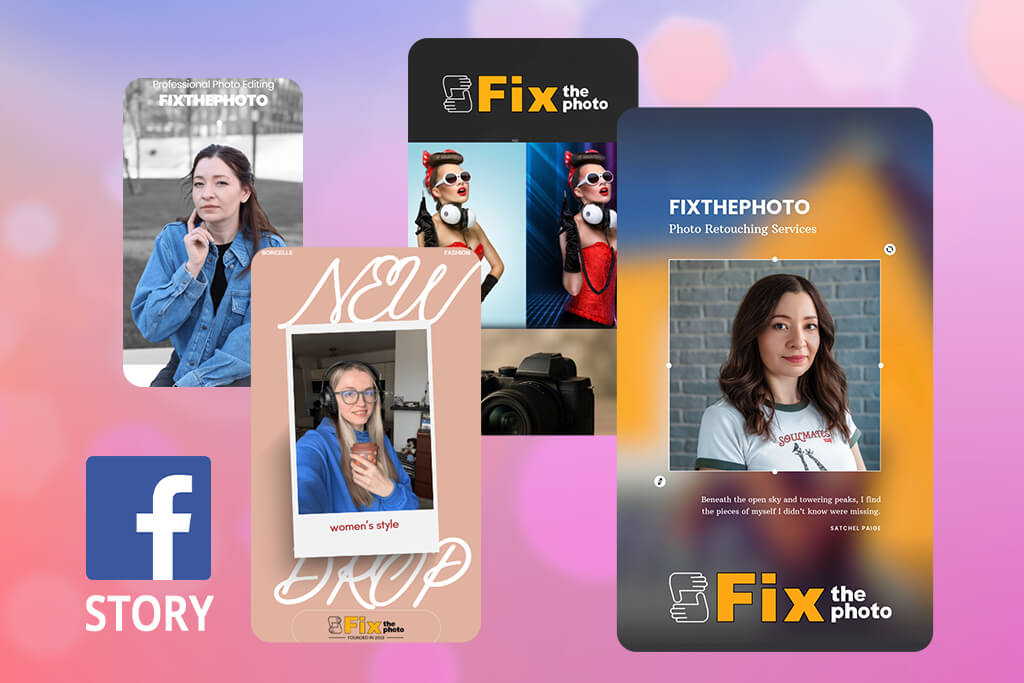
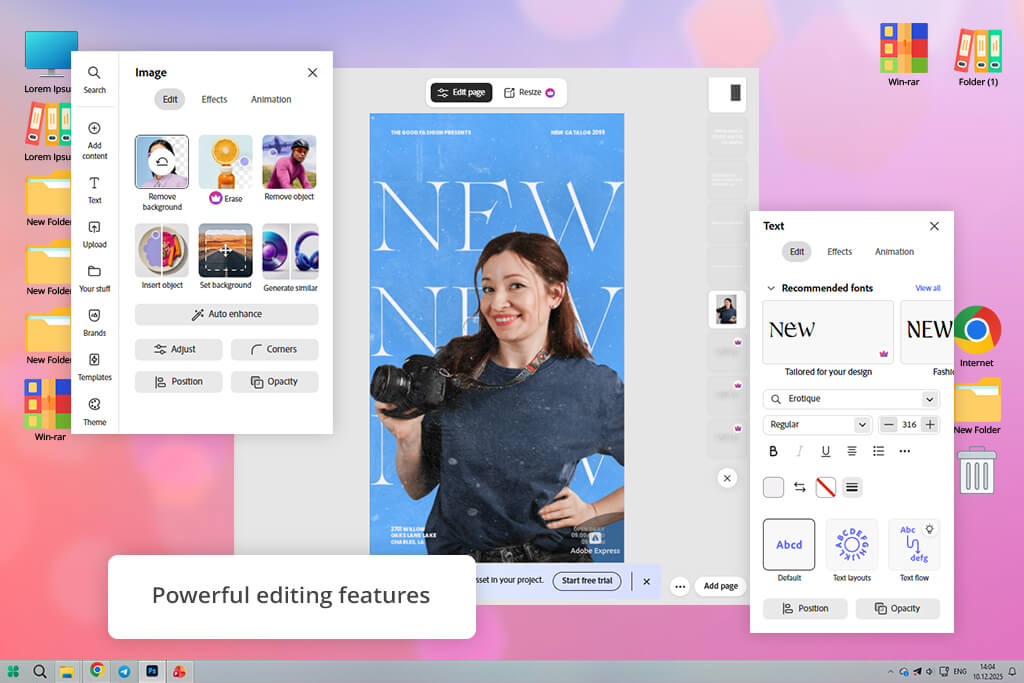
Adobe Express immediately seemed like a straightforward, all-in-one tool made for creating Facebook Stories quickly without reducing the visual quality. It lets you select from fully adjustable Facebook Story templates and transform them into branded content in minutes.
I used both video and image templates and easily adapted them for various campaign needs like promoting products or announcing events. This Facebook Story editor lets you upload photos and videos directly. You can also import layered files from Photoshop or Illustrator, and Adobe Express keeps the layers separate, which is very helpful for reusing existing designs.
Another advantage is access to Adobe Stock. I could quickly add free-to-use photos, videos, icons, and graphics right inside the editor. The interface is easy for beginners. It’s simple to move around, adjust layouts, edit text, add animations, and export Stories in the right vertical size. I tried making quick edits on both my computer and phone, and the process felt the same on both.
While testing, I made promo templates, before-and-after designs, and short animated tip stories, completing every step from picking a template to posting. In real use, Adobe Express produced reliable, high-quality results. The stories looked neat, professional, and fit Facebook’s format well. The exports stayed crisp, and the workflow was quick enough for everyday posting.
“I like Adobe Express because it has a clean layout, high-quality fonts and graphics, and quick exports that are ready for Stories right away.”

Price: Free or from $12.99/mo
Availability: Web, Windows, MacOS, iOS, Android
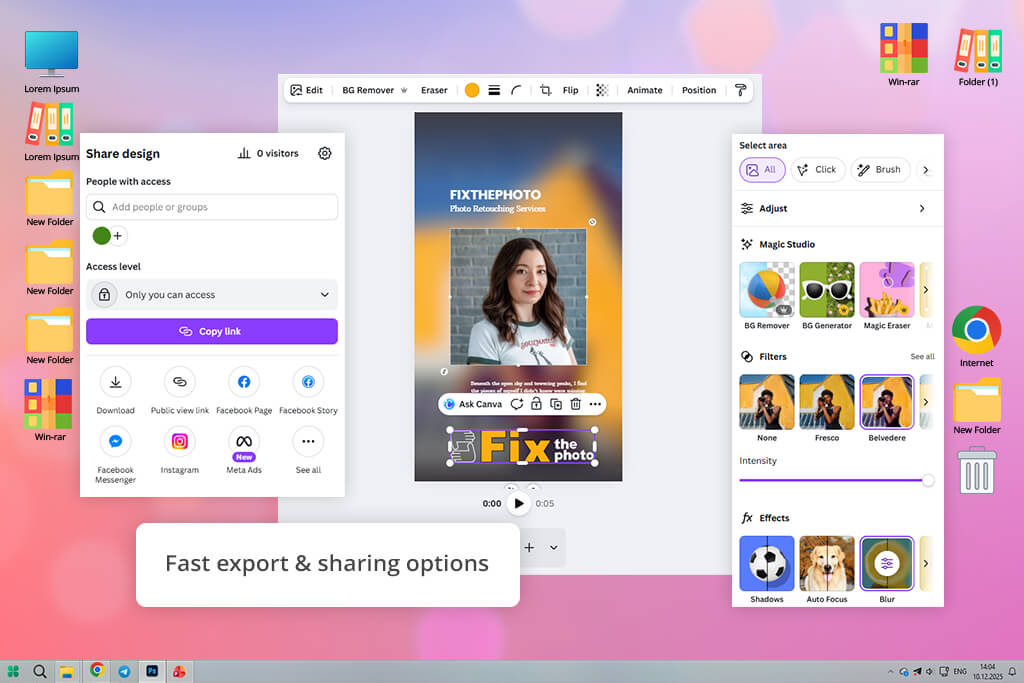
Canva photo editor markets itself as an easy-to-use Facebook Story creator, and it truly delivers on that promise. It enables quick, visual storytelling even for people without design skills.
Its strongest point is the enormous scale of its resources – I had 1M+ professional templates available for quotes, promotions, announcements, and greetings. I could simply pick a layout, then add my own photos and videos, or choose from Canva’s massive built-in stock library.
I tried Canva on both my computer and phone, and the steps were the same each time: pick a template, add your photos or videos, make simple changes, and then export or share. I made a few different Stories, like ready-made promotions, quote graphics, and announcements. Every exported file was correctly sized for vertical viewing and ready to post immediately.
The drag-and-drop editor made changes very easy. Canva’s AI tools, like Magic Edit and Magic Eraser, also helped me work faster. While it’s not for complex editing, Canva’s AI is great for creating neat, professional-looking social media images quickly.
Price: Free (with watermark) or from $9.99/mo
Availability: Web, Windows, MacOS, iOS, Android
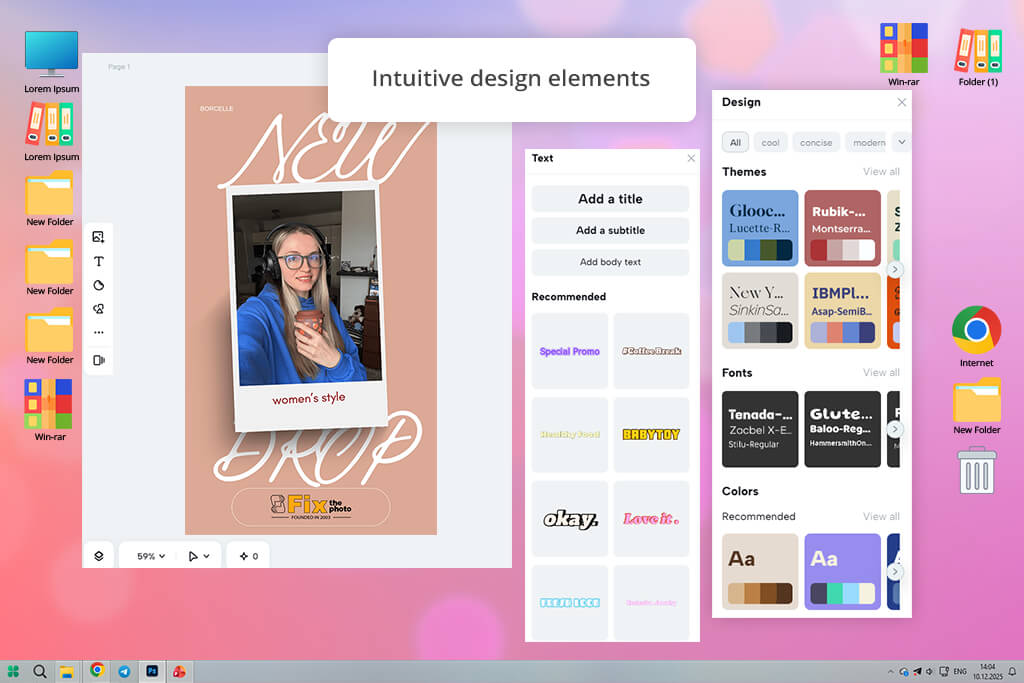
CapCut works more like a lightweight video editor than just a tool with pre-made templates. This makes it really good for creating Facebook Stories with a lot of movement and action.
I tried it on my iPhone, Android phone, and on my computer’s web browser. The phone apps are great for fast edits, but I found the web version on a computer was better for working on longer or more complicated Story videos.
In my test, I used the timeline to put together short video clips. I added moving text, music, and filters, and changed the video’s shape to the tall, vertical format needed for Stories. It was easy to add transitions between clips, which made the video feel like one smooth story instead of a bunch of separate pieces.
Saving the video and posting it to Facebook was quick and easy, and the finished Stories looked interesting and were the right size. Because CapCut has a huge selection of effects, text styles, and over 500,000 free music tracks, it’s a great choice for Stories that are mainly video. But it’s not the best tool if you want to make a Story that is mostly still images and heavy graphic design.
“I use CapCut for video-based Facebook Stories because it provides strong editing tools, smooth transitions, and automatic captions.”

Price: Free or from $6/mo
Availability: Web
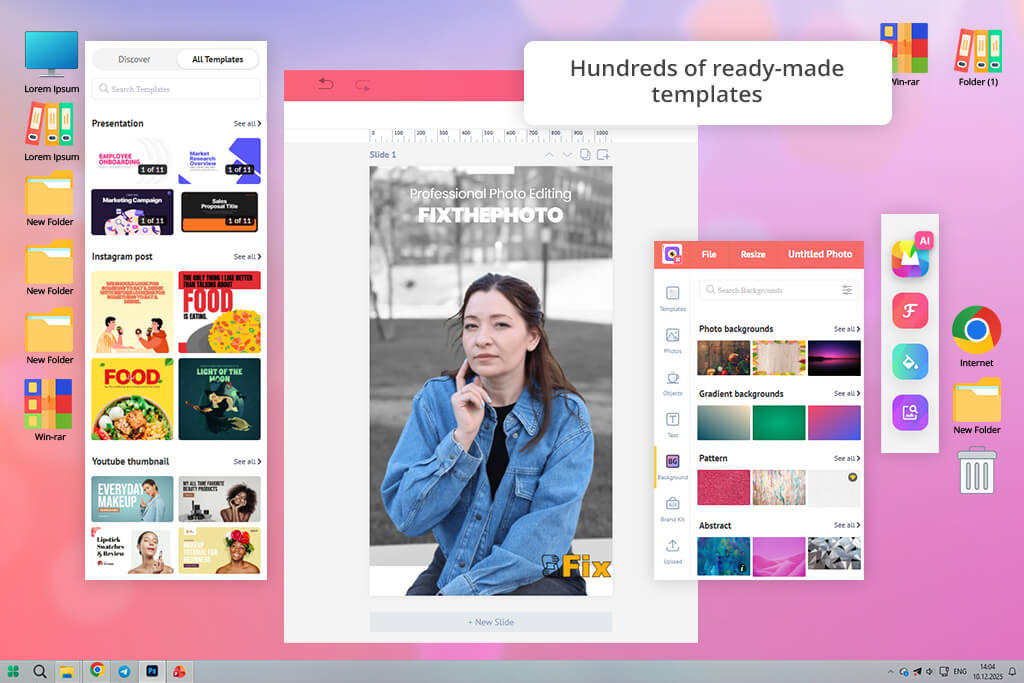
When I tested Picmaker for creating Facebook Stories, the templates immediately stood out. It has a huge selection of ready-to-use Story designs made for different events, audiences, and marketing goals. I could choose a layout, adjust the colors, fonts, icons, and illustrations, and quickly turn a basic template into something that matched FixThePhoto’s style.
The app’s drag-and-drop editor of this content creation app is easy to use, so I could experiment freely without dealing with complicated menus or confusing settings. I also tried Picmaker’s AI features, such as background removal and design suggestions, which made customization faster.
I created Stories for preset promos, editing tips, and before-and-after visuals, then scheduled them directly through Picmaker Social. Exporting was smooth, but while Picmaker is great for template-based designs, it felt more limited when I wanted fully custom graphics or advanced animations compared to video-focused tools.
Price: Free (5 credits per week) or from $13/mo
Availability: Web, Windows, iOS, Android
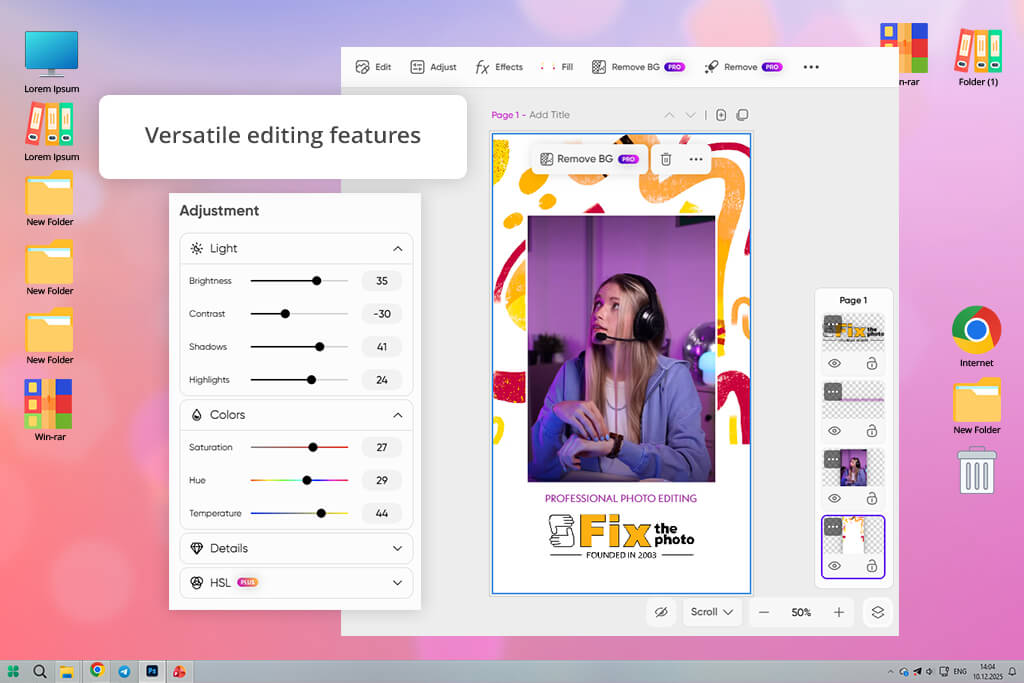
Picsart is a Facebook Story design app that quickly transforms photos and videos into eye-catching Stories. It offers a large collection of editable templates, AI-based editing features, and strong photo and video controls that make it easy to create polished content fast. I used Picsart to make promo and tip-style Stories on both iOS and Android.
The interface was easy to use, letting me drag and drop elements, change fonts, colors, and layouts, and even draw or add stickers right on my images. AI features like background removal and image enhancement helped me work faster, and exporting to social media for photographers was smooth.
The biggest drawbacks were frequent ads in the free version and a slightly busy interface at the start, but the finished Stories looked engaging and fit Facebook’s format perfectly.
“Based on my experience, Picsart gives me greater creative freedom to try striking visuals, stack elements creatively, and apply smart effects.”

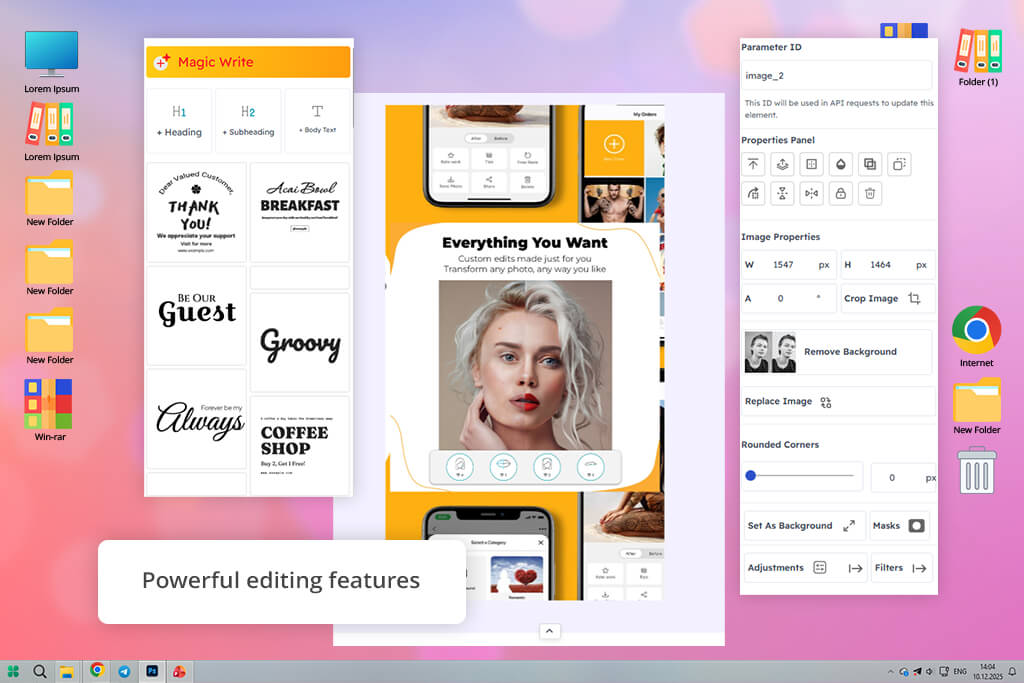
Price: Free (20 downloads) or from $6.5/mo
Availability: Web
Snapied really stood out because it focuses on tall, vertical content designed to engage viewers. It provides a collection of expert-made templates that are perfectly sized for Facebook Stories, so you can start creating right away without fixing the size or layout.
When I tested this app for Instagram Stories and FB Stories, I found the editor to be really user-friendly and adaptable. I was able to tweak the fonts, images, animations, and even add call-to-action buttons to align with my brand.
I also appreciated that I could start from a completely blank project, and the final exported videos maintained excellent quality. Publishing was a breeze, and I liked how the platform made it straightforward to track engagement and see how my posts performed afterwards. The templates are good, but if you want a very original design, you might feel limited.
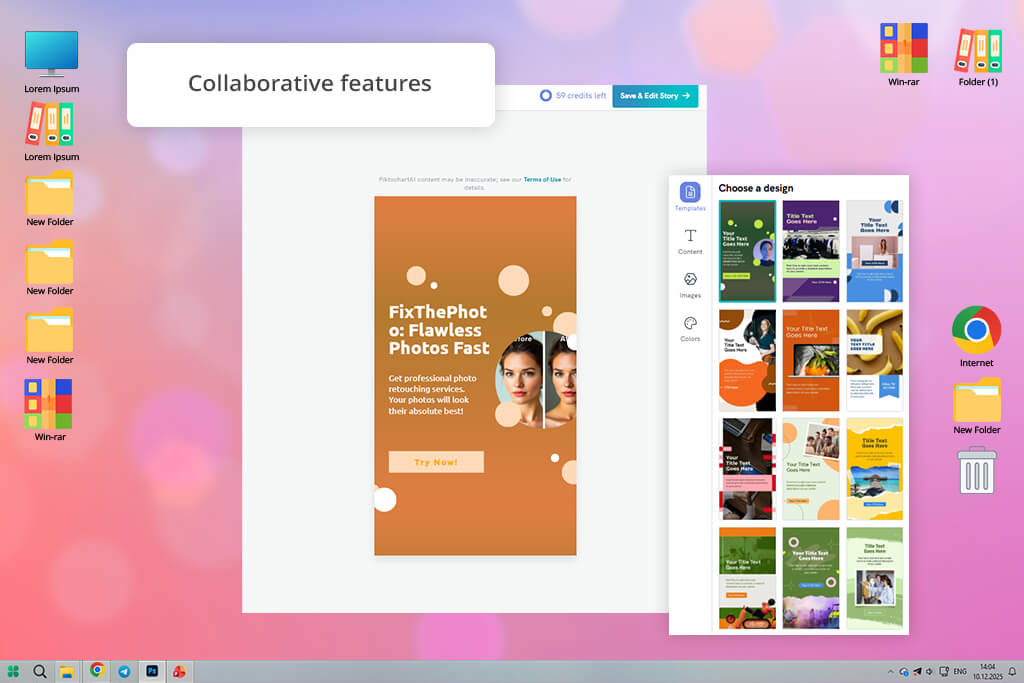
Price: Free (2 PNG downloads) or from $14/mo
Availability: Web
I tried Piktochart as a free Facebook Story maker and was happy with how quick and easy it was. I just told the Piktochart AI what I wanted to make, like promoting a product, sharing an inspiring quote, or announcing a new Lightroom preset. The AI then showed me templates that fit. I picked one and was able to easily change the colors, fonts, pictures, and layout to match my brand.
The editor is simple and easy for anyone to use, but you can still change almost everything in your design. Just be aware: the free plan only gives you 2 image downloads and 60 AI uses. Also, many of the ready-made templates look quite similar, so to make yours really pop, you’ll want to spend some time personalizing it.
“In my process, Piktochart is best for informative or business-focused Stories where clear messaging matters more than flashy visuals.”
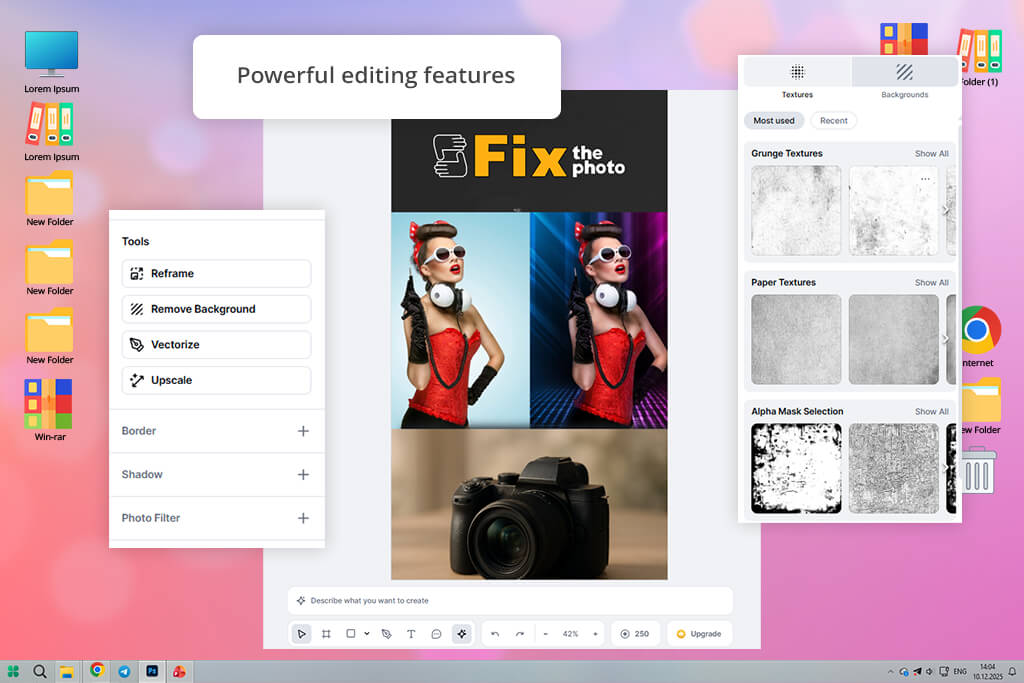
Price: Free (5 projects) or from $10/mo
Availability: Web
While working with Kittl, I found it easy to turn basic updates into engaging Facebook Stories. Instead of designing everything from scratch, I started with pre-made Story layouts and adapted them for product promos, tutorial snippets, and quick tips.
The drag-and-drop editor let me quickly add photos, text, stickers, and decorative details with this photo video maker, while adjusting fonts and colors to stay on brand. Moving elements around and testing different layouts felt smooth, so I could refine Stories without wasting time.
Saving files as JPG or PNG was quick, which made sharing or storing them easy. Kittl is especially useful for bold or last-minute posts, although the free version restricts templates and assets, and full creative freedom can feel limited. Even so, for fast and clean Facebook Stories, Kittl delivers reliable results.
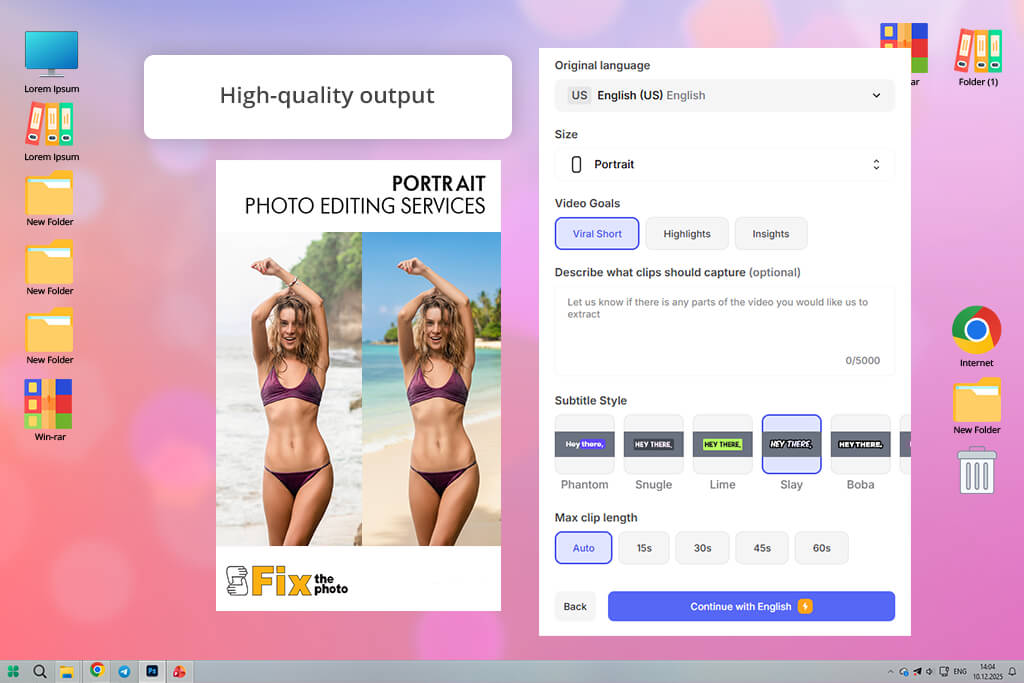
Price: Free (watermark) or from $19/mo
Availability: Web
I tried VEED as a Facebook Story maker tool and found it to be a quick, adaptable choice for video-focused posts. You can begin with ready-made designs or use your own videos. Its one-click resize feature instantly reformats everything to the vertical 1080×1920 size needed for Stories, which is a real time-saver.
The VEED editor lets you easily cut clips, add text, stickers, music, and effects. This makes it simple to customize your Stories while keeping them looking professional. I used the webcam to record a new video and was able to smoothly reuse clips from other platforms.
The videos saved quickly and in high quality, perfect for sharing on Facebook or anywhere else. Because VEED is mainly built for video, it’s not the best for creating detailed still images. Also, to access some of the more advanced tools, you need a paid plan.
“I turn to VEED for fast Facebook video Stories, mainly when I need automatic captions, quick cuts, and easy exports for social platforms.”
A Facebook Story is a short vertical photo or video shown at the top of the feed for 24 hours. People can watch it, react to it, and sometimes send replies, which makes Stories interactive.
The best size is 1080 × 1920 pixels with a 9:16 ratio, so it fills the screen clearly on both mobile and desktop.
No. Most Story tools like Canva or Adobe Express offer drag-and-drop editors, ready-made templates, and AI features, making it easy for anyone to create professional-looking Stories.
Exactly. Apps like VEED and Picsart allow you to start with your own photos, videos, and graphics. You can then change the layout, add moving elements or captions, and adjust the size so everything fits perfectly in Facebook’s tall, vertical Story format.
Yes, that’s correct. Several apps include a scheduling feature. For instance, Picmaker allows you to both create your Stories and schedule them ahead of time, so you can plan your content in advance without having to post it yourself each time.
Yes. Many Story tools allow motion effects for text, images, and graphics. Apps like Adobe Express and Canva animate elements and text, while VEED focuses on video clips, helping Stories look more dynamic and interesting.
Yes. Many Facebook Story maker software let you repurpose designs for Instagram, TikTok, or YouTube Shorts, keeping the layout, branding, and style with minimal resizing. Tools like Canva, VEED, and Picsart simplify this process.
Yes. Many Story tools let you reuse designs for Instagram, TikTok, or YouTube Shorts while keeping the same layout, branding, and look with only small size changes. Tools like Canva, VEED, and Picsart make this easy.
While creating social media content for FixThePhoto, I tried many different Facebook Story creation tools. To make the review more complete, I also worked with my colleagues from the FixThePhoto team, tested several tools with me, and shared practical feedback based on real use.
Some platforms, including VistaCreate, InShot, Pixandflow, Buffer, Mojo, Design, Simplified, PixTeller, and Pixelied, were not covered in this review because they either lacked enough Facebook Story features, had compatibility problems, or didn’t fit smoothly into the workflow.
Here’s how I tested:
Through this process, I identified which Facebook Story design apps offer the best balance of speed, quality, and creative freedom for both individual creators and teams.



![13 Best AI Character Generators [Free & Easy-to-Use]](http://fixthephoto.com/blog/images/gallery/news_main__preview_28476.jpg)
![7 Best AI Handshake Video Generators [2026 FixThePhoto Choice]](http://fixthephoto.com/blog/images/gallery/news_main__preview_28493.jpg)

![7 Best Websites for Painters in {{%year}} [Portfolios & Sales]](http://fixthephoto.com/blog/images/gallery/news_main__preview_28423.jpg)
![7 Best HEIC to PDF Converters in {{%year}} [Windows, Mac & Online]](http://fixthephoto.com/blog/images/gallery/news_main__preview_28447.jpg)
![7 Best AI Wallpaper Generator Tools in {{%year}} [Reviewed & Tested]](http://fixthephoto.com/blog/images/gallery/news_main__preview_28192.jpg)
![9 Best AI Headshot Generators [{{%year}} FixThePhoto Choice]](http://fixthephoto.com/blog/images/gallery/news_main__preview_28142.jpg)


















