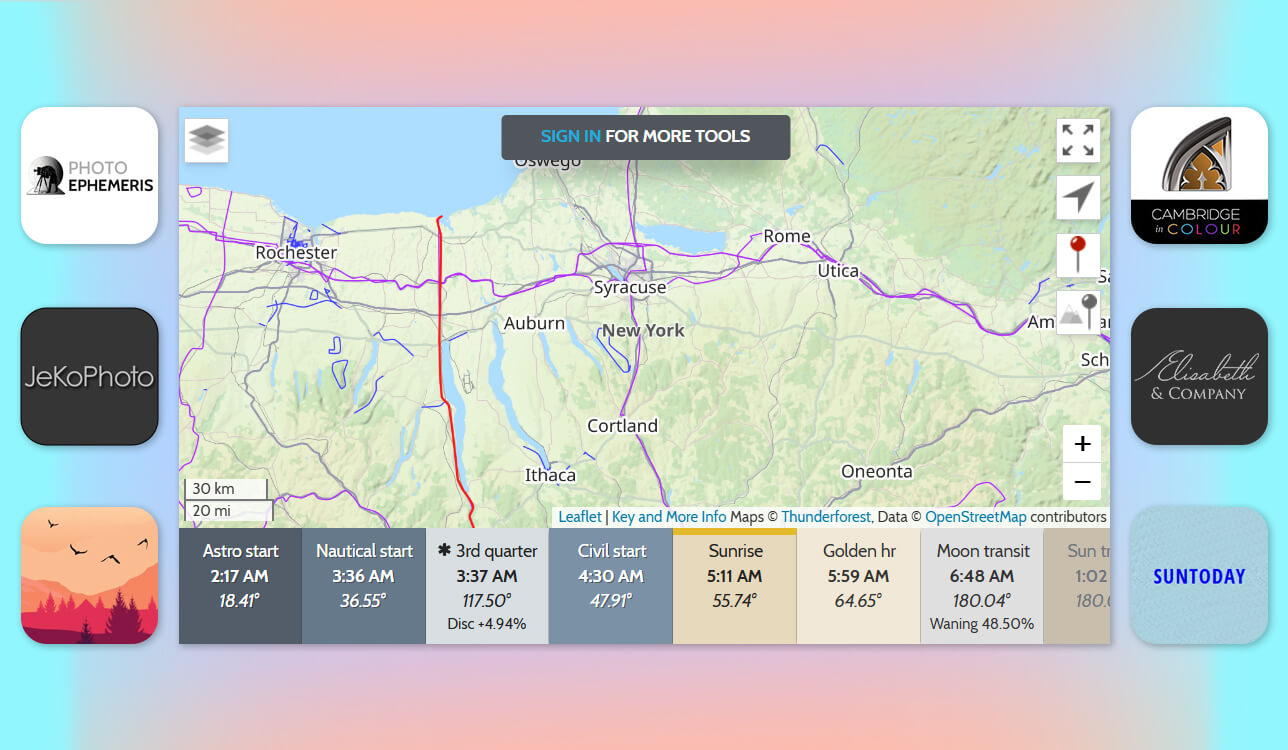
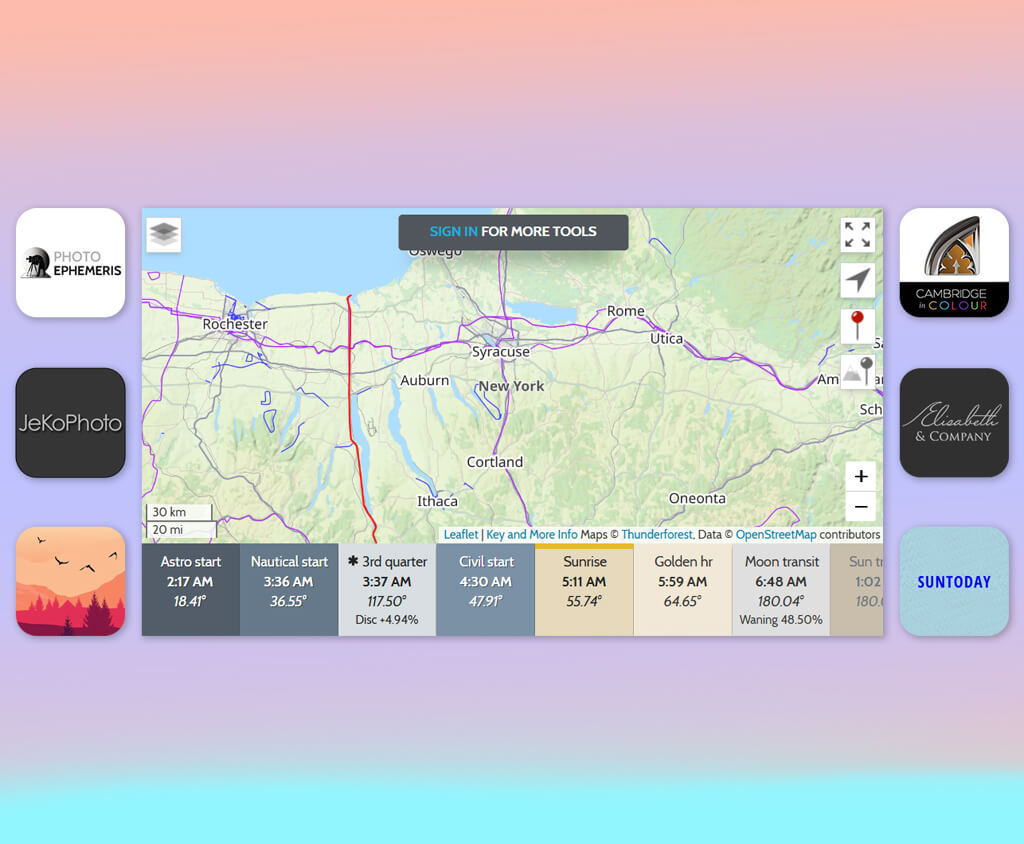
I realized I need a golden hour calculator after showing up several times either too early or too late to do a photoshoot in that perfect, soft light right after sunrise or before sunset. I was sure Google Maps and the weather forecast would be enough, but I was disappointed because they don’t tell you when golden hour is.
I wanted something accurate, based on where I was, and that could also consider things like height above sea level and the season. I take photos in different places, often outside the city or by the coast, where the timing can change by a few minutes. And those few minutes make a big difference when you’re trying to catch the best light.
So, I began trying out different apps and websites. The key features I needed were:
I reached out to the seasoned photographers on the the FixThePhoto team and together we tested 30+ golden hour calculator apps. They also shared their go-to apps - the ones they rely on daily for their photography work.
You know those pictures where someone stands by a window? The sunlight outside makes the window look pure white, while the person inside is perfectly lit. Sometimes it’s the opposite - the person looks dark, but you can see everything outside perfectly.
This happens because of how much light difference a camera can handle. The photographer must choose: adjust settings to properly expose either the subject or the background when the lighting contrast is extreme.
The “bright and airy” look comes from settings that prioritize the subject. This causes the background to turn overly bright (blown out) in strong light, especially when using a wide-aperture lens that floods the scene with light.
To take a balanced photo, you first set your camera for the background, then use flashes to light the subject. But at sunrise or sunset, the light becomes perfectly even - you can focus only on the subject while keeping the background sharp. This is why golden hour is so magical.
The second reason it’s perfect for photography is the special quality of the light - tiny shadows and highlights (micro contrast) make photos more dramatic. With the sun low in the sky at sunrise or sunset, the light comes from the side, creating depth and interest. And let’s be honest, who doesn’t love a gorgeous sunset!
Golden hour happens very quickly, so you need to plan your photoshoot before sunset actually begins. If you use our calculator, it will tell you the perfect time to shoot based on the season and your exact location.
Soft, flattering light. Golden hour light reduces strong shadows and gives everything a nice glow. This makes it the best time for taking people’s pictures (portraits), everyday life photos (lifestyle), detailed close-up shots.
Warm, romantic tones. Golden hour’s warm colors - deep golds, soft oranges, and light pinks - give your photos a magical, movie-like look. This lighting works great for telling stories through pictures, capturing peaceful, feeling-filled moments.
Enhanced depth & texture. With the sun near the horizon, shadows stretch longer and more dramatically, adding depth and a three-dimensional feel to landscapes, buildings, and urban scenes.
Natural lens flare & glow. During golden hour, you get beautiful natural light effects - like soft glows around your subject and sun flares in your shots. These make your photos feel warm and full of mood.
Balanced exposure. Golden hour’s soft light means no harsh bright spots or dark shadows. This makes getting the right exposure easier, which is perfect for phone cameras or beginner photographers.
Cinematic motion & mood. Golden hour gives videos a polished, movie-quality look naturally, without needing fancy editing. The warm light creates scenes full of feeling that really connect with audiences.
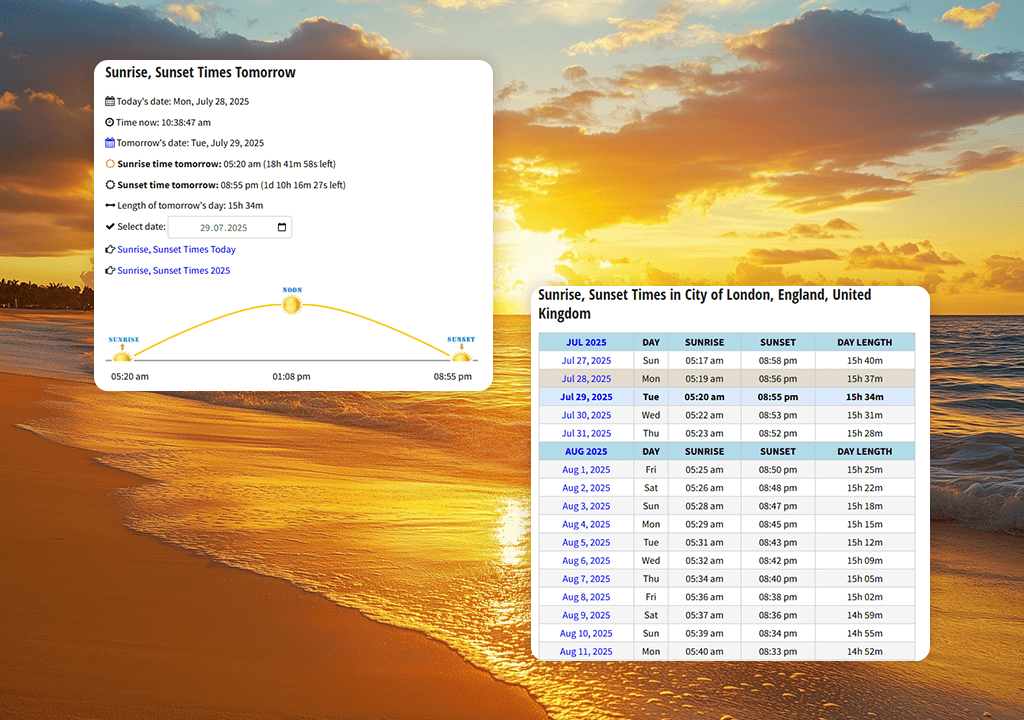
When I opened the SunToday app, it immediately showed me the key details I needed - golden hour times, sunrise/sunset, and a simple clock display - with no login required or unnecessary extras.
“It’s now my must-check tool before sunset shoots. No extra features, just perfect reliability”

This online app for photographers lets me use either my current location or enter a future shoot spot - super helpful when planning dawn shots. The display updates live, so I always know if golden hour has begun or how much time remains, all at a quick glance.
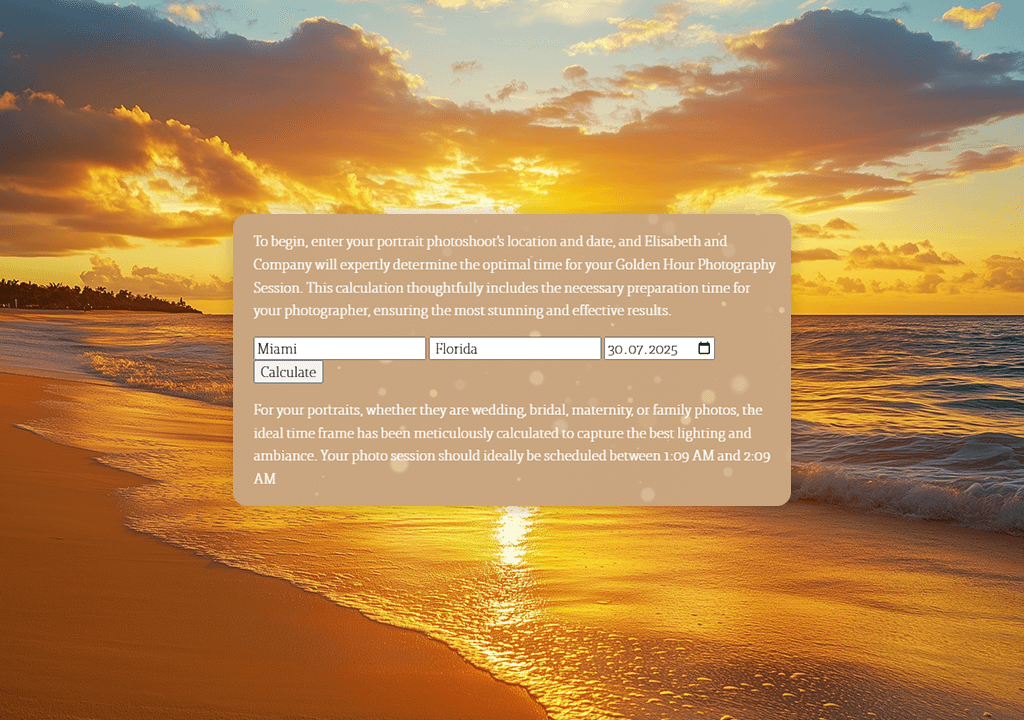
From the first use, this golden hour photography calculator stood out as more thoughtfully designed than others. By displaying golden hour as a gentle, glowing arc, it helped me intuitively plan my entire shoot timeline.
I tested the tool at my current location and by entering coordinates for a mountain trip - both times it gave perfect golden hour timing, helping me choose the best time of day to take pictures. Arriving 10 minutes early, the sky transformed right on schedule.

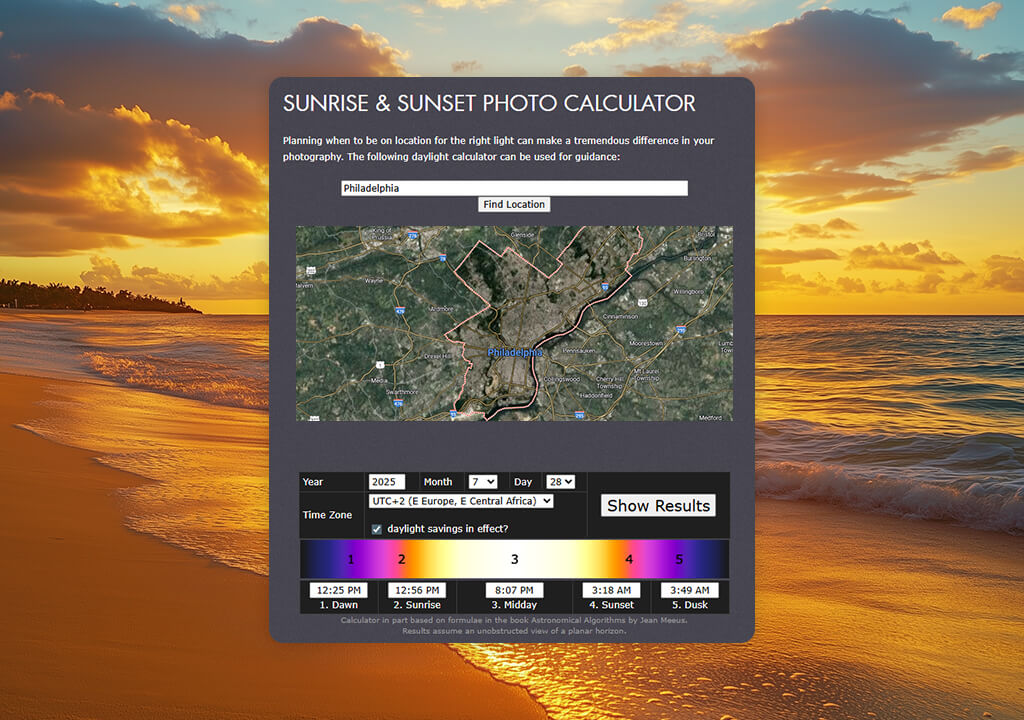
The Cambridge in Colour golden hour tool isn’t a fancy app with pretty designs - it’s a precise website tool. When I opened it, I saw a simple page where you can enter exact location details (like coordinates, height, date and time zone) or choose from saved places - this helped me quickly plan my Yosemite photo shoot.
“I mainly use their desktop calculator when planning photo shoots in advance. Perfect if you want detailed technical info, but not ideal for quick checks while out shooting.”

This is one of the several calculators for golden hour photography that includes your height above ground - important for mountain or city shooting, where timing changes.
It also shows twilight stages and sun positions, helping you plan blue hour photos or time-lapse sequences, plus a clear sun path display showing the sun’s height throughout the day.
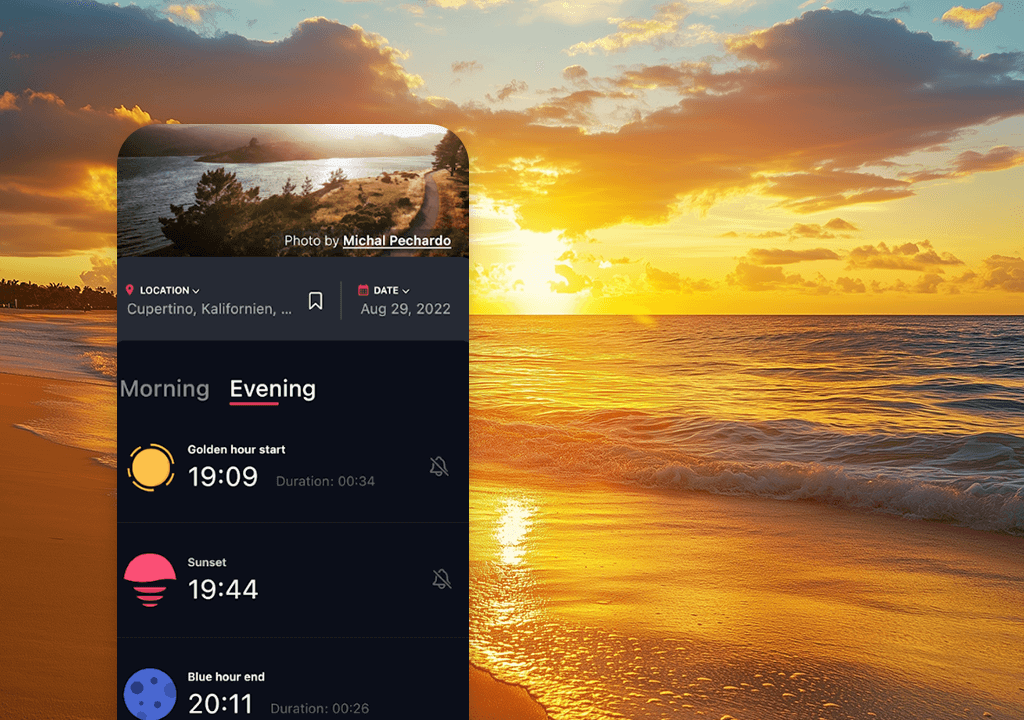
I first tried the free version. It finds your location automatically and shows exact golden hour times and sun positions. The simple design makes information easy to find, which is great when you’re shooting and need quick answers. During a countryside photo trip, it predicted golden hour perfectly, even to the exact minute.
After seeing how helpful golden hour time calculator was, I paid for the upgraded version. This gives you powerful tools: pick any date and place, set alerts, and save favorite locations.
It was perfect when planning my lighthouse photoshoot early - I saved the spot and got a 45-minute golden hour alert. The reminder popped up as I unpacked my camera, giving me time to set up the perfect shot.


“I tested this app on one of my golden hour photos, and it worked really well with just small changes. I fixed some small details, adjusted my posture slightly, and the lighting stayed perfectly natural. Best of all is that the first edit was completely free.”

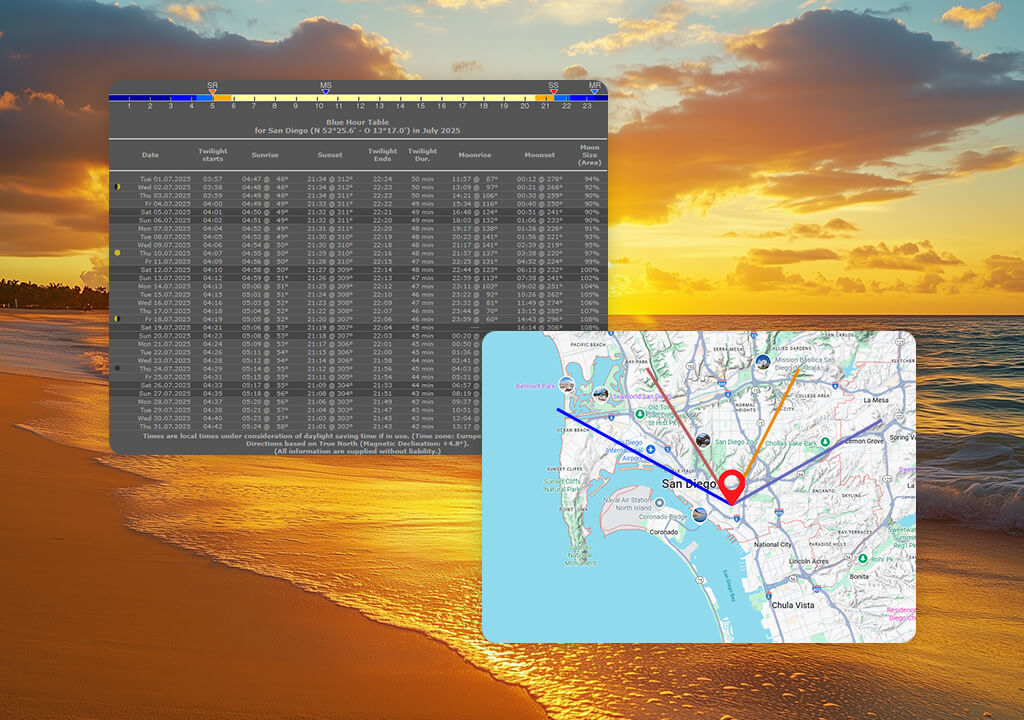
A coworker recommended JeKoPhoto to me because it has an AR compass feature. This tool helps you position yourself and predict lighting based on your exact location.
What I loved most was the multi-view option - you can switch between a map, compass, and time charts depending on your photography style.
“Probably, the most powerful app I’ve tried. It has all the tools you need – golden hour times, moon cycles, AR features, everything.”

I really liked the live map feature, like in photography spots apps that shows how sunlight moves across a location.
For my countryside shoot, it helped me see exactly which hill slope would get the warmest sunset light. I even used it to set up my tripod in advance before the lighting changed.
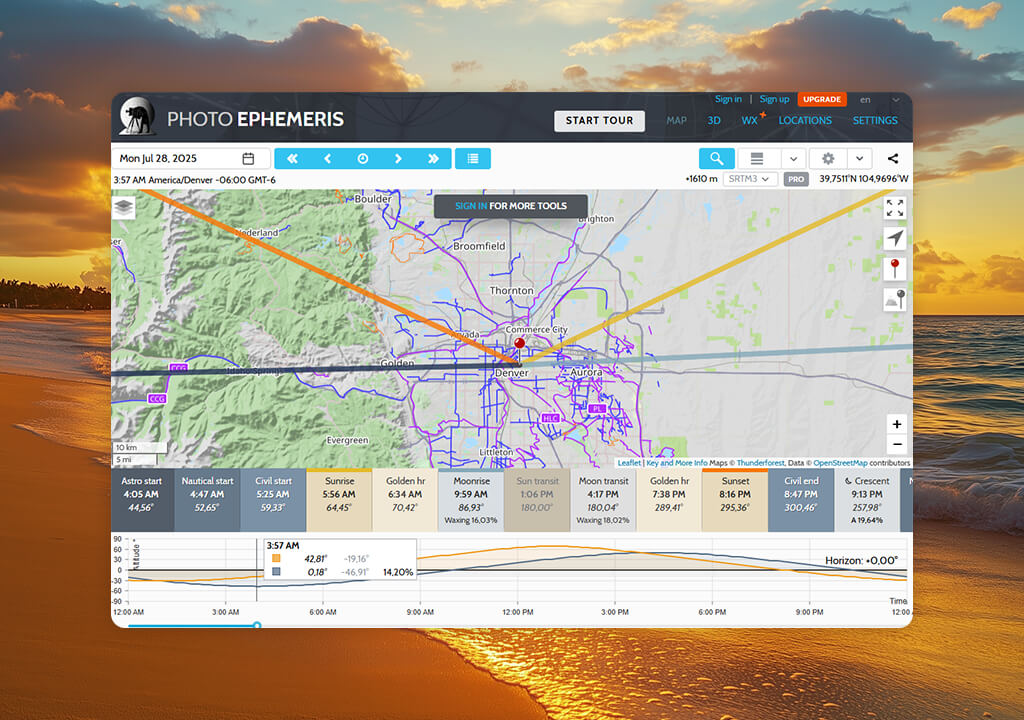
I tested Photo Ephemeris during a 3-day shoot in three locations: a forest, beach, and city rooftop. I needed to know not just golden hour times, but how light would work in each spot.
After entering each location and date, the app showed exact minute-by-minute timelines for sunrise, sunset, golden hour, and blue hour. And that was just the beginning.
The most useful feature was the 2D map showing the sun and moon’s paths - it let me check exactly where they’d rise/set, how their angles would change all day, and where shadows would form.
During my city shoot, this helped me avoid dark areas from buildings, and in the forest, it showed me the perfect time to photograph my chosen path when the light hit it just right.
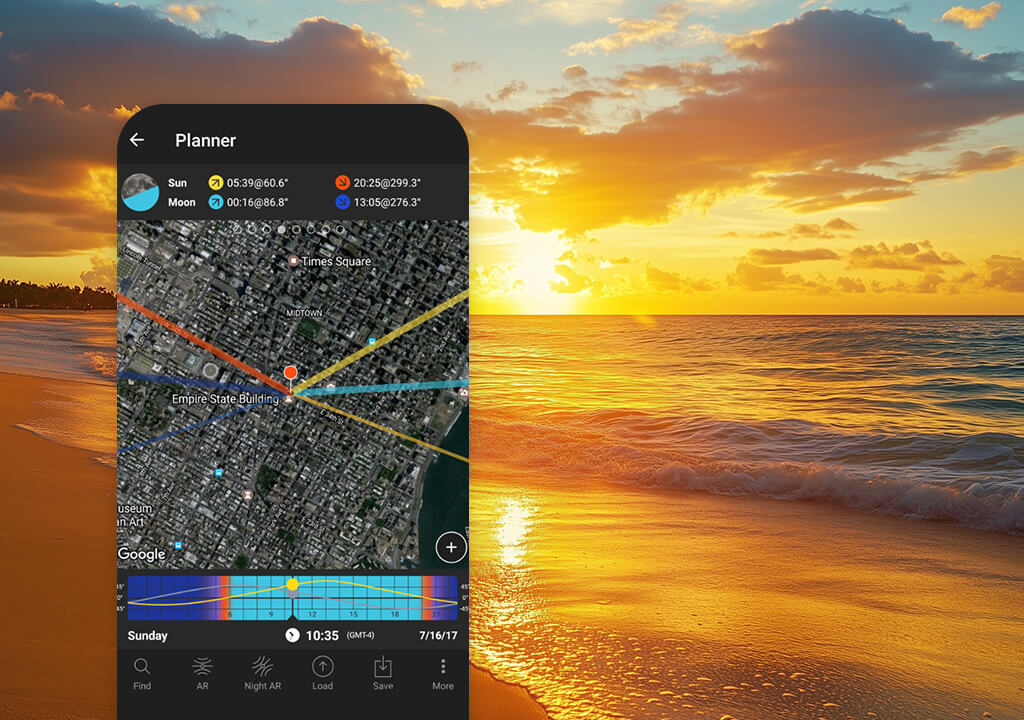
PhotoPills has different tools called “pills”. For golden hour, I used the Sun Pill feature. It didn’t just give golden hour times - it also showed sunrise, sunset, and different twilight phases (civil, nautical, astronomical), all based on my exact location.
This tool works perfectly for me, since I sometimes also need Milky Way app for my creative night photography.
But the AR feature really amazed me. I could walk around with my phone, point it anywhere, and see exactly where the sun would be in the sky at any time.
This helped me plan my shots and backgrounds before even setting up my camera. It was perfect for my mountain shoot, where tall peaks often blocked the sunlight.
To find the best golden hour and blue hour calculator, our FixThePhoto team - Nataly, Kate, Eva, and I - tested many apps in real shooting situations. We checked not only if the golden/blue hour times were accurate, but also how easy and useful each app was for planning actual photo sessions.
We started our testing process by picking different apps - free and paid ones, from simple time calculators to advanced tools with maps and AR. Each team member tested in different locations and with different photo styles to cover all kinds of photographer needs.
Nataly tested apps while shooting portraits in cities, checking how well they helped place subjects in golden light. Kate evaluated them for landscapes in countryside and coastal areas, verifying sunrise/sunset accuracy and shot-planning visuals. I focused on travel and building photography in places where light changes fast due to terrain or structures.
For fair evaluation, we used every app over multiple days in different locations, checking if they showed accurate golden hour start/end times, allowed location adjustments, and worked well during actual shoots - while specifically evaluating AR previews, alerts, offline use, and map planning tools.
We rated each app on ease of use, design, accuracy, and value, while also checking how well it fit into real photography work - not just providing data but actually improving photos.
After combining our test results and discussing experiences, we created a final list of tools that truly enhanced our shoots, giving us confidence to recommend the best golden hour calculators based on hands-on photo testing.



![Imagen AI Review from Wedding Photographer [2000+ Edits]](http://fixthephoto.com/blog/images/gallery/news_main__preview_28342.png)
![9 Best YouTube Transcript Generators [{{%year}} FixThePhoto Choice]](http://fixthephoto.com/blog/images/gallery/news_main__preview_28474.jpg)


![9 Best Ghibli AI Generators in {{%year}} [100% FREE]](http://fixthephoto.com/blog/images/gallery/news_main__preview_28431.jpg)



















