At first, copyright issues did not seem like a big deal to me. I would get a YouTube claim once in a while, but I never thought much about it. But everything changed when I started making short videos, client tutorials, paid ads, and daily social media content. That’s when copyright problems became hard to ignore.
Small things started causing big trouble:
That’s when I stopped guessing and decided to properly test the video copyright checker tools available. I wanted to find a way to avoid editing already finished videos or dealing with strikes at the last minute. When I talked to my team about it, I found out they were dealing with the same problems, so we tested several tools together. We looked at how accurate they were, how often they made mistakes, how fast they worked, and how easy they were to use during real video projects.
This article is based on that testing. It’s meant to help creators avoid copyright problems before they click “upload.”
| Tool | Price | Music Detection | Footage Detection |
|---|---|---|---|
|
Free demo + paid
|
✔️
|
❌
|
|
|
Custom
|
✔️
|
✔️
|
|
|
Free signup + per-track
|
✔️
|
❌
|
|
|
Free + paid
|
❌
|
✔️
|
|
|
Custom
|
✔️
|
✔️
|
|
|
Free (takes % fee)
|
❌
|
✔️
|
|
|
Free + paid
|
❌
|
✔️
|
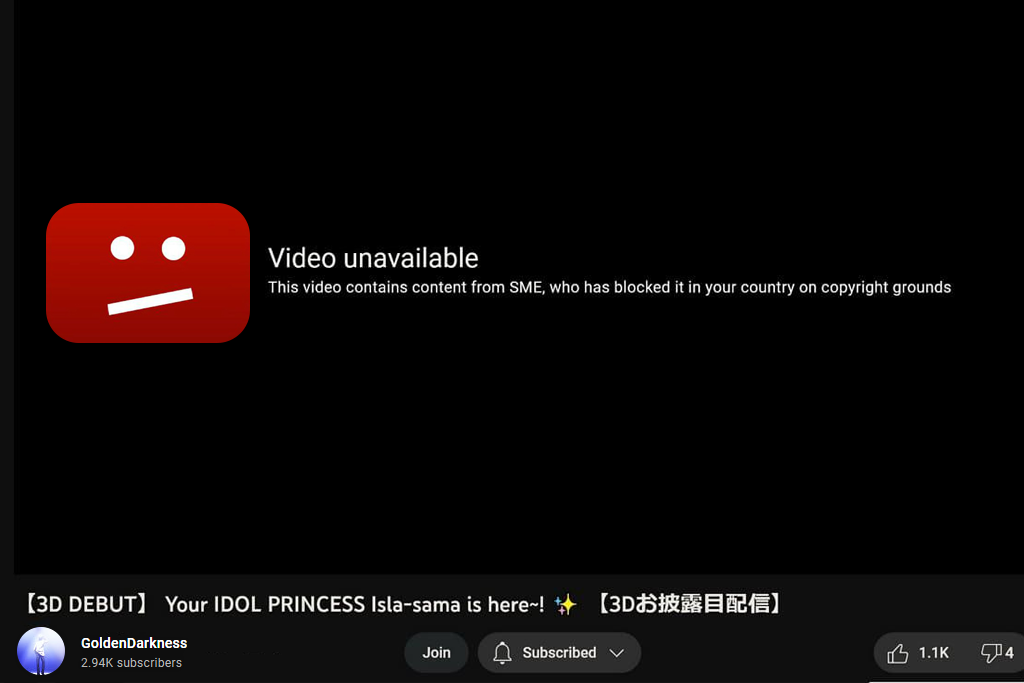
While learning more about copyright laws, I found a note from the U.S. Copyright Office that changed how I see raw footage. It explains that even background sounds you did not plan to record are protected by law. This is where many creators get caught not because of obvious mistakes, but because of small details they miss.
Here are the main problems we kept seeing during testing of video copyright checkers, along with simple fixes you can use right away:
1. Music Playing in Public Places
Cafés, gyms, and stores often play copyrighted songs.
Fix: Check your raw footage before editing. If music is there, mute it early or film the scene again.
2. TV or Radio Playing in the Background
Even a short sound or jingle can trigger a Content ID match.
Fix: Before filming, check the area and turn off any devices or move to a quieter spot.
3. “Free” Stock Footage With Limits
Some stock videos are free only for personal use, not paid work.
Fix: Read the license carefully. If it is not allowed for commercial use, don’t use it for client projects.
4. Reusing the Same Clips in Many Videos
YouTube may see repeated intros as reused content.
Fix: Change your intros or add different clips to each video.
5. Sounds You Missed While Filming
Street performers, store announcements, or mall sounds are also protected.
Fix: Listen to your raw footage with headphones. Small sounds are easier to notice early.
Purpose: Content rights control
Availability: Web tools
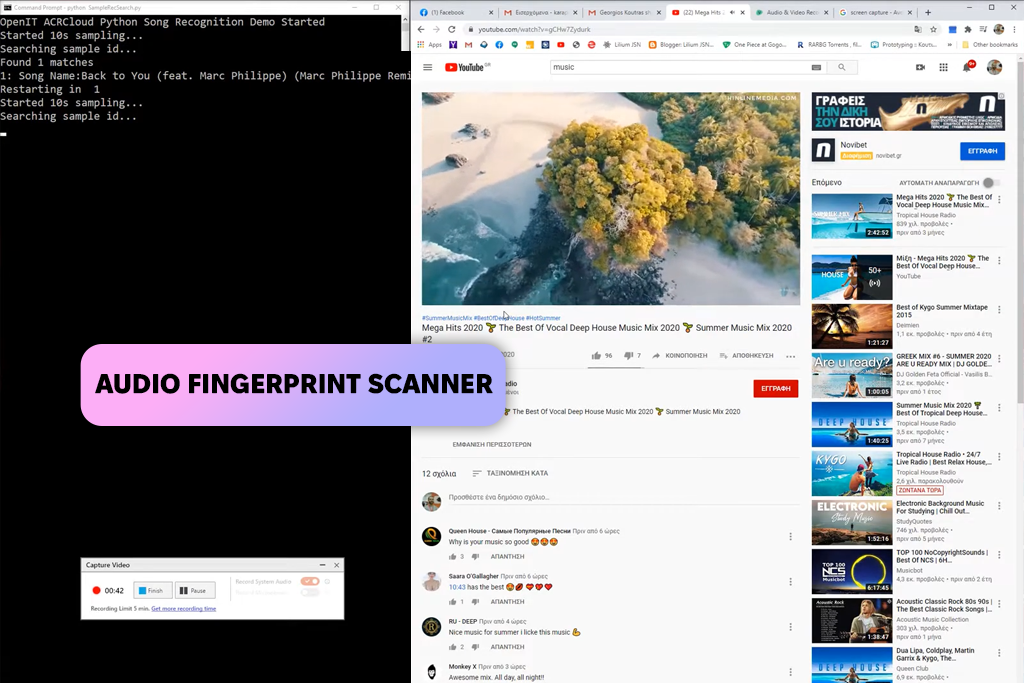
I decided to try ACRCloud after I started getting Content ID claims on videos that I believed were completely safe. I could not understand where the copyright problem was coming from. Once I scanned my raw clips with ACRCloud, it showed me small bits of music picked up from shop speakers and café playlists in the background. That moment made it clear to me how strict and sensitive copyright systems are.
Since then, ACRCloud has become an important part of my normal workflow. Before I do any serious editing, I upload my raw footage and run a scan. The tool shows me the exact time points where risky sounds appear, so I can fix these early to save time. I no longer have to export videos again or argue with copyright claims after posting. It helps me know what is safe long before I start editing.
The biggest strength of ACRCloud is how well it finds small audio pieces that other tools often miss. For content creators or bloggers who record in public, it works like a safety check that protects both income and client projects. After trying several options, this is the video copyright checking tool I trust the most for spotting problems early.
Key Features:
“If you record outside of a studio, always scan your raw clips with ACRCloud first: it finds risky sounds before YouTube does.”

Purpose: Content rights control
Availability: Web tools
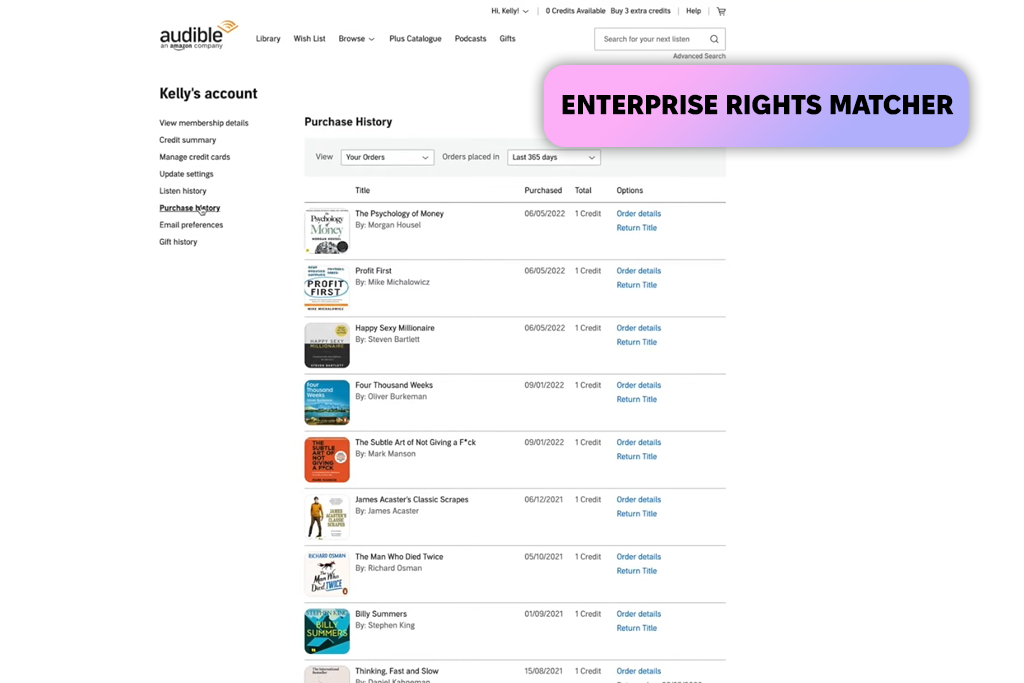
I started using Audible Magic when I started working on bigger commercial projects where clients wanted clear proof that all rights were respected. This tool is used by large social platforms, and the accuracy feels stronger right away. It catches copyrighted content quickly and does not overlook quiet clips or broadcast sounds, like simpler tools sometimes do.
I usually rely on Audible Magic for long videos or complex projects that include stock footage, voiceovers, and background audio. It helps me feel confident that nothing in the final video will cause trouble during publishing, especially when several editors are working on the same project.
What stands out most is how consistent it is. Even when footage comes from different cameras and locations, Audible Magic defines which parts may be risky and why. For professional or agency work (especially when both video and photography copyright need protection), this tool is one of the safest ways to check content before release.
Key Features:
Purpose: Content rights control
Availability: Web tools
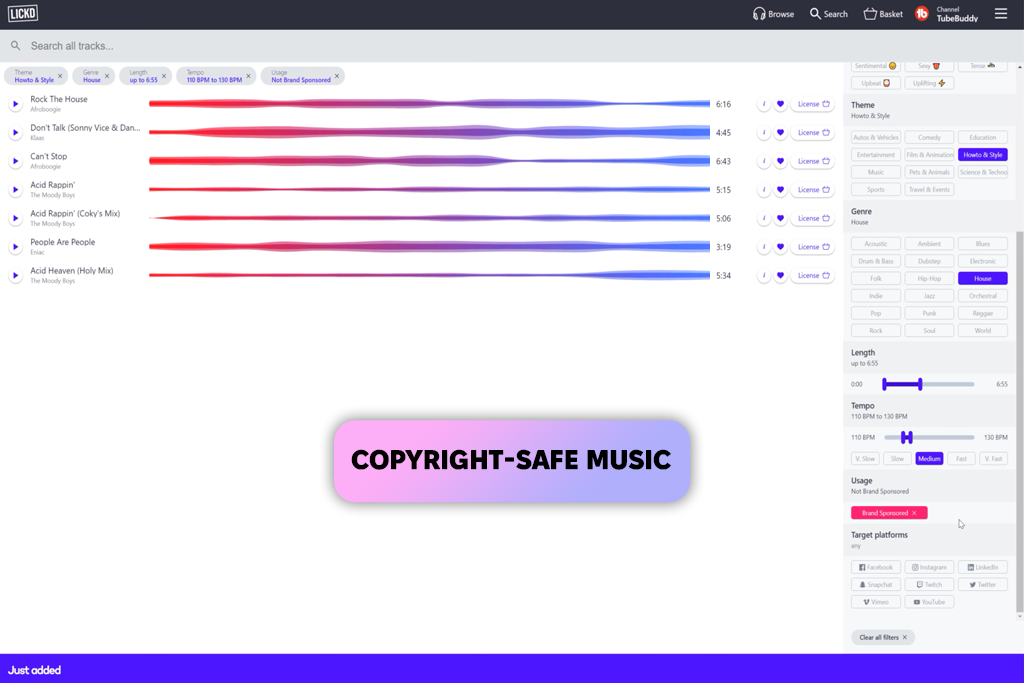
Music copyright causes many surprise claims, and Lickd focuses on fixing that exact issue. Instead of guessing if a song is allowed, creators get clear approval before downloading it. The system checks your channel against the rights owner, so you know right away if your video can stay monetized.
Lickd is especially useful for brand content, how-to videos, and sponsored posts where copyright claims are not acceptable. The music library includes tracks that are currently popular instead of basic stock music, which makes it a strong choice for TikTok, Reels, and YouTube Shorts. The platform is designed for creators who want real songs without risking their earnings.
That said, Lickd is not a complete video copyright checker. It only handles music. It will not find reused video clips, background sounds, or license problems with stock footage. It works best as one part of a larger copyright checking workflow, not as the only solution.
Key Features:
Purpose: Content rights control
Availability: Web tools
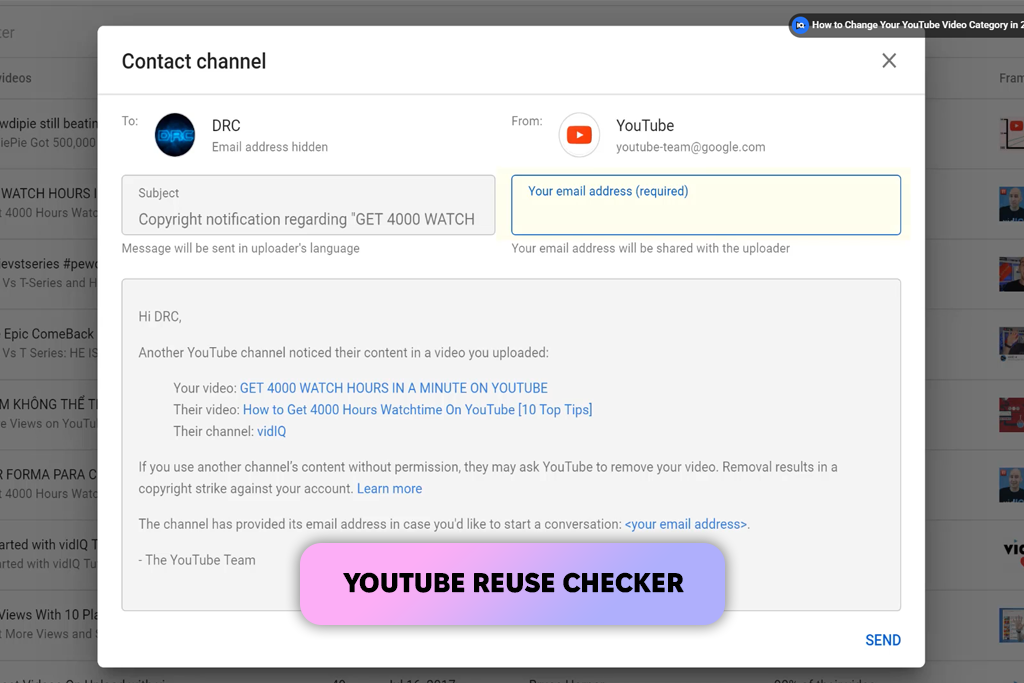
When creators upload videos often, it’s easy to reuse the same intro, layout, transitions, or even full B-roll clips without noticing. VidIQ catches this quickly. It finds repeated visual patterns and marks parts of your video that YouTube might see as lacking originality. This helps protect your channel’s reputation and monetization.
Adding small branding details, such as a logo or watermark, gives extra protection. Simple guides on how to create a watermark can help with this. Another useful feature is VidIQ’s upload-time alerts. Before you publish, it checks your title, description, tags, and visual structure, so you can fix possible problems while there’s still time.
Even though VidIQ is great for avoiding YouTube-related risks, it is not a complete copyright checker. It does not scan audio, detect copyrighted music, or catch background sounds or outside footage. Its main purpose is to help creators avoid repeated or unoriginal content, not to handle copyright laws.
Key Features:
“Check VidIQ’s reuse alerts before uploading. It’s one of the easiest ways to avoid repeating the same content.”

Purpose: Content rights control
Availability: Web tools
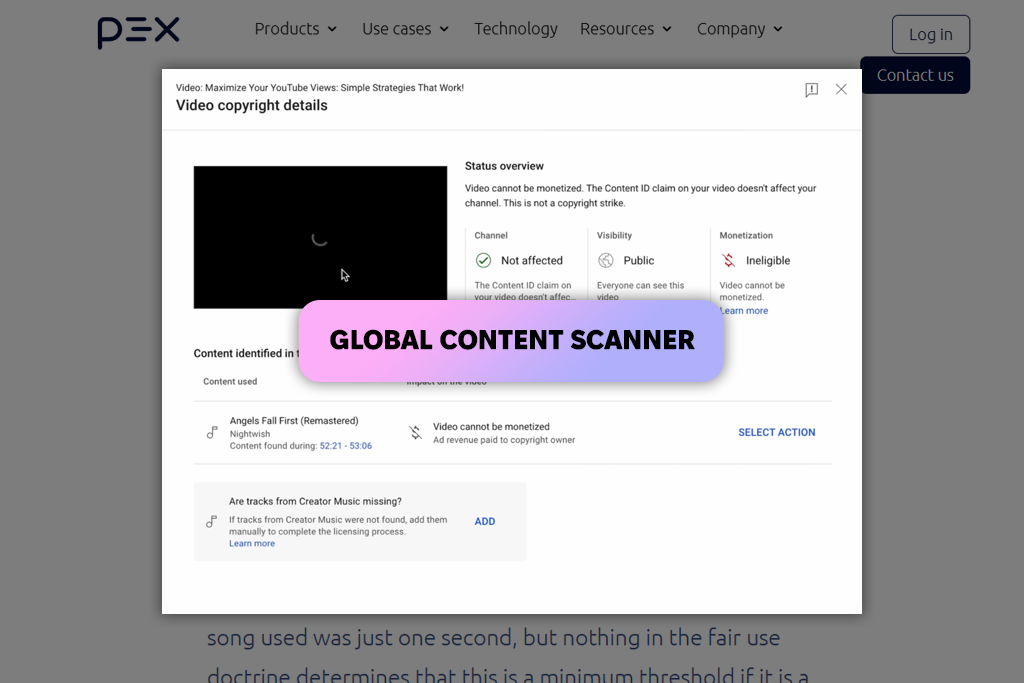
Very few video copyright checkers examine video content as closely as Pex. It compares your footage with a huge worldwide video database. This makes it useful for creators who use stock clips, work with multiple cameras, or share projects with several editors.
Pex is known for its accuracy. It not only finds full scenes that match other videos, but also spots short clips, transitions, and even effects that look similar to existing content online. For creators who publish videos in different countries or on many platforms, Pex works like a deep originality check.
Because Pex is made for publishers and rights owners, it is not the easiest tool to use. It is powerful but more complicated than what casual creators usually need. For someone who just wants a fast scan, it may feel too advanced.
Key Features:
Purpose: Content rights control
Availability: Web tools
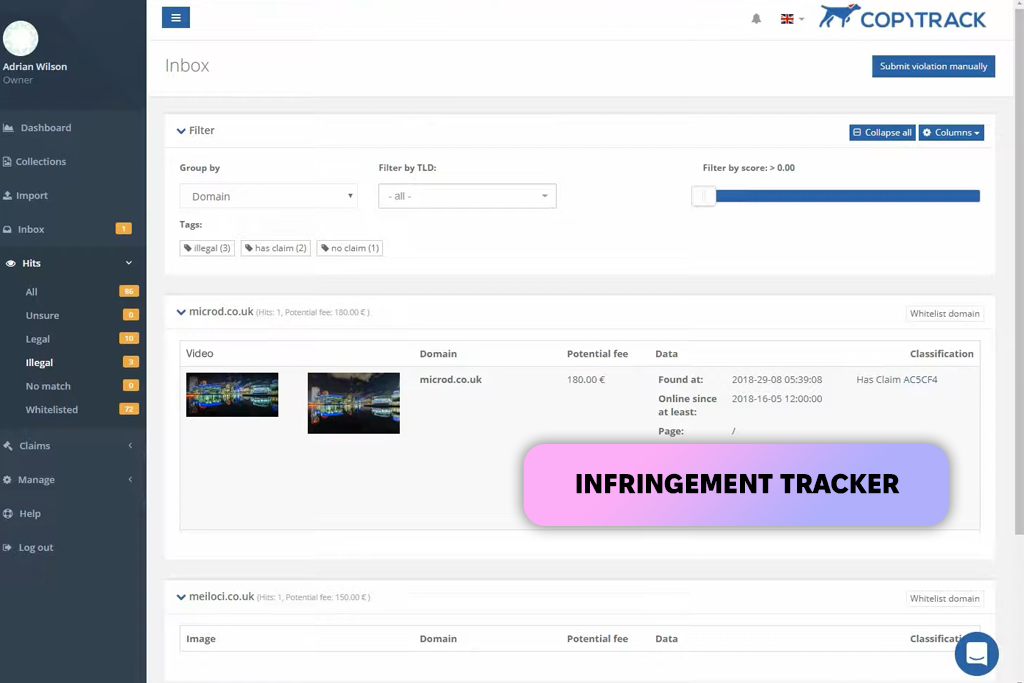
If a creator’s videos are being copied or reposted without permission, Copytrack is a simple way to find where that content appears online. It searches the internet for matches and gathers proof, making takedown requests or compensation claims much easier, especially for client projects.
When theft happens often, even basic tools like plagiarism checkers can help locate reused visual or written content. Copytrack’s biggest benefit is automation. After you upload your work once, it handles tracking, communication, legal steps, and even payment recovery for you.
Copytrack does not check videos before they are published and cannot stop copyright claims ahead of time. It protects your content after it goes online, not before. Because it reacts to problems instead of preventing them, it is not ideal for creators who want full protection before uploading.
Key Features:

Purpose: Content rights control
Availability: Web tools
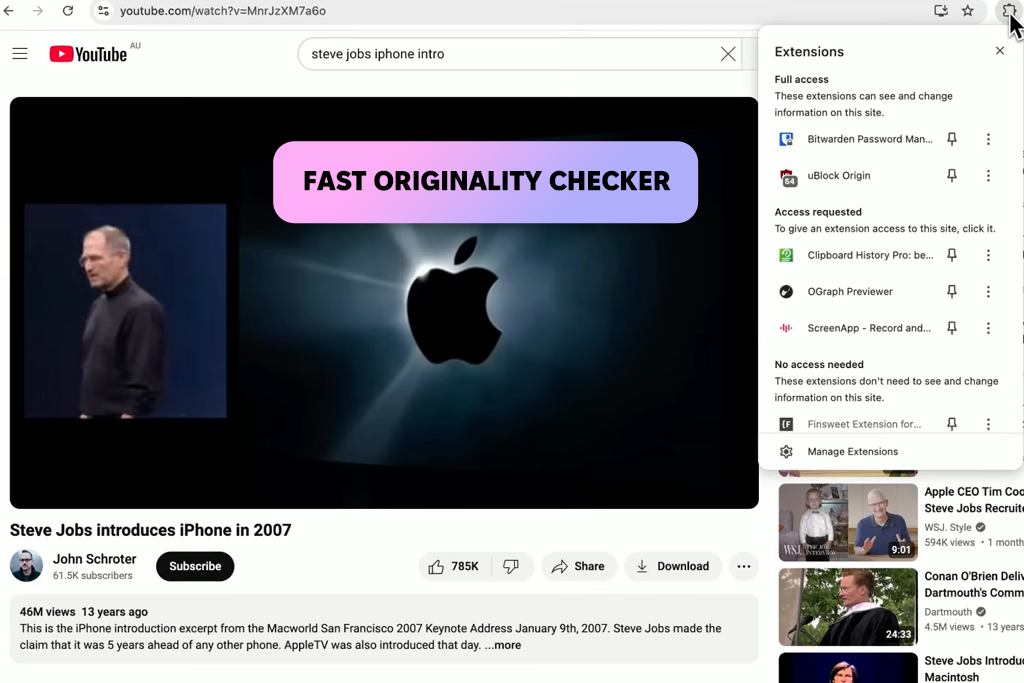
ScreenApp Detector is made for creators who want a fast originality check without a complex setup. It works especially well as a video copyright checker for AI-generated videos, where images may accidentally look similar to existing content. It is a good fit for short TikToks, Reels, and Shorts.
The process is simple: upload the video, wait a moment, and receive a clear originality score. For creators who work quickly or edit many versions, this tool fits smoothly into the workflow without slowing things down.
ScreenApp is easy to use, but it is not as detailed as advanced tools like Pex or Audible Magic. It works best for quick checks, not deep copyright reviews. For large or high-budget projects, it may not be strong enough on its own.
Key Features:
“Run AI-generated clips through ScreenApp before publishing to prevent accidental similarities.”

All testing was done by the FixThePhoto team, using our usual in-house testing system, as explained in our “How We Test” guidelines. Each video copyright checker was tested on real projects with real deadlines to see how it performs in everyday use.
Our team used many types of content during testing, including short videos, YouTube tutorials, TikTok clips, paid ads, multi-camera edits, and AI-generated visuals. This allowed us to see how each tool deals with mixed sound sources, background noise, repeated clips, and long videos.
While testing, we assessed each video copyright checking platform using the following points:
This method helped us see not only which tools are accurate, but which creators can trust for daily content creation.
For spotting risky audio early, we found ACRCloud to be the strongest choice. Its fingerprint system is very accurate and can find background music before you upload your video.
These tools lower the risk, especially for music and reused clips, but no checker can offer full protection. Creators still need clean audio, proper licenses, and good YouTube video equipment to avoid unwanted background sounds.
Upload the raw video file to a tool that focuses on music detection, such as ACRCloud or Audible Magic. These tools can find quiet or hidden background audio.
VidIQ is best for catching repeated content on YouTube, while Pex is better for deep, frame-by-frame checks across the internet.
Free tools like ScreenApp Detector are useful for fast originality checks, but paid or professional tools usually give more detailed and dependable results.
Yes. ScreenApp Detector is especially helpful for finding similarities between AI-generated clips and existing videos.
No. These tools only point out risks. Creators still need the correct licenses for music, stock clips, and any content used for commercial purposes.



![9 Best Facebook Story Makers [Online, Desktop, iOS & Android]](http://fixthephoto.com/blog/images/gallery/news_main__preview_28495.jpg)

![11 Best Jasper AI Alternatives in {{%year}} [Reviewed & Tested]](http://fixthephoto.com/blog/images/gallery/news_main__preview_28888.jpg)
![10 Best Video Delivery Platforms [Simple & Free]](http://fixthephoto.com/blog/images/gallery/news_main__preview_28433.jpg)
![Best Adobe Firefly Alternatives [1 Prompt - 7 Results]](http://fixthephoto.com/blog/images/gallery/news_main__preview_28400.png)
![8 Best AI ASMR Video Generators in {{%year}} [100% WORKING]](http://fixthephoto.com/blog/images/gallery/news_main__preview_28804.jpg)

![9 Best Ghibli AI Generators in {{%year}} [100% FREE]](http://fixthephoto.com/blog/images/gallery/news_main__preview_28431.jpg)

















