I began looking for an Anima plugin alternative because, even though it helped me build layouts fast and export HTML/CSS, I ran into several problems that made my work slower.
The code it produced often needed cleanup, the interface felt crowded, and some features - like animations and Figma previews - didn’t always function the way they should. I also dealt with random bugs, plugin glitches, and limits that made some prototypes harder to adjust.
Also, the cost is high for many creators. The free plan is very restricted - just 5 messages and 5 code generations per day, while paid plans begin at $20 per month, go up to $40 per month, and business plans start at $150 per month. For solo designers or small teams, the price often doesn’t feel right.
That’s why I chose to test 15+ Anima alternatives, to find more reliable, adaptable, and affordable tools that would work better with my FixThePhoto process.
My experience with various Anima alternatives has revealed a set of best practices that consistently lead to smoother, more productive results.
Price: Creative Cloud Pro for 69.99/mo
Availability: Windows, MacOS
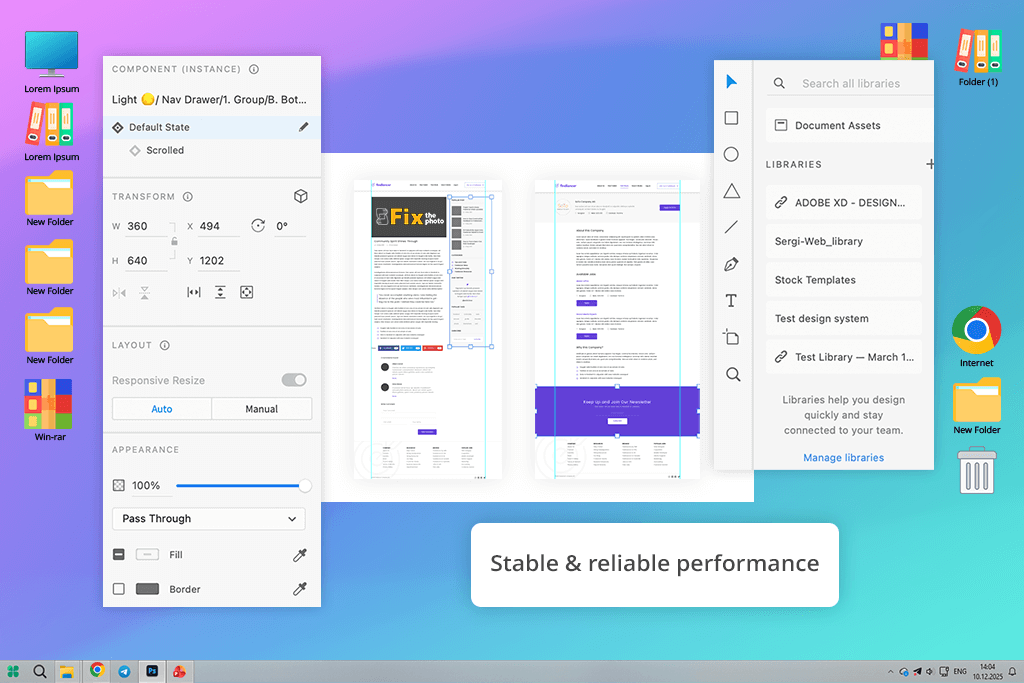
When I looked for a prototype to code Anima alternative, I tried Adobe XD, a popular UI/UX design tool that can also create interactive prototypes, much like Anima.
Even though Adobe is no longer actively updating XD - they stopped selling it separately in June 2023 and now only provide minor fixes and security updates - the tool still works fully for current users and continues to offer many useful prototyping features.
I tried out Adobe XD by bringing in several designs from Figma and Sketch. I then used its tools for prototyping and exporting to check how it managed interactions, animations, and code compared to Anima.
I found it has a lot in common with Anima. Both let you turn designs into clickable prototypes, export materials for developers, and connect with other design apps. However, XD’s layout is less cluttered. For simple animations, it feels quicker and more responsive. Also, Adobe XD Anima alternative works well offline and doesn’t rely on cloud features to function.
For anyone looking at tools similar to Anima, Adobe XD is still worth considering, especially for teams that already have access to it and want a simple, efficient design-to-prototype setup without paying for Anima’s subscription. There are also plenty of helpful Adobe XD tutorials available.
Price: Free or from $12/mo
Availability: Web
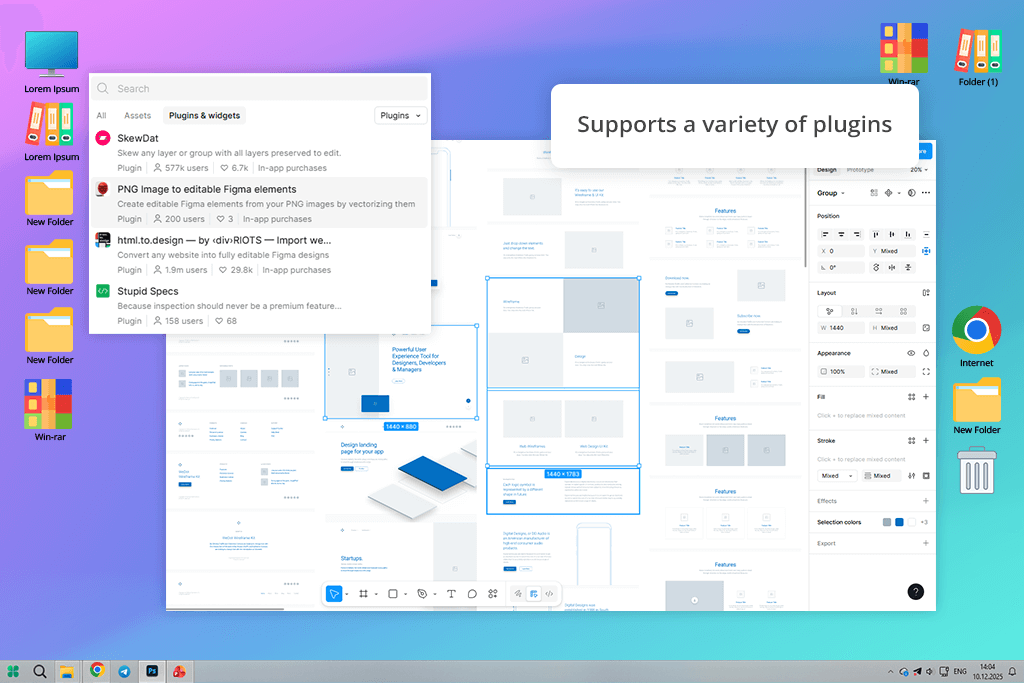
I tried using Figma as Anima app alternative to make responsive, interactive designs. To do this, I brought in a few of my existing UI screens and tried out Figma’s tools for prototyping, components, and auto-layout.
Figma is similar to Anima because both tools let designers build clickable prototypes, create flexible layouts, and share designs with developers. Like other prototyping tools, it helps visualize ideas and test user interaction before development starts.
However, Figma runs entirely in the cloud, focuses on real-time team collaboration, and, unlike Anima, it does not automatically generate ready-to-use HTML or CSS code.
At the same time, Figma is more flexible than Anima, particularly when making designs work on different screens, reusing elements, and collaborating with a team. Its auto-layout and constraints tools let you build these flexible designs much faster than you can in Anima.
Price: Free or from $14/mo
Availability: Web
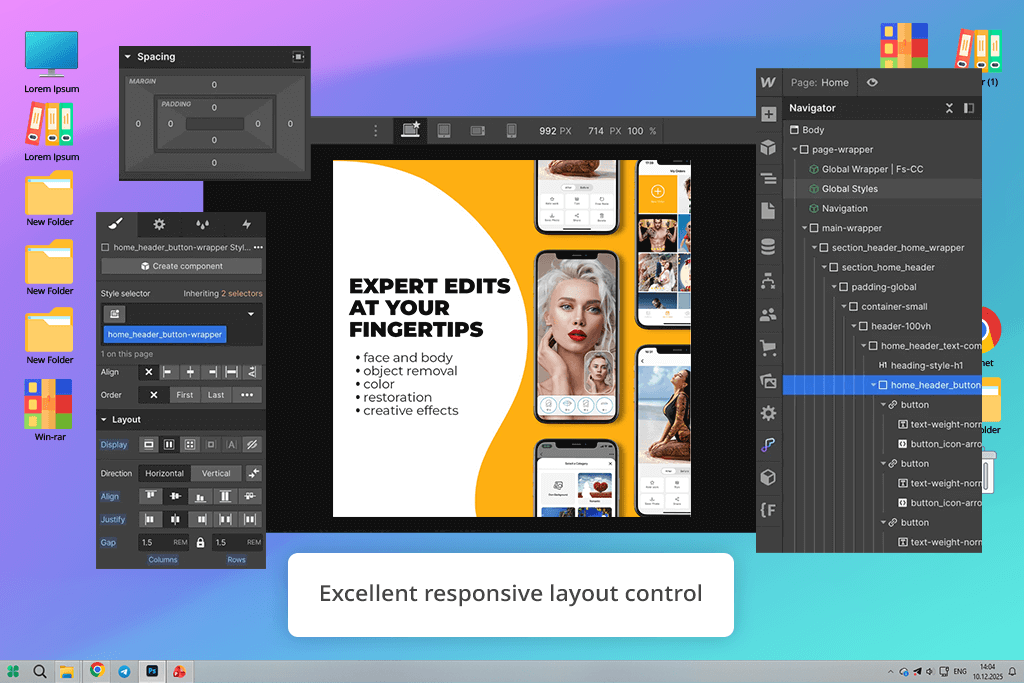
When looking for a no code Anima alternative, I tried Webflow because it lets you design visually, control responsive layouts, and export real, usable code all in one place. I rebuilt several UI layouts I usually make in Anima and tested interactions, animations, and breakpoints to see how well it handles real projects.
Webflow is one of the sites like Anima that lets designers make interactive prototypes, build responsive pages, and export HTML/CSS. Both tools help you turn a visual design into a working website without needing lots of coding.
But Webflow goes further - it’s a complete website builder for photographers, with hosting, a CMS, and tools for performance and SEO. It also handles responsive design better than Anima, giving you more exact control over breakpoints, layouts, and animations.
Price: Free tier with 600 tokens or $0.40/LDMtoken or Starter plan at $399/year
Availability: Web
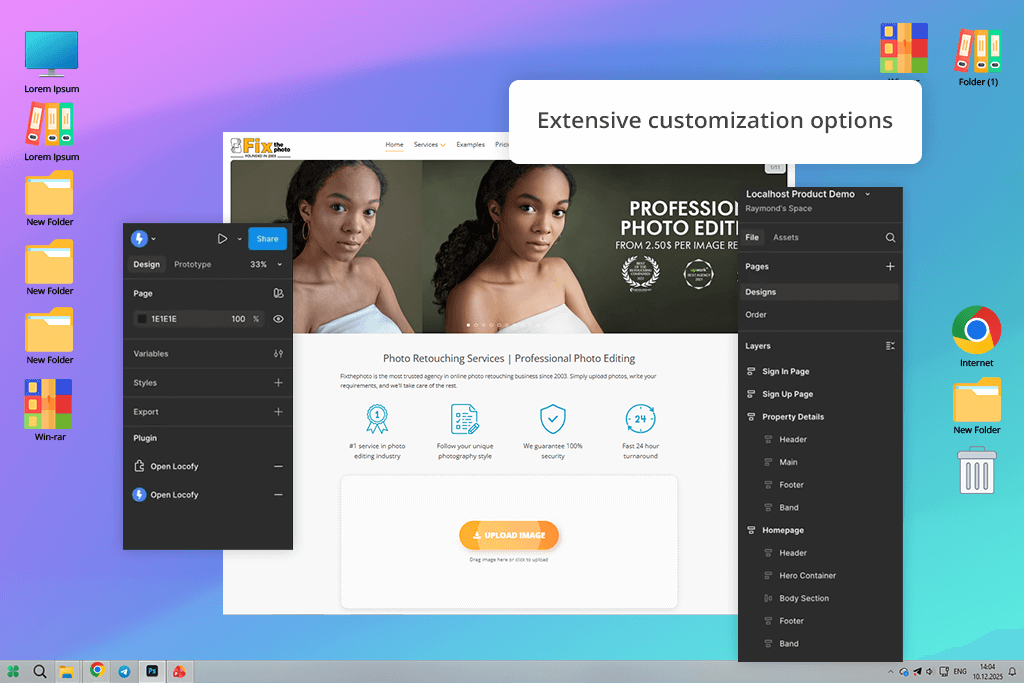
When I tried Locofy, I used a multi-page React project to test how well it could turn real UI designs into working code. It felt different from Anima right away. Both tools turn Figma designs into functional layouts, support responsive design, and make the design-to-development process faster. But Locofy focuses more on code accuracy, while Anima focuses more on how the design looks.
Compared to Anima, Locofy’s code output (React, Next.js, Vue, React Native) is cleaner, better organized, and easier to add to an existing project.
Anima is mainly designed for web previews, and it’s quicker when your goal is just to show a demo to clients. Locofy, on the other hand, is meant for teams that need code ready for real production. When you compare it to other tools similar to Anima, Locofy offers stronger framework options and handles bigger projects more smoothly.
Price: Free
Availability: Web
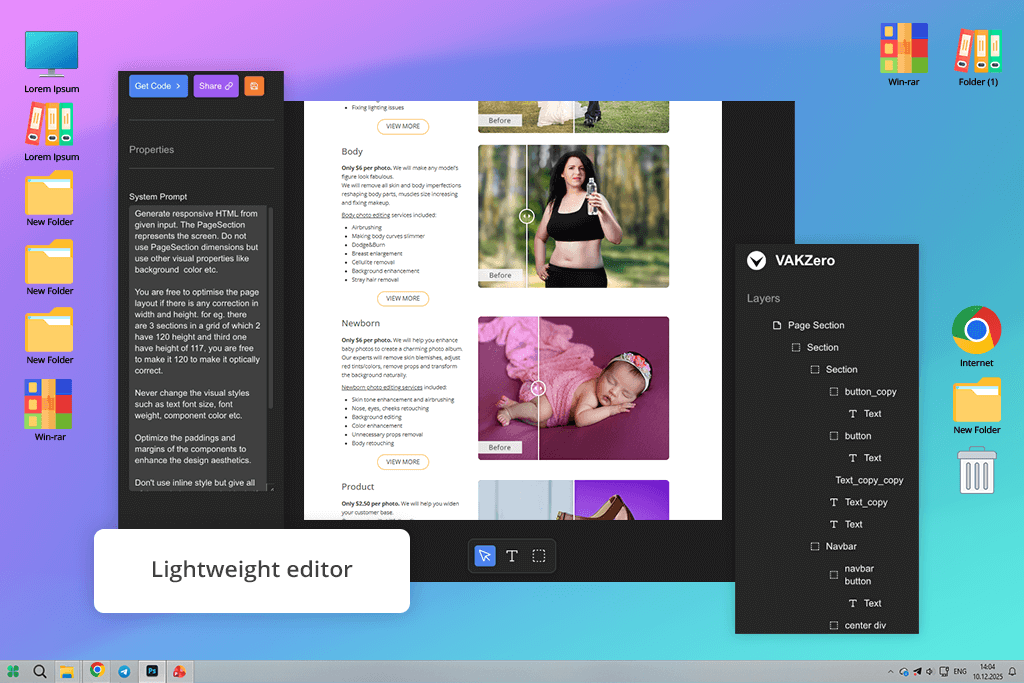
I tested the VAKZero prototype as a potential alternative to Anima by running it through my usual work process from FixThePhoto. I imported a layout with multiple sections, edited the parts visually, and exported the final code to check how much manual fixing it needed.
At first, it felt similar – this Anima alternative offers a Figma-like editor, live preview, and AI that turns designs into code, much like Anima does for quick prototyping.
The difference became clear when I saw the final code. VAKZero’s design‑to‑code conversion is more accurate, and its output is much cleaner, making it a strong replacement for Anima when it comes to generating ready‑to‑use code. Anima still holds an advantage for creating quick UI animations and interactive previews directly inside Figma.
However, VAKZero delivers better code quality, more reliable responsiveness, and a faster overall workflow for turning a visual prototype into something a developer can actually build with.
Price: Free
Availability: Web
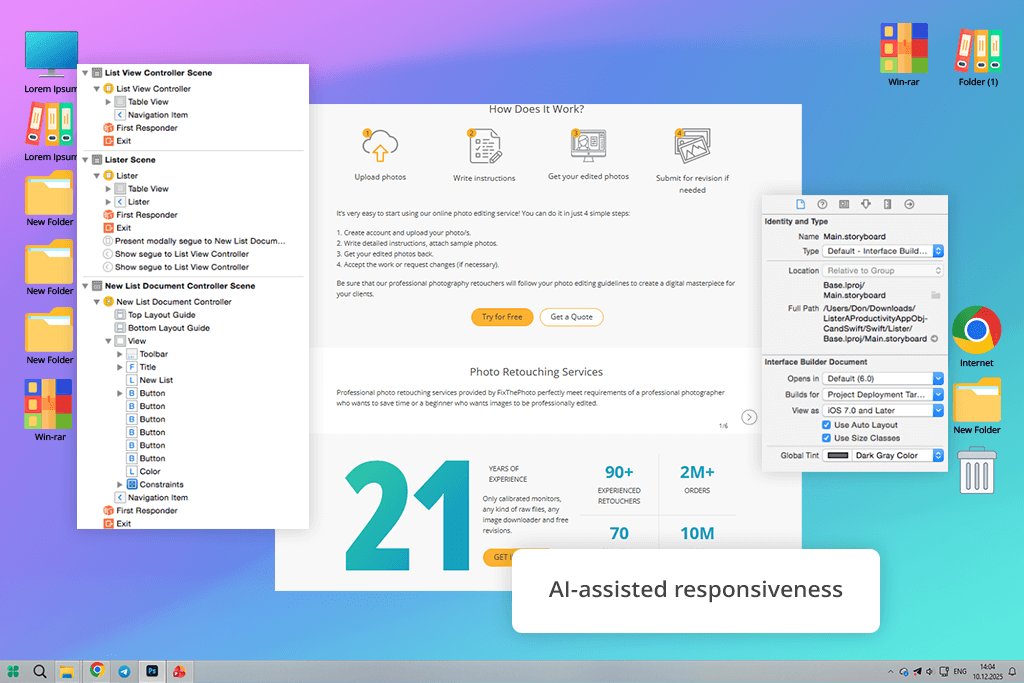
While PxCode and Anima both convert Figma designs into responsive code, PxCode stands out as a stronger competitor by focusing on production-ready quality. Its AI-assisted workflow delivers cleaner, modular code for frameworks like React, Vue, and Tailwind CSS. Unlike Anima, PxCode natively supports shared components and props editing.
This code editor also stands out for its strong responsive design features, letting you create layouts for different devices from one mockup - something many Anima alternatives can’t do as well.
PxCode’s real strength is its accuracy and flexibility. The exported code is very close to the original design, BEM CSS and Tailwind keep everything organized, and reusable components help speed up work. Its AI tools also let me fine-tune layouts without breaking anything, which Anima sometimes struggles with in complex projects.
Price: 30-days free, then from $12/mo
Availability: MacOS
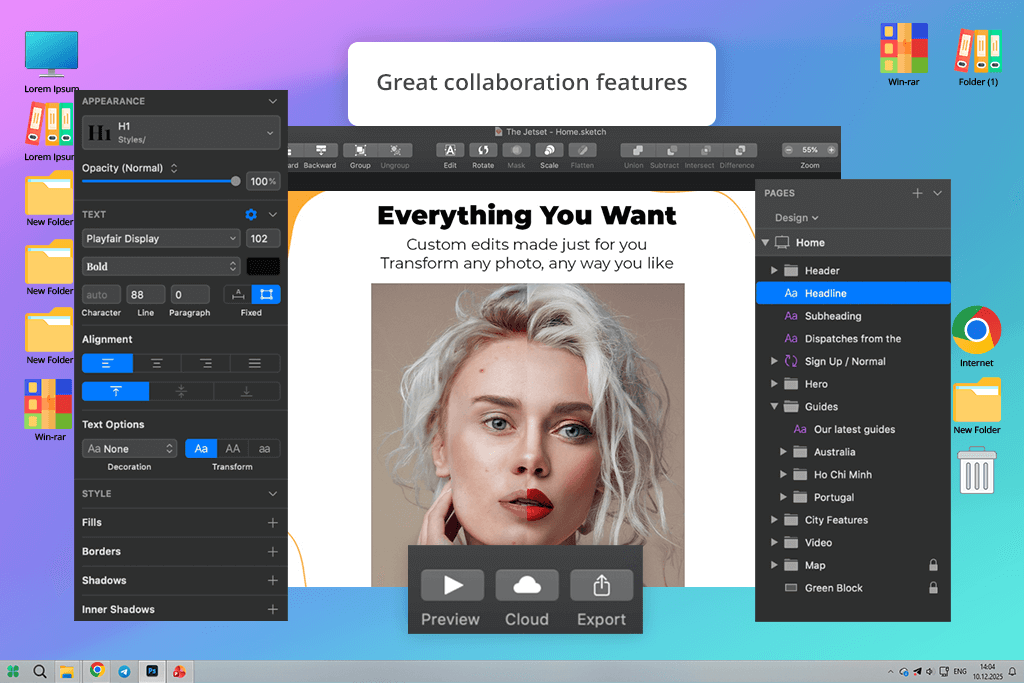
I tested Sketch as an Anima alternative by rebuilding a multi-screen prototype. I worked with its symbols, components, and layout features, and then used plugins to export HTML/CSS for responsive designs. Right away, Sketch felt easy to understand - you can make detailed layouts, reuse components, and create interactive mockups, much like you can with Anima’s visual tools.
The key difference is that Sketch, unlike Anima, doesn’t create production-ready code on its own and needs additional plugins for that task.
However, Sketch excels in design precision, component management, and flexibility. Its powerful symbol system and extensive plugin library allow for more detailed and complex UI design, especially for static or responsive layouts, at a level Anima doesn’t quite match.
To find the best Anima alternatives, I went beyond product descriptions and tested each tool myself in real, practical scenarios. I tested a wide range of platforms, from 3D animation software like Blender to UI-focused tools like iClone, 3ds Max, Builder.io, Visily, Codespell AI, and more.
The main goal was to see how effectively each one handled the core tasks of modern design work: creating UI/UX prototypes, building responsive layouts, working with interactive elements, and most importantly, generating clean, production-ready code.
I started by making copies of several common design examples in each tool. I tested how easy it was to bring in designs, rearrange things, add movement, and get usable code. I also checked how each tool handled pieces that can be used again, layers inside other layers, and making layouts work on phones and computers. This is important for actual professional projects.
My colleagues from FixThePhoto also helped me. They gave their thoughts on how easy it was to use, how smooth the process felt, and how good the code was. As a team, we compared the tools. We looked at how fast and accurate they were, how easy to learn, and how well they worked with other software. We noted which ones were the most user-friendly and which ones needed extra work.
Not all the tools were included in the final review. Some were left out because they didn’t fit our workflow, were too complicated, or couldn’t handle both web and mobile designs. But testing them all gave me a much better understanding of all the options available. This helped me find the most useful and dependable tools for both designers and developers.




![Wes Anderson Photo Filter Online [FREE]](http://fixthephoto.com/blog/images/gallery/news_main__preview_28397.jpg)


![9 Best Ghibli AI Generators in {{%year}} [100% FREE]](http://fixthephoto.com/blog/images/gallery/news_main__preview_28431.jpg)
![8 Best AI ASMR Video Generators in {{%year}} [100% WORKING]](http://fixthephoto.com/blog/images/gallery/news_main__preview_28804.jpg)
![7 Best ODT to PDF Converters [{{%year}} FixThePhoto Choice]](http://fixthephoto.com/blog/images/gallery/news_main__preview_28601.jpg)


















