I’ve experimented with a long list of AI platforms to generate video content for my professional needs, with Wan AI being one of the more highly regarded options, as it allows automating the process of producing AI-made visuals. When evaluating and discussing different platforms, I noticed that a large portion of our audience was interested in Wan AI alternatives.
The biggest complaints I’ve heard about are the practical restrictions that pop up when working on different projects: restrictive functionality, possible instability when generating visuals, limited output customization, and poor pricing scaling. Certain users were also interested in more diverse editing functionality, improved rendering quality, and useful integration options. Since I’ve seen a lot of such comments on our socials, I wanted to look into this topic properly.
| Tool | Max Video Length | Image-to-Video | Native Audio | Built-in Editor | Best For |
|---|---|---|---|---|---|
|
Wan AI
|
~15s
|
✔️
|
✔️
|
❌
|
Cinematic storytelling
|
|
~10s
|
✔️
|
❌
|
✔️
|
Advanced creators
|
|
|
~3–5s
|
✔️
|
❌
|
✔️
|
Social clips
|
|
|
~5–8s
|
✔️
|
❌
|
✔️
|
Adobe workflows
|
|
|
~10–20s
|
✔️
|
✔️
|
❌
|
Narrative scenes
|
|
|
~5–10s
|
✔️
|
✔️
|
❌
|
Marketing visuals
|
|
|
Scene-based
|
❌
|
✔️
|
✔️
|
Quick social videos
|
|
|
~5s
|
✔️
|
❌
|
❌
|
Cinematic short clips
|
|
|
~10s
|
✔️
|
✔️
|
❌
|
Photorealistic scenes
|
|
|
~6–10s
|
✔️
|
❌
|
❌
|
Action motion scenes
|
To stay as objective as possible, I collaborated with multiple coworkers from the FixThePhoto team, including editors who frequently work with videos and imagery. We evaluated various AI video generators while prioritizing usability, result quality, rendering speed, and practical value. We’ve chosen the best Wan AI alternatives that offer smooth performance, impressive creative control, and an expansive feature set that lets you tackle different real-world projects.
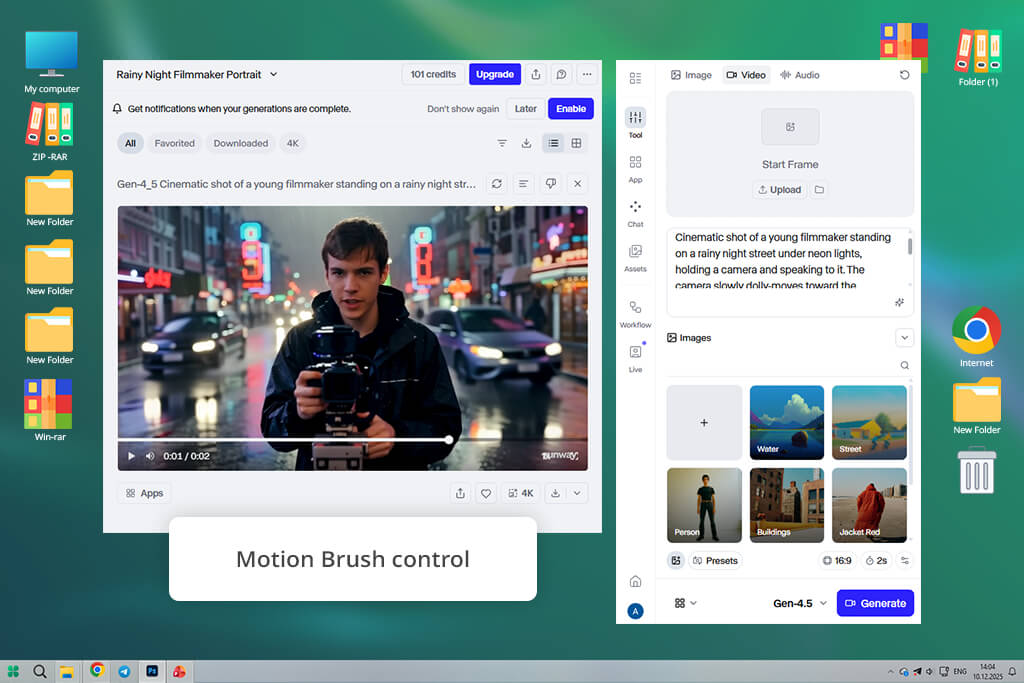
Most of our team agreed that Runway is the first Wan AI alternative that deserves our attention. I’ve already used this AI video generator in the past, but this time I treated it similarly to Wan AI. After signing into my account, I selected the “Generative Video” menu and chose Gen-2 from the dashboard. Rather than relying on templates as I would in Wan AI, I wrote a brief prompt in the Text-to-Video field and pressed Generate. I instantly appreciated how much more creative freedom I have in Runway as long as I engage with its features thoughtfully.
I attempted to emulate my Wan AI workflow, generating a brief cinematic video based on a prompt. In Wan AI, I did this in a couple of clicks since most settings are locked behind specific templates. In Runway, I tweaked a lot of parameters manually. For instance, I adjusted the motion strength slider and tried multiple camera movement presets before pressing Generate Video. This platform is more time-demanding, but the quality of the result is also significantly higher. The movement looks smoother, and the composition is closer to what I described in my prompt compared to Wan AI.
Next, I clicked on “Upload Image” and tested the Image-to-Video feature. This is one area where Runway is vastly superior to Wan AI. It lets me fine-tune the animation with the help of prompt tweaks rather than forcing me to rely on presets. The UI is a tad more elaborate than in Wan AI, but after you learn the ropes, you’ll soon learn to appreciate how convenient Runway is.
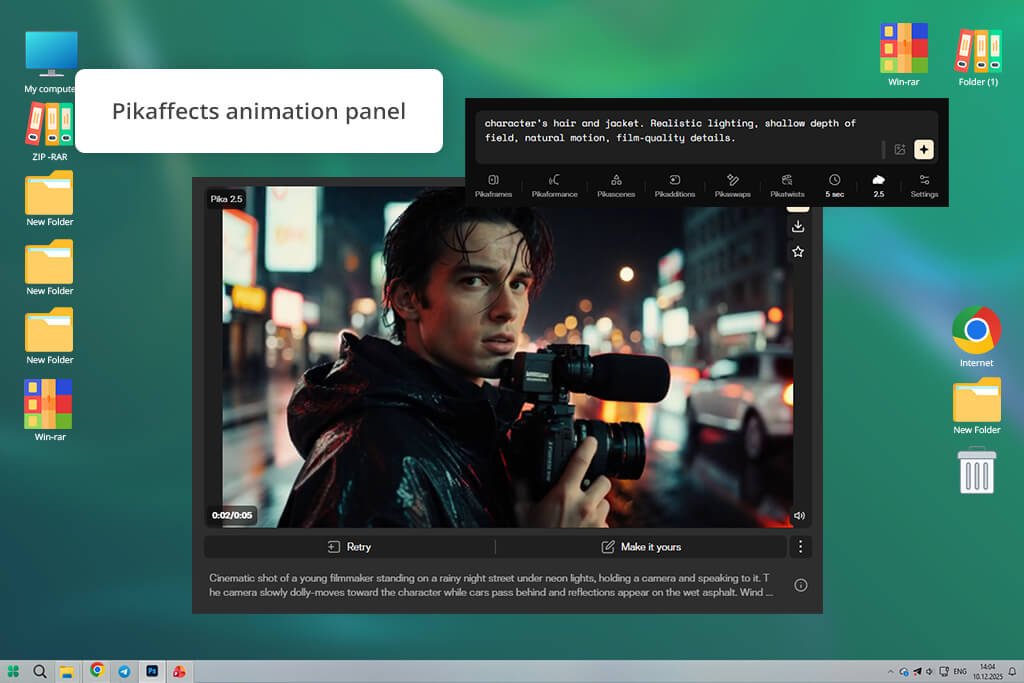
This Wan AI competitor was added to our selection after being recommended by my coworker, Tetiana. I began by opening the platform in my browser and selecting the “Create Video” option from the main menu. In contrast to Wan AI, which resembles utilizing an AI model or backend engine, Pika greets you with a creator-style UI.
I provided a basic prompt for a short cinematic video, chose the desired length, and pressed Generate. The process resembled using a social-media content creation app more than leveraging an advanced AI model.
“The UI is pleasantly minimalistic and intuitive. You write a prompt, generate the result, and ordinarily receive a solid result from the get-go. It’s a rather basic solution, but it’s more than capable of handling short-form videos.”

With Wan AI, I had to set aside time to adjust prompts or fine-tune the model parameters before receiving a usable result. In Pika, I just typed in a prompt and picked one of the style recommendations that show up under the prompt box. After clicking on Generate, the platform delivered a short, animated clip in just a few minutes. If you want to quickly create content for Instagram Reels or are interested in an AI Tik-Tok video generator, Pika is a more suitable option than Wan AI.
Additionally, I used the Pikaffects feature: I imported a basic photo and added one of the transformation effects straight from the Effects menu. The animation workflow was pleasantly convenient – import, choose the desired effect, and render. While Wan AI prioritizes the AI model and its generation capabilities, Pika acts as a robust creator solution suitable for fast content generation. Its main purpose is to help you quickly receive short, social media-ready videos without feeling bogged down by technical challenges.
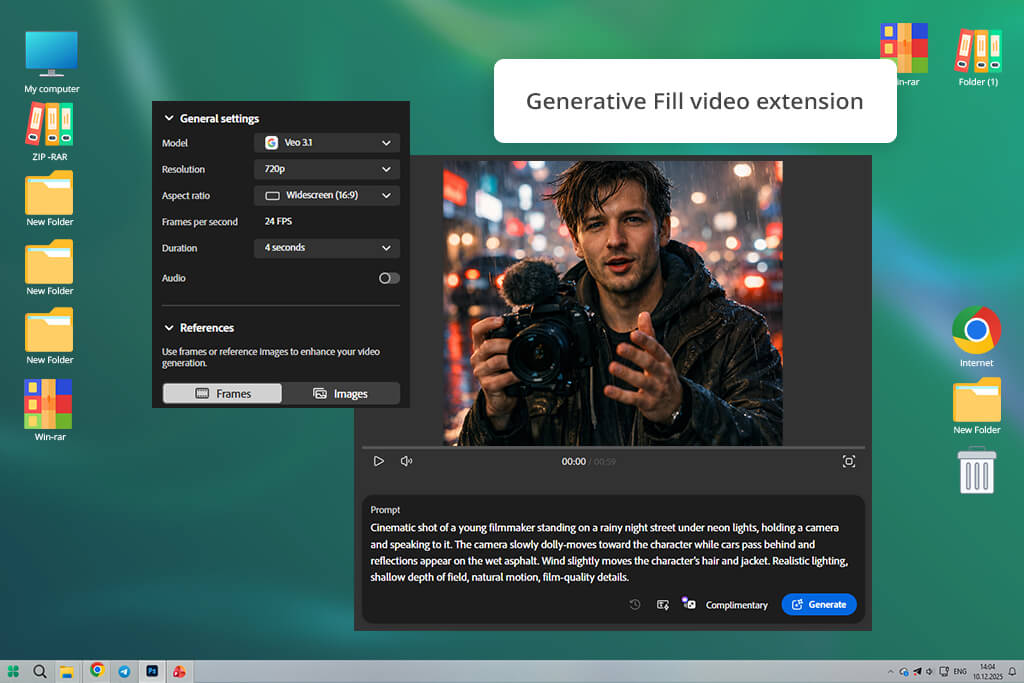
Adobe Firefly is essentially a free Wan AI alternative for anyone who’s already a part of Adobe’s ecosystem. I began by using the Firefly Video Model and its Text-to-Video generator. After writing a brief prompt about wanting a cinematic scene, I chose a camera movement preset and tweaked the visual style before pressing Generate. Unlike Wan AI, which frequently had me adjusting prompts to guide the model, Firefly provides more structured controls.
“I employ Adobe software daily, so Firefly is a great addition to my workflow. What I appreciate is the ability to make videos quickly before instantly returning to editing. It feels like a natural extension to existing Adobe tools rather than a standalone platform.”

Having created a video, I proceeded to adjust its parameters like style variation and composition to better match my vision without having to re-generate it from scratch. The UI features various presets that make it very convenient to try out different lighting and stylization options. In comparison, Wan AI acts more as a raw generation engine where the result is largely dependent on the prompt. Meanwhile, Firefly lets you guide the process with integrated creative controls.
Having generated and adjusted the output, I exported it and opened it straight in Premiere Pro to make a couple of edits. Such convenience is one of the main benefits of Firefly since other solutions only let you generate videos, but can’t be integrated with other tools for smooth, non-disruptive editing. Firefly’s workflow is a lot more fluid and natural, allowing you to seamlessly transition from generation to post-production.
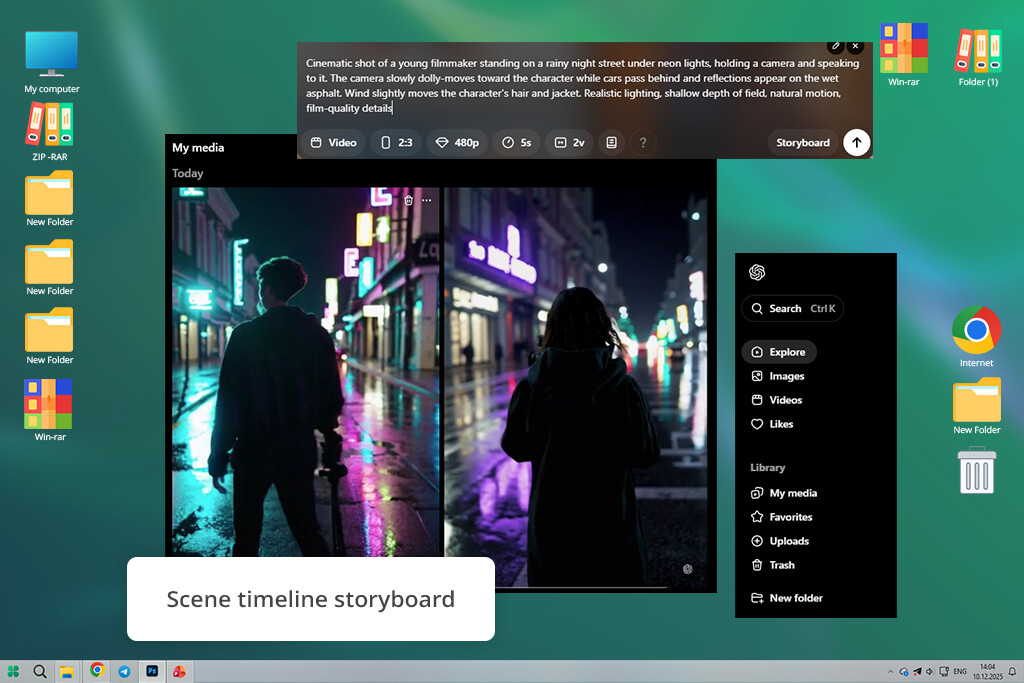
Being made by a tech giant like OpenAI, Sora was naturally one of the first AI tools like Wan that I checked out. I started by writing a prompt about a rainy street with cars and reflections on wet surfaces before pressing Generate. I was instantly impressed by the consistency of different environmental elements like reflections, lighting, and object physics.
For my second test, I tried a more elaborate prompt that described several moving components: a person on a walk while cars drove by, and rain impacted the scenery. With Wan AI, I could receive a detailed character and lip syncing, but environmental physics would often look unnatural.
With Sora, the environment is emulated a lot more realistically, as most elements follow the rules of physics. Happy with the result, I expanded the prompt with even more descriptors before re-generating the video.
I examined how good Sora is at dealing with lengthier prompts since this platform is often praised for maintaining continuity. I generated an entire sequence of action scenes, and the result looked a lot more cohesive compared to what I got with Wan AI. While Wan is great at generating realistic characters and cinematic textures, Sora takes the crown when it comes to visual consistency in longer videos.
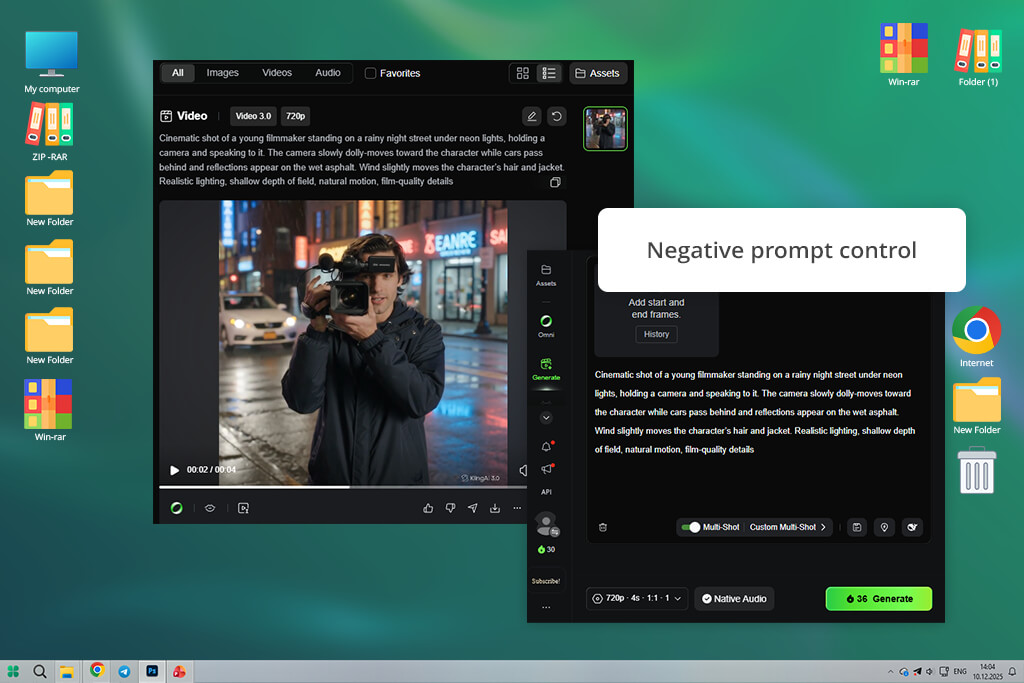
Kling AI was initially recommended to me when I was looking for a Wan video generator alternative on Reddit. I started by going to the platform’s dashboard and using the Image-to-Video feature since it’s one of its key selling points. After importing a photo, I wrote a prompt describing fluid camera motion and pressed the Generate Video button. All of these steps were fast and intuitive, ensuring I didn’t feel confused at any point.
“I appreciated how good Kling is at producing stable motion, particularly if you use an image as a base. I used it with several product photos, and the animations always looked clean and polished on the first try.”
With Wan AI, I usually received stunning detail and cinematic textures, but the movement between frames could demand multiple regenerations until it looked natural. Meanwhile, Kling usually delivers a realistic result from the get-go. I also tried out tweaking various advanced settings like aspect ratio and negative prompts to further enhance the output, enjoying a high degree of control.
I also liked the cloud-based nature of this platform. I didn’t have to install any software or stress about GPU consumption since everything is done straight in your browser. The biggest distinction compared to Wan AI is that Kling acts more like an AI engine aimed at developers and experienced users working with personalized pipelines.
It allows you to receive quick results without having to spend hours setting everything up. While it’s not as customizable as Wan AI’s open-source ecosystem, it’s a highly efficient AI clip maker that can cover all your social media needs.
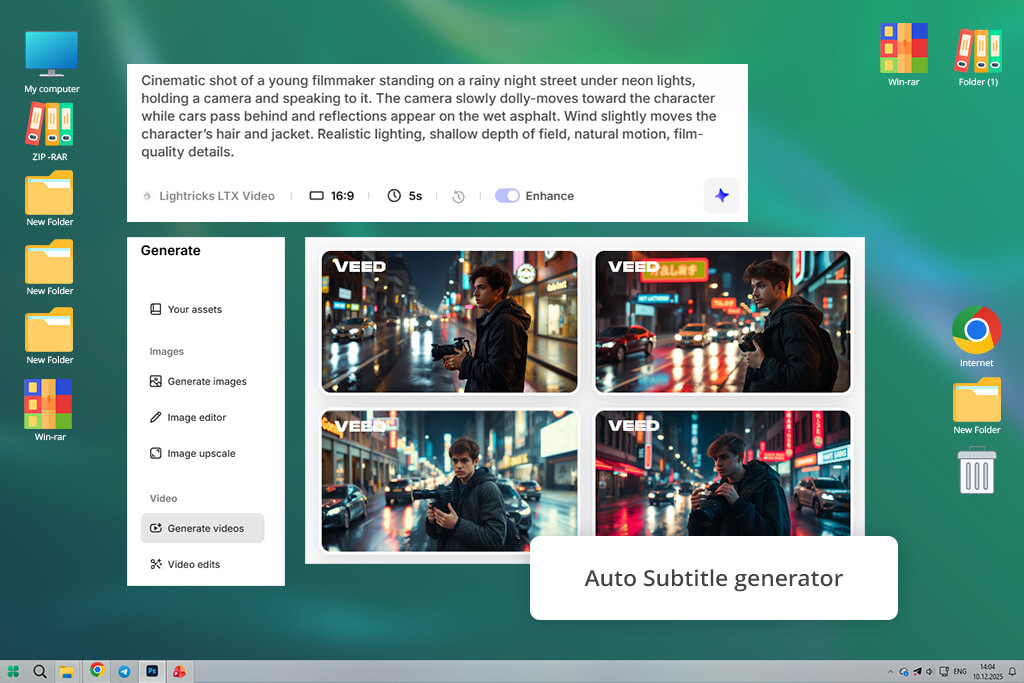
VEED has been a part of my workflow for a long time before I began looking for text-to-video AI tools like Wan. It used to help me prepare fast explainer videos that I would post on social media.
When comparing this platform to Wan AI, I focused on how quickly I could create an entire video from scratch rather than only testing its video generation capabilities. I wrote a brief script in the Prompt / Script section, chose a video style, and pressed Generate Video.
“I’ve employed VEED when I had to create multiple short marketing videos in a rush. Its AI generator can produce a basic structure with voiceover and subtitles, which saves time if you just need a straightforward explainer or social media content.”
This platform requires a different approach than Wan AI. With the latter, I tend to begin by using the Text-to-Video or Image-to-Video tool and generate a single cinematic scene. Meanwhile, VEED generates an entire sequence automatically. After clicking on Generate, the AI put together multiple clips, produced a voiceover, and automatically added subtitles. Next, I went to the Edit Video workspace to customize the scenes straight on the timeline editor, trim clips, and adjust the subtitle style.
I then did another test by producing a short educational video. By leveraging the AI Script Generator, I made a quick outline, then clicked on Auto Subtitle, and added background footage with the help of the Stock Media section. It took me less than 10 minutes to have an entire video prepared for export. While Wan is more of a video generation platform that delivers a cinematic result, VEED is a comprehensive production solution that can generate a polished marketing-ready video.
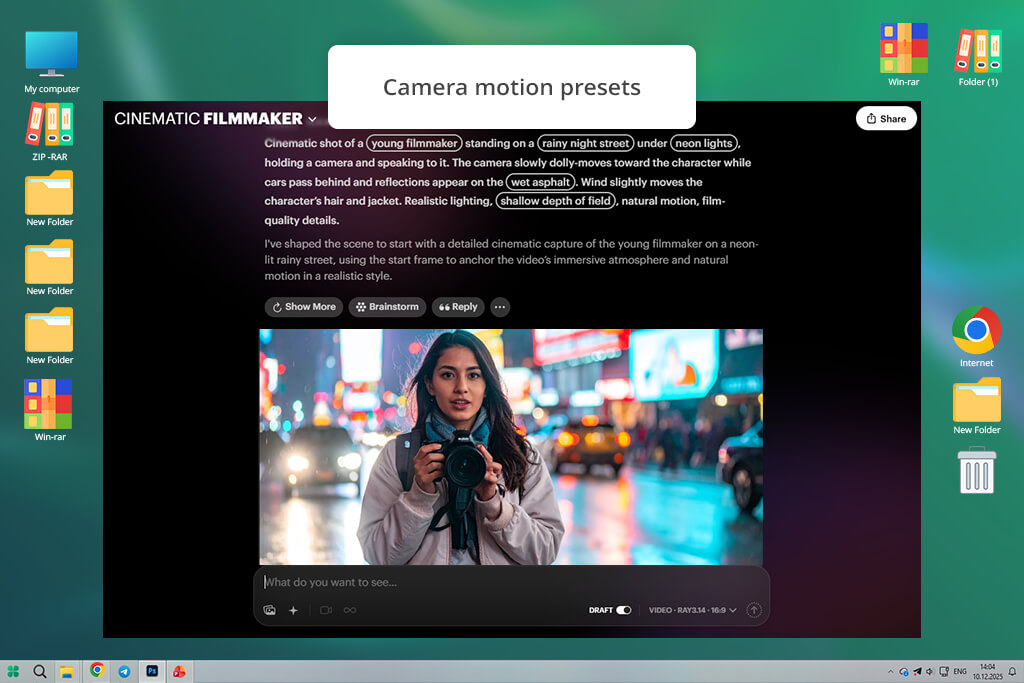
This platform was recommended to me by my teammate Kate. She was trying out various solutions while looking for a robust AI anime generator, and she brought up Luma during one of our conversations. Afterward, I wanted to check how it measures up against different Wan alternatives. I opened the Dream Machine in my browser and clicked on the Prompt field on the main page.
“I began using Luma when I was looking for solutions capable of producing stylized videos, particularly anime-styled visuals. I appreciated the added camera movement since it feels natural and smooth. It’s great at making short cinematic videos, but the generation length limit is a tad too restrictive.”

My video was generated in a couple of minutes, surpassing the speed I usually got from Wan AI. However, the most impressive part of Luma is the camera movement. It does a great job analyzing the scene and ensuring all elements still look natural as the camera navigates the environment, while Wan AI often suffered from spatial shifts.
Next, I checked the available generation controls, including keyframe-like edits offered in the UI. I made a short video with moving liquid, wine being poured into a glass, since it’s something many apps similar to Wan AI struggle with. Luma did a great job emulating the physics of this scenario. While Wan AI is still great at implementing elaborate prompts and generating longer videos, Dream Machine is unmatched when it comes to cinematic camera motion.
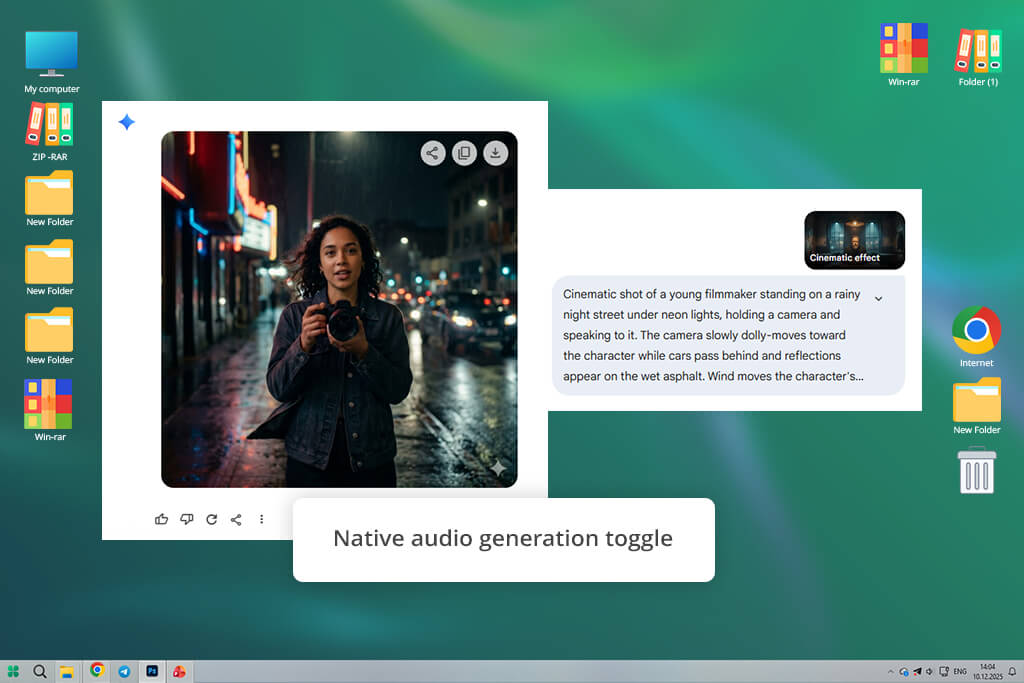
As a Google-made solution, this platform felt incredibly intuitive to use. I went to the Text-to-Video prompt field, provided a brief scene description, and chose a generation mode that interested me before pressing Generate. In Wan AI, I would dedicate some time to adjusting the prompts to better guide the model. Meanwhile, Veo does a much better job following the prompt from the get-go.
For my second project, I wrote a more elaborate prompt that included lighting shifts and moving objects. After clicking on Generate, the video was rendered with a high level of realism. The lighting transitions felt natural, and details like fabric movement and reflections behaved convincingly. Wan AI is still great at tackling cinematic textures, but it can’t reach the same level of prompt accuracy as Veo without forcing you to make several rounds of adjustments.
I was also very interested in exploring the provided AI sound generator, which is often missing in most Wan alternatives. I turned on the audio option in the prompt menu and provided a brief scene description with dialogue and ambient noise. The generated video did a great job syncing the audio with the visuals.
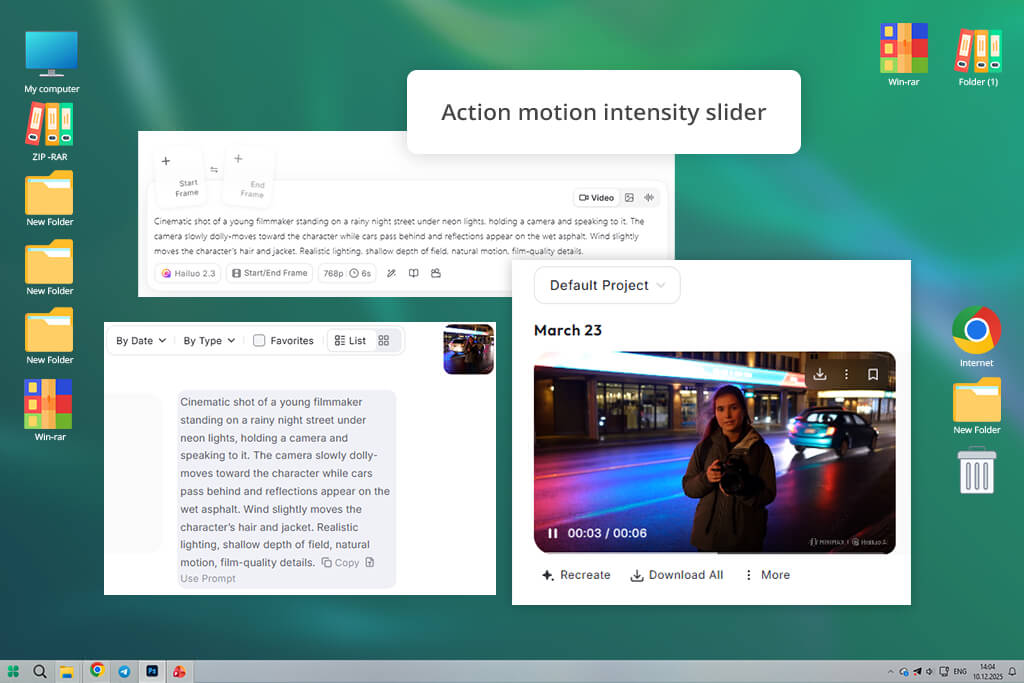
I found Hailuo when I was looking for an AI video generator like Wan that specialized in handling dynamic motion scenes. While Wan AI excels as a “cinematic director,” it can sometimes struggle with motion, so I wanted to check if Hailuo is an improvement in this regard. I went to the Text-to-Video generator and wrote a prompt describing a character walking through the wind while interacting with other objects in the environment.
The generated video did a good job highlighting Hailuo’s strengths. Character movement felt smooth and realistic, and his hair and clothes reacted to the wind, as they should. In Wan AI, I would receive beautiful textures and professional lighting, but the motion would rarely look believable after the first generation. Thankfully, Hailuo usually delivers a realistic result on the first try.
Hailuo is a cloud-based platform, so the generation workflow is very simple – prompt, generate, and download. Wan AI is a lot more flexible for users interested in running generations locally and training custom models, but it’s also more technically demanding. In comparison, Hailuo is a more of a ready-to-use solution that prioritizes realistic motion over in-depth customization.
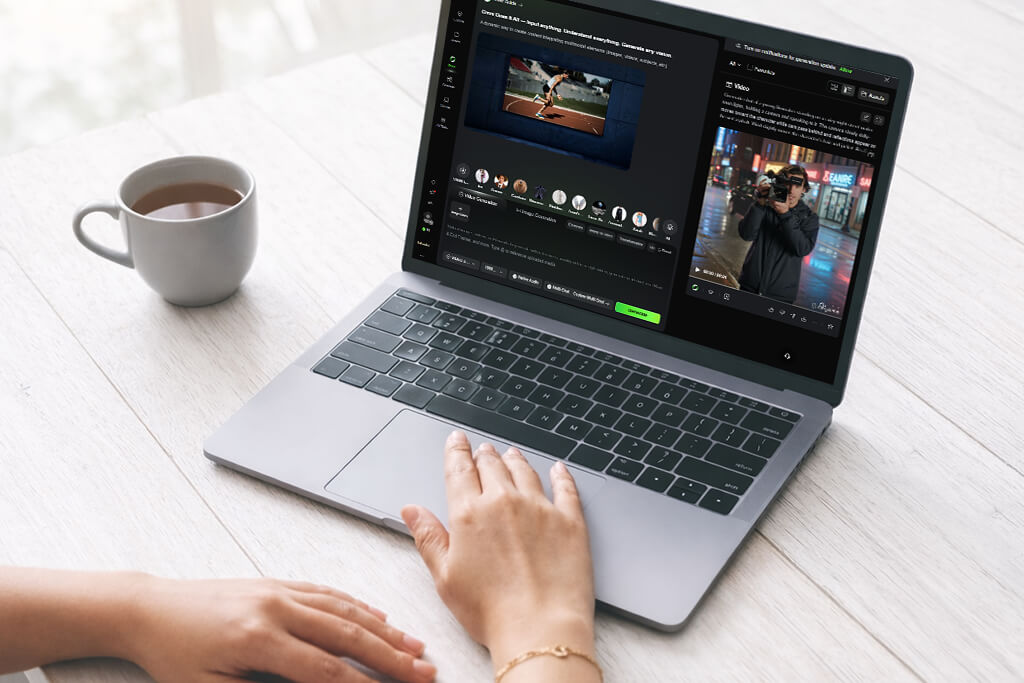
After trying out such a large number of tools, I understood that picking the best Wan AI alternative requires you to know what type of videos you want to produce. Certain options are better suited for cinematic storytelling, while others prioritize quick social media content. If you’re primarily interested in polished generative scenes and in-depth creative control, I’d start by checking out Runway, Sora, and Google Veo. These platforms resemble Wan AI the most when it comes to creative ambition, but each offers a different approach. Runway provides a versatile creator environment, Sora prioritizes coherent environment simulation, while Veo is the best at interpreting prompts and generating sound.
If your priority is quick video generation for marketing or socials, more streamlined options should be more appealing. During my testing, Pika and Kling consistently provided fast results with minimal prep. They’re particularly well-suited for making short-form content for TikTok, Instagram Reels, or YouTube Shorts. Both platforms put a premium on speed and convenience rather than in-depth prompt customization, allowing you to deliver content at a higher rate.
If you’re used to operating within a bigger design or editing ecosystem, integration can be more relevant than raw generation functionality. This is the area where Adobe Firefly shines. If Photoshop or Premiere Pro are already a part of your workflow, Firefly can become a natural extension of your toolkit, allowing you to conveniently generate visuals and instantly get to editing them. On the other hand, VEED offers a somewhat different workflow by offering both AI generation and a built-in editor, voiceover functionality, and automatic subtitles, which is why it’s a great option for making marketing videos and explainers.
There are also users who can be more interested in visual style and cinematic camera movement than long storytelling content. My tests show that Luma is great at tackling stylized visuals and spatially coherent camera movement. Meanwhile, Hailuo excels at tackling environments with complex motion, like characters interacting with objects or environments. It’s especially well-suited for scripts that include a lot of motion and dynamic action.
To evaluate these Wan alternatives objectively, we put each option through the same tests, going over scenarios associated with Wan AI-style video generation. Rather than blindly believing marketing claims, we tested how each solution acts in the real world. We wanted to check if these platforms can fully replace Wan AI for your daily needs.
We started by examining prompt interpretation accuracy and scene consistency. I wrote similar prompts across different AI video generators to check how precisely each platform followed instructions tied to camera movement, lighting, character behavior, and environmental details. This helped me to evaluate how accurate models are at analyzing complex prompts and whether they can preserve visual coherence across the entire generated video.
Tetiana prioritized looking at the motion quality and physics. Wan AI regularly has problems emulating natural movement, particularly for characters who interact with objects. During her tests, Tetiana focused on the smaller details like body and hair movement, reflections, and object interaction. These aspects make it clear whether a platform prioritizes cinematic visuals or values dynamic environmental simulation more.
We also paid a lot of attention to workflow and usability. Certain platforms resemble technical models that demand intricate prompt crafting and experimentation, while others allow you to complete the entire generation process in just a few simple steps. Kate evaluated how user-friendly each option felt, how much time it took to generate a video, and whether the platform offered useful settings for fine-tuning the style, motion, or scene composition.
Lastly, I examined production readiness and editing flexibility. Generating a video is a crucial part of the creator’s workflow, but you also often have to enhance it and inject it into a bigger project. I evaluated how well-suited different solutions are at exporting, modifying, or extending generated videos, as well as how convenient it was to integrate my content into my existing creative workflows. This allows us to learn which Wan AI competitors excel at experimental AI moviemaking and which options are a better fit for daily content production.



![9 REVE Alternatives with Better Results [Free & Paid]](http://fixthephoto.com/blog/images/gallery/news_main__preview_28905.jpg)


![7 Adobe Capture Alternatives [Free for iOS & Android]](http://fixthephoto.com/blog/images/gallery/news_main__preview_28909.jpg)

















