I’ve used Reve for multiple projects and eventually decided to explore alternatives, mainly because I faced annoying problems again and again. The results were hit-or-miss. Sometimes I received great images, other times, the results looked warped or too heavily processed.
I kept seeing faces morph, hands come out oddly shaped, and textures look unrealistic. Reve was okay for simple tasks, but I needed something better to have precise control over lighting, style, and details.
Some platforms were complete disasters, yet others genuinely impressed me with their reliability and rich output quality. I described the strongest Reve alternatives from my testing below. I added sincere observations about the pros and cons of every tool.
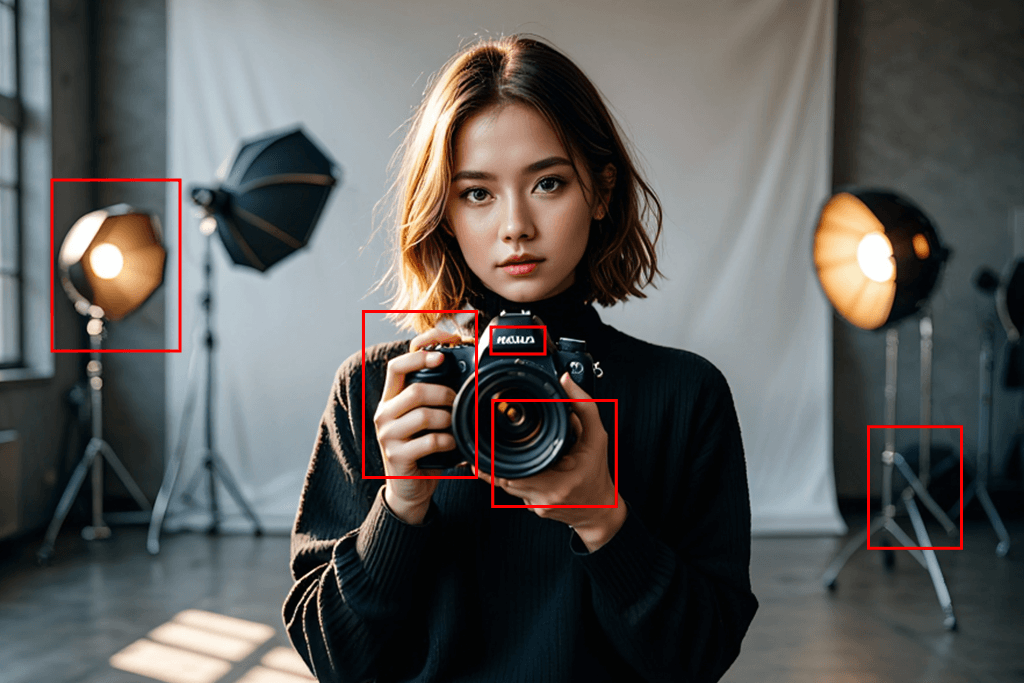
The impeccable AI images you see online tell only half the story. People usually hide the countless botched attempts that preceded. This represents the main challenge with Reve and other AI platforms in this category. Marketing materials feature stunning visuals, but when using such tools in real life, you often have facial distortions, malformed hands, and erratic lighting effects.
According to Forbes, AI image tools still can't be trusted without giving users adequate command over the output. These claims fit my own findings with Reve. It is decent enough for hobbyist experimentation, though too unstable for any business or commercial purposes.
Have you spent time creating the same picture dozens of times? Are you sick and tired of adjusting just one phrase in your instructions, hoping for better results? Do you need to open different programs to correct AI-generated mistakes? Then you understand exactly what drives people toward Reve alternatives. Based on my experience, you shouldn’t chase ideal AI performance, but you need to pick tools that offer genuine control over the process and outcomes.
Quick tip: Stop hunting for chance-based outputs. Prior to hitting generate, clarify your project's primary concern:
photographic realism
Identify your key priority and select AI technology accordingly. By following this strategy, I managed to get tangible results when generating images.
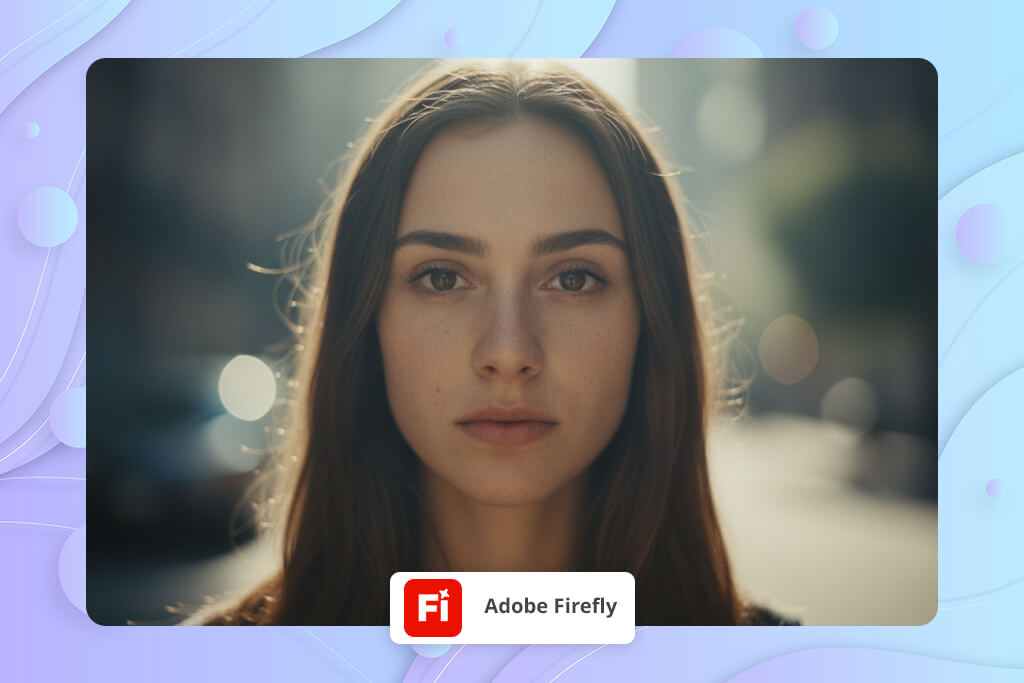
If you're looking for a dependable Reve alternative for creating lifelike AI-generated pictures, Adobe Firefly is your best bet. Unlike Reve, which frequently delivers unexpected warping and inconsistently shifts layouts, Firefly is more precise. It sticks to your visual instructions and produces facial features that look natural. If you are using the latest Firefly update, you can get sharpened boundary details, which is particularly important for portraits.
Firefly copes perfectly with illumination, viewing angles, and skin details. The results look natural. When comparing identical headshot instructions across platforms, Firefly generated the most authentic-looking facial features and convincing dimensional quality, whereas Reve had difficulty maintaining balanced proportions and capturing subtle nuances.
If you want solid results every time, Firefly is a wonderful tool you can count on for actual work.
Key Features:
Best for: anyone who wants a realistic output without fighting AI glitches.
Give Firefly short and clear prompts. It works better if you don’t use too many filler words.

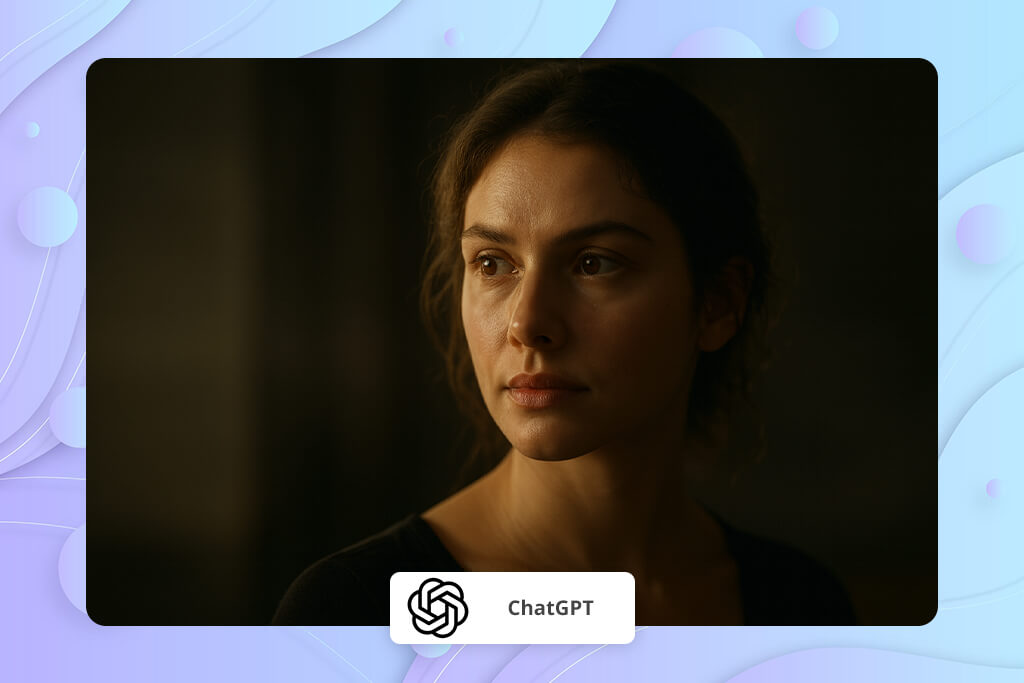
You may be surprised, but GPT-4o actually works really well as a Reve alternative. The big difference is that it gets what you're asking for. Instead of just turning words into pictures, it understands the whole scene you're describing. In fact, it grasps how things should be arranged, what kind of mood you're going for, how subjects interact with each other, and even the style of shot you want.
Reve often tends to drop details or ignores parts of what you tell it, but GPT-4o stays on track with your vision. That's probably why you're seeing it pop up more often when people talk about the best AI image generator options out there.
I like how well the model handles step-by-step tweaking. You can keep refining the same image over and over without it turning into a completely different picture. I've used it to change facial features, adjust the lighting and mood, and even tweak emotional expressions. It stays consistent through all those changes, while Reve can’t offer the same consistency.
Plus, it's one of the few models that actually lets you create a whole series of images using the same character without having to do a full model training session. That feature alone makes it very useful for storytelling projects, advertising campaigns, and brand visuals.
Key Features:
Best for: creators who want control over direction, not random AI output.
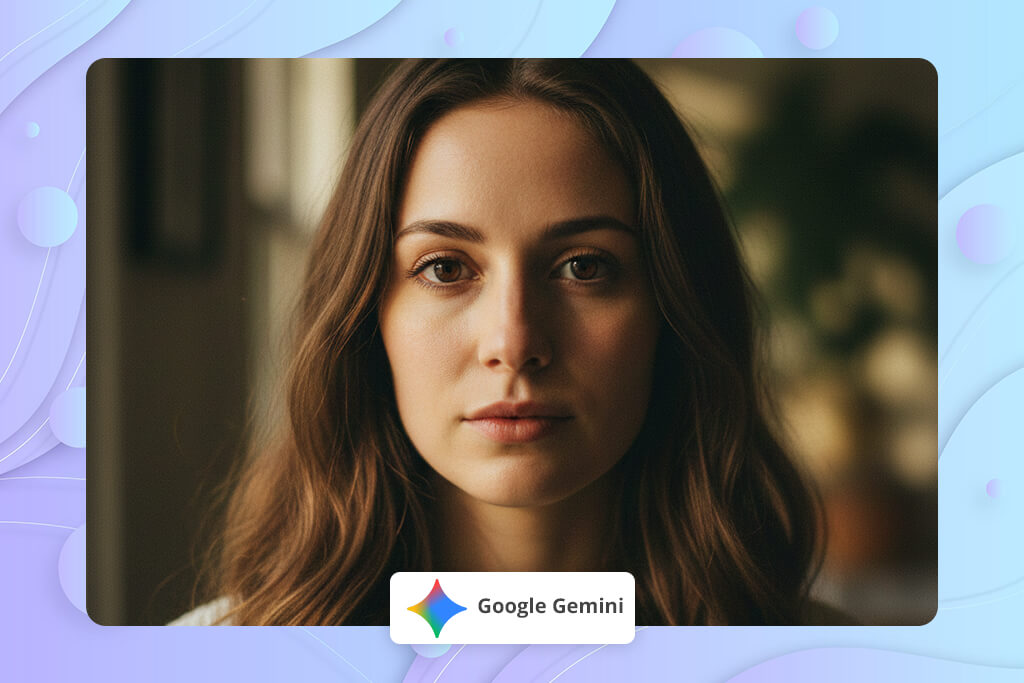
If you're looking for a solid free Reve alternative, Gemini's your best bet. It lets you get clean images without having to pay each time you generate something. Though it won't give you the artistic flair of Midjourney or the pinpoint accuracy of Adobe Firefly, the tool does a really good job creating realistic images from straightforward prompts. The images look quality and natural without strange AI glitches. That’s why so many people consider it one of the best free AI websites.
When using Gemini, you won't see it go overboard with smoothing out skin or adding a fake shiny look like Reve sometimes does. It's especially good at handling lifestyle shots, beauty content, and accurate photo prompts. It does it better than most free AI tools out there. It can still mess up hands occasionally, but the results are generally usable. You're not going to see nightmare fingers or completely distorted body proportions.
Key Features:
Best for: beginners and anyone who wants a no-cost alternative to Reve that still produces clean results.
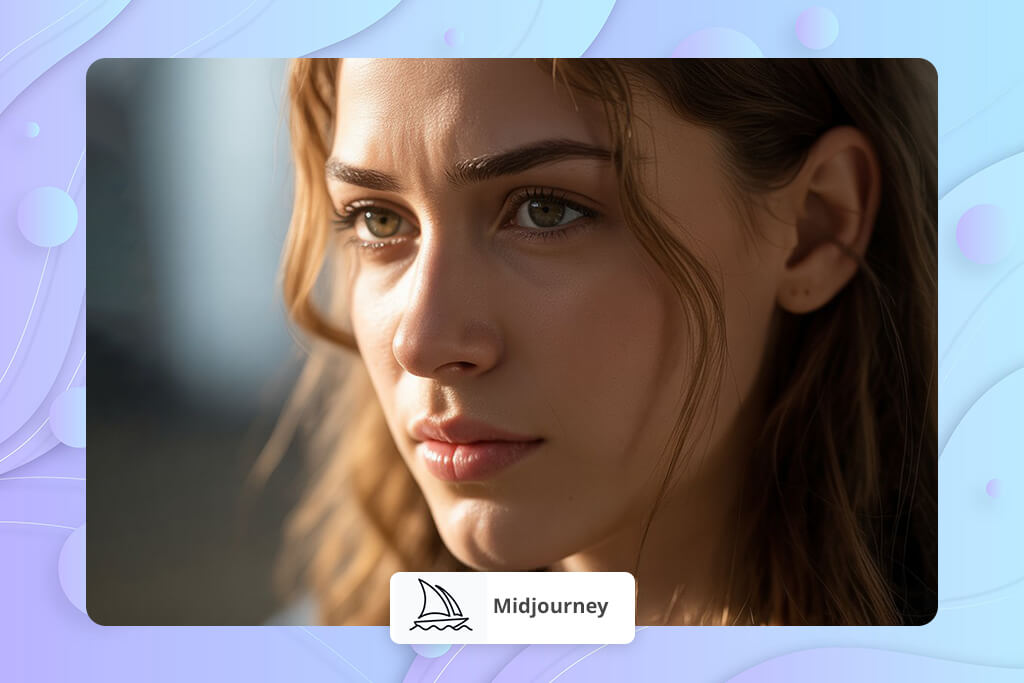
Midjourney is unrivaled when you want atmospheric and movie-quality pictures. Reve sometimes feels too plain or lacking personality, while Midjourney goes the other direction. It makes every image look like it was deliberately composed for a film or an expensive coffee table art book. It's pretty common for beginners to search “What is Midjourney” first, because it's not like other AI generators. It acts more like a creative tool with a unique visual identity all its own.
Still, it's not the best choice if you need your characters to look the same across multiple images or want to control your prompts precisely. But, if you're after gorgeous visuals and an artistic vibe, nothing else comes close. When I tested it for portraits, Midjourney blew all the other Reve alternatives away with its lighting and texture quality.
Key Features:
Best for: creators who want the best-looking images, not generic AI output.

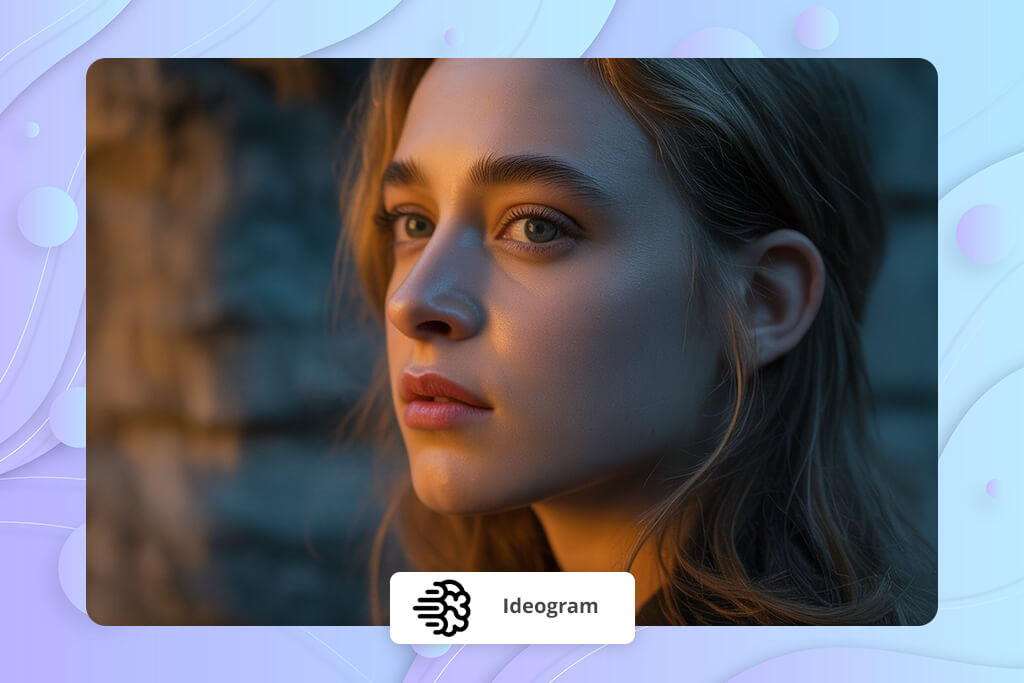
If you need to create posters, ads, banners, or merch designs, Ideogram may become your new best friend. I believe it is the best software like Reve with a strong focus on typography. You have probably noticed how Reve can’t get text right and ends up creating total gibberish? Ideogram handles the typography right inside your images. You won't need to open Photoshop afterward to fix anything.
Plus, Ideogram is good with graphic design in general. It produces clean layouts, modern compositions, eye-catching ads, and product campaigns. If you're working with brands or doing marketing stuff, Ideogram is more useful than Reve.
Key Features:
Best for: brands, social media creators, and marketing designers.
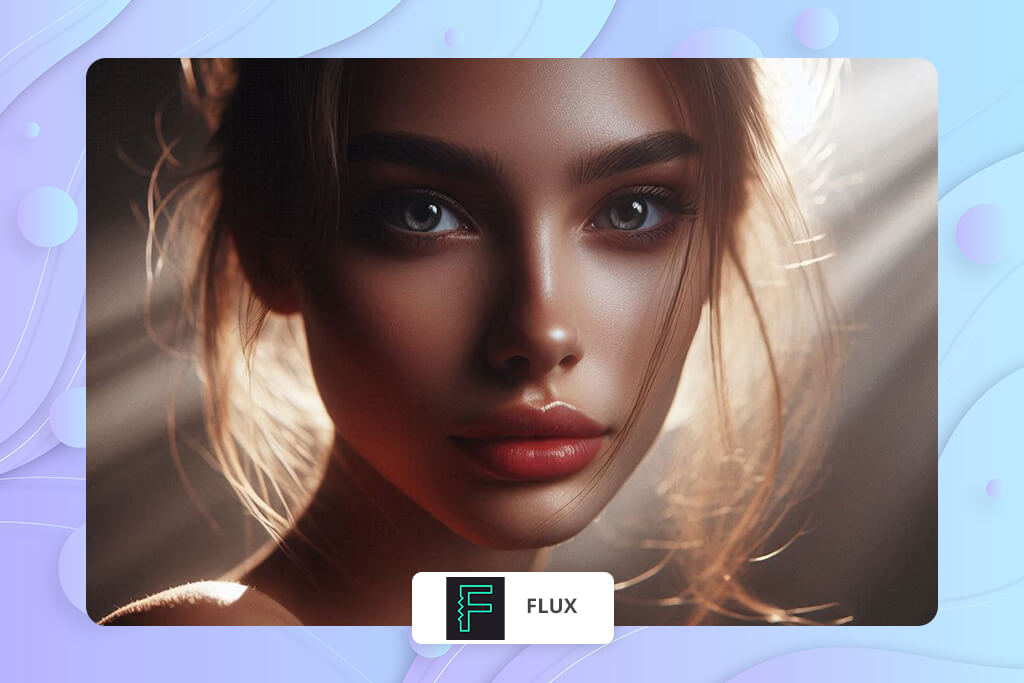
Looking for more control than Reve gives you? FLUX may be exactly what you need. Instead of crossing your fingers and hoping your prompt does the trick, you can actually steer the whole process. Want to adjust the composition? Done. Need to fix the color balance or structure? You got it. You can even fine-tune the little details. Reve doesn’t offer the same possibility.
Another cool thing about this Reve replacement is that it's not tied to one platform. You can use it through NightCafe, Tensor.Art, and a bunch of other sites, so you're free to set up whatever workflow makes sense for you. It's definitely not the most beginner-friendly tool out there, but if you care about getting things right, it's totally worth learning.
Key Features:
Best for: users who want more control than prompt-only AI tools can offer.
When using FLUX, start with lower guidance settings and increase them slowly. Thus, you can get a proper structure and avoid noticeable AI noise.

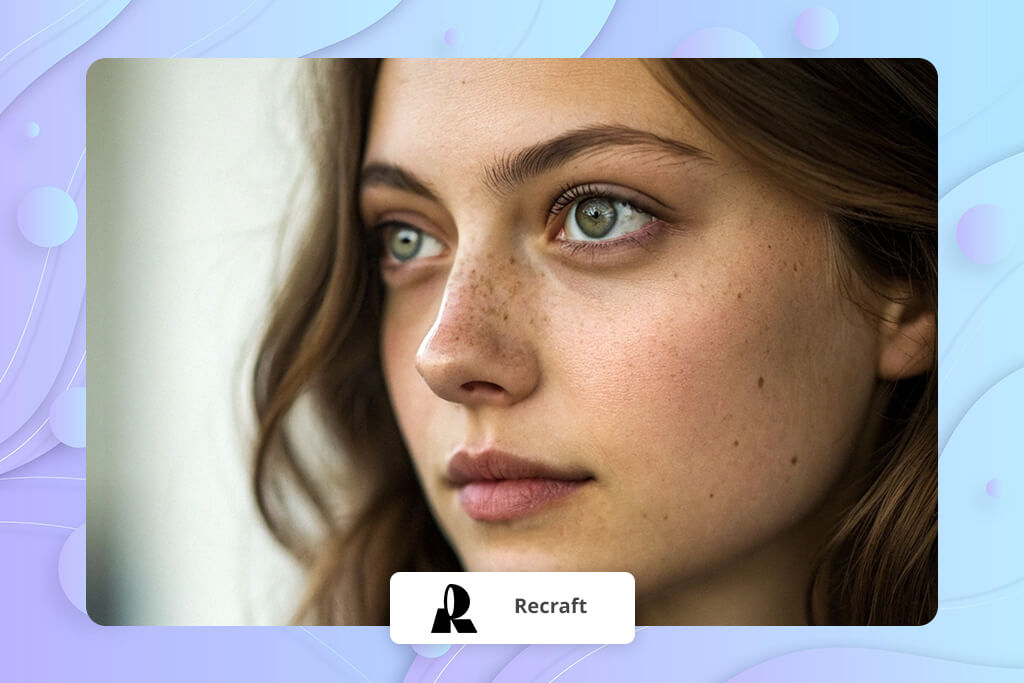
Recraft takes a different approach than Reve by zeroing in on graphic design instead of general image creation. It stands out when you're working on vector graphics, icons, top-notch product visuals, UI illustrations, and brand materials. It's earned a reputation as one of the best AI icon generators because it produces sharp and scalable vectors that you can use straight away in your projects.
While a lot of AI apps like Reve give you wonky edges and weird glitches, Recraft delivers clean shapes and layouts that you can tweak. Plus, you can jump between vector, 3D, and pixel styles within the same project.
Key Features:
Best for: designers who need AI graphics that are actually usable in branding and web.
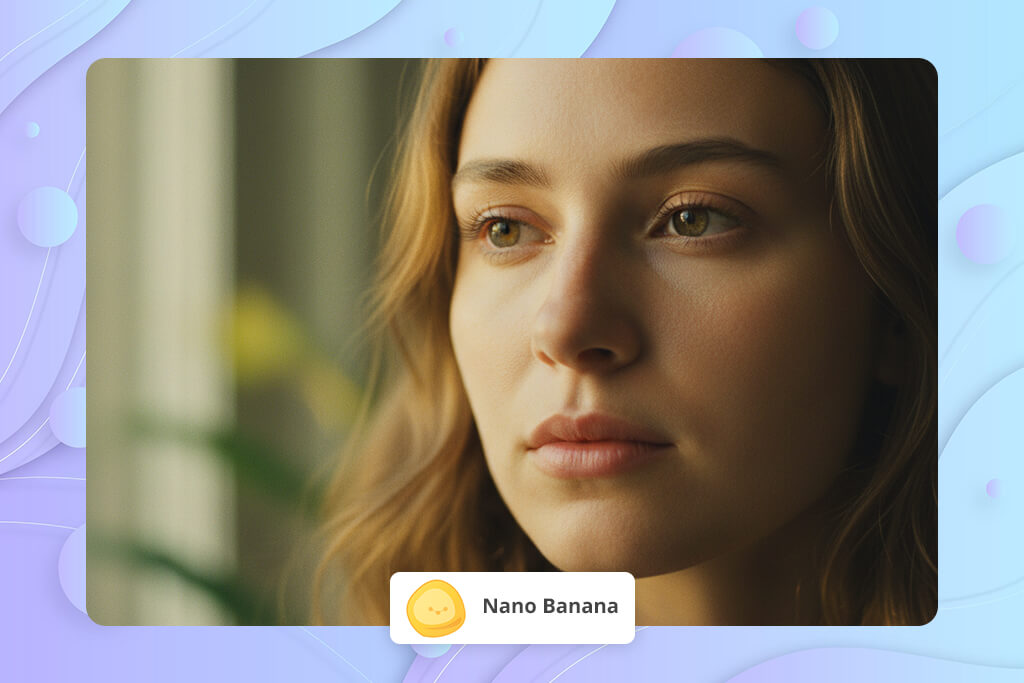
If you're into anime characters or telling visual stories, Nano Banana may be one of the best Reve alternatives for you. The bragging point is that it maintains the identical look of your characters from one image to the next. Reve struggles with this.
You get cool style presets for different needs, be it polished anime studio portraits or dramatic action shots. The faces come out right, the eyes have that detail you're looking for, and your character designs stay consistent no matter how many images you create.
Key Features:
Best for: anime creators, storytellers, and character designers.
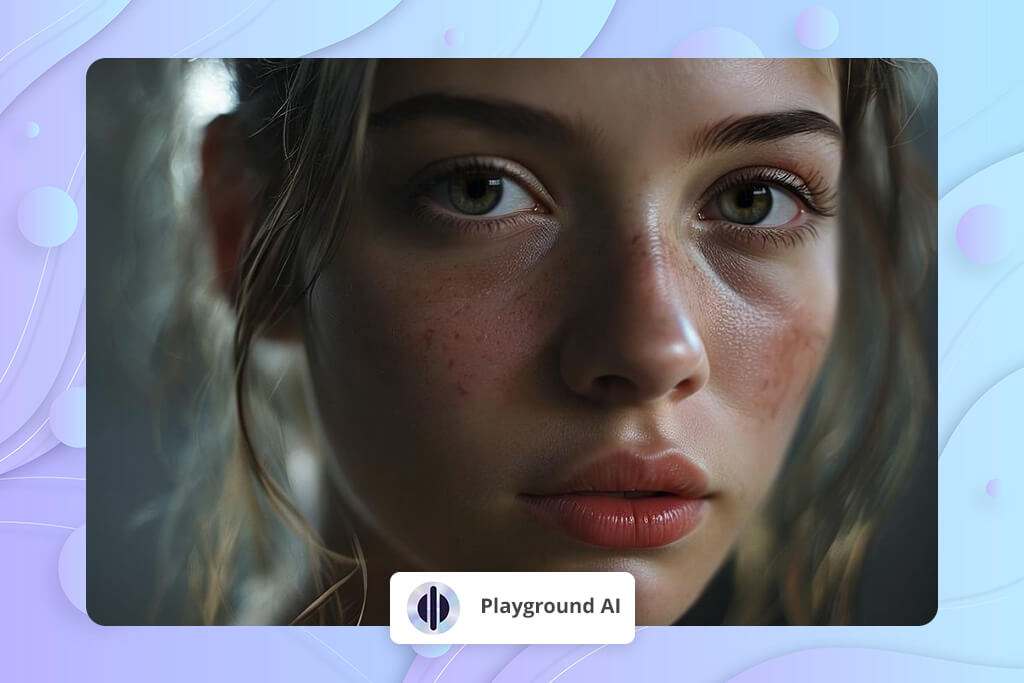
Playground AI is one of the top Reve alternatives if you prioritize speed and simplicity. It's built for people who want fast generation but don't want to give up customization options. The platform supports several models, includes slider controls for adjusting your prompts, and gives you more creative control than Reve while keeping the interface straightforward. Lots of users love it for portrait work. Besides, it is one of the most popular free AI selfie generators with proper control over facial features and lighting.
The editing tools are already built in. You can expand images, use inpainting to fix sections, and refine your work with prompt adjustments, without opening a bunch of different apps to handle the small stuff. If you're creating social media graphics, concept art, or portraits, you'll get quality results without the wait.
Key Features:
Best for: creators who want more control than Reve but still need speed.
| Tool | Realism | Prompting | Consistency | Speed | Pricing |
|---|---|---|---|---|---|
|
Reve
|
★★☆☆☆
|
★★☆☆☆
|
★★☆☆☆
|
★★★★☆
|
Free + paid
|
|
Adobe Firefly |
★★★★★
|
★★★★☆
|
★★★★★
|
★★★★☆
|
From $9.99
|
|
ChatGPT (GPT-4o Image) |
★★★★★
|
★★★★★
|
★★★★☆
|
★★★★☆
|
From $20
|
|
Google Gemini
|
★★★★☆
|
★★★☆☆
|
★★★☆☆
|
★★★★★
|
Free
|
|
Midjourney
|
★★★★★
|
★★★☆☆
|
★★★☆☆
|
★★★★☆
|
From $10
|
|
Ideogram
|
★★★★☆
|
★★★☆☆
|
★★★☆☆
|
★★★★☆
|
Free + paid
|
|
FLUX
|
★★★★☆
|
★★★★★
|
★★★★☆
|
★★★☆☆
|
Varies
|
|
Recraft
|
★★★☆☆
|
★★★☆☆
|
★★★★☆
|
★★★★☆
|
Free + paid
|
|
Nano Banana
|
★★★★☆
|
★★★☆☆
|
★★★★☆
|
★★★★☆
|
Free
|
|
Playground ai
|
★★★★☆
|
★★★★☆
|
★★★☆☆
|
★★★★★
|
Free + paid
|
Reve works fine if you want to experiment, but when you need quality images and precise control, I recommend using other programs. Still, don’t chase the "perfect" AI generator. You need a program that aligns with what matters most to you.
I didn't just pick these tools because they're trending or got high marks from some AI list. I evaluated their capabilities, using an identical cinematic portrait prompt, so I could compare them fairly. The FixThePhoto team and I stuck to our usual “how we tested” approach before naming the best Reve competitors.
We zeroed in on actual creative work instead of just making cool pictures for fun. For example, I checked how well each tool worked with portraits, branded content, social media advertisements, and product shots. Our team paid special attention to:
Plenty of AI tools didn't meet our standards and got dropped early on because they produced inconsistent results or just weren't usable for real work. We picked these 9 Reve alternatives because they consistently delivered when we needed them to, and they will meet the needs of professionals.
Reve does a solid job for quick AI-generated content, but it has its weak spots, especially when it comes to consistency and proper anatomy. If you need realistic results, you’d better opt for other tools.
If you’re looking for a solid replacement, Adobe Firefly is a great choice. It offers more consistent output, better lighting, and more polished skin textures. It also interprets prompts more accurately and maintains proper facial structure instead of warping it.
Google Gemini is currently the strongest free replacement for Reve, especially for portraits and lifestyle images. Playground AI is also worth checking out if you want more flexibility and control when generating pictures.
Based on our tests, GPT-4o (ChatGPT Image) and Adobe Firefly stand out for realistic results. They handle depth, emotion, and facial structure far better than Reve does.
When it comes to commercial projects, Adobe Firefly and Ideogram outperform Reve. Firefly provides high-quality, clean images, and Ideogram is a great Reve alternative for ads and designs with text.
If you need the same character to look consistent across different images, Nano Banana and FLUX are stronger options than Reve. GPT-4o also performs well, especially for story-driven or series-style visuals.
It is, as long as you review the licensing rules. Adobe Firefly and Midjourney support commercial use, but many free AI tools come with restrictions. To be safe, always check usage rights before delivering AI images to clients.



![Best Leonardo AI Alternatives [FixThePhoto Choice]](http://fixthephoto.com/blog/images/gallery/news_main__preview_28887.jpg)


![9 Best DALL-E Alternatives in {{%year}} [100% FREE]](http://fixthephoto.com/blog/images/gallery/news_main__preview_28491.jpg)


![AI Bratz Doll Filter Online [FREE]](http://fixthephoto.com/blog/images/gallery/news_main__preview_28411.png)
![10 Best Video Delivery Platforms [Simple & Free]](http://fixthephoto.com/blog/images/gallery/news_main__preview_28433.jpg)

















