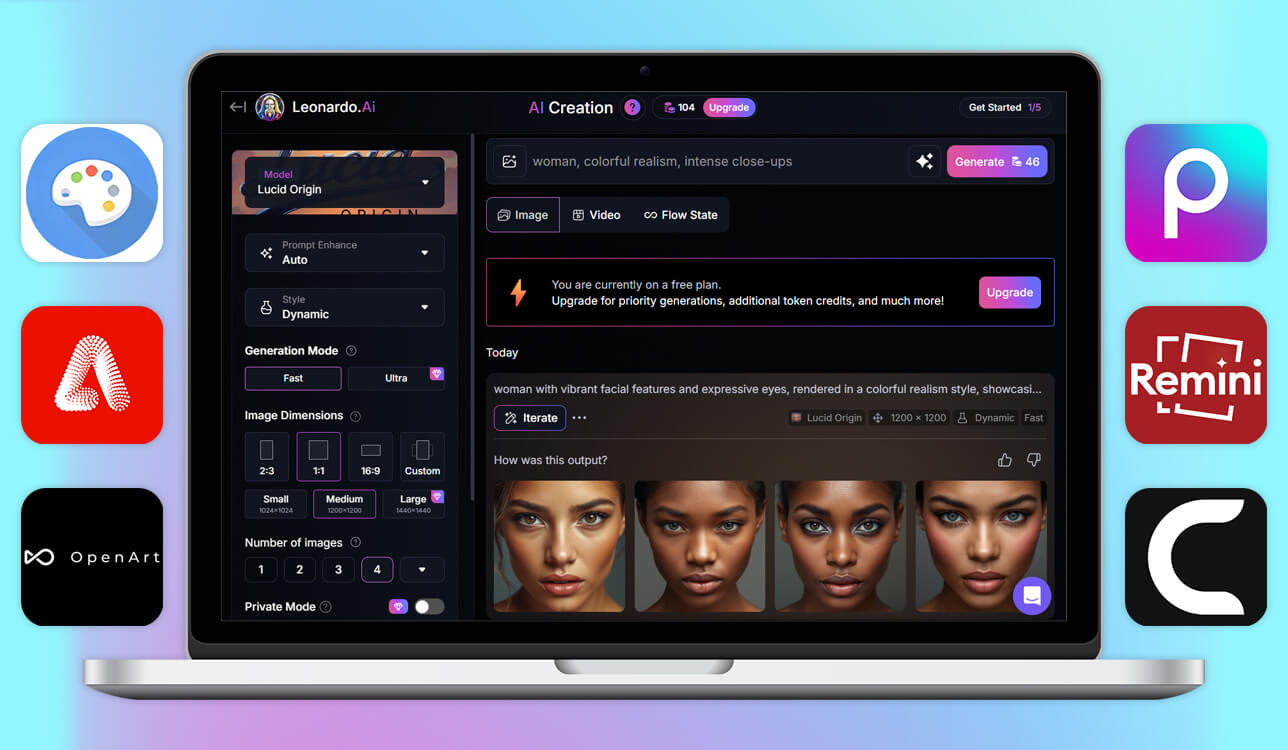
Many people start by using Leonardo AI for free, only to realize that, outside of character consistency and stylish presets, it can feel quite limited. I needed to find a solution that provides more customization options and a result that is better suited for commercial use. That’s why I decided to try a wide variety of Leonardo AI alternatives on my own.
I tested 15+ Leonardo AI alternatives and AI design platforms to check which of them serve as viable replacements in real-world scenarios. I used them to create product images, portraits, social media content, concept art, and ad-style images to check if they can be relied on for actual projects with a tight deadline, and not just for having fun.
Certain alternatives look very appealing but couldn’t provide the necessary quality level, while others offered poor performance or expensive pricing. I’ve put together an overview of the best Leonardo AI alternatives that can actually become a part of your professional workflow.
Picking the optimal AI tool involves first figuring out your creation goals. I think many users try to find the best AI image generator without accounting for their personal needs. Some platforms are a better fit for design, some for editing, some for character generation, and others for making promotional materials.
As such, before committing to a choice, figure out how you plan to use it – performance, customization, editing functionality, pricing, and commercial rights – are all essential aspects to consider.
| If you need… | Choose |
|---|---|
|
Best overall alternative to Leonardo AI
|
|
|
Fast social media AI visuals
|
|
|
AI editing + batch background removal
|
|
|
Maximum control and customization
|
|
|
Image restoration and enhancement
|
|
|
Custom model training and fast generation
|
|
|
Free mobile AI image creation
|
|
|
Editable SDXL image generation
|
|
|
AI cloud infrastructure
|
Rather than trying to find a one-size-fits-all AI solution that can handle everything (it isn’t real), pick an option that fits your goals. If you’re a designer who wants to receive editable results, I suggest picking Firefly.
If you create social media posts daily, Picsart can be a very time-efficient solution. If you value open-source freedom and a large degree of control, Stable Diffusion is a great Leondardo AI alternative. Whatever you choose – ensure it fits your specific project needs.
Closest to Leonardo AI in: style control
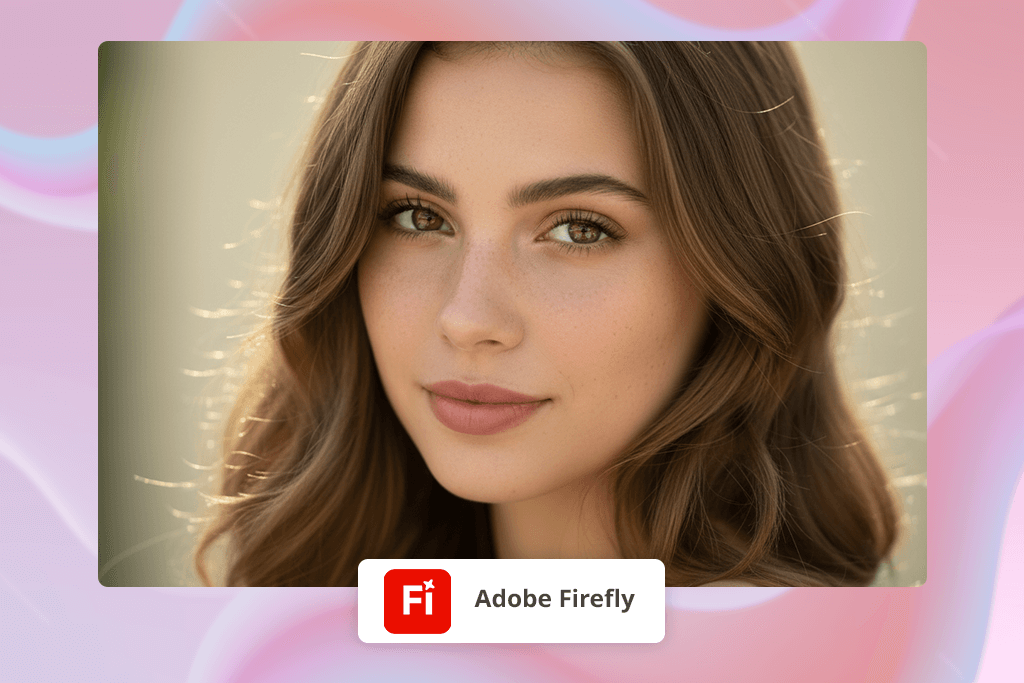
Adobe Firefly is at the top of my list, as it provides realistic AI generation that doesn’t lead to mismatched details or distracting artifacts.
It’s as flexible as Leonardo AI when it comes to prompt processing while offering a more professional output. I used it for portrait enhancements, ad design, and creating product mockups, while receiving better-looking results than I did with Leonardo AI.
I appreciate the ability to integrate Firefly into Photoshop instead of having to deal with multiple platforms simultaneously. It helps me expand the image, get rid of distracting elements, and enhance the lighting without skipping a beat. Leonardo AI is more of a standalone platform that is harder to include in an established workflow.
Key features:
Best for: Designers and brands interested in consistent, customizable AI images for professional projects.
Closest to Leonardo AI in: quick content
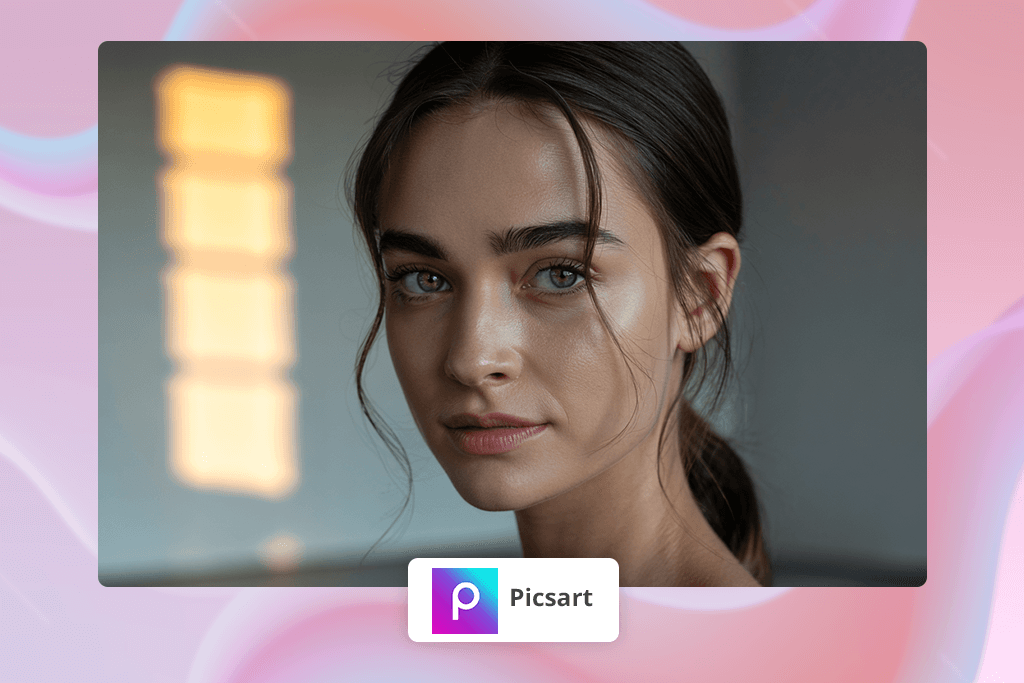
Picsart is a worthwhile Leonardo AI alternative if you need to produce a lot of images for your social media pages or marketing campaigns. In contrast to most competitors, Picsart provides both AI functionality and image editing tools in a single app, allowing you to enhance the generated photos without having to open them in a different solution.
During my test, I created a concept image, deleted the background, adjusted the colors, and added text all in one go, which is unachievable by most apps like Picsart.
While Leonardo AI’s greatest strength is character consistency, Picsart focuses on speed and usability. It wasn’t designed to produce cinematic renders, but it’s great at helping you maintain a steady output of Instagram posts, YouTube thumbnails, or TikTok graphics. If producing daily content is more important to you than complex AI manipulations, Picsart is a fantastic choice.
Key features:
Best for: Creators and small businesses that require a lot of images quickly
Closest to Leonardo AI in: AI editing
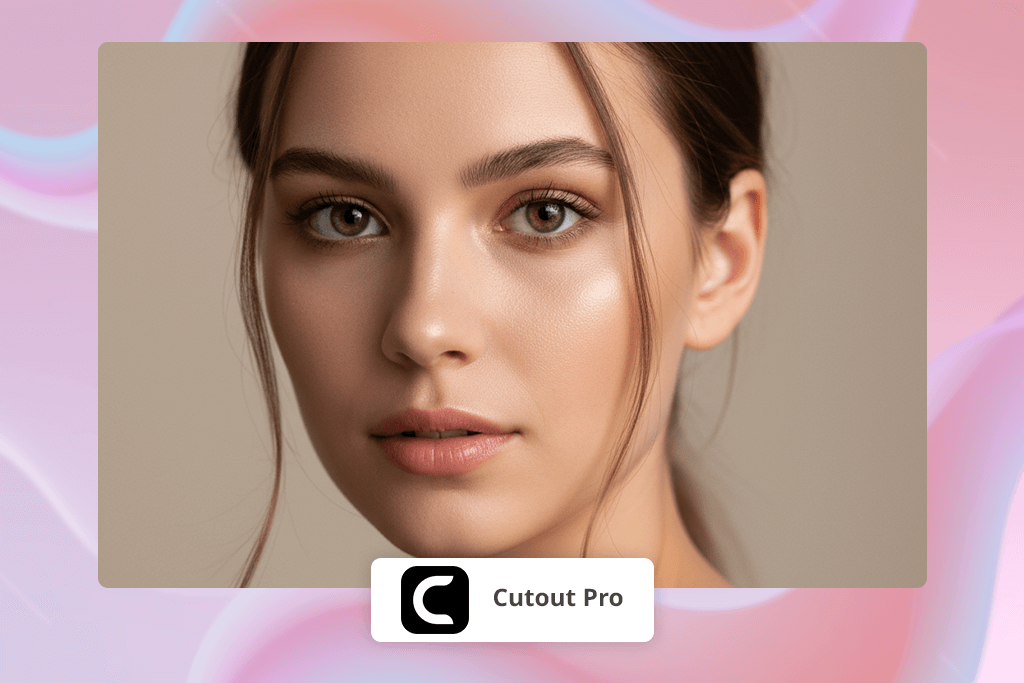
Cutout Pro isn’t a standard AI image generation solution like Leonardo AI, but it deserves to be included since AI editing features are just as important.
Whereas Leonardo AI is unsuitable for cleanup and fine-tuning, Cutout Pro excels at this part of the design workflow. Whenever I have to touch up a large number of product images, I open Cutout Pro to remove the background and perform batch editing.
It’s great at streamlining repetitive tasks. Rather than having to cut out elements and tidy up edges in Photoshop manually, this Leonardo AI alternative automates this process. It’s not made for producing “art”, but it’s a great assistant for tackling editing work that most other AI tools can’t handle.
Key features:
Best for: eCommerce, product marketing, and high-volume AI editing
Closest to Leonardo AI in: style variety
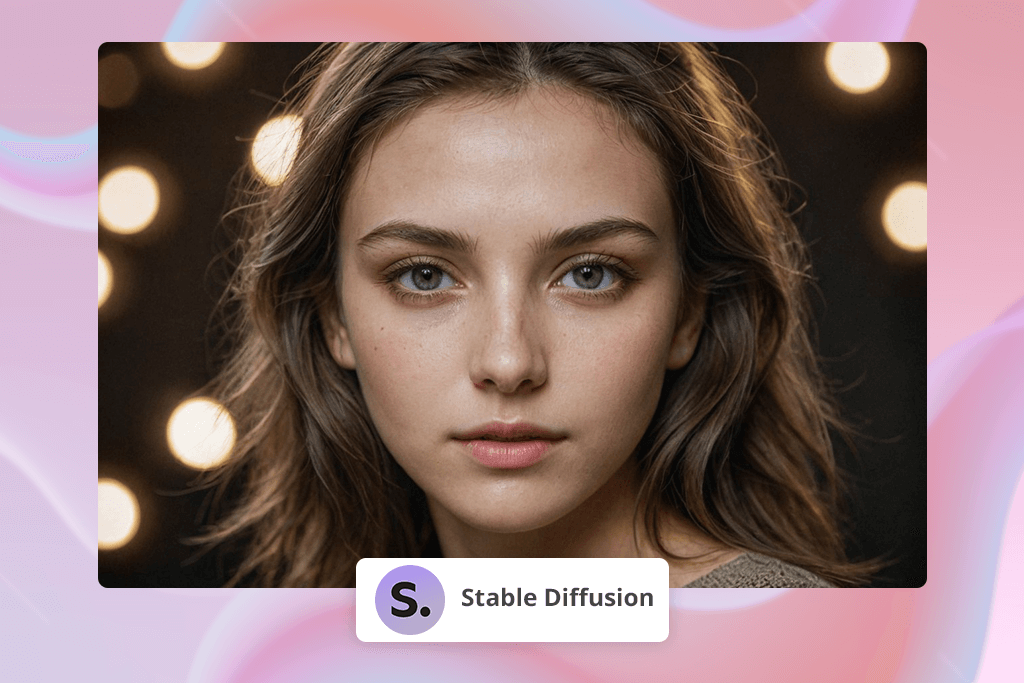
If you’ve ever wondered whether Leonardo AI is free and what budget-friendly alternatives you can use to replace it with, Stable Diffusion deserves your attention. It’s an open-source solution that provides unlimited creative freedom.
It’s based on SDXL models, providing more detailed and polished results than the majority of AI platforms, particularly when it comes to cinematic, concept, anime, and fantasy imagery. Moreover, Stable Diffusion secures maximum freedom – you’re not stuck using a single platform or pricing model.
Stable Diffusion can be used locally via interfaces like Automatic1111, ComfyUI, Fooocus, or by relying on cloud platforms. It’s up to you to determine the quality of the output as long as you’re willing to be patient with it. It requires you to know your way around model types, checkpoints, LoRA files, and prompts to receive polished results.
However, after you’ve created the setup, Stable Diffusion is a true production machine. I’ve seen users transform SDXL into a complete creative pipeline, producing custom-trained characters, consistent styles, backgrounds for videos, and unique product images.
Key features:
Best for: Artists interested in customization and aren’t afraid of a learning curve

Closest to Leonardo AI in: image cleanup
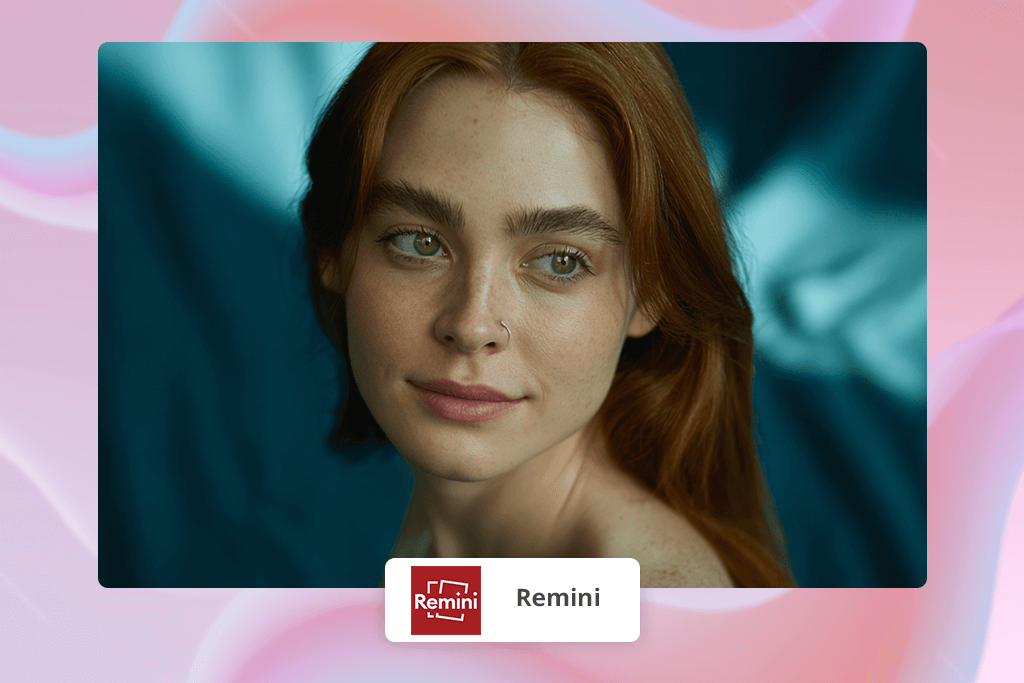
Remini is among the best Leonardo AI alternatives when it comes to image enhancements, facial retouching, and restoring low-quality photos. Even though Leonardo AI is superior when it comes to generating new images, Remini excels at improving existing photos, preparing them for us on social media, eCommerce websites, and portfolios.
I used it for low-quality mobile pictures and old family photos. Remini did a great job recovering detail without distorting the images or making them look artificial, providing more reliable results than most apps like Remini.
Compared to alternative solutions, Remini is intuitive and efficient. It doesn’t require any technical skills to enhance sharpness, adjust the lighting, or enlarge photos. While it’s not as versatile as Stable Diffusion or Firefly, it’s still a great option for saving or restoring photos that seemed unusable.
Key features:
Best for: Photographers, eCommerce, and creators who require clean, professional images fast.
Closest to Leonardo AI in: custom models
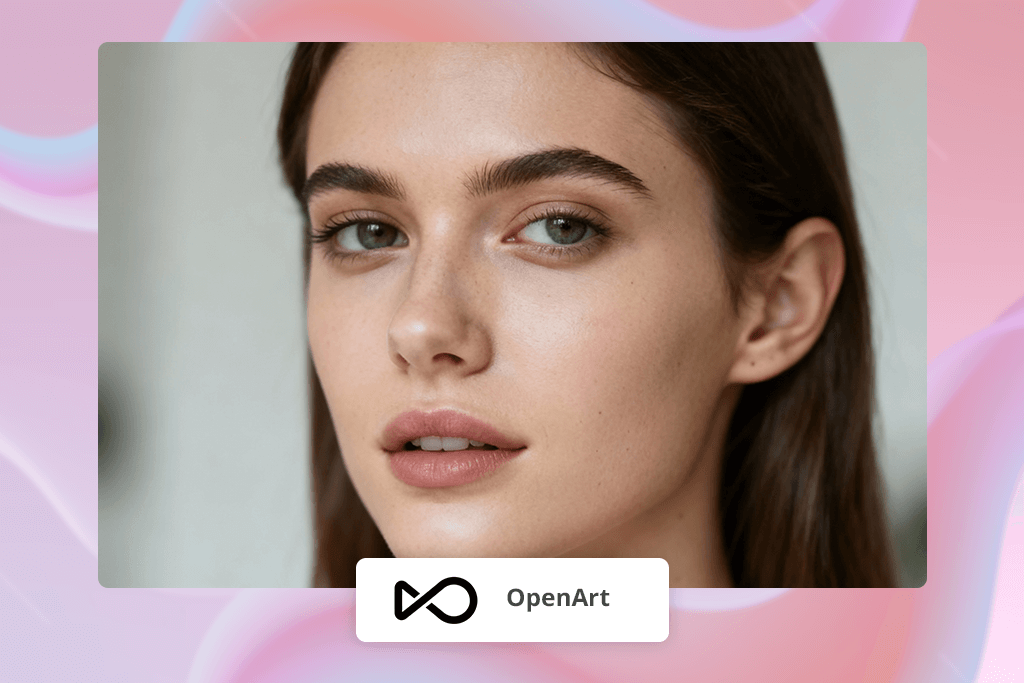
OpenArt is among the quickest AI generators I’ve tried, as it generates a result within 2-3 seconds. Similar to Leonardo AI, OpenArt is known for its character consistency and model training, while providing a higher level of control. It lets you train an AI model within minutes to create a distinct style or character identity, which is very handy for making storyboards or branding visuals.
I love how versatile this solution is. It lets you use various AI engines like Flux, Stable Diffusion, or DALL·E 3, while changing their parameters as you see fit. If you want to enjoy higher precision and minimize randomness, OpenArt provides features for guiding the AI instead of relying on the unpredictability of prompt results.
Key features:
Best for: Creators who require consistency across a series of AI images
Closest to Leonardo AI in: free AI art
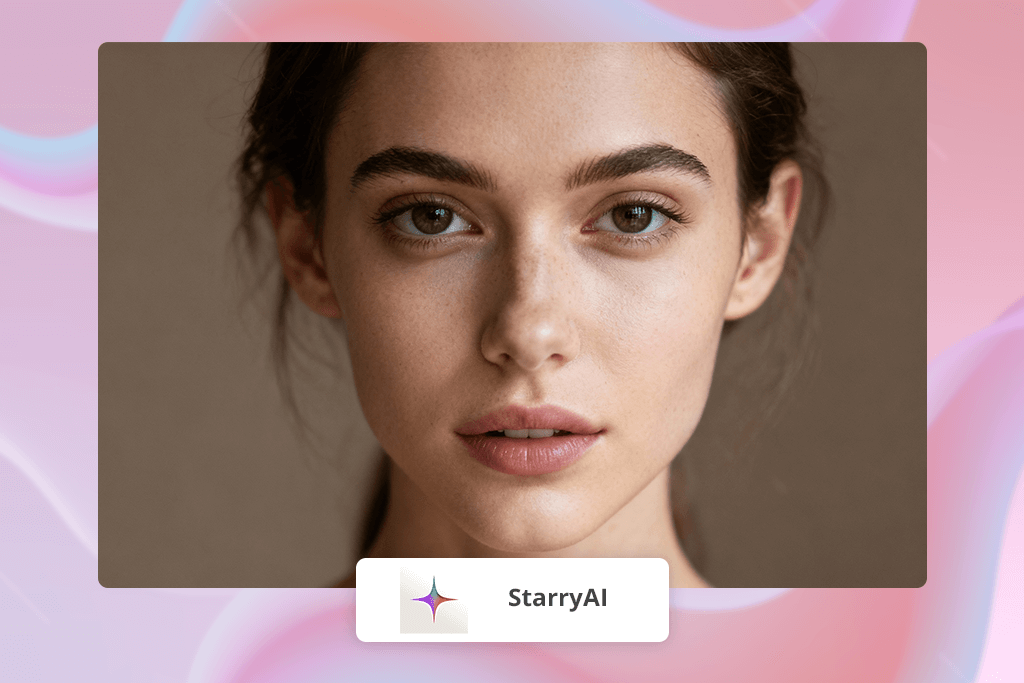
StarryAI is a straightforward but robust Leonardo AI alternative if you’re looking for free daily AI art generation that doesn’t apply any watermarks. You receive 25 free generations a day, which lets you experiment, visualize ideas, or create moodboards.
When juxtaposed against Leonardo AI, StarryAI feels less technical and more user-friendly, which is why it’s often named among the best AI art generators for complete beginners.
It’s not suitable for professional projects, but artists, students, and hobbyists who need to visualize concepts on the fly can benefit a lot from StarryAI. Additionally, it lets you pick AI art apps.
Key features:
Best for: Beginners and casual creators interested in free AI art
Closest to Leonardo AI in: image control
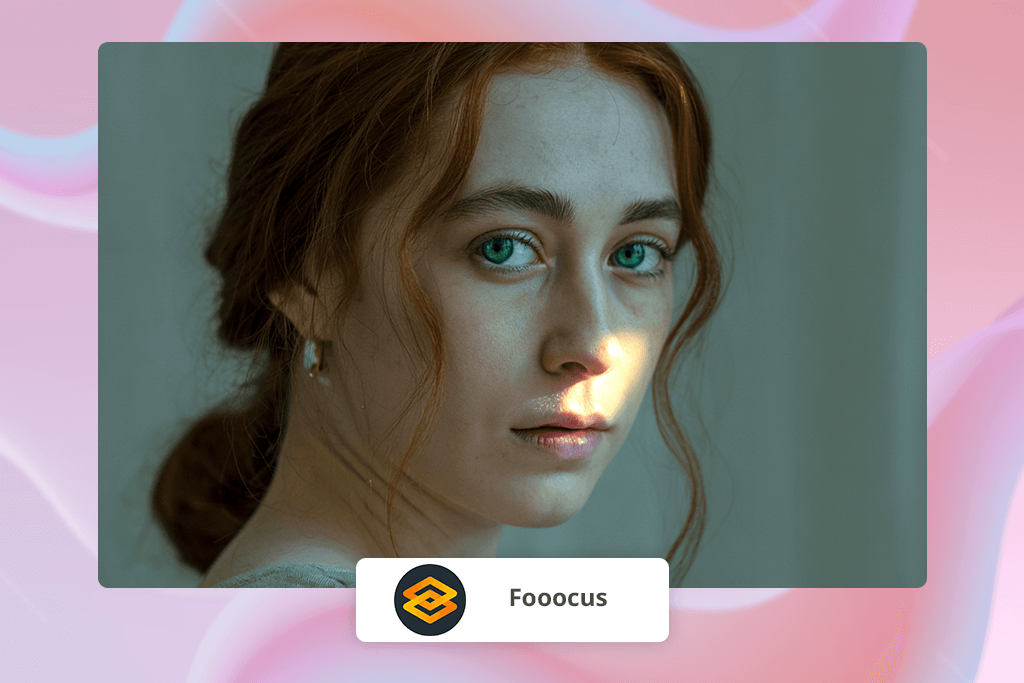
Fooocus is a fantastic option if you like the concept of Stable Diffusion but are looking for something more user-friendly. Unlike Leonardo AI, it offers more control over the result by providing intricate settings for composition, prompt weight, and detail enhancement. During my test, it managed to follow my prompts more accurately than the majority of SDXL interfaces.
The biggest flaw of this option is that it demands a bit of setup if you want to use it locally, while also requiring a powerful graphics card. However, if you dedicate a couple of minutes to configure Fooocus, it will quickly become one of the best AI tools for controllable image generation in your workflow when it comes to consistent characters or product photos.
Key features:
Best for: Users interested in SDXL power without complex node setups
Closest to Leonardo AI in: AI scalability
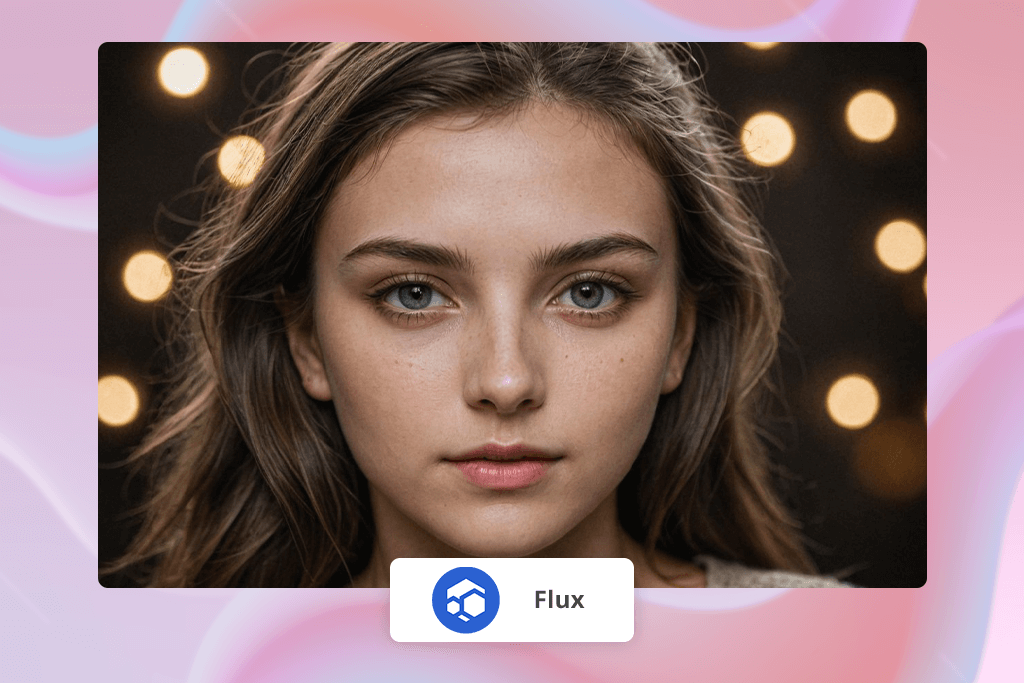
Flux stands out from other Leonardo AI alternatives by offering an entire AI infrastructure. If you take AI technology seriously and are interested in leveraging it to tackle bigger projects, apps, and AI-led automation, Flux provides you with decentralized cloud power to employ AI at scale. It allows you to host and deploy AI models instead of simply generating visuals.
It’s a lot more elaborate than Leonardo AI and is primarily aimed at technical users, startups, and developers creating their own AI platforms. It doesn’t provide plug-and-play generation, but if you’re using Stable Diffusion or personalized AI workflows, Flux can help get rid of server limitations and deliver incredible scalability.
Key features:
Best for: Experienced AI users creating customized AI pipelines
This list doesn’t consist of randomly chosen solutions, as I have tried out all featured Leonardo AI alternatives in actual creative scenarios. Along with my coworkers from the FixThePhoto team, we adhered to our go-to testing process, which we rely on to examine all AI solutions and design software before recommending them.
We evaluated every option by applying it to real-life projects instead of simply using generic prompts. We used them to create product mockups, ad-style visuals, portraits, and concept images to determine which platforms are suitable for professional work. Our team primarily focused on:
We also tried to figure out whether specific options are a good fit for existing production pipelines. For instance, can I enhance the generated image in Photoshop without redoing everything? Can the AI images be applied for branding? Is it possible to receive a consistent output across sets of images?
This is why several popular AI generators weren’t included in this overview – they tended to provide generic or inconsistent results that made it hard to use them for actual projects.
Some people are disappointed in Leonardo AI’s pricing, while others want a more versatile, eCommerce-friendly platform for professional work.
Adobe Firefly stands above other options since it can be integrated into Photoshop/Illustrator.
If you’re interested in unparalleled customization, go with Stable Diffusion. For a more user-friendly free solution – StarryAI.
Picsart works great on phones while providing both AI generation and image editing features.
OpenArt excels at preserving character designs across images thanks to custom AI model training.
Yes, but be sure to study the license terms of every specific platform you use. Adobe Firefly is the most reliable option for commercial usage.
Cutout.Pro and Remini were designed for enhancing images with the help of AI and preparing them for professional use.




![7 Best JFIF to JPG Converters in {{%year}} [Fast & Free]](http://fixthephoto.com/blog/images/gallery/news_main__preview_28570.jpg)

![5 Best Free JPEG to JPG Converters [Without Watermarks]](http://fixthephoto.com/blog/images/gallery/news_main__preview_28485.jpg)

![9 Best Ghibli AI Generators in {{%year}} [100% FREE]](http://fixthephoto.com/blog/images/gallery/news_main__preview_28431.jpg)
![9 Best Facebook Story Makers [Online, Desktop, iOS & Android]](http://fixthephoto.com/blog/images/gallery/news_main__preview_28495.jpg)


















