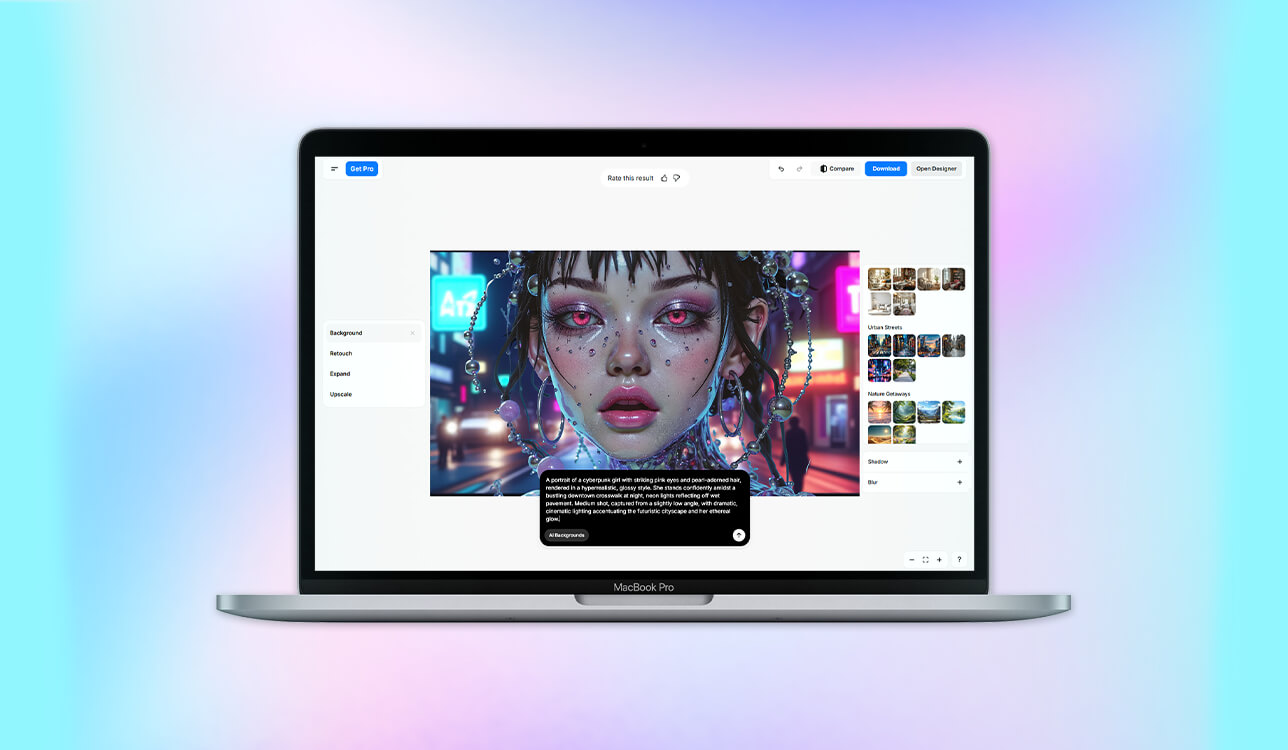
I have always been a fan of anime, even though I am not a professional illustrator. When studying at a digital media school, I decided to create a visual story called “Neon Echo” for my final project. I wanted to produce a project in a cyberpunk style and explore the topics of memory and identity.
I created a script and developed a concept, but it was impossible for me to draw the characters by myself. Besides, I could not afford to hire an artist. This is why I decided to use AI anime generators.
At first, I wanted to find a service that would help me make my main character, Aria, look consistent in every frame. I was looking for a platform with handy tools for controlling lighting and colors that was able to generate outputs with clean linework and a specific style. I was interested in solutions that produced vibrant visuals with consistent characters.
Then I discovered how to use AI for anime art and found a service that allowed me to upload a reference picture and adjust it using prompts. I was able to choose a different pose for Aria, transform her outfit and background, and still ensure that she would look like the same character. I used short prompts, specified what lighting I wanted to use, and tweaked the colors manually in Photoshop.
As a result, I created twelve professional-looking frames with a consistent style and a cinematic feel. I was impressed with the fact that I was able to create these visuals without the help of a large team. My professor even asked me about the artist who helped me. I answered by saying that I used a virtual assistant.
I decided to explore anime AI art generators and choose suitable tools for future projects. I asked my colleagues from the FixThePhoto team to help me with choosing services and testing them thoroughly to create a list of the best options.
Anime is no longer considered a simple form of entertainment. Nowadays, it has become a creative medium that is used by marketing professionals, designers, and educators.
In entertainment, anime allows artists to express their unique vision and visualize their stories. Artists and studios produce full-length series, short films, and web animations that invite viewers into imaginary worlds filled with elements of deep cultural significance. Independent creators also utilize AI anime generators to visualize their ideas, design characters, and produce pilot episodes while staying within their budgets.
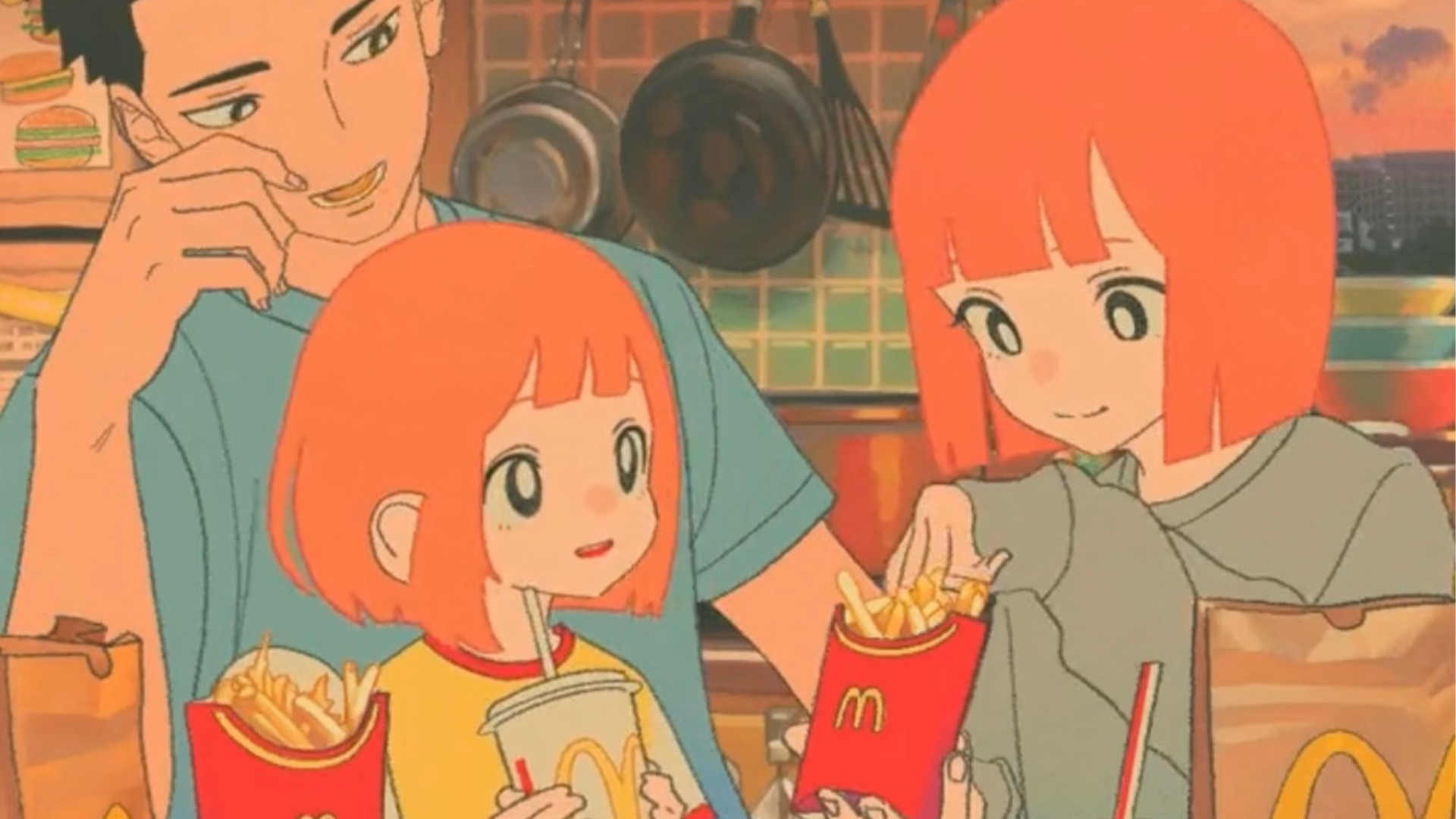
In marketing and branding, images in the anime style become even more popular, as they allow brands to connect with younger generations. Companies use anime-inspired mascots, develop ad campaigns with anime elements, and produce themed packaging. This style is used by many influencers.
It’s perfect for creating animated brand characters. It is quite attention-grabbing and allows one to establish a strong emotional connection with the audience via an expressive, relatable design.
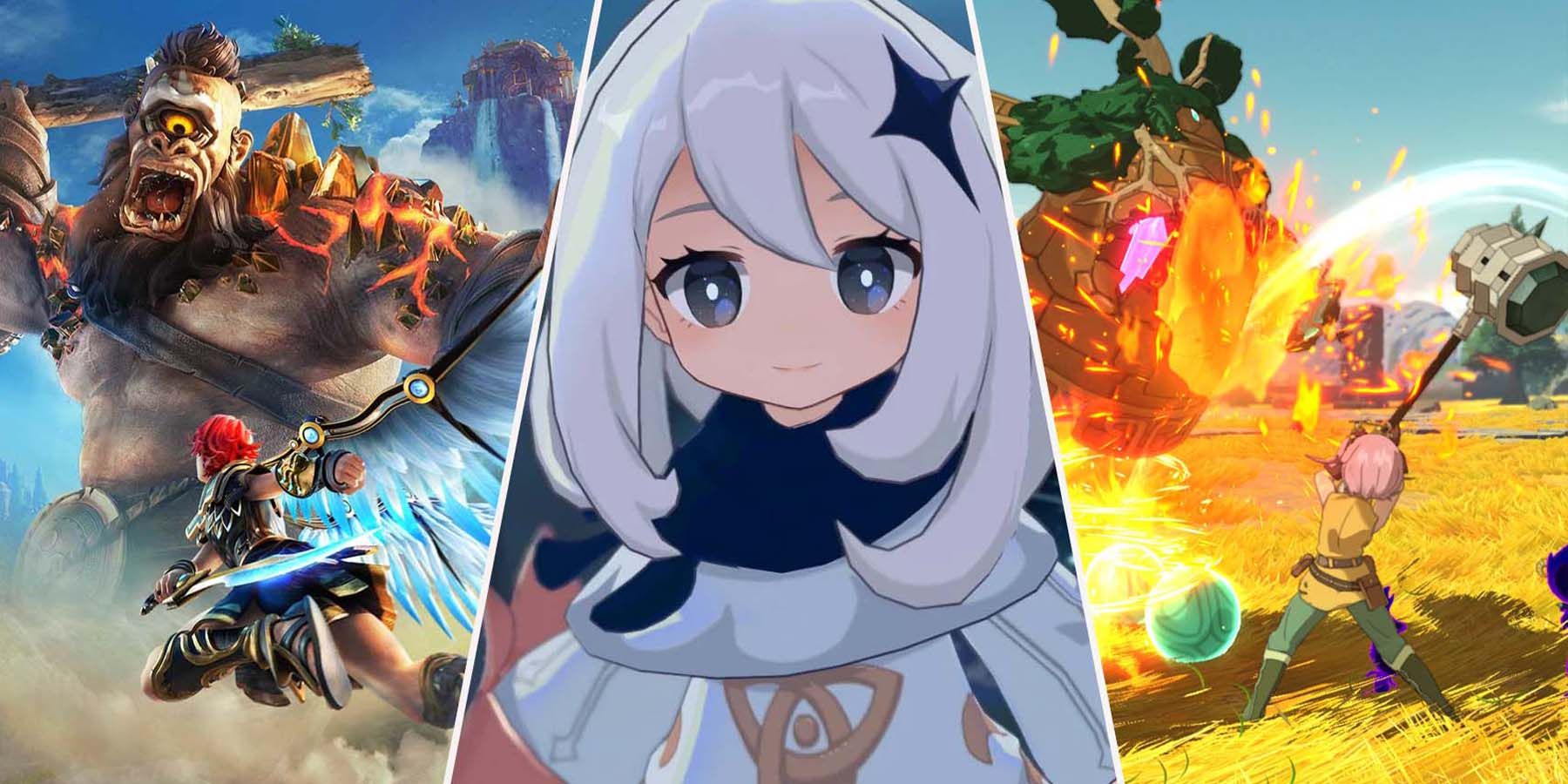
The gaming industry has been using anime aesthetics for a long time. Developers use anime-themed art for character design, concept development, and cinematic storytelling. One can find anime characters in JRPGs and mobile gacha games. Designers use bold lines and add emotional depth to game characters to create a more immersive virtual world for players.
Anime visuals stand out on social media and are often used by content creators. One can find a lot of such digital assets on YouTube, TikTok, and Instagram. Creators use anime-inspired avatars, thumbnails, and filters to develop recognizable personal brands. AI tools allow influencers and streamers to stylize their content and make it more recognizable.
In comics and visual novels, anime and manga continue to serve as the primary source of an entire storytelling culture. Artists like using this style, as it allows them to design consistent characters, convey the right emotion, emphasize movement, and create the right atmosphere. Many webtoons and digital comics use anime’s visual language, making them more engaging.
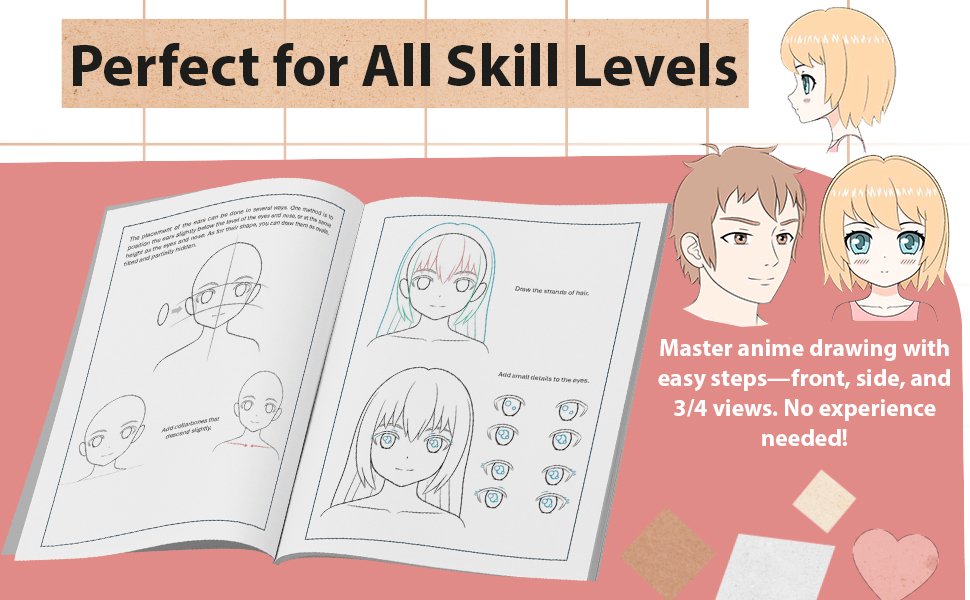
In education, anime-themed visuals make learning more interactive and entertaining. Teachers and e-learning professionals use anime characters to make lessons more engaging, clarify concepts, and help students focus. Many creative courses also use anime as a teaching tool for storytelling, visual design, and cultural studies.
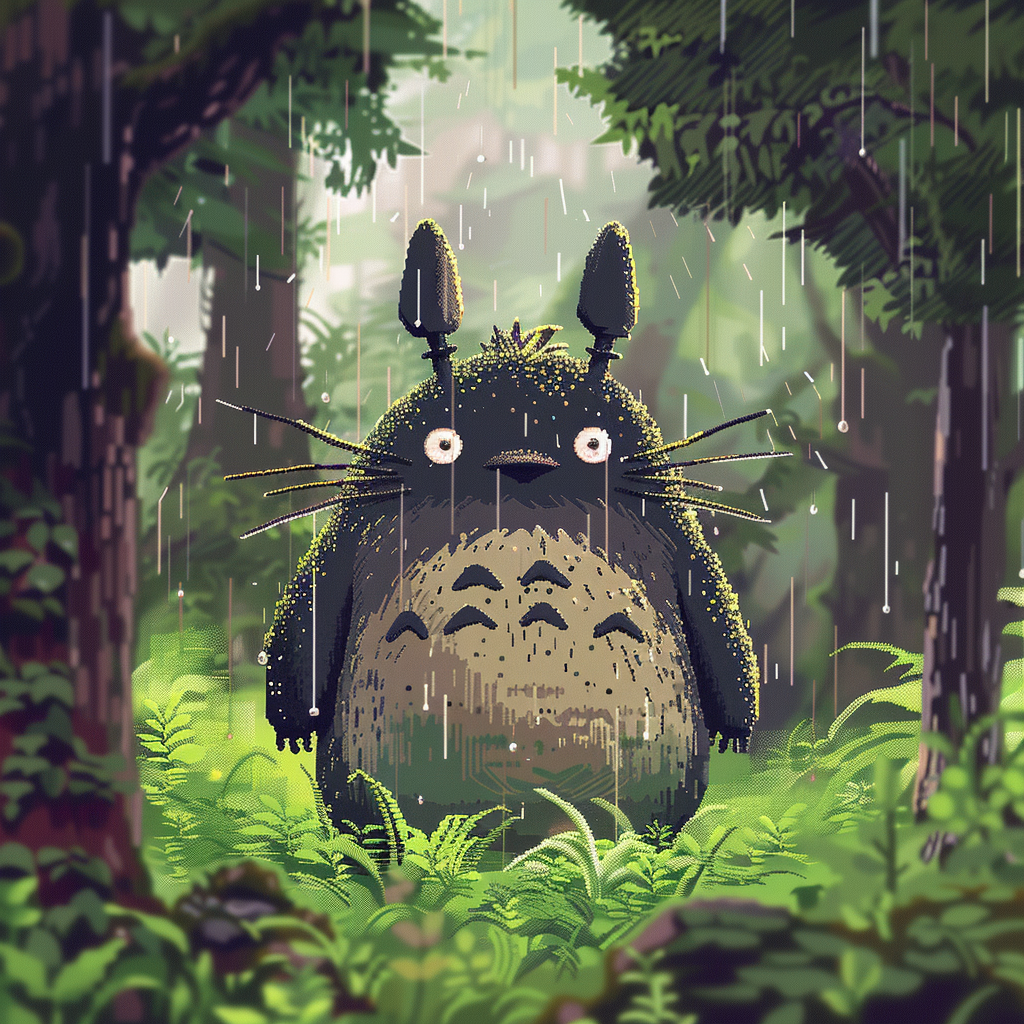
Finally, fan art and personal projects are where anime’s global community truly shines. Artists reimagine beloved characters, create original stories, or experiment with styles for fun or self-expression. Many professional illustrators and concept artists began by drawing anime fan art, later developing their own signature aesthetics.

In short, anime isn’t just a genre — it’s a multifunctional visual language. Whether it’s used in films, ads, games, classrooms, or social feeds, anime’s emotional power and visual clarity make it one of the most adaptable art forms of the modern era.
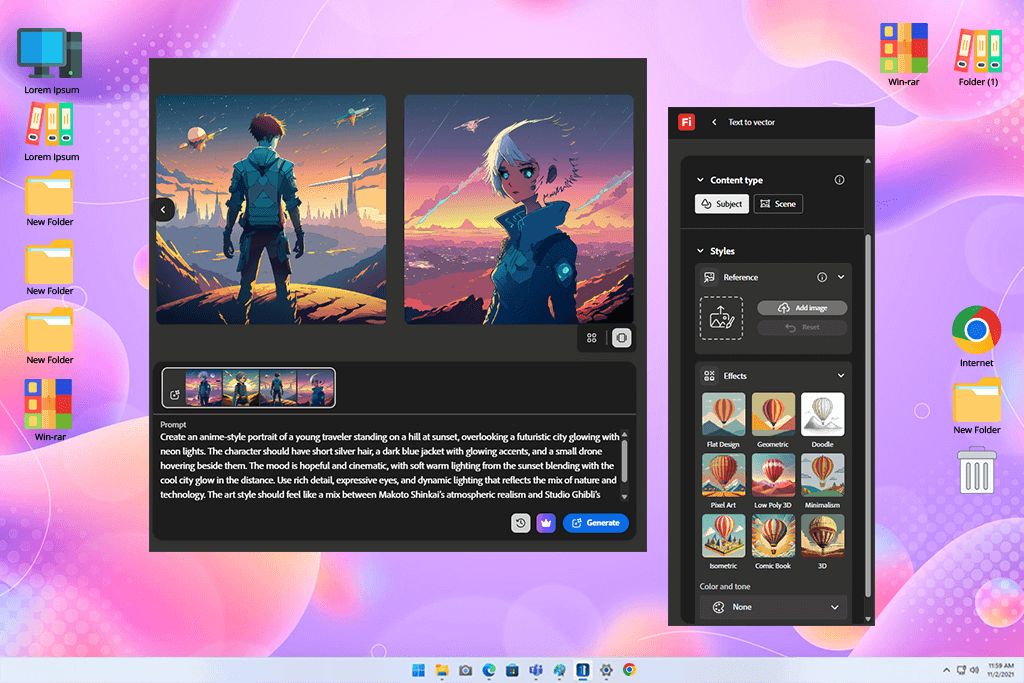
When I started to test Firefly, I was working on my anime project. I did not expect much from this anime AI image generator. Adobe tools often have a bit of a corporate look about them and fail to produce expressive, stylized art.
However, Firefly exceeded my expectations. Its text-to-image engine helped me visualize my anime prompts, achieve perfect color balance, and create a well-balanced composition. When I was working on a sci-fi anime poster for a digital campaign, the lighting effects looked professional. My characters had glowing eyes and dynamic poses that looked as if they were created with the help of advanced studio software.
“Honestly, I did not set my expectations high, but this solution helped me to generate anime images with the right vibe. The lighting, colors, and details look as if they were edited in professional studio software. Its UI is intuitive, fast, and easy to configure. It’s best suited for posters or anime concepts.”

I was pleased by the fact that this free Adobe software blended anime style with realism. I was able to adjust line softness, change background depth, and configure lighting mood using an intuitive interface.
While characters’ faces occasionally looked too Westernized, I was able to fix this issue by changing my prompts subtly. Firefly is different from typical AI anime generators. It feels more like a professional virtual assistant and can help anyone interested in anime-style designs.
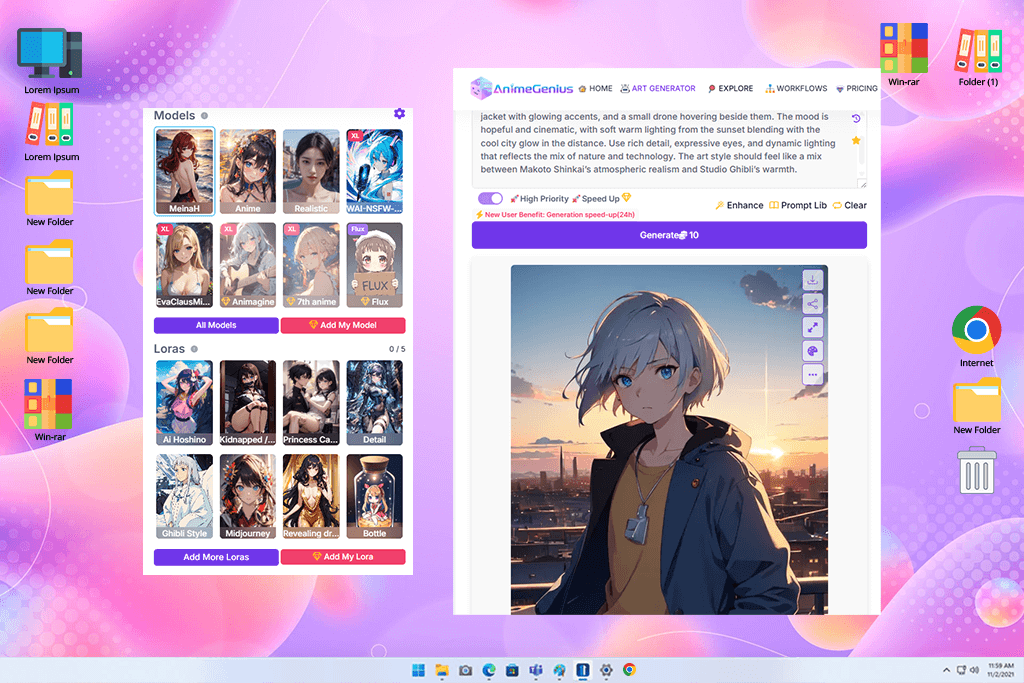
AnimeGenius looked as if it was created for professionals like me who prioritize detail and consistency. With its help, I designed a set of anime characters for creating a short visual novel.
It quickly generated an output in traditional Japanese anime style. The images had clean lines and perfect shades. The characters’ eyes looked quite expressive. This AI art generator for anime has special sliders that allow me to change emotions, poses, and outfits to customize my characters.
“I used this service to design characters for my manga and was stunned by the consistency of the outputs. It recreated a character with the same face and outfit every time. The output looked as if it was created by a professional digital anime artist.”

I was pleased by the fact that this service helped me maintain a consistent art style and recreate characters that looked the same in different scenes. Many other similar tools fail to achieve a similar result. It helped me generate entire scenes using dialogue snippets.
The only shortcoming is that some backgrounds looked repetitive unless I changed the composition settings. This is why AnimeGenius felt like an anime studio accessible from a laptop.
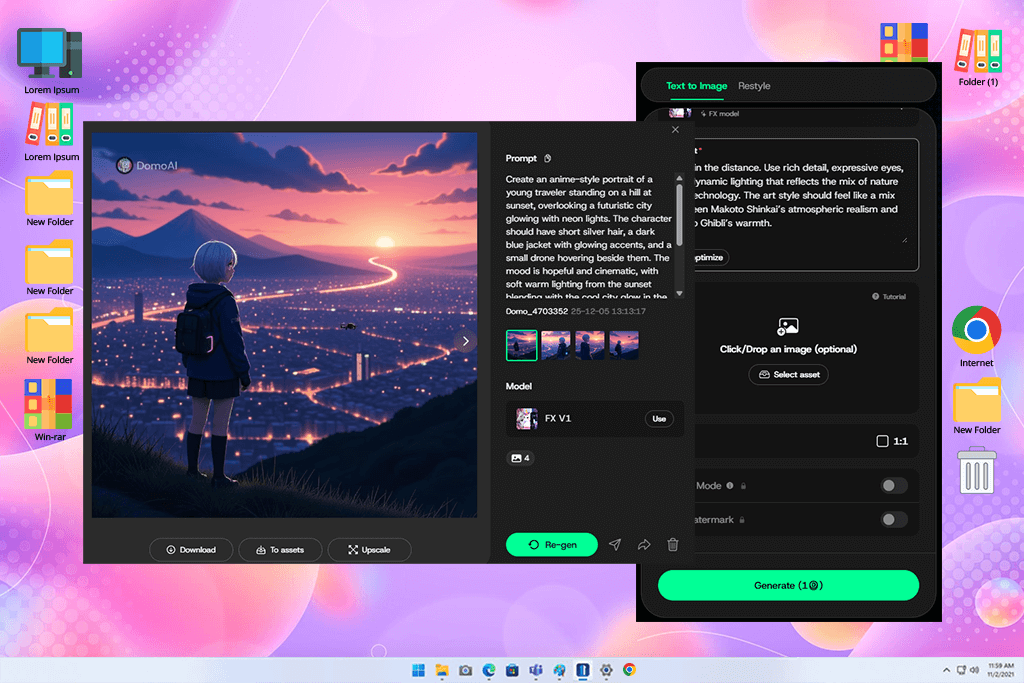
I enjoyed testing DomoAI. I noticed that some people online used it to convert their real videos into anime clips. This is why I decided to give it a try. I decided to convert my short parkour video, which I shot with friends, and used the following prompt: “cyberpunk anime style, glowing streets, Tokyo night.” I was pleased with the output — it helped me transform our movements into professional-level 2D animation with glowing effects and cel-shaded highlights.
“This service helps me convert my video clips into an anime scene. The process is smooth and streamlined. Besides, this service allows you to add a variety of effects to your images. I was pleased with its animation capabilities.”

The AI anime art generator helped me create perfect frames and transitions to create a clip that looked as if it were animated manually. I noticed some frame glitches, but was pleasantly surprised with the consistency of style.
If you wanted to become a character in an anime scene, DomoAI could make that fantasy real. This animation software for anime is more than a simple art generator. It has an extensive set of visual transformation tools.

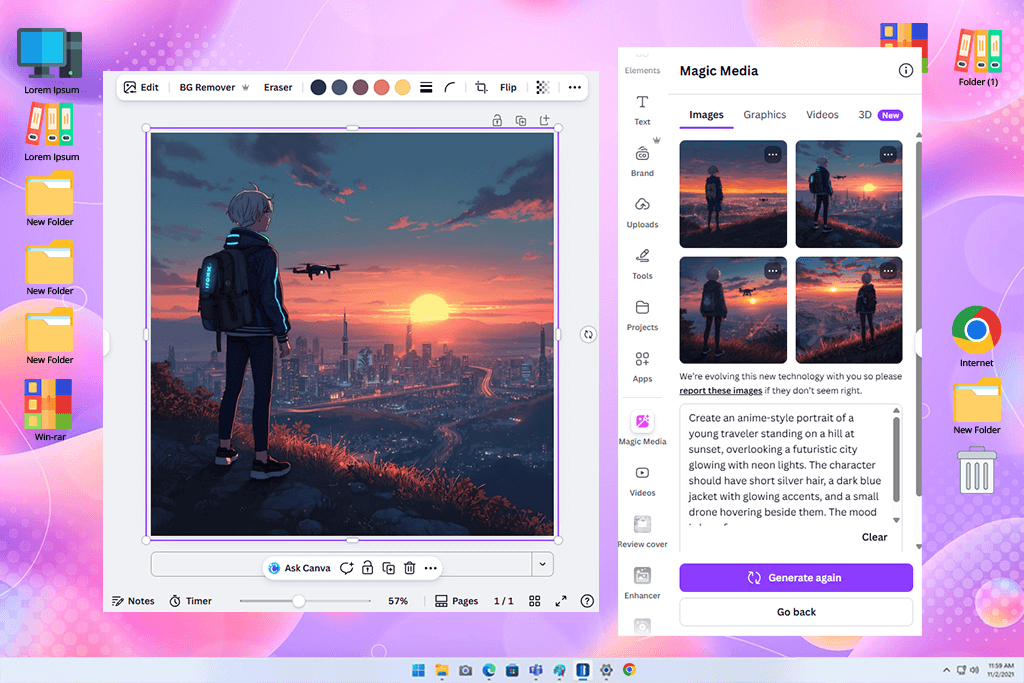
Canva might not look like a dedicated anime generator. However, when I started testing its AI image engine using my anime prompts, I discovered that it was perfect for generating creative outputs quickly. Canva helped me create background art for the cover of an anime podcast. Besides, I used this AI image generator for anime to create character portraits and text layouts.
“While I did not set my expectations high, it helped me create actual anime art. Its performance was extremely fast, and the outputs looked perfect for social media. The outputs do not have a high level of detail, but if you just want to create clean anime visuals, it’s a great option to consider.”

Canva stands out among other similar services, as it integrates anime pics into templates. There is no need to install third-party software or export visuals. I was able to change character proportions, apply glowing effects, or add anime-themed typography.
Unlike other AI image generators, it does not allow me to create painterly or overly detailed outputs. However, it helped me significantly optimize my workflow. Canva has many advanced features for marketing professionals and content creators who want to create anime visuals.
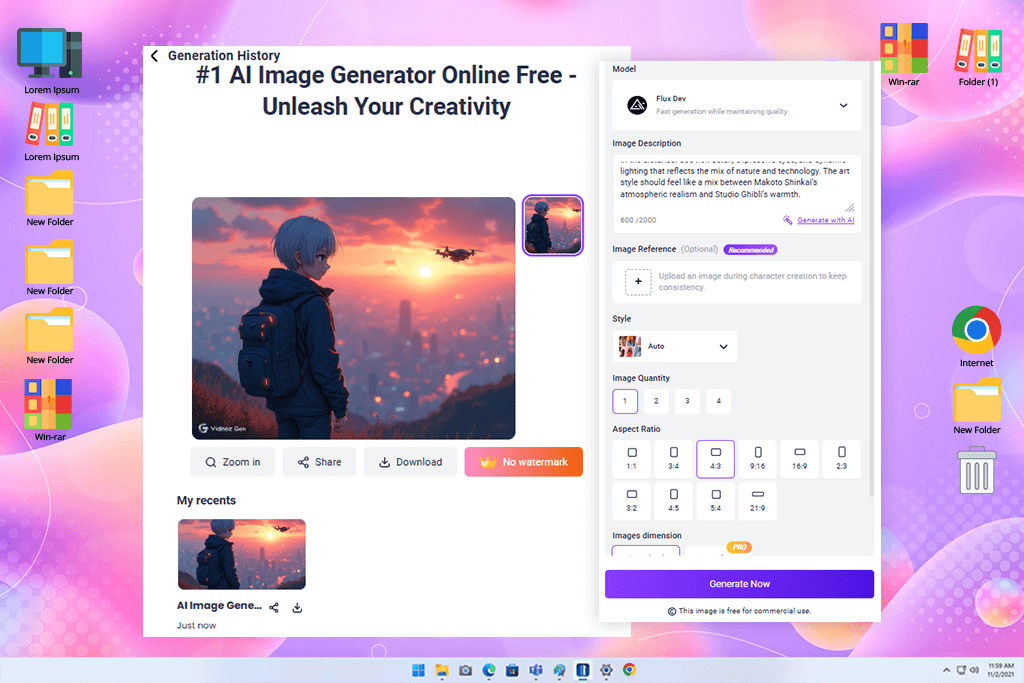
Using Vidnoz, I tried converting a few portraits to cartoon-style images. The process was quick and automatic. The free AI anime art generator created several versions at a time. The ability to create these different versions helped me experiment with different styles without effort.
“I created a talking anime avatar for my YouTube intro using this service. It helped me synchronize the lips perfectly. It looks like a mini animation studio you can access from your browser.”

I liked that the AI art generator didn’t require setup. Besides, one does not need to have any editing experience to use it, and the downloads came within just minutes. I like to use it to create profile pictures and fun graphics for Facebook and other social media, when I need to create something more than just a generic picture.
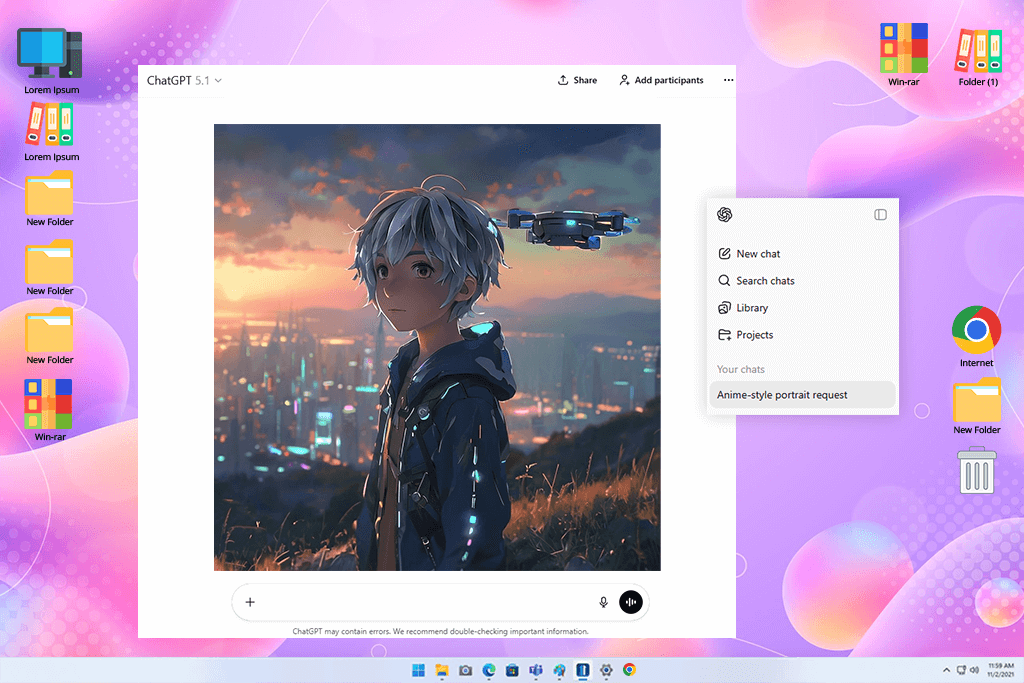
I decided to use ChatGPT as a part of a wider experiment. While I did not use it to generate anime pictures, it helped me create excellent prompts for AI image generation services. I wrote a detailed description of my project and told it that I wanted to create scenes from an anime about memory and time with a fantasy and futuristic feel.
As a result, it generated professional-looking prompt structures describing hues, mood, poses, and camera angles.
“Even though it’s impossible to use it for drawing anything, it helped me write the best prompts ever. As a result, I was able to generate much better images when I used its descriptions. It has fully transformed how I plan anime art.”

When I used these prompts to generate illustrations in Firefly, Midjourney, and other dedicated apps that turn pictures into anime, I was pleased with the results. ChatGPT helped me discover new creative ideas, create detailed descriptions of the desired outputs, and generate stunning AI images. While it did not generate these pics, it helped me achieve the desired result.
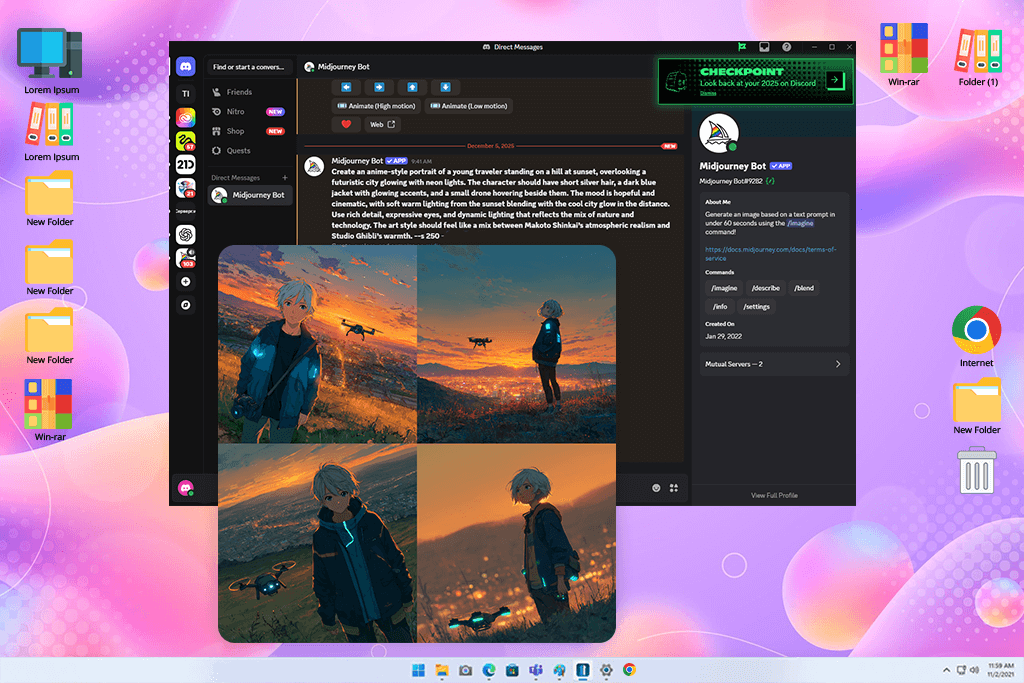
When I decided to test Midjourney to see whether it would be suitable for creating art in the anime style, it felt as if I got access to a professional animation studio. I was pleased with the high level of artistic control and the generated texture.
I used this AI anime generator to create professional concept art for the main character I worked on, a swordsman who lives in a modern world. The generated illustration looked like an attention-grabbing movie poster.
“This one is one of the best services I have ever used. Every render looks like professional concept art. While it might be challenging to master, it allows me to create masterpiece-level anime.”

Midjourney stands out for its ability to capture perfect lighting, perspective, and lines. When writing a prompt, you can specify whether you want to create an illustration that looks like a watercolor or create illustrations with a strong cinematic feel. It might be challenging to achieve a consistent style. It took me a while to understand how to make my characters look the same across multiple scenes.
You need to find an answer to the question of what Midjourney is and learn how to use it for maximum benefit. Once you have mastered its features, this anime image generator will allow you to create cinematic-level masterpieces.
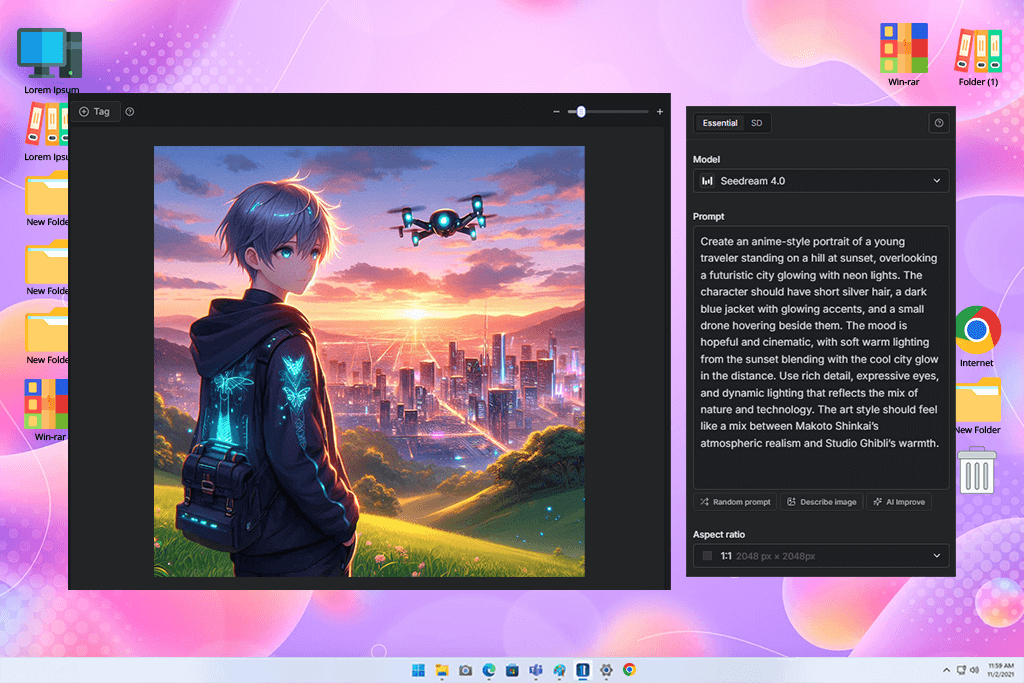
I often use GetimgAI when I need to experiment with new concepts. I tested its features when I was trying to come up with ideas for costume designs for my anime. I was impressed with the instant feedback loop.
This artificial intelligence software allows me to change my AI art for anime, experiment with various anime styles, and create a character that will look the same in various illustrations but express different emotions.
“Quick performance and useful features. I used it to test various outfits and expressions for my character, and it generated outputs in a few moments. An excellent choice for experimenting without waiting for too long.”

This service helped me streamline my workflow. It’s quite lightweight and allows me to keep my routine flexible. There is no need to wait for a long time or install complex software on my PC. I was especially pleased with its background removal and inpainting tools. Using them, I was able to improve my characters with ease.
The only downside is that the quality of outputs generated by GetimgAI is rather inconsistent. However, if you don’t have any prior experience with AI anime prototyping and need to quickly generate some images, it’s an excellent option to consider.
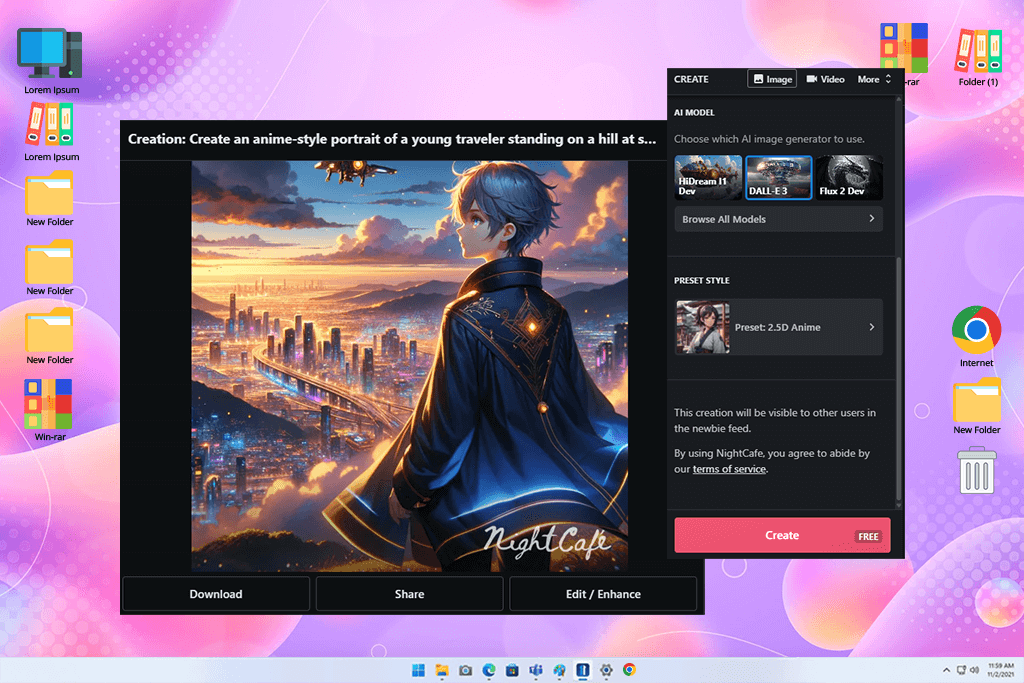
I decided to test DALL·E 3 to see whether it would be able to generate images in anime style, like other AI image generators did. It handled the task perfectly. With it, I was able to generate concept art for a fantasy anime.
There were picturesque mountains, runes, and a silver-haired heroine in my images. This anime art AI generator produced outputs with an impressive level of detail and well-balanced compositions.
“This service allows one to create an immersive scene. I wanted to generate a picture capturing a sad sunset moment, and produce a lovely image with soft colors and a strong emotional impact. I was impressed with how well it can interpret the mood you’re interested in.”
I was especially pleased with DALL·E 3’s ability to interpret emotions. When I asked it to create a scene capturing “a nostalgic anime moment at sunset,” it recreated the desired atmosphere with high accuracy. The output image had warm tones and beautiful lighting.
The AI art prompt generator was especially useful for working on complex scenes. It exceeded my expectations and maintained accurate proportions even when I asked this free anime AI art generator to create scenes with multiple characters. Even though its outputs are not as beautifully stylized as images generated with Midjourney, it has outstanding storytelling capabilities, making it perfect for creating anime scenes.
When we, together with the FixThePhoto team, tested these programs to discover the best AI anime generators, we wanted to find tools that would allow us to work on our creative projects without making them look too generic or soulless. Our team, including Tani Adams, Eva Williams, and Ann Young, adopted different approaches when testing these services. It helped us discover solutions with advanced technical tools and impressive storytelling capabilities.
We started to work on a shared project. We wanted to create a short, anime-themed visual story with multiple characters, emotional scenes, and a consistent art style. Each of my colleagues focused on a specific task. Tani wanted to check each service’s character generation tools and assess whether it was suitable for creating consistent poses.
Eva prioritized the scene-building capabilities of each software and its tools for working with lighting. Ann considered whether each software was suitable for working with emotions, textures, and background depth.
We tested each solution using the same prompt set. We changed it a bit to test the specific tools available in each generator. For instance, when using Firefly, we wanted to check lighting control. When using AnimeGenius, we tested character sliders.
Besides, we tested Midjourney’s cinematic rendering capabilities. We focused on accuracy, color balance, and line clarity. Besides, we tested how well each AI anime image generator maintained a cohesive art style when we used it to generate multiple pictures.
Besides the quality of output imagery, we also assessed usability. We wanted to see whether it was easy to change prompts, edit the outputs, and use the generated illustrations in our design projects. Some tools delivered impressive quality, while others were more flexible and had higher speed. After the testing stage, we were able to see clearly which AI anime generators were perfectly suitable for professionals, storytellers, and casual content creators.






















