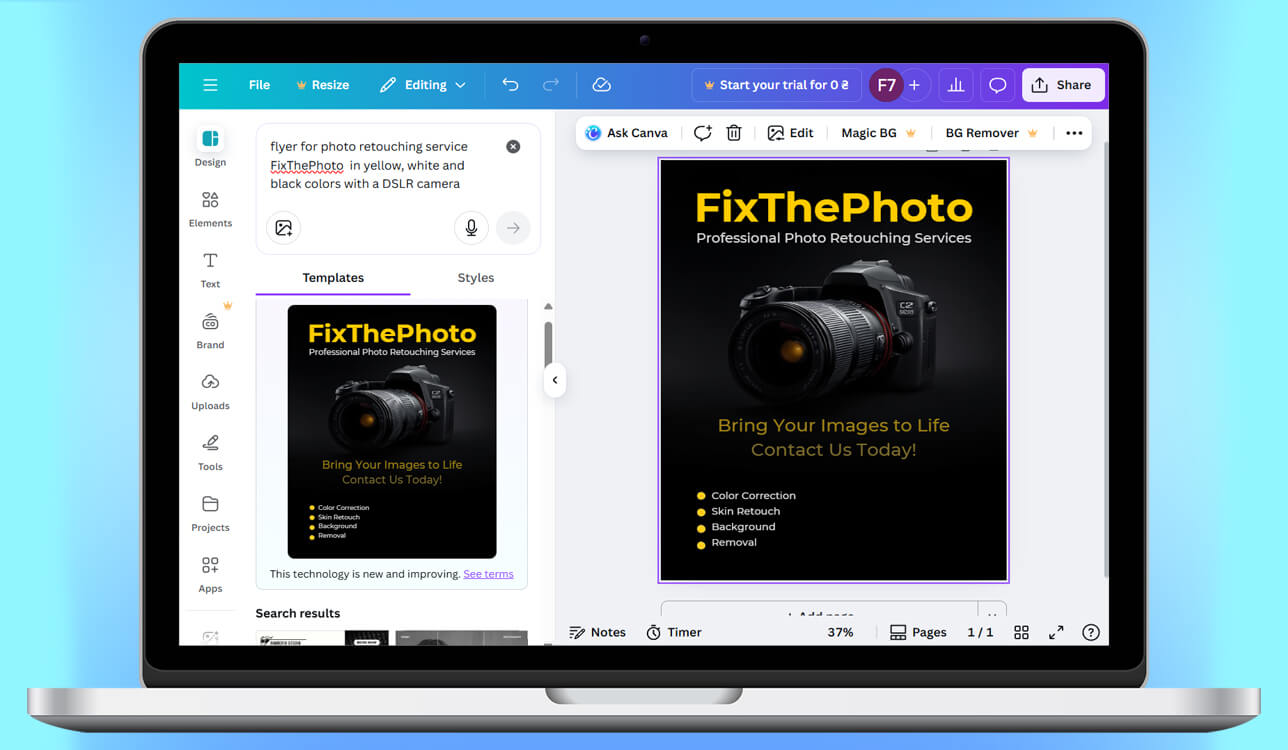
Running my small coffee shop, I needed a flyer to advertise our new seasonal drinks. For weeks, I struggled to create one myself. I have little design experience, and trying to use tools like Photoshop or Canva left me frustrated - I’d spend hours and still couldn’t make it look professional. What I really needed was a tool that was fast, smart, and creative enough to handle the design work for me.
When I began looking for AI flyer generators, I already knew what I was looking for. The design needed to look original and professional, not like a standard template used by everyone. I also wanted a tool that could understand my ideas - where I could enter my text, describe the look I wanted, and get several versions to choose from. Customization was important too, such as changing colors, fonts, and layout, so the flyer would feel like my own. And finally, speed mattered a lot - I wanted a finished result quickly, not after spending hours waiting.
I chose to try several AI tools one at a time. I gave all of them the same request: “Make a cozy, modern flyer for my coffee shop’s pumpkin spice menu, using warm colors and a friendly feeling.” Seeing the designs appear in just a few seconds was amazing. Some tools captured the mood right away, while others only needed small changes.
By the end, I found the tool that matched everything I needed. It saved me a lot of time, produced designs that looked professional, and even gave me ideas I wouldn’t have come up with myself. I went from feeling stuck and stressed to feeling excited and confident that my flyer would stand out - and it felt like having a real designer’s help without spending a lot of money.
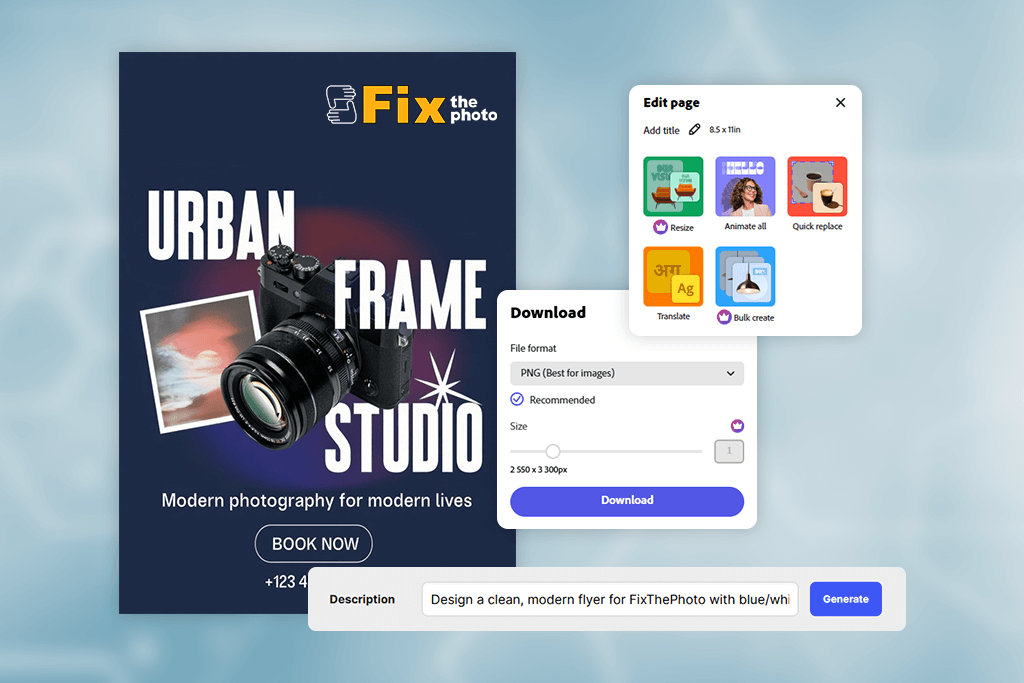
The first step is simply telling the AI what you want to create. You do this by giving it:
Using natural language processing (NLP), the AI reads and interprets your instructions. It identifies key details like mood, theme, color choices, preferred fonts, and target audience. This ensures the final design closely matches your vision.
For instance, when you input "cozy coffee shop autumn flyer," the AI understands "cozy" to suggest a welcoming atmosphere, "autumn" to guide the color palette toward earth tones, and "coffee shop" to establish a relaxed, café-inspired look.
Once the AI understands your instructions, it uses machine learning and design rules to build the flyer. Here's how it works behind the scenes:
By putting these steps together, the AI creates several design options in just a few seconds, so you can choose the one you like best.
Even though the AI creates clean, ready-to-use drafts, your input is still important to make them better:
Some AI flyer generators even learn from your edits, improving the next set of suggestions based on your preferences. This makes the AI smarter over time and better aligned with your design taste.
Once you’re satisfied with the design, the AI tool gets the flyer ready for use by offering:
Some more advanced tools even connect directly to printing services, so you can order physical flyers right from the platform.
Even though AI flyer creator software are very useful, they also have some limitations:
For example, if I need a flyer for a coffee shop’s Halloween event, I would enter something like:
“Make a fun, spooky flyer for a Halloween coffee night using orange and black colors, playful fonts, and a pumpkin image.”
The AI:
In just a few minutes, I can get professional, eye-catching flyers without needing to use Photoshop or Illustrator.
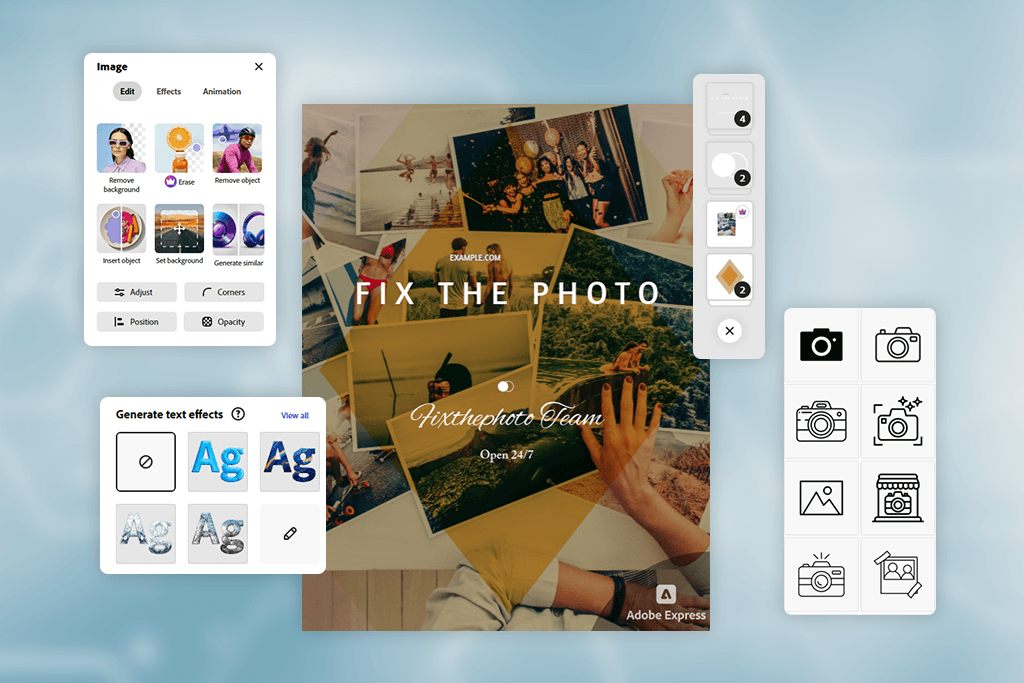
Yes, AI can add full branding when generating flyers, and it’s actually one of the areas where modern design tools perform surprisingly well. When you upload your logo or brand kit, the AI automatically analyzes the colors, shapes, and general visual tone of your brand.
It can then combine all those pieces into the flyer’s design - positioning your logo in balanced areas, adjusting the background to make it pop, and even adding small design touches that fit your brand’s look.
Your brand colors are applied thoughtfully. Instead of covering everything in the same shades, the AI smartly uses them for headings, buttons, and accents to keep the design both unified and easy to read. If you have specific color codes, the AI can follow them exactly.
For fonts, many tools let you upload your own typefaces or pick from ready-made brand styles. The AI then uses those fonts properly for titles, subheadings, and main text, so everything looks consistent and well planned, not messy or random.
In simple terms, the AI doesn’t just drop your logo onto a basic template. It understands your brand style and builds the flyer around it, so the final design feels custom-made and looks like it was done by a professional designer for your business.
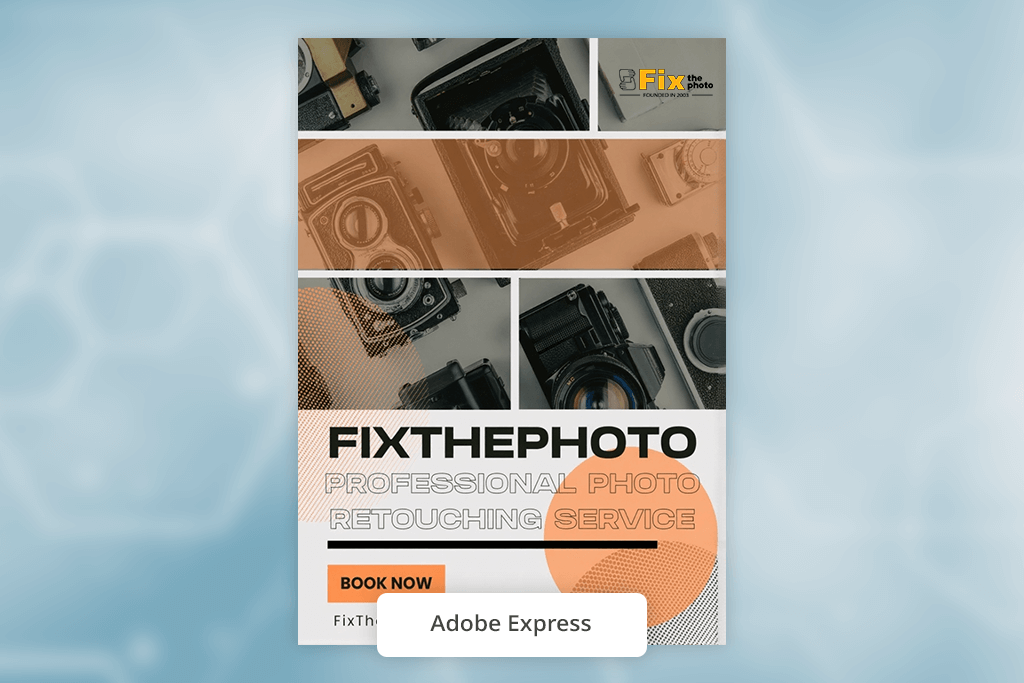
When I used Adobe Express to create a flyer, I was immediately impressed by how easily the AI understood what I wanted. Whether I gave it a short phrase or a longer description, it always gave me clean, professional designs with great-looking text and balanced colors. It didn’t just arrange things randomly - it really grasped the feeling and goal of my flyer.
While testing, I focused on brand consistency, which was very important to me. After I uploaded my logo and brand colors, the AI automatically applied the correct shades and matched them with professional fonts. The look remained consistent, even when I created several different design versions.
“Incredibly easy to use, and the results looked much more professional than I imagined. I just uploaded my logo, and it practically designed the rest on its own.”

I also tested how the AI handled unclear or incomplete instructions, since real-life requests aren't always precise. Even when I typed something vague like “make this cleaner but bold,” Adobe Express simplified the design in a smart, engaging way. It made thoughtful adjustments to spacing, text structure, and image placement.
After trying all the tools, Adobe Express felt the most fully featured. This free Adobe software offered the best mix of creative options, brand control, intelligent help, and overall design quality. If you need to create a flyer with AI quickly and professionally, and especially if your brand's look is important, it’s probably the best option.
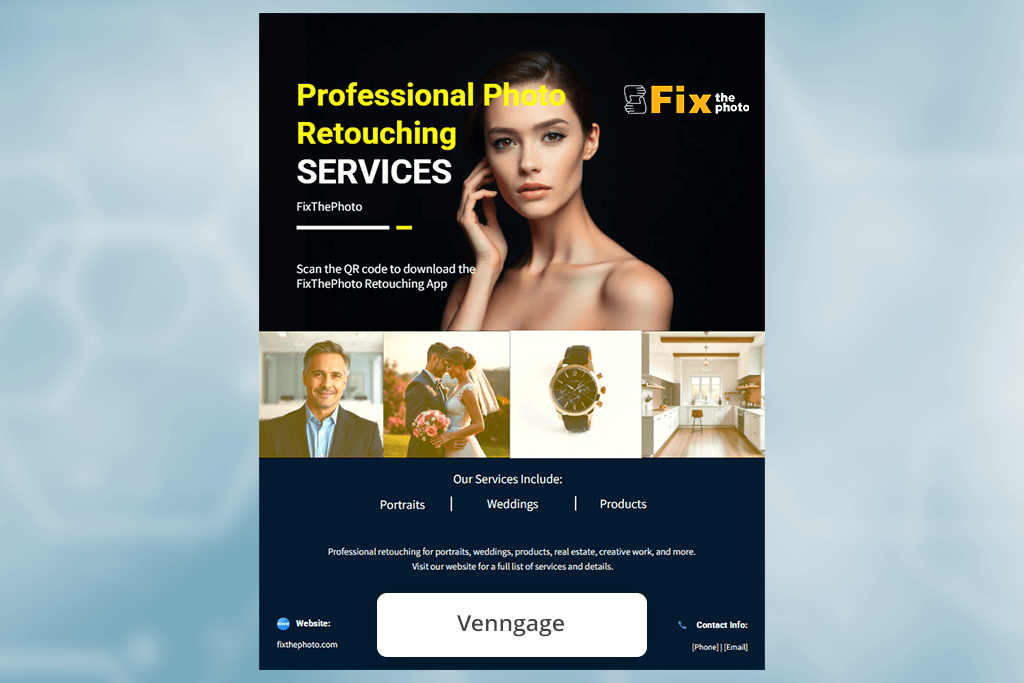
My experience with Venngage felt very different from Adobe Express, and in a positive way. Venngage is especially strong when a flyer has a lot of information. Instead of just styling the text, the AI organized it. When I added long event details, it automatically split them into clear sections, included icons, and laid everything out in an easy-to-read format without any extra instructions from me.
While testing this AI flyer designer, I saw how smart the layout system really is. Whenever I changed a sentence or made a headline longer, the AI automatically adjusted the spacing so the design still looked clean and balanced. Nothing felt crowded or out of place - the layout adapted on its own, almost like a flexible grid that reshapes itself.
“Very good for professional, business-focused flyers. Designs look clean and well-organized, but can feel a little rigid at times.”

Brand integration worked more smoothly than I thought. With Venngage's Brand Kit, I could upload my colors, fonts, and logos, and the AI applied them right away across various templates. What stood out was how the tool kept everything easy to read and well-balanced, even when I used uncommon color combinations.
If your flyers are focused on information like schedules, instructions, or event details, this flyers software is a great choice. It’s accurate, well-organized, and perfect when a clear text layout is just as important as the overall design.
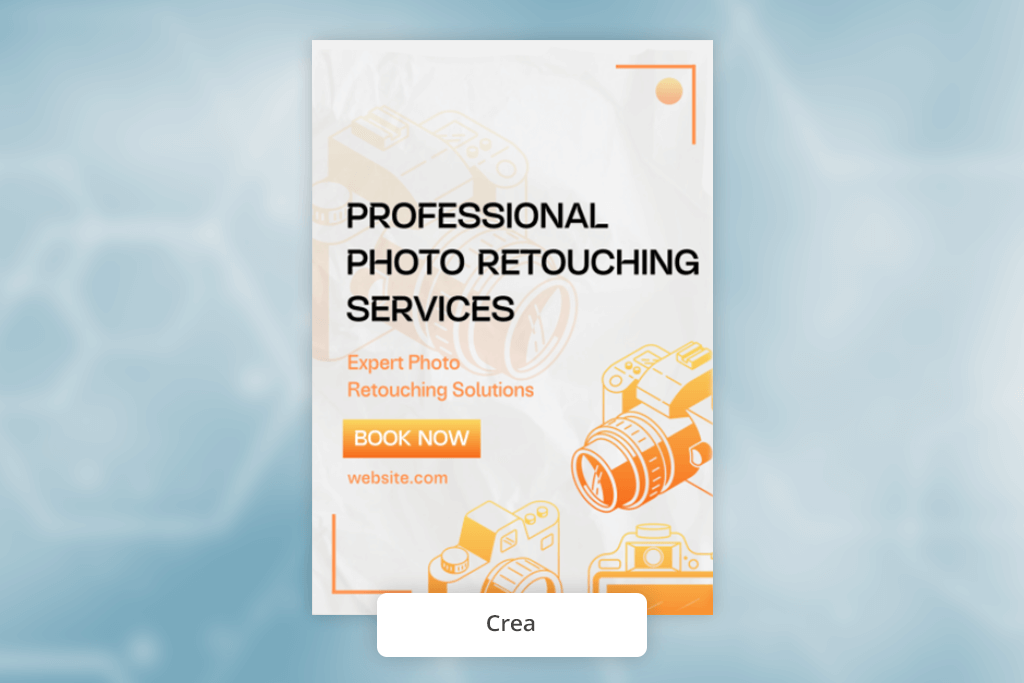
Poster Maker Crea caught my attention right away because of its strong visual creativity. Instead of just using ready-made templates, the AI creates artistic backgrounds, textures, and themed illustrations from my text. It felt more like working with a digital artist than using a basic design tool.
I tried giving it more creative prompts, like “a dark grunge poster with neon-style lettering,” and the AI delivered very bold, stylized designs. It added layered effects, matched the mood really well, and even included creative overlays that I wouldn’t have thought to use myself.
“Very fun templates that work great for fast promotional flyers. It’s not very advanced, but it’s extremely quick to use.”

Branding was handled differently here. Instead of keeping my logo unchanged, the AI adapted it to fit the flyer's mood - creating glowing, textured, or artistic versions. This gave each design a unique, custom feel instead of a template look.
If I needed bold, eye-catching flyers for concerts, parties, or creative events, this flyers tool would be my first choice. It has a creative, artistic feel that most AI tools don't provide.
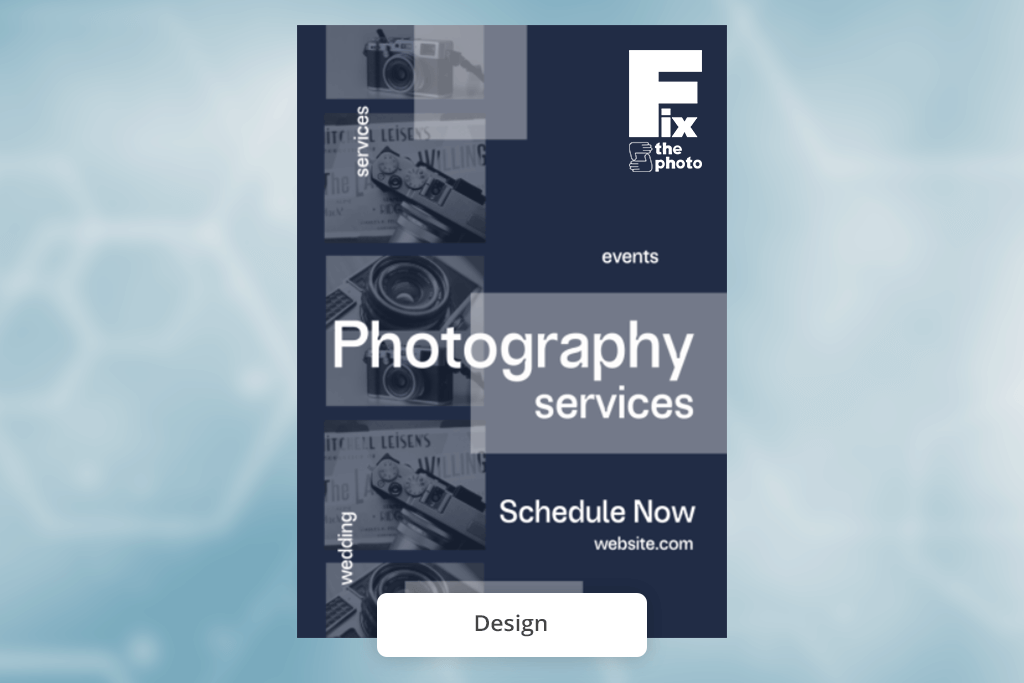
Using this tool felt like having a small AI helper instead of a big, complicated program. As soon as I described my flyer, it created several layout options right away - each with well-matched fonts, colors, and icons.
During testing, my favorite feature was the ability to talk to the AI. Instead of adjusting settings manually, I could just type things like "make it more elegant" or "give it a more corporate feel," and the whole design would update immediately. This made trying out ideas fast and easy, with no need to search through menus.
“Simple and minimal - great if you don’t like busy design tools, but it could use more assets.”

Branding was simple. I uploaded my brand colors and fonts one time, and the AI used them in every design I made. I was impressed by how consistent everything stayed, even when I tried different styles of flyers.
If you want a simple, easy-to-use tool where the AI does most of the work through simple text instructions, this free brochure maker is perfect. It's quick, user-friendly, and great for those just starting out.
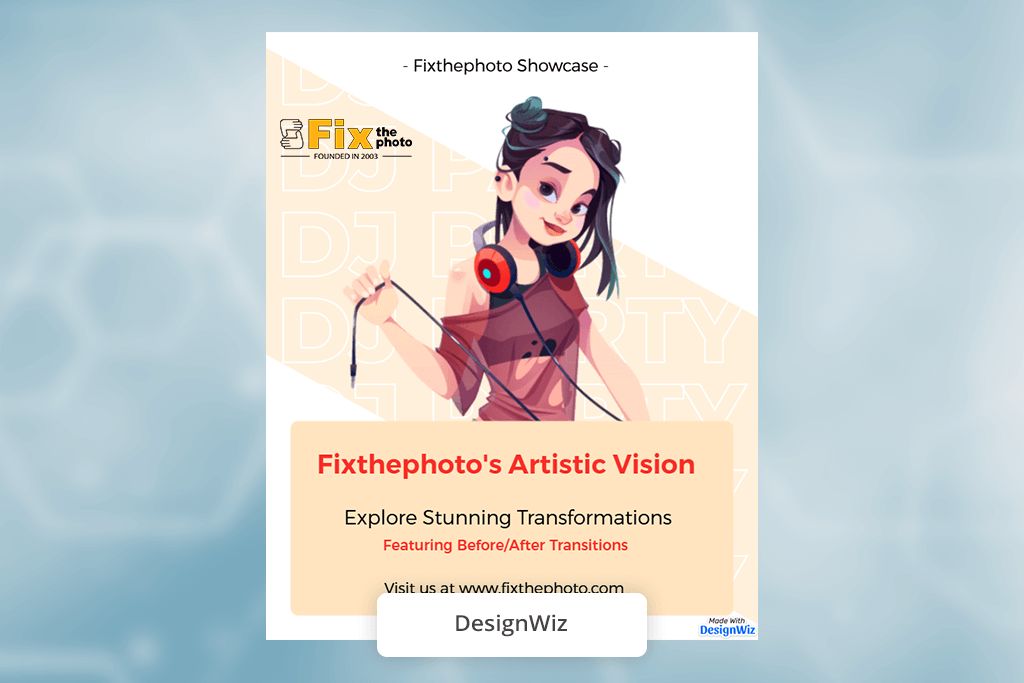
DesignWiz impressed me with how fast it works. It’s one of the quickest flyers tools I tried - I just described my flyer idea, and several clean designs showed up right away. It’s very simple to use, yet the AI creates a lot even from minimal input.
The tool that stood out most was the "Style Switcher." I could create a simple flyer and then change it instantly to look vintage, bold, or elegant without starting over. The AI adjusted the spacing, colors, and fonts for each new style, which felt very quick and effective.
“Simple and easy to use. The AI keeps the layout neat and well-organized, though it isn’t the most imaginative tool.”

Branding was okay, but not its best feature. I could upload my colors and logo, but I had to adjust the fonts more manually. The good news is that the simple interface made those changes easy. This AI art generator is perfect for quick, clean designs without complicated controls. It's not the most high-powered tool, but it is very convenient.
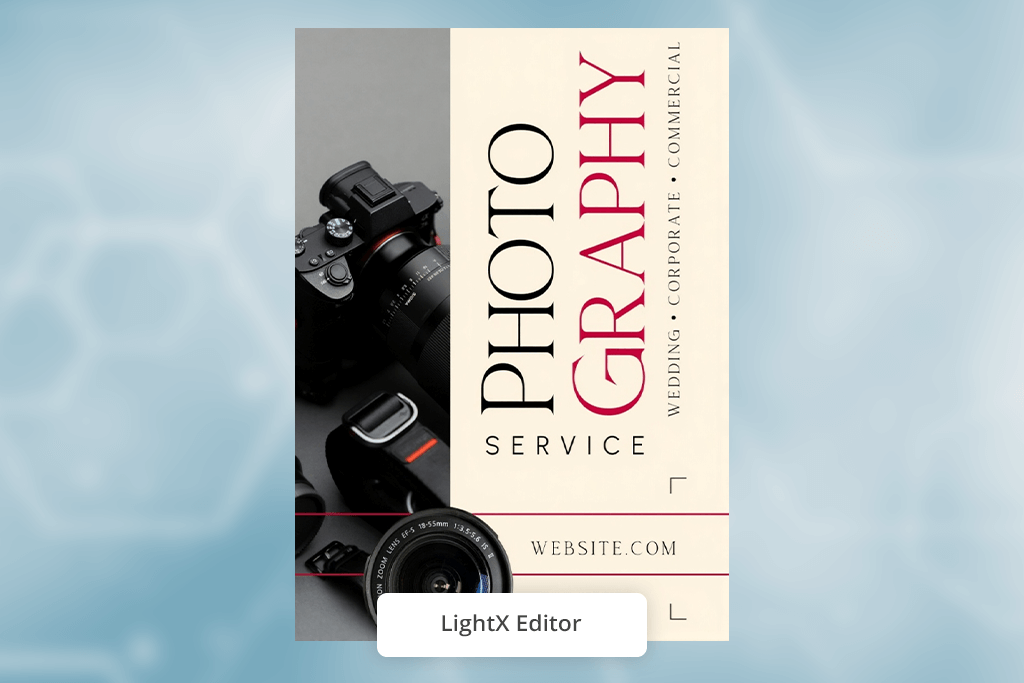
LightX felt more like a real design editor than a typical flyer generator. It doesn’t just create layouts - it lets you control images, lighting, shadows, and colors directly inside the flyer. That’s unusual for AI tools, which usually stick to basic templates.
When I tried the AI background feature, it created everything from smooth gradients to detailed textures really well. Even a simple prompt like “soft pastel professional look” produced backgrounds that felt high-quality and ready for print.
“I really like the photo editing tools. They’re ideal for image-focused flyers and automatically make photos look polished and professional.”

Once I set up my brand colors and fonts, the AI used them consistently across different designs. It also made sure everything stayed easy to read with good contrast, which many other tools don't always get right.
If your flyers are photo-focused (for real estate, food, or portraits), this AI image generator is a great choice. It offers a level of control over images that other AI flyer tools don't provide.
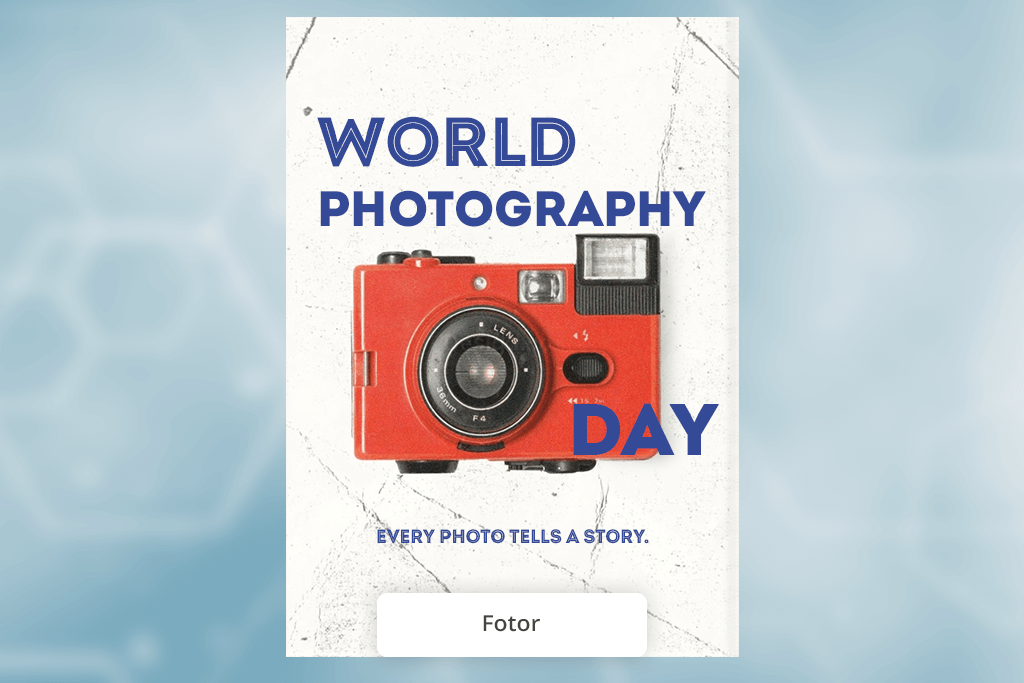
Fotor was one of the easiest tools to use during my tests. The AI feels refined and works smoothly without glitches. I entered a simple description, and it quickly created designs that looked modern, well-balanced, and ready to use right away.
Speed was one of its biggest advantages. I could change from a serious business flyer to a fun, colorful one just by changing a line in my prompt. The AI updated the background, fonts, spacing, and overall style right away.
“Colorful and creative designs. The layout can feel a bit off at times, but overall it’s very easy to use.”

Branding was handled well. I uploaded my logo, colors, and fonts, and Fotor automatically used them while keeping the design neat. Its suggestions for where to place my logo were especially smart. In all, Fotor gives you polished results with very little work. It's ideal for anyone who wants professional-looking designs quickly and reliably.
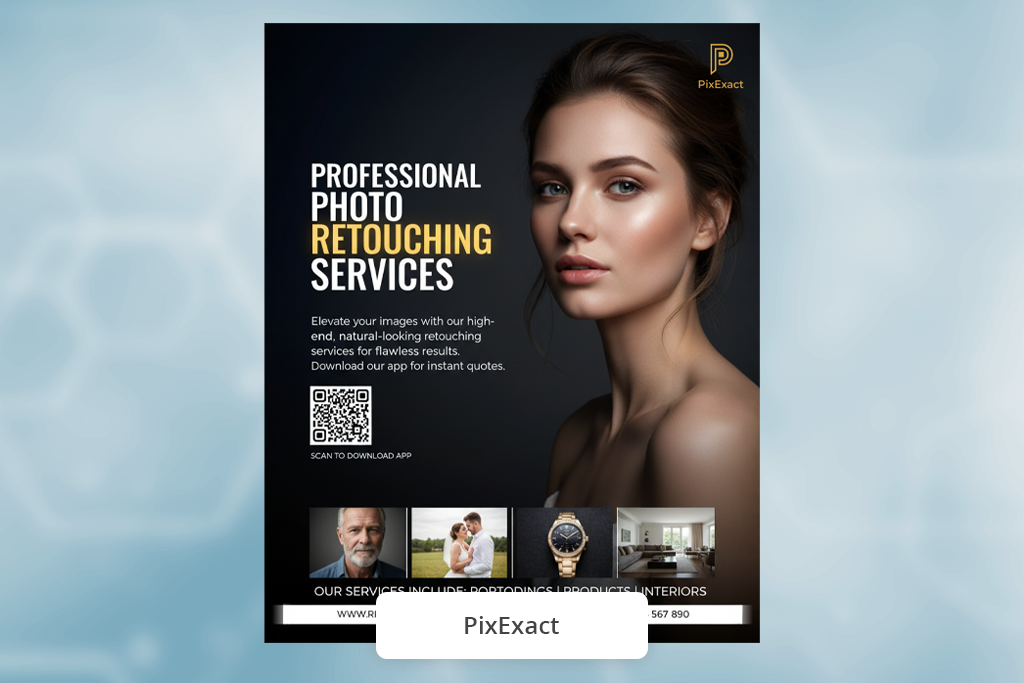
I tried PixExact when I needed precise dimensions for Shopify images and advertisements. Because it allows me to build different formats with consistent composition from a single request, the AI Flyer Generator stood out. I simultaneously created banner, vertical, and square images, and nothing was trimmed or lost.
“I usually generate all needed sizes in one go from the same prompt, so the composition stays consistent and I don’t have to fix differences later.”
The process is straightforward: input a prompt, specify pixel sizes, and everything is produced and ready to use. In contrast to other tools, which typically need the most effort, I didn't have to manually alter the framing or resize later.
In my experience, PixExact is excellent for producing content quickly and accurately. Particularly for social media and e-commerce, the photos are clear and useful.
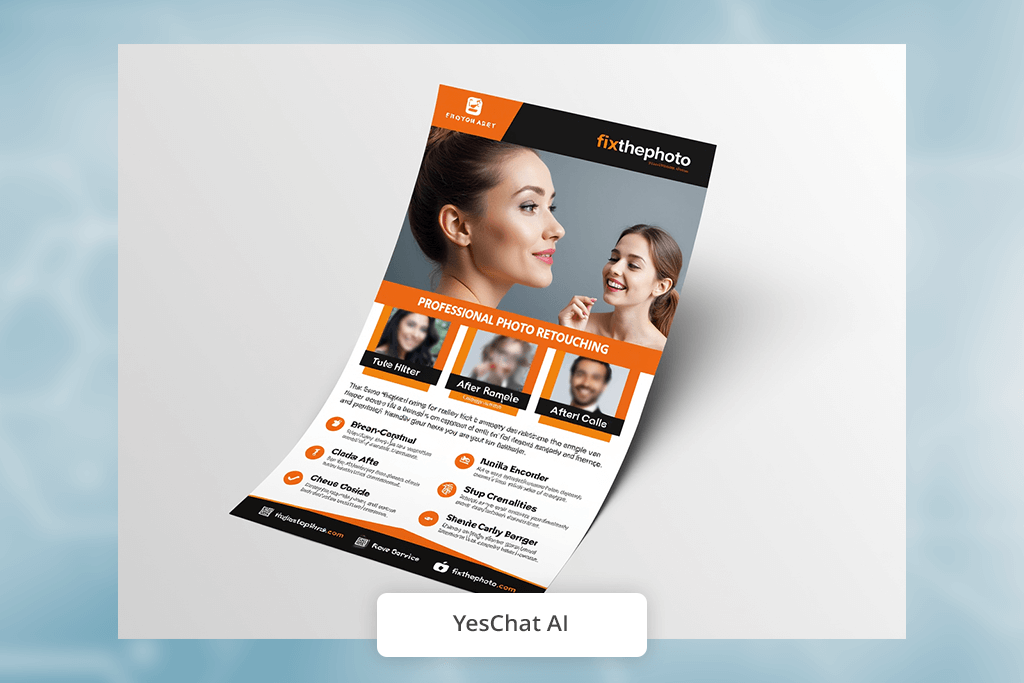
Using YesChat AI felt more like chatting with someone than using a poster app. I described my flyer idea the same way I'd text a friend, and it created designs that almost perfectly matched what I imagined.
The best part of testing was being able to improve the flyer just by talking. I could say things like “make it more energetic,” “add a gradient,” or “try a creative layout,” and the AI would update the whole design without me having to change any settings.
“Quick text-to-design tool. Ideal if you’d rather describe what you want than manually move elements.”

Branding worked well once I clearly stated my colors and fonts. After a few tries, the AI flyer designer began using them consistently, almost as if it learned my style during the session. For anyone who prefers giving instructions over designing manually, this is an excellent tool. It manages everything through simple conversation, making changes feel very natural.
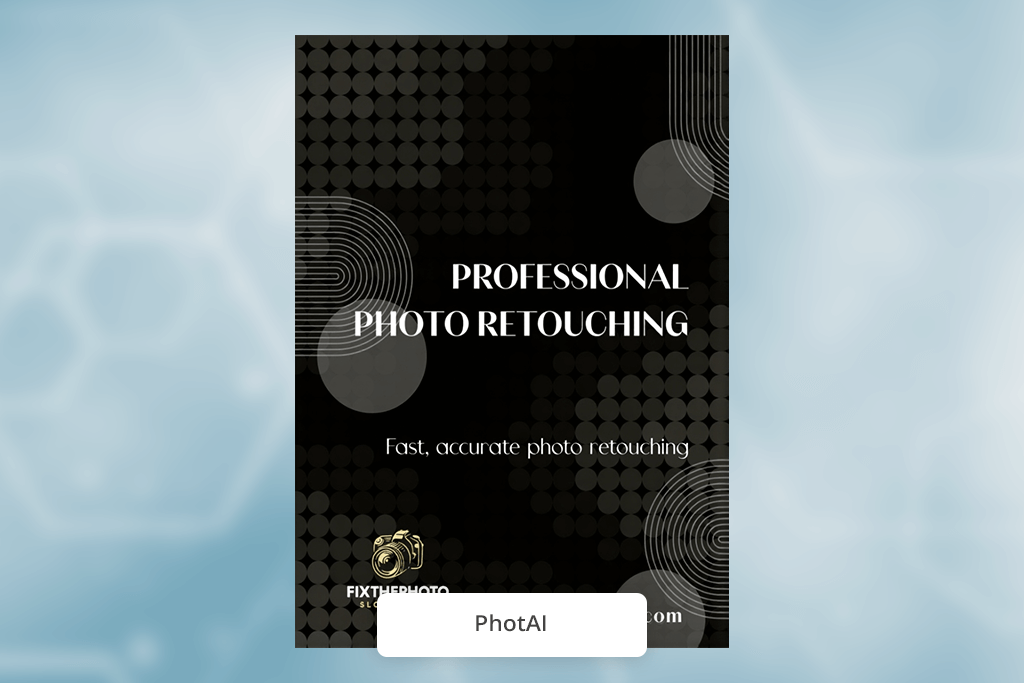
I was immediately impressed with PhotAI's skill at making original artwork. Unlike tools that use pre-existing images, this app for creating flyers can create its own illustrations, backgrounds, and textures just from your description. This automatically makes its flyers look more one-of-a-kind.
While testing, I tried specific requests like “botanical hand-drawn line art flyer,” and it produced artwork that genuinely looked hand-drawn. This high level of detail made the final flyers feel truly unique and personal.
“Ideal for creating stylish, artistic flyers. It can sometimes add too many effects, but the final results look impressive.”

Once I set my color palette, the brand integration worked perfectly. The AI blended everything - backgrounds, icons, artwork - while keeping key details clear. For artistic flyers, this is one of the most creative tools available. It offers a level of originality that most other AI flier generators don't reach.
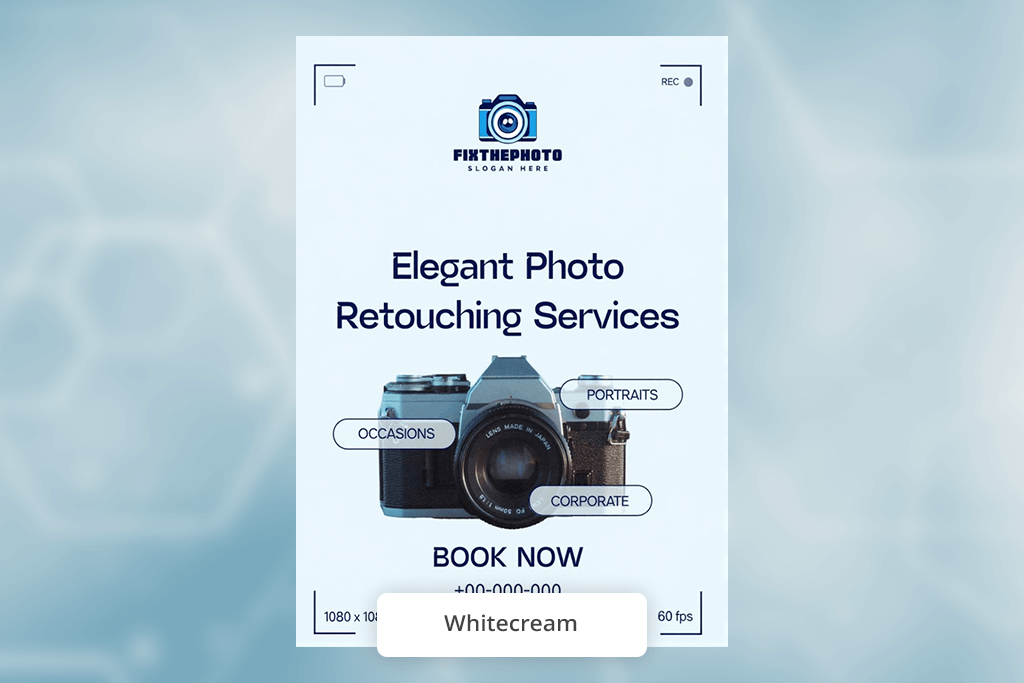
Out of all the tools I tried, Whitecream produced the most contemporary designs. Its layouts are open, minimal, and chic - ideal for brands that prefer a clean aesthetic. Even simple prompts created flyers with a stylish, professionally designed look.
The AI also has a great sense of mood. When I typed phrases like “calm and organic,” it chose soft greens, open spacing, and stylish fonts on its own. It understood the desired look without needing exact instructions.
“Very clean and elegant. There aren't many templates, but each one looks premium.”
Customizing required a little more work, but after I entered my colors and fonts, the AI kept the look consistent. Its font suggestions were pleasingly current. It’s a great choice for sleek, minimalist brands wanting that clean, Scandinavian-style look with minimal effort.
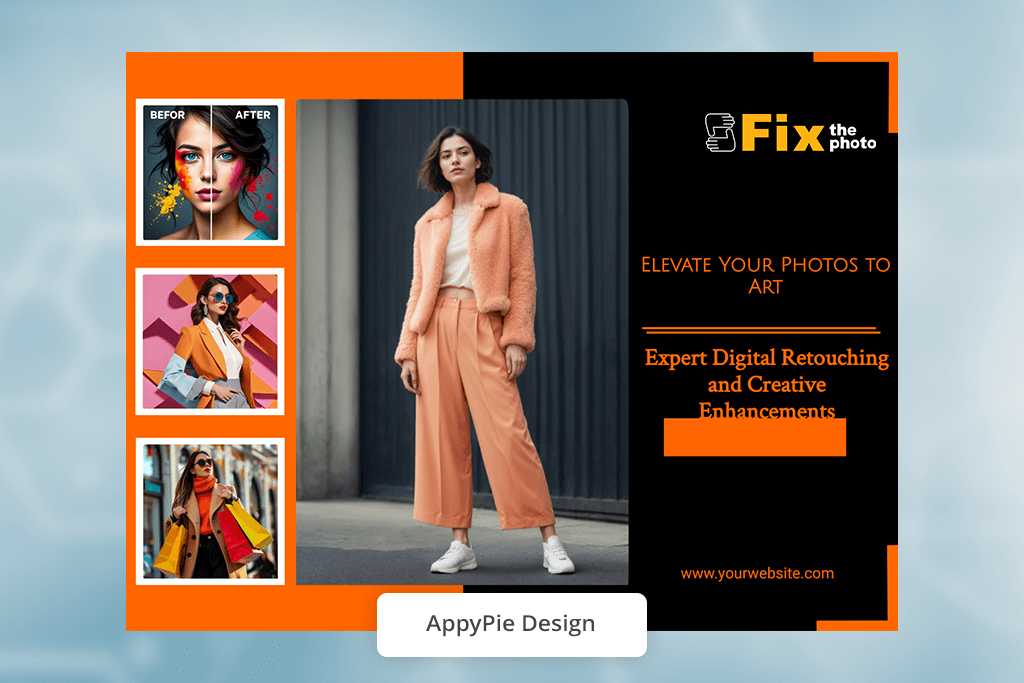
During testing, AppyPie Design was very easy for beginners to use. I could type even a very basic description, and the AI would immediately create ready-to-use flyer designs - no design experience needed.
What I liked was how the AI gave helpful advice. If a design looked too empty or the text didn’t quite fit, it suggested adding content, boosting contrast, or changing the spacing. It didn't just make a design - it helped me improve it.
“Easy to learn and fast. Perfect for basic, everyday flyers, though some options feel a bit restricted.”

The branding tools were straightforward but worked well. Uploading my logo and colors kept my look uniform across different templates, though I sometimes had to adjust the fonts myself. If you want the simplest, most approachable AI flyer tool, this is the perfect choice. It's quick, worry-free, and dependable for daily projects.
We tested the top AI flyer generators the way FixThePhoto usually reviews creative software - by actually using them, focusing on real tasks rather than just checking their listed features. Our small team, including Tati Tailor, Vadym Antypenko, and Tani Adams, each handled a different part of the process, so we could evaluate every tool from multiple perspectives.
First, we picked clear, realistic situations that most users would face: making a flyer for an event, a promotion, and a business announcement. Tati created the starting ideas and added brand elements to see how each AI tool managed logos, fonts, and colors. Vadym handled the technical side, checking speed, layout precision, export quality, and how each tool performed with lots of text or big images.
At the same time, Tani tested how easy each tool was to use. She approached them as a beginner would, evaluating how natural the interface felt, whether the AI suggestions were helpful, and how simple it was to adjust a design without ruining the layout.
Next, we compared how reliably each AI tool produced different design versions from the same starting idea. We also checked how well they adapted when we changed the style, like asking a bold promo flyer to become a clean, professional one with a simple instruction. We tried different logos to see if the tools placed them correctly, and we saw whether the color choices looked purposeful or accidental.
Finally, we printed several flyers to test how they looked in real life. Many AI designs appear good on a screen but lose quality when printed or saved in professional formats. By the end of testing, we had a full picture of how each tool works in practice, which ones are strongest for branding, and which are better for fast, simple designs.
After testing the AI flyer creators, my colleagues and I figured out the best way to phrase requests to get the results we need. Here are a few good prompts from our team:



![11 Best Videoleap Alternatives for Filmmakers [Online & Free]](http://fixthephoto.com/blog/images/gallery/news_main__preview_28875.jpg)

![7 Best AI ASMR Video Generators in {{%year}} [100% WORKING]](http://fixthephoto.com/blog/images/gallery/news_main__preview_28804.jpg)


![7 Best ODT to PDF Converters [{{%year}} FixThePhoto Choice]](http://fixthephoto.com/blog/images/gallery/news_main__preview_28601.jpg)


















