When I started to use Behance, I was convinced that it was the perfect platform for showcasing my designer portfolio. Many creative professionals use this service to present their work, so I liked exploring its curated galleries when looking for a source of inspiration.
However, later I discovered some shortcomings of this service that were hard to overlook. I noticed that the visibility of my projects has decreased, as many professional agency portfolios took the first positions in the search results. I realized that the algorithm favored those who already had a lot of followers or represented a big brand. It puts creatives like me at a disadvantage.
The final straw was when I decided to update my portfolio. I wanted to give it a more unique look and show how I worked on my projects by adding some sketches, drafts, and the first concepts. However, Behance does not have many options for those who want to personalize their portfolios. I wanted to build a website that would help me connect with my potential clients.
Besides, I wanted to have more control over my portfolio. Behance does not support extensive layout customization options. While my portfolio looked nice, it did not stand out among the rest.
I discovered that I needed to use features that weren’t available on the Behance platform. I needed to build a portfolio site and adjust its design to ensure that it aligned with my brand. Besides, I was interested in professional SEO tools to make it easier for my clients to find certain services.
I realized that I also needed to use client tools, including contact forms, scheduling, and private project pages. Besides, I wanted to publish my work-in-progress content freely, without worrying that it lacked something.
This is why I decided to look for the best Behance alternatives. I wanted to find platforms that supported better flexibility and extensive personalization options. I needed to discover services that catered to the needs of independent content creators. My goal was to create a unique space that matched my vision and brand style.
The first thing I did was ask my colleagues from the FixThePhoto team for help. Our team includes many photographers, designers, and retouchers, so I was interested in what services they use to showcase their work. They told me about Behance competitors they preferred and offered their assistance. Together, we embarked on a quest to test widely used and more niche Behance alternatives.
| Behance Is a Good Choice | Better to Use an Alternative When… |
|---|---|
|
✔️ You need to showcase professional creative projects with a large artistic community.
|
❌ You want to build a branded portfolio website to make your visual identity more recognizable.
|
|
✔️ You need to present your projects for free quickly, without building a website.
|
❌ You want to customize the layout, navigation, and portfolio structure.
|
|
✔️ You want to achieve higher visibility within the design industry.
|
❌ You need to help your clients discover you on Google and want to use SEO tools.
|
|
✔️ You like keeping in touch with other artists, following creatives, and looking for inspiration.
|
❌ You noticed a decrease in engagement because Behance has too many similar-looking portfolios.
|
|
✔️ You want your designs to be recognized by Behance’s editorial team or included in curated galleries.
|
❌ You need to add contact forms and scheduling or private pages.
|
|
✔️ You specialize mostly in digital art, illustration, motion graphics, or graphic design.
|
❌ You prefer to experiment with many (e.g., writing, UX, video, photography) and need to be able to present different types of content.
|
|
✔️ You prefer to use standardized layouts and showcase your projects in the way defined by the platform.
|
❌ You want to create personalized pages, use custom domains, and have more control over how your work is presented.
|
I decided to thoroughly test Adobe Portfolio because this service is often considered a more advanced solution compared to Behance. When I opened it, I discovered that I was able to fully control the structure.
While Behance requires me to use fixed grids and layouts for my projects, Adobe Portfolio facilitates building multiple pages, changing the order of sections, adding a custom navigation system, and guiding a viewer’s experience to focus their attention on specific elements of a page.
When testing this Behance alternative, I was able to organize my projects into themed collections that included branding projects, client case studies, experimental work, and photos. Behance does not allow me to recreate a seamless, curated flow. However, with Adobe Portfolio, I was able to create multiple galleries, each of which had a unique feel. Besides, I used my custom domain and customized typography, using my brand colors. Behance does not allow me to achieve such personalization.
“I decided to use this platform because I wanted to build a real website, instead of creating a gallery that looked like a social media feed. It was easy to set up an account and build a pro-level portfolio website. It’s a great choice for those who already use other Adobe solutions.”

The more I used this Behance competitor, the more I enjoyed the fact that it fully integrates with other Adobe software. I was able to update my visuals directly from Lightroom and Photoshop, which saved me a lot of valuable time.
The publishing process was quite streamlined. I did not encounter any formatting issues that often happen when I try to upload long explanations or different media types on Behance. The output page looked professional, regardless of how much content it included.
When I completed the testing process, I was pleased to discover that Adobe Portfolio allowed me to achieve the result I had always wanted to get when using Behance. With it, I created a professional portfolio that reflects my personal brand. It’s exactly what clients expect to see when looking for a designer.
I wanted to give OnePageLove a try, because I was curious whether it could indeed help me share the story about my project on a single page. I was not satisfied with Behance, as it requires one to publish multiple project posts to tell a story. One-page sites are more suitable for developing a consistent narrative. When using OnePageLove, I was able to create a portfolio and explore their collection of templates to choose the one that was easy to scroll through.
When testing this platform, I selected a suitable template, exported the site structure, and customized the template with the help of Webflow. OnePageLove is more like a curated collection of one-page designs than a full-fledged platform for building sites. Due to this, I was able to enjoy a higher degree of creative freedom. I was able to present my portfolio on a landing page, add an intro test, list featured projects, add testimonials, and create a contact form.
“This service will be the best choice for your needs if you quickly need to create a one-page portfolio site. It’s extremely clean, loads quickly, and allows you to achieve the desired result in no time. However, it’s not the best option for those who need to build a website with many sections or publish long case studies.”

When creating my portfolio, I discovered that it was much easier for my clients to understand how my projects could be used when every part of the story was connected to the whole project. Behance allows me to publish separate visuals that often feel disjointed. Users have to switch between different images, click on them, scroll back, and click on other visuals, which takes a lot of time. On OnePageLove, I was able to create an intuitive one-page layout to keep users engaged and ensure that they would be able to find everything they need to use quickly.
After completing the testing process, I was pleased with my portfolio, as it had a strong, cohesive feel. Such portfolio websites like Behance help me develop an engaging narrative and create a personal site that does not look like a boring template.
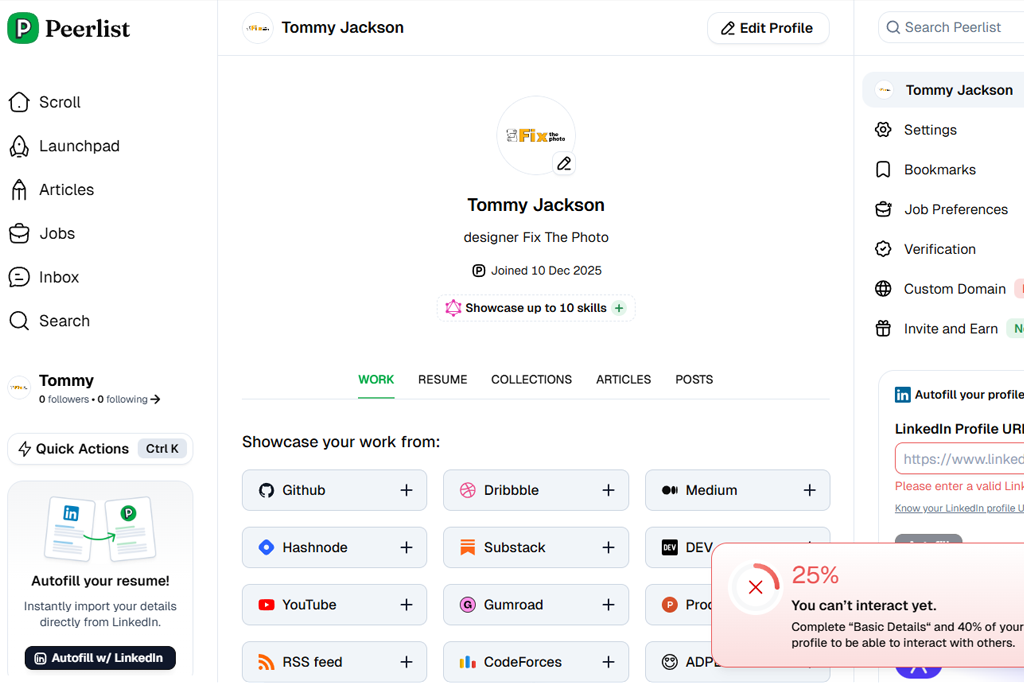
I decided to test Peerlist because I felt that Behance emphasized the visual side of my projects, instead of allowing me to showcase their technical side and let my clients know that I have a background in many fields. While I work as a designer, I also have coding skills, provide consultations, and create small digital products. Behance does not allow me to present myself as a multidisciplinary professional. I became interested in Peerlist because it gave me a chance to present my skills.
The first thing I did when using this creative portfolio site like Behance was to check whether I would be able to tell a comprehensive story about my career. This portfolio website builder automatically imported my GitHub assets, LinkedIn history, and even small projects I was working on.
It has a top-grade verification system. The platform has validated each of my projects, and users were able to see how they could use them. My clients and the people I worked with were also able to access stats and repositories.
“I was impressed by the fact that this platform combines professional networking tools with project showcasing features. Its interface is extremely streamlined. The only shortcoming is that the community is still small, so visibility might be a bit low at times.”

In addition, I decided to test how different types of projects will be featured on my profile. When I use Behance, every uploaded content becomes a project by default. However, Peerlist allowed me to choose specific structured blocks for case studies, startup launches, design context, publications, and engineering projects. This platform allows me to highlight my professional experience in many areas, instead of presenting myself as a designer eager to achieve some visibility.
I was immensely pleased by the fact that this service helped me reach the right audience. Instead of generic feedback, I received valuable comments from experienced product managers, developers, and company founders who recognized the value of my work. Peerlist became my preferred space for professional interactions. I’ve never had such an experience with Behance.
I decided to give Godly a try, as I wanted to get feedback from top-level web-design professionals. Behance accepts too many different projects, including UI, logos, photography, drawings, illustrations, and other types of graphic design. What makes Godly different is that it prioritizes high-end web design and user experiences.
To test this service, I decided to submit some motion-heavy site designs I have created. This platform has strict quality requirements, so I was hoping to get some valuable feedback. I did not need to upload any images. Instead, I sent a URL, some animations, and interaction notes. Behance requires users to publish static frames, which makes it impossible to assess the way a project can be used.
“This platform is the best fit for those who want to publish professional web and UI projects. It’s extremely stylish and modern. However, this service is perfect for those who specialize in digital design and not in traditional art or photography.”

I had to wait for some time before my submission was examined, so I decided to explore the projects published by other users. Each of them was created at a highly professional level, which is why I started to hope that my own portfolio would be elevated in the same way.
When the platform published the work I submitted, I was impressed with the detailed feedback I received. The designers who reviewed my projects provided their feedback on everything, from micro-interactions and scroll effects to spacing and transitions.
When testing Godly, I realized that niche Behance portfolio website alternatives are especially suitable for reaching out to a target audience. There are many people on this platform who are interested in modern digital design. This is an excellent space for promoting experimental and interactive projects.
When I started to use Dribbble, I was immediately impressed by its playful feel and social features. It makes it different from Behance. Dribbble allows one to gain visibility by publishing short videos, animations, and previews. You don’t have to deal with a restrictive project structure. I did not need to create long case studies, as it was enough to post regular updates or publish sketches to increase engagement.
However, the more I used it, the more I realized that Dribbble has discovered a unique approach that helped designers showcase their projects. This platform uses colors, emphasizes composition, and supports satisfying micro-interactions, which makes the overall experience of using it quite pleasing.
I started to test out different approaches to increase engagement and post more often, as I was not pressured to present a polished project whenever I wanted to publish something. It helped me to show how I worked on each project instead of focusing on outputs. Behance does not have this flexibility.
“This service functions almost like a social media feed for creatives. I enjoy posting small previews and receiving instant feedback. It’s an excellent choice for interacting with a community. However, it’s hardly the best fit for long case studies.”

I did not expect to discover such an extensive job ecosystem. Dribbble partners with hiring platforms, freelance services, and job boards for designers. I like the fact that this portfolio builder doubles as a career hub.
When publishing something on Behance, I often feel a lack of feedback unless my work gets featured by the editorial team. At the same time, many companies use Dribbble to discover something unique. It makes portfolios more visible.
At the same time, Dribbble has its limitations. This niche service is not the best fit for those who do not specialize in traditional digital design. Besides, while it supports extensive customization, it cannot replace a branded portfolio. Despite these limitations, it helped me achieve higher visibility than Behance, boost organic engagement, and reach out to a creative community to get valuable feedback. Such free Behance alternatives became a nice addition to my workflow.
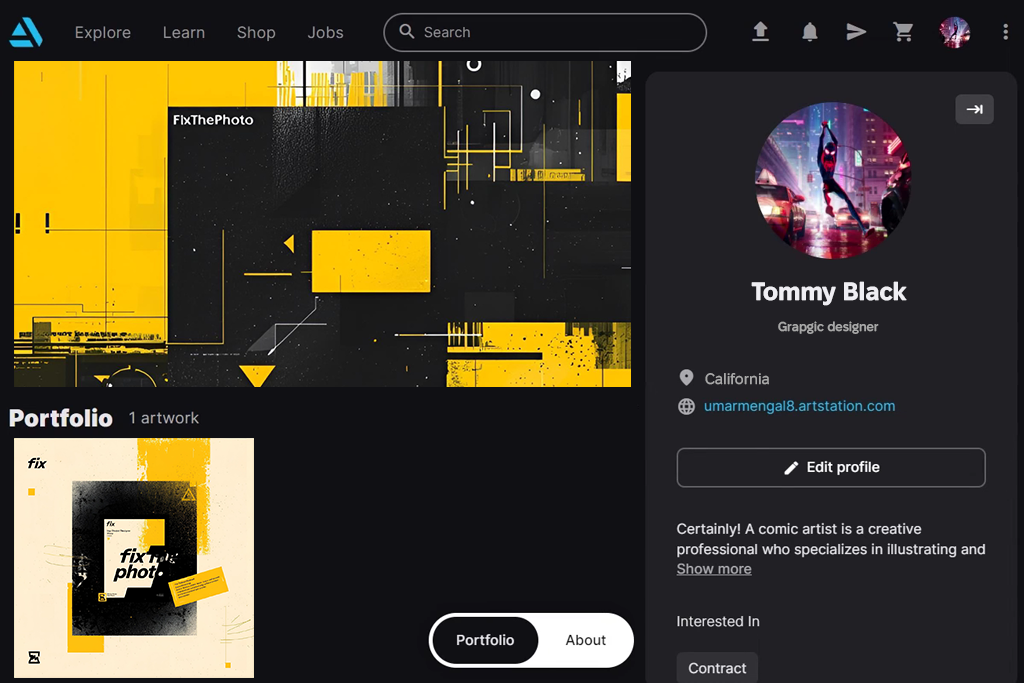
When I started to test ArtStation, I quickly discovered that it was used by a different type of audience. Behance accepts all kinds of design-related projects, but ArtStation prioritizes digital art, gaming, VFX, 3D, and concept design.
If you specialize in these categories, you will enjoy using ArtStation, as you will find a lot of professionals on this platform who will be able to recognize the complexity of your projects. When I published my work here, I discovered that my projects were truly appreciated by top professionals in the field.
ArtStation allows you to choose how to present your large visuals. I was able to upload high-resolution renders, turntables, Marmoset Viewer files, and 3D models. It’s impossible to do the same when using Behance. ArtStation is somewhat similar to a social media feed and a professional gallery, where I can publish specialized content. I liked its full-screen mode, as it allows me to showcase my projects better.
“If you specialize in 3D, create concept art, or work on highly technical projects, it will allow you to achieve your goals. The platform is designed to work with large files and has a helpful community. However, non-digital artists will find it hardly suitable for their needs.”

What impressed me most was how these services integrate with other services used by professionals working in the industry. Many recruiters from gaming and film studios use this platform. Besides, it published more specific job listings than the ones I saw on Behance. In addition, ArtStation also allows one to publish tutorials and blogs. Its users can sell their digital assets freely using the platform. This Behance alternative helped me increase online visibility and establish a solid online presence.
While the personal branding layouts available on ArtStation may seem a bit restrictive, I liked its audience targeting tools. Behance positions itself as a platform for all types of creatives, whereas ArtStation functions as a heavily curated space for digital creators who want to reach out to the top professionals in the industry. I discovered that it was the perfect place to showcase my 3D and concept work.
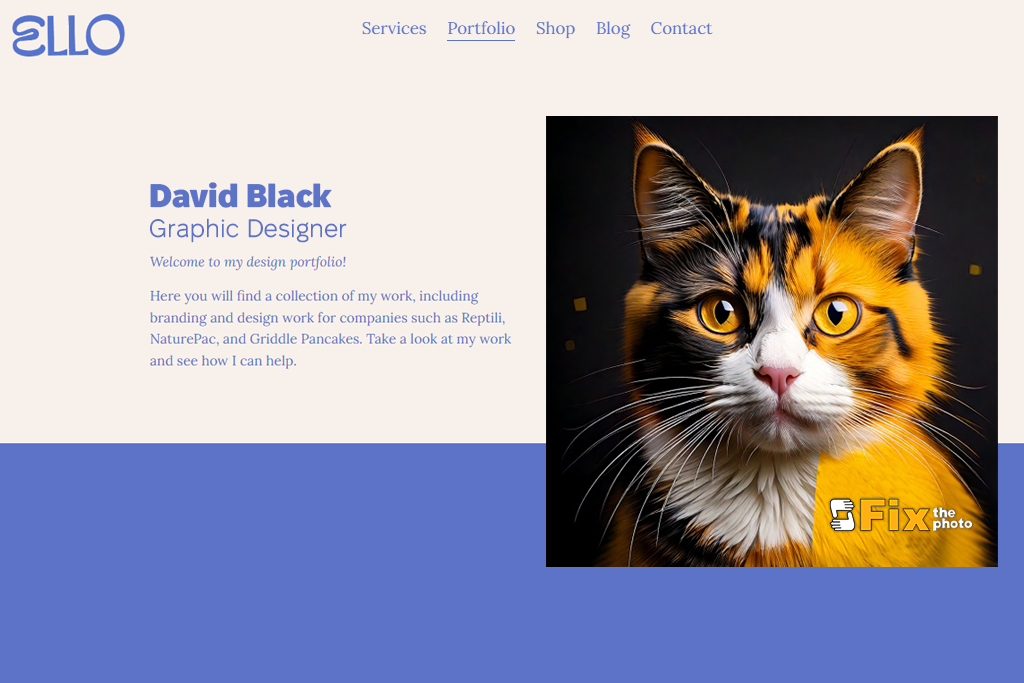
Ello allows you to join a unique creative space that functions differently from Behance. This platform encourages users to publish experimental art, experiment with indie styles, and present work in uncommon formats. I was impressed with the openness of its community and pleased with the bold designs I saw here. Unlike Behance, the platform allows one to publish unfinished concepts.
I was also impressed by Ello’s layouts. Users can choose how to organize and showcase their content. They can make their portfolios look like pages from a creative editorial magazine, combine text and curated galleries, publish interviews, and join community projects. Behance also has galleries, but they are heavily curated.
Ello is an app like Pinterest that feels more accessible. I discovered that it was easier for me to get features, as this Behance alternative for designers appreciates unique approaches instead of promoting popular design trends.
“This niche site is perfect for those who are interested in indie projects. Many users value experimental and creative projects here, which makes it perfect for my needs. While it’s not the first choice for those who want to create a “professional” portfolio, it’s a nice option for those who are looking for something more creative and unique.”

Another advantage of Ello that I liked a lot was that it does not require users to utilize a rigid project structure. I was able to upload a single picture, a looped video, a text, or long-form visual content without worrying that a template would be too restrictive. While Behance is perfect for publishing case studies, it’s less suitable for publishing content that is typically not included in professional portfolios.
Ello is less suitable for professionals who are looking for a chance to promote their businesses or use powerful SEO and branding tools. It won’t allow you to create a proper portfolio website. However, if you like to experiment with different styles and consider Behance’s corporate style too oppressive, Ello will allow you to join a community where all ideas are accepted.
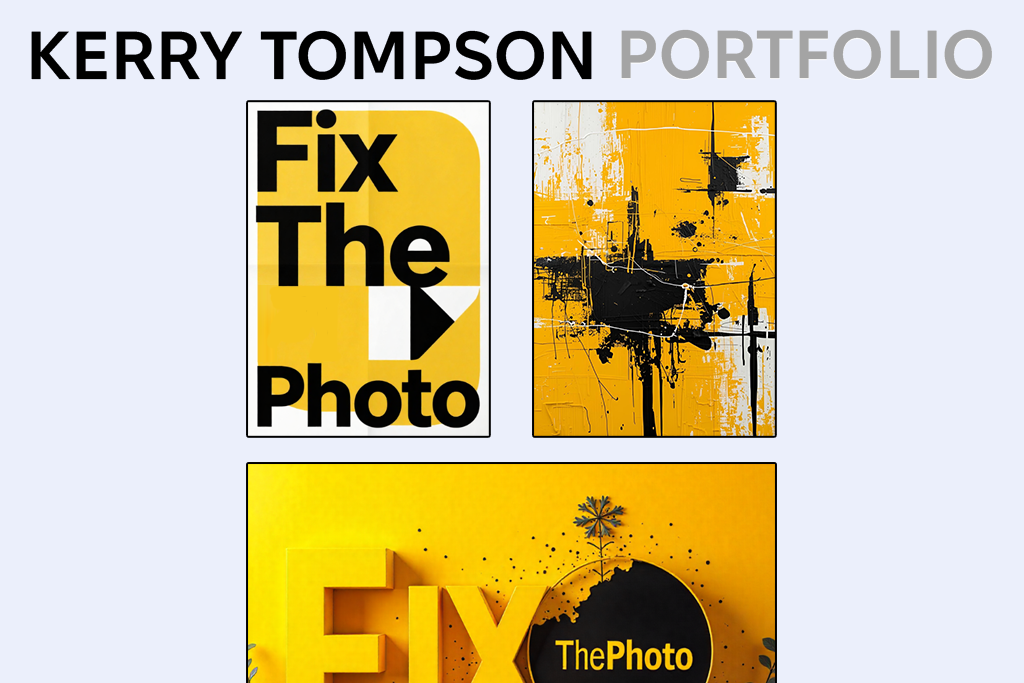
When I started to test Brutalist, I realized that it was unlike any Behance alternative I have ever used. Its interface is raw and minimalist. It does not have any distracting features and is focused on text content. While it seemed unusual to use it at first, I soon discovered that it opened a lot of creative possibilities. I did not have to use a layout centered around visuals. Instead, I was able to achieve an editorial, museum-like effect.
I was also pleased with the fact that I was able to control the storytelling components on my website. Brutalist allows users to structure pages in different ways and choose the most suitable typography elements. Behance has more restrictive modules and grids. Brutalist allows me to understand how much text I need to add and how to structure my narrative so that it feels personal and recognizable.
“This service does not allow you to create a polished portfolio, but you can use it to experiment with more unique ideas and present your work in a modern way. It will hardly be the best fit for everyone, but some people will appreciate its bold style.”

I was also pleased by the fact that many users of this platform recognized the value of a concept. I discovered that it helped me to focus on the meaning of my projects instead of trying to make them look more polished. I was able to freely share my sketches and unfinished designs. In contrast, Behance requires you to publish only the final versions of your projects.
While Brutalist is more suitable for a niche audience, it can be considered its unique advantage. It’s the perfect design portfolio Behance alternative for those who want to create a minimalist portfolio with a strong focus on storytelling. It will allow you to tell your audience more about who you really are instead of showcasing your visuals using generic templates.
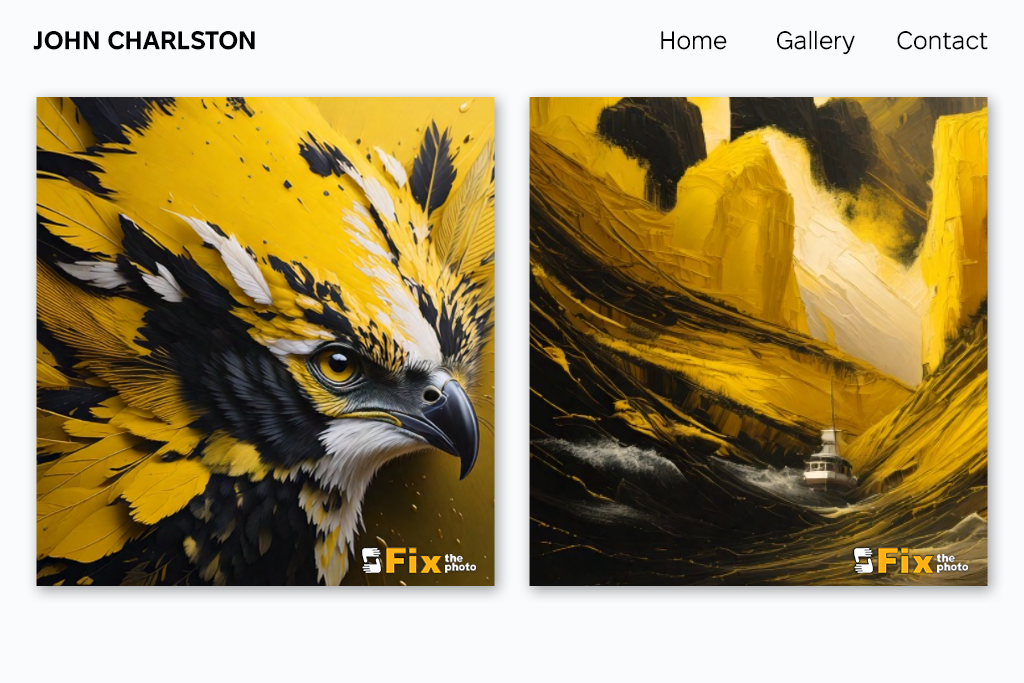
While DeviantArt may seem a bit outdated, I think that it still can be considered as a great Behance alternative. Instead of offering restrictive layouts, it allows creators to build galleries, create collections, and publish entries in their journals. When using it, I was able to publish not only finished work but also my sketches, fan art, personal experiments, and other projects.
What I enjoyed most was that I was able to receive feedback from other members of the community. On Behance, people will rarely comment on your posts, unless you are already quite popular. However, on DeviantArt, many people engaged with my content. They ask for clarifications and offer valuable feedback. If you want to receive constructive community feedback, DeviantArt might be the best choice for finding a supportive audience.
“It allows one to become a part of a community that includes many talented artists. Many users genuinely react to your projects. While the platform feels a bit old-fashioned, it can be considered one of its advantages.”

Another advantage of this platform is that it supports advanced categorization and tagging, which makes my work easier to find. Behance is a less transparent discovery algorithm that does not allow one to build a solid strategy to increase the visibility of their portfolio. In contrast, DeviantArt has a convenient search system and handy groups where you can find themed artwork. I joined niche groups, each of which specializes in certain art styles. It helped me make my projects more noticeable and reach out to my target audience.
While DeviantArt is less focused on a specific industry and does not allow one to create a polished portfolio, it can be considered one of its advantages. It is a thriving creative community and not a heavily curated gallery that one can create with the help of popular website builders for photographers and designers. DeviantArt is an excellent choice for artists who need to express their creative personality and interact with a real audience.
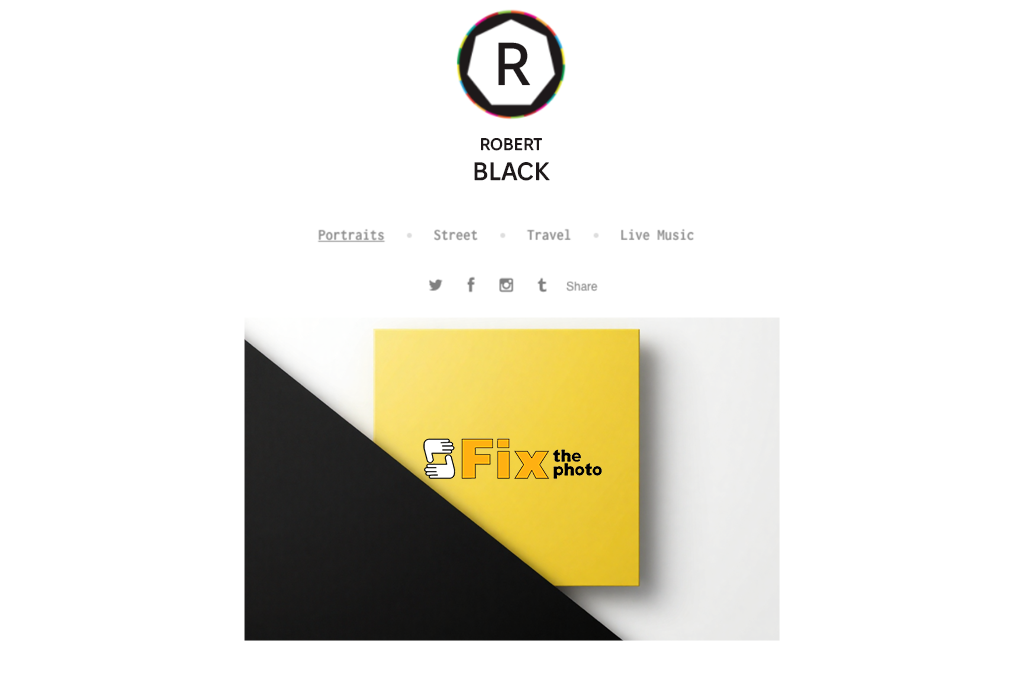
When I decided to test 500px, I was impressed by its professional photography presentations. Behance allows you to present your photos, but it does not focus specifically on such projects. 500px was designed for photographers, as it allows one to use clean grids, work with large images, apply transitions, and achieve higher technical quality. It helped me present my photos in the most favorable way.
What makes this service one of the best portfolio platforms for creatives, is that it has a supportive community and a well-thought-out scoring system. While on Behance it might be difficult to understand why some portfolios get featured while others do not, 500px has a merit-based evaluation system.
Photographers like each other's work, leave comments, and publish reviews. It allows every user to receive valuable feedback. I discovered how to improve my photos by analyzing successful works published by other professionals.
“Best suited for photography. The quality stays great. This service allows you to make your photos look more engaging. However, it’s hardly suitable for other types of creative projects.”

Another advantage of this platform is that it has handy licensing and marketplace tools. While it’s impossible to monetize your content on Behance, 500px permits you to sell photos online. It allows you to earn money on your portfolio.
The only noticeable shortcoming of this platform is that 500px is mostly suitable for photographers. If you work with different mediums, it might be better to choose another service. However, if you need to upload only photos, you will enjoy using 500px, as it allows you to display your images in a professional way and gives your portfolio a more immersive feel.
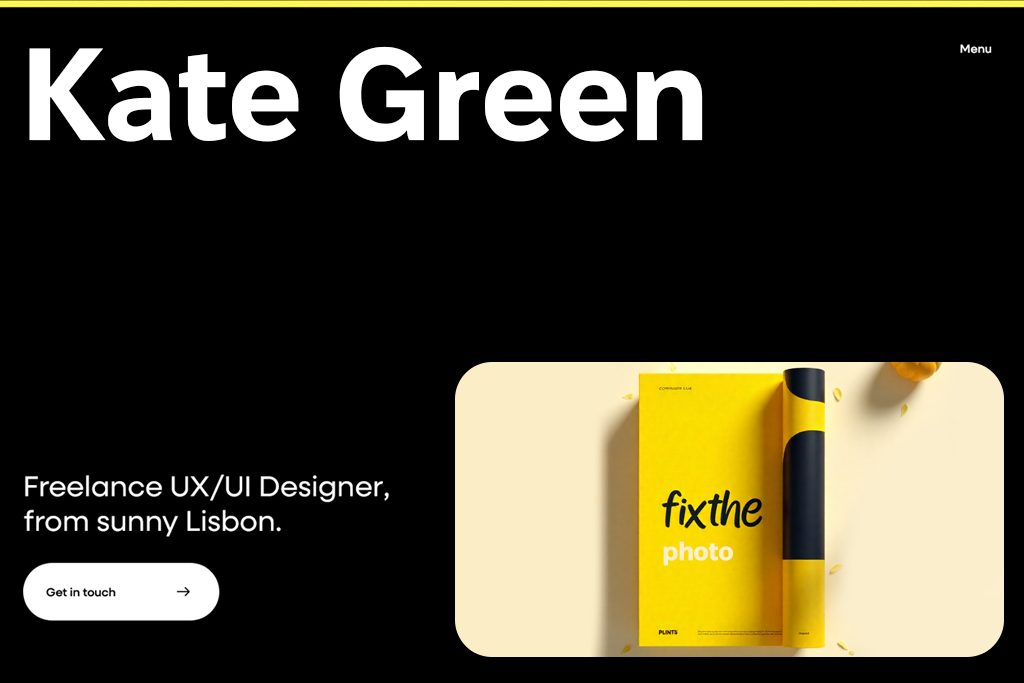
When I started to use Awwwards, I discovered that it could help me present my services in a completely new way. Behance allows one to present their projects, but Awwwards makes it easier to showcase interactive websites with modern designs. When I uploaded my portfolio for evaluation, I discovered that the platform was different from a regular online gallery. It functions as a powerful system, where every submission gets carefully evaluated by experts.
I liked exploring the works published by other designers. Instead of browsing through a collection of case studies, I was able to access interactive portfolios, animations, and layouts. Thanks to it, I was able to find sources of inspiration for UX, transitions, and storytelling components, instead of focusing on basic Behance presentations.
“When you upload your work, it feels like submitting it to a panel of design judges. Don’t get apprehensive, as you can count on excellent exposure if you have top-quality projects.”
Besides, I was impressed with the fact that Awwwards has handy tools for listing your professional services. It makes it perfect for every graphic designer who wants to attract new clients. With its help, you will be able to feature your studio in professional directories. Behance does not support such advanced visibility, making it hardly suitable for agencies and freelancers. In contrast, Awwwards allows you to make it easier to discover your brand.
While this artist portfolio Behance alternative may be challenging to master and is hardly suitable for novices, it will allow experienced users to achieve an unprecedented level of exposure. Awwwards is an excellent choice for everyone interested in interactive design.
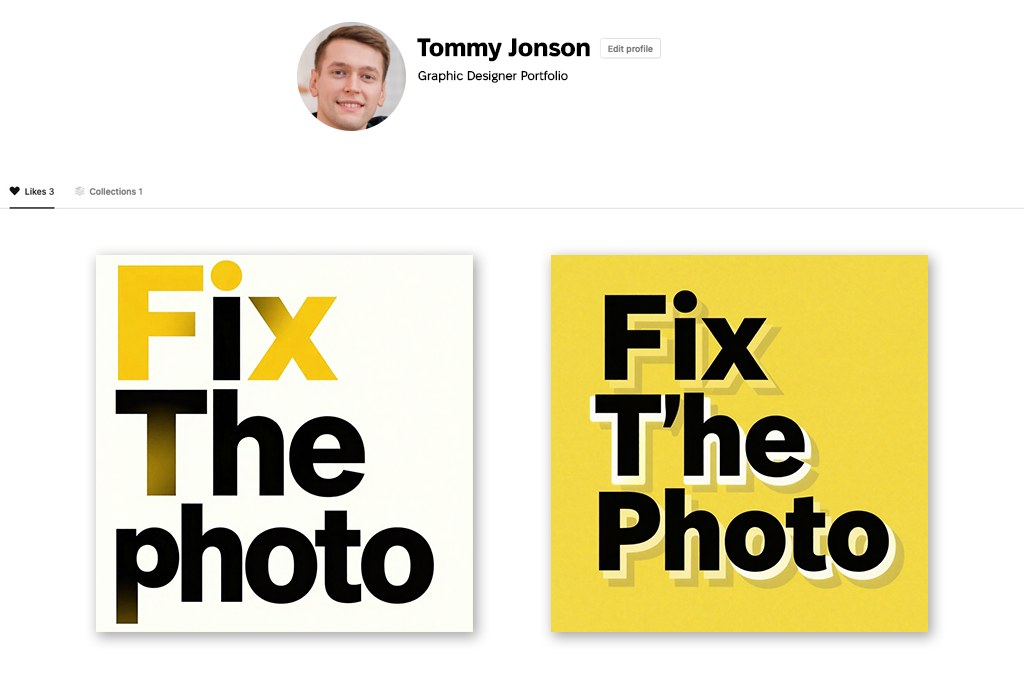
When testing Designvault, I discovered something that Behance did not have. It allows one to access curated sources of inspiration and explore real brands. It does not showcase only polished pieces of some projects. It allows users to explore digital products, brand identities, and interface systems. Designvault helped me see what features have real applications.
This service supports extensive categorization options. It documents everything perfectly. On Behance, it might be challenging and time-consuming to browse the platform in search of inspiration. However, Designvault has handy filters that allow you to filter the search results by component type, brand, page structure, and other criteria. It helped me save a lot of time when I needed to find UX/UI reference material.
“I was impressed with the super curated feel it has. This service is suitable for showcasing your best UI solutions. You can use it as an excellent source of inspiration.”
Another advantage of this platform is that it prioritizes clarity. Behance focuses on creating stylish presentations that do not always match the content. Unlike many creative showcase sites like Behance, Designvault allows you to explore and analyze the layouts without getting distracted by unnecessary things. It’s more suitable for UX designers who prefer usability.
The only noticeable shortcoming of this service is that it functions more like a research tool, and not a portfolio host. However, when it comes to discovering sources of inspiration, it is more useful than Behance.
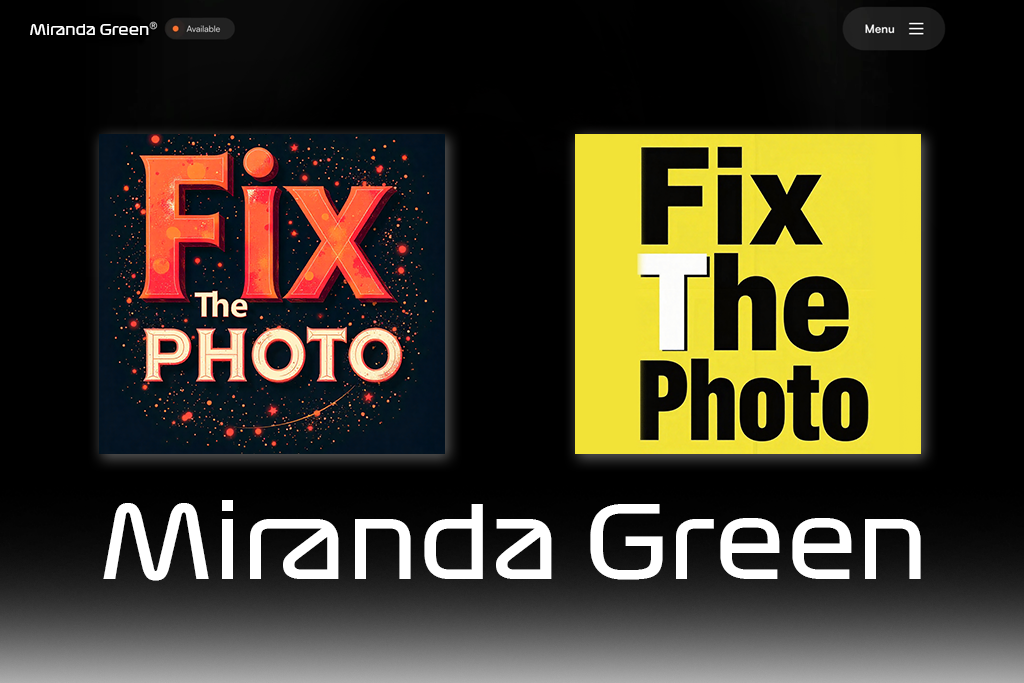
When I started testing Layers, I thought that its approach was more modern and streamlined than the one that was used by Behance. It does not have any bulky project modules or slideshow-centered layouts. Instead, Layers has flexible blocks that you can rearrange to your liking to develop a strong visual narrative. Thanks to it, I can give my portfolio a creative feel without adjusting complex settings.
I was pleased with how well Layers deals with mixed media. Here, I can add illustrations and designs as well as create a strong dynamic effect. Behance requires users to add different types of media to the same template. Layers allows me to choose the most suitable way of presenting my projects and customize the layout so that it matches the content.
“This service has high flexibility and allows you to showcase mixed-media projects using layouts in different styles. While it still requires improvement, the platform feels promising.”
Another advantage of this service is that it comes with a set of features for linking services, which facilitates integrating social media for photographers and other creative professionals. With it, you can quickly create landing pages. Behance does not have such practical tools. Layers has plenty of handy features that allow creatives to increase their conversions and encourage potential clients to contact them.
However, unlike some other graphic design portfolio alternatives, it is still quite small. This is why Behance might be a better choice for those who are interested in community discoverability. Despite some limitations, Layers is a modern-looking portfolio builder that is perfect for developing a strong visual presence. It exceeded my expectations, as it has more handy features than Behance.
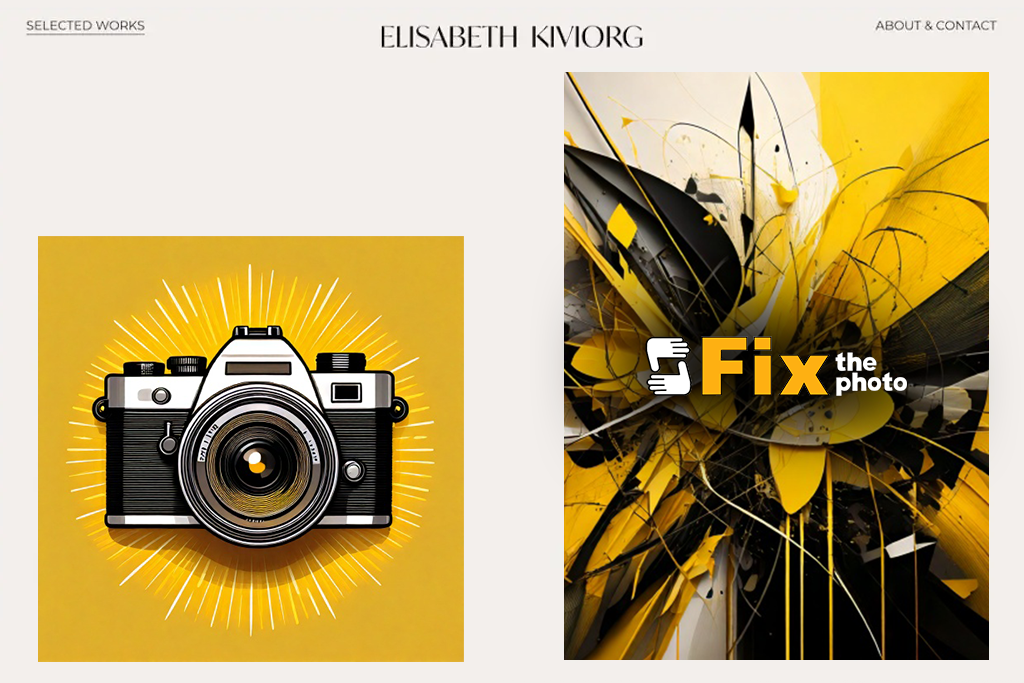
When I started to test Carbonmade, I thought that it looked like a more user-friendly and powerful alternative to Behance. Its interface is quite streamlined. Besides, it has a collection of eye-catching templates and extensive customization options. What makes it different from Behance is that Carbonmade allows me to personalize my portfolio the way I see fit.
I was especially pleased with the drag-and-drop editor. Using its customizable templates, I was able to change the position of the sections, create galleries, and add information about case studies. While Behance is an excellent choice for static projects, Carbonmade allows me to create a website that will promote my personal brand.
“This service is easy to use and customize. I created a portfolio that looked unique and stood out among the rest. The only shortcoming is that some advanced features are paid.”
Another strong point of this Behance replacement is that it allows users to work with high-resolution images, animated GIFs, and embedded videos. Large media files load quickly and look perfect. When using Behance, I would often find it difficult to adjust the grid. However, Carbonmade allows me to experiment with the layout of my visuals and present them as a carefully arranged exhibition designed for photography inspiration.
Even though there is no large community of supporters behind this service, and this platform does not have built-in discovery features like Behance, it supports more advanced customization and advanced control. I can use this platform to build a real website instead of a single gallery page.
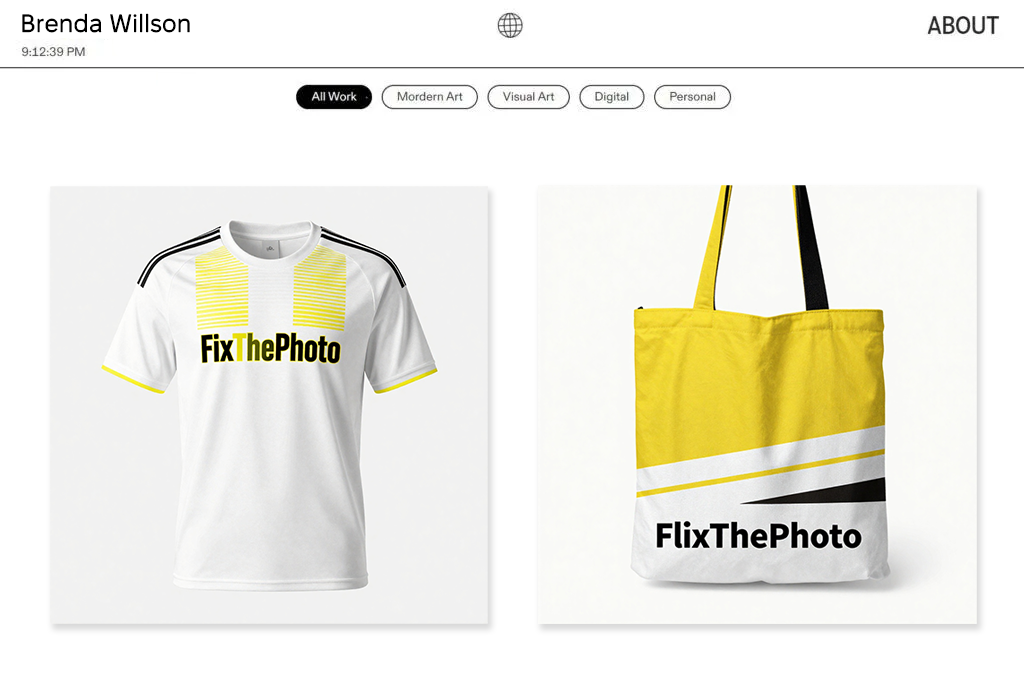
When I started to test Cargo, it exceeded my expectations. It feels like a powerful design tool combined with website-building features. This service is more flexible than Behance, which becomes one of its main indisputable advantages. When I started to create a layout by adding text blocks, pictures, grids, and overlays, I discovered that Cargo is the best fit for creators who want to create a professional portfolio without any coding skills.
Unlike some other online portfolio platforms like Behance, Cargo has an impressive collection of creative templates. They have a bold feel and look quite experimental and unique, making them different from generic templates available on Behance. I was able to create asymmetrical layouts, add overlapping images, create unusual grids, and build editorial-style project pages. I enjoyed using this platform, as it helped me implement a variety of graphic design ideas.
“This service has a lot of artsy features that will give your portfolio a unique feel. The templates look professional and allow one to stand out among the rest. While it might take you some time to master it, the outputs will look original.”
In addition, I liked the fact that Cargo supports custom domains, allows users to access analytics, and enables one to choose different navigation options. Behance has more limited functionality and functions mostly as a platform for storing portfolios. It does not have any powerful website-building tools. At the same time, I was able to use Cargo to create a site that functioned as a portfolio and a personal brand hub.
While it may take you a while to master Cargo, you will enjoy an opportunity to tweak the layout of your site. When I learned how to use its tools, I became highly pleased with its features. Using them, I can build a strong visual identity with ease.
Together with the FixThePhoto team, we wanted to test all the available Behance alternatives to understand what services allow creative professionals to create better portfolios. After Kate Debela, Vadym Antypenko, and Eva Williams joined me, our small team spent several weeks testing various platforms.
We would create accounts, build sample portfolios, and publish our test projects to see whether they would look professional. Instead of focusing solely on functionality and the available features, we decided to see whether these solutions can become a part of a professional workflow.
At first, we decided to upload our test assets, including branding sets, UI mockups, photo series, and illustrations. We wanted to understand whether these platforms would support high-quality outputs and have any layout limitations. Besides, we wanted to test loading speed and assess the overall presentation. Kate decided to test creative portfolio websites known for their focus on design, such as Dribbble, Cargo, Carbonmade, and OnePageLove.
Vadym was more interested in the technical side of things, so he prioritized niche solutions like ArtStation, Peerlist, and Layers. Eva wanted to see whether experimental platforms were a feasible choice as well. She tested Ello, DeviantArt, and Brutalist, knowing that these services had a strong focus on the visual side. Thanks to these different approaches, we were able to make consistent comparisons, as we worked on the same projects, but adjusted them slightly depending on a site’s layout.
In addition, we tested customization. We wanted to understand whether it would be easy to adjust layouts, create branded pages, work with text, improve a page’s navigation, and connect domains. Behance was quite limited in these areas, so we were pleased to discover that most alternatives allowed users to customize their portfolios to a higher degree.
In addition, we tested search engine optimization tools, analytics, job boards, and features for working with clients. Besides, we assessed community engagement and estimated discoverability. My colleagues and I logged the time it took us to set up an account and prepare a portfolio. It helped us to compare the usability of these services.
After completing the testing stage, we were able to understand the key selling points of portfolio site alternatives to Behance we used. Some services, including Adobe Portfolio, Cargo, and Carbonmade, are more suitable for working with branding elements. Solutions like Dribbble and ArtStation delivered a better performance than Behance when it came to community reach, engagement, and job opportunities.
We were especially pleased with niche services like Brutalist, Ello, and OnePageLove, as they turned out to be perfectly suitable for working with certain artistic styles and personal storytelling. It allowed me to understand why many users started to look for a potential replacement for Behance. While this service allows one to increase their visibility within a large creative community, many of its alternatives allow one to present their portfolios better, use advanced client-focused tools, and highlight their strongest points.




![10 Best Video Delivery Platforms [Simple & Free]](http://fixthephoto.com/blog/images/gallery/news_main__preview_28433.jpg)
![8 Best AI ASMR Video Generators in {{%year}} [100% WORKING]](http://fixthephoto.com/blog/images/gallery/news_main__preview_28804.jpg)

![11 Best Jasper AI Alternatives in {{%year}} [Reviewed & Tested]](http://fixthephoto.com/blog/images/gallery/news_main__preview_28888.jpg)

![7 Best TXT to PDF Converters [Free Desktop, Online & for Mobile]](http://fixthephoto.com/blog/images/gallery/news_main__preview_28480.jpg)


















