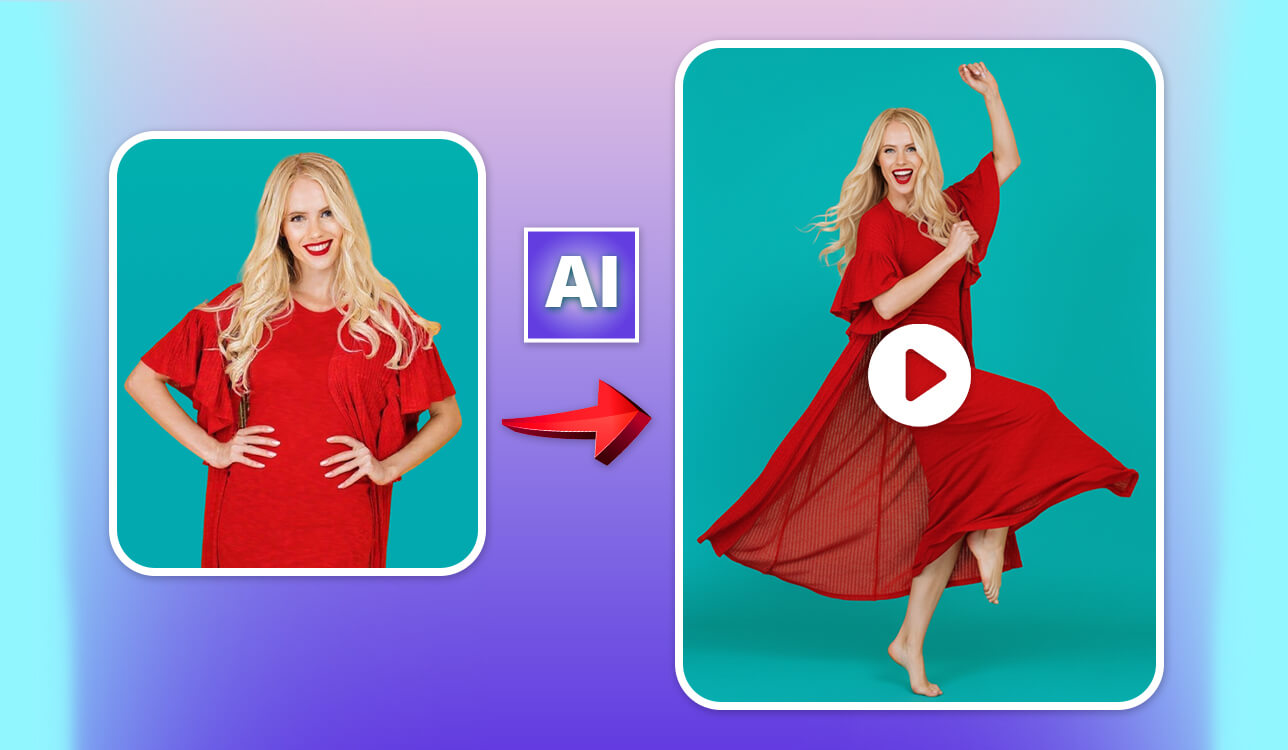
Over the last year, AI dance motion tools completely changed how I make short videos. I post trend-based content on TikTok, Instagram Reels, and YouTube Shorts all the time, so I work with visuals daily. When AI started becoming popular in creative work, I didn’t feel threatened. Instead, I thought it could be a great opportunity to test the apps seriously.
Dancing online isn’t new, but AI made it popular again. Now, people don’t need dance skills, a filming space, or even to appear on camera. With the right AI dance generator and a good idea, anyone can join trends.
To understand which tools actually work, I went deep into research. I read discussions on Reddit, watched YouTube reviews, followed creators testing these tools, and asked my FixThePhoto team to help. Together, we tested 20+ AI dance generators over several weeks. We used different photos, lighting setups, poses, styles, and popular sounds.
Some tools were fake. Others crashed or stopped working after one export. But a few tools impressed us. These are the things I expect from a good AI dance animation maker:
If a tool fails on two or more of these points, it’s out, even if it’s viral.
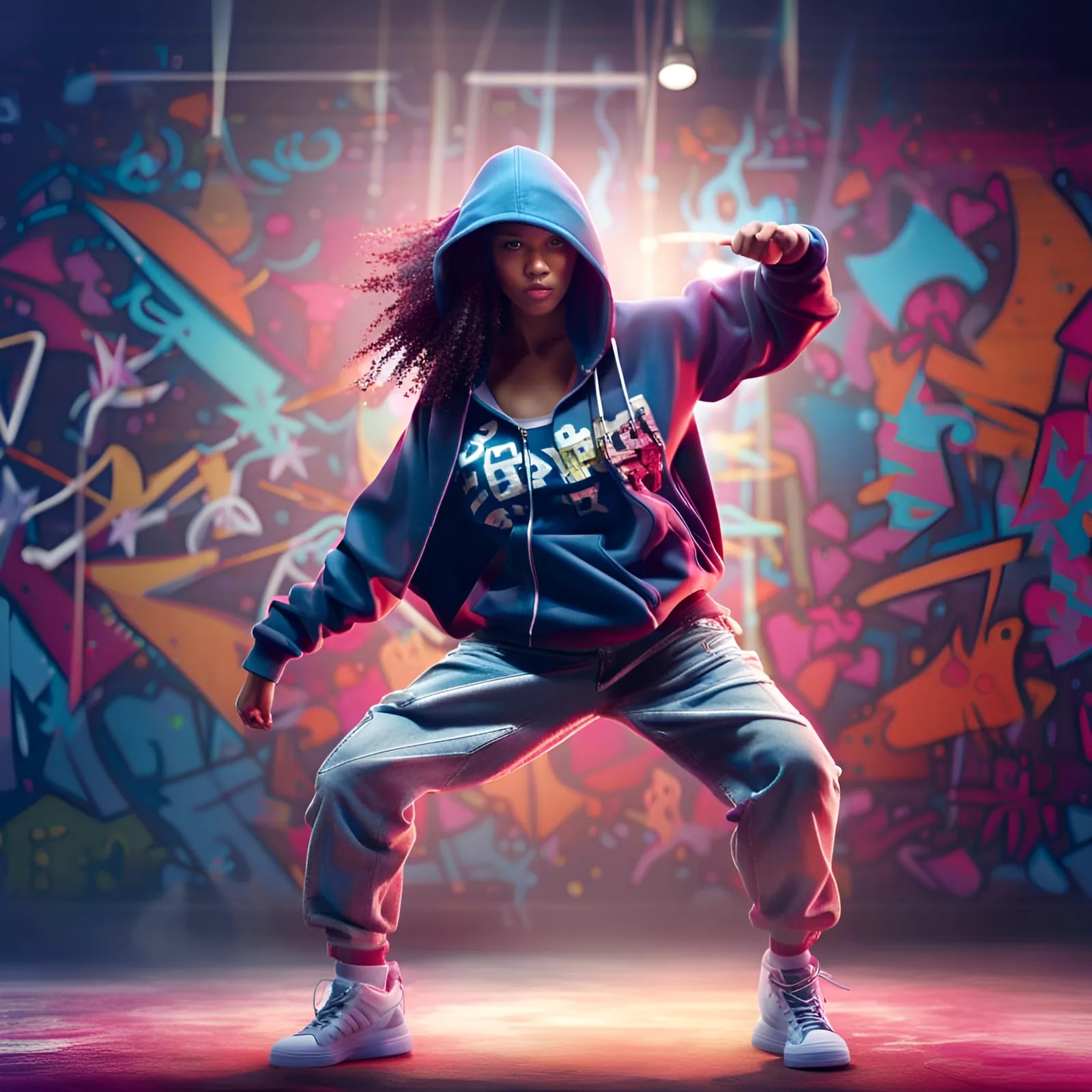
After all my testing, the honest answer is both yes and no.
When it comes to realism, real dancing is still better. Human dancers show small details like muscle control, emotion, and how they move through space. AI dance motion generators cannot fully copy that yet.
But many people miss one important thing: short-form platforms don’t care much about realism. They care about grabbing attention.
On TikTok, viewers decide in the first couple of seconds if they keep watching. An AI dance that looks unexpected, strange, or impossible often performs better than a technically perfect real dance.
AI still has problems with:
But AI does very well at:
While testing AI video generators, a few things stood out to me:
For one test, I used an old backstage photo from a FixThePhoto project. The image was static and not very interesting. I ran it through an AI dance tool, added a trending sound, and posted it with the idea “what if this photo could dance.” The video brought attention not only to my profile but also to our editing services.
That moment made me realize: these AI tools are not just for fun. They are powerful tools for increasing engagement online.
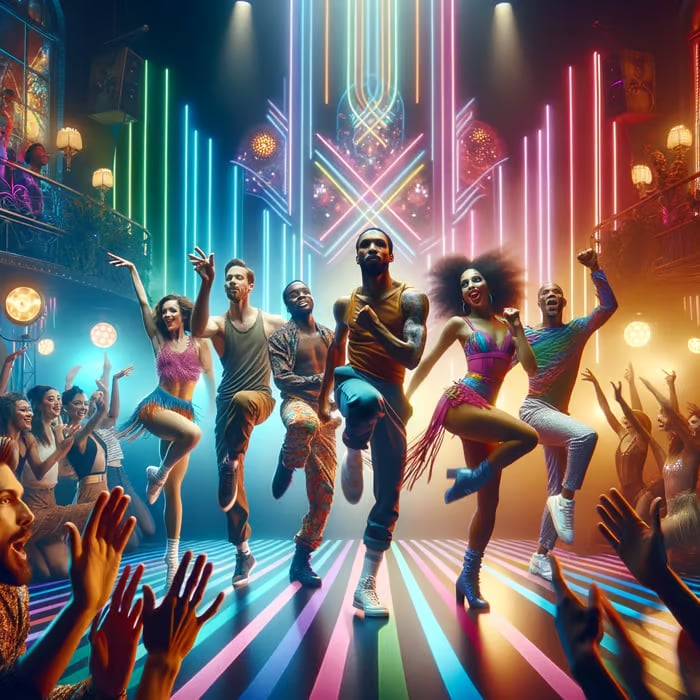
Prep the photo first. Fix small flaws, adjust contrast, and clean the edges. When the image looks neat, the AI movement appears smoother and more natural.
Keep clips short. Videos between 5 and 8 seconds usually perform better than long repeating loops.
Always match your AI dance video with popular sounds. The platform algorithm will help push your content if the audio is trending.
Embrace imperfections. Strange movement can sometimes keep viewers watching longer.
Batch-generate variations. Small changes in pose or crop can double performance.
Start with the idea first, not the tool. A strong concept matters more than which AI dance creator online you choose.
AI dance tools are not meant to replace dancers or creators. Their goal is to remove barriers, inspire ideas, and allow more people to take part in visual trends – even without showing themselves on camera.
Best for: professional creators, editors
Pricing: Free (limited generations); from $4.99/mo, from $49.99/year
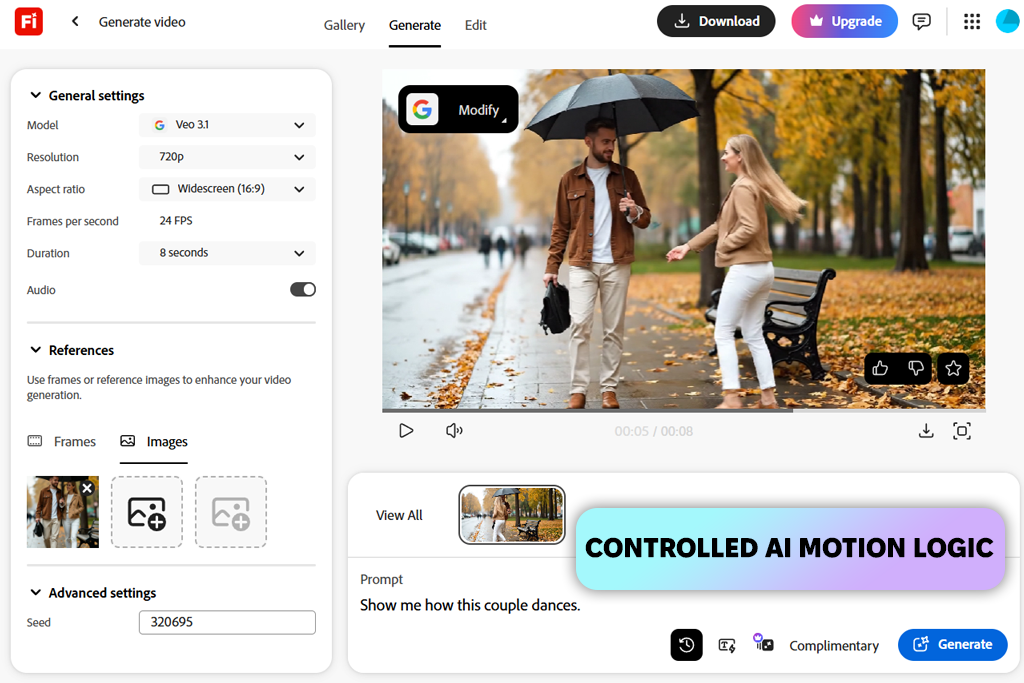
I first noticed creators using Firefly motion on YouTube Shorts. The videos showed gentle character movement, animated poses, and AI-generated motion layers. That made me wonder if the Firefly video model could handle dance-style animation without looking stiff or repeating the same movement.
“Firefly works best when you need smooth motion, clean video quality, and freedom to edit later. It may not be the fastest or most playful tool, but when quality is important, I rely on it.”

Firefly does not market itself as an AI dance generator, and that is what makes it strong. Instead of using ready-made dance moves, it focuses on motion logic, steady movement, and smooth transitions between frames. When I tested it with portrait images and full-body photos, the movement felt planned and controlled: not chaotic, but more like a film scene.
Another reason why I like Firefly is that it fits well into my usual workflow. I create motion clips, improve the visuals in Photoshop, and finish editing in Premiere Pro. This saves time, especially when making AI dance videos for Reels or Shorts that still need a professional look.
Tips: Use clear, high-quality photos, avoid odd body positions, and treat Firefly as the base motion, not the finished video.
Top features:
Best for: trend testing, fast content
Pricing: Free (watermark, limits); from $9.99/mo, from $99/year
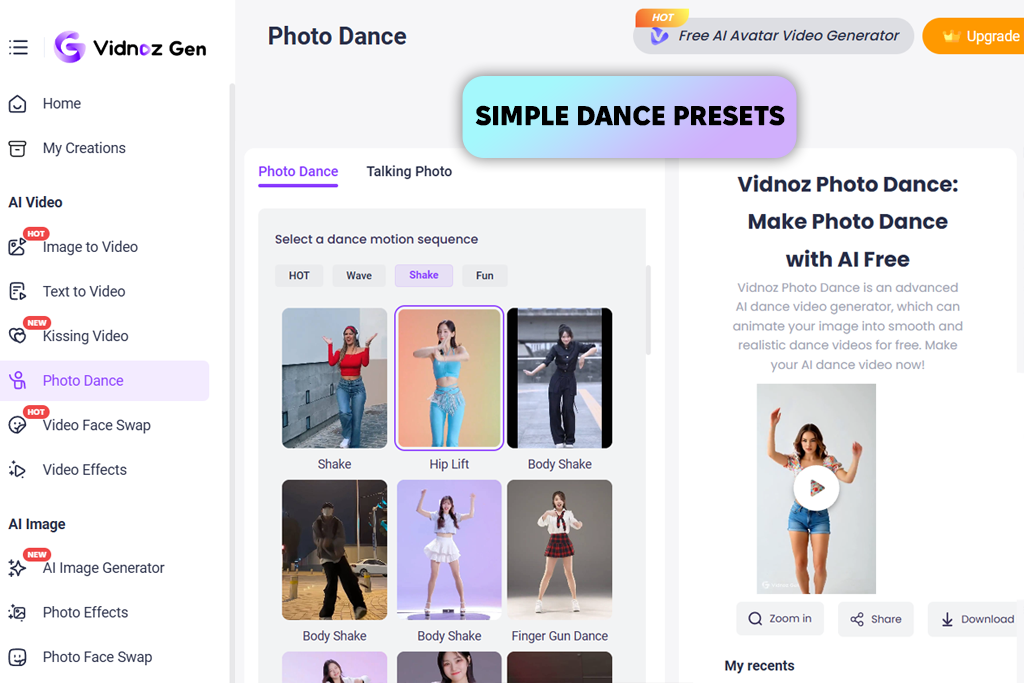
A coworker suggested Vidnoz during our team testing. He said it was fast and better than it first appeared, and that turned out to be true.
Vidnoz is made for creators who want quick results. All you need to do is upload an image, pick a motion style, and you get a dance clip in minutes.
Speed is its biggest advantage. Both the creation process and decision-making are simple. There is almost nothing to learn, which is uncommon for AI animation tools. When I tested it with trending TikTok sounds, the rhythm matching worked better than I expected.
“The movement is not highly detailed, but it has enough expression to grab attention right away – which is exactly what short-form platforms focus on.”

I mostly use this AI video editor to test trends fast. If I’m unsure about an idea, I make a rough AI dance video here before spending time on actual editing or filming. It’s also useful for fun, experimental content where realism is not the main focus.
Tips: Use centered, upright photos and keep clips short. Vidnoz performs best with short, looping clips.
Top features:
Best for: realistic dance motion
Pricing: Free (limited exports); from $10/mo, from $96/year
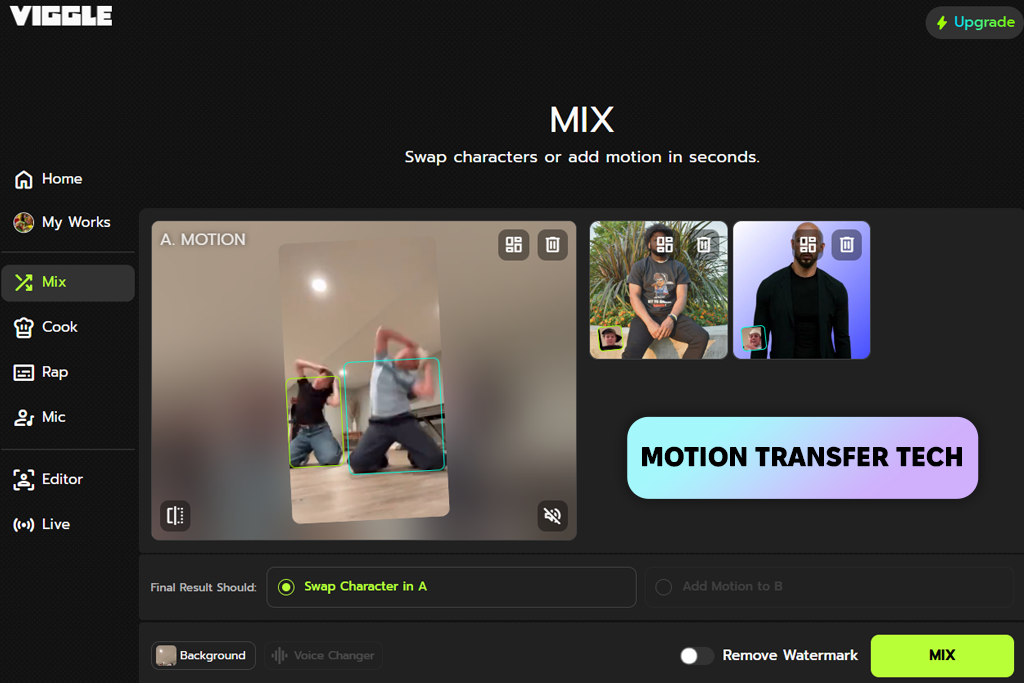
I saw a Reddit post where creators shared videos generated by Viggle that looked far more natural than expected for AI. That caught my attention.
This AI dance generator does not rely on flashy effects or viral tricks. Its main strength is motion transfer. You take movement from a real dance video and apply it to a photo or character. During testing, this produced better balance, timing, and flow compared to tools that use fixed templates.
“Viggle works best when you care more about realistic movement than speed. It’s not ideal for quick trend posting, but when you want motion that looks realistic, it delivers.”

Tips: Pick reference dances with good lighting and simple movements. Also, clean and slow motion often give better results.
Top features:

Best for: music-based trends
Pricing: Free (watermark, limits); from $8.99/mo, from $89/year
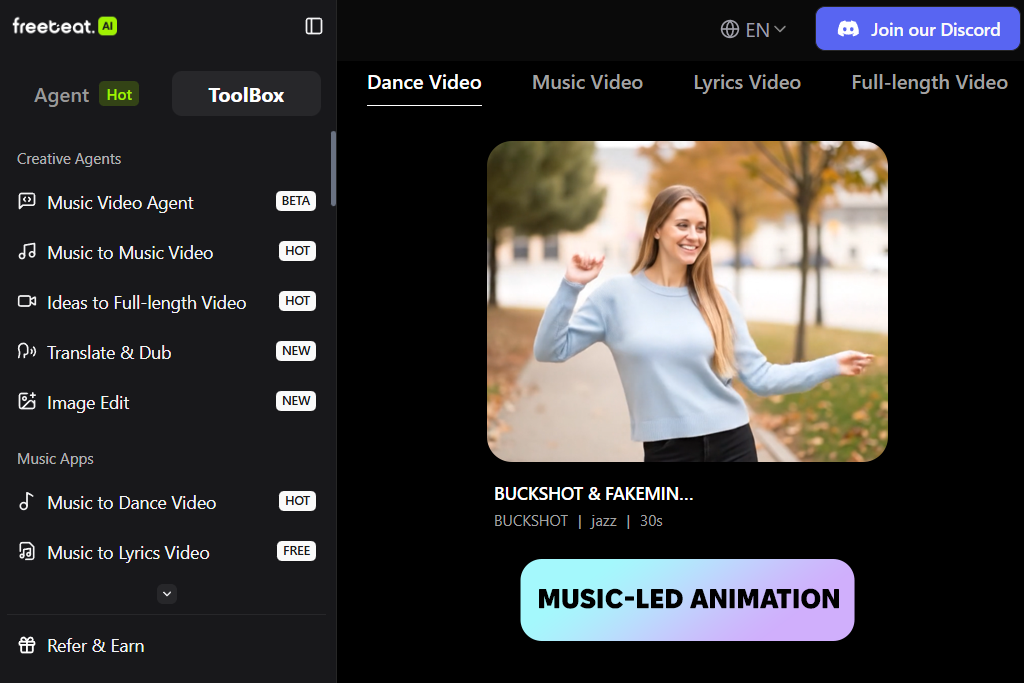
I found Freebeat while searching for AI dance video generators that focus on music-based animation, and it stood out right away. Most platforms start by analyzing the image, but Freebeat begins with sound, and that changes how the final video looks.
Freebeat interprets the beat, speed, and rhythm of the audio before creating movement. When I tested it with popular TikTok sounds, the motion matched the music better than many other AI dance tools. The dances were simple, but the timing hit beat drops perfectly, which matters more than detailed movement in short videos.
“This is the tool I choose when music is the main focus. For dance challenges, remix trends, or transitions that depend on timing and beat, Freebeat saves me from syncing everything by hand.”

I usually create a basic dance loop in Freebeat and then add effects, cuts, or text later. This AI audio tool is not about perfect body movement or film-style motion. Its strength is rhythm. When a trend depends on timing, this tool helps you stay ahead.
Tips: Use clear audio files and keep tracks short. Strong, punchy beats work best.
Top features:
Best for: casual creators, lifestyle content
Pricing: Free (watermark, limits); from $7.99/mo, from $79/year
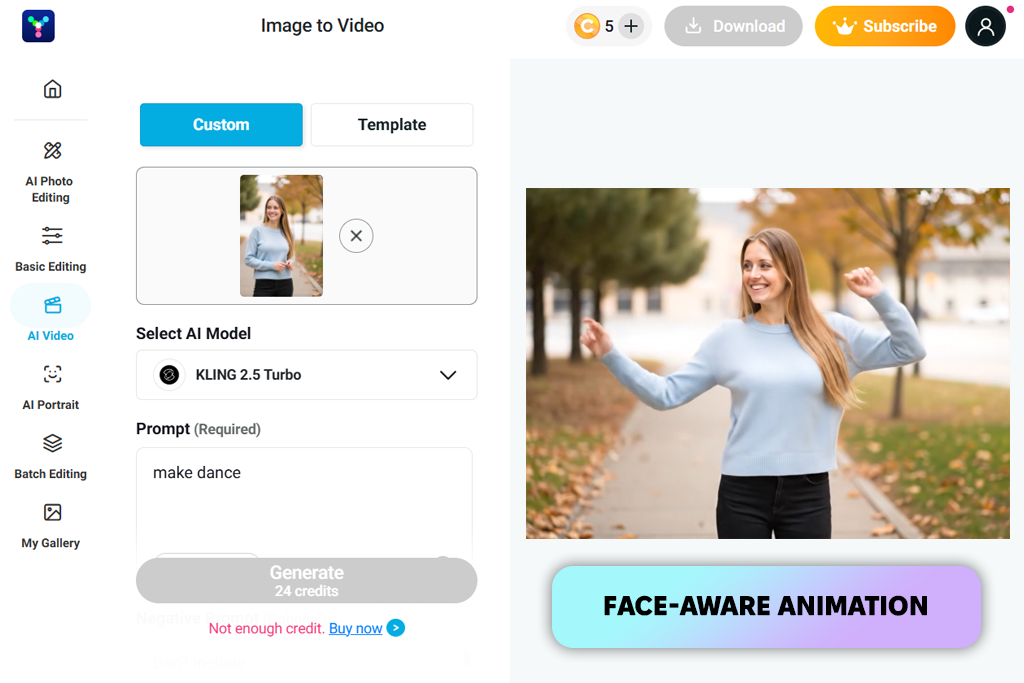
I first heard about YouCam’s AI dance feature from a coworker who focuses more on social content and beauty videos than heavy editing. At first, I didn’t expect much since YouCam is mostly known for filters and face tools. But after testing it, I understood why many creators use it.
“I use YouCam when I need something fast and dependable, especially for videos that focus on faces, reactions, or light dancing instead of professional choreography.”

This YouTube Shorts app is designed for creators who want smooth, good-looking results without dealing with complex tools. Its biggest strength is face and upper-body animation: facial expressions stay natural, body shape stays correct, and the movement feels safe and controlled. This is perfect for lifestyle creators and personal brands.
I tested it using casual photos and half-body images, and it worked best in those situations. It’s not trying to look ultra-realistic; instead, it makes sure the subject looks good while moving, which works well for Instagram Reels and YouTube Shorts aimed at wide audiences.
Tips: Use photos with good lighting and avoid weird body poses. YouCam works best with clean and simple visuals.
Top features:
Best for: mobile creators, quick trends
Pricing: Free (watermark, limits); from $6.99/mo, from $49/year
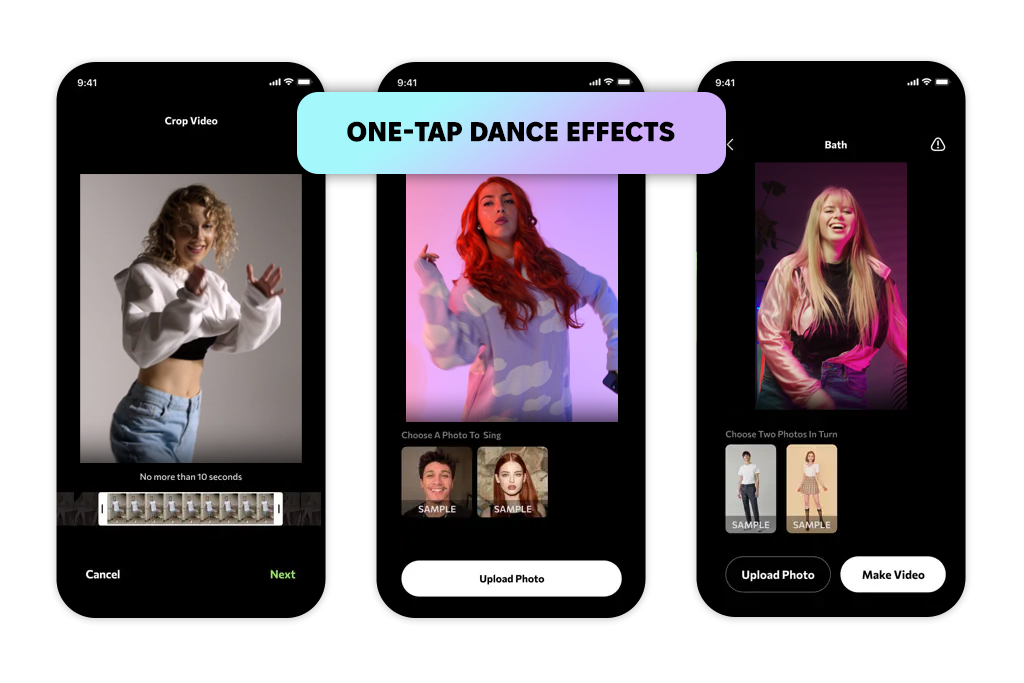
I discovered Photo Dance while browsing the top apps in the App Store, where it was clearly riding the AI dance trend. I downloaded it just to try it out, but I ended up keeping it.
This app focuses on speed and ease: you upload a photo, select a dance, and get a short, animated video without even using a computer. Photo Dance is special because it is made for vertical video, fast sharing, and quick posting – all within your phone.
I tested it during a busy week when I didn’t want to open Premiere Pro at all. For quick viral videos and fun social posts, it worked well. The movement options are limited, but that’s the trade-off for how fast it is.
I mostly use Photo Dance for trying out quick ideas when I’m traveling, behind the scenes, or just experimenting. While it’s not a professional editing tool, it’s fun, and fun content often performs well online.
Tips: Pick simple photos and focus on humor. Don’t overthink the results with this app.
Top features:
Best for: viral dance content, TikTok creators, fast template-based animation
Pricing: Free (limited generations); from $19.99/mo
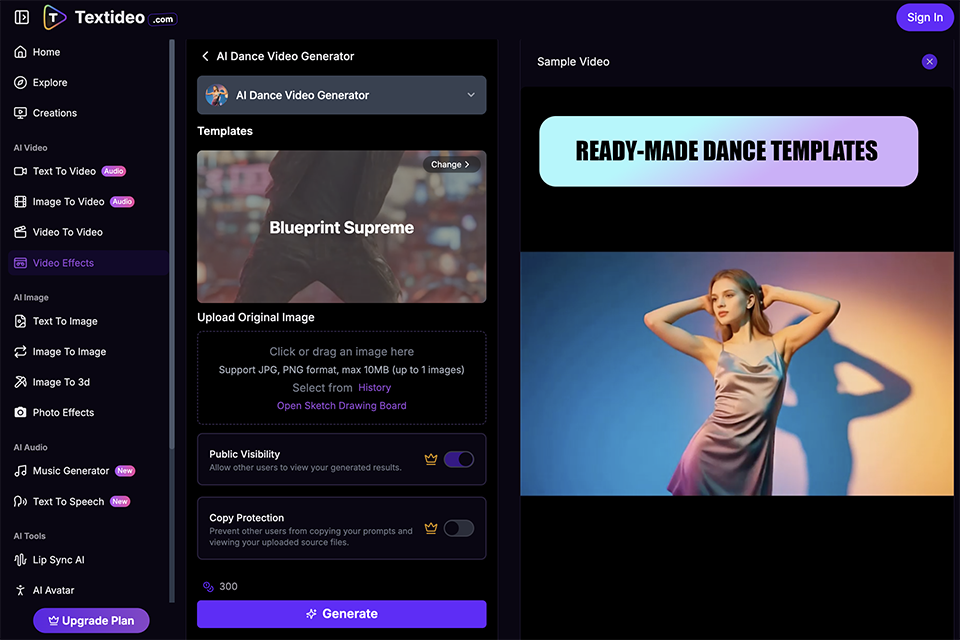
I originally came upon Textideo when studying AI dancing trends on TikTok. A lot of viral baby, kung fu, and character dance videos were clearly created with template-driven choreography. That made me wonder if the AI Dance Video Generator might create compelling, scroll-stopping entertainment without appearing monotonous or artificial.
“Textideo works best when you need speed, viral energy, and ready-made choreography. It’s not built for cinematic precision — it’s built for momentum and trends.”
Textideo is fundamentally distinct from motion-logic tools. Instead of creating movement from scratch, it uses pre-trained dance templates such as hip-hop, k-pop, ballet, viral TikTok challenges, and even kung fu battle techniques. When I tested it with portrait and full-body shots, the algorithm swiftly mapped the body and executed lively choreography. The movement is strong and eye-catching, rather than subtle or film-like.
What I admire about the platform is how socially conscious it is. The videos are exported in formats designed for TikTok, Reels, and Shorts, so I don't have to manually alter aspect ratios. It's clearly geared for makers that value quick turnaround and strong engagement over extensive post-production flexibility.
Tips: Use clear, front-facing images with visible body positioning. Avoid cropped limbs. Choose templates that match the subject’s pose to reduce distortion.
Top features:
Best for: experimental creators, AI art
Pricing: Free (limited credits); from $9/mo, from $90/year
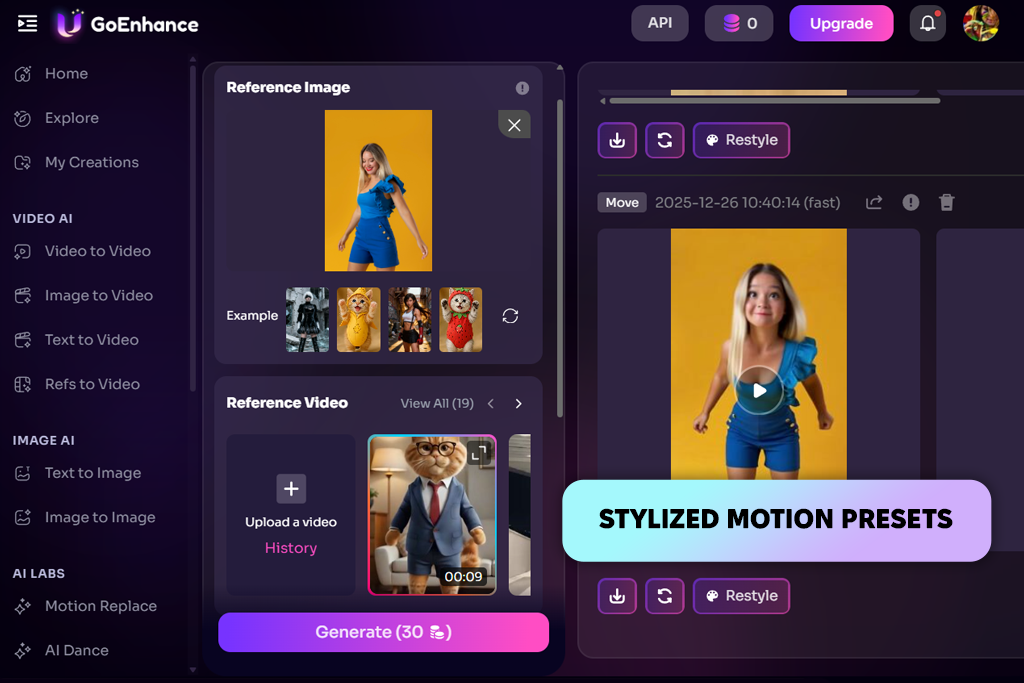
A coworker who likes creative and unusual visuals suggested GoEnhance to me, and that’s exactly the kind of tool it is. This free AI website is not trying to copy real dancers. Instead, it focuses on an AI-style look.
What makes GoEnhance different from other AI dance-generating apps is how many visual styles it offers. Rather than aiming for natural movement, it uses bold motion, visual effects, and artistic changes. When I tested it, the videos felt more like AI artwork than normal dance clips, which works well if your goal is to stand out.
I use GoEnhance when realism is not important. It’s great for dream-like ideas, artistic Reels, or abstract openings where movement is about mood, not dance accuracy. Some of my most commented videos came from GoEnhance because they looked unusual and fresh. The downside is that results are not always consistent. But when it turns out well, it makes a strong impact.
Tips: Try different styles and avoid using perfect photos. Small flaws often make the AI effect look better.
Top features:
Testing AI dance tools was not something I could finish in one night. It became a long process that lasted several weeks. That’s why I asked my team at FixThePhoto to help me with this early on. We work with images, videos, and AI tools every day, so it made sense to test these tools the same way we test editing software used for actual projects.
I collected tools the same way most creators find them: I checked Reddit posts, YouTube comments, TikTok recommendations, Google searches, and advice from coworkers. My only rule was simple: if people were actually using the tool and not just advertising it, it went on the test list. In total, we tested more than 20 AI dance video generators, including websites and mobile apps.
Not all tools made it to the final list. Some looked good at first but failed when used in real situations. Tools like DeepMotion, TokkingHeads, Reface Motion, Kaiber, and LeiaPix Animate were tested but didn’t perform well. Some had trouble with full-body movement, others produced shaky motion, locked important features behind paywalls, or were not designed for short dance videos.
To keep testing fair, I used the same setup for every tool. I worked with different photo types, including studio images, casual phone photos, full-body shots, and imperfect everyday pictures. This matters because most users don’t upload perfect images.
I tested popular songs, fast music, slower loops, and videos without sound. Each AI video maker was judged based on how natural the motion looked, how well it matched the beat, video quality, processing speed, ease of use, and how well it fit into a standard social media workflow.
My team helped by running tests at the same time, comparing results, and pointing out problems I might have missed. If a video needed too much fixing in Premiere Pro after export, the tool lost points. If the video didn’t work well when reposted to TikTok, Instagram Reels, and YouTube Shorts, it also dropped in ranking.




![Imagen AI Review from Wedding Photographer [2000+ Edits]](http://fixthephoto.com/blog/images/gallery/news_main__preview_28342.png)


![13 Best AI YouTube Shorts Generators [+BONUS]](http://fixthephoto.com/blog/images/gallery/news_main__preview_28463.jpg)

![9 Best Ghibli AI Generators in {{%year}} [100% FREE]](http://fixthephoto.com/blog/images/gallery/news_main__preview_28431.jpg)


















