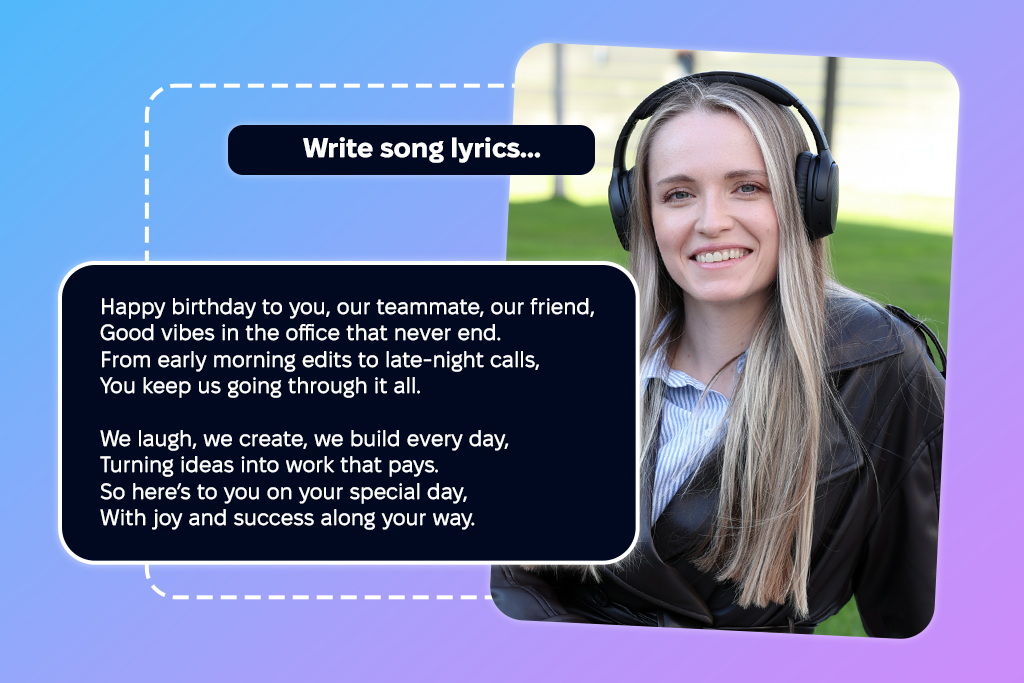
Recently, the FixThePhoto team and I wanted to prepare a birthday video for a colleague. Rather than going with a basic greeting, our goal was to include emotional lyrics that would fit the footage and make the video more memorable.
Since we didn’t have a lot of time, we decided to try to find the best AI song lyric generator that would allow us to efficiently brainstorm different ideas, moods, and tones. While basic tools were great at speeding up our workflow, the output was highly inconsistent. Some delivered fitting, well-written lines, while others delivered bland or unnatural lyrics.
Our brief testing helped us understand that not all options were created equal. Overall, I chose to test more than 10 tools while giving them proper attention and comparing the results they delivered in practical scenarios before discussing them with my FixThePhoto coworkers. Additionally, I studied the opinions shared on Reddit, Quora, and YouTube to learn about the experiences of other users.
When picking the best AI lyrics generator, I prioritized evaluating how natural and unique the lyrics sounded, how each option tackled different genres and tones, and the amount of editing that was required before I was satisfied with the result.
Additionally, I accounted for factors like generation speed, user-friendliness, customization options, collaboration functionality, multilingual support, and whether the solution was suitable for actual creative workflows tied to video and content production.
After going through a variety of AI lyric generators for FixThePhoto projects, I concluded that producing lyrics is the easiest step.

The biggest challenge you need to overcome is transforming those AI-made lines into lyrics that sound like they belong in an actual song rather than random rhymes.
My main takeaway is that AI is a great creative assistant, but not a complete replacement for proper songwriting. I got the best results by combining AI tools with manual editing and emotional context.
Price: Free, with paid Adobe Firefly / Creative Cloud plans starting from $9.99/month
Compatibility: Web
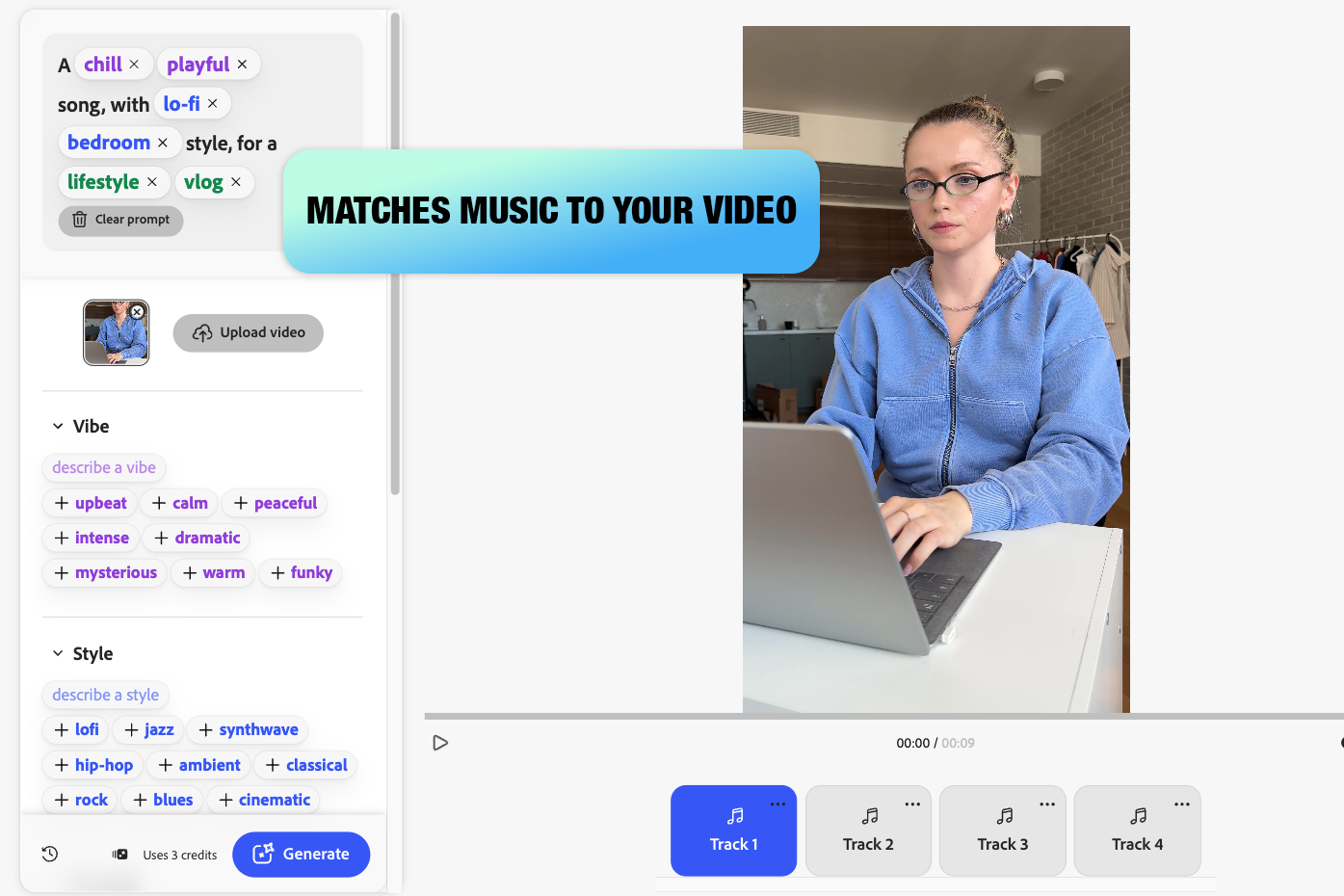
Although Adobe Firefly isn't a conventional AI lyric generator, it's one of the greatest Adobe products for transforming original concepts into music for podcasts, social media, videos, and marketing materials. It is particularly helpful when you require music that fits the tone and tempo of your story because its Generate Soundtrack tool allows you to build instrumental songs from written prompts or uploaded footage.
Firefly's ability to automatically generate music suggestions after analyzing a video was appealing to me. Additionally, you can choose the desired ambiance, genre, pace, energy, and duration yourself, and the program will produce a number of suitable music choices. For creators that require background music for TikTok, Instagram, YouTube, podcasts, tutorials, gaming material, or promotional videos, this is convenient.
“Adobe Firefly is a great option when I need a quick, commercially safe soundtrack for a video. It doesn’t write lyrics, but it helps turn a simple creative idea into polished background music.”

Price: Free (10 songs daily) or from $8/month
Compatibility: Web
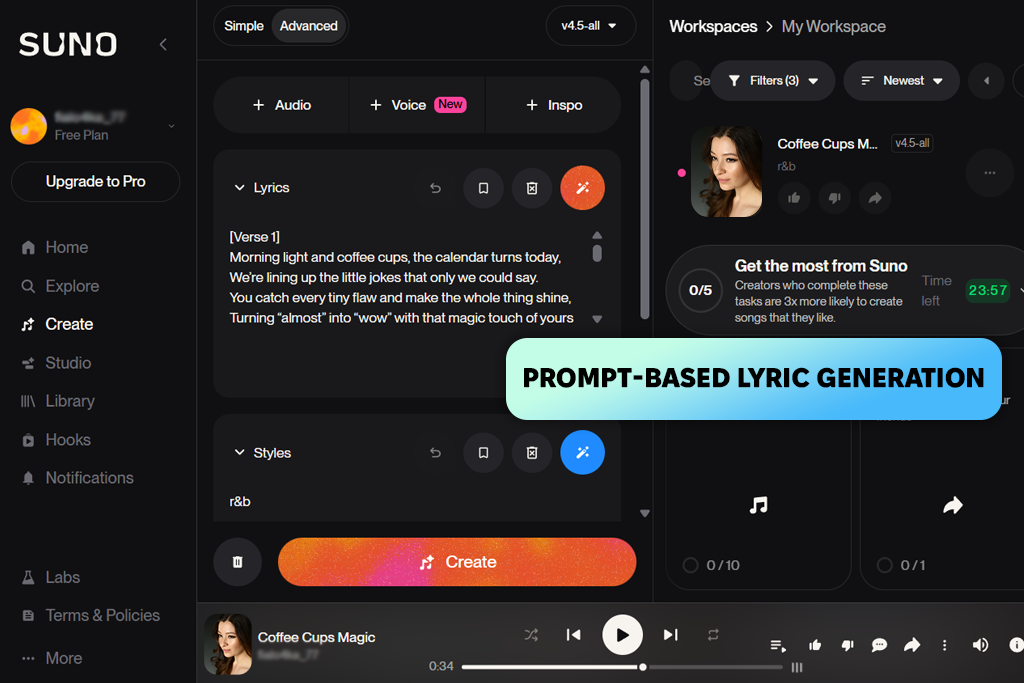
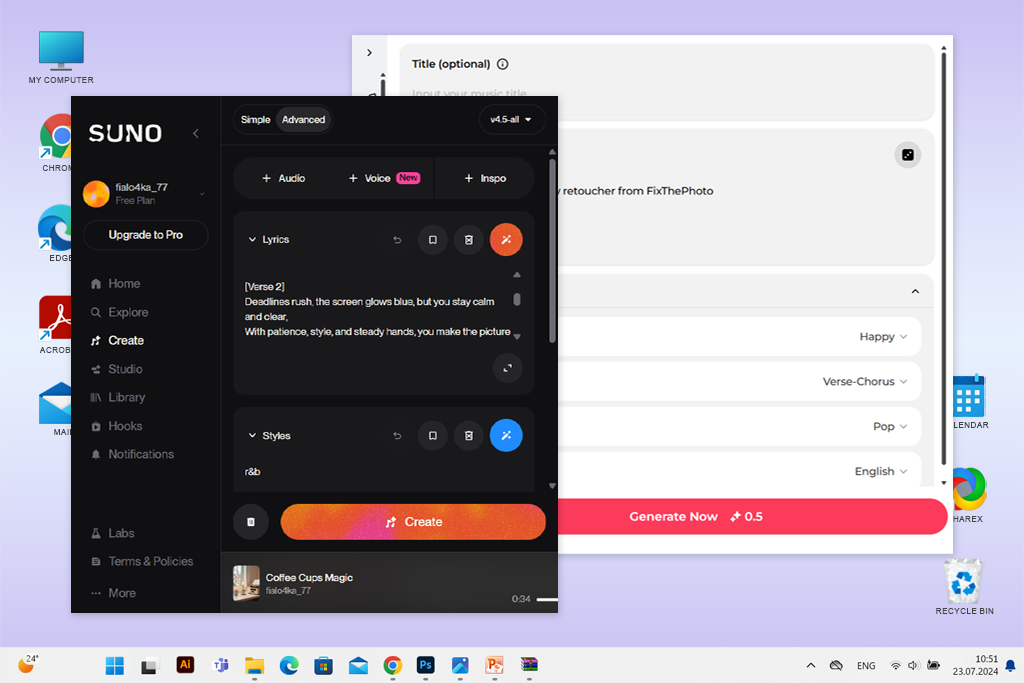
Suno is on of the best AI lyric generators that lets you easily transform basic prompts into entire songs with vocals and instrumentals. You simply need to specify the desired mood, theme, or short idea, and you’ll receive an entire track with lyrics, music, and voice within seconds. I especially liked the speed and thoroughness of this solution.
Suno can generate radio-style songs for most popular genres, including pop, hip-hop, rock, and more niche ones as well, which is why it’s great for making demos or brainstorming ideas.
This online lyrics generator offers a custom lyric mode, which lets me import my own lyrics before the AI adds vocals and music to them. Moreover, Suno can act as an AI sound effect generator, which is perfect if you need to produce some audio elements for your videos.
That said, the level of customization is rather limited, particularly in terms of editing the wording, rhythm, or pronunciation in the generated vocals. You should also be aware of the restrictions around ownership and commercial use depending on the plan.
“Suno allowed me to receive an entire demo song within minutes. I had to edit some of the lyrics, but it’s a fantastic option for getting results quickly.”

Price: Free trial or from $5.99/month
Compatibility: Web
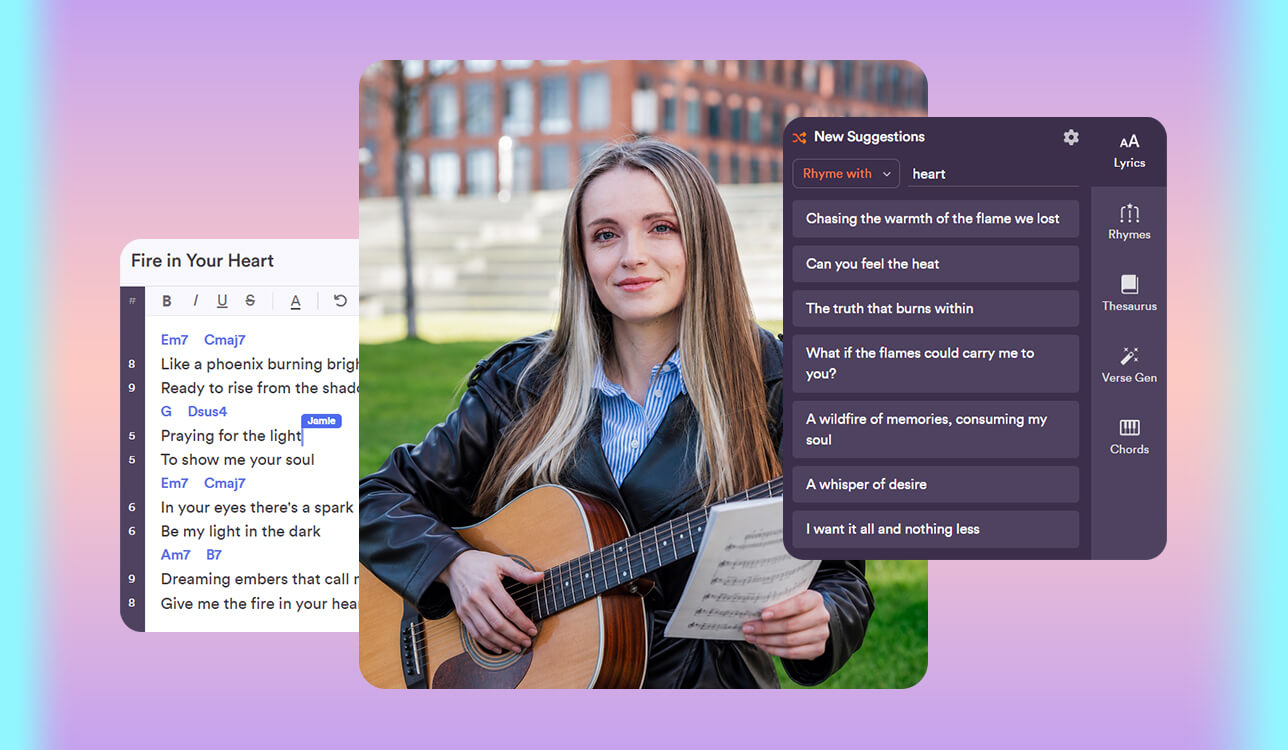
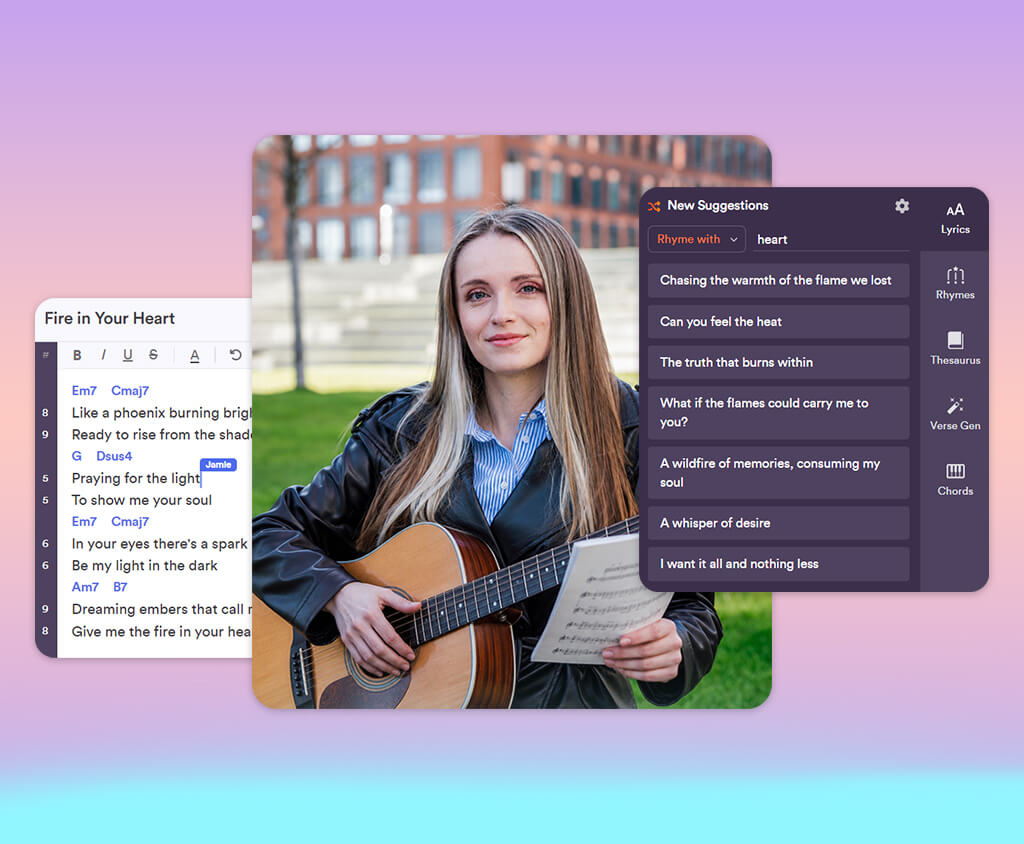
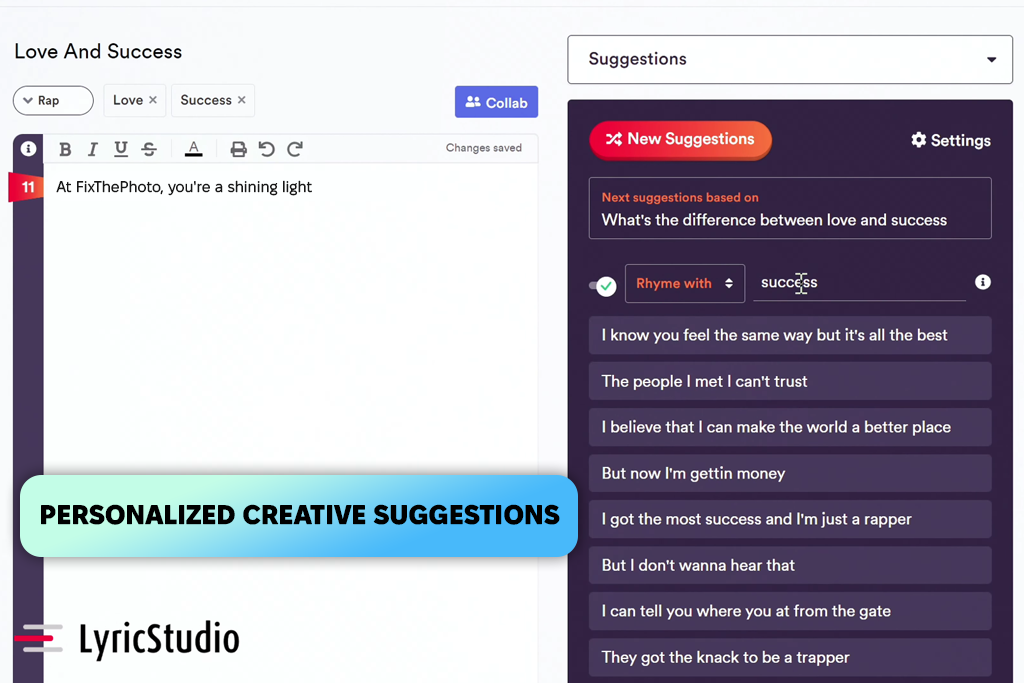
LyricStudio is an AI song lyric generator that was developed specifically for songwriting. It’s more of an excellent co-writer than a basic generator. It even recommends new directions, adapts to the chosen genre and subject matter, and promotes creative divergence rather than cliché phrases. It's great at building upon your ideas and offering several lyrical paths rather than insisting on a single direction.
For my work, I primarily employed LyricStudio to create verses step by step. Tools like unlimited smart suggestions, integrated rhyme support (“it’s rhyme time”), genre and topic inspiration library, and real-time collaboration allowed me to come up with fresh ideas and turn them into polished lyrics. The drawback of this option is that the results can be too abstract or experimental, requiring a lot of refinement before I would finalize the lyrics.
Price: Free (2 credits/month) or from $14.99/month
Compatibility: Web
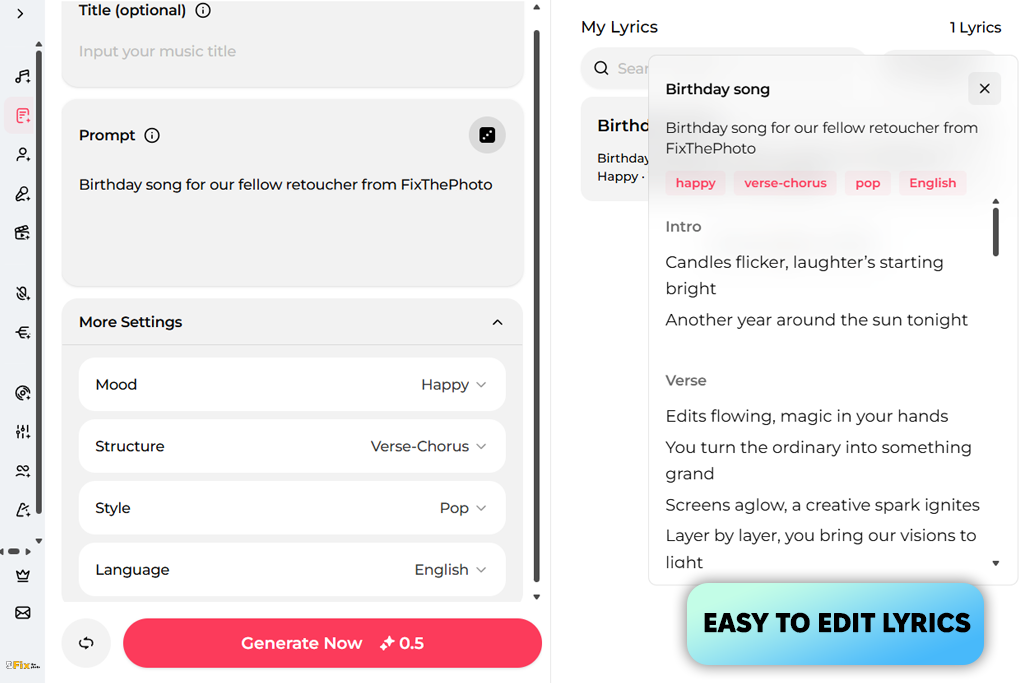
OpenMusic can be used as both an AI-powered lyrics generator and a music production solution. Moreover, it offers an extremely smooth workflow, allowing me to begin with just one word, emotion, or theme, while the AI transforms it into structured verses and choruses. This tool is great at generating lyrics for different genres, including rap, pop, or love ballads, which is essential if you want to ensure the words fit a specific mood.
I greatly appreciated how capable this AI music generator was at speeding up writing by recommending rhymes, flow, and even providing entire draft sections rather than making me start from scratch. This AI lyrics maker lets me edit, copy, and reuse lyrics across different songs, which is particularly useful if you want to generate quick variations for different video ideas. That said, the lyrics can sometimes feel generic and cliché, requiring a lot of editing before they can be finalized.
“I used OpenMusic for a wide range of genres, and it did a great job accommodating each style. However, some of the generated lyrics felt too bland.”

Price: Free or from $15/month
Compatibility: Web
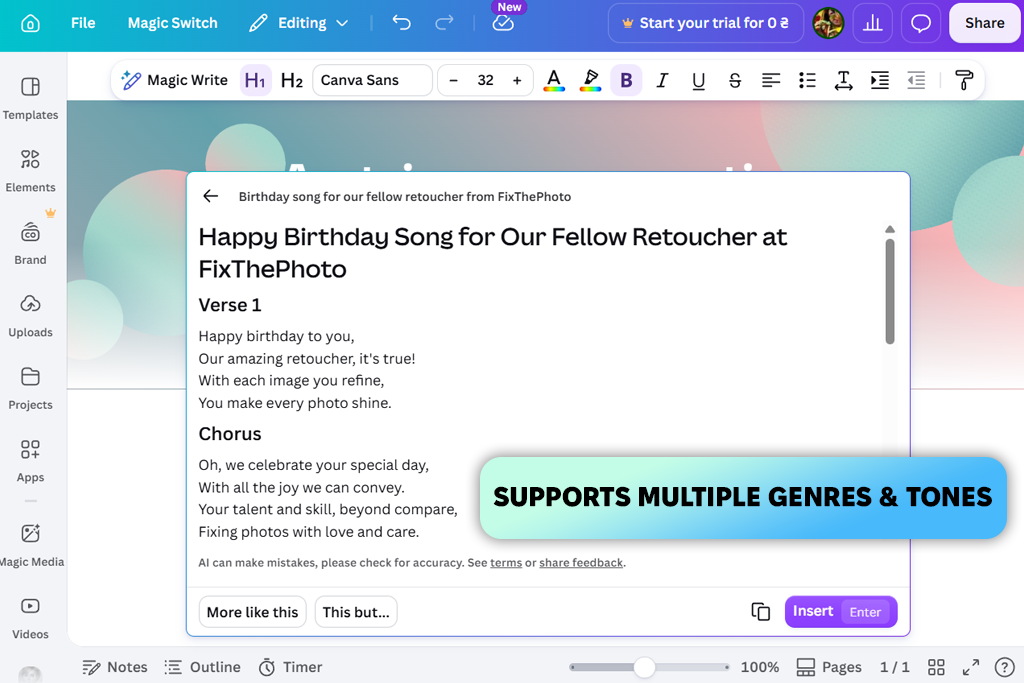
I used Canva’s Magic Write™ to produce lyrics and come up with some ideas for videos. This feature is built into Canva Docs, meaning using this free AI song lyric generator is very easy – write a prompt regarding the mood or story, and receive hooks, verses, or chorus-like outputs within seconds. It’s based on Canva’s AI assistant and is designed to build upon short prompts to generate structured lyrics.
I employed this artificial intelligence software to try out a variety of moods and genres. Canva is also arguably the best free AI song lyric generator when it comes to multilingual support. Features like tone adjustment, theme remixing, and real-time collaboration ensure this platform is suitable for team workflows. That said, the results often feel rather basic and generic compared to specialized AI lyric makers.
Price: Free or from $20/month
Compatibility: Web
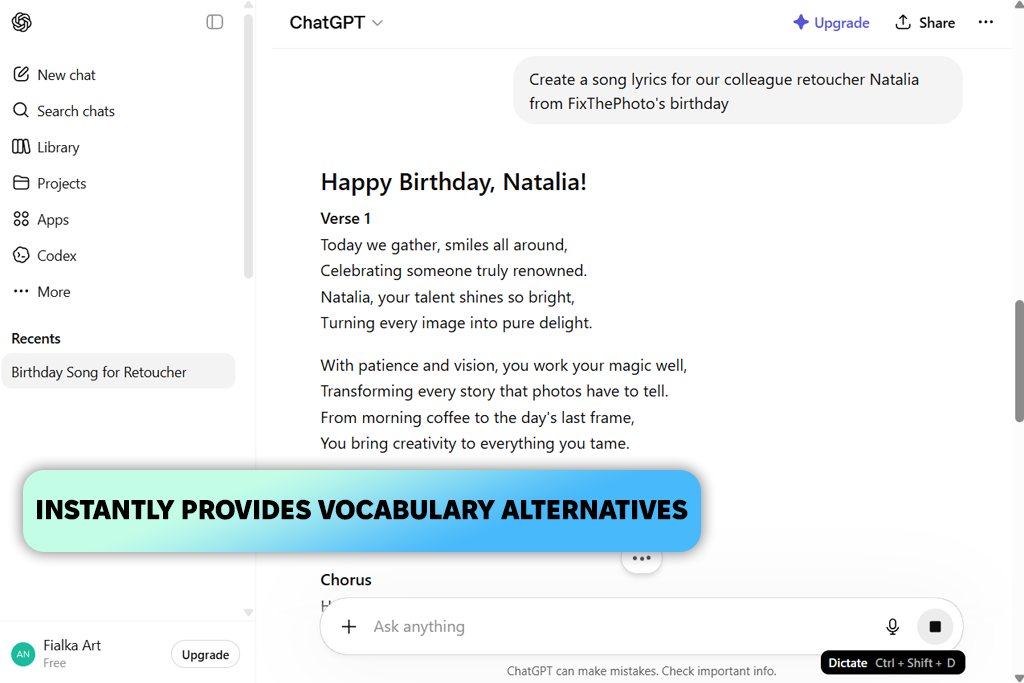
OpenAI’s ChatGPT is arguably the most versatile free AI website that’s capable of producing lyrics. You can begin using it by describing the mood, theme, or any idea you have in your mind, and then sit back and watch this free AI lyrics generator deliver structured verses, hooks, and choruses that can be used for actual projects. It’s particularly great at refining rough drafts into more musical and coherent pieces, rather than starting from a blank page.
ChatGPT is also the best free AI lyrics generator in terms of letting you adjust the direction of the writing. You can request specific styles, emotions, or genres, and the AI adapts instantly, producing anything from a somber acoustic ballad to a pop chorus or rap-style verses. Additionally, you can use it to edit lines step by step, making the process feel more collaborative than automatic. Sadly, ChatGPT can’t produce music or vocals, and the lyrics can occasionally be overly generic if you don’t demand originality.
“Personally, I use ChatGPT as a creative assistant, not the sole songwriter. It provides a solid foundation when deadlines are tight, and I’m struggling with ideas.”
The answer varies based on your needs. ChatGPT is great at flexible lyric writing and editing, while platforms like Suno are superior when it comes to transforming lyrics into complete songs with vocals and instrumentals.
AI can produce appealing drafts, hooks, and creative ideas, but most professional songwriters use the generated content as a foundation that they refine and edit. I recommend employing AI lyrics generators as a creative assistant rather than a complete replacement for human creativity.
Yes. The majority of AI song lyrics generators like LyricStudio or Openmusic let you define the genre, be it pop, rap, R&B, cinematic, or indie, as well as the mood (sad, romantic, aggressive, or inspirational).
A proper prompt describes the mood, theme, genre, and possibly a story idea. The more details you include, the more personalized and fine-tuned the lyrics will be.
Yes. In most places, you are allowed to employ AI for songwriting. That said, legal ownership is determined by the platform’s terms and conditions and the amount of human input that was involved. In most situations, fully AI-generated lyrics won’t be automatically copyrighted, while edited or human-assisted lyrics have a higher chance of being protected. Remember to read the rules of specific AI song lyrics makers and study your local copyright legislation if you want to monetize your creations.
I tested many of the best AI song lyric generators when working on this overview, as well as options like Somio AI, Udio, Claude, Lyrical Labs, Jasper AI, and BandLab that failed to make the list due to lacking in either focus, consistency, or relevance.
Some solutions offer music generation workflows, general AI writing functionality, or experimental audio features rather than being dependable platforms for structured lyric creation. Others couldn’t deliver stable results or failed to accommodate different genres and scenarios, which made them a poor choice for this overview.
To ensure the review process was fair and more objective, my colleagues from FixThePhoto, Ann and Robin, helped me test every tool in real-world workflows. We focused on how each AI lyrics writer acts in actual production scenarios instead of limiting ourselves to demo outputs.
How we approached the testing process:
This method allowed us to separate platforms that are capable of proper songwriting from those that should primarily be used only for experimentation or general content generation.



![9 RunwayML Alternatives [Better, Faster & Cheaper]](http://fixthephoto.com/blog/images/gallery/news_main__preview_28969.jpg)


![7 Best AI SoundCloud Banner Makers [{{%year}} FixThePhoto Choice]](http://fixthephoto.com/blog/images/gallery/news_main__preview_28977.jpg)
![Top 7 Bookmark Makers [Printable & Custom]](http://fixthephoto.com/blog/images/gallery/news_main__preview_28951.jpg)

















