When working at FixThePhoto, I often need to create all sorts of badges for events, branding, and client projects. Some clients asked me to design badges for conferences, while others needed badges for their employees. I quickly discovered that it’s better to design unique badges instead of relying on generic designs. I wanted to create simple but professional-looking designs that are consistent with a brand’s style.
The more I worked on such tasks, the more challenging they started to seem. This is why I decided to find a badge maker online that would be suitable for the tasks I worked on. I started testing popular services to see whether it would be possible for me to use them to create layouts, edit text, insert images, and prepare my designs for printing and online use.
While testing badge makers, I wanted to understand whether they had convenient templates, produced clean designs, supported layout customization, and allowed me to create something unique quickly.
I realized that the best free badge maker should be easy to use, facilitate the creation of clean layouts, have intuitive controls, and allow me to quickly save the outputs in the right size for printing. Practical usability is more important than the number of additional tools.
| Tool | Best for | Free plan | Printable badges | Who it’s for |
|---|---|---|---|---|
|
Custom & branded badge designs
|
Limited
|
✔️
|
Teams & creatives
|
|
|
Template-based badge layouts
|
Limited
|
✔️
|
Beginners
|
|
|
Structured & business badges
|
Limited
|
✔️
|
Business users
|
|
|
Photo-based badge designs
|
Trial
|
✔️
|
Photo-focused users
|
|
|
Typography & aesthetic badges
|
Limited
|
✔️
|
Design enthusiasts
|
|
|
Creative & social badge visuals
|
Limited
|
❌
|
Social creators
|
|
|
Simple logo-style badges
|
Limited
|
✔️
|
Small teams
|
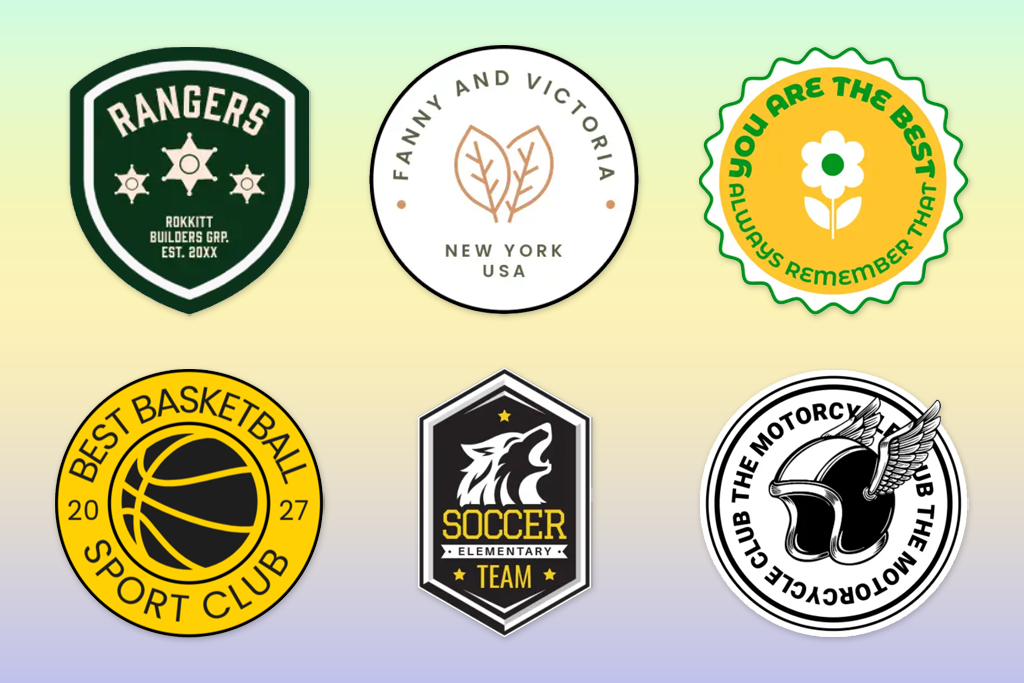
After designing dozens of badges, I discovered that the best of them have an immediate positive impact. Badges with poor design go unnoticed. Most people do not focus on them, but they make their first judgment partially based on what they see. This is why it’s important to pay attention even to the smallest details while designing such badges.
Here are some tips I used to make my badge designs more attention-grabbing:
According to the NIH readability guidelines, people can perceive information more quickly if they see designs with basic layouts and clear text. I follow this rule when working on my projects.
The most difficult thing for me was to stop assessing badges in terms of design and start seeing them as a communication tool. When I realized that it’s important to focus on their main purpose, I started to create more efficient designs.
Best for: custom, print-ready badge designs
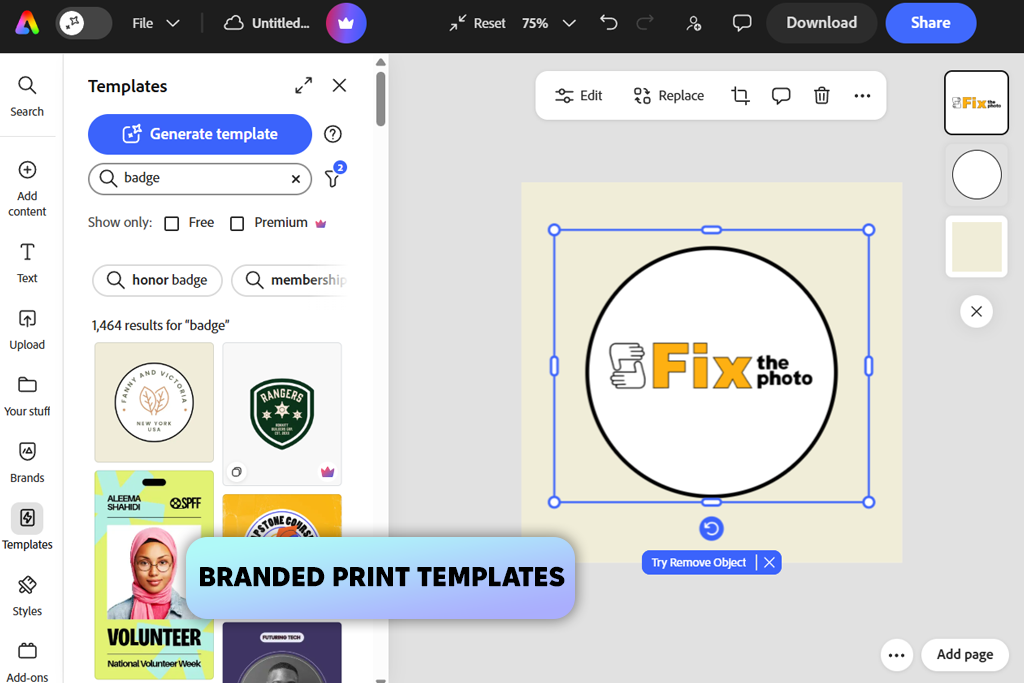
Adobe Express became an important part of my toolset when I decided to find a reliable digital badge maker for creating polished designs. It does not have fixed templates, so I could specify sizes and adjust margins with high accuracy. Besides, it allows me to build clean layouts that look perfect when posted online or printed.
One of the key benefits of this service is that it allows me to control the output with high precision. It supports layer editing, which allows me to work on text, icons, and backgrounds separately without distorting the layout. This service allows me to edit small details with ease and maintain consistency when creating multiple versions of my designs.
Another advantage of this ID badge maker is that it allows users to import PDFs with tables. Such files remain perfectly editable, making Adobe Express perfect for those who often need to work with such files and structured data. Besides, the service has handy image swap controls, which facilitate achieving brand consistency. I can use images from specific libraries to ensure that my project files are in the same style.
“I often use Adobe Express when I need to maintain complete control over layout and spacing. It supports layer editing and high output quality, which allows me to use it to produce designs that are ready for printing.”

Adobe Express is especially suitable for those who value extensive design customization and precision and do not want to rely on templates. While it may take you some time to master it, you will get professional-looking outputs.
Price: Free plan; paid from $9.99/month
Best for: quick and simple badge layouts
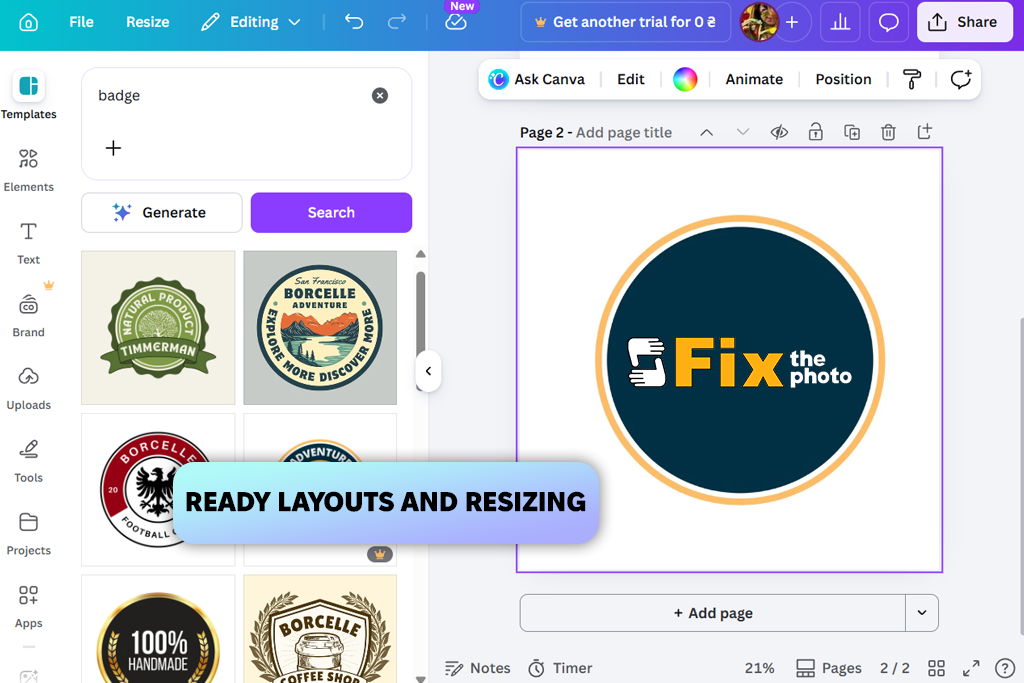
I prefer to use Canva when I need to create designs quickly without installing any software on my device. I use this badge maker online to create basic layouts that do not require extensive customization.
This service is extremely easy to use. After choosing a template, I add custom text, tweak colors, and export my file in a few moments. Canva is especially suitable for designing badges for events and meeting tight deadlines, as it allows me to produce polished designs without delays.
However, when using this platform, I discovered that it’s less suitable for creating advanced layouts. It’s difficult to make accurate adjustments to change spacing or alignment. In some situations, I had to spend a lot of time even on minor edits.
Canva was built for creating simple designs quickly. This name badge maker suitable for those who do not need to control everything with high precision but want to create professional outputs.
Price: Free plan; paid from $12.99/month
Best for: structured and business-style badge designs
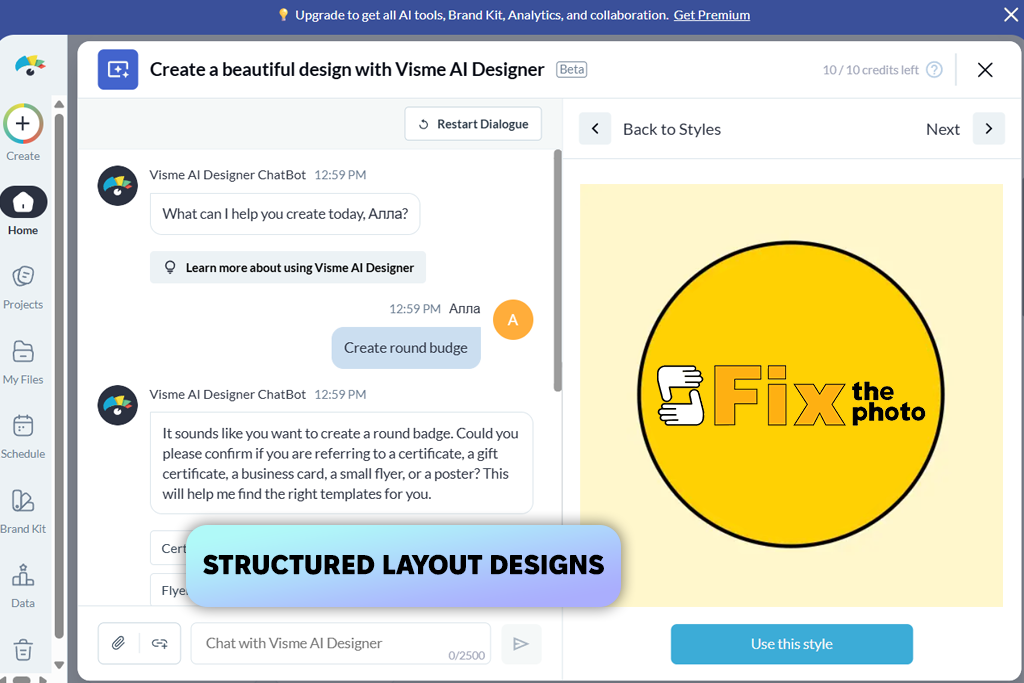
Visme is a digital badge maker suitable for creating well-structured layouts instead of making quick edits. I used the content blocks, text editor, a collection of icons, and color settings to create polished designs that are easy to read.
I used pre-defined sections to keep the elements aligned with little to no effort. I added names, roles, and visual elements, customized spacing, and used icons to make the layout informative. This service is especially suitable for those who need to create complex designs with a lot of details.
As it’s not a dedicated badge maker app, it took me a while to achieve the desired results. Besides, it was difficult to make quick edits or experiment with different layout designs.
Visme is a great choice for creating a perfectly organized design with many elements. However, it’s not the best option for those who need to expedite their workflows.
Price: Free plan; paid from $12.25/month
Best for: fast and simple badge creation
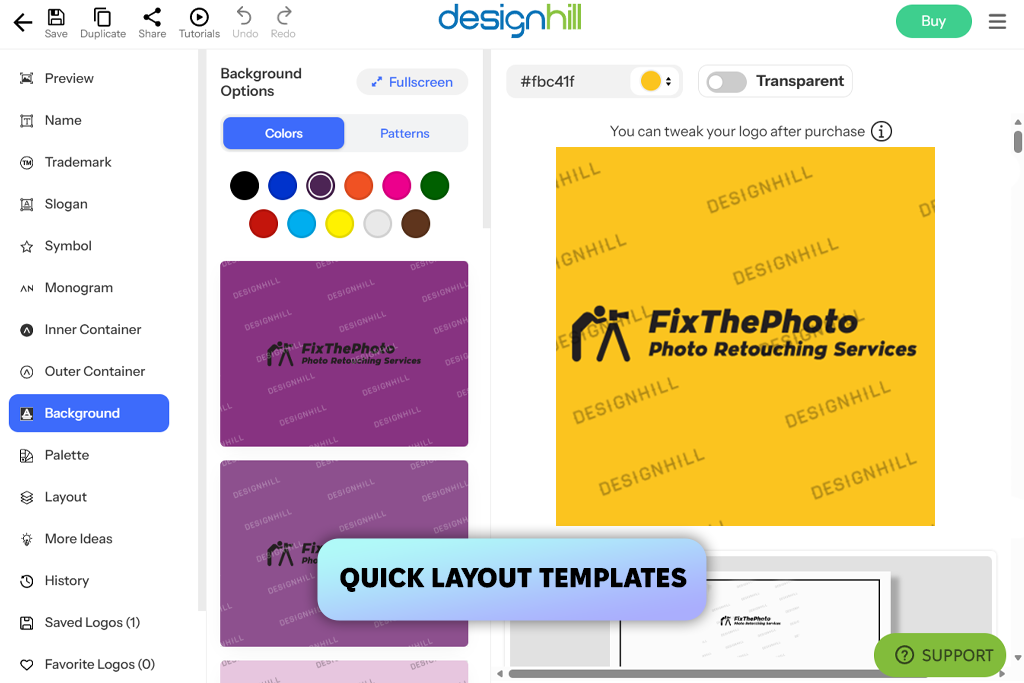
Designhill is a convenient solution for those who prioritize high speed and simplicity over advanced control. I used this badge maker online to add text blocks and icon presets to my layouts to make them polished and easy to read. Besides, I tweaked colors.
This solution supports a streamlined workflow. After adding names, I customized font sizes, added icons, and used the available positioning tools to align the elements. This solution is perfect for getting quick results without focusing on technical details. I used it to design badges for events and create several layouts quickly.
“I used the quick layout tools to create a polished design in minutes without adjusting too many settings.”

Another advantage of this service is that it allows users to create clean layouts without extensive experience. The interface does not have any unnecessary elements, making it easier to create simple layouts. Similar to wallpaper editors, it’s focused on quick adjustments instead of advanced control. When using this badge creator online, you can fix mistakes in your outputs quickly.
However, when I used it to create more complex layouts, the limitations of this solution became more noticeable. It was difficult to adjust spacing with high accuracy, try out different compositions, or produce unique outputs. It’s hardly an excellent option for those who want more creative freedom.
Designhill is the top choice for simple projects. It helps users to create clear, easy-to-read badges quickly. However, it’s less suitable for experimenting.
Price: Free; paid from $20
Best for: interactive and digital badge presentations
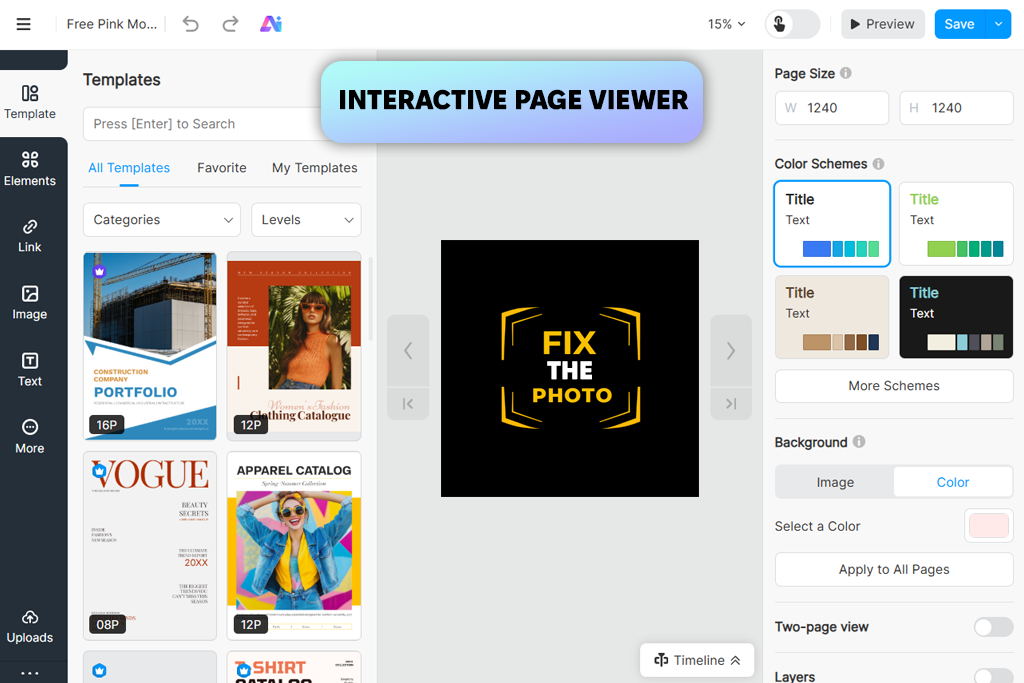
FlipHTML5 stands out among other tools I’ve tested. While it’s less suitable for creating designs from scratch, I was able to use it as a custom badge maker to save pre-made layouts in an interactive format. It’s similar to digital magazine publishing software that can be used to present content in a visually-appealing way.
This service is perfect for uploading files and saving them as flip-style documents. I used it for uploading PDFs, editing pages, and adjusting settings to create polished, engaging presentations that are perfect for sharing online.
However, when I tried creating layouts, I noticed some limitations of this service. It has basic editing tools, so it’s better to create designs in another software and then use FlipHTML5 to save them as a presentation. It’s not suitable for advanced design work. However, you can use it to make your outputs easier to present online.
I believe that it’s an excellent solution for presentation and delivery. However, it’s not the best choice for creating designs from scratch. It’s suitable for those who have already created layouts but want to make them interactive and more engaging.
Price: Free; paid from $15/month
Best for: quick visual badge designs with effects
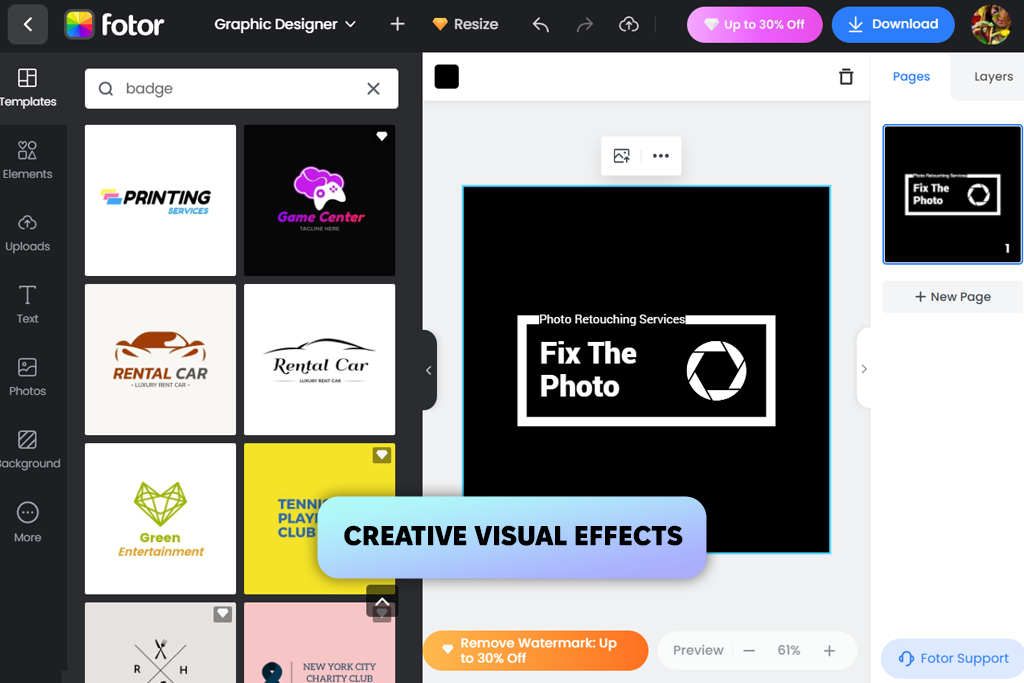
When I started to use Fotor, I discovered that the process of designing badges here is somewhat similar to an image editing workflow and not traditional layout creation. I used its text editing features, background editor, and a collection of effects to create a powerful design without spending a lot of time installing any software.
The process was quite streamlined. After choosing a suitable background, I added text, adjusted colors, and applied effects. Fotor is especially suitable for projects that need to have a strong visual impact. However, it’s hardly the best choice for creating a well-organized structure.
While using Fotor, it might be challenging to align elements with high accuracy. When I tried adjusting spacing and positioning elements precisely, I realized that it’s hardly the best choice for advanced layout control. Fotor is perfect for creating visually eye-catching designs. This printable badge maker an excellent option for those who prioritize styling over precision.
Price: Free; paid from $8.99/month
Best for: simple logo-style badge designs
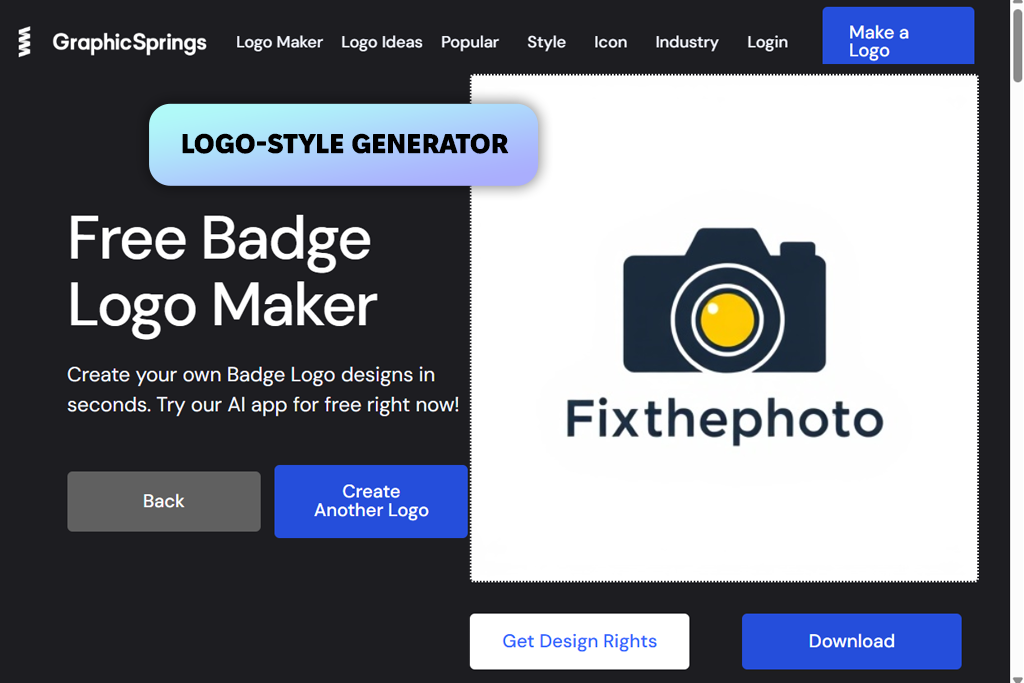
GraphicSprings is an intuitive solution that makes it easy for users to create simple graphics. As I did not have enough time to create a layout from scratch, I created the first draft using the built-in logo editor and icon library. Besides, I chose custom text settings. Like the best free logo makers, this service is perfect for creating polished, minimal designs.
This service will be especially suitable for those who need to perform a simple task quickly. It won’t take you long to add a symbol, insert text, tweak hues, and export your file. The process is streamlined and intuitive. You can use this service as an event badge maker for simple projects you need to complete quickly. I did not have to worry about spacing, as this tool makes all the layout elements perfectly balanced.
Another advantage of this service is how quickly you can implement any idea. I experimented with various icons, swapped text, and customized colors in a few seconds without recreating the layout from scratch. It makes this service especially suitable for those who need to produce several variations or visualize their ideas quickly.
However, when I started to work on projects that required higher flexibility and supported advanced layout customization, I noticed some limitations of this service. It is a reliable choice for creating simple designs. However, it fails when complexity increases.
GraphicSprings is less suitable for accurate alignment of layout elements or typography adjustments. It may take you a while to implement more complex ideas using this tool.
“I prefer to use GraphicSprings when I need to create a quick design. After choosing an icon, I customize the name with the text tool, choose the right colors, and export the output.”

GraphicSprings is best suited for creating minimal designs quickly. It’s hardly the best choice for those who are looking for complexity and a high degree of creative control. This badge maker with photo is perfect for meeting tight deadlines, creating previews, or designing basic layouts. However, if you want to create an advanced design and customize it, you may need to find another option.
Price: Free; paid from $19.99
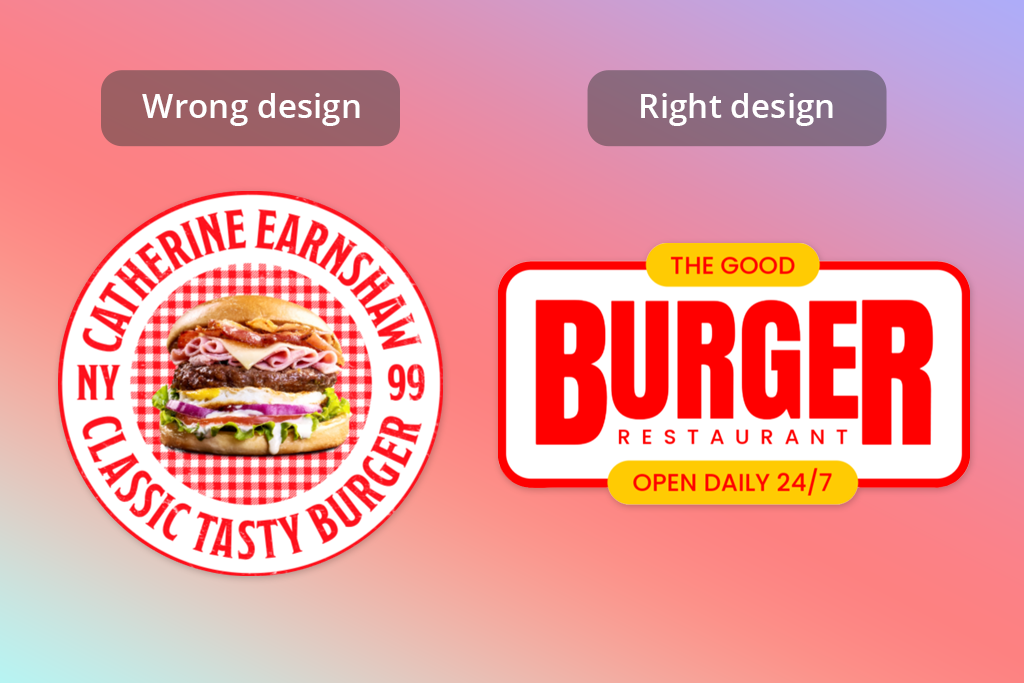
When working on my projects, I realized that people do not assess the designs I create. However, they react to them in a particular way. It takes them seconds to form their opinion. If a layout is well-designed and comprehensive, they approve it instantly. If a design looks beautiful but has too many unnecessary elements and leaves them indifferent, they do not like it.
This is why I decided to focus on how quickly information can be read and avoid designing badges that look too complex. It helped me produce more professional results.
Here are some important things I noticed when analyzing real projects:
| Weak Approach | What Works Better |
|---|---|
|
One area is overloaded with text
|
Short, easy-to-comprehend text blocks
|
|
Boring headline
|
Clear, eye-catching headline
|
|
Cluttered layout
|
Streamlined structure with spacing
|
|
Too many colors
|
Simple, consistent color palette
|
|
Decorative elements that do not serve any purpose
|
Visual elements that guide the eye
|
|
Everything looks equally important
|
Strong visual hierarchy
|
After I adopted this approach, it became easier for our team to get our designs approved and minimize the number of edits. Nowadays, I prefer to follow a simple rule: if a person understands your design at first glance, it functions as intended.
When we decided to review badge design makers to find the best options, we followed a well-organized testing process to see whether these services had any practical value. Our FixThePhoto team used these solutions to design badges for events and internal team usage.
Besides, we created small badges for printing. We tested each solution to solve the same tasks, which allowed us to assess their performance without any bias.
Besides the solutions we included in the final version of our list, we also tested other services like VistaCreate, DesignCap, Snappa, and FotoJet. Even though they were suitable for designing simple badges, they did not allow us to configure advanced print settings, had limited export options, or had unstable layouts that changed after we made some edits.
While testing these services, we assessed several important points:
After completing the testing process, we decided to include only the solutions that delivered stable performance and were suitable for creating digital and printed badge designs. We wanted to find reliable services that produced outputs that were ready for printing. Besides, we were interested in intuitive platforms that did not have any unnecessary visual effects.
A badge generator is a convenient web-based solution that can help you produce unique badge designs with the help of templates, typography, and images.
Adobe Express is considered one of the most efficient options, as it supports adjustable layouts, high export quality, and streamlined customization. With it, you can quickly create badges for printing and digital use.
Yes, you can typically find a free badge maker version of most services. However, you may need to pay to save your images in high-quality formats or use professional templates.
Yes, most services enable you to save your designs in PDF or PNG formats. These formats are suitable for high-quality printing.
It’s better to use a 3x4-inch format or a similar size. Your choice should depend on the specific use case, like events or employee IDs.
No, you can use virtually any modern badge maker online to access handy templates. Such solutions typically have drag-and-drop functionality, which allows even beginners to produce clean designs without delays.
Yes, many services allow users to add images, logos, and icons to their designs to make them more polished and give them a professional feel.




![Top 7 Bookmark Makers [Printable & Custom]](http://fixthephoto.com/blog/images/gallery/news_main__preview_28951.jpg)
![7 Best Speechify Alternatives [{{%year}} FixThePhoto Choice]](http://fixthephoto.com/blog/images/gallery/news_main__preview_28954.jpg)
![11 Best AI Sticker Generators [Simple for Non-Designers]](http://fixthephoto.com/blog/images/gallery/news_main__preview_28980.jpg)



















