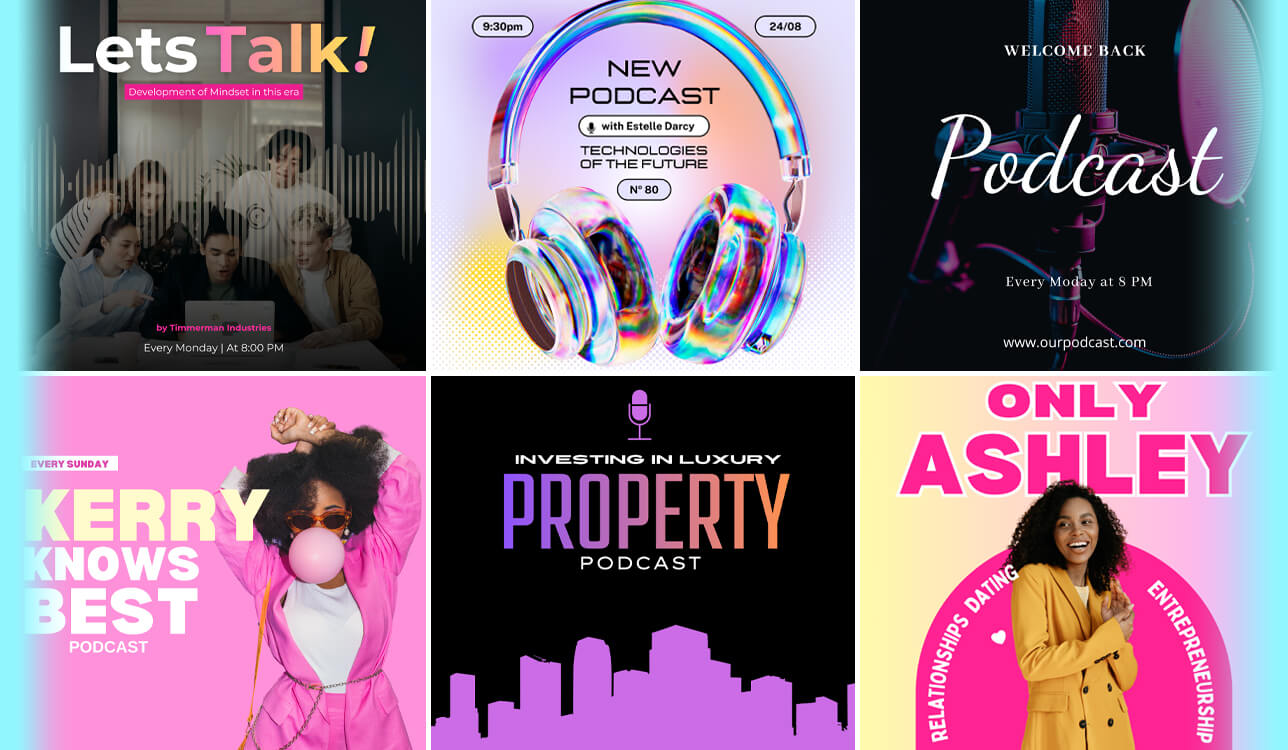
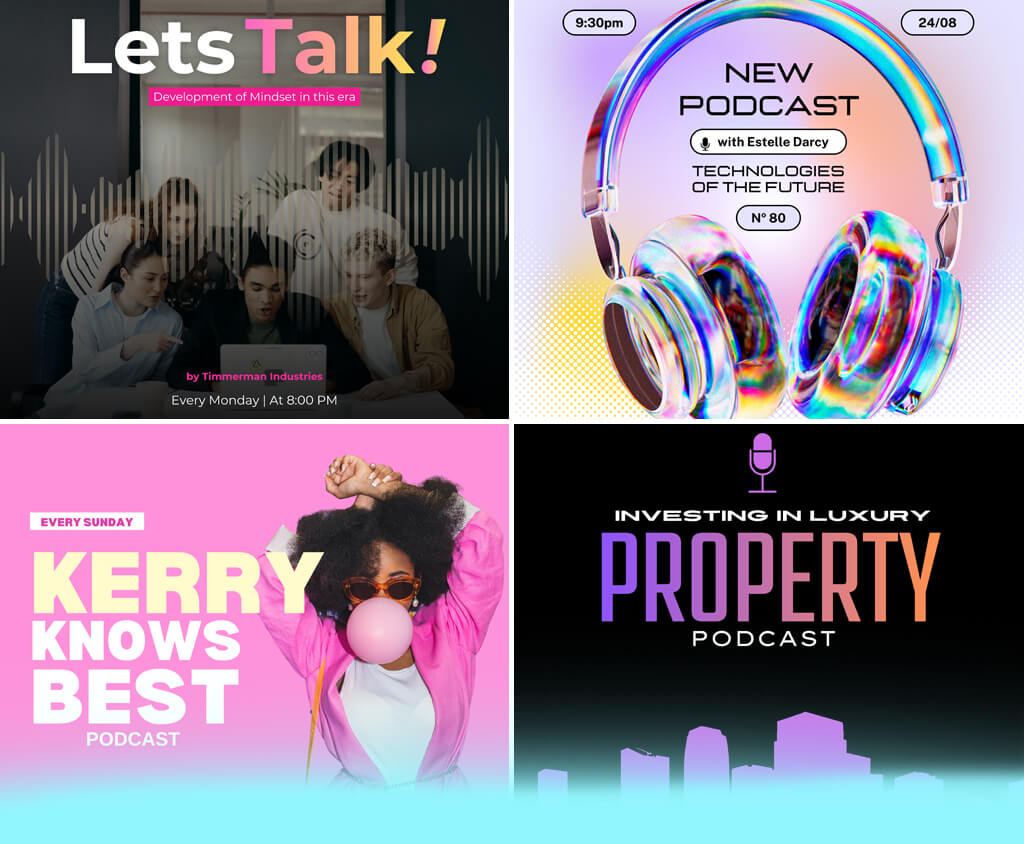
A couple of months ago, a friend of mine asked me whether I could create cover art for his new podcast. Initially, I did not think that this task would be so challenging. However, I realized that I would need to test several different podcast cover art creators to choose the option that suits my needs best.
Even though some services had excellent templates, they did not support extensive customization. Others produced podcast cover art that looked too generic. A professionally designed cover art can help you grab the attention of more listeners, while covers with a poor design may have a negative impact on your project.
I work as a retoucher at FixThePhoto, so I often need to use design and editing software. This is why I decided to explore the available options. Together with my coworkers, I tested 15+ podcast cover art creators to assess their templates, AI tools, customization options, and practical usability.
When looking for the best podcast cover art creators, I checked whether these solutions had intuitive functionality, supported high speed, had high-quality templates or AI generation tools, and supported customization of such branding elements as fonts, logos, and colors.
In addition, I examined output quality to ensure that I would be able to save my files in 3000 × 3000 px format. I also previewed my designs at thumbnail size on Spotify, Apple Podcasts, and other platforms. I wanted to discover the tools that would allow me to produce consistent covers for several episodes or podcast series.
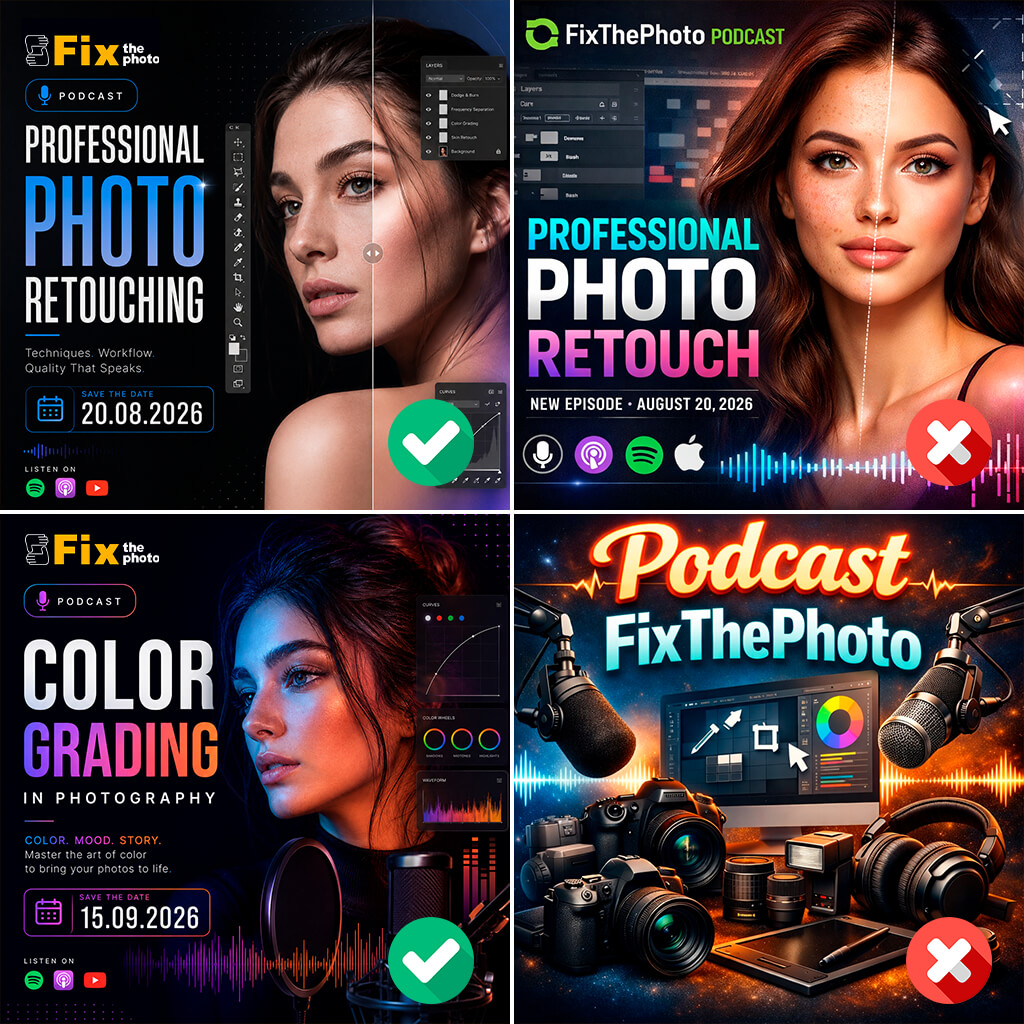
While testing a variety of tools for podcast cover design, I discovered the same issues occur when using some of them. I’ve made some of these mistakes when trying to design a cover for my photography podcast.
Price: Free or from $11.99/mo
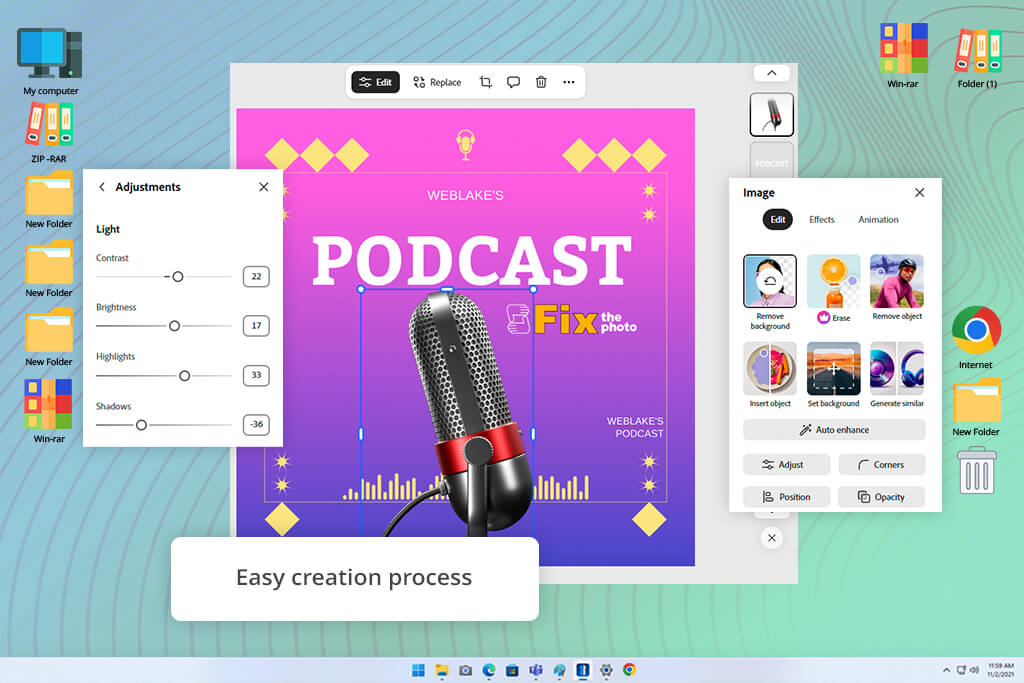
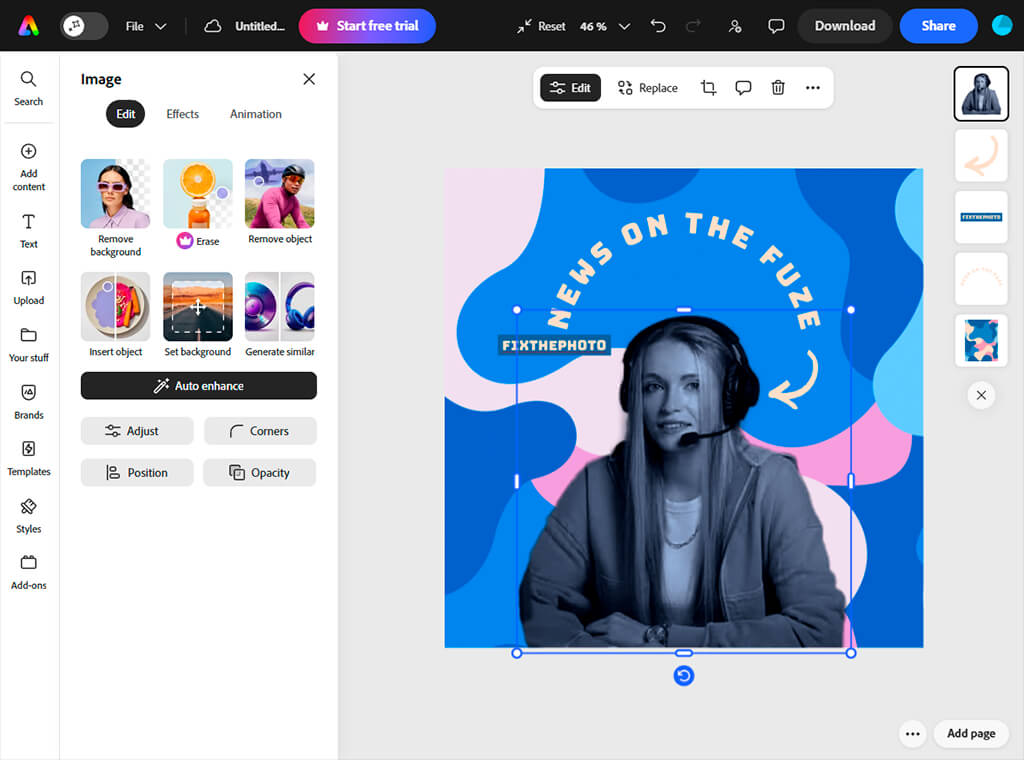
While testing Adobe Express, I used a template to create a design with a well-organized layout, perfectly balanced typography elements, the right spacing, and visual hierarchy. Then, I customized brand colors, added a logo, and changed the title placement. As a result, the cover became ready to be published on such platforms as Spotify and Apple Podcasts.
Many templates are saved in formats suitable for different types of podcasts, including interviews, talk shows, and storytelling episodes. I like that this podcast cover art maker allows me to add text effects to titles, align elements when editing face-based covers, and use layers to ensure that my design will be easy to read even at small sizes.
Using the Adobe Stock library and AI text-to-image tool, I replaced the backgrounds with custom images quickly. In addition, I tested Generative AI tools powered by Firefly. It helped me create unique backgrounds and use them to replace the generic-looking stock images that did not match the mood of my podcast.
Another advantage of this podcast cover maker is that it supports quick exporting. It allows me to save my podcasts in the formats supported by different platform without making manual adjustments.
“I like using Adobe Express when I need to create a polished podcast cover quickly. I just select a suitable template and customize it to my liking.”

Price: Free or from $18/mo
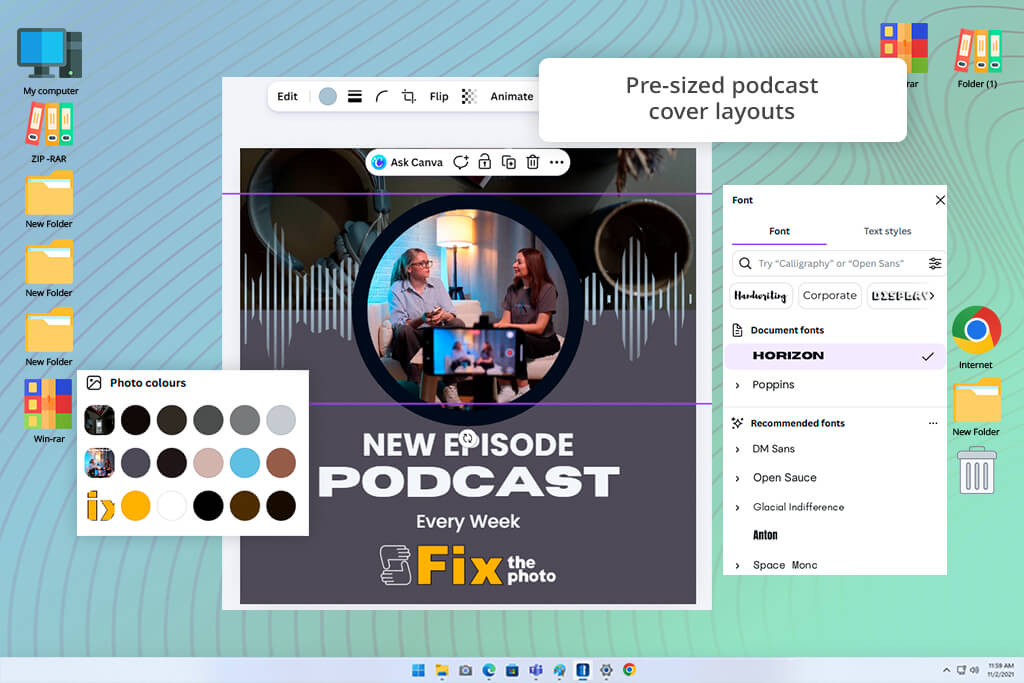
When I decided to test Canva photo editor, I started by using its templates and then also tried creating a project from scratch. This podcast cover design tool has an extensive library that includes thousands of podcast cover templates in different styles. They are suitable for business podcasts, interview episodes, and projects focused on storytelling and entertainment themes.
When I wanted to create unique designs, I created them from scratch and used stock photos, graphics, and typography features available on Canva’s platform. I did not need to worry about size and formatting, as Canva automatically saves the outputs in the format I want to use. It allowed me to focus on the way my design elements are arranged.
The only shortcoming I discovered was that the covers based on templates occasionally looked more generic. Besides, the editing tools cannot be compared with the features available in professional design software in terms of their accuracy.
Price: 14-day free trial or from $19/mo
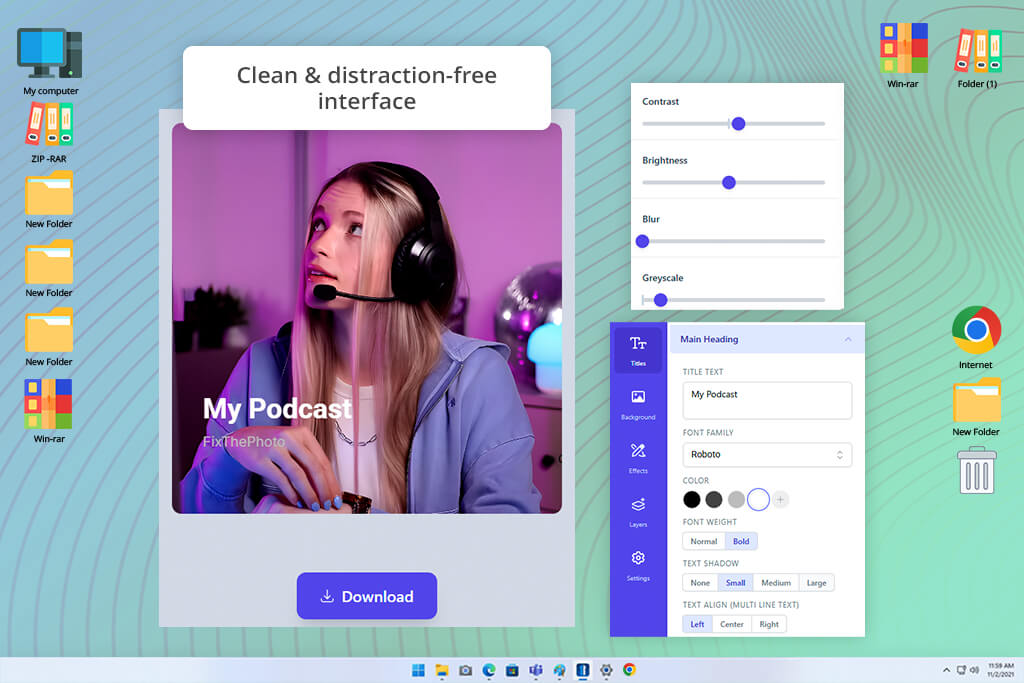
Castos is a browser-based AI podcast cover generator. While testing this free graphic design software, I could choose a background color, gradient, or pictures, enter the title of my podcast, and perform simple styling.
Even though it has a limited collection of podcast cover templates, they are well-organized, making it easy to create polished and easy-to-read covers. This service saves the outputs in the 3000 × 3000 px size, which allows me to quickly upload my covers to such platforms as Apple Podcasts.
With the help of Castos, I could quickly implement a variety of podcast design ideas and create easy-to-read covers for solo episodes and interviews without making my design overly complicated. This solution is suitable for creating cover drafts and producing early-stage branding concepts. I use it when I need to create simple designs and upload them quickly.
However, when I needed to work with more complex typography elements or build a solid visual identity, I noticed the limitations of this service. It does not allow me to control the layout with high precision and does not have many tools for working on creative tasks, making its functionality quite limited compared to full design services.
“Even though this service has many limitations, it’s suitable for implementing quick ideas or creating drafts. However, its customization options are quite basic.”

Price: 7-day free trial or from $30/mo
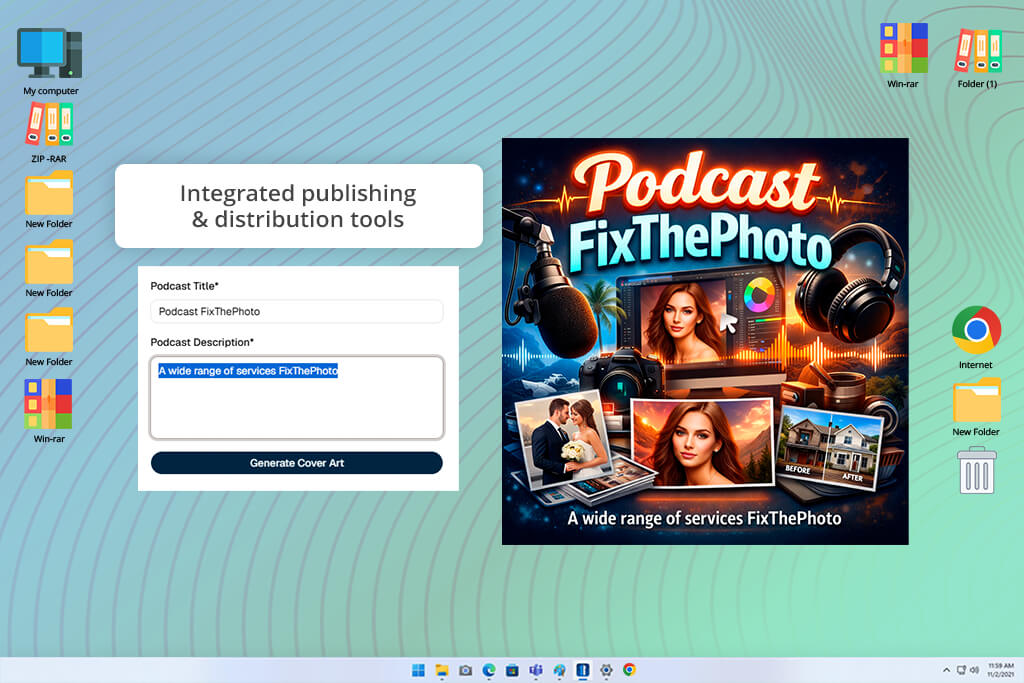
Jellypod is a free podcast cover maker integrated with an AI podcast generator. When I started to test it, I experimented with various podcast titles and descriptions to check whether the AI would produce cover art that matched my prompts. I described the idea of my podcast, and Jellypod created cover concepts automatically.
It allows me to generate cover art, create scripts, create AI voice covers, and publish my podcasts from one centralized dashboard. If you have been using Jellypod previously, it will take you a few moments to create a suitable artwork. The AI created the output that matched the theme of my podcast, which touches upon such topics as technology, business, and education.
However, in some cases, it took me several attempts to achieve the desired style. This solution has more limited customization options than professional design software.
Price: Free (12 credits per month) or from $20/mo
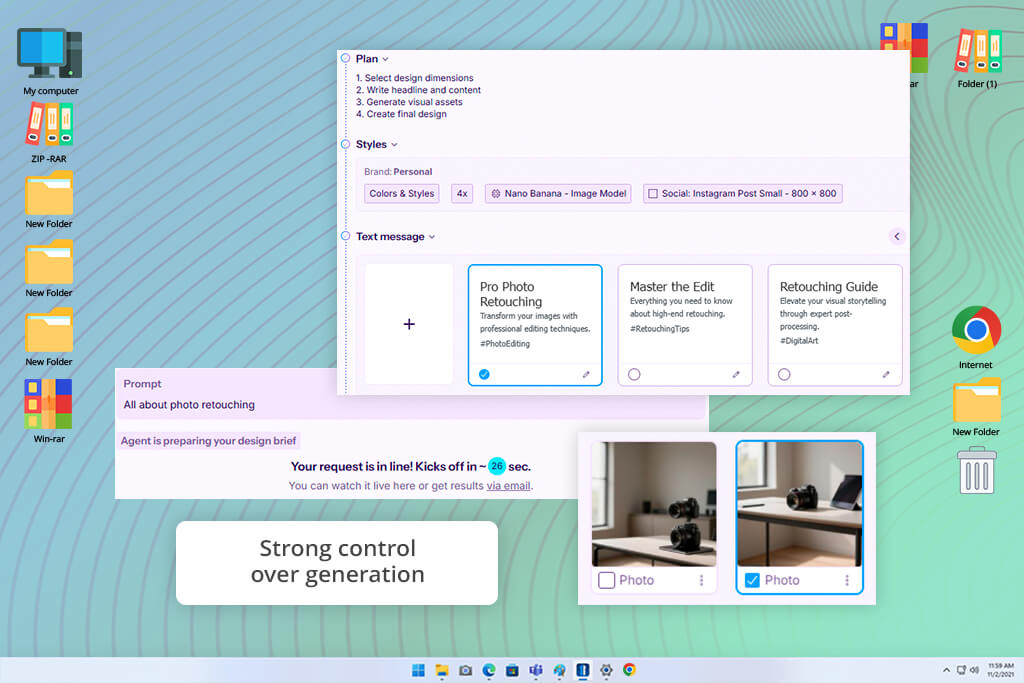
While testing Sivi to see whether it would be suitable for creating custom podcast cover art, I started by writing a prompt. I described the main theme of my podcast in detail, added some information on my brand, and selected a suitable format. I was impressed by its expensive media library, as I could add stock images and icons to improve the composition.
The AI copy and image generation tools functioned without any issues, which allowed me to partially automate text placement and choose a visual style. What struck me most about Sivi is that it facilitates creating cover designs without using podcast cover templates.
In addition, I tested the brand kit feature, which enabled me to achieve consistency when working on fonts, colors, and logos. Even though the AI tools facilitate coming up with initial ideas, I had to make multiple attempts trying to achieve the output with a specific visual tone. It was especially challenging to achieve the result I needed when working on abstract topics.
“It’s especially suitable for experimenting because whenever I use a prompt, it allows me to create a unique idea for my podcast covers. However, not all outputs align with my vision well.”

A podcast cover art creator should be easy to use and allow one to control the output. Such solutions should have ready-made layouts and AI tools to streamline design creation. Besides, they should support the customization of branding elements, especially fonts, colors, and layout hierarchy, to ensure that a podcast's cover art will stay readable in a small thumbnail size.
No. Even if you don’t have any prior experience in design, you can use a variety of podcast cover design tools like Adobe Express or Canva, as they are suitable for beginners. You can start by using templates and then create a cover in a few minutes. The most important thing is to create clear typography and a visual focus.
A standard size for podcast cover art design is 3000 × 3000 pixels. It guarantees that your cover will have perfect sharpness when displayed across platforms like Spotify, Apple Podcasts, and Google Podcasts.
Your title should be comprehensible and easy to read, even at small sizes. Complex designs should have excellent contrast, well-balanced composition, and minimal text.
Yes. Most podcast cover art creators like Adobe Express or Castos make it easy to change your cover art whenever you see fit. You can replace it when you need to rebrand your podcast, change its style, or enhance its design.
It’s better to use templates if you need to speed up your workflow and achieve predictable outputs. However, AI generators will allow you to produce more creative podcast covers. Many professionals use both options, as templates allow them to achieve consistency and AI tools enable them to produce attention-grabbing visuals.
Together with the team from FixThePhoto, I tested the most recommended podcast cover design tools to see whether they were suitable for real production workflows. We did not want to focus on their lists of features and assessed their overall suitability for practical tasks instead.
Besides the top podcast cover art creators mentioned in this review, we also tested solutions like Pixlr, Podcastools, Pixazo AI, PosterMyWall, Kapwing, Pixelcut, Placeit, Fotor, Picsart, and Snappa.
We decided to include some of the options we had tested in this review because they did not have podcast-specific templates, supported limited export options, making them hardly suitable for creating 3000 × 3000 px covers.
In some cases, we wanted to find the tools suitable for creating general-purpose social media graphics instead of testing only the solutions suitable only for podcast creators. Some solutions supported limited customization or produced outputs that resembled templates too much.
It made it difficult to assess them without any bias when comparing them with the dedicated platforms for creating custom podcast cover art and podcasts. Here are the main steps of our testing process:
After testing a variety of podcast cover designer tools under the same conditions, we discovered that the best outputs were achieved with the help of the platforms that are easy to use, support quick workflow, and are suitable for a variety of branding tasks.




![9 Best AI Label Generators [{{%year}} FixThePhoto Choice]](http://fixthephoto.com/blog/images/gallery/news_main__preview_28972.jpg)


![9 Best AI Audio Silence Removers [{{%year}} FixThePhoto Choice]](http://fixthephoto.com/blog/images/gallery/news_main__preview_29189.jpg)

![9 Best 2x2 Picture Makers [{{%year}} FixThePhoto Choice]](http://fixthephoto.com/blog/images/gallery/news_main__preview_29017.jpg)

















