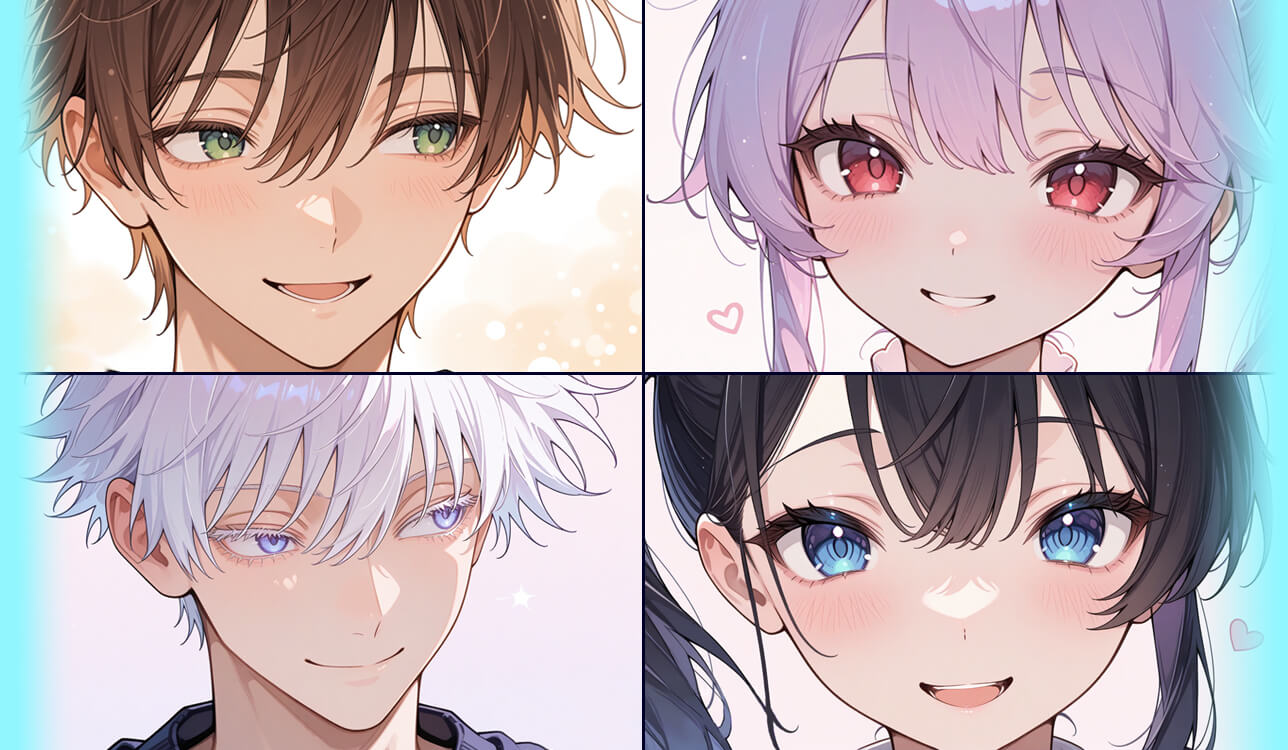
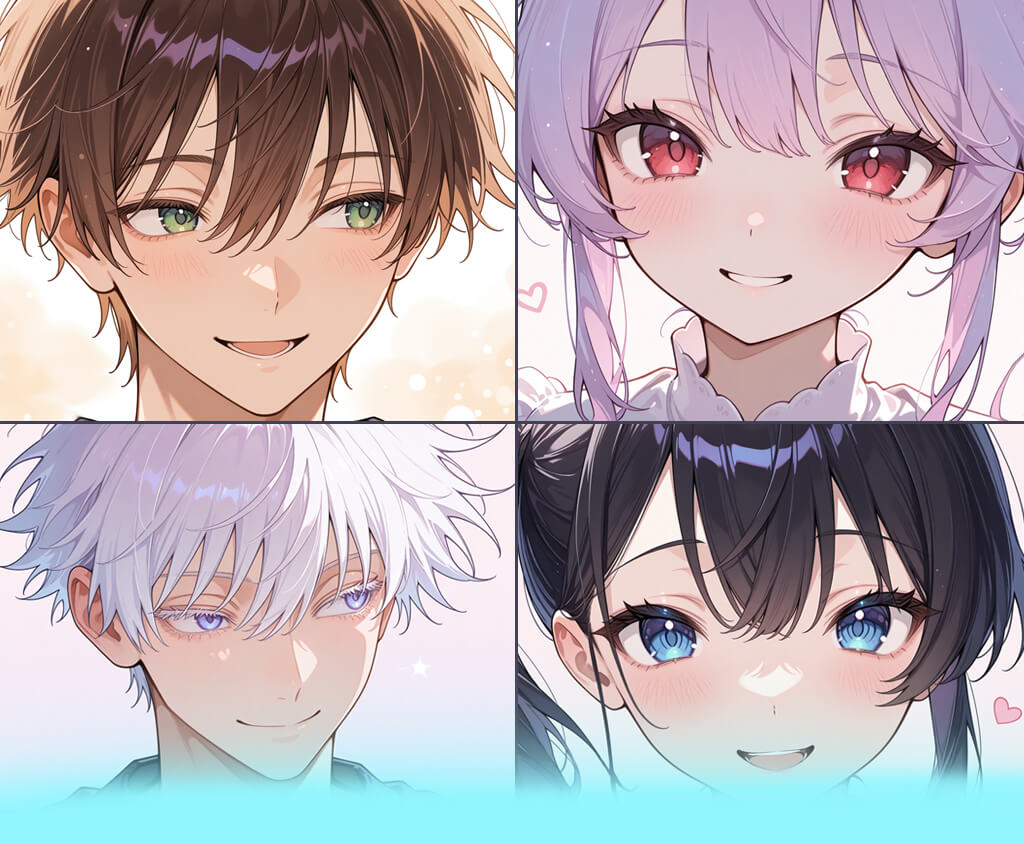
In my small passion project, folks build and tweak their own digital avatars. We soon saw that even though people enjoyed making them unique, they found it tough to get beautiful cartoon-style profile pictures. So, most people ended up with avatars that looked either dull or messy, which made the whole experience less enjoyable.
I wanted to find or build the best solution to this problem. At first, it seemed straightforward, but then I realized I needed to understand what “best” actually meant. From a developer’s perspective, I cared about performance, stability, and how smoothly everything worked together. But when I looked at it from a user’s side, the priorities changed: ease of use, creative flexibility, and having enough choices to make the final result feel personal.
When I tried out different tools, none of them were perfect. A few made great-looking images, but took forever. Others were quick but kept giving the same boring results. And some let you tweak everything, but you had to pay extra, and that just didn't fit what our users could afford or expect.
That's when I changed how I thought about things. Instead of hunting for the best anime PFP maker, I realized the real goal was to let people show who they are - without any hassle. What began as a quick fix grew into its own little project, with its own goals and what truly mattered.
I teamed up with my friends at the FixThePhoto team, and we ran careful tests together. This helped us create a review that feels honest and genuinely helpful instead of being overloaded with technical terms.
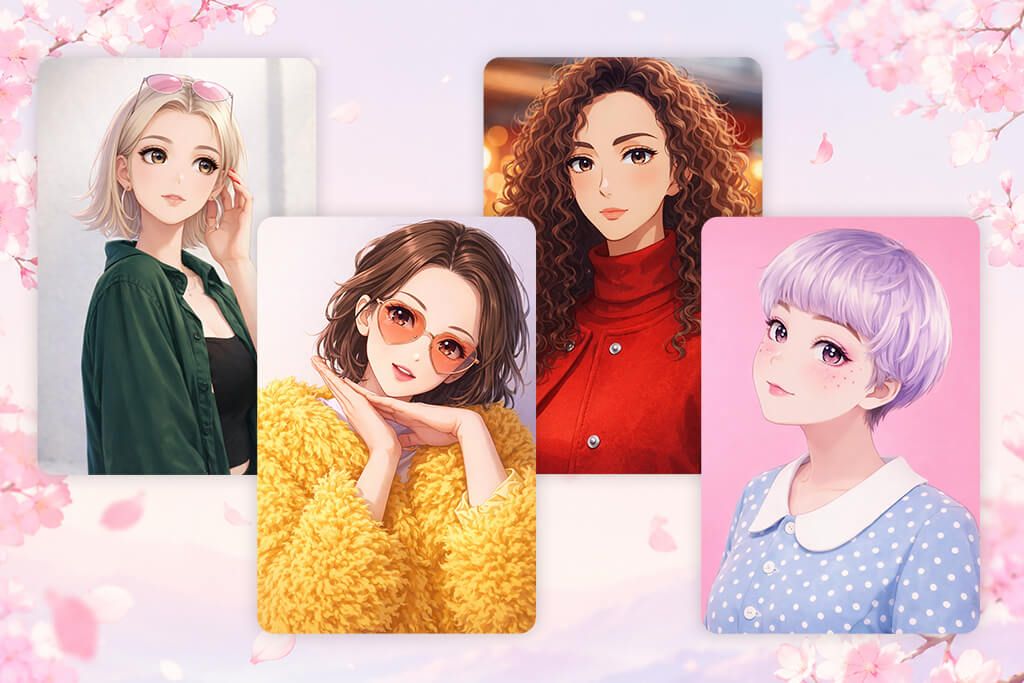
People mostly use AI anime PFP makers when they want to show their online identity without sharing a real photo of themselves. This happens a lot on platforms like Discord, TikTok, Instagram, and X, where your profile picture helps others recognize and remember you. An anime-style avatar lets people stand out while still keeping some privacy.
They're also big in gaming circles, where players want avatars that fit their in-game character or style. On platforms like Steam or Twitch, having a one-of-a-kind anime PFP helps create a look that people can easily recognize - especially for streamers or competitive players.
Another popular use is for making content and building a brand. Creators who prefer not to show their face often use anime avatars as a steady, recognizable look across different platforms. This gives their profiles a more polished feel, while still staying creative and easy to remember.
Finally, anime PFP makers come in handy for online communities and forums where showing your personality and creativity is important. Whether it's fandom spaces, roleplay groups, or digital art communities, people make avatars that match how they feel, what they like, or their favorite style. This makes conversations and interactions feel more personal and fun.

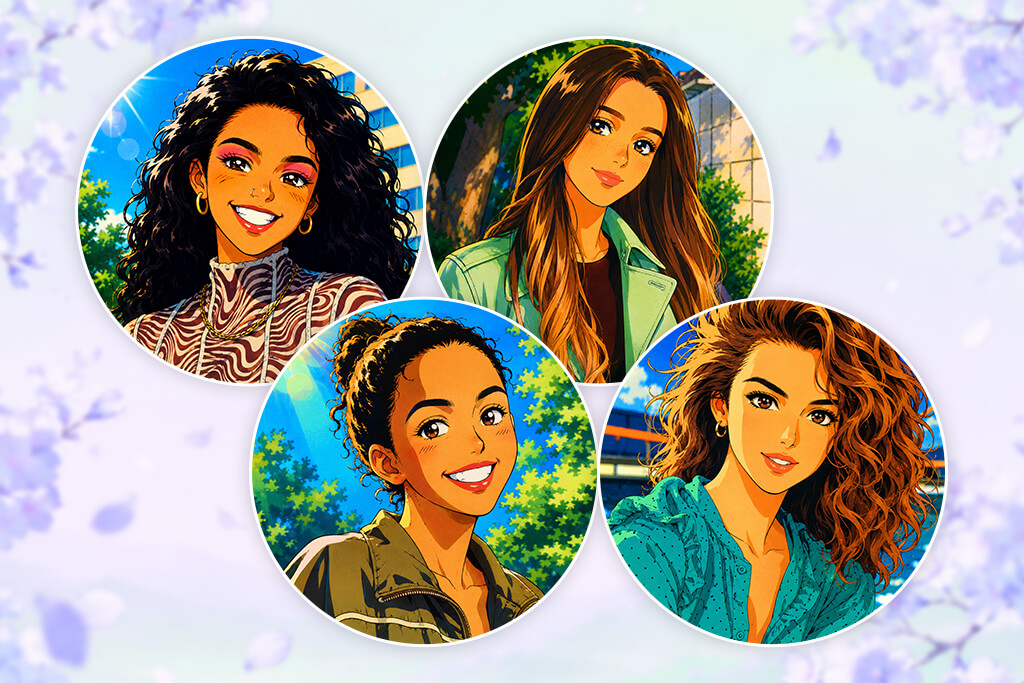
First, how your image looks and its size, really matter. Platforms like Discord, Instagram, and TikTok usually show profile pictures as tiny round icons, so your image needs to stay clear and easy to see even when it's small. A size of at least 512×512 pixels works best, along with good framing that keeps the main subject centered after the platform crops it.
Second, a solid PFP needs a strong focal point. The character's face should stand out easily, without cluttered backgrounds or too many details getting in the way. A clean layout, strong contrast, and easy-to-read expressions help the avatar stay recognizable even when it's very small.
Another factor is style consistency and originality. Whether the avatar is generated automatically or designed manually, the anime PFP should match the vibe you want, with clean lines, balanced colors, and a cohesive visual style. If you plan to use it for branding or content creation, keeping that same look across different platforms also matters.
There are also platform rules and safety guidelines to keep in mind. Most services like X or Twitch don’t allow explicit, violent, or copyrighted content. Because of that, your anime PFP should be appropriate to use and either fully original or properly licensed.
Finally, a good anime PFP maker app should be flexible. It needs to look great not only as your main profile picture but also in things like video thumbnails, comment sections, or banner images. A simple, well-balanced design helps it keep its clarity no matter where it shows up.
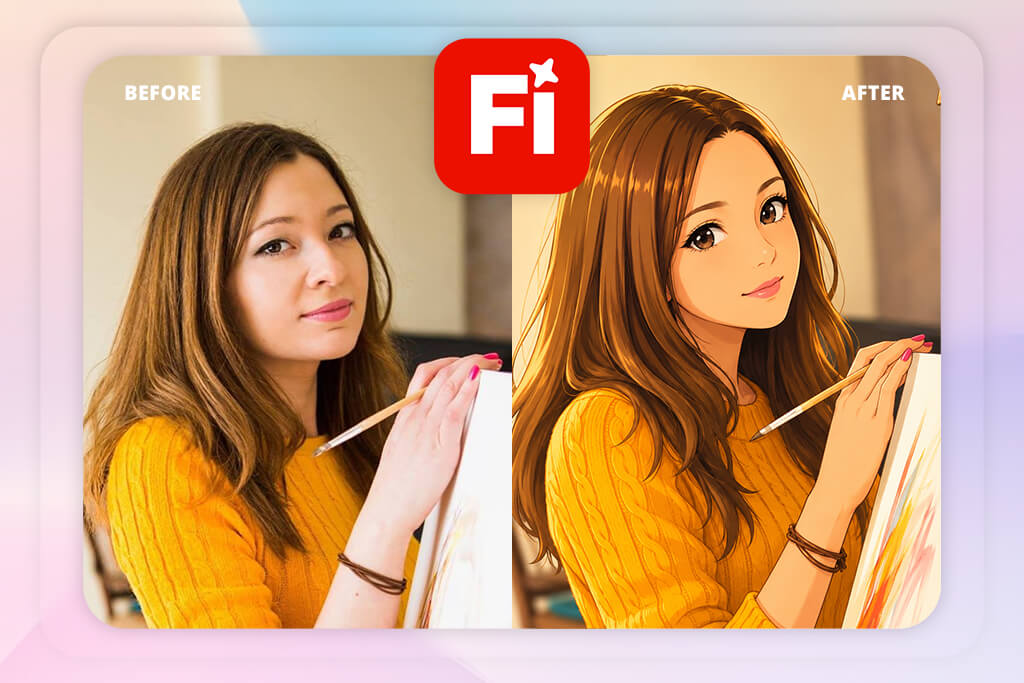
I began testing Adobe Firefly, thinking about how to actually build it into a real product - not just make a few cool-looking avatars. I wrote several prompts describing the same character with small changes to see how well the tool could keep things consistent.
The results stayed surprisingly consistent. The character’s face and proportions remained stable across multiple generations, which immediately made this free Adobe software feel more reliable than many other tools that often distort features or drift away from the original design. Instead of constantly correcting the output, I could actually trust the results and keep building on them.
“The results look incredibly clean and polished - almost too professional for a simple profile picture. But getting the exact style you want takes a bit of experimentation, so it doesn’t really feel like a fast one-click solution.”

As I explored further, I experimented with lighting, atmosphere, and overall style to see how flexible Adobe Firefly could be. It handled smaller adjustments really well, especially when I refined prompts gradually instead of rewriting everything from the beginning. That workflow felt much more natural for avatar creation, since people usually make small tweaks rather than start over every time. It also made the process far less frustrating compared to some other tools I tested.
I also wanted to see how well this anime PFP maker handles heavier use, so I tested it with many avatar generations running at the same time. I paid close attention to how quickly images were created and whether the quality stayed stable across repeated results. The platform remained steady throughout the test, both in speed and visual consistency, which is especially important for larger-scale use. I didn’t notice random quality issues or failed generations, and that reliability made the tool feel ready for real-world production use.
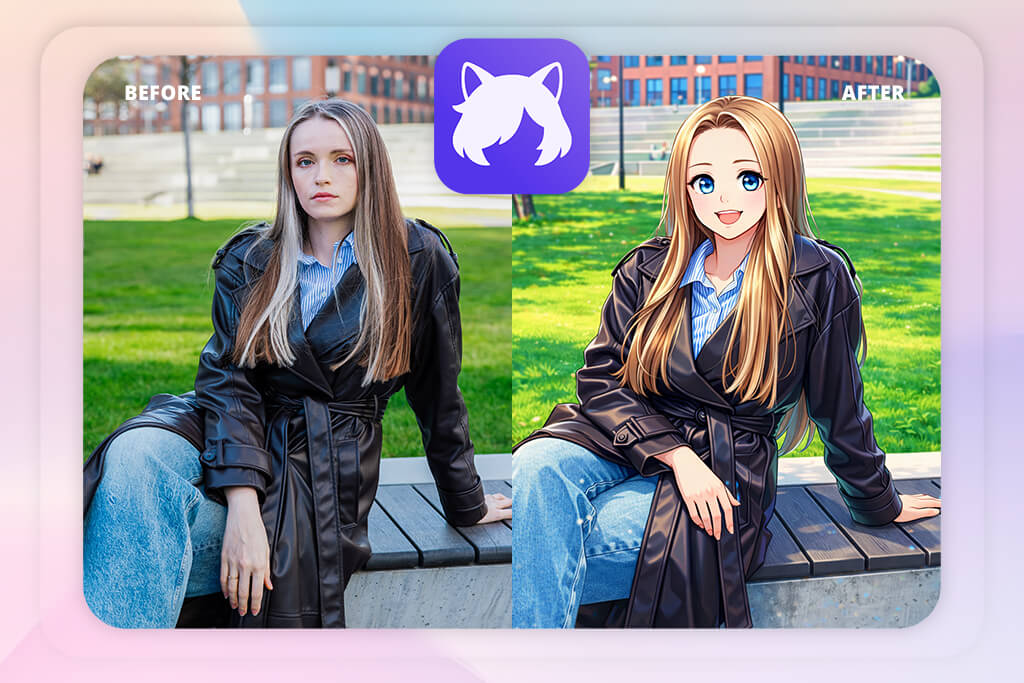
When I tried Komiko, I used it more like an everyday user than someone analyzing the technology behind it. I wanted to see how quickly I could make an avatar that looked good without spending too much time adjusting prompts. This AI character generator produced eye-catching results very quickly, with a clear anime style right from the start. The whole experience felt simple and fun, focusing more on fast, attractive results than detailed fine-tuning.
As I kept testing Komiko, I realized the tool depends a lot on built-in visual styles. That helps the avatars look polished right away, but it also reduces how much influence you have over the final design. When I tried making small changes to the same character, the results often shifted back toward Komiko’s usual style. Because of that, different avatars could start to feel a bit similar. The tool worked best when I treated it as a fast creative generator instead of trying to control every small detail.
I also tested how well Komiko handled different anime styles. Whether I tried softer pastel characters or bolder, high-contrast designs, the results usually drifted back toward Komiko’s own recognizable look. That visual consistency can actually be a benefit for users who want quick, polished results, but for my project, it limited creativity and variety. I was looking for an anime PFP maker that could adapt more closely to different ideas instead of pushing everything toward the same style.
From a usability perspective, Komiko worked very well. The interface felt simple and easy to understand, with almost no learning curve. I could easily imagine new users feeling comfortable with it after just a few minutes. That’s a big advantage for consumer-focused platforms, since it makes the tool much more approachable and easier to start using right away.
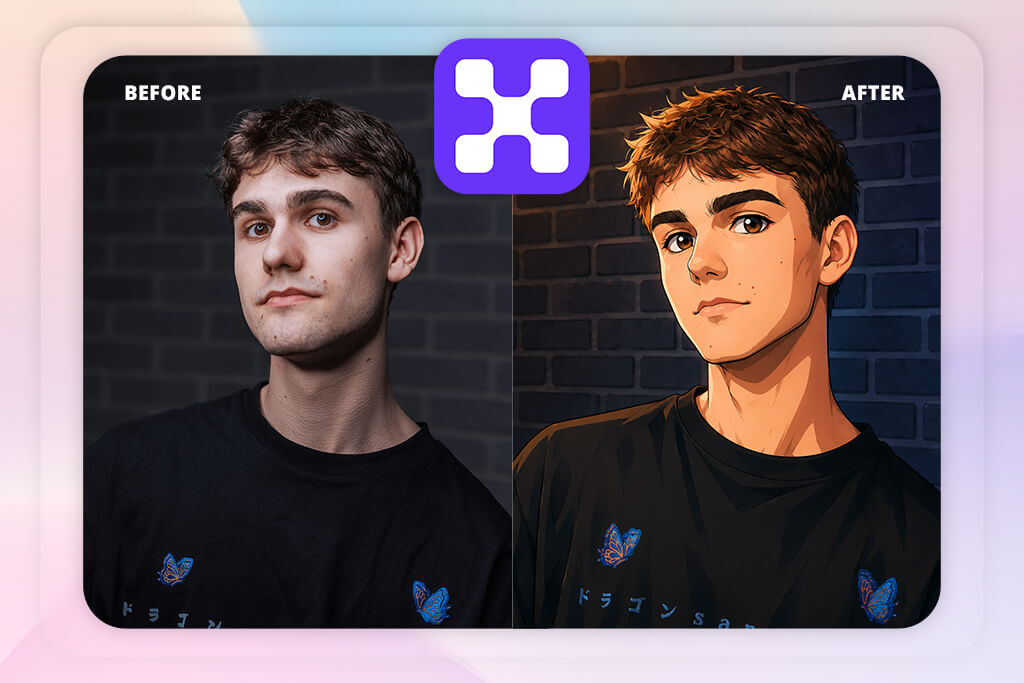
I used Pixelbin more as a support tool than an avatar creator. After generating avatars in other apps, I brought them into Pixelbin to handle resizing, compression, and overall image optimization. I mainly wanted to test how well the avatars would display across different devices and platforms, especially in smaller profile picture sizes where clarity matters most.
During testing, I processed batches of images to see how well this AI image generator handled quality preservation. Even with strong compression, the avatars stayed clear and easy to read, which is especially important for anime-style faces.
Small details like eyes, facial lines, and outlines remained sharp much better than I expected. A lot of tools lose that clarity very quickly, but Pixelbin managed it surprisingly well.
“It’s a very easygoing tool to use - I just uploaded a photo, and everything was handled automatically. Sometimes the facial details looked a little unusual, but the process was so fast and simple that it didn’t really bother me.”

I also tested the automation features of this free anime PFP maker by running several image transformations at the same time. This helped me simulate how the system would handle many users generating and uploading avatars simultaneously. Compared to doing everything manually, the process was much faster and easier to manage. It made the whole workflow feel more scalable and practical, which was especially important for backend planning.
Another thing I looked at was how well Pixelbin could fit into a larger workflow. It worked especially well in a setup where image generation and optimization are handled as separate stages. Instead of trying to replace every tool, Pixelbin focused on doing one job reliably, which made it easy to include in my overall system design. Rather than competing with other platforms, it worked smoothly alongside them.
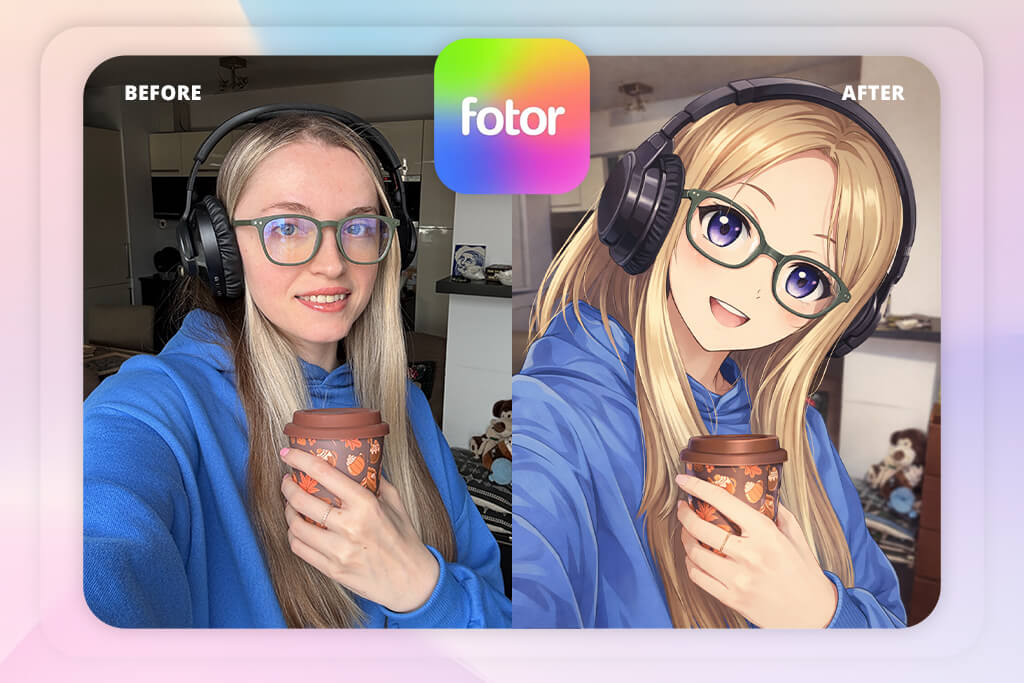
Testing Fotor felt like using a tool that tries to combine simplicity with creative flexibility. I started by generating several avatars with similar prompts to see how consistent the results would be, but the outputs often came out quite different from one another. Because of that, I had to generate multiple versions before finding one that matched what I wanted. After a while, that back-and-forth became a normal part of the workflow.
As I kept using Fotor, I experimented with different styles and prompt types. I quickly noticed that the tool worked better with simple, straightforward instructions instead of long, detailed prompts. That made the process feel easier and more beginner-friendly, though it also meant I couldn’t control every small detail exactly how I wanted. Even so, the final avatars usually looked polished and ready to use.
Speed was one of Fotor's best qualities during testing. It created images fast, which made trying again much less annoying. Even when the results weren't quite right, I could simply give it another shot without wasting much time. That kept things moving along smoothly. It's a real benefit that's easy to overlook, but really matters.
I also thought about how someone just starting out would use it. The layout is clear and simple, and you don't need to know much beforehand to get going. That makes it a nice starting spot for people who are new to AI-made avatars. It feels a lot less scary to try. And that really helps more people feel comfortable using it.
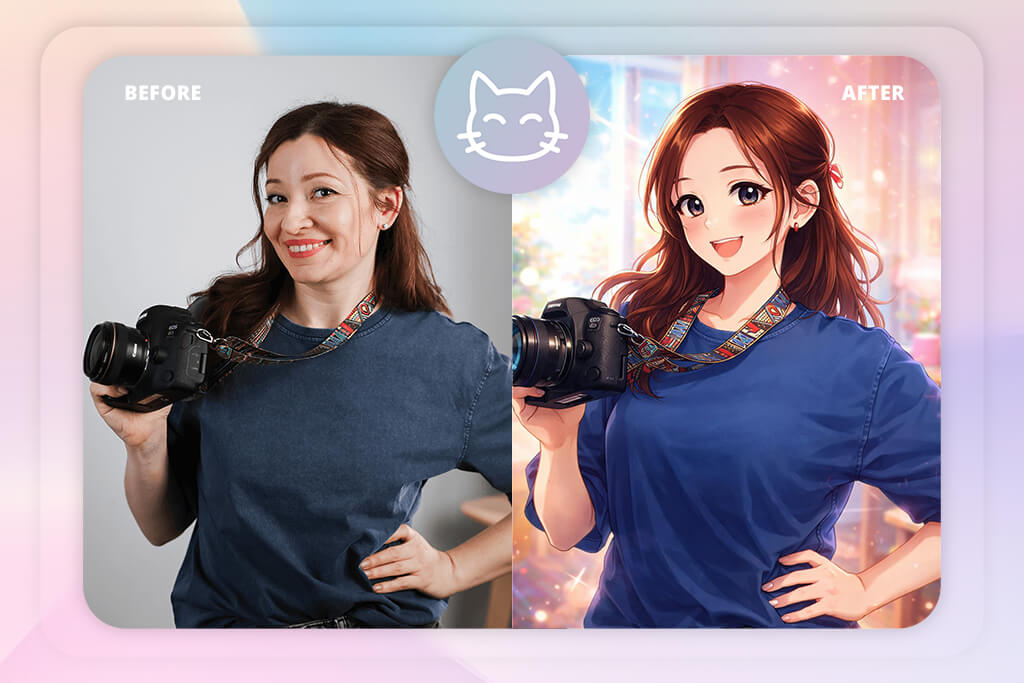
When I tested MeikerIO, I quickly realized it's not really an AI generator like the newer tools out there. Instead, it's more like a layered character builder. You build your avatar piece by piece - starting with a face shape, then adding hair, eyes, and accessories by hand. It feels calm and hands-on, like you're in full control. But the trade-off is that it's a lot slower than AI-powered options.
As I continued using Meiker.io, I started to appreciate how precise and predictable the system was. Every part of the avatar stayed consistent, which made it easy to recreate the same character without unexpected changes. That kind of control is something many AI profile picture generators still struggle to provide. At the same time, the creative possibilities depended completely on the available asset library. If a certain feature or style wasn’t included in the catalog, there was no real way to create it yourself.
“I liked how much control it gives you - you can customize the character exactly the way you want. But compared to AI tools, the process feels slower because you have to build everything manually.”
I tried to see how many different looks I could get from this anime PFP generator. Even though I could make lots of unique characters, they all still seemed to share the same basic art style. The anime look was there, but it never felt very lively or expressive. Nothing was truly made from scratch - just pieces moved around. So, it felt reliable, but not very creative or exciting.
From a regular user’s perspective, I can definitely see Meiker.io being fun for younger users or anyone who just wants to make a character quickly without dealing with complicated settings. Everything feels straightforward and predictable, which makes the experience easy and stress-free.
At the same time, for a project like mine, it didn’t offer enough freedom to create something truly original. It felt more like customizing an existing character than building a new identity from scratch. That difference ended up affecting my overall impression of the tool.
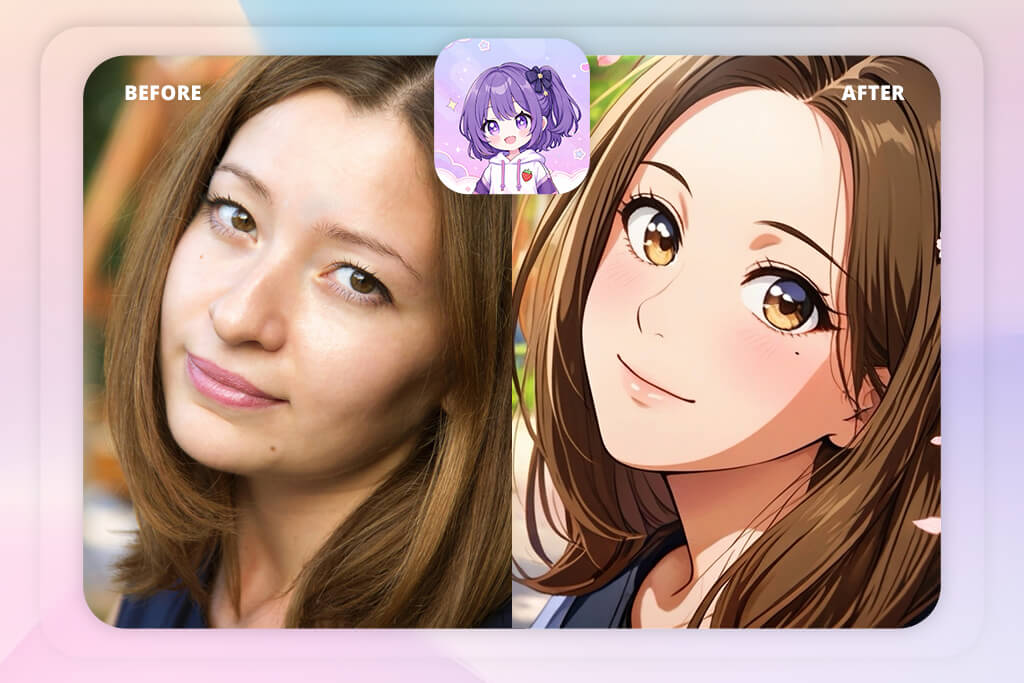
When I tried out Anime Avatar: PFP Maker, I focused on how it worked on mobile, since that's where most people would probably use it. Getting started was super fast, and I could create an avatar within seconds of opening this AI art generator. That instant result is clearly its biggest strength. There's almost no waiting between having an idea and seeing the final picture.
But after creating more avatars and trying to make anime PFPs from photos, I began to notice repeating patterns. Many of the results shared similar face shapes and style blueprints, which made each one feel less unique. Even when I switched up what I asked for, the changes felt small rather than truly different. So, the avatars looked clean and well-made, but they all started to blend. It's made for speed, not for helping you stand out as unique.
I also looked at how someone might tweak and improve a design over time. The editing functionality was pretty limited, so most changes meant creating the avatar from scratch again. That process can get annoying fast if you're trying to nail a specific look. It doesn't let you make small, thoughtful adjustments. Instead, it pushes you to keep hitting restart again and again.
From a product point of view, I could see why it was built this way. It keeps things simple and doesn't overwhelm you. But it also limits how much you can make the avatar feel like your own, and that really matters when you're trying to express your identity. You can get something "pretty good" in seconds, but not something that truly feels like you. That trade-off became very obvious as I tested it.
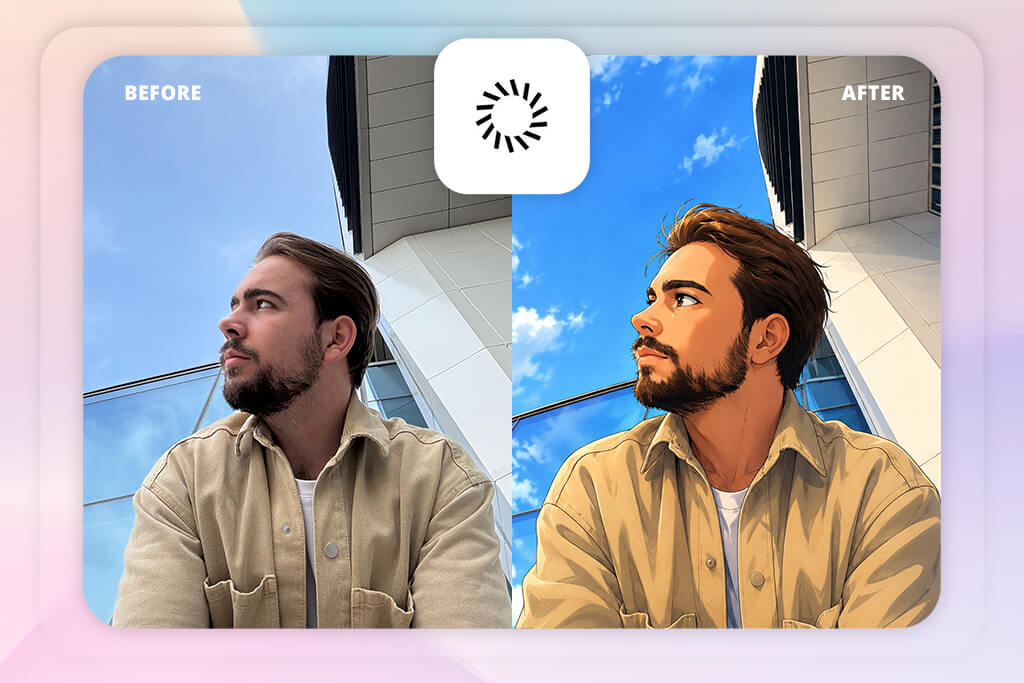
Testing Secta Labs felt different right away - it wasn't really built for pure anime. I started with regular portraits and then tried to nudge them toward a more illustrated, anime look by tweaking my prompts. Most of the results landed somewhere in the middle: not fully realistic, not really anime. It was an interesting mix, but just not what I was after.
As I kept testing, I noticed this app that turns pictures into anime really shines at facial structure and realism. Eyes, proportions, and lighting all looked surprisingly accurate.
However, when I tried pushing more typical anime features such as larger expressive eyes or more stylized hair, the tool didn’t respond very well to those changes. The app seemed built to keep things natural, not artistic or exaggerated. That created a clear style clash.
“The portraits look very realistic and polished, almost like LinkedIn-level profile pics. But the style feels more realistic than anime-inspired.”

I also looked at how well Secta Labs kept the same character looking alike across multiple tries. It did a good job keeping the face consistent. That works well if you want a steady, reliable personal avatar. But since it wouldn't move away from a realistic look, it didn't work well as an anime PFP maker. It felt like it was fighting me every time I tried to push it in a new direction.
If you're a regular user looking for a clean, semi-realistic profile picture, this tool would probably work well for you. But if you're deeply into anime or love highly stylized art, it's probably not the best fit. I could see it being useful for professional profiles or mixed-style identities. That said, it just didn't match the anime-focused purpose I was building for.
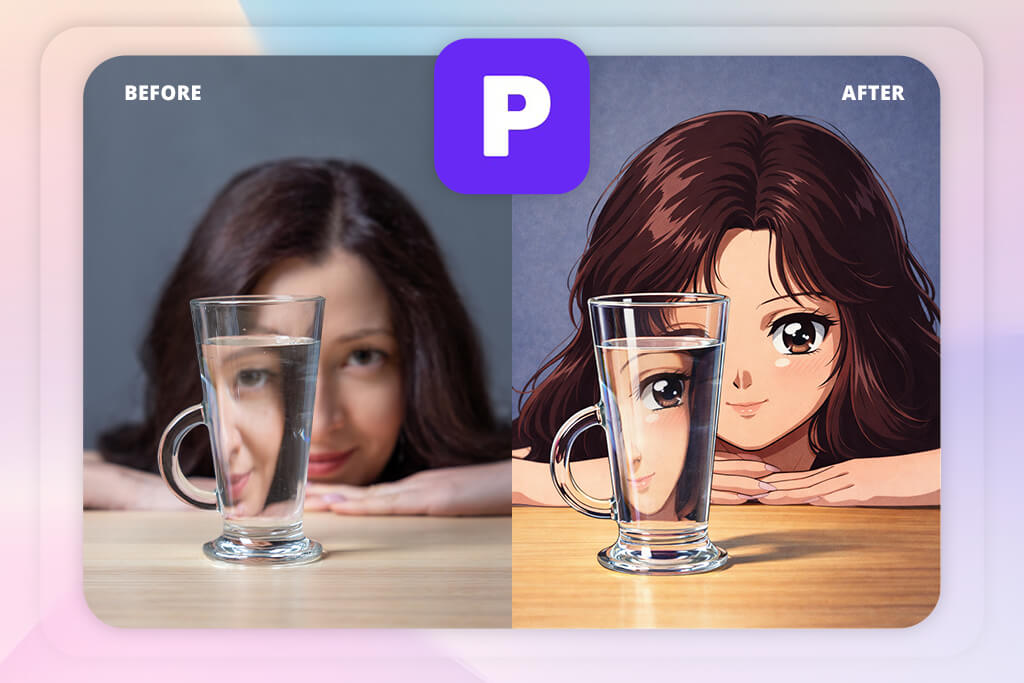
Phot.AI was one of the quickest tools I tested, so I immediately paid attention to how smoothly it handled repeated avatar generation. I created multiple avatars back-to-back, and the platform consistently delivered results with very little delay. That speed made the whole process feel much more fluid, especially when experimenting with different ideas and styles.
As I kept testing, I noticed the same character didn't always look like the same person from one image to the next. Each picture looked fine by itself, but the tool wouldn't reliably keep the look consistent across multiple tries. That made it hard to build a steady online persona over time. It felt more like gambling than making small improvements step by step. And that difference really mattered for my project.
I also tested how much style variety Phot.AI could produce. This free anime AI art generator was able to create many different anime-inspired looks, but the results often varied a lot between generations.
Some avatars came out soft and pastel-like, while others looked darker and more dramatic. Because the style changed so much from one result to another, it was difficult to guide the tool toward a specific direction. The process felt creative and unpredictable at the same time.
On the usability side, this AI anime PFP maker still worked well. You didn't need to be a prompt expert to get nice-looking results quickly, which makes it great for casual users. But if you're trying to build a consistent identity, that unpredictability becomes a real downside. Looking good is important, but being reliable matters just as much.
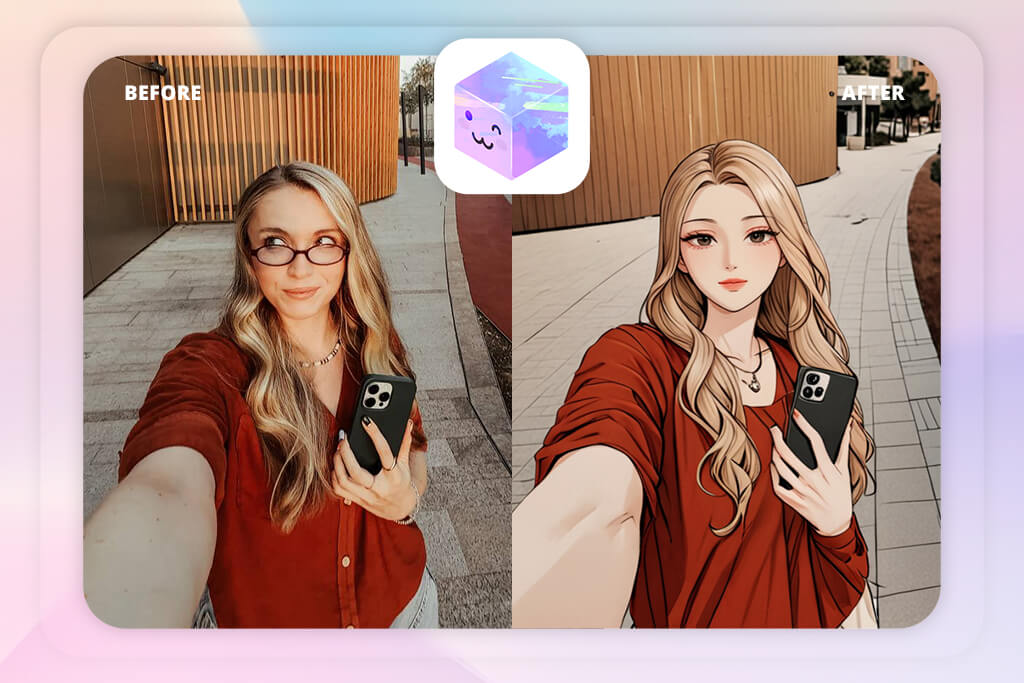
Right from the start, AnimeGenius felt different - like it was built specifically for anime-style art. I tested it with detailed prompts about mood, lighting, and character emotions, and the results looked much closer to traditional anime illustration than what other tools produced. That alignment with my original goal was clear from the very first try.
While testing this AI app further, I experimented with different facial expressions and dynamic poses. The tool did a great job creating expressive, energetic anime characters, especially with larger visual changes. At the same time, keeping the character consistent wasn’t always easy. Small prompt changes could noticeably alter the final result, so fine-tuning required a bit of extra attention.
“Sometimes AnimeGenius created exactly the anime style I was looking for, and other times the results felt a little off. Even so, it was still a fun tool to experiment with.”

I also tried pushing it to very soft or very bold anime styles. It adapted well, but each style change felt like a brand new version instead of a small step forward. So, the same character didn't always look the same across different images. It cared more about making cool art than keeping a steady identity.
From a regular user’s perspective, AnimeGenius is a great option for getting eye-catching anime-style results quickly. It understands anime aesthetics much better than most general AI anime PFP makers, which makes the avatars feel more authentic right away. At the same time, keeping the same character consistent across multiple generations can be difficult because the results are sometimes unpredictable. In the end, that’s both its biggest strength and its main weakness.
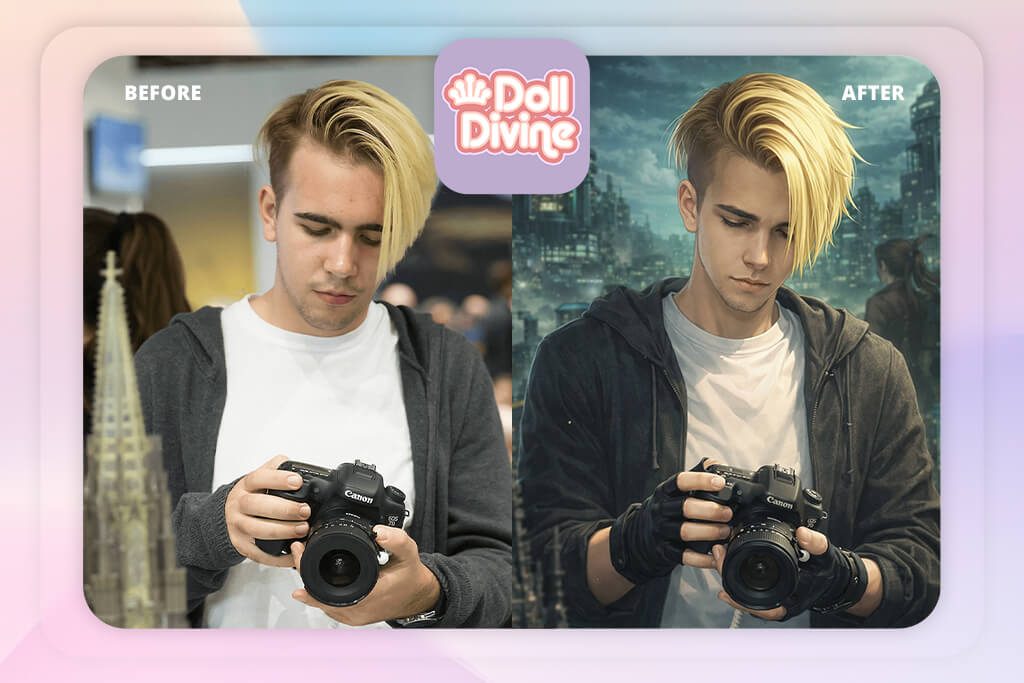
Doll Divine felt like a throwback to older avatar makers. No AI here, as you build everything yourself using pre-made pieces. I started with a basic template, then added clothes, facial features, and accessories one by one. It took time, but I was in full control the whole way. Nothing moved or changed unless I picked it myself.
As I tried different combinations, I really liked how reliable the results were. I could return later and make the same character again without unexpected changes, which is something many AI tools still have trouble with. At the same time, the creative options were completely tied to the existing asset collection. The tool wasn’t creating anything new on its own - it was more about assembling pre-made elements.
I also tested how much variety I could create within those limits. Even though I was able to make characters look different from each other, they all still shared a very similar overall art style. After a while, the avatars started to feel a bit too alike, especially during longer sessions. The experience felt stable and consistent, but somewhat limited in terms of creativity.
From a user perspective, the platform feels very approachable and easy to navigate, even for someone with no experience. People who like carefully customizing every part of a character would probably enjoy spending time with it. However, for projects that need quick avatar creation or large numbers of unique profiles, the process feels too slow. Compared to modern AI tools, it lacks the speed and automation many users now expect.
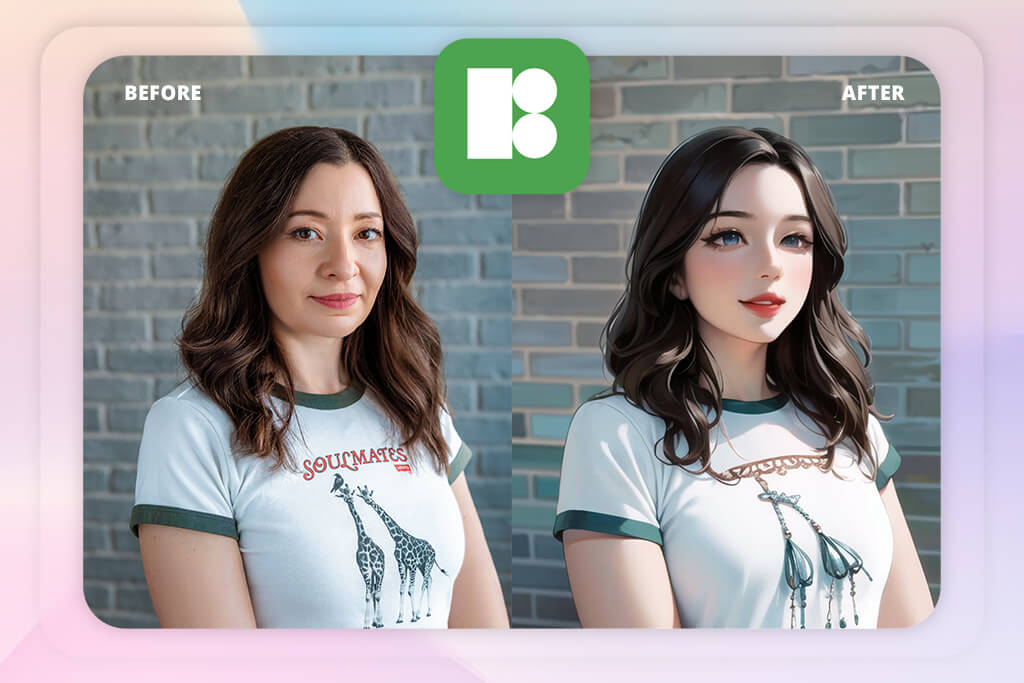
When I tested Icons8, it felt like a mix of a design platform and an AI avatar generator. I could create avatars and then continue editing them inside the same workspace, which made the whole process feel much smoother. That built-in workflow was one of the biggest advantages for me because it removed the extra steps between generating an image and refining it further.
The avatars generated in Icons8 looked clean, modern, and visually consistent. Even though the platform isn’t strongly focused on anime styles, it was flexible enough to move in that direction with a few adjustments. I experimented with things like facial proportions and color styling to see how much I could change the overall look. The system handled those edits surprisingly well as long as the changes stayed fairly balanced. It remained stable during refinement and didn’t fall apart when I pushed the design a bit further.
“Super easy to use - I picked a style, changed a few details, and got a clean PFP really quickly.”
I also tested how practical Icons8 would be in real production workflows. The fast editing and export process made it feel suitable for larger projects where avatars need extra refinement or brand consistency. Instead of acting like a simple AI anime PFP generator, it felt more like a lightweight design studio, and that difference stood out during testing.
From a user perspective, Icons8 feels easy to use while still giving enough control to customize the final result. Beginners can make good-looking avatars quickly, and more advanced users can spend extra time refining details if they want. At the same time, it’s not fully focused on anime-style art, so it may not feel specialized enough for people looking for a dedicated anime avatar creator. It works better as an all-around creative tool.
Together with the FixThePhoto team, I tested and evaluated the best anime PFP makers using a more structured approach instead of simply trying random tools. The main focus was to find out which platforms actually work well for users who want expressive, consistent anime-style avatars for their online profiles.
Inside the FixThePhoto team, we split the testing into different areas. Vadym Antypenko focused on generation stability and consistency, Ann Young reviewed visual quality and overall user experience, while Kate Debela tested how easy each platform was for new users to understand and start using.
We started by creating a shared testing system instead of relying only on personal opinions. Every tool was tested with the same base character prompts, including different moods, hairstyles, and facial expressions, so we could compare consistency more fairly. I personally ran repeated generation tests, while the FixThePhoto team compared the results side by side to see how well each platform kept the character looking consistent across multiple attempts.
For example, AI tools for designers kept characters very consistent across different generations, while Phot.AI often created more visually impressive results but with less consistency.
Repeating the same tests helped us understand which tools were not only good-looking, but also reliable in real use.
During testing sessions, the FixThePhoto team also tried to use the tools the way regular users would. Ann Young checked how easy it was for beginners to create a good avatar without knowing how to write detailed prompts, while Kate Debela noted any confusing parts in the interface or editing process. We also tracked simple things, like how many steps it took to go from typing a prompt to downloading the final avatar.
Some tools produced good results almost immediately, while others required several retries before we got something usable. That quickly showed the difference between tools made mainly for creative experimentation and ones that actually feel reliable for everyday use.
We also compared how well each platform handled edits and repeated refinements. Vadym Antypenko specifically tested whether the same character could stay visually consistent across multiple generations, which is especially important for profile branding. Tools like AnimeGenius produced very strong anime-style visuals, but character consistency was less stable. Meanwhile, Icons8 and Adobe Firefly gave us more control when refining and adjusting avatars over time.
Kate Debela also tested how comfortable the tools felt on mobile devices. She found that apps like Anime Avatar: PFP Maker were very fast and easy to use, but the avatars often lacked originality and started to look too similar over time. Those strengths and weaknesses became much more noticeable during repeated real-world testing.
In the end, the FixThePhoto team concluded that no single anime PFP maker was perfect in every area. Some tools stood out for speed, others for visual style, and a few for consistency, but only a small number managed to balance all three well.
Instead of trying to choose one universal “best” tool, the FixThePhoto team focused on understanding which platforms worked best for different user needs. Working together also helped us better understand what a strong anime PFP system should include to work well inside a real product ecosystem.



![9 RunwayML Alternatives [Better, Faster & Cheaper]](http://fixthephoto.com/blog/images/gallery/news_main__preview_28969.jpg)


![7 Best Speechify Alternatives [{{%year}} FixThePhoto Choice]](http://fixthephoto.com/blog/images/gallery/news_main__preview_28954.jpg)


![9 Best AI Label Generators [{{%year}} FixThePhoto Choice]](http://fixthephoto.com/blog/images/gallery/news_main__preview_28972.jpg)


















