My interest in finding a Picsart AI replacement started when a friend who owns an online furniture and home decor shop told me she was tired of struggling with product photos every week. She handles most of her content creation on her own. At first, Picsart AI worked well enough, helping her remove backgrounds and quickly make social graphics without paying a designer for every small project.
As her business grew, however, some issues became harder to overlook. The AI-generated room designs often showed objects with odd sizes, shadows that didn't look natural, or decorative details that simply didn't make sense. Because of this, I decided to work with my FixThePhoto team and turn her search for a better tool into a full comparison project.
To understand which platforms people were choosing after moving away from Picsart AI, I looked through discussions on Reddit, Quora, YouTube, and other creator communities. After gathering feedback, we tested 50+ Picsart AI alternatives. Although my friend's main focus was ecommerce, I also reviewed tools designed for photographers, graphic designers, social media managers, small business teams, and beginners who wanted an easy-to-use free editor.
In my opinion, a good replacement for Picsart AI should provide several important benefits:
| Tool | Best use case | Key strength | Free access |
|---|---|---|---|

|
Realistic AI generation, product concepts, ads
|
Strong prompt control and commercial-friendly AI output
|
✔️
|

|
Social media content, branded templates, small teams
|
Easy design workflow with AI and templates
|
✔️
|

|
Browser-based photo editing and AI tools
|
Strong web editor with generation and manual correction
|
✔️
|

|
Fast ads, promos, banners, branded content
|
Quick AI design, templates, and brand tools
|
✔️
|

|
Ecommerce product photos and listings
|
Background removal, product polish, batch editing
|
✔️
|

|
Simple AI edits and beginner photo fixes
|
Easy online editing with AI tools
|
✔️
|

|
Quick creative edits and casual design
|
Beginner-friendly AI photo tools and effects
|
✔️
|
Before pointing out the weaknesses of Picsart AI, it's important to recognize that it still has value. It is a creative platform powered by AI that offers photo editing, design tools, filters, templates, background removal, image generation, and many other features. Therefore, it is still a useful choice for simple social media posts, fun image edits, and everyday creative tasks.
The limitations become more noticeable when your projects require a higher level of quality. My friend's online store needed product images that looked believable and professional. I needed results that would look good not only on social media but also in website catalogs, paid advertisements, and close-up product views, and in those situations, the Picsart online editor started to feel less capable than some of the newer alternatives.
There is another reason why this topic has become more important. AI tools are no longer used only for entertainment or creative experiments. According to SurveyMonkey, 88% of marketers currently use AI in their work, and 93% of those users rely on it to create content more quickly. While AI can save a lot of time for small businesses, poor-quality visuals can reduce customer trust just as fast as AI improves productivity. That is why choosing the right AI image tool matters more than ever.
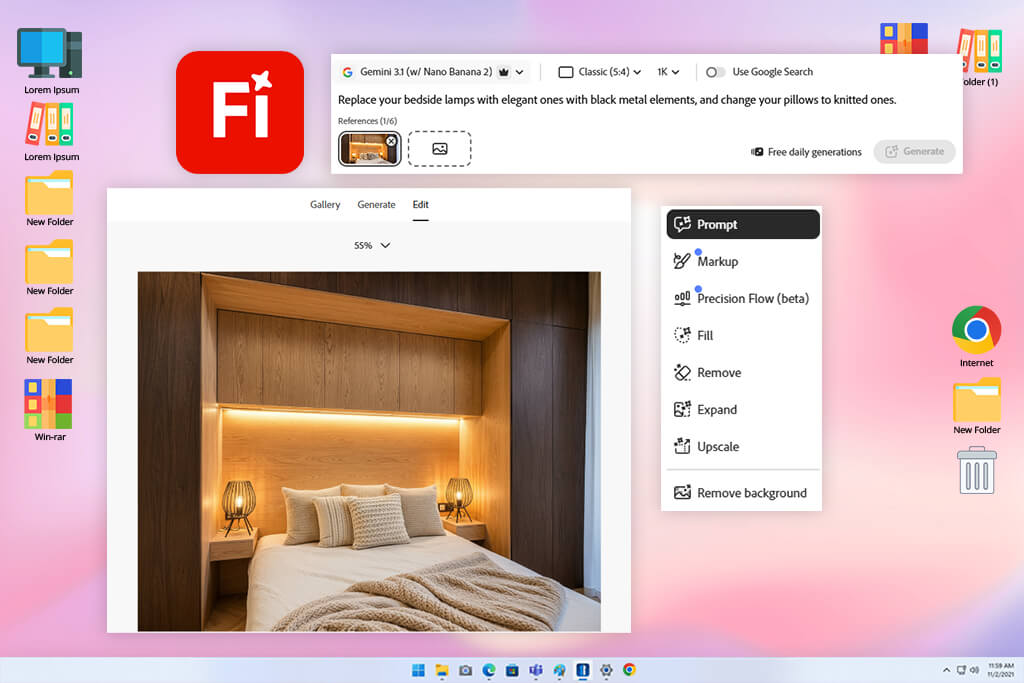
I knew Adobe Firefly would be the first platform I would test as a Picsart AI alternative because I already use several Adobe tools in my daily work. My friend also felt comfortable trying it from the start because she wanted product images that looked more like professional catalog photos instead of the artistic AI-style images that many Adobe Firefly alternatives often create.
The main thing I noticed when comparing it with Picsart AI was that Firefly felt more focused on professional content creation. Picsart works well for quick edits and social media posts, but Firefly gave me more control over how the final image looked and felt.
To test its tools, I created prompts for cozy living spaces, ceramic decorations, linen curtains, wooden furniture, neutral home interior advertisements, and seasonal decor ideas. When I included details about materials, lighting, camera position, and room design, Firefly followed the instructions well and generated more accurate images.
“It may not be the easiest tool to learn or the most affordable option, but for people who want realistic images, polished branding, and professional editing features, it feels like one of the best upgrades from Picsart AI.”

One area where Firefly stood out was creating mood boards, generating product scenes, and its Generative Fill tool. Also, Adobe now allows users to access Firefly's own AI models as well as models from Google, OpenAI, Runway, FLUX, Luma AI, and Kling AI within the same platform. Because of that, the experience feels more flexible and less dependent on a single AI style.
When it came to realism, Firefly was among the top performers in my testing. Wood and fabrics looked more natural, while window lighting and indoor shadows appeared closer to what you would see in a real shot.
That said, the tool still made mistakes with object shapes and small decorative items, so I would always check AI-generated product images carefully before using them in a store or marketing campaign.
One lesson I learned was that detailed prompts made a big difference. Simple requests like "beautiful room" often produced average results. I had much more success with prompts such as: "modern oak coffee table in a small Scandinavian living room, natural morning light, realistic shadows, neutral beige decor, catalog photography."
Best features:
Pricing: Free; from $9.99/mo
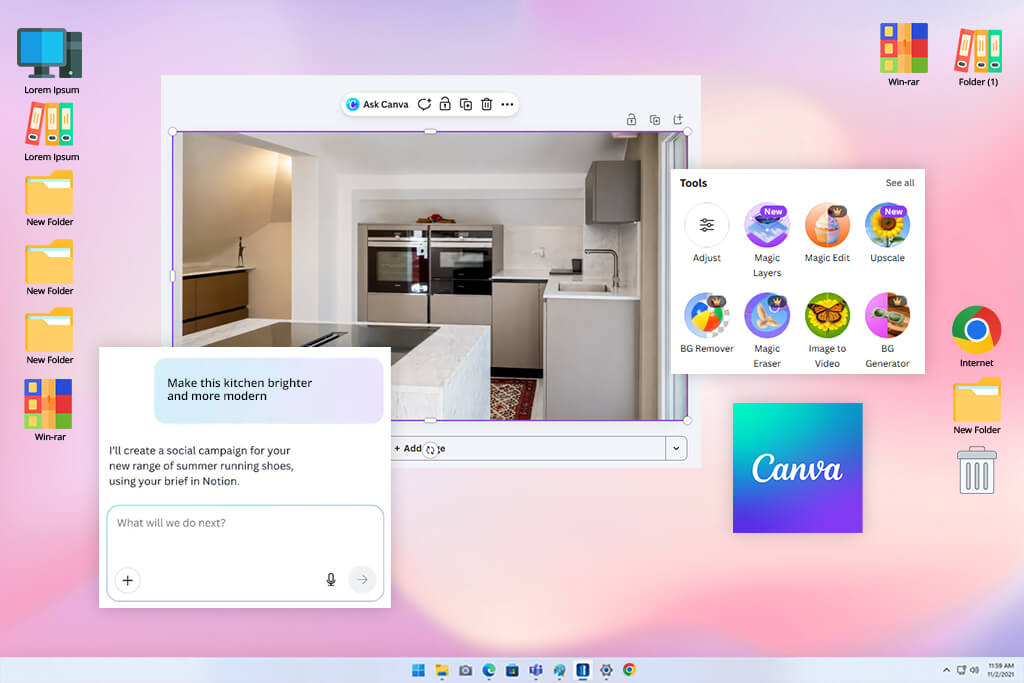
One member of my team encouraged me to give Canva a proper test, even though I had always thought of it mainly as a design platform. After using it for a while, I realized that Picsart AI feels more like a quick creative editing app, while Canva works more like a workspace for businesses and brands.
For my friend's home decor business, that difference was important. She often needs multiple pieces of content based on the same product, and Canva handled that workflow much more smoothly.
“For social media campaigns, ads, and visuals that need a consistent brand style, Canva performed well. I liked how quickly I could turn a single idea into several ready-to-use formats.”

During testing, I used Canva to create cozy room designs, product advertisements with neutral colors, banners promoting new collections, and edited backgrounds for smaller furniture products.
Its AI features are built directly into the platform and include image generation, smart templates, Magic tools, style-matching options, and other design features. Canva also offers Dream Lab, which can generate detailed images from text descriptions and lets users include reference images.
Although Canva performed well for branding and content creation, its image realism was not as strong as Adobe Firefly and other Canva alternatives when creating product-focused visuals. Some of the rooms looked a little too perfect, almost like they had been created from a template rather than inspired by a real space.
One tip I would give is to write Canva prompts the same way you would write a design brief. Instead of entering something simple like "modern living room," I got better results by being more specific, for example: "minimal beige living room ad for a handmade ceramic vase, warm natural light, soft shadows, clean Scandinavian styling, space for headline text."
Best features:
Pricing: Free; from $15/mo
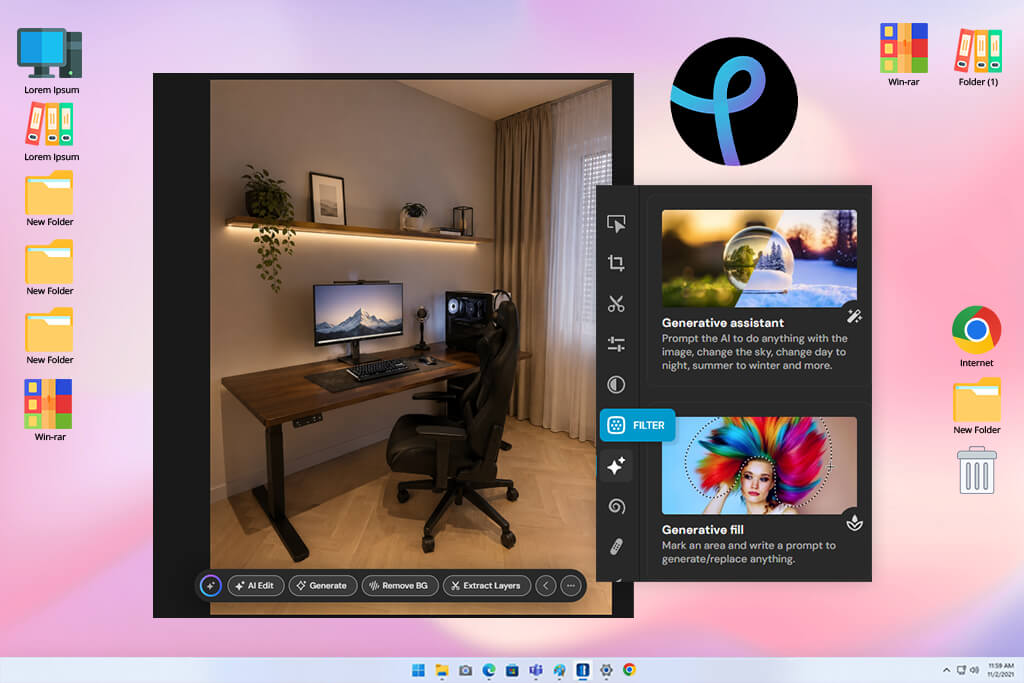
I decided to include Pixlr in my testing after noticing that many people on Reddit recommended it when talking about fast online photo editors. One thing that stood out right away was how different it felt from Picsart AI. Pixlr works more like a traditional photo editor that includes AI features, while Picsart AI and many other Pixlr alternatives are designed more as creative apps for mobile users.
What I liked most about Pixlr was the amount of control it gave me after the AI created an image. I could generate an image, open it directly in Pixlr Express, and then make additional changes without switching to other software. It allowed me to remove unwanted objects, extend the image frame, improve the composition, and make detailed adjustments all in one place.
“For people who want both AI image creation and manual editing tools together, it is a great alternative to Picsart AI.”

Another thing that impressed me was the wide range of AI models available within Pixlr. The platform supports Flux, Kling AI, Recraft, Google Veo, Qwen, Stable Diffusion, SDXL, etc. When creating images, users can choose different AI models, upload reference photos, select visual styles, adjust colors and lighting, change composition settings, and generate up to eight image versions at once.
For my friend's online store, Pixlr worked best when we already had a good product photo and simply needed to improve it. Features like background removal, object removal, and Generative Fill were more useful than starting from a text prompt alone.
The AI-generated images could produce good results, especially when using Flux-based models, but I still needed to watch for unusual edges, overly shiny textures, or furniture shapes that looked unnatural.
My recommendation is to use this tool like Picsart AI when you want more control after the AI has finished generating the image. Start with a detailed prompt, select an AI model focused on realism, add a reference image whenever possible, and then spend some time refining the final result manually.
Best features:
Pricing: Free; 7-day Premium trial; from $2.49/mo

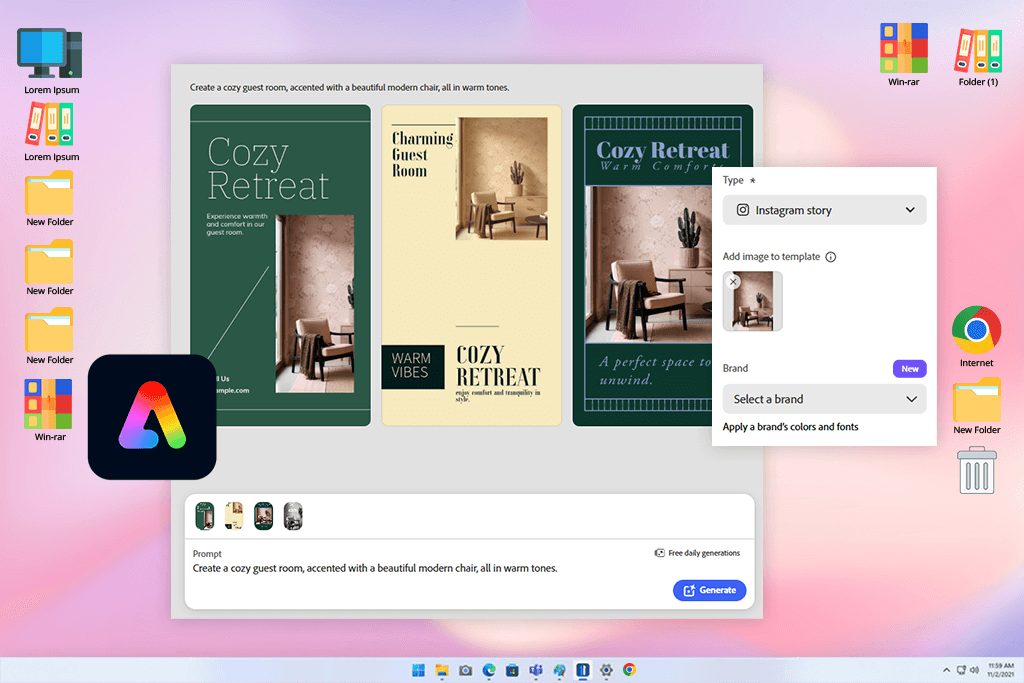
I also tested Adobe Express after one of my coworkers recommended it as a useful content creation tool for small businesses. While Picsart is great for quick edits, stickers, popular effects, and casual designs, Adobe Express felt more focused on creating clean and professional branded content.
During testing, I used this Picsart AI alternative to make sale graphics, promotional banners, Instagram stories, and announcements for new products. The feature that stood out the most was its connection to Adobe Firefly: since Express includes Firefly's AI technology, I could create images, apply text effects, remove backgrounds, resize designs, and quickly turn a single product concept into multiple promotional formats.
Since it combines several tools in one platform, it matched the way my friend creates content for her business.
“It helps users create branded content quickly and efficiently. It is especially useful for online sellers and businesses that need fresh marketing materials every week.”

When it came to image realism, I still preferred using Adobe Firefly directly. Adobe Express is not the platform I would choose for building a detailed product scene from scratch. However, for fast AI-assisted design work, it felt more practical than Picsart AI and other Adobe Express alternatives.
The generated visuals worked well enough for social media concepts and advertising backgrounds, while the built-in editor made it easy to finish designs with templates, text, and brand colors.
One tip that worked well for me was starting with a real product photo instead of generating everything from scratch. After removing the background, I built the design around the product image. For background creation, Firefly-style prompts like "warm neutral interior wall, soft natural shadows, minimal Scandinavian decor, space for product" worked best.
Best features:
Pricing: Free; from $9.99/mo
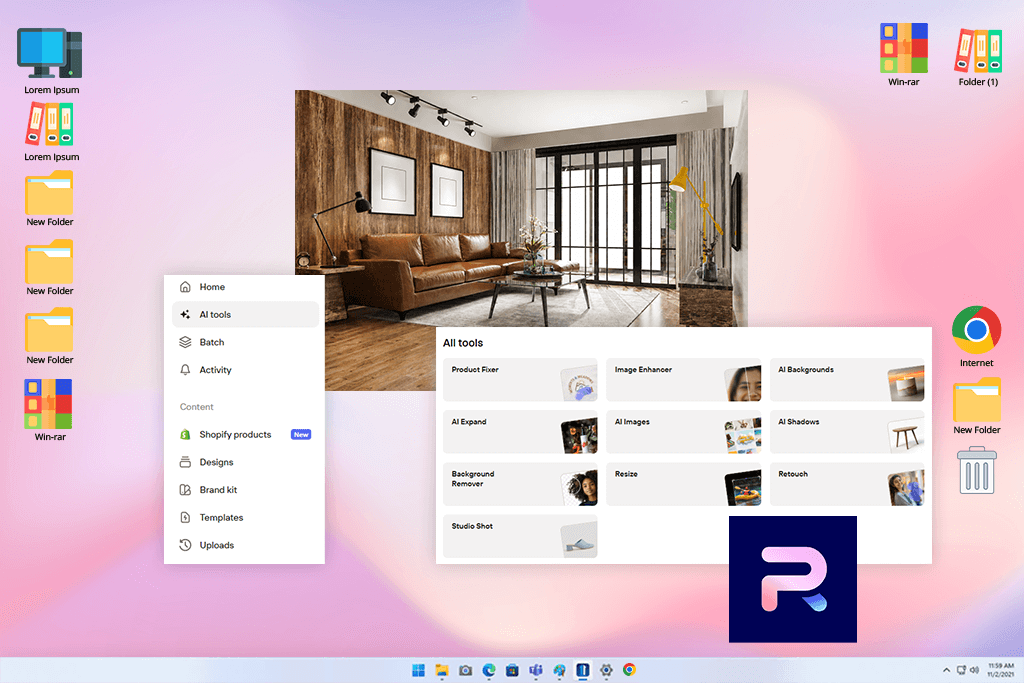
I first found Photoroom from YouTube videos where this ecommerce creator showed how they edit product photos for online stores and marketplaces. Compared to Picsart AI, Photoroom feels more focused on sellers and business use. It is designed as an AI tool for product images, background removal, and simple editing for ecommerce work.
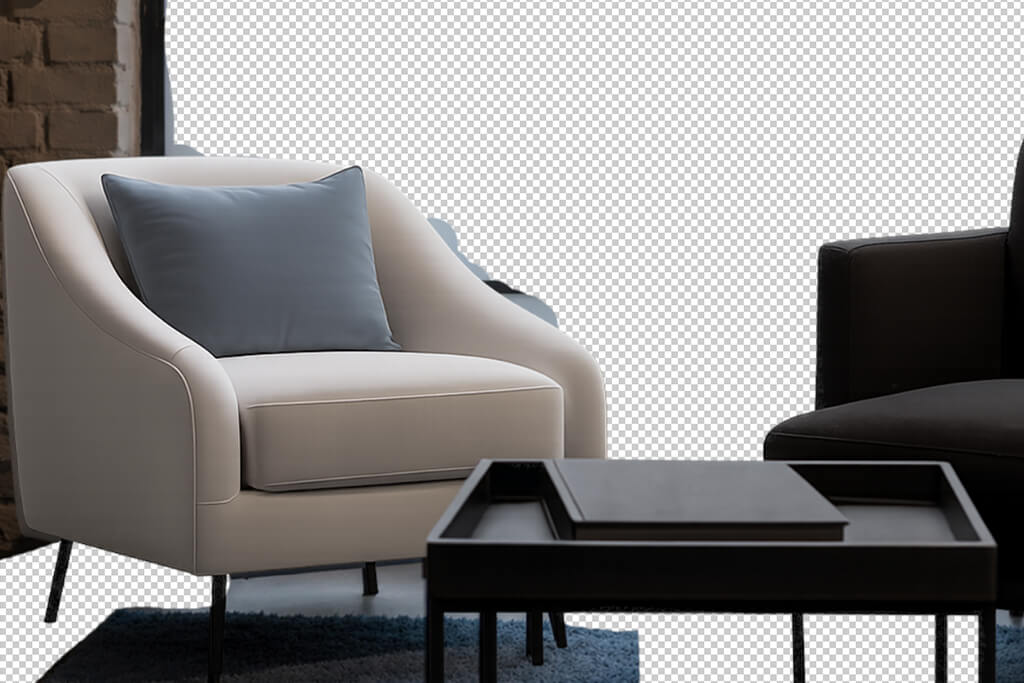
I liked how well it handled backgrounds. I uploaded product photos that had messy home settings behind them, then tried clean white backgrounds, soft shadows, simple room-style scenes, and branded templates. Photoroom did a better job than many casual AI tools when it came to cutting out objects.
The edges around fabric, decor pieces, and small details were usually cleaner than what I saw in Picsart AI and other Photoroom alternatives.
“It can automatically process many product images using brand templates, backgrounds, and lighting setups, which helps a lot when managing large product catalogs.”

I also found the ecommerce tools helpful. The AI Product Staging feature can place items into realistic-looking environments, and the AI Product Beautifier helps make products look cleaner and more suitable for marketing without needing full manual retouching.
However, Photoroom is not the best choice if you want artistic AI images or creative campaigns. Some generated backgrounds can look plain or repetitive if the prompt is too simple.
My advice is to start with strong product photos. If the image already has good lighting, sharp focus, and simple composition, Photoroom works much better and gives cleaner results.
Best features:
Pricing: Free; upon request.
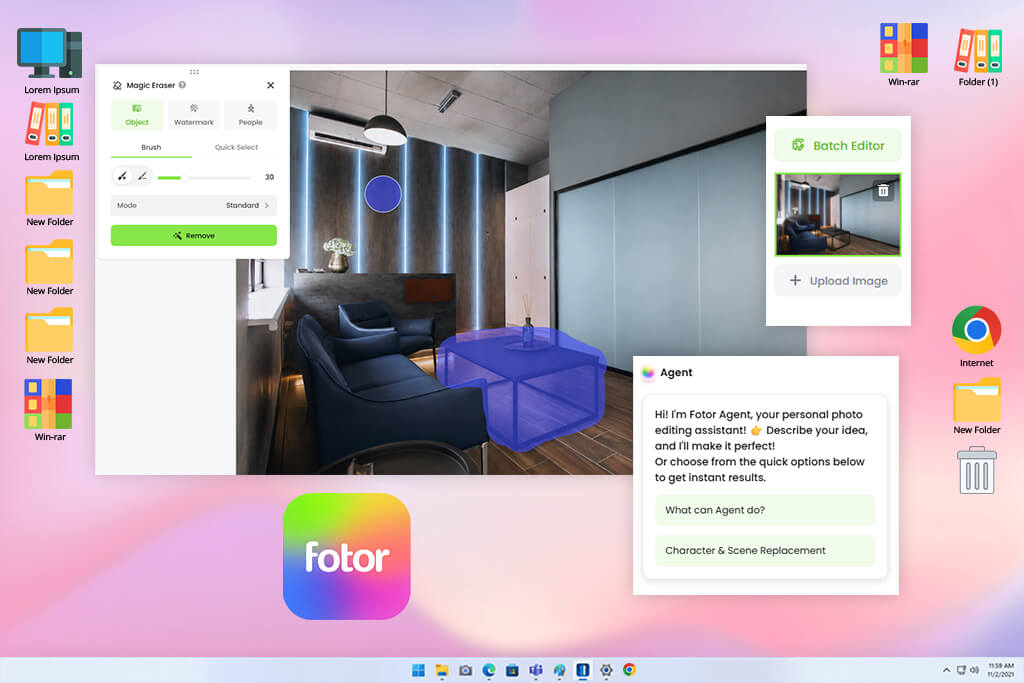
I also tested Fotor as a Picsart AI competitor after running a small Instagram poll, where some people suggested it for quick AI photo fixes. Compared to Picsart AI and other Fotor alternatives, it feels less focused on trends or social media design. Instead, Fotor works more like a basic online editor with added AI features.
I used it on product photos that had weak lighting, cluttered backgrounds, dull colors, or needed a new background. One of the most useful features was editing with text instructions. You can write simple commands like making the image brighter, expanding the picture, or changing the background to a clean studio look. It also uses advanced models such as Nano Banana for creating AI images.
“It made our list because it is easy to use, affordable, and less confusing for beginners.”

The image quality was fine for simple tasks, but it is not the strongest option for professional-level product visuals. Some AI-generated room scenes looked basic, and textures on products were not always perfect.
My suggestion is to use Fotor for small and practical edits instead of complex AI-generated scenes. Start with a real product photo, fix brightness and color first, and then use AI Replace or AI Expand carefully.
Best features:
Pricing: Free; upon request
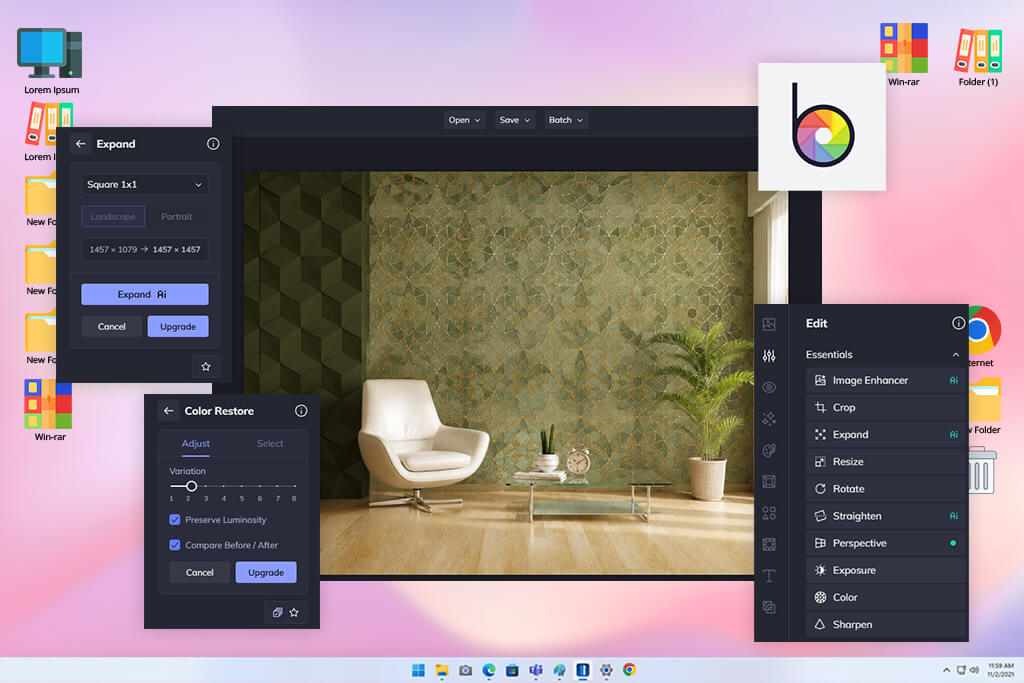
I also tested BeFunky after seeing some TikToks where creators used it for quick edits, background removal, and easy photo improvements. Unlike Picsart AI and other BeFunky alternatives, this generator feels less like a trendy creative tool and more like a simple editor with clear options like enhance, remove background, erase objects, upscale images, blur correction, and turning photos into artwork.
I tried BeFunky with small decor images, lifestyle photos, and basic product shots taken in natural light. Its strongest feature was fast editing: it can remove backgrounds, erase unwanted objects, improve image quality, change skies, upscale photos, fix blur, and reduce noise. These tools cover many common needs for online stores and social media posts.
“The UI is very simple, which made testing easy. Even beginners can improve product photos without learning advanced tools.”

How realistic the results look depends on the photo. I would not use BeFunky as a main AI generator for realistic furniture or interior scenes. It is not as advanced in prompt control or model options as Firefly, Pixlr, or Fotor. But it works well for cleaning up images, removing distractions, and making quick edits.
My advice is to use BeFunky when you need fast results. Start with a good base photo, use light enhancements, remove the background only when edges are clear, and avoid adding too many effects at once.
Best features:
Pricing: Free; upon request
When testing Picsart AI alternatives, I wanted to figure out which tools could actually help my friend manage the visuals for her online store. The goal was to avoid images that looked fake, overly edited, or too obviously created by AI. Because of that, I worked with my FixThePhoto team and turned the search into a proper testing process.
At the start, I collected more than 50 different tools. Some were suggested by coworkers, and others kept showing up on Reddit, Quora, YouTube, TikTok, and in creator communities. I also asked people on Instagram what apps they used for fast AI photo editing. After gathering all that input, my team and I reduced the list to the tools that seemed useful enough to test in real situations.
For testing each Picsart AI alternative, I used the same type of content that my friend needs for her store: furniture photos, small decor items, lifestyle room images, advertising banners, Instagram posts, cutout products, background changes, and seasonal promotional graphics. I focused on how each tool handled normal photos that were not perfect.
Some tools did not reach the final list:
We followed FixThePhoto’s testing method, which is based on clear real-use criteria.
First, I looked at how easy each tool was to use. I checked how quickly I could open it, upload an image, create or edit something, remove a background, and export the result. If a tool had too many confusing menus, slow loading, or unclear credit systems, I gave it a lower rating.
Next, I tested image generation quality. I used prompts like cozy living rooms, simple catalog setups, and modern furniture ads. My team and I compared how well each tool understood lighting, materials, space, and object proportions. Problems like melted chairs, strange vase shapes, or unnatural wood textures were not acceptable for ecommerce use.
After that, I checked editing features and AI corrections. I tested background removal, object removal, generative fill, image extension, color fixing, sharpening, upscaling, and quick enhancements. Since my friend already had real product photos, I focused more on improving real images instead of only generating new ones.
I also looked at how well each tool supported brand consistency. A good Picsart AI alternative should not just make random images. It should help keep a consistent style. Canva and Adobe Express scored well here because they allow users to reuse colors, fonts, layouts, and templates easily. Photoroom also worked well because it kept product images clean and consistent across many files.
Finally, I compared pricing, free versions, limits, export options, and overall value. I am okay with paying for tools if they save time, but I do not like platforms that look free at first and then block most features. Tools that offered fair trials and clear pricing scored higher in my evaluation.
In the end, the tools that made my final list were the ones that actually helped create better product photos, more realistic AI scenes, faster marketing designs, and smoother editing than Picsart AI. Anything that created more extra work than it saved was removed from the list.





![7 Best AI Baby Dance Video Generators [For Trendy Moms]](http://fixthephoto.com/blog/images/gallery/news_main__preview_29020.jpg)



















