As a project manager at FixThePhoto, I handle client briefs, retoucher checklists, service contracts, project summaries, internal reports, and the string of follow-up documents that come after every client call. I wasn’t skeptical about AI document generators out of principle. I just hesitated because I’d tried enough half-baked tools to know that “AI-powered” on a product page doesn’t mean it handles workplace documents well.
I was already using AI tools in my workflow for rough outlines, rewording awkward sentences, and condensing long notes, but none of it touched the actual document work. Drafting, formatting, exporting, managing templates was still manual. When I started to explore what dedicated document AI tools could do, I realized the category had matured past what I’d assumed.
AIIM’s 2025 Industry Watch report puts generative and agentic AI at 91% combined adoption across current users and those planning to implement within 12 months, specifically within information management workflows.
Not every organization in that figure is running a document generator, but the direction is clear. AI is embedding itself into the systems where users need to handle contracts, reports, and institutional manuals. That was enough reason to run a meticulous test of 30+ AI document generators together with my team.
Candidates came from Reddit productivity threads, YouTube tool reviews, Facebook business groups, and direct recommendations from colleagues. A refined product demo wasn’t the bar I set. I wanted to put rough project notes in and get something back that I can send to a client or share with our editorial team. For me, the best AI document generators have to clear a few specific requirements:
| Tool | Best For | Top Features | Free Plan/Trial | Pricing |
|---|---|---|---|---|

|
PDF-heavy workflows, reports, contracts, client files
|
|
✔️
|
From $9.99/mo
|

|
Automated document generation from templates and data
|
|
✔️
|
From $29/mo
|

|
Internal docs, team wikis, project notes, SOP drafts
|
|
✔️
|
From €9.50/mo
|

|
Agreements, contracts, signing workflows
|
|
✔️
|
From $10/mo
|

|
Visual documents, one-pagers, reports, pitch-style docs
|
|
✔️
|
From $9/seat/mo
|

|
Long-form writing, structured drafts, editorial documents
|
|
✔️
|
From $8/mo
|

|
Quick reports, PDFs, Word docs, presentations, spreadsheets
|
|
✔️
|
Upon request
|
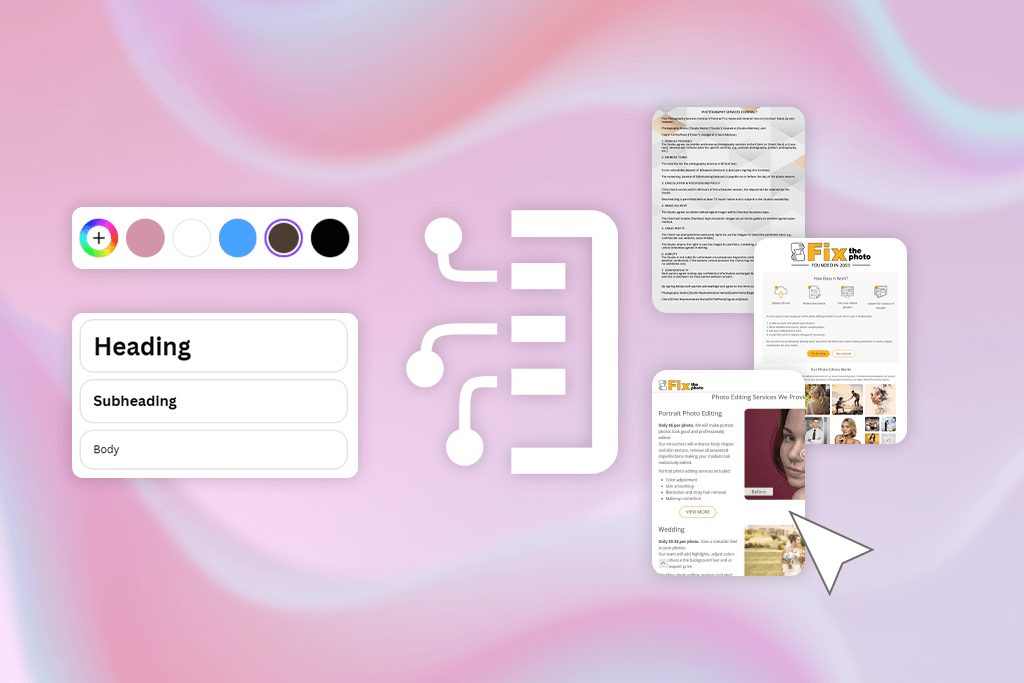
My working definition is that an AI document generator takes input, e.g., a prompt, a template, a data source, or a pile of notes, and returns something that functions as a real document. The distinction from a standard chatbot is that the output should be directly usable, meaning, formatted, structured, and exportable, not a text dump. I still have to build a document manually.
Working at FixThePhoto, I noticed that giving vague prompts like “create a document about our photography services”, didn’t yield proper results. I just received generic outputs. It showed up in specific, repeatable tasks that eat time precisely because they’re routine.
I tested each tool with a retouching project summary, a client onboarding note, a short service proposal, a report assembled from scattered team notes, and a contract-format document. In such files, accuracy and consistency are more important than creative writing.
I typically:
None of these tools replaces a careful read-through before a document goes anywhere important. Speed is their strength, but you need to take a closer look at context.
Every AI document generation software on this list performed better with detailed input. I specified the audience, defined sections, provided a tone example, and gave a clear output goal. Every tool underperformed on one-line prompts with no context. So, keep this in mind.
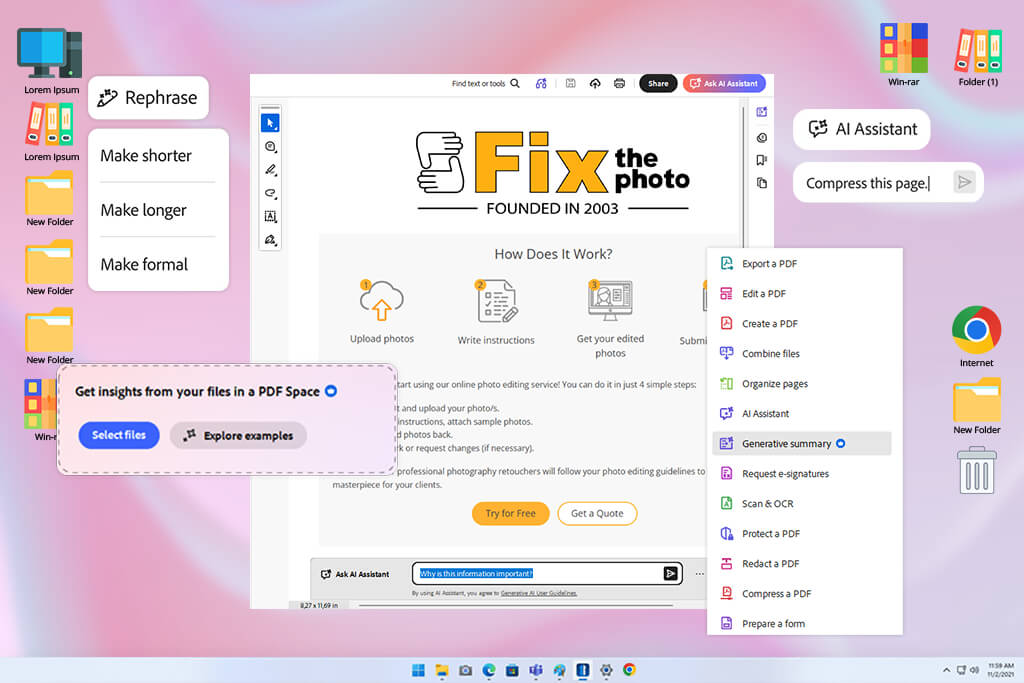
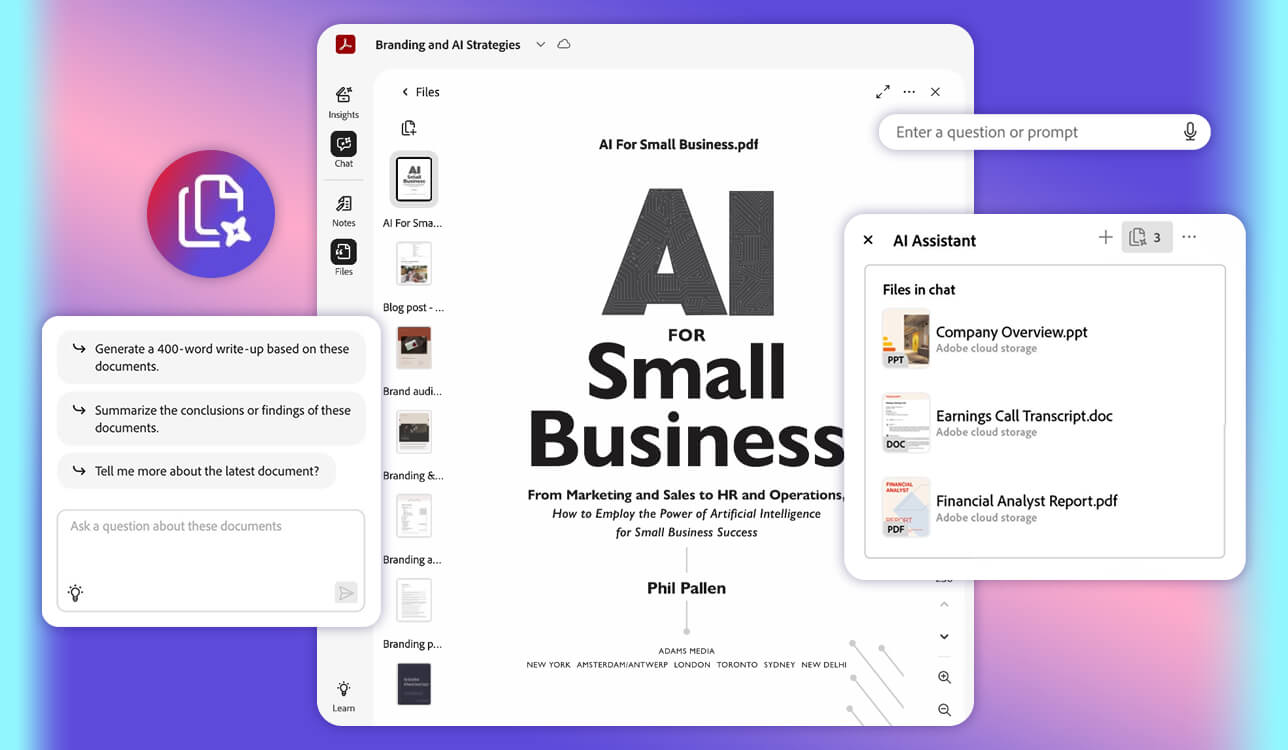
A colleague’s advice before I started testing: “You already spend half your day in PDFs. That’s where you should begin.” She was right. Acrobat’s AI features aren’t designed for blank-page creation. They can make existing documents more useful. That’s a different promise, and it’s one Acrobat delivers on consistently.
I ran three real files through it, including a disorganized project brief, a client agreement that needed restructuring, and a retouching workflow report. Rather than asking it to generate content from nothing, I used its Acrobat AI Assistant to summarize, get key points, compare sections, and turn scattered information into a well-structured document.
I liked how accurately this AI-powered document generator handled source-based answers. Every response cited the specific passage it came from, so verification was a matter of clicking through rather than re-reading the whole document. For contracts and project agreements, this is more than a convenient feature. It makes the tool trustworthy.
“The program is paid, but the cost is well-justified if you need to handle PDFs, agreements, reports, and client-ready documents efficiently.”

Task-oriented prompts landed well. “Adapt this for an external client” or “pull the action items from this into a short list” produced results I could use without cleanup. Acrobat isn’t competing with the blank-page generators in this list. It’s a document environment where AI extends what’s already there. That’s a more focused value proposition, and for PDF-heavy teams, it’s a more useful one.
PDF Spaces extended that logic further, grouping multiple related files by project and querying across all of them at once, which proved genuinely useful for larger client engagements with multiple deliverable documents.
My tip: bring in your cleanest source material, start with a summary request, then build from there. The quality gap between working from a solid source file instead of a vague prompt is significant.
Pricing: free trial; Acrobat Express from $9.99/mo, Acrobat Pro from $19.99/mo, Acrobat Studio from $24.99/mo with annual billing.
Best features:
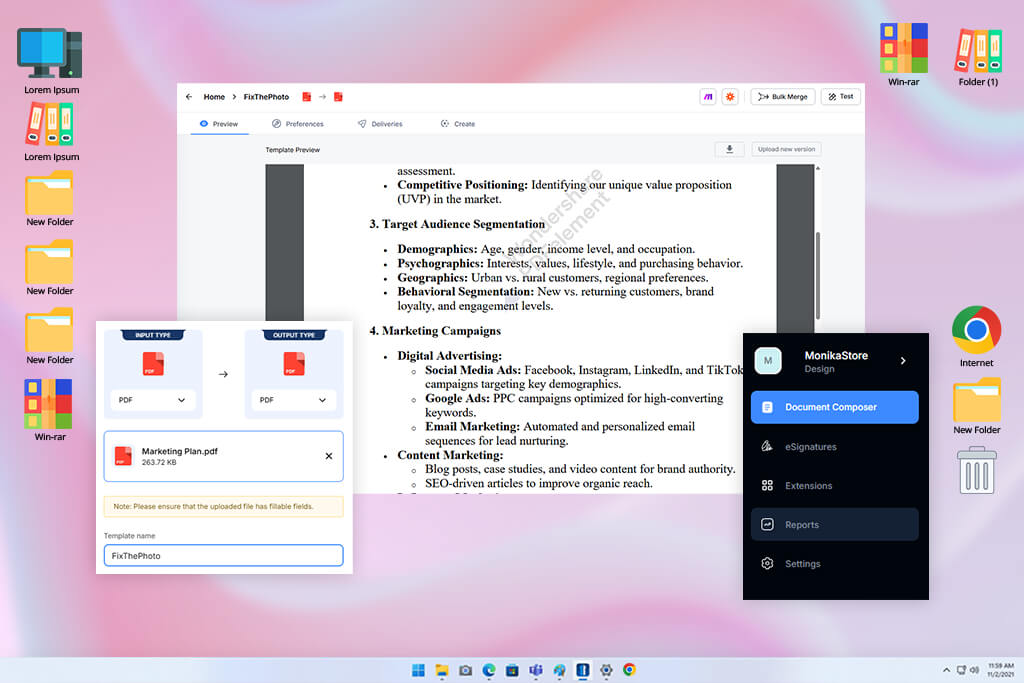
DocuPilot came up while I was looking for a top-notch AI document creation tool capable of producing consistent, data-filled documents at scale. The category it fits is closer to document manufacturing than AI writer. It’s built for the scenario where the document structure is already established, and the only thing changing is the data that populates it.
I tested it with client agreement templates and internal project request forms. The variable handling was the standout. Client names, dates, pricing, service scope, and turnaround deadlines are mapped to their correct positions automatically. The documents came out formatted and complete without a single copy-paste.
“Agencies, HR departments, and sales teams producing high volumes of structured documents will see that the paid plan pays for itself quickly. It eliminates manual steps that often introduce errors.”

DocuPilot is an operational tool, not a creative one. The output ceiling is set entirely by the template you build. A carefully structured template with clean variable layout produces accurate, professional documents. A sloppy template produces sloppy documents. So, make sure to use top-quality source files.
The integration layer shows that DocuPilot surpasses many simpler template tools. Zapier, Make, Airtable, and direct API access mean that form submissions, CRM updates, and spreadsheet entries can trigger document generation automatically. Collaboration isn’t limited to co-editing. It ensures everyone generates from the same approved template.
I kept DocuPilot in rotation after the test, but exclusively for recurring formats. The free tier is limited, and if your output volume is high, the monthly document cap becomes a real consideration.
Pricing: 30-day free trial; from $29/mo for 100 delivered documents/month
Best features:
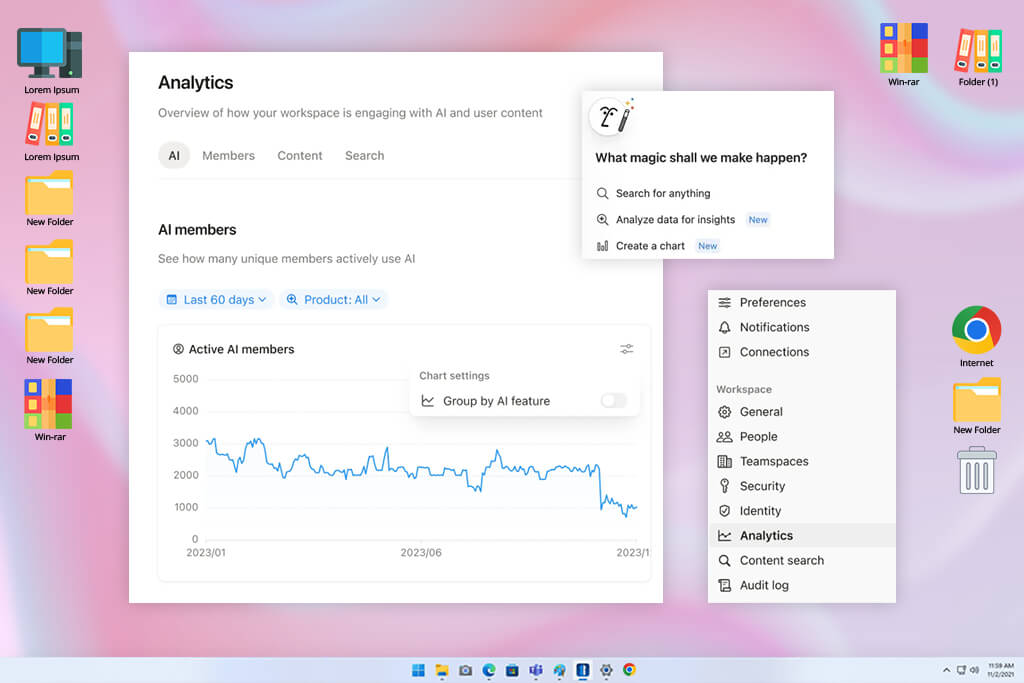
Notion AI appeared consistently across Reddit threads about team workflows and internal report writing software. Users claimed it was a powerful service that combined AI editing with handy features for teamwork.
While testing its capabilities, I used task briefs for retouchers, SOP drafts, and content planning notes. The editing loop was unusually fast. You only need to write rough notes, select a weak section, ask for a rewrite in plain language, then convert the same content to a checklist or table without leaving the page or opening another tool.
The main advantage of this AI document creator is the location. Because Notion AI works inside the same environment where tasks, databases, and project pages already exist, the AI has access to relevant context. Connected apps and workspace data can inform what it generates. You don’t need to export notes to an external tool or rebuild context from scratch.
“For anything contract-adjacent or legally sensitive, you should choose a specialized tool. But for day-to-day team documentation, Notion AI is a solid option.”

First drafts were strongest for internal content, namely, SOPs, project briefs, and team guidelines. Prompts worked best when I indicated who would read it, what tone to use, which sections to cover, and what to leave out. The broader Notion ecosystem (shared pages, database links, permission settings, team spaces, and meeting note capture) means documentation stays embedded in the work it describes rather than living somewhere separate.
My tip: give it relevant workspace context like related pages, project notes, and existing databases, and treat the first output as a structured starting point, not a finished document.
Pricing: Free plan available with limited trial AI capabilities. Plus starts from €9.50/member/mo
Best features:
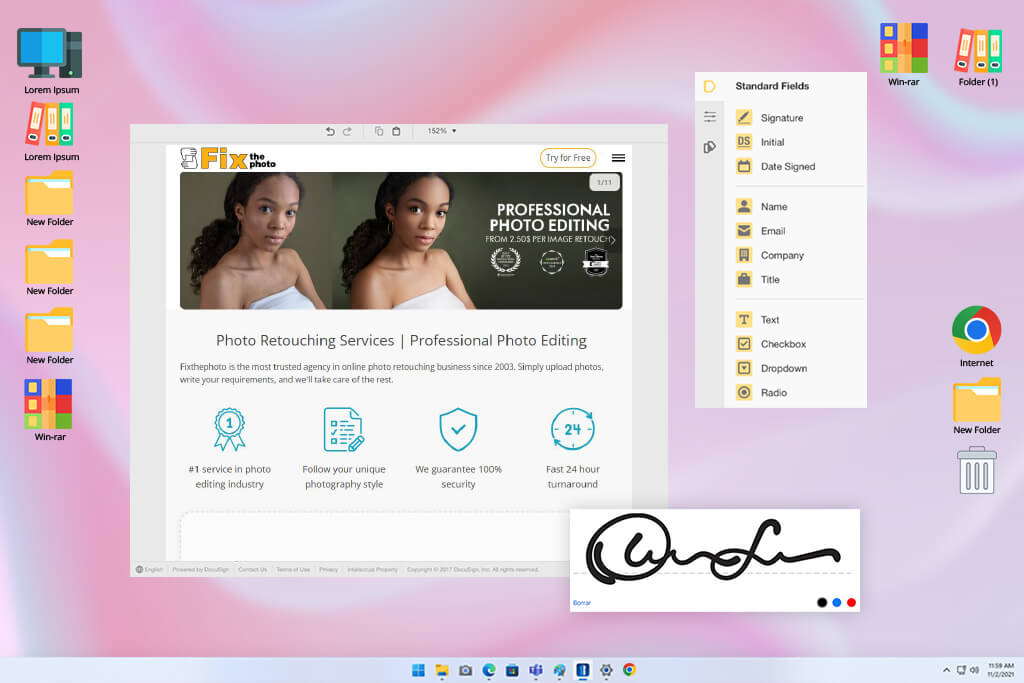
Docusign handles a narrower job than most tools in this roundup, but it handles that job better than alternatives I tested. It isn’t positioned as general AI writing and document management software. Its purpose is agreement lifecycle management from template to signature to archive.
The Agreement Template Builder handles document creation and editing inside the eSignature environment, while AI-assisted summaries help parties understand what they’re signing before they sign it.
The tool responded well when I treated it as a structured system rather than a free-form AI document maker. Once I set up the template logic correctly, defining recipients, field positions, required sections, and routing rules, everything downstream became predictable and low-effort. Open-ended creative prompts were the wrong input. Workflow-specific configurations were the right ones.
“Docusign offers shared templates, real-time commenting, delegated signing, custom branding, and bulk-send capability, which are more important for collaboration than co-editing features.”

No other tool in this list offers full agreement lifecycle management. Drafting is just the entry point. Docusign copes well with routing, signing, status tracking, comment threads, archiving, and keeping agreement records retrievable. The trade-off is cost. Per-envelope pricing and seat-based plans can be very expensive for smaller teams.
My tip: resist the urge to create a template for every slight variation. Fewer, well-structured master templates keep the system maintainable and reduce the risk of version-control errors down the line.
Pricing: no full free plan for regular use; starts at $10/mo or $120/year
Best features:
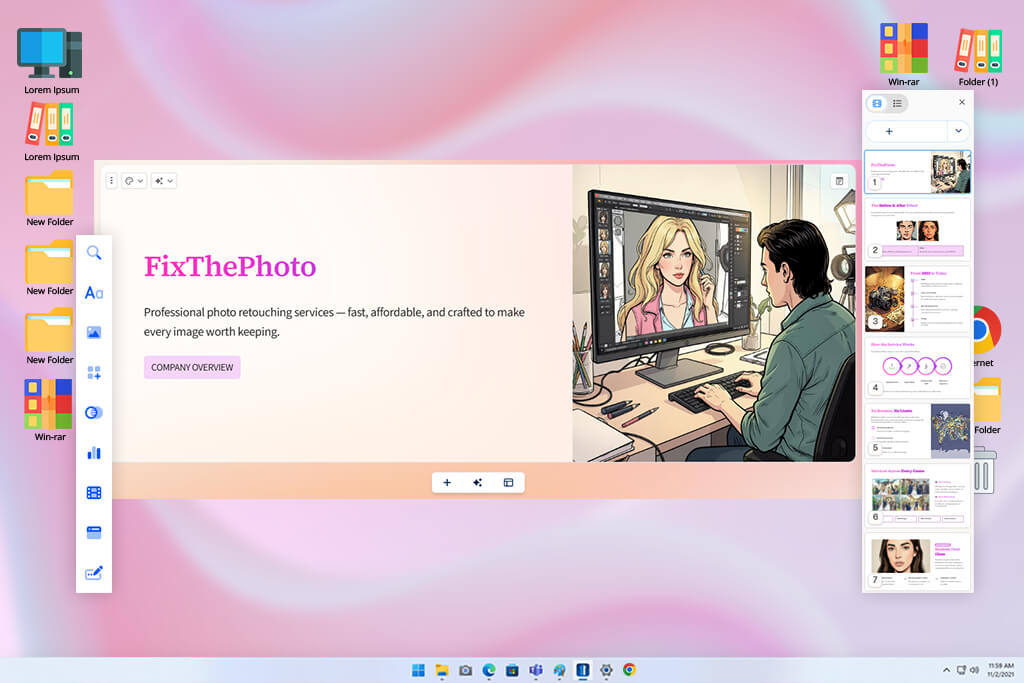
Gamma solves a problem I’d accepted as unsolvable. It can create visually neat documents without forcing you to use a professional design tool. I tested it on a service proposal and a short project overview, both of which typically take longer than they should because layout and formatting eat time even after the writing is done.
The difference between a specific structural prompt and a generic one was dramatic. “Build a 6-section client proposal covering overview, benefits, deliverables, timeline, pricing, and next steps” produced a clean, usable output. “Write a proposal” produced something I wouldn’t send anyone. Layout intent matters to Gamma in a way it doesn’t to most other AI document writing software.
“Gamma isn’t a document creator that has some design features added. It is a design-first tool that produces documents with top-notch visual elements from the start.”

Every output from Gamma is mobile-responsive and visually organized by default. You don’t configure this. It’s just how the tool works. Smart layout suggestions, custom themes, and shareable links are part of the core product. The API on higher tiers opens the door to programmatic document generation for teams that need it.
If you stick to the free plan, you still have enough to evaluate the tool properly, including the option to explore it as resume writing software. For client-facing work, the branding controls, card limits, and export options on paid plans make a meaningful difference.
My tip: define your section structure before you generate. Gamma handles layout and visual polish well. It needs you to handle the information architecture first. Giving it named sections to fill produces better results than a one-line prompt.
Pricing: free plan available; from $9/seat/mo
Best features:
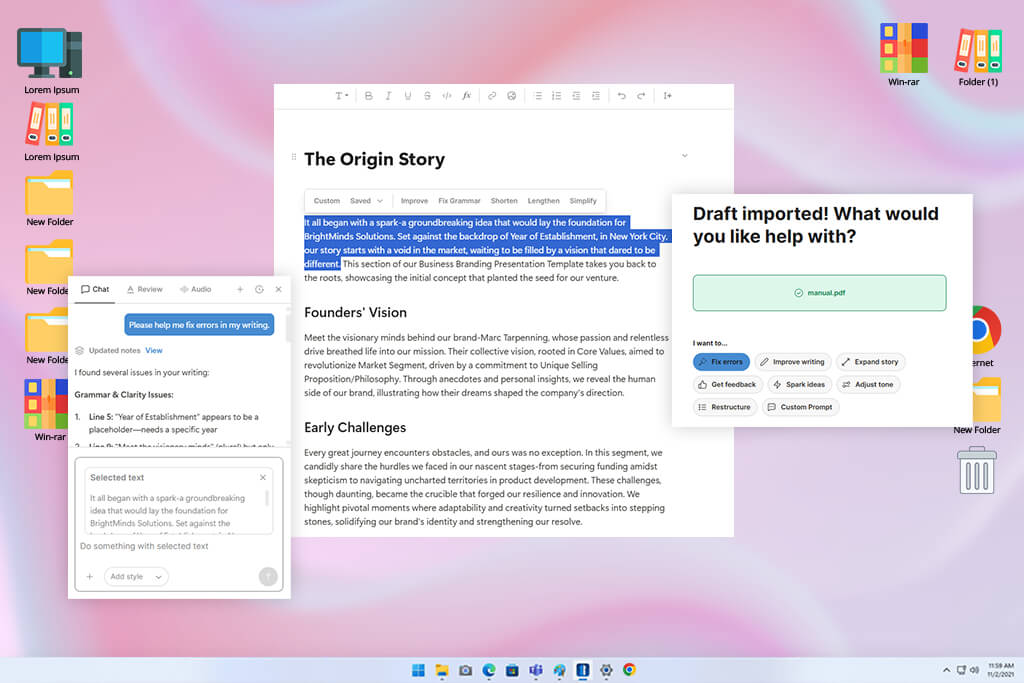
Type.ai is a perfect option for documents where the writing is the hard part. It lets you manage content that requires accuracy and multiple rounds of revision. I tested it on internal guides and detailed project explanations, where getting the wording right is paramount. The AI lives inside the editor itself, not in a side panel or separate window, so the whole interaction is fluid and well-maintained.
I brought in an existing draft and worked through it with the AI, tightening sections that ran long, replacing a flat opening, and converting scattered team notes into a coherent piece. Type.ai outperforms general AI writers with its iteration model. You stay in the same document and keep refining rather than regenerating.
“Give it a concrete tone reference and a sample of your actual writing style, and you’ll receive a good output. Broad prompts get you generic results, which require manual corrections.”

The 150,000-word capacity and clean handling of imported formatting, including headings, tables, and images intact, make it viable for documents that would overwhelm most automated document generators. Type.ai can properly handle long reports, operations manuals, extended content briefs, and editorial documentation.
My tip: set up your custom writing rules at the beginning, before you start generating. That’s the configuration step that turns Type.ai from another AI text tool into a handy writing assistant.
Pricing: free plan available; Basic from $8/mo or $96/year
Best features:
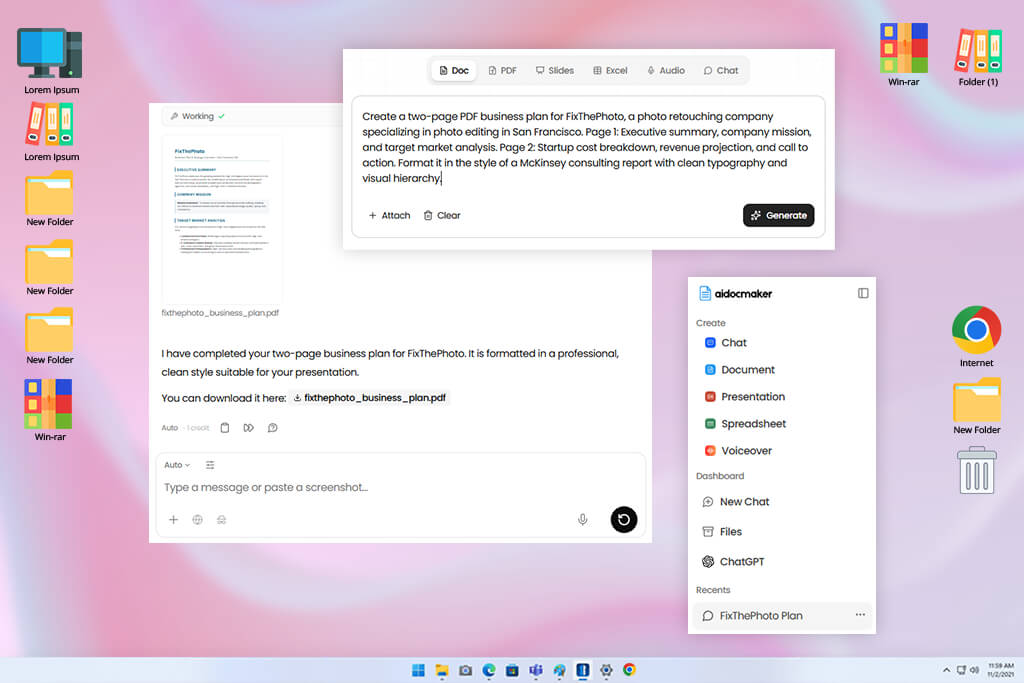
AI Doc Maker entered the test because I wanted to evaluate something with minimal setup requirements – lighter than Acrobat and less configuration-dependent than DocuPilot. I learned that it functions more like a multi-format content platform than a single-purpose document generator AI tool.
The bragging point is that it moves from prompt to formatted output. Describe the document, its purpose, target audience, and key sections to get a structured draft back without configuring templates or workspaces first. For first-pass document work, particularly when you need a solid foundation to edit from, that speed is the main value.
Coverage extends well beyond standard document formats. PDFs, Word files, presentations, spreadsheets, diagrams, audio voiceovers, and in-document chat are part of the same interface. For smaller teams managing output across multiple formats, it is handy to have all the needed features within the same workspace.
“The format range is the strongest argument for keeping it in the lineup. A solo creator or small team can cover several different output types without adding more tools to the stack.”

Output quality of structured reports, concise briefs, and standard-format documents was on point. Specific, well-formed prompts consistently produced better results than open-ended ones. For anything legally sensitive or high-stakes, additional review is essential. For routine documentation, it performs reliably.
The free tier is more functional than most comparable tools offer, so you can evaluate the program before paying anything. Paid plans add file size headroom and stronger model access. I still reach for it occasionally when I need a formatted draft quickly, and the document doesn’t require specialized handling.
My tip: specifying document type, intended audience, number of sections, and output format in the same prompt helps you get more accurate results.
Pricing: free forever Starter plan; Standard is listed from $7/mo
Best features:
When selecting the best AI document generators, we used a set of files that our FixThePhoto team typically handles. I ran this together with my colleagues to get a detailed and unbiased overview.
The question wasn’t which tools looked best in a controlled demo. We wanted to pick programs that fit a real production environment. I started with a list of 30+ candidates built from Google search results, Reddit productivity communities, YouTube reviews, Facebook business groups, and direct recommendations from colleagues already using AI in their writing workflows.
From that list, our team identified the tools worth meticulous evaluation. I personally ran each one through the same document task set, consisting of a client brief assembled from unstructured notes, a service proposal, a contract-format document, an internal SOP, a project summary, a meeting-to-document conversion, and a visual one-pager for a client-facing explanation.
Jasper, Copy.ai, Canva Docs, ClickUp AI, and Grammarly AI were among the tools we evaluated but didn’t include in the final list. This wasn’t because they were poor AI document makers. The main reason was that they didn’t fit this specific comparison. Some were too narrow for the range of document types we needed, some were overpriced for what they delivered in document-specific tasks, and some required more manual correction than they eliminated.
We tested each AI document generator, focusing on the same aspects:
Setup, onboarding, and first draft speed. Some platforms buried the functionality behind onboarding flows and configuration screens that ate up time before producing anything. Gamma and AI Doc Maker skipped that and delivered structured drafts almost immediately. A tool that respects your time from the opening screen earned a better score because if setup is confusing, the rest of the experience rarely improves.
Document structure and formatting. Words on a page mean nothing if the document looks like it needs an hour of cleanup. I paid close attention to how each AI document creator handled headings, spacing, tables, bullet points, and whether that structure survived exports to PDF and DOCX.
Acrobat handled PDF-native workflows with the most consistency. DocuPilot kept formatting together best when working from predefined templates and familiar document patterns.
Accuracy and source awareness. Contracts, pricing terms, project deadlines, and service agreements leave no room for invented details. I looked closely at how each tool handled factual content and whether it could point back to its sources.
Acrobat made fact-checking genuinely manageable by citing the document when answering questions. DocuPilot stayed reliable within template-driven work, as long as the source material was set up correctly from the start.
Prompt understanding and editing control. Good AI document writing software should handle both a two-line prompt and a detailed brief equally well. I tested each platform across both ends with simple instructions first, then specific guidance covering tone, audience, structure, length, and exclusions. I also pushed each tool through revision cycles to see how much control it gave back.
Type.ai stood apart because it functioned as a proper editing environment, not just a content generator you interact with once and hope for the best.
Workflow fit and integrations. The best tool in isolation can still fail a team in practice. I looked at how each platform connected with the software teams already use, e.g., Zapier, Make, Airtable, Google Drive, CRM systems, eSignature platforms, and shared workspaces.
DocuPilot fit naturally into automated workflows. Docusign made the most sense for teams where approvals and agreements drive most of the document volume.
Collaboration and team use. Document work rarely happens in isolation, so I tested how well each tool supported shared commenting, template reuse, draft sharing, and simultaneous access.
Notion AI handled internal collaboration the most naturally, fitting into team environments without requiring a change in habits. Acrobat worked well for situations that called for summarizing multiple files and distributing them in a more structured, permission-controlled setting.
Pricing, free plans, and real value. I checked what each AI document creation tool offered before asking for payment. I considered free plan generosity, trial scope, export limits, AI credit structures, and team pricing.
Good software earns its cost by eliminating repetitive work and reducing errors that cost more to fix than prevent. Platforms that withheld core functionality until a subscription was active, capped document length unreasonably, or made proper evaluation impossible without paying first ranked lower.
Every tool that made the final list earned its place the same way. It made the work lighter without making the output feel uncertain. The best ones took messy input and returned something structured, reduced the formatting grunt work, and handed back drafts that held up after editing. Anything that added more to the to-do list than it removed didn't make it through.





![9 Best AI PDF Editors in {{%year}} [Expert Tested Guide]](http://fixthephoto.com/blog/images/gallery/news_main__preview_29012.jpg)


![7 Best AI Quote Generators [People Actually Save & Share]](http://fixthephoto.com/blog/images/gallery/news_main__preview_28979.jpg)

















