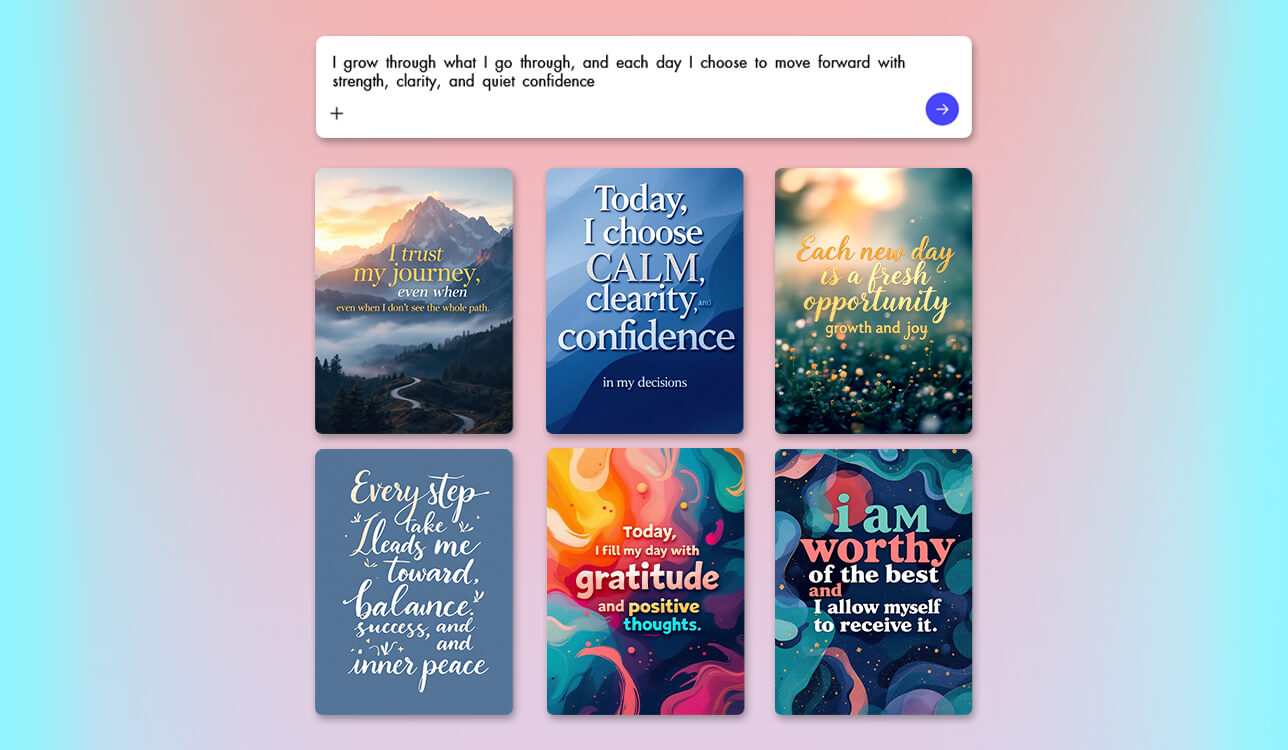
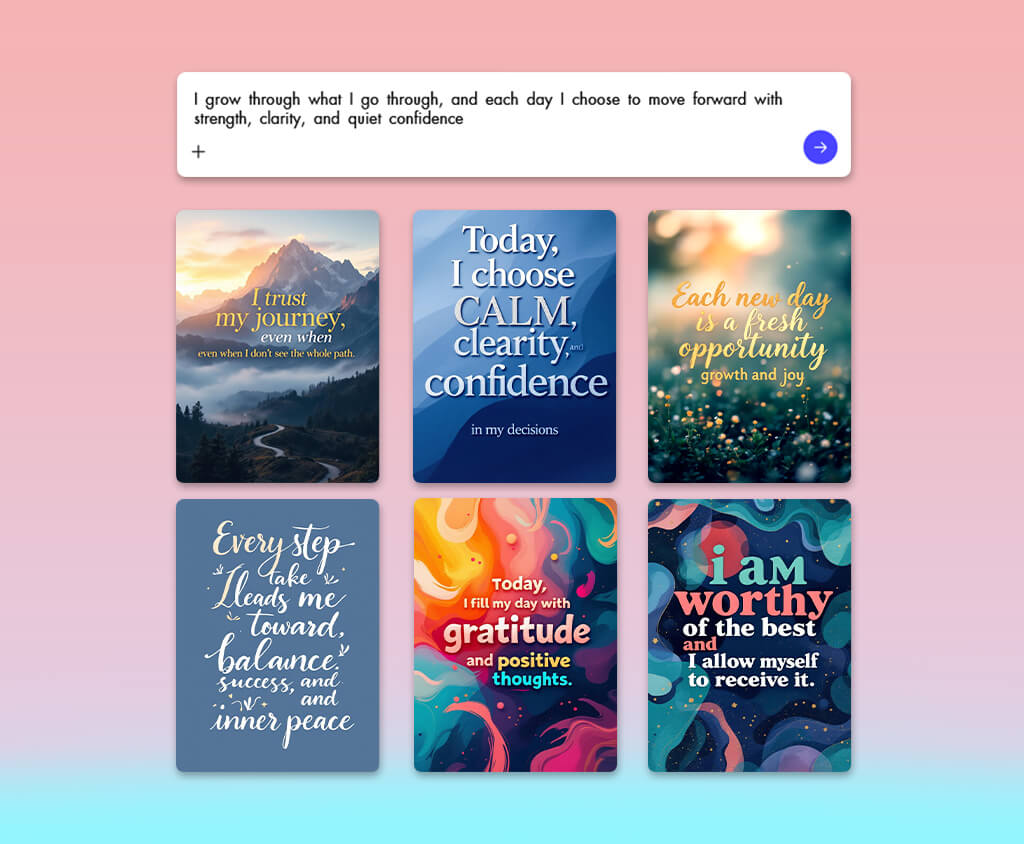
Running social media content for FixThePhoto means publishing constantly. Typically, quotes outperform everything else when the design is right. Doing everything manually is tiring and time-consuming. So, switching to Adobe Express was a terrific idea.
But the real shift happened when I placed an AI inspirational quote generator at the center of my process. It takes care of the most complicated part, while I just refine, style, and test. Typography, spacing, and layout are dialed in within minutes. It is also possible to compare multiple versions side by side. The process used to take me an hour, but now I spend just 10 minutes.
Most AI quote tools just spit out text and leave you doing all the design work yourself. That frustrated me after testing 30+ AI quote generators. Adobe Express stands out from the crowd. You get the quote, tweak the fonts, swap colors, pick a template, and your post is ready in minutes. You don’t need to jump between apps.
I appreciate that everything stays consistent whether I'm posting to Instagram or Pinterest. For anyone creating content regularly, such a combination of writing and design in one place plays an important role.
When choosing, I focused on:
Based on my experience, the best AI quote generator doesn’t just create text for you. It helps you shape your ideas into engaging content that performs well.
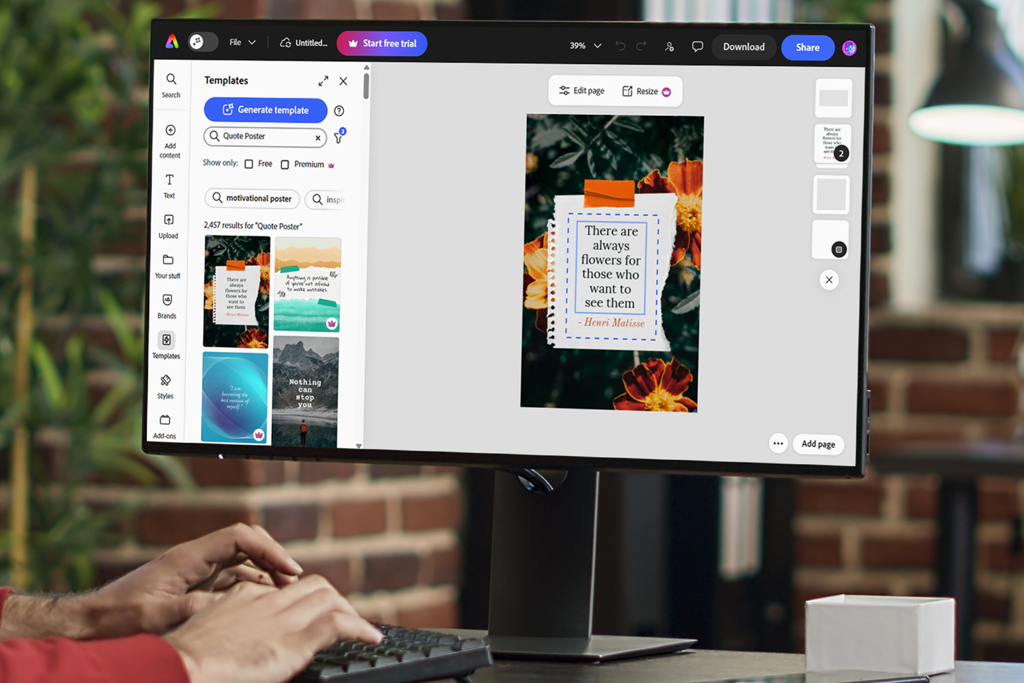
When I tried out various AI quote generators, I discovered that most of them aren't useful for real work. They throw words together, but that doesn't mean you get content people want to read.
The most important aspects for me are:
Quotes quality: 93–96%
Best for: Social media posts, branding, visual content
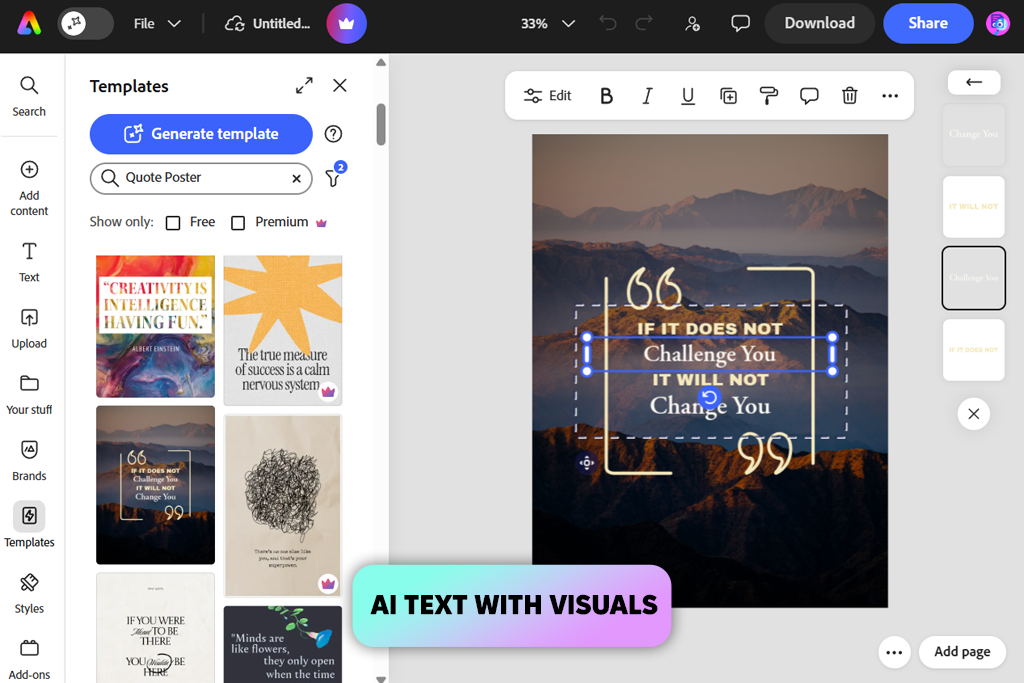
Before I found this AI motivational quote generator, I was writing, designing, and resizing manually. It was exhausting. Adobe Express improved my workflow greatly. It doesn't separate the writing from the design, unlike some other instruments. You get both in the same place, which sounds simple but makes a real difference when you're working on content regularly.
I started using it for Instagram posts and blog visuals. The process was understandable from the get-go. You need to generate a base idea, adjust the wording until it sounds right, then style it using the built-in templates.
The latest updates made things even smoother. Now I can write and style captions directly inside the editor, which is great when combining quotes with video or moving visuals.
Automatic resizing is probably the feature I rely on most. Build something once, adapt it everywhere. The improved spellcheck settings are a quiet but useful addition, especially when your content goes out in multiple languages.
“Amazing program! AI generation, ready templates, font controls, and platform auto-resizing. Quote creation has never been faster.”

I keep coming back to Adobe Express because it offers all the needed features. Most tools hand you text and leave the rest to you. This one doesn't. Typography, spacing, and layout look clean without me touching much. That matters when you're moving fast.
Sure, it's not built for deep writing. But if the goal is social-ready quote content, it will cater to your needs. Generate, tweak, and export in several minutes.
Pricing: Free plan available; From $9.99/month
Quotes quality: 90–94%
Best for: Social media posts, beginners, fast content creation
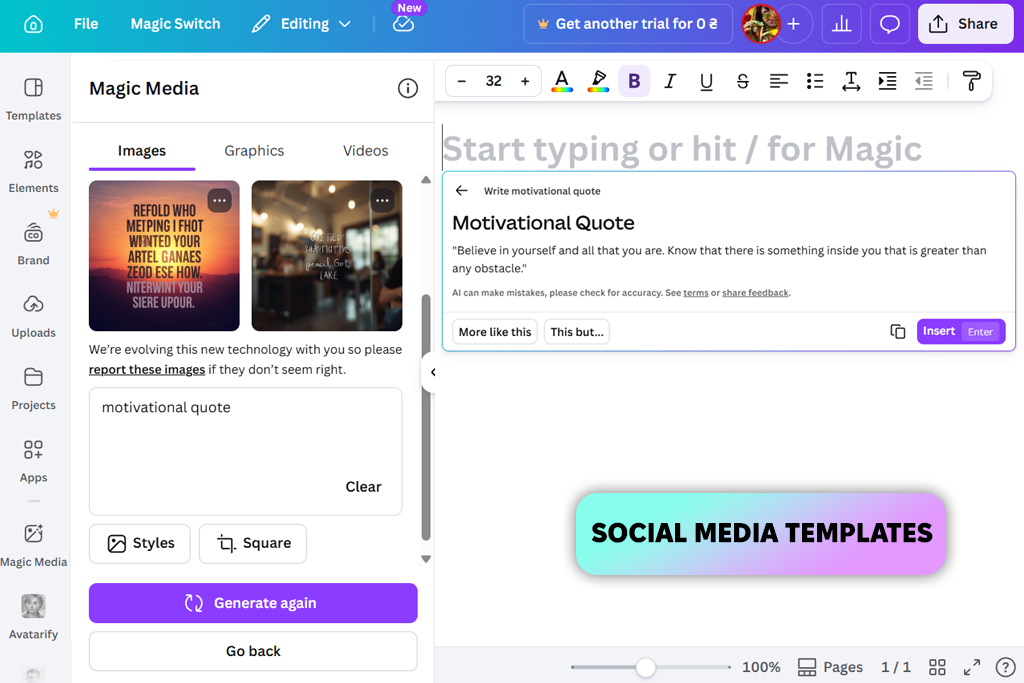
Canva genuinely surprised me once I stopped treating it as just a design tool. I batch-produced quote content by dropping generated text straight into templates. Fonts, colors, and platform sizing were sorted in seconds. I didn’t need to rebuild layouts every time.
Using this AI quote generator online, you can create and resize multiple designs. I tested several layout combinations to find what lands visually, and the difference in output speed compared to manual design is significant. Anyone producing content at scale will like this workflow.
“Canva copes perfectly with quote generation, template placement, and output resizing. Incredibly fast and efficient workflow.”

Don't expect Canva to write anything unique. I always end up editing the text myself. But that's fine, because this platform brags about speed and visual consistency. When I need something clean and ready without burning time on design choices, Canva just works. Results over perfection every time.
Pricing: Free plan available; From $12.99/month
Quotes quality: 94–97%
Best for: Copywriting, branded content, marketing
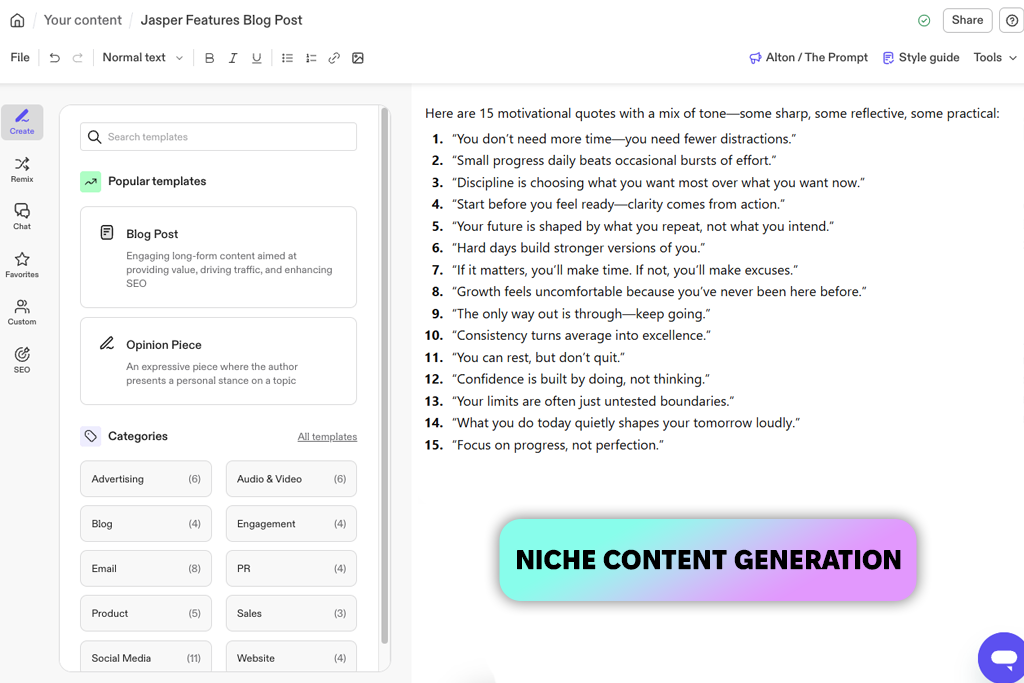
Most tools give you something generic, while Jasper delivers deep and meaningful quotes. I tested it across motivational, professional, and narrative-driven notes, and it created exactly what I needed every single time. Prompt it right, and it locks into your brand voice almost immediately.
If you're seriously looking for a reliable AI quote generator for Instagram, this one handles the creative challenges well. I like the variation feature most of all. The same core idea can be explored from multiple angles without manual rewriting. You just pick the strongest version and move on.
For batch content planning, especially, that alone saves serious time. The output is not like AI guessing. Jasper is a focused collaborator who follows the needed direction. That's the difference worth paying attention to.
“Turns plain text into stunning quote designs instantly. The visual results are genuinely impressive. It is worth every penny.”

Jasper earns its place early in my workflow. I grab my quotes there, clean them up, and then drop them into whatever design app I'm using. If the words matter more than the visuals, it is a perfect option. I recommend using it for captions, marketing copy, or anything where you need a consistent brand voice without overthinking it.
Pricing: From $39/month

Quotes quality: 88–92%
Best for: Typography-focused posts, aesthetic content, design-first creators
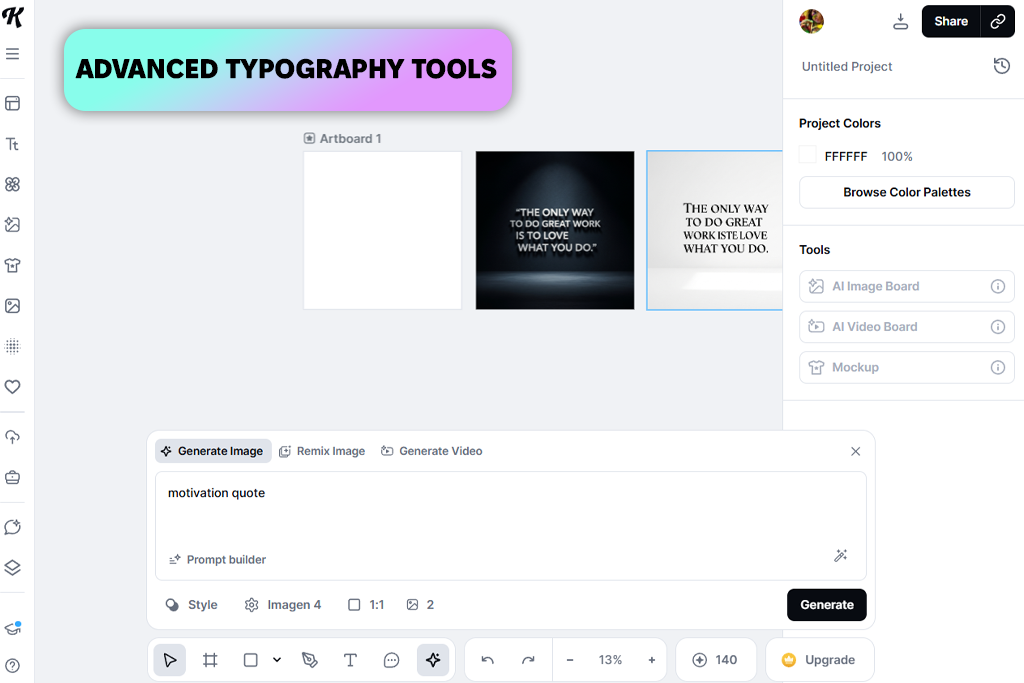
Kittl didn't look like a typical AI quote creator when I first tried it. It resembled a serious design tool. The quotes are just the starting point. The real fun begins when you start adjusting spacing, mixing fonts, and layering text effects. That's where ordinary words turn into something that looks intentional and well-crafted. No wonder some users claim it is also one of the best free AI text effect generators.
I used it mainly for quote posts where the design carries as much weight as the words. Nothing fancy to start with – just a simple line of text. But after tweaking the layouts and presets, it kept coming out looking catchy and ready to post.
The built-in styles help move things along without making every design look the same, which is a problem with a lot of similar tools. All in all, if visuals matter to you, Kittl is genuinely worth trying.
“Perfect for visually striking quotes, not complex writing. Does exactly what it promises and does it beautifully.”

Have a quote ready, but no idea how to make it look good? That's exactly where Kittl comes in handy. It's not built for generating text from scratch, but turn it loose on design, and it will impress you. I mostly use it when visuals take priority over writing, especially for Pinterest-style posts or branded content where typography plays an important role.
Pricing: Free plan available; From $10/month
Quotes quality: 89–93%
Best for: Rewriting quotes, improving phrasing, and content refinement
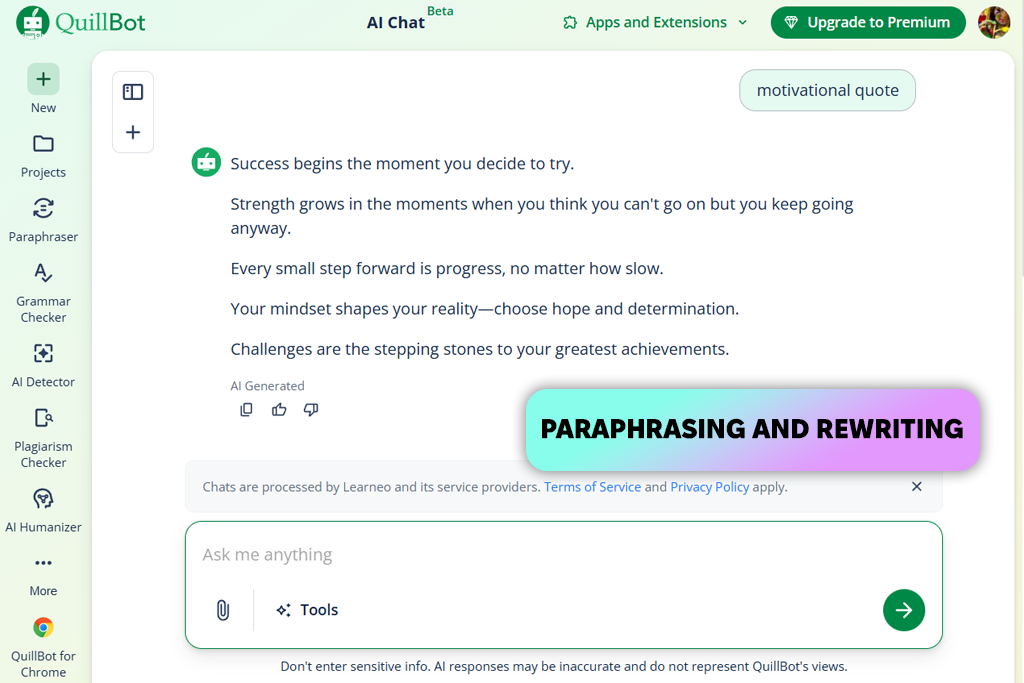
QuillBot isn't what I'd call an AI quote maker in the traditional sense. I figured that out pretty quickly during testing. Its strong point is the possibility of taking something rough and making it sound cleaner. You paste in a clunky sentence, pick a mode (formal, simple, or creative), and it smooths things out without you having to rewrite everything from scratch. That's where this paraphrasing software earns its keep.
The speed surprised me a lot. Inputting a single idea, I received multiple polished versions almost instantly. When you're stuck choosing between phrasings for a caption or post, that's very helpful. So, it is not the tool that creates, but the one that refines. If you already have a direction and just need better wording, QuillBot fits that gap pretty well.
“My go-to for refining and reshaping existing quotes. Not a content generator – more of a quote enhancer. Love it.”

QuillBot isn't really a standalone AI quote generator for social media. It works better as a finishing tool. I'd write a rough idea first, then run it through the program to clean it up. Pair it with another generator, and it will please you. QuillBot is great for making content sound sharper without starting over.
Pricing: Free plan available; From $9.95/month
Quotes quality: 87–91%
Best for: Content verification, quality control, professional writing
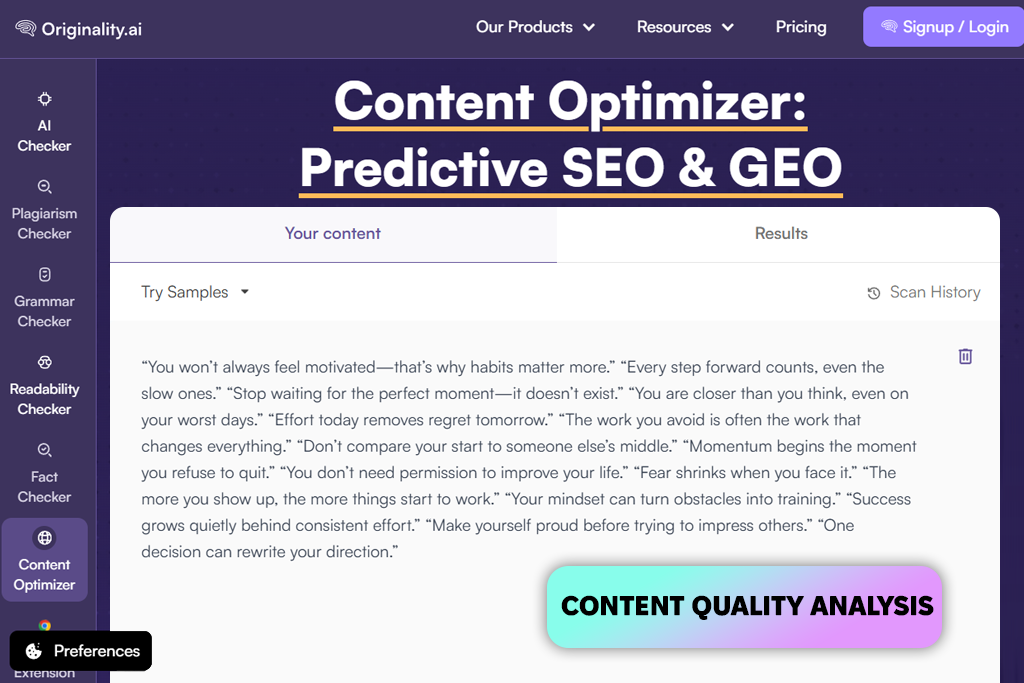
Originality.ai quietly became part of my workflow. I drafted something using an AI caption and quote generator and then ran it through Originality before publishing. I was amazed by how specific the feedback was. Instead of vague suggestions, I got actual problem spots. I didn’t have to fix robotic phrasing and repeated words.
I didn't rewrite the text from scratch. Just fixed the flagged parts, and the difference was noticeable. Managing multiple posts got easier, too. My content became consistent without me manually rereading everything five times.
“Perfect last-minute enhancement for quotes. Cleans them up and makes them sound natural. Won't post anything without it now.”

I bring in Originality.ai at the very end. It doesn't do the generating. Other tools handle that. But once I have the output, I run it through to smooth things out. If something reads too stiff or screams "AI wrote this," that's when I resort to this tool.
Pricing: From $14.95/month
Quotes quality: 85–89%
Best for: Fast quote creation, simple visuals, beginners
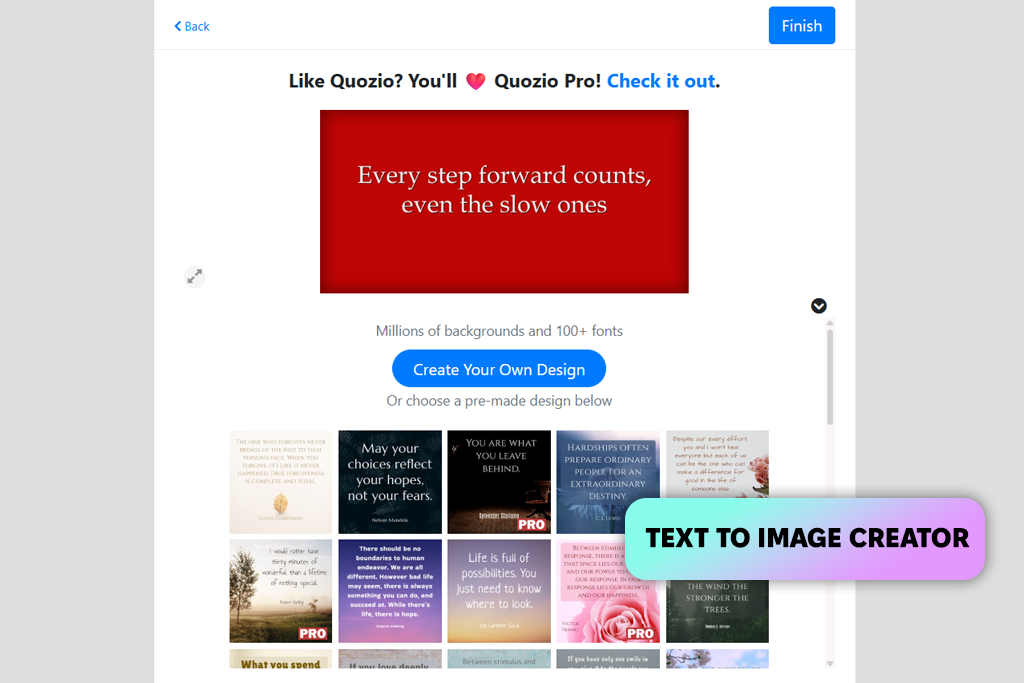
Quozio doesn't try to do too much, and that's actually the point. You won’t see here complicated settings or overwhelming options. It is a clean, simple tool for turning text into a visual quickly.
I kept coming back to it whenever I needed something fast. It works well alongside any AI famous quote generator. You grab your quote, drop it in, pick a style, and you're done. No fussing around with layouts or design decisions.
What I genuinely like is the speed. When you're testing five or six different quote variations, you don't want a tool that slows you down. Quozio is the best AI writer in terms of workflow speed. It's not built for polished final designs, but as a starting point, it does the job better than most analogs.
“Fast, simple, and gets ideas out of your head and into visuals instantly. My go-to starting point before advanced editing.”

I wouldn't call Quozio a very powerful AI quote generator for social media, but that's not really the point. It's the tool you open when you need a quote visual in two minutes flat. It is simple to use and copes well with its job.
Pricing: Free
I've tested a lot of AI tools, and I never rely on feature pages alone. Along with the FixThePhoto team, I tried every program for writing quote posts, adjusting tone, styling visuals, and exporting content ready for Instagram, Pinterest, and blogs.
I was determined to find the best AI quote generator by actually using it, not just clicking through a demo. Real workflows reveal what well-written landing pages hide, and that's exactly the kind of testing this list is built on.
Finding a reliable free AI quote generator takes more than a quick spin. We used each program for making motivational posts, branded quotes, educational captions, and scroll-stopping visuals.
I followed the FixThePhoto testing approach, keeping an eye on ease of use, speed, and overall output quality.
A few tools didn’t meet our expectations. Copy.ai failed to cope properly with this type of content. Writesonic kept dropping the ball with short formats. Rytr made tone adjustments frustrating. Anyword seemed happier writing ad copy than crafting quotes worth saving. They're not bad tools, but not the right fit when quote creation is your main goal.
Here's what shaped our ratings during the testing process:
Not every AI tool is built for quotes, and testing proved that pretty quickly. Anyword lives in the ad world. Rytr won't let you steer the tone. Writesonic stumbles with anything short. Copy.ai is too broad to be useful here.
Then we evaluated Simplified, Hypotenuse AI, ClosersCopy, Peppertype.ai, and Wordtune. They disappointed us with repetitive outputs, clunky short-form handling, and zero visual integration. You may think these are small flaws, but they add up fast.




![Add Leprechaun to Photo Online [Free]](http://fixthephoto.com/blog/images/gallery/news_main__preview_28919.png)

![9 Best AI Label Generators [{{%year}} FixThePhoto Choice]](http://fixthephoto.com/blog/images/gallery/news_main__preview_28972.jpg)
![9 Best Wan AI Alternatives [{{%year}} FixThePhoto Choice]](http://fixthephoto.com/blog/images/gallery/news_main__preview_28961.jpg)
![7 Best YouTube Shorts to MP4 Converters [Fast & Free]](http://fixthephoto.com/blog/images/gallery/news_main__preview_28927.jpg)

![7 Minecraft Banner Makers [Design Examples]](http://fixthephoto.com/blog/images/gallery/news_main__preview_28947.jpg)

















