A YouTube Shorts to MP4 converter used to feel like a minor utility to me - something optional. That changed once it became a regular part of my daily routine. Working as a creator and social media lead, I deal with bite-sized videos all the time: cutting promo snippets, reworking trending footage, building before-and-after comparisons, and adjusting clips to fit multiple channels.
At the beginning, I assumed saving Shorts as MP4 files would be quick and effortless - just press a button, and you’re done. In reality, it’s rarely that simple. Some tools lower the video quality, others stamp watermarks on the file, distort the vertical format, throw the sound out of sync, or suddenly stop working when YouTube updates its system.
That’s when it hit me: I needed a YouTube Shorts to MP4 converter I could truly depend on - something stable, clean, and reliable for everyday use. So, I decided to take it seriously. I spoke with teammates from our editing and marketing departments, went through Reddit discussions, and checked detailed reviews on YouTube.
In the end, we tested 20+ YouTube Shorts to MP4 converters, both web-based tools and desktop software to figure out which ones are reliable enough for real production work. Here’s what I expect from a reliable tool to convert YouTube Shorts to MP4 converter:
I’d also see it as a plus if the tool supports additional format options, such as:
At first glance, Shorts seem perfect - they’re already uploaded, ready to play, and simple to share. But once you start working with short-form video professionally, you soon see how limiting that setup really is.
For me, converting Shorts is about having control. When a Short stays inside YouTube, I can’t fully use it. I can’t adjust colors, swap music, add my own captions, include it in a longer video, or reuse it safely across platforms. MP4 is still the most flexible format - once a Short is converted properly, it becomes a real video I can actually work with.
From my daily work at FixThePhoto, these are the practical reasons that come up most often:
Here’s a story I’m not proud of, but it taught me something useful. Early on, I didn’t bother converting a Short because I thought, “I’ll just download it later.” The creator suddenly went viral overnight, and then the video got taken down due to a copyright claim.
That Short had a unique camera move we wanted to use as an example in an editing tutorial. No backup, no MP4, nothing. We ended up having to recreate it from memory.
Now my rule is simple: if a Short is useful, I convert it right away. Storage costs next to nothing. Losing a good reference does.
This question comes up often, and the answer isn’t completely black and white. In general:
I see YouTube shorts to MP4 converter apps as simple tools, not ways to break the rules. At FixThePhoto, we use them carefully - for learning, editing practice, inspiration, and internal projects. If we use a Short publicly, we make sure we either created it, have clear permission, or changed it enough to fit fair use guidelines.
Technically, yes - you can save Shorts without using a special converter. I’ve tested almost every workaround, including:
Here’s a quick comparison based on my testing and real use:
| Manual methods | Dedicated converters |
|---|---|
|
❌ Lower quality in motion and text |
❌ Clean MP4 files |
Screen recording can work in a pinch, or if you just need a rough idea. But for anything you plan to show clients, add your branding to, or keep for the long haul? Converters are the better choice every time. After testing more than 20 tools, I can say that with confidence.
If you want clean, easy-to-use MP4 files, a small amount of prep work makes all the difference:
And if you’re converting videos to edit later, take a moment to quickly import one into your editor and check that it works. It only takes about 30 seconds, and it can save you from frustrating surprises down the road.
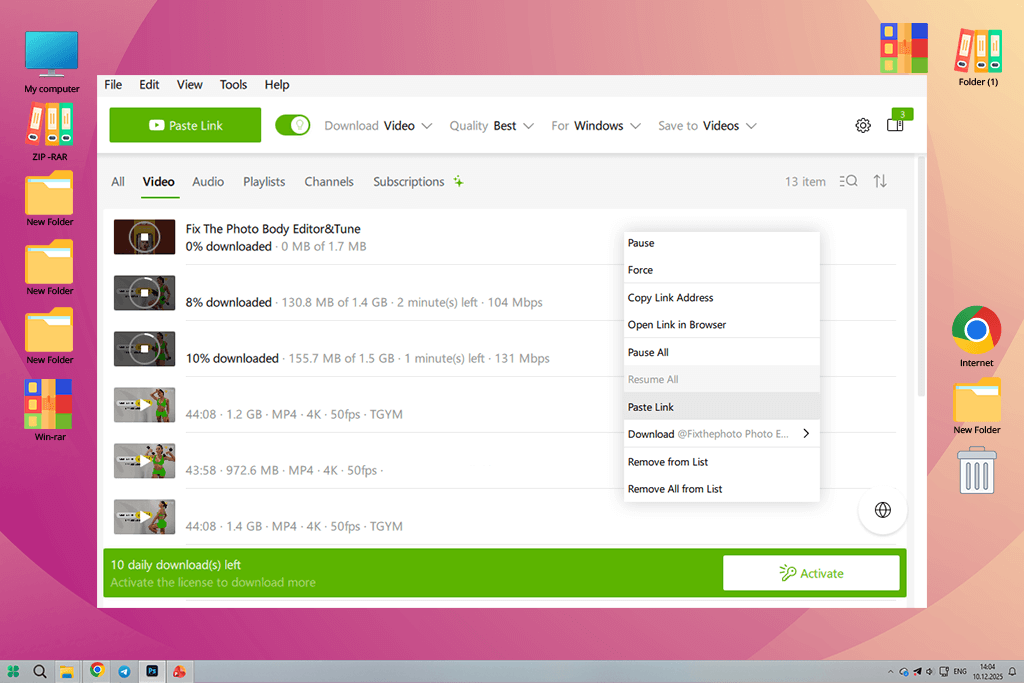
I first heard about 4K Video Downloader on Reddit. It kept showing up in discussions about the best free video converters that professionals actually trust, especially editors who were fed up with shady online tools.
What struck me immediately is that 4K Video Downloader feels built for editors, not casual users. It doesn’t just pull a file - it keeps everything intact. When I downloaded Shorts, the vertical format stayed correct, the quality didn’t drop, and the audio came into Premiere Pro cleanly without any extra tweaking. That alone makes it better than most online tools.
I tested it on Shorts with various settings - high-speed clips, layered text, and background tracks. The MP4 output was always reliable: smooth playback, perfect audio sync, and clean image quality.
“Batch downloading saved me hours when collecting Shorts for trend research. And since it works offline, it’s perfect for travel.”

The downsides? The design isn’t the most modern, and you need the paid version for some features.
A couple tips from what I’ve learned: Always select “Original Quality” if you’re editing later, and keep auto-updates turned on - YouTube makes changes frequently.
Pricing: Free: limited downloads; From $15/year
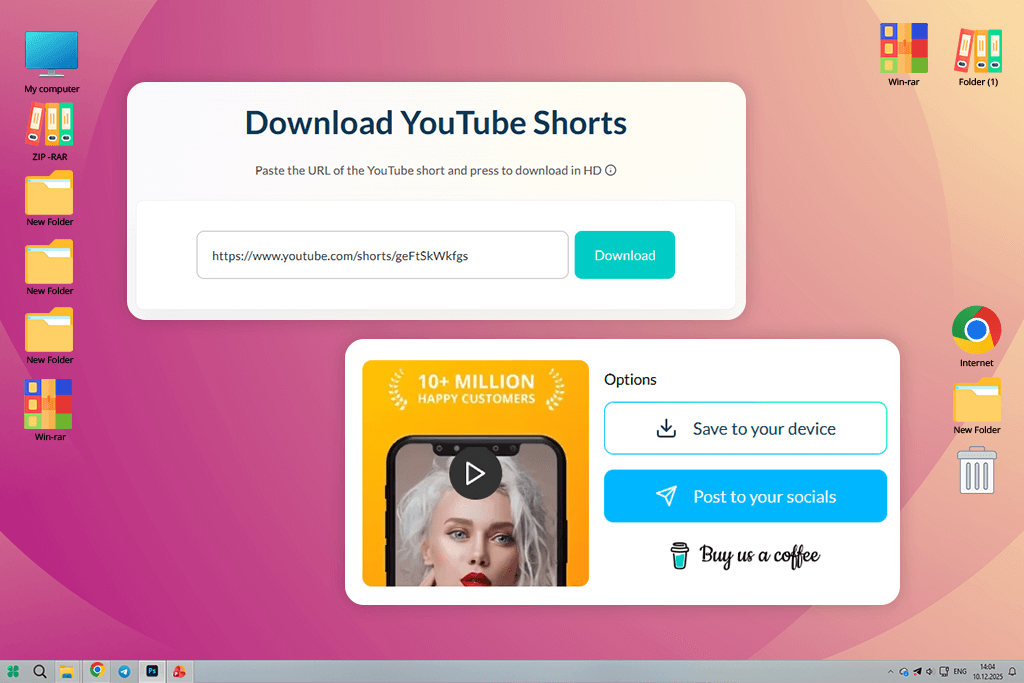
Publer kept appearing at the top of Google search results. Normally, that makes me cautious - high rankings don’t always mean high quality. Still, since Publer is already established as a social media management platform, I decided to test their online YouTube Shorts to MP4 converter and see how well it actually works.
What stood out with Publer was how quick and straightforward it is. There’s nothing to set up, no complicated settings, and no misleading buttons. You just paste the Shorts link, hit download, and the MP4 is ready within seconds. For fast jobs like pulling a clip to place into a social media draft, it felt truly practical and easy.
In my tests, the video quality was good for watching online. It kept the vertical format the right way and worked well for Shorts with text and captions.
“It’s not movie-level quality, but it’s good enough for social media. The MP4 files worked fine in Premiere, though I still did a quick quality check before bigger edits.”

The main downsides are that you can’t download multiple videos at once, and you have to rely on your browser staying open and working properly. Even so, for a fast and easy-to-use YouTube downloader for Android that also works on Android, Publer still made it into my top picks. From what I’ve seen, using Chrome gives you the fastest downloads.
Pricing: Free: basic downloads; From $12/month (Publer plans); From $108/year

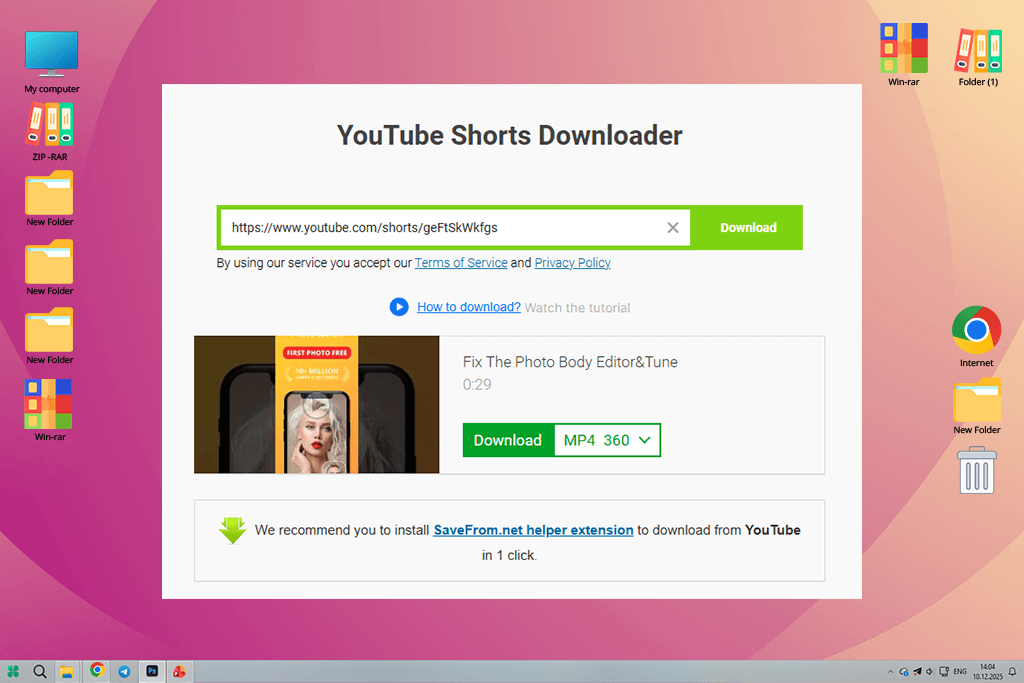
I didn’t discover this YouTube Shorts app through Google or Reddit. A coworker at FixThePhoto mentioned it while we were talking about fast downloads, which made me interested. What makes SaveFrom stand out is how simple and light it is. There’s no sign-up, no account, and nothing to learn. That’s why my coworker liked it - and now I understand why.
“SaveFrom stands out because it’s so simple. Just paste the Shorts link, choose MP4, and download. When I need a Short quickly for reference or inspiration, it gets the job done fast.”

The quality was pretty good. The MP4 files kept the vertical format and worked well for watching, saving, or simple edits. I wouldn’t use it for heavy color changes or complex motion work, but for reusing on social media or watching offline, it was reliable. I also didn’t get any broken files during testing, which makes it better than many other free YouTube Shorts to MP4 converters.
The downside is the layout - there are ads and distractions, so you have to be careful where you click. You also can’t download multiple videos at once, so it’s not great for large groups of files. Based on what I’ve learned: use an ad blocker to keep things clean, and always check the video quality before downloading.
Pricing: Free: ads, limited control
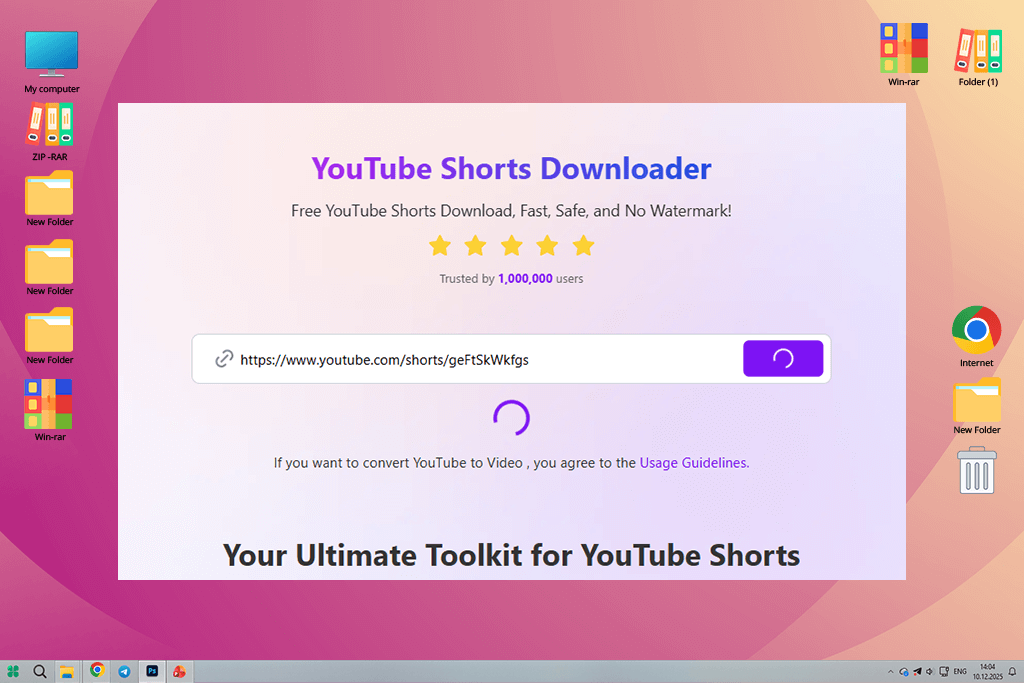
I found VidFly while looking through Google results during our testing. At first, it seemed like just another online video downloader - but after trying it out, I saw that it’s actually better designed than most tools in this group.
What makes VidFly special is how well it balances things. It’s fast, but it doesn’t feel rushed or messy. The design is clean and modern, and it won’t confuse you with misleading buttons. When I tested it, it did a surprisingly good job with Shorts that had moving graphics and text on screen. The MP4 files kept the vertical format just right and opened smoothly in both CapCut and Premiere Pro.
I also liked how straightforward the whole process was. Just paste the link, pick the format, and download - no extra steps hiding along the way. For creators who make short videos and care about speed, that really makes a difference.
“VidFly became one of my top choices when I needed a fast way to turn YouTube Shorts into MP4 files without having to install any software.”

Even so, it’s still an online tool. You can’t download multiple videos at once, and how well it works depends on your browser and how busy their servers are. From what I’ve learned: refresh the page between each download.
Pricing: Free: single downloads
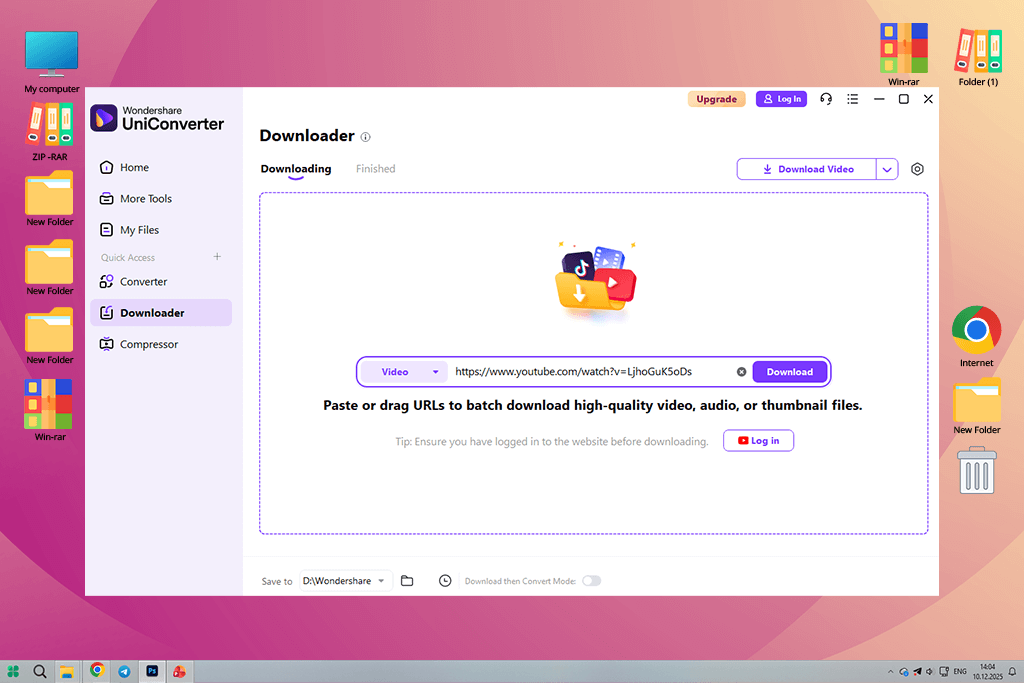
I first tried the Wondershare free video converter after a coworker said it was the best YouTube Shorts MP4 converter. Initially, I was skeptical - tools that advertise themselves as all-in-one usually aren’t great at any one thing. However, during my test, it actually impressed me.
What makes UniConverter different is that downloading is only the beginning. After that, you can also edit and get your video ready. For Shorts I needed to use them again in client work or combine them into longer videos. This saved me from doing a lot of extra steps.
“After turning Shorts into MP4 files, I could quickly make them smaller, change the video size, cut parts, or get them ready for different platforms.”

The final video quality was consistent and reliable. Vertical clips kept their correct format, the sound was clear, and the MP4 files opened in Premiere Pro without any extra steps. I also liked that the conversions ran smoothly, with no unexpected errors, even when I converted several videos at once.
The downside is that it’s made more for advanced users. The interface can feel a bit complex if you just need a quick download, and many helpful features require a paid plan. From my experience, it’s best to use preset profiles for Shorts and turn off auto-compression if you plan to edit the video.
Pricing: Free: watermark, limits; From $9.99/mo; From $79.99/year
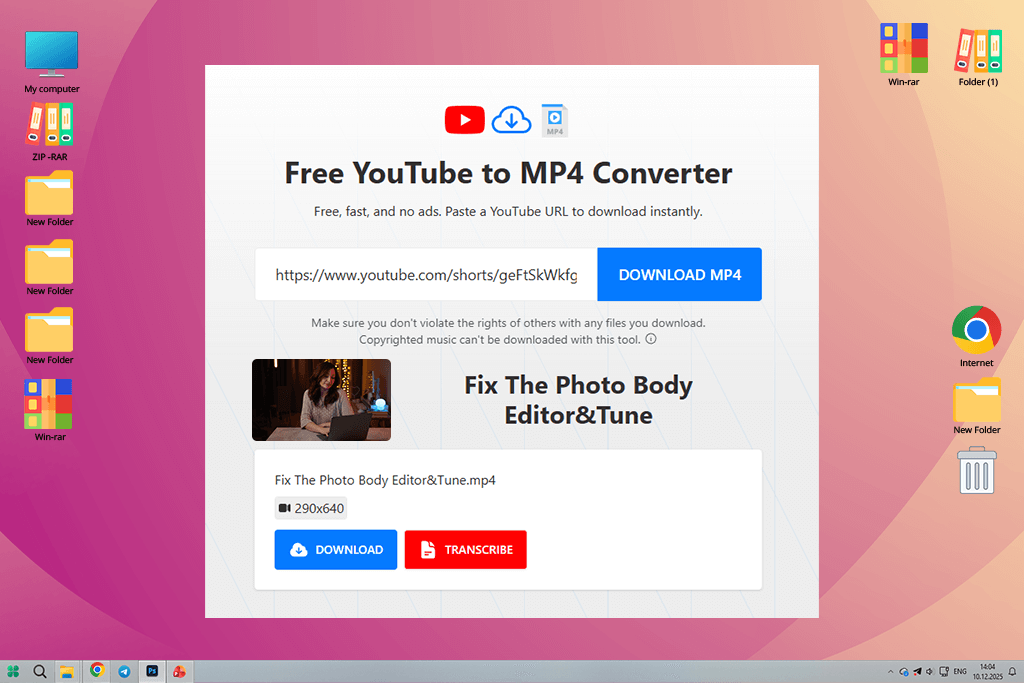
TurboScribe is mainly known for transcription, but I wanted to test how well its downloader works for converting YouTube Shorts to MP4. The experience felt quite different from typical converters, which is exactly why it caught my attention.
What makes TurboScribe special is how it fits into the bigger picture. You’re not simply saving a Short - you’re getting it ready for reviewing, adding captions, or reusing elsewhere. The video quality itself was sharp and worked well for editing, but the real highlight was how easily it blended into a content process built around text, subtitles, and making videos more accessible.
“After downloading the video, I could jump straight into transcription or caption planning. The files worked perfectly in my editing software, with no unexpected format problems.”

The downside is that TurboScribe isn’t made for fast or bulk downloads. It’s more organized and careful than quick. If you need to grab many Shorts at once, it’s not the best choice. But for careful repurposing, it works really well. From my experience, it’s best to use it together with your caption workflow.
Pricing: Free: limited downloads; From $10/mo; From $120/year
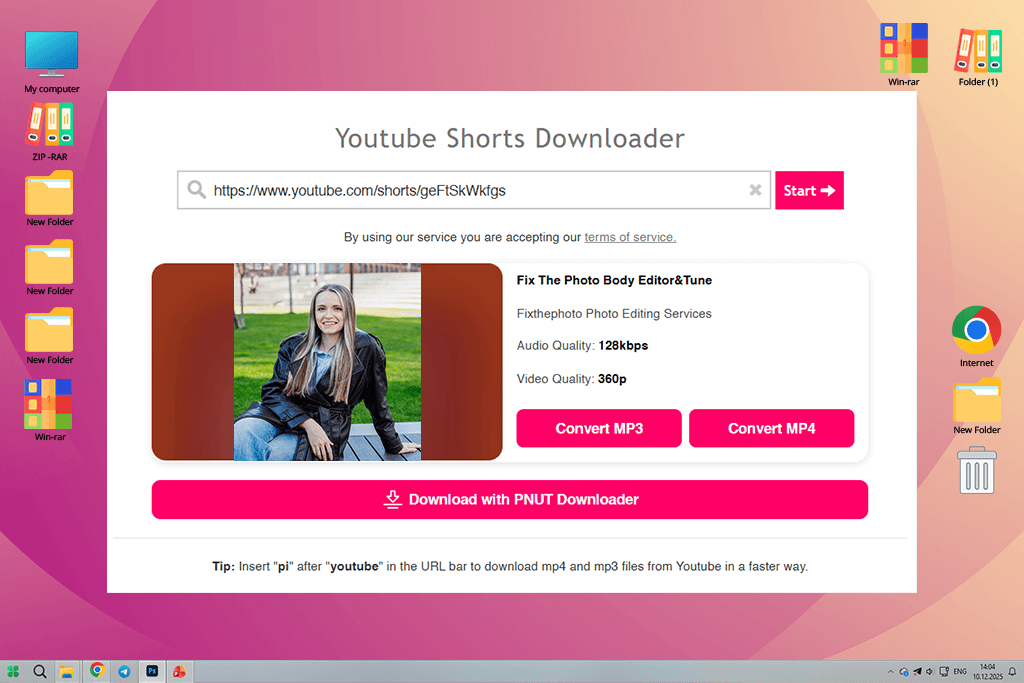
I already knew about Y2Mate long before writing this article - people on Reddit talk about it all the time. Y2Mate’s main advantage is that it’s familiar. The steps are simple, and for a lot of users, that feels reassuring. Just paste the link, pick MP4, and download. During my tests, Shorts converted fast and kept good enough quality for casual use, reference, or quickly sharing on social media.
The MP4 files were fine for basic editing, but I wouldn’t depend on them for serious, detailed work. Even so, for a free and easy-to-use tool, the results were steady. No broken files, no missing sound, which is better than what I can say about many other options.
The downside of this YouTube Shorts converter to MP4 is the layout. You have to deal with ads and distractions, so you need to pay attention to avoid clicking something you didn’t mean to. From what I’ve learned: use ad blockers and don’t expect to download multiple videos at once.
Pricing: Free: ads, limits
Since I create and edit short videos daily, I didn’t want this piece to depend on assumptions or promotional claims. So I partnered with my colleagues at FixThePhoto and put these YouTube Shorts to MP4 converters through the same practical tests we use for every production tool - real handling, real projects, real conditions.
Before the tests began, I took a few days to gather options. I collected tools from Reddit conversations (particularly threads where editors share what they really use), YouTube reviews, top Google search results, and suggestions from coworkers who work with social media, editing, and marketing.
Some of the tools we were already somewhat familiar with, while others were brand new to us. In total, we tested a little more than 20 YouTube Shorts to MP4 converters - some were online services, some were computer programs, and others were a mix of both.
Not all of them made it into the final list. A few tools that didn’t meet our standards include SnapSave, YT1s, KeepVid, SSYouTube, and ShortsNoob. Some of them seemed good at first, but they didn’t work well when we actually used them.
SnapSave had trouble keeping the sound matched with the video. YT1s made the video quality too low by compressing it too much. KeepVid slowed down downloads unless you paid for an upgrade, SSYouTube gave files in different formats that didn’t stay the same, and ShortsNoob stopped working completely when we tried newer Shorts links.
None of these problems work well when you’re actually trying to get things done, so we removed them from our list of the top YouTube Shorts to MP4 converters.
During testing, I ran each tool through the same main tasks while my team checked the results on different computers, browsers, and for various uses.
Instead of picking random clips, we tested with Shorts that matched our real work at FixThePhoto - fast-paced videos with animated captions, music, voiceovers, and smooth motion. They ranged from very short to almost a minute. The main things we checked were:
Setup and accessibility. I focused on how quickly I could start using each tool. Any that made me sign up for no reason, sent me through confusing pages, or had misleading download buttons lost points right away. The best ones let me paste a link and get the video with no hassle. My team agreed - when you’re working against a deadline, the last thing you want is to figure out how it works.
Output quality and format stability. This step was very important. I brought every MP4 file into Premiere Pro or CapCut to see how well they actually worked. We checked for smooth playback, the right vertical shape, steady frame rates, and audio that was properly included. Several tools got cut just because their videos seemed okay at first, but had problems once we started editing.
Speed and consistency. Getting one video to download successfully doesn’t prove much. I tested several Shorts one after another to see if the tools stayed dependable or started failing randomly. Online converters that timed out, got stuck, or worked differently from one download to the next were marked as problems. Computer programs usually did better in this area, which was expected.
Real editing readiness. This is something a lot of reviews don’t talk about. A file might show as “downloaded” but still be useless. I checked if the videos needed to be converted again, had sound issues that needed fixing, or required extra cleanup. Tools that gave me MP4s ready to edit right away scored higher than ones that created more work for me.
Ads, safety, and trust. My team helped check how pushy the ads were and whether tools made it easy to tell real download buttons from distracting ones. Anything that seemed misleading or unsafe was removed from our list. Trust is important - especially when you’re using these tools every day.
Limits and pricing honesty. We took a close look at free versions compared to paid ones. I’m okay with paying for tools if they help me get work done faster, but converters that hid basic features behind a paywall or weren’t honest about their limits got lower scores. Being clear and upfront mattered more to us than just being free.
Throughout the whole process, I relied a lot on input from my coworkers, especially when we got different results on different computers. If a tool worked well for me but didn’t work for someone else, that lack of consistency was important to note.
In the end, we only included fast YouTube Shorts to MP4 converters in our top list that showed they were dependable, consistent, and truly helpful in real projects. We weren’t looking for tools that work only some of the time - we wanted ones we could count on when we’re up against a deadline. That’s the standard we follow at FixThePhoto, and it’s the same behind all this testing.





![Add Skeleton Filter on Photo Online [FREE]](http://fixthephoto.com/blog/images/gallery/news_main__preview_28921.jpg)
![7 Best CDA to MP3 Converters in {{%year}} [100% FREE]](http://fixthephoto.com/blog/images/gallery/news_main__preview_28878.jpg)
![9 Best Facebook Story Makers [Online, Desktop, iOS & Android]](http://fixthephoto.com/blog/images/gallery/news_main__preview_28495.jpg)



















