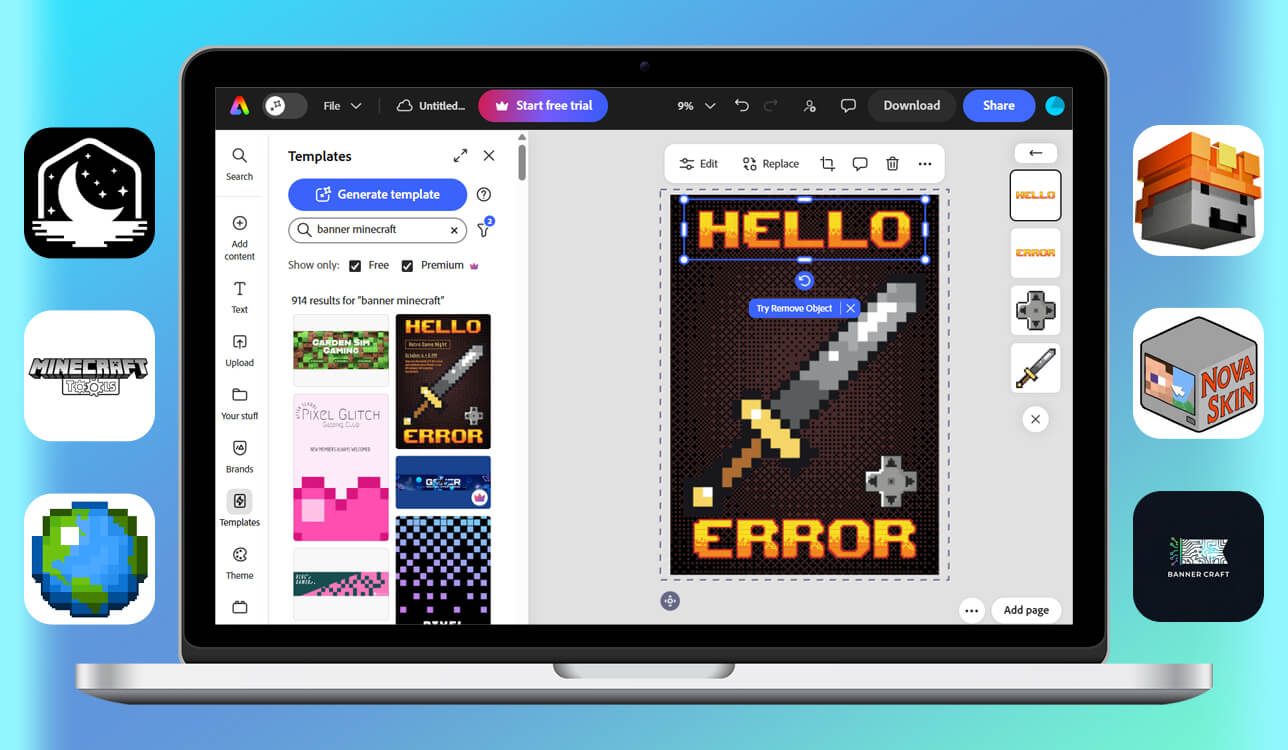
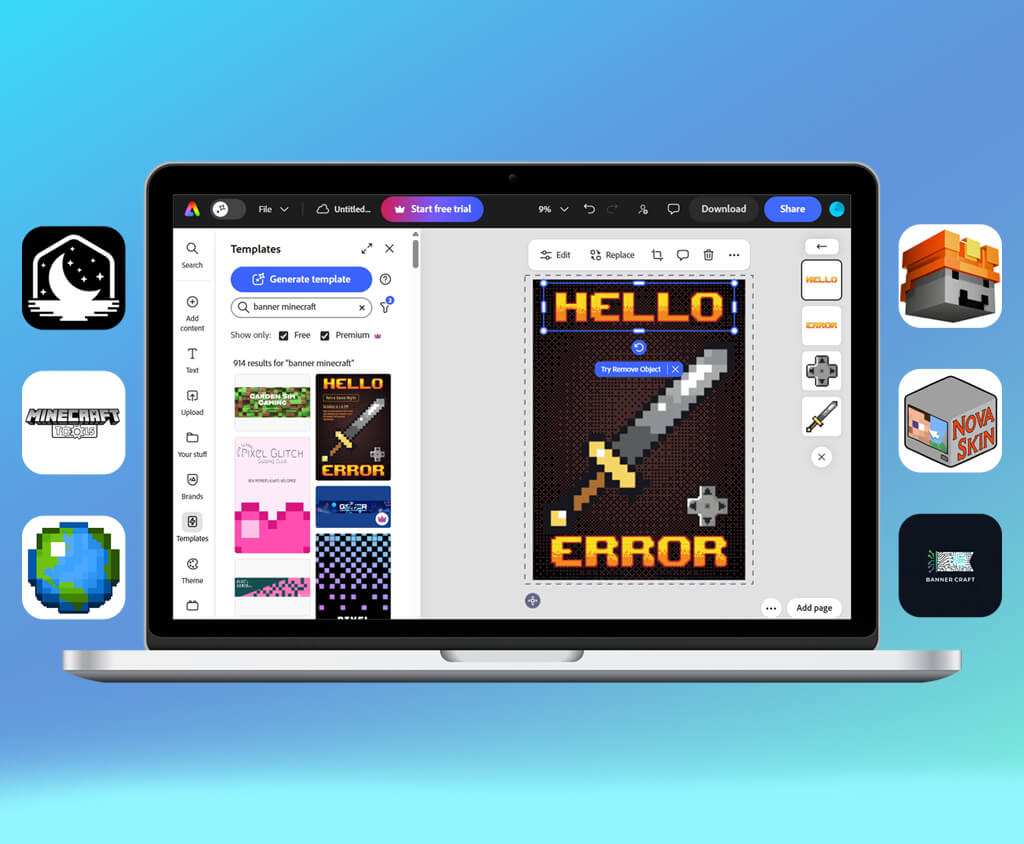
I often create Minecraft banners together with my son. He used to create them to make his builds more unique. However, over time, they acquired symbolic value as he started to use them to mark bases, define teams, and make the environments in his worlds more memorable. When I noticed how much he focused on choosing the right patterns and colors, I realized that banners were useful not only for decorative purposes.
When my son asked me why some designs looked off when he recreated them in-game, we decided to try creating them together. This is why I tested 12+ Minecraft banner makers and compared them in terms of pattern accuracy and color matching. Besides, I wanted to see whether they looked the same in Minecraft.
Soon enough, I discovered that a good banner should not look too complex. When choosing a batter maker, it’s better to choose an option that allows one to use clear pattern logic, be able to preview the results of editing, and access intuitive controls instead of relying on effects. Using the services that were designed with an understanding of how banners are used in Minecraft helped my son create design more quickly.
| Tool | Best for | Free plan | Who it’s for |
|---|---|---|---|
|
Custom banner visuals
|
Limited
|
Creative builders
|
|
|
In-game accurate designs
|
Free
|
Survival players
|
|
|
Fast in-game banners
|
Free
|
PvP-focused users
|
|
|
Step-by-step patterns
|
Free
|
Beginners
|
|
|
Visual banner previews
|
Free
|
Casual creators
|
|
|
Skins + banners
|
Free
|
Custom skin users
|
|
|
Simple color layouts
|
Free
|
Minimalist players
|
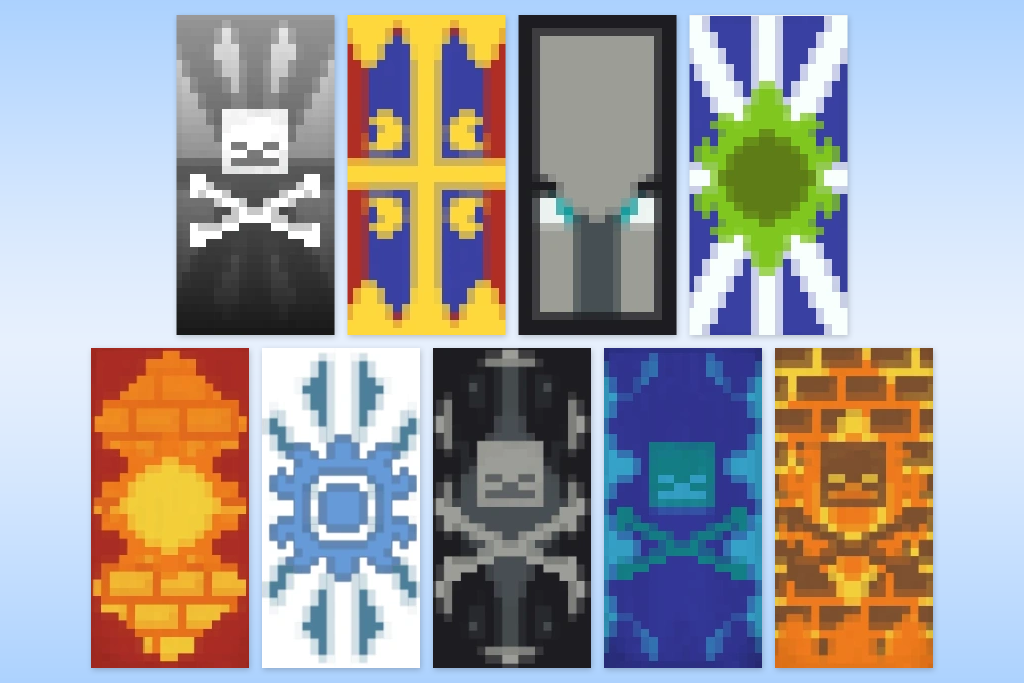
Modern Minecraft banners are created with an understanding of how and where players use them. When creating them, one should consider game modes, server culture, and player roles. Such banners often look as if their creators were inspired by visuals seen in Minecraft animation makers, where symbols and colors are an integral part of storytelling.
These trends demonstrate that banners should not be considered a simple decoration. They can be customized depending on gameplay style and have a huge impact on how Minecraft worlds function and look.
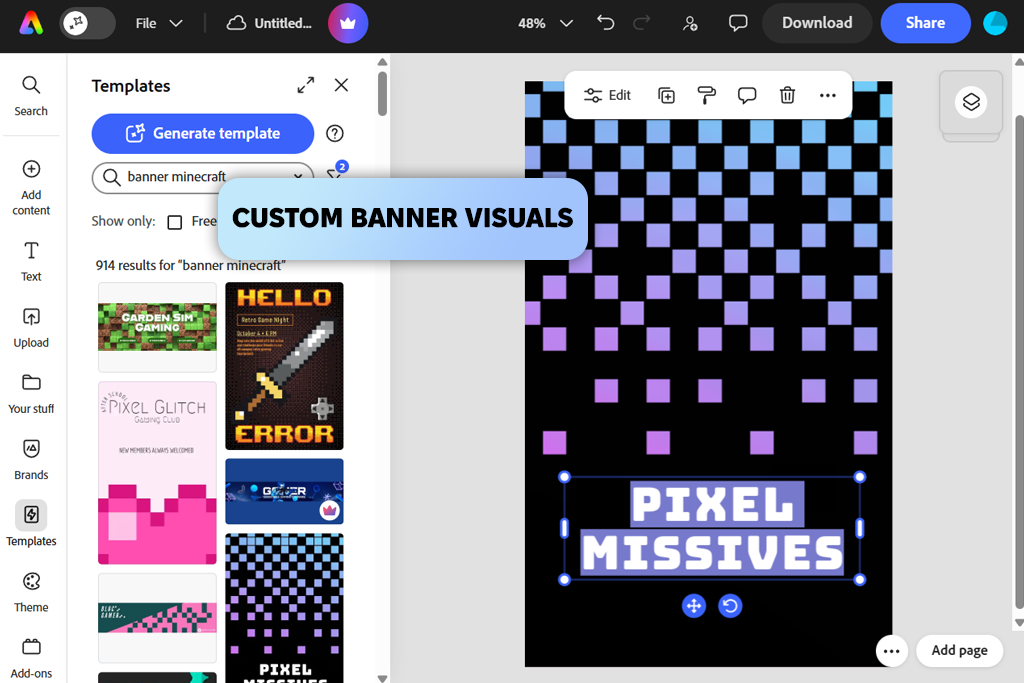
Adobe Express is the perfect solution for situations when I need to enjoy full visual freedom when creating Minecraft banners. I prefer to use this Minecraft banner creator online to create sketches. This solution is especially suitable for creating unique bases and faction symbols.
I was impressed with the custom canvas sizing and free positioning. I was able to test out various shapes, achieve higher symmetry, and improve color balance without being forced to use preset patterns. Due to this, I managed plan advanced designs and avoid wasting dyes.
Adobe Express is the best solution for those who prioritize design. While it was not built as an in-game simulator, it’s suitable for visual planning and developing professional banner concepts.
Best for: players who design before crafting
Price: Free plan; paid from $9.99/month
“I typically start by copying a banner pattern and adjusting one color. Even subtle changes make my designs look unique and more creative.”

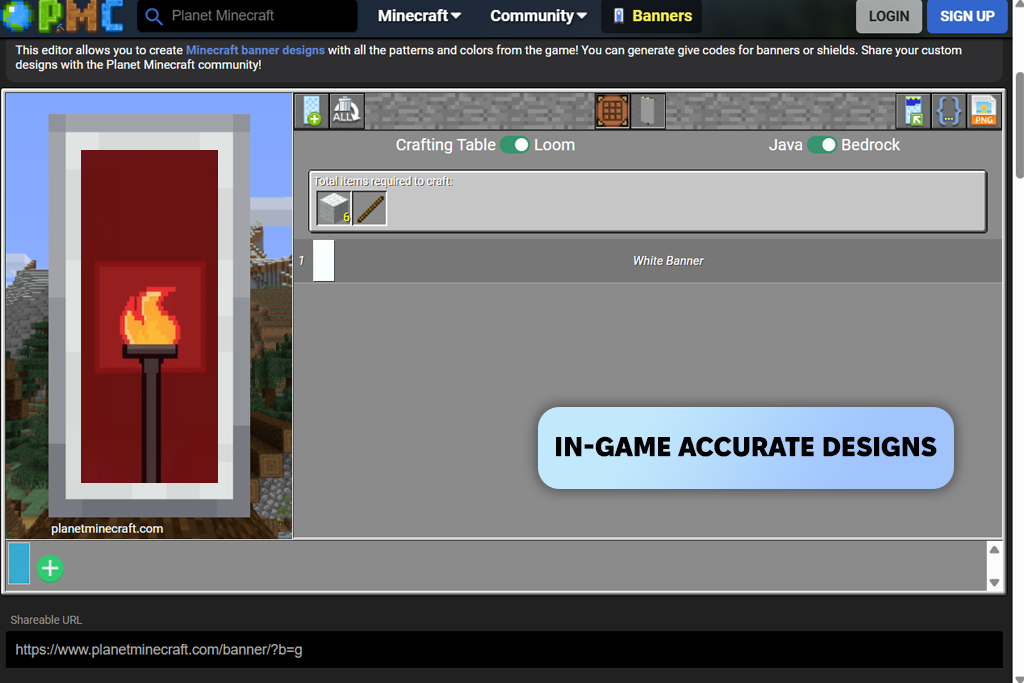
I prefer to use Planet Minecraft when I need to achieve higher accuracy instead of focusing on creativity. With it, I was able to recreate banners with impressive precision. This solution allows me to copy symbols for survival servers even when I don’t have much time or my resources are limited.
The key advantage of this free Minecraft banner maker is its pattern accuracy. Every layer, color, and placement is created in accordance with in-game rules. It ensures that the banner will look the same when you craft it. This way, you don’t need to worry about wasting dyes or choosing the wrong pattern order.
Planet Minecraft is more suitable for planners who need banners that are easy to recreate when playing the game. It’s an excellent choice for survival worlds and SMP servers where high accuracy is more important than experimenting with different designs.
Best for: survival and SMP players
Price: Free
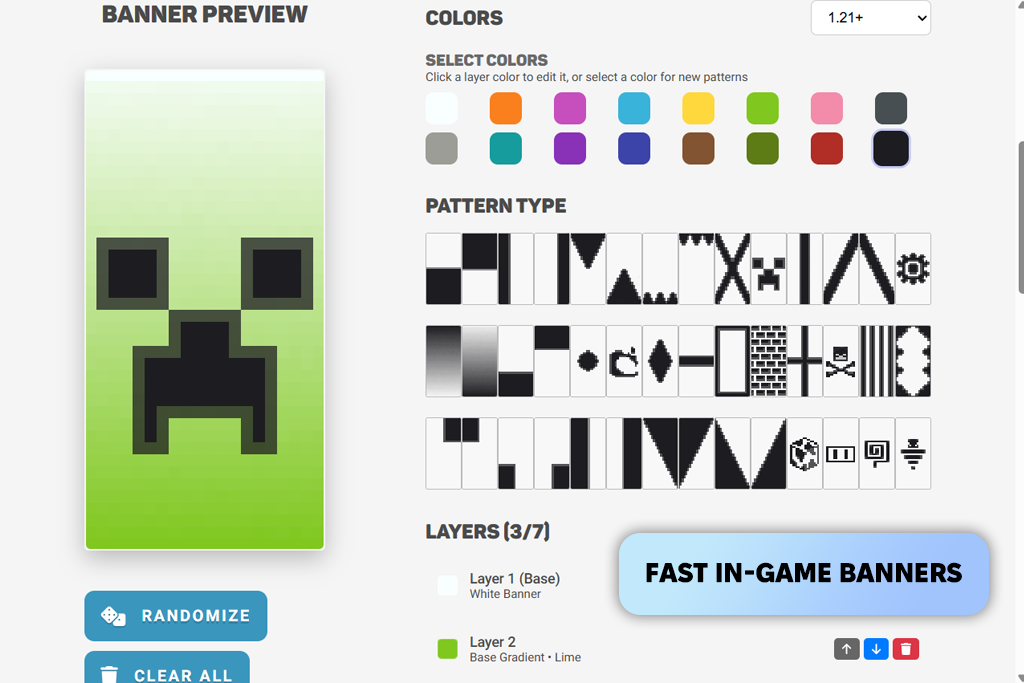
Lunar Client will come in handy for those who want to create banners inside gameplay. I used it mostly on multiplayer and PvP servers, as I wanted to avoid browser-based services.
It was easy for me to design banners without leaving the game. I was able to maintain focus and preview the result instantly in different environments. It makes this solution similar to the best 3D animation software that allows users to preview changes in real-time.
What makes this Minecraft banner design tool so convenient to use is that it supports in-game previewing. I can instantly preview how my banners will look on the walls, shields, or neat builds. It allows me to avoid wasting time on designs that look strange once you have placed them. I can customize my designs without leaving the server.
Lunar Client is better suited for players who already use the client and value high speed. It’s hardly the best choice for complex designs. However, it’s suitable for competitive and multiplayer routines.
Best for: PvP and multiplayer players
Price: Free
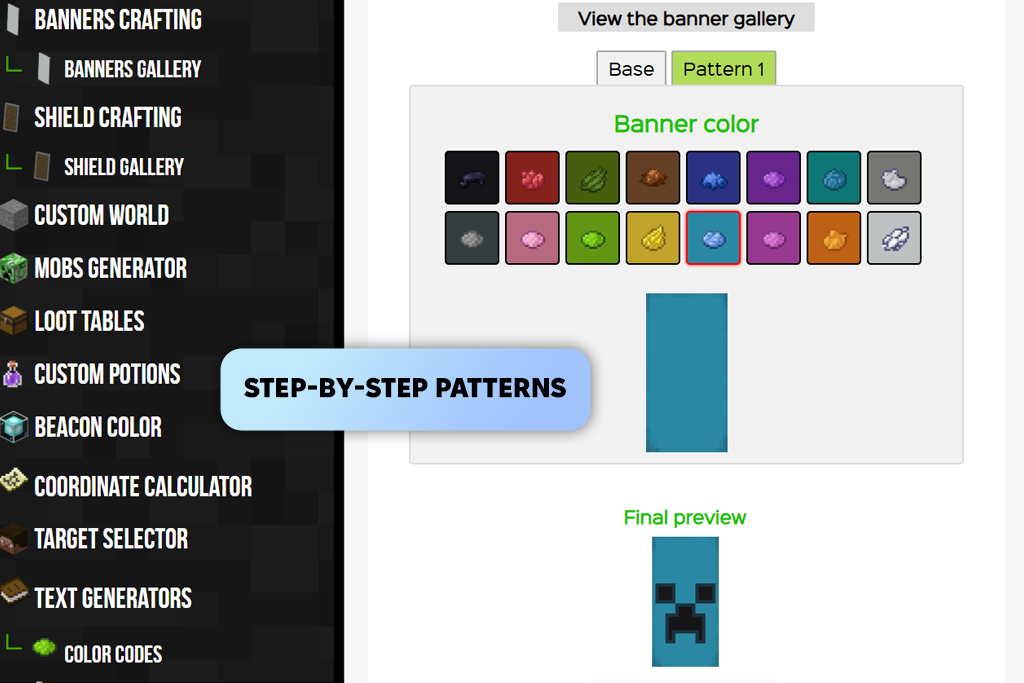
I started to use Minecraft Tools as my reference point when I became interested in banners and decided to figure out how they work. I used this solution to experiment with pattern order and preview how a layer affects the output before crafting banners in survival mode.
I was impressed with its pattern sequencing capabilities. It was easy to see each step and avoid typical issues with the wrong layer order or dye placement. Due to this, I was able to achieve the right outcome more quickly, especially when creating new worlds.
This custom Minecraft banner maker is perfect for learning and planning. However, it’s less suitable for creative tasks. It’s the perfect choice for those who are looking for a practical and highly functional tool. With it, one can achieve higher accuracy.
Best for: beginners and survival players
Price: Free
“I prefer to use a simple grid with two colors only. It allows me to design clean and easy-to-read banners and recreate them in-game with ease.”

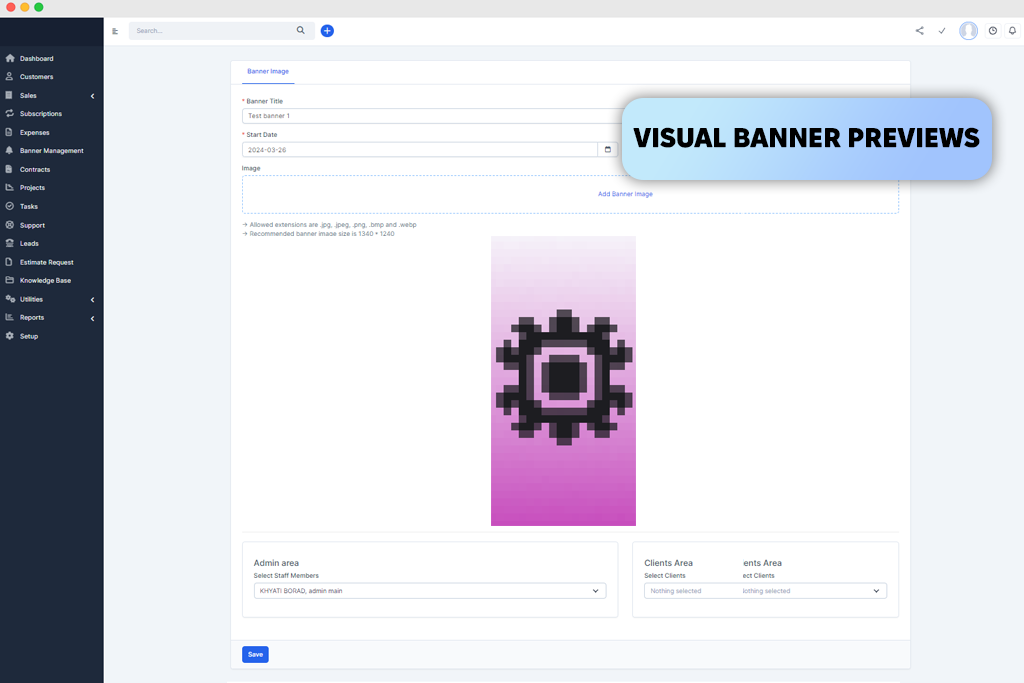
BannerCraft is more suitable for creative experimentation than other services. I decided to use it when I wanted to choose unique colors and patterns without considering in-game constraints or resource limits.
This Minecraft banner pattern generator is especially suitable for those who want to try out different ideas and do not prioritize high accuracy. It is somewhat similar to how people often use the best motion capture software to experiment with movement concepts before producing the final version.
The key advantage of this service is that it supports real-time previews. When using it, I was able to instantly preview any changes I made. Due to this, I tested out some combinations that I would not test in survival mode. It’s suitable for finding a source of inspiration and discovering new ideas.
BannerCraft is an excellent choice for creative players willing to experiment with different designs. Even though it is occasionally less accurate, making it hardly suitable for in-game crafting, it allows one to test out various ideas.
Best for: creative mode and experimentation
Price: Free

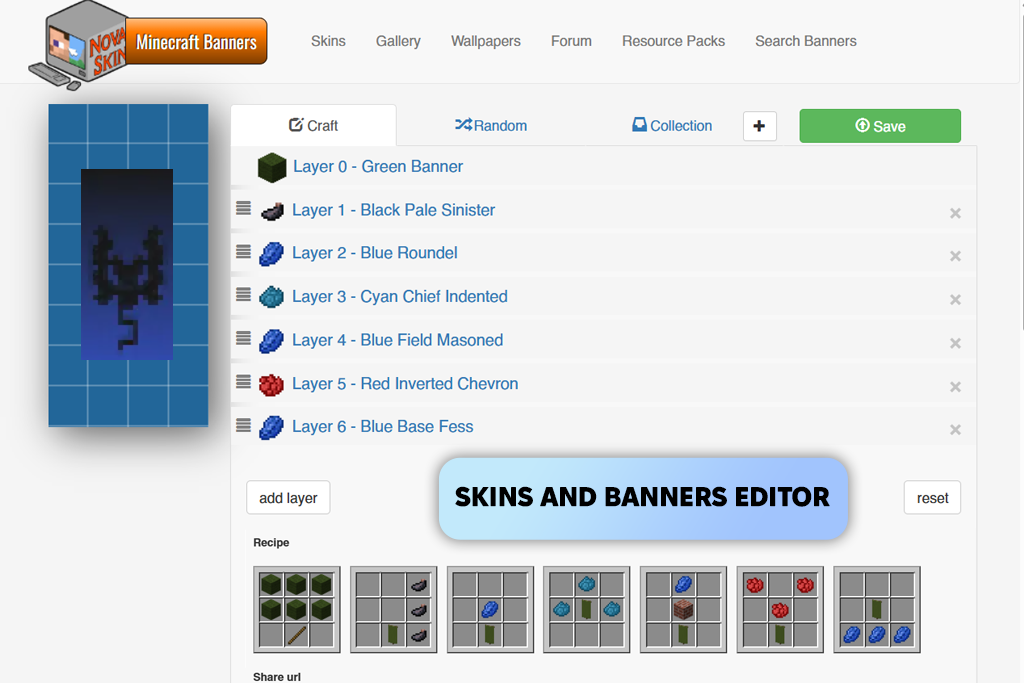
NovaSkin will come in handy for those who need to create banners that match characters, skins, or armor themes. I like using this Minecraft server banner maker for roleplay builds and creating worlds where I need to maintain visual consistency and do not worry much about crafting accuracy.
What I like most about this service is that it allows me to achieve visual cohesion. I can create banners alongside skins, which allows me to keep the color palette consistent across builds, shields, and characters, making this solution especially suitable for themed servers.
NovaSkin is suitable for those who use banners as an integral part of their storytelling or need them for presentation. This Minecraft banner editor is hardly the best choice for survival planning. However, you will like using this service if you want to prioritize aesthetics and focus on screenshots.
Best for: roleplay and themed builds
Price: Free
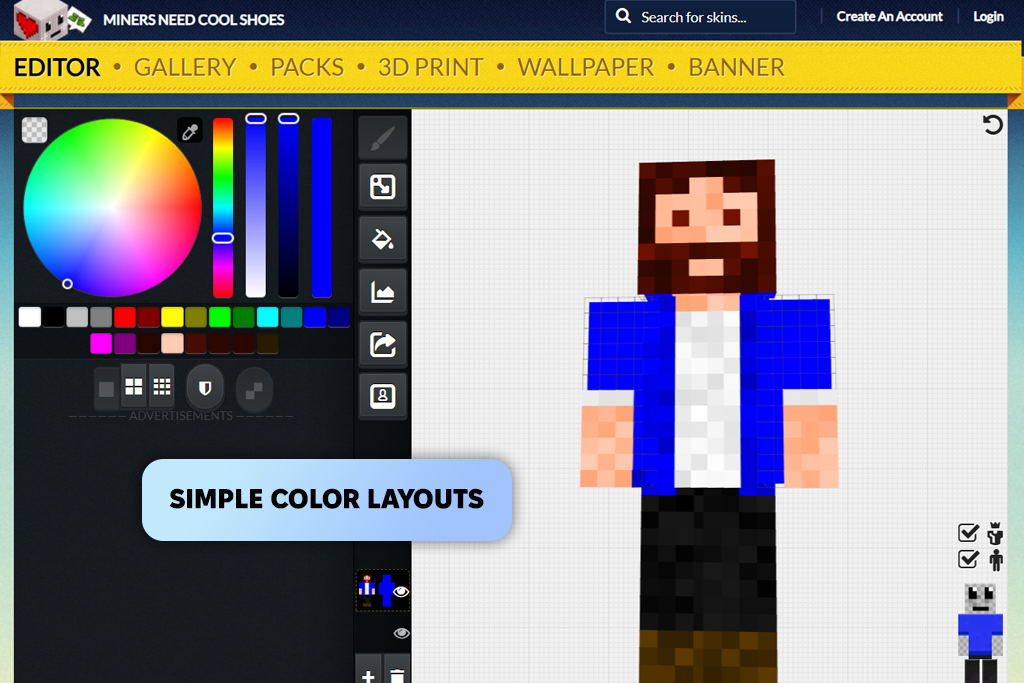
NeedCoolShoes is different from other services as it has streamlined functionality. I used this Minecraft banner generator online when I decided to create clean, easy-to-read banner symbols with simple designs.
The main advantage of this tool is that it focuses on symbol clarity. As there is a limited choice of options on the screen, one pays more attention to shape, contrast, and readability. It makes it easier to create banners that are recognizable from a distance. This solution is similar to the best free animation software in terms of workflow. Even though the choice of tools is limited, one can use them to generate clear outputs.
I used this Minecraft banner maker free of charge. It is especially suitable for creating minimalist designs and server symbols. It’s hardly suitable for complex layering, but one can use it to create an attention-grabbing banner.
Best for: minimalist and server icons
Price: Free
“I prefer to improve contrast first. If the symbol looks perfect in black and white, it will be easy to perceive on any server.”

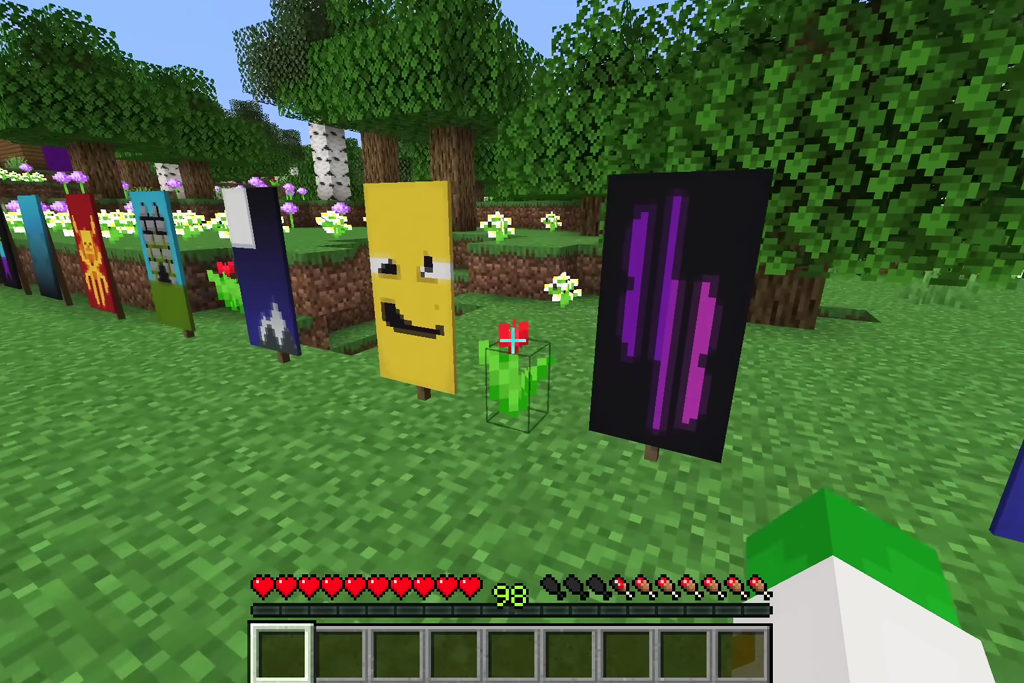
In Minecraft, banners are important as they directly impact the way one perceives the environment. A build that does not have attention-grabbing visual markers does not look well-designed and believable. Even if you add a simple design, it can fully transform the way certain areas are perceived. They may acquire a more intentional feel, which will help other players remember them better.
Banners are so popular because they are highly functional and contribute to the way a story is perceived. They can be considered the signs of ownership, suggest themes, and make it easier for players to explore shared spaces without looking for other signs or reading chat. On multiplayer servers, it’s easier to recognize symbols than names or coordinates.
The significance of banners also lies in the fact that they are easier to memorize. Players remember colors and symbols better than usernames. This is the main reason why many servers utilize a consistent banner style across bases, shields, and maps.
One should not consider banners as a simple decoration, as they facilitate visual communication between players. A world without banner feel less lived-in.
The FixThePhoto team decided to test the most popular services the way regular players use them. We wanted to see whether these Minecraft banner design generators were practical enough for real gameplay scenarios.
I decided to test each service when working in Survival mode, experimenting with creative builds, and using multiplayer servers. I was able to switch between design and in-game crafting. It helped me understand whether my ideas were suitable for creating actual banners.
Besides the easy Minecraft banner makers included in this list, we also tested Adobe Express, Planet Minecraft, Lunar Client, Minecraft Tools, BannerCraft, NovaSkin, and NeedCoolShoes. Even though these solutions are suitable for generating banner ideas, some of them do not support consistent pattern logic, and others have convoluted crafting workflows. Besides, some of them were more suitable for creating visual previews and were hardly useful as in-game tools.
During testing, we focused on the following:
We tested each Minecraft banner customization tool thoroughly to see whether one could use it for multiple purposes. We wanted to discover the solutions suitable for copying server emblems, designing shield banners, decorating builds, and creating designs with many colors. We decided to include in the final version of our list only the tools that helped us implement our ideas and create in-game banners with ease.
When choosing the best option, one should consider the goal they want to achieve. Some services facilitate achieving high accuracy, while others are better suited for experimenting with different ideas and previewing the results.
Many banners are quite accurate. The services that use the official pattern order and dye logic typically support higher precision. However, more creative solutions may prioritize the visual side of a banner design.
Yes, it’s possible. Some banner makers were built to make it easier to plan banners before using dyes and patterns in Survival mode, which allows one to waste less time and resources.
Most banner designs generated with the help of such services are suitable for shields. However, be sure to check contrast and readability in-game, especially for PvP mode.
Most banner generators are available free of charge. You may have to install some of them on your device or sign up to use them. However, only a few Minecraft banner creator tools are paid.
Differences usually come from lighting, placement distance, or simplified previews. Testing banners in-game helps confirm how they actually appear on builds or shields.
If you want to create an elaborate design, it might be better to use a creative mode first. This way, you will be able to experiment with different patterns and colors before trying to create the same banner in Survival mode.





![7 Best Sketchbook Alternatives [{{%year}} FixThePhoto Choice]](http://fixthephoto.com/blog/images/gallery/news_main__preview_28913.jpg)
![7 Best CDA to MP3 Converters in {{%year}} [100% FREE]](http://fixthephoto.com/blog/images/gallery/news_main__preview_28878.jpg)

![Add Leprechaun to Photo Online [Free]](http://fixthephoto.com/blog/images/gallery/news_main__preview_28919.png)
![Fish Eye Filter Online [FREE]](http://fixthephoto.com/blog/images/gallery/news_main__preview_28873.png)
![9 REVE Alternatives with Better Results [Free & Paid]](http://fixthephoto.com/blog/images/gallery/news_main__preview_28905.jpg)

















