
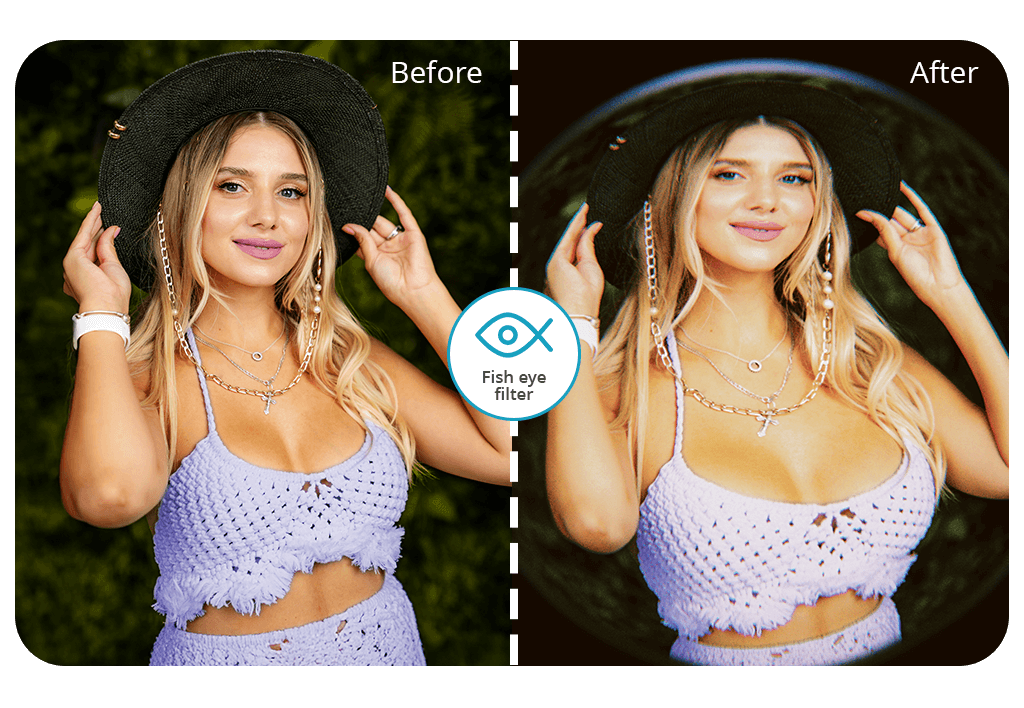


Fix The Photo Body Editor & Tune stands out among similar tools as it uses both AI tools with manual efforts. The artificial intelligence accelerates the process by performing basic corrections, and the human editors add fish eye effect and customize it manually.
Besides, you will be glad to find out that the editing of the first photo is free. This is a great option for trying out the functionality of the app and evaluating the output, which is usually delivered within an hour.


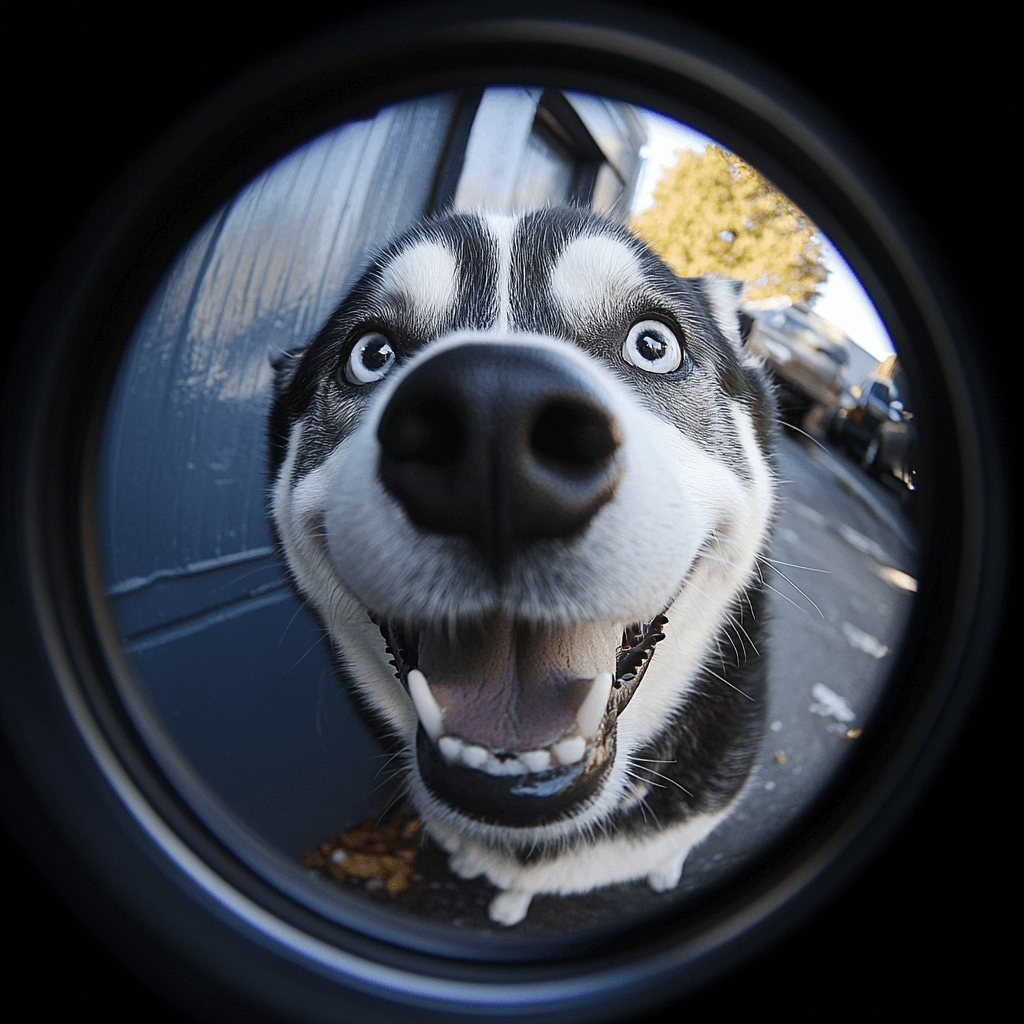
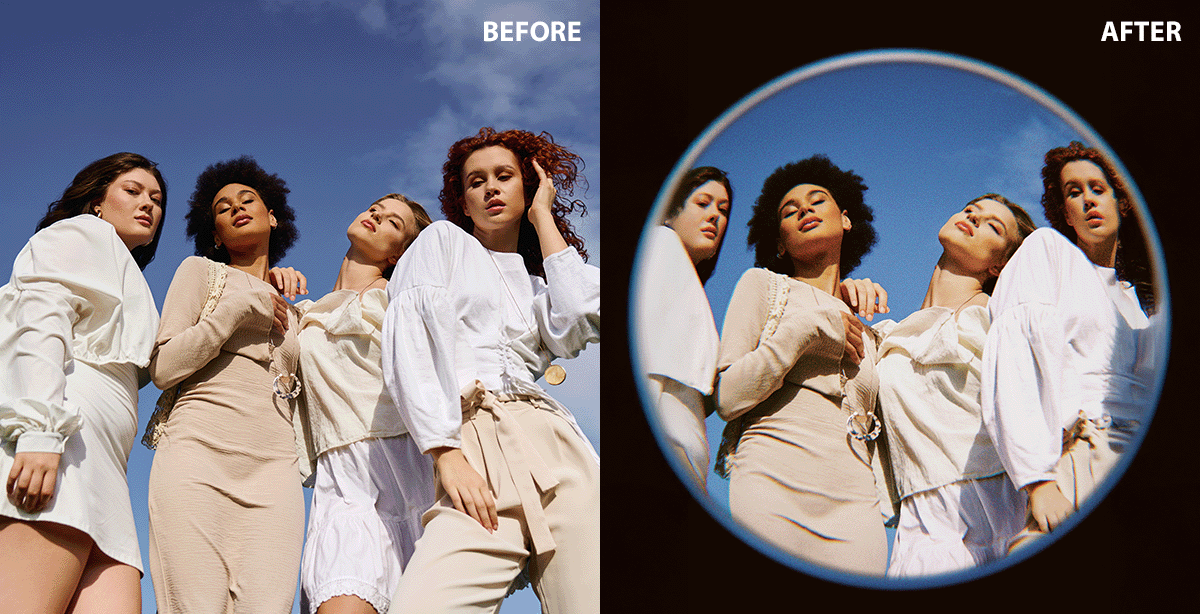
It is also easy to achieve filter fisheye by using specialized gear or special photographing techniques.
The fish eye lenses are available in two sizes:
Circular fish eye lens: It makes a round image, showing a wide 180-degree view, with curved edges.
Full-frame fish eye lens: Fills the whole sensor with a wide, distorted view, without a circular border.
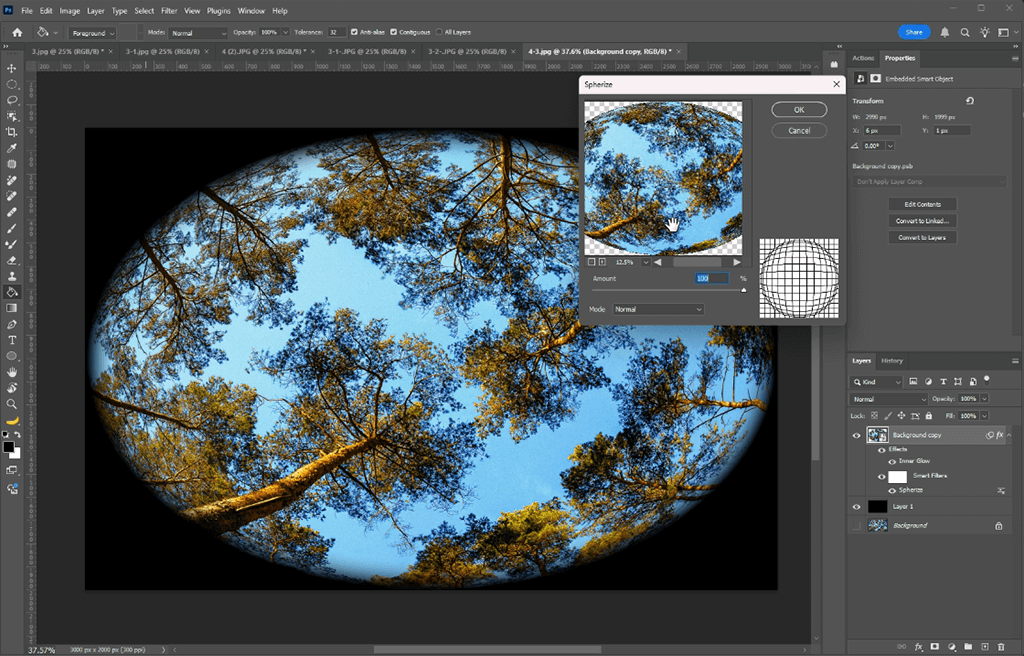
If you don’t have a fisheye lens, you can still get the effect using an ultra-wide-angle lens, like a 10mm lens, and doing some editing manipulations. First, take a clear, well-focused photo with minimal cropping at the edges. Then, use editing tools in software like Photoshop or Lightroom to add distortion and create that fisheye look.
Playing with lens accessories like affordable fish eye lens adapters, and lip-on or screw-in attachments allows turning regular lenses into fisheye ones. You can find them for DSLRs, mirrorless cameras, and even smartphones.
Camera settings. To get the fisheye photo, move closer to your subject to make the distortion more noticeable. Place your subject in the center of the frame because the edges will be affected most of all. Use the widest setting on your camera to make the eyefish effect stronger.
Choose dynamic subjects. Fish eye photography is great for capturing dynamic action shots, like skateboarding or sports, as well as landscapes with interesting lines or curves. It also works well in crowded places, adding a playful or surreal vibe to the scene. To make the most of the effect, try shooting from unconventional angles—like low to the ground or straight overhead—to really emphasize the unique distortion of the lens.
Use a drone with a wide-angle camera. Some drones come with built-in ultra-wide-angle or fish eye lenses, which allow shooting mesmerizing views of landscapes and cityscapes.
Smartphones with fish eye modes. Many modern smartphones or apps have built-in fish-eye settings, or you can use clip-on lenses to quickly add a fish-eye look.
Another effective way of creating this trendy bulb-like effect is to generate fish eye PFP. This option allows adding a creative touch to any online identity.
Extraordinary design What I love about the fish-eye effect is how it distorts the image, creating a curved, exaggerated look. This round, dramatic perspective makes your profile picture pop, especially on such popular platforms as Discord, Instagram, or Twitter.
Creates a playful vibe. It also gives off a fun, playful vibe. A fish-eye PFP shows off your personality and love for quirky, unique designs, giving your online presence a bit of creative flair.
Trendy aesthetic. Photographers have used fish eye PFP to create impressive pics and videos for decades, especially in skateboarding, music videos, and retro photo shoots. This technique offers a stylish, vintage-inspired look that appeals to viewers.
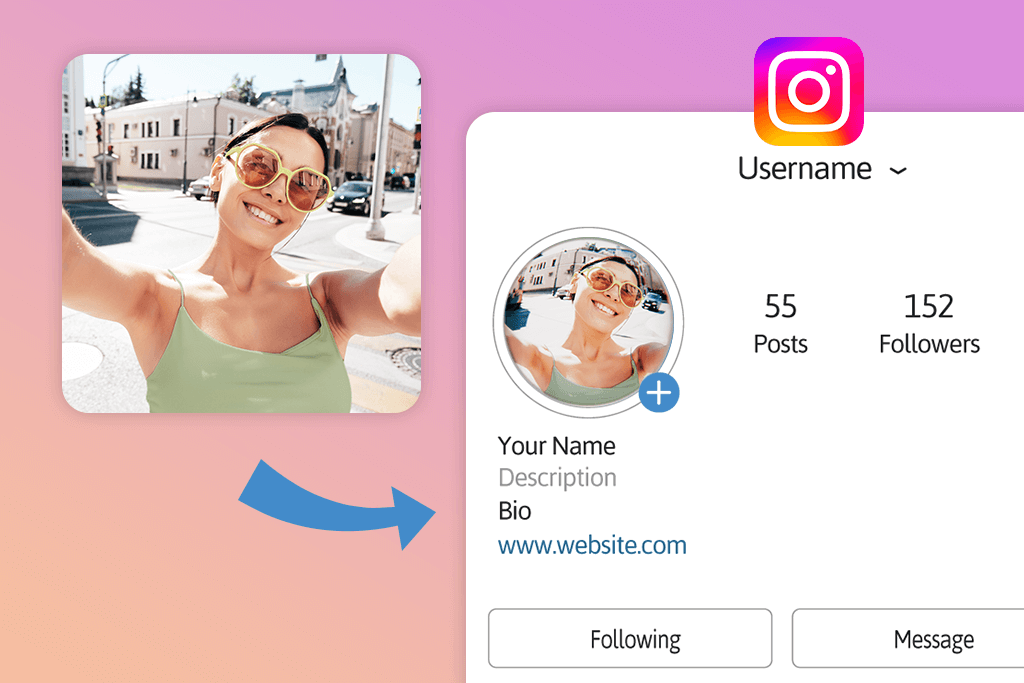
Express creativity. Personalizing a fish-eye profile picture lets users showcase their unique style. Whether they choose a striking close-up or a playful cartoon version of themselves, this effect allows them to display their creativity.
Meme and humor appeal. This effect can give a pic a funny, exaggerated look, perfect for anyone wanting to add a playful touch to their online profile. They’re also popular in meme culture for making faces or objects look over-the-top and hilarious.
Nostalgia for 90s and early 2000s culture. The fish-eye lens takes people back to the 90s and early 2000s, often seen in music videos, skateboarding, and extreme sports. Using a fish-eye profile picture is a great way to capture that nostalgic feel.
In addition to adding the eyefish effect, the Fix The Photo Body Editor & Tune app offers a wide range of other options to adjust images based on the desired outcome. For example, you might want to create a more symmetrical face or get rid of double chin to create a well-balanced selfie.
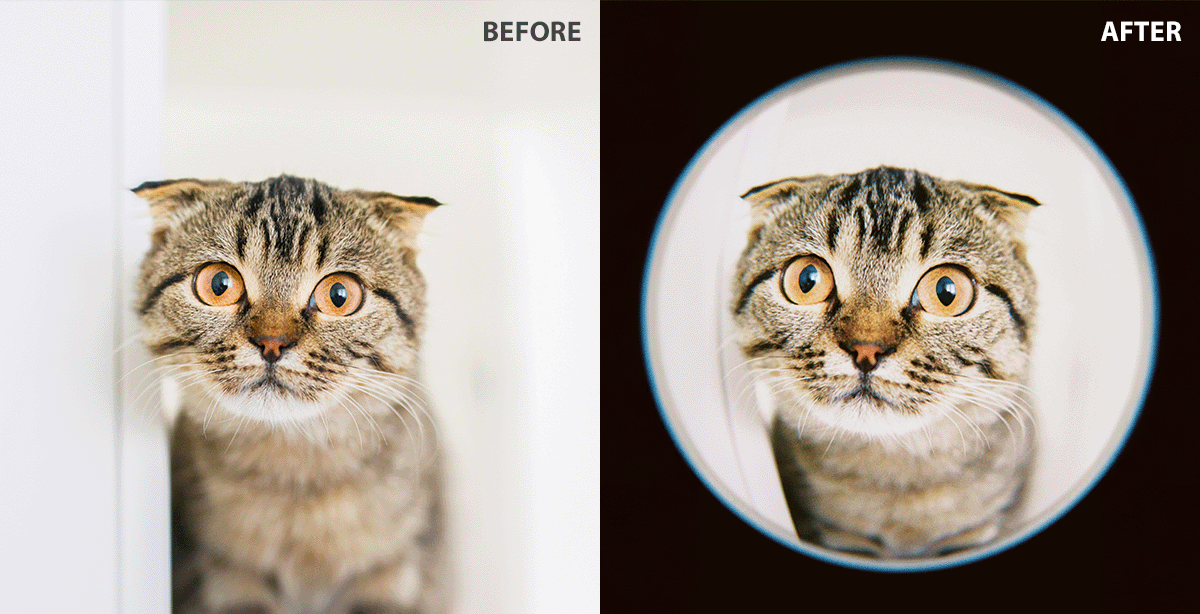
If you are going to apply the fish eye filter for your social media pages, you can achieve more creative output by using south park avatar creator or DND character art creator, as well as adding other features of the character you like.
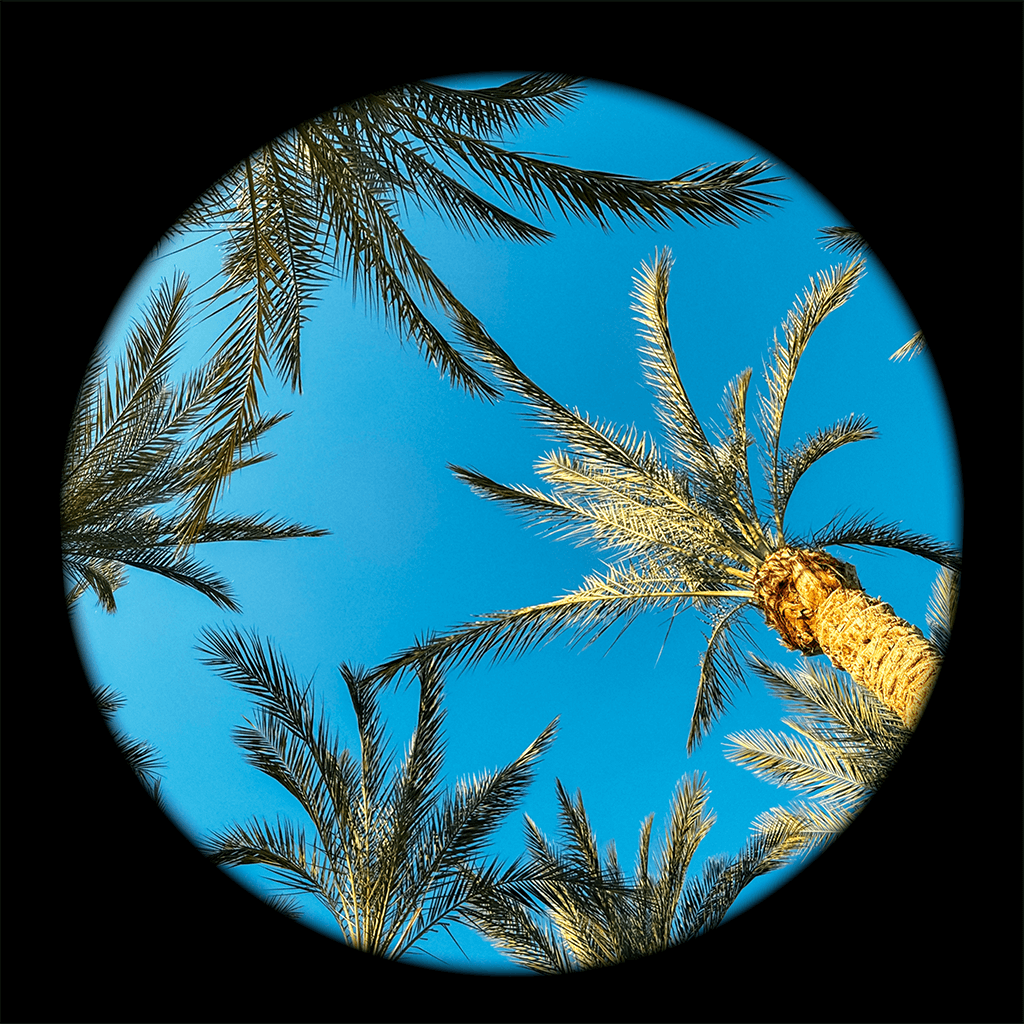
Fix The Photo Body Editor & Tune also includes basic editing features such as blemish remover, perspective adjustments, lighting improvements, and more. These tools are quick and easy to use, making edits fast and hassle-free.

Just do the following steps:
Adding a fish eye effect can be tricky if you use the automatic filter in various apps. The result is often disappointing because the effect can distort the original image instead of adding fun and creativity.
With Fix The Photo Body Editor & Tune, you can avoid these issues, as experts will do the work for you. Just describe what you want or provide a sample photo, and in a few minutes, you'll get the perfect fish eye image.





![Wes Anderson Photo Filter Online [FREE]](http://fixthephoto.com/blog/images/gallery/news_main__preview_28397.jpg)

![7 Best JFIF to JPG Converters in {{%year}} [Fast & Free]](http://fixthephoto.com/blog/images/gallery/news_main__preview_28570.jpg)
![Remove Logo From Clothes AI App [FREE]](http://fixthephoto.com/blog/images/gallery/news_main__preview_27732.png)


















