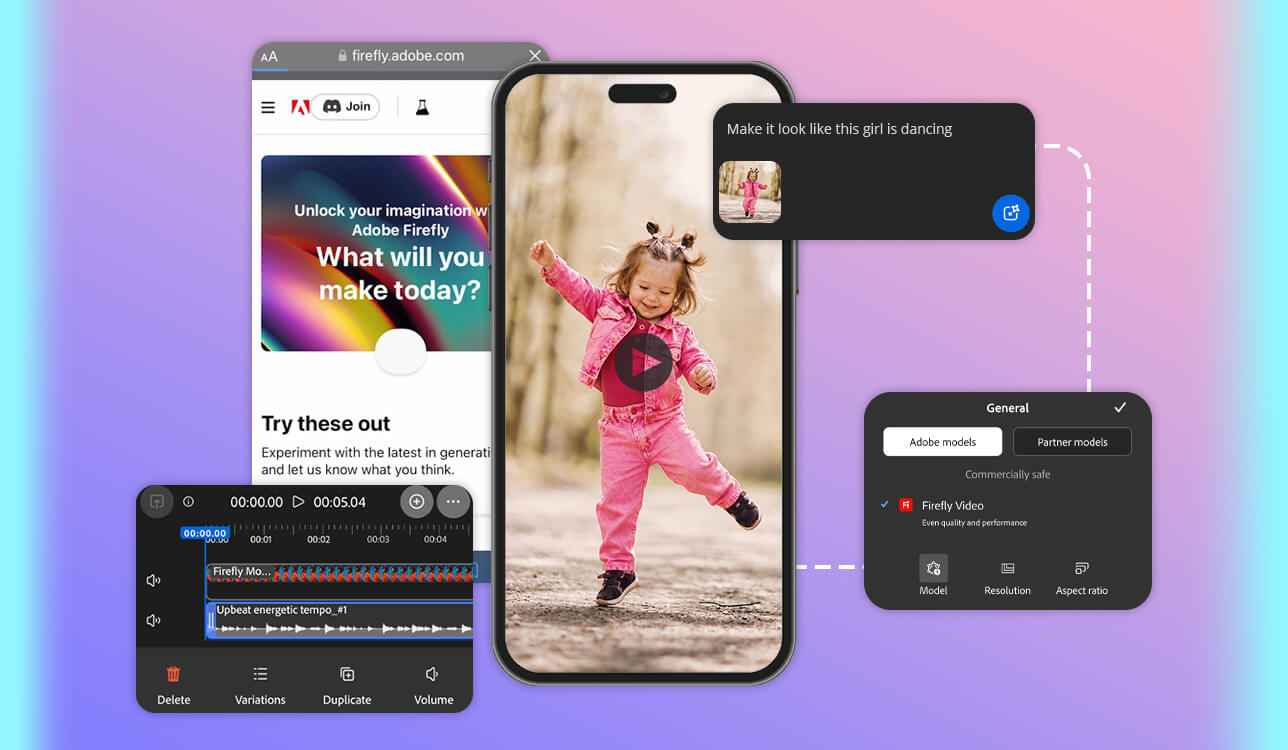
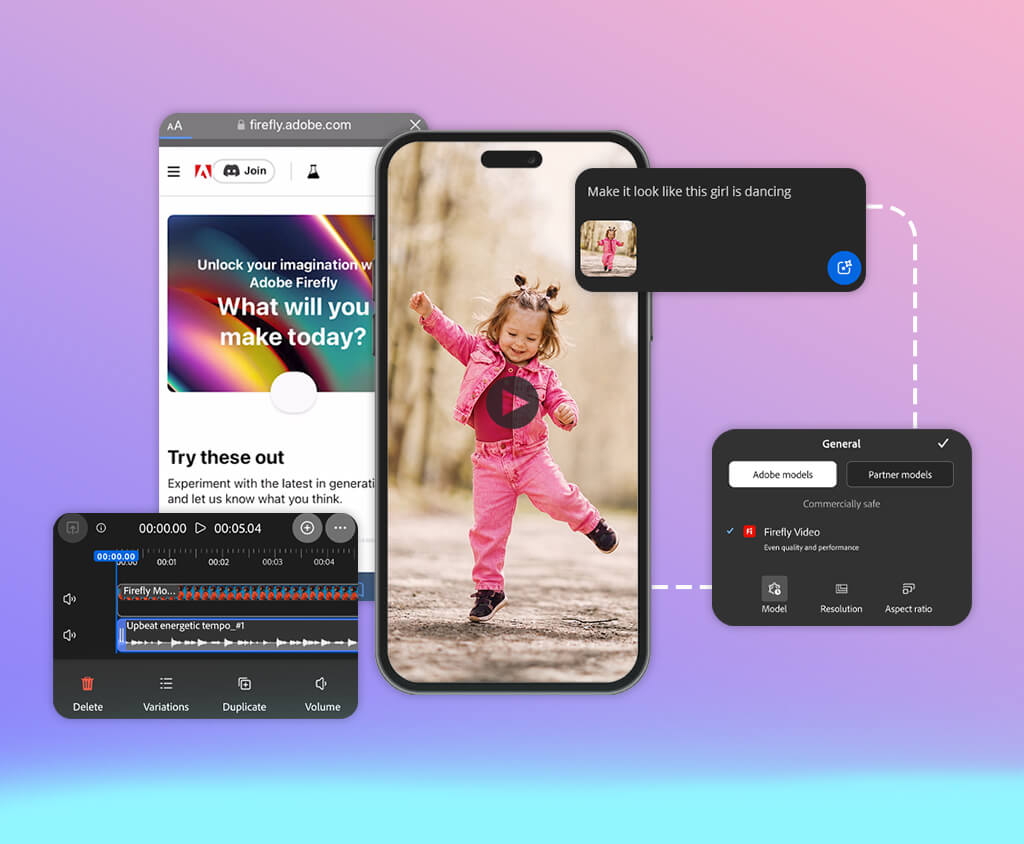
My journey began with a friend of mine sharing a viral clip of a dancing baby. Initially, I thought it was made manually, but she later said that it was created with an AI baby dance app. That’s when I decided to do some research and find out how such videos are made and which applications are popular right now.
I started looking for the best AI baby dance video generators by exploring a wide range of options. Some were too limiting, while others managed to produce smooth, realistic movement. I needed to find applications that can transform regular images into a polished, publish-ready clip without wasting energy on editing.
After trying a wide range of solutions, I concluded that many of the popular apps aren’t worth your time. My favorite ones provide natural movement, high processing speeds, and polished results. This is important if you want to stay trendy and produce content quickly.
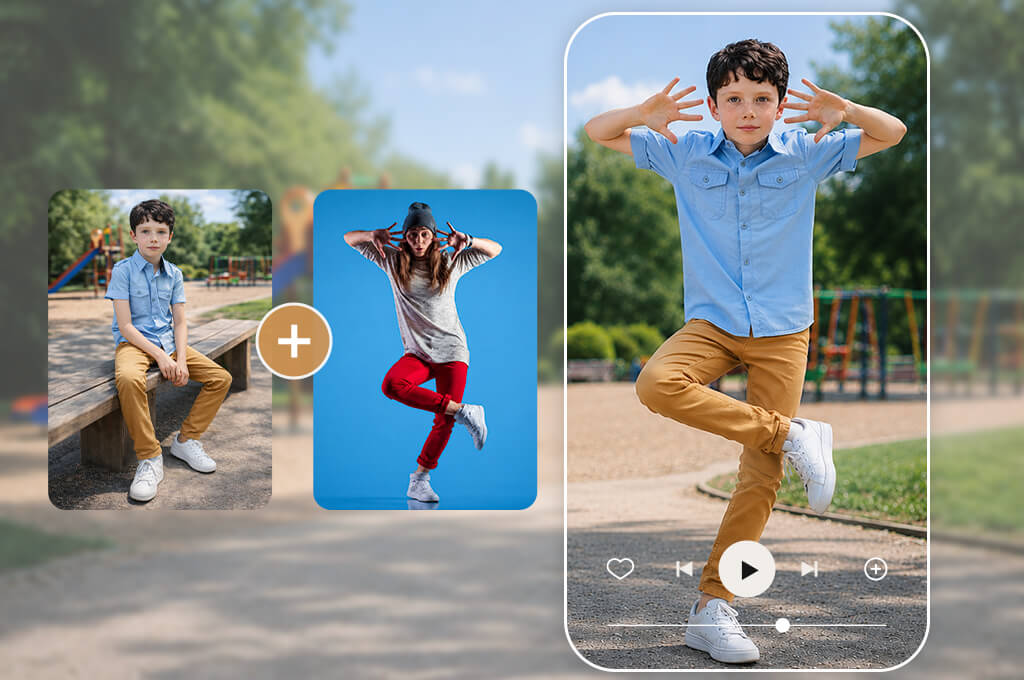
I quickly understood that the AI-generated baby dances don’t just appeal to parents. It became evident that different people were creating them for entirely different purposes. Some were creating funny videos for friends, while others were seeking online popularity or producing branded content.
Such tools are a particularly good choice for users interested in getting fast results without having to record and edit everything manually. All you need is one photo and a suitable free AI baby dance video generator. Such accessibility explains why this trend is so prevalent on Instagram and TikTok.
Such videos are most commonly made by:
Another reason why this trend is so popular is the low entry barrier. It doesn’t require any planning, technical skills, or complex software – simply import a picture, and the AI will do everything else. Such straightforwardness is also why you can see so many different variations of this trend adapted in distinct ways.
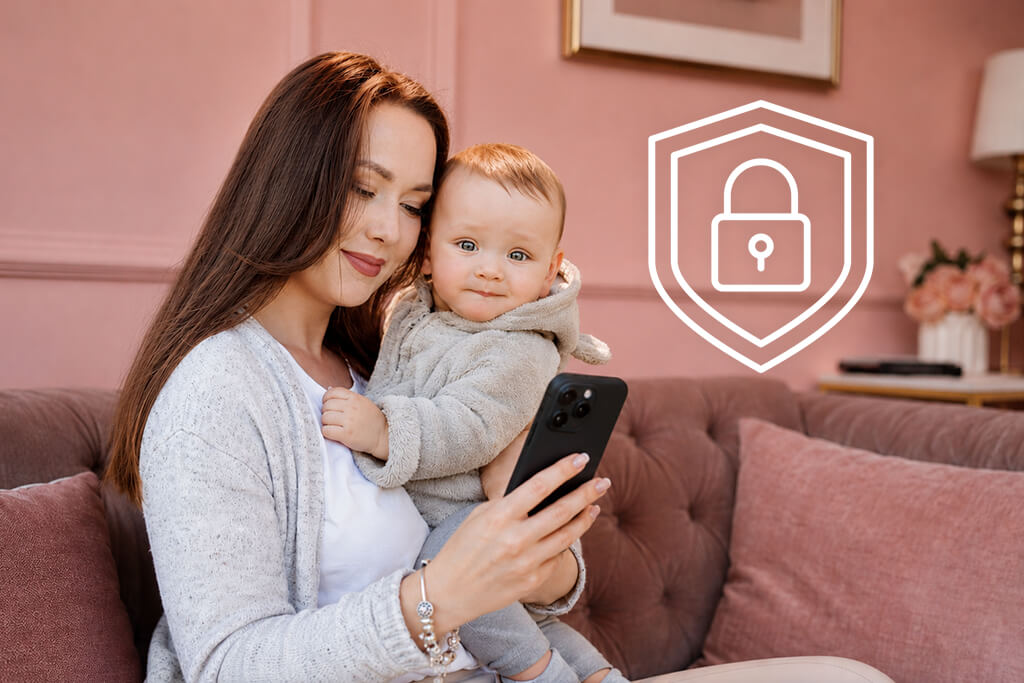
When learning how to make an AI baby dance video, many people wonder about this question. The workflow is typically straightforward – import an image and receive the video, but what’s going on behind the scenes is outside your purview.
That’s why it’s important to learn how the app handles data. Some solutions make it clear that your data is deleted after processing, while others preserve your images on their servers for training or improvement. If a platform doesn’t have a clearly stated privacy policy, you should probably avoid it.
You should also pay attention to permissions and ownership. In certain situations, apps include clauses that enable them to employ the uploaded photos for internal purposes. That doesn’t always result in public use, but it’s still an aspect you should keep in mind.
My experience suggests that it’s safer to employ platforms from well-known developers or solutions that have a clear privacy policy. Additionally, I recommend not uploading highly personal or sensitive photos, particularly if the app feels shady.
Overall, AI baby dance video generators are safe, but only if you do your due diligence when it comes to privacy settings, data policies, and platform transparency. Take the time to study these things to avoid potential problems in the future.
Video quality: 94-97%
Best for: Realistic animation, smooth motion, viral content
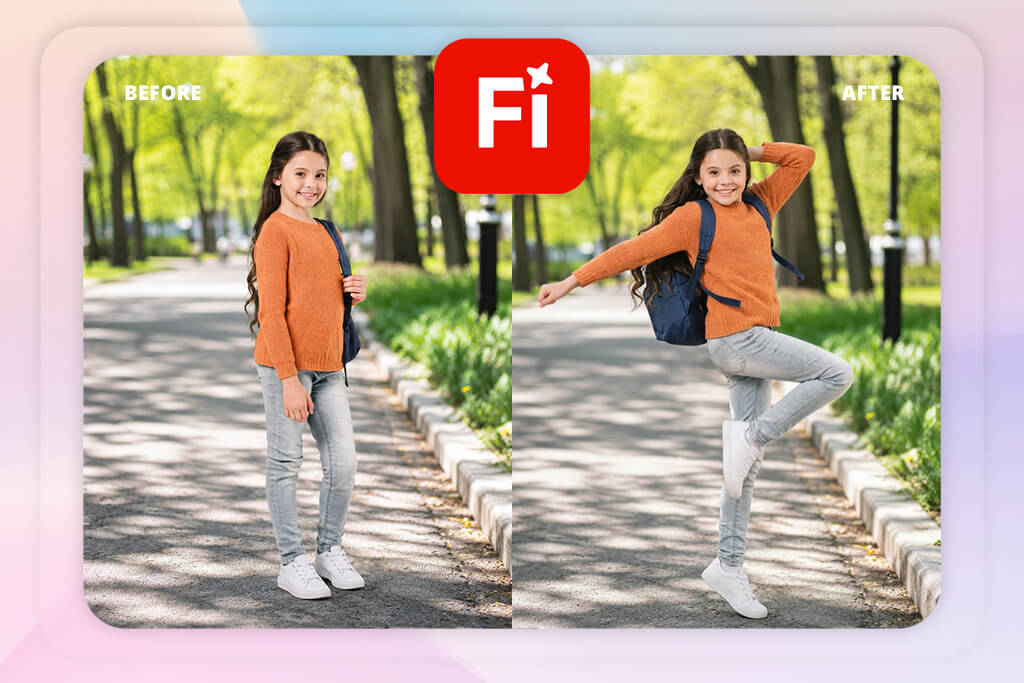
Adobe Firefly is arguably the best AI baby dance video generator if you want clean results that don’t look like a lazy filter. The created motion feels smooth and realistic, particularly when compared to more basic alternatives, which simply loop basic movements.
The results don’t look too artificial, which is crucial when handling baby pictures with detailed faces.
The workflow is streamlined yet robust – import an image, choose Generate Video, apply Motion Styles, and tweak the Animation Intensity. Additionally, I used the Text-to-Video feature, which allowed me to generate more dynamic motion rather than repeating templates.
Adobe Firefly is particularly great if you use high-quality images like newborn photography as a foundation, since the clean details and natural skin tones ensure the final video looks more realistic.
“You can improve the quality of the results by relying solely on high-quality images with great lighting, and applying motion styles step by step to ensure they look more realistic.”

This option also deserves praise for its consistency. Even after producing several variations, the videos remain stable without glitches or broken frames, allowing you to experiment without stressing over quality drops.
I also greatly appreciate the quality of movement and rendering. The babies in the generated videos look natural, and the motion is fluid enough to seem edited rather than artificially generated. It’s not the fastest option, but the results you get can be used for social media without requiring any extra work.
Pricing: Free plan with ~25 credits or from $9.99/mo
Video quality: 88–92%
Best for: Fast and simple videos
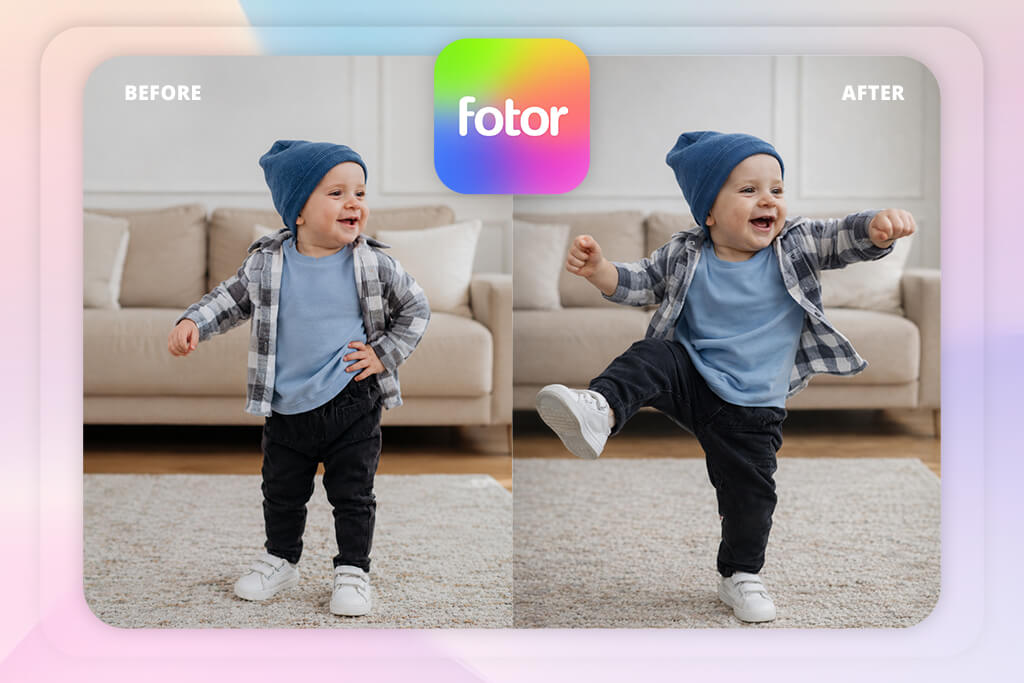
I employed Fotor as an AI baby dancing video maker when I was looking for a free option that offered terrific speed. It’s pleasantly simplistic, allowing you to receive a generated video in just a couple of clicks.
You only need to do a couple of simple steps: import an image, choose Animate Photo, pick a Dance Effect, and export. You don’t need to set anything up, meaning you can quickly experiment with different ideas until you’re happy with the result. I used Fotor with a wide range of photos, including close-up portraits, full-body shots, and pictures with different lighting. In my experience, simpler, cleaner images tend to provide superior results.
That said, the animation level feels quite basic. Motion can look repetitive, and sometimes struggles to fully match the face, particularly if the photo wasn’t taken at a straight angle. Additionally, the quick dance effects often lack stability, which is why slower animations usually look better.
“I tend to choose simple backdrops and employ Animate Photo with minimal effects – cleaner photos usually provide higher-quality results.”

Overall, it’s a great option if you value speed above everything else. It can help you easily generate multiple variations, try out different styles, and determine which type of content gets more engagement.
Even though it’s not the best pick for getting professional results, it’s great at producing simple, shareable clips without spending hours on editing.
Pricing: Free plan available; Pro from $8.99/mo
Video quality: 90-94%
Best for: Advanced editing and control
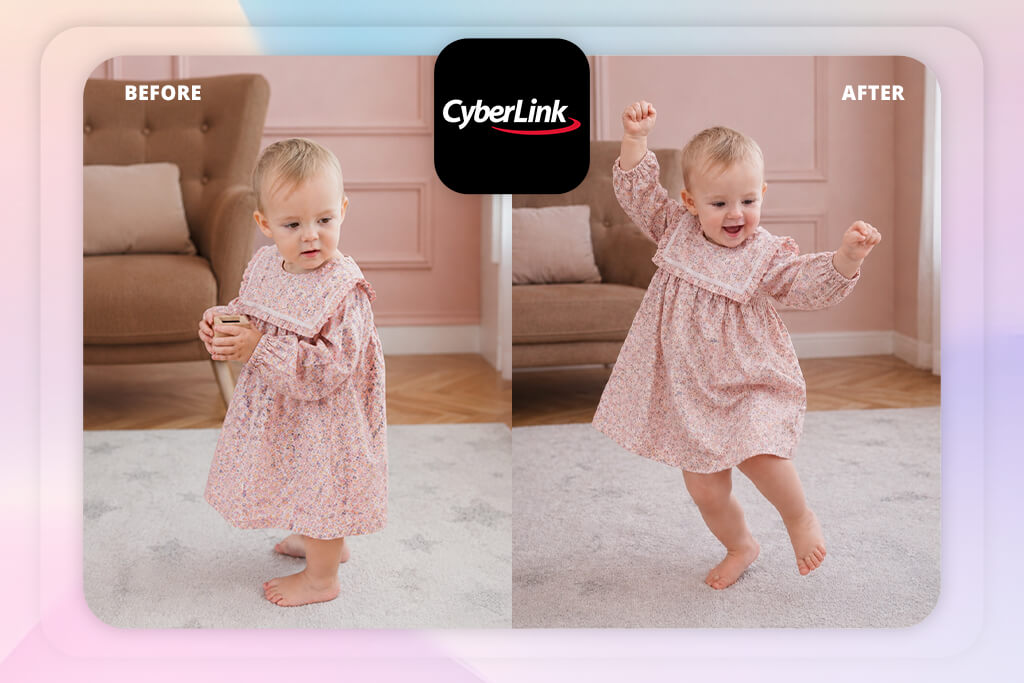
CyberLink is an attractive baby dance AI video generator if you’re looking for more creative freedom than simply tapping "generate." For instance, I imported a basic baby picture and wanted to match the motion to a popular TikTok dance instead of picking one of the preset animations.
This step already made the result more unique compared to what I got in most alternatives.
CyberLink has a workflow that resembles a video editor more than a simple generation tool. I imported a photo, employed Motion Tracking to lock the face, then clicked on AI Animation and tweaked the output by leveraging Timeline Editing.
This helped me determine when the movement begins, its speed, and the smoothness of the transitions. Additionally, I tweaked the timing, lowering the speed of some parts to ensure the video looked more realistic.
“I recommend employing Motion Tracking carefully on the face first, then tweaking the motion in Timeline Editing to receive a smoother result.”

It’s more time-consuming than single-click solutions, but the level of customization is worth it. Rather than having the same dance as all other content creators, you can produce a more unique version that looks more intentional.
Pricing: Free version; Premium from $19.99/mo

Video quality: 85-90%
Best for: Trend-based videos
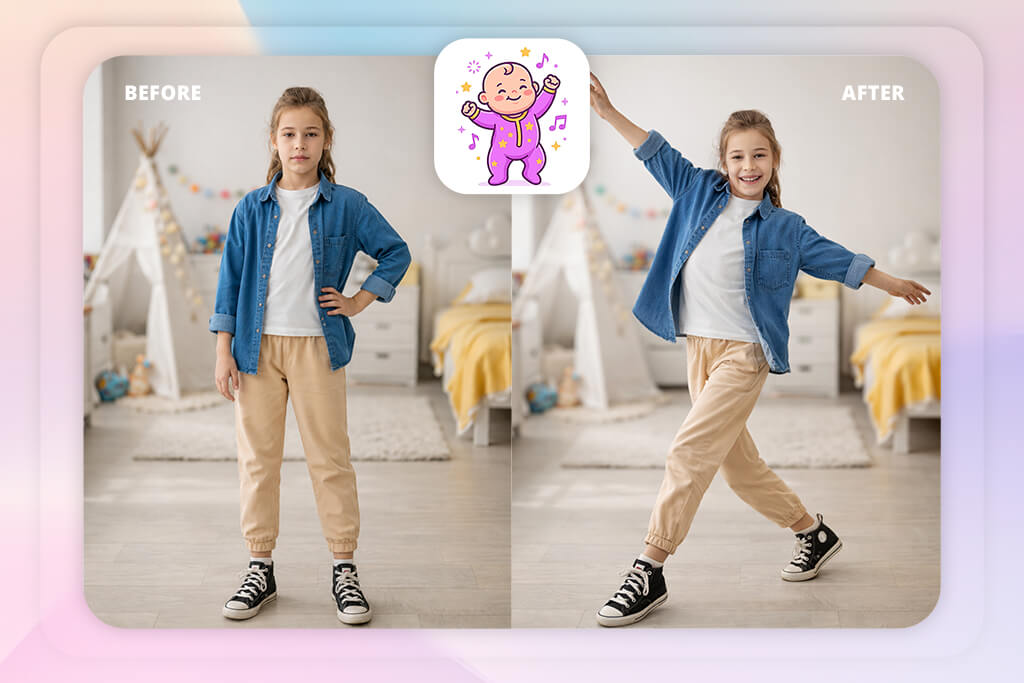
This online AI baby dance generator is among the first options you need to check out if you want to produce viral content without having to worry about manual editing. I imported a baby picture and tried multiple styles to check if I could replicate TikTok and Reels trends, and the output looked easily recognizable.
Using this solution is very easy – import the photo, apply Dance Templates, and save the result. All animations are premade, so you don’t have to do any manual adjustments. In just a couple of seconds, you’ll receive a short, trendy-looking clip that you can instantly share on your social media.
Additionally, I experimented with multiple types of images, and can confirm that photos with a clear face and plain backdrop provide superior results. You can also use this app to try out different newborn photo ideas, transforming simple, soft pictures into something more playful and dynamic without any manual effort.
“I receive the best results by picking one of the Dance Templates that have the correct face angle to ensure the video looks more natural.”

After multiple tries, it became evident that many animations share the same patterns. While this solution is good enough for quick posting, you won’t find any customization options here.
Pricing: Free plan; Premium from $5-10/mo
Video quality: 92-96%
Best for: High-end motion generation
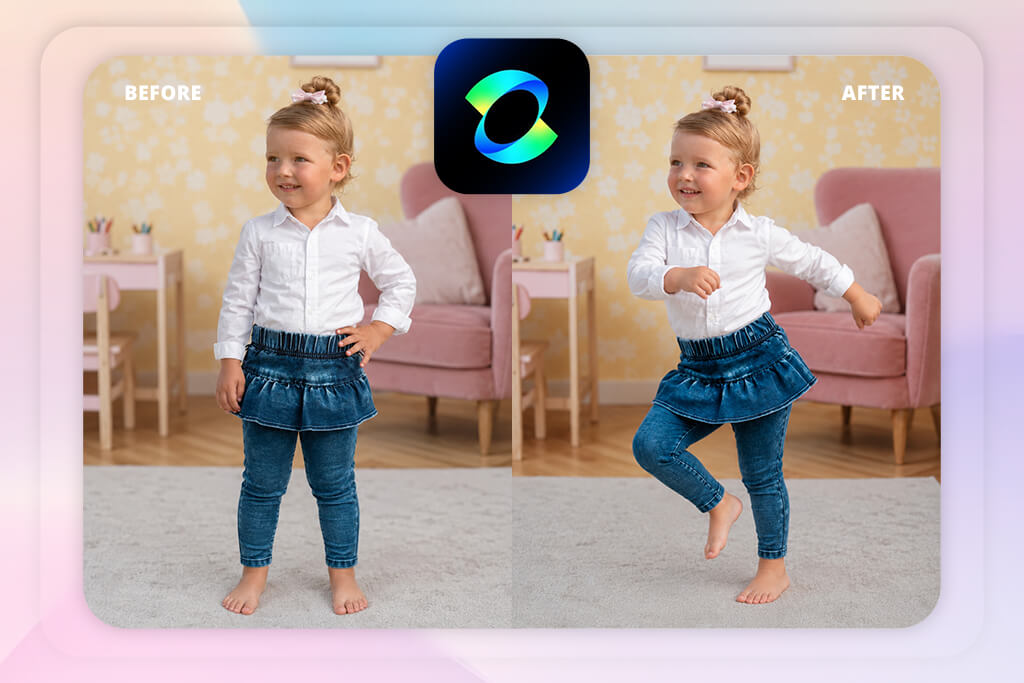
Kling AI allows you to create an AI baby dance video that prioritizes movement quality over speed. Whereas most other options produce videos that look a bit artificial, this solution ensures the motion is a lot more natural, particularly during transitions between movements. The dance looks more realistic instead of being a simple looped animation.
The workflow relies on Text-to-Video, Motion Control, and AI Rendering features. You can import an image, combine it with motion prompts to produce a more dynamic dancing sequence. In contrast to more simplistic generators, Kling AI doesn’t rely solely on premade templates, ensuring the result is more unique and creative.
I also appreciated how Kling AI deals with details. The motion is aligned with the face more accurately, and the animation doesn’t break as easily as in more basic solutions. That’s why it’s one of the best AI baby dance video generators if you value realism.
“When using the Text-to-Video feature, it’s recommended to use short and clear prompts, since overly verbose inputs often disrupt the movement flow and make the dance look less realistic.”

The biggest drawback is accessibility and speed. The generation speed is inferior compared to other options, and it’s not available in all regions. However, once you get the video, the quality of the result surpasses what most other options can offer.
Pricing: Free access (limited); expected paid plans ~$10-20/mo
Video quality: 90-93%
Best for: Motion control and synchronization
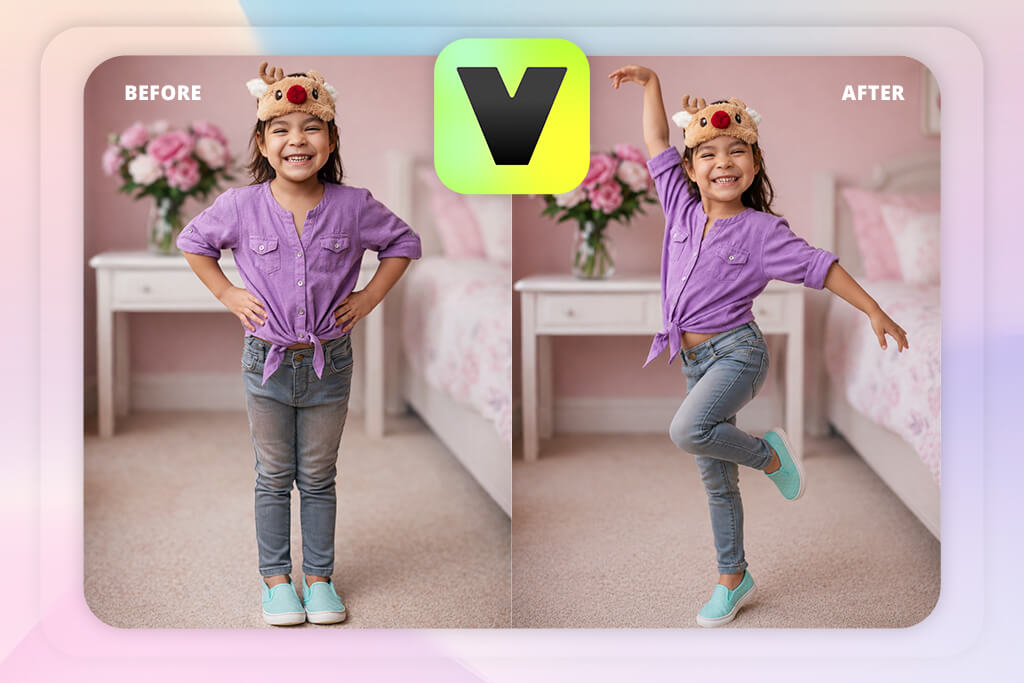
When trying out different online baby dance AI video makers, I was impressed by the level of control offered by Viggle AI. I found a short dancing clip and wanted to apply the same movements to a baby picture.
The workflow here is more complex and involved importing a photo, applying a Motion Template, and utilizing Video Sync to match the motion with the reference video. This already provided me more freedom compared to regular generators, where all elements are predefined, akin to how the best AI image generator relies on strong inputs and references.
I greatly appreciated the fact that animations don’t look repetitive. Since the movement is copied from actual videos, the output feels more realistic and less template-based. Viggle AI simplifies the task of producing a video that doesn’t look like it’s a generic looped animation.
“My test showed that I could get the best results by picking basic, slower movements from the template library, since elaborate or quick dances decrease the stability of the animation.”

The biggest drawback is the setup process. You need to dedicate quite a bit of time to learning this tool, unlike most other single-click solutions. However, once you learn the ropes, you’ll greatly appreciate the level of control you get with Viggle AI.
Pricing: Free beta; expected paid plans from ~$10/mo
Video quality: 87-91%
Best for: Quick social content
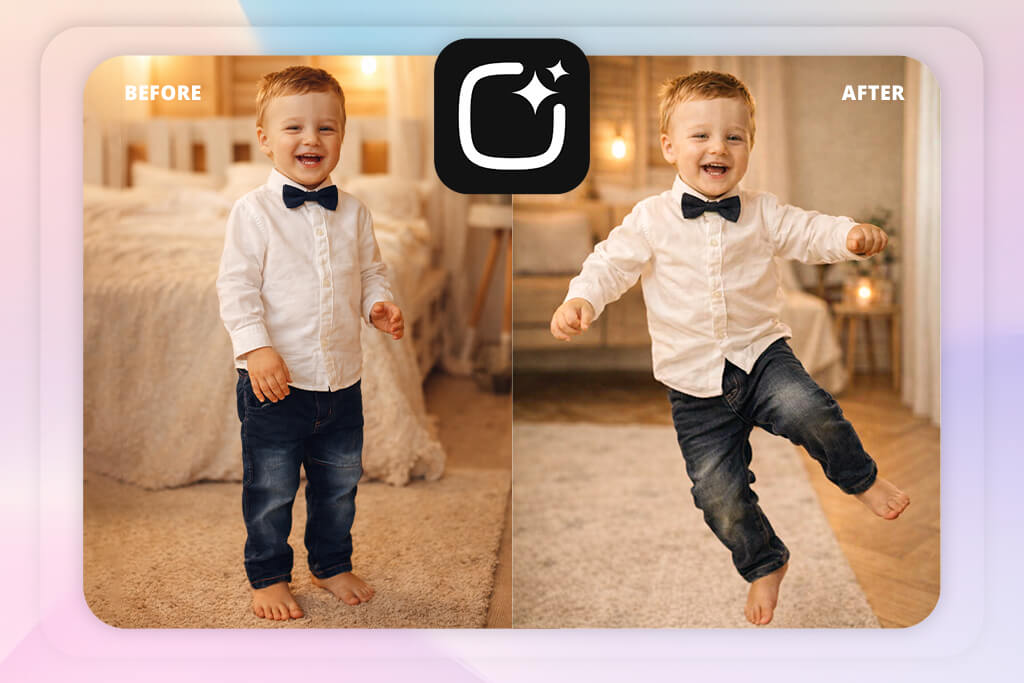
Clipfly is possibly my favorite AI dancing baby video generator whenever I need results quickly. I used it with multiple baby pictures to check how fast this solution can transform them into brief dancing clips without any effort required on my part. I particularly enjoyed using it whenever I had to produce multiple versions quickly before deciding which one of them was best suited for my social media feed.
The workflow is extremely straightforward – import a photo, pick AI Video Generator, apply one of the Animation Effects, and save the result. Thanks to such a streamlined design, Clipfly allows you to receive multiple versions within a couple of minutes.
It’s a great choice for quick, trend-oriented videos that don’t involve any editing work. The moment the clip is generated, it’s ready to be published on Reels or TikTok.
“By ensuring the Animation Effects are subtle and trying out a couple of variations, you increase the chance of receiving a cleaner, less artificial output.”

Simultaneously, the animation looks a bit too basic compared to alternative solutions. The motion is less detailed, and you don't have a lot of customization options to work with. You can't control how the subject behaves, as most animations follow similar patterns.
However, for quick generation and experimenting with different ideas, Clipfly is a solid consideration. It’s a great pick if you want to produce content quickly or visualize different concepts before moving on to more professional solutions.
Pricing: Free plan; Pro from $9.99/mo
An AI baby dance video generator is a solution that transforms regular baby pictures into brief animated clips that feature a dancing subject with the help of premade movement styles or AI-generated motion.
Most options have a straightforward workflow: import an image, add Animation Effects or Motion Templates, tweak the settings as you see fit, and export the result.
Yes, many solutions have free plans or trials. That said, free versions can include watermarks, limit exports, or restrict advanced features compared to the best AI baby generator tools.
The answer depends on your needs. Some prioritize realistic motion, while others were developed to produce quick, trend-chasing content. Platforms like Adobe Firefly or Kling AI are both industry-leading solutions in terms of visual quality and realism.
Yes, most options are very intuitive to use. Single-click tools like Generate Video or Animate Photo allow you to produce content without any editing experience.
Usually, yes. Higher-quality platforms preserve facial details while animating the body, but you can notice some distortions when using less reliable apps.
Yes, but you have to follow platform guidelines and don’t use photos without permission. Most generated clips can be posted on TikTok, Instagram, and other platforms.
Since I deal with visuals and short-form clips daily, I didn’t want my overview to just be a bland list of features offered by different baby dance AI video creators. Along with my colleagues from the FixThePhoto team, I tried out every tool in real-world scenarios, producing baby dance videos for Reels, TikTok, and other platforms.
I imported actual pictures and employed each solution to generate animations, fine-tune the motion, and export ready-to-publish videos. I wanted to check how every AI baby dance app performed in real-world conditions.
I replicated common use cases: viral-style videos, comedic dance loops, and more realistic motion-based clips. This allowed me to determine how effective each option is at handling animation quality, speed, and how realistic the final result looks when published online.
We evaluated each tool by adhering to our FixThePhoto testing approach, prioritizing real usability, generation speed, and final video quality.
Not all solutions made the list. Some options delivered glitchy videos, others had overly loopy animations, and some required a lot of work just to deliver an underwhelming result. I also disqualified a solution if I couldn’t use the AI baby dance video generator without a watermark.
What I focused on during the tests:
Some of the options weren’t included on my list because they failed to deliver natural movement, others didn’t have any customization or even templates, and some generated videos that felt too artificial even by social media standards.
Such apps can still help you experiment with ideas, but they aren’t a good choice for producing high-quality, shareable content.




![7 Best Cricket Logo Makers [{{%year}} FixThePhoto Choice]](http://fixthephoto.com/blog/images/gallery/news_main__preview_28973.jpg)
![9 Best Descript Alternatives in {{%year}} [Expert Insights]](http://fixthephoto.com/blog/images/gallery/news_main__preview_28971.jpg)

![9 Best Wan AI Alternatives [{{%year}} FixThePhoto Choice]](http://fixthephoto.com/blog/images/gallery/news_main__preview_28961.jpg)

















