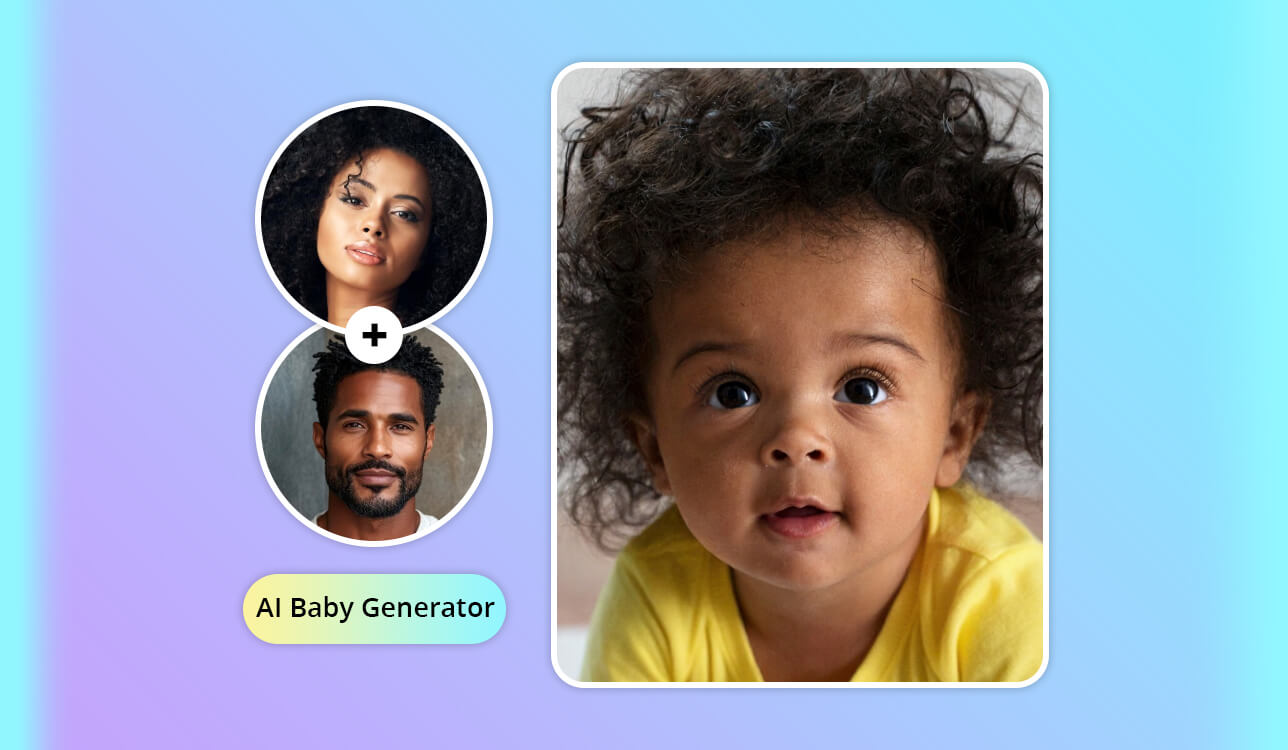
AI baby generators quickly went from a fun social media gimmick to a major trend, and when my sister told me she was pregnant, I suddenly had a very personal reason to try them out seriously.
She and her husband kept arguing about who the baby would resemble, and at one point she laughed and said, “Can’t your AI tools just tell us?” That simple joke ended up starting a much bigger experiment than I had planned.
As a software and app tester at FixThePhoto, I regularly check AI tools, especially popular ones that promise emotional results. I began by looking into what people really use, reading Reddit discussions, watching YouTube reviews, checking TikTok comments, and scanning app store ratings.
I quickly saw that there was no clear “best” option - just many tools making big promises in very different ways. So, I involved my whole team. Over several weeks, we tested 20+ AI baby generators, using photos with different quality, lighting, and ethnic backgrounds, as well as intentionally bad images to see how well these tools could handle imperfect input.
The goal was not just to find something entertaining, but to see which tools felt well designed, which were only chasing viral attention, and which were truly worth recommending to real users - not just content creators looking for clicks. Before ranking anything, I set clear criteria based on what really matters after comparing dozens of tools side by side:
Any tool that failed in two or more of these areas was excluded from my final list.
After weeks of testing, one thing was obvious: AI baby generator apps are mostly for fun. They aren’t very good at guessing what a real baby might look like.
Out of sheer curiosity, I tried something different and uploaded old photos of my parents from when they were young to see whether an AI could recreate a version of me. The outcomes were mixed. A few images vaguely resembled someone from my extended family, while others felt completely generic, like stock baby photos with no real connection to my family’s features.
That experience made it clear to me that these tools shouldn’t be viewed as scientific in any serious way. Even the most advanced AI baby generators focus more on visual balance, flawless skin, and shareable looks than on anything resembling real genetic prediction.
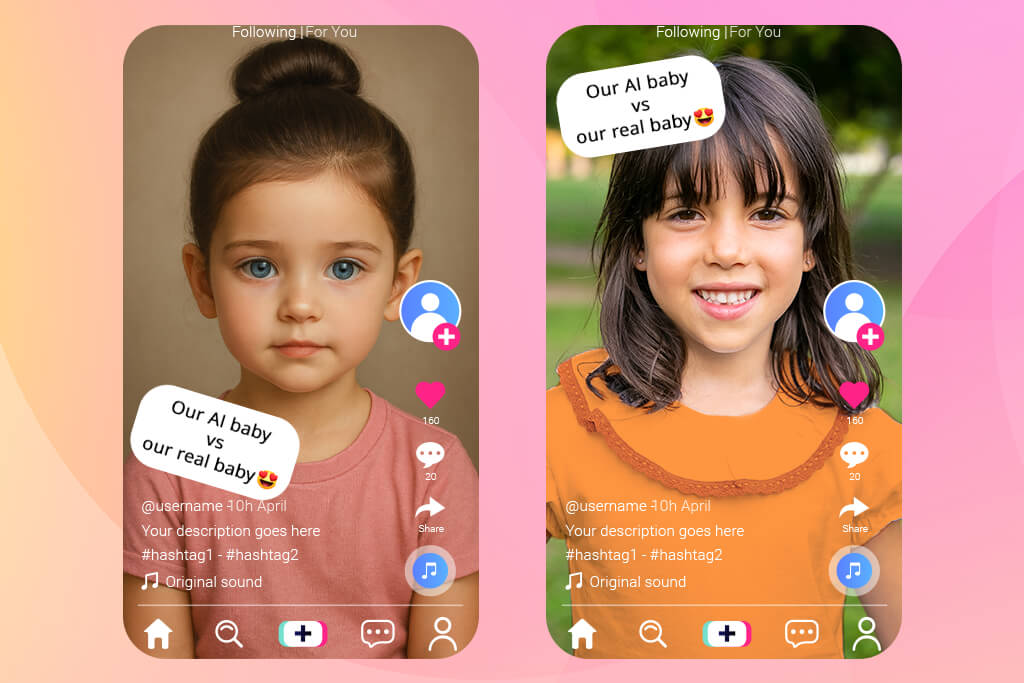
One pattern I found especially interesting is what I think of as a “Post-Birth Reality Check.” Parents often post photos of their real newborn next to the AI baby image they shared months before. The differences are usually funny, and sometimes even shocking.
These posts spread widely not because the AI got it right, but because it got it wrong. They highlight that these tools are built to grab attention, not to reflect real genetics.
During my research, I devoted a lot of time to reading real user conversations, and a few common problems kept coming up again and again.
These concerns are justified, and most AI baby creators still fail to address them in a clear or transparent way.
My sister ended up enjoying the process, even though she never took the results seriously. For her, it turned into a shared activity. She and her husband looked through the images together, joked about the strange ones, and kept a few that they thought were “cute maybes.”
That’s the best way to treat these AI image generators as a source of inspiration and fun, not something to build real expectations around.
If you want to get the best results from any AI baby generator in the future, here’s what really makes a difference:
Think of it as a style or concept generator, not something that can actually predict genetics.
Best for: Creatives, thoughtful users
Platform compatibility: Web, Adobe apps
Firefly is part of my daily workflow with Photoshop and Illustrator, but before my sister became pregnant, I had never used it to generate anything related to future children.
Firefly isn’t a typical one-click AI baby generator, and that’s both its greatest advantage and its biggest drawback. Instead of just uploading two photos and waiting for a result, I worked with reference images, detailed prompts, and several rounds of iteration.
The results were surprisingly tasteful. There were no odd facial glitches, no distorted eyes, and no creepy details - just gently blended, natural-looking baby faces that didn’t feel like obvious AI templates.
What stood out was how subtle Firefly’s results were. The babies didn’t look glamorized or influencer-like. Skin tones felt natural, proportions looked realistic, and nothing felt creepy or overly real.
My sister liked this approach more than she thought she would. She felt the results were calm and respectful, not pushy or overly confident about how the baby would look. On its own, Firefly wouldn’t be easy for her to use, but with my help on prompts, she genuinely enjoyed the process.
For me, the biggest advantage is how easily Firefly fits into my daily workflow: I generate ideas in Firefly, refine them in Photoshop, and explore variations in Illustrator. It feels like a complete creative ecosystem, not a one-off trick.
The downside is that it isn’t beginner-friendly and requires time to learn.
Pricing: Free: limited credits; From $4.99/month; From $59.99/year
Best for: Beginners, quick fun
Platform compatibility: Web, iOS, Android
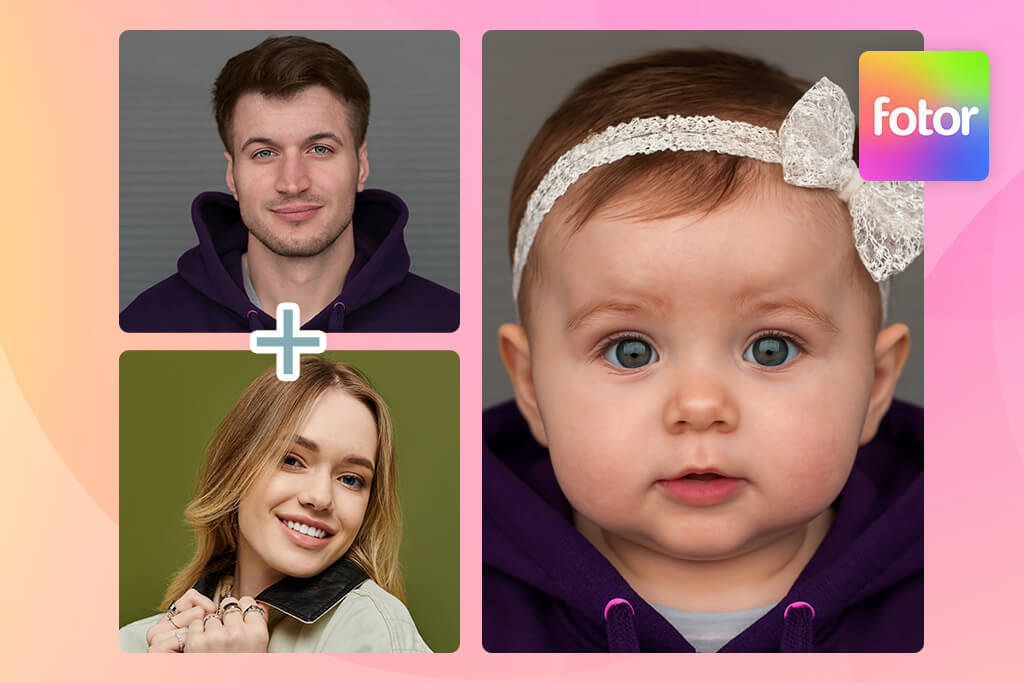
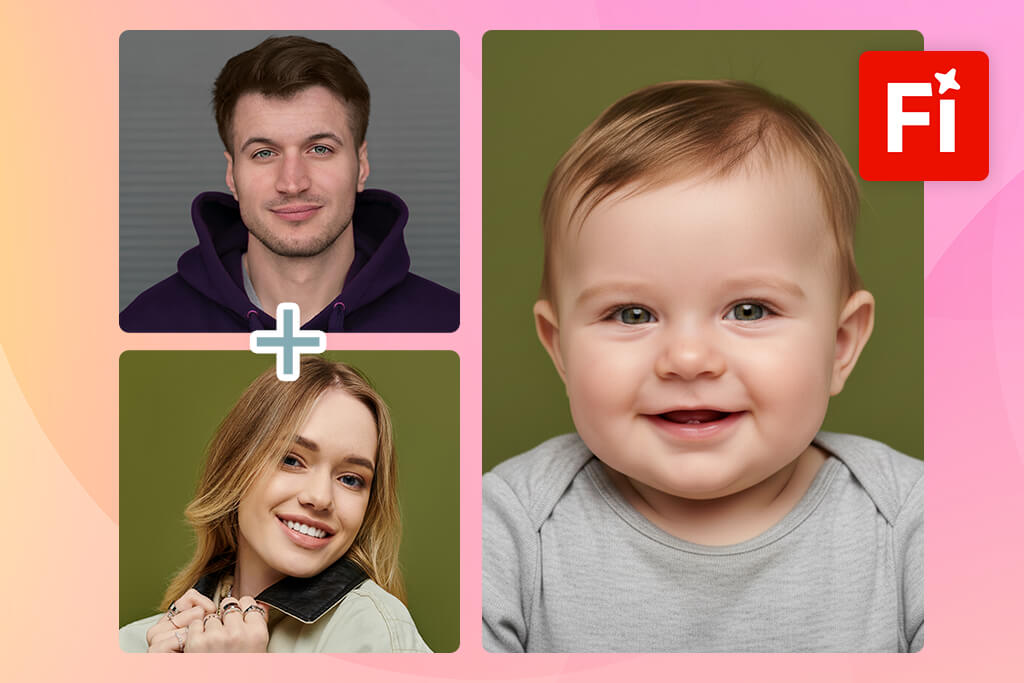
A colleague on my team suggested Fotor as an option that requires almost no effort, so I decided to test it. It quickly became clear that Fotor is the opposite of Firefly in terms of approach, and that contrast made it especially useful for comparison.
Fotor’s generative AI tool is clearly built for non-technical users. You simply upload photos, select the baby option, and wait for the result - no prompts, no choices, and no creative control. For my sister, this was a big advantage. She could use it completely on her own without asking me anything, which made it feel much more accessible.
Overall, the results were decent but not exceptional. When the photos were clear and well-lit, the babies looked sweet and put together. I didn’t run into obvious glitches like extra limbs or distorted eyes, but the faces lacked uniqueness. After generating several images, the same facial features and expressions kept showing up, even when we used different input photos.
My sister captured it perfectly: “It’s fun, but not something to take seriously.” She liked how fast it worked and enjoyed looking through the results, but none of the images felt meaningful to her. From my perspective, that’s probably the healthiest way to use a tool like this.
I wouldn’t use Fotor in a professional setting, but as a quick, browser-based AI baby prediction app, it does its job well. Just don’t expect detailed or highly personalized results.
Pricing: Free: watermarks, limits; From $8.99/month; From $39.99/year
Best for: iPhone users, quick fun
Platform compatibility: iOS
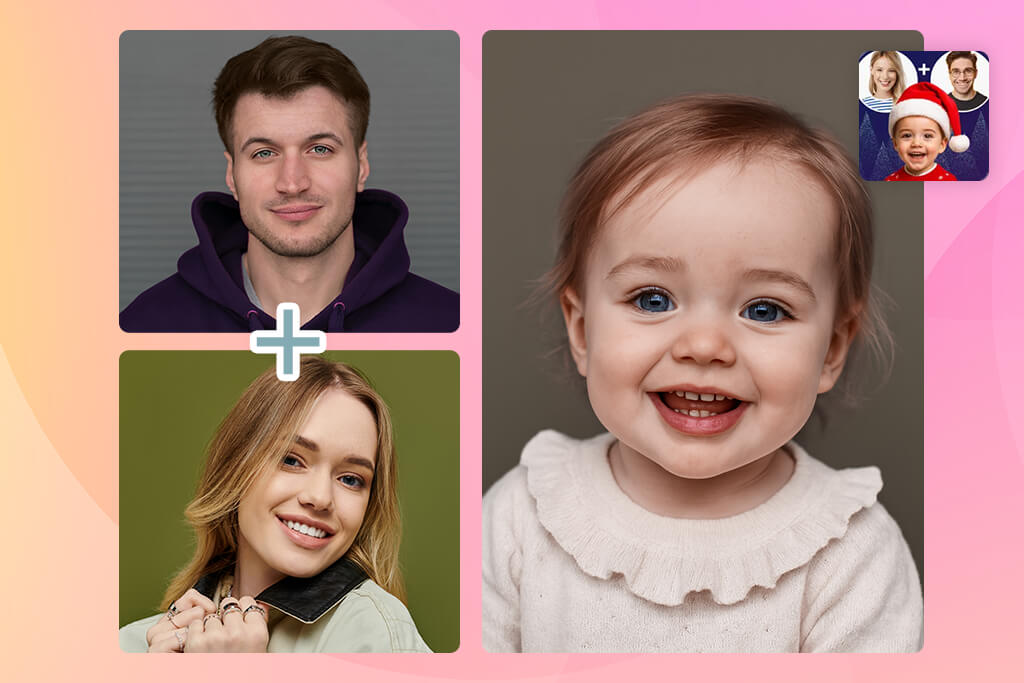

Cosplay caught my attention because it consistently appeared at the top of App Store results for baby prediction apps. Seeing that kind of visibility made me curious but also skeptical, so I decided to test whether it actually delivered quality or was simply polished and eye-catching.
Built with mobile users in mind, Cosplay targets people who want fast results without having to learn anything. The process is simple: upload photos, press a button, and wait a few seconds. There are no prompts or controls to adjust, which makes it easy to use but also restricts flexibility.
While the outputs were consistently adorable, they lacked realism. Thankfully, there were no unsettling glitches like distorted eyes or extra features. That said, most images followed the same stylized pattern, with very smooth skin, oversized eyes, and a slightly cartoonish look. After multiple generations, familiar facial traits began to repeat even when different photos were used.
My sister liked this app more than I thought she would. She appreciated that she could navigate it without help and liked the speed at which she could produce and review images. Still, she approached it lightheartedly, seeing it as a fun activity rather than anything emotionally significant.
For me, Cosplay works best as a quick and fun tool - something to try, enjoy, and move on from. I wouldn’t use it for work or revisit it often, but it delivers what it promises without feeling strange or annoying.
Pricing: Free: limited previews; From $6.99/month; From $39.99/year

Best for: Realism-focused users
Platform compatibility: Web
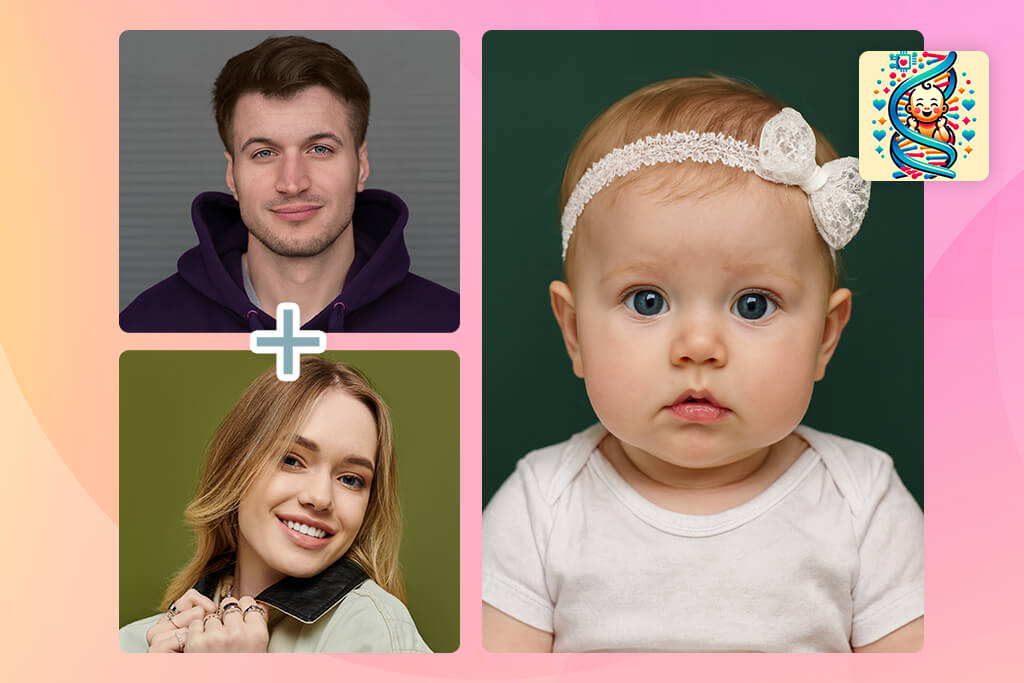
While reading Reddit discussions about AI baby generator apps, I noticed SeeYourBabyAI kept coming up, with users sharing honest results and side-by-side comparisons. Seeing that kind of attention on Reddit made it clear the tool stood out, since people there don’t usually recommend things without good reason.
Designed as a high-detail, portrait-style baby generator, SeeYourBabyAI stands out visually. The images it produced had richer depth, more natural lighting, and finer facial textures than most similar tools. I didn’t encounter serious visual glitches, but a few results looked a bit too mature, particularly around the eyes.
This free AI website feels more serious and focused, not playful. It’s a great option for people who want just a few carefully made images instead of constantly generating new ones.
My sister had mixed feelings. She liked how good the images looked, but thought the process was slower and harder to figure out compared to simple mobile apps.
We both liked that the results didn’t look generic. Each image felt different, and skin tones were treated more carefully than with many other tools. The downside is the price and limited flexibility - you need to upload very good-quality photos for the output to be worth the effort.
Pricing: Free: preview only; From $9.99/month; From $49.99/year
Best for: Couples, creative photo experiments
Platform compatibility: Web
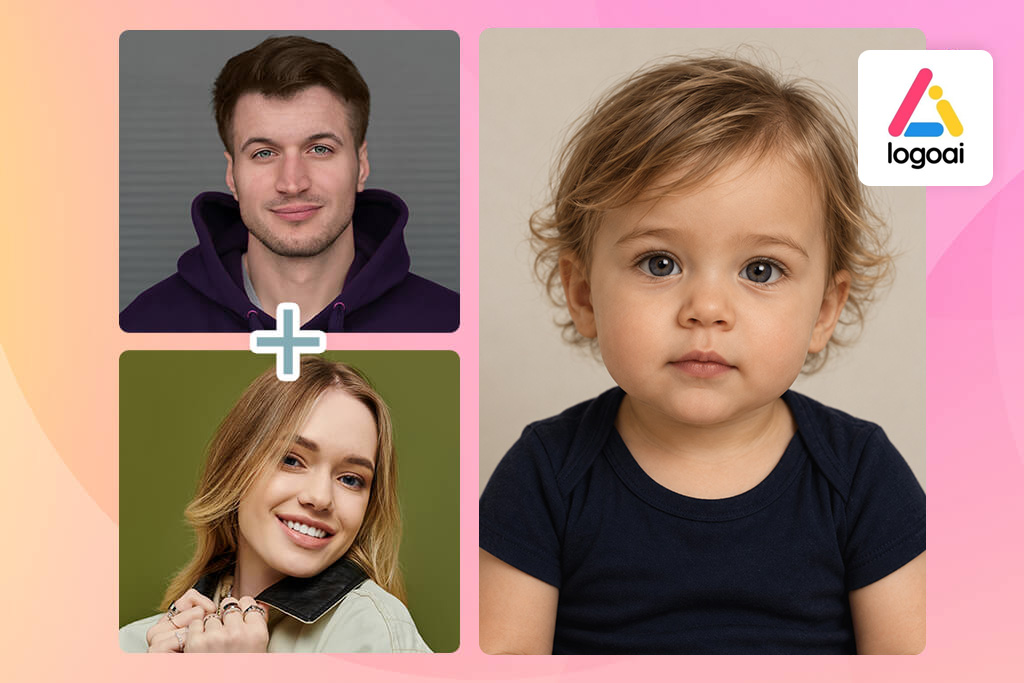
I was drawn to LogoAI since it provides more than just a "upload two photos and see the result" button. I can begin with two parents' individual portraits and then utilize a prompt to experiment with other settings, attire, facial expressions, or portrait styles.
For me, its best feature is its adaptability. I could also create a fake celebrity baby concept or begin with a single photo. Instead of considering each generation as a one-time surprise, the ability to save favorite photographs in My Results facilitates concept comparison.
Pricing: The generator shows a cost of 3 credits per generation.
Best for: Beginners, quick testing
Platform compatibility: Android, iOS
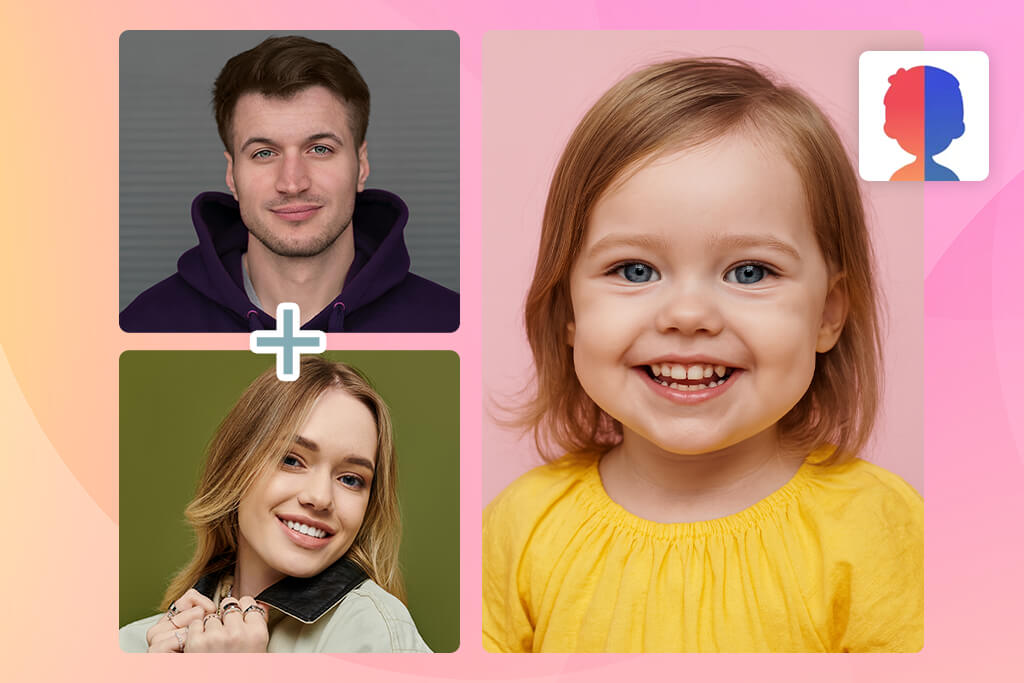
My sister found the AI Future Baby Face Generator by herself while looking through baby-related apps, which made this test feel more genuine. She wasn’t influenced by my tech experience or my FixThePhoto testing habits; she downloaded it purely out of curiosity and then asked me, “Can you see if this one is actually good?”
This AI app for iOS and Android is clearly made for everyday users, not designers or advanced users. The interface is very simple: you upload two photos, pick a baby option, and wait for the result. What makes it different from similar apps is how neutral the images look. The babies aren’t overly stylized or cartoon-like, but they also don’t try to look extremely realistic.
Overall, the outputs were fairly polished. There were no obvious issues such as twisted facial features or unnatural skin. Even so, once we generated multiple images, repetition became noticeable - similar eyes and expressions appeared repeatedly, even with different inputs. The results felt more like an average, neutral baby than a truly customized one.
My sister appreciated how simple it was to use. She didn’t need any help from me to figure it out. In terms of how it felt, she said it was “curious, but not believable,” which describes it well. I liked that it worked smoothly and consistently, but it didn’t really stand out or impress me.
This is a good AI baby photo generator if you want something fast, safe-feeling, and usable on different devices, but it’s not something I’d use again very often.
Pricing: Free: ads, limited runs; From $5.99/month; From $29.99/year
Best for: Entertainment, casual use
Platform compatibility: Android, iOS
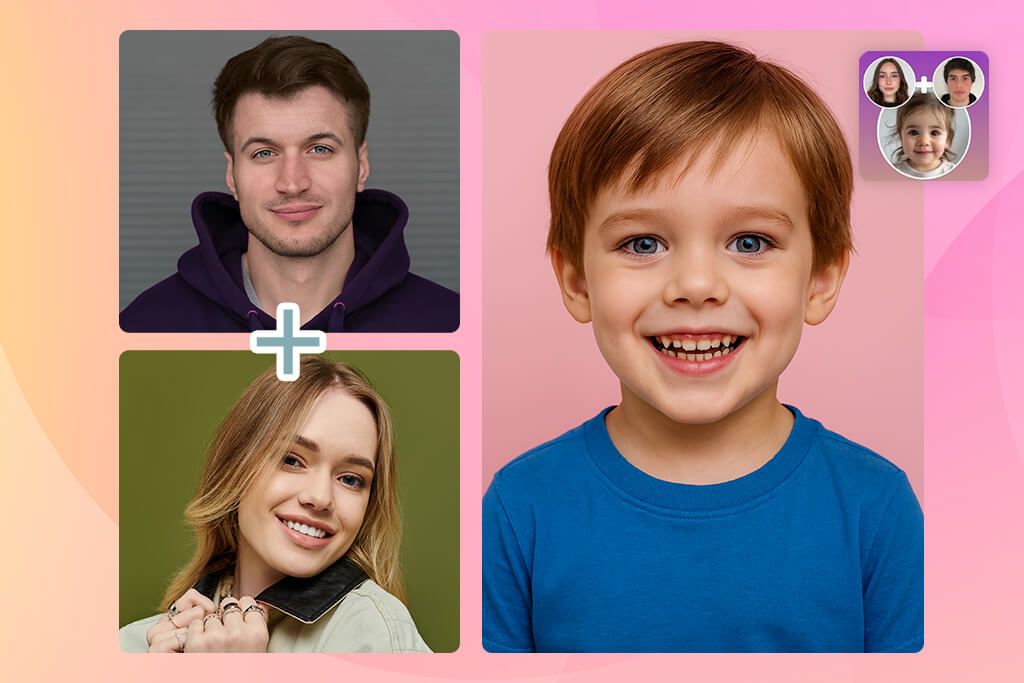
I came across AI Baby Generator Face Maker while browsing Reddit threads where users shared both positive and negative results. This app focuses more on fun and playful images than on realistic ones.
The baby images have a gentle, expressive, almost illustrated look. I didn’t see any unsettling glitches, but realism clearly isn’t the main goal. The facial details are simplified, and some results feel closer to digital artwork than real photographs.
I was surprised by how much my sister liked this app. She said it felt lighter and less serious because the images weren’t pushing to look realistic. In terms of use, it’s quick and easy to navigate, though frequent ads and pop-ups interrupt the experience.
It delivered what it promised for me - a simple, fun tool that doesn’t act like it can predict anything real. I wouldn’t rely on it for professional use or come back to it often, but it works for what it is.
Pricing: Free: ads, limits; From $7.99/month; From $34.99/year
Best for: Ethical, non-visual users
Platform compatibility: Web
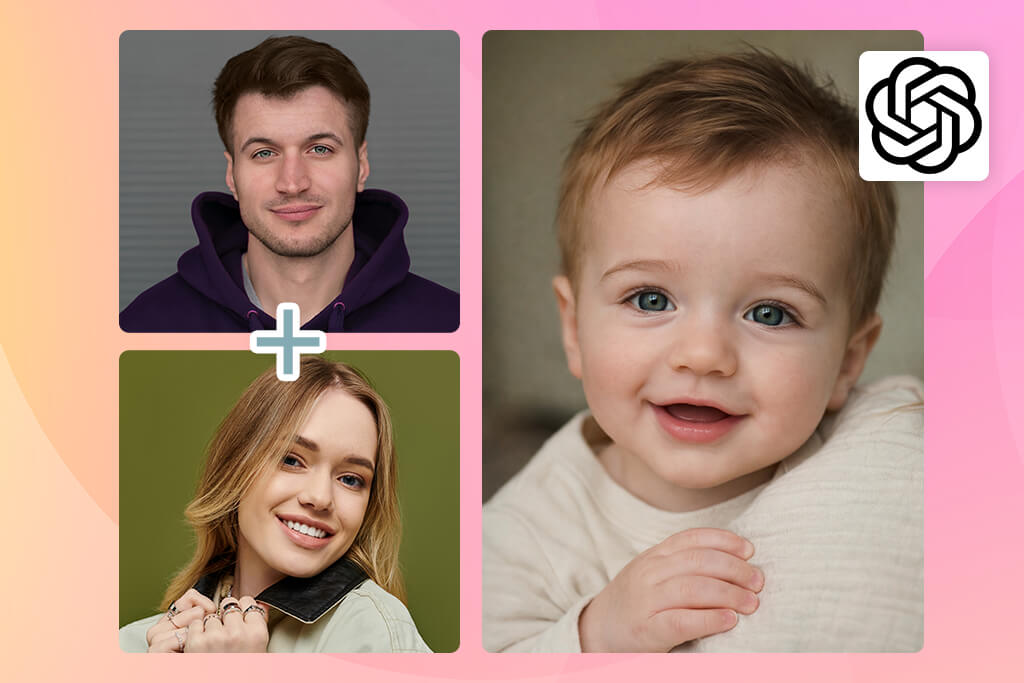
Because ChatGPT is part of my daily routine, trying BabyGPT felt like an obvious next step. Instead of generating images like other tools, it focuses on text-based predictions, offering descriptions of possible traits, personality, and imagined features from written input.
What really amazed me was how good this conversational AI platform was at handling feelings. There were no strange glitches, no creepy faces, nothing that felt off. Instead, the answers it gave were careful, kind, and usually quite lovely.
My sister liked this approach better than image generators because it doesn’t make a specific picture to compare against. The process couldn’t be simpler: you just type a description of the parents and the situation.
The results felt more like creating a story than making a prediction, and I think that’s a good thing. I sometimes use it now just for fun, not for anything serious - it’s a pleasant and interesting way to pass the time.
The clear drawback is that you don’t get any pictures. But for people who are uncomfortable with making AI baby photos, this is a perfect option.
Pricing: Free: limited usage; From $20/month; From $240/year
AI baby generators aren’t really meant for serious work or for making art in the usual way. They’re more about feelings, curiosity, and fun. So, my colleagues at FixThePhoto and I changed our review process to match how these tools are actually used by everyday people.
I first gathered suggestions from Reddit, YouTube, the App Store, and Google Play. Instead of judging apps by how impressive they looked, I narrowed the list to tools that people would realistically install - especially ones my sister might try herself. Altogether, we tested over 20 AI baby generators, but only a handful held up after real use.
Several apps were quickly ruled out. Future Baby Face AI Pro, Baby Predictor Scanner, Baby Maker Plus, DNA Baby Generator, and Cute Baby AI Lab didn’t pass because they relied on generic baby templates, pushed hard paywalls, or made misleading claims about being “accurate.” Some of them even reused nearly the same baby images for different parents.
I tested every tool myself together with my sister, not just from a technical point of view. We cared less about how powerful the AI sounded and more about the actual experience. Could she use it without my guidance? Did the results feel strange, reassuring, amusing, or misleading? If a tool caused confusion, disappointment, or unrealistic expectations, it was ranked lower.
While testing, we tried many kinds of photos, including clear portraits, everyday phone selfies, different lighting conditions, and both high- and low-quality images. We looked for warning signs like visual glitches, odd proportions, repeated baby faces, or results that looked oddly grown-up. Any tool that produced clearly flawed images was removed, even if it was widely used.
We judged tools like Firefly and BabyGPT by a different standard. Rather than focusing on accuracy, we looked at whether they created realistic expectations for users. Firefly stood out for its careful, controlled approach, while BabyGPT impressed us by skipping images completely - an approach my sister surprisingly liked.
In the end, clear pricing, easy cancellation, and responsible photo use were especially important. Any app that felt aggressive, confusing, or unsafe with personal images was removed.
This process helped us keep only the tools that are clear about their purpose. They are meant for fun and imagination, not real prediction - and that’s what most people should understand before using them.



![9 Best YouTube Transcript Generators [{{%year}} FixThePhoto Choice]](http://fixthephoto.com/blog/images/gallery/news_main__preview_28474.jpg)
![9 Best AI Headshot Generators [{{%year}} FixThePhoto Choice]](http://fixthephoto.com/blog/images/gallery/news_main__preview_28142.jpg)


![7 Best HEIC to PDF Converters in {{%year}} [Windows, Mac & Online]](http://fixthephoto.com/blog/images/gallery/news_main__preview_28447.jpg)



















