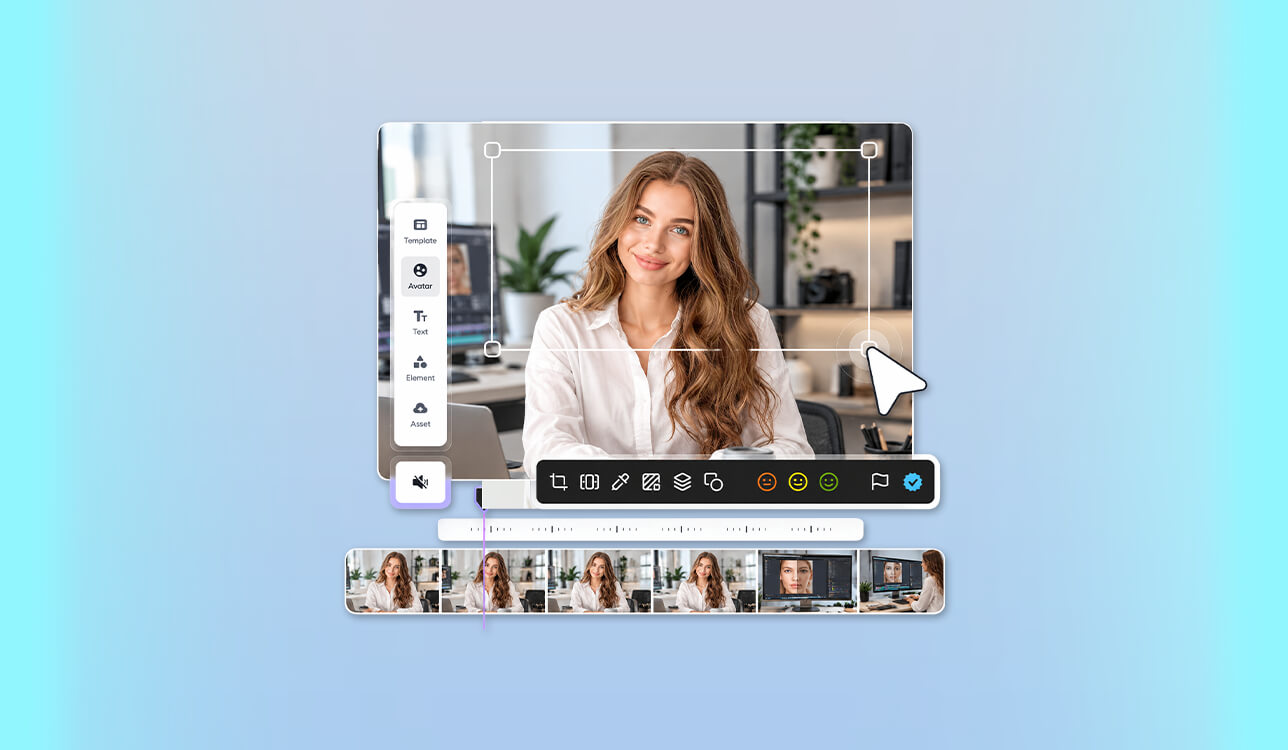
As a UGC creator, I often need to record introductions multiple times because of lighting issues, background noise, or mispronounces words. However, I rarely have enough time for these recordings, as I need to produce a lot of promotional videos for small brands and create visual content at FixThePhoto.
This is why I started looking for the best AI spokesperson video generators hoping to optimize my workflow. They allow me to create a script, choose a natural-sounding presenter, and create a polished video without camera setup.
However, I discovered that it could be quite challenging to find a reliable solution. Some of them produced avatars that had unnatural smiles. Others sounded natural but had lip synchronization issues. Besides, many tools were pricey and had free versions that added watermarks.
Together with my colleagues from the FixThePhoto team, I decided to test 40+ AI spokesperson video generators to see which options could become an integral part of our professional workflow.
What I was interested in:
While testing these tools, I checked whether they were suitable for our typical UGC tasks, including generating product introductions, tutorials, and promotional messages. I checked whether it was easy to integrate them into my current photo and video editing workflow.
| Tool | Best for | Free trial | Price from | Languages | UGC |
|---|---|---|---|---|---|

|
Creative video production
|
✔️
|
$9.99/mo
|
11
|
✔️
|

|
Realistic digital twins
|
✔️
|
$29/mo
|
175
|
✔️
|

|
Professional presentations
|
✔️
|
$29/mo
|
160
|
❌
|

|
Multilingual AI presenters
|
✔️
|
$24/mo
|
150
|
❌
|

|
Educational videos
|
✔️
|
$59/mo
|
120
|
❌
|

|
UGC advertising
|
✔️
|
$15/mo
|
75
|
✔️
|

|
Automated promotional videos
|
❌
|
$29/mo
|
140
|
✔️
|
While using dedicated AI services, you just need to upload a high-quality portrait photo and a short script to generate a presenter who looks like you and speaks in your voice. As a UGC video content creator, I discovered that such solutions could be quite helpful.
Such tools allow you to generate ten product introductions without choosing different outfits, changing lighting, or recording multiple takes. Your digital twin allows you to expedite content production and focus on creative tasks.
According to Wyzowl's State of Video Marketing, 63% of video marketers have used AI to generate or edit videos, compared with 51% in the previously released report.
AI-powered video production tools have long become an integral part of modern content creation workflows.
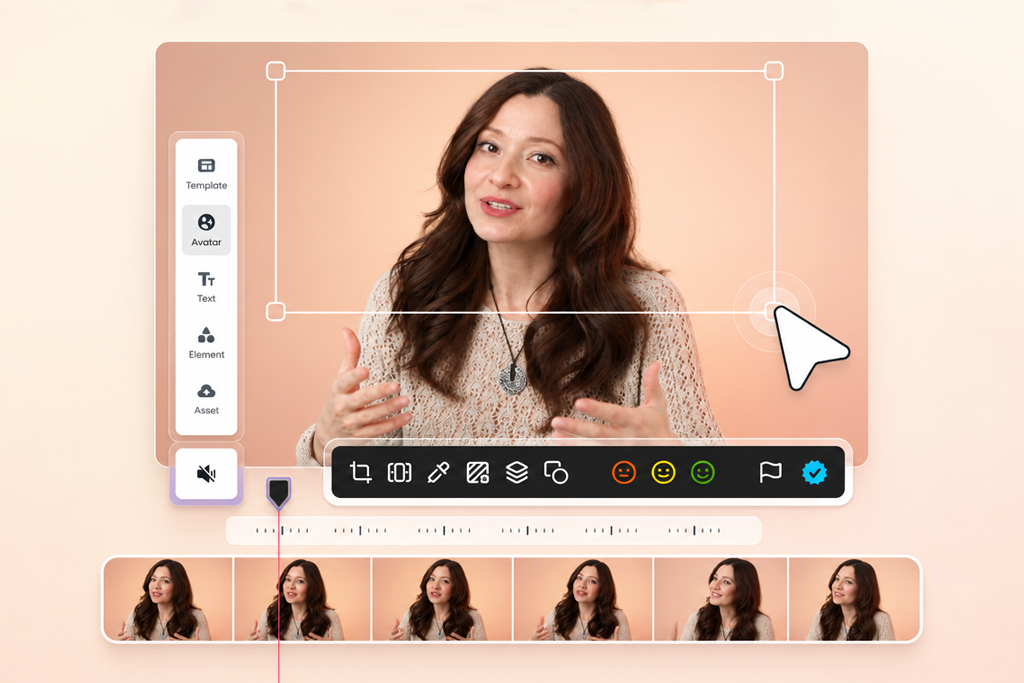
Popular platforms use different strategies when it comes to creating personal avatars:
| Tool | Digital twin approach |
|---|---|
|
D-ID
|
Generates a speaking avatar based on a still portrait
|
|
HeyGen
|
Creates personalized video avatars and digital twins
|
|
Synthesys
|
Creates talking photos and AI spokesperson clips
|
|
DeepBrain AI
|
Produces custom avatars and presenter-led videos
|
D-ID is best suited for photographers because it allows users to animate a portrait using text and generated speech. The company is also known for interactive avatar experiences.
Keep in mind that a talking photo is not a digital twin. A single headshot can be partially animated, but a complex personal avatar can be created only if you provide additional footage, a consent recording, and voice samples.
When building a personal avatar, I would follow the same guidelines I use for professional portrait photography.
My digital twin photo checklist:
AI headshot generator allows me to create a visual concept. However, I need to provide a consented photo to design a personal digital twin.
My verdict: The best solution for creators who also want to perform other tasks besides generating a talking avatar.
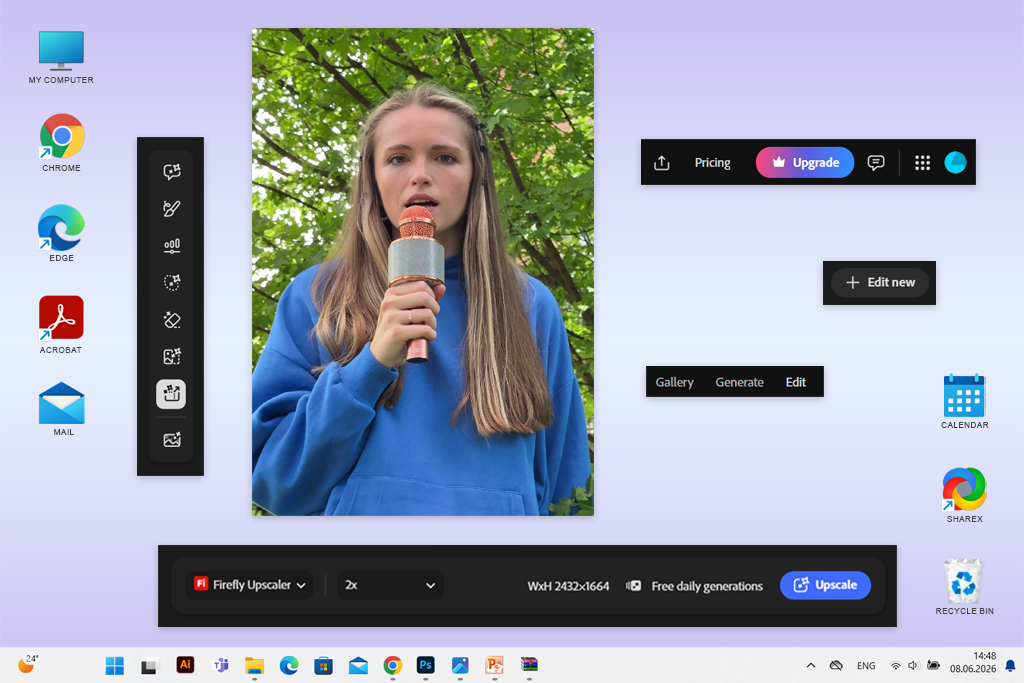
Adobe Firefly was the first AI spokesperson video creator I decided to test because I had been already using Adobe software while working at FixThePhoto. I wanted to check whether it could be suitable for my UGC projects as well. I used it to generate a spokesperson and edit the visual elements of my content.
I started by testing the Text to Avatar feature. After selecting a digital presenter, I imported a script, chose an accent, customized the background, and generated a video.
I was impressed with the high degree of creative control I had over the output. I could design other visuals in the style consistent with the style of our product or campaign. A clean background is suitable for tutorials, while a more complex backdrop with bright colors would be a better fit for social media.
"Firefly is perfect for my needs when I want to create an AI presenter and produce a polished video without switching to another software."

Firefly comes with practical text-to-video and image-to-video tools that allow me to generate supporting footage. For instance, I can generate a short skincare introduction with close-ups of the packaging instead of focusing only on an AI presenter.
The key shortcoming is that Firefly allows users to choose a suitable option from a collection of stock avatars only. It does not allow me to create a personalized digital twin based on my photo. HeyGen is a better solution for those who are interested in a higher degree of customization.
Despite this limitation, I like the fact that I can generate supporting footage, audio, and presenter-led content without switching to a different software. I would use Firefly for producing branded promotional videos and developing polished UGC concepts.
Adobe Firefly video model integrates perfectly into my workflow because I often need to generate an AI spokesperson and then add extra visual storytelling elements.
Key features:
Pricing: Free with limited daily generations; Firefly Standard from $9.99/mo (2,000 generative credits); Firefly Pro from $19.99/mo (4,000 credits).
My verdict: One of the best solutions for those who prioritize natural-looking presenters over complex video effects.
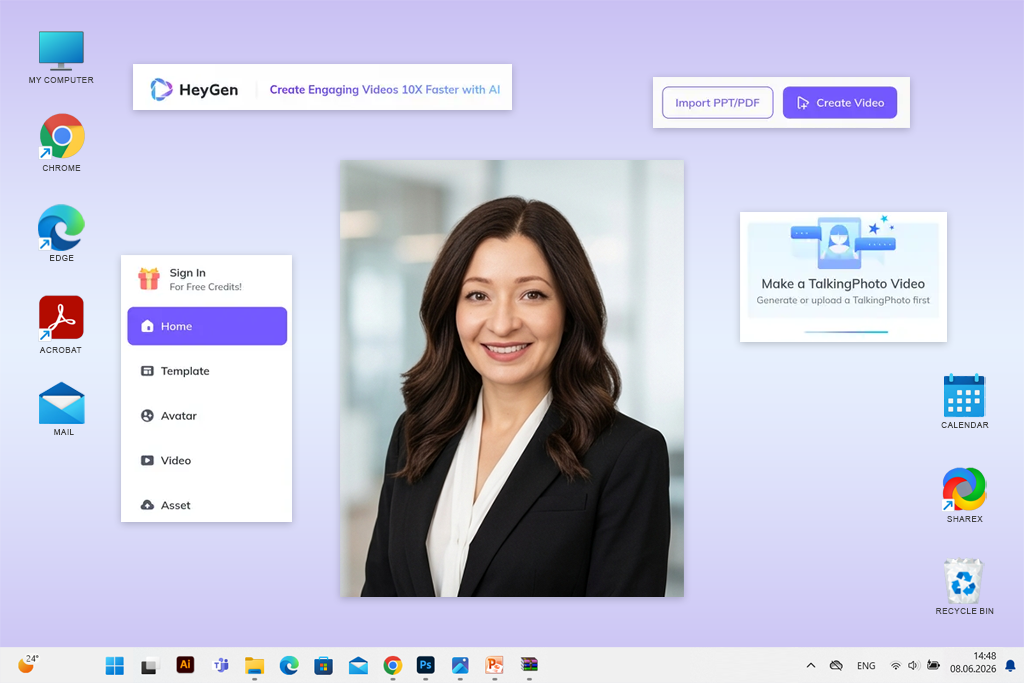
What struck me about HeyGen is that it has a collection of avatars that look like real people. It makes this service perfect for UGC production that does not require applying a variety of editing effects.
While testing this AI spokesperson video generator online, I checked whether it would be possible to use it to create short product recommendations. I wanted to produce videos featuring a presenter advertising a photography accessory using natural, conversational language.
What I like the most about HeyGen is that it’s powered by edgy avatar technology. It allows me to generate AI avatars with believable facial expressions, perfectly synchronized speech, and natural body movements. I avoid asking the presenter to perform exaggerated actions.
I was also pleased to discover that it allows me to create a custom avatar. This makes it perfect for UGC creators who need to maintain a consistent identity throughout their videos.
I also liked the multilingual features available on this platform. A brand can use them to create videos for different markets automatically instead of scheduling multiple recording sessions.
However, I recommend reviewing the generated content. Occasional pronunciation or movement issues may occur with unusual product names and expressive dialogue. The free version lets users assess the service's functionality. Unfortunately, it allows users to produce only three videos with watermarks per month, making it hardly suitable for creating UGC videos regularly.
HeyGen would be one of my top choices for conducting digital-twin experiments, producing multilingual advertising content, and generating consistent presenter-led videos for social media. Its AI twin generator allows me to achieve custom digital likenesses and avoid using generic stock avatars.
Key features:
Pricing: Free for 3 watermarked videos/mo, up to 1 minute each; Creator from $29/mo; Pro from $49/mo. Annual billing is available at a discount.
My verdict: A practical solution for businesses that focus on clear communication, need to access templates, and are interested in professional presentation quality.
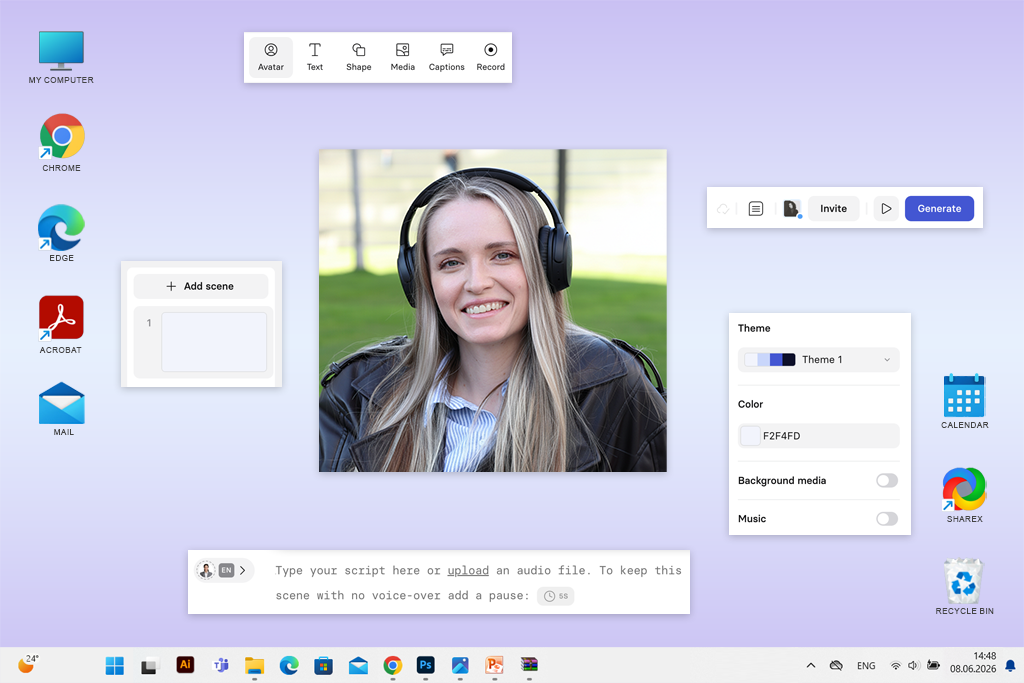
Synthesia stands out among many AI spokesperson video generators for producing social media content. It was built specifically for businesses that need to produce comprehensive instructional videos, informative onboarding materials, and polished presentations.
While testing this service, I decided to generate a spokesperson to explain how to choose between JPEG and RAW formats when taking product photos.
The advantage of this service is that it has tools for generating AI presenters and presentation-style editing features. It allows me to organize information visually using text, add pictures to make my videos more informative, and create well-structured scenes.
I liked the fact that I could edit the script without recreating the whole recording. This is especially convenient when a client changes product specifications or asks us to provide a more detailed explanation.
"Synthesia is especially suitable for creating educational videos. Using the presentation tools to produce engaging content is more important than generating AI avatars with dramatic facial expressions."
Synthesia also has tools for producing content in different languages. Such functionality makes it perfect for creating educational content intended for the global audience.
The AI-generated avatars look quite polished. However, the fact that they look highly professional makes them less suitable for casual UGC. When creating TikTok-style ads, I prefer to create less perfect conversational presentations that look more believable. Synthesia is more suitable for those who need to generate a video with an AI spokesperson delivering a message clearly and confidently.
Its free version allows users to test its functionality without paying. However, it includes a limited number of credits and add watermarks to exports. I would use Synthesia when I need to create tutorials, internal training videos, software explainers, and structured presentations, but I would choose an alternative solution when I need to generate spontaneous-looking product testimonials.
Its AI article to video generator will come in handy for those who want to use existing text content into presenter-led videos.
Key features:
Pricing: Free Basic plan with 10 minutes of video creation or dubbing monthly, plus 500 flexible credits; free videos carry a watermark. Starter from $29/mo or $18/mo billed annually ($216/year).
My verdict: A platform for producing videos in many languages and teams that work with different types of AI-presented video content.
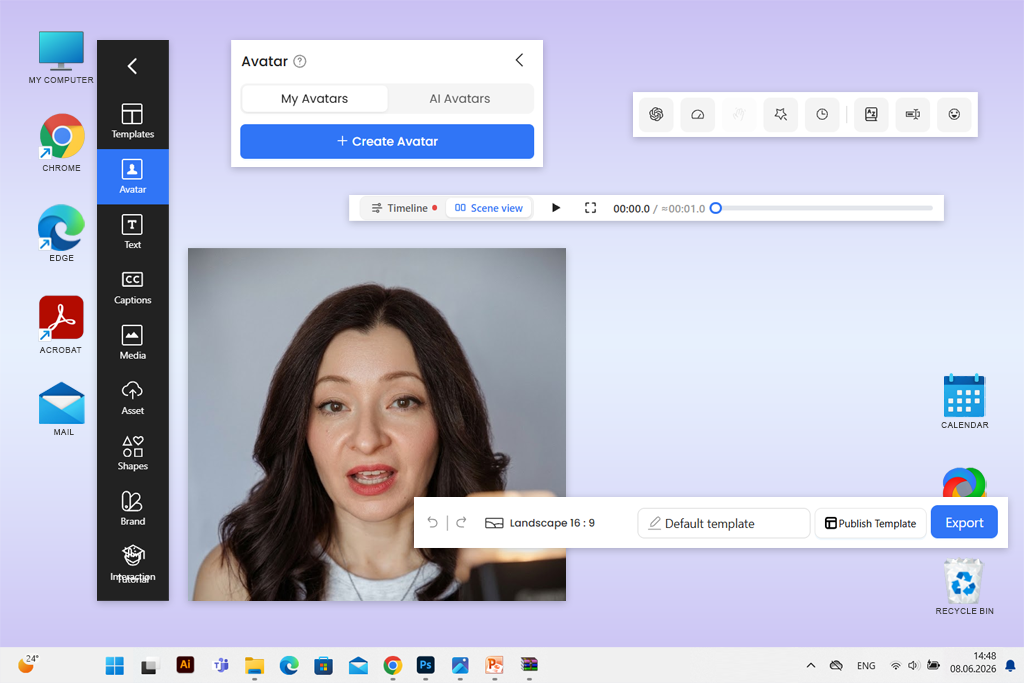
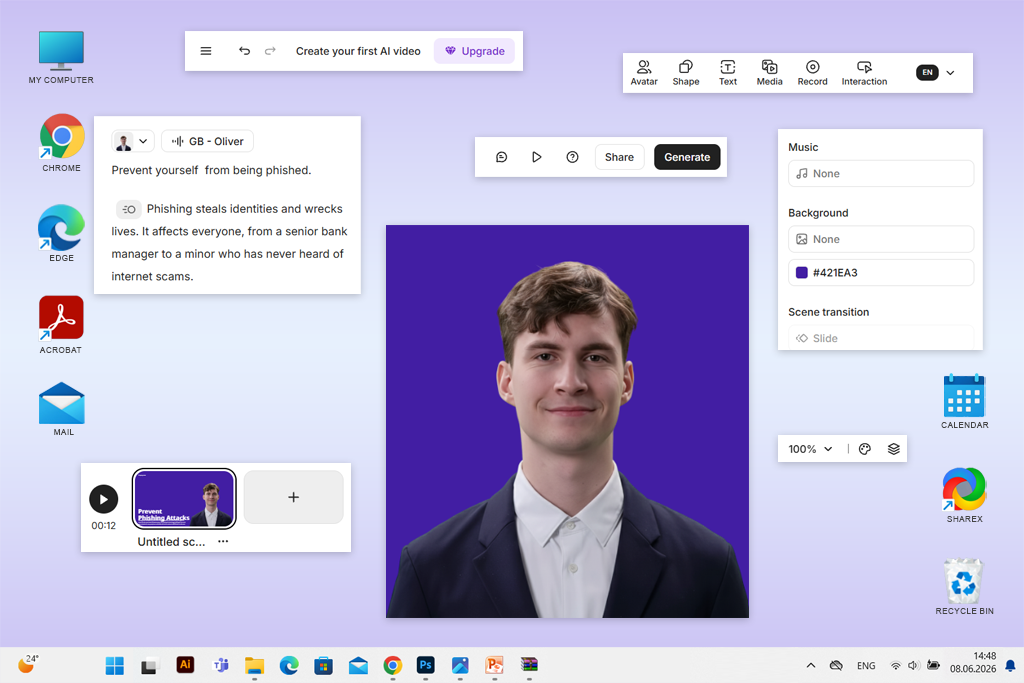
I became curious about testing DeepBrain AI's AI Studios after learning that it comes with advanced AI-powered video creation features besides regular tools for designing avatar presentations.
While working on UGC projects, I would use it when I need to use an AI avatar with a consistent physical appearance who can present the main ideas in different languages. For instance, when creating a product tutorial in English, I may need to produce a version in another language to reach out for a wider audience.
I liked using its AI human generator and voice tools, as they allow me to produce different types of videos without hiring several voice actors. I was impressed by the fact that this service allows users to choose between different strategies when producing videos. Depending on the project, you can use a script, choose one of the available templates, or add AI-generated media to your videos.
Besides basic features for creating a spokesperson, this realistic AI spokesperson video generator has many other tools, making it challenging for beginners. However, once you get the hang of it, this solution will help you significantly streamline your workflow.
When choosing a subscription plan, be sure to check how well this particular version designs AI avatars and handles video rendering tasks. Besides, the number of generative credits is limited and depends on the plan. Unlimited standard video creation doesn't mean that you will have full access to every paid generation model.
Small creators will be satisfied with the free version, as it allows them to test the features available on the platform. However, it’s hardly suitable for those who need to produce content regularly. I recommend choosing the premium version to produce educational content in multiple languages, create product tutorials, and generate presenter-led communication content for businesses.
Key features:
Pricing: Free for up to 3 AI videos, each up to 1 minute, with 720p exports and limited generative credits; Personal from $24/mo, with annual discounts available.
My verdict: A highly useful educational video platform, especially for those who prioritize interaction and structured learning.
I decided to test Colossyan after learning that it uses AI spokesperson videos for enhancing learning experience. This is what got me hooked because we often produce educational visual content at FixThePhoto. An AI presenter who shows how to use Lightroom tools or main composition techniques makes a tutorial easier to understand.
The service supports well-organized scenes, AI presenters, translations, and interactive learning tools. I prefer to make explanations more comprehensive by using different visual elements using this AI virtual actor generator instead of creating a continuous talking-head video.
I was especially impressed by the fact that it allows me to produce text to spokesperson video content and utilize multiple avatars within a project. It makes conversational demonstrations possible. For instance, two AI presenters can explain a topic from different angles.
"Colossyan is perfect for those who produce videos where a spokesperson needs to teach something instead of introducing a product."

However, after testing Colossyan, I realized that it wouldn’t be my favorite solution for informal UGC advertising. It shines most when one needs to organize content, produce clear videos, and use educational tools. This service is hardly suitable for spontaneous social-media storytelling.
I was impressed with the functionality of its free Starter tier. This version allows users to test out the platform. You can also pay for the premium version to access its advanced production tools and benefit from professional downloads.
Colossyan may seem quite expensive, but it’s suitable for businesses that produce onboarding videos, staff training content, customer education clips, and interactive courses often. I would not use it often while working on my own UGC projects. It still remains a practical choice for producing longer educational videos.
Key features:
Pricing: Free Starter plan with access to the avatar library and 20 NEO video minutes/mo; Professional from $59/mo when billed annually ($708/year), with extra advanced-generation minutes and downloads without watermarks.
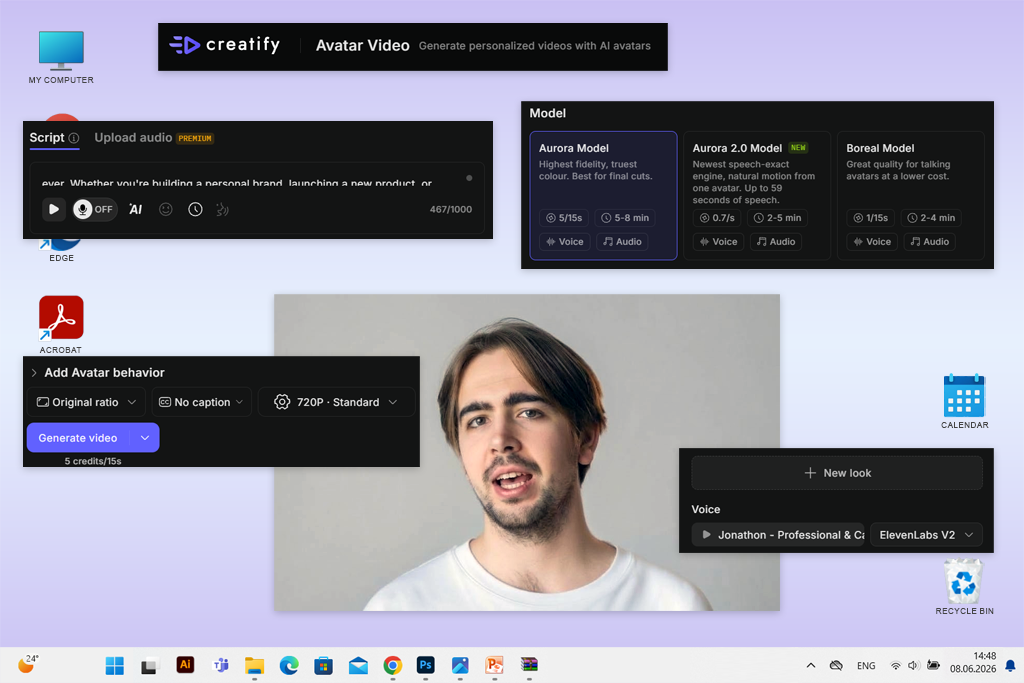
My verdict: One of the most efficient solutions for those who need to quickly develop AI-driven product advertising concepts.
Creatify was especially useful for the projects I worked on as a UGC creator because this service focuses on producing polished advertising instead of general video presentations. I was especially impressed by the fact that it could generate an advertisement from a product URL.
There is no need to write a script, add visuals, and include a presenter manually, as the platform can handle all these tasks and develop an initial concept. I believe that this service is perfect for those who need to advertise products like beauty accessories, phone cases, or small photography gadgets.
Creatify also stands out for its extensive library of AI actors. It facilitates choosing a presenter who matches the idea of a specific advertising project.
I was especially pleased by the fact that it is so easy to design different versions of AI presenters. Besides, when working on social media ads, it might also be necessary to use a different hook, headline, or order of segments to make content more engaging. These steps are just as important as choosing an AI presenter.
The only noticeable shortcoming of this AI video editor is that generated UGC-style content may still look like an advertisement and not a personal recommendation. This is why I prefer to avoid using scripts that sound overly enthusiastic and prioritize providing specific product details to produce natural content.
The free version is suitable for experimentation, but one may spend the credits too quickly while trying out different concepts. A premium version is a better choice for those who need to produce content for advertising campaigns often. I recommend using Creatify for creating social advertising drafts, quick variations of promotional videos, and projects where speed is more important than advanced video editing.
Key features:
Pricing: Free with 10 monthly credits, enough for up to 2 video ads, with watermarked exports; Standard from $15/mo or $10/mo billed annually ($120/year).
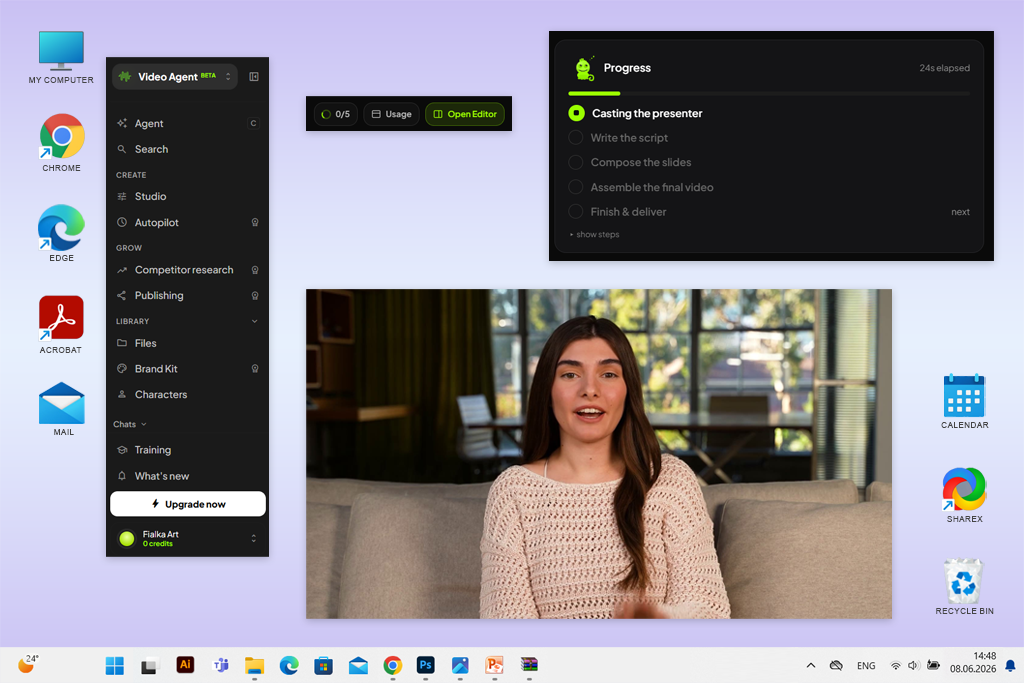
My verdict: A practical automated video generator for small businesses and marketers who want to create promotional videos and optimize their manual workflows.
Synthesys comes with a set of handy AI spokesperson creation features and other video automation tools. The key advantage of this service is that it streamlines the process of creating a polished promotional video based on an initial concept. I believe that it could be the perfect option for handling small UGC assignments where a client has a clear message but limited access to visuals.
This service allows users to add AI presenters, use voice generation tools, and access talking-photo features. It also allows users to create scripts and assemble video components automatically.
While working with a small brand, I would provide a brief product description first and wait until this service generates the initial draft. Next, I would change the wording if necessary, review the presenter, and adjust the pacing. I like the fact that this platform allows me to combine script generation and voice production. This AI influencer generator has everything I need to generate an AI spokesperson video.
"Synthesys is suitable for producing promotional videos, especially when you need to combine the script and voiceover quickly."

However, after using automated tools to generate the output, be sure to examine it closely. An AI-generated script may be too generic, while the spokesperson might sound unnatural and advertise a product too much.
Another limitation of this service is its credit system. Its Starter plan includes several thousand monthly credits, but they expire quickly when one makes too many edits.
I believe that Synthesys could be the perfect choice for those who want to create promotional explainer videos and product introductions. Besides, it is suitable for creating initial drafts when visualizing advertising concepts.
Key features:
Pricing: No permanent free plan; Starter from $29/mo or $20/mo billed annually ($240/year), including 3,500 monthly credits.
Before writing this comparison, our team tested over 40 AI avatar, talking-photo, and automated video creation tools. I wanted to assess each option to see whether it would be suitable for my professional workflow and help me produce engaging visual content together with the FixThePhoto team. Besides, I wanted to check whether it would be suitable for my side UGC projects.
It’s not enough to generate a natural-sounding presenter, you need to produce a video with a clear idea that matches the brand, and doesn't require unnecessary editing.
"HeyGen is my top choice when I need to achieve presenter consistency. It allows me to generate an avatar and use it across several videos while keeping its facial features recognizable."

The same scripts. I used three short scenarios that met different content requirements:
| Test | Script type | What we evaluated |
|---|---|---|
|
Product introduction
|
20-second skincare promo
|
Natural delivery and UGC suitability
|
|
Educational tutorial
|
45-second photography lesson
|
Comprehensive idea, the right pacing, and relevant expressions
|
|
Brand announcement
|
30-second promotional message
|
Voice quality and professionalism
|
These scripts helped us understand the differences between different services instead of focusing on the quality of specific prompts.
Facial realism. I was especially interested in lip synchronization. I focused on the words that required challenging mouth movements, including combinations of P, B, M, F, and V sounds. I also paid attention to the following:
There is no need for a presenter to be too dramatic or use excessive gestures to look realistic. In many cases, it’s better to use subtle movements.
"DeepBrain AI impressed me with its extensive toolset. I would use it while working on projects that require me to produce videos in different languages and in presentation formats."

Voices and script control. Even if you manage to generate an AI spokesperson with a natural face, it may still be less believable if the voice sounds robotic. We focused on pronunciation, pauses, emotional delivery, accent, and tools for editing scripts.
I also wanted to check whether it would be necessary to produce a new video from scratch to make minor wording changes. For UGC campaigns, these factors could be extremely important because clients often ask us to change headlines, product descriptions, or promotional offers.
Creative flexibility. I considered whether each service had tools for editing backgrounds, adjusting presenter positioning, adding captions, and working with supporting media. The most reliable solutions facilitate producing complex content by adjusting pacing, transitions, and the relationship between the AI presenter and product footage.
An AI reference to video generator facilitates producing product videos in a consistent style and using visual references.
"Creatify helped me significantly streamline my product advertising workflow. It makes it easy to create a believable concept based on a marketing idea."

Speed and intuitive functionality. We considered how many steps it would take us to progress from entering a script and producing a polished video. We also wanted to see whether it would be easy for beginners to choose an avatar, adjust voice settings, edit scenes, and export outputs.
I didn't prioritize high generation speed over other factors. Some services produce videos quickly, but their outputs are of low quality.
Free plans and production value. Finally, we decided to test the advantages and shortcomings of free and paid subscriptions. We checked whether videos included watermarks, considered the number of available generations, considered a choice of the available export resolutions, and checked whether it was possible to use the outputs commercially.
Our final priority was practical usability: I asked myself whether I would use the AI-generated spokesperson in an actual project. The answer to this question helped me decide which services should be included in the final version of this list.
Adobe Firefly is my top choice for producing videos with AI spokesperson because it comes with Text to Avatar features and practical AI video and audio tools. HeyGen is especially suitable for situations when you need to create realistic digital avatars and custom presenters.
Yes. Adobe Firefly, HeyGen, Synthesia, DeepBrain AI, Colossyan, and Creatify have free versions that allow users to access their tools with some limitations. While using a free AI spokesperson video generator, keep in mind that the output video duration may be limited. Besides, there might be watermarks, download restrictions, or a limited number of monthly credits. I recommend checking these restrictions before choosing a suitable solution for commercial UGC projects.
Yes, if you use pro-grade avatar models, natural voices, and expertly written scripts. However, even the most advanced AI spokesperson video generators may have issues with exaggerated expressions, complex pronunciation, or dynamic movements. It’s better to use short, conversational scripts to produce more believable outputs.
Yes. Services like D-ID support talking-photo generation, while solutions like HeyGen are better suited for professional personal-avatar workflows. If you want to create a personal avatar, upload your own photos and fill out the required consent verification form.
Yes, if the service’s license covers commercial use and the content meets advertising requirements. I never rely on fabricated testimonials, misleading personal experiences, or AI-generated feedback that viewers could mistake for real customer reviews.
Not in every case. Many AI spokesperson video makers allow users to work with scripts, edit backgrounds, add captions, and configure export settings. However, if you need to produce professional UGC videos, I recommend using a dedicated editor to handle product close-ups, custom transitions, music, and pacing.