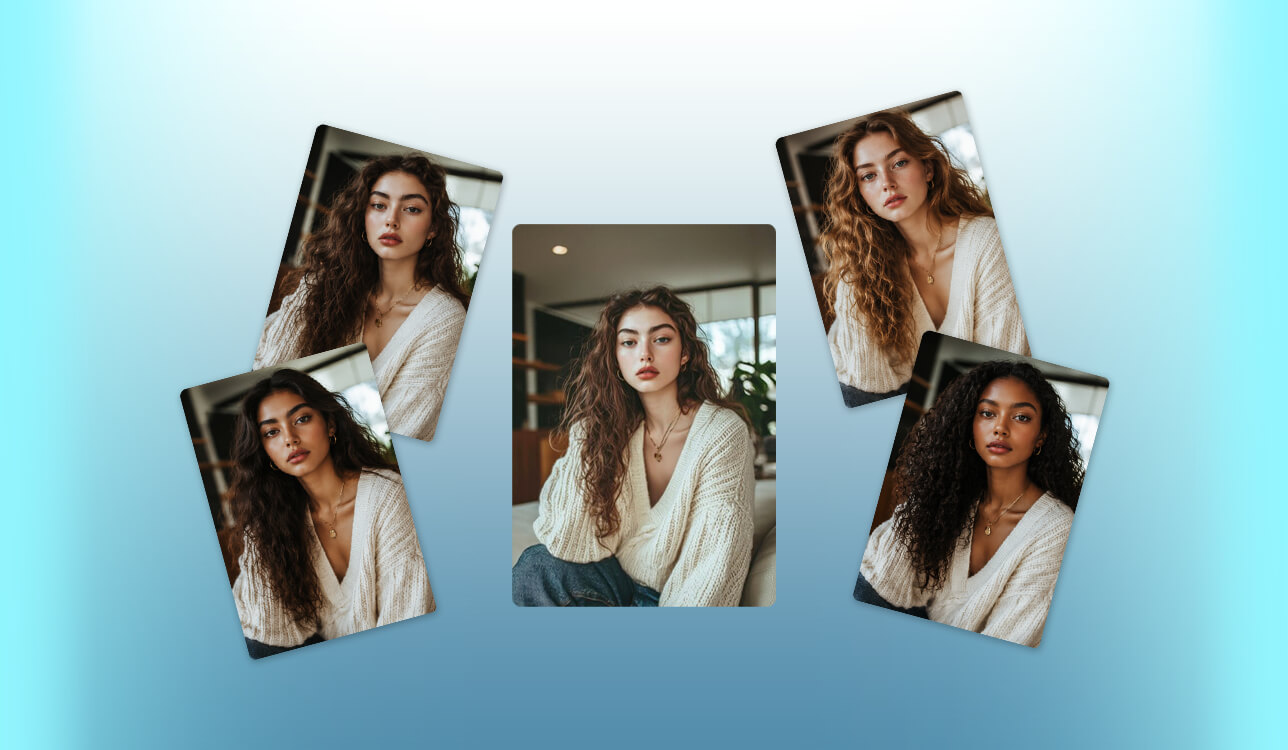
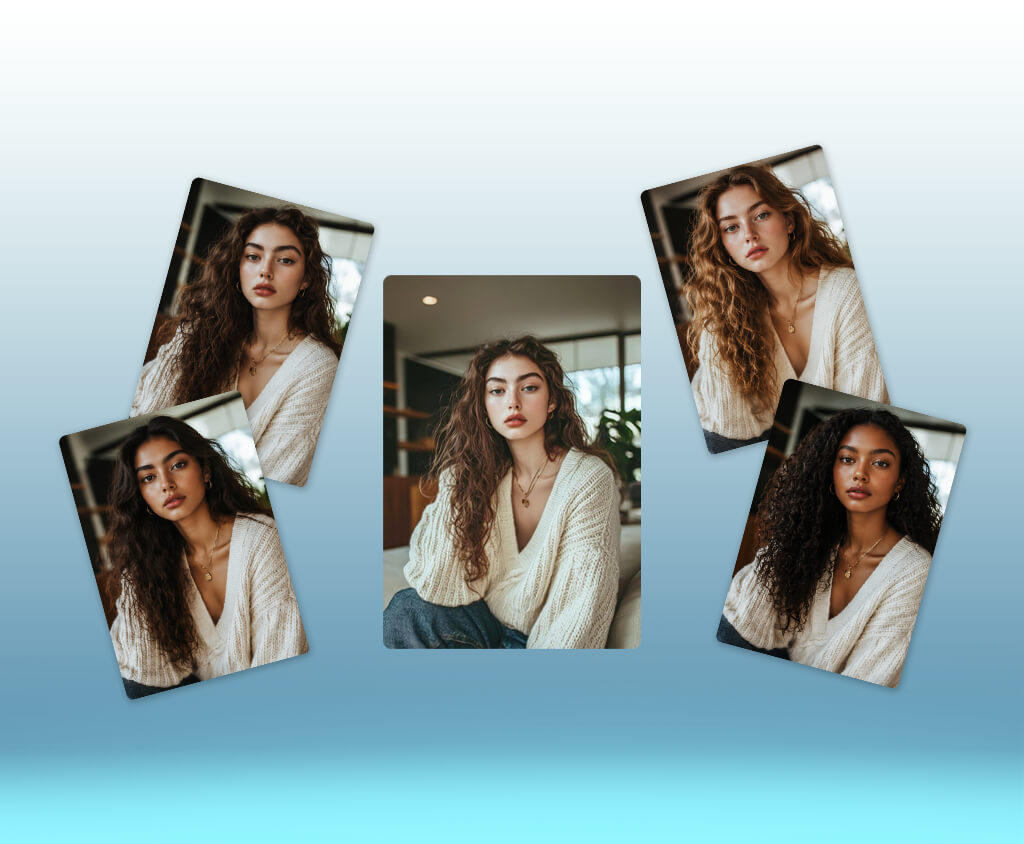
As a freelance digital marketer, I recently needed to create realistic models for a new fashion brand's website and ads. Instead of dealing with expensive, time-consuming photoshoots, I wanted a faster way to get professional images that matched the brand’s unique style. That’s why I started searching for an AI human generator.
Most of all, I worried about realistic results. I wanted the generated people to have natural expressions, true skin textures, and normal body proportions. Since these images were going directly into commercial marketing campaigns, it was crucial to get high-quality and lifelike outputs.
When you're running a major campaign, flexibility is everything. I needed an AI realistic human generator that could easily adjust ages, ethnicities, outfits, and backgrounds, but still keep the brand's look completely uniform. Having crisp, high-res downloads and straightforward text prompting was also on my list of requirements.
Naturally, I also factored in speed and budget. I was looking for a fast, user-friendly platform that could generate images instantly, handle commercial use legalities, and fit right into my daily workflow without forcing me to do extra retouching.
To see which software lived up to the hype, my mates from the FixThePhoto team and I ran a head-to-head comparison. We tested multiple generators using identical prompts and judged them on a strict checklist, including realism, variety, speed, UX, pricing, and licensing. Working with real-world marketing challenges, we managed to figure out which tools could deliver studio-quality results.
| Tool | Best For | Realism | Free Plan | Main Features |
|---|---|---|---|---|

Adobe Firefly
|
Commercial AI humans
|
★★★★★
|
✔️
|
Generative Fill, Text-to-Image, Generative Expand, Adobe ecosystem, commercial-friendly workflow
|

Midjourney
|
Photorealistic AI people
|
★★★★★
|
❌
|
Cinematic portraits, style control, image references, creative character generation
|

Aragon
|
AI Headshots
|
★★★★★
|
❌
|
Professional portraits, business photos, realistic backgrounds, fast headshot generation
|

Creatify
|
Marketing videos
|
★★★★☆
|
✔️
|
AI presenters, product ads, automated scripts, video creation
|

Humanize
|
Simple AI portraits
|
★★★★☆
|
✔️
|
Quick human generation, realistic faces, easy workflow
|

Foxy
|
Creative Concepts
|
★★★★☆
|
✔️
|
AI characters, visual experiments, fast idea generation
|

Synthesia
|
AI video avatars
|
★★★☆☆
|
❌
|
AI presenters, voice generation, multilingual videos, marketing presentations
|

Generated Photos
|
AI stock humans
|
★★★★★
|
✔️
|
Large AI human library, face customization, diverse realistic models
|

Krea
|
Fast AI generation
|
★★★★☆
|
✔️
|
Real-time generation, AI enhancement, style control, reference images
|

Leonardo
|
Custom AI characters
|
★★★★☆
|
✔️
|
Character creation, AI Canvas, image guidance, detailed customization
|

OpenArt
|
Creative control
|
★★★☆☆
|
✔️
|
AI models, reference images, editing tools, style customization
|
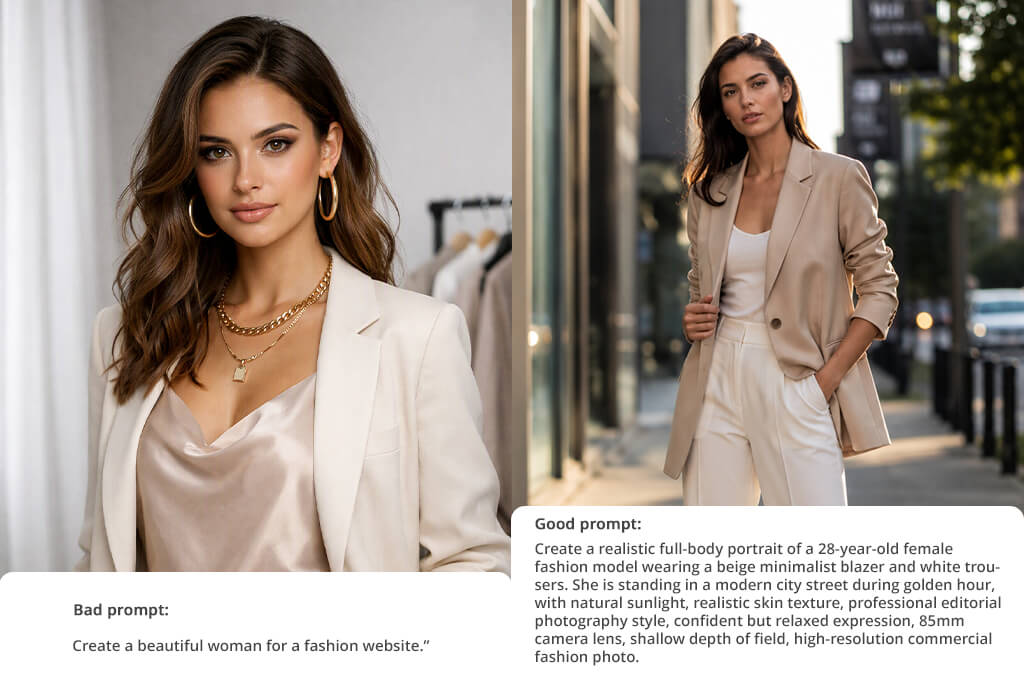
“This is too vague. It tells the AI practically nothing about her style, the setting, or the overall vibe, so you are likely to receive generic, unpredictable results that won't work for a real brand.”

“A good prompt for generating people with AI should contain as many details as possible: describe the character's age and appearance, clothing, environment, lighting, emotions, photography style, camera angle, and the intended use of the image. The more precise the description, the more realistic and closer to your idea the result will be.”

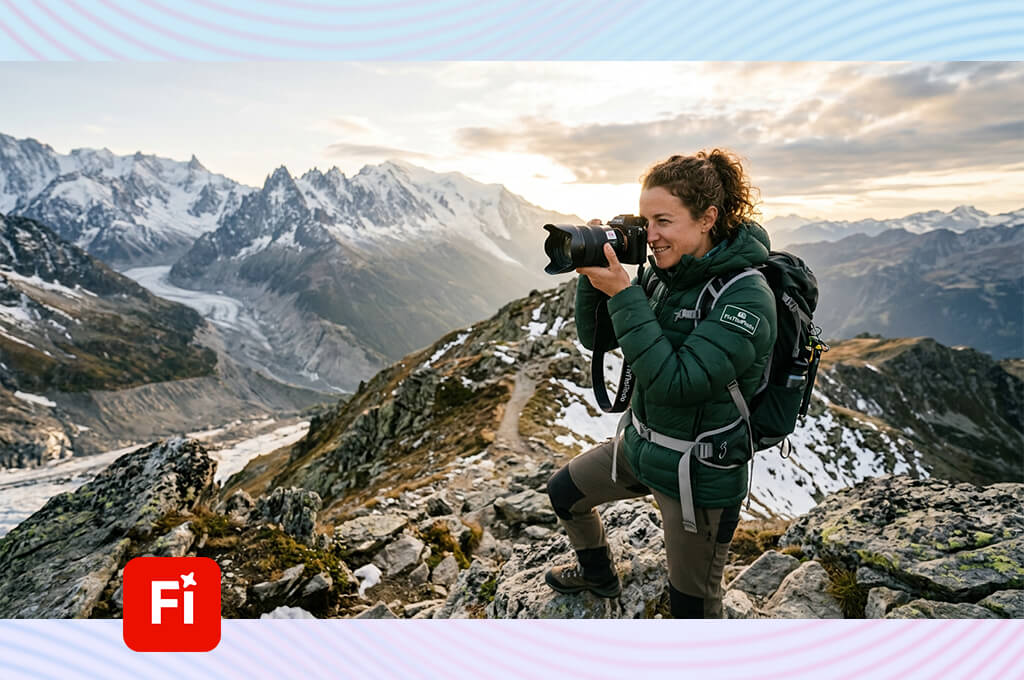
My initial test with Adobe Firefly was for a lifestyle campaign. I needed a diverse lineup of models for web banners, ads, and social media. When testing it, I wanted to see if Firefly could genuinely replace expensive, traditional photoshoots without losing the professional edge.
To understand its capabilities, I plugged in various prompts specifying different ages, outfits, settings, and moods. Then, I judged the outputs on realism, flexibility, and overall commercial vibe.
This free Adobe software impressed me a lot but how easily it lets you tweak existing visuals. Using Generative Fill, I could swap out backgrounds, adjust wardrobe details, and build entirely new scenes around my models while keeping the main subject perfectly intact.
Generative Expand was another highlight of this AI human generator. It made resizing a single image for website banners, square Instagram posts, and vertical ad layouts incredibly quick. Instead of coordinating multiple shoots, I could easily adapt one high-quality asset for several different platforms in just a few clicks.
“I love that with Firefly, you can quickly generate believable people without getting bogged down in complex settings. You get clean, professional shots right off the bat, though the faces can sometimes look too flawless and "stock-photo" generic.”

I used the Text to Image feature to build different model profiles, from laid-back, everyday scenes to high-end product ads. For the most part, the lighting and body language looked incredibly natural, even if some of the finer details needed a quick manual touch-up.
But the real kicker is how nicely Firefly connects with the rest of the Adobe suite. Being able to bounce between AI generation and my go-to design tools made my entire workflow much faster than starting every project from scratch.
When I first opened up Midjourney, my main goal was to build a diverse portfolio of realistic lifestyle models for a premium, high-end fashion campaign. I ran dozens of highly detailed tests, placing my digital people in bustling urban centers, quiet studio setups, and gorgeous travel destinations just to see how accurately the platform could bring my creative visions to life in real-time.
Rather than just checking if the anatomy was correct, I looked at the soul of the image, including mood, framing, and facial expressions. This AI image generator instantly appeared to be different from its competitors. It doesn't generate basic stock photos. Instead, it behaves like an experienced fashion photographer who knows exactly how to capture a vibe.
I spent a lot of time trying to keep the same model's face consistent across multiple setups. By blending image inputs, locking in style references, and adjusting camera angles or lighting prompts, I managed to get gorgeous, magazine-ready results. Still, keeping a character completely identical from scene to scene does require some serious prompt-tweaking and patience.
If you are sick and tired of "boring" results, Midjourney may be the best AI human generator for you. Every travel mockup or lifestyle ad I generated had its own distinct personality, rich textures, and incredibly natural body language. It has become my absolute go-to for mood boarding and early concept design, making it easy to pitch stunning visual stories to clients before anyone ever picks up a camera.
I switched to Aragon because my marketing project called for professional business portraits rather than artsy lifestyle backdrops. I uploaded several of my own casual selfies to see if the tool could spin them into sharp, office-ready headshots for LinkedIn and company directories.
Following the step-by-step setup guide, I fed the AI a mix of angles and facial expressions so it could map my face accurately. It quickly became clear that this isn't a random tool for building fantasy characters. This AI headshot generator is laser-focused on generating believable corporate photographs.
During my tests, I experimented with different visual styles, ranging from strict corporate attire to more relaxed, creative agency vibes. The way this AI full body human generator swapped my clothing, balanced the background blur, and simulated realistic studio lighting was impressive. The final outputs looked like they came straight from a premium photography session. It is my personal recommendation if you need high-end branding photos on a tight budget without booking an expensive studio.
"Using this for corporate headshots, I received realistic lighting and styles. It gives much faster results compared to booking a real photographer, even if a couple of the final options were a bit off-brand for my actual face."
When testing it, I closely watched how well the AI preserved the user's true identity. Aragon did a solid job keeping faces recognizable while swapping out hairdos, suits, and backdrops.
The catch is that you can’t use it to invent fictional characters or build complex ad campaigns from scratch since it relies entirely on your own photos. But if you just need to polish up your personal brand, that limitation is in fact its superpower.
I wanted to see how well Creatify could handle video rather than static shots, so I used it to make short video ads for a lifestyle brand. My goal was to find out if we could skip hiring on-camera talent and renting studio space by using a digital spokesperson instead.
I used different scripts, product descriptions, and styles in this AI human generator to see how naturally these digital presenters could pitch a product. I judged them on naturalness, video sharpness, and how easily the clips could slide into a live ad campaign.
What makes this generative fill tool special is how it merges AI video presenters with automated scriptwriting. I experimented with different avatars, voiceovers, languages, and acting styles to see which ones worked best for quick product explainers. It allowed me to brainstorm and visually test video ideas in minutes without needing a camera, microphone, or actual person in the room.
I also checked how well the platform handles social media formatting. I generated vertical videos and tweaked the captions, templates, and branding elements to test its flexibility.
Ultimately, it saves a lot of time if you need to pump out dozens of different ad variations quickly. While these AI presenters are fantastic for simple, informative clips, they still lack the genuine emotional warmth and spontaneous charm you only get from a real human actor.
I resorted to Humanize because I desperately needed realistic lifestyle images for a marketing launch, and a physical photoshoot just wasn't in my budget. I used this AI virtual human generator to spin up mock customers for our landing pages and social media ads, watching closely to see if the results looked authentic enough to publish.
During my testing, I used lots of different prompts in this AI character generator, tinkering with age, outfits, expressions, and backgrounds. My ultimate goal was to see if the engine could follow directions, or if it just churned out artificial digital characters instead of convincing, photo-worthy people.
“It's a solid tool for making realistic AI faces. I love that it removed plasticky, fake vibe, though sometimes the tweaks are so subtle you barely notice them.”

I wanted to see if this platform could truly make AI-generated faces look human. I ran several portraits through the system, mixing up the lighting and expressions to see how it managed tricky skin textures and facial symmetry.
It definitely works best with straightforward, headshot-style photos. While I still had to clean up a few minor glitches myself, the final images came out looking surprisingly authentic. They were ready for websites, social feeds, and creative mockups.
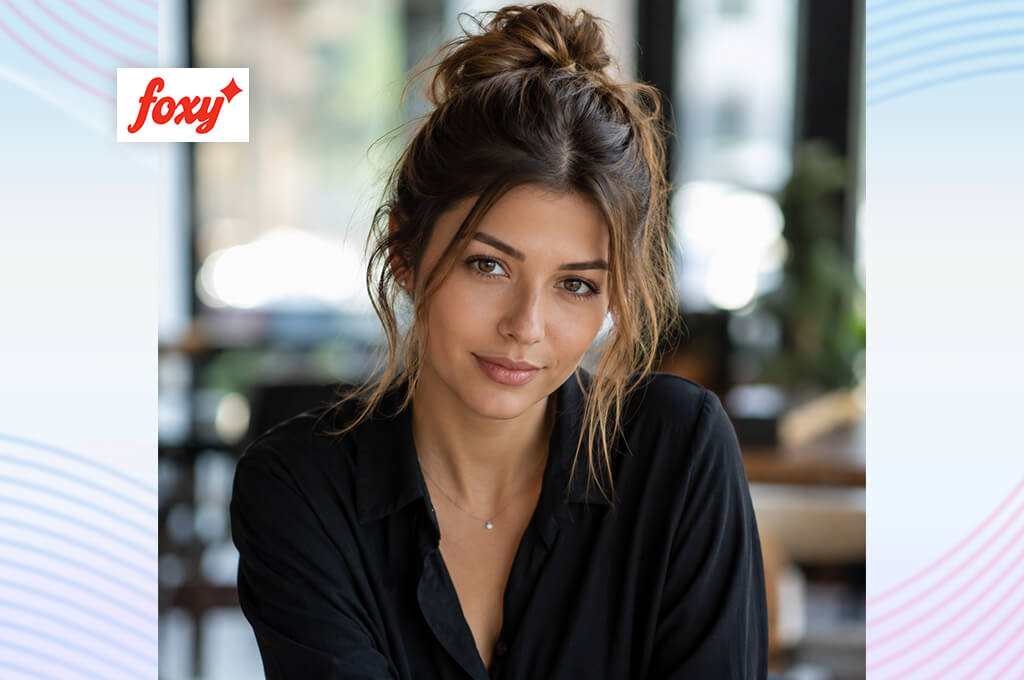
I originally jumped into Foxy because I was tired of hunting through the same old, lifeless stock photographs for our creative ad pitches. I wanted to see if this AI profile picture generator could make truly original, eye-catching characters that fit very specific brand identities, aesthetics, and emotional vibes.
To test its limits, I uploaded different highly descriptive prompts featuring unique fashion styles, atmospheric lighting setups, and distinct settings to see how well it grasped creative direction during early-stage brainstorming.
The coolest part of the experience was how effortlessly this realistic AI human generator handles character variations. Just by tweaking a few words in my prompts, I could instantly swap out a character's clothing, change up their hairstyle, or drop them into an entirely new environment. It is very helpful when you need a wide spread of visual options in a real hurry, saving you from spending half your precious afternoon digging through uninspiring image databases.
When it comes to realism, Foxy performs best when you keep things uncomplicated. Tight, simple portraits usually turn out beautifully with natural expressions and consistent lighting. However, if you try to build highly complex scenes with busy backgrounds, the details can get a bit messy and require a lot of editing. It is definitely a great tool for rapid creative exploration rather than delivering camera-ready commercial prints.
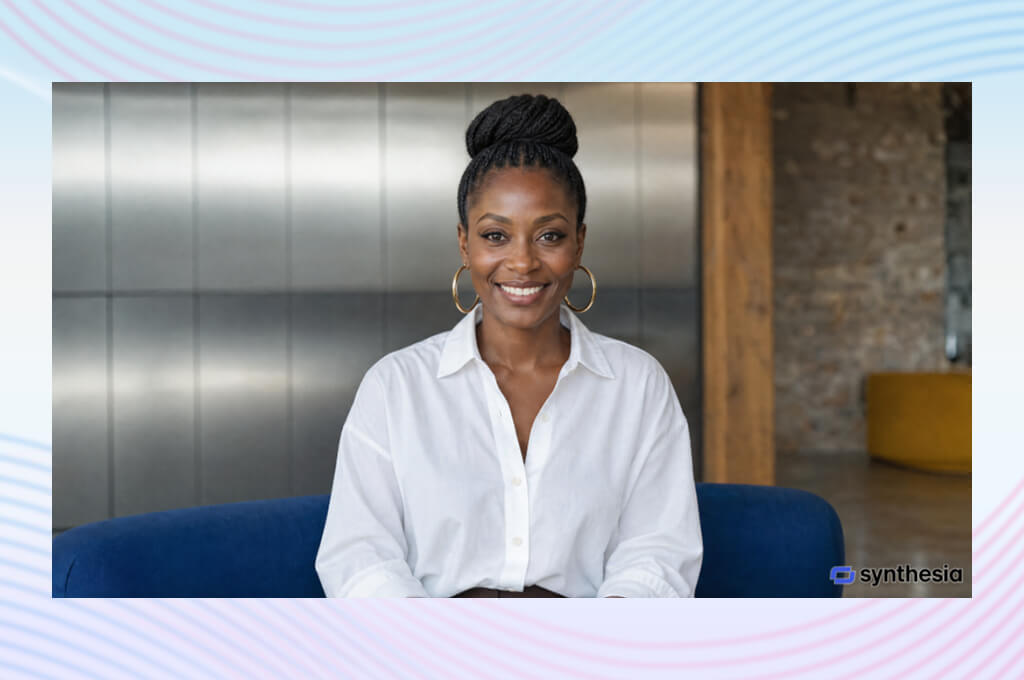
As a marketer, I evaluated Synthesia to see if it could replace real actors for video ads and product demos. Hiring presenters and renting studios involves much planning and big expenses, so I wanted to see if this AI human generator could give me a shortcut.
I jumped in by writing scripts, picking avatars, and testing different voices to create short promo clips. I wanted to see if these digital presenters looked natural enough to represent a real brand and if the process was truly fast.
The standout feature of this AI video generator is the big library of professional avatars. I experimented with different presenters, languages, and speaking styles to see how they would hold up in training videos and product pitches.
While they won’t win any acting awards, the avatars read scripts clearly and flawlessly. They are perfect for fast, straightforward videos where getting the message across matters more than dramatic acting. Even better, translating videos into multiple languages is instant. You do not need to hire and record separate voice actors for international campaigns.
“If I need to make presenter-style videos, but don’t want to record myself, I always use this program. The avatars look professional, though some expressions are a bit tight.”
To see how Synthesia holds up in a real-world marketing environment, I tested it by creating multi-platform video campaigns. I used the available AI avatars, instant voice generation, templates, and clever translation features to bypass the slow, painful steps of traditional filming. The speed at which you can make localized content is truly mind-blowing.
I think this is the best AI human generator for building employee training courses, corporate slide decks, and straightforward brand explainers that need a professional spokesperson. However, there is still a slight issue. While the technology is incredibly advanced, the avatars' facial expressions can occasionally look a bit stiff and robotic. They get the job done quickly, but they still cannot replicate the authentic warmth, emotion, and subtle gestures of a real human actor.
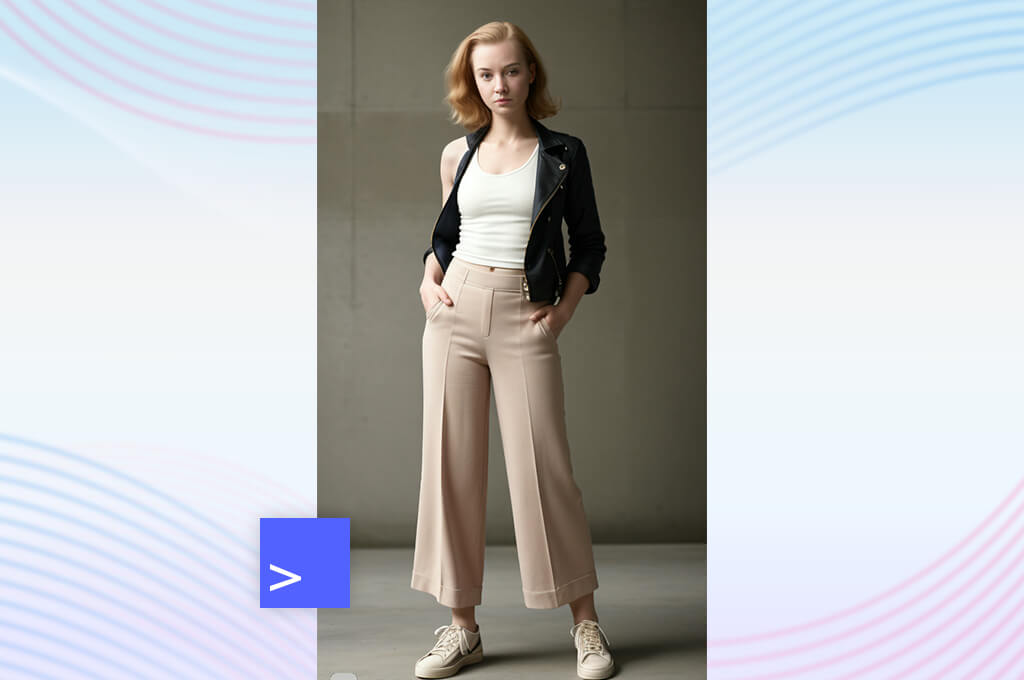
As a marketer planning a new lifestyle campaign, I wanted to see if an extensive AI database of people could replace traditional stock photos. Instead of spending endless hours hunting for the perfect models online, I wanted to generate unique faces of varying ages, backgrounds, and styles to represent a broad, modern audience.
The standout feature of this AI art generator is quick search and precise customization of AI humans. I played around with different ethnicities, age groups, and hairstyles to build highly specific characters for my project. The resulting images have a good quality that fits into website layouts, digital ads, and creative pitch decks. It is incredible to build a custom person from scratch rather than settling for generic stock photos.
From a practical business perspective, this realistic AI human generator expedites the workflow a lot. You do not have to worry about model release forms, hectic photo shoot schedules, or high licensing fees. It gives you a consistent, highly reliable stream of portraits that fit into commercial designs.
While it does not offer the infinite artistic flexibility of open-ended AI art generators, it gives you much more predictable and high-quality results. The only real limitation is that the subjects usually have neutral expressions, making them less suitable for high-drama or action-oriented advertisements. Still, for clean and professional marketing assets, this platform is a must for modern creators.
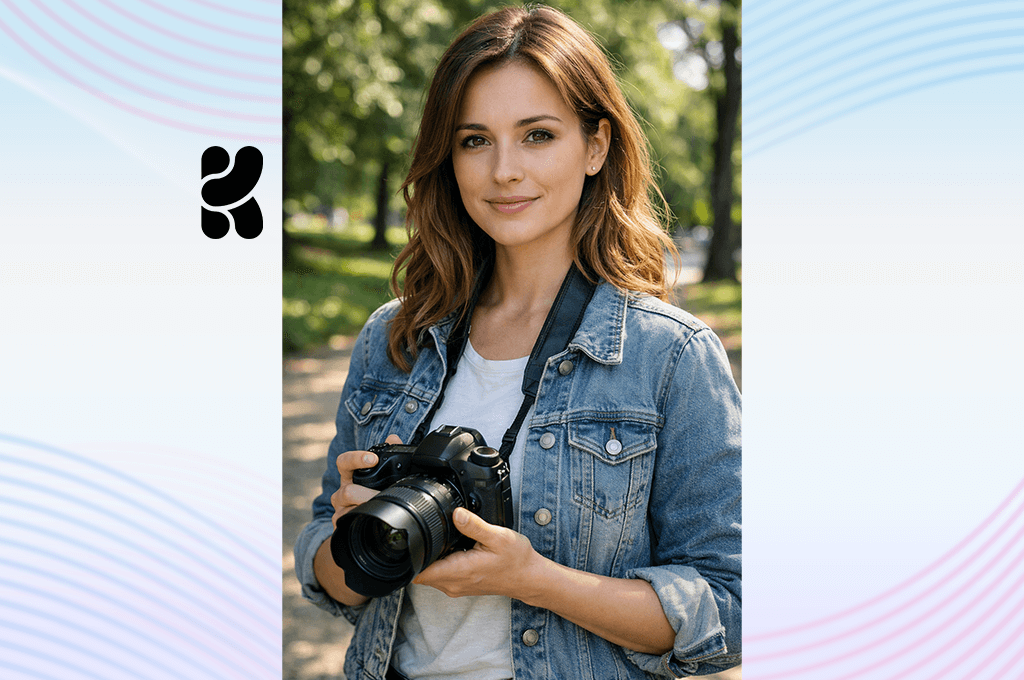
I tested Krea to see how it performs for a lifestyle brand needing fresh, eye-catching social media visuals and human models. Instead of treating it like a basic "text-to-image" tool, I used it as an active digital canvas. I experimented with different settings, swapping outfits, tweaking background locations, and playing with lighting to see how far I could push its artistic limits.
What blew me away was Krea’s real-time generation and AI Image Enhancement. As you adjust your prompts or paint on the screen, the image updates immediately. Combined with its fantastic upscaling and detail-enhancing tools, I could rapidly prototype several versions of a character without the painful lag times of older platforms.
This real-time feedback loop shifts your focus from wrestling with prompts to pure creative brainstorming. It is a fantastic AI human generator for designers who want to test a dozen concepts in minutes and instantly elevate the quality of their final images. While it takes a little time to master the controls, the creative freedom it unlocks makes it a standout workspace for modern, fast-paced marketing campaigns.
“I like that users can experiment with styles and enhance AI-generated characters. Still, you need to fine-tune your results to receive something truly unique.”

I also tested how Krea handles realistic human portraits for commercial campaigns. When you feed it specific details about lighting, camera angles, and clothing, the results are gorgeous and incredibly lifelike. It excels at creating beautifully composed people with natural skin textures.
However, if you need highly complex poses or busy scenes, you will have to spend extra time tweaking your prompts. Ultimately, it is a fantastic tool for brainstorming and mapping out your visual concepts early on.
I tested Leonardo to see if it could deliver highly realistic models for a professional fashion and lifestyle campaign. My creative project required precise command over wardrobe details, scenic backdrops, and professional photographic lighting. Fortunately, Leonardo is not a basic generator where you just type a quick prompt and pray. It is a cutting-edge AI full body human generator specifically tailored for creators who want to actively direct every single element of their visual artwork.
The real bragging point is the platform’s advanced suite of editing tools. If a generated image is nearly perfect but has a small flaw, you do not have to throw it away and start completely over. Instead, features like the AI Canvas, Image Guidance, and Prompt Generation let you modify highly targeted areas. You can easily repaint a background, fix a strange hand pose, or refine facial expressions. Due to such meticulous control, the software resembled a highly responsive digital design studio.
Leonardo also excels at rendering incredibly lifelike human features. My test portraits had beautiful skin textures, realistic fabric draping, and dramatic studio lighting. While you need to practice and adjust your prompts to keep a character's face perfectly consistent across various campaign scenes, the quality of the final output makes it worthwhile. If you need premium, magazine-worthy imagery for your brand and do not mind a slight learning period, Leonardo is a terrific program for modern marketing.
When I set out to test OpenArt, I was looking for a platform that wouldn't lock me into a single visual style while generating human characters. I wanted something versatile enough to handle website mockups, ad concepts, and social content, so I paid close attention to how well it responded to realistic photography-style prompts.
To truly understand its capabilities, I ran multiple experiments, swapping out prompt wording, trying different artistic styles, and feeding in reference images to see whether customization was extensive enough. It became clear pretty quickly that OpenArt is an AI human generator that gives users room to explore, rather than pushing them toward one narrow aesthetic.
The standout feature, for me, was the reference-image system paired with adjustable AI models and customization settings. By uploading reference photos, I could steer the look, pose, and overall style of my generated characters while still receiving original, non-duplicate visuals.
That control mattered a lot whenever I needed a specific brand feel instead of random outcomes. Overall, the platform moved smoothly between realistic portraits, stylized concepts, and polished advertising visuals, adapting to whatever the project called for.
“It lets me experiment with different AI styles and create various people for creative projects. The flexibility is great, but the results often require tweaking.”

Besides, I evaluated OpenArt’s capabilities for commercial-grade human imagery. Generating several characters, I closely examined facial features, expressions, outfits, and overall realism to gauge whether they are suitable for real marketing campaigns.
The best results came when I combined detailed prompts with strong visual references. Thus, AI received a clearer target to aim for. A few outputs needed extra tweaking, but the tool's flexibility made it easy to iterate until the results looked usable.
To find the best AI human generator, our expert testing team (Vadym Antypenko, Eva Williams, and Ann Young) put the leading tools to a fair test. We gave each platform the exact same prompts, ranging from professional office headshots to highly detailed, creative fantasy characters.
During testing, we focused on the critical details that usually trip up AI models, e.g., realistic skin textures, natural hair flow, believable hands, and whether a character’s face stayed consistent across multiple generated images.
Vadym took charge of the deep technical inspection, zooming in on how generated portraits looked. He looked far past the initial "wow" factor to check if the faces looked human or suffered from that classic, plasticky AI look.
Eva Williams headed up our user-experience testing. She wanted to see how easily a beginner could get great results without spending days learning an AI human generator. While some platforms delivered stunning, lifelike portraits in just a few quick clicks, others were frustratingly slow and required endless tweaking to get the prompt right.
Meanwhile, Ann Young pushed the creative boundaries. She tested everything from everyday social media portraits to wild fantasy characters and marketing graphics. Ann looked for flexibility, checking whether the tools could generate unique, expressive personalities or if they just spit out the same generic, boring faces.
Our testing revealed that these AI virtual human generators generally fall into two camps. Some excel at clean, professional business headshots with flawless lighting and realistic expressions. Others are built for artistic experimentation, thriving on imaginative scenes and stylized characters. We also ran a "consistency test" by trying to recreate the exact same character multiple times. Some platforms aced this by keeping the facial features identical, while others generated a completely new face every single time.
Ultimately, these AI generators are incredible helpers for designers and marketers, but they aren't magic. The final quality depends entirely on your prompts and settings. The absolute best tools don’t just create realistic faces. They give you total control over the style, atmosphere, and fine details.



![7 Best Free Pokémon AI Generators [{{%year}} FixThePhoto Choice]](http://fixthephoto.com/blog/images/gallery/news_main__preview_29022.jpg)

![7 Best Magazine Mockup Generators [{{%year}} FixThePhoto Choice]](http://fixthephoto.com/blog/images/gallery/news_main__preview_29336.jpg)
![9 Best 2x2 Picture Makers [{{%year}} FixThePhoto Choice]](http://fixthephoto.com/blog/images/gallery/news_main__preview_29017.jpg)
![5 Best Podcast Cover Art Creators in {{%year}} [100% FREE]](http://fixthephoto.com/blog/images/gallery/news_main__preview_29304.jpg)

![Photoshop App on Android [NEW Release] {{%year}} Update](http://fixthephoto.com/blog/images/gallery/news_main__preview_29048.jpg)

















