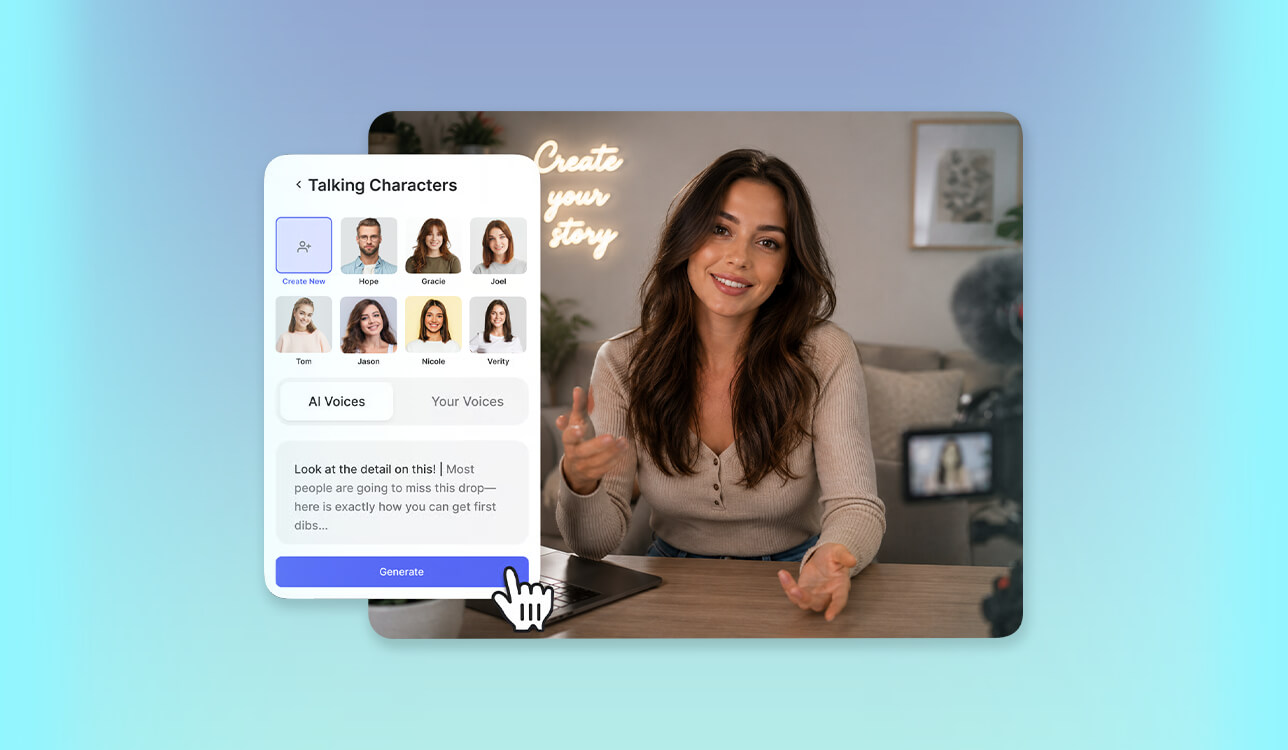
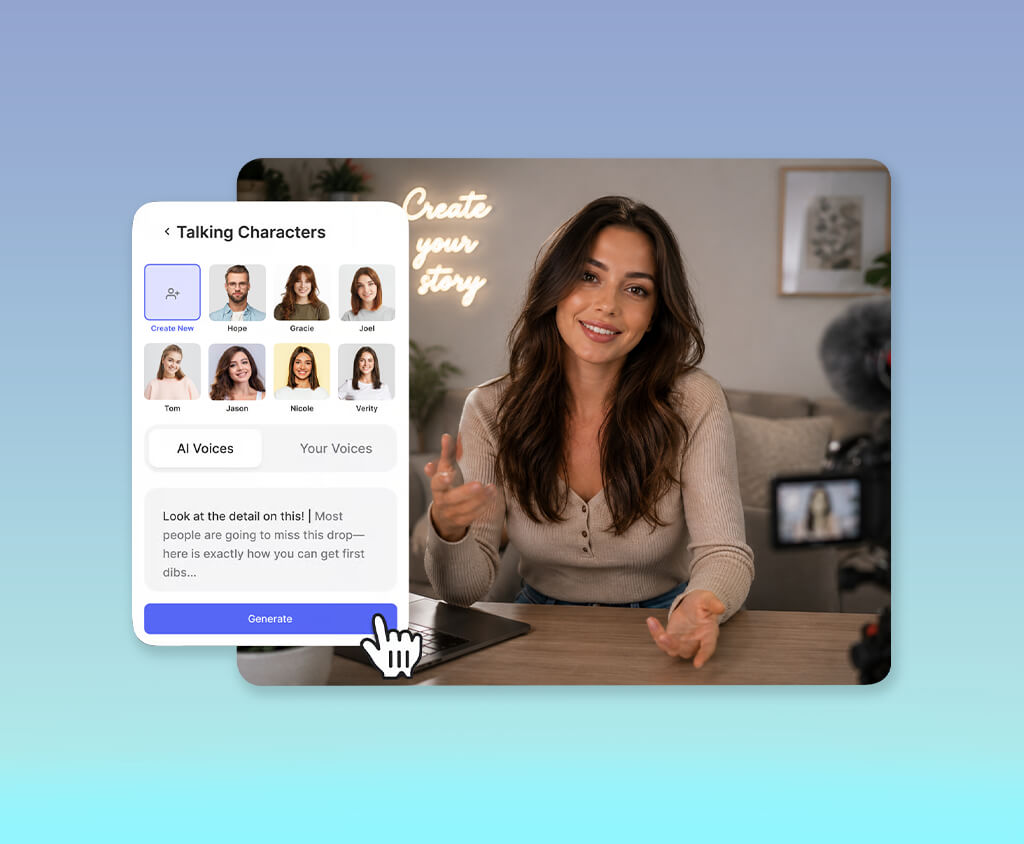
As the FixThePhoto team created more educational videos, product demos, software tutorials, and marketing content, we needed a faster way to produce presenter-style videos. Using real people for every project became less practical because recording sessions, scheduling, and re-recording after script changes took too much time. That's why I started looking for the best AI virtual actor generator.
Before comparing the available platforms, I decided which capabilities were essential for our workflow. I wanted digital presenters with natural facial movements, convincing lip synchronization, and realistic body language instead of stiff animations. Because we publish content for different markets, support for several languages, editable presenter options, and a consistent look across all videos were also important.
Another key factor was how well the tool fit into our workflow. It needed to turn scripts into finished presenter videos quickly, create different versions when required, and deliver files that worked smoothly with our editing process. Fast processing and stable performance were important because our team often handles multiple video projects at the same time.
The project focused on creating a growing collection of tutorials, product reviews, and educational videos for the FixThePhoto website. Since we publish new content regularly, the solution needed to support a faster production process while keeping a consistent professional style. The main goal was not to remove human presenters completely, but to make video creation more efficient without lowering quality.
After setting these goals, I understood that the most powerful option was not always the best choice. What the FixThePhoto team needed was a simple and reliable tool that could help create professional videos faster, spend less time on recording, and make changes easily when scripts or product details were updated.
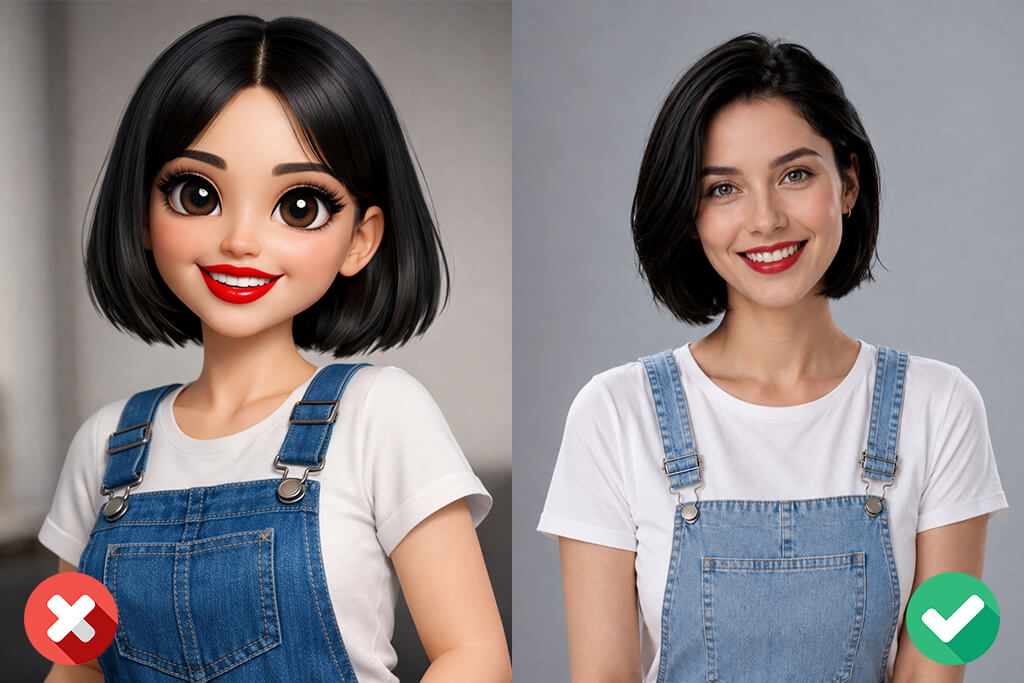
Character Appearance:
Voice and Language:
Lip Sync and Facial Expressions:
Video Style:
Script and Delivery:
Technical Settings:
Creative Settings:
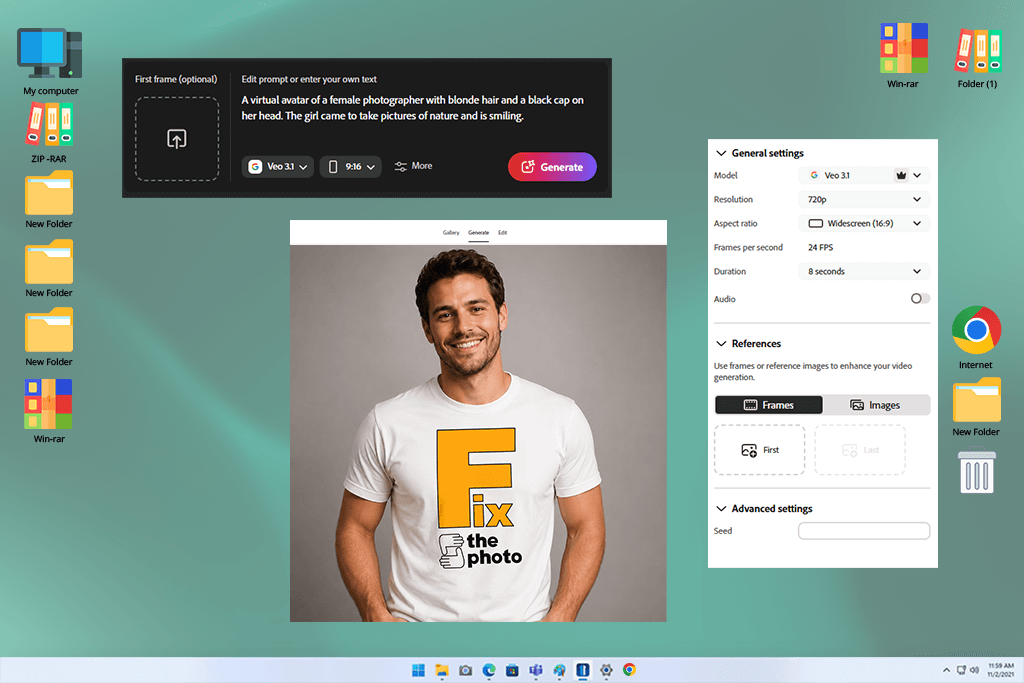
When I tested Adobe Firefly Video as an AI virtual actor maker for the FixThePhoto team, I viewed it as part of a broader production system rather than just a tool for creating avatars.
I used it for product tutorials, onboarding videos, and marketing presentations that would normally require real presenters. The main focus was checking whether it could keep a consistent on-screen style while adapting to different scripts and brand needs.
During testing, I used different versions of the same script to check how well it handled changes. For example, I adapted a SaaS introduction into formal, friendly, and sales-focused versions. Firefly kept the same professional presenter style across each variation, which made it useful for campaigns that require multiple versions of the same video.
“Adobe Firefly works better for polished visuals than realistic talking presenters. It’s great for quick creative ideas, but less suitable for emotional performances or avatar-based videos.”

What worked best about this free Adobe software was how easily it fit into our current workflow. I could create visual elements, change backgrounds, and improve presentation materials without interrupting the process. It felt like a natural part of our existing design setup.
In the end, Firefly felt like a reliable virtual actor creator for professional video production. It may not focus on highly emotional performances, but its consistent results make it useful for creating polished FixThePhoto content.
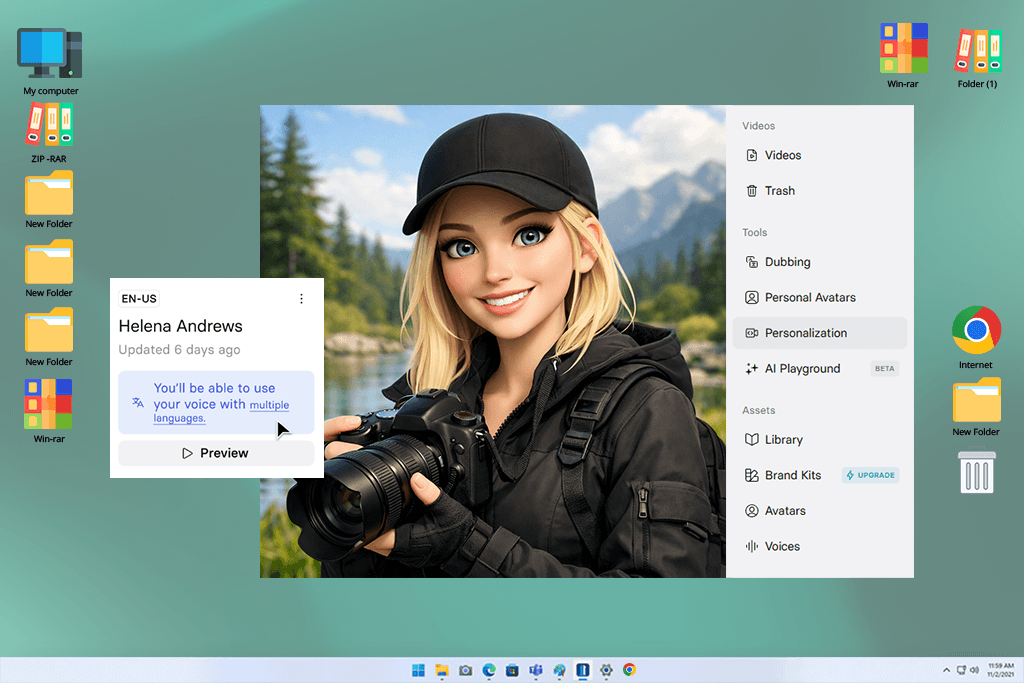
Synthesia was one of the first AI virtual actor generators I tested for creating presenter-style videos in the FixThePhoto workflow. I used it mainly for tutorials, product guides, and structured content where clear delivery was more important than a strong personal style. The main goal was to check whether it could replace simple studio recordings for repeatable video projects.
I tested this AI art generator with different script formats, including onboarding videos and product feature explanations. It quickly turned written content into polished presenter videos, especially for business-focused projects. The lip-sync and avatar movements were consistent enough to create tutorials without extra adjustments.
The strongest feature was its multilingual support. I created the same FixThePhoto tutorial in several languages to test global use cases, and it helped reduce the time needed for production. This made Synthesia a practical choice for creating educational content for different audiences.
Overall, I viewed Synthesia as a “fast content production tool for documentation and training videos”. It is not focused on creative storytelling, but it delivers exactly what is needed for clear, structured communication within a professional workflow.
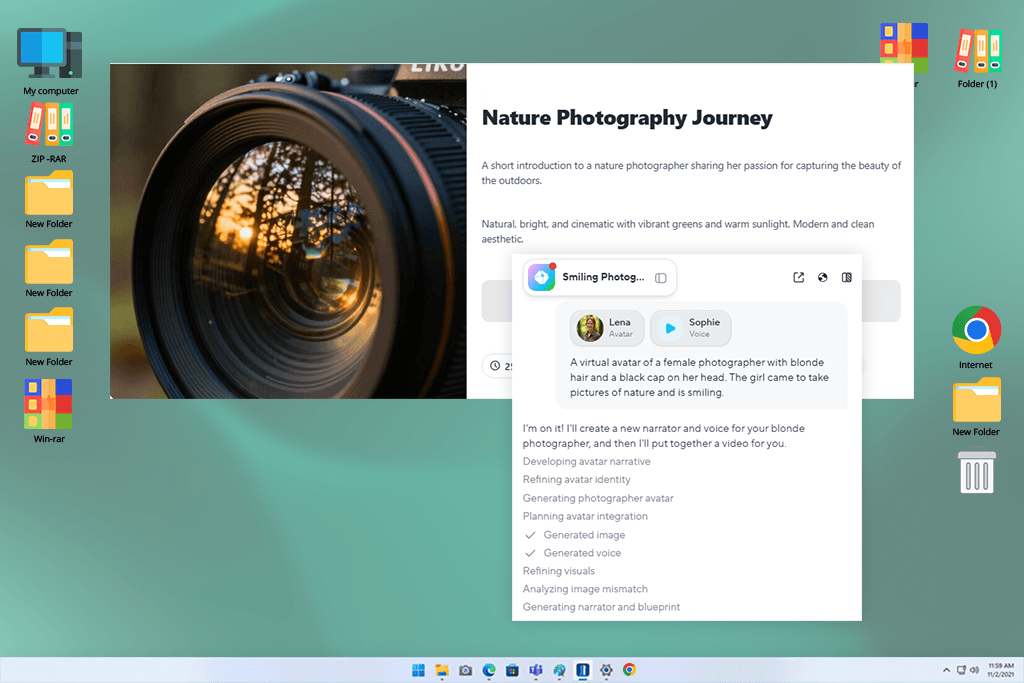
HeyGen was one of the most versatile AI video generators I tested because it gave virtual presenters a more natural and engaging style. I used it for FixThePhoto marketing content, including product showcases and promotional videos, to see how well it handled different tones. The main thing I evaluated was whether the avatars felt more realistic and engaging than typical corporate-style presenters.
I tested different presentation styles, from casual social media videos to more professional business content. Changes in avatar expressions and voice options noticeably affected how the same script was delivered. By adjusting the style, I could make simple product information feel more engaging and suitable for short videos.
“The avatars looked more natural than I expected. The lip-sync worked well, although small details still showed that they were not real people. It works especially well for short social media videos.”

I also tested how quickly this virtual actor generator handled script changes and updates. HeyGen made revisions simple, which was useful when clients needed last-minute edits. Being able to create new versions without starting over helped save a lot of production time.
In my workflow, HeyGen became a practical tool for creating marketing videos with virtual presenters. It works especially well for FixThePhoto projects that need a more natural and engaging delivery instead of a robotic presentation style.
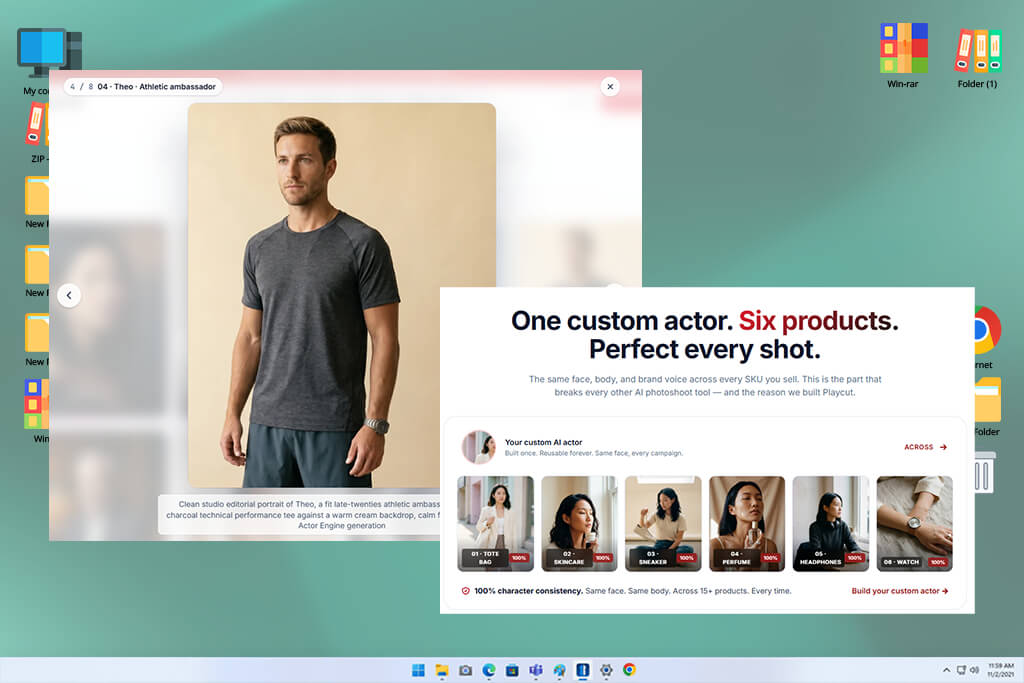
Playcut felt closer to a simple avatar maker app than a complete virtual presenter platform, so I focused on its speed and ease of use. I tested it with short promotional scripts and quick explainer videos where fast production mattered more than advanced visuals. It worked well for the quick content workflow used by the FixThePhoto team.
I focused on how easily it could transform scripts into finished video drafts. The process was straightforward, and I could create several versions without complicated preparation. This made it useful for testing ideas and preparing early content versions.
The main limitation was the lack of deeper customization compared to more advanced platforms. It worked best with simple, clear scripts, while more detailed emotions or complex delivery styles were harder to control.
Still, its main advantage was speed. For a workflow like FixThePhoto’s, Playcut is better suited for quickly testing ideas and creating drafts rather than producing final videos.
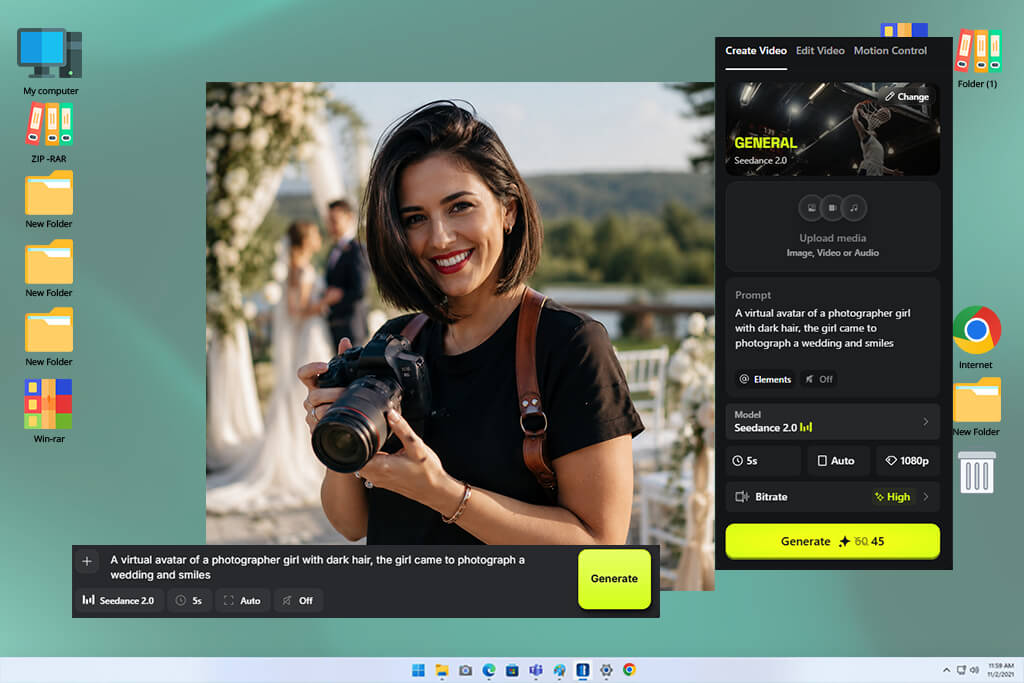
Higgsfield caught my attention because it produced presenter videos with a more cinematic look than most other AI virtual actor video generators I tried. I used it for product stories and branded presentations where the overall mood was just as important as the speaker. I wanted to find out if it could create videos that felt more engaging than a standard presenter format.
I tested it with luxury product launches and premium brand presentation videos. This visual effects app created scenes with cinematic composition, balanced lighting, and richer backgrounds. The finished videos looked closer to professional commercials than typical presenter-based content.
“The videos can look very cinematic when everything comes together. However, the results aren't always consistent, and I often had to generate several versions before getting one that worked well.”

At the same time, I found that the results were not always the same from one generation to another. Individual videos often looked impressive, but creating several clips with the same presenter style required extra attempts. Because of that, it wasn't the most reliable choice for structured production workflows.
Higgsfield became the tool I used for visually rich promotional videos. It wasn't the best option for creating large numbers of business presentations, but it worked especially well for FixThePhoto projects that needed a strong cinematic look and high visual impact.
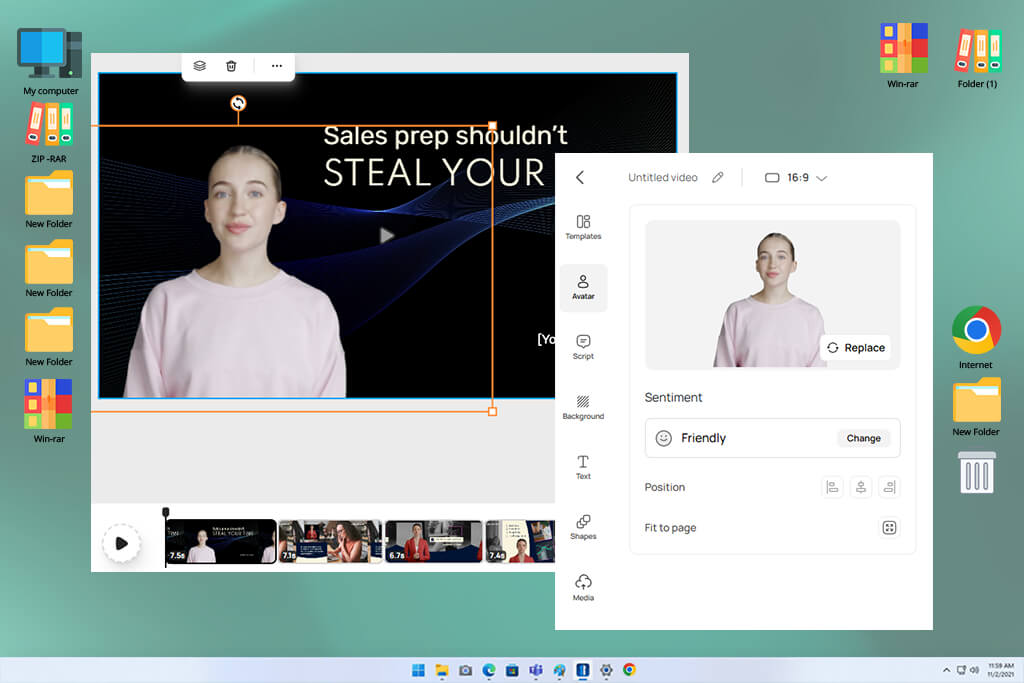
D-ID was one of the simplest AI virtual actor video makers I tested for the FixThePhoto workflow because it is designed for talking-head videos. I used it for tutorials, FAQ content, and short promotional messages where delivering information clearly was more important than creating advanced visual effects.
I tested this AI character generator with clear instructional scripts to see how naturally the presenter delivered the content. The lip-sync accuracy and facial movements were consistent, especially in shorter videos. This made it a good option for quick client updates and internal training materials.
I also tried different voice options and languages to see how well it handled content for different audiences. It managed these changes well, although the presenter still showed less emotion than some more advanced platforms.
In my experience, D-ID is best suited for creating simple presenter videos quickly. For the FixThePhoto team, it works well when we need clear explanations or updates without spending time on a full video production process.
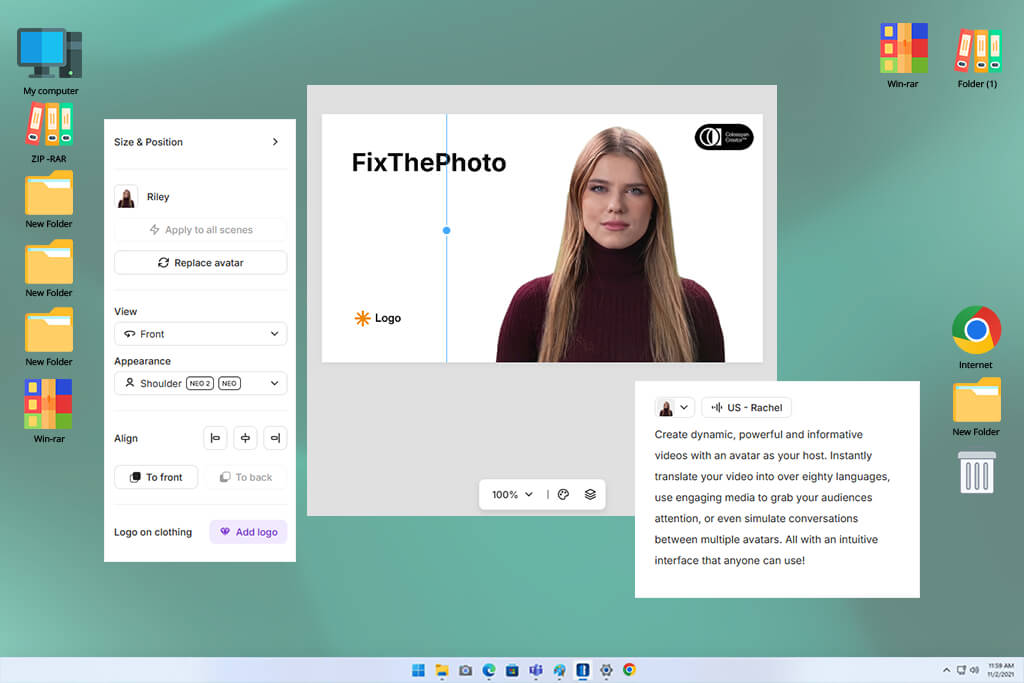
Colossyan became one of my preferred tools for creating educational videos for the FixThePhoto team and its clients. I tested it with onboarding materials, product tutorials, and staff training content. My main goal was to see how well it could present longer scripts while keeping the information clear and easy to follow.
I also tested longer scripts with multiple sections to evaluate pacing, scene flow, and smooth transitions between different parts of the video. It worked especially well for educational content with a clear structure, and the avatars remained consistent throughout longer videos. This made it a good choice for training and instructional materials.
“Colossyan is a solid choice for business and training videos. It handles educational content well, although the avatars feel fairly basic and don't show much emotion.”

What I liked most was how easy it was to use without giving up important features. The interface stayed simple, while still offering enough options to create AI virtual actors from script. It fit smoothly into a structured production workflow.
Overall, I found Colossyan to be a reliable platform for training and educational videos at FixThePhoto. It isn't built for highly creative marketing projects, but it delivers clear, consistent results for tutorials and instructional content.
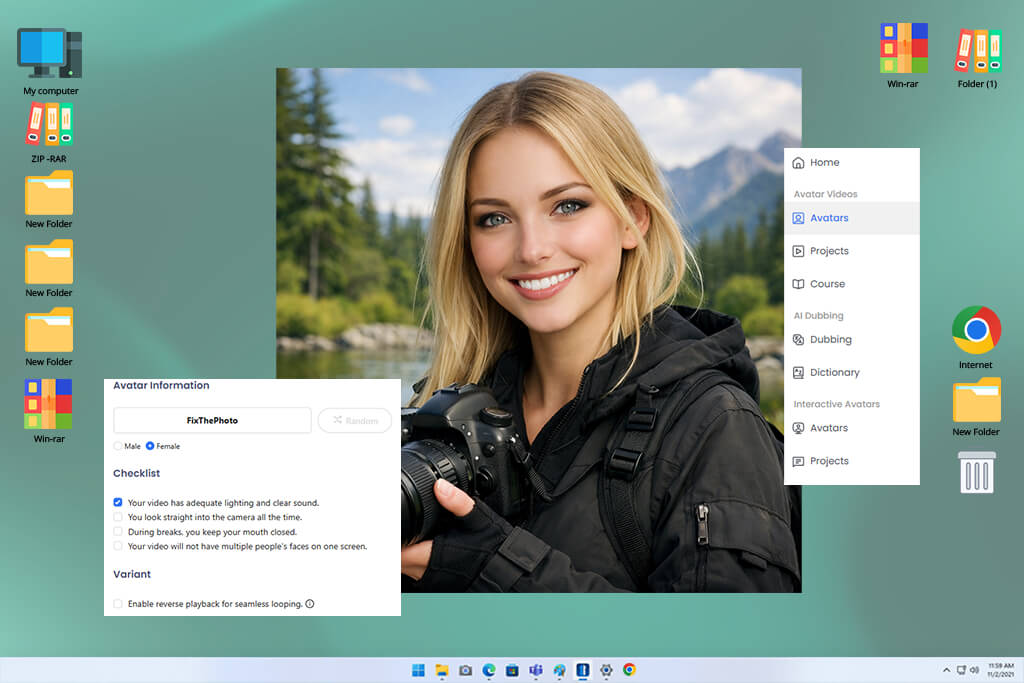
DeepBrain felt more suited to business use, so I tested it for large-scale video production at FixThePhoto. I used it for company presentations, product overviews, and informational videos where a consistent, professional look was essential. My main goal was to evaluate its ability to create regular content while maintaining consistent quality.
I also tested how it handled repeated updates by making changes to the same scripts, similar to real client revisions. The platform kept the presenter consistent across different versions, making it easy to produce multiple videos with the same style. This made it a reliable option for creating large batches of similar content.
Another focus was the presenter’s natural appearance in longer videos. The facial movements and lip-sync stayed consistent, especially in formal presentations. While the delivery wasn't highly expressive, it remained clear and professional from start to finish.
In my workflow, DeepBrain became a reliable choice for business-style presenter videos. It worked especially well for FixThePhoto projects where consistency and dependable results were more important than creative visual effects.
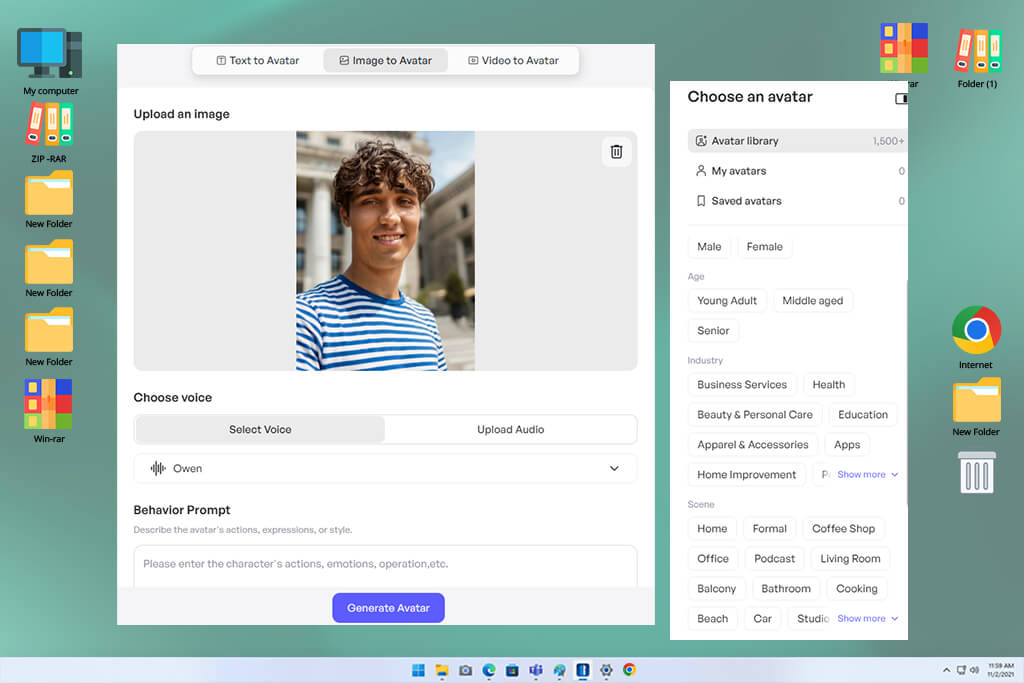
Creatify was one of the most marketing-oriented AI tools for designers I tested, so I focused on advertising content. For the FixThePhoto workflow, I used it to create product promotions, social media ads, and short promotional videos. My main goal was to see how well it could produce content designed to attract attention and encourage action rather than explain information.
I created several versions of the same promotional script to evaluate its suitability for A/B testing. It was easy to produce different variations in a short time, making it useful for marketing campaigns. The avatars were expressive enough to keep short promotional videos engaging.
“Great for making promotional videos quickly. I like how much of the work is automated, but the results can feel a bit template-based and offer limited flexibility.”

What I liked most was how quickly it fit into advertising workflows. I could turn a script into a finished video in very little time, which is valuable for fast-moving campaigns. The main drawback of this virtual video maker was the limited control over avatar behavior and presentation.
In my experience, Creatify works best as a “performance marketing video generator”. For the FixThePhoto team, it's a great choice when the priority is fast production and conversion-focused content rather than detailed storytelling.
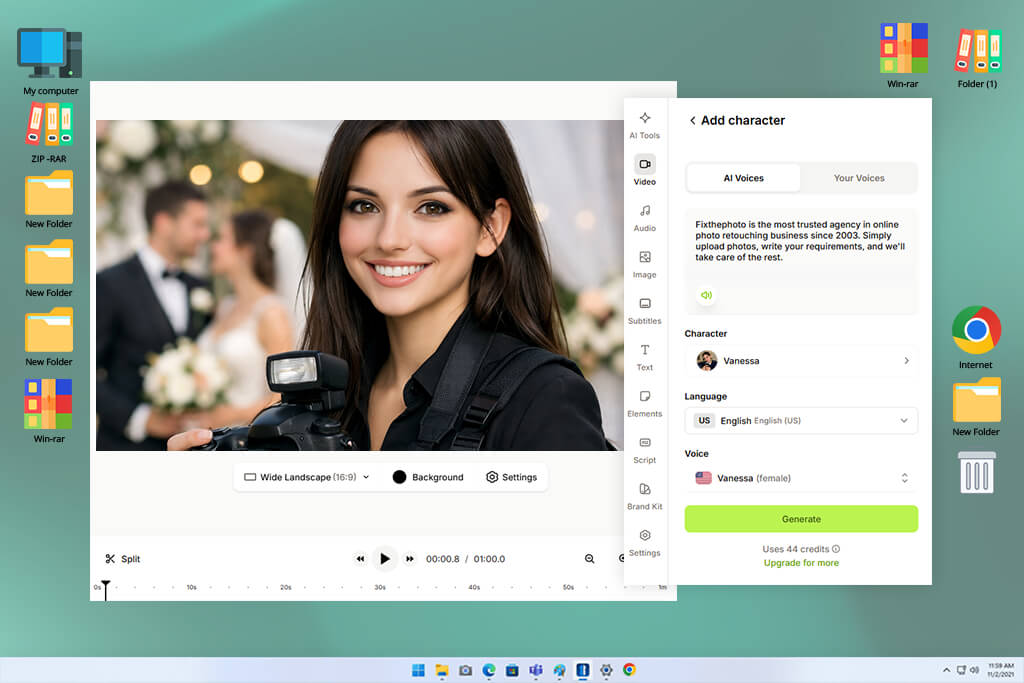
I tested VEED as part of the FixThePhoto video workflow, using it for both presenter videos and basic editing. Besides creating an AI virtual actor from text, I used it to add subtitles, make quick edits, and prepare content for publishing. My goal was to see if it could handle several production tasks in one platform.
I tested it with simple explainer scripts and then made edits directly in the platform. I could easily update captions, trim clips, and improve the flow of each video without using extra software. This made the overall workflow faster and more convenient.
The presenter features were more limited than those in dedicated avatar platforms, but the built-in editing tools made up for it. Overall, VEED felt more like a video editor with presenter features than a platform built specifically for virtual presenters.
In the FixThePhoto workflow, VEED became a versatile tool for both editing and presenter videos. It works best when we need quick changes, fast publishing, and an efficient workflow rather than highly realistic virtual presenters.
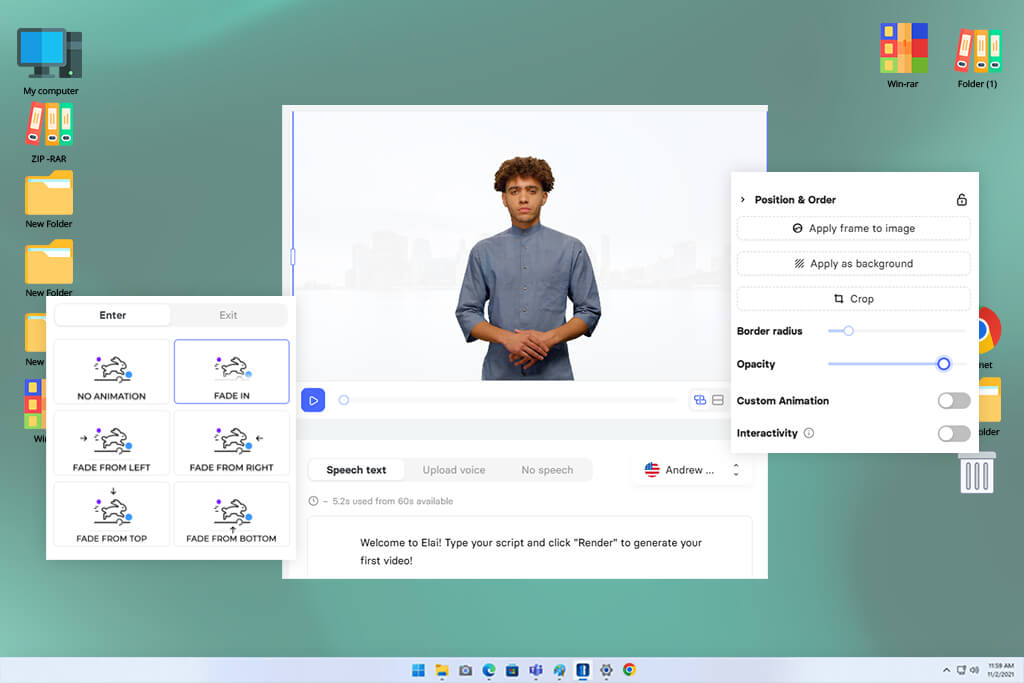
Elai was one of the virtual actor creators I relied on most for creating structured presenter videos, especially for FixThePhoto’s educational and business content. I tested it with training materials, product demonstrations, and step-by-step guides where delivering information clearly and consistently was the main priority.
I also tested longer scripts to see whether the presenter stayed consistent from beginning to end. Elai handled well-organized content reliably, especially when each video was divided into clear sections. This made it a good option for creating training courses and educational video libraries.
“Simple tool for turning scripts into presenter videos. It works well for tutorials and training content, although the avatars can feel a little stiff. Still, it's a practical option for creating straightforward educational videos.”

I also created versions in different languages to see how well Elai handled content for international audiences. It produced consistent results across each version, making it a practical choice for large educational projects while keeping the same presentation style throughout.
In my workflow, Elai worked as a reliable “training video engine.” It isn't designed for highly expressive presenter videos, but it delivers consistent results and fits well into FixThePhoto's structured content production.
I worked with the FixThePhoto team, including Tetiana Kostylieva, Kate Gross, and Tati Tailor, to test the best AI virtual actor generators after our growing number of educational videos, product presentations, and marketing explainers made traditional filming less practical.
Recording with real presenters, updating videos after script changes, and coordinating production schedules took too much time. Instead of a simple feature comparison, we organized the evaluation as a real production audit based on everyday content creation.
We started by creating a simple testing process based on real FixThePhoto projects. I prepared common scenarios, including product demos, SaaS onboarding videos, and short promotional presentations. Every tool was tested with the same scripts to keep the comparison fair. Tetiana Kostylieva reviewed visual quality and brand consistency, Kate Gross evaluated how natural the presenters looked and sounded, while Tati Tailor focused on speed, ease of use, and editing options.
During testing, we created several versions of the same script to see how each platform handled updates. For example, we took a basic product presentation and rewrote it in formal, friendly, and sales-focused styles. Some tools kept the presenter consistent across every version, while others changed the voice, appearance, or delivery, making them less reliable for regular production work.
We also tested real production tasks, including multilingual videos, batch generation, and quick script revisions. In some cases, we created several versions of the same video for A/B testing. Kate Gross found that the best platforms kept natural lip-sync and facial movements consistent across different languages, while Tati Tailor highlighted how much time was saved when videos could be updated without recreating them from scratch.
Another important part of our testing was checking how well each platform fit into our existing editing workflow. We tested how easily videos could be imported into editing software, whether subtitles stayed in sync, and if any visual issues appeared after export. Tetiana Kostylieva noted that even great-looking presenters are less useful if they need too much extra editing, especially in FixThePhoto's fast production workflow.
In the end, we found that AI virtual actor generators are already capable of producing high-quality educational videos, product demonstrations, and marketing content. However, Kate Gross noted that they still struggle to match the emotion and natural presence needed for more story-driven videos. We concluded that these platforms work best as production accelerators, helping the FixThePhoto team create more videos in less time while leaving the final polish to human editors.
“A realistic female presenter in a modern office, dressed in professional business clothing. She speaks clearly and confidently to the camera with a friendly expression, subtle hand movements, soft lighting, a neat corporate background, and crisp 4K quality.”

“A young male tech reviewer in a modern minimalist studio, wearing casual, stylish clothes and holding a smartphone. He speaks confidently to the camera with a friendly expression, natural lip sync, soft cinematic lighting, a blurred background, and realistic 4K YouTube-style quality.”

“A realistic middle-aged news anchor in a modern TV studio, wearing a formal suit and speaking calmly to the camera. Clear lip sync, realistic studio lighting, a professional newsroom background, and broadcast-quality 4K visuals.”
“A lifelike female teacher in a clean classroom, wearing a smart casual outfit and explaining a concept with a warm smile. Natural lip sync, gentle hand gestures, soft lighting, and clear, engaging 4K visuals.”

“A young influencer in a stylish studio, wearing a trendy outfit and speaking naturally to the camera. Friendly expression, natural lip sync, soft dynamic lighting, a vibrant background, and engaging TikTok-style 4K visuals.”
“A professional male corporate trainer in a modern conference room, wearing formal business attire and speaking confidently to the camera. Clear lip sync, calm delivery, soft lighting, a clean background, and high-quality instructional 4K visuals.”

“A cinematic virtual actor telling a story with expressive facial expressions and natural lip sync. Dramatic lighting, soft shadows, shallow depth of field, immersive delivery, and film-like 4K visuals.”




![9 Best ImagineArt Alternatives [Better AI Art Apps]](http://fixthephoto.com/blog/images/gallery/news_main__preview_29310.jpg)
![5 Best Podcast Cover Art Creators in {{%year}} [100% FREE]](http://fixthephoto.com/blog/images/gallery/news_main__preview_29304.jpg)
![Photoshop App on Android [NEW Release] {{%year}} Update](http://fixthephoto.com/blog/images/gallery/news_main__preview_29048.jpg)



















