Relying on a single AI image generator has real limitations. ImagineArt works adequately for quick concept work, but its output often reveals issues at full resolution, namely, anatomical inaccuracies and inconsistent details. That’s why I wanted to find ImagineArt alternatives based on real-world performance.
Rather than relying on platform-curated galleries, the testing process drew on community recommendations, particularly from design and content creation forums, where practitioners compare tools based on sustained daily use. I tested 50+ alternatives against the following criteria:
I wasn’t solely interested in aesthetic experimentation, but paid close attention to functional output quality. I did my best to learn whether each tool could deliver proper product visuals, editorial headers, branded social assets, and design mockups, while speeding up the entire process.
| Tool | Best for | Free Tier | Key Strength | Limitation |
|---|---|---|---|---|
|
Commercial AI visuals & design assets
|
✔️
|
✔️
|
✔️
|
|
|
Artistic & cinematic AI images
|
❌
|
✔️
|
❌
|
|
|
Gaming, concept art & creative assets
|
✔️
|
✔️
|
✔️
|
|
|
AI images with text & posters
|
✔️
|
✔️
|
✔️
|
|
|
Prompt-based AI image generation
|
✔️
|
✔️
|
✔️
|
|
|
Social media visuals & quick designs
|
✔️
|
✔️
|
✔️
|
|
|
Anime, manga & character art
|
✔️
|
✔️
|
❌
|
|
|
Curated AI workflows & style control
|
✔️
|
✔️
|
✔️
|
|
|
Illustration, branding & vector-style design
|
✔️
|
✔️
|
✔️
|
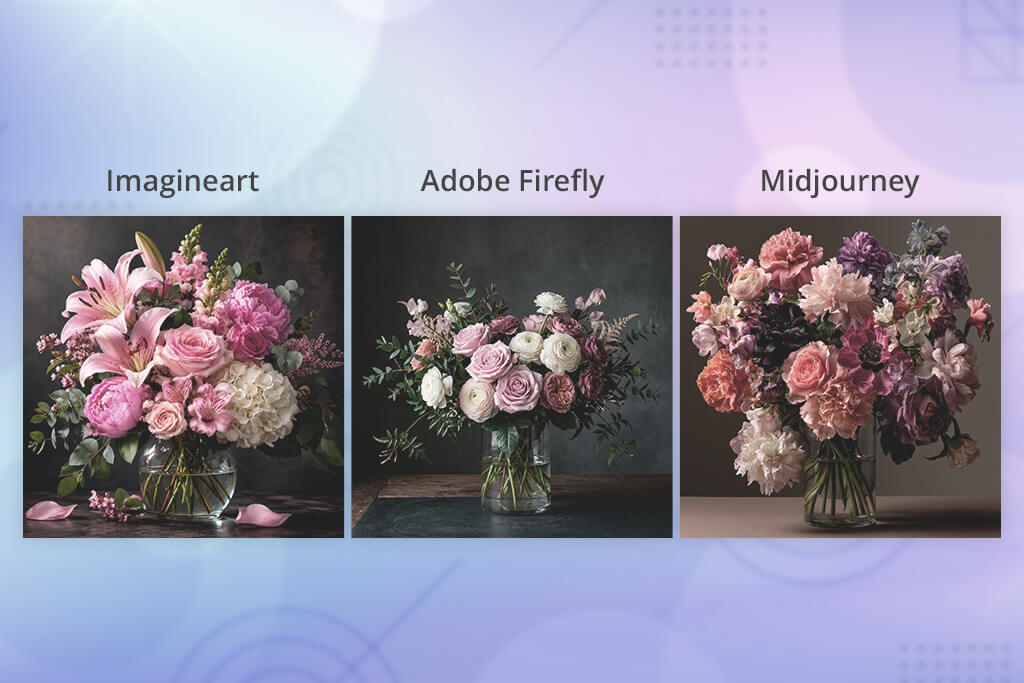
When selecting the most suitable ImagineArt alternatives, it is important to consider the nature of the project. Generating a single compelling image is a different challenge from maintaining visual consistency across a large set. The tools that perform well in one context do not always serve the other effectively.
The following breakdown outlines which tool best fits each type of creative requirement:

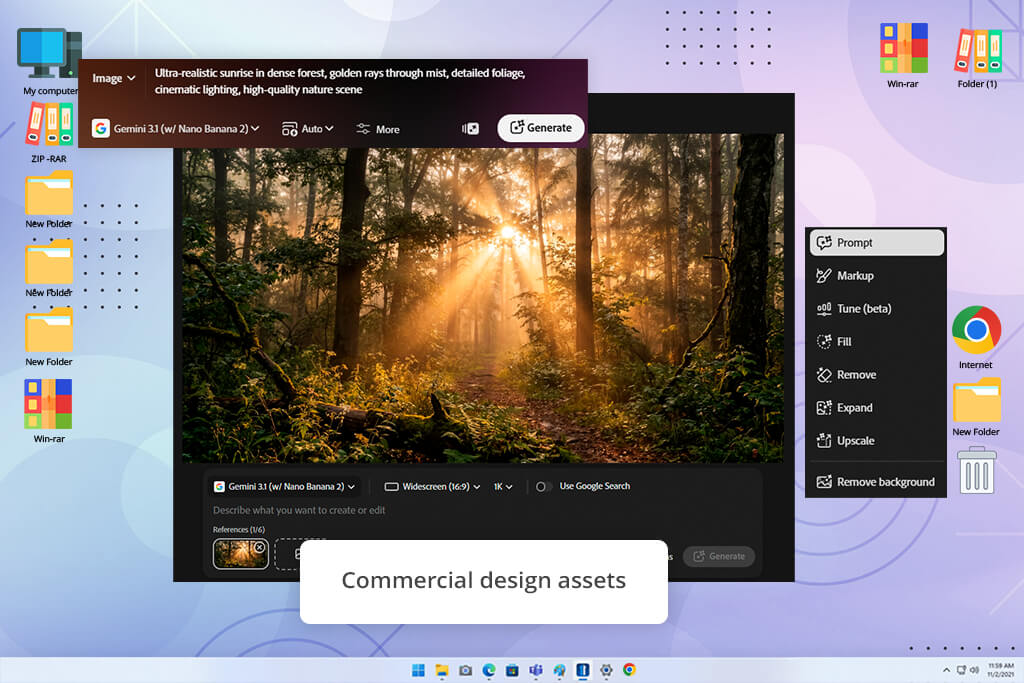
Adobe Firefly is geared toward commercial content production. Testing covered portrait generation, product photography concepts, branded poster backgrounds, and advertising creative mockups. Across all categories, results were great and ready for direct use in professional contexts. Not many alternatives to ImagineArt offer the same outputs without requiring manual refinement.
Text to Image was the most frequently used feature during testing. It offers responsive generation from natural language prompts with built-in style controls. If you compare Adobe Firefly vs Midjourney, you’ll see that Firefly delivers superior consistency and commercial reliability, while Midjourney produces more artistically distinctive results when creative impact is the primary objective.
I also tried Generative Fill, Text Effects, and Style Reference. Generative Fill proved particularly useful, allowing targeted corrections to specific image areas without requiring full regeneration.
“Generative Fill and Text to Image are go-to tools when you need quick AI visuals for blogs, ads, or social media. Just expect to touch them up a bit.”

Adobe Firefly does not produce the cinematic depth or stylistic drama like Midjourney. But if you need high-quality imagery suitable for immediate publication like marketing materials, editorial graphics, product visuals, and social media assets, it is a good ImagineArt alternative.
Best for: blog graphics, commercial AI visuals, product concepts, social media images, and clean design-ready assets.
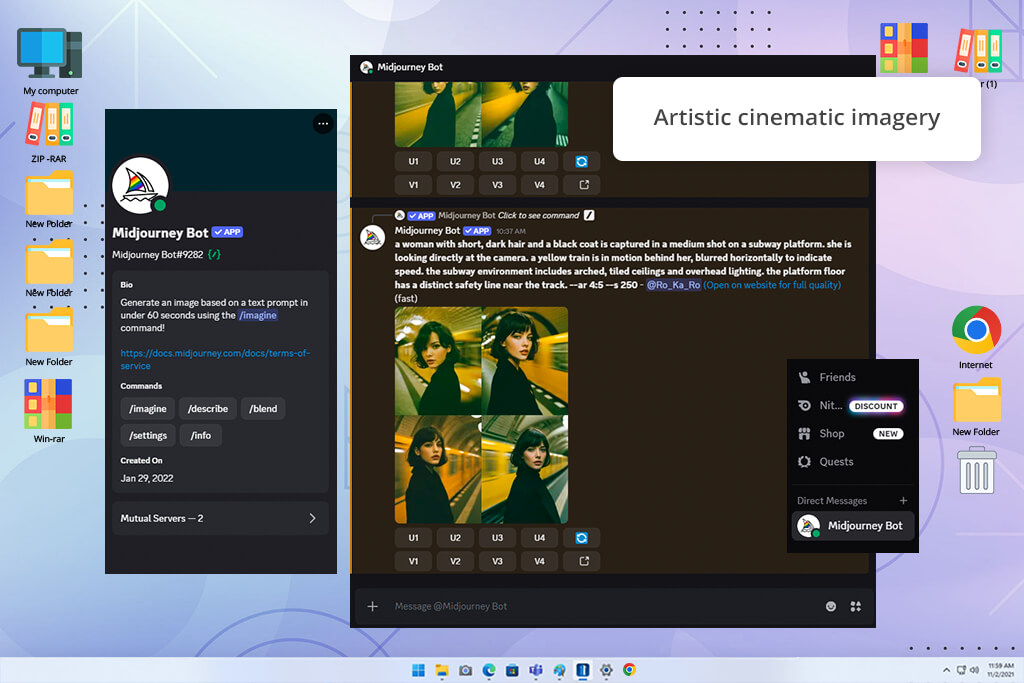
When you need images that look impressive, not just technically acceptable, Midjourney is one of the top ImagineArt alternatives. I tested it for editorial portraits, fashion-inspired scenes, dramatic product visuals, and campaign content where the image itself has to be front and center. The quality is stunning compared to what most AI generators give on the first try.
The entire platform runs through Text Prompts, and the quality of what you get scales directly with how well you write them. The more specific and directional your input, the better the result. I also looked at it as the best AI image generator across a broader comparison, including stylized, cinematic, and artistically ambitious work. It consistently places at the top.
Style References, Character Reference, and Image Prompts are worth learning properly for any multi-image project. Keeping a consistent character or visual mood across a series of generations is genuinely doable now without model training, which makes Midjourney far more viable for character-driven work than it used to be.
If you prefer working visually with templates, layout tools, and preset adjustments, Midjourney will frustrate you. It is built for people who think in prompts and are willing to iterate. But for bold, high-quality creative output, it is difficult to beat.
Best for: cinematic AI art, creative campaigns, fantasy visuals, character concepts, and high-impact social media images.
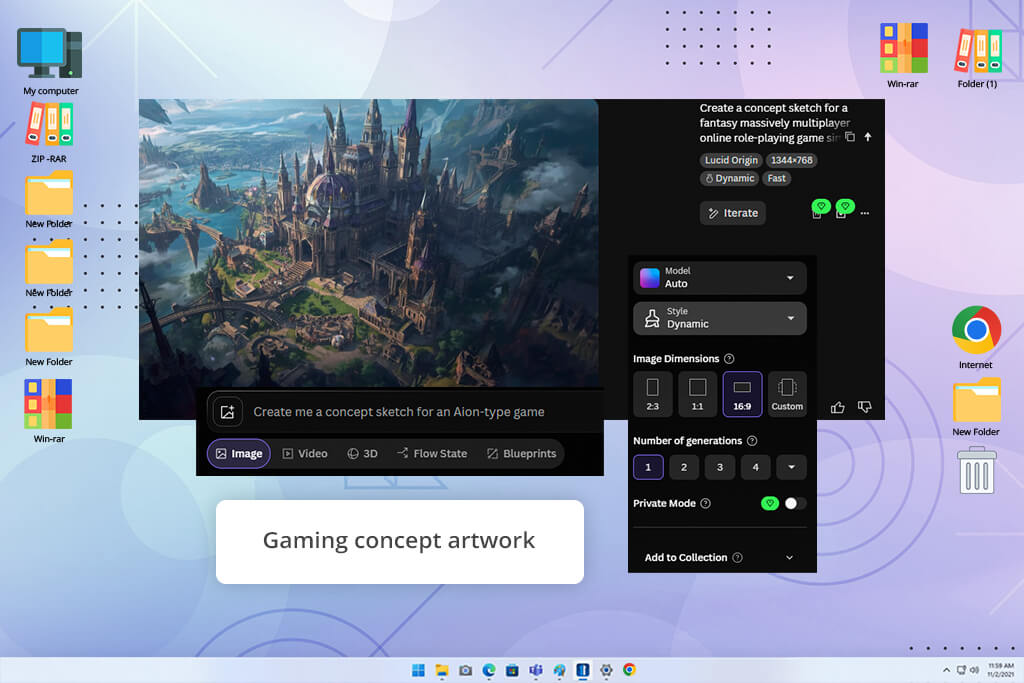
I reach for Leonardo AI when I have a project that needs more precision than a basic generator can deliver, but I lack time to train a custom model. I used it for concept art, game-style environments, styled product scenes, and poster ideas with a specific visual brief. The extra settings are purposeful. Each one changes the output in a meaningful way rather than just adding visual noise.
Image Generation, Prompt Magic, Alchemy, and Image Guidance are the features I used almost all the time. They help me move from rough concept to refined result with enough control to keep several images in a set visually consistent. That is harder than it sounds, and it is something many AI generators fail at even when individual outputs look strong.
“If you’re doing concept art or just want all your images to look like they came from the same place, use Image Guidance and Prompt Magic.”

Still, keep in mind that this tool like ImagineArt, takes time to master. Configuring is longer here than in simpler tools, and getting reliably strong results means working through an initial adjustment period. However, the investment pays off clearly for concept illustrators, game asset creators, and anyone working on character-driven projects that require consistency.
Best for: concept art, character visuals, gaming assets, fantasy scenes, and creative projects that need more control.
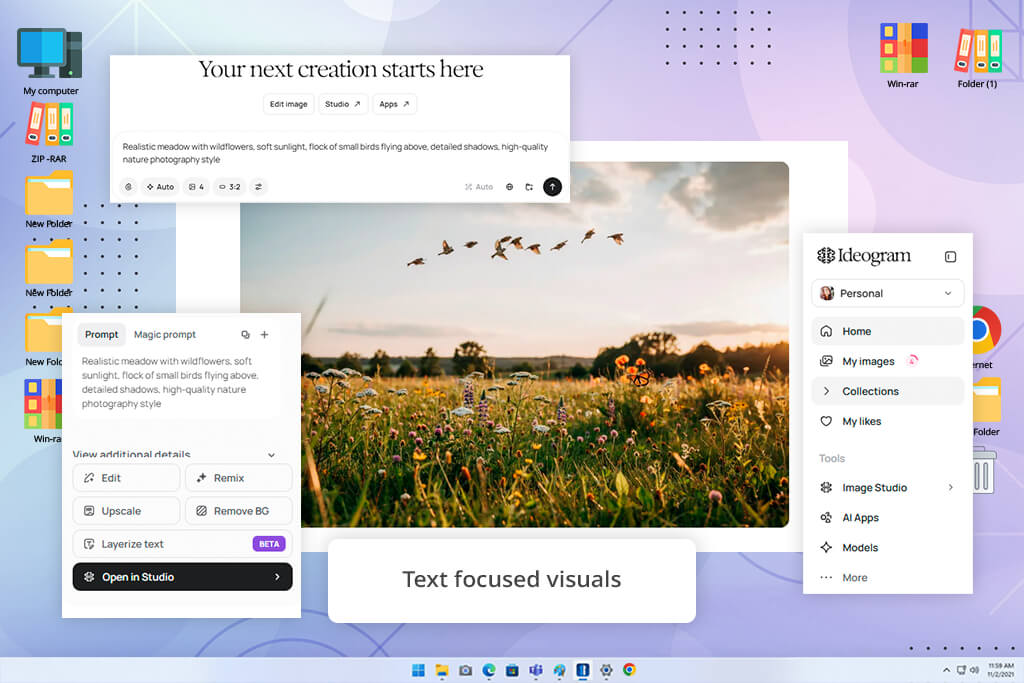
Almost every AI image generator has the same problem with text. Letters get scrambled, and names come out misspelled. Besides, any layout that depends on typography falls apart. Ideogram is the tool that copes with this problem professionally. It renders headlines, product names, slogans, and poster copies with real legibility, so you can publish your content without embarrassment.
I tested it mainly for poster designs, branded social media layouts, ad graphics, and quote-based content where the words are as important as the visuals. Text to Image feature handled all of these consistently. In fact, it made me perceive Ideogram as one of the capable Generative Fill alternatives.
I also explored the Remix feature for making layout adjustments after generation. It was helpful to adjust colors, composition, and typographic style without going back to a blank prompt each time.
Magic Prompt and Style Presets are useful for developing rougher concepts into something more eye-pleasing without writing highly specific prompts from the start. That is why I believe this is one of the most fitting ImagineArt AI alternatives for anyone who is not used to engineering detailed AI prompts.
Ideogram can hardly satisfy you when it comes to detailed portrait work or photo-realistic results. But for any project where text and visuals need to work together, like posters, thumbnails, ad creatives, social media covers, and event graphics, it is the most reliable tool in this comparison.
Best for: posters, social media covers, ad visuals, thumbnails, quote graphics, and AI images with text.
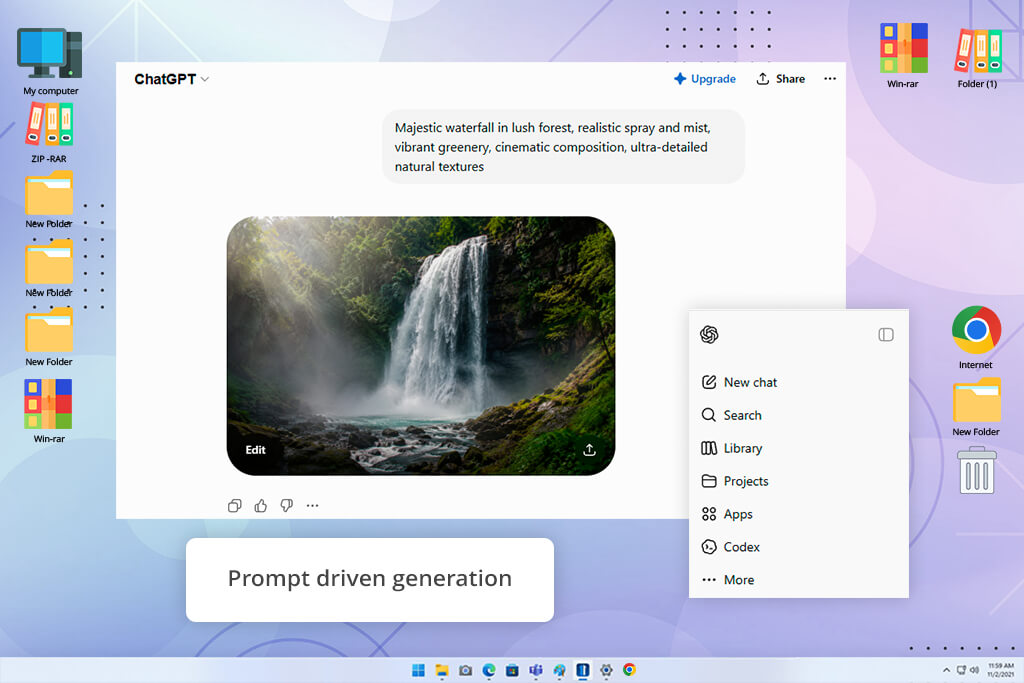
DALL-E earns its place here not through stylistic ambition but through practical usefulness. It handles a wide range of everyday content tasks without requiring you to learn any special prompt techniques. Describe the image the way you would explain it to a colleague, and the tool follows along.
I tested this ImagineArt AI image generator alternative across editorial illustrations, product context scenes, simple character sketches, and social media visual drafts. The results were high-quality and worked for first-pass content and internal review.
User-friendly design is a big advantage for people producing content at volume. Text to Image, Image Editing, and Prompt-Based Generation form a straightforward loop. You generate, review, and refine. There is no syntax to memorize or specific format to follow. You just describe what you want and adjust from there.
“The best thing about it is how fast you can brainstorm visually. But the results aren’t 100% publish-ready without a little touching up.”

If you are dealing with intricate artistic work or tight stylistic control, DALL-E is not the right tool. But for high-volume content production, including article visuals, concept mockups, and quick reference imagery that favor speed and flexibility over stylistic precision, it delivers great outcomes.
Best for: blog images, concept visuals, simple creative assets, social media ideas, and quick AI image drafts.
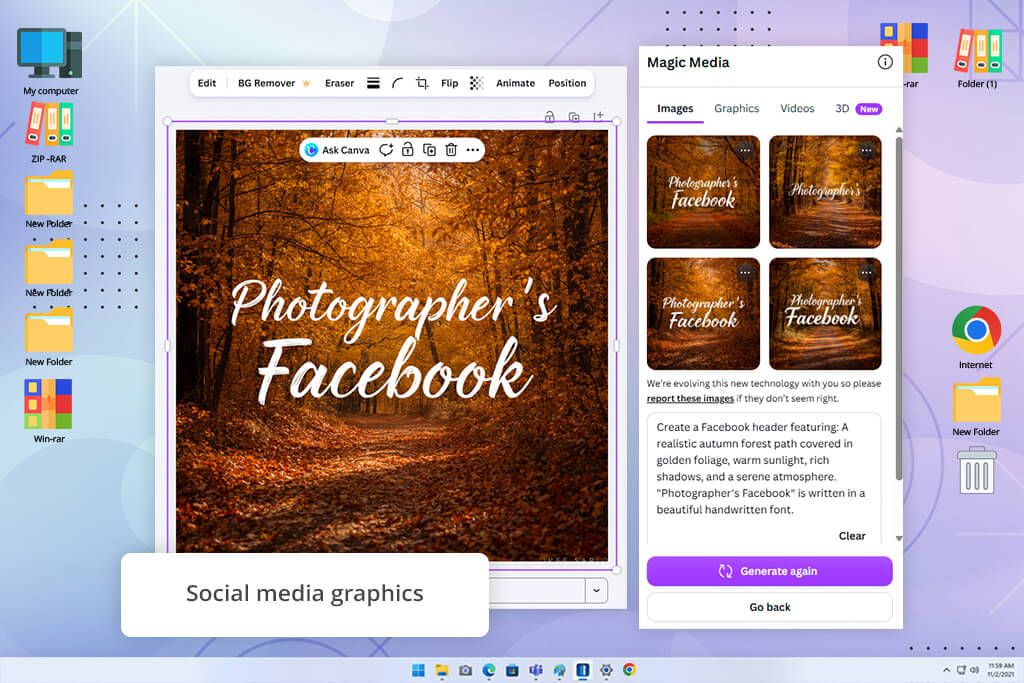
The biggest strength of Canva AI is how well its generation fits into a complete workflow. Other sites like ImagineArt produce an image you have to download, open in a design application, drop into a layout, and resize for different formats. Canva skips all of that. The image appears directly in the workspace where the rest of the design happens, and you move straight to finishing the piece.
I tested it across Instagram posts, blog headers, banner ads, Pinterest content, and presentation slides. Magic Media, Text to Image, Background Remover, and Templates were the features I used most. The standard flow, when you generate an image, place it in a template, adjust the copy, change the accent color, and export in multiple sizes, runs faster here than in any other tool I tested.
For anyone producing content at volume, Canva will definitely become one of the best AI tools for content creation. The generation layer is not as deep or artistically interesting as Midjourney or Leonardo AI. If you are creating character-driven projects or stylistically demanding imagery, you will want a different tool.
Best for: social media graphics, blog covers, ad banners, presentations, and quick branded visuals.
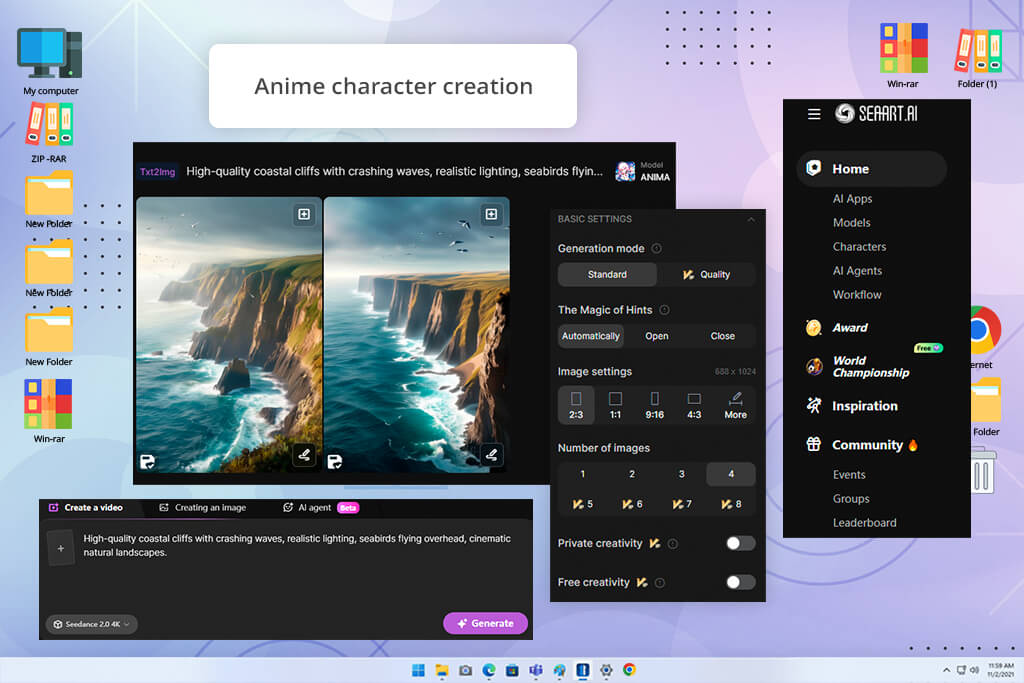
SeaArt is one of the best ImagineArt AI alternatives if you want artistic results. While most AI image tools try to handle everything from product photography to fantasy portraits, SeaArt puts almost all of its energy into illustrated and anime-inspired visuals.
I used it for anime-style character portraits, manga scene layouts, expressive fantasy character designs, and stylized avatars. The results were consistently stronger than what I could get from any general-purpose tool with similar prompts.
The community model library sets it apart. Instead of trying to push a general model toward a niche aesthetic, you select from models built specifically for dozens of distinct illustrated styles.
The difference in output quality is immediately obvious when you start with the right model rather than fighting a general one. I particularly liked Text to Image, LoRA Models, Community Models, and Image to Image features, and used them the most throughout testing.
“If you’re going for an anime or manga look, the community models make it easier to get that style without having to start from zero.”

Best for: anime portraits, manga-style images, fantasy characters, stylized avatars, and colorful illustration projects.
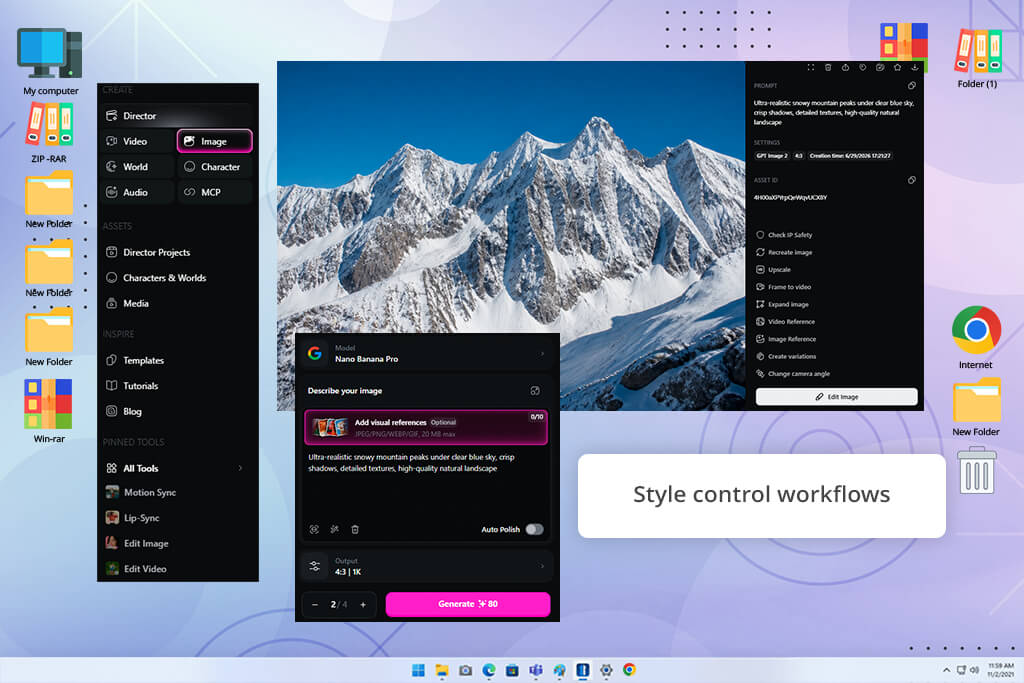
Most AI generators assume you know what you want, describe it clearly, and get the result. OpenArt is built for the part of the process where you are still figuring that out. Rather than committing to one direction from the first prompt, it supports exploration, letting you generate multiple interpretations, compare them side by side, and narrow toward a final concept with confidence.
For anyone who does serious concept development work, it can be the best AI character generator. I used it for creative backgrounds, character concepts, etc. Text to Image, Image to Image, Style Presets, and Creative Workflows impressed me greatly. I appreciate the possibility to push a single concept into several visual directions at once.
In one session, I took a single character reference and generated separate versions formatted for a poster, a thumbnail, and a social media card, without rebuilding the brief each time. A standard prompt-and-generate tool won’t give you such a structured exploration, so if that matters to you, OpenArt may become your top tool like ImagineArt.
OpenArt asks more of you than a one-click generator, but far less than anything involving model training. For designers and content creators who need to move through ideas quickly without losing creative control in the process, it fills a gap that most other tools in this comparison leave open.
Best for: concept images, style experiments, character drafts, blog visuals, thumbnails, and creative projects that need several visual directions.
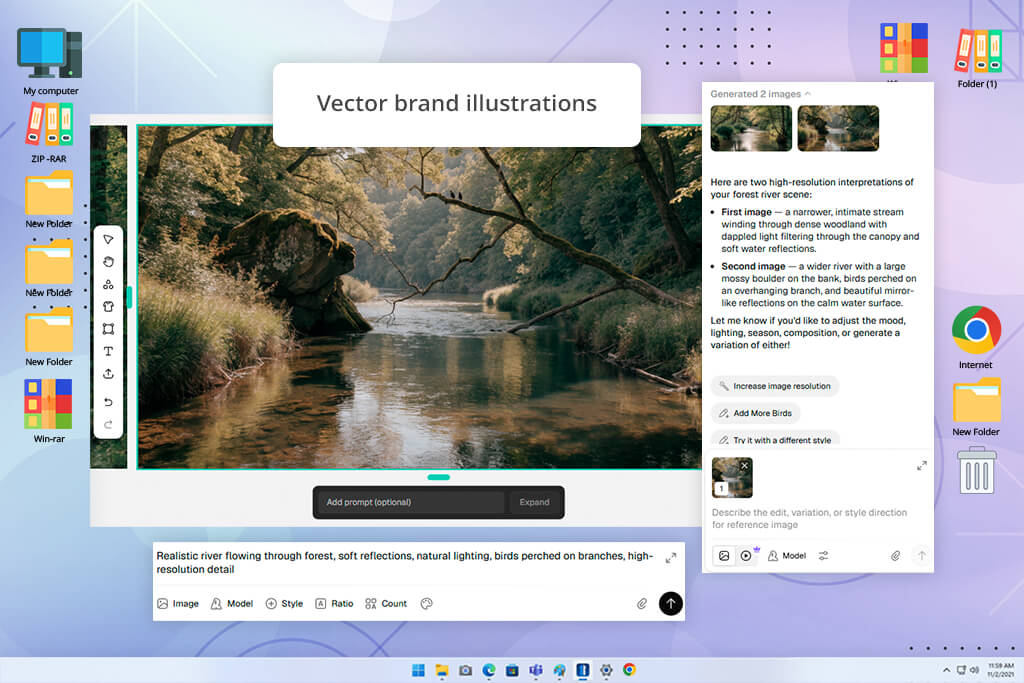
A lot of AI-generated images look great on their own but become awkward the moment you try to use them inside a real design. The colors fight the layout and the composition clashes with surrounding elements. Recraft is one of the top apps like ImagineArt to overcome that. It is built around the idea that images need to function as part of something larger, e.g., a website or a design system.
I tested the AI Image Generator, Vector Image Generator, Style Control, and Brand Assets features across web illustrations, icon-style graphics, poster components, and branded social content. In all of these categories, Recraft consistently produced more design-compatible output than the generalist tools.
The visual quality is more controlled and purposeful. It is less of the chaotic energy that AI imagery often carries and more of the deliberate quality that professional design work requires.
“Perfect if you need icons, illustrations, or branding graphics that fit into your design without extra work.”

All in all, if you need rich atmospheric portraits or dramatic scene generation, Recraft is not the right choice. But for building a visual identity system, creating a cohesive set of branded assets, or producing illustrations that need to live inside a designed environment, it is a terrific option.
Best for: illustrations, branding visuals, vector-style graphics, social media designs, posters, and marketing assets.
Every AI image tool has a gallery page, and every gallery shows its best outputs under ideal conditions. That tells you what the ceiling looks like, but shows nothing about what you will get when you start generating your own content. So, we did not use those galleries as our benchmark during the testing process.
Instead, every ImagineArt competitor faced the same real-world tasks that content creators, designers, and marketers deal with daily. We kept the prompts consistent across all nine tools and adjusted wording only when a specific platform needed a different kind of input to show what it could do fairly.
The goal was not to extract one perfect result per tool, but to find out which platforms could deliver consistent, usable output across different content categories, over multiple attempts. We focused on 6 categories for every platform:
After each generation, we reviewed outputs at full resolution. The issues we looked for were distorted anatomy, broken or unreadable text, surface texture artifacts, weak composition, and blending errors around faces or key objects.
We also tested each platform’s post-generation tools, namely, remix functions, style references, image guidance, and editing features, because what a tool can do after the first output is just as important as the first output itself.
We based final rankings on prompt accuracy, image quality, style range, text generation, character consistency, editing flexibility, ease of use, and how publish-ready the results looked. The full FixThePhoto team contributed to the evaluation to make sure the conclusions reflected a range of professional perspectives rather than a single point of view.
For clean commercial content, Adobe Firefly is the most reliable option. For cinematic and artistic imagery, Midjourney consistently delivers the strongest results. For character work and detailed concept art, Leonardo.Ai gives you the most control.
Yes, Adobe Firefly, Leonardo.Ai, Ideogram, Canva AI, SeaArt, OpenArt, and Recraft offer free access. Most come with usage limits or a generation cap, so it is worth checking the specifics before building a workflow around any of them.
Adobe Firefly, DALL-E, and Midjourney handle realistic imagery well. If you need stylistic precision on top of realism, Leonardo.Ai is worth adding to the shortlist.
Ideogram handles this more reliably than any other tool in this comparison. Canva AI and Recraft are also solid choices when the goal is a text-heavy design format like posters, banners, and social media covers.
SeaArt deserves the title. It is purpose-built for anime and manga aesthetics, and its community model library covers specific illustrated styles far more precisely than any general-purpose generator.
Yes. Adobe Firefly, Canva AI, Recraft, and DALL-E produce product-style imagery, branded backgrounds, mockups, and marketing concepts that work well for most professional purposes.
Recraft is the stronger pick for design-integration work – illustrations, icons, vector-style output, and brand asset systems that need to function coherently within a layout. Canva AI is the better choice when you need to assemble finished, multi-format content quickly within a single workspace.








![11 Best AI Virtual Assistants in {{%year}} [Reviewed & Ranked]](http://fixthephoto.com/blog/images/gallery/news_main__preview_29081.jpg)
![7 Best TIFF to PDF Converters [{{%year}} FixThePhoto Choice]](http://fixthephoto.com/blog/images/gallery/news_main__preview_29305.jpg)

















