With so much time spent on content creation, client communication, editing, and other routine tasks, AI virtual assistants have become a regular part of my workflow. I rely on them for research, brainstorming, writing, and automating repetitive work. They help me stay organized, work more efficiently, and handle projects faster with less manual effort.
After testing more than 20 tools in real-world work scenarios, I found that their performance varied quite a bit. While some fell short in areas like accuracy, ease of use, or integrations, others stood out by making everyday tasks more efficient and improving overall productivity.
I also gathered feedback from my colleagues at FixThePhoto and looked at how these tools perform across different types of work. This included productivity, creative projects, workflow automation, communication, document handling, and business-related tasks to determine which assistants provide the most practical value.
|
Tool
|
Best For
|
Key Strengths
|
Free plan/trial
|

|
PDF workflows & document analysis
|
AI summaries, document Q&A, fast PDF navigation
|
✔️
|

|
Smart home & daily productivity
|
Voice commands, reminders, Google integration
|
✔️
|

|
Hands-free assistance & smart home control
|
Voice routines, reminders, quick commands
|
✔️
|

|
AI agents & workflow automation
|
Automates repetitive tasks and business workflows
|
✔️
|

|
Office productivity & business tasks
|
Deep Microsoft 365 integration, document assistance
|
✔️
|

|
Writing & long-form content
|
Natural writing style, strong contextual understanding
|
✔️
|

|
Research & web answers
|
Fast answers with cited sources
|
✔️
|

|
Content creation & brainstorming
|
Versatile, creative, supports many workflows
|
✔️
|

|
Task & schedule management
|
Automatic planning and AI scheduling
|
✔️
|

|
Notes, organization & collaboration
|
Great for organizing projects and documents
|
✔️
|

|
Workflow automation
|
Connects apps and automates repetitive tasks
|
✔️
|
To identify the best AI assistant apps, I evaluated how effectively they fit into day-to-day work rather than judging them solely by their features. I looked at their performance across a range of tasks, including productivity, scheduling, workflow management, automation, research, communication, and content creation.
I also evaluated factors such as usability, integration options, accuracy, automation capabilities, and the overall impact each assistant has on saving time and improving efficiency. The tools selected for this list cover a variety of needs, ranging from personal task management and team coordination to business operations and creative work.
Through testing various AI virtual assistants in everyday work environments, I found that the biggest benefits come from automating routine tasks rather than relying on automation for everything. Even small improvements to daily workflows can make a noticeable difference, saving time on content management, communication, scheduling, research, and other regular business activities. These are the strategies that proved most useful as I incorporated AI tools into my daily work.
Overall, I’ve found that AI automation is most effective when it fits naturally into your workflow rather than making things more complicated. Even simple changes can help save time, keep work better organized, and make day-to-day tasks easier to manage.
Price: 14-day free trial or from $24.99/mo.
Compatibility: Web, Windows, macOS
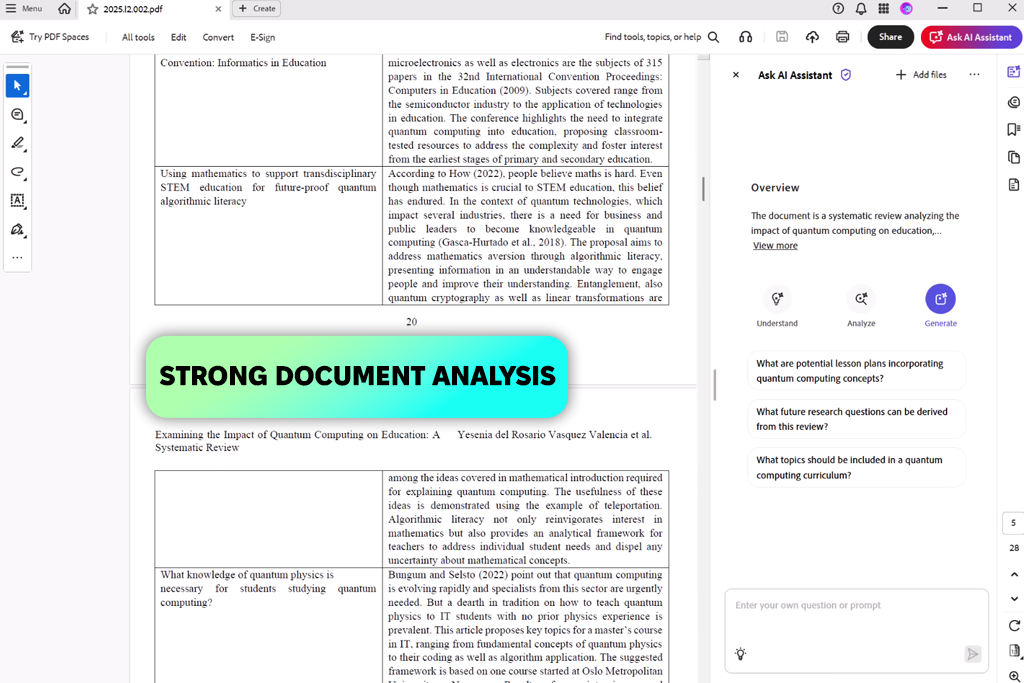
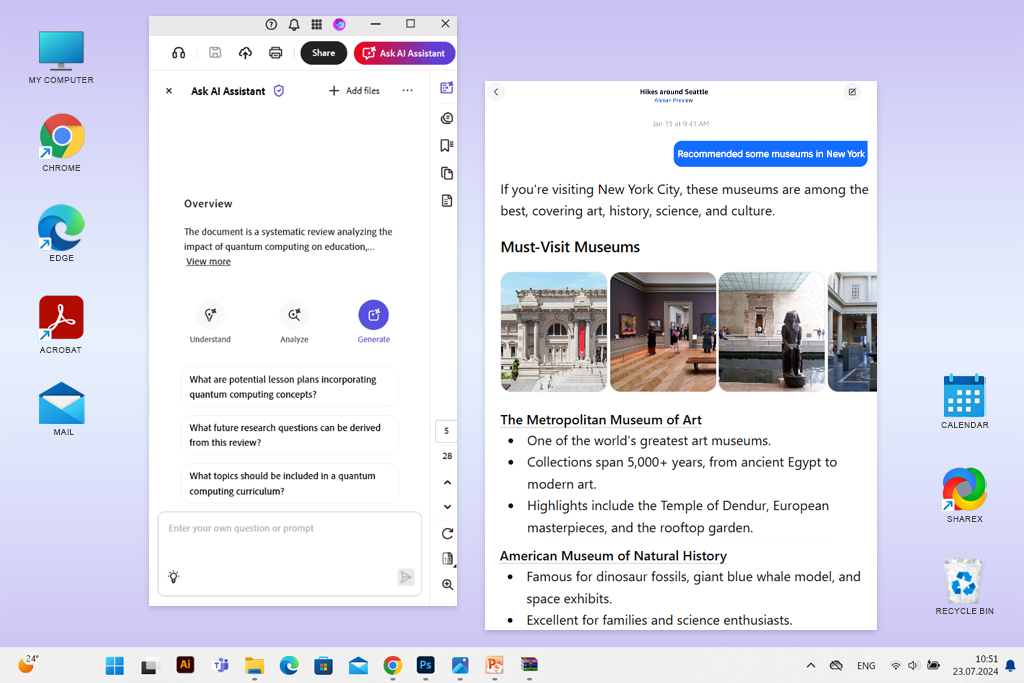
Adobe Acrobat AI Assistant includes a virtual assistant built directly into the platform, making it easy to work with PDFs, Word documents, PowerPoint files, and transcripts through simple text prompts. I use it to find important information, get quick summaries, and understand lengthy documents more efficiently without having to read every page in detail.
One feature I find especially useful is the AI tool to chat with PDF documents, which allows me to ask specific questions and quickly find relevant information within a file. It’s also helpful for reviewing contracts, identifying key details, adapting text for different purposes, and turning long documents into organized notes or outlines.
Another feature I like about this AI assistant tool is how it helps turn meeting discussions into clear tasks, spot changes between file versions, and provide a quick overview of long documents. This saves time and makes it easier to keep track of information when working across several files. However, if your needs are limited to reading PDFs or making small changes, it may offer more functionality than you actually need.
“What stood out to me most was how smoothly it worked within PDF files, without requiring additional tools or switching between tabs. It made it easy to review documents, locate important information, and handle routine tasks more efficiently.”



Price: Free
Compatibility: iOS, Android
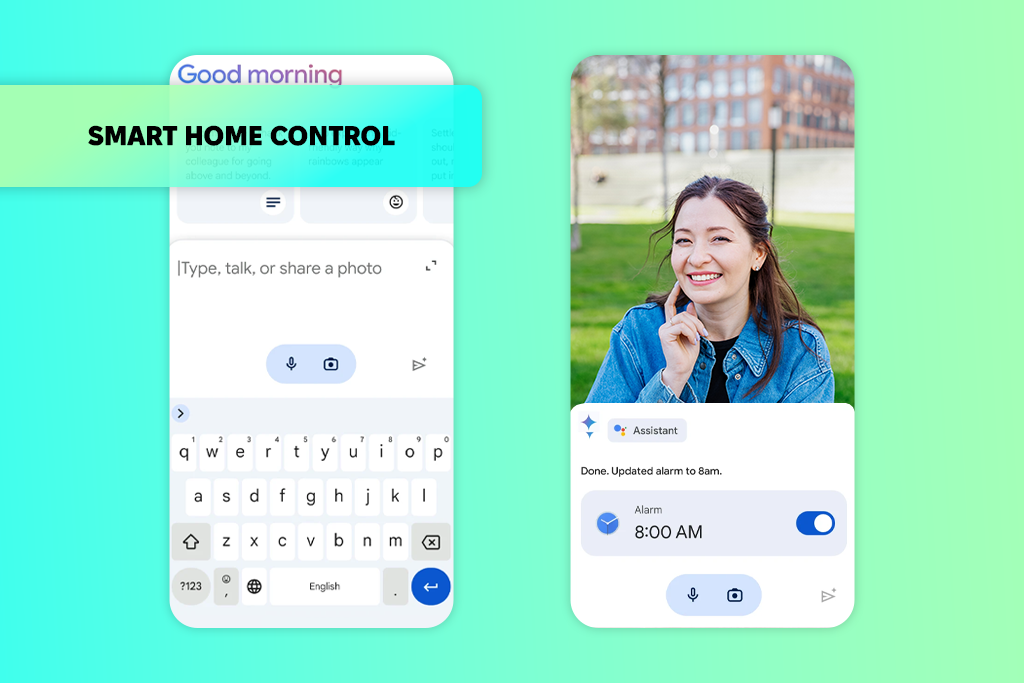
I originally started using Google Assistant as a convenient way to handle everyday tasks without having to interact with my phone manually. What began with simple requests like reminders and weather updates gradually became part of my daily routine. As an AI virtual assistant, it’s especially useful for quick voice-controlled tasks when I’m occupied with other work, helping me stay organized and manage routine activities more efficiently.
What I like most is how quickly it handles everyday tasks. Whether I’m checking the weather, changing phone settings, or controlling smart home devices, everything feels fast and convenient. I also like that the Gemini integration adds support for more detailed questions and planning. However, it still has trouble with more complex requests and will sometimes give a simple answer or show search results instead of completing the task.
Price: Free or for $19.99/mo
Compatibility: Web
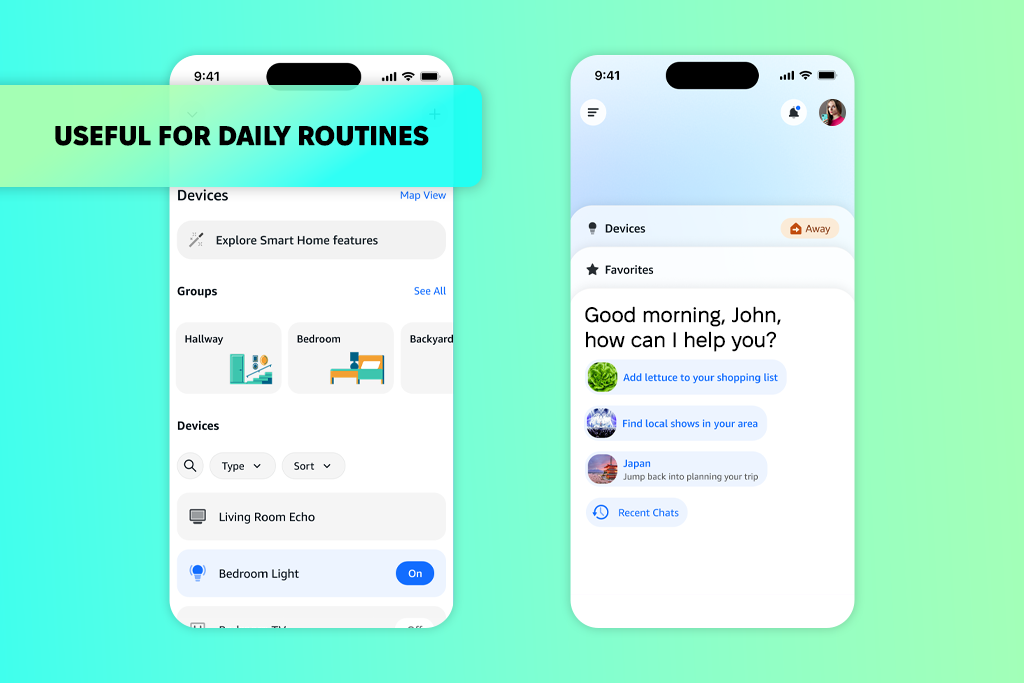
Amazon Alexa is a virtual assistant I use for everyday voice-controlled tasks. It lets me control smart home devices, play media, set reminders, check the weather, and manage simple tasks without needing to use my phone. What I like most is how easily an AI personal assistant connects with different devices and services. The Alexa Skills feature also adds extra functionality, making it easy to access things like food delivery, fitness apps, games, and other connected services.
It also offers a smart lock with Alexa, allowing me to lock or unlock doors and manage certain home security features using voice commands. On the downside, I’ve occasionally noticed that some answers are not completely accurate, and because it’s closely tied to Amazon’s ecosystem, some recommendations can feel more focused on products and purchases than purely informational results.
“I found Alexa useful for reminders, routines, and other everyday tasks while multitasking. However, its conversations can feel more limited compared to newer assistants.”

Price: 7-day free trial or from $49.99/mo
Compatibility: Web
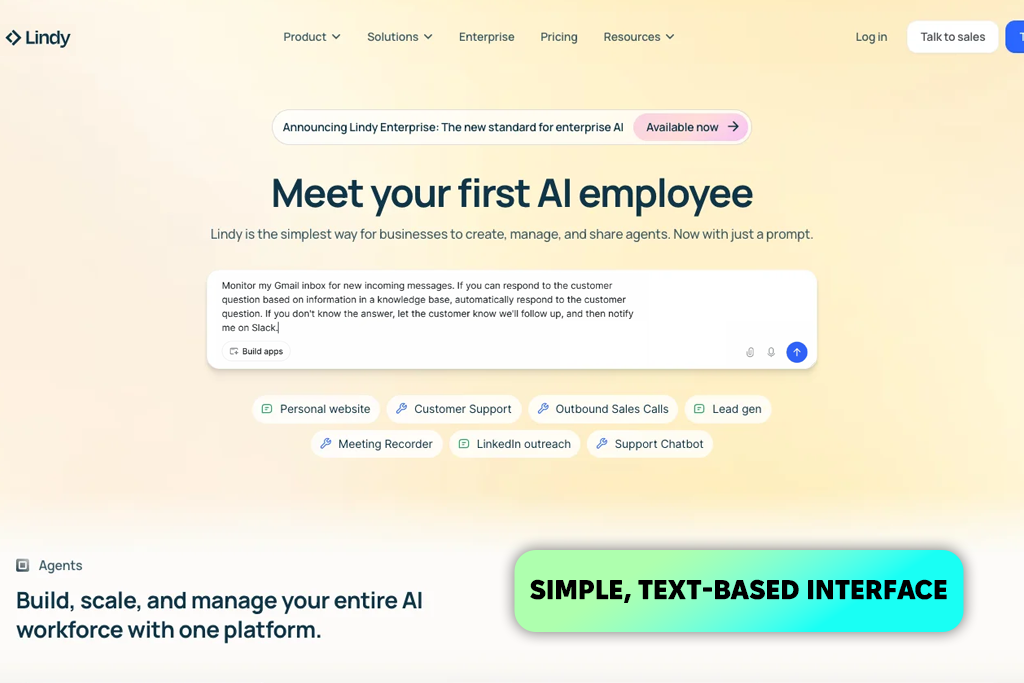
I tried Lindy to automate routine tasks such as organizing emails, scheduling meetings, and handling other repetitive work that can take up a lot of time. It helps connect different apps and create simple workflows without requiring any coding, making it easier to streamline daily processes and reduce manual tasks.
In my experience, Lindy is a practical artificial intelligence software for automating tasks across apps like email, Slack, and calendars. I like that it provides pre-built templates, a simple visual builder, and the option to create tasks just by writing instructions in plain language.
This AI productivity assistant also works well with common workplace tools for handling replies, coordinating schedules, and keeping track of follow-ups. One drawback is that usage limits can feel restrictive, especially when testing multiple workflows, and costs can increase fairly quickly as automation needs grow.
Price: Free or from $20/mo
Compatibility: Web, Windows, macOS, iOS, Android
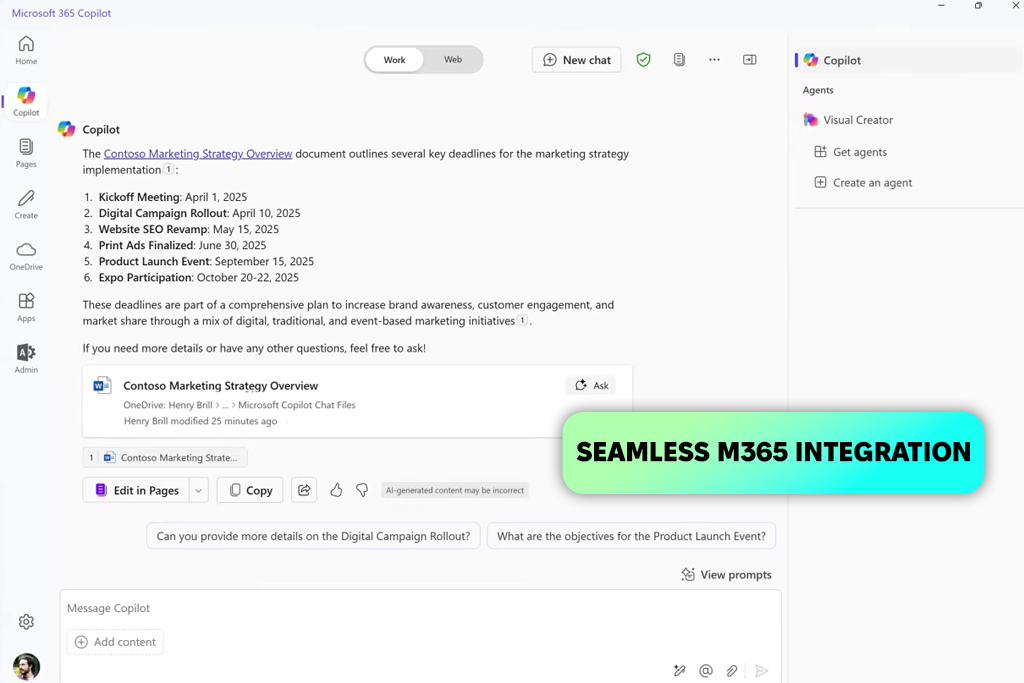
I used Microsoft Copilot throughout the Microsoft 365 apps I work with most to see how it performs in day-to-day tasks. It helped me draft emails, summarize long documents, capture key points from meetings, and keep track of follow-up actions. I also liked how it could use information from documents, conversations, and schedules already available in the Microsoft environment, making it easier to stay organized and work more efficiently.
What stood out to me most was how smoothly it worked across Microsoft 365 tools. I could get meeting summaries, pull information from files stored in OneDrive, and generate structured reports without constantly switching between apps. I also found the automatic meeting recaps and follow-up task lists especially helpful. That said, I still review important content myself, as some responses can be too general or occasionally miss important details.
“Copilot saved me a lot of time with emails and document management. However, it sometimes made simple tasks more complicated than necessary.”

Price: Free or from $17/mo
Compatibility: Web, Windows, macOS, iOS, Android
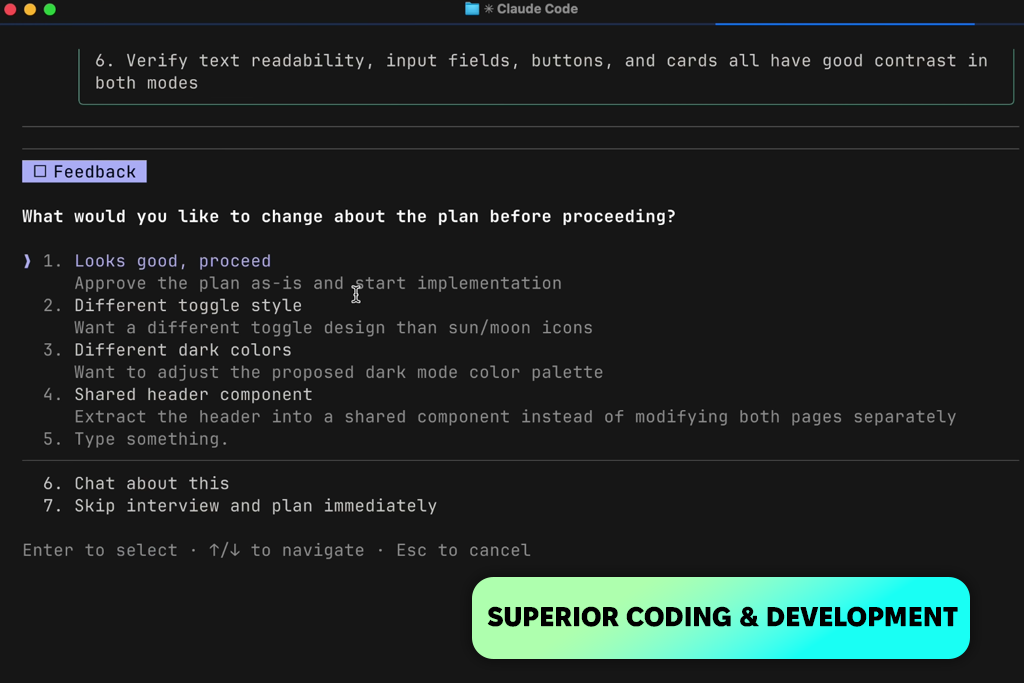
I tested Claude as an AI assistant for work to see how it handled research, large documents, brainstorming, and structured writing tasks. I found it particularly useful for summarizing lengthy PDFs, organizing ideas, and working on projects where keeping track of context and information was important.
I found this AI app for iPhone and Android particularly useful for projects that involve a lot of information, since it can work through long documents and conversations without losing track of important details. The Artifacts feature was another highlight for me because it made it easier to review, revise, and organize content while working on larger tasks.
I also had a good experience using it for coding, whether that meant troubleshooting issues or putting together small scripts. The main limitations I noticed were the lack of built-in tools for creating images or videos and the usage limits, which can become noticeable during more intensive use.
Price: Free or from $10/mo
Compatibility: Web, Windows, macOS
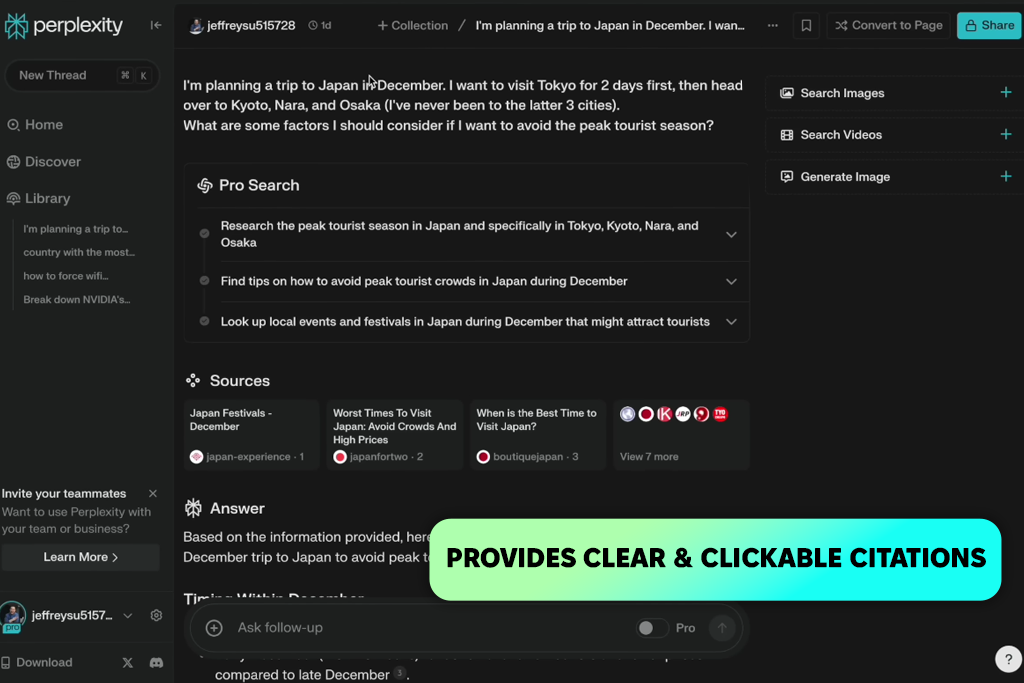
I started using Perplexity whenever I needed to look up information quickly and verify facts without spending a lot of time searching online. What I liked most was that it provided fast answers with citations, pulling information from multiple sources and showing where the information came from, which made research much faster and easier.
The feature I found most useful was its ability to provide up-to-date information along with source links in a simple chat interface. It made researching topics, summarizing articles, and verifying information much quicker without having to browse through multiple websites. That said, I wouldn’t rely on it for more advanced problem-solving, programming tasks, or creative projects. I also learned that it’s still important to double-check key information, since the quality of sources can vary.
“What I liked most about this AI virtual assistant was being able to compare information from different sources without opening dozens of tabs. The only downside was that the free version can feel limiting with regular use.”

Price: 14-day free trial or from $24.99/mo
Compatibility: Windows, macOS
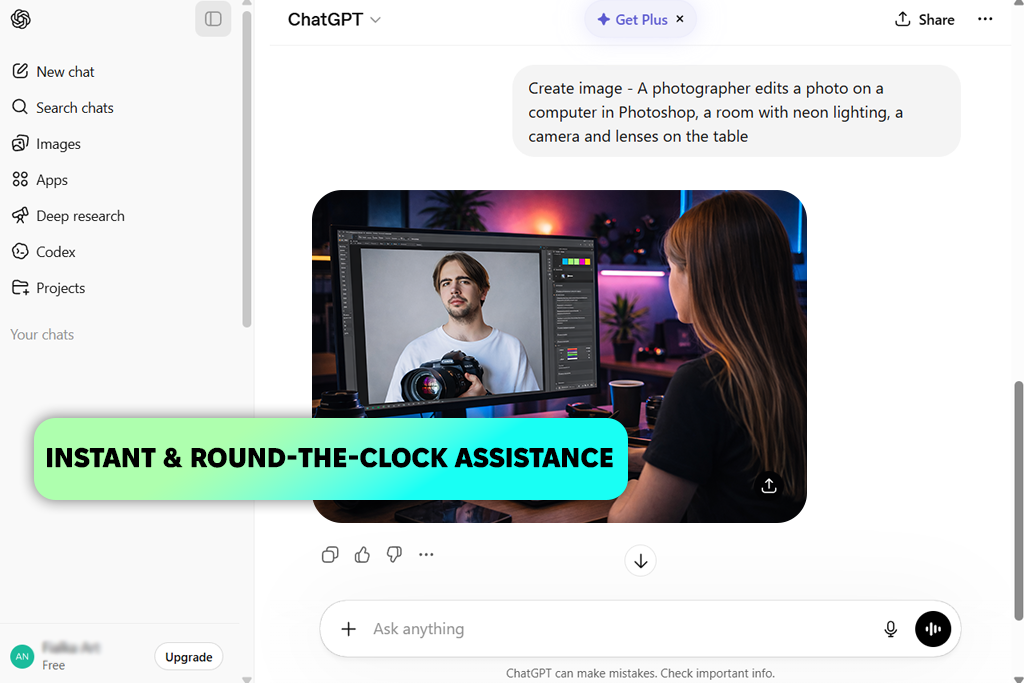
ChatGPT became a regular part of my workflow because it helps with a wide range of tasks, from generating ideas to organizing information. I often use it to refine content, create outlines, condense lengthy material, and plan upcoming projects. Another advantage is that it works as a free AI website, so I can access it easily from almost any device without needing additional tools or setup.
As an AI assistant for busy professionals, it helps cut down the time spent on routine tasks such as drafting emails, building outlines, and breaking down complicated topics into simpler explanations. I often use it for quick research, organizing content, and adjusting the tone of text for different projects. That said, I still review important information carefully, since responses can occasionally contain errors or miss important details, particularly on niche topics.
Price: 7-day free trial or from $29/mo
Compatibility: Web, Windows, macOS, iOS, Android
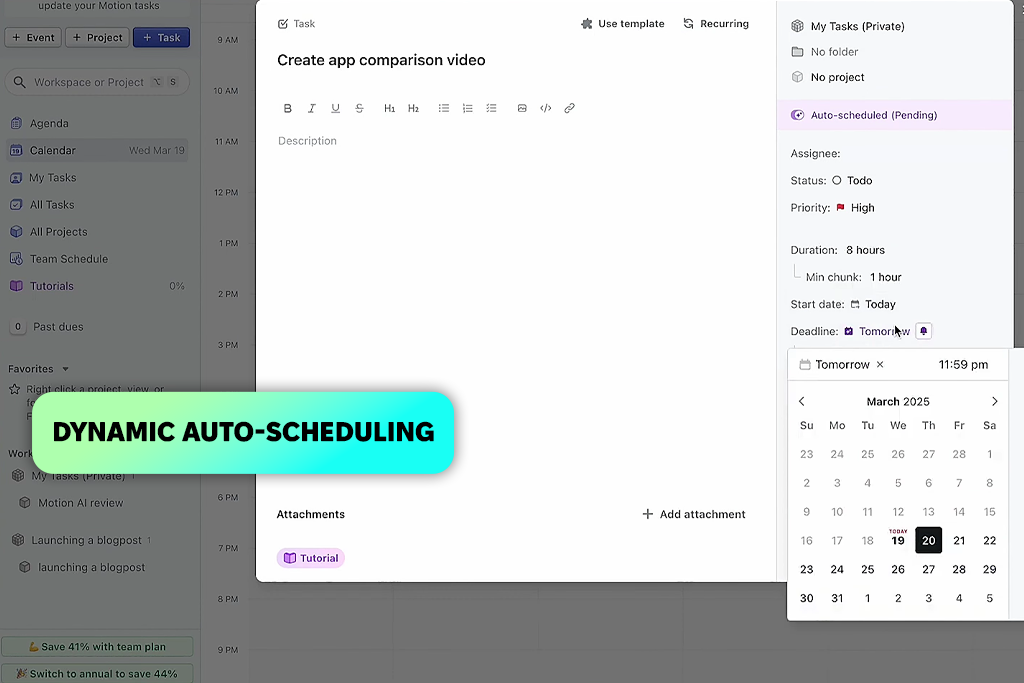
I started using Motion to improve how I manage tasks and my calendar, and it quickly made planning my day much easier. It automatically arranges tasks, adjusts schedules when plans change, and helps keep deadlines on track with less manual work. I also found it useful as an AI personal assistant because it can reorganize my schedule when priorities shift, helping me stay focused throughout the day.
What I liked most was that it builds a complete daily schedule rather than simply showing a list of tasks. I also found the custom AI assistants useful for handling routine work such as drafting emails and tracking project progress. However, it took me some time to get comfortable with all the features, and the price may feel a bit high compared to a more basic productivity app.
“Motion helped me stay organized by automatically adjusting tasks when deadlines changed. The interface took a little time to learn.”

Price: Free trial or from $10/mo
Compatibility: Web, Windows, macOS, iOS, Android
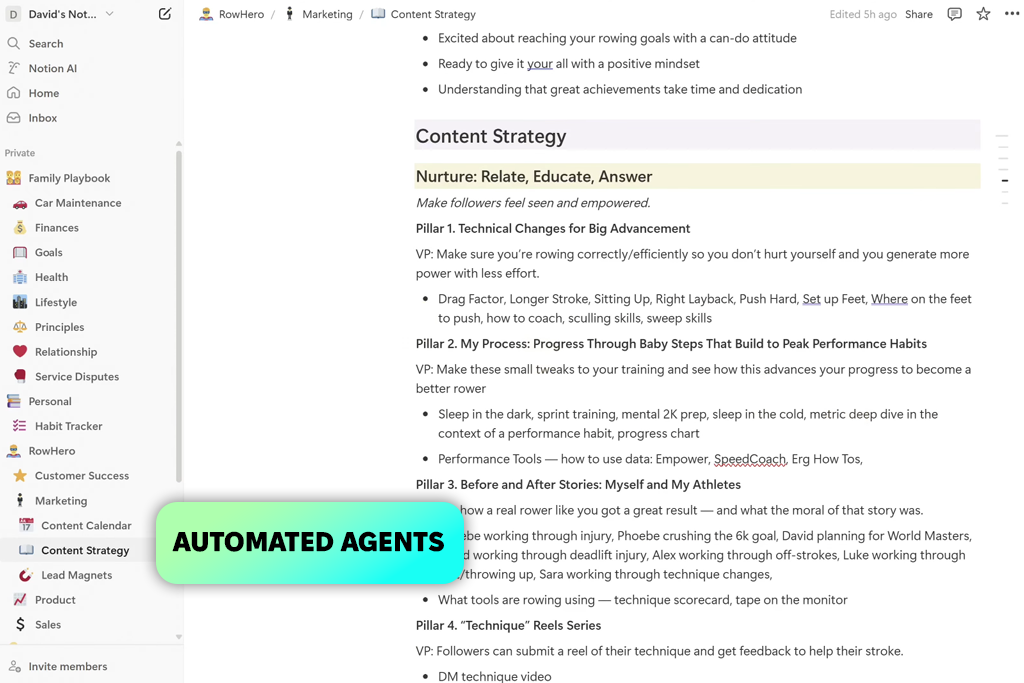
I found Notion much more convenient because everything I needed was in one place. It helped me write, summarize, and organize content directly inside pages without switching between different tools. I also liked how it could turn rough notes into clear plans, making it easier to stay organized and keep projects moving forward.
One of the things I appreciated most was how seamlessly it worked within my existing Notion workspace. It helped create pages, update databases, summarize meetings, and generate reports from content that was already there. I also found it useful as a task management channel for photographers, making it easier to organize shoots, client briefs, and post-production tasks in one place.
Another helpful feature was its ability to identify action items and manage information across databases automatically. The main drawbacks I noticed were that it could sometimes misunderstand context, and it doesn’t work offline.
Price: Free or from $19.99/mo
Compatibility: Web
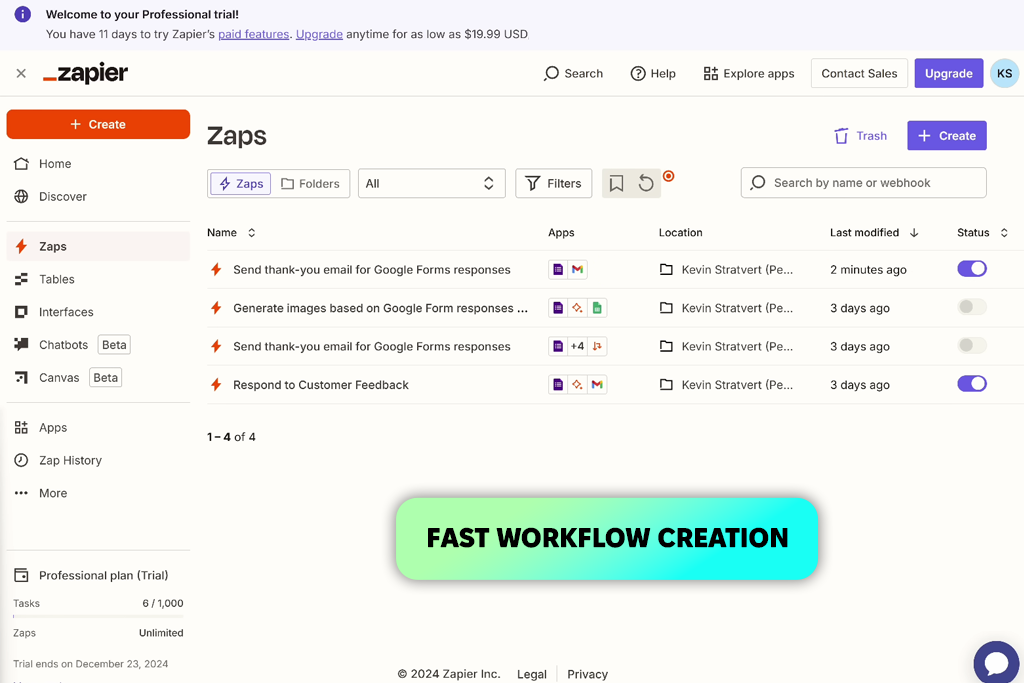
I tested Zapier to automate repetitive tasks between different apps without needing any coding. What stood out most was how easy it was to build workflows with AI Agents and Zapier Copilot using simple instructions. I could set up custom agents to handle tasks like preparing meeting summaries, organizing incoming requests, and creating structured responses. I also liked that getting started was straightforward, whether using ready-made templates or describing a workflow in plain language.
Managing inbox summaries, triggering multi-app actions, and keeping information updated across tools like Slack, Google Sheets, and HubSpot are some of its most useful features. It helps reduce repetitive work by handling routine tasks automatically. However, more complex workflows can be harder to manage, and some automations occasionally require manual fixes.
“Zapier helped cut down a lot of repetitive admin work by automating tasks between apps without requiring any coding. While simple automations were easy to set up, more advanced workflows sometimes took extra time to figure out.”
Together with my colleagues from FixThePhoto, I tested a broad selection of AI virtual assistants to see how they perform during everyday work rather than relying on product demos or promotional claims. We evaluated tools such as Fireflies, Fathom, Reclaim, Granola, Google Gemini, Otter, Jasper, OpenAI, Pieces, DeepSeek, Cursor, Meta AI, ClickUp Brain, and several others to compare their strengths, limitations, and real-world usability.
These tools covered a wide range of tasks, including writing, research, automation, coding, meeting assistance, and productivity. However, not all of them earned a place on the final list, as some fell short in areas like reliability, usability, overall performance, or how well they fit into real daily workflows.
Here is how we tested them:
This approach helped us identify the AI virtual assistants that delivered real value in everyday work, not just those with the longest list of features.





![7 Best AI Quote Generators [People Actually Save & Share]](http://fixthephoto.com/blog/images/gallery/news_main__preview_28979.jpg)
![9 Best Descript Alternatives in {{%year}} [Expert Insights]](http://fixthephoto.com/blog/images/gallery/news_main__preview_28971.jpg)

![7 Minecraft Banner Makers [Design Examples]](http://fixthephoto.com/blog/images/gallery/news_main__preview_28947.jpg)

















