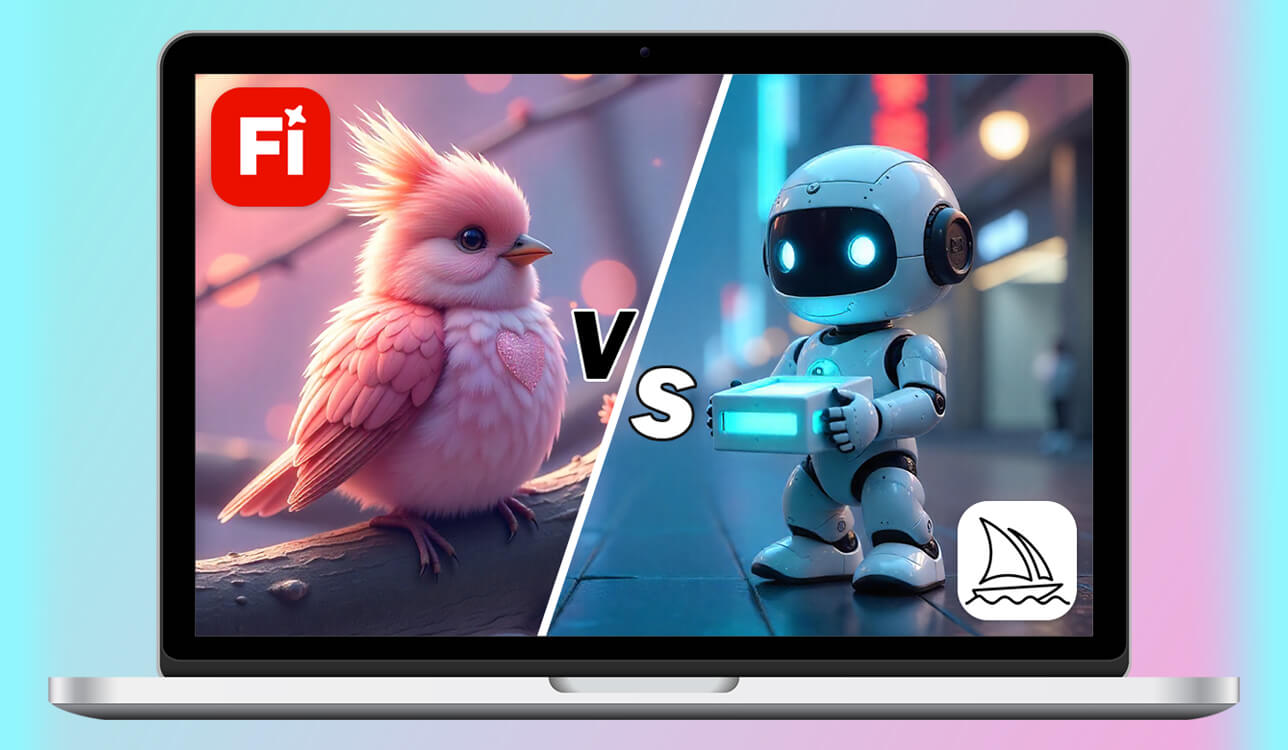
As someone who creates content for a living, I use AI design tools almost every day. I rely on them for many things, from fast graphics for social media to detailed images for articles and marketing campaigns. Over the last year, two tools have become especially important in my work: Adobe Firefly and Midjourney. Each one plays a different role in my creative process. When readers and clients kept asking me, “Which one is better for me?”, I decided it was time to explain the differences more clearly.
To make the comparison fair, I didn’t depend only on my own opinion; I also asked several people from the FixThePhoto team, which includes designers, photo retouchers, and art directors, to test both platforms on real projects. The purpose was not to pick one winner, but to understand what each tool does best and who it is meant for.
| Adobe Firefly | Midjourney | |
|---|---|---|
|
|

|

|
|
Key features
|
|
|
|
Best for
|
Designers, marketers, brand teams, commercial projects
|
Artists, illustrators, concept designers, experimentation
|
|
Pricing (from)
|
From $9.99/month
|
From $10/month
|
|
Pros
|
✔️ Brand-safe output |
✔️ Highly artistic output |
|
Cons
|
❌ Less experimental
|
❌ Steeper learning curve
|
|
AI models
|
Adobe proprietary models + Google Gemini integration
|
Midjourney proprietary models
|
|
Image formats
|
JPG, PNG
|
JPG, PNG
|
|
Video generation
|
✔️
|
✔️
|
|
Platform
|
Web app + Adobe Creative Cloud
|
Discord-based
|
Adobe Firefly was created for people who care about control, consistency, and safe use for brands. It works smoothly with Adobe products like Photoshop, Illustrator, and Adobe Express, so it feels familiar to professionals who already use these programs. The interface is simple, and the prompt system is easy to understand, even for users who are new to AI image generation.

What makes Firefly stand out is Adobe’s focus on ethical AI. The tool is trained on licensed and approved content, which helps avoid copyright problems. With new updates, including support from Google Gemini 3 for unlimited image generations, Firefly is not only about speed. It’s about creating content responsibly while following legal and brand rules.
Midjourney offers a very different experience. Instead of focusing on accuracy and structure, it encourages creativity and exploration. It works entirely through Discord, where users communicate with a bot by typing text prompts.

This way of working may feel strange at first, but it creates a strong sense of community. Midjourney is known for its unique visual style. The images often feel dramatic, pushing users to move away from realism and focus on storytelling through visuals.
Adobe Firefly feels comfortable from the first use, especially if you have worked with Adobe Express or Firefly in Photoshop before. After logging in with an Adobe account, you can quickly choose options like “Text to Image” or “Text Effects” and start creating.
The design is clean and organized: users can change lighting, image shape, and layout using simple sliders and menus. No technical knowledge is needed, which makes Firefly a calm and friendly space for beginners, where the focus stays on ideas instead of commands. Adobe designed Firefly to feel safe, predictable, and easy to trust for professional work.
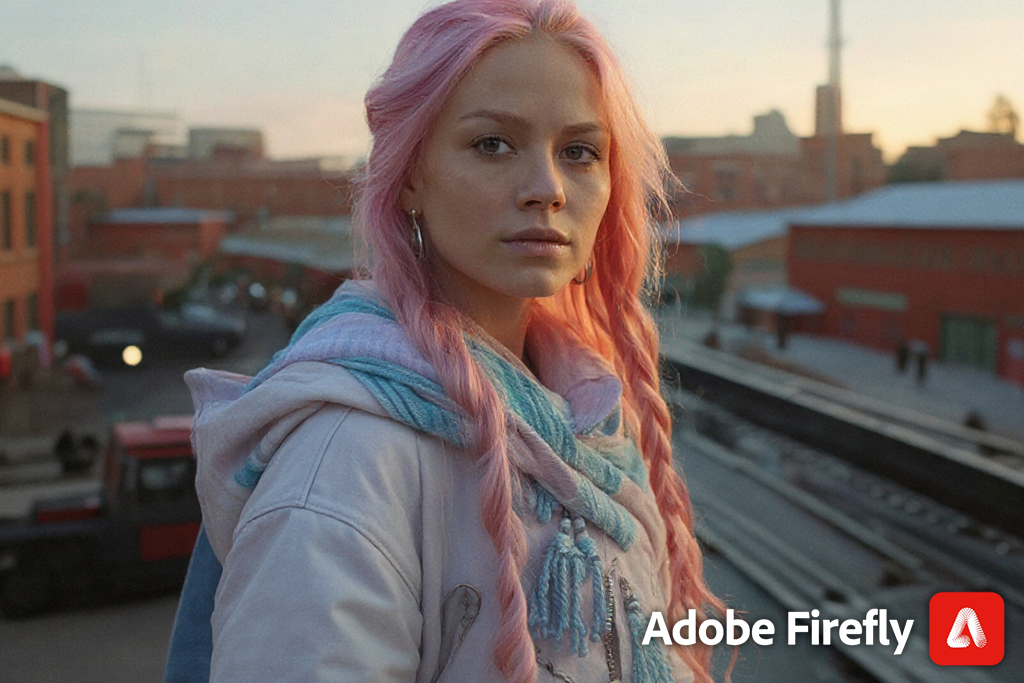
Adobe Firefly highlights:
Compared to Adobe Firefly, Midjourney follows a completely different path. As I mentioned before, everything happens inside Discord, so users must join a server, choose a channel, and type commands like /imagine followed by their prompt. At the beginning, this process can feel confusing, especially for people who have never used Discord before.
However, once users get used to it, the workflow becomes fascinating. Watching other people’s prompts and results in real time helps spark new ideas and improve skills. While Midjourney takes more time to learn, it offers more freedom and often produces some of the most impressive AI-generated images available today.
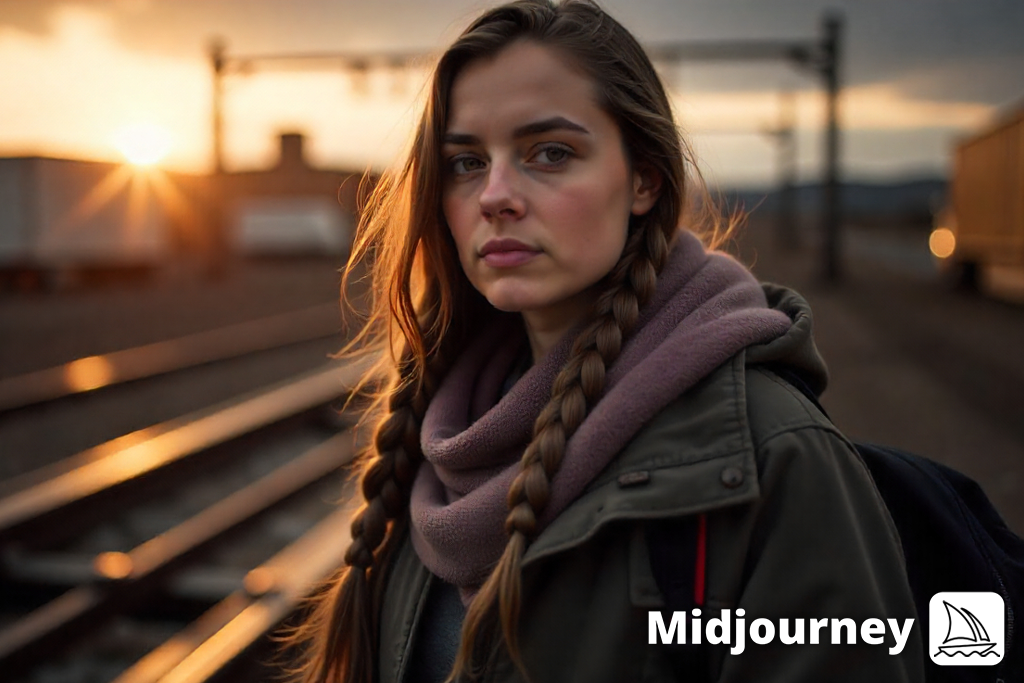
Midjourney highlights:
Adobe Firefly works best when accuracy and dependable results are important. In my projects, it performed very well for marketing images, blog visuals, social media posts, and branded designs where realism and neat layouts matter.
Images created with Firefly usually look proportional, well-lit, and safe to use, which makes them easy to place into professional designs without much extra editing.
This matters a lot when working with companies or clients who have strict rules about image use and visual style. Firefly may not always feel artistic or spontaneous, but it delivers stable results and is simple to work with, which makes it a reliable choice for professional tasks.
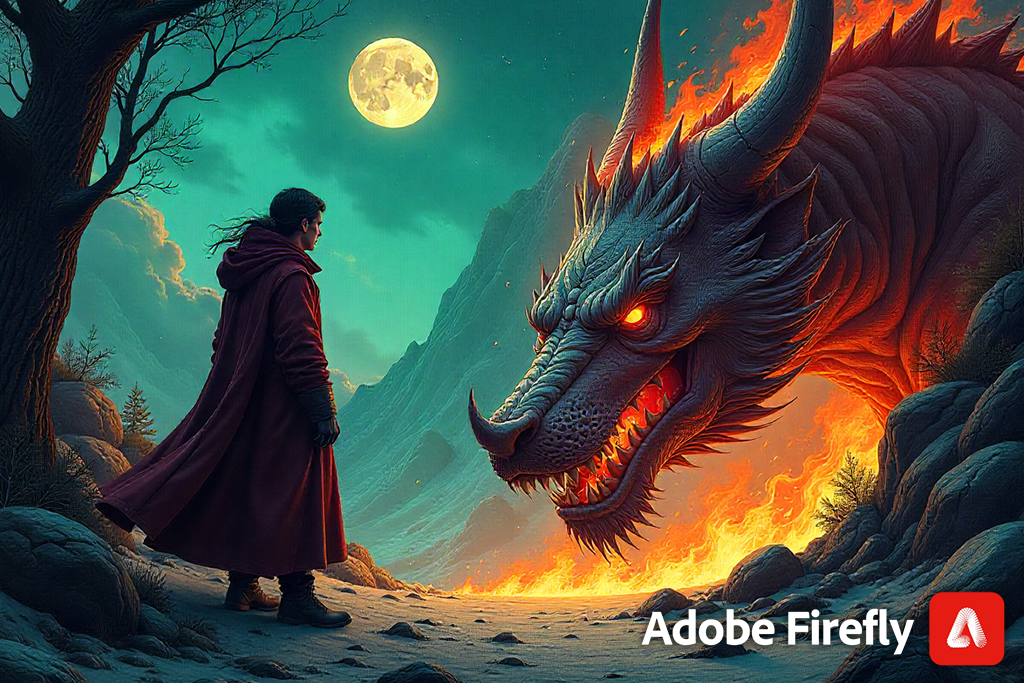
Adobe Firefly highlights:
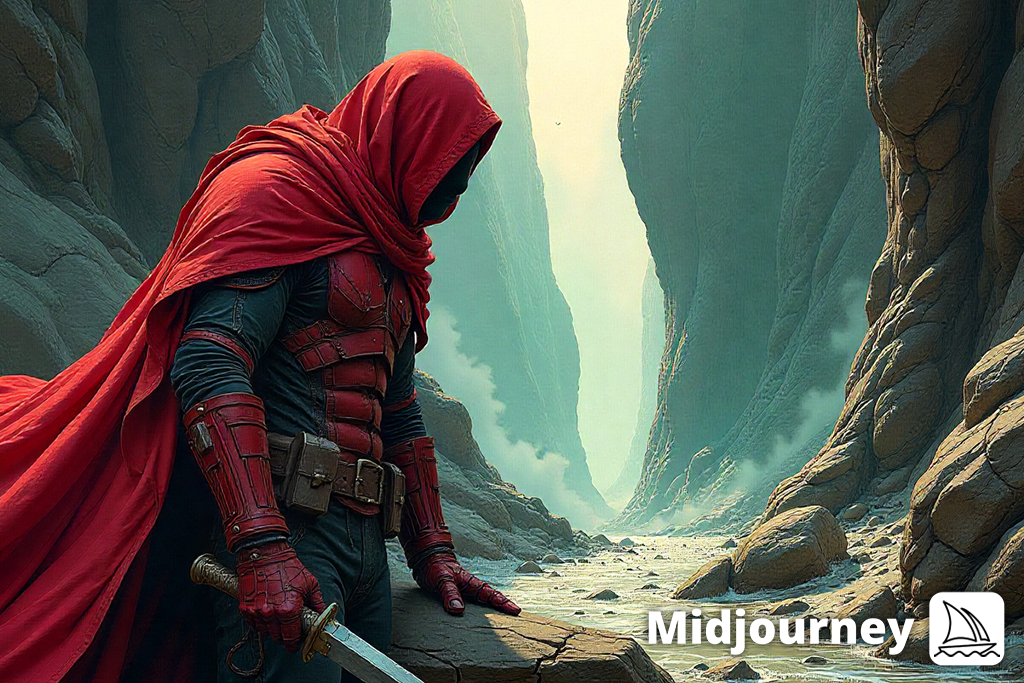
Midjourney stands out when creativity comes first. This AI image generator is especially good at creating imaginative, emotional, and bold visuals that feel more like digital artwork than standard design images. During testing, I found it worked best for concept art, magazine-style visuals, fantasy scenes, and creative storytelling. The results can be unpredictable, but that surprise is part of what makes it exciting.
“Midjourney does take more time to learn, especially for users who are new to Discord or text-based prompts. But once you understand how prompts, variations, and rerolls work, it becomes a strong creative tool.”

Instead of following prompts exactly, Midjourney often adds extra mood and detail on its own. For creators who want to explore ideas instead of controlling every small detail, this freedom can be inspiring.
Midjourney highlights:
Once, while working on visuals for a fashion article, the model’s dress was cut off in the photo. Normally, fixing that would take time, but Adobe Firefly’s Generative Expand tool added the missing part smoothly, matching the fabric and lighting. In another project, I had a product photo with clutter in the background. Using Generative Fill, a part of the AI photo editor, I removed the mess, and the image looked clean and untouched.
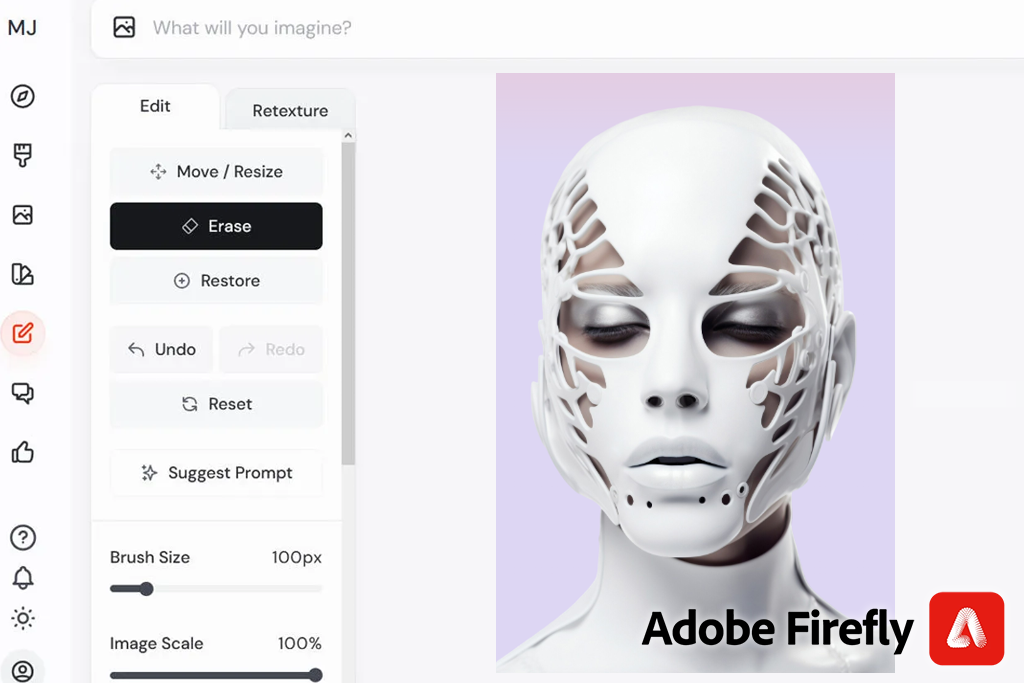
What I liked most is that all these edits happen inside Adobe software. I can make changes quickly, send the file to Illustrator, and keep everything in layers for later edits. This helps a lot when clients ask for small updates again and again, since it saves time and keeps the workflow organized.
“One time, I used Generative Fill to clean up a messy kitchen counter in a photo. The result looked so natural that I didn’t need to fix anything else afterward.”

Editing with Midjourney works differently. Instead of fixing details manually, you adjust the image by changing prompts, choosing variations, or generating new versions. Each update builds on the last one, often leading to new and interesting results.
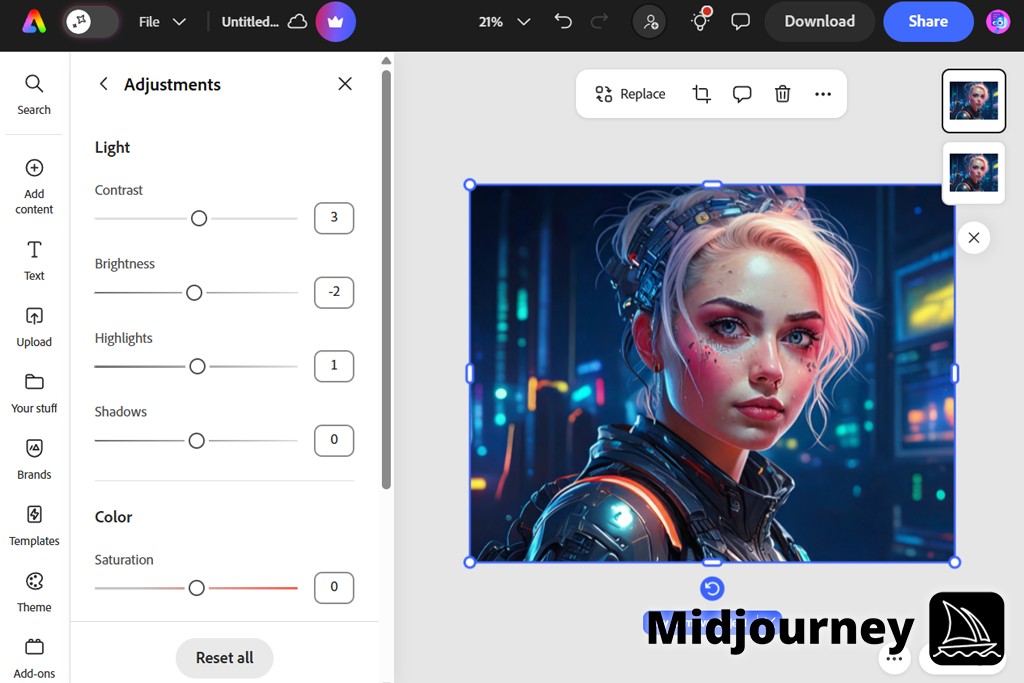
What stood out to me is that editing in Midjourney feels more about ideas than technical fixes. You don’t traditionally correct images; you develop them over time. This is great for creative exploration, but it may feel limiting for users who want control over every pixel.
Both Adobe Firefly and Midjourney now include tools for creating videos, but they use different methods and give different types of results.
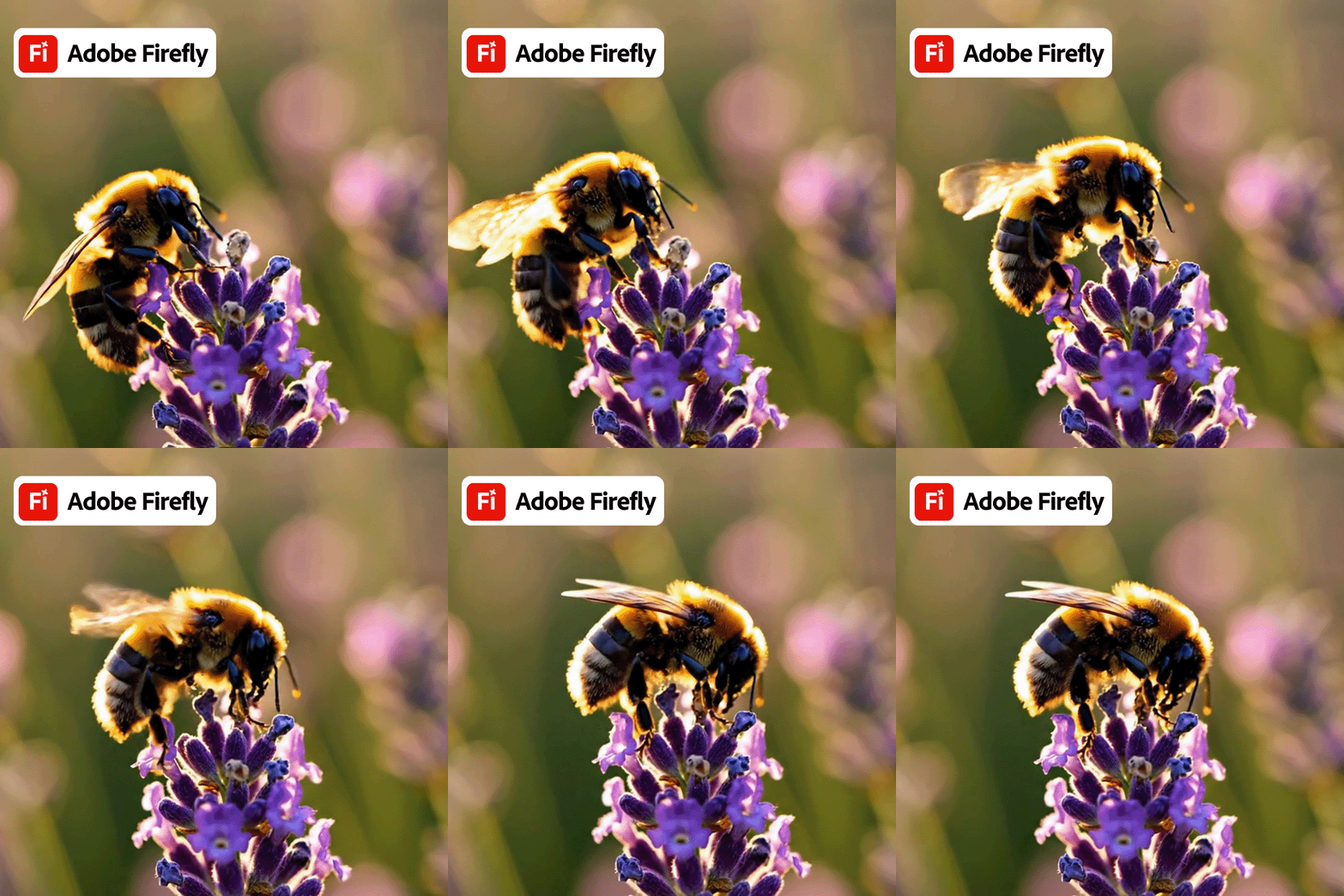
Adobe Firefly video model allows users to create videos from text prompts or images. You can add camera movement, change video size and quality, and preview everything before exporting. Because it integrates smoothly with other Adobe tools, making videos feels like a natural part of the process instead of a separate step.

Midjourney has recently introduced its first video model, which focuses on animating still images. Instead of creating videos only from text, the AI video generator turns images( no matter if they were generated by Midjourney or not) into short moving clips. You can choose how much motion they want, from small movements to more active animation, and guide the style with short prompts.
When it comes to how prompts work, the difference between the tools becomes easy to see. I tested both Adobe Firefly & Midjourney using long and detailed prompts across many styles, including commercial photos, magazine illustrations, abstract visuals, and movie-style scenes. Both tools understand what you type, but they react to prompts in very different ways.

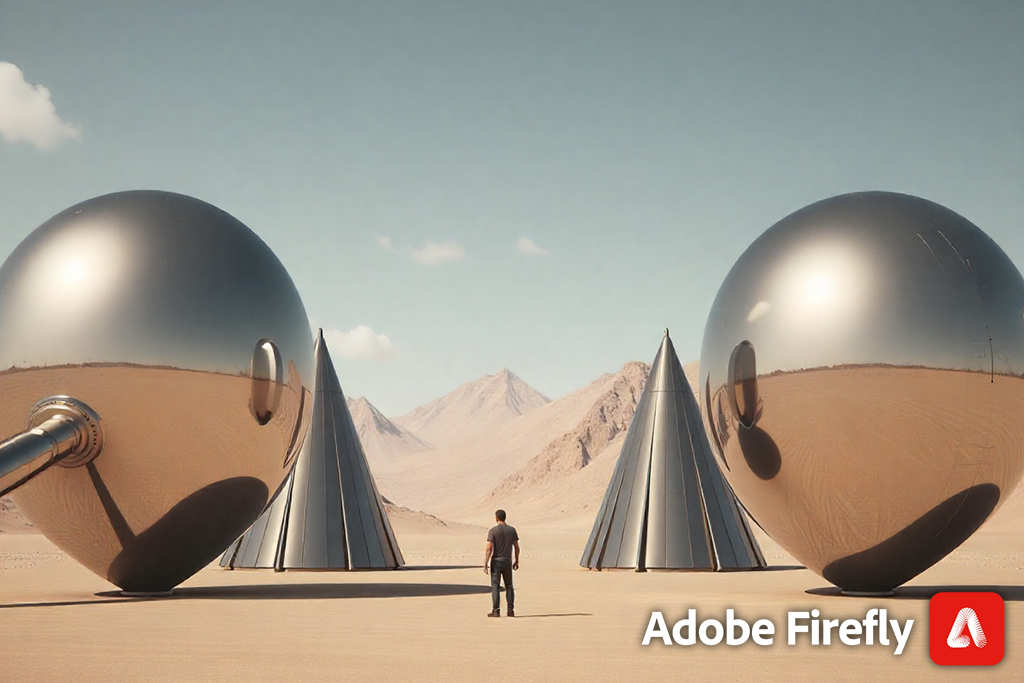
With Adobe Firefly, prompts act more like clear instructions. For example, when I used a business-focused prompt such as “a realistic photo of a woman working on a laptop in a modern café, soft daylight, neutral colors,” Firefly created exactly that. The image looked clean, realistic, and safe for professional use.
When I added extra details like lighting style, camera view, or simple backgrounds, Firefly followed those directions closely. Making small changes to the prompt led to small and expected changes in the image. This made Firefly useful for improving visuals step by step without surprises.
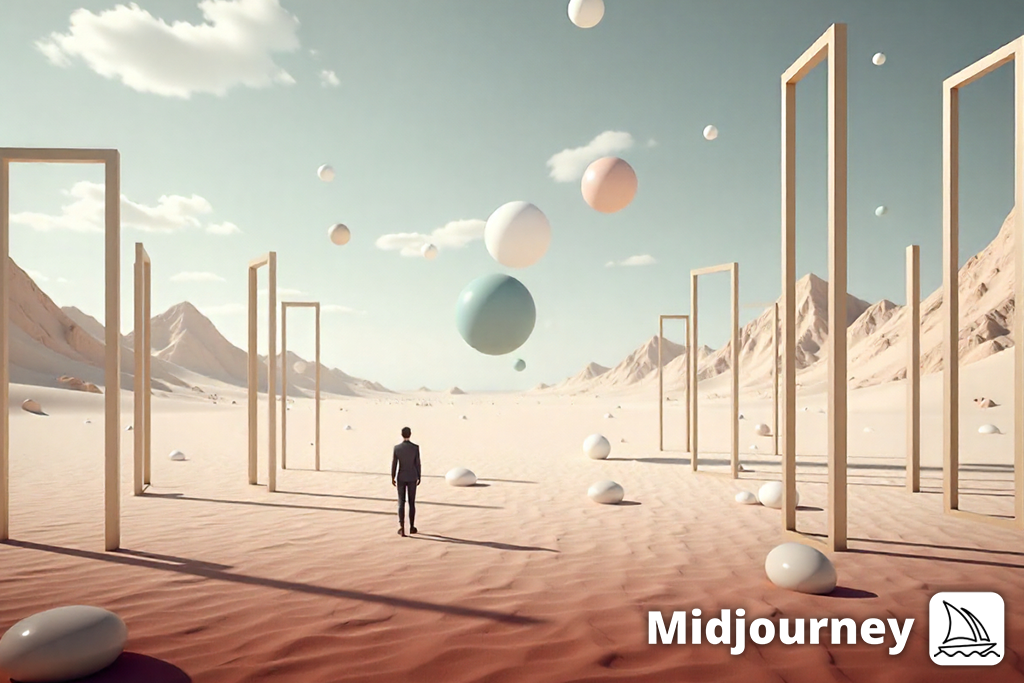
Midjourney works more creatively. It treats prompts as ideas instead of strict rules. When I tested an editorial prompt like “a surreal illustration showing burnout in modern work life, dramatic light, symbolic details,” the images went far beyond the literal meaning. Even without adding many details, Midjourney added mood, symbols, and a strong visual style on its own. Changing the prompt didn’t just improve the image – it often created a completely new one. The process felt more like exploring ideas than fine-tuning a result.
I also tried abstract prompts such as “a dreamlike landscape inspired by impressionist art, soft textures, emotional colors.” Firefly handled this carefully, creating nice but controlled images. Midjourney went much further, producing expressive visuals that felt emotional and artistic. In these tests, Midjourney worked better with open-ended prompts, while Firefly needed clearer and more specific direction.
In general, Firefly offers control and stability. It works best when you know what you want and want the AI to follow your guidance closely. Midjourney focuses on interpretation and surprise, which is useful when you are experimenting or developing ideas. Neither method is better on its own: they are simply made for different creative styles and goals.
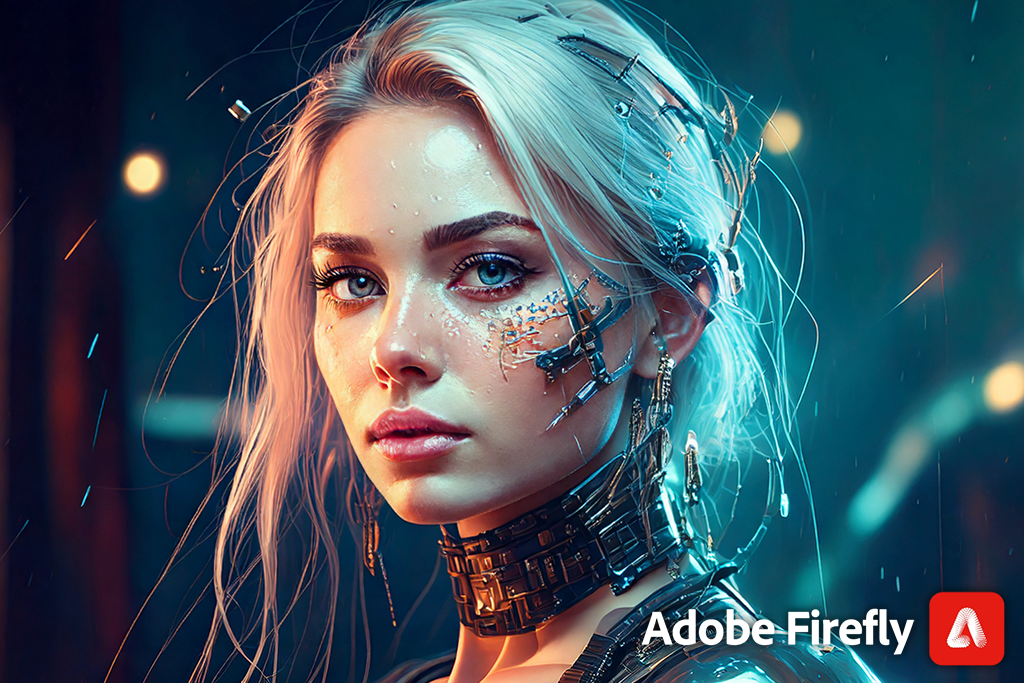
Adobe Firefly is clear about its purpose from the beginning. Adobe presents it as a safe tool for commercial use, trained on licensed content, Adobe Stock images, and public-domain sources. This openness is important when working with companies, agencies, or clients who need legal safety. In real projects, Firefly feels built for professional environments where copyright rules must be followed carefully.
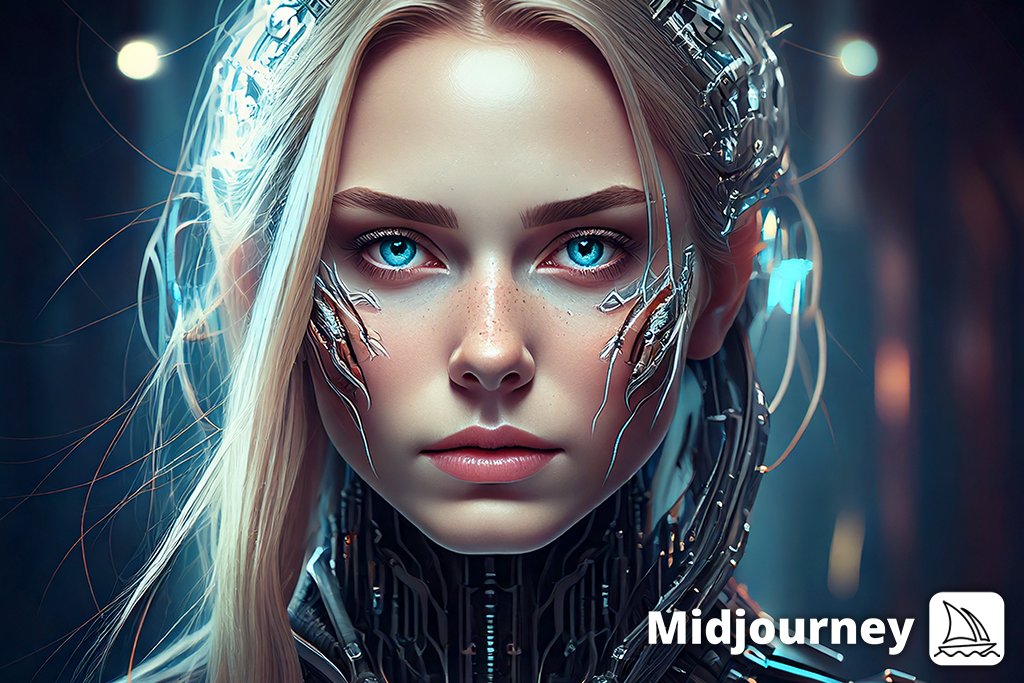
Midjourney uses a less transparent approach. While some paid plans allow commercial use, the platform does not clearly explain where its training data comes from or how copyright issues may affect long-term use. For personal projects or creative experiments, this may not be a problem. However, when I tested Midjourney for client work, the lack of clear information meant I had to be more careful. In professional settings, this uncertainty can limit how images are used or slow down the workflow.
When comparing Adobe Firefly vs Midjourney, from a brand safety point of view, Firefly is more predictable. Its images usually stay neutral and follow common visual standards, which lowers the risk of unwanted or sensitive results. Midjourney encourages freedom, which can lead to unexpected images. That freedom can be inspiring, but it also means creators need to be more careful when using the results for paid or public projects.
While testing both platforms, I also noticed that Adobe Firefly and Midjourney use very different pricing systems. The cost itself matters, but what matters more is how easy it is to plan and scale usage over time. Below is a summary of the current plans and prices, based on public information and hands-on use.
| Adobe Firefly | Midjourney | |
|---|---|---|
|
Free Tier
|
✔️
|
❌
|
|
Entry Price
|
$9.99/month – 2k credits
|
$10/month
|
|
Mid-Level Plan
|
$29.99/month – 7k credits
|
$30/month
|
|
Top-Tier Plan
|
$199.99/month – 50k credits
|
$120/month
|
|
Usage Model
|
Credit-based generations
|
Fast / Relaxed generation time
|
|
Unlimited Generations
|
Available on higher tiers
|
Available on higher tiers
|
|
Commercial Rights
|
✔️
|
✔️
|
From a practical point of view, Firefly’s pricing is closely tied to the Adobe system. If you already subscribe to Adobe Creative Cloud, Firefly is often included with a set number of monthly AI credits. Because of this, the cost feels like part of your existing plan instead of a separate expense. This setup works well for designers and teams who create images often and prefer clear limits on usage.
Midjourney uses a more straightforward pricing model. You pay directly for access to the image generator, and higher plans offer faster image creation and fewer limits. For creators who depend on artistic AI images regularly, this can be worth the price. However, for users who only need it sometimes, the lack of a free option can make it harder to justify.
When comparing Midjourney vs Firefly side by side, workflow efficiency stood out as a major difference. Adobe Firefly is built to fit smoothly into professional design workflows. Because it connects directly with Adobe programs like Photoshop, Illustrator, and Adobe Express, images can be moved and edited almost instantly.
This makes it easy to adjust designs, apply brand elements, or prepare files for publishing without leaving the platform. In team settings, this smooth connection saves time and reduces confusion, especially when several people are involved in reviews and approvals.
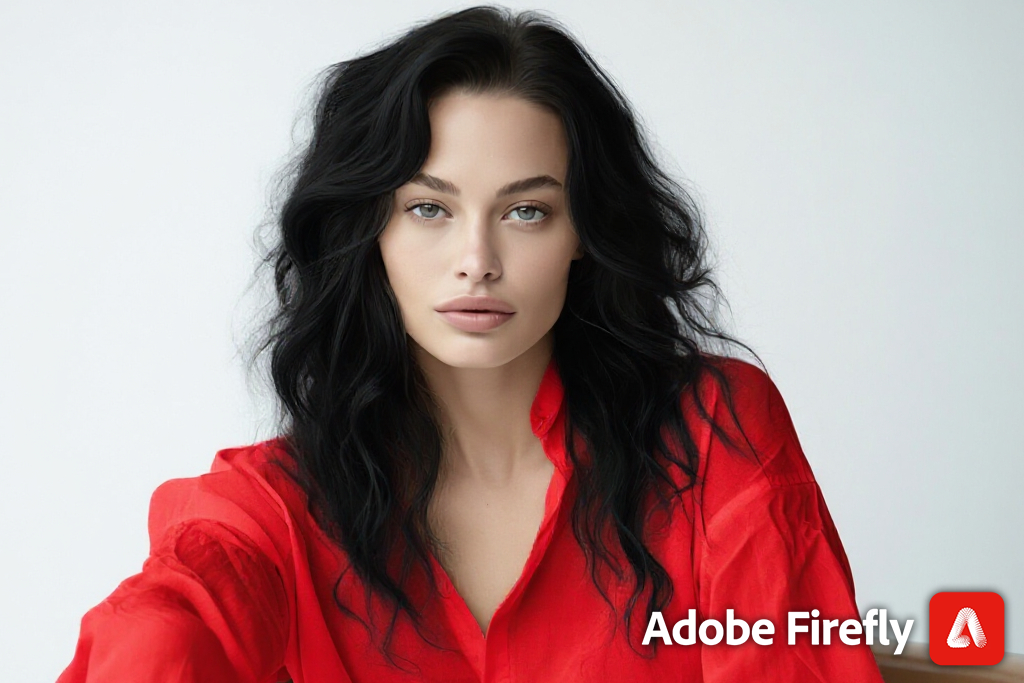
Firefly supports a clear creative process: create the image, refine it, and export it – all in a familiar workspace. For marketers, designers, and content teams, this structure is important. It helps AI-generated visuals feel like a normal part of the job instead of an experiment. In daily work, Firefly fits well into deadlines, feedback rounds, and revision cycles.
Midjourney, on the other hand, runs almost completely outside traditional design software, since everything happens inside Discord. After generating images, you need to download them manually to continue editing elsewhere. This adds an extra step, but it also allows more freedom. There is no fixed process: you write a prompt, explore variations, and keep experimenting.
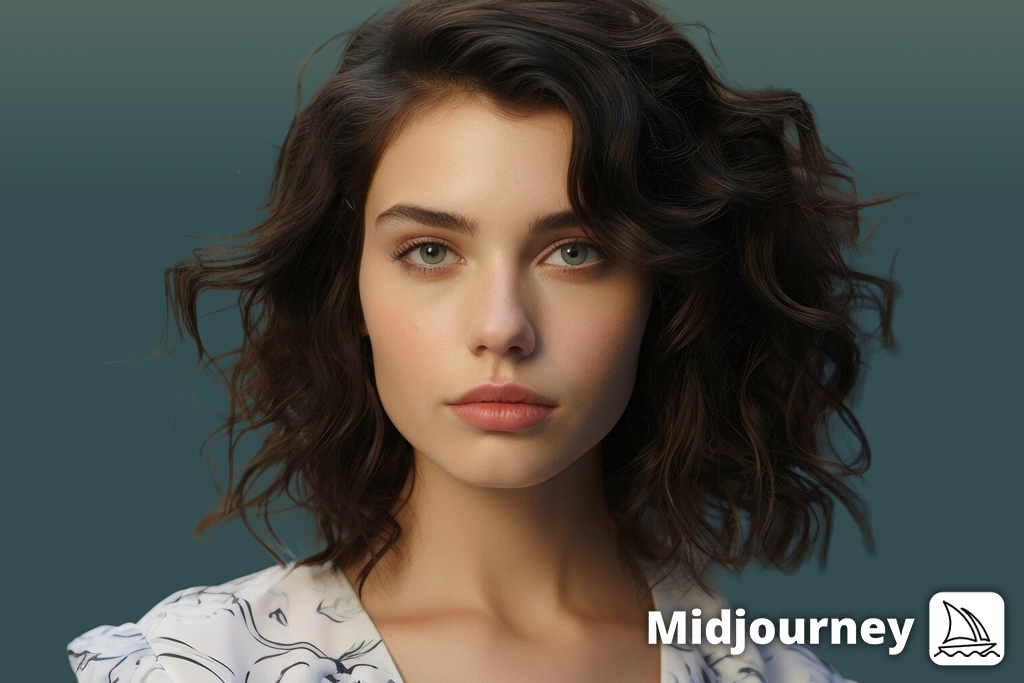
“It doesn’t integrate with standard design tools like Firefly does, but that isn’t really a downside. Instead, we rely on it most at the early stages: building mood boards, exploring concepts, and defining the overall style.”

Because of this, Midjourney is often used during the early creative stages. It works well for brainstorming, mood boards, visual direction, and concept development. It focuses less on production speed and more on creative discovery. In simple terms, Firefly helps finish projects faster, while Midjourney helps generate ideas faster. Which one feels more efficient depends on what stage of the creative process you’re in.
Based on my experience and this testing, Adobe Firefly is best for creators working in organized, professional settings. If you are a designer, marketer, content creator, or part of a team that cares about brand consistency, legal safety, and steady results, Firefly fits easily into your workflow. It is especially useful for people who already use Adobe software, since AI generation becomes part of the tools they already know. Firefly works best when you have a clear idea and want to produce it quickly and safely.
Midjourney is better suited for creators who focus on creativity and visual storytelling. Illustrators, concept artists, and creative thinkers who want to explore new ideas and styles will find more freedom here. It is strongest in early idea development, personal projects, and experimental work, where mood, style, and emotion are more important than strict control. Midjourney is less about fitting into a system and more about opening new creative directions.
When testing Adobe Firefly and Midjourney, my goal was to see which tool works better for digital artists, designers, and content creators like me. Since I use AI tools often to create images for blogs and product mockups, I decided to test both platforms in real situations, starting from early ideas and ending with finished designs.
To make the comparison fair, I didn’t rely only on my own thoughts. I spoke to my team, which includes professional photo editors, designers, and content creators. I also asked clients who use AI in their work and read feedback from artists online to understand how both tools are used in different projects.
Step 1. AI Generation Tests
I used the same prompts in both Adobe Firefly & Midjourney to see how each one handled different image styles:
Firefly created clean and well-structured images, while Midjourney produced more artistic and textured results. Midjourney’s images looked more creative, but they were less structured.
Step 2: Editing and improvements
With Adobe Firefly, I used Generative Fill and Generative Expand inside Photoshop to make fast changes. The edits blended in well and saved time. Midjourney does not have built-in editing tools, so any changes had to be done manually in Photoshop after downloading the image.
Step 3: Workflow speed
I also checked how quickly both tools handled different image sizes and styles. Firefly is part of Adobe software, like Photoshop and Illustrator, so I could do everything in one place. I could also see changes right away, which helped speed up the process.
Midjourney works through Discord, so I had to download images and open them in other programs to continue editing. The images look impressive, but the extra steps can slow things down when many changes are needed.
Step 4: Prompt control
Being able to control how an image looks is very important, and each tool handles this differently.
Adobe Firefly offers:
Midjourney offers:
After comparing Adobe Firefly vs Midjourney across real projects and workflows, one thing became clear: these tools are not in direct competition with each other. They both fulfill a different creative need. Adobe Firefly works best in professional settings where brand safety, clear licensing, and predictable results are important, especially when combining AI and photography.
Midjourney is more powerful for creative projects where freedom, experimentation, and visual storytelling matter more. Choosing between them is not about finding the “best” AI image tool, but about knowing what you want to achieve. If you need speed, structure, and reliable results for client work, Firefly is a solid choice.
If your work is driven by creativity, exploration, and new ideas, Midjourney can be more inspiring. In many situations, the smartest approach is not choosing one, but knowing when to use each tool, depending on what the current project requires.




![Eyebrow Piercing Filter Online [FREE]](http://fixthephoto.com/blog/images/gallery/news_main__preview_25927.png)
![Best Image to Prompt Generators [Free & Cheap Tools]](http://fixthephoto.com/blog/images/gallery/news_main__preview_27350.png)

![Buzz Cut Filter Online [FREE]](http://fixthephoto.com/blog/images/gallery/news_main__preview_25788.png)



















