Testing AI creative tools is a regular part of what I do at FixThePhoto. I work with instruments for product clips, social content, ads, app demos, thumbnails, and small creative projects. When I put Adobe Firefly vs Higgsfield head-to-head, the comparison turned out to be genuinely useful, since each tool takes a noticeably different approach even though both generate AI images and video.
Firefly is an all-in-one studio, suitable for image generation, Generative Fill, applying text effects, editing video and audio. Besides, it has deep ties to the Adobe ecosystem and a strong focus on commercial usability.
Higgsfield is built for speed, with an emphasis on cinematic camera work, social-ready visuals, converting product photos into video, and bundling several popular video models into a single platform.
To judge them fairly, I looked past the marketing and zeroed in on how sharp the video output is, how closely results match the prompt, and how well the programs handle image-to-video conversion.
Besides, I evaluated the control you get over camera movement, workflow speed, flexibility of the editing process, the cost of tools, the commercial usage terms, and whether the output is ready to drop straight into a Reel, Short, YouTube video, or ad campaign.
Final Verdict: For business-ready visuals with full creative control, I’d reach for Firefly AI video generator. For quick, motion-packed clips made for social feeds, Higgsfield is the more playful, flexible option.
|
Feature
|

Adobe Firefly
|

Higgsfield
|
|
Key features
|
AI image generation, Generative Fill, text effects, image-to-video, text-to-video, audio tools, Adobe integration
|
AI video generation, image-to-video, product-to-video, camera presets, multi-model access, cinematic motion tools
|
|
Main workflow
|
Professional creative workflow with editing and Adobe tools
|
Fast video generation workflow with camera and motion presets
|
|
Free plan
|
Yes
|
Yes, limited free generations
|
|
Pricing
|
From $9.99/mo
|
From $15/mo
|
|
Ease of use
|
5/5
|
4/5
|
|
Creative control
|
5/5
|
4/5
|
|
Best for
|
Professional creative production
|
Fast cinematic AI video creation
|
|
Platforms
|
Web, Adobe apps, Windows, macOS, iOS, Android
|
Web-based platform
|
|
AI editing
|
Strong image and design editing tools
|
Strong video motion and camera presets
|
|
Commercial workflow
|
Stronger for professional branded assets
|
Better for experimental and social-first content
|

Adobe Firefly is best described as Adobe’s all-purpose engine for generative AI, covering images, video, audio, and design work in one place. It surpasses a typical AI generator with its range. Instead of spitting out a single random clip, it lets me swap backgrounds, add or erase objects, turn prompts into video, build B-roll, and keep that output moving through the rest of Adobe’s tools.
The real appeal is control. You don’t need to type a prompt and hope for the best. You can dial in specific styles, pull in reference images, lean on Generative Fill, try out different visual directions, and then hand the result off to Photoshop, Adobe Express, or wherever else it needs to go for finishing touches.
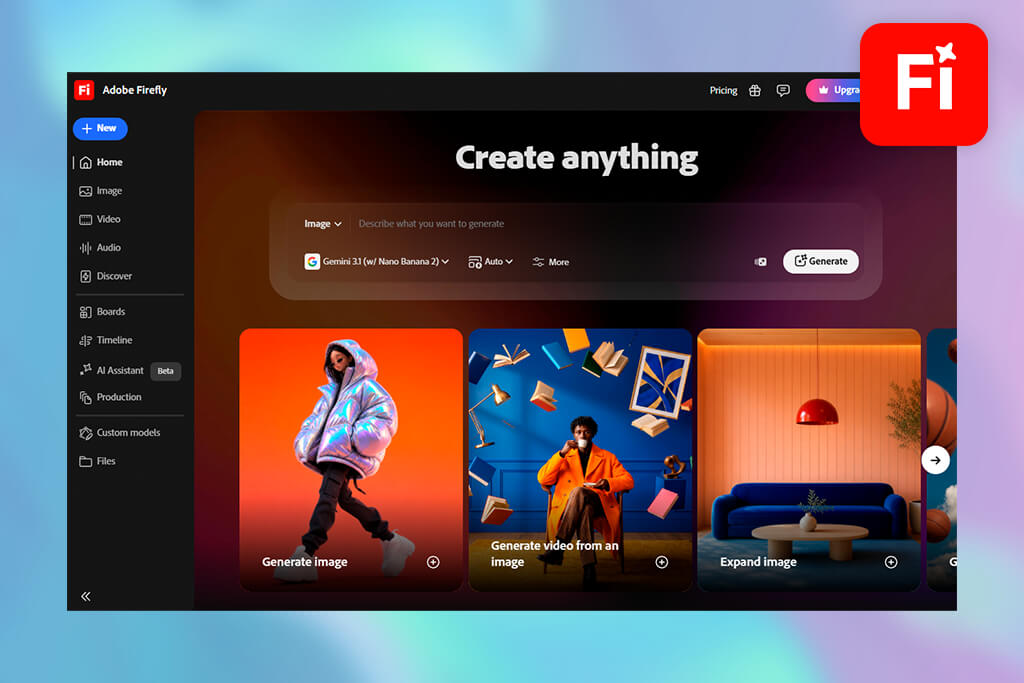
On the video side, Adobe Firefly video model earns its keep when the goal is polish rather than novelty. I used it to make a clean B-roll, product-style footage, ad scenes, or short clips meant to look professionally shot.
Comparing Higgsfield vs Adobe Firefly, I can say the latter is great for people already living in the Adobe ecosystem who want their AI output to slot naturally into a serious production workflow.

Higgsfield is a modern tool that uses AI to turn images and text into short and eye-pleasing videos. Using it, you can create cinematic clips, product demos, fashion content, and punchy visuals that do well on platforms like TikTok or Instagram Reels.
Instead of relying on a single engine, it bundles access to several different AI video models in one place, plus a big library of presets covering camera angles, motion, framing, and visual effects.
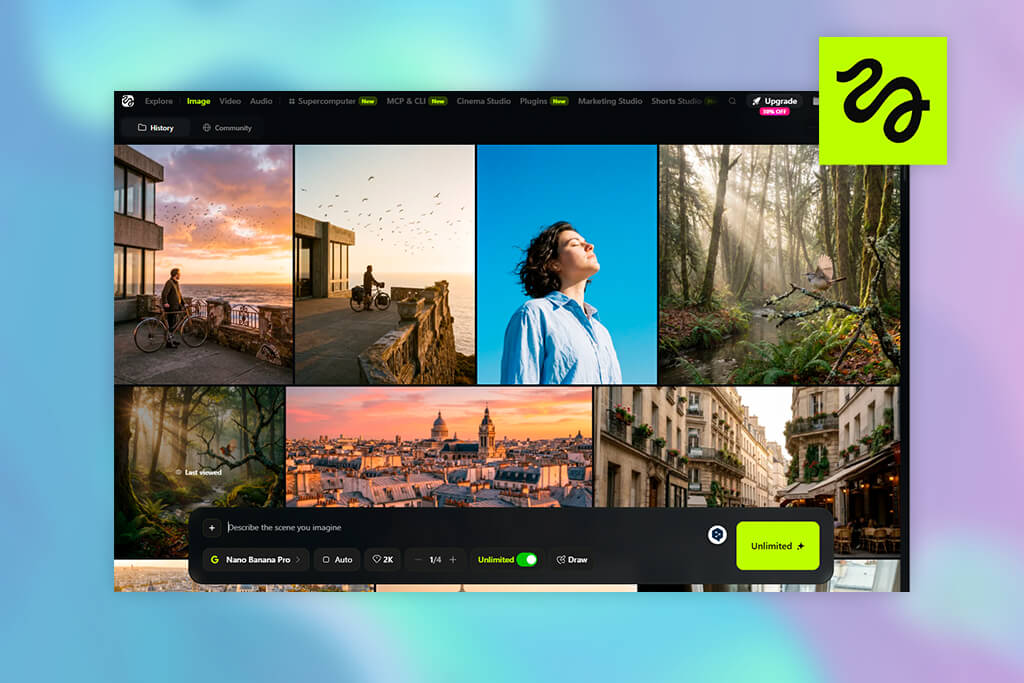
The highlights of Higgsfield AI video generator are speed and visual punch. If you want a product photo transformed into a slick moving clip, or a portrait turned into something with dramatic camera motion, Higgsfield gets you there fast. You don’t need to manage the timeline and keyframes. Just pick a style, drop in an image or a prompt, and see what comes out.
What it isn’t, though, is a substitute for a real editing suite. It’s more like a rapid prototyping tool for AI video ideas than a finished production pipeline. For anything going out to clients or used commercially, I’d still take the output into a proper editor for final tweaks before calling it done.
Stack Adobe Firefly vs Higgsfield AI side by side, and you’ll notice that they are suitable for different creative tasks. Firefly leans into precision. It’s the better fit when you’re producing brand-safe assets, fine-tuned edits, or files meant to flow directly into Photoshop, Express, or Premiere as part of a larger marketing production chain.
Higgsfield takes the opposite approach, favoring speed over control. It’s built for moments when you need something eye-catching fast as a product photo turned into a moving clip, a fashion shot with cinematic camera flair, or short-form content built to grab attention on social feeds within seconds of posting.
So, speaking about the best AI video generator, we need to understand what the project calls for. Need careful, professional-grade output? Firefly wins. Need fast, dynamic motion with minimal setup? Higgsfield is the one to reach for.
Adobe Firefly is great for:
When my work requires something polished rather than flashy, Firefly is usually what I open. It lets me make blog headers, product ads, YouTube thumbnails, visuals for a review, or assets tied to a bigger campaign. Firefly delivers because it gives me tight control over the final result, which matters more than speed for such projects.
Higgsfield is great for:
Higgsfield brags about speedy work. When I have one image and want a short cinematic clip out of it, or I’m flipping through camera presets just to see what looks good, or I need a social-first video idea pulled together in a hurry, I turn to Higgsfield. It gets the job done without slowing me down.
Adobe Firefly is one of the user-friendly Higgsfield alternatives, yet it still has the feel of a serious design tool. The layout is tidy, and the system includes separate AI tools for picture creation, video creation, sound, editing, and creative boards. I appreciate that I can go from brainstorming to refining without feeling like I’m playing with some throwaway AI gadget.
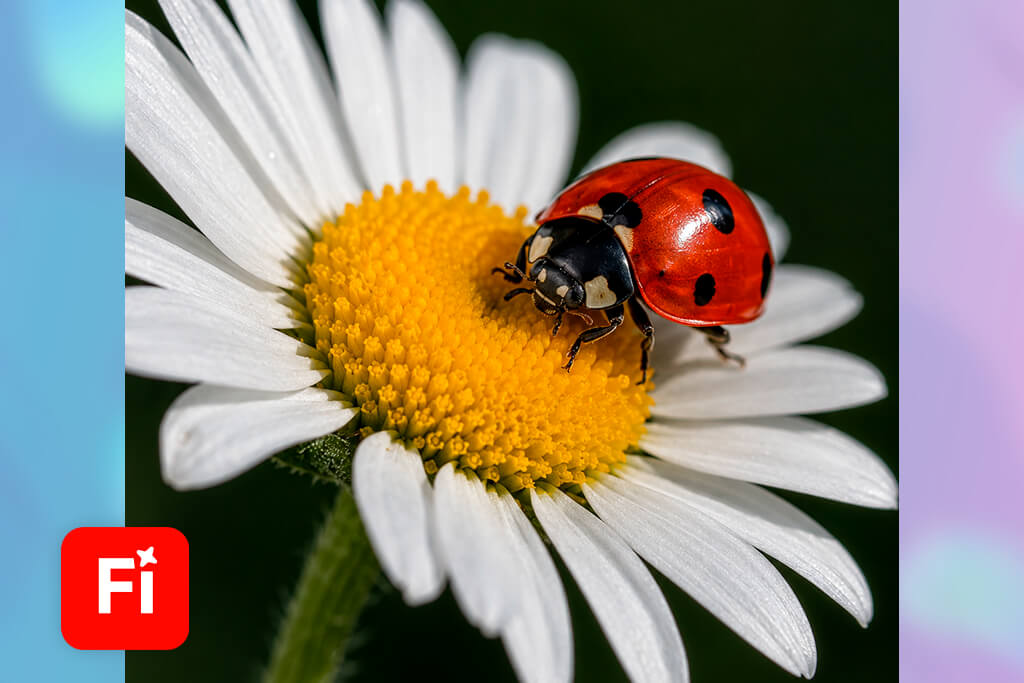
Anyone can jump in and start using Firefly right away, but the real payoff shows up once you already have a creative vision in mind. When I have a clear sense of the look I’m after including lighting, framing, proportions, tone, and style, this tool grasps it and gives me the precision to shape the output exactly how I imagined it.
It is immediately clear that Higgsfield is made with social content in mind. The whole point is rapid AI video output, so everything in the interface nudges you toward ready-made presets, model choices, motion effects, and instant results. That makes the experience quick and entertaining, especially if someone just wants short clips without wrestling with complicated editing tools.

New users may actually find Higgsfield more thrilling right out of the gate, since the clips can look impressively energetic with very little effort. Still, once a clip is done, I go back and look closely at the quality, and I’ll often run it through the best AI video upscaler before sending it off for ads, Reels, Shorts, or showing it to a client.
Firefly casts a much wider net when it comes to creative AI capability. Beyond just generating images, it covers Generative Fill, stylized text effects, background swaps, Adobe Firefly image-to-video & text-to-video tools, sound effects, and tight integration with the rest of Adobe’s apps. So, if someone’s juggling several different content types in one project, Firefly can keep up.
Higgsfield takes the opposite approach, narrowing in almost entirely on motion and video. It’s not really competing on image-editing chops. The entire functionality is built around cinematic output. You get a variety of AI video models, camera angle presets, motion controls, and effects that mimic a VFX look.
That’s exactly why it outperforms the opponent in the Higgsfield AI vs Adobe Firefly battle for short clips, advertising, and showcasing products.
Generally, Firefly wins for all-in-one creative production. Higgsfield wins for fast cinematic motion and social video experimentation.
After generating videos with Adobe Firefly, I was impressed with the composed and professional results. It’s the tool I resort to when I need B-roll, a simple cinematic shot, product visuals, or any AI clip that has to stay restrained instead of looking busy or random.
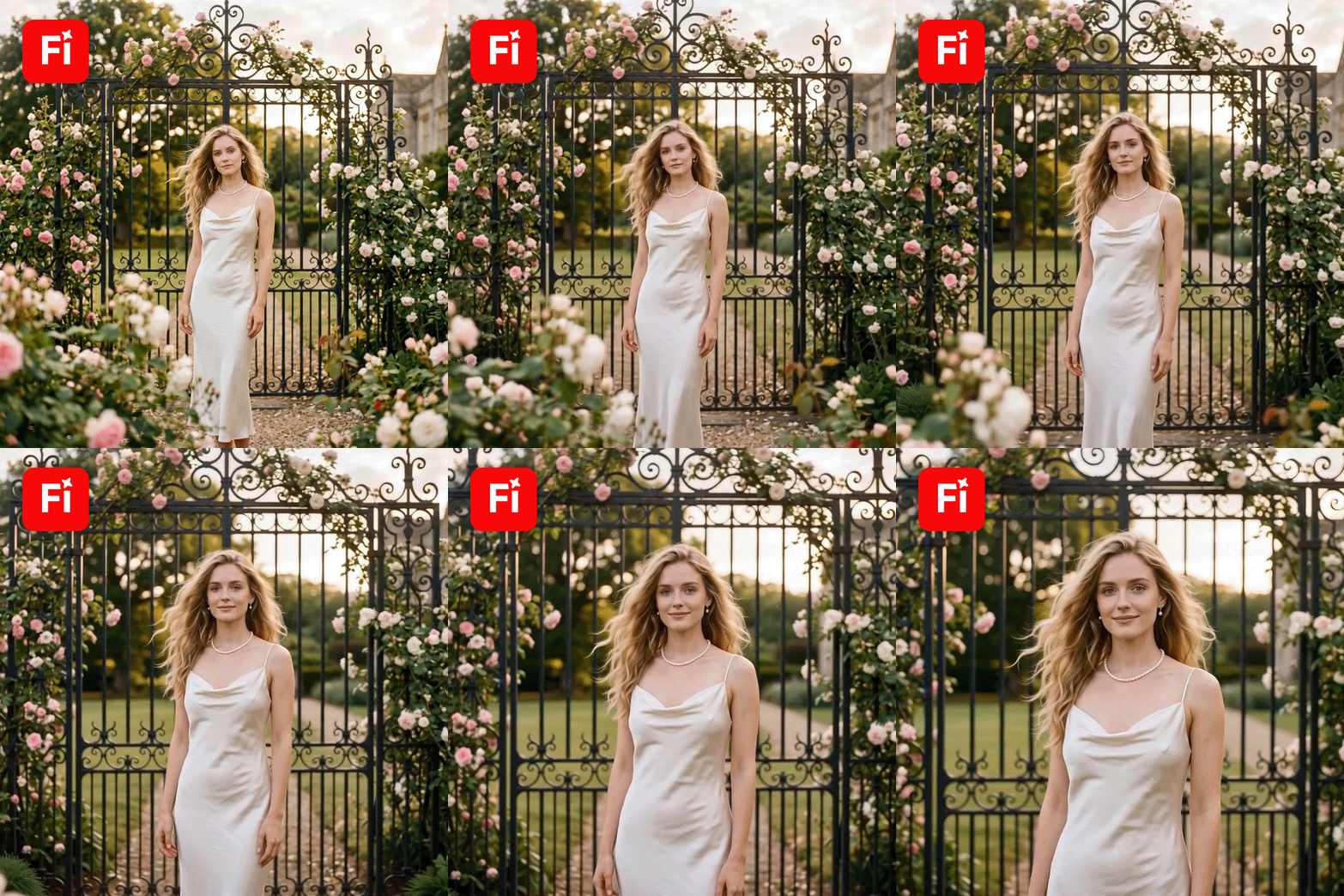
The motion can be a little imperfect at times, but Firefly clearly puts thought into how things are framed and balanced on screen. That’s made it a go-to in Adobe Firefly video generator vs Higgsfield comparison for me when putting together marketing videos, visuals to go with articles, explainer content for apps, or short clips for branded campaigns.
Higgsfield lets you produce more personalized videos. It is a perfect fit when the project calls for bold motion, eye-catching camera tricks, fashion-forward visuals, product animation, or cinematic clips aimed at social media.
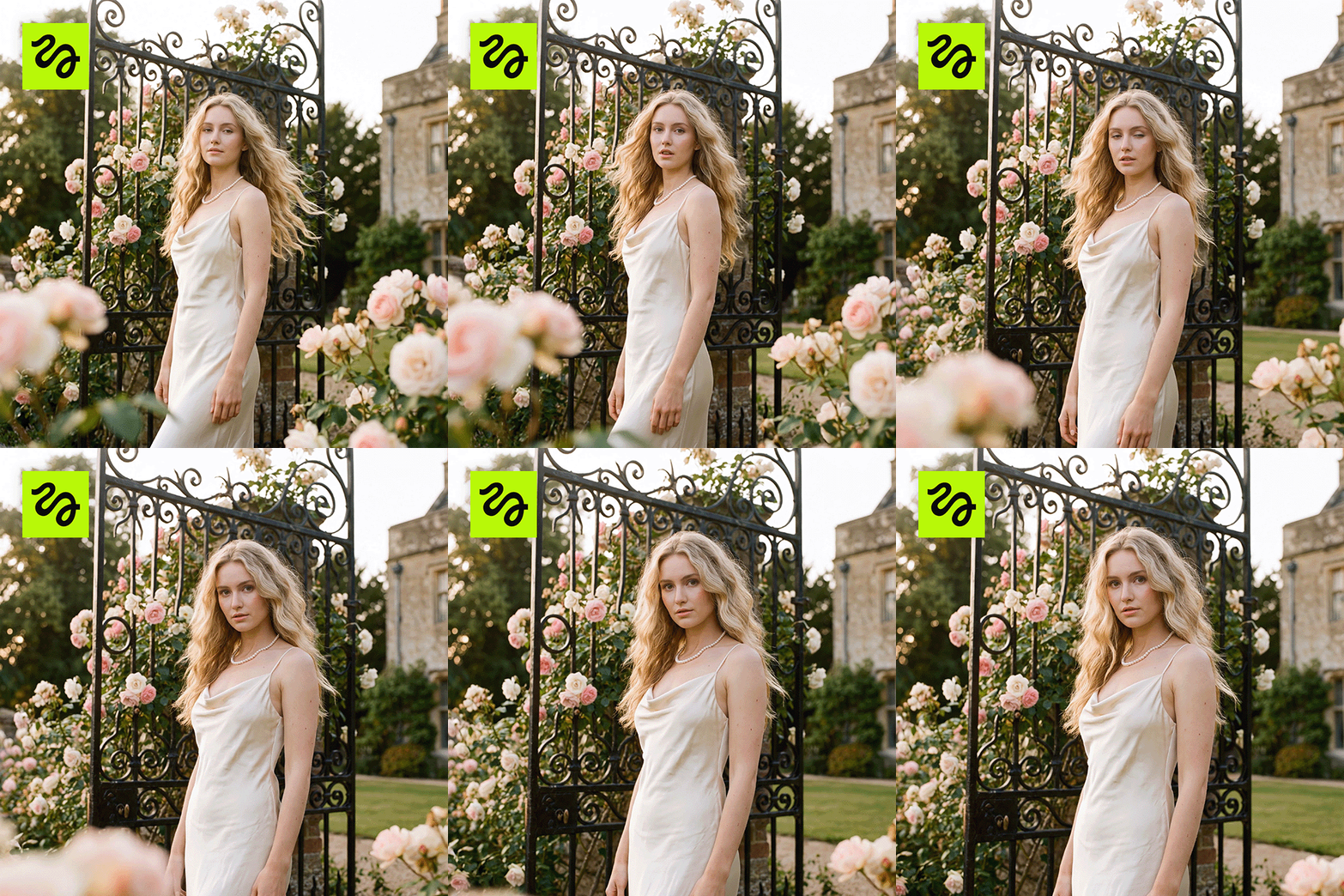
The results look punchier and more visually striking, which is why Higgsfield stands out as one of the most popular AI tools for content creation when speed and scroll-stopping content matter most.
The tradeoff is reliability. Some clips come out perfect right away, others need a few rounds of trial. Higgsfield suits quick creative testing, though I’d always review and select the top output carefully before handing it over for client projects.
Adobe Firefly’s image-to-video tool earns its place when I’m turning product pictures, marketing artwork, design files, or simple photos into video with a steady, predictable touch. It does its best when the original photo already looks sharp and put-together.
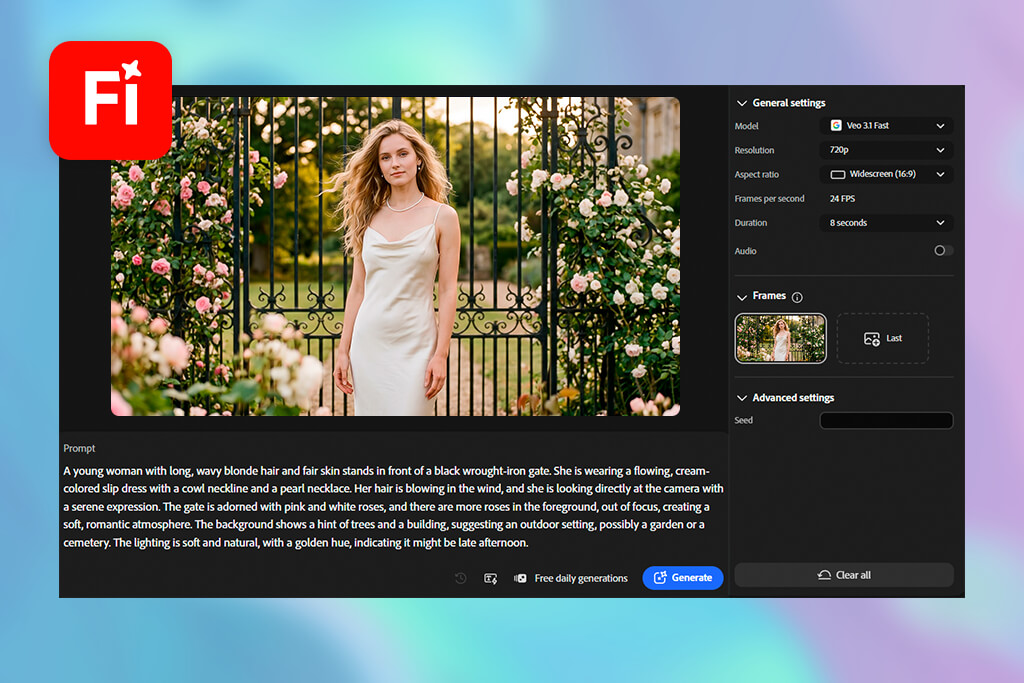
I often choose Firefly for light, gentle motion, quick product B-roll, and neat, simple shots. The results aren’t always the boldest, but they fit naturally into work meant for professional use.
Higgsfield wins out when you want more eye-catching motion in image-to-video work. It can take a plain photo and turn it into a clip featuring stronger camera moves, film-style shots, and motion styles that are currently popular. That makes it a solid pick for fashion videos, product clips, social media ads, and quick promo content.
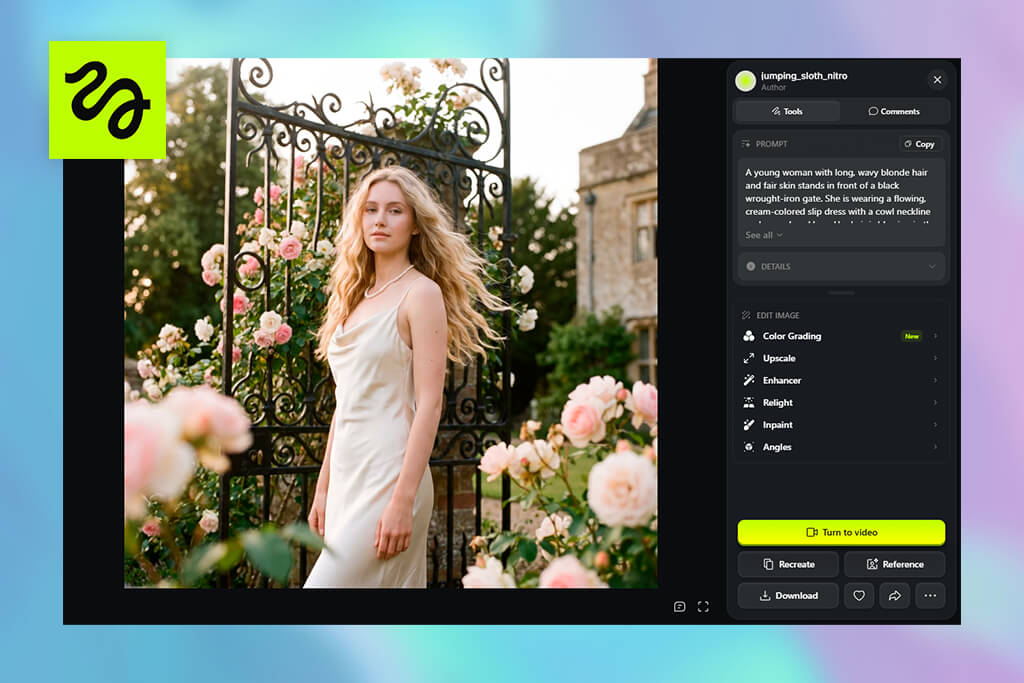
When the task is turning a flat product photo into something scroll-stopping for Reels or Shorts, Higgsfield tends to be the quicker route. But for brand content where I want neat and somehow predictable things, Firefly is the one I trust more.

Doing this AI video generator comparison, I learned that Adobe Firefly gives you deep control over the design. You can use specific brand colors, match exact layouts, and edit fine details with precise tools. It is the perfect choice when a final image or video must follow strict rules for a company campaign.
Higgsfield focuses on the action. It lets you control camera movements, film angles, and exciting visual effects. Choose this tool if your main goal is to experiment quickly and create high-energy videos that look like movies.
Adobe Firefly performs better when your prompt includes exact details. Clearly state the subject, style, lighting, and camera view. It delivers much sharper images when you focus on a professional design job.
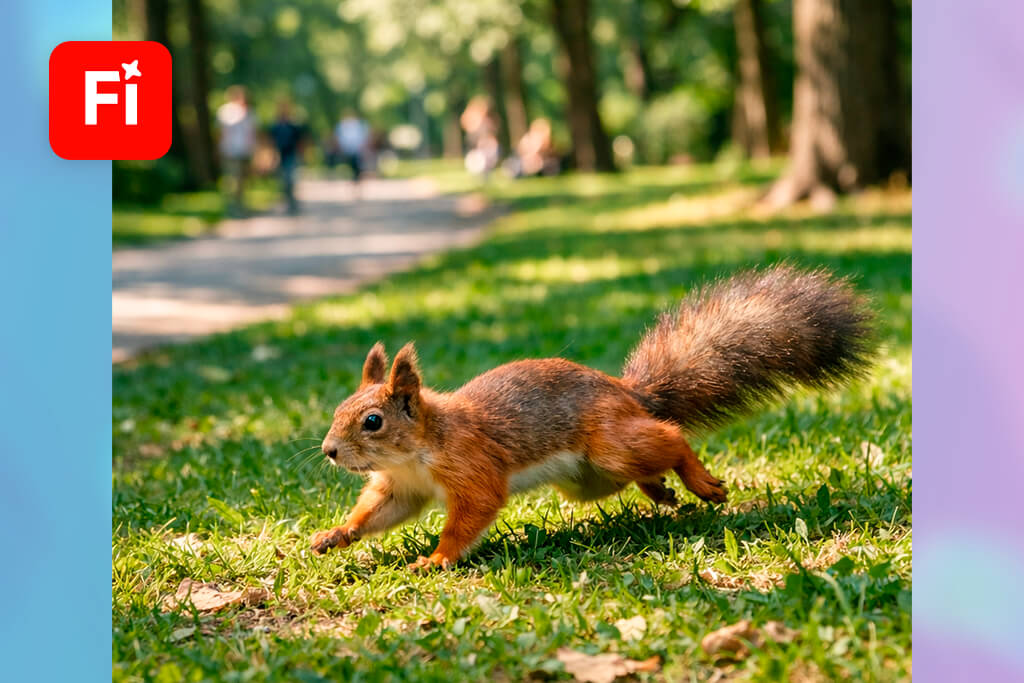
For example, typing "high-end product shot, smooth studio lighting, slow camera movement" works far better than just saying "awesome product video."
Higgsfield loves detailed prompts too, but presets simplify the work a lot. Rather than typing out complex camera paths, you can select a movement style to shape the final clip.
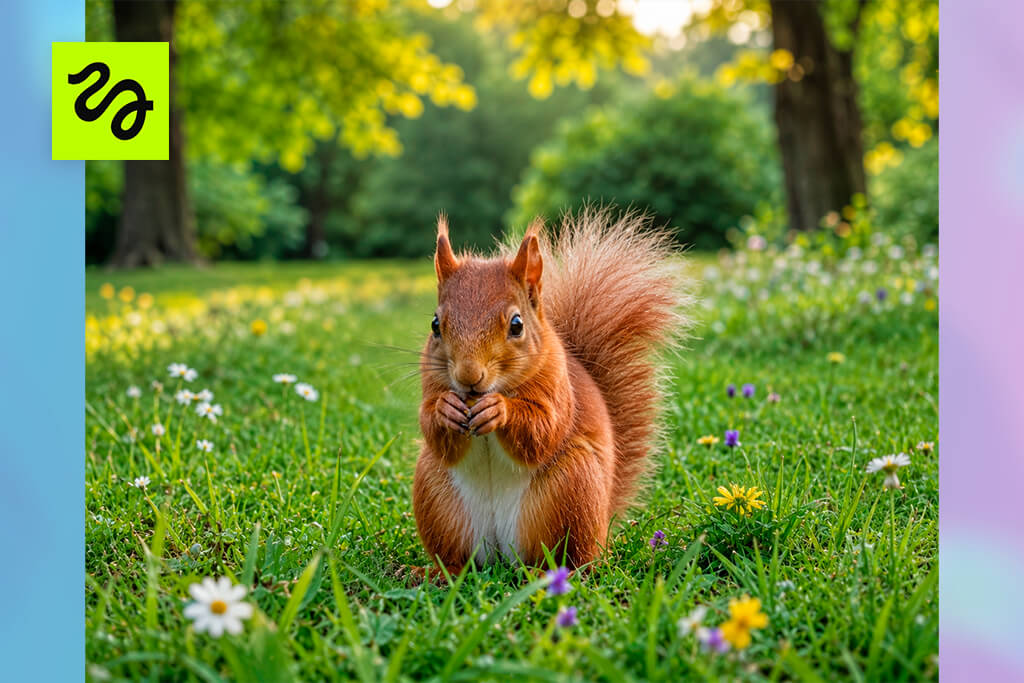
It is a great choice for smooth film action without typing long paragraphs. Choose Firefly when you need total control over every tiny design detail.
Adobe Firefly gives you clean colors, balanced lighting, and well-thought-out compositions. That makes it perfect for marketing visuals, article graphics, and brand content that need to look professional and fit right into your editing workflow.
Higgsfield, meanwhile, brings the drama. It’s one of the top Adobe Firefly alternatives for bold, social-ready clips with movement and a "wow" factor. I often use it when I work with fashion, product, or lifestyle videos. It’s also a great way to quickly test creative ideas before committing to a full production.
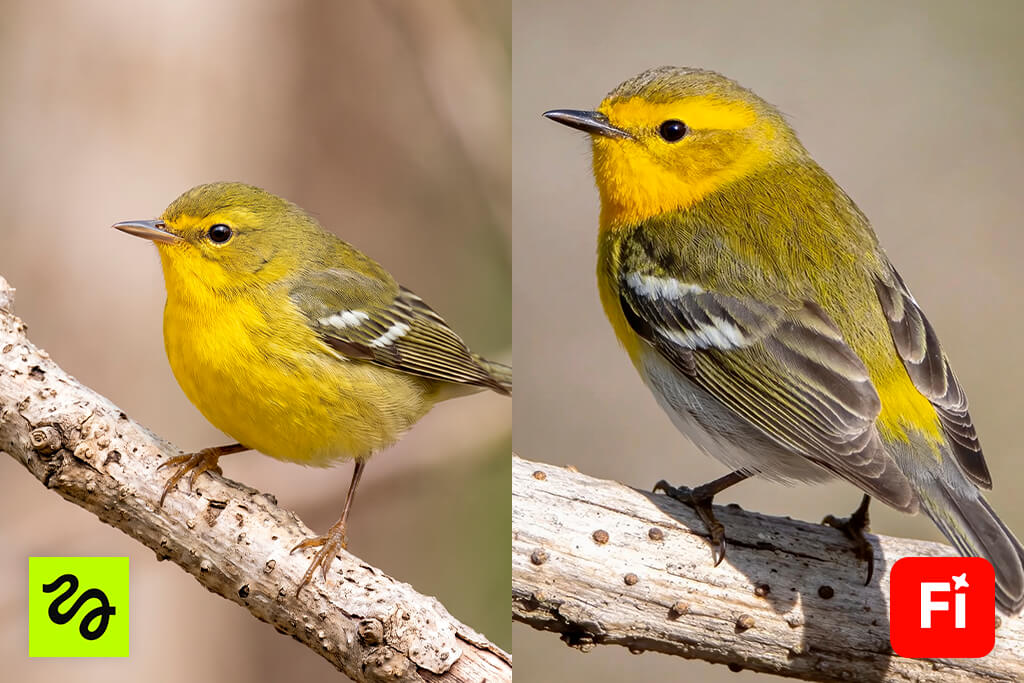
Generally, I recommend using Firefly for polished production and picking Higgsfield for viral-style experimentation.
Adobe Firefly comes with both a free tier and paid subscription options. Plans start at $9.99/month for the Standard tier, which includes monthly generative credits for AI-powered creative tools. Upgrading unlocks additional credits and access to more premium features.
Adobe Firefly:
Higgsfield provides free generations plus paid subscription tiers. Its credit-based pricing grants access to advanced features, premium models, and parallel generation capabilities.
Higgsfield:
After comparing Higgsfield AI video generator vs Adobe Firefly, it is clear that Firefly is the safer bet for creators already invested in Adobe’s ecosystem or seeking a professional AI plan. Higgsfield appeals more to users who want flexibility and access to multiple AI video models.
Because it’s built into the Adobe ecosystem, the Adobe Firefly AI video generator offers a more robust set of learning resources. Users get access to official tutorials, comprehensive help pages, practical examples, and workflows that tie directly into Photoshop, Adobe Express, Premiere, and Creative Cloud.
Higgsfield’s learning style leans more toward the creator community. Rather than formal documentation, users often learn by watching demos, exploring social media content, and testing presets directly on the platform. This is a more visual but less structured approach.
If you’re after step-by-step learning, Firefly wins out. If fast, trend-based exploration is the goal, Higgsfield is simpler to grasp.
Having tested Adobe Firefly and Higgsfield, I can say that Firefly comes out on top for serious commercial work. It offers tighter creative control, integrates into the broader Adobe ecosystem, and produces consistently good results for ad campaigns, product imagery, and brand-driven assets.
Higgsfield earns its place, too, particularly when the goal is quick, punchy video content. It works perfectly for producing cinematic-feeling clips, turning product shots into motion content, generating fashion-forward visuals, and powering quick social media experiments. I appreciate its impressive speed and visual flair.
So, the choice of the best AI image to video generator comes down to the job. Firefly is the smarter pick for a dependable, end-to-end professional workflow. But if the priority is rapid turnaround on visually striking videos with dynamic camera work, Higgsfield holds its own as a serious contender.
If you want clean, professional results with lots of editing control, and you already use Adobe apps, Firefly is the way to go. If you just want fast, flashy AI videos with cool camera moves for social media, Higgsfield is the better fit.
Higgsfield makes more dramatic, eye-catching videos from still images, with trendy camera effects. Firefly gives you a cleaner result that’s easier to use in serious projects.
You can use both platforms to make videos for Reels, TikToks, and ads. Firefly is better when you want an on-brand look. Higgsfield is better when you want something quick and attention-grabbing.
Higgsfield is probably quicker to pick up since it’s mostly preset-based. You pick an effect and go. Firefly is also easy to start with, but it’s more demanding if you want real control over your edits.
Yes. It’s built with professionals in mind and connects well with other Adobe tools, which makes it a solid choice for ads, marketing content, and branded materials.
Yes, they both brag about AI in filmmaking capabilities. They’re great for testing ideas, creating short cinematic clips, or making B-roll. Still, they cannot replace pro-grade filming and editing solutions.
For a clean, professional look, go with Firefly. For something more dynamic and stylish, Higgsfield is the more fitting option.




![7 Best AI Baby Dance Video Generators [For Trendy Moms]](http://fixthephoto.com/blog/images/gallery/news_main__preview_29020.jpg)


















