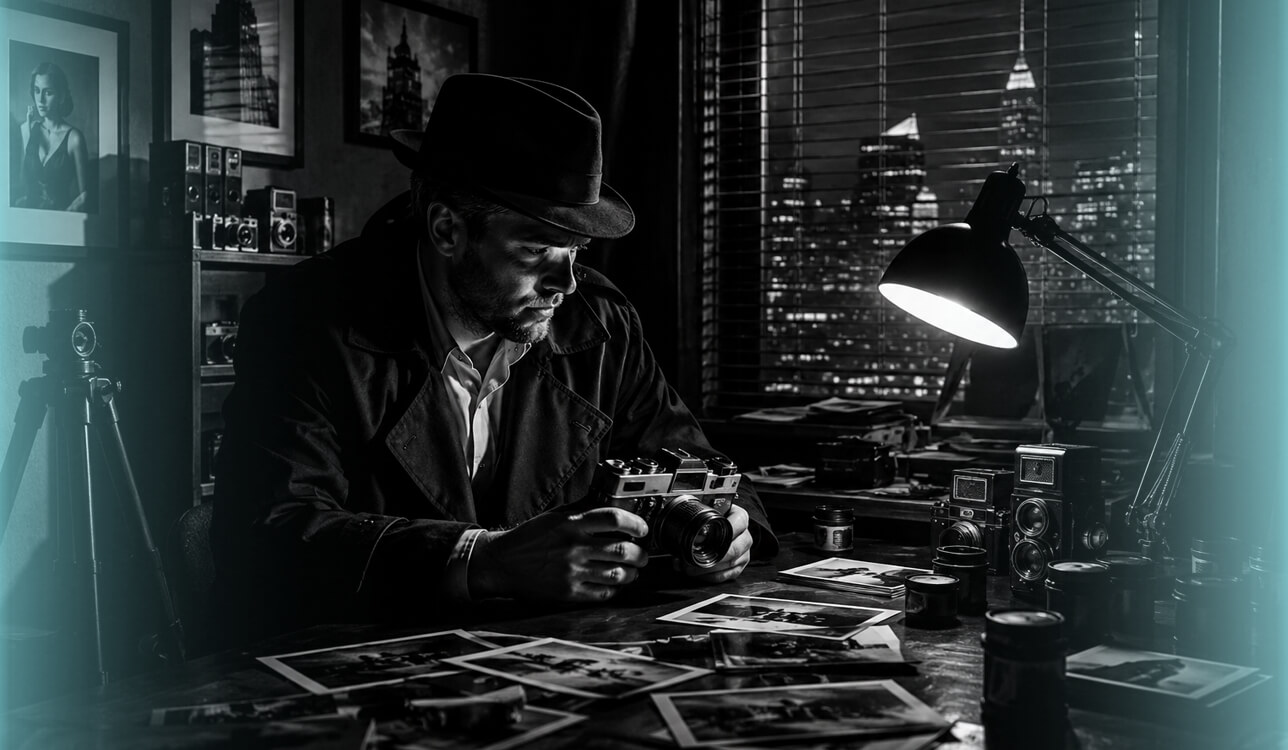
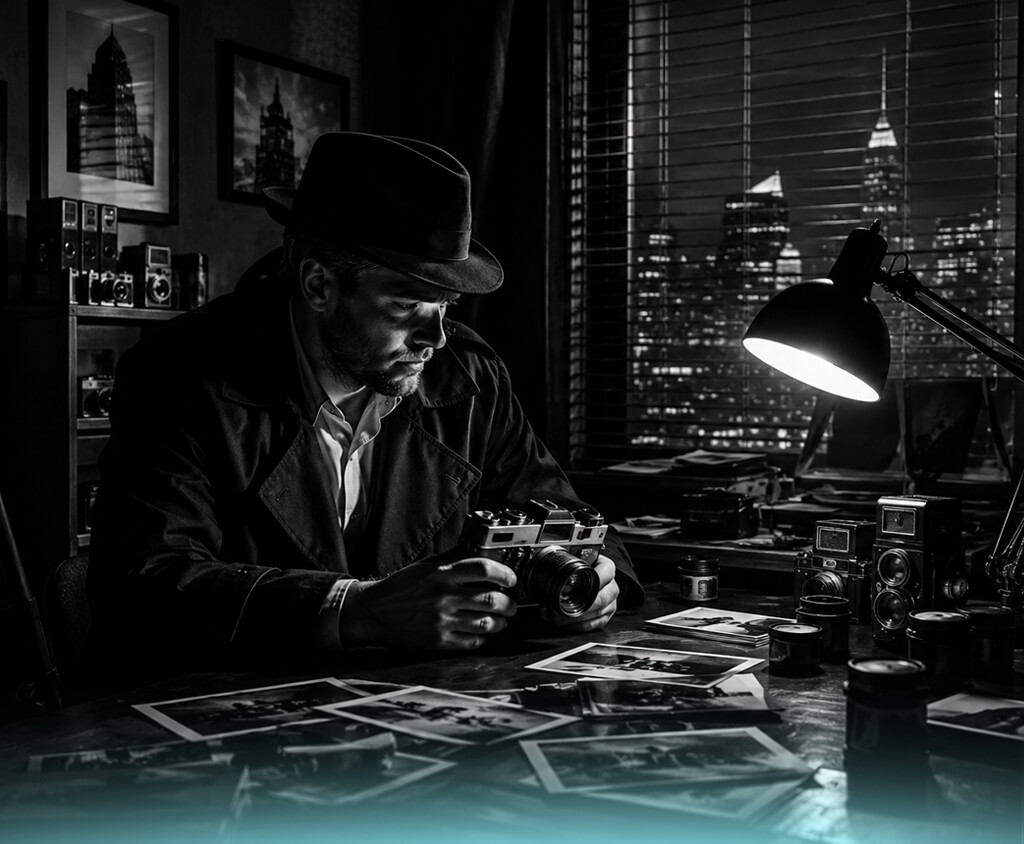
At first, creating noir-style videos seemed simple enough, and I expected most AI noir video generators to handle it well. After trying several tools, however, I found that achieving a true noir look is much more challenging and requires more than just writing a good prompt.
I'm working on an interactive detective story where viewers shape the plot through their choices. To make the experience believable, every scene needs to feel connected, with rain-soaked streets, deep shadows, classic architecture, and characters that maintain the same look throughout the entire story.
To keep the story visually consistent, I need an AI noir film generator that can maintain the same characters, locations, and overall atmosphere across multiple scenes. It also needs to offer enough control over camera angles, lighting, framing, pacing, and prompt adjustments, so I can refine each clip without having to recreate it from scratch.
Getting the look right depends on how well the tool follows my input. I need it to capture the exact visual style I'm aiming for, including the mood, shot setup, and overall feel of each scene. Since the project includes many videos, quick generation, straightforward pricing, and the freedom to use the results in published work are all essential.
After trying a range of tools, I realized I needed more than a standard AI video generator. The right solution had to fit naturally into my creative process, produce a consistent noir look from scene to scene, follow my instructions closely, offer flexible creative controls, and let me spend more time building the story instead of reworking every clip.
To speed up the process of finding and testing the right tools, I teamed up with my colleagues from the FixThePhoto team. Before we started, we agreed on a clear set of criteria to evaluate each option, making it easier to compare the results and identify the strongest performers.
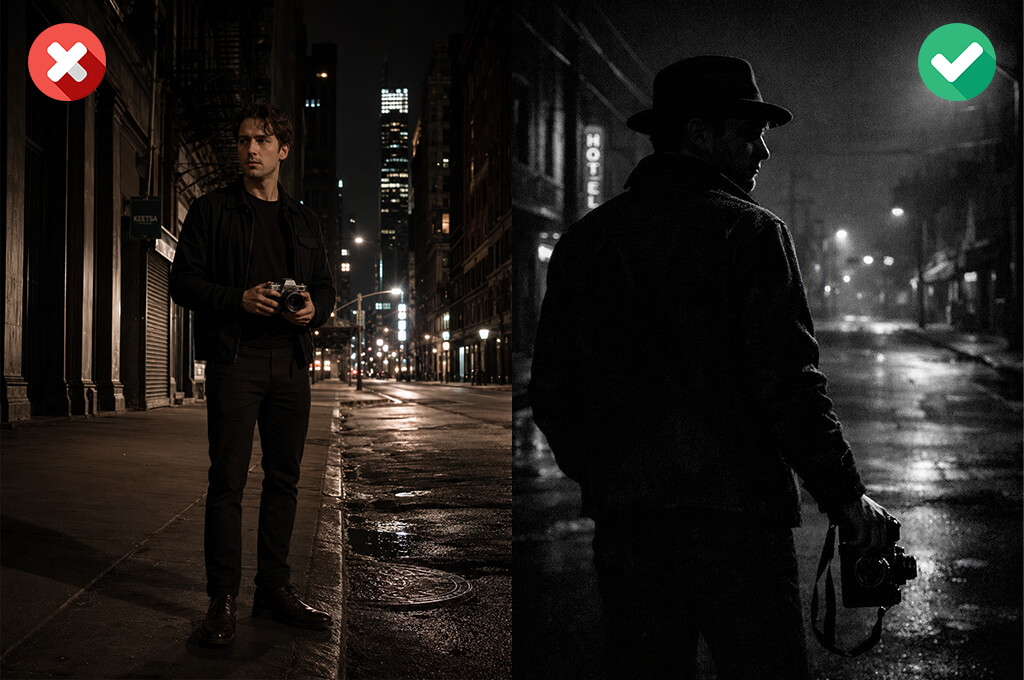
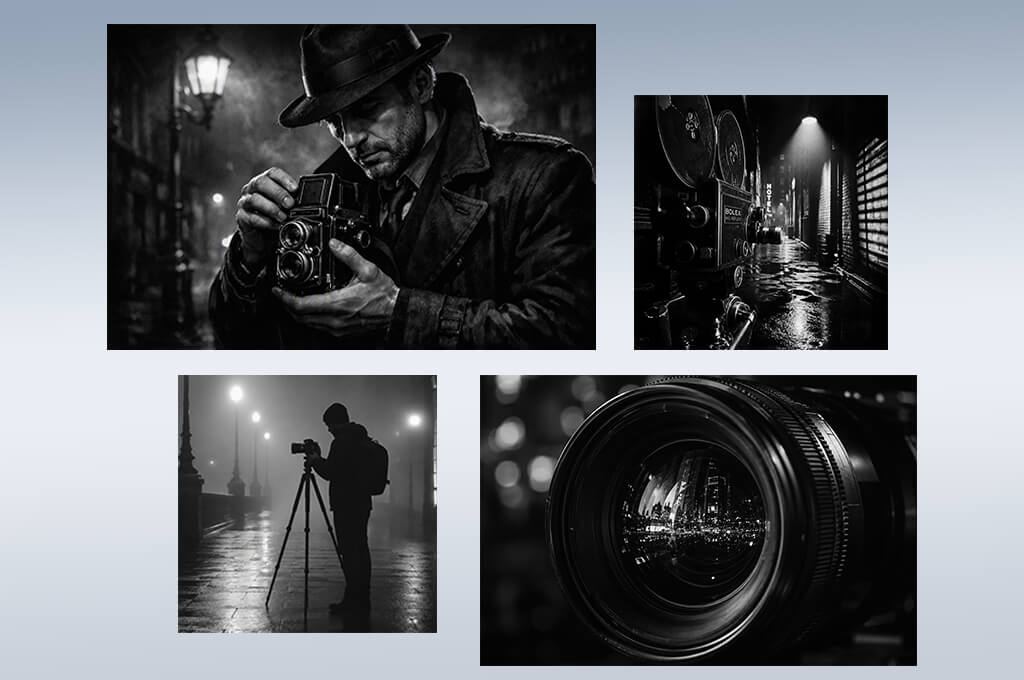
Text-to-video generation. The ability to create noir-style video scenes from detailed descriptions, accurately capturing characters, settings, atmosphere, lighting, and camera movement.
Style & atmosphere controls. Tools for shaping the visual style, including black-and-white imagery, vintage-inspired looks, dramatic lighting, deep shadows, rain, fog, and the signature atmosphere of classic film noir.
Character consistency. An essential feature for story-driven projects. The tool should keep each character’s appearance consistent across every scene, including facial features, clothing, and overall look.
Camera controls. Support for different camera techniques, allowing users to control close-ups, wide shots, tracking movements, zooms, and cinematic framing to achieve the desired look.
Lighting color customization. Controls for adjusting lighting, contrast, exposure, highlights, and color tones to create a polished noir-inspired cinematic style.
Image-to-video capabilities. The ability to turn reference images, concept art, or storyboards into animated scenes while keeping the original visual style consistent.
Prompt editing & scene refinement. The ability to edit specific parts of a scene without generating the entire video again, making it easy to refine characters, backgrounds, or other visual details.
High-resolution output & export options. Support for high-resolution video exports like in advanced AI video generators, multiple aspect ratios, and file formats suitable for filmmaking, social media, presentations, and other creative projects.
Audio & voice features. Built-in audio features or support for adding background music, sound effects, voiceovers, and dialogue help bring scenes to life and create a more immersive cinematic experience.
Fast generation & workflow integration. Fast rendering, well-organized project management, and smooth integration with editing software help streamline the workflow and make it easier to produce more content in less time.
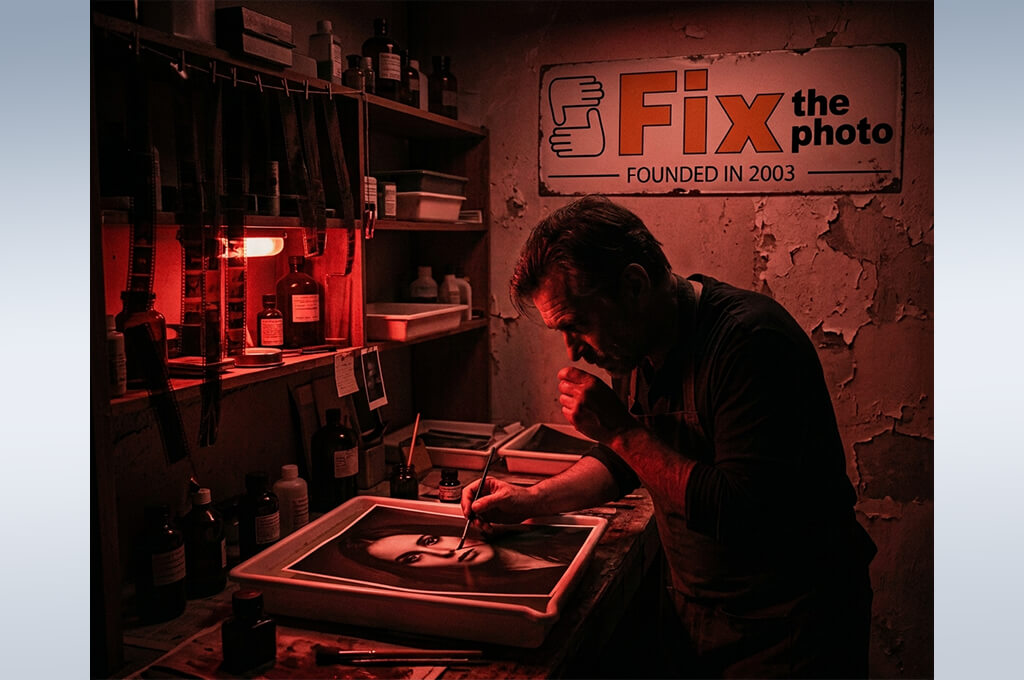
I started with Adobe Firefly Video because I wanted to see how well it could recreate the noir style I envisioned for my detective project. I tested this online AI noir film generator with a variety of scenes, including a private investigator walking through rain-soaked streets at night, dimly lit offices, and vintage city settings with dramatic lighting and shadows.
I also tested different scene variations to see how well Firefly could keep the same noir style throughout the project. I wasn't just looking for dark visuals - I wanted every scene to share the same mood and feel like it belonged to the same movie.
One of the first things I noticed was how easy it was to fine-tune each scene. Small changes to the prompt or style settings made it simple to improve the results, and I could edit specific parts without creating everything again. Tools like Generative Fill were especially useful for changing backgrounds, adding or removing objects, and refining the overall composition. That made the workflow much faster, especially for a project where small visual details matter.
“I used it to create several dark, vintage-inspired scenes, and it was easy to achieve the atmosphere I was looking for. The lighting was impressive, but some results looked a little too polished and lacked the rough, gritty feel of classic film noir.”

I also explored free Adobe software to build a set of recurring characters and locations for the project. By creating multiple versions of the same detective, interiors, and city settings, I was able to see how well they maintained a consistent look from one scene to the next.
It worked especially well for developing visual ideas and planning scenes, but I needed other tools for longer videos with more advanced character movement. Even so, Firefly provided a solid visual foundation before I moved on to animation.
After using Firefly for a while, I could see why it's a popular choice for creators already working with Adobe tools. It fit naturally into my workflow, making it easy to develop ideas, refine scenes, and build a consistent visual style. For my noir project, it helped me establish the overall look and create high-quality visuals before moving on to video production.
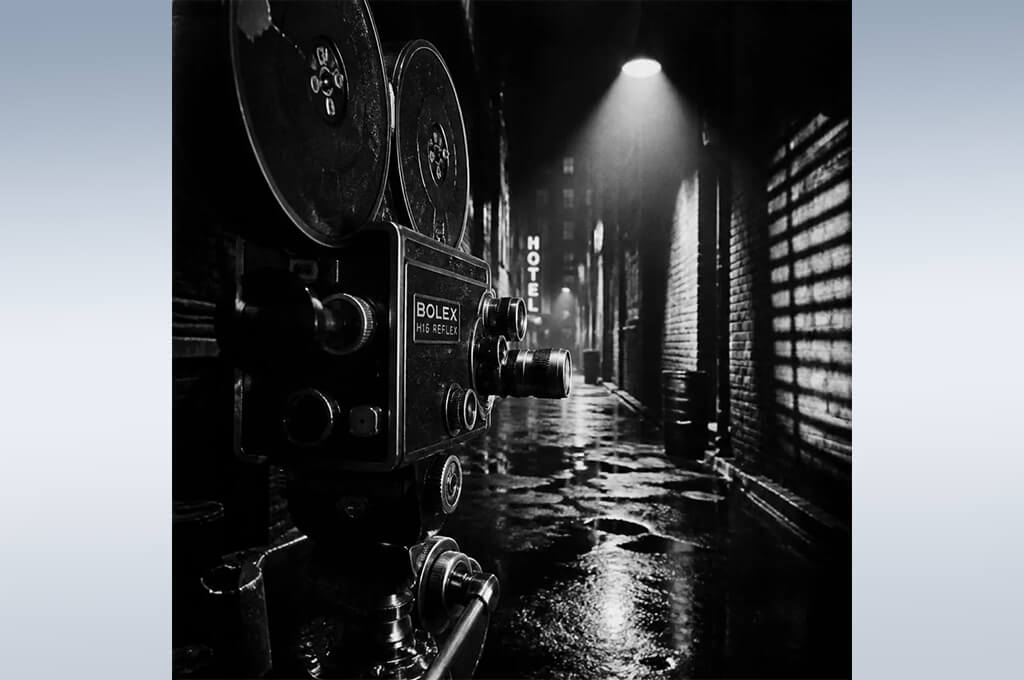
I tested NightCafe to explore different visual ideas for my noir project before settling on a final style. I used it to create detectives, moody city streets, vintage buildings, and other cinematic scenes inspired by my story.
While testing this AI noir film generator for black and white videos, I experimented with different models and style settings to compare the results. It was an easy way to explore different looks and quickly find ideas before deciding on the final direction for a scene.
What I liked most about this AI generative fill tool was how easy it made experimentation. I could create several versions of the same scene in just a few minutes and compare different visual styles.
I tried everything from classic black-and-white noir and vintage-inspired looks to graphic novel aesthetics and more realistic cinematic scenes. The variety of results made it easy to explore creative directions I might not have considered otherwise.
I also tested how well NightCafe could recreate the same characters across different scenes. I generated multiple versions of my detective and tried to keep the appearance, clothing, and overall style consistent. While it worked well for character concepts and early planning, maintaining the same look throughout the project was more challenging. For that reason, I found it most useful during the creative planning stage rather than for producing the final scenes.
Overall, NightCafe was a great tool for exploring ideas and building the visual direction of my noir project. While I wouldn't rely on this AI noir film generator for videos for creating an entire film, it was very helpful for developing the style, mood, and key scenes. I found it especially useful for creating concept images, testing different visual approaches, and refining ideas before moving on to production.
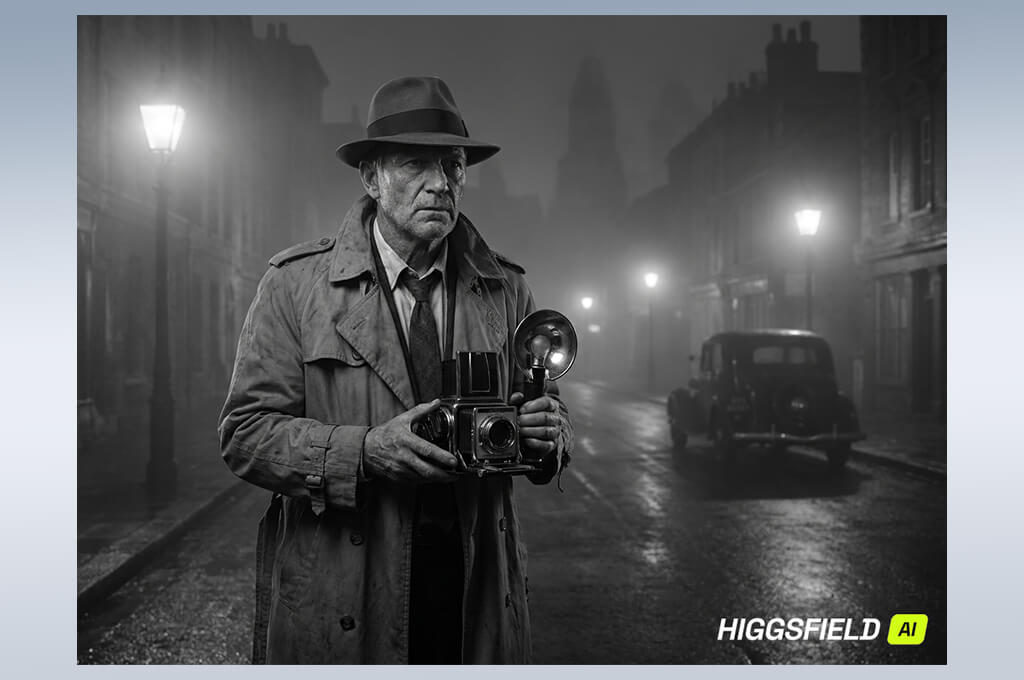
I tested Higgsfield because I needed a tool that could create cinematic video scenes rather than just static images. For my interactive detective project, camera movement and shot composition play a big role, so I tried a variety of prompts featuring slow walks through rainy streets, dramatic reveals, close-ups, and nighttime city scenes. My goal was to see how well it could produce sequences that felt like they were directed for a film.
What impressed me most was the level of camera control. Unlike many AI tools for content creation, which mainly focus on generating characters or environments, Higgsfield let me shape how each scene was presented.
I experimented with different camera angles and movements to create a more cinematic feel. This made a noticeable difference in noir scenes, where the atmosphere depends as much on the camera work as it does on the setting.
“The camera controls were my favorite feature. They gave the scenes a cinematic feel, although I sometimes had to regenerate clips to get more consistent results.”

I also tested how well this AI noir film generator captured the classic noir look. I created scenes with deep shadows, wet streets, fog, dramatic lighting, and isolated characters to see how consistently it could maintain the style.
The results felt more like real movie shots than basic AI animations, although I still had to refine my prompts to get the exact look I wanted. It was a bit like adjusting a scene through multiple takes until everything came together.
After testing Higgsfield, I understood why it's popular with filmmakers. It gave me much more control over camera movement and the overall feel of each scene, making it easier to create a cinematic look. Instead of simply generating clips, it helped me focus on visual storytelling and how each scene should be presented.
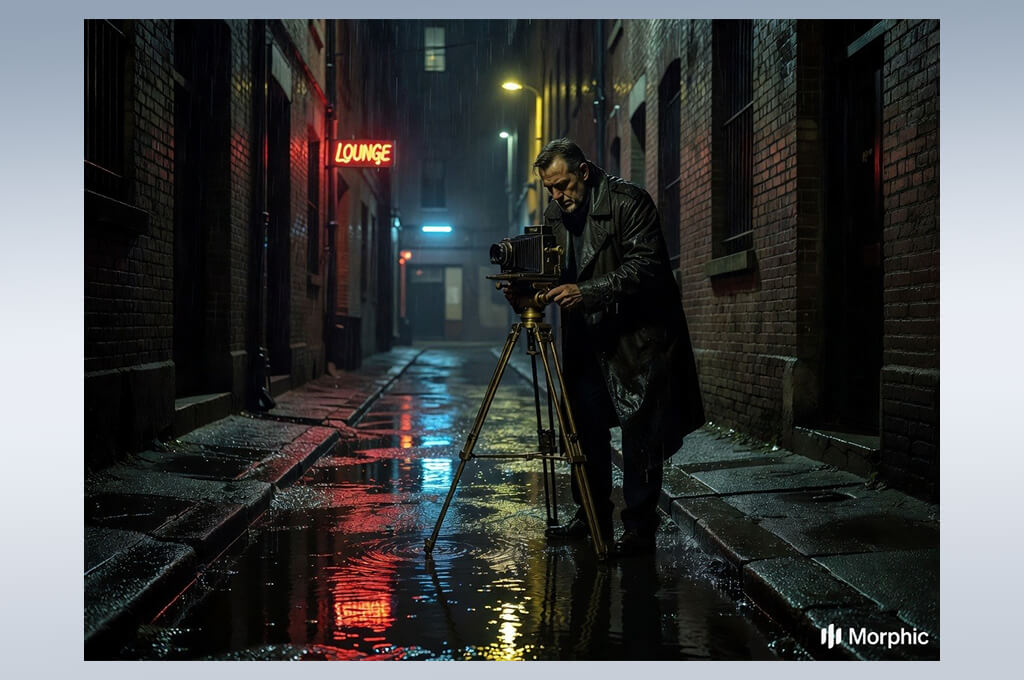
I tested Morphic because I wanted a faster way to develop visual ideas for my noir detective project. With the story already planned, I needed a tool that could quickly turn concepts into scenes. I used it to create detectives, rain-soaked streets, vintage apartments, and crime scenes to see how well it could help define the overall look and atmosphere before moving on to final production.
One thing I liked was how simple the workflow felt. I could describe a scene, generate several versions, and quickly compare the results. I also experimented with different noir styles, from classic black-and-white to darker modern looks, which helped me find the visual direction that worked best for my story.
I found it most valuable during the early stages of the project, when I was exploring different creative directions. It also works well as an AI storyboard generator, making it easy to map out scenes, test visual concepts, and build a clear foundation before production.
Another thing I liked was how quickly I could explore new ideas without spending much time on setup. I used the generated images as visual references for characters, locations, and key moments before recreating them in more advanced video software.
One limitation I noticed was character consistency. When I recreated the same person across multiple scenes, the appearance wasn't always identical. For longer story-driven projects, I would pair Morphic with another tool that offers better character consistency and reference support.
After spending some time with Morphic, I started thinking of it as a tool for developing ideas rather than producing finished videos. This AI noir film generator from text helped me explore different scene concepts, refine the visual style, and quickly test new directions. For filmmakers, writers, and other creators, it's a great way to build a strong visual foundation before moving into production.
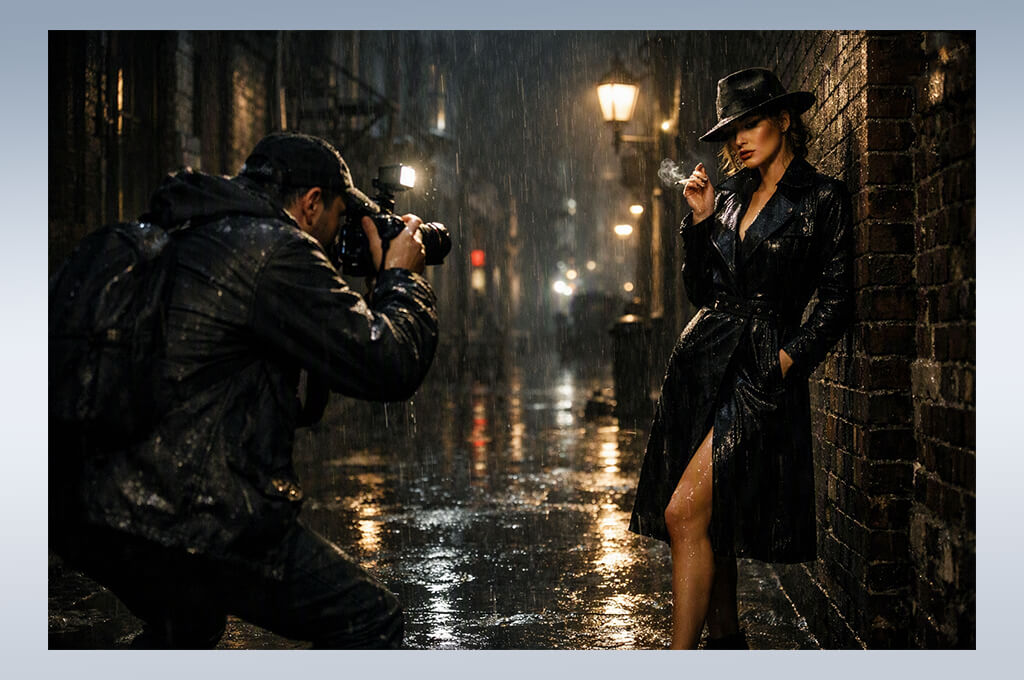
I tested MyAIArt to see if a simple AI art platform could still capture the atmosphere I wanted for my noir project. I created scenes featuring private detectives, mysterious characters, dark city streets, vintage interiors, and dramatic lighting to evaluate the overall visual style.
I wasn't just looking for attractive images - I wanted to see if the tool could capture the mood of a noir story. My goal was to create scenes that felt dramatic and atmospheric, rather than simply making them look dark.
One thing I liked most was how easy it was to explore different ideas. Without dealing with complicated controls, I could generate multiple versions of a scene and compare different visual styles. Trying realistic, cinematic, and illustrated approaches for the same detective scene helped me choose the direction that fit my project best.
“It was a good option for quickly creating noir-style visuals. The tool is easy to use, but I would have liked a few more options to control the final result.”

I also tested how well this AI noir film generator from image handled the same character in different scenes. I created several versions of my detective with different outfits, expressions, and backgrounds. The results were great for concept art, but it was difficult to keep the character looking exactly the same each time. For that reason, I found MyAIArt better for planning and visual ideas than for a continuous story.
Overall, MyAIArt was a useful tool for generating quick ideas and exploring different visual styles. It's simple to use and makes it easy to experiment without slowing down the creative process. I found it most helpful during the planning stage, where it helped me develop scenes and choose the right look before moving on to more advanced video tools.
The first thing I explored was the prompt marketplace and the different prompt templates created for AI models. I looked at examples focused on cinematic photography, realistic characters, film scenes, and specific visual styles. I noticed that strong prompts usually included details about lens type, composition, atmosphere, and storytelling elements instead of only describing the subject. I started adapting those ideas into my own noir prompts and saw more consistent results.
I also found this AI noir film generator for beginners useful for improving the way I wrote prompts. By studying prompts from other creators, I learned to describe scenes with details like lighting, camera angles, weather, mood, and character expressions instead of using short, simple descriptions. As a result, I got better outputs from it and other tools like Runway while spending much less time rewriting prompts.
For my project, PromptBase became a useful addition to my workflow rather than a replacement for an AI film generator. It helped me write better prompts, which led to more consistent results. I’d recommend it to anyone who wants more control over the final output and fewer random generations.
I tested Runway when I was ready to turn my noir concepts into actual video scenes. Since my project required more than static images, I explored features like text-to-video, image-to-video, and its built-in AI video editing tools to see how well they fit into my workflow.
I generated scenes of detectives walking through rain-soaked streets, dramatic conversations, and dimly lit offices to test the quality of the motion. What mattered most was whether the videos looked like real cinematic scenes instead of animated still images.
The text-to-video feature worked best when my prompts included details about camera angles, movement, and lighting. Short prompts often produced basic clips, while more detailed descriptions created much stronger results. I also tested the image-to-video feature by uploading reference images and seeing how well Runway animated them while preserving the original style. This made it easier to create scenes that matched the visual direction of my project.
“This was one of the few tools that made my scenes feel truly cinematic. The motion quality was impressive, but getting the best results required practice, and the most powerful features come with the paid plans.”

One of my favorite parts was the editing tools. Features like background removal, motion controls, and AI editing made it easy to improve scenes after they were generated. Instead of creating a new clip from scratch, I could fix specific details and try different versions, which saved a lot of time on a larger project.
After using Runway, I understood why so many filmmakers choose it. It offers much more control than a typical AI noir film generator, making the creative process feel closer to real filmmaking. For my noir detective project, it became one of the most useful tools because I could create, edit, and refine scenes without leaving the platform.
I tested Luma because I wanted to see how well it could create realistic cinematic videos. Using Dream Machine, I generated noir scenes with detectives walking through foggy streets, close-up shots, and dramatic nighttime locations. My main goal was to see if the motion looked natural and made the scenes feel like real movie clips rather than animated images.
One of Luma's biggest strengths was the realism of its videos. I experimented with different prompt styles and found that detailed descriptions with clear camera directions and atmosphere produced the strongest results. The scenes felt smooth, with convincing motion, dynamic lighting, and immersive environments. It worked best for short, film-like clips rather than longer story sequences.
I also tested the image-to-video feature because I wanted my characters to keep the same look throughout the project. Starting with a reference image gave me more control over the style and overall atmosphere. Even so, I often had to generate several versions before getting the result I wanted, and keeping characters consistent across multiple clips was still a challenge.
Overall, I had a positive experience with this AI noir film generator for cinematic videos. It made it easy to create cinematic scenes with impressive atmosphere and camera movement, without the need for a traditional film setup. For my noir project, I found it especially useful for creating standout moments that could later be combined into a larger story.
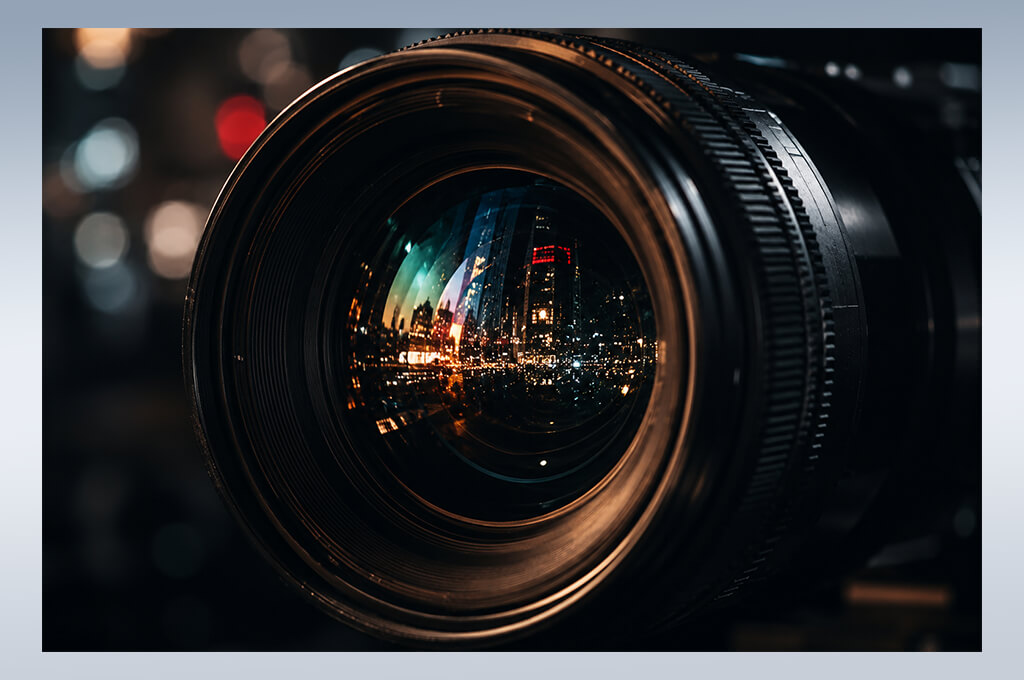
I decided to test OpenAI's tools because my noir project needed more than just AI video generation. Building an interactive detective story meant keeping the characters, scenes, dialogue, and overall atmosphere consistent, so I wanted to see how well the tools could support the entire creative process.
I relied on ChatGPT to shape the story, refine prompts, polish scene descriptions, and map out key moments before creating visuals. It became my main workspace for developing ideas and keeping the entire project organized.
One thing I noticed early on was how much better my results became when I used AI to improve my prompts before sending them to image or video generators. I would start with a simple scene description, then use ChatGPT to add details like camera angles, lighting, character emotions, and atmosphere for a more cinematic result.
For example, instead of using a simple prompt like “detective in a dark room,” I used AI to expand it with details about framing, shadows, lighting, and mood. Those extra details helped me generate much stronger and more cinematic scenes in other AI tools.
“I liked how well it understood my ideas and turned simple concepts into clear scene descriptions. It was great for planning, but I still needed other tools to create the final videos.”

I also used OpenAI during the planning stage of my project. It helped me build character profiles, write dialogue, organize different story paths, and explore multiple endings. Since my story is interactive, this made it much easier to develop different scenarios. It felt more like working with a creative assistant than using a simple AI noir film generator.
After using OpenAI, I realized that AI filmmaking is about much more than creating images or videos. A big part of the process happens before generation - developing ideas, improving prompts, and planning scenes that work together. For my noir project, OpenAI became an essential part of the workflow, helping connect the story, planning, and visual production into one creative process.
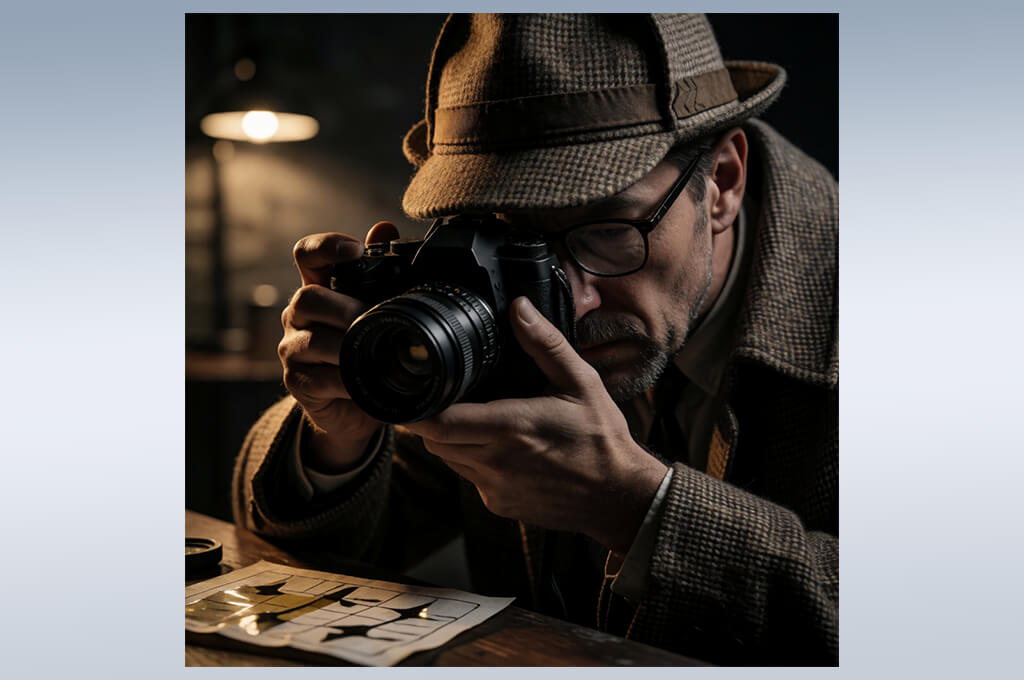
I tested Hugging Face because I wanted to explore AI models beyond the most popular commercial tools. Since the platform offers access to many different AI models, I tried several image and video generators to compare their quality and see which ones could work for my noir project.
My goal was to find models that offered more flexibility for creating noir-style visuals. I paid close attention to how they handled lighting, realism, and other cinematic details to see which ones matched the look I wanted.
One of the first things I noticed was the large number of models available to test. I experimented with several text-to-image models, including Stable Diffusion versions, to compare how they generated detectives, dark streets, vintage interiors, and other noir-inspired scenes.
Some models created realistic scenes, while others produced a more artistic style. Having so many options was useful, but it also meant spending extra time testing different models to find the best match for my project.
One thing I liked was being able to try models designed for different tasks. I experimented with various settings, generation options, and model versions to find the ones that produced the noir style I was looking for.
The main drawback was that some models were more technical than beginner-friendly AI tools, and keeping characters consistent across scenes was still difficult. Even so, the wide selection of models gave me the freedom to try ideas and styles that weren't available in most standard AI noir film generators.
After testing Hugging Face, I found it best suited for creators who like experimenting with different AI models. It isn't the quickest way to create finished videos, but it's a great place to test new ideas and explore different creative approaches. For my noir project, I mainly used it to experiment with models and discover techniques I could apply in other AI tools.
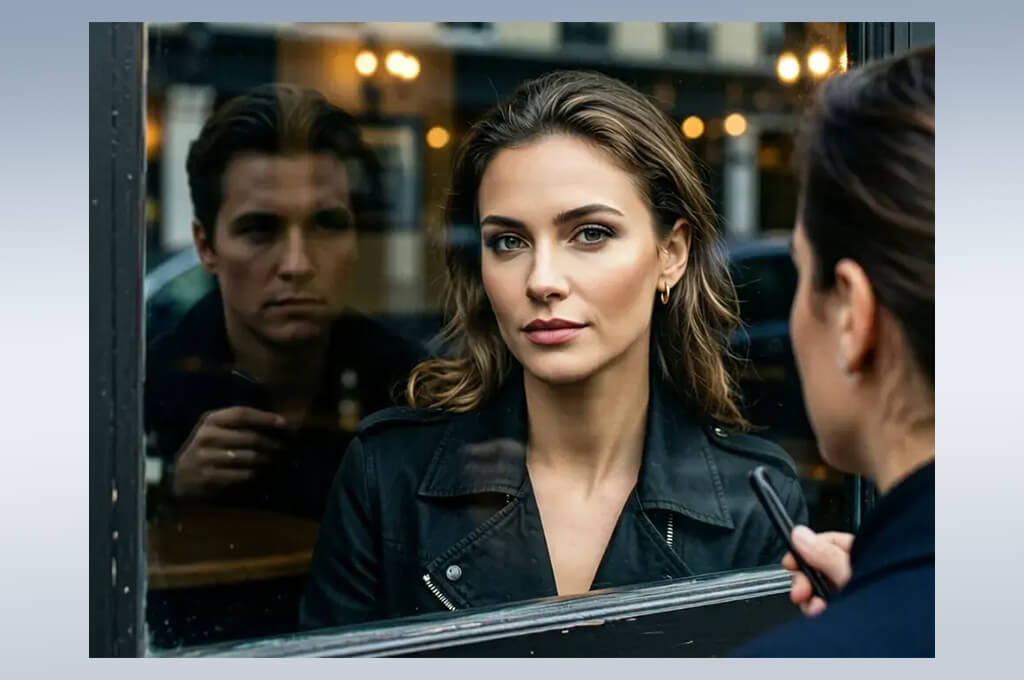
I tested Rawshot AI because I wanted a simple way to turn my noir ideas into visual concepts. Since my project included many scenes, I was looking for a tool that could generate results quickly without a complicated workflow.
I generated images and scene ideas based on my detective story, including rainy streets, mysterious characters, and cinematic locations. My goal was to see how quickly the tool could turn a written idea into a visual concept.
One of my favorite things about this AI image generator was its simple workflow. I could quickly refine a prompt, generate new variations, and compare different ideas without dealing with complex settings. I experimented with noir elements such as dramatic lighting, vintage architecture, deep shadows, and cinematic compositions. It was especially helpful for creating quick visual references while planning different scenes in my story.
“It was a good tool for creating noir-style images and ideas quickly. The results were good, but I wanted more control over the details and a few more advanced features.”

I also tested how well it could keep a consistent visual style. I generated several scenes with similar prompts to see if the overall look and atmosphere stayed the same.
It worked well for creating individual images, but keeping the same characters and details across multiple scenes was more difficult. For a longer film project, I would combine it with a tool that offers better character consistency.
Overall, my experience with this AI noir film generator for short films was all about speed and simplicity. It helped me test ideas, create visual concepts, and experiment without getting distracted by complex settings. I would recommend it to anyone who needs fast concept generation or early visual planning. For my noir project, it became a useful brainstorming tool before moving on to more advanced production.
Together with Tetiana Kostylieva, Kate Gross, and Tati Tailor, I tested every generator using the same set of noir-inspired prompts to ensure a fair comparison. We created scenes of a private detective walking through a rainy city at night, a tense conversation in a dimly lit office, a vintage street with dramatic shadows, and a close-up portrait with classic film lighting.
Using our standard testing process, we evaluated each generator on the features that matter most in real filmmaking. We measured how accurately each AI tool followed detailed prompts, how well it recreated cinematic elements such as lighting, camera angles, contrast, and fog, and whether it could keep characters consistent across multiple scenes.
We also compared the available features of each tool, including text-to-video generation, image-to-video conversion, camera controls, style presets, prompt editing, and export options. Rather than judging a single impressive result, we evaluated how useful each generator was throughout the entire filmmaking workflow.
Tetiana Kostylieva focused mainly on visual quality and storytelling details, comparing how each platform interpreted noir atmosphere and cinematic direction. She tested prompts like “a detective standing under a flickering street lamp in a rainy alley, high-contrast black-and-white film style” and analyzed whether the AI noir film generator created believable lighting, realistic environments, and emotional scenes.
Kate Gross focused on usability and workflow efficiency, evaluating how easy it was to refine results, adjust prompts, and create multiple versions of the same scene. Tati Tailor tested creative flexibility by exploring character design, scene variations, and the creative possibilities of each AI tool for designers.
Our testing revealed clear strengths and weaknesses across the platforms. Some delivered striking visuals but struggled with character consistency, while others offered better editing and creative control. Overall, the best results came from generators with accurate prompt interpretation, solid camera controls, and strong image-to-video capabilities.
After testing the same noir scenes across multiple platforms and comparing the results, we selected the AI noir generators that delivered the best combination of cinematic quality, creative control, and ease of use.



![7 Best Free Pokémon AI Generators [{{%year}} FixThePhoto Choice]](http://fixthephoto.com/blog/images/gallery/news_main__preview_29022.jpg)

![9 Best Image Brighteners Online [{{%year}} FixThePhoto Choice]](http://fixthephoto.com/blog/images/gallery/news_main__preview_29194.jpg)

![7 Best TIFF to PDF Converters [{{%year}} FixThePhoto Choice]](http://fixthephoto.com/blog/images/gallery/news_main__preview_29305.jpg)

![Photoshop App on Android [NEW Release] {{%year}} Update](http://fixthephoto.com/blog/images/gallery/news_main__preview_29048.jpg)
![7 Best AI Baby Dance Video Generators [For Trendy Moms]](http://fixthephoto.com/blog/images/gallery/news_main__preview_29020.jpg)

















