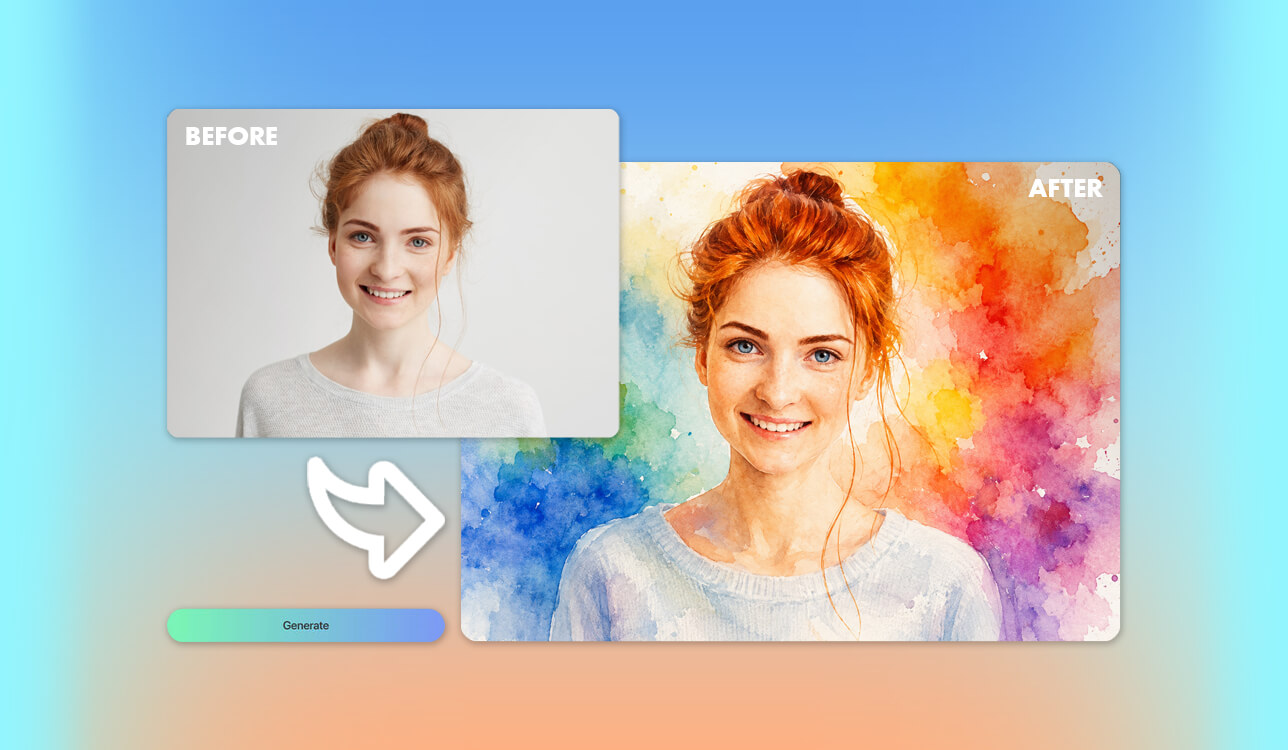
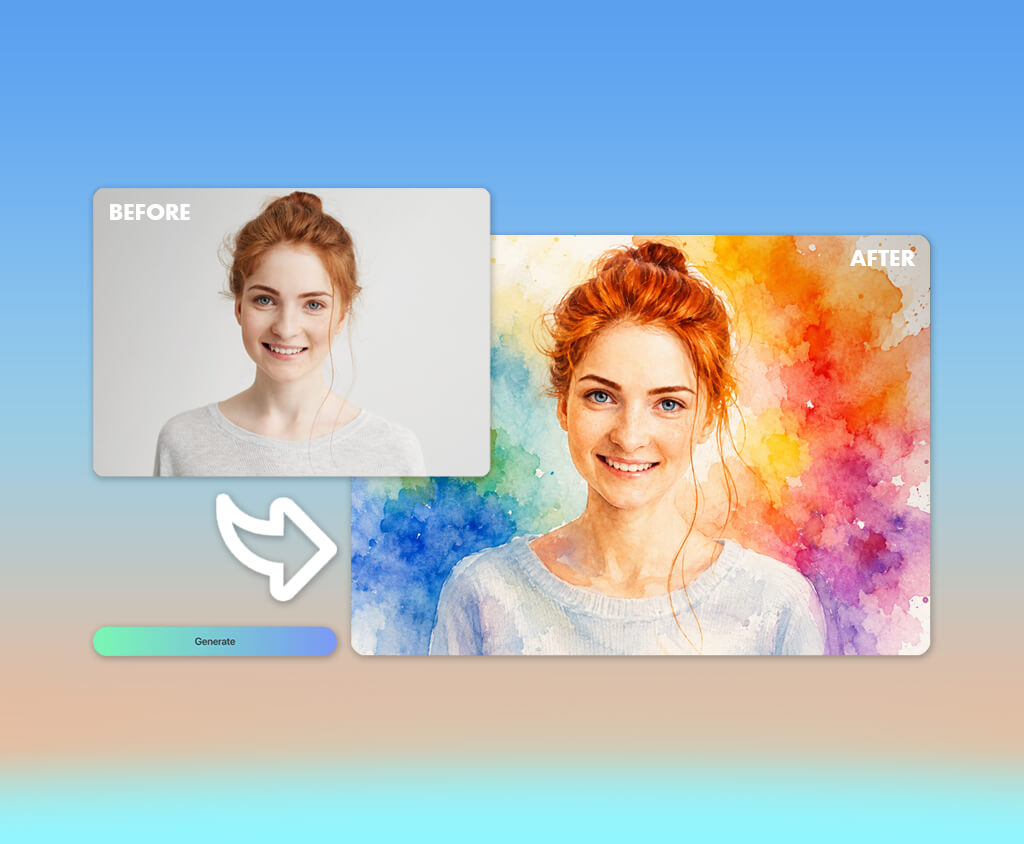
When designing a personal travel journal, I wanted to find artwork with an authentic hand-painted feel. Standard digital graphics usually look cold and robotic, failing to capture the calm, storybook aesthetic my project required.
Ordering custom traditional paintings was beyond my budget, so I explored AI tools instead. Most programs produced harsh colors and synthetic textures. Still, top-notch instruments delivered soft blends, realistic brushwork, and rich, expressive illustrations that suited my project perfectly.
My ideal software needed to master soft color transitions, authentic paper textures, fine brush strokes, and natural pigment diffusion. Beyond mere aesthetics, it had to accurately interpret detailed prompts, preserve sharp architectural elements, export high-resolution files suitable for printing, and offer complete commercial usage rights.
Style consistency was just as essential. Since the journal featured various destinations across the globe, every single illustration had to share a cohesive artistic theme while seamlessly adapting to different landscapes, changing seasons, and unique lighting conditions.
After testing numerous options, I finally realized what truly defines the best AI watercolor art generator. It is not simply about producing pretty visuals. The software can deliver consistent, high-quality artwork that captures the genuine soul of traditional watercolor painting while fitting into a busy creative workflow.
Determined to select the perfect tool without missing tight project deadlines, I partnered with my experienced colleagues from the FixThePhoto team. Blending my strict project requirements with their extensive testing expertise, we immediately started a thorough evaluation process.
Mastering key watercolor styles comes down to how an artist balances fine detail, control, and personal expression. When evaluating digital tools, these stylistic differences matter immensely because they establish the underlying mood, depth, and texture of your finished image.
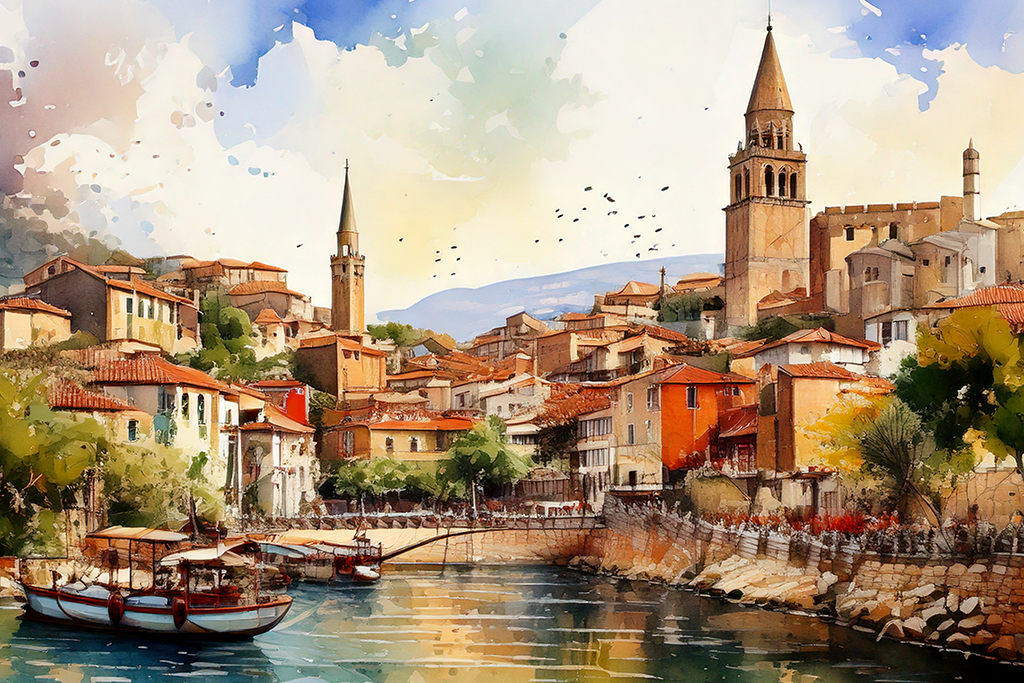
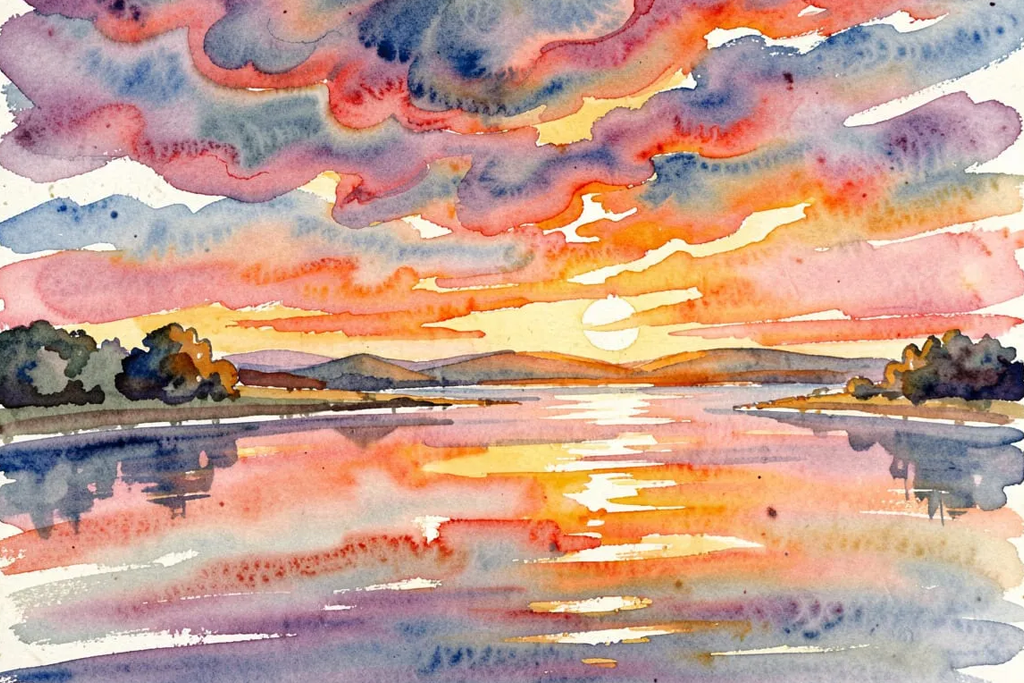
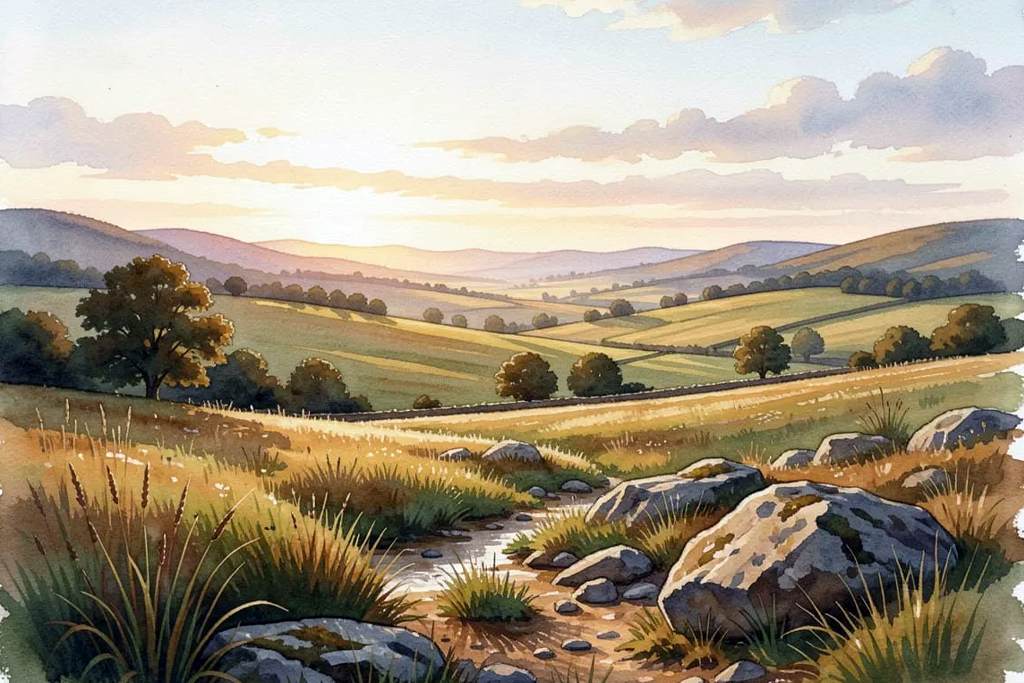
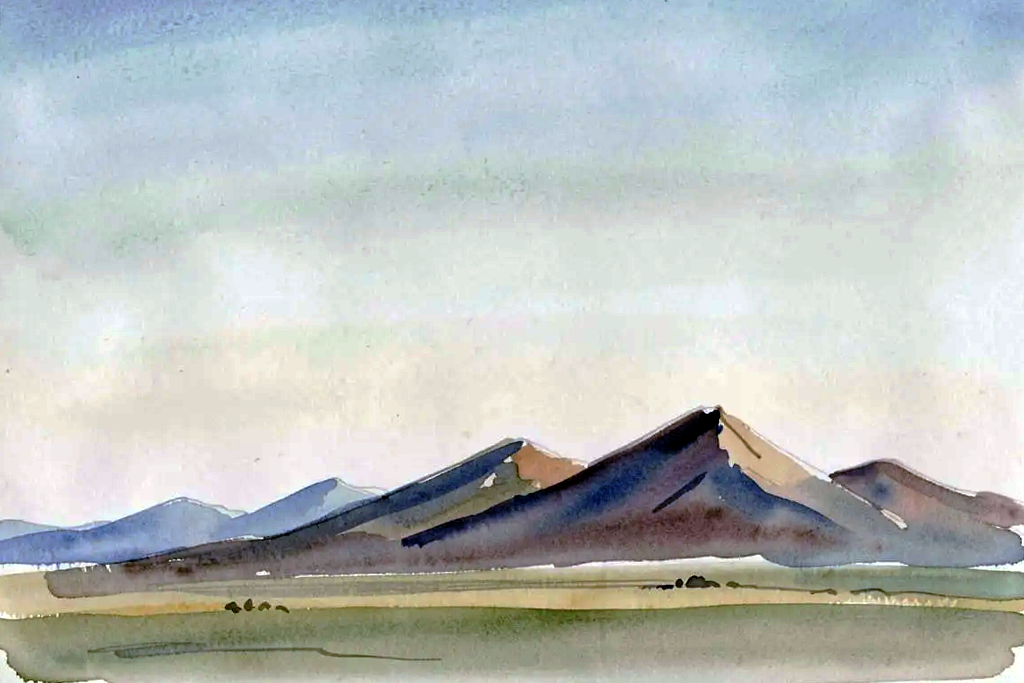
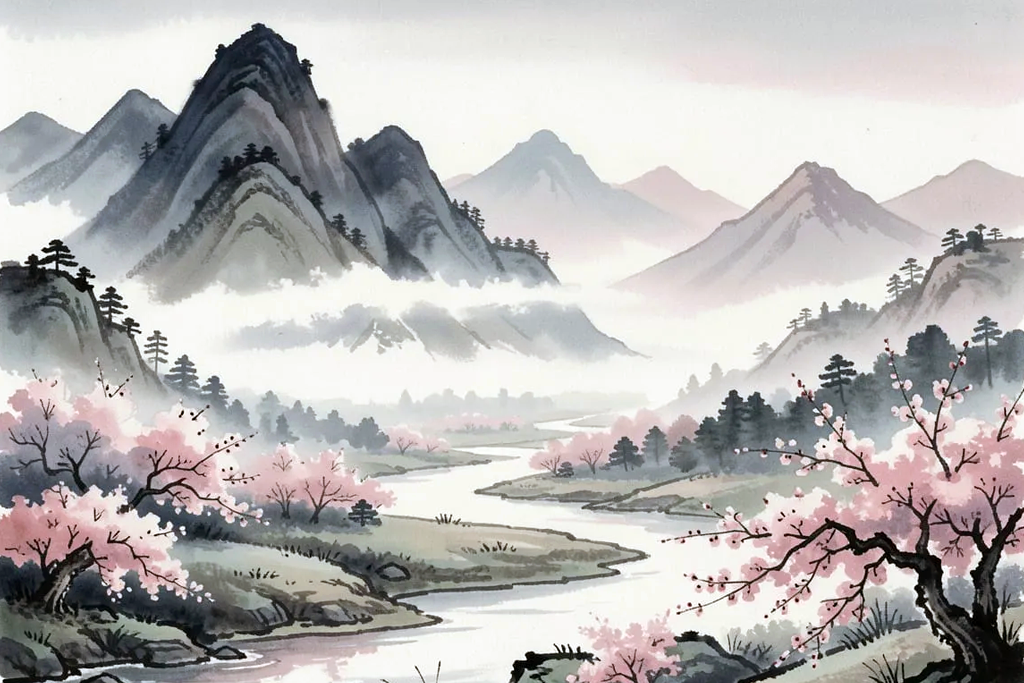
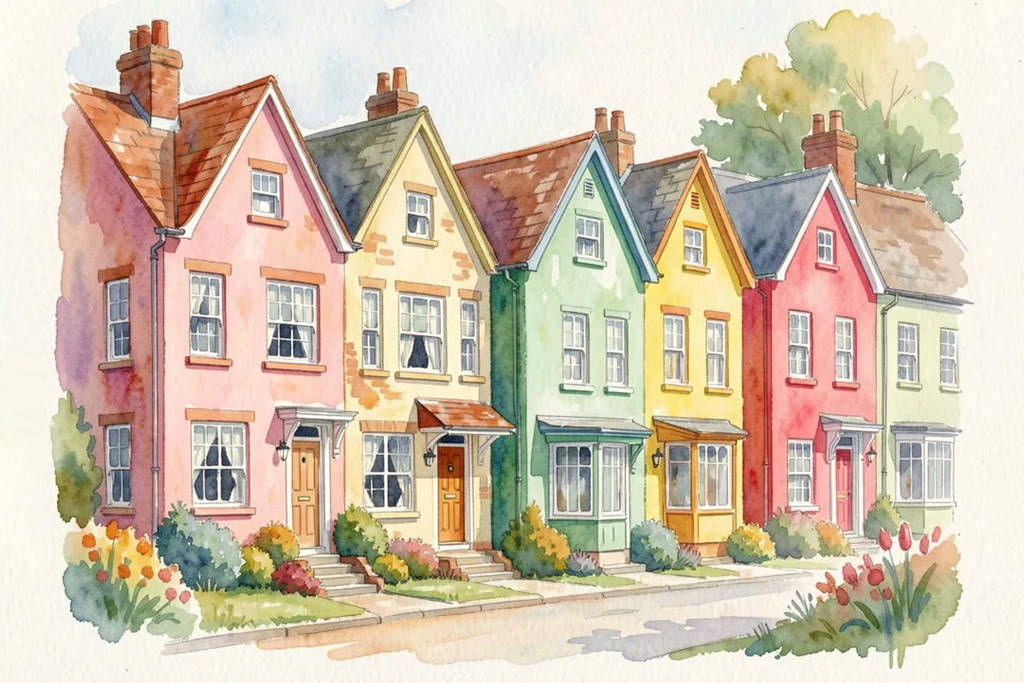
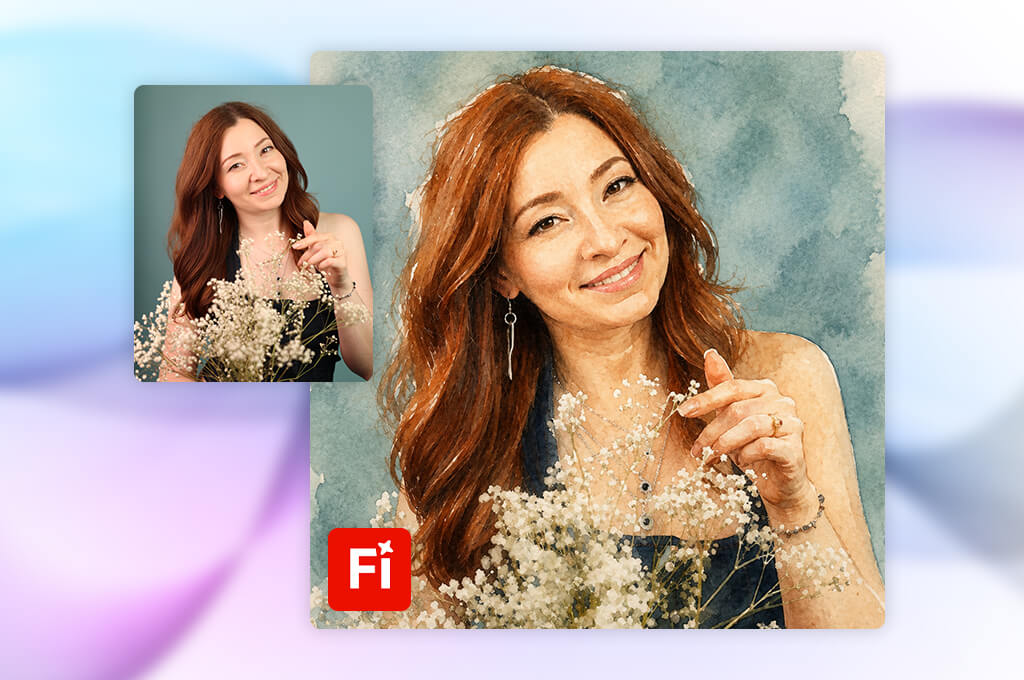
Finding the best watercolor AI generator for high-end creative work can be challenging, especially when most platforms produce flat digital illustrations instead of authentic painterly depth. But I had high expectations of Adobe Firefly.
I tested it while illustrating a comprehensive travel series filled with stunning coastal landscapes, European architecture, and mountain scenery, aiming to see if it could maintain visual continuity across every single piece.
Firefly impressed me right away with its sophisticated understanding of traditional art vocabulary. When I prompted artistic terms like "delicate pigment washes," "hand-painted paper texture," and "semi-transparent brushwork," the engine rendered subtle watercolor gradients that looked good enough for professional publication.
Firefly outperforms analogs with its granular control over artwork direction. Using the built-in Style panel allowed me to lock in a specific aesthetic, ensuring that every generated landscape looked like part of the same cohesive collection rather than a random assortment of styles.
Whenever a scene needed minor tweaks, Generative Fill made it easy to modify localized elements without re-rolling the artwork from scratch. So, I believed Firefly is a truly indispensable generative asset for serious modern digital artists.
“The watercolor results impressed me more than I expected. The tool understood what I was asking for most of the time, and the images looked very professional. It wasn’t always perfect on the first try, but a few tweaks usually got me closer to what I wanted.”

Visual consistency was my top priority during evaluation, as my travel journal required dozens of distinct illustrations that needed to look unified. This is where Firefly comes out on top. The colors remained gentle and organic, the watercolor aesthetic was unmistakably clear, and each composition struck a refined balance between imaginative artwork and realistic details. I also love that Firefly connects with Photoshop easily, so making small adjustments after generation takes no effort.
Still, Firefly isn’t a basic standalone image generator that is easy to master. It is a full digital collaborator with lifelike pigment textures, reliable output, and flexible controls indispensable for demanding visual projects. For artists seeking authentic painting styles alongside dependable Adobe integration, Firefly proves to be an exceptional choice for producing truly high-quality artwork every single time.
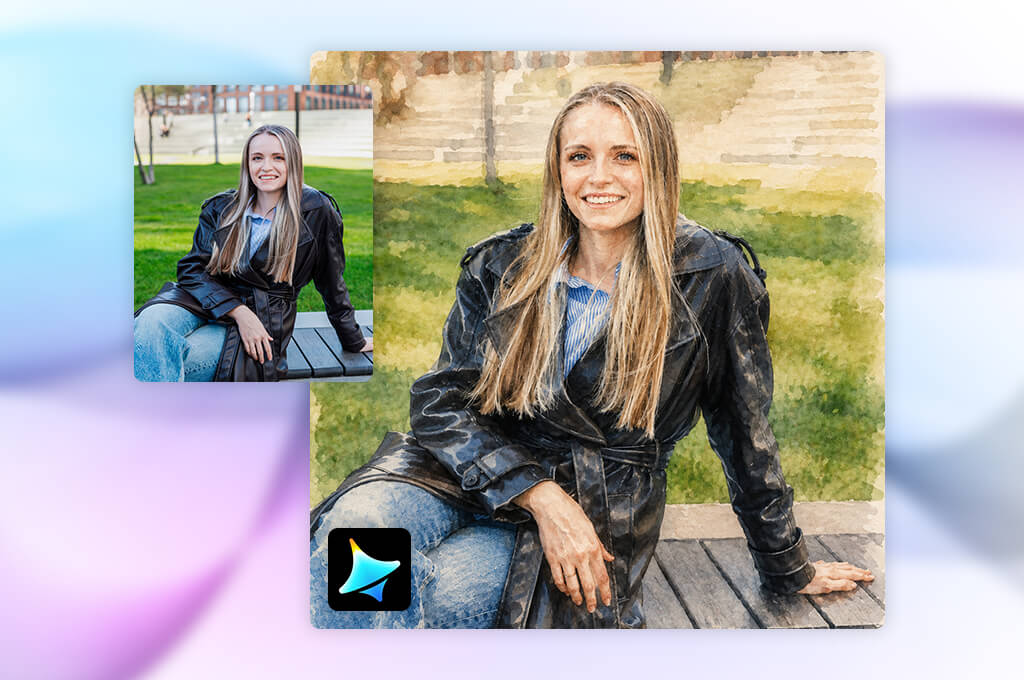
My search for a software tool capable of capturing raw emotion in artwork led me directly to Dreamina. Rather than testing simple photorealistic scenes, I focused on evocative prompts, describing serene rain-slicked streets and sunlit pastures painted with authentic textured paper effects. I wanted to determine whether AI could evoke true feeling, and Dreamina delivered surprisingly mesmerizing results.
The platform's standout strength is its versatile stylistic controls. Operating as an expressive AI image generator, it properly interprets delicate mood descriptions into striking visuals. Dreamina lets you experiment across diverse aesthetic movements – from classic East Asian ink-wash techniques to fluid, modern splash art. Producing multiple variations of a single concept was intuitive, resembling a dynamic brainstorming session with a digital art partner.
When generating simple scenes, the engine delivers gorgeous pigment blends and soft paper grain. While complex structures like intricate historical architecture occasionally required rewriting prompts multiple times to achieve sharp detail, Dreamina's high rendering speeds meant I could iterate rapidly without frustrating delays. Ultimately, its ability to make painterly charm makes it a compelling choice for narrative illustrations.
For creators seeking artistic character over rigid technical precision, this AI watercolor generator offers an accessible, highly inspiring digital workflow.
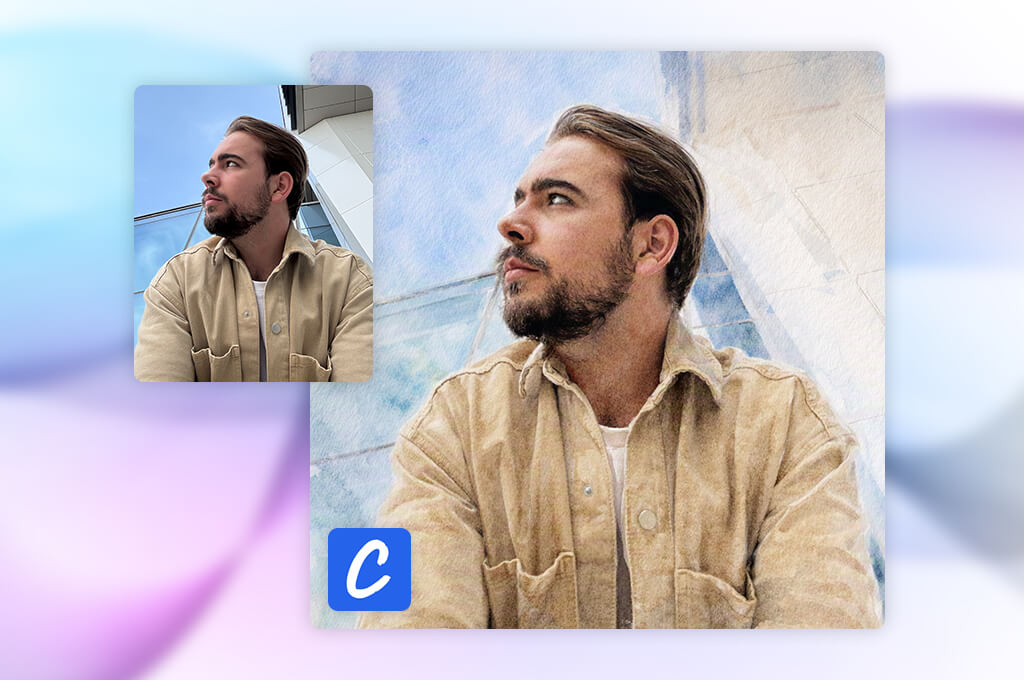
I included CrafteAI in my testing lineup to evaluate whether a more straightforward platform could still deliver charming watercolor illustrations for my travel journal without requiring hours of manual setting tweaking.
I experimented with basic prompts, describing scenic destinations and soft color palettes. The design process was surprisingly intuitive. CrafteAI turned out to be an accessible AI watercolor art generator without overwhelming technical controls you typically have in AI tools for designers. You simply type your scene description, select a general style, and receive appealing painterly visuals almost instantly.
Thought it lacks granular editing tools for heavy post-processing adjustments, CrafteAI excels at turning raw ideas into tangible visuals rapidly. For beginners, crafters, or non-designers needing fast artwork without navigating crowded menus, it offers a delightfully approachable, stress-free creative solution.
“Using this tool, even beginners can create adorable watercolor-style designs. I liked that I could turn ideas into finished images without spending too much time. However, there are more detailed controls for editing and refining specific elements.”

I tested various creative concepts, including sweeping landscapes, travel sketches, and delicate decorative art. CrafteAI handled broad artistic descriptions well, delivering soft pastel shades and an authentic, hand-painted aesthetic. Output quality depends greatly on prompt detail. Incorporating specific details regarding lighting, composition, and brush technique yielded better visual results.
Ultimately, CrafteAI serves as an exceptionally approachable solution for beginners and casual creators who want charming watercolor illustrations without navigating complex software menus. While it lacks the granular editing capabilities of advanced platforms, it turns digital art generation into a fun experience. For drafting quick visual concepts, social media graphics, or early design ideas, CrafteAI proves to be a practical, highly convenient tool for any creative workflow.

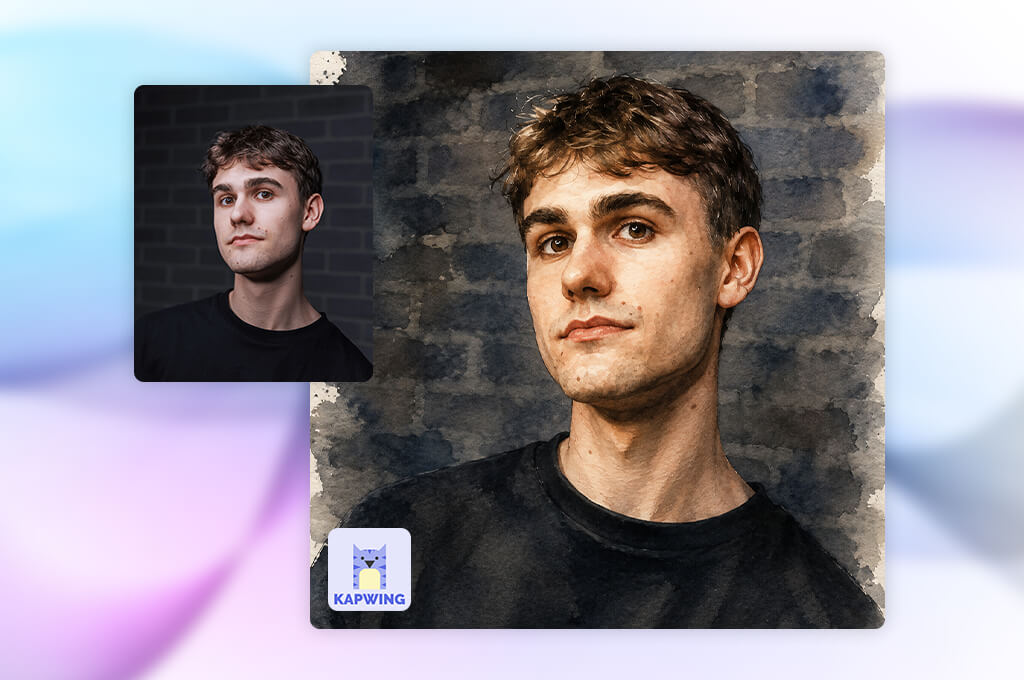
Kapwing is known as an all-in-one content creation suite, and I was eager to see if it could double as a dependable AI watercolor painting generator. My goal extended beyond capturing soft, aesthetic images. I needed a versatile workspace capable of layout design, typography, and multi-platform resizing.
To test its artistic limits, I prompted Kapwing’s AI Image Generator with several landscape concepts. The resulting renders featured pleasantly soft palettes and charming painterly textures. However, the real surprise awaited me after the generation step.
Unlike single-purpose art tools, Kapwing offers a perfect blend of raw artwork and production-ready media tools. Once my watercolor scenes were generated, I didn't need to export files to external design software. Its native Canvas Editor let me jump straight into refining layout compositions, tweaking spacing, stripping out backgrounds, and adding clean editorial fonts. Preparing mock preview pages for my journal was flexible and fast.
During my testing, I focused on how naturally Kapwing could reproduce the look of traditional painting. This AI tool for content creation produced images with soft colors and artistic textures, although its biggest strength was transforming those raw outputs into finished marketing designs. For example, I could quickly build a travel card, add custom typography, adjust layout margins, and export a ready-to-post social media graphic within the exact same workspace.
All in all, Kapwing is a multi-functional visual workspace rather than a standalone art studio. While hardcore digital painters may crave deeper brush controls, content creators will love the integration. If your daily workflow demands turning watercolor visuals directly into blog graphics, promotional cards, or social posts, Kapwing provides a wonderfully streamlined solution that gets the job done in one convenient dashboard.
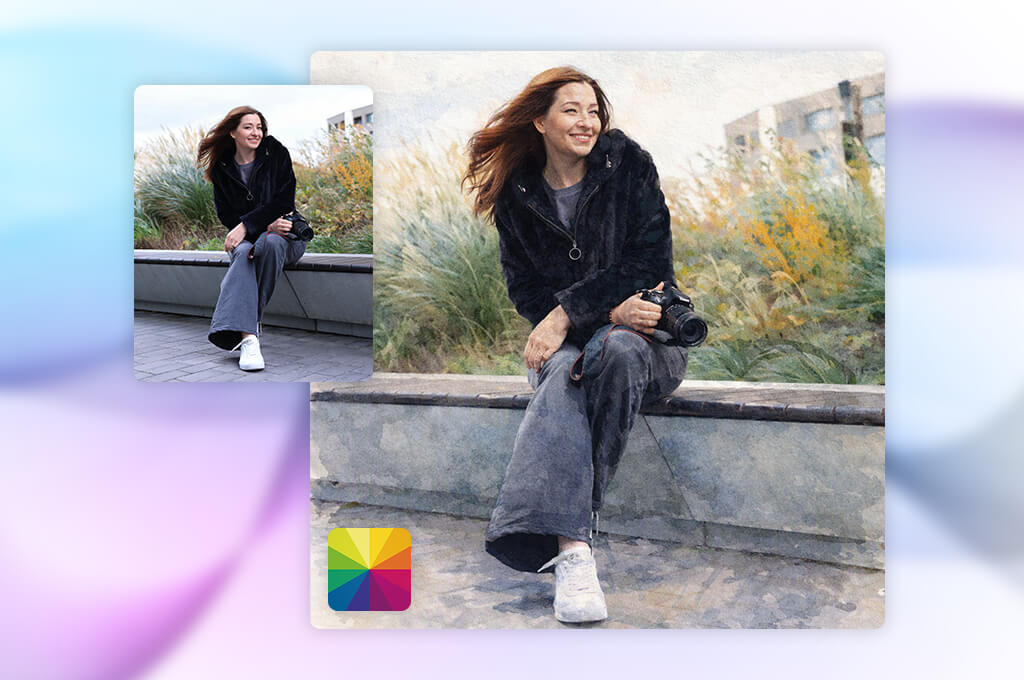
I decided to test Fotor to discover whether a beginner-friendly platform could still deliver professional watercolor art for my travel journal project. The interface proved intuitive right from my first attempt. Without facing the getting-used-to period, I easily generated scenic illustrations that mimicked traditional hand-painted paper textures and soft wash techniques.
Fotor is a practical watercolor generator AI tool that offers a robust suite of integrated retouching and enhancement features. Immediately after rendering an image, I used AI Enhance, Background Remover, and custom color adjustments to refine subtle visual details. Experimenting with creative variations was quick, flexible, and rewarding.
Fotor is ideal for creators who prioritize speed and user convenience over deep artistic customization options. While serious digital painters may find the watercolor outputs somewhat basic or repetitive, it provides a reliable solution for turning raw ideas into charming travel journal visuals in just a few minutes.
“Converting photos into watercolor images was quick and easy. Portraits looked surprisingly good, although some outputs appeared more like filtered photos than painted artwork.”

When testing Fotor, I paid close attention to how convincingly it recreated traditional watercolor aesthetics. To get the best results, you need to input detailed prompts specifying lighting, atmosphere, and paper textures. The generator performed wonderfully on soft floral prints, sweeping landscapes, and decorative elements, rendering them with delicate, softly blended edges. However, intricate architectural designs occasionally required additional prompt tweaking to match my exact creative vision.
Fotor stands out as an exceptionally user-friendly option for content creators who need beautiful watercolor graphics quickly. You do not need a professional art background to achieve impressive outcomes, yet the built-in editing suite still provides plenty of creative flexibility. Throughout my travel journal project, Fotor was particularly useful as a high-speed brainstorming tool for generating diverse visual concepts and polishing the top selections later on.
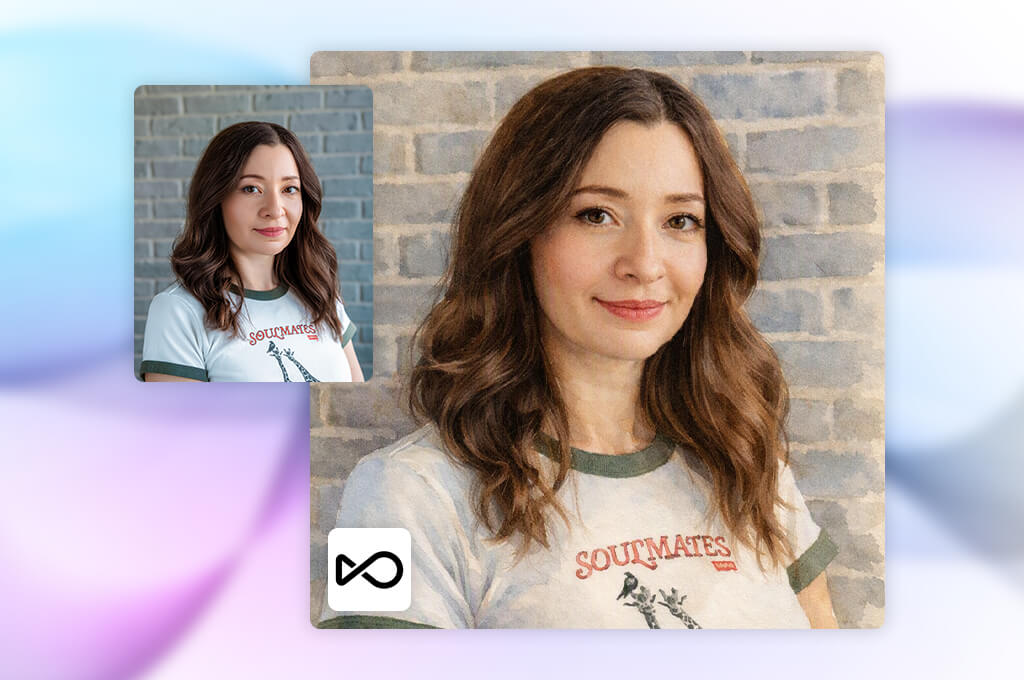
I originally added OpenArt to my testing lineup because I was hunting for a tool that offered true creative independence and granular customization options. Rather than functioning as a standard quick-fix visual converter, OpenArt is more like an interactive digital workshop for deliberate artistic exploration. Putting my travel journal concepts through this AI generative fill tool, I appreciated the control over the final output.
What truly elevates OpenArt into a premier AI watercolor art generator is its comprehensive array of tweaking options and model selections. The platform lets you choose between distinct foundational AI models, layer custom style presets, and fine-tune Prompt Guidance parameters. When I needed very specific visual attributes, such as delicate watercolor washes, subtle paper grain, translucent layering, or sweeping brushwork, I could easily calibrate the generation settings to achieve the exact aesthetic required.
Maintaining visual coherence across an extensive multi-part journal project can be notoriously tricky, but OpenArt proved remarkably capable during testing. By pinning down key prompt parameters and maintaining consistent style selections, I systematically generated a series of cohesive watercolor illustrations that shared a unified thematic atmosphere. Moreover, experimenting with alternative prompt phrasing for the same core concept uncovered fresh, unexpected compositional ideas I had not initially considered.
Navigating OpenArt requires more patience and trial-and-error than working with simpler visual tools, but the payoff in artistic precision is substantial. This AI art prompts generator caters directly to creators who want to actively guide every phase of the visual generation process rather than settle for generic renders.
For designers, illustrators, and content creators developing a distinct brand identity, OpenArt supplies the depth, versatility, and control necessary to bring ambitious watercolor projects to life.
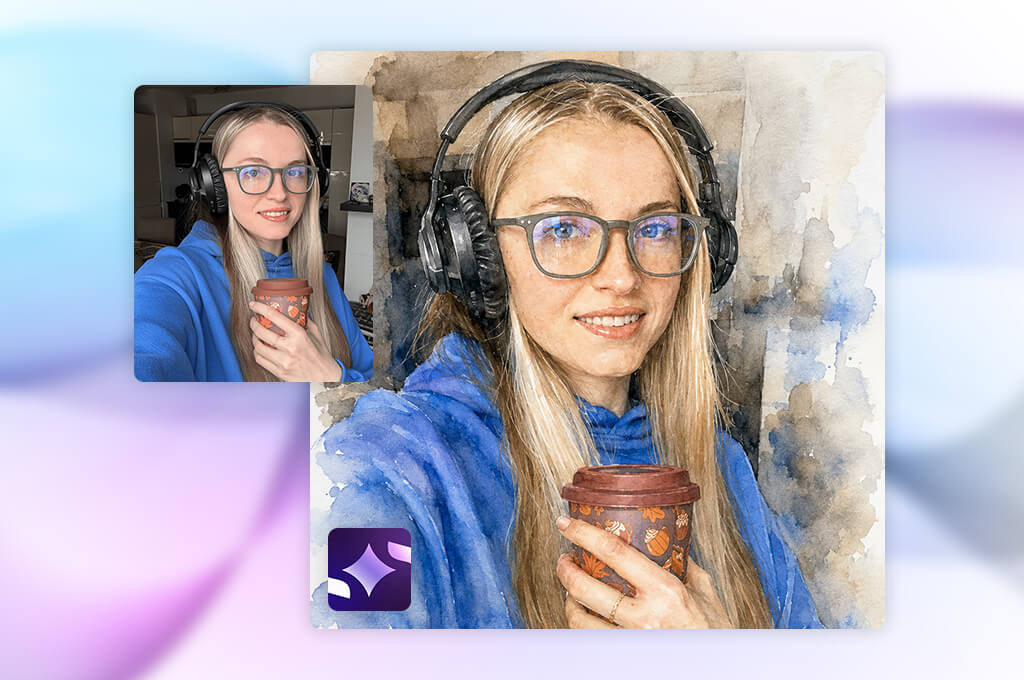
I specifically added ImagineArt to my testing roster to evaluate how well a fast, mobile-friendly platform could handle a comprehensive, multi-illustration creative assignment. My central goal was making a cohesive series of vibrant travel scenes while maintaining a consistent, soft watercolor aesthetic across the entire visual collection.
Starting with simple text descriptions, I progressively added specific details concerning paper texture, brushwork techniques, and atmospheric lighting. The AI app for iOS and Android impressed me by rapidly turning abstract conceptual ideas into top-notch visual drafts almost instantly.
The AI Image Generator proved exceptionally useful during the iterative brainstorming phase of my project. By generating multiple rendering variations from a single text prompt, I was able to evaluate different compositional arrangements, color palettes, and overall emotional tones side by side.
ImagineArt’s broad selection of preset art styles made it easy to move away from overly generic outputs, while the straightforward, uncluttered interface allowed me to focus completely on creative direction rather than wrestling with complex software settings.
“I had a great time generating vibrant watercolor scenes with this tool. It works quickly, letting me test different ideas whenever I run out of inspiration. Although some small elements occasionally looked imperfect, the final images still had an artistic watercolor appearance.”

When reviewing the generated outputs, I paid close attention to key elements that mattered for my travel journal project, such as harmonious color palettes, realistic watercolor bleeds, and a handmade quality.
ImagineArt performed brilliantly when rendering sweeping landscapes, fantasy-inspired environments, and atmospheric scenes where artistic expression mattered more than rigid realism. Although detailed subjects occasionally required additional prompt refinements, testing several alternatives was still fast.
ImagineArt is a fantastic choice for digital content creators, travel bloggers, and hobbyists who prioritize high-speed visual production and spontaneous artistic inspiration. It helped me quickly overcome frustrating creative blocks by offering immediate, highly actionable ideas that significantly expanded my visual horizon. While it may not entirely replace a heavy-duty professional design suite, it remains a surprisingly effective free AI watercolor generator.
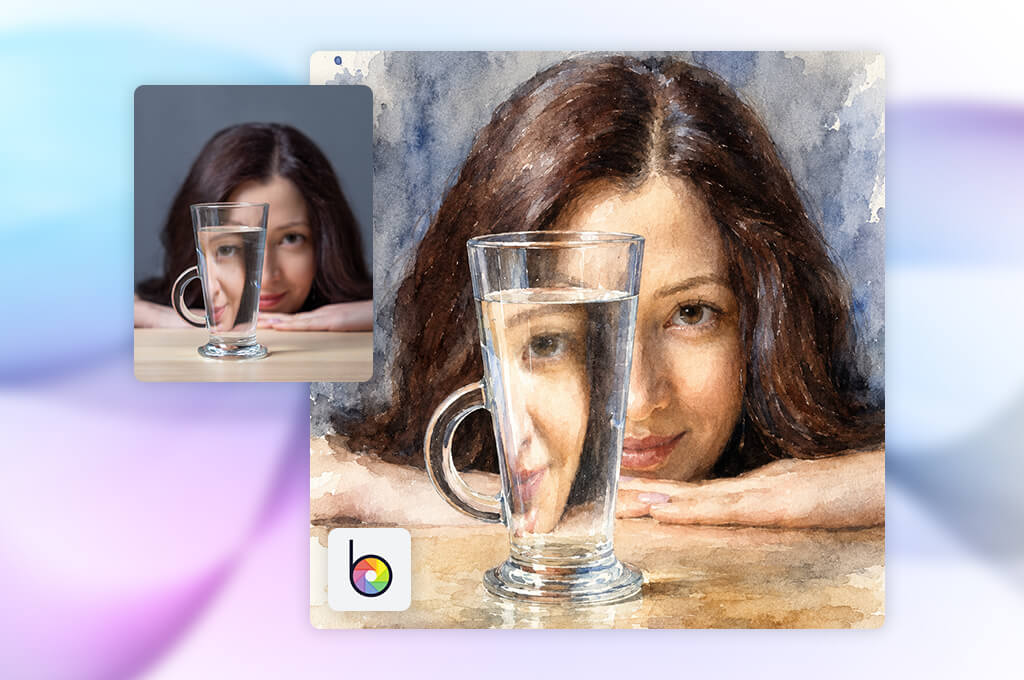
Searching for the best free AI watercolor generator often leads creators to established design suites rather than standalone prompt engines. To see how traditional photo editing platforms measure up against modern AI tools, I decided to try BeFunky. My travel journal project required both image generation and quick visual polish, making BeFunky’s hybrid ecosystem an intriguing candidate for converting simple concepts into compelling watercolor layouts.
BeFunky boasts a combination of generative AI and classic photo retouching. Rather than relying solely on raw AI output, I could generate an artwork and instantly refine it using the built-in Photo Editor, color balancer, and object removal tools. If an initial render was slightly off, I didn't have to restart from scratch with new prompts. I could simply adjust exposure, tweak contrast, or apply complementary artistic overlays right in the workspace.
Throughout my testing, I paid close attention to how naturally the software rendered watercolor textures. The generator yielded its finest results when supplied with vivid descriptions detailing painting styles, ambient lighting, and composition. It performed exceptionally well on portrait art, decorative graphics, and stylized photo conversions where a painterly aesthetic was desired. However, for highly complex or realistic landscape illustrations, dedicated art tools occasionally offered deeper stylistic control.
In general, BeFunky excels as a user-friendly, all-in-one studio for creators who prioritize convenience alongside artistic flexibility. It is more newbie-friendly than advanced generative art tools, allowing beginners to turn raw photos or prompts into stunning visual assets. Having generative capabilities paired directly with versatile photo editing tools streamlined my workflow. I can recommend BeFunky as a reliable, high-speed solution for polishing watercolor visual content.
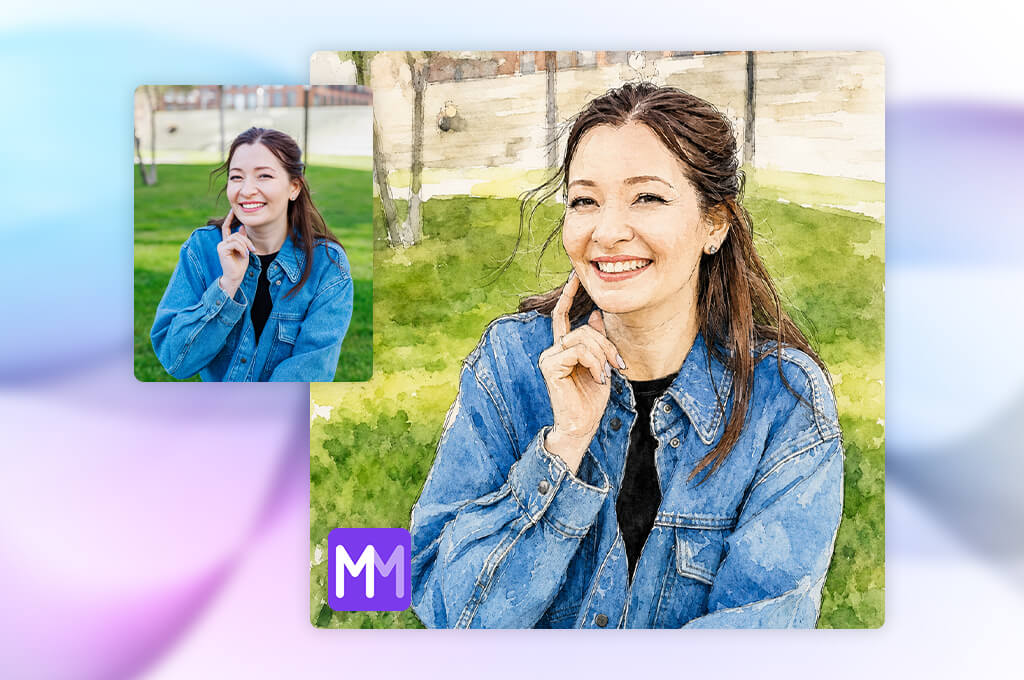
I tested MakeMeA to evaluate how a streamlined AI creation tool performs against more complex watercolor platforms. To generate illustrations for my ongoing travel journal project, I described specific locations, atmospheric moods, and signature watercolor painting techniques.
The most striking element right away was an intuitive creation process. I could move from abstract text concepts to finished visuals without navigating through confusing menus, layered controls, or advanced technical parameters.
At its core, the AI Image Generator converts basic text prompts into distinct visual concepts with minimal user effort. During my testing, I experimented with a wide variety of creative prompts, including soft pastel sketches, classic hand-painted travel postcards, and traditional wet-on-wet watercolor washes.
MakeMeA neatly captures the general artistic mood I described, so I often reach out to this tool whenever I want to test multiple stylistic concepts before settling on a permanent visual direction for my pages.
“It’s simple to use and works well when you just want quick watercolor-style images. I didn’t need to spend time learning complicated features, although I’d love to see more customization options.”

When evaluating its prompt accuracy, I learned that concise, direct descriptions gave the most reliable and aesthetically pleasing outputs. Overly intricate or hyper-detailed prompts occasionally produced less predictable compositions.
Nonetheless, the resulting watercolor textures featured gentle color gradients, soft edges, and appealing compositions that worked brilliantly for rapid draft generation. While advanced digital artists seeking control over brush opacity may find its customization options limited, its raw generation speed remains a huge plus.
To my mind, MakeMeA is a wonderful AI watercolor generator online for creators who value speed, simplicity, and immediate visual feedback above complex customization settings. It allowed me to rapidly sketch out visual concepts and build strong foundation pieces for my travel journal project without any tedious setup process.
To identify the best AI watercolor generator for digital creators, our team at FixThePhoto developed a structured, hands-on testing workflow rooted in genuine creative needs rather than random visual sampling. I collaborated with Tetiana Kostylieva, Kate Gross, and Tati Tailor to examine the real capabilities of each platform when it comes to producing cohesive watercolor illustrations for a full design project.
We tested every tool against a standardized series of text prompts related to a comprehensive travel journal theme. This included sweeping country landscapes, historic urban architecture, detailed nature scenes, and atmospheric travel moments. Running identical benchmarks allowed us to fairly assess render quality, visual consistency, and overall workflow across every platform.
In the first stage of testing, our primary focus was prompt accuracy and painterly interpretation. Each team member generated artwork using descriptions like "a quiet European street painted with soft watercolor washes," "a mountain village with delicate handmade paper texture," and "a coastal landscape with transparent watercolor layers."
Tetiana Kostylieva assessed how accurately each AI watercolor generator from text translated these prompt instructions, examining brush stroke textures, color blending, composition, and how authentically the AI simulated the fluid feel of traditional watercolor on paper.
“Using one prompt across AI watercolor generators showed just how different their image quality can be. Some simply added a watercolor filter, but the best tools maintained fine details, mixed colors smoothly, and produced artwork that resembled a traditional watercolor painting.”

Next, we evaluated creative features and workflow adaptability. Kate Gross explored available customization tools, testing style presets, image variation controls, fine-tuning options, and prompt adjustments. Our main goal was to verify whether platforms allowed us to generate cohesive iterations of a single scene while preserving a unified aesthetic across an entire collection.
Platforms offering AI functionalities, advanced image refinement, background adjustments, smart editing, and tools to turn photos into paintings online, earned higher marks because they significantly accelerated the design workflow.
Finally, Tati Tailor focused on output usability and real-world asset delivery. She analyzed export resolutions, color fidelity, and compliance with publishing formats. We confirmed whether the generated artwork retained its delicate details and realistic paper textures when prepared for digital media, social graphics, or high-resolution print products.





![9 Best ImagineArt Alternatives [Better AI Art Apps]](http://fixthephoto.com/blog/images/gallery/news_main__preview_29310.jpg)

![9 Best AI Picasso Generators [{{%year}} FixThePhoto Choice]](http://fixthephoto.com/blog/images/gallery/news_main__preview_29366.jpg)
![7 Best AI PDF Translators in {{%year}} [100% FREE]](http://fixthephoto.com/blog/images/gallery/news_main__preview_29342.jpg)


















