As a document workflow expert at FixThePhoto, the majority of my daily duties involve PDF-focused research: source packs, product presentations, reports, contracts, and other documents. As such, my search for the best AI tools like Gamma was primarily motivated by the real work issues I had to deal with.
Gamma is the first AI presentation tool I tried since it was a common recommendation on Reddit. I used it for about a month, designing launch presentations and visual explainers. I appreciated the card-based workflow and efficiency, but the inconsistent PowerPoint exports and limited support for PDF-focused research tasks made it clear that it’s not suitable to be my main solution.
Rather than simply replacing it with the most popular option on the market, I started talking to designers, editors, researchers, and project managers on my FixThePhoto team. Additionally, I browsed Reddit, Quora, and YouTube to prepare a list of browser-based and downloadable solutions for me to try.
My coworkers helped me test more than 50 AI tools like Gamma while exploring the offered prompt-to-deck generation, long-document imports, editing features, branding, collaborative functionality, sharing, and output quality.
My goal was to find solutions for experienced users and bigger teams without feeling overwhelming. Simultaneously, I included several free tools that could appeal to students, freelancers, small businesses, and users who only need to design presentations occasionally. For me, the best AI tools like Gamma need to provide:
Gamma is a web-based AI presentation maker that transforms prompts and imported documents into presentations, reports, websites, and social content. Its fluid cards and link-focused sharing are fantastic for preparing initial drafts on the fly. I don’t think Gamma is a bad platform, but its main selling points aren’t a great fit for a professional workflow.
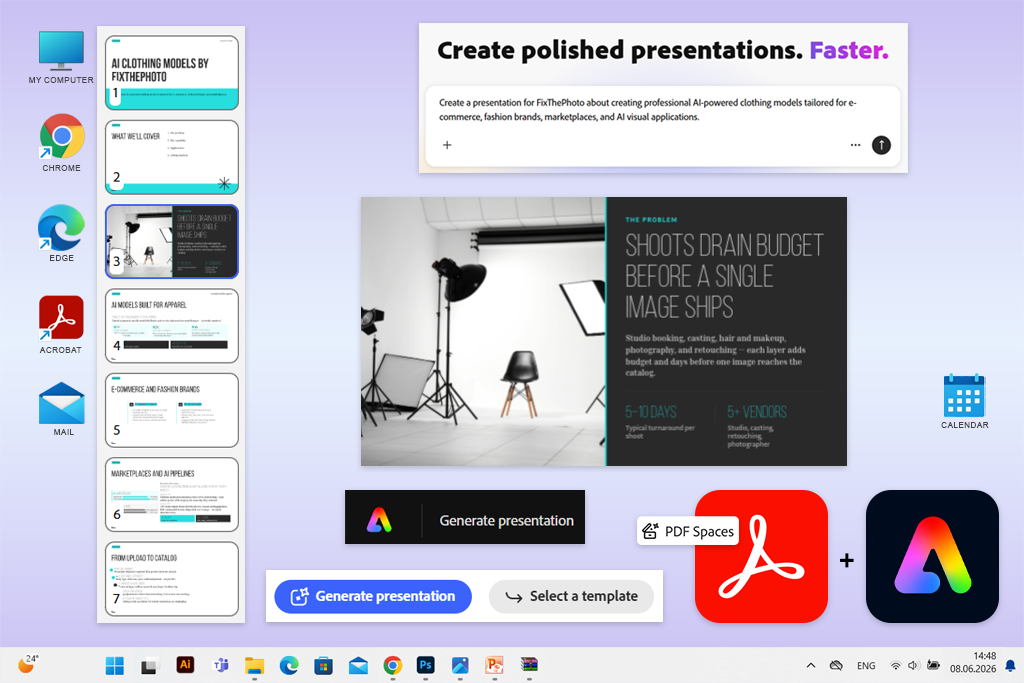
I originally didn’t expect Adobe Acrobat PDF Spaces and Adobe Express to become one of the best Gamma AI alternatives I tried. Two of my FixThePhoto coworkers recommended I pair both solutions up, employing Acrobat for research and Express for design. They helped me design launch decks for our photo-edit datasets and AI-generated clothing model services.
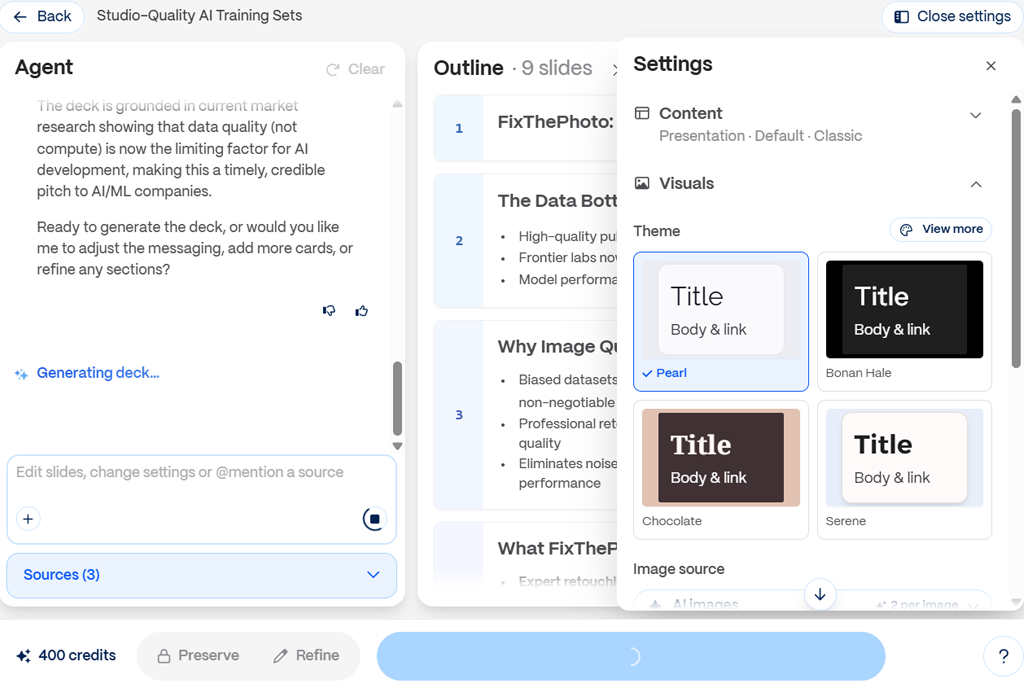
I made the service pages, internal PDF briefs, example images, and planning notes in PDF Spaces. Next, I had the AI Assistant determine the target clients, extract benefits, generate workflow comparisons, offer objections, and recommend a launch narrative.
In contrast to Gamma and other Acrobat alternatives, it ensured all documents, links, notes, and AI answers remained together, allowing my colleagues to analyze the evidence behind each claim.
“This combination of solutions allows me to check each claim before creating the deck, which is impossible in Gamma. It’s my go-to choice for presentations based on research-focused PDFs.”

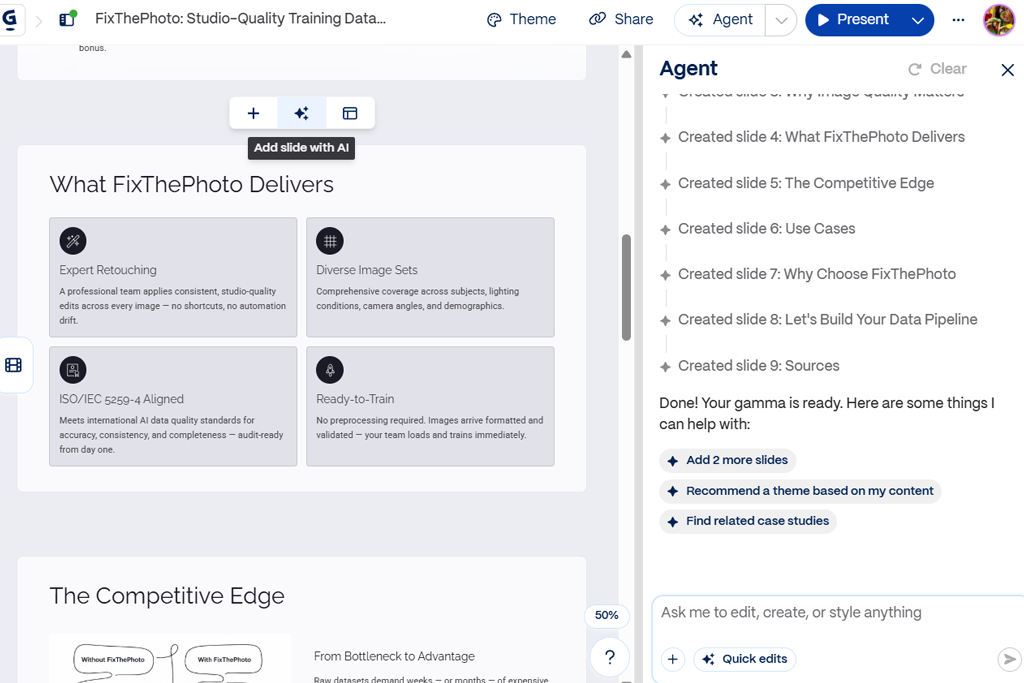
Having structured my research, I created a presentation, which I later customized in Adobe Express. I chose the audience, length, and detail level, asked for generated visuals and infographics, revised the outline, and picked a template. The output required a smaller number of corrections compared to a prompt-only Gamma draft since the AI had access to verified source material.
Express provided editable layers, charts, tables, animations, Adobe Stock assets, Brand Kits, and PPT/PDF export. When working on the clothing-model deck, I imported one image into Photoshop and then synced the result with Express instead of having to recreate the entire slide.
Such integration is the biggest advantage this combination has compared to other Adobe Express alternatives. The main drawback is speed. Going from PDF Spaces to Express takes more time compared to generating Gamma cards.
For better results, I recommend tidying up the source folder, getting rid of duplicate documents, and asking research queries before you generate slides. This will result in a more focused outline and prevent the AI from processing each detail as equally essential.
Key features:
Pricing: Free limited AI tools and assets; from $10.99/month for Acrobat Express.
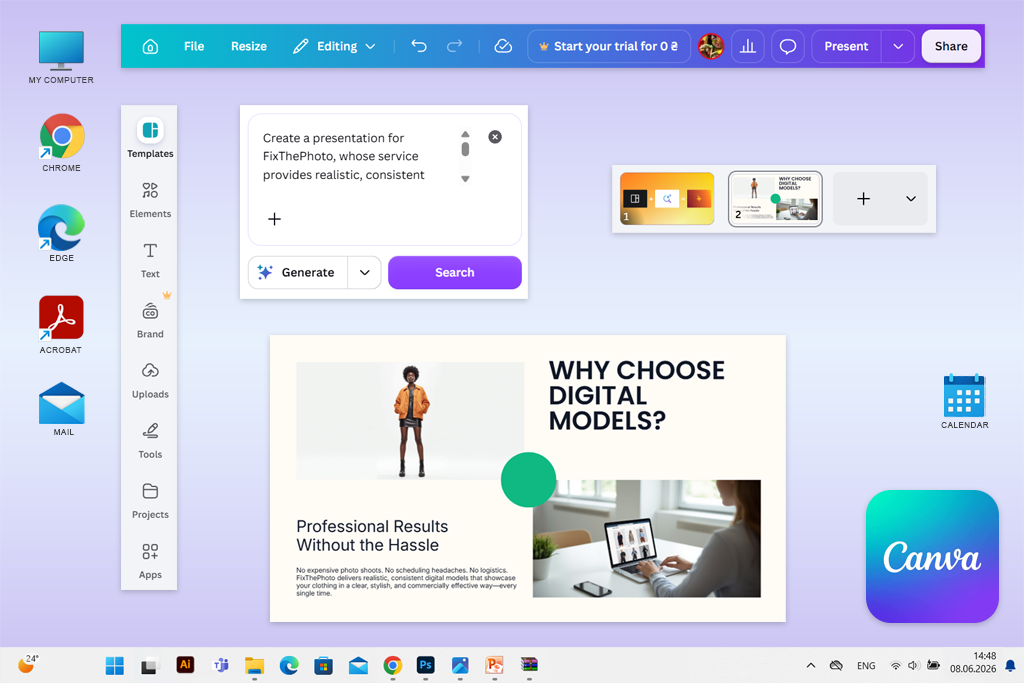
Canva was already a part of my graphic design workflow, but I’ve also seen a lot of people recommend it on Reddit as one of the best free AI tools like Gamma. To verify that claim, I prepared a couple of service-launch presentations for FixThePhoto and evaluated how much effort it took to transform an AI draft into professional campaign material.
Magic Design delivered comprehensive slide directions based on short prompts, while Magic Write did a great job shortening headings, rewriting service benefits, and putting together presenter notes.
For my image-edit datasets deck, I wanted to include charts and branded diagrams that broke down the workflow. For the model service, I employed Magic Media, Background Remover, and Magic Animate to achieve a more fashion-led design.
Gamma is significantly quicker at generating minimalistic web-style narratives, but Canva offers superior post-generation customization. It allowed me to change the individual layers, experiment with layouts, conveniently apply FixThePhoto’s Brand Kit, add clips, and swap out generic stock images without ruining the structure.
“I abandoned my previous quick presentation workflow and tried using Canva instead. While the initial generation doesn’t always look great, I had no issues transforming it into campaign-ready content.”

Canva’s biggest advantage is how easy it makes it to repurpose slides into social media content, animated clips, blog graphics, and print materials while remaining within the Visual Suite. Additionally, I could easily upload assets from Google Drive and leverage voiceover apps to further minimize the number of solutions involved in our content creation pipeline.
I can recommend Canva to marketing experts, small teams, and inexperienced users who prioritize visual variety over document-based analytics. In contrast to Gamma and other Canva alternatives, its drawback is restraint: AI drafts can feel too busy, and the platform is regularly pushing you to buy premium assets.
I managed to improve the quality of my results by specifying the number of required slides, target audience, brand mood, and mandatory sections, then including “don’t include any invented statistics.” Additionally, I applied the Brand Kit near the start and swapped out the AI-chosen images before refining animations.
Key features:
Pricing: Free – Magic Design can be used up to 10 times, with restricted premium assets and AI usage; from $18/month or $144/annually for Canva Pro
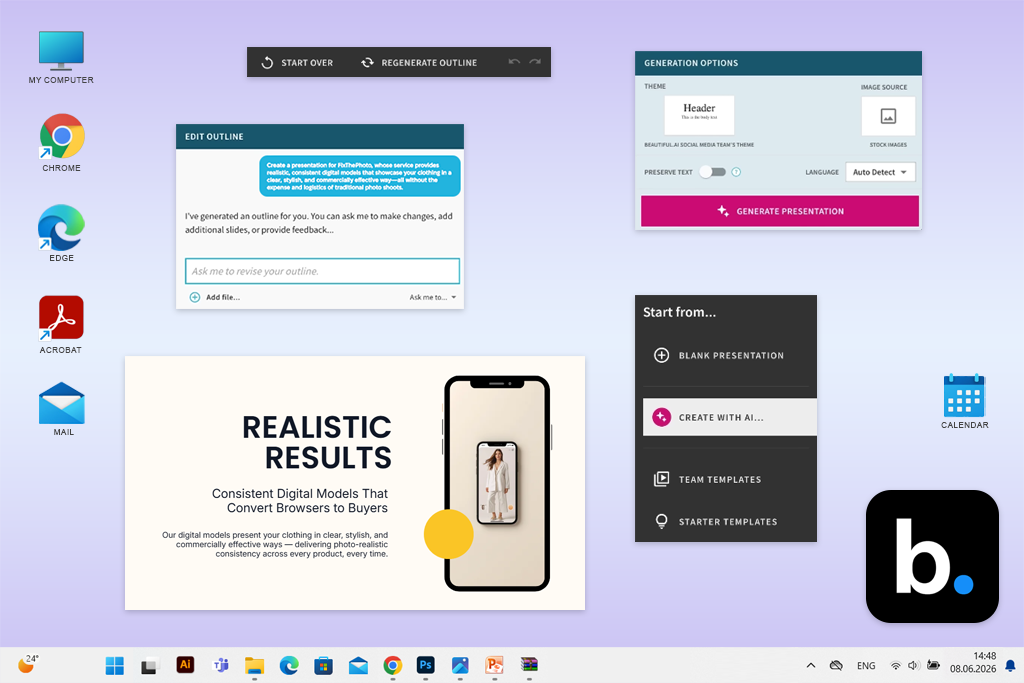
My younger brother, who is currently studying at college, suggested I try Beautiful.ai after he enjoyed using it for his class assignments. I used it to make the same two FixThePhoto launch decks.
I began by testing the Create with AI feature, provided the service-page links, and mentioned the targeted audience, objections, proof points, and the required CTA. The outlines felt more traditional compared to Gamma’s flowing card narratives, but they also resembled client-ready business slides better. Beautiful.ai can produce content based on prompts while leveraging imported documents and links as extra context.
Smart Slides did a great job fine-tuning the spacing, hierarchy, and element sizes without manual input whenever I wrote new text or added before-and-after photos. This helped ensure I didn’t suffer from misaligned elements, which can be a huge headache in many Gamma AI competitors during team reviews. Gamma handles this aspect well too, but Beautiful AI document generator is more efficient at maintaining a conventional slide structure.
“I loved how my slides preserved their integrity through several revision rounds. Several of my coworkers adjusted the document, but the deck still looked clean and consistent.”

For my dataset presentation, I included slides that covered paired images, masks, quality control, and editing categories. For the fashion deck, I paired product-to-model examples with comparison layouts and tasteful animations. My coworkers could freely repurpose the approved slides and materials instead of being forced to rely on AI to imitate our visual language.
Beautiful.ai can be integrated with PowerPoint, Slack, Salesforce, and Webex. Its PowerPoint add-on can be useful for situations when a stakeholder doesn’t want to abandon Microsoft’s ecosystem, while a customizable PPTX document is more practical compared to a Gamma link in formal client workflows.
Its biggest drawback is also a result of its main benefit. Smart Slides are great at preserving layouts but also make it harder to create unconventional compositions. I got around this issue by turning the opening slides to Classic Slides and ensuring the other pages remained structured.
My advice is to specify the brand theme first, include a brief outline, and add at least one message to every slide. Beautiful.ai is so high on my list because it excels at preserving visual discipline even after multiple edits made by other users.
Key features:
Pricing: Free – 14-day trial with a credit card; it converts to a premium subscription unless you cancel it beforehand. New students with a verified .edu address can use this platform for free for a year. From $12/month, billed yearly; from $144/annually.
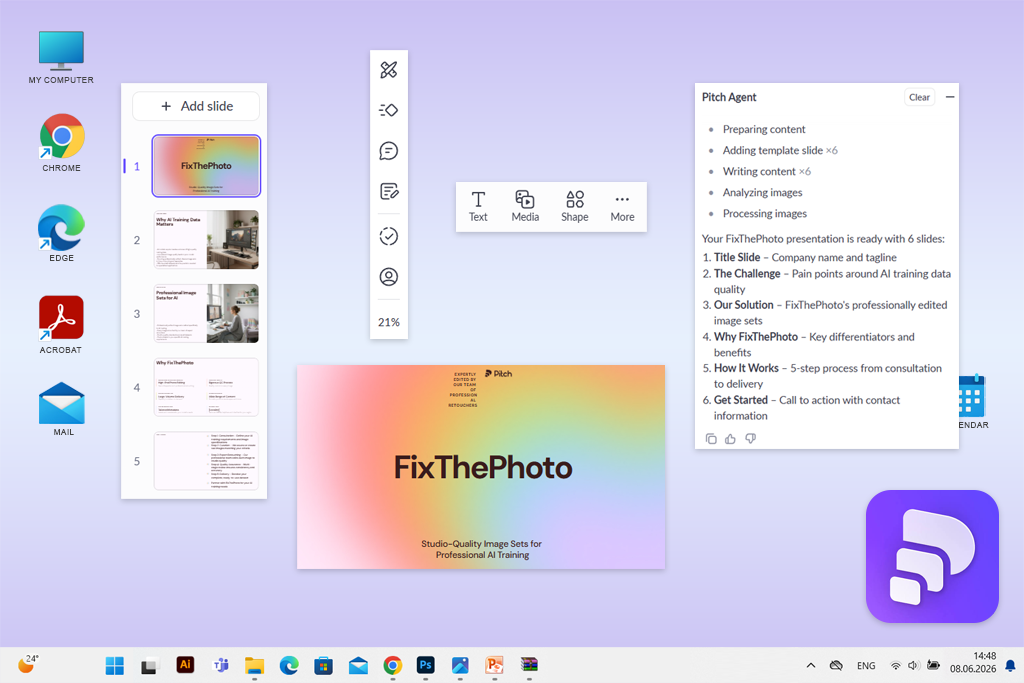
I found Pitch when watching a YouTube overview of sales-deck platforms, which is why I wanted to see how it holds up as a delivery-oriented option. I created launch presentations for two FixThePhoto services before sharing personalized links with developers, fashion brands, and marketplaces.
Pitch Agent produced editable slides based on templates and helped me adjust the narrative via its chat feature. Unlike platforms like Gamma AI, Pitch’s initial draft resembled an organized commercial deck more than a scrollable web story. I started with getting the brand style right, preserving our typography, adjusting the palette, and ensuring all images looked consistent. Pitch AI tools for designers also let you generate a brand identity based on a company domain.
Pitch's unique features came into play when I moved on to publishing. I could prepare separate links for different audience segments and fine-tune which slides are shown, how long they are displayed for, and when they disappear. This helped me make a presentation that showed dataset-pipeline slides to technical experts, while focusing on model consistency and garment details for fashion reviewers.
“Pitch helped me understand which slides resonated with different users. Gamma offers a polished link, while Pitch goes beyond that, providing helpful follow-up data.”

Gamma delivers visually appealing browser-based presentations, while Pitch provides more relevant data for potential follow-ups. Its robust links are capable of gathering engagement metrics, asking for viewer emails, and handling PDF downloads.
Additionally, I used Pitch for Google Sheets charts, a Notion embed, a Loom explanation, and a Typeform contact slide. Moreover, Pitch is compatible with HubSpot, Google Analytics, Figma, Calendly, and Google Drive, which is why it’s a fantastic choice for sales, RevOps, and client-service teams.
I recommend using the web and PowerPoint editions separately, making a single call to action, and preparing separate links for different audiences. The free version is great for testing, but the 100 AI lifetime credits are going to run out quickly. There are also possible issues with imported animations and visuals disappearing upon export.
Key features:
Pricing: Free – unlimited presentations for up to five users, 100 non-recurring AI credits, and branded exports; PPTX export is locked behind premium plans. From $15/month or $156/annually for the one-member Plus plan.
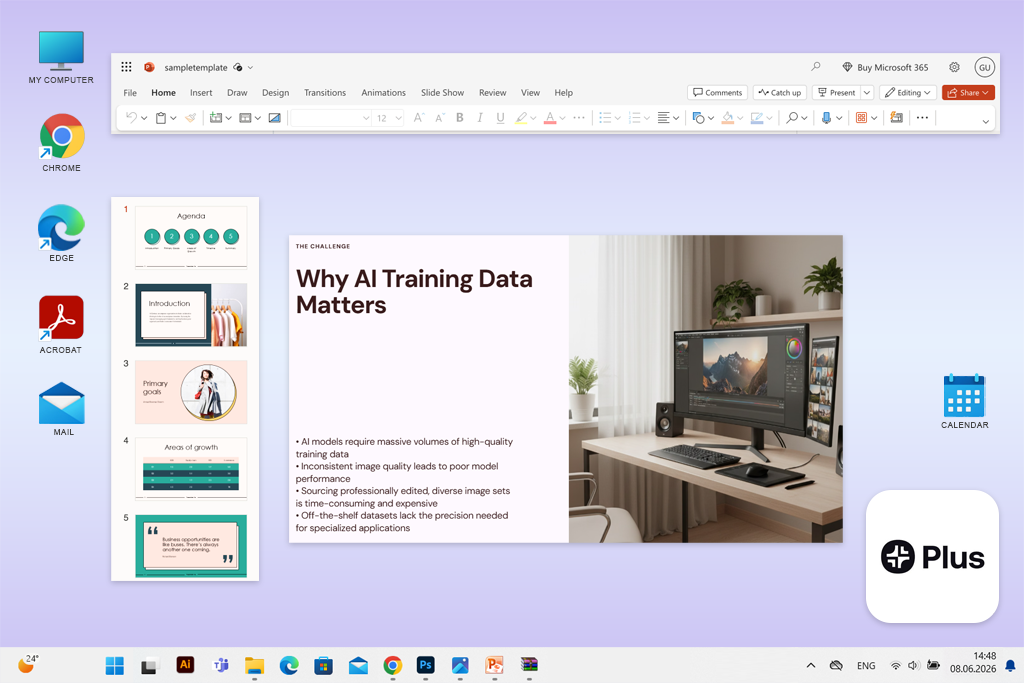
I initially discovered Plus AI when watching a TikTok of someone reconstructing a deck within PowerPoint. That caught my eye since Gamma’s web-focused format resulted in export cleanup in my workflow.
Just like with all the other AI tools similar to Gamma, I leveraged Plus AI to prepare two presentations: the first one for FixThePhoto’s datasets, featuring paired pictures, masks, and quality-control stages, and the second one for our AI-generated clothing models, where outfit accuracy and model consistency required visual proof.
I imported the service-page content and accompanying PDFs, generated an outline, and employed Insert whenever the initial draft required specific slides. Remix is probably my favorite inclusion: it transformed bulky process text into timelines, comparisons, and column layouts while ensuring all elements remained editable. Rewrite allowed me to shorten technical copy without having to recreate the design from scratch.
“I appreciated the fact that my coworkers didn’t have to learn a completely new presentation maker. The AI is integrated into PowerPoint, so the exported deck is still completely familiar to the client.”

Being able to use Plus AI within PowerPoint is its primary advantage over Gamma. My coworkers could comment, swap visuals, change charts, and stick to intuitive PowerPoint or Google Slides controls. Additionally, this solution offers saved instructions, reusable templates, and automation via API, Zapier, and MCP.
Its AI tools for content creation are a good fit for consultants, sales departments, and companies that rely on Microsoft 365 or Google Workspace. The layouts look professional and polished, which makes them less distinct than Gamma’s cards. PDF imports and AI image generation are only available in the Pro plan.
My advice is to import a clean source file, specify the audience and desired slide types, and generate shorter sections individually. I included Plus AI in my review because it got rid of the problematic export step between AI generation and the documents my colleagues use.
Key features:
Pricing: Free – 7-day trial for new users, credit card needed, with 1,000 AI credits. From $10/user/month, billed yearly, or $120/user/annually. Monthly billing begins at $15/user.
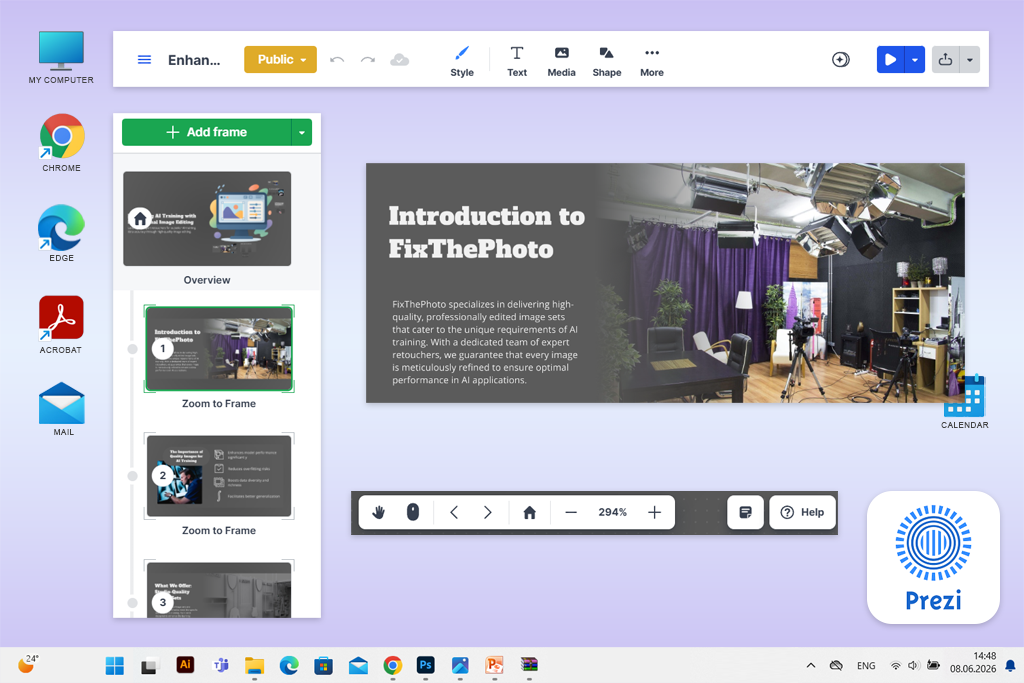
A coworker suggested I try Prezi when I complained that many websites like Gamma AI felt like they were generating basic slides just in a different environment. I used Prezi to make the same two FixThePhoto service presentations for live calls instead of files meant only for email.
For my AI-training dataset deck, I leveraged the provided spatial canvas while zooming into paired visuals, masks, labeling, and quality control. For the clothing-model service, I focused on displaying the garment fitting, model identity consistency, and product examples. This helped me present relationships in an easier-to-understand manner compared to Gamma and other Prezi alternatives that rely on vertical card sequences.
Prezi AI generated an outline based on my prompt and imported documents, recommended layouts, produced images, and shortened text, or made it easier to understand. Moreover, I could conveniently adjust the outline before launching the generation, which helped me ensure I didn’t have to repair the narrative later.
“I expected the zooming functionality to feel awkward, but it allowed me to cover complex topics more naturally. I think it’s a better choice than Gamma for live training sessions.”

Prezi Video is another great addition. It allows adding the presenter next to the content during calls instead of having them in a separate section on a shared screen. It supports Zoom, Microsoft Teams, Google Meet, Webex, and multiple other popular meeting applications.
I think Prezi is a safe bet for educators, trainers, speakers, and salespeople who do live presentations and might have to change direction during questions. It’s not as good of a fit for stakeholders who want a traditional, fully customizable PowerPoint deliverable.
The biggest potential roadblock for this option is motion. The large amount of required zooming made creating my initial draft feel tiring. I managed to receive better results by using one clear overview, restricting the number of deep zooms, and using movement as navigation rather than decoration.
Key features:
Pricing: Free – up to five projects, limited AI credits, and no privacy parameters. From $7/month, billed yearly, or $84/annually. Plus with unlimited AI starts at $15/month yearly.
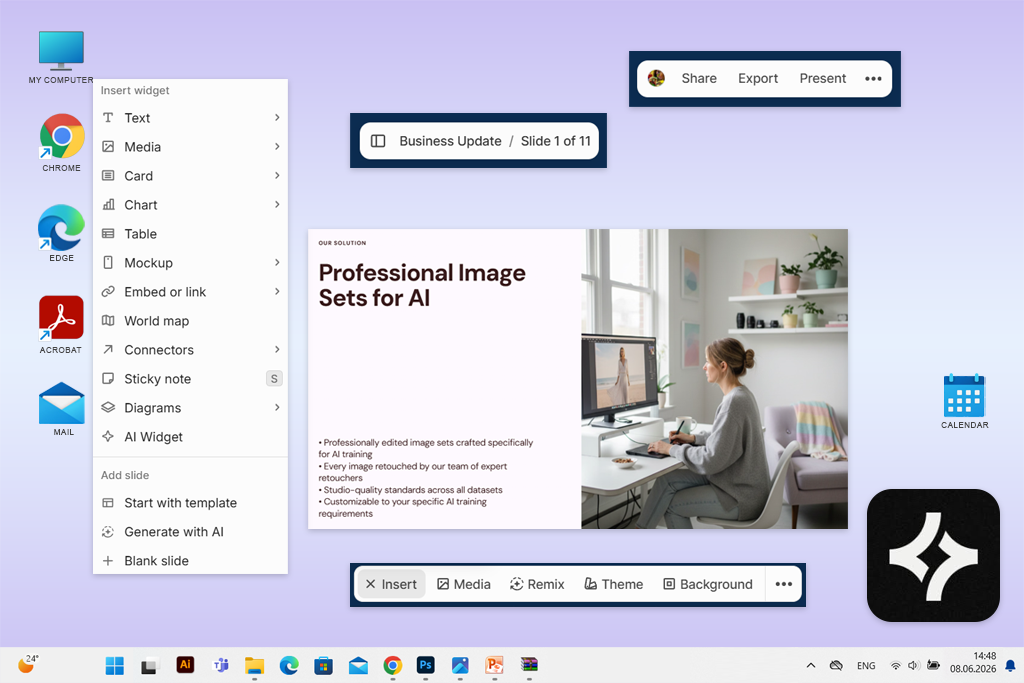
Chronicle was suggested to me via an Instagram poll as a great option for polished client projects for people looking for tools similar to the Gamma app. I used it for the same two FixThePhoto service launches, trying to achieve a polished, intentional design rather than a deck that looked AI-generated.
For the dataset deck, Chronicle transformed my outline into tidy process diagrams, comparison slides, and data-oriented chapters. For the clothing-model service, I received an expansive canvas suitable for detailed fashion visuals without the oversized text blocks that were so common in Gamma.
The freeform canvas made it easy to rearrange elements without ruining the main design system. Chronicle isn’t as limiting as an auto-layout solution, while providing more structure than an AI tool that forces you to recreate all generated sections.
“Chronicle delivered the most premium-looking result out of all options. I still tweaked some of the visuals, but the final output looked personalized rather than AI-constructed.”

Muse, included for Plus subscribers, can enhance a deck via written prompts, while Chronicle’s themes apply typography, colors, and visual rules across the entire project. I also embedded a Google Sheets chart, Loom walkthrough, and Typeform inquiry form. Additionally, you can embed materials from Notion, Airtable, Calendly, YouTube, and interactive data tools.
Chronicle free presentation software is a great choice for startups, agencies, product departments, and consultants interested in polished web presentations with superior editorial control compared to Gamma. Its main drawback is pricing: the free version doesn’t offer AI generation, and PowerPoint export is only available in the Plus plan.
I suggest making a chapter-based outline, picking a restrained theme, and swapping out generic AI images during the initial design stages. Chronicle is included on my list because the slides it produces look like they were made by a professional designer rather than an AI model.
Key features:
Pricing: Free – up to 10 decks, three guest editors, basic themes, and no AI tools. From $12/user/month, billed yearly, or $144/user/annually. PowerPoint export needs Plus, from $25/user/month yearly.
We tried out over 50 websites and apps like Gamma AI, so it took a lot more time than a single weekend. The review process took over a month and the assistance of my FixThePhoto team, as we put all options through two identical projects: launch decks for our professionally edited AI-training datasets and our AI-generated clothing model service.
This adhered to FixThePhoto’s standard hands-on approach of reviewing tools via practical tasks rather than cherry-picked marketing demos. Initially, we diligently tested Gamma itself to determine its drawbacks from various points of view to know what the best alternatives to the Gamma app should offer:
“Exporting tends to flatten or even disrupt formatting, which complicates the process of making outside Gamma. Additionally, Gamma animations can break after the presentation was imported into PowerPoint.”

“All presentations designed in Gamma began looking very samey after a bit.”

Next, I put together a rundown of websites and software like Gamma AI suggested to me by coworkers, Reddit threads, Quora topics, YouTube reviews, TikTok clips, and our Instagram subscribers. We also tested popular presentation solutions that recently introduced some AI tools.
Overall, my colleagues and I tested 54 options. I personally generated, edited, shared, and exported both service presentations for each noteworthy contender, while coworkers evaluated the results from design, marketing, sales, and client points of view.
Several popular platforms failed to make the final list:
For content accuracy, I provided each platform with identical service links, PDFs, image examples, audience descriptions, and required claims. I verified whether the AI understood the distinction between edited training data and synthetic fashion models, kept technical information, and managed to avoid making up statistics.
For presentation quality, I looked at the initial usable draft instead of the promoted template. I analyzed the narrative flow, headline relevancy, image choice, information density, charts, hierarchy, and repeated layouts.
Next, my coworkers adjusted the text lengths, swapped out visuals, reordered sections, and included new service details. This helped me see if a design remained stable when undergoing revisions or got ruined the moment someone tweaked the AI-generated structure.
Additionally, I evaluated the provided AI editing tools, branding, collaboration, and integrations. I rewrote separate slides, fine-tuned the tone, produced visuals, added brand colors, invited other users, wrote comments, embedded external data, and checked connections with PowerPoint, Google Slides, Google Drive, Slack, Adobe, and other AI apps for iOS and Android.
Lastly, I exported each deck in PPTX and PDF formats and opened them on other devices. I examined the editable layers, fonts, animations, links, and offline accessibility.
I looked at the imposed free restrictions and subscription prices only after evaluating the performance. The options that made my list either mitigated a specific Gamma drawback or offered a workflow that was impossible to establish there. Popularity on its own wasn’t enough to earn a spot on my list.




![5 Best Podcast Cover Art Creators in {{%year}} [100% FREE]](http://fixthephoto.com/blog/images/gallery/news_main__preview_29304.jpg)


![9 Best AI Audio Silence Removers [{{%year}} FixThePhoto Choice]](http://fixthephoto.com/blog/images/gallery/news_main__preview_29189.jpg)

















