I started looking for the best free merch makers after the FixThePhoto team, and I decided to find a reliable service that could help us design our merch. We wanted to design T-shirts, hoodies, mugs, and stickers, and use these branded items during team events and promotional campaigns. However, I quickly realized that this task was more difficult than I had estimated it to be. Some services offered a limited choice of templates, while others had too many features hidden behind the paywall.
Many services now have AI-driven design tools, templates, and realistic mockup generators that can help one significantly optimize their workflow. I tested more than 15 tools and asked my colleagues to help me analyze their functionality from different angles.
Some were better suited for creating flexible designs, others had high-quality templates, supported mockup generation, had multiple export options, and were convenient to use even by novices. This approach helped us discover the most useful free solution that could become a part of our workflow.
When choosing the best free merch makers, I wanted to see whether they could help me implement my ideas quickly and produce designs that could be used for creating real merchandise. I assessed design flexibility, template and mockup quality, and the choice of the available products. Besides, I checked whether it was necessary to pay upfront costs to launch a store or sell merch.
In addition, I wanted to know whether these platforms could be used by beginners. Many users do not have design experience, so they can benefit from using more intuitive tools. I also assessed branding consistency and checked whether it was possible to design T-shirts, hoodies, and accessories in the same style. Finally, I analyzed every step of my workflow to see how long it would take me to create a design or build and launch a merch store.
While testing the free merch makers together with other members of the FixThePhoto team, I quickly discovered that the success of every merch collection depends on the products it includes. Even the most professionally designed merch won’t be sold if it’s not what your audience wants.
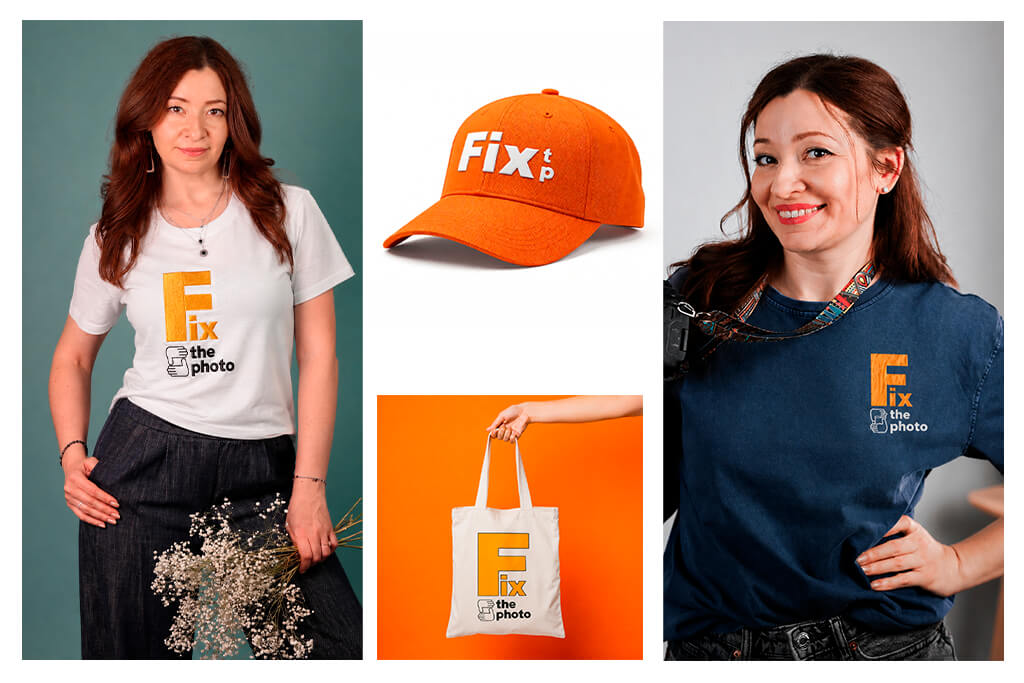
Follow these tips to design bestselling merch products:
Best-selling merch never has a complex design. Such products should be practical and have a consistent style. If a person understands how to use a particular item, they are more likely to purchase it. A collection that includes T-shirts, hoodies, and a few supporting products works better than an extensive catalog. I discovered that merch designs should look intentional and help one create items that people will actually use.
Price: Free or from $11.99/mo.
Compatibility: Web
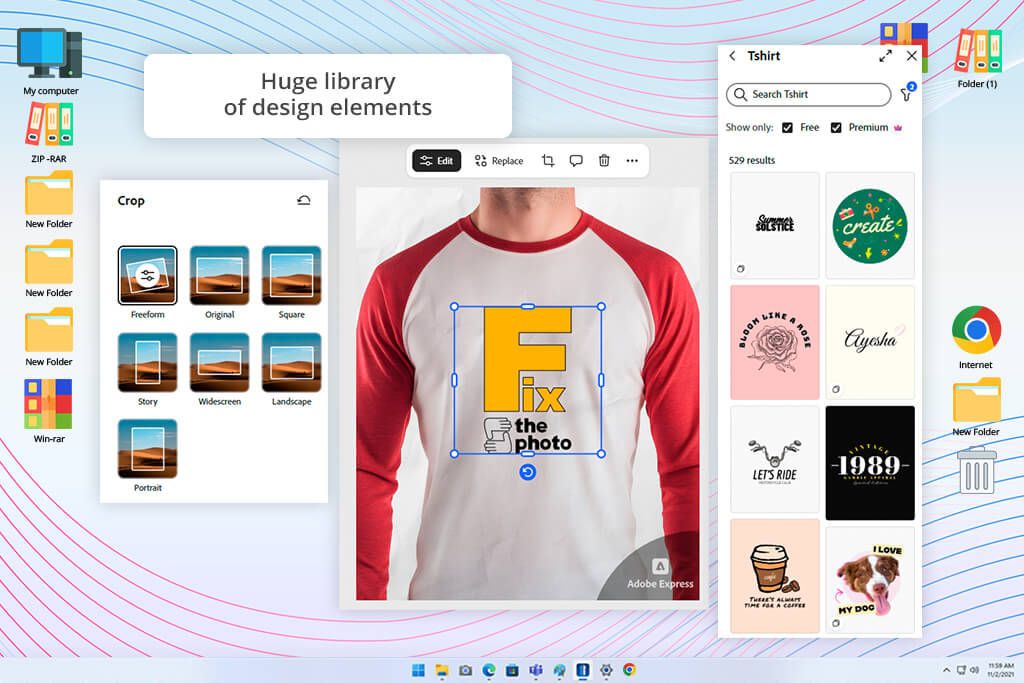
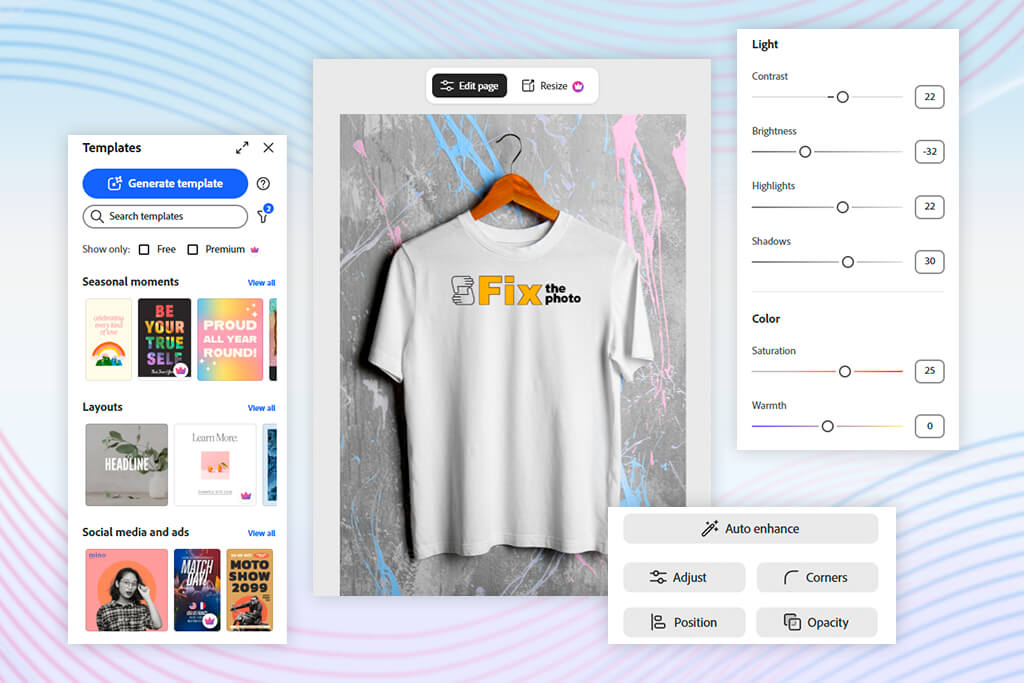
I decided to test Adobe Express as I wanted to see whether it would be possible to use it as a free merch design maker. At that time, I was working with my colleagues from the FixThePhoto team on a small merch drop for internal use. With the help of Adobe Express, I created T-shirts and hoodies designs, experimented with different typography elements, and created quick mockups before using print-on-demand services to produce merch.
I could use this merch maker free of charge from my browser. After accessing it, I selected a T-shirt template and added text, logos, and brand colors to it. I was pleased to discover that it was so easy to experiment with different ideas. I could quickly switch between creating a logo for a T-shirt and making my designs more complicated using AI tools. The Firefly AI image generator feature allowed me to make my merch designs more unique.
In addition, I assessed brand consistency across various branch items, including T-shirts, mugs, and tote bags. I liked using the Brand Kit as it allowed me to use the same fonts, colors, and logos when designing different merch items. Besides, I could use the mockup generator to see how merch products would look in a real environment before preparing my designs for printing.
This free merchandise maker integrates with quick ordering systems, making this design service invaluable for those who want to expedite their creative and production stages. You can choose product colors, preview your merch, and prepare your designs for printing without using any third-party software, which will save you a lot of time.
“I prefer to use Adobe Express when I’m experimenting with different merch ideas. It allows me to organize and expedite my workflow while working on basic apparel mockups.”

Price: Free or from $39/mo.
Compatibility: Web
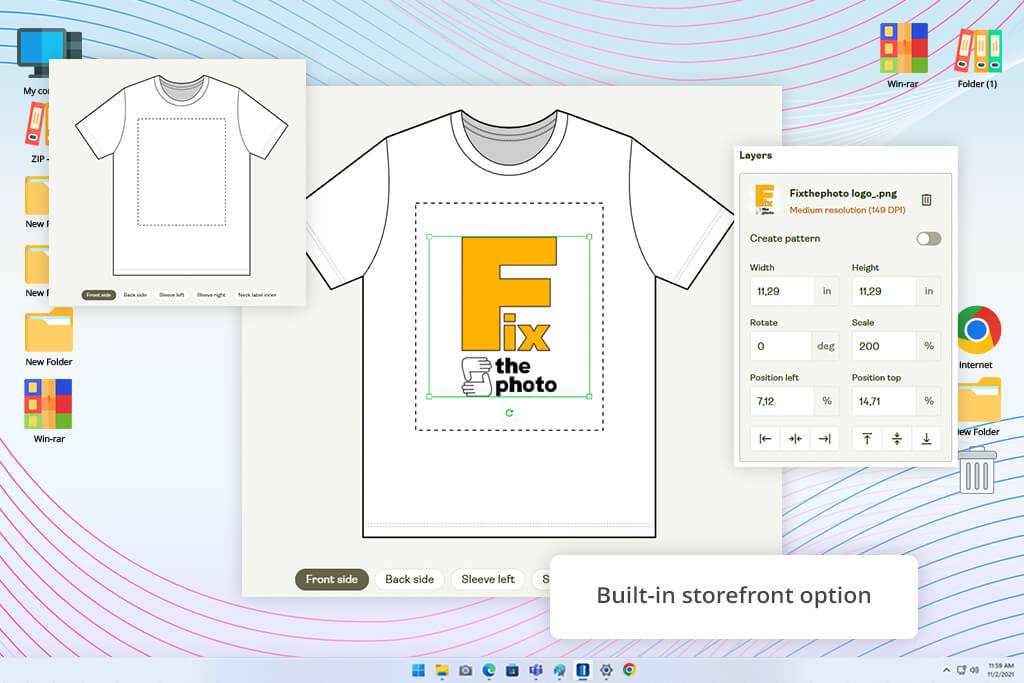
Printify is a web-based merch maker that allows users to create product designs quickly and use a convenient print-on-demand fulfillment system. This solution has an impressive library of 1,300+ products, from T-shirts and hoodies to phone cases and home goods. While testing this free merch design maker, I developed a merch concept to create branded T-shirts, hoodies, tote bags, and laptop sleeves.
I started by browsing an extensive product catalog to choose the most suitable options. Next, I used the integrated T-shirt design software. After uploading our brand graphics, I changed placements and previewed layouts to see whether they would be ready for printing.
I created mockups to preview how our designs would look on various items and choose the most suitable print providers. What I like about Printify is that it simplifies the process of moving from the design to the selling stage. It allows you to publish your items quickly in an online store and create a complete set of merch products.
I was impressed by the fact that I could experiment with various product types and maintain branding consistency. Printify comes with a set of convenient text tools, patterns, AI-driven designs, and free graphics. It will be useful for you if you need to develop a merch line instead of focusing on standalone designs.
However, I discovered that this free merch design tool supports limited creative control compared to more advanced merchandise makers. Besides, the print quality is inconsistent and depends on the provider you use. There are 90 print providers to choose from.
Price: Free or from $14.99/mo.
Compatibility: Web
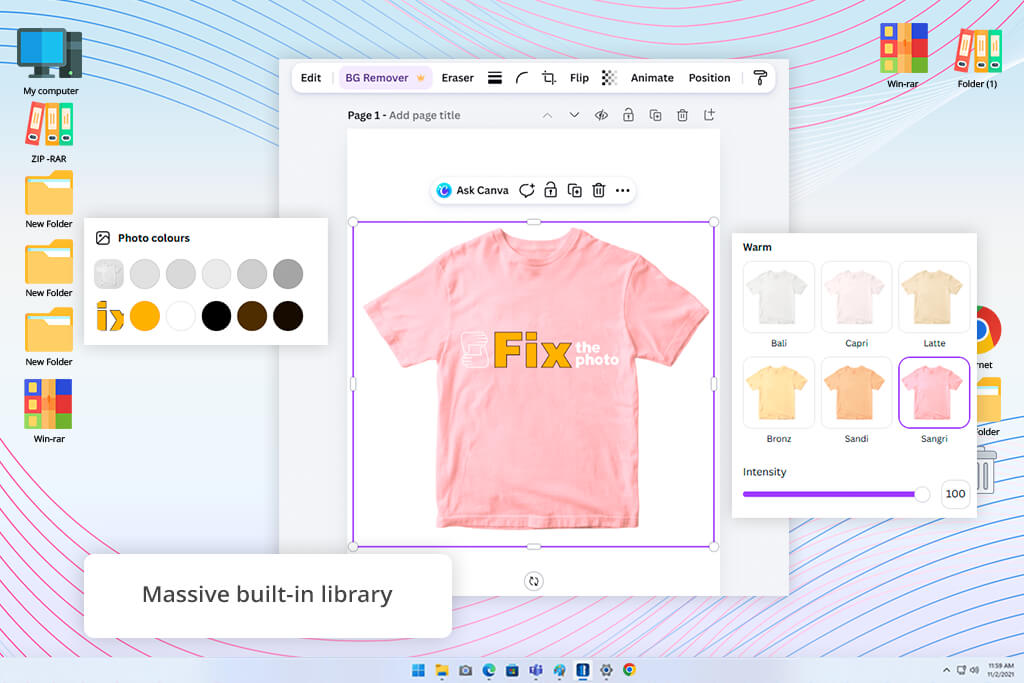
Canva is a web-based free merch creator with drag-and-drop functionality. It was created for those who want to design apparel, accessories, and print products. Together with my colleagues from the FixThePhoto team, I used this online merch maker free of charge to develop designs for branded T-shirts, hoodies, mugs, and tote bags. Besides, I could implement some ideas for our merchandise YouTube channel.
I customized print product templates by adding our brand logo and text. Then, I changed layouts using the available drag-and-drop controls. I experimented with various typography styles and colors to achieve consistent branding. Next, I used mockups to preview the designs on actual products. This platform makes it easy to compare different variations of the same design. After creating a design, you can click Print to access the Canva Print feature.
I was especially pleased by the fact that it was so easy to achieve branding consistency across merch items. I could use brand elements on various products and design T-shirts, mugs, and other items in the same style. This platform has an integrated asset library, which facilitates experimenting with different design ideas. However, Canva has some limitations with export quality. Besides, it does not have advanced editing tools, making it hardly suitable for those who are interested in professional merch production.
“I prefer to use Canva when I need to implement merch ideas quickly. However, I noticed some limitations when I tried to perform more advanced design adjustments. I discovered that my edits were less accurate than I hoped, and I had limited control over the output.”

Price: Free
Compatibility: Web
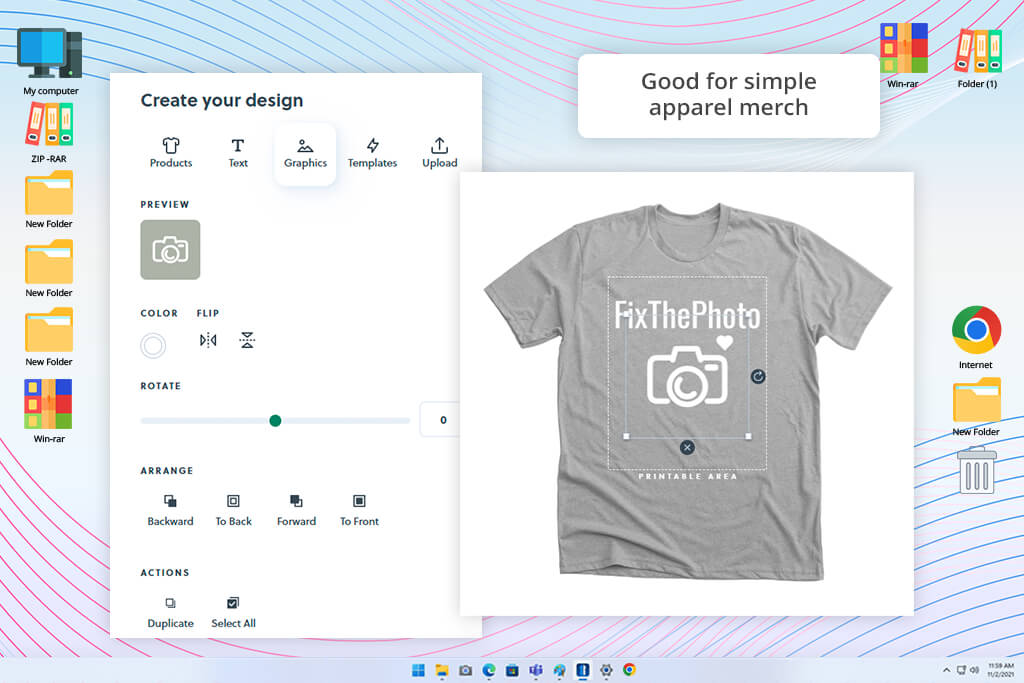
Bonfire is a useful print-on-demand site for beginners that allows you to design merch, create a store, and sell products without creating inventory or paying upfront costs. I decided to check whether it would be possible to use this custom merch maker free of charge to produce a small collection of merch, including T-shirts, sweatshirts, and tote bags. I wanted to understand whether it would be possible to move from the concept stage to launching an online store.
While using the built-in editor, I uploaded our FixThePhoto logo, created simple designs, and selected the products I wanted to produce. Next, I created a store page, added branding elements, and published my listings. Bonfire facilitates printing, shipping, and accepting payments. This platform functions like a complex merch system, which allows me to optimize my workflow.
You can use it as a free T-shirt merch maker to launch a branded clothing line quickly without worrying about logistics. This free merch creator is especially suitable for experimenting with various ideas or organizing small community drops. However, I noticed that this platform supports limited customization, making it less useful than free graphic design software. Besides, product quality is inconsistent, as it depends on suppliers.
Price: Free
Compatibility: Web
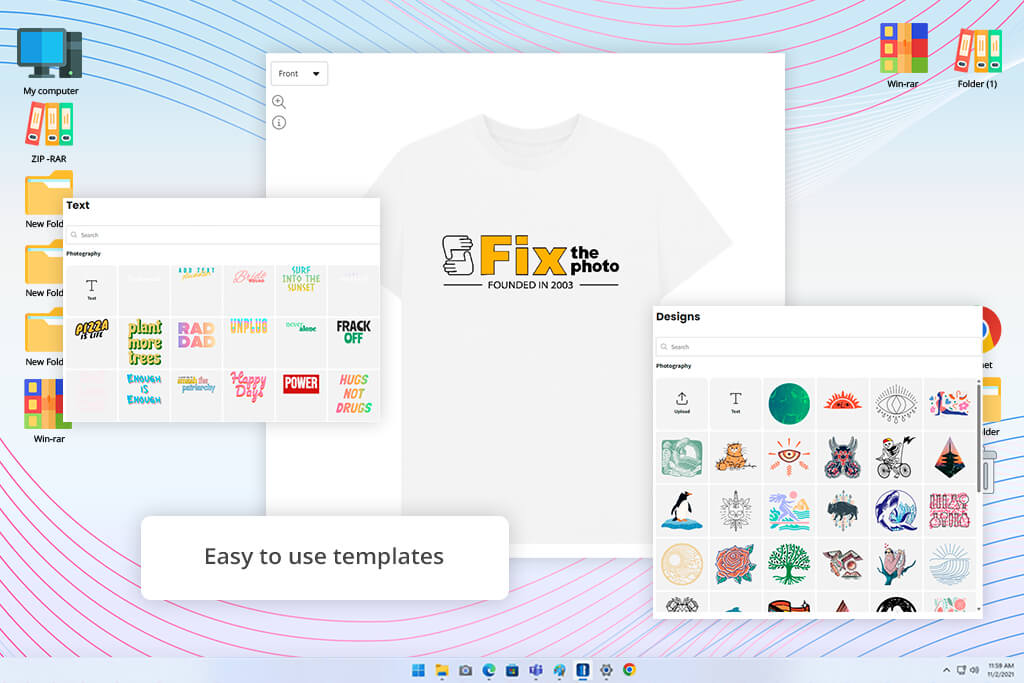
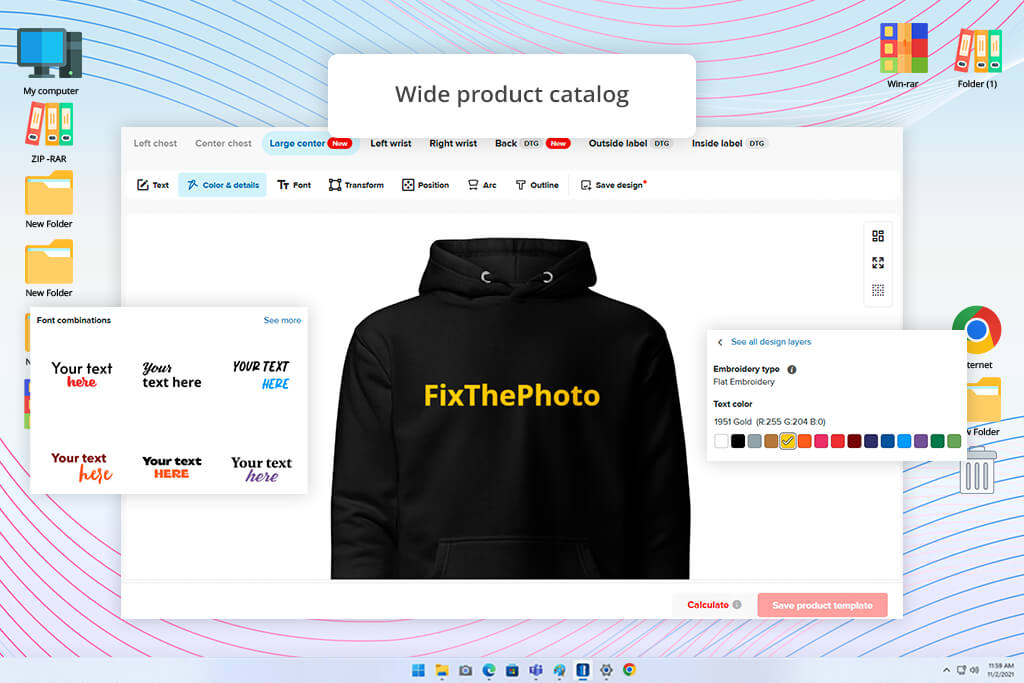
Teemill is a merch maker that allows users to access a free merch store builder that can print orders on demand. This service enables you to design, publish, and sell merch without managing inventory or focusing on logistics. I decided to check how quickly I would be able to produce T-shirts, baseball caps, and hoodies.
I used its integrated free merch design tool to upload basic graphics and experiment with different templates to produce different types of apparel. Next, I used the store builder to create a simple merch website with a custom design. I added products and previewed my online store to understand how it can be seen by buyers.
I was especially impressed by this platform’s ability not only to produce designs but also to expedite merch distribution. While using it, you can connect your store to YouTube and social media for photographers like Instagram and TikTok.
Teemill creates mockups automatically and makes it easy to create an advanced brand store with regular updates and posts. However, even though I could use this merch creator free of charge, I discovered that many stores created with the help of this service look quite generic due to their template-based design. The available customization options may seem quite limited if you want to build a recognizable brand identity.
“While testing this service, I was glad to discover that it allows me to launch merch quickly, especially T-shirts and hoodies. However, customization options are quite limited.”

Price: Free
Compatibility: Web
I decided to discover whether it’s possible to use Printful as a free merch design tool and used it to design branded merch like hoodies, T-shirts, and hats. After choosing the products I was interested in, I launched the Design Maker, uploaded our logo, chose the most suitable placement, customized typography, and selected the layout.
Unlike creative services, this solution is more focused on production. It prioritizes producing print-ready outputs instead of creating freeform designs. While testing this service, I added products to a store, created mockups, and tested order fulfillment.
I was pleased to discover that this free merch design software streamlines every stage, from design to delivery. It does not require you to maintain inventory or manage logistics manually. I was especially impressed by the high quality and scalability of the outputs. Printful supports integration with many eCommerce platforms, including Shopify and BigCommerce.
Besides, it uses a global network to fulfill orders quickly and checks quality before shipping products. However, this platform is less suitable for creative experimentation. It might be challenging to set it up quickly, making it hardly suitable for those who need to produce merch designs quickly.
Price: Free trial or from $9.99/mo.
Compatibility: Web
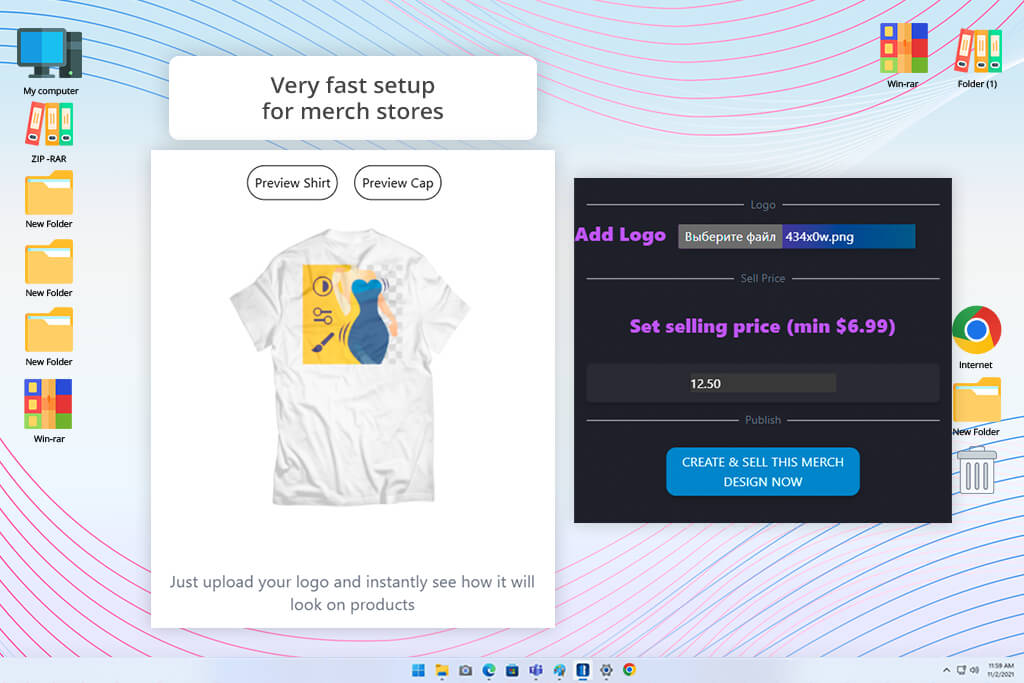
ChosenMasters is a free merch maker that allows creators, musicians, and small brands to create eye-catching designs, publish merch pages, and sell items from an easy-to-navigate online store. I started by choosing products from an extensive catalog. Then, I uploaded our brand logo and added it to various apparel products. This hoodie design software is extremely intuitive. You can customize colors, size, and placement before generating mockups in a few clicks.
In addition, I wanted to check how I can use this free merch design tool to adjust pricing. I was pleased to discover that it allows you to set a custom profit margin. Then, this service adds production and shopping costs. When working on one of our projects, I tried creating a small merch page to see how it would look for potential clients. This mockup generator helped me simplify my workflow because it quickly produces polished templates for each product.
It allows me to produce merch that is ready to be sold, even at the concept stage. However, I was less pleased by the limited customization options. The platform has a perfectly structured storefront system, making it less flexible than other solutions.
“I prefer to use this service when I need to create hoodie and T-shirt designs. Even though I like the fact that it’s so intuitive, it may seem too basic for those who are interested in creative experimenting.”

While working on this guide, I thoroughly tested over 15 free merch makers together with my colleagues. We wanted to discover the solutions that would allow creators, photographers, influencers, and small businesses to produce visually-appealing merchandise without wasting money.
We decided against including some of the platforms we tested in the final version of our list. We assessed such solutions as Spreadshop, Spring, Fourthwall, Pacdora, Gelato, Crowdmade, CafePress, Redbubble, Kittl, and Placeit. Some were excluded because they prioritized selling merch over creating designs. Some services had a limited choice of free tools, lacked design features, were focused only on mockups, or did not have high value for money compared with the other solutions we tested.
Here are the main things we focused on during the testing process:
After testing the available services and comparing them based on these criteria, we created a list of the top free merch makers that stood out for design quality, intuitive functionality, support of various products, and practical usability.
A free merch design maker is a platform that allows users to design and sell merch. Desktop-based design software typically only allows users to produce visuals. At the same time, merch makers support printing, shipping, and store management.
Yes. Most free merch makers like Adobe Express or Canva are suitable even for novices. They have drag-and-drop editing tools, handy templates, and collections of graphics. It will allow you to create polished designs even if you have never used professional design software.
Most businesses prefer to sell T-shirts and hoodies because such items are in high demand among different audience segments. Besides, tote bags, mugs, caps, and stickers are also quite popular. They are preferred by creators and small brands who want to build a recognizable identity.
Yes. Many people use merch platforms like ChosenMasters or Printful to create well-established brands. Such sites typically allow them to use design tools, web-based stores, and email lists. Besides, they integrate with social media.
Yes. You can find many services like Bonfire or Printful that integrate closely with YouTube, Instagram, and TikTok. Using them, you can sell merchandise for your YouTube channel to your subscribers. They won’t need to register on a third-party platform to buy it, as they can purchase everything directly.
After uploading a design, choose a product you are interested in and publish it. When a customer places an order, the platform prints the item, packs it, and sends it to the client. This way, you don’t need to manage inventory.





![7 Best Photo Grid Makers [No Design Skills]](http://fixthephoto.com/blog/images/gallery/news_main__preview_29018.jpg)
![11 Best Favicon Generators [{{%year}} FixThePhoto Choice]](http://fixthephoto.com/blog/images/gallery/news_main__preview_29010.jpg)

















