A few months back, I took on a freelance project for a small cosmetics store. The owner needed product photos not just for new arrivals, but for seasonal promos, Shopify banners, and Instagram ads. Bringing in a photographer every time was not an option.
So, I looked for AI product staging tools that could turn simple smartphone shots into top-quality lifestyle images. I know Photoshop well, so swapping backgrounds is straightforward. But realistic shadows, reflections, and scene details across 40 different products were hard to manage
The big challenge was product accuracy. A lot of AI tools produce stunning backgrounds and completely wreck the product itself. I have spotted such issues as distorted labels, warped perfume boxes, and a serum bottle with unrealistic size.
I teamed up with the FixThePhoto crew to test 50+ AI product staging software and find what works for online stores. Here is what I looked for in each one:

Before you pick an AI product staging software based on price alone, keep in mind that the lowest cost per generation does not always mean the lowest cost per finished photo.
Some free tools produce great results on the surface. But a distorted label or an odd shadow can send you down a 30-minute session of fixes and retries. A paid tool, by contrast, often gets you to a usable image in fewer steps.
My advice is to look at what each approved image costs you in time and credits combined. That number tells a more honest story than any subscription price.
Below is a sample budget breakdown for a small cosmetics store. The numbers are for illustration, not from our actual tests.
| Free AI tool | $100 AI budget | |
|---|---|---|
|
Software cost
|
$0
|
$100
|
|
Generated images
|
40
|
100
|
|
Approved images
|
8
|
70
|
|
Approval rate
|
20%
|
70%
|
|
Editing and review
|
2 hours
|
1 hour
|
|
Labor at $25/hour
|
$50
|
$25
|
|
Total production cost
|
$50
|
$125
|
|
Cost per usable image |
$6.25 |
$1.79 |
The difference is hard to ignore. That said, a $100 plan is no guarantee of quality. The broader point is that subscriptions, failed outputs, and edit time feed into your real production cost. None of them should be left out of the math.
Customer trust is another concern worth taking seriously. Data from Canva's State of Marketing & AI report shows that 52% of consumers consider AI disclosure a trust-building factor. That figure comes from a study of 3,547 people across 7 countries.
In ecommerce, the real question is not whether shoppers can spot AI. It is whether the product image matches what arrives at their door. Here are some ground rules for responsible AI staging:
For Etsy sellers, this matters in a very direct way. The platform’s updated policy requires most listings to include at least one unedited photo of the actual product against a real background. Supplementary AI-edited images are allowed, but only when they give an accurate picture of the item.
Amazon sellers should keep the main product image on a white background, as the marketplace requires. Lifestyle and AI-staged photos fit better as secondary images. Good-old product photography tips still apply, even when AI takes care of the setting around your product.
My verdict: Firefly is the tool I return to for premium cosmetics advertising, polished lifestyle photography, and any project where creative quality matters more than bulk output.
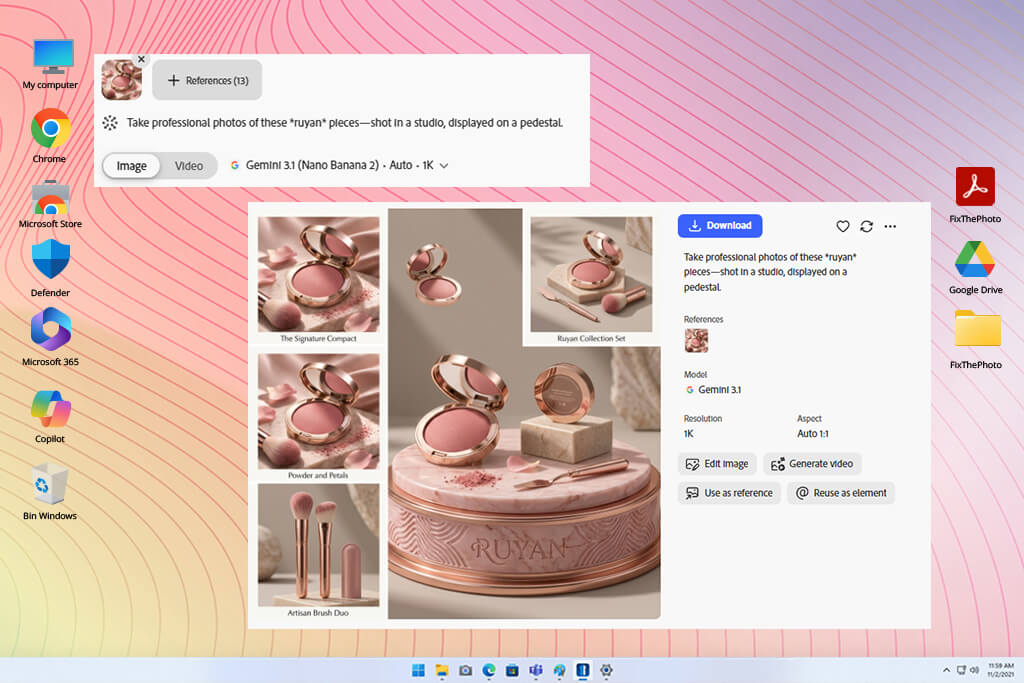
Adobe Firefly earned its title as the best AI product staging software because it offers creative freedom that most one-click AI tools simply cannot match. The cosmetics project I had in mind required more than a serum bottle dropped onto a marble surface. I wanted realistic bathroom environments, high-end ad layouts, and seasonal backgrounds flexible enough to work across multiple products.
The image-to-image feature was the highlight for me. The process is straightforward. You upload a photo, describe the result you want, choose an AI model, and dial in how much the output should follow your original. From there, you have additional controls for lighting, camera perspective, visual intensity, and color palette.
A concept I would pursue for a skincare campaign is a glass serum bottle resting on a wet stone pedestal, lit by soft morning light, with eucalyptus leaves in the background. Firefly makes it easy to take that one idea and push it in several directions without rebuilding the scene from the start each time.
"Firefly is great for beauty visuals. I can play with lighting and backgrounds and make small edits without redoing everything."

The Photoshop connection is another plus. Once a scene is ready, I can bring it into Photoshop to refine the background with Generative Fill, adjust shadows, correct reflections, or fine-tune the overall composition by hand.
A few things are worth clarifying. The Object Composites feature, which places your product inside a generated scene, is currently limited to eligible enterprise accounts. Standard plan users have full access to image-to-image and the other tools, but exact product preservation is not always automatic. For any commercial project, I keep the original product isolated on its own layer as a precaution.
Firefly also works well outside dedicated product photography. Its AI image generator supports broader creative campaigns and fits naturally alongside other production workflows. The free tier gives a fair sense of what the platform can do, though consistent production work calls for a paid plan.
Pricing: A free plan is available with limited daily generations. Firefly Standard starts at $9.99 per month in the US. Higher-tier plans are also available. Pricing varies by region.
My verdict: A solid option for Shopify stores, fast-growth DTC brands, and sellers who want photography and advertising tools in one place rather than spread across several apps.
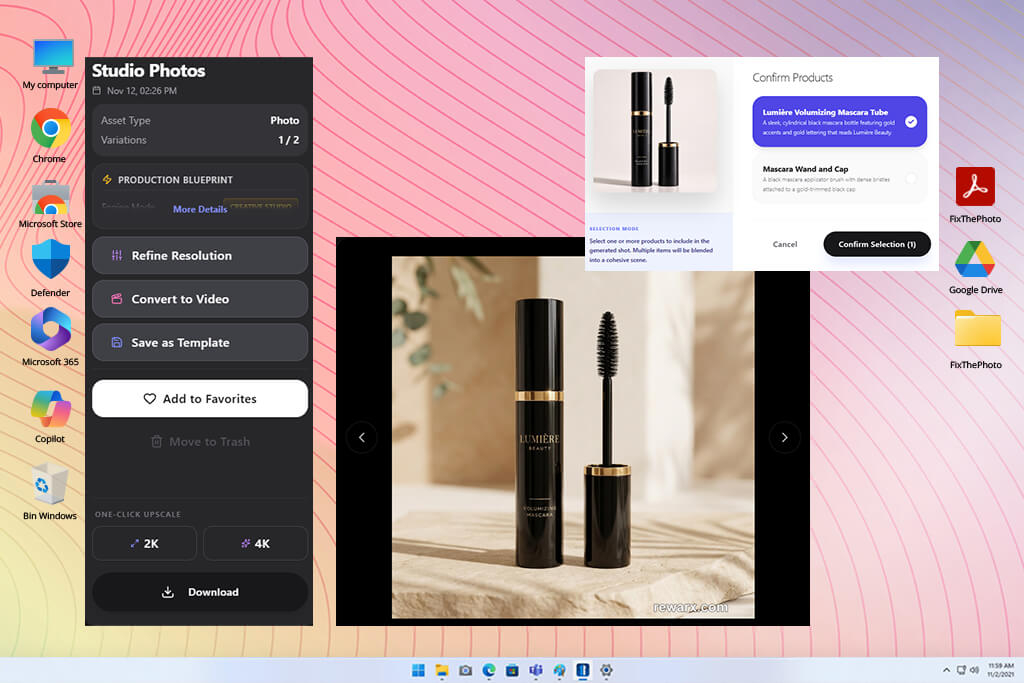
Rewarx Studio earns its place on this list because it was built for ecommerce, not adapted to it. That distinction matters more than it may seem at first.
Firefly gives you an open creative canvas. Rewarx gives you a production pipeline. For businesses that need professional product photos, polished ad creatives, and a consistent catalog look, that focused approach is often exactly what the job requires. It was certainly what I had in mind for the cosmetics store project.
At the center of the platform is a Photography Studio with dedicated controls for product environments, light adjustments, and material behavior. The Neural Lighting Engine handles contact shadows, reflections, and overall illumination in a considered way.
Beauty products demand that level of detail. A transparent perfume bottle and a matte cardboard package do not behave the same way under light. A metallic lipstick case needs careful reflection control to read as premium rather than plastic. These are not edge cases in cosmetics photography. They are the standard.
The toolset goes beyond basic product placement. A Lookalike Creator lets you recreate a visual aesthetic from a reference image. A Group Shot Studio handles scenes with multiple products. There is also a Mockup Generator and a collection of e-commerce listing tools. A brand with 5 skincare products can produce a fully coordinated promotional set without touching Photoshop.
Seasonal content becomes less labor-intensive as well. Holiday themes, summer scenes, and minimal luxury compositions can come from the same set of existing product images, with no new photoshoot needed. For brands that produce content across many formats and campaigns throughout the year, that is a huge time advantage.
Still, Rewarx is a less suitable AI product photography software for low-volume use. A few images per month does not justify the subscription. The value proposition shifts once product photography, mockups, and ad assets live inside a single workflow. At that point, it competes well against a basic AI product photo generator that handles only one part of the process.
Pricing: Free trial available with 10 credits. Starter plan from $29.90 per month or $299 per year. Promotional first-month rates may apply.
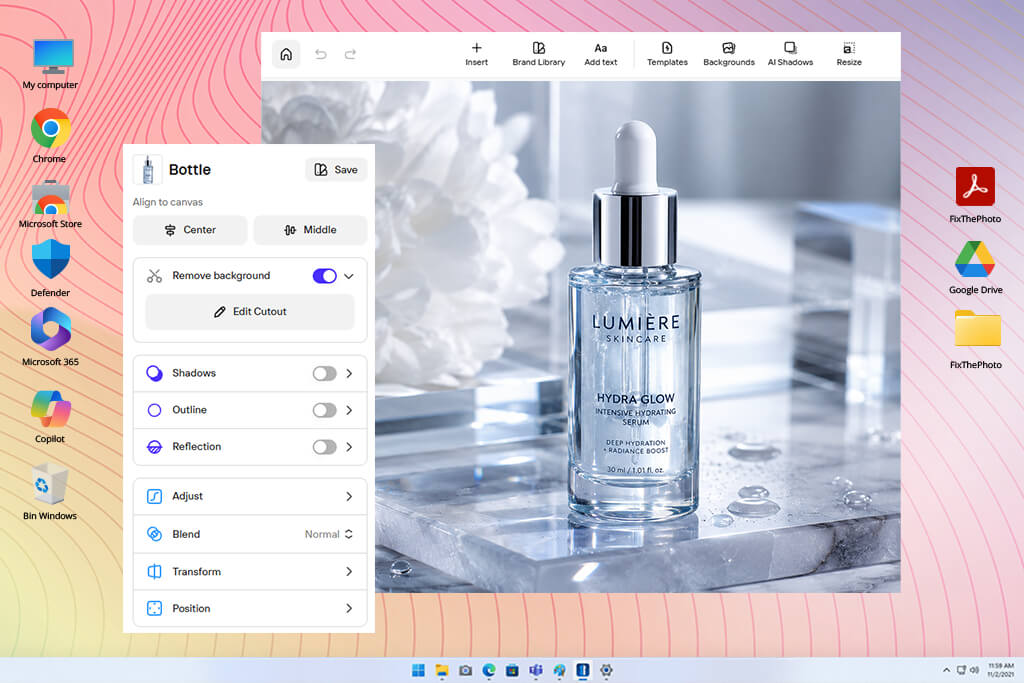
My verdict: One of the best AI product staging tools for small businesses, marketplace sellers, and anyone who wants great product photos without mastering professional editing software.
If you start every workday with a stack of product photos to prepare for Amazon, eBay, or Etsy, Photoroom online editor is the tool that makes that routine manageable. No Photoshop expertise needed or elaborate prompts to master. A smartphone photo can become a market-ready image in just a few steps.
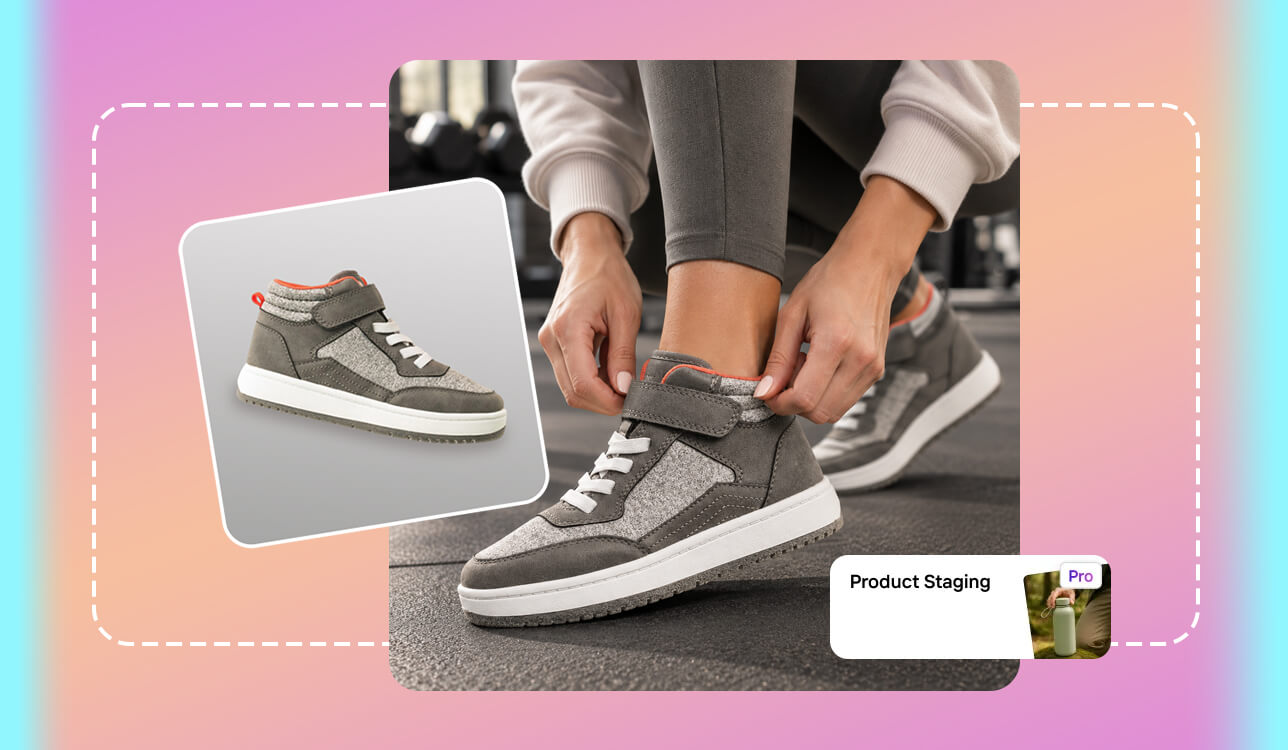
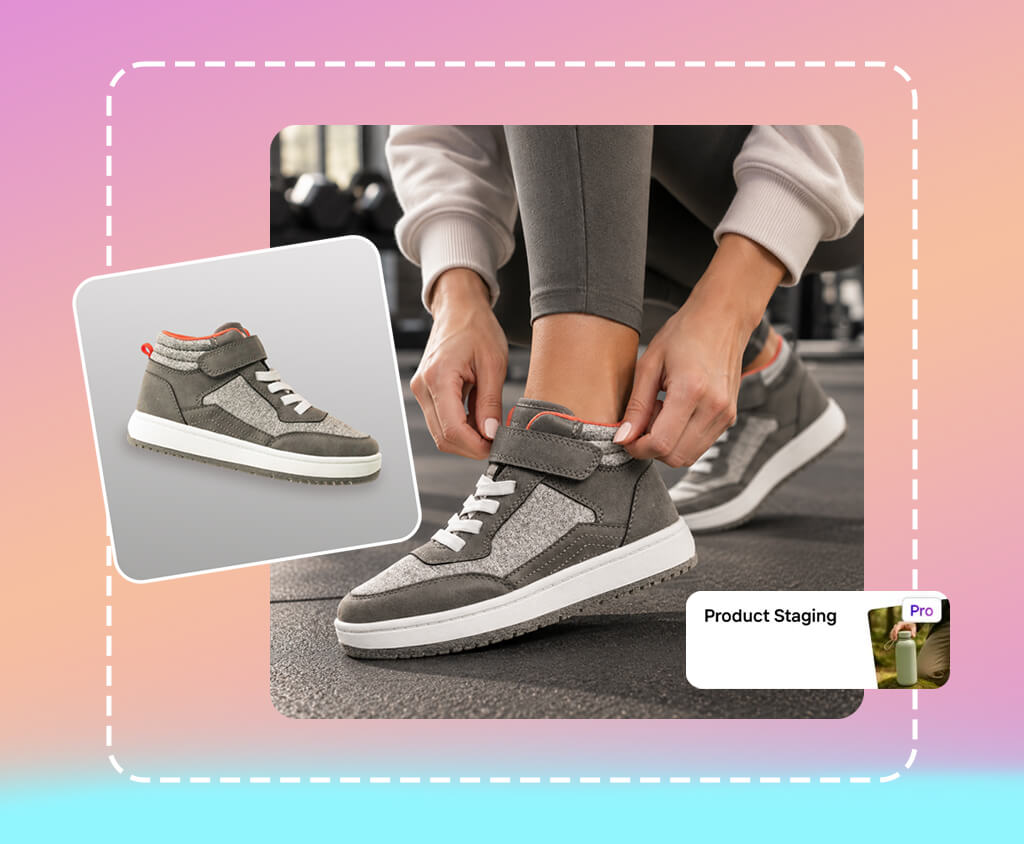
The cosmetics store scenario is a good illustration. I took a bottle shot on any plain background, and Photoroom handled object isolation, background removal, and a clean commercial setup. The Product Staging feature places that product inside a generated realistic environment.
The web interface is pleasant to use because it offers precise control without overwhelming you. Image size, custom prompts, and brand style through Brand Kit settings are accessible from the start. Each result can be tweaked, resized, and repurposed. Need several listing photos from one original shot? The variation feature handles that well.
"Photoroom is a handy tool for online sellers. I like that I can remove backgrounds, create new scenes, and get images ready for upload without switching between tools."

AI Shadows is a thoughtful addition. Products dropped onto new backgrounds often look unconvincing because the contact shadow tells a different story than the surface beneath. Photoroom’s shadow tools make the results realistic without you having to do manual masking or layer-by-layer adjustments.
For sellers with large catalogs, batch processing changes the math on editing time. Rather than working product by product, entire sets move through the workflow at once. I recommend using Photoroom for standard marketplace and social content, then switching to Photoshop whenever a job calls for detailed retouching.
People engaged in Etsy product photography will like that the tool respects the platform’s emphasis on accurate product presentation. The free plan gives newcomers a solid introduction, though the Pro tier and above give access to the AI features and export capacity that regular sellers need.
Pricing: Free plan available with basic tools and limited exports. Pro starts at $7.50 per month on an annual basis ($90 per year). Additional plans exist for higher-volume needs. Product Staging is restricted to eligible paid accounts.
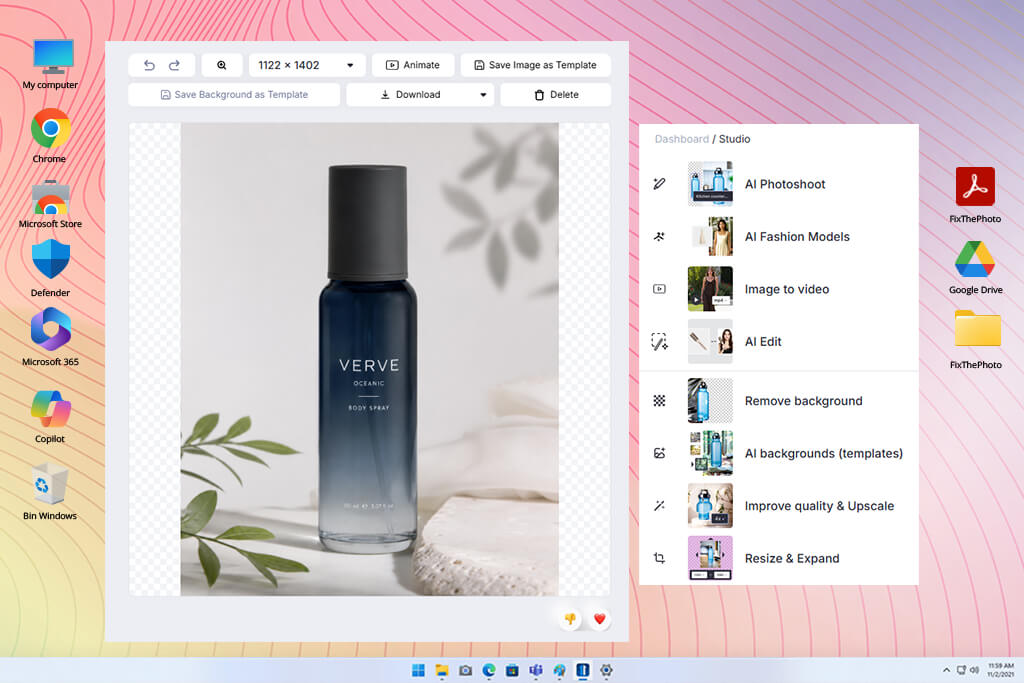
My verdict: Claid is great for recurring catalog work, DTC brands, and marketing teams that need consistent visuals across a large product range.
Catalog production at scale is a different problem than creating one standout image. Claid.ai understands that distinction. Its approach to AI product staging fits inside a larger ecommerce workflow rather than existing as a standalone creative tool.
5 generation modes power the AI Photoshoot feature. Precise, Creative, Inspiration, Background, and Product Swap each address a different production need. Precise is the one worth highlighting for traditional product photography. It anchors the object on the canvas first, then builds the surrounding scene outward from there.
Creative mode opens up more compositional room to experiment. Inspiration and Background modes come into their own when a reference visual already exists. A cosmetics brand with one approved bathroom scene, for instance, can use that as a consistent foundation across an entire product collection.
This AI product staging software for ecommerce does not stop at photo generation. Background removal, lighting correction, resizing, enhancement, and API automation are part of what Claid offers. For established ecommerce teams and marketplace operations, that breadth of functionality matters. Amazon product photography experts will find it useful too, provided the final assets stay within platform guidelines.
Still, if the need is occasional social content rather than systematic catalog work, a large paid plan is probably more than necessary. The free trial covers enough ground for a thorough evaluation. The one caveat is that credits deplete faster than expected once variation tests start.
Pricing: The free trial comes with 50 web credits and 50 API credits. Essentials is available from $9 per month on an annual plan ($108 per year) or $15 per month paid monthly. Pro and custom business tiers are also on offer.
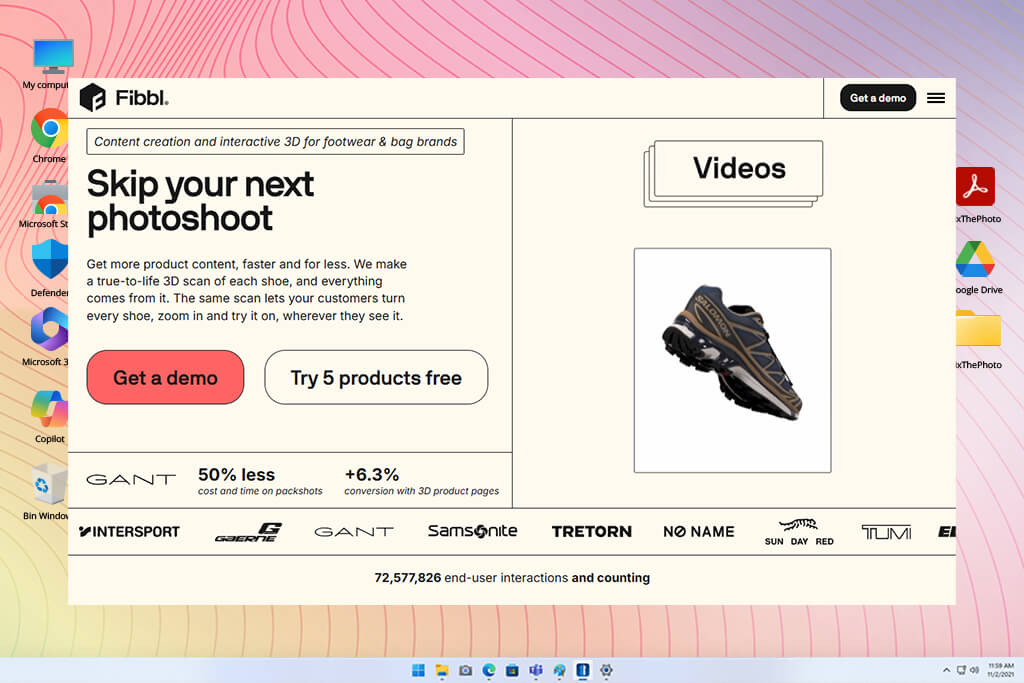
My verdict: A serious professional tool for brands committed to long-term 3D content production. Too much for anyone who just needs occasional AI background swaps.
Fibbl does not belong in the same category as most AI lifestyle product staging software. The difference is foundational. While other programs interpret a photograph, Fibbl builds reusable 3D product assets from scratch. It works perfectly for products where precise geometry, proportions, and structural details are essential.
For example, with a luxury perfume bottle with complex glass curves, or a designer handbag where every hardware detail matters to the brand, standard AI generators tend to make subtle changes to those elements without flagging them. A purpose-built 3D asset holds those details exactly as intended, every single time.
"Fibbl stands out for its 3D product models. They're a great option when regular AI backgrounds aren't enough."

Fibbls also offers 3D viewers, full render capabilities, and AI Studio features on eligible plans that allow businesses to produce images from any angle without a new photo session. Augmented reality and virtual try-on support extend those assets further into interactive ecommerce formats.
Before committing to a plan, take a close look at the numbers. The Starter tier at 499 euros per month does not come with the full AI Studio functionality that the Excel plan at 1,399 euros per month provides. Factor in the cost of producing the 3D models themselves, typically between 50 and 240 euros per model, and the total investment becomes significant. A small cosmetics store would struggle to make that math work.
Fibbl will come in handy for premium brands, manufacturers, and teams that plan to get long-term mileage from their digital product assets. Complex product photography ideas that require multiple viewpoints and controlled compositions require a reusable 3D asset.
Pricing: A free 30-day trial covers one 3D model. Render Studio starts at 499 euros per month. Full AI Studio access requires the 1,399 euros per month plan. 3D model production is priced separately at roughly 50 to 240 euros per model.
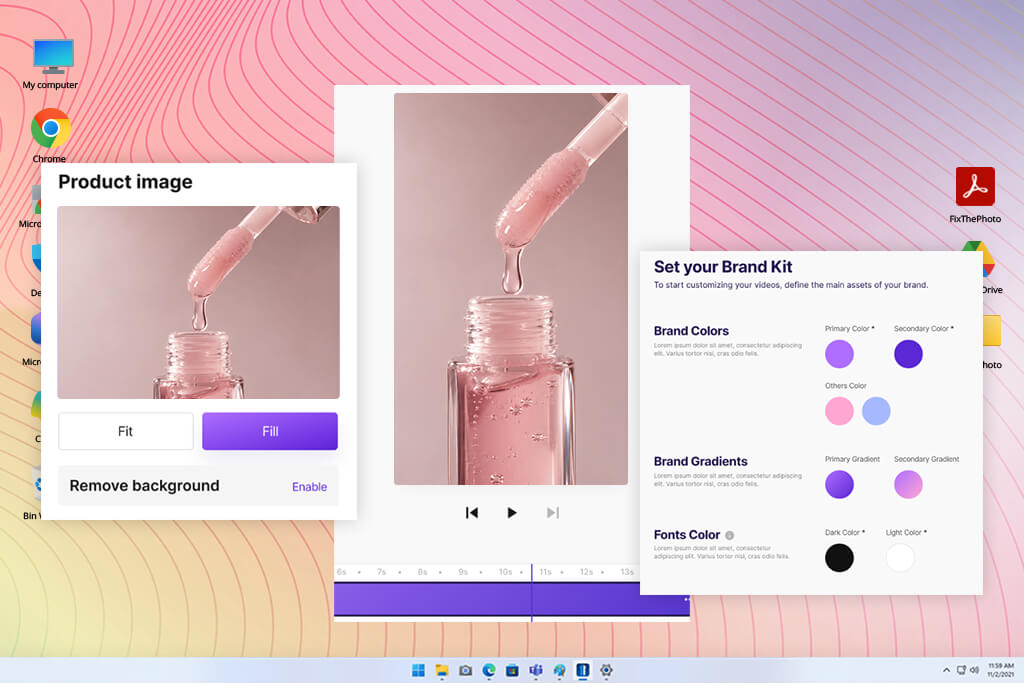
My verdict: A smart option for Shopify sellers and small marketing teams that test ad ideas regularly and prefer to pay only for what they want to keep.
CreatorKit earns its place in product photography for advertising. The tool produces polished scenes, promotional visuals, and e-commerce-ready content that align with online retail. For a cosmetics brand, that translates directly to Instagram content, seasonal campaign materials, and Shopify storefront graphics.
Getting started takes almost no effort. Drop in a product image, pick a template or describe the environment you want, and this AI product staging software generates options for you to browse.
Pricing is the part that sets CreatorKit apart from most competitors. Generations cost nothing. Payment only comes into play when you select an image to download or use beyond what the free plan covers. Individual photos start at $2.99.
For anyone still figuring out a visual direction, that model is great. A cosmetics brand could move through a clean minimalist setup, a bright outdoor scene, and a moody spa aesthetic before spending a single dollar. The exploration happens first. The investment follows only when something works.
Ready-made backgrounds for different product categories come built in, and the platform connects to Shopify without issues. The advertising focus extends naturally to banners and promotional graphics as well. For sellers who also need consistent visuals across storefronts, it fits alongside an Etsy banner maker workflow without much adjustment.
Just keep in mind that unlimited generations and unlimited free commercial downloads are not the same offer.
Pricing: Free plan includes unlimited generations, but limited downloads; individual images from $2.99 each; Pro from $39/month; Business from $99/month.
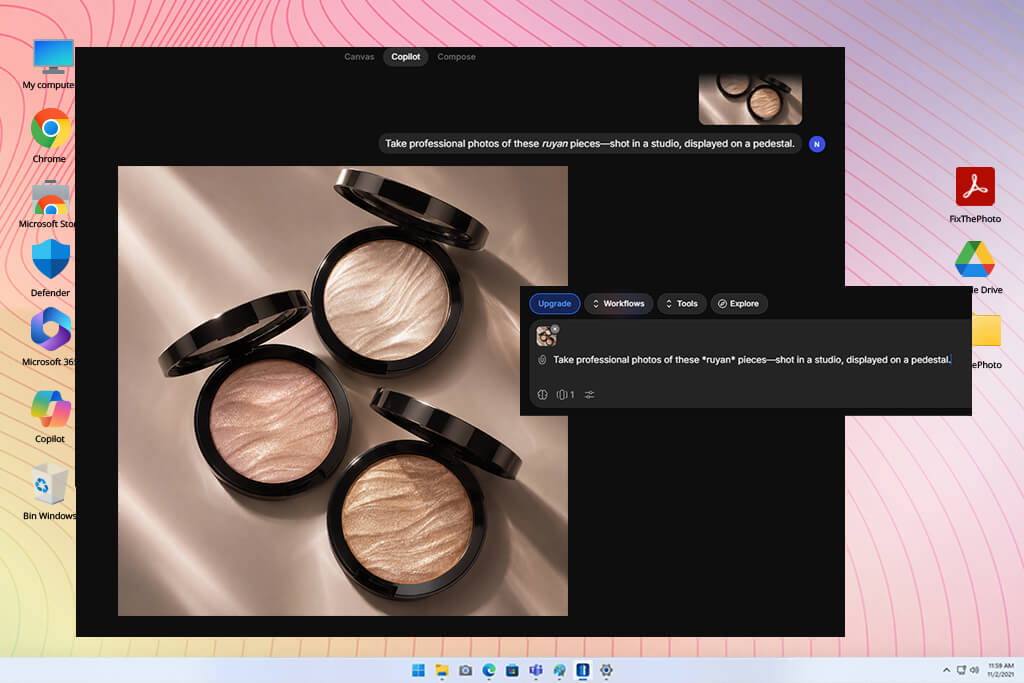
My verdict: Suitable for social media creators, small brands, and designers who want advertising visuals that look considered and original.
Every AI product staging tool has some unique functionalities. Morphic sits closer to a creative studio than a product photo generator. It combines AI staging with a flexible visual environment, which opens the door to custom scenes and model experimentation.
The product staging process starts with a clean cutout. From there, you describe what surrounds it, including surface, light source, background, and props. A perfume bottle could sit on polished marble one moment and dark velvet the next. The concept leads, and the tool follows.
I appreciate the ability to push one product cutout through several distinct visual directions without rebuilding anything from scratch. Multiple AI image models live inside the same workspace, so when one model struggles with a tricky reflection or an unusual texture, another is already available to try.
"Morphic is a good option when you want something more creative than standard product photos. I like that there are different models and a flexible canvas, so I can test new ideas."

The infinite canvas adds something that most tools in this category skip entirely. Creative work can grow as a connected visual project. For social media campaigns like skincare ads, product launches, and atmospheric beauty content, that continuity is beneficial.
Still, Morphic shows its limits in large-scale catalog work. Specialized e-commerce automation is not its focus. For that kind of output, other platforms handle the volume better. Paired with an AI background generator, it fits well whenever the goal is fast environment exploration.
Pricing: The free plan supports up to 20 credits and has limited models; Basic is $19/month billed annually; higher tiers are available.
FixThePhoto reviews AI product staging generators the way photographers and editors use them without relying on vendor demos or promotional materials. For this article, we have tested more than 50 AI product staging and image-generation tools.
Our FixThePhoto team works daily with photo editing, retouching, and visual content production, so the perspective here comes from practice.
"Rewarx can save smaller ecommerce businesses quite a bit of time. I like that it has ready-made tools for product photos, so there's less need for manual edits."

Our testing process. Every AI product staging tool in this comparison received the same set of product photographs. That consistency makes the results meaningful. The test images cover 5 product types, each chosen for a specific visual challenge:
This matters because AI tools do not perform equally across all product types. A tool that handles flat, opaque packaging with ease can struggle the moment glass or polished metal enters the frame. The tests that reveal this most clearly:
1. Product preservation. The first thing to verify is whether the product looks exactly as it should. Scrutinize labels, packaging edges, logos, colors, and proportions. A visually impressive result still earns a low score when the AI has altered something that matters.
"Claid works well for regular product photo tasks. Its generation modes and automation features make it easier to keep product images consistent."

2. Realistic staging. A product needs to look like it actually belongs in the scene. That means checking shadows, reflections, perspective, and how the item interacts with the surface beneath it. Floating objects, impossible reflections, or lighting that contradicts the background are red flags right away.
3. Ease of use and speed. How fast can someone new get from a raw photo to a finished, usable image? Generation time, the number of prompt tweaks needed, how often regeneration becomes necessary, and any extra editing steps factor in. Working with a full batch of product photos, not just one, is part of the evaluation, too.
4. Ecommerce usability. Different platforms have different rules, so always check relevant practices for Amazon product images or other websites. Beyond that, good AI product staging software should handle square product shots, vertical formats for social media, and wide banners for ads.
5. Actual production value. This comes down to what you get for the price. Free credits, download limits, how much post-processing each image needs, and the percentage of results actually worth publishing matter. A tool that outputs 100 images is not automatically better than one that reliably delivers ten good ones.
"CreatorKit makes it easy to try different advertising concepts. I also like the free generation options, which give me more possibilities to experiment with seasonal designs."

A few more tools are worth a mention, even though they did not make the final list.
One question worth considering is whether a full-featured editor actually serves every user, or whether a focused, task-specific tool does the job better. For anyone who works primarily from a phone, a dedicated app for product photography may cover everything that is needed.
When compiling the list of the best AI product staging generators, I considered how accurately they represent the product, how well their features translate to real commercial use, how practical the workflow feels day-to-day, and whether they deliver true value across different business sizes.
For creative staging and realistic advertising visuals, Adobe Firefly stands out as the top choice. Professional photo editors will find its image-to-image controls and Photoshop integration especially useful. Marketplace sellers tend to get better results with Photoroom, while Claid.ai covers the needs of people dealing with large ecommerce catalogs.
Several platforms make this possible. Adobe Firefly, Photoroom, and Morphic offer free access or trial periods, and CreatorKit provides unlimited free generations. One thing to keep in mind with CreatorKit is that downloads are possible only in paid plans. Free tools handle occasional projects well, but regular commercial output usually justifies a paid subscription.
For secondary images, AI-assisted lifestyle photos can work, provided the listing follows Amazon’s current guidelines. The main image is a different story. Most products still require the actual item shown against a white background. For anything where exact product details are critical, fully generated images are best left out.
It can. Photoroom and Rewarx are both useful for tidying up backgrounds and giving listings a cleaner presentation. Used items come with an extra responsibility, though. Buyers need an accurate picture of what they are getting, so when I take photos for eBay, I put the real product’s condition and features front and center. Scratches, wear, and visible flaws should never be hidden through AI edits.
Yes. Adobe Firefly, CreatorKit, and Morphic perform strongly for Instagram ads, banners, and campaign visuals. One product can be placed into several different scenes, which makes seasonal campaigns much more practical. Some generative AI tools can support wider campaign work, though dedicated staging software tends to keep the product itself looking more accurate and consistent.
AI product photography covers a wide range of tasks, including background removal, lighting changes, full image generation, and advertising visuals. Product staging is a narrower discipline within that space. The focus is specifically on taking an existing product and placing it into a new environment, without altering the product itself.
For businesses where full professional shoots are not always budget-friendly, it often makes a strong case for itself. A small cosmetics brand can photograph its products once and then produce a variety of images for social media, email campaigns, and promotional banners from that same shoot. Whether it delivers real value comes down to output quality, subscription cost, and the amount of manual correction each image needs before it is ready to use.